

Finding the right form builder can feel overwhelming when dozens of options promise the world. The smart move? Test before you commit. Free trials let you experience the actual interface, explore features with your real data, and discover whether a tool fits your workflow—without spending a dime.
We've tested the leading form builders offering free trials, evaluating them on ease of use, feature depth during the trial period, conversion optimization capabilities, and what happens when the trial ends. Whether you're building simple contact forms or complex multi-step lead qualification flows, this guide will help you find the right tool to test first.
1. Orbit AI
Best for: High-growth teams that need AI-powered lead qualification built directly into their forms
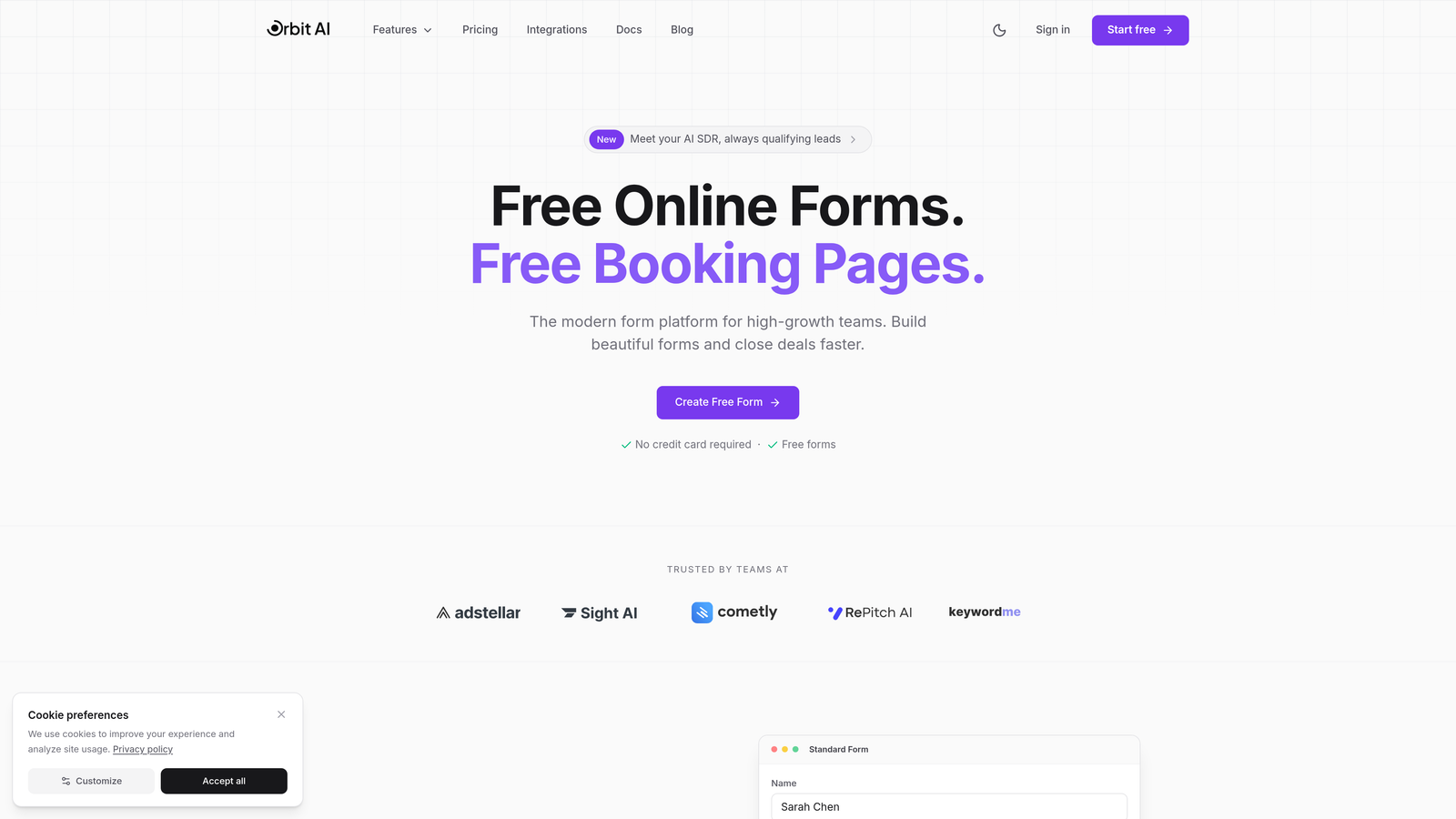
Orbit AI represents the next generation of form builders, where artificial intelligence doesn't just help you build forms—it actively qualifies your leads while they fill them out.
Where This Tool Shines
The standout feature is how Orbit AI transforms forms from passive data collection tools into active lead qualification machines. Instead of waiting until after submission to score leads, the platform analyzes responses in real-time and adapts the form experience accordingly.
For high-growth teams drowning in unqualified leads, this changes everything. Your sales team sees only prospects who meet your criteria, while marketing gets detailed insights into why certain leads didn't qualify. The conversion-optimized templates are specifically designed for SaaS and B2B use cases, which means you're not starting from generic templates built for everyone.
Key Features
AI-Powered Lead Qualification: Forms automatically score and route leads based on their responses, saving your team hours of manual qualification work.
Conversion-Optimized Templates: Pre-built templates designed specifically for SaaS and B2B lead generation with proven conversion patterns baked in.
Native CRM Integrations: Connect directly to your sales tools so qualified leads flow seamlessly into your existing workflow without manual data entry.
Real-Time Analytics: Track form performance, conversion rates, and lead quality metrics in a dashboard that actually helps you make decisions.
AI-Assisted Conditional Logic: The platform suggests intelligent branching paths based on your form's purpose, making complex logic simple to implement.
Best For
High-growth B2B and SaaS teams that need to scale lead generation without scaling headcount. If your sales team is wasting time on unqualified leads, or your marketing team struggles to prove form ROI, Orbit AI's intelligent qualification capabilities deliver immediate value.
Pricing
Free trial available to test the AI qualification features with your real data. Paid plans start at competitive SaaS pricing designed for growing teams.
2. Typeform
Best for: Creating engaging, conversational form experiences that feel more like conversations than interrogations
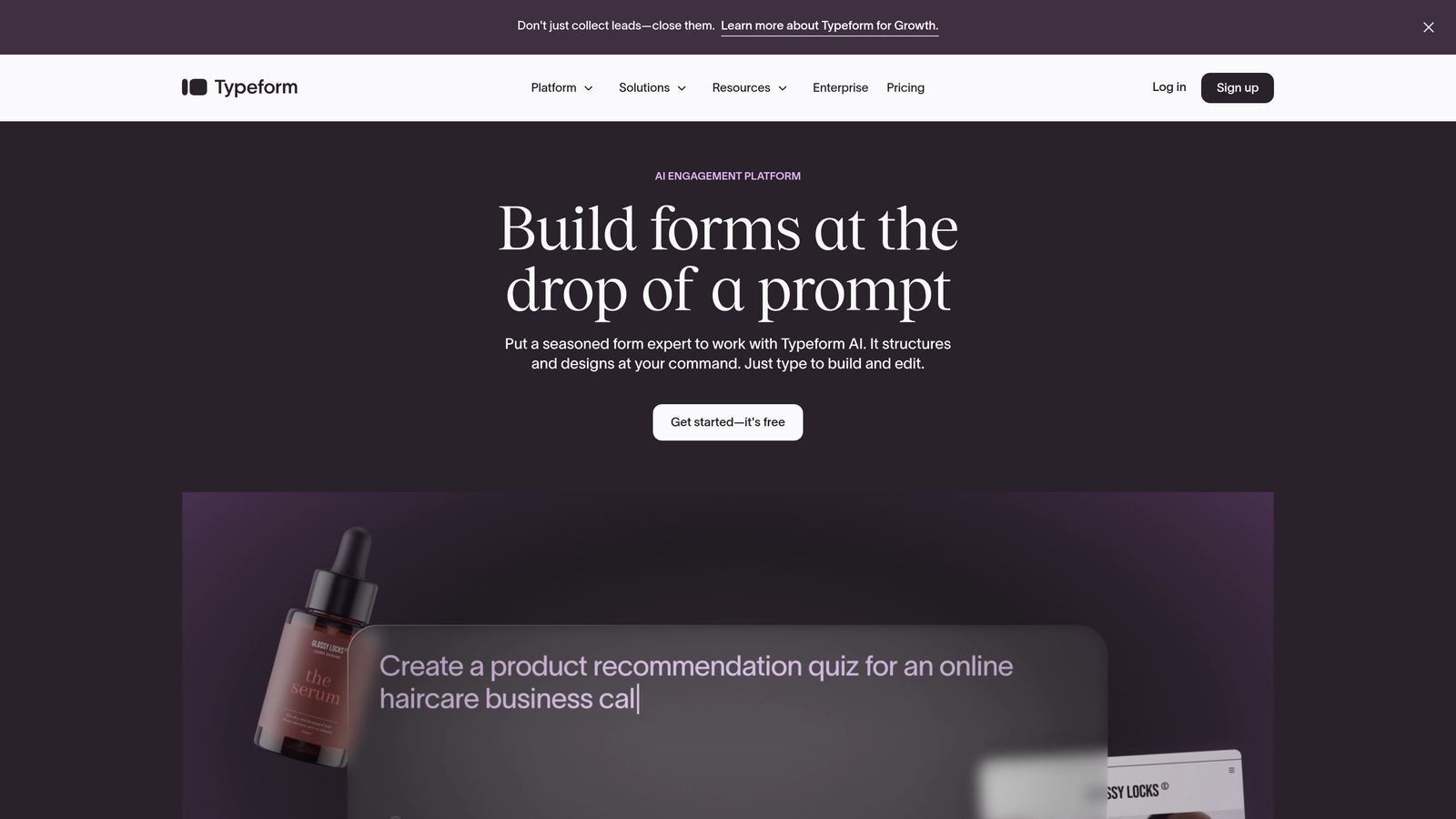
Typeform pioneered the one-question-at-a-time format that makes filling out forms feel less like a chore and more like a dialogue.
Where This Tool Shines
The conversational interface is Typeform's signature strength. Instead of overwhelming users with a wall of fields, each question appears individually with smooth transitions between them. This approach consistently delivers higher completion rates, especially for longer surveys or detailed lead capture forms.
The platform excels at creating visually stunning forms that reflect your brand. Video backgrounds, custom fonts, and thoughtful animations create an experience that feels premium without requiring design expertise.
Key Features
Conversational Form Format: The signature one-question-at-a-time interface that reduces form abandonment and increases engagement.
Rich Media Embedding: Seamlessly integrate videos, images, and GIFs to create more engaging form experiences.
Logic Jumps: Show different questions based on previous answers, creating personalized paths through your form.
Calculated Fields: Perform calculations based on user responses, useful for quote generators or assessment tools.
Mobile-First Design: Forms automatically adapt beautifully to any screen size without additional configuration.
Best For
Marketing teams and agencies that prioritize user experience and brand presentation. If your forms are customer-facing and completion rates matter more than rapid data collection, Typeform's conversational approach delivers results.
Pricing
Free plan available with basic features. The 14-day trial on Basic ($25/month) and Plus ($50/month) plans lets you test advanced logic and integrations before committing.
3. Jotform
Best for: Teams that need extensive template options and customization flexibility for diverse form requirements
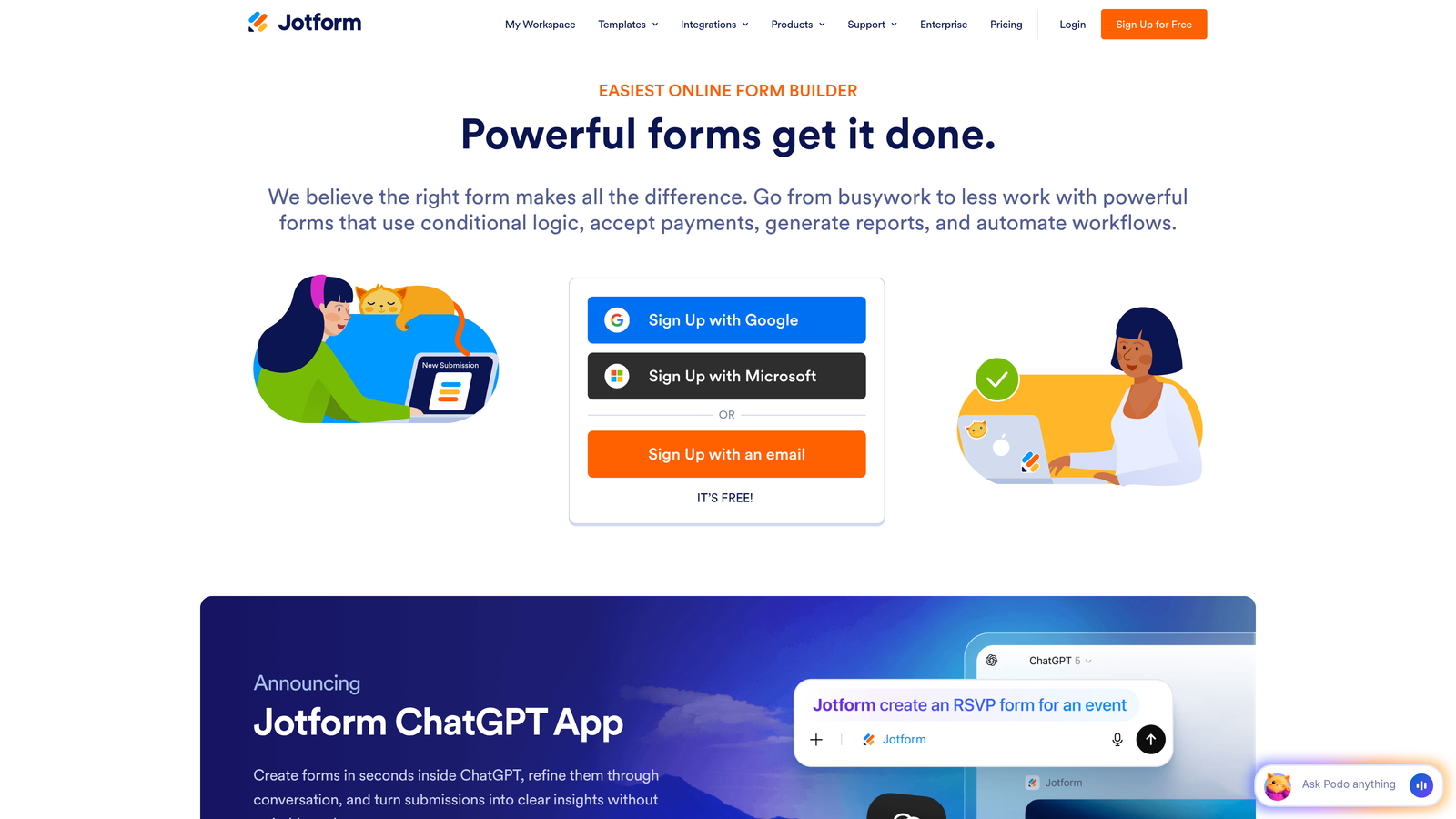
Jotform is the Swiss Army knife of form builders, offering over 10,000 templates and enough features to handle virtually any form-building scenario you can imagine.
Where This Tool Shines
The sheer breadth of templates is Jotform's superpower. Whether you're building event registrations, job applications, order forms, or complex surveys, there's almost certainly a template that gets you 80% of the way there. This dramatically reduces time-to-launch for new forms.
The offline form capabilities via mobile app set Jotform apart for field teams. Sales reps at trade shows or researchers conducting in-person surveys can collect data without internet connectivity, with automatic syncing when connection returns.
Key Features
10,000+ Form Templates: Pre-built templates for virtually every industry and use case, from healthcare intake forms to wedding RSVPs.
Offline Form Collection: Mobile apps allow data collection without internet, perfect for field work and events.
PDF Form Editing: Import existing PDF forms and convert them into fillable online forms without rebuilding from scratch.
Extensive Widget Library: Hundreds of widgets add functionality like signature capture, appointment scheduling, and payment processing.
Approval Workflows: Route submissions through multi-step approval processes with notifications and status tracking.
Best For
Organizations with diverse form needs across multiple departments. If you need everything from simple contact forms to complex application workflows, Jotform's breadth covers all bases without requiring multiple tools.
Pricing
Free plan includes 5 forms with 100 monthly submissions. Paid plans start at $34/month with trial options available to test advanced features before upgrading.
4. Tally
Best for: Teams that love Notion's interface and want unlimited forms without paying for a premium plan
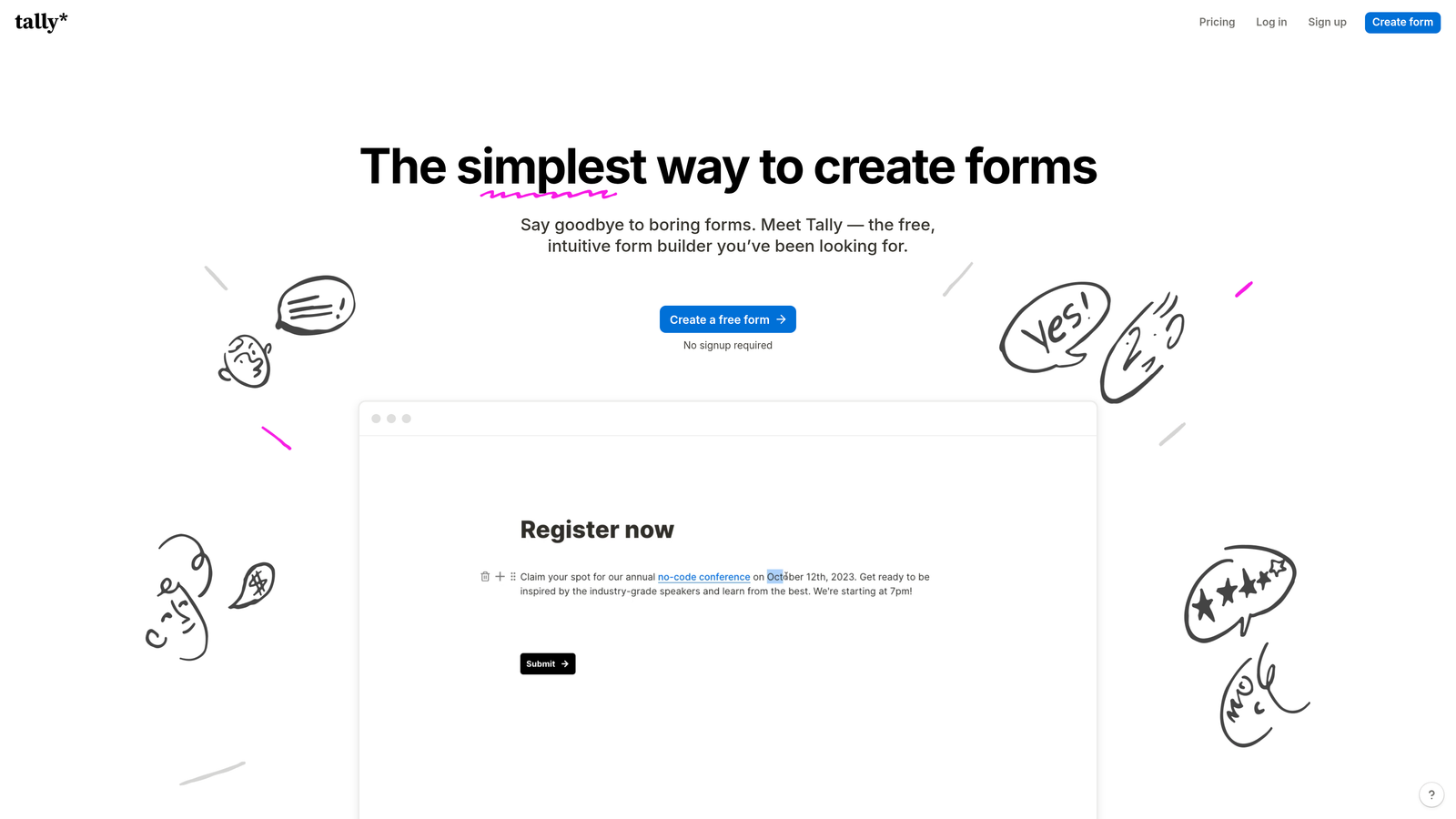
Tally brings Notion's beloved block-based editing to form building, with a remarkably generous free tier that includes unlimited forms.
Where This Tool Shines
The Notion-style interface feels instantly familiar to anyone who's used block-based editors. Building forms becomes as intuitive as writing a document—just add blocks, arrange them visually, and you're done. There's no learning curve if you're already a Notion user.
The unlimited forms on the free plan is genuinely game-changing for startups and small teams. While other platforms limit you to 3-5 forms on free tiers, Tally lets you build as many as you need, making it perfect for teams that need multiple forms but aren't ready for enterprise pricing.
Key Features
Unlimited Free Forms: Build as many forms as you need without hitting arbitrary limits on the free plan.
Block-Based Editor: Notion-inspired interface that makes form building feel like document editing rather than software configuration.
File Uploads: Accept file submissions from users, useful for job applications, support tickets, and content submissions.
Payment Collection: Integrate Stripe to collect payments directly through your forms.
Team Workspaces: Collaborate with team members on form creation and management with proper permissions.
Best For
Startups, content creators, and small teams that need professional forms without the premium price tag. If you're already a Notion user, Tally's familiar interface makes it the natural choice for form building.
Pricing
Generous free tier with unlimited forms. Pro plan at $29/month adds custom domains, branding removal, and advanced features with free trial available.
5. Paperform
Best for: Creating forms that double as landing pages with integrated payment processing capabilities
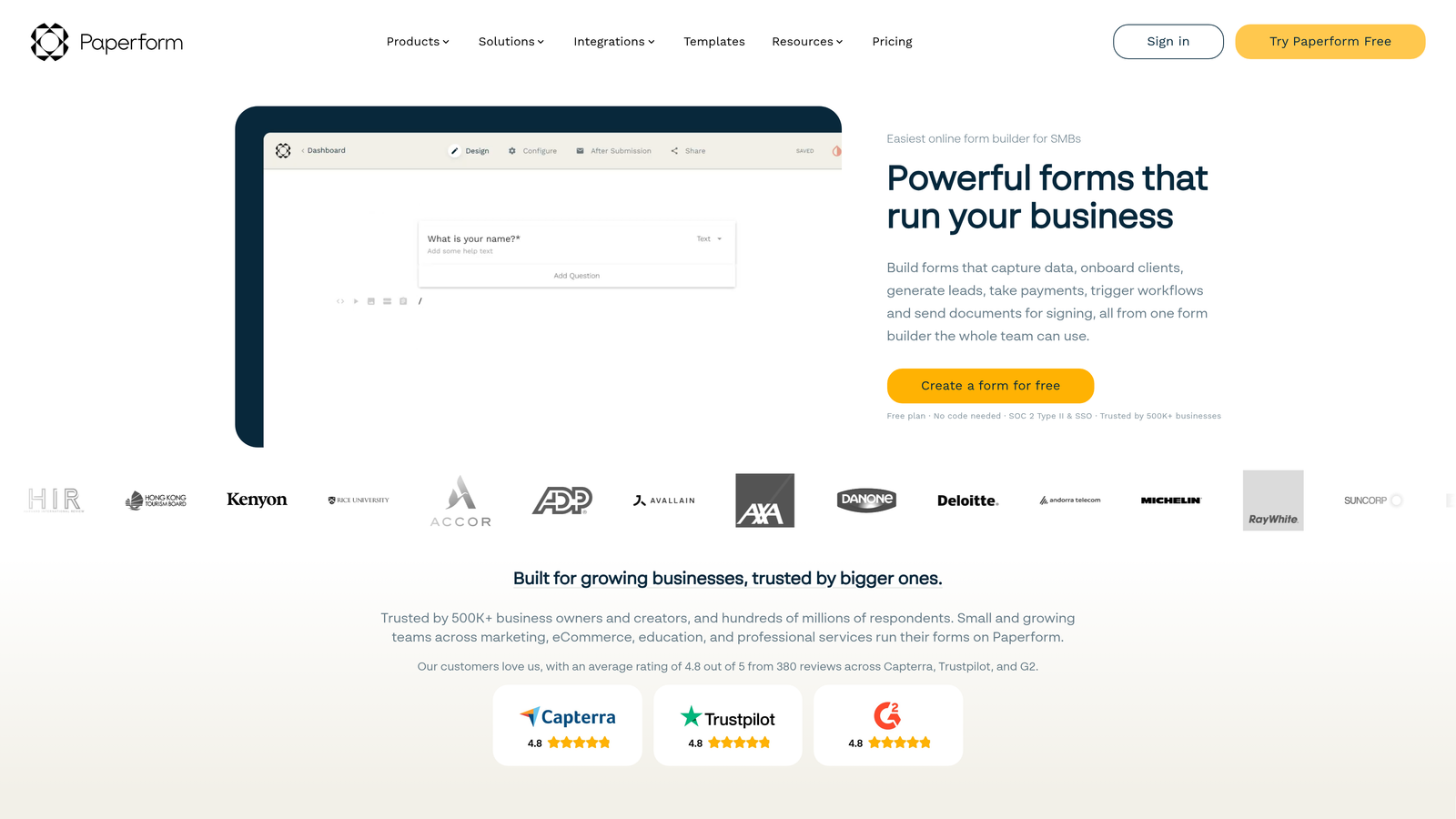
Paperform blurs the line between forms and landing pages, letting you build beautiful, document-style experiences that collect data and process payments.
Where This Tool Shines
The document-style layout is Paperform's defining feature. Instead of traditional form fields stacked vertically, you can create flowing, narrative-style pages that embed questions naturally within content. This works exceptionally well for booking forms, registration pages, and anything that needs to explain while it collects.
Built-in payment processing is more sophisticated than most form builders. You can create product catalogs, calculate totals with complex pricing logic, and process payments without redirecting users to external checkout pages.
Key Features
Document-Style Layouts: Create forms that read like web pages, with text, images, and form fields flowing naturally together.
Native Payment Processing: Accept payments through Stripe or PayPal with product catalogs, quantity selectors, and automatic total calculations.
Advanced Conditional Logic: Show or hide entire sections based on user responses, creating dynamic experiences that adapt to each user.
Calculations and Scoring: Perform mathematical operations on form data, perfect for quote generators, assessments, and calculators.
Custom Success Pages: Create branded confirmation pages or redirect users to specific URLs based on their form responses.
Best For
Service businesses, consultants, and event organizers who need forms that handle both information collection and payment processing. If you're currently using separate tools for landing pages and forms, Paperform consolidates both.
Pricing
14-day free trial with no credit card required. Paid plans start at $24/month, making it accessible for small businesses and solopreneurs.
6. Fillout
Best for: Teams already using Airtable or Notion who need forms that connect directly to their databases
Fillout was built specifically for the Airtable and Notion ecosystem, offering native integrations that treat your database as the source of truth.
Where This Tool Shines
The native Airtable integration is remarkably sophisticated. Unlike generic form builders that just send data to Airtable, Fillout can update existing records, pre-fill forms with data from your base, and create truly dynamic forms that pull options from your database in real-time.
The ability to update existing records transforms how you use forms. Customer portals, membership updates, and project status forms become possible without building custom applications. Users can edit their own data through forms that pull and update specific records.
Key Features
Native Airtable Integration: Create, read, and update Airtable records directly through forms with two-way data sync.
Record Update Forms: Let users edit existing database records through forms, perfect for customer portals and membership management.
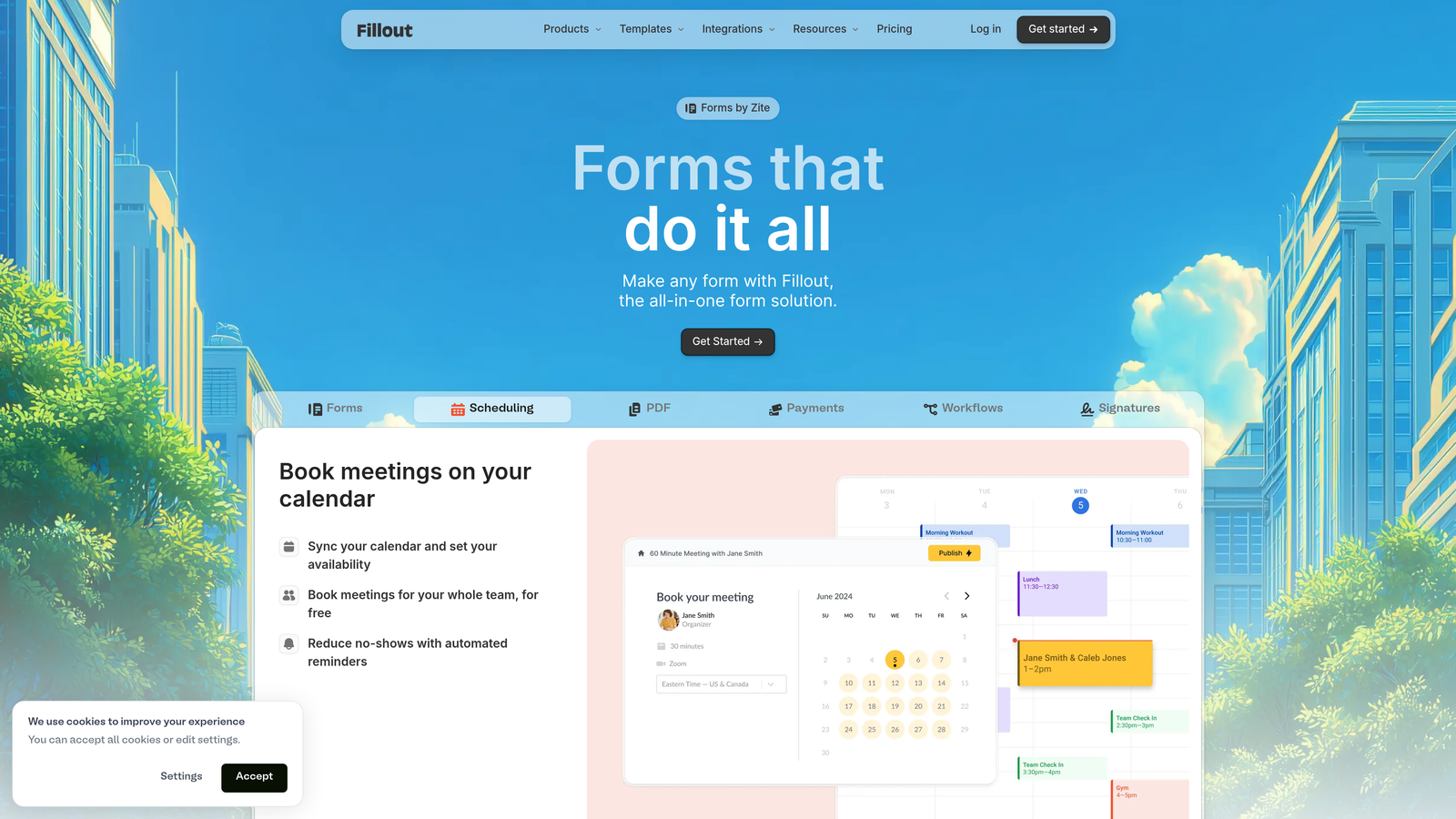
Scheduling Functionality: Built-in booking and appointment scheduling that writes directly to your database.
Multi-Step Forms: Break long forms into manageable steps with progress indicators and conditional branching.
Calculated Fields: Perform calculations using form data or database values to create dynamic pricing, scoring, or validation.
Best For
Operations teams and project managers who've built their workflows around Airtable or Notion. If your database is already the hub of your operations, Fillout makes it accessible through forms without compromising on functionality.
Pricing
Free plan available with basic features. Paid plans start at $15/month with trial available, making it one of the more affordable options for database-connected forms.
7. HubSpot Forms
Best for: Marketing and sales teams already invested in the HubSpot ecosystem
HubSpot Forms integrates directly into HubSpot's CRM and marketing platform, creating a seamless experience for teams already using HubSpot tools.
Where This Tool Shines
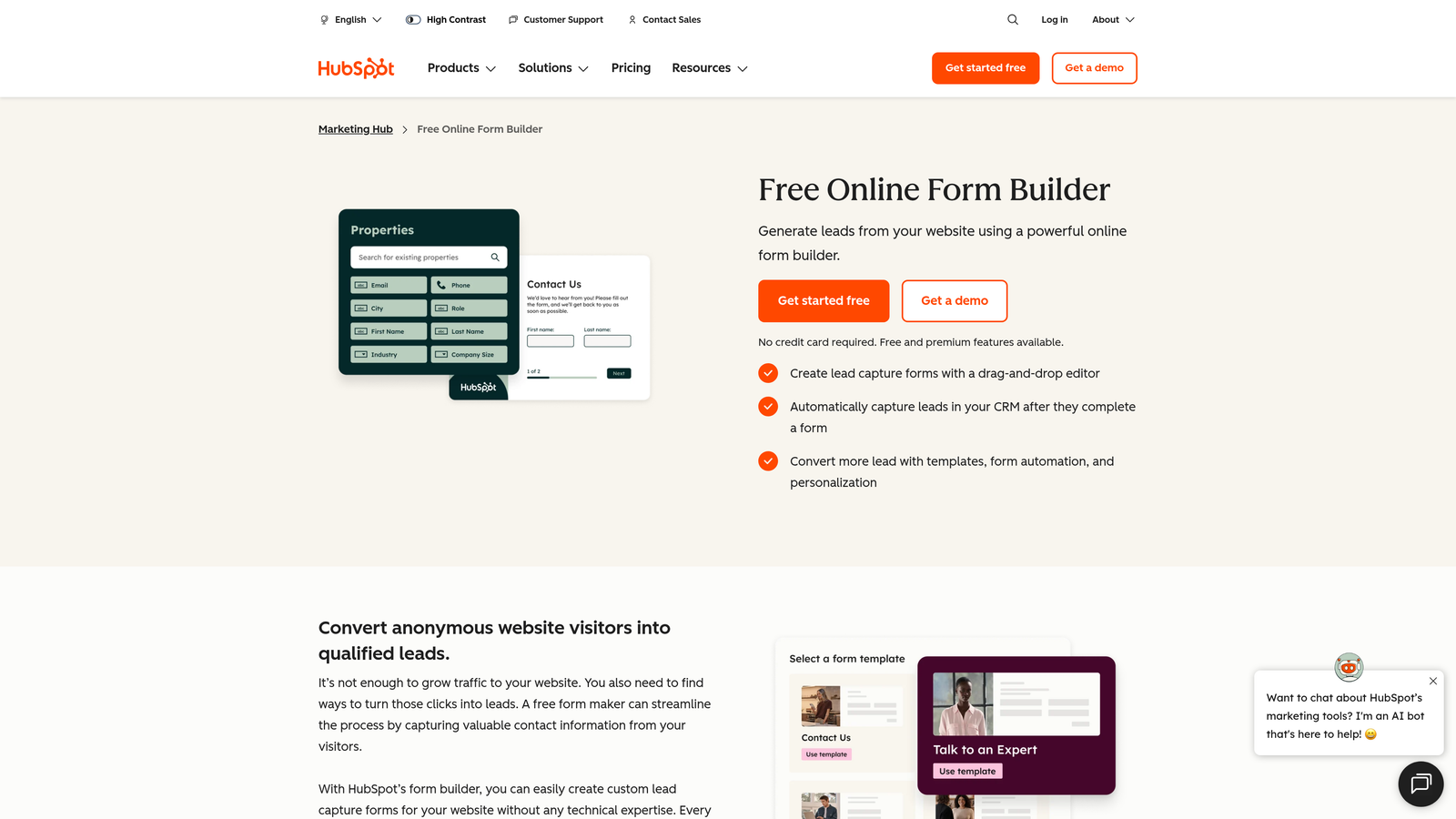
The direct CRM integration is HubSpot Forms' killer feature. Every form submission automatically creates or updates a contact record with full activity history, no middleware required. For teams already managing contacts in HubSpot, this eliminates the integration headaches that plague most form-to-CRM workflows.
Progressive profiling is a sophisticated feature that adapts forms for returning visitors. Instead of asking for information HubSpot already has, forms automatically show new questions, gradually building richer contact profiles without annoying users with repetitive questions.
Key Features
Native CRM Integration: Forms create and update contact records automatically with complete activity tracking and lifecycle stage management.
Progressive Profiling: Forms adapt for known contacts, showing new questions instead of requesting duplicate information.
Marketing Automation Triggers: Form submissions can trigger workflows, email sequences, and lead scoring automatically.
Smart Fields: Forms recognize returning visitors and pre-fill known information, reducing friction and improving completion rates.
A/B Testing: Test different form variations on higher-tier plans to optimize conversion rates systematically.
Best For
Marketing and sales teams already using HubSpot CRM or considering the platform. If you're committed to the HubSpot ecosystem, their native forms eliminate integration complexity and unlock powerful automation capabilities.
Pricing
Free forms available with HubSpot's free CRM. Advanced features like progressive profiling and A/B testing require Marketing Hub starting at $45/month with trial available.
8. Formstack
Best for: Enterprise teams requiring HIPAA compliance, advanced security, and document generation capabilities
Formstack positions itself as the enterprise-grade form solution, with robust compliance features and sophisticated workflow automation that larger organizations require.
Where This Tool Shines
HIPAA compliance and enterprise security features set Formstack apart for regulated industries. Healthcare providers, financial services firms, and other organizations handling sensitive data can use Formstack confidently, knowing it meets strict compliance requirements that most form builders don't address.
Document generation transforms form submissions into formatted documents automatically. Employment applications become offer letters, service requests become work orders, and client intake forms become contracts—all without manual document creation.
Key Features
HIPAA Compliance: Built-in compliance features including BAAs, encrypted data storage, and audit trails for healthcare and regulated industries.
Document Generation: Automatically create PDFs, contracts, and formatted documents from form submission data.
Advanced Workflow Automation: Route submissions through complex approval processes with conditional logic and multi-step workflows.
Electronic Signatures: Collect legally binding signatures directly within forms without third-party tools.
Enterprise Security: Advanced user permissions, SSO integration, and detailed audit logs for enterprise security requirements.
Best For
Enterprise organizations in regulated industries that need forms with built-in compliance and advanced security. If you're in healthcare, finance, or handle sensitive data, Formstack's compliance-ready approach justifies the premium pricing.
Pricing
14-day free trial available. Paid plans start at $50/month for the Forms product, with higher tiers adding compliance features and document generation.
9. 123FormBuilder
Best for: Sales teams using Salesforce who need forms with robust payment collection capabilities
123FormBuilder combines strong Salesforce integration with versatile payment processing, making it particularly valuable for sales-focused organizations.
Where This Tool Shines
The native Salesforce integration is deeper than most form builders offer. Forms can create leads, contacts, and opportunities directly in Salesforce with field mapping that respects your custom objects and workflows. For sales teams living in Salesforce, this eliminates the data entry bottleneck that slows down lead follow-up.
Payment gateway options are more extensive than most competitors. Beyond the standard Stripe and PayPal, 123FormBuilder supports regional payment processors and multiple gateways simultaneously, useful for international businesses or those with specific payment requirements.
Key Features
Native Salesforce Integration: Create and update Salesforce objects directly from form submissions with custom field mapping and validation.
Multiple Payment Gateways: Support for numerous payment processors including regional options beyond just Stripe and PayPal.
HIPAA Compliance Options: Available on higher tiers for healthcare organizations requiring compliant form solutions.
Workflow Routing: Send submissions through approval processes with conditional routing based on form responses.
White-Label Options: Remove branding and customize forms completely for agencies and enterprise clients.
Best For
Sales organizations using Salesforce and businesses that need flexible payment collection options. If your sales process lives in Salesforce and you need forms that feed it directly, 123FormBuilder eliminates integration friction.
Pricing
30-day free trial gives you substantial time to test features. Paid plans start at $24.99/month, with Salesforce integration and advanced features on higher tiers.
Making the Right Choice
The best form builder for your free trial depends entirely on what you're trying to accomplish. If you're a high-growth B2B or SaaS team drowning in unqualified leads, start with Orbit AI—the AI-powered qualification alone will save your sales team hours of manual work, and the trial lets you test it with your actual lead flow.
For teams prioritizing user experience and completion rates, Typeform's conversational interface consistently outperforms traditional forms. The 14-day trial gives you enough time to A/B test it against your current forms and measure the difference in completion rates.
If you're already invested in a specific ecosystem, let that guide your choice. Airtable users should try Fillout first, HubSpot users get the most value from HubSpot Forms, and Salesforce teams should test 123FormBuilder's native integration. The ecosystem fit matters more than standalone features when you're already committed to a platform.
Budget-conscious teams and startups should start with Tally's generous free tier. Unlimited forms without payment means you can test extensively before deciding whether premium features justify upgrading. It's the lowest-risk way to get professional forms immediately.
For regulated industries, narrow your trials to Formstack or 123FormBuilder's HIPAA-compliant tiers. Compliance isn't optional, and testing with non-compliant tools wastes time you could spend evaluating features that actually matter for your use case.
Here's a practical approach to your trials: Start with two tools maximum. Pick one that matches your primary need (lead qualification, ecosystem integration, payment collection) and one that offers the best general-purpose features. Run them in parallel for a week, building the same form in both. You'll quickly discover which interface feels natural and which features you actually use versus those that just look good in marketing materials.
Pay attention to what happens after form submission during your trial. The best form builders don't just collect data—they route it intelligently, trigger automations, and integrate seamlessly with your existing tools. Test the full workflow from form fill to final destination in your CRM or database.
Transform your lead generation with AI-powered forms that qualify prospects automatically while delivering the modern, conversion-optimized experience your high-growth team needs. Start building free forms today and see how intelligent form design can elevate your conversion strategy.


