

You've narrowed your form builder search down to two popular options—Jotform and Typeform. Both platforms have loyal followings, impressive feature lists, and reasonable pricing. Yet here's what most comparison articles won't tell you: choosing between them isn't about which platform has more features or better reviews. It's about understanding how each platform's fundamental design philosophy aligns with your specific workflows, audience expectations, and growth trajectory.
The challenge is that surface-level feature comparisons rarely reveal the friction points you'll encounter six months down the road. Will Typeform's conversational approach actually resonate with your B2B audience? Does Jotform's traditional interface limit your conversion potential? And critically—do either of these platforms solve your real problem, which might be qualifying leads efficiently rather than just collecting responses?
This guide gives you seven strategic frameworks for evaluating these platforms against your actual requirements. We'll move beyond generic feature checklists to help you test, measure, and decide based on what matters for your business. By the end, you'll have a clear evaluation methodology—and you might discover that the best solution isn't choosing between these two options at all.
1. Map Your Form Complexity Requirements First
The Challenge It Solves
Most teams start their platform search by browsing templates or trying the free tier, then realize months later that their chosen platform can't handle their actual requirements. You might discover that complex conditional logic breaks your form's flow, or that the multi-step experience you envisioned requires a higher-priced tier. This backwards approach wastes time and creates migration headaches.
The Strategy Explained
Before you even create trial accounts, document your form requirements systematically. List every field type you need, map out your conditional logic flows, and identify any special requirements like payment processing, file uploads, or signature collection. This upfront mapping reveals which platform naturally accommodates your complexity level.
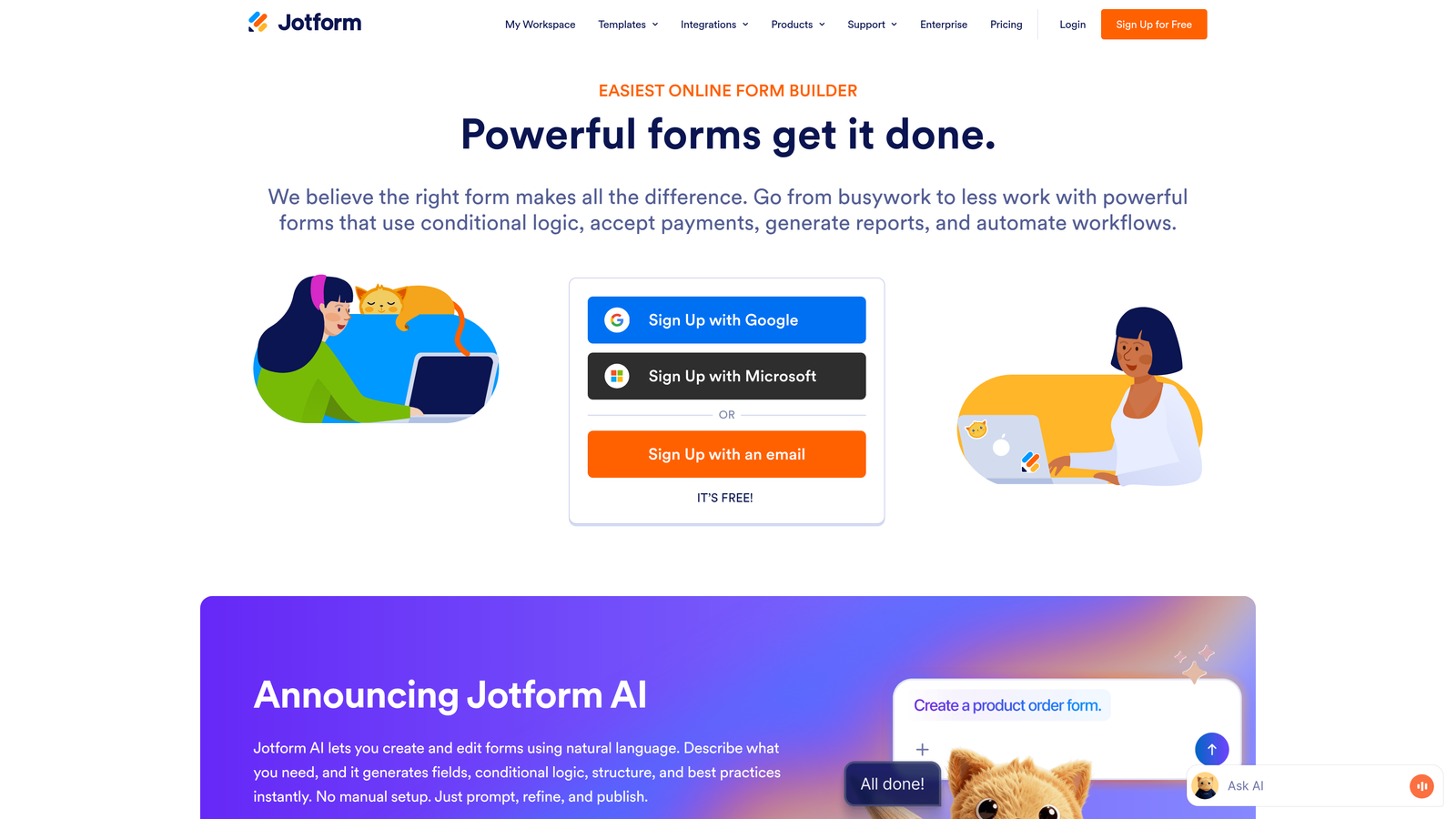
Jotform excels with traditional form complexity—extensive field types, robust conditional logic, and the ability to build intricate multi-page forms with branching paths. If you're creating detailed application forms, registration workflows, or data collection instruments with dozens of fields, Jotform's traditional approach handles this complexity well. For a deeper dive into how Jotform stacks up against newer platforms, explore our Jotform vs modern form builders analysis.
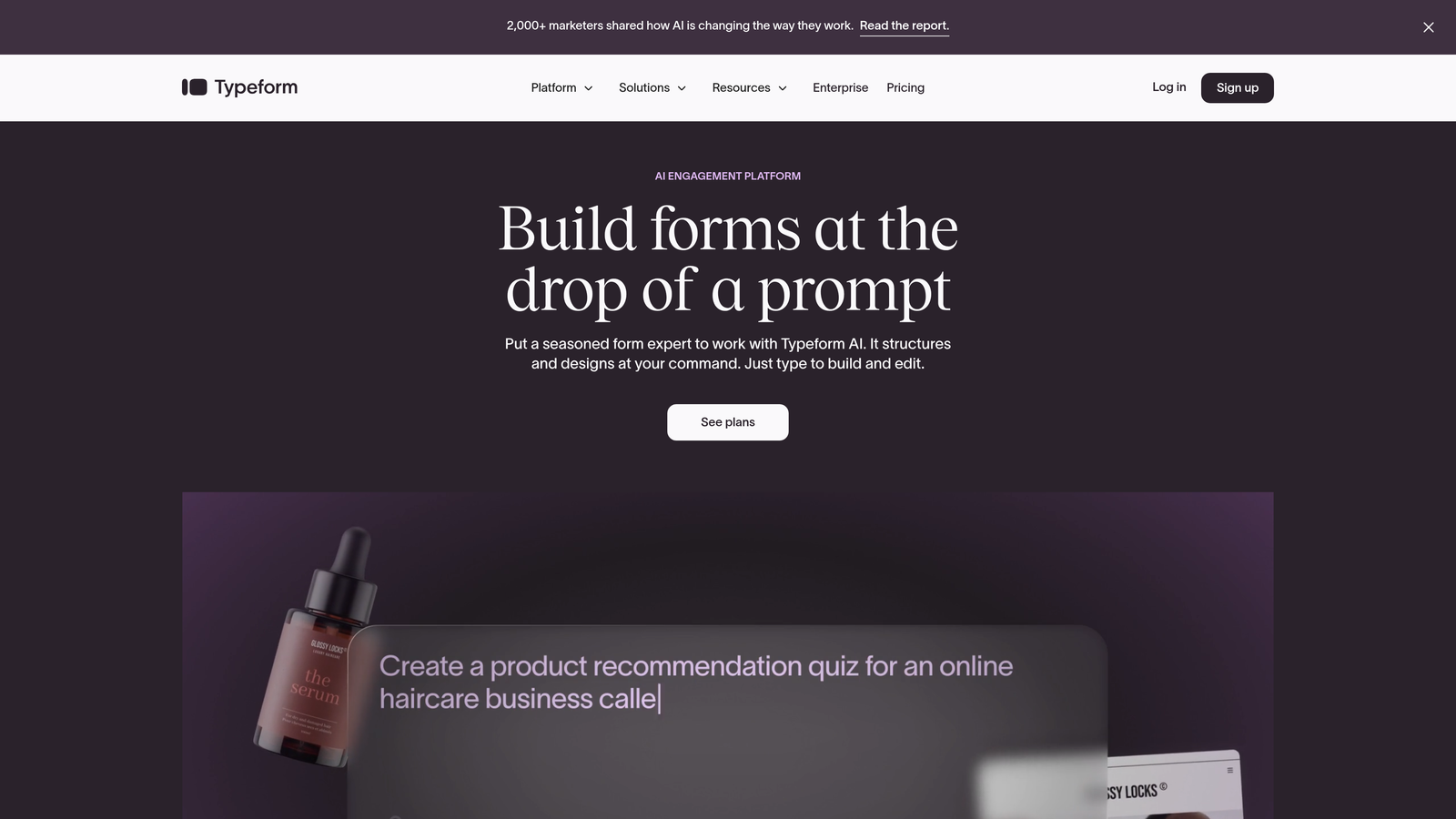
Typeform's conversational, one-question-at-a-time format works beautifully for simpler flows and linear progressions. The platform shines when you want to reduce form abandonment through a more engaging experience, but complex branching logic can feel awkward in the conversational format.
Implementation Steps
1. Create a spreadsheet listing every field you need across all your forms, categorized by form type and complexity level.
2. Map your conditional logic visually—draw flowcharts showing how responses should trigger different paths, hidden fields, or follow-up questions.
3. Test your most complex use case first during trials, not your simplest form, to identify limitations before committing.
Pro Tips
Pay special attention to how each platform handles conditional logic within multi-step forms. Some platforms make certain logic patterns difficult to implement cleanly. If you need to show or hide entire pages based on earlier responses, test this specific scenario thoroughly before deciding.
2. Evaluate Response Experience Against Your Audience
The Challenge It Solves
There's a persistent myth that conversational forms always convert better than traditional formats. In reality, your audience's expectations and context determine which approach works. A conversational format might frustrate B2B buyers who want to scan all questions upfront, while a traditional grid layout could bore consumers accustomed to modern, interactive experiences.
The Strategy Explained
Rather than assuming one format is universally superior, test both approaches with your actual audience. Typeform's conversational interface creates a guided, one-question-at-a-time experience that feels more like a conversation than a form. This approach works exceptionally well for surveys, feedback collection, and scenarios where you want to reduce cognitive load.
Jotform's traditional format lets users see multiple questions at once, scroll through the entire form, and complete it at their own pace. This transparency appeals to audiences who prefer efficiency and want to gather information before committing time to completion.
The key insight: your audience's industry, demographic, and relationship with your brand all influence which experience they prefer. Enterprise buyers evaluating complex solutions often prefer traditional formats where they can review all requirements upfront. Consumer audiences engaging with brands they already trust might respond better to conversational form software that guides them through the process.
Implementation Steps
1. Create the same form in both formats and split-test them with a segment of your actual traffic, measuring both completion rate and time-to-complete.
2. Survey completers about their experience, asking specifically about form length perception and ease of completion.
3. Analyze abandonment points in both formats to identify where each approach creates friction for your specific audience.
Pro Tips
Consider your form's length when evaluating formats. Conversational formats can make long forms feel more manageable by presenting one question at a time, but they can also frustrate users who want to see how many questions remain. Traditional formats make length immediately visible, which builds trust but might deter some users from starting.
3. Audit Your Integration Stack Before Committing
The Challenge It Solves
Form builders don't exist in isolation—they need to connect with your CRM, email platform, analytics tools, and potentially dozens of other systems. Discovering after implementation that your chosen platform doesn't integrate smoothly with your critical tools creates expensive workarounds and data silos that undermine your entire lead management process.
The Strategy Explained
Both platforms offer extensive integration ecosystems, but their approaches differ significantly. Jotform provides over 100 direct integrations and supports webhook connections for custom workflows. The platform's integration setup tends to be straightforward for common tools, though some advanced scenarios require paid tiers.
Typeform also offers numerous native integrations and emphasizes clean API access for custom connections. The platform integrates particularly well with modern marketing and sales stacks, though some integrations require higher-tier plans. Understanding these differences is crucial when evaluating modern form builder features for your tech stack.
The critical question isn't just whether an integration exists—it's how well it works and what data it actually syncs. Some integrations only push basic contact information, while others support custom field mapping, real-time syncing, and bidirectional data flow.
Implementation Steps
1. List every tool in your current stack that should receive or send data to your forms, prioritizing by criticality to your workflows.
2. Test each critical integration during your trial period, verifying that all required fields sync correctly and data appears where needed.
3. Document any integration gaps and research whether Zapier, Make, or other automation platforms can bridge them reliably.
Pro Tips
Don't just test if an integration works—test it under realistic conditions with actual data volumes. Some integrations perform well with a few test submissions but struggle with higher volumes or complex field mappings. Also verify whether real-time syncing is truly real-time or batched with delays that could impact your response workflows.
4. Calculate True Cost of Ownership Beyond Monthly Fees
The Challenge It Solves
Advertised monthly pricing rarely tells the complete financial story. Response limits, feature restrictions across tiers, and scaling costs can make an apparently affordable platform surprisingly expensive as your usage grows. Teams often choose based on entry-level pricing, then face unexpected costs when they need to upgrade for features or capacity.
The Strategy Explained
Both platforms use tiered pricing models with response limits, but their structures differ in ways that significantly impact long-term costs. Jotform's pricing tiers are based primarily on monthly submissions, with feature access expanding at higher tiers. If you generate high form volumes, you'll need to account for how quickly you'll hit response limits.
Typeform similarly gates features and responses by tier, with their conversational format and design capabilities available at different price points. The platform's pricing can escalate quickly if you need advanced features like hidden fields, custom branding removal, or priority support. Our comprehensive form builder pricing comparison breaks down these cost structures in detail.
Beyond base subscription costs, consider the hidden expenses: time spent building forms, maintenance overhead when templates break, costs of workarounds for missing features, and potential need for developer resources to implement complex integrations or custom solutions.
Implementation Steps
1. Calculate your projected monthly form responses for the next 12 months, accounting for seasonal variations and growth targets.
2. List every feature you need and identify which tier provides it on each platform, then calculate the true monthly cost including necessary add-ons.
3. Factor in team member seats if multiple people will build or manage forms, as some platforms charge per user while others offer unlimited seats.
Pro Tips
Pay close attention to what happens when you exceed response limits. Some platforms throttle new submissions, while others charge overage fees or require immediate upgrades. Understanding these policies prevents surprise bills during high-traffic campaigns. Also consider that annual billing often provides significant discounts, but locks you in before you've fully validated platform fit.
5. Test Lead Qualification Capabilities Thoroughly
The Challenge It Solves
Collecting responses is just the first step—qualifying those leads efficiently determines whether your sales team wastes time on poor-fit prospects or focuses on high-potential opportunities. Many teams discover too late that their form builder lacks the qualification features needed to route, score, or prioritize leads effectively, forcing manual processes that don't scale.
The Strategy Explained
Lead qualification happens through several mechanisms: conditional logic that asks different questions based on responses, hidden fields that capture context, scoring systems that rank lead quality, and routing rules that send qualified leads to the right team members. Both platforms offer some of these capabilities, but with different levels of sophistication.
Jotform provides conditional logic and can integrate with external scoring systems through webhooks or integrations. You can build qualification flows by showing or hiding questions based on responses, then use integrations to route leads appropriately. However, native lead scoring isn't a built-in feature—you'll need to implement it through connected tools.
Typeform similarly offers logic jumps and can route responses based on answers, but lacks native lead scoring capabilities. The platform excels at creating engaging qualification experiences through its conversational format, which can increase completion rates for qualification questions, but the actual scoring and routing often happens in downstream tools. For teams prioritizing this functionality, reviewing lead qualification tools comparison can reveal more specialized options.
Implementation Steps
1. Define your lead qualification criteria clearly—which responses indicate high-value prospects versus poor fits or information seekers.
2. Build a test qualification flow in each platform, implementing your scoring logic through conditional paths and testing how smoothly it routes to your CRM.
3. Measure the time required to set up qualification logic and the ongoing maintenance burden when criteria change.
Pro Tips
Think beyond basic qualification to progressive profiling—the ability to ask different questions to returning visitors based on what you already know about them. This advanced capability requires sophisticated conditional logic and integration with your CRM. Test whether your chosen platform can actually implement this without excessive complexity.
6. Assess Analytics and Reporting Depth
The Challenge It Solves
You can't optimize what you can't measure. Without robust analytics, you're flying blind—unable to identify where forms lose respondents, which questions create friction, or how form performance impacts your broader conversion funnel. Many teams choose platforms based on form-building features, then struggle with inadequate reporting that prevents data-driven optimization.
The Strategy Explained
Both platforms provide analytics, but their depth and accessibility differ significantly. Jotform offers reporting on submission counts, completion rates, and field-level analysis. You can see which questions get abandoned most frequently and export data for deeper analysis. The platform's reports are functional but relatively basic—sufficient for understanding form performance but limited for sophisticated conversion optimization.
Typeform provides more visual analytics with completion rates, drop-off points, and time spent on each question. The platform's analytics interface is more polished and easier to interpret at a glance. However, for advanced analysis, you'll still need to export data to external tools or connect to business intelligence platforms.
The critical consideration is how analytics integrate with your broader measurement stack. Can you track form interactions in Google Analytics or your marketing automation platform? Does the platform support event tracking for specific interactions? Teams focused on optimization should also explore conversion-focused form tools that prioritize these capabilities.
Implementation Steps
1. List the specific metrics you need to track—not just completion rates, but field-level engagement, time-to-complete, device breakdowns, and source attribution.
2. Set up analytics tracking during your trial and verify that data flows correctly to your analytics platform, testing attribution and event tracking.
3. Export sample data and confirm it includes all fields you need for analysis, in formats your team can actually use without extensive manipulation.
Pro Tips
Test the analytics during actual campaigns, not just with test data. Some platforms' analytics perform well with small datasets but become difficult to navigate or slow to load with thousands of responses. Also verify whether historical data remains accessible if you downgrade plans or if analytics are tied to your current subscription tier.
7. Consider the Third Option: AI-Native Form Builders
The Challenge It Solves
Both Jotform and Typeform were built before AI transformed how we approach lead qualification and form optimization. While both platforms have added some AI features, they weren't designed from the ground up to leverage intelligent automation for lead scoring, dynamic questioning, or predictive routing. This architectural limitation means you're choosing between two platforms that share fundamental gaps in addressing modern lead generation needs.
The Strategy Explained
The form builder landscape has evolved significantly with AI-native platforms that address limitations both legacy platforms share. These modern alternatives combine the visual polish and conversion optimization of Typeform with the flexibility and power of Jotform, while adding intelligent capabilities that neither platform offers natively. Our AI form builder comparison examines these emerging solutions in depth.
AI-powered form builders can automatically qualify leads based on response patterns, route prospects to appropriate team members using predictive algorithms, and adapt question flows based on previous interactions. They eliminate the manual work of building complex conditional logic by learning which paths convert best and which leads are most valuable.
For high-growth teams, this represents a fundamental shift from collecting responses to intelligently qualifying prospects. Instead of building elaborate conditional logic manually, you define qualification criteria and let AI handle the complexity. Instead of analyzing abandonment manually, intelligent platforms identify friction points and suggest optimizations automatically.
Implementation Steps
1. Evaluate whether your primary need is actually lead qualification and conversion optimization rather than just form building—if so, AI-native platforms may better address your core problem.
2. Test modern alternatives alongside Jotform and Typeform, measuring not just form completion but lead quality and sales team efficiency improvements.
3. Calculate the value of automated lead scoring and routing versus the time your team currently spends manually qualifying and distributing leads.
Pro Tips
When evaluating AI-native platforms, focus on practical automation that saves time rather than buzzword features. The most valuable AI capabilities are those that eliminate manual work you're currently doing—automatic lead scoring, intelligent routing, and predictive optimization. Platforms that combine beautiful, conversion-optimized design with genuine intelligence offer advantages that neither traditional option can match.
Making Your Decision With Confidence
Choosing between Jotform and Typeform isn't about picking the platform with the longest feature list or the lowest entry price. It's about understanding which platform's fundamental approach aligns with your workflows, audience expectations, and growth trajectory. The evaluation frameworks in this guide give you a systematic way to test both platforms against your actual requirements rather than relying on generic comparisons.
Start with your complexity requirements and audience preferences—these two factors alone will likely point you toward one platform over the other. A team building complex, multi-step application forms with extensive conditional logic will naturally gravitate toward Jotform's traditional approach. A brand focused on engagement and willing to sacrifice some flexibility for a polished conversational experience will find Typeform more aligned with their priorities.
But don't stop your evaluation there. Test your critical integrations thoroughly, calculate true costs including scaling scenarios, and verify that analytics capabilities support your optimization process. Many teams discover that their chosen platform works beautifully for the first few months, then creates friction as requirements evolve or volume scales.
Here's the framework for making your final decision: Create a scoring matrix with your top priorities weighted by importance. Rate each platform on complexity handling, audience fit, integration quality, total cost, qualification capabilities, and analytics depth. The platform with the higher weighted score becomes your choice—unless both platforms score poorly on your highest-priority criteria.
If both platforms fall short on lead qualification, intelligent routing, or conversion optimization—your actual business problems—that's your signal to explore the third option. Modern, AI-native form builders address the limitations both legacy platforms share, combining beautiful design with intelligent automation that eliminates manual qualification work.
Transform your lead generation with AI-powered forms that qualify prospects automatically while delivering the modern, conversion-optimized experience your high-growth team needs. Start building free forms today and see how intelligent form design can elevate your conversion strategy beyond what traditional platforms offer.
The right form builder isn't just about collecting responses—it's about qualifying leads efficiently, routing them intelligently, and optimizing continuously based on data. Whether you choose Jotform, Typeform, or a modern AI-native alternative, make your decision based on systematic evaluation of your actual requirements, not marketing promises or surface-level feature comparisons. Your lead generation results depend on it.


