

Your form builder choice directly impacts conversion rates—yet most teams settle for outdated tools that leak leads. Modern form builders have evolved far beyond simple data collection, now offering AI-powered qualification, conditional logic, and seamless integrations that transform how high-growth teams capture and convert prospects.
This comparison breaks down the features that matter most: from design flexibility and mobile optimization to analytics depth and automation capabilities. Whether you're replacing a legacy system or choosing your first serious form solution, this guide helps you match your specific needs—lead generation, customer feedback, or complex workflows—with the right platform.
1. Orbit AI
Best for: High-growth teams prioritizing AI-powered lead qualification and conversion optimization
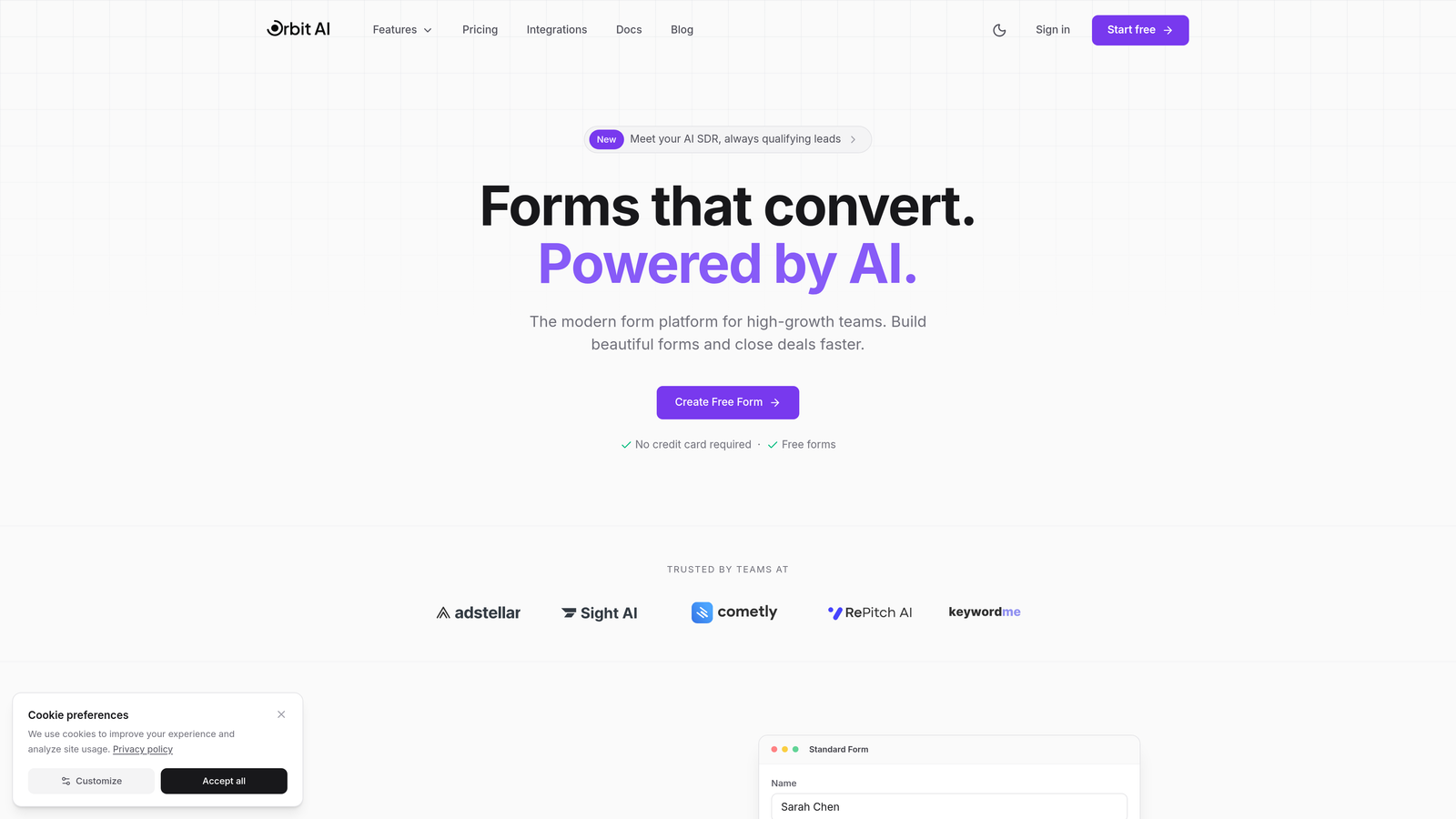
Orbit AI is an AI-powered form builder platform designed specifically for teams that need intelligent lead qualification built into their form experience.
Where This Tool Shines
Orbit AI stands out by embedding artificial intelligence directly into the form-building process. Instead of collecting data and qualifying leads manually afterward, the platform analyzes responses in real-time to score and route prospects automatically.
The conversion-optimized templates are built on research into what actually drives form completions, not just aesthetic preferences. This means every design element—from field placement to button copy—is engineered to reduce drop-off and increase quality submissions.
Key Features
AI-Powered Lead Qualification: Automatically scores and segments leads based on form responses without manual setup.
Conversion-Optimized Templates: Pre-built forms designed using conversion rate optimization principles to maximize completion rates.
Native CRM Integrations: Direct connections to major CRMs that populate contact records instantly with qualified lead data.
Real-Time Analytics Dashboard: Live visibility into form performance, conversion rates, and lead quality metrics.
Workflow Automation: Trigger actions based on form responses, lead scores, or qualification criteria without third-party tools.
Best For
SaaS companies and B2B businesses focused on lead generation will find the most value here. If you're currently spending hours manually reviewing form submissions to identify qualified prospects, or if your sales team complains about lead quality, Orbit AI's intelligent qualification eliminates that friction entirely.
Pricing
Free tier available for teams getting started. Paid plans begin at $29/month with advanced AI features and increased submission limits on higher tiers.
2. Typeform
Best for: Creating branded, conversational form experiences that feel more like dialogue than interrogation
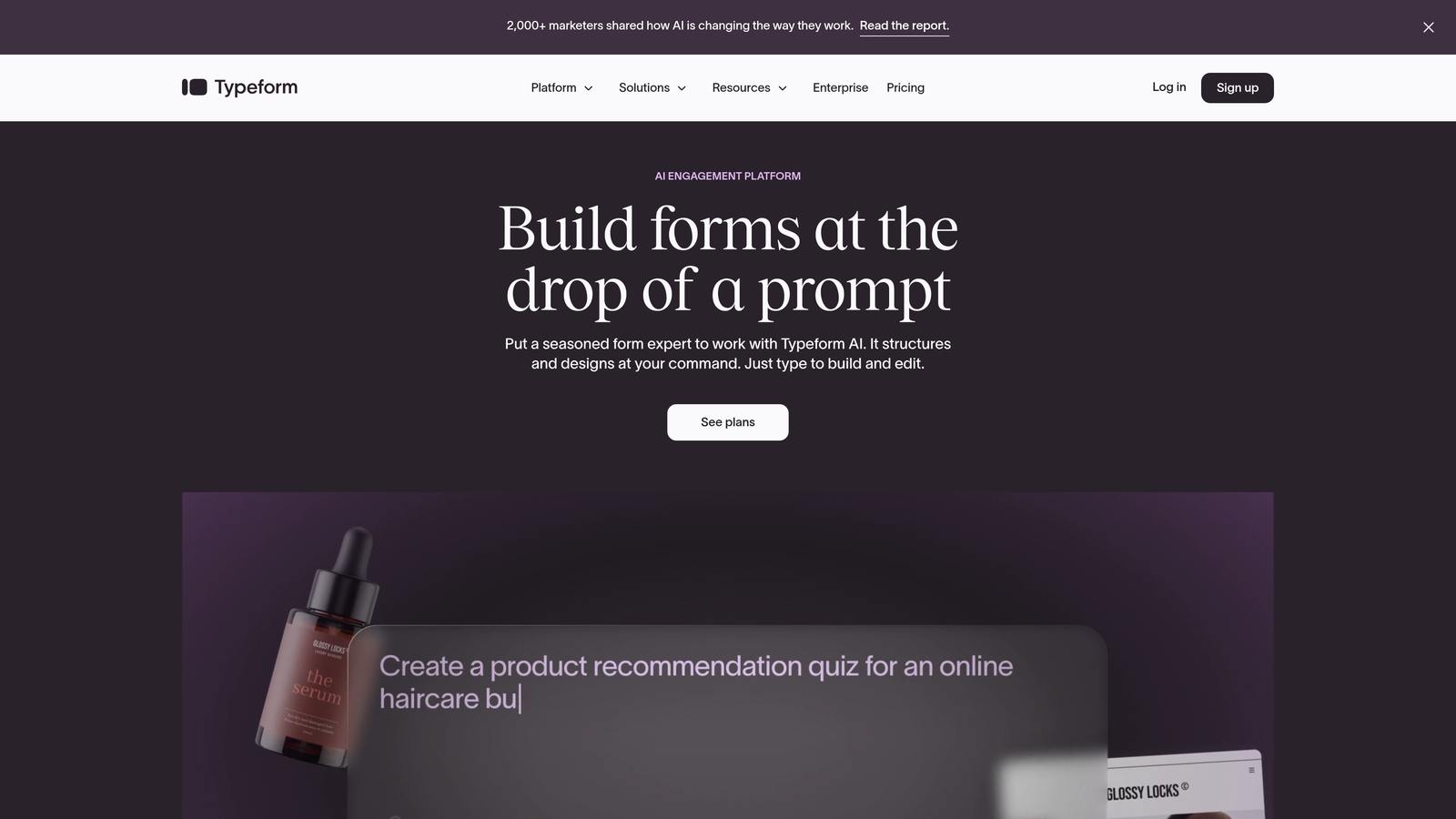
Typeform pioneered the one-question-at-a-time interface that makes forms feel less overwhelming and more engaging.
Where This Tool Shines
Typeform's conversational UI fundamentally changes how people interact with forms. By showing one question at a time, it reduces cognitive load and increases completion rates—particularly for longer surveys or multi-step qualification forms.
The brand customization capabilities are exceptional. You can match every visual element to your brand guidelines, from colors and fonts to custom backgrounds and button styles, creating a cohesive experience that feels native to your website.
Key Features
Conversational UI: One-question-at-a-time interface that creates a dialogue feel instead of overwhelming users with long forms.
Logic Jumps and Branching: Show different questions based on previous answers to create personalized form paths.
Video and Image Embedding: Add rich media directly into questions to provide context or create more engaging experiences.
Brand Kit Customization: Comprehensive design controls to match every visual element to your brand identity.
Zapier and HubSpot Integrations: Connect form data to thousands of apps through native integrations and automation platforms.
Best For
Marketing teams that prioritize brand experience and user engagement should consider Typeform. It's particularly effective for customer feedback surveys, event registrations, and any scenario where form aesthetics impact brand perception.
Pricing
Free tier available with Typeform branding. Basic plans start at $25/month, with higher tiers unlocking advanced logic, integrations, and removal of Typeform branding.
3. Jotform
Best for: Teams needing extensive template variety and specialized widgets for diverse use cases
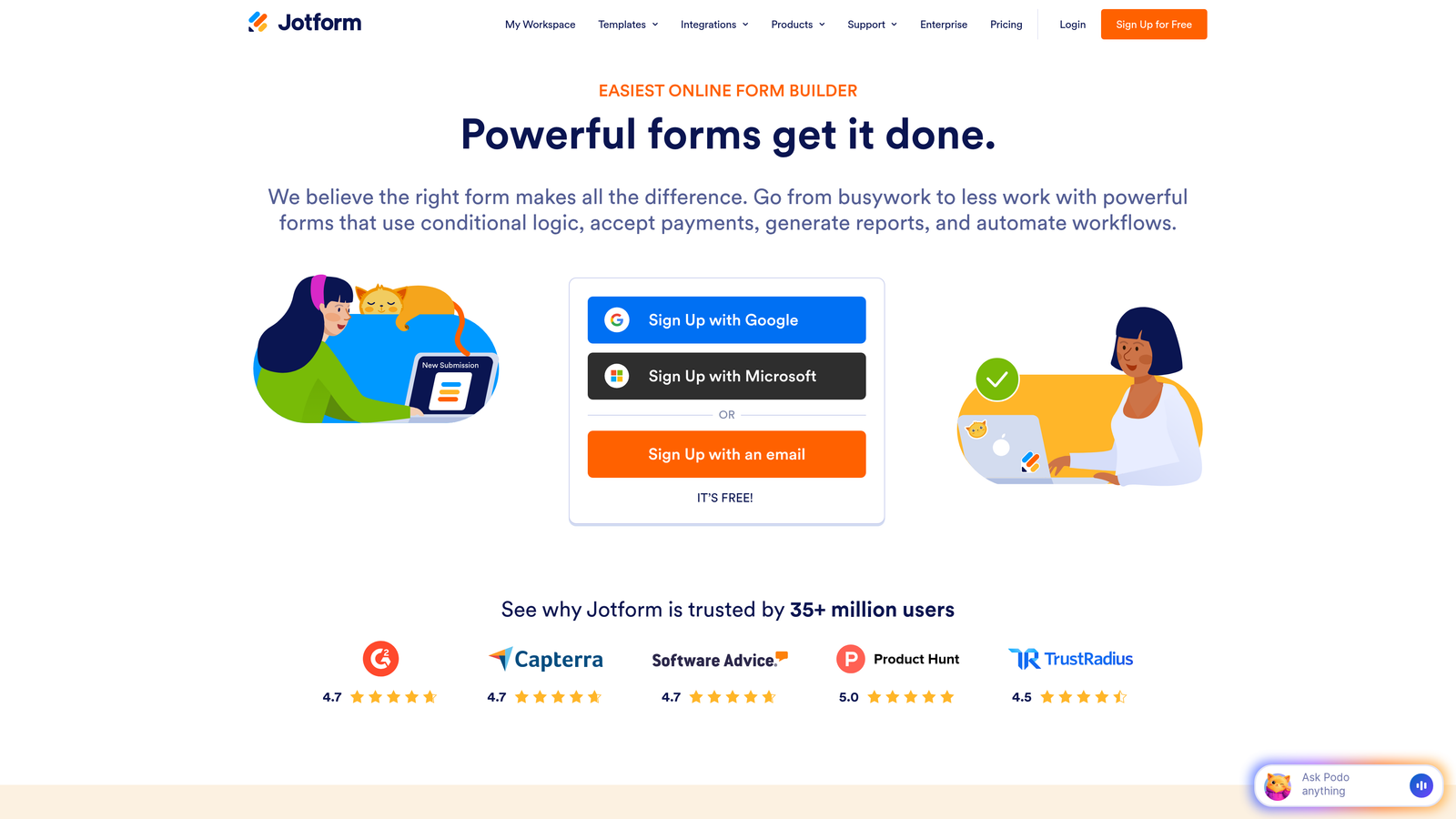
Jotform offers one of the largest template libraries in the form builder space with over 10,000 pre-built forms.
Where This Tool Shines
The sheer breadth of Jotform's template library means you can find a starting point for virtually any use case—from medical intake forms to event registrations to complex application processes. This eliminates the blank-canvas problem and accelerates deployment.
The widget ecosystem is equally impressive. Need appointment scheduling? There's a widget. Payment processing? Multiple options. File uploads with specific requirements? Covered. This extensibility makes Jotform adaptable to specialized workflows without custom development.
Key Features
10,000+ Templates: Pre-built forms covering nearly every industry and use case imaginable, ready to customize.
PDF Form Generation: Automatically convert form submissions into formatted PDF documents for records or client delivery.
Payment Integrations: Accept payments directly through forms via Stripe, PayPal, Square, and other processors.
Approval Workflows: Route submissions through multi-step approval processes with notifications and status tracking.
Mobile App Builder: Create native mobile apps from your forms for offline data collection.
Best For
Organizations with diverse form needs across multiple departments will appreciate Jotform's versatility. It's particularly strong for operations teams managing complex workflows like employee onboarding, vendor applications, or multi-stage approval processes.
Pricing
Free tier supports basic forms with Jotform branding. Bronze plans begin at $34/month, with higher tiers adding payment features, increased submissions, and advanced widgets.
4. Tally
Best for: Startups and bootstrapped teams wanting unlimited forms without monthly fees
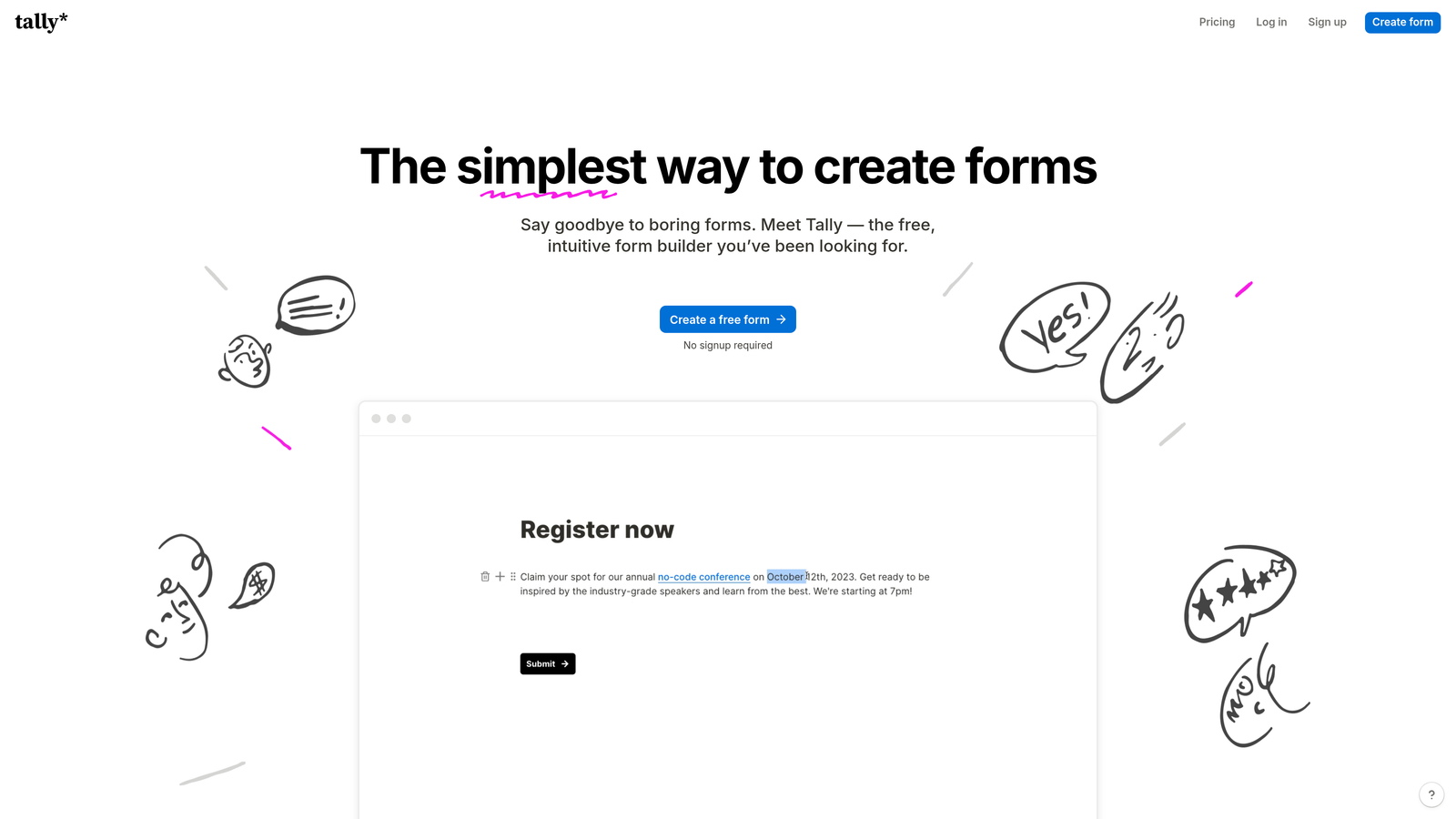
Tally brings a Notion-like building experience to forms with one of the most generous free tiers available.
Where This Tool Shines
Tally's block-based interface feels immediately familiar to anyone who's used Notion or similar tools. You build forms by stacking blocks—text, multiple choice, file uploads—in a clean, distraction-free editor that prioritizes speed over complexity.
The unlimited forms on the free tier is genuinely unlimited. No artificial caps, no "upgrade to add more forms" prompts. For early-stage companies managing tight budgets, this removes a significant barrier to professional form infrastructure.
Key Features
Unlimited Forms on Free Tier: Create as many forms as needed without hitting paywalls or artificial limits.
Notion-Style Blocks: Intuitive block-based editor that makes form building feel natural and fast.
Conditional Logic: Show or hide questions based on previous answers to create dynamic form experiences.
File Uploads: Accept document submissions directly through forms with reasonable file size limits.
Basic Integrations: Connect to popular tools like Google Sheets, Slack, and email notification systems.
Best For
Bootstrapped startups and small teams that need professional forms but can't justify monthly subscriptions yet. Tally provides enough functionality to support real business processes without the financial commitment of traditional form builders.
Pricing
Genuinely free tier with unlimited forms and reasonable submission limits. Pro plans start at $29/month for teams needing custom domains, advanced integrations, or higher submission volumes.
5. Fillout
Best for: Operations teams using Airtable or Notion as their system of record
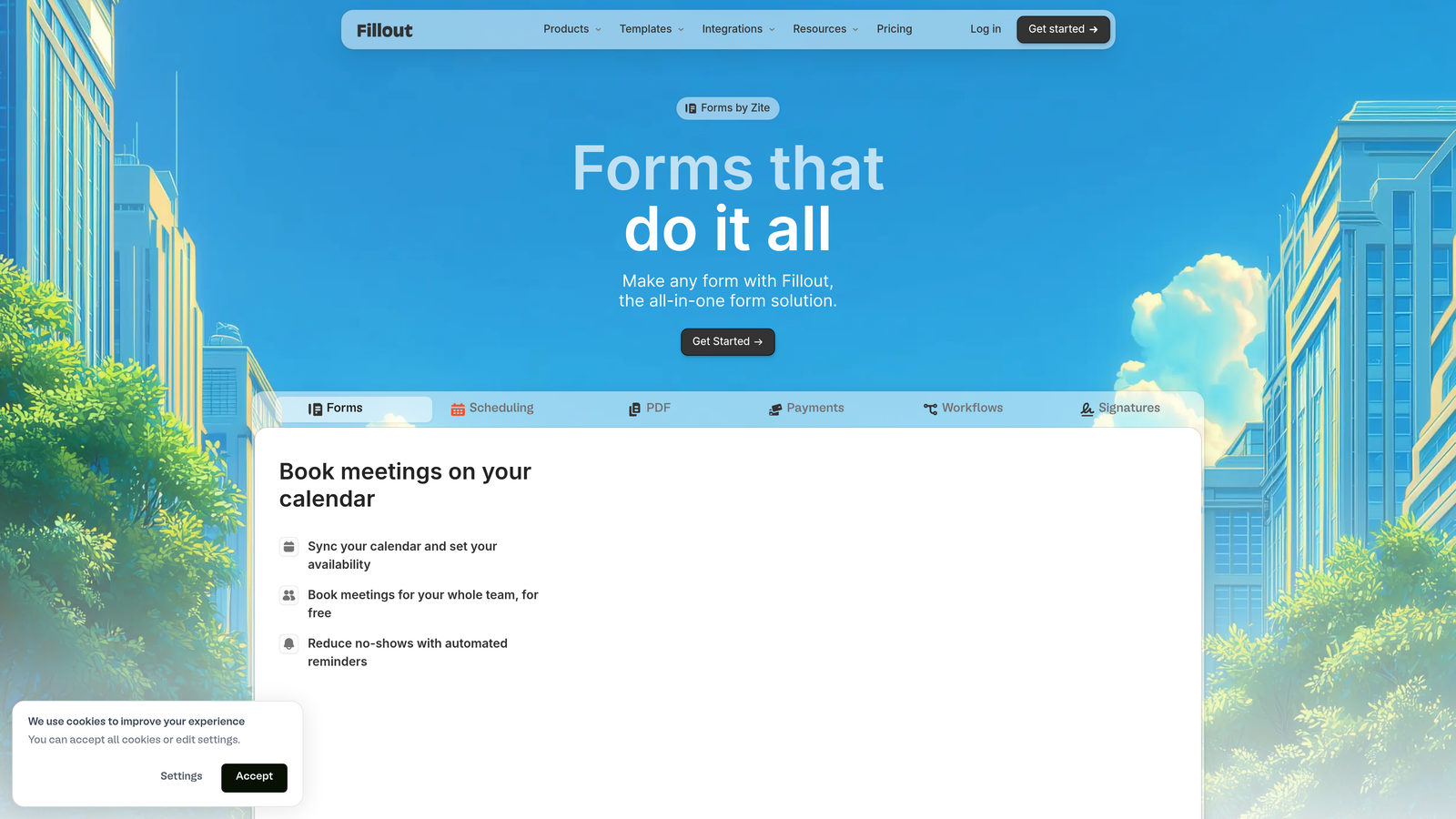
Fillout specializes in database-connected forms that sync directly with Airtable and Notion bases.
Where This Tool Shines
Fillout's native Airtable integration is genuinely native—not a Zapier workaround. Forms populate Airtable bases in real-time, respecting field types, relationships, and validation rules. This eliminates the data transformation headaches that plague most form-to-database workflows.
The Notion database forms work similarly, letting you create public-facing forms that write directly to Notion databases. For teams that have built their entire operations infrastructure in Notion, this bridges the gap between internal systems and external data collection.
Key Features
Native Airtable Sync: Direct two-way sync with Airtable bases that respects field types and relationships without middleware.
Notion Database Forms: Create forms that write directly to Notion databases, maintaining data structure and relationships.
Scheduling Integration: Built-in calendar booking that syncs with Google Calendar and other scheduling tools.
Conditional Logic: Dynamic form behavior based on responses, database values, or user attributes.
Custom Domains: Host forms on your own domain for brand consistency and trust.
Best For
Operations-focused teams that have standardized on Airtable or Notion for data management. If your workflows already live in these platforms, Fillout eliminates the integration complexity that comes with traditional form builders.
Pricing
Free tier available for basic forms. Starter plans begin at $15/month, making it one of the more affordable options for teams needing database connectivity.
6. HubSpot Forms
Best for: Teams already using HubSpot CRM who need forms that trigger marketing automation
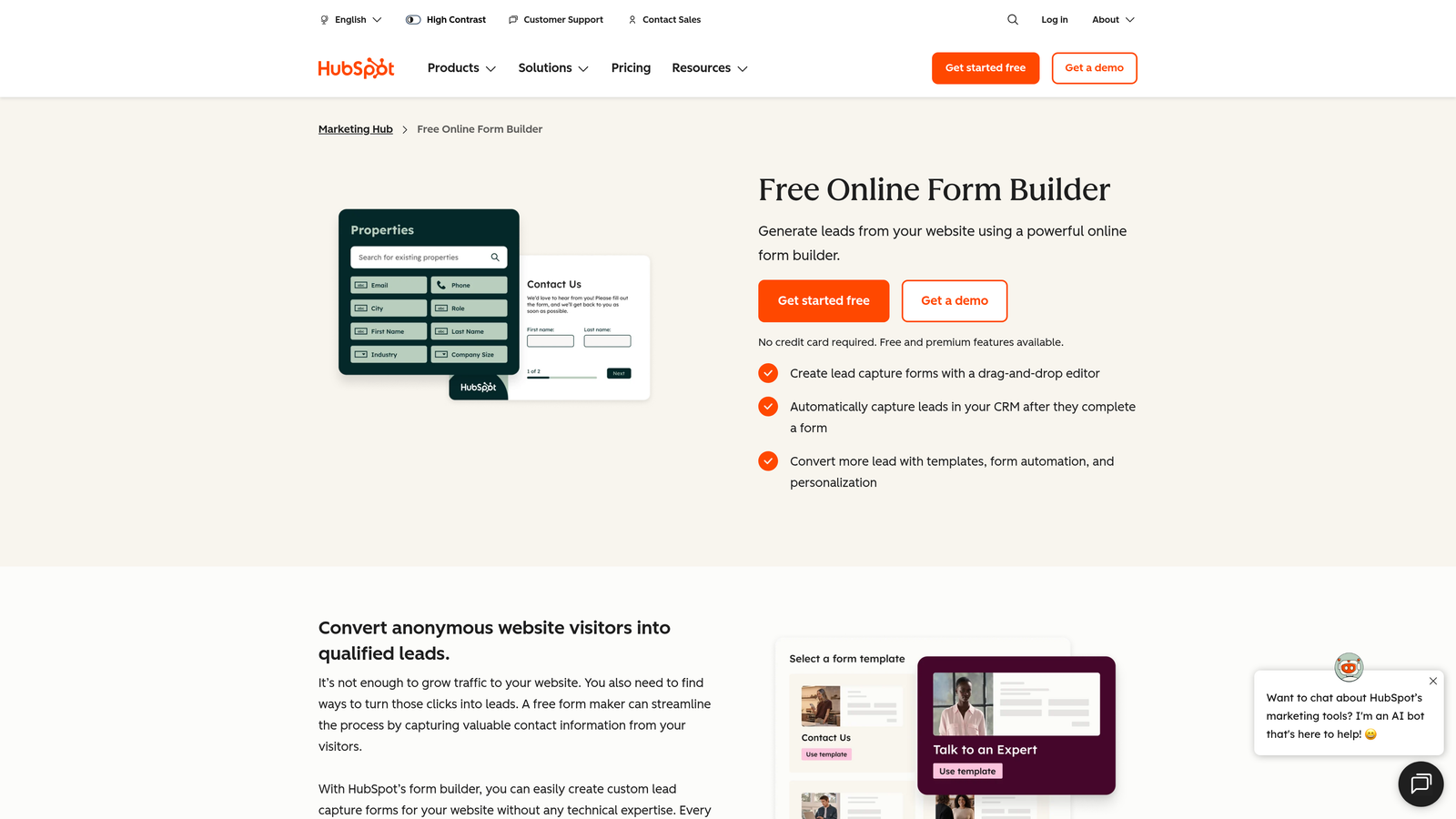
HubSpot Forms is the native form builder integrated directly into HubSpot's marketing and sales ecosystem.
Where This Tool Shines
HubSpot Forms eliminates the integration layer entirely. Form submissions instantly create or update contact records in your CRM, trigger workflows, assign leads to sales reps, and kick off email sequences—all without leaving the HubSpot ecosystem.
Progressive profiling is where HubSpot particularly excels. Instead of asking returning visitors the same questions repeatedly, forms automatically show new fields based on what information you already have. This reduces form fatigue while steadily enriching contact profiles over time.
Key Features
Direct CRM Population: Form submissions instantly create or update HubSpot contact records without third-party integrations.
Progressive Profiling: Automatically show different fields to returning visitors based on existing contact data.
Smart Fields: Pre-populate form fields with known contact information to reduce friction for returning visitors.
A/B Testing: Test different form variations to optimize conversion rates with built-in statistical analysis.
Marketing Automation Triggers: Launch workflows, sequences, and campaigns automatically based on form submissions.
Best For
Companies committed to the HubSpot ecosystem will find this integration invaluable. If you're already paying for HubSpot CRM or Marketing Hub, using external form builders creates unnecessary complexity and data sync issues.
Pricing
Free with HubSpot CRM, including basic form functionality. Advanced features like progressive profiling and A/B testing require paid Marketing Hub subscriptions starting at higher tiers.
7. Paperform
Best for: Creating forms that double as landing pages with built-in payment processing
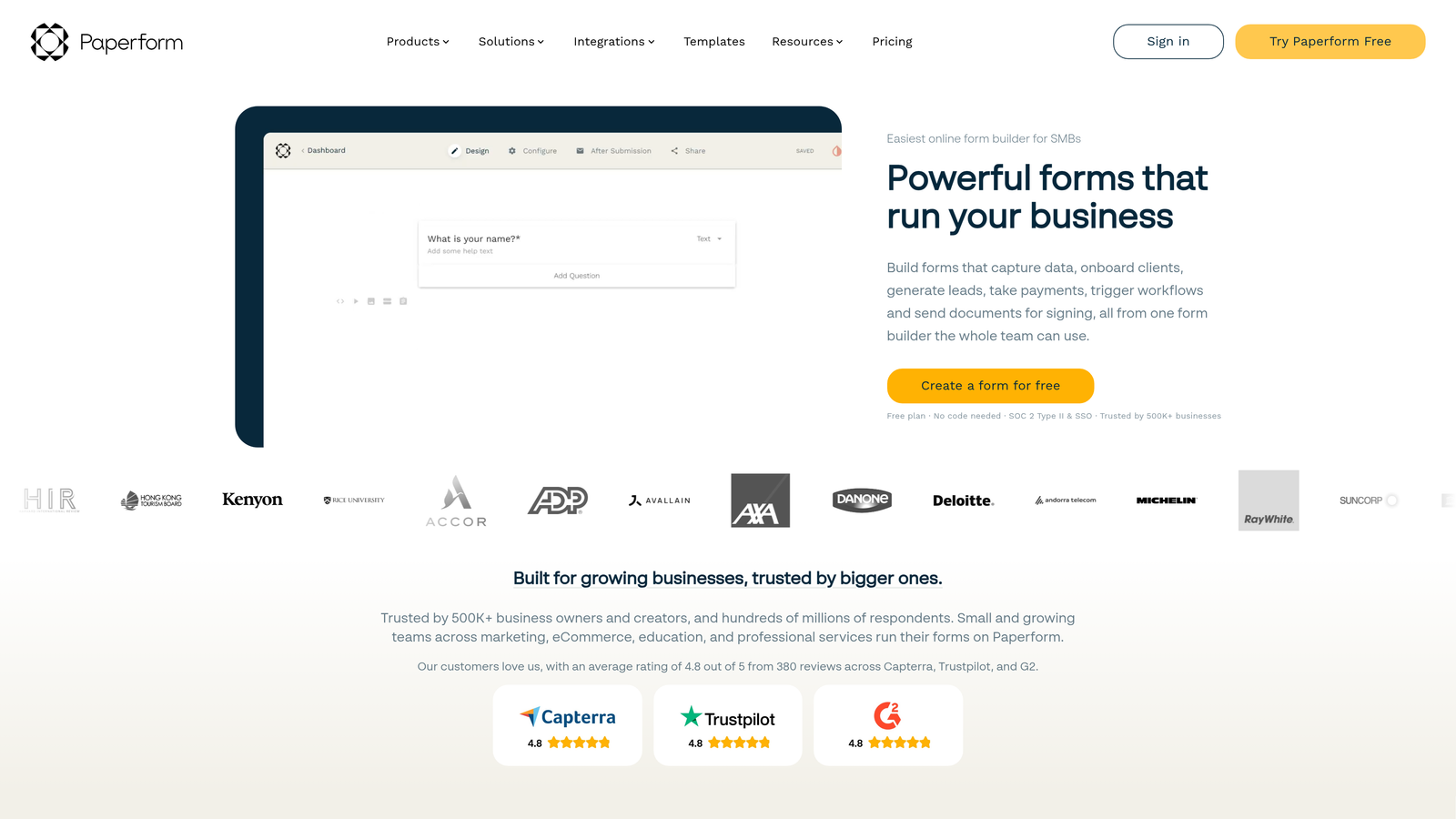
Paperform blurs the line between form builders and landing page creators with design flexibility that rivals dedicated website builders.
Where This Tool Shines
Paperform's landing page approach means forms can include hero images, rich text sections, product galleries, and other content elements that traditional form builders don't support. This makes it possible to create entire conversion experiences—product pages, booking flows, registration processes—without needing separate landing page software.
The payment integration goes beyond simple donation buttons. You can build full product catalogs, calculate totals based on selections, apply discount codes, and process transactions through Stripe or Square—all within the form itself.
Key Features
Landing Page Design: Build forms with rich content sections, images, and layout flexibility that rivals dedicated landing page builders.
Stripe and Square Payments: Accept payments directly through forms with full e-commerce functionality including tax calculations.
Product Sales: Create product catalogs with variants, inventory tracking, and shopping cart functionality.
Appointment Booking: Integrated scheduling that syncs with calendars and sends automated confirmations.
Custom Calculations: Build complex pricing calculators, quote generators, or ROI estimators with formula fields.
Best For
Service businesses, coaches, and course creators who need to collect information and process payments in one flow. It's particularly effective for booking systems, product sales, and any scenario where the form IS the conversion page.
Pricing
Essentials plans start at $24/month. No free tier, but the pricing includes payment processing capabilities that would cost extra with most competitors.
8. Formstack
Best for: Enterprise organizations in regulated industries requiring HIPAA compliance and advanced security
Formstack is an enterprise-grade form builder built specifically for organizations with strict compliance and security requirements.
Where This Tool Shines
Formstack's HIPAA compliance isn't just a checkbox feature—it's built into the platform architecture. This includes Business Associate Agreements, encrypted data storage, audit trails, and all the documentation healthcare organizations need for regulatory compliance.
The document generation capabilities transform form submissions into formatted documents automatically. Contracts, agreements, reports, and other paperwork populate with form data and route through approval workflows without manual copying and pasting.
Key Features
HIPAA Compliance: Full HIPAA-compliant infrastructure including BAAs, encryption, and audit trails for healthcare organizations.
Electronic Signatures: Collect legally binding signatures directly within forms with full audit trails and authentication.
Document Generation: Automatically create populated PDFs, contracts, or reports from form submission data.
Advanced Security: Enterprise SSO, role-based permissions, IP restrictions, and comprehensive access controls.
Enterprise SSO: Single sign-on integration with SAML providers for centralized authentication management.
Best For
Healthcare providers, financial services firms, and any organization handling sensitive data under regulatory oversight. If you need to demonstrate compliance to auditors or legal teams, Formstack provides the documentation and controls required.
Pricing
Starter plans begin at $50/month, with enterprise pricing available for organizations needing dedicated support, custom SLAs, or advanced compliance features.
9. Google Forms
Best for: Simple data collection with instant Google Sheets integration at zero cost
Google Forms is the completely free form builder that syncs instantly with Google Sheets for basic data collection.
Where This Tool Shines
Google Forms removes every barrier to getting started. No account setup beyond your existing Google account, no pricing tiers to evaluate, no feature limitations to navigate. You can create and deploy a form in minutes without spending a dollar.
The Google Sheets integration is instantaneous and reliable. Every form submission appears as a new row in your spreadsheet in real-time, making it trivial to analyze responses, create charts, or export data for other tools.
Key Features
Completely Free: No pricing tiers, no submission limits, no hidden costs—genuinely free for unlimited use.
Google Sheets Sync: Instant, automatic sync with Google Sheets for real-time data analysis and export.
Basic Logic: Simple conditional logic to show or hide sections based on responses.
Collaboration Features: Multiple team members can edit forms simultaneously with real-time updates.
Quiz Mode: Built-in scoring and feedback system for creating assessments and educational quizzes.
Best For
Internal surveys, event RSVPs, simple feedback collection, or any scenario where form aesthetics and advanced features aren't critical. It's also ideal for testing form concepts before investing in premium tools.
Pricing
Completely free with no limitations on forms, submissions, or features. Part of the free Google Workspace suite available to anyone with a Google account.
Making the Right Choice
Matching your form builder to your growth stage and primary use case matters more than feature counts. The best choice isn't the most feature-rich—it's the one that removes friction between your prospects and your pipeline.
For AI-driven lead qualification and conversion optimization, Orbit AI delivers the most modern approach. The intelligent qualification eliminates hours of manual lead review while the conversion-optimized design ensures you're not leaving submissions on the table. Teams prioritizing brand experience should consider Typeform's conversational interface, while those needing enterprise compliance will find Formstack's security controls essential.
Budget-conscious startups can start with Tally or Google Forms, then graduate to more powerful tools as needs evolve. If you're already invested in specific ecosystems—HubSpot for marketing automation, Airtable for operations, or Notion for knowledge management—choosing the native form solution (HubSpot Forms, Fillout) eliminates integration complexity.
The form builder landscape has matured significantly. Basic data collection is table stakes now. What separates effective tools from adequate ones is how they handle the next step—qualifying leads, triggering workflows, generating documents, or processing payments. Choose based on which "what happens after submission" scenario matters most to your business.
Transform your lead generation with AI-powered forms that qualify prospects automatically while delivering the modern, conversion-optimized experience your high-growth team needs. Start building free forms today and see how intelligent form design can elevate your conversion strategy.


