

You've narrowed it down to Typeform and SurveyMonkey. You've read the comparison charts, watched the demo videos, and maybe even started a trial or two. But here's what those feature lists won't tell you: the platform you choose becomes the foundation for how you capture, qualify, and convert every lead that enters your funnel.
This isn't just about picking a form builder. It's about selecting the infrastructure that determines whether prospects complete your forms, whether your sales team gets qualified leads or time-wasters, and whether your conversion rates improve or stagnate.
Typeform built its reputation on beautiful, conversational experiences that feel more like dialogue than data collection. SurveyMonkey established itself as the go-to for robust survey research and statistical analysis. Both platforms have evolved significantly, but they serve fundamentally different purposes—and for high-growth teams focused on lead generation, that distinction matters more than any feature comparison.
The wrong choice means friction in your funnel, frustrated prospects abandoning forms halfway through, and sales teams drowning in unqualified leads. The right choice means a seamless path from first touch to qualified opportunity, with every form submission representing genuine potential revenue.
Let's walk through seven strategic approaches to evaluate these platforms—and help you determine whether either truly fits your growth objectives, or whether a more modern alternative might serve you better.
1. Map Your Primary Use Case Before Comparing Features
The Challenge It Solves
Most teams make the mistake of jumping straight into feature comparisons without first defining what they're actually trying to accomplish. You end up choosing a platform based on impressive capabilities you'll never use while missing critical functionality your workflow actually requires.
The result? You're three months into a contract before realizing the platform excels at survey research when you needed lead qualification, or vice versa.
The Strategy Explained
Start by auditing your actual requirements before you ever look at a pricing page. Are you primarily conducting market research and customer satisfaction surveys? Or are you capturing leads for your sales pipeline and qualifying prospects before they reach your team?
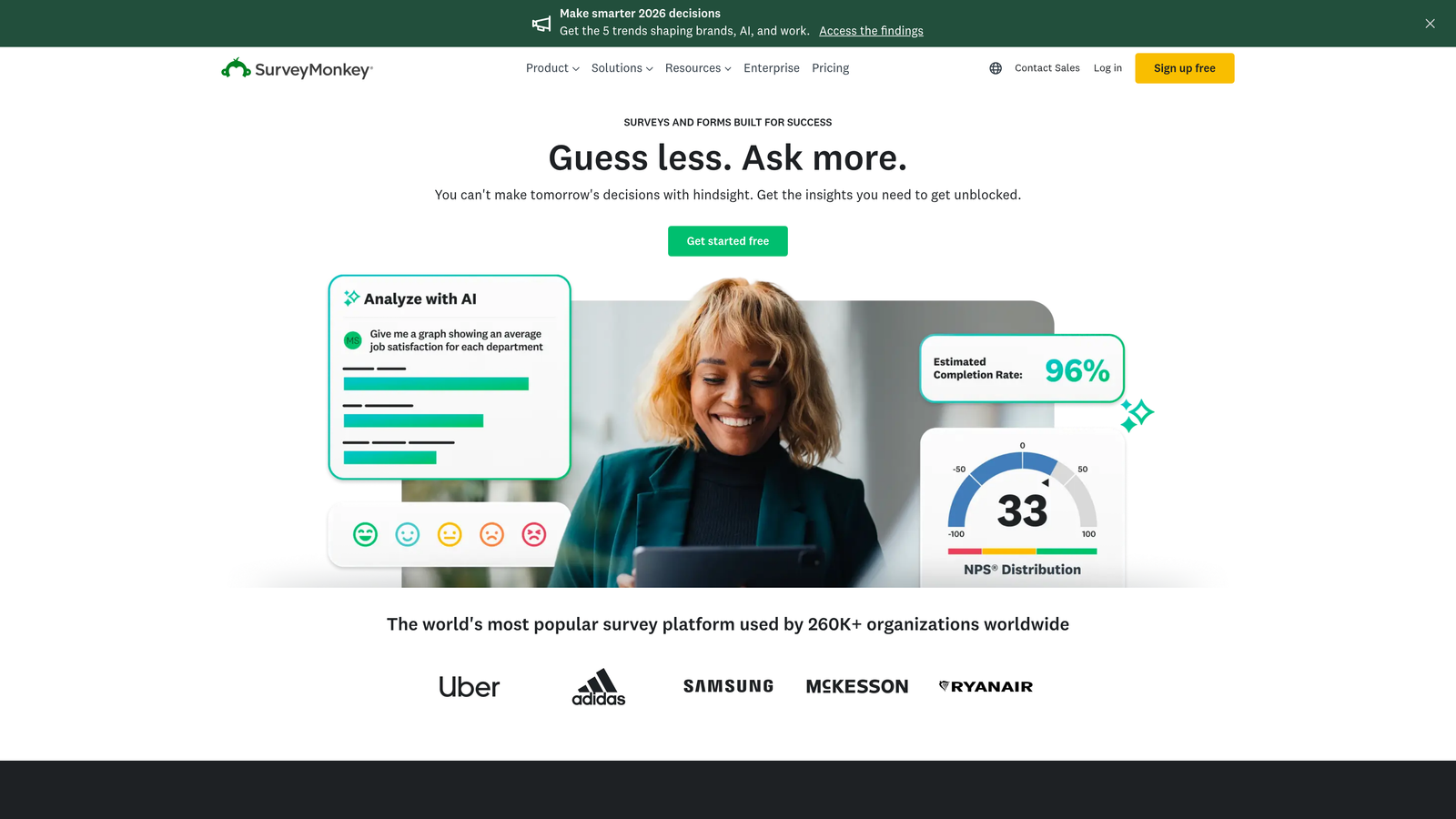
SurveyMonkey was built for the former—comprehensive survey research with statistical analysis, cross-tabulation, and data segmentation. Typeform optimized for the latter—creating engaging experiences that feel conversational and keep people moving through your funnel.
For high-growth teams, this distinction becomes critical. If your forms exist to generate qualified opportunities, you need a platform that thinks about conversion optimization, not just data collection. If you're running longitudinal research studies or need robust statistical analysis, you need survey-specific capabilities.
Implementation Steps
1. Document every form currently in use across your organization and categorize each by primary purpose: lead generation, customer feedback, event registration, market research, or internal workflows.
2. Calculate the revenue impact of your lead generation forms versus the operational value of your research forms—this reveals which use case should drive your platform decision.
3. Map your ideal workflow from form submission to next action: does the data need to route to your CRM for sales follow-up, or does it need to feed into analysis dashboards for research insights?
Pro Tips
If more than 60% of your forms exist to generate pipeline, you're optimizing for conversion—not research. Choose accordingly. And if you find yourself needing both robust research capabilities and high-converting lead forms, consider whether a single platform can truly excel at both, or whether specialized tools for each use case might serve you better.
2. Evaluate Completion Rates Through Form Design Philosophy
The Challenge It Solves
A beautiful form that nobody completes is just expensive decoration. Form abandonment kills conversion rates, and the design philosophy baked into each platform fundamentally shapes whether prospects make it to the submit button.
Traditional multi-question layouts can feel overwhelming. Conversational one-question-at-a-time interfaces can feel slow. The question is: which friction pattern does your specific audience tolerate better?
The Strategy Explained
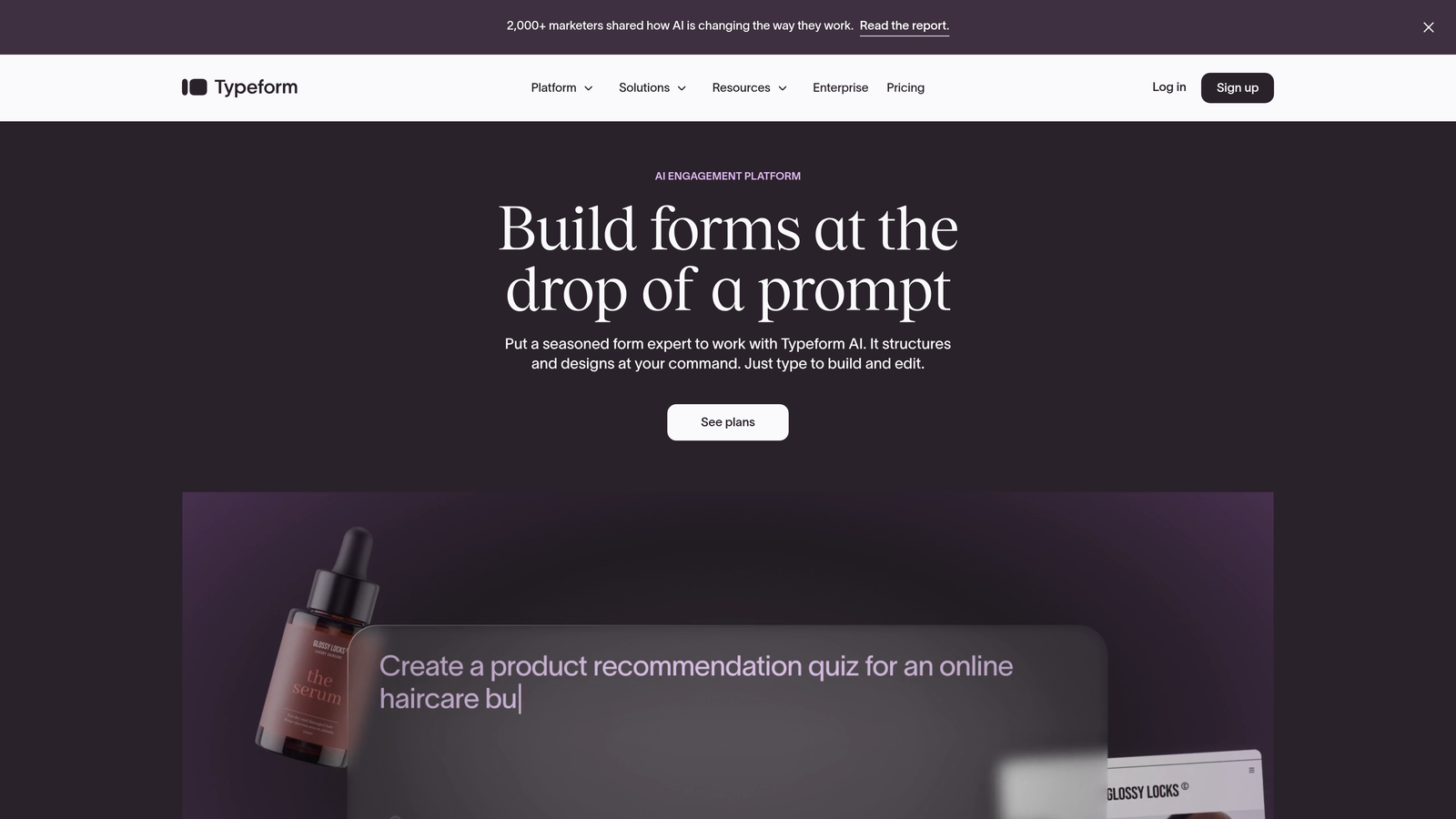
Typeform's one-question-at-a-time approach creates a conversational flow that can improve completion rates for consumer-facing applications and shorter forms. You're never confronted with a wall of fields—just one question at a time, with smooth transitions between each.
SurveyMonkey's traditional layout shows multiple questions per page, which works well when respondents expect a survey format and prefer to see the full scope upfront. For B2B audiences or longer research instruments, this transparency can actually build trust.
The key insight: form design isn't about aesthetics—it's about cognitive load. How much mental effort does your form require, and does that match your audience's expectations and motivation level?
Implementation Steps
1. Identify your highest-traffic form and create parallel versions in both Typeform and SurveyMonkey, keeping questions and logic identical to isolate the impact of design philosophy.
2. Run a split test for 2-4 weeks with sufficient traffic to reach statistical significance, tracking not just completion rate but also time-to-complete and drop-off points.
3. Segment your results by traffic source and audience type—you may find that conversational formats work brilliantly for social traffic but frustrate direct visitors who want efficiency.
Pro Tips
Don't assume conversational always wins. For technical B2B audiences or forms requiring significant thought (like detailed RFP responses), traditional layouts often outperform because they allow respondents to review context across multiple questions. Test with your actual audience, not assumptions about what "modern" means.
3. Assess Lead Qualification Capabilities Beyond Basic Data Collection
The Challenge It Solves
Collecting contact information is easy. Collecting contact information plus the context your sales team needs to prioritize follow-up and personalize outreach—that's where most form builders fall short.
When every form submission looks equally important, your sales team wastes time on unqualified prospects while genuine opportunities go cold waiting in the queue.
The Strategy Explained
Both Typeform and SurveyMonkey can collect data, but neither was built with AI-powered lead qualification as a core capability. You're essentially collecting responses and hoping your team can manually assess quality and urgency.
True lead qualification means capturing not just demographic data but behavioral signals, intent indicators, and contextual information that reveals whether someone is ready to buy now, needs nurturing, or isn't a fit at all. It means scoring responses in real-time and routing accordingly.
For high-growth teams, this capability directly impacts sales velocity. When your CRM receives a new lead tagged with "high intent, enterprise segment, immediate timeline," your team knows exactly how to prioritize. When it receives "name, email, company"—they're starting from scratch.
Implementation Steps
1. Map your current lead qualification criteria: what questions differentiate high-value prospects from low-priority leads, and can those questions be asked naturally within a form experience?
2. Evaluate each platform's conditional logic capabilities—can you branch based on responses to surface different questions for enterprise versus SMB prospects, or immediate versus future timelines?
3. Test the CRM integration depth: does the platform pass raw form data that your CRM must then process, or can it send pre-qualified, enriched lead records with scores and tags already applied?
Pro Tips
The best qualification happens invisibly. Instead of asking "Are you ready to buy?" directly, structure your form to capture signals through natural questions: budget ranges, timeline expectations, current solution pain points. Modern AI-powered form solutions can analyze these patterns automatically—legacy platforms require you to build the logic manually.
4. Calculate True Cost of Ownership Including Hidden Limitations
The Challenge It Solves
Subscription prices are easy to compare. True cost of ownership—factoring in response limits, feature gates, integration restrictions, and the time your team spends working around limitations—that's where the real expense hides.
A cheaper plan that caps you at 100 responses per month becomes expensive fast when you're paying per-response overage fees or manually exporting data because real-time integrations live behind a higher tier.
The Strategy Explained
Both Typeform and SurveyMonkey use tiered pricing models with response limits on lower plans. This sounds reasonable until you consider what "response" actually means for a high-growth team generating hundreds of leads monthly.
Factor in the features locked behind higher tiers: advanced logic, payment collection, custom branding, priority support, team collaboration. Then add the hidden costs—the time your team spends manually processing data that could flow automatically, the leads lost because you hit your response cap mid-month, the conversion rate impact of branding you can't remove on lower plans.
Calculate cost per qualified lead, not cost per month. A platform that costs twice as much but converts 30% better and qualifies leads automatically might deliver better ROI than a cheaper option that requires manual processing.
Implementation Steps
1. Project your monthly response volume based on current traffic plus expected growth, then map which tier you'd actually need on each platform—not the entry-level price you initially see.
2. List every feature you consider essential (not nice-to-have) and verify which tier includes it, calculating the true minimum viable plan for your requirements.
3. Estimate the time cost of manual workarounds: if you're exporting CSV files and manually importing to your CRM because real-time sync costs extra, calculate that labor cost and add it to your subscription price.
Pro Tips
Response limits become painful faster than you expect. If you're choosing a plan based on current volume, you're already behind. Growth means your form traffic increases—sometimes dramatically after a successful campaign launch. Build in 3-6 months of headroom, or choose platforms with unlimited responses where you pay for features, not volume.
5. Test Integration Ecosystem Depth for Your Tech Stack
The Challenge It Solves
A form builder that doesn't connect to your CRM, marketing automation platform, and analytics tools creates data silos. Your team ends up manually copying information between systems, leads fall through the cracks, and you lose the real-time responsiveness that separates high-growth teams from everyone else.
Integration quality matters as much as integration existence. A native connection that syncs instantly with full field mapping beats a Zapier workaround that delays by 15 minutes and drops custom fields.
The Strategy Explained
Both Typeform and SurveyMonkey offer integration marketplaces, but depth varies significantly. Native integrations typically provide richer functionality and more reliable sync than third-party connectors built through automation platforms.
For sales-focused teams, CRM integration depth determines whether your sales team can act on leads immediately or waits for batch processing. For marketing teams, the connection between your form builder and marketing automation platform determines whether you can trigger sophisticated nurture sequences based on form responses.
Webhook flexibility matters too. When your tech stack includes custom or niche tools, webhook support lets you build connections that don't exist in the marketplace. Platforms that restrict webhooks to higher tiers force you into their integration ecosystem—or force you to upgrade.
Implementation Steps
1. List every tool in your current tech stack that should receive or send data to your forms: CRM, marketing automation, analytics, payment processors, customer success platforms, and any custom internal systems.
2. For each platform, verify whether integrations are native or third-party, whether they sync in real-time or on delay, and whether they support bidirectional data flow or just one-way pushes.
3. Test the actual integration setup process—some "available" integrations require complex configuration or developer resources, while others connect in minutes with pre-built field mapping.
Pro Tips
Integration marketplaces look impressive until you realize half the connectors are community-built and unmaintained. Focus on the integrations that matter for your workflow, not the total count. And test the integration before committing—connect to your actual CRM with real data to verify that custom fields, tags, and lead scores flow correctly.
6. Prioritize Analytics That Drive Action, Not Just Reporting
The Challenge It Solves
Beautiful dashboards that don't change your behavior are just expensive wallpaper. You need analytics that reveal where prospects abandon your forms, which questions create friction, and which traffic sources deliver the highest-quality leads.
Traditional survey analytics focus on response aggregation and statistical significance. Conversion analytics focus on funnel optimization and drop-off patterns. For lead generation, you need the latter.
The Strategy Explained
SurveyMonkey excels at survey analysis—cross-tabulation, filtering, sentiment analysis, and statistical testing. If you're running research studies, these capabilities matter. If you're optimizing lead conversion, they're solving the wrong problem.
Typeform provides basic completion rates and drop-off analytics, but lacks the depth that conversion-focused teams need: granular drop-off analysis by traffic source, time-based patterns revealing when prospects abandon, and quality scoring that helps you understand which form variations attract better leads.
What you actually need: analytics that answer "Which question loses the most prospects?" and "Do leads from LinkedIn convert better than leads from Google Ads?" and "What's our completion rate for mobile versus desktop?"—then make it easy to test improvements.
Implementation Steps
1. Define your key form metrics beyond basic completion rate: time to complete, drop-off by question, completion rate by traffic source, and lead quality by form variant.
2. Audit whether each platform surfaces these metrics natively or requires you to export data and analyze in spreadsheets—manual analysis means you do it rarely, which means you optimize slowly.
3. Test the iteration cycle: how quickly can you identify a problem question, create a variant, launch an A/B test, and get statistically significant results? Platforms that make this easy enable continuous optimization.
Pro Tips
The best analytics are the ones you actually use. Sophisticated statistical tools you never open don't improve conversion. Simple, actionable dashboards that you check weekly and use to drive form improvements—those transform performance. Prioritize platforms that surface insights you'll act on, not comprehensive reports you'll ignore. For deeper guidance, explore how to track form analytics effectively.
7. Consider Modern Alternatives Built for Today's Growth Requirements
The Challenge It Solves
Typeform launched in 2012. SurveyMonkey started in 1999. Both platforms evolved from earlier eras with different assumptions about how forms should work, what data matters, and how teams operate.
The question isn't whether these platforms are bad—they're not. The question is whether platforms built for the AI era, designed from the ground up for lead qualification and conversion optimization, might better serve high-growth teams focused on pipeline generation.
The Strategy Explained
Modern form builders approach the problem differently. Instead of asking "How do we make data collection beautiful?" they ask "How do we qualify leads automatically while delivering exceptional user experiences?"
This means AI-powered lead scoring that analyzes responses in real-time and routes accordingly. It means conversion-optimized design that balances aesthetics with completion rates. It means predictable monthly response limits where you pay for capabilities, not volume. And it means integrations built for modern sales and marketing workflows, not retrofitted onto legacy architectures.
For teams where every form submission represents potential revenue, these differences compound. A 10% improvement in completion rates plus automatic lead qualification plus better CRM integration doesn't just make your life easier—it directly impacts pipeline velocity and sales team efficiency.
Implementation Steps
1. Evaluate whether your core requirement is survey research (where legacy platforms excel) or lead generation and qualification (where modern alternatives often outperform).
2. Run a pilot with a modern form builder like Orbit AI alongside your current platform, comparing not just completion rates but lead quality and sales team feedback on qualification accuracy.
3. Calculate the total impact: completion rate improvement × average form traffic × close rate × average deal value—this reveals whether platform differences translate to meaningful revenue impact or just marginal gains.
Pro Tips
Don't assume newer means better for your specific use case. If you're running academic research or need specific compliance certifications, established platforms might offer capabilities that newer alternatives haven't built yet. But if you're focused on lead generation and conversion optimization, evaluate whether platforms built specifically for that purpose might accelerate your goals faster than repurposed survey tools. For a comprehensive breakdown, see our guide on Typeform vs alternative form builders.
Putting It All Together
Choosing between Typeform and SurveyMonkey ultimately comes down to whether you're optimizing for research insights or lead conversion. SurveyMonkey remains strong for traditional survey research with robust analysis tools, cross-tabulation, and statistical significance testing. Typeform offers engaging conversational experiences that can improve completion rates for consumer-facing applications.
But here's what the feature comparison charts won't tell you: for high-growth teams where every form submission represents potential revenue, neither legacy platform was built with AI-powered lead qualification as a core capability. You're choosing between beautiful data collection and comprehensive survey analysis—when what you actually need is intelligent lead qualification and conversion optimization.
Start by auditing your current form performance. Track completion rates, lead quality, and sales team efficiency with your existing setup. Then run a focused pilot comparing not just Typeform versus SurveyMonkey, but whether either truly meets modern requirements.
Consider whether purpose-built alternatives designed around AI-powered lead qualification might accelerate your goals faster. Platforms built specifically for lead generation funnel optimization approach the problem differently—and for teams focused on pipeline velocity, those differences compound into meaningful revenue impact.
The right form builder becomes invisible infrastructure that just works. Prospects complete forms without friction. Your sales team receives qualified leads with the context they need. Your conversion rates improve month over month because optimization is built into the platform, not bolted on through manual analysis.
Transform your lead generation with AI-powered forms that qualify prospects automatically while delivering the modern, conversion-optimized experience your high-growth team needs. Book a demo and see how intelligent form design can elevate your conversion strategy.


