

Collecting payments through forms eliminates friction and speeds up revenue collection. When customers can fill out a form and pay in one seamless experience, you remove the extra steps that cause drop-offs. The best payment-enabled form builders combine secure payment processing with intuitive form design, making it easy for businesses to collect everything from one-time payments to recurring subscriptions.
What separates great payment form builders from mediocre ones? Security is non-negotiable—all tools must handle PCI compliance properly. Payment gateway flexibility matters too, since your business might prefer Stripe while another needs PayPal or Square. Beyond that, look for customization options that let you match your brand, calculation fields for dynamic pricing, and mobile optimization for customers paying on their phones.
We evaluated these tools based on payment gateway integrations, transaction fee structures, form flexibility, and overall user experience. Here are the top form builders with payment processing capabilities in 2026.
1. Orbit AI
Best for: High-growth teams needing AI-powered lead qualification alongside payment collection
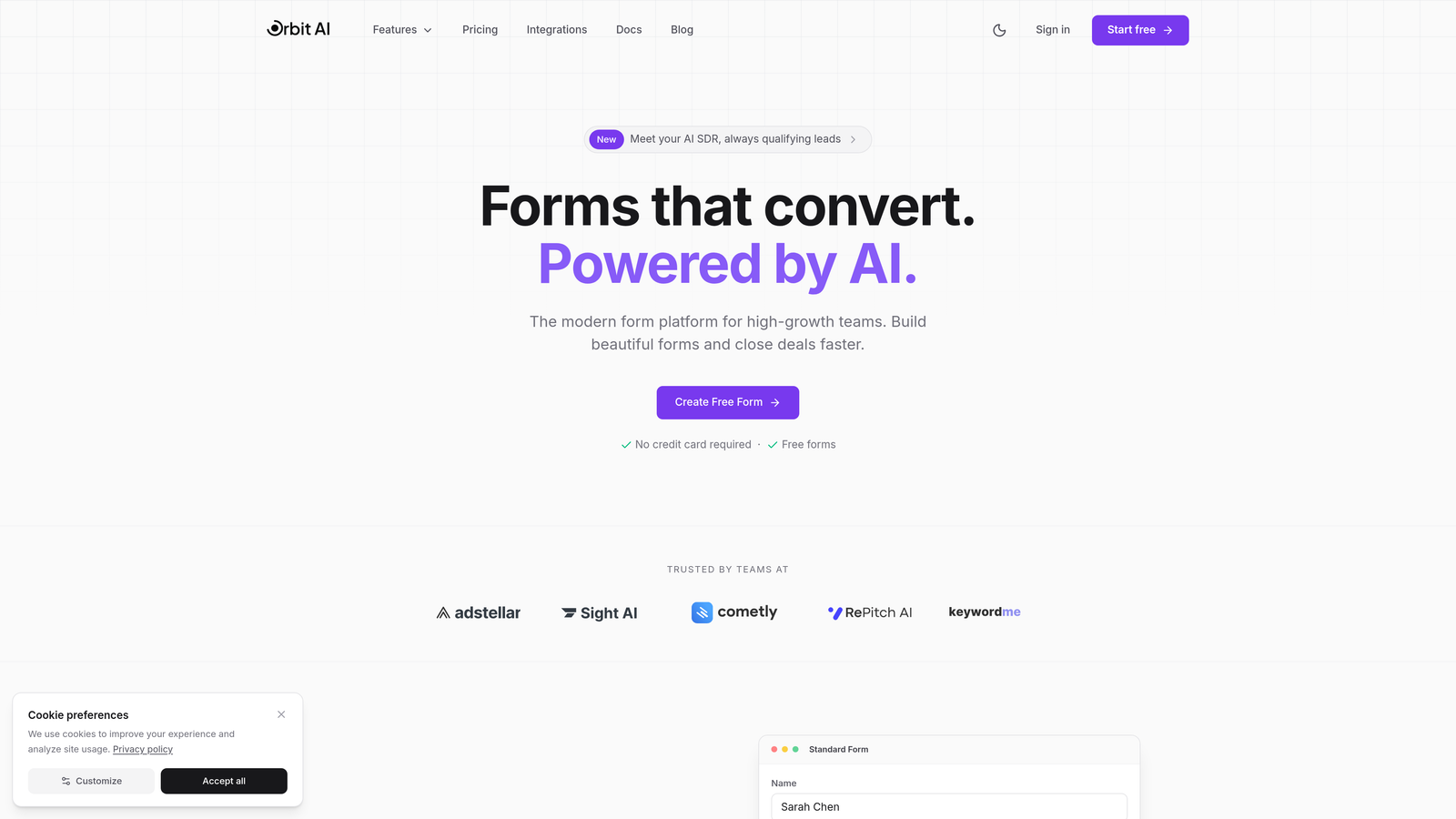
Orbit AI combines intelligent lead qualification with seamless payment processing, creating forms that both convert and collect revenue.
Where This Tool Shines
What sets Orbit AI apart is its AI-powered approach to forms. While other tools simply collect payments, Orbit AI qualifies and scores leads automatically as they fill out your form. This means you're not just processing transactions—you're gathering intelligence about who your best customers are.
The platform excels at creating conversion-optimized payment experiences. Forms are designed with modern UX principles that reduce abandonment, and the native CRM integrations mean payment data flows directly into your sales pipeline without manual work.
Key Features
AI Lead Qualification: Automatically scores and qualifies leads based on their responses while they complete payment forms.
Stripe Integration: Secure payment processing with transparent fee structures and instant setup.
Conversion Templates: Pre-built form templates optimized for payment collection and lead capture.
Advanced Analytics: Track form performance, payment completion rates, and lead quality metrics in one dashboard.
Workflow Automation: Trigger actions based on payment status or lead scores, connecting forms to your broader business processes.
Best For
High-growth teams and businesses focused on lead generation who need payment forms that do double duty—collecting revenue while qualifying prospects. Ideal for SaaS companies, agencies, and service businesses where understanding lead quality matters as much as processing payments.
Pricing
Pricing is quoted on a short demo, and Orbit has no free plan. Book a demo to see it with your own forms.
2. Jotform
Best for: Businesses needing the widest selection of payment gateway options
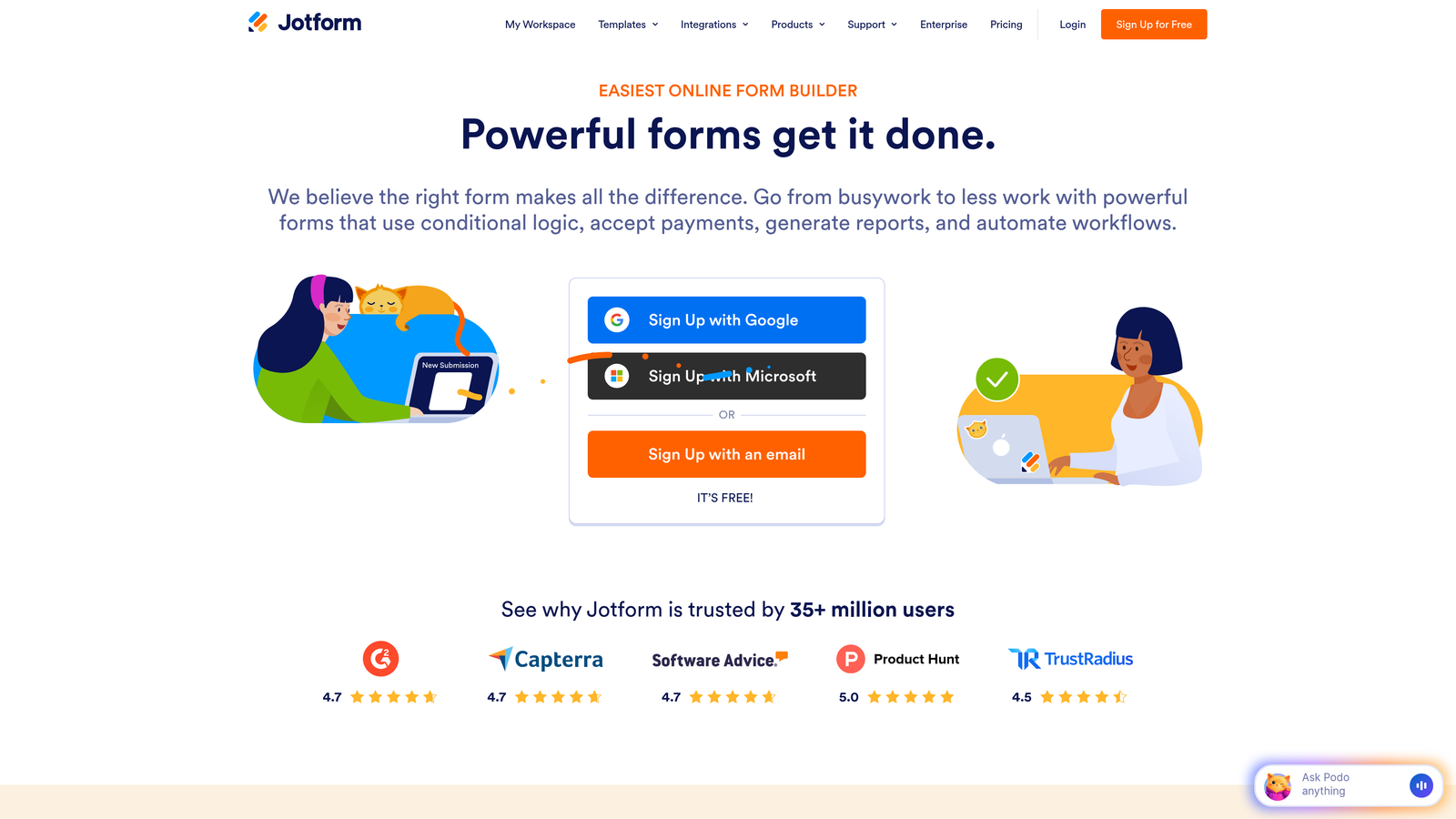
Jotform offers the most extensive payment gateway integrations in the market, supporting over 40 different processors.
Where This Tool Shines
If payment gateway flexibility is your priority, Jotform dominates. Whether you need Stripe, PayPal, Square, Authorize.net, or more specialized processors, Jotform probably supports it. This makes it invaluable for businesses with specific payment processor requirements or those operating in multiple regions with different payment preferences.
The platform also handles product catalogs well. You can build forms with multiple products, variants, inventory tracking, and even subscription billing. The template library includes hundreds of pre-built payment forms that you can customize without starting from scratch.
Key Features
40+ Payment Gateways: From mainstream processors to regional options, Jotform connects to virtually any payment system.
Product Management: Built-in product catalogs with inventory tracking and variant support for e-commerce-style forms.
Subscription Billing: Set up recurring payments and membership forms with automated billing cycles.
Mobile Checkout: Responsive payment forms that work seamlessly on smartphones and tablets.
Payment Templates: Extensive library of pre-built payment form templates for common use cases.
Best For
Businesses with specific payment processor requirements, international companies needing regional gateway support, and organizations selling products or subscriptions through forms. Also ideal for non-profits accepting donations through multiple payment methods.
Pricing
Free tier available with limited features. Paid plans start at $34/month with expanded payment integrations and higher submission limits.
3. Typeform
Best for: Creating engaging, conversational payment experiences with high completion rates
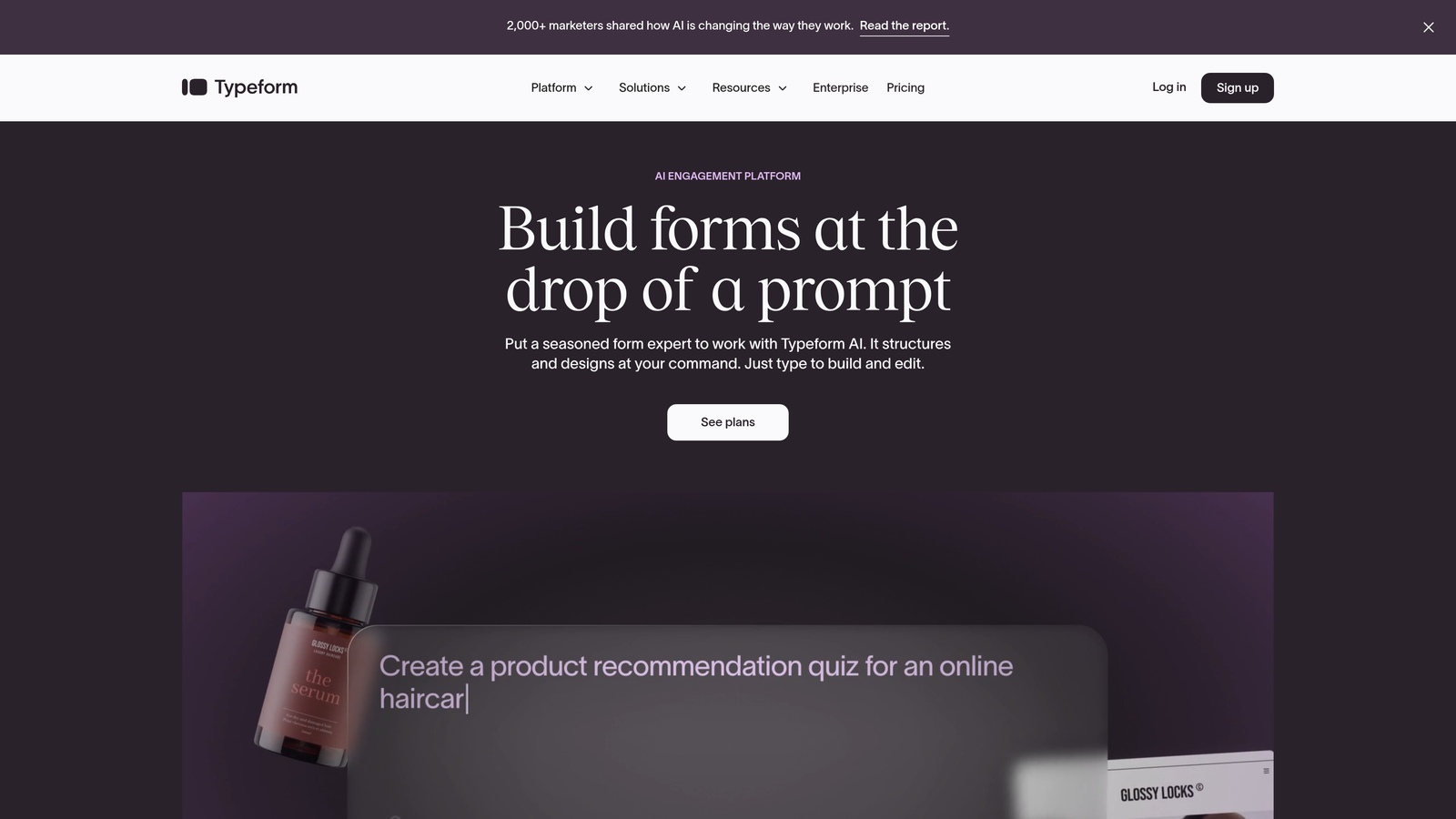
Typeform transforms payment forms into conversational experiences that feel more like guided conversations than traditional checkout pages.
Where This Tool Shines
Typeform's one-question-at-a-time approach creates payment experiences that feel less overwhelming than traditional multi-field forms. By breaking the process into digestible steps, you reduce cognitive load and often see higher completion rates. The design is beautiful by default, creating a premium feel that matches high-value products or services.
Logic jumps let you create conditional pricing flows. Ask qualifying questions first, then show relevant pricing based on answers. This personalization makes customers feel like they're getting exactly what they need rather than navigating generic options.
Key Features
Conversational Flow: One-question-at-a-time interface that guides users through payment collection naturally.
Stripe Integration: Secure payment processing with a beautifully designed checkout experience.
Logic Jumps: Show different pricing or products based on previous answers for personalized experiences.
Design Templates: Professionally designed templates that make your payment forms look premium.
Completion Analytics: Track where users drop off and optimize your payment flow accordingly.
Best For
Businesses selling premium services, coaching programs, or high-ticket items where the payment experience matters. Also great for applications, registrations, or surveys that include payment collection as part of a longer qualification process.
Pricing
Basic plans start at $25/month. Payment processing features require the Plus plan at $50/month or higher tiers.
4. Paperform
Best for: Creating branded payment pages that look like custom-designed websites
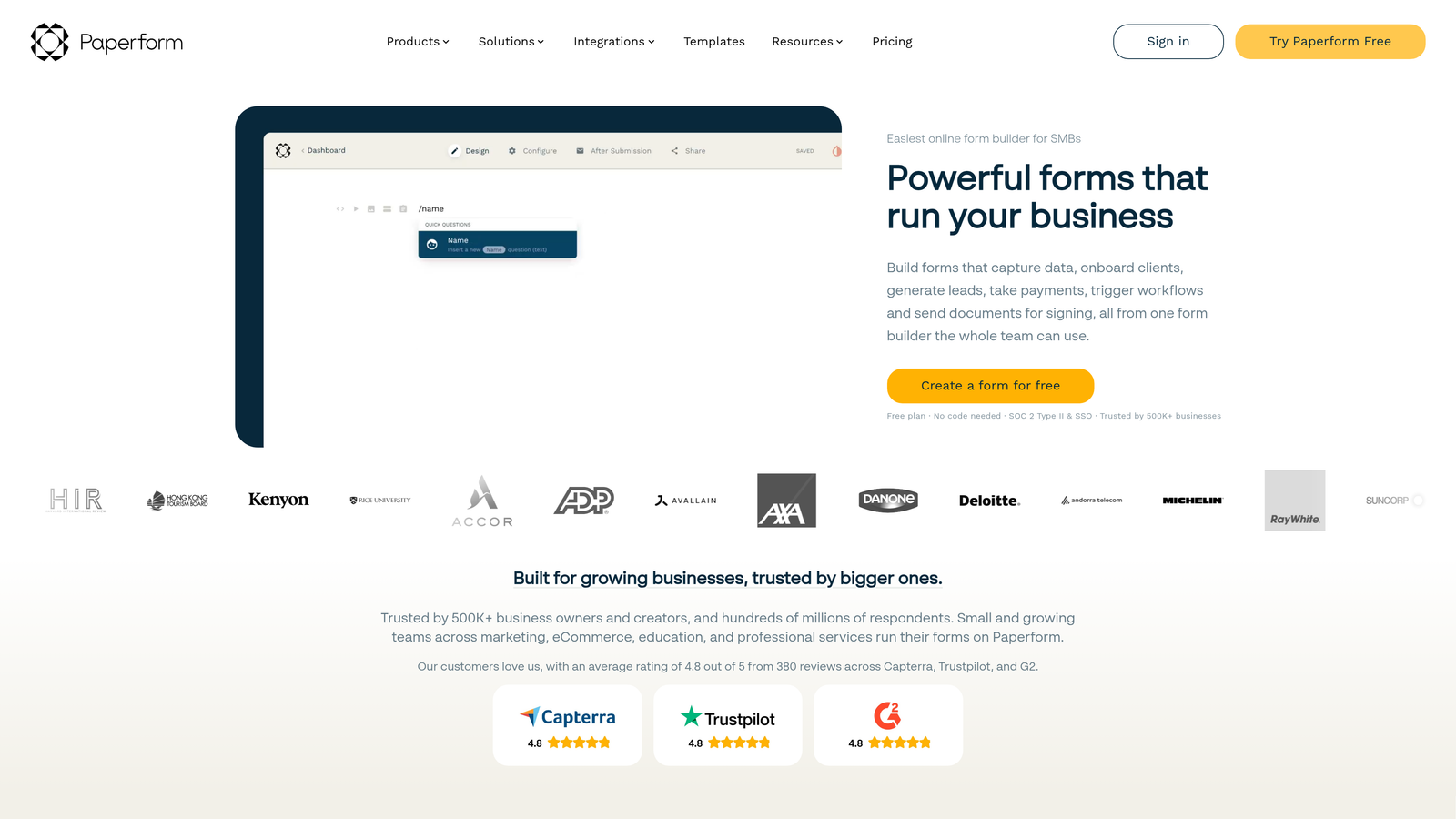
Paperform uses a document-style editor that lets you design payment forms that feel like fully custom web pages.
Where This Tool Shines
Paperform's unique editor works like a word processor. You type, format, and design your payment form as if you're creating a document, which makes it incredibly intuitive for non-technical users. The result looks nothing like a traditional form—it feels like a branded landing page with embedded payment functionality.
The platform excels at custom branding. You can match your exact brand colors, fonts, and styling without touching code. Product catalogs support variants and options, making it suitable for selling physical or digital products with multiple configurations.
Key Features
Document Editor: Design payment forms using a familiar word-processor-style interface.
Multiple Gateways: Integration with Stripe, PayPal, Braintree, and Square for payment flexibility.
Product Variants: Sell products with different options, sizes, or configurations through dynamic catalogs.
Calculation Fields: Build dynamic pricing that updates based on quantity, selections, or custom formulas.
Custom Branding: Full control over colors, fonts, and styling to match your brand identity perfectly.
Best For
Design-conscious businesses, creative agencies, and brands that need payment forms to match their visual identity. Ideal for selling courses, event tickets, or products where presentation matters as much as functionality.
Pricing
Essentials plan starts at $24/month with full payment processing capabilities and unlimited forms.
5. Cognito Forms
Best for: Complex pricing structures requiring advanced calculation capabilities
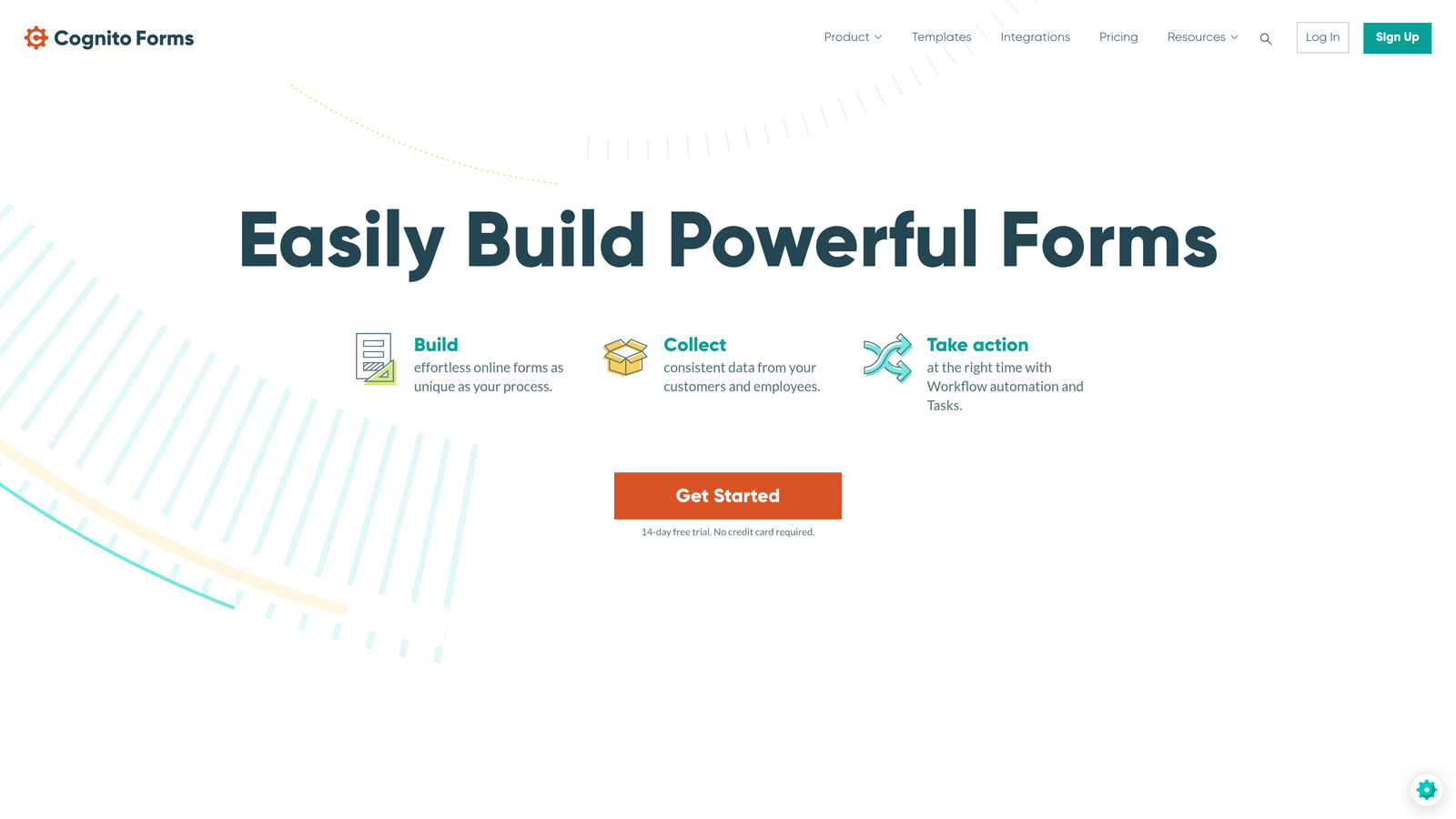
Cognito Forms handles sophisticated pricing calculations that other form builders struggle with.
Where This Tool Shines
If your pricing involves calculations—quantity discounts, tiered pricing, add-on selections, or conditional fees—Cognito Forms handles it elegantly. The calculation engine is powerful enough for complex business logic while remaining accessible to non-developers through a formula builder.
Repeating sections let customers add multiple line items to a single order. Think event registrations where someone books multiple attendees, or service forms where clients select various options. The platform calculates totals automatically and processes the entire order as one payment.
Key Features
Advanced Calculations: Powerful formula builder for quantity-based pricing, discounts, and conditional fees.
Repeating Sections: Let customers add multiple items or attendees within a single payment form.
Multiple Gateways: Integration with Stripe, PayPal, and Square for processing flexibility.
Low Transaction Fees: Competitive pricing structure with transparent fee disclosure.
Quantity Pricing: Automatically calculate totals based on quantities, selections, and custom business rules.
Best For
Event organizers handling group registrations, service businesses with tiered pricing, and organizations needing calculation-heavy payment forms. Also great for order forms where customers configure products with multiple options.
Pricing
Free tier available for basic use. Pro plans start at $15/month with access to payment processing and advanced features.
6. Wufoo
Best for: Quick payment form setup without unnecessary complexity
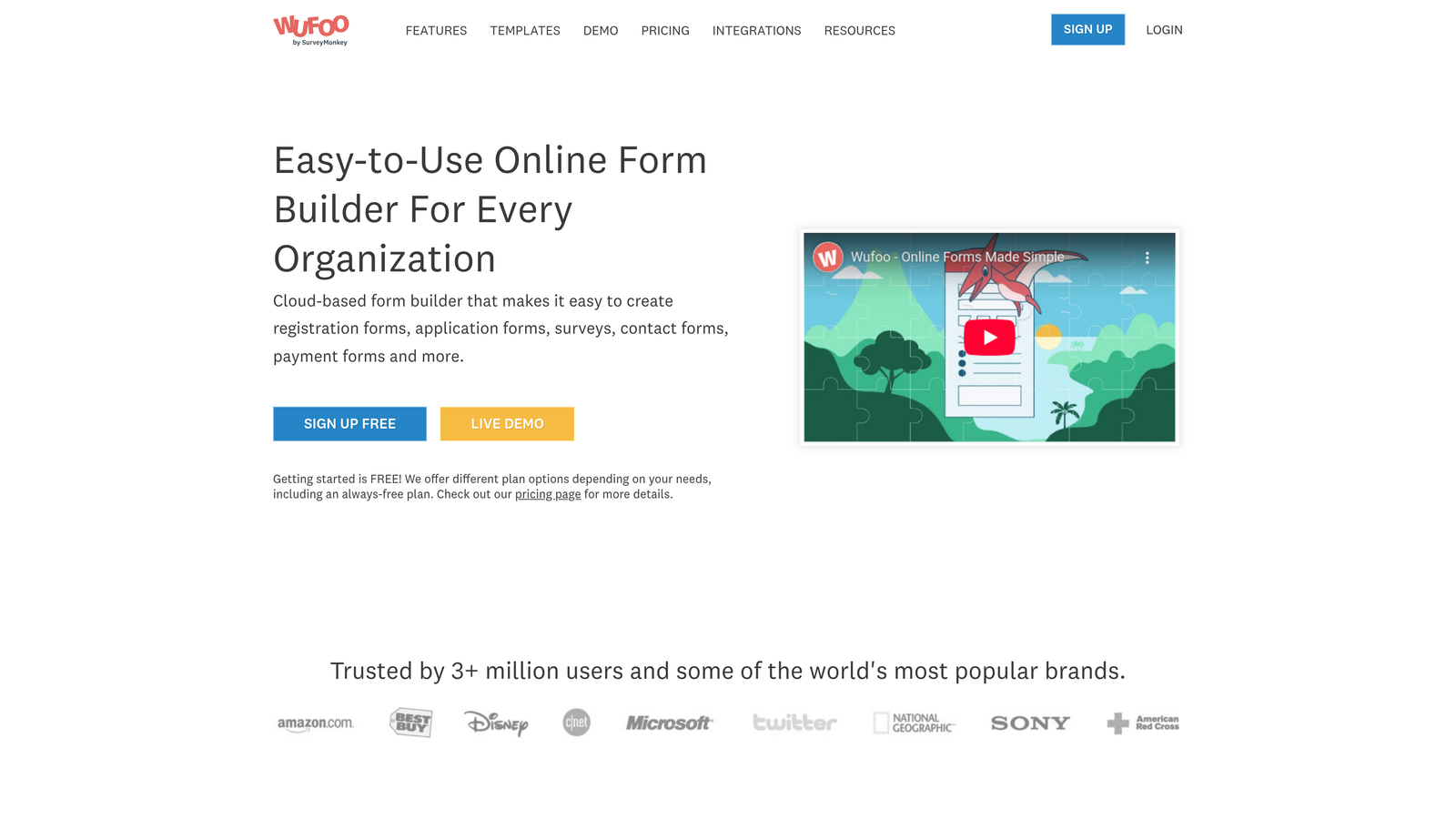
Wufoo focuses on straightforward form building for businesses that need payment collection without advanced features.
Where This Tool Shines
Wufoo keeps things simple. The drag-and-drop builder is genuinely intuitive—you can create a working payment form in minutes without training or tutorials. This simplicity makes it perfect for small businesses, freelancers, or anyone who needs to start collecting payments quickly.
The platform handles the essentials well: Stripe and PayPal integration, payment confirmation emails, and basic reporting. You won't find advanced features like AI qualification or complex calculations, but you also won't wade through unnecessary options to accomplish basic payment collection.
Key Features
Drag-and-Drop Builder: Genuinely simple interface for creating payment forms without technical knowledge.
Stripe and PayPal: Integration with the two most popular payment processors for broad customer coverage.
Confirmation Emails: Automatic payment receipts and confirmation messages to customers.
Basic Reporting: Track payments and form submissions with straightforward analytics.
Embeddable Forms: Add payment forms to any website with simple embed codes.
Best For
Small businesses, freelancers, and solopreneurs who need straightforward payment collection without enterprise features. Ideal for accepting simple payments, donations, or event registrations where complexity isn't required.
Pricing
Starter plans begin at $14.08/month with payment processing capabilities and reasonable submission limits.
7. Formstack
Best for: Enterprise organizations requiring compliance features and secure payment processing
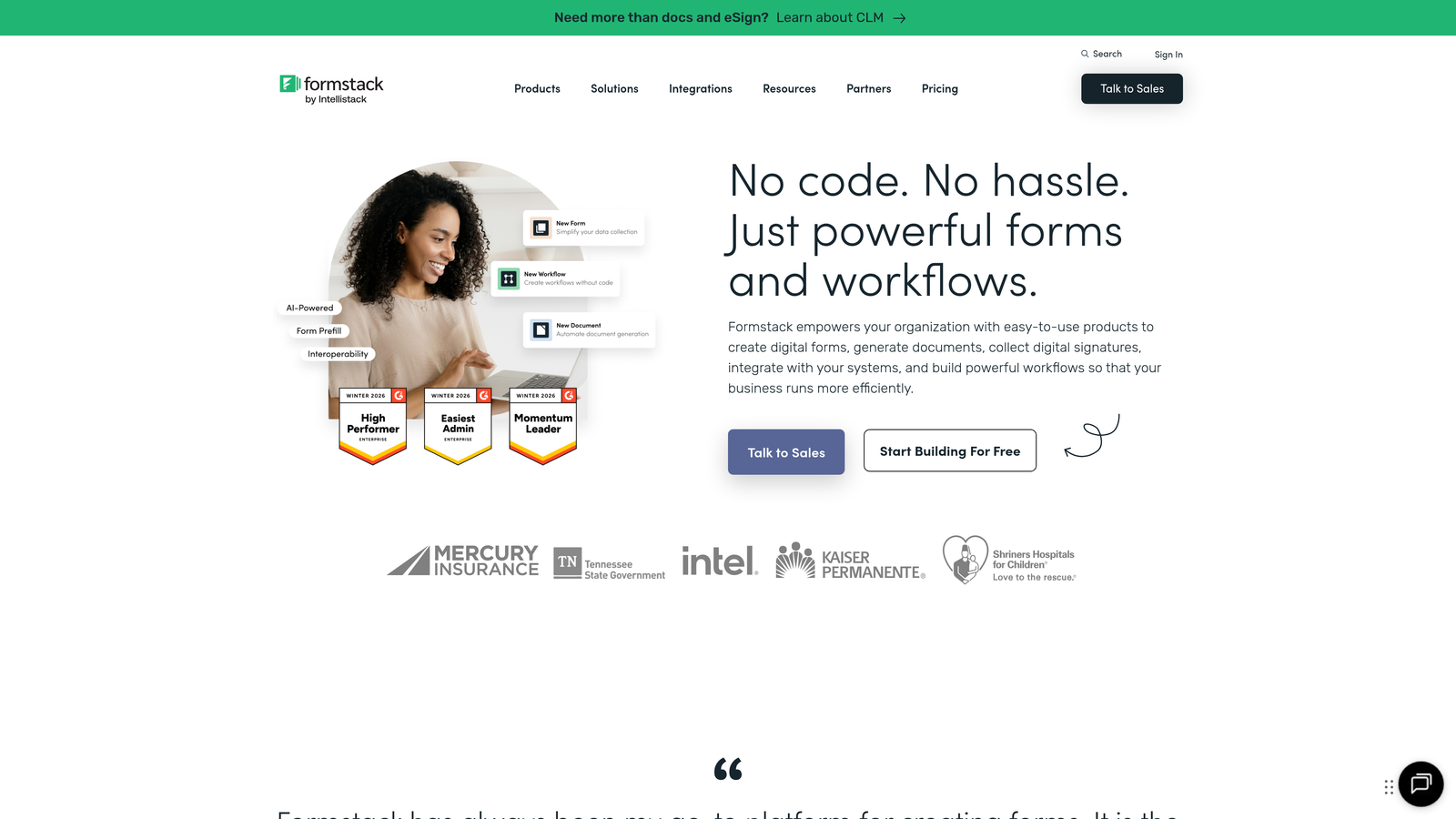
Formstack delivers enterprise-grade security and compliance alongside payment collection capabilities.
Where This Tool Shines
Formstack is built for organizations with serious compliance requirements. The platform offers HIPAA-compliant payment forms, making it suitable for healthcare providers collecting patient payments. Enterprise security features include advanced encryption, audit logs, and role-based access controls that larger organizations require.
Workflow automation goes beyond basic payment processing. Generate documents automatically after payment, trigger approval workflows, and connect payment data to enterprise systems. The platform integrates with major business tools, making it suitable for complex organizational workflows.
Key Features
HIPAA Compliance: Secure payment forms that meet healthcare data protection requirements.
Multiple Payment Gateways: Support for various processors with enterprise-level security standards.
Workflow Automation: Trigger complex business processes based on payment status and form data.
Document Generation: Automatically create invoices, receipts, or contracts after payment completion.
Enterprise Security: Advanced encryption, audit trails, and access controls for organizational compliance.
Best For
Healthcare organizations, financial services, and enterprise businesses requiring HIPAA compliance or advanced security features. Also suitable for organizations with complex approval workflows involving payment processing.
Pricing
Forms plans start at $50/month. Payment processing features are available on higher-tier enterprise plans.
8. 123FormBuilder
Best for: International businesses needing multi-currency support and global payment options
123FormBuilder excels at handling international payments with multi-currency support and regional payment processors.
Where This Tool Shines
Operating globally? 123FormBuilder handles the complexity of international payments better than most competitors. Multi-currency support lets customers pay in their local currency, while integration with 30+ payment processors means you can accept regional payment methods that matter in specific markets.
Conditional payment fields let you show different payment options based on customer location or selections. The order management dashboard provides a centralized view of payments across currencies and processors, simplifying financial reconciliation for international operations.
Key Features
Multi-Currency Support: Accept payments in multiple currencies with automatic conversion and display.
30+ Payment Integrations: Connect to regional processors and international payment gateways.
Conditional Payment Fields: Show different payment options based on location, product selection, or other criteria.
Order Management Dashboard: Centralized tracking of payments across currencies and processors.
Localization Features: Support for multiple languages and regional formatting preferences.
Best For
International businesses selling to customers across multiple countries, organizations needing regional payment processor support, and companies requiring multi-currency payment collection with consolidated reporting.
Pricing
Gold plan starts at $24.99/month with payment processing features and multi-currency support.
9. Zoho Forms
Best for: Businesses using Zoho ecosystem for unified payment and business workflows
Zoho Forms integrates natively with Zoho CRM, Books, and other Zoho applications for seamless business workflows.
Where This Tool Shines
If you're already using Zoho CRM or other Zoho applications, Zoho Forms creates powerful synergies. Payment data flows automatically into Zoho CRM as deals, into Zoho Books as invoices, and throughout your Zoho ecosystem without integration hassles. This native connectivity eliminates data silos and manual entry.
The platform supports PayPal, Stripe, and Authorize.net with automated invoice generation. Approval workflows let you route payment forms through organizational processes before final submission. The mobile app lets you manage forms and view payment data from anywhere.
Key Features
Native Zoho Integration: Seamless connection with Zoho CRM, Books, and the entire Zoho suite.
Multiple Payment Gateways: Support for PayPal, Stripe, and Authorize.net with straightforward setup.
Automated Invoicing: Generate invoices automatically in Zoho Books when payments are collected.
Approval Workflows: Route payment forms through organizational approval processes before completion.
Mobile Management: Dedicated mobile app for managing forms and viewing payment data on the go.
Best For
Businesses already invested in the Zoho ecosystem, organizations wanting unified CRM and payment data, and teams needing approval workflows for payment collection. Also suitable for mobile-first teams managing forms remotely.
Pricing
Free tier available for basic use. Basic paid plans start at $10/month with payment processing capabilities.
Making the Right Choice
The best payment form builder depends on your specific needs. If you're a high-growth team that needs AI-powered lead qualification alongside payment collection, Orbit AI delivers both in one platform. For businesses requiring the widest payment gateway selection, Jotform's 40+ integrations are unmatched. Design-focused teams creating premium experiences will appreciate Typeform's conversational approach.
Complex pricing calculations? Cognito Forms handles sophisticated formulas elegantly. Enterprise organizations with compliance requirements should consider Formstack's HIPAA-certified platform. International businesses benefit from 123FormBuilder's multi-currency support, while Zoho ecosystem users gain powerful synergies with Zoho Forms.
For most businesses, the decision comes down to three factors: which payment gateways you need, what level of customization matters to your brand, and whether you need advanced features like lead qualification or compliance certifications. Start by identifying your must-have payment processors, then evaluate which platform offers the best combination of design flexibility and workflow integration.
Transform your lead generation with AI-powered forms that qualify prospects automatically while delivering the modern, conversion-optimized experience your high-growth team needs. Book a demo and see how intelligent form design can elevate your conversion strategy.


