

When a form needs more than a checkbox, signature capture changes everything. Whether you're collecting client approvals, service agreements, consent forms, or work orders, a built-in e-signature field eliminates the back-and-forth of separate signing tools and keeps your workflow in one place.
But not all form builders handle signatures equally. Some bolt on a basic draw field and call it done. Others offer legally compliant, audit-ready e-signatures with conditional logic, automated follow-ups, and CRM integrations that actually move deals forward.
This guide covers the best form builders with native or integrated signature capture, evaluated on ease of use, signature quality, workflow depth, and value for high-growth teams. Whether you're closing contracts, onboarding clients, or capturing field approvals, one of these tools will fit your stack.
1. Orbit AI
Best for: High-growth teams that want AI-qualified leads and signatures in a single, conversion-optimized flow.
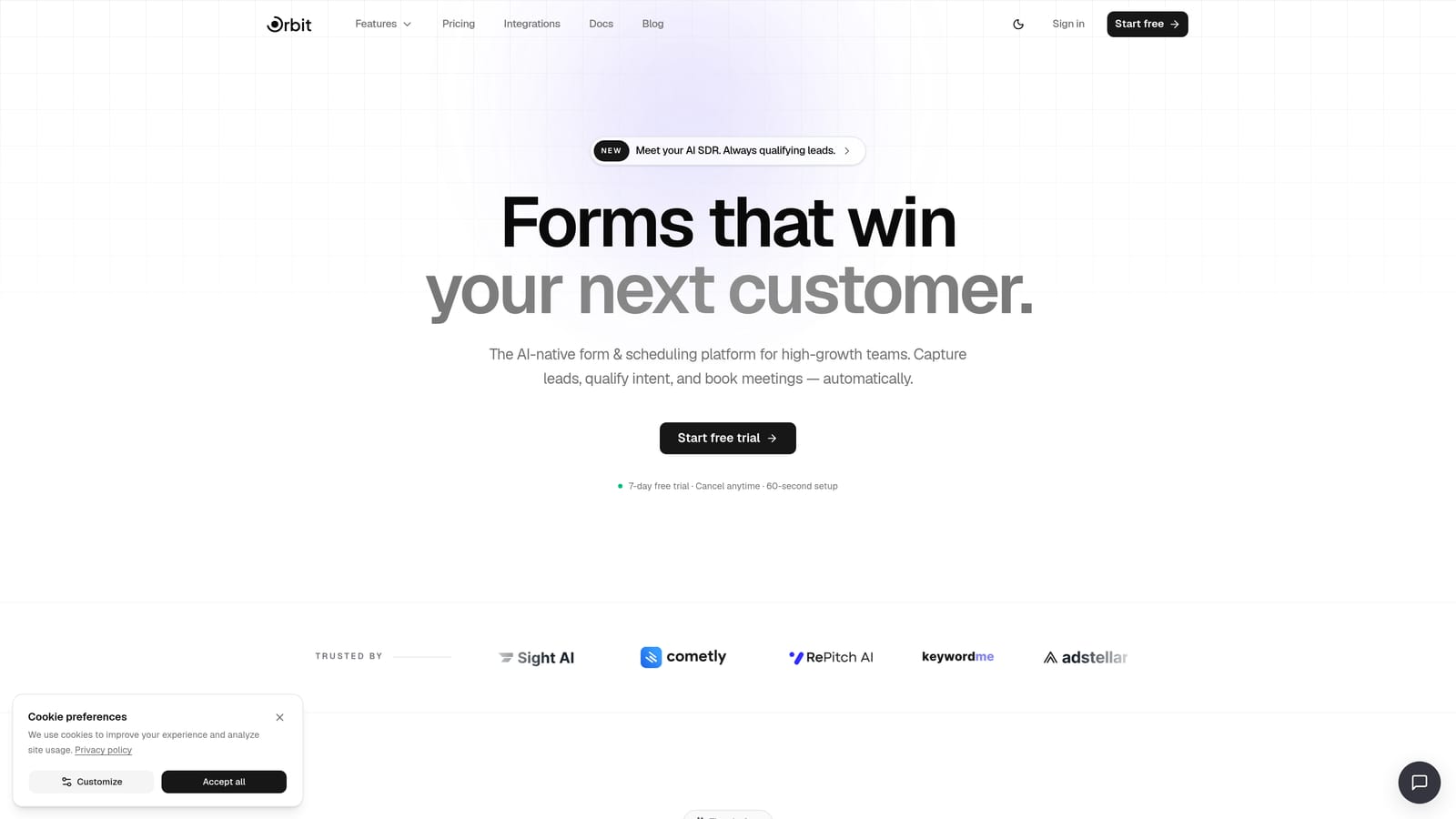
Orbit AI is an AI-powered form builder that combines lead qualification, signature capture, and workflow automation into one modern platform built for teams that care about conversion.
Where This Tool Shines
Most form builders treat the signature field as an afterthought. Orbit AI treats it as part of a larger lead and client workflow. You can qualify and score a lead with AI before they ever reach the signature step, which means your team only spends time on agreements with prospects who actually meet your criteria.
The form design system is genuinely conversion-optimized, not just pretty. You're getting layouts engineered to reduce drop-off, combined with the kind of intelligent routing that pushes signed contacts directly into your CRM or automation sequences without manual intervention.
Key Features
AI Lead Qualification: Scores and qualifies leads within the form flow itself, so signature requests go to the right people at the right time.
Native Signature Capture: A built-in signature field that fits naturally within beautifully designed form layouts, no third-party plugin required.
Workflow Automation: Push signed leads into CRMs, email sequences, or other tools automatically after form completion.
Conversion-Optimized Design System: Form layouts built to maximize completion rates, not just collect data.
Analytics and Contact Management: Track form performance and manage signed contacts from within the platform.
Best For
Orbit AI is the strongest fit for SaaS companies, agencies, and service businesses that want intake forms, service agreements, and lead qualification living in the same tool. If you're tired of stitching together a form builder, a qualification layer, and a separate signing tool, this is built for exactly that problem.
Pricing
Visit orbitforms.ai/pricing for current plan details. Multiple tiers available to suit growing teams.
2. Jotform
Best for: Compliance-heavy signature workflows that require multi-signer support, audit trails, and HIPAA-ready options.
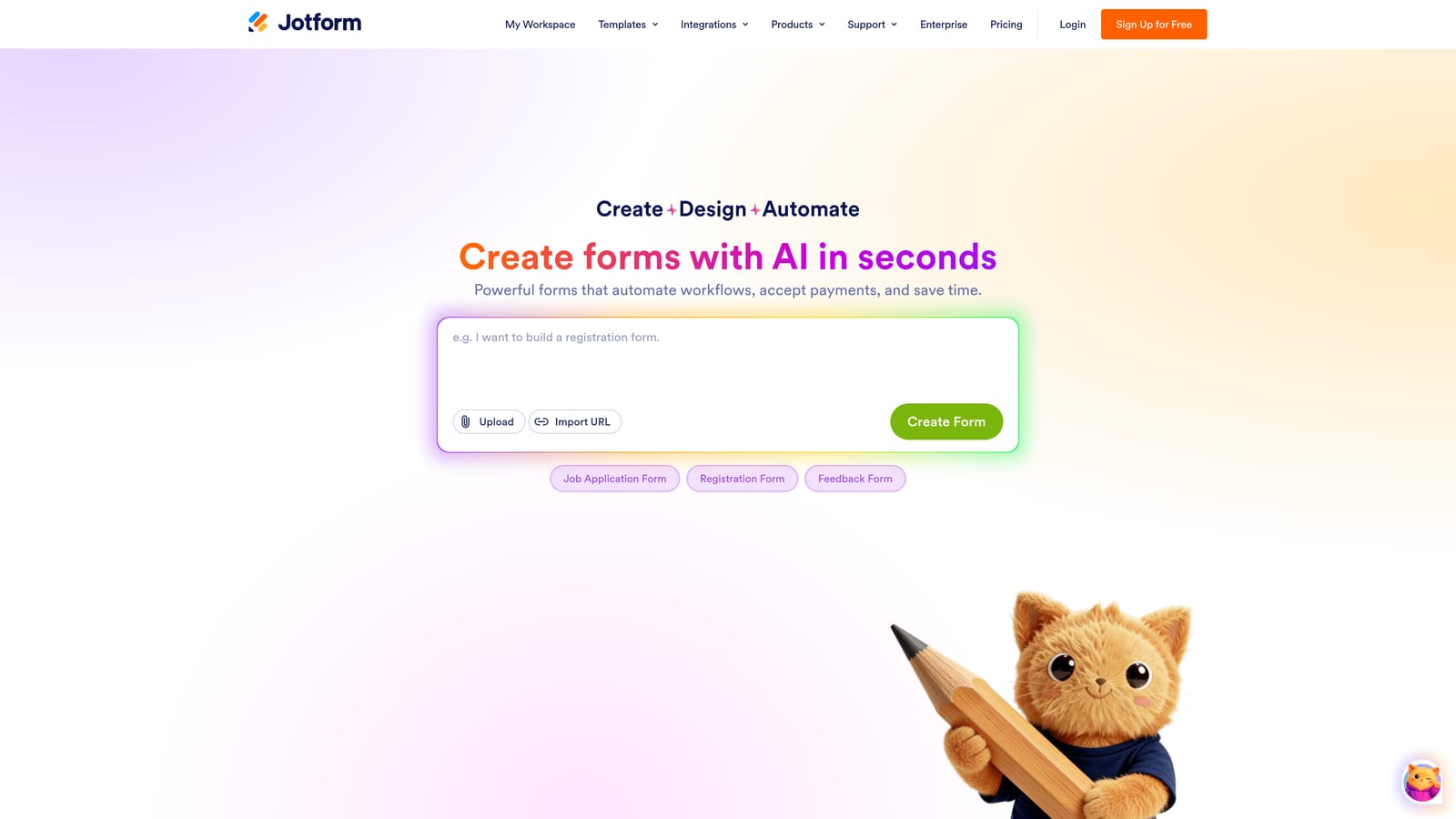
Jotform is one of the most mature form builders on the market, with a dedicated e-signature product called Jotform Sign built directly into its ecosystem.
Where This Tool Shines
Jotform Sign is not just a signature field bolted onto a form. It's a full signing workflow that supports multiple signers, defined signing order, and automated reminder emails, which makes it genuinely useful for contracts that require more than one party to approve.
The audit trail functionality is a standout. IP addresses, timestamps, and signer activity are logged automatically, giving you the documentation you need for compliance-sensitive industries like healthcare, legal, and finance. For teams operating under strict regulatory requirements, Jotform's HIPAA-compliant plans are worth a close look.
Key Features
Jotform Sign: A dedicated e-signature product with multi-signer workflows and defined signing order built in.
Automated Reminders: Sends follow-up emails to signers who haven't completed their step, reducing manual chasing.
Audit Trail Logging: Records IP addresses, timestamps, and signer actions for compliance documentation.
Signature-Ready Templates: A large library of pre-built templates covering contracts, consent forms, and agreements.
HIPAA-Compliant Plans: Available for healthcare and regulated industries that need stricter data handling.
Best For
Jotform is the right call for teams in regulated industries, or any organization that needs multi-party signing with a verifiable paper trail. It's also a solid choice for teams that want a broad template library to get started quickly without building from scratch.
Pricing
A free tier is available with limited responses. Paid plans scale based on response volume and feature access. Check jotform.com for current pricing details.
3. Paperform
Best for: Service businesses that want agreements to look like polished, branded documents rather than generic forms.
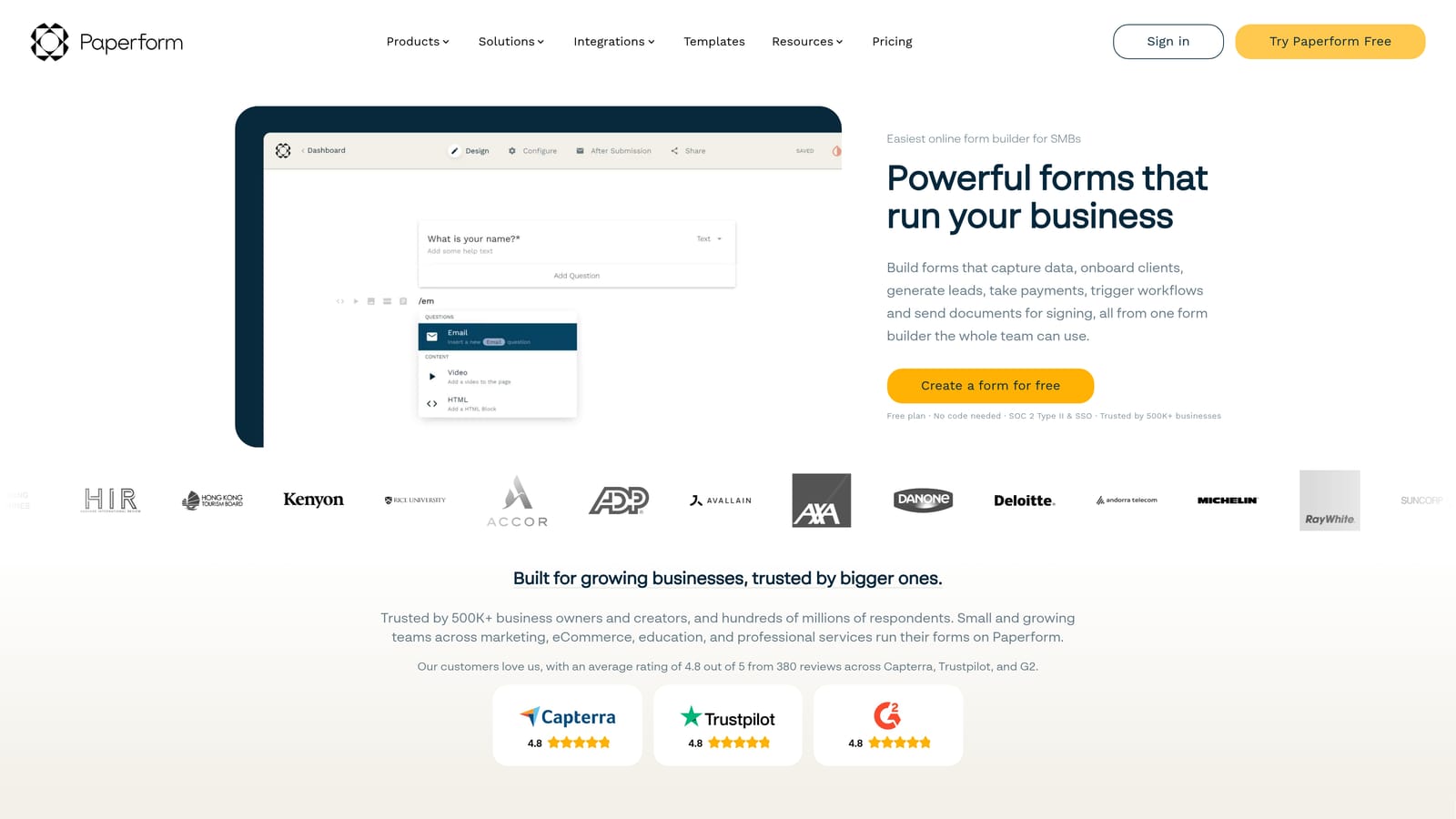
Paperform is a freeform editor that blends document-style design with full form functionality, including native signature capture built right into the layout.
Where This Tool Shines
The thing that sets Paperform apart is its editor. Instead of dragging fields into a rigid grid, you write and design freely, more like a document than a traditional form. This makes it particularly effective for service agreements, proposals, and onboarding forms where presentation matters as much as data collection.
Paperform also handles more than signatures. Conditional logic, payment collection, appointment scheduling, and product fields are all available in the same builder, which means you can create a single client-facing form that covers intake, payment, and agreement in one flow.
Key Features
Freeform Editor: Design layouts that look and feel like polished documents, not cookie-cutter form templates.
Native Signature Field: Capture signatures directly within the form without routing to an external tool.
Conditional Logic: Show or hide fields and sections based on previous answers to keep forms relevant.
Payment Collection: Accept payments within the same form where you collect signatures and data.
Brand Customization: Strong visual controls to match your brand identity across fonts, colors, and layouts.
Best For
Paperform is best suited for consultants, agencies, and service businesses that want their client-facing forms to feel like premium branded documents. If visual polish is a priority alongside signature functionality, this is a strong contender.
Pricing
Paperform offers paid plans only with no permanent free tier. Visit paperform.co for current pricing and plan details.
4. Typeform
Best for: Client-facing intake and onboarding flows where high completion rates matter and signature is the final step.
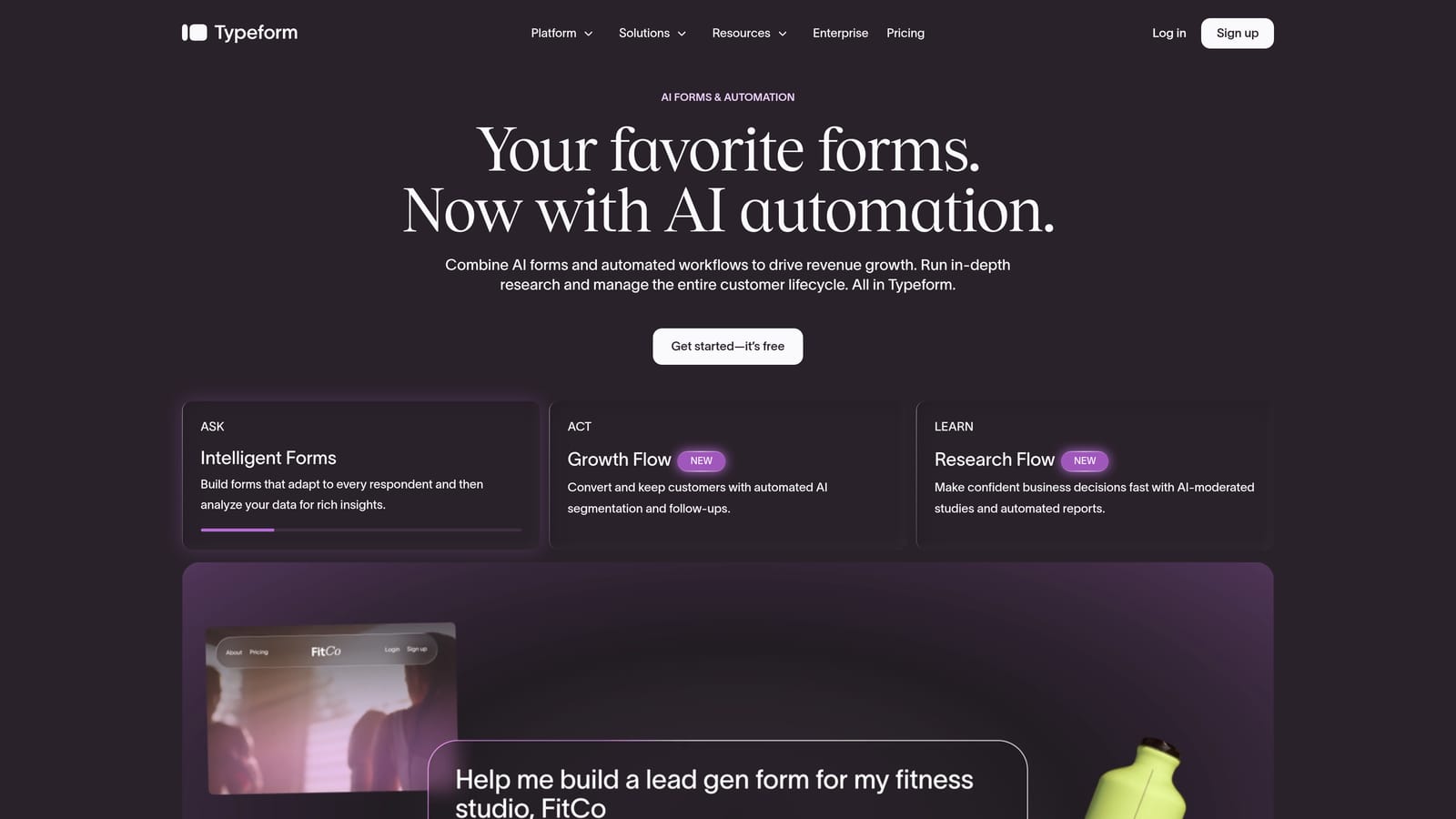
Typeform is a conversational form builder known for its one-question-at-a-time format, which reduces friction and keeps respondents engaged through longer forms.
Where This Tool Shines
Typeform's core strength is its guided experience. By presenting one question at a time, it feels less like filling out a form and more like a natural conversation. This is particularly effective when a signature sits at the end of a longer onboarding or intake flow, because respondents are already engaged and invested by the time they reach that final step.
The integration ecosystem is wide, and the brand customization options are strong enough to make client-facing forms feel like a natural extension of your product or website. For teams prioritizing completion rates over complex compliance requirements, Typeform consistently delivers.
Key Features
Conversational UX: One-question-at-a-time format that guides respondents through longer flows without overwhelming them.
Signature Capture: Signature field support available to collect approvals within the form flow.
Conditional Logic and Branching: Route respondents through different paths based on their answers.
Wide Integration Ecosystem: Connects with CRMs, automation tools, and other platforms in your stack.
Brand Customization: Fonts, colors, backgrounds, and layouts that match your brand identity.
Best For
Typeform works best for teams that prioritize the respondent experience above all else. It's well-suited for client onboarding, service intake, and agreement flows where drop-off is a real concern. It's less suited for complex multi-signer or compliance-heavy use cases.
Pricing
A free tier is available with response limits. Paid plans unlock advanced logic, integrations, and higher response volumes. Check typeform.com for current plan details.
5. Formstack
Best for: Enterprise teams that need forms, document generation, and e-signatures in a single, deeply integrated ecosystem.
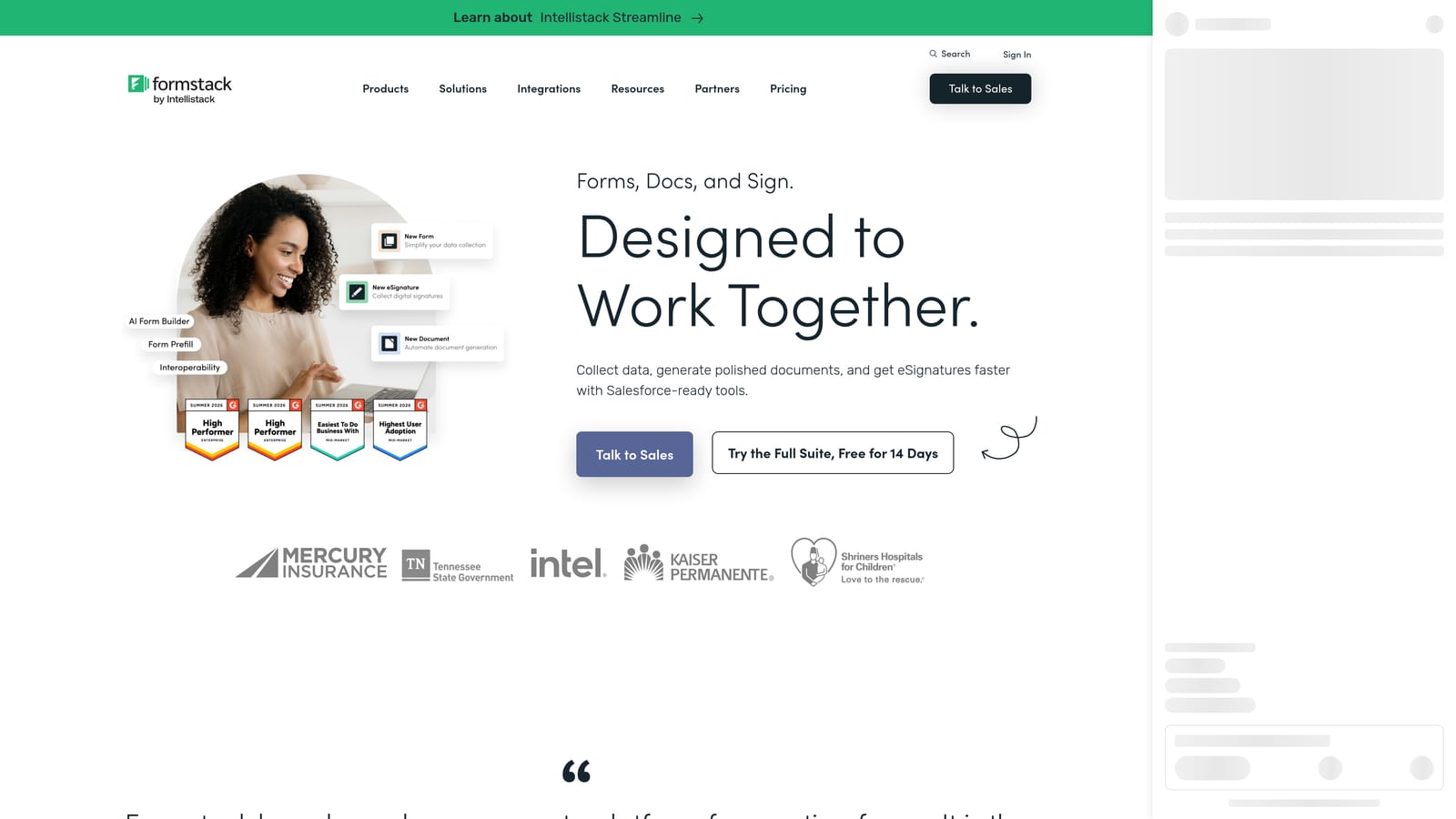
Formstack is an enterprise-grade platform that combines Formstack Forms, Formstack Documents, and Formstack Sign into one interconnected workflow suite.
Where This Tool Shines
Formstack is built for complexity. If your signing workflow involves generating a custom document from form data, routing it through an approval chain, and collecting signatures from multiple stakeholders in a defined order, Formstack is designed specifically for that kind of operation.
The Salesforce integration is particularly strong, making Formstack a natural fit for sales and operations teams already running on that CRM. Conditional routing, approval chains, and audit-ready compliance features mean this platform can support enterprise document workflows that would break simpler tools.
Key Features
Integrated Platform: Formstack Forms, Documents, and Sign work together as a single ecosystem without requiring separate subscriptions or manual handoffs.
Document Generation: Automatically generate custom documents from form data and route them for signature.
Salesforce Integration: Deep native integration for enterprise sales and operations teams.
Conditional Routing and Approval Chains: Complex multi-step workflows with defined approvers and signing order.
Audit-Ready Compliance: E-signature logging and documentation built for enterprise compliance requirements.
Best For
Formstack is the right choice for enterprise operations, legal, and sales teams that need document automation alongside signature collection. If your workflows involve generated contracts, multi-party approvals, and CRM sync, this platform is built for that scale.
Pricing
Formstack sits at a higher price point reflecting its enterprise positioning. Visit formstack.com for current pricing or to speak with their sales team.
6. Tally
Best for: Freelancers and early-stage teams that need basic signature capture without any cost.
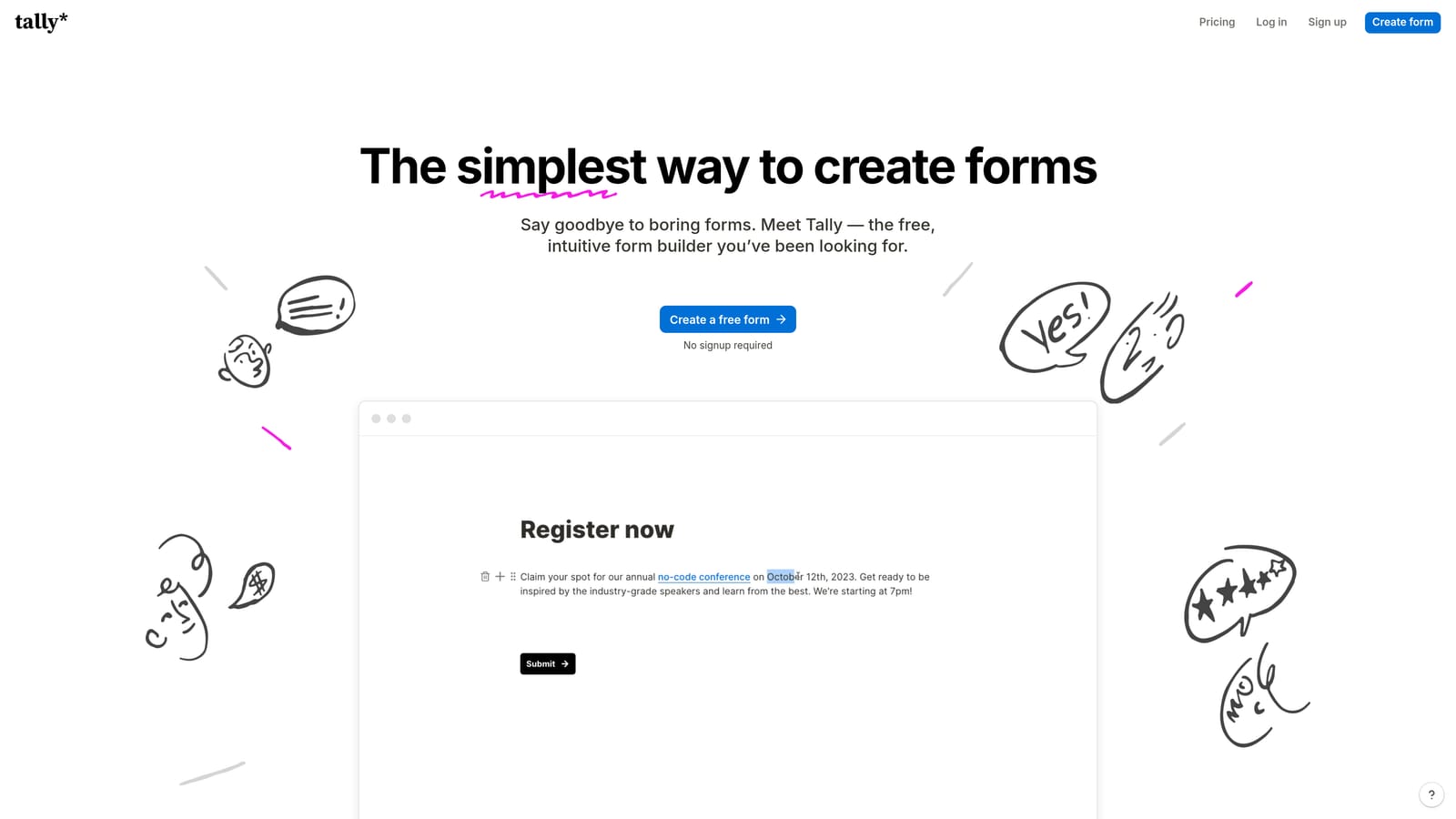
Tally is a free-first form builder with a clean, Notion-like interface that includes signature field support on its generous free plan.
Where This Tool Shines
Tally's biggest advantage is its pricing model. Unlimited forms and unlimited responses on the free plan is genuinely rare in this space, and the fact that signature capture is included makes it an easy starting point for anyone who needs a simple signing solution without a budget commitment.
The interface is refreshingly minimal. If you've used Notion, Tally will feel immediately familiar. You build forms by typing, not dragging and dropping, which makes it fast to set up for straightforward use cases like service agreements, consent forms, or simple client approvals.
Key Features
Generous Free Tier: Unlimited forms and responses on the free plan, with signature field included.
Notion-Like Interface: Clean, document-style editor that's fast to learn and easy to use.
Signature Field Support: Basic signature capture available for collecting approvals within forms.
Basic Conditional Logic: Show or hide fields based on responses to keep forms relevant.
Tally Pro: Paid upgrade for advanced features including custom domains, hidden fields, and deeper integrations.
Best For
Tally is the best fit for freelancers, solopreneurs, and early-stage teams that need a simple signature field without paying for a full platform. It's not the right tool for compliance-heavy workflows or multi-signer processes, but for straightforward agreements, it's hard to beat at the price.
Pricing
A generous free tier is available with no time limit. Tally Pro unlocks advanced features. Visit tally.so for current Pro pricing details.
Which Tool Is Right for Your Team?
The best form builder with signature capture depends entirely on what you're asking it to do. Here's a quick way to think through the decision.
If you're a high-growth team that wants AI-powered lead qualification and signature collection living in the same platform, Orbit AI is the strongest fit. It's built for teams that want intake, qualification, and agreements handled in one conversion-optimized flow, without stitching together three separate tools.
For compliance-heavy workflows with multi-signer requirements and audit trails, Jotform's dedicated Sign product is the most mature option in this list. Healthcare, legal, and regulated industries will find the HIPAA-compliant plans and IP logging particularly valuable.
If branded, document-style agreements are the priority, Paperform's freeform editor produces the most polished client-facing forms. Typeform wins on completion rates for longer intake flows where respondent experience drives whether people actually finish. Formstack is the clear choice for enterprise teams that need document generation, approval chains, and deep CRM integration in one ecosystem. And Tally is simply the best option when budget is the primary constraint and the use case is straightforward.
The right tool isn't always the most feature-rich one. It's the one that fits how your team actually works and what your clients actually experience. Start with the use case, then match the tool to it.
Ready to combine AI lead qualification with signature capture in a single, modern form experience? Start your free trial today and see how Orbit AI can streamline your intake, qualification, and agreement workflows in one place.


