

Whether you're collecting job applications, program enrollments, or membership requests, the right form builder can mean the difference between a flood of qualified submissions and a trickle of abandoned forms. The best application form builders do more than just collect data—they create experiences that guide applicants through the process, validate information in real-time, and integrate seamlessly with your existing workflows.
We evaluated these tools based on ease of use, customization options, conditional logic capabilities, integrations, mobile responsiveness, and value for money. This list covers options for every team size and budget, from AI-powered platforms to simple drag-and-drop builders.
Here are the top application form builders transforming how teams collect and process applications in 2026.
1. Orbit AI
Best for: High-growth teams needing AI-powered lead qualification with conversion-optimized application forms
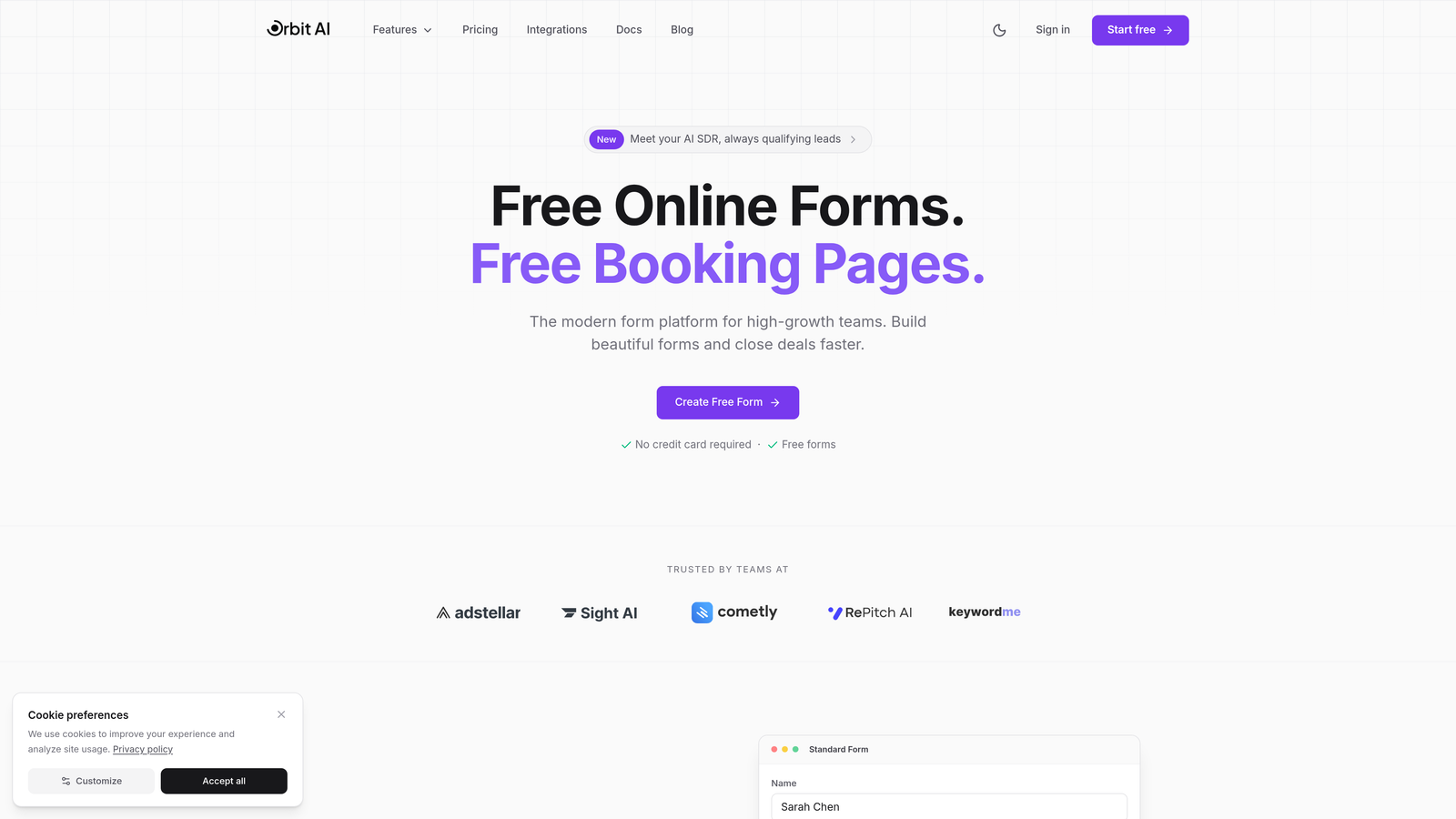
Orbit AI is an AI-powered form builder platform designed specifically for teams that need more than basic data collection—it actively qualifies applicants as they submit.
Where This Tool Shines
Orbit AI stands out by combining beautiful, conversion-optimized form design with intelligent qualification capabilities. While most form builders simply collect responses, Orbit AI's qualification agents analyze submissions in real-time, scoring and routing applicants based on criteria you define.
The platform excels at reducing manual review time. Instead of sifting through hundreds of applications to find qualified candidates, teams get pre-qualified submissions with AI-generated insights about each applicant's fit.
Key Features
AI-Powered Lead Qualification: Automatically scores and qualifies applicants based on their responses, prioritizing your review queue.
Conversion-Optimized Templates: Pre-built form templates designed specifically to maximize completion rates and reduce abandonment.
Real-Time Analytics: Track form performance, completion rates, and drop-off points with detailed insights dashboards.
Deep CRM Integrations: Native connections to HubSpot, Salesforce, and Pipedrive ensure qualified applications flow directly into your existing workflows.
Conditional Logic and Smart Workflows: Show or hide fields based on previous answers, creating personalized application experiences.
Best For
High-growth teams, sales organizations, and businesses where application quality matters as much as quantity. Particularly valuable for companies processing high volumes of applications who need automated qualification to scale their review process efficiently.
Pricing
Free tier available for getting started. Paid plans begin at competitive rates with scaling options for growing teams.
2. Typeform
Best for: Creating conversational, engaging application experiences with one-question-at-a-time interfaces
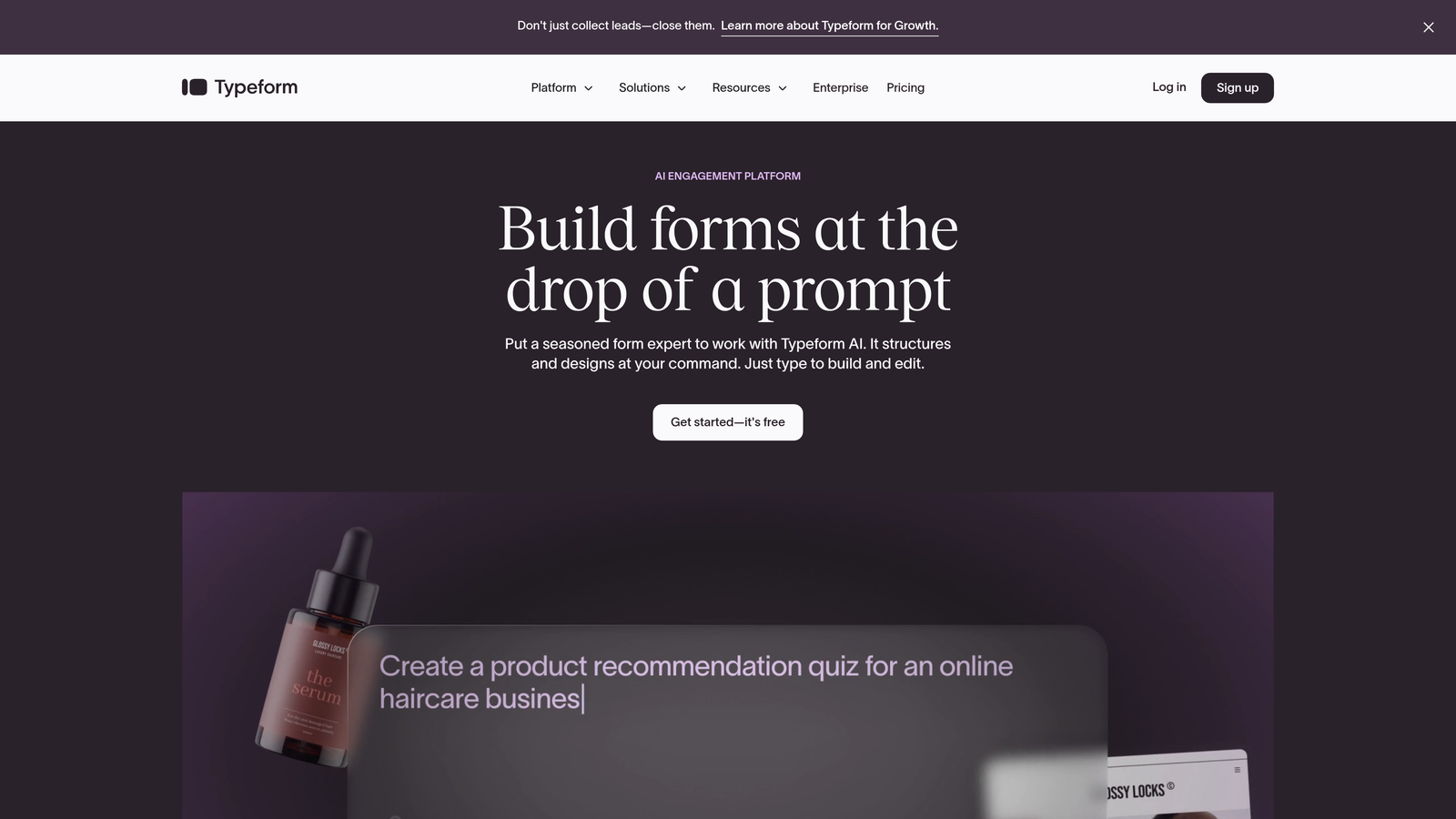
Typeform is a conversational form builder that presents questions one at a time, creating human-feeling experiences that boost completion rates.
Where This Tool Shines
Typeform's signature one-question-at-a-time approach reduces cognitive load and makes even lengthy applications feel manageable. The interface feels more like a conversation than a traditional form, which helps maintain applicant engagement throughout the process.
The platform particularly excels at creating branded experiences. Custom themes, embedded videos, and dynamic thank-you screens make applications feel like natural extensions of your brand rather than generic data collection tools.
Key Features
Conversational UI: One-question-at-a-time interface that creates engaging, focused application experiences.
Logic Jumps and Branching: Direct applicants to different questions based on their previous answers, creating personalized paths.
Rich Media Embedding: Include videos, images, and GIFs to provide context and make applications more engaging.
Native Integrations: Connect directly to popular tools like Slack, Google Sheets, Mailchimp, and hundreds of other platforms.
Custom Thank-You Screens: Create personalized confirmation pages based on applicant responses.
Best For
Teams prioritizing applicant experience and completion rates, particularly for consumer-facing applications, event registrations, or programs where brand presentation matters.
Pricing
Free basic plan available with Typeform branding. Paid plans start at $25/month with increased response limits and advanced features.
3. JotForm
Best for: Teams needing extensive template libraries and payment collection capabilities in application forms
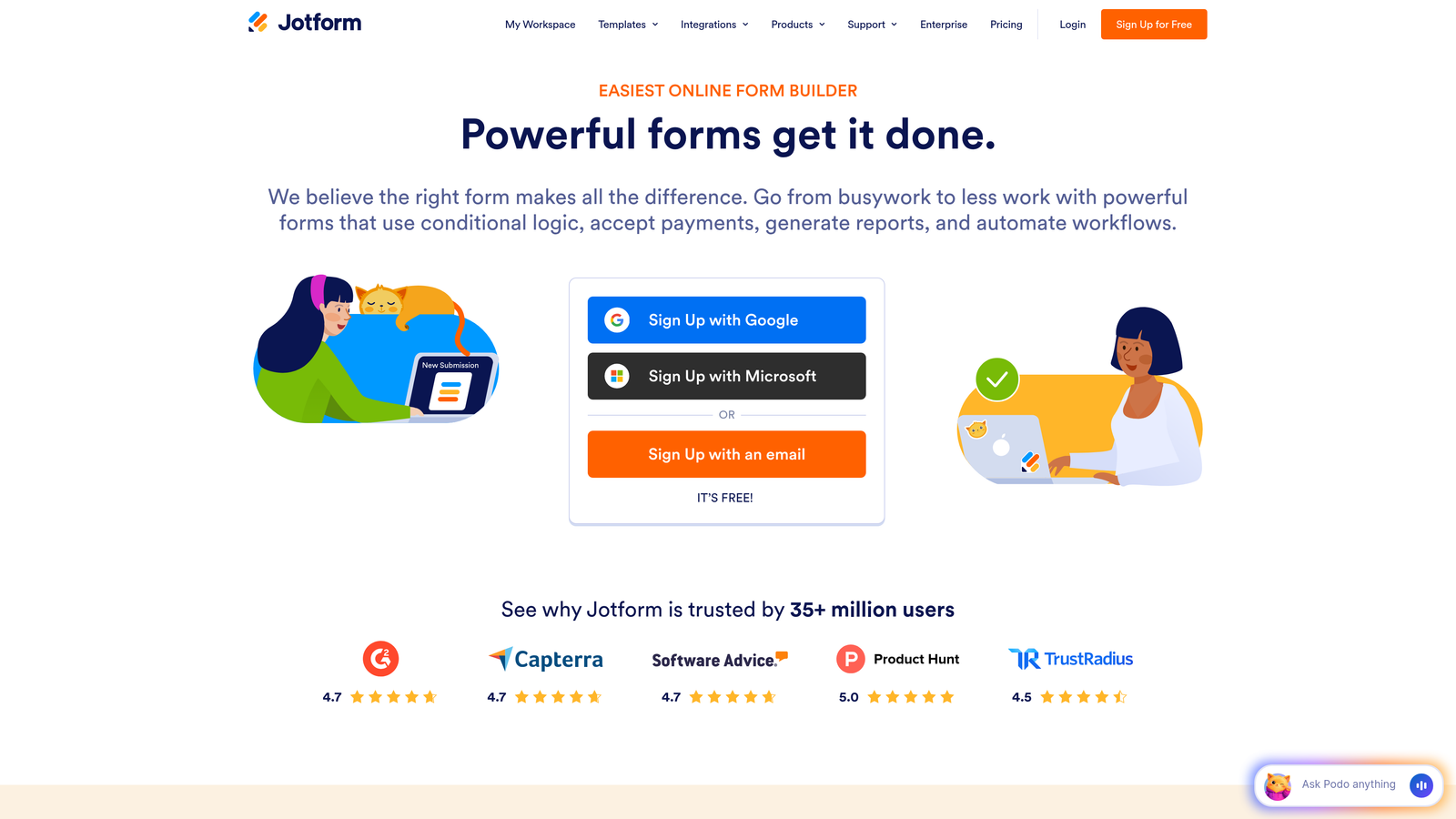
JotForm is a feature-rich form builder offering over 10,000 templates and robust payment integration options.
Where This Tool Shines
JotForm's massive template library means you'll rarely need to build an application form from scratch. Whether you're collecting job applications, scholarship requests, or vendor applications, there's likely a pre-built template that's 80% of the way there.
The payment integration capabilities make JotForm particularly valuable for application processes that require fees. Accept payments through PayPal, Stripe, Square, and other processors directly within your application forms.
Key Features
10,000+ Templates: Extensive library covering virtually every application type, from employment to event registrations.
Payment Integrations: Accept application fees through multiple payment processors with secure, PCI-compliant transactions.
PDF Form Generation: Automatically convert submissions into formatted PDF documents for record-keeping.
Widgets and Add-Ons: Extend functionality with signature fields, appointment scheduling, file uploads, and hundreds of other widgets.
Offline Mobile App: Collect applications offline via mobile app, syncing submissions when connectivity returns.
Best For
Organizations processing applications with payment requirements, teams wanting extensive customization options without coding, and businesses needing offline collection capabilities.
Pricing
Free plan for up to 5 forms with 100 monthly submissions. Paid plans start at $34/month with increased limits and advanced features.
4. Google Forms
Best for: Budget-conscious teams needing simple, reliable application forms with Google Workspace integration
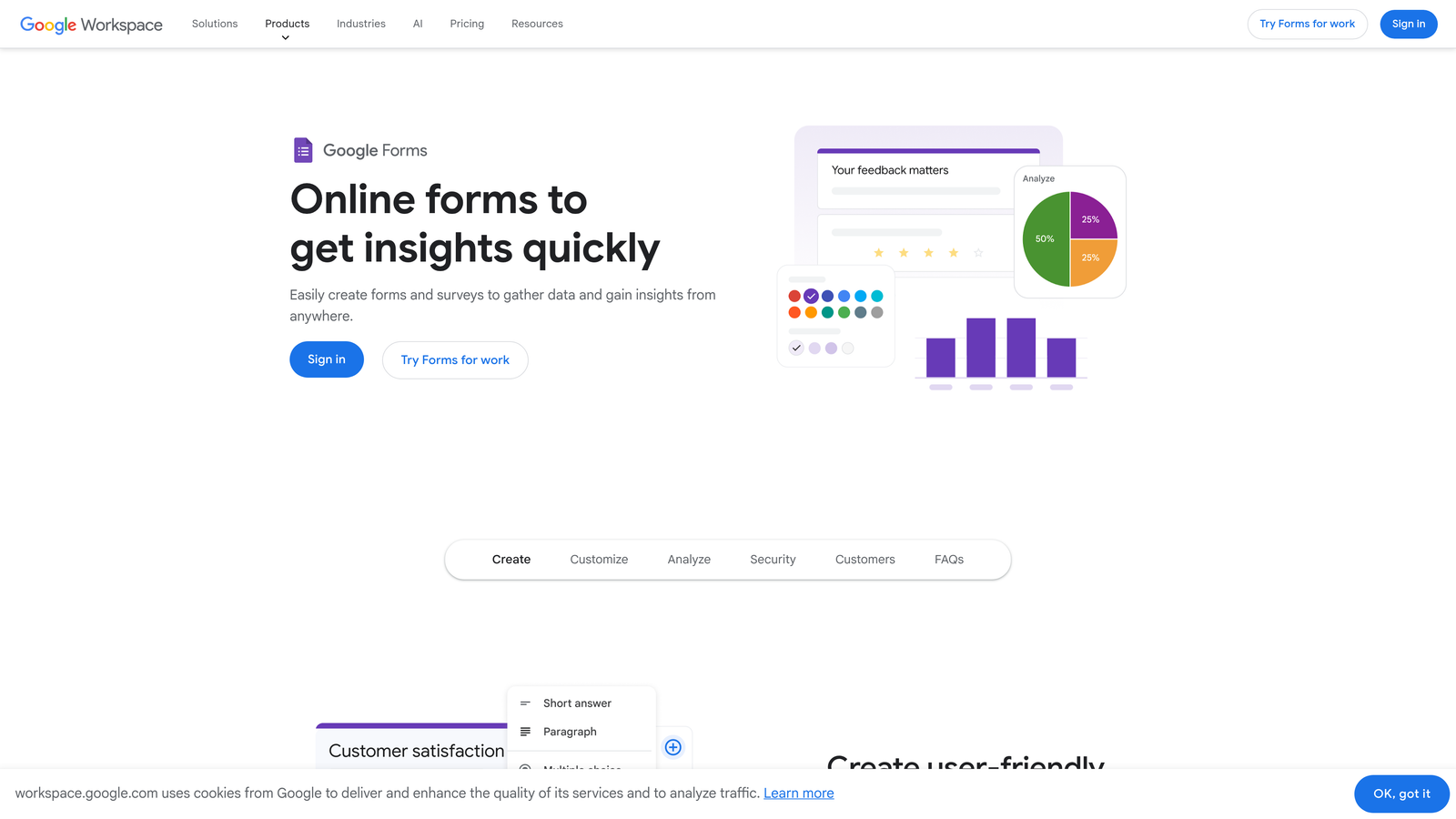
Google Forms is a free, straightforward form builder that integrates seamlessly with Google Sheets and other Workspace tools.
Where This Tool Shines
Google Forms delivers remarkable value for free. While it lacks the advanced features of premium tools, it handles basic application collection reliably and integrates perfectly with the Google ecosystem most teams already use.
The automatic Google Sheets integration means responses flow directly into spreadsheets where teams can collaborate, analyze, and process applications using familiar tools. Real-time collaboration allows multiple team members to review submissions simultaneously.
Key Features
Completely Free: No usage limits, payment requirements, or hidden costs for unlimited forms and responses.
Google Sheets Integration: Responses automatically populate spreadsheets for easy analysis and processing.
Real-Time Collaboration: Multiple team members can review and manage applications simultaneously.
Basic Conditional Logic: Show or hide sections based on applicant responses to create dynamic forms.
Quiz Features: Built-in grading and scoring capabilities useful for assessment-based applications.
Best For
Small teams, nonprofits, educational institutions, and any organization already using Google Workspace that needs reliable application collection without additional costs.
Pricing
Completely free with a Google account. No paid tiers or premium features.
5. Tally
Best for: Startups and growing teams wanting unlimited forms and submissions on a generous free tier
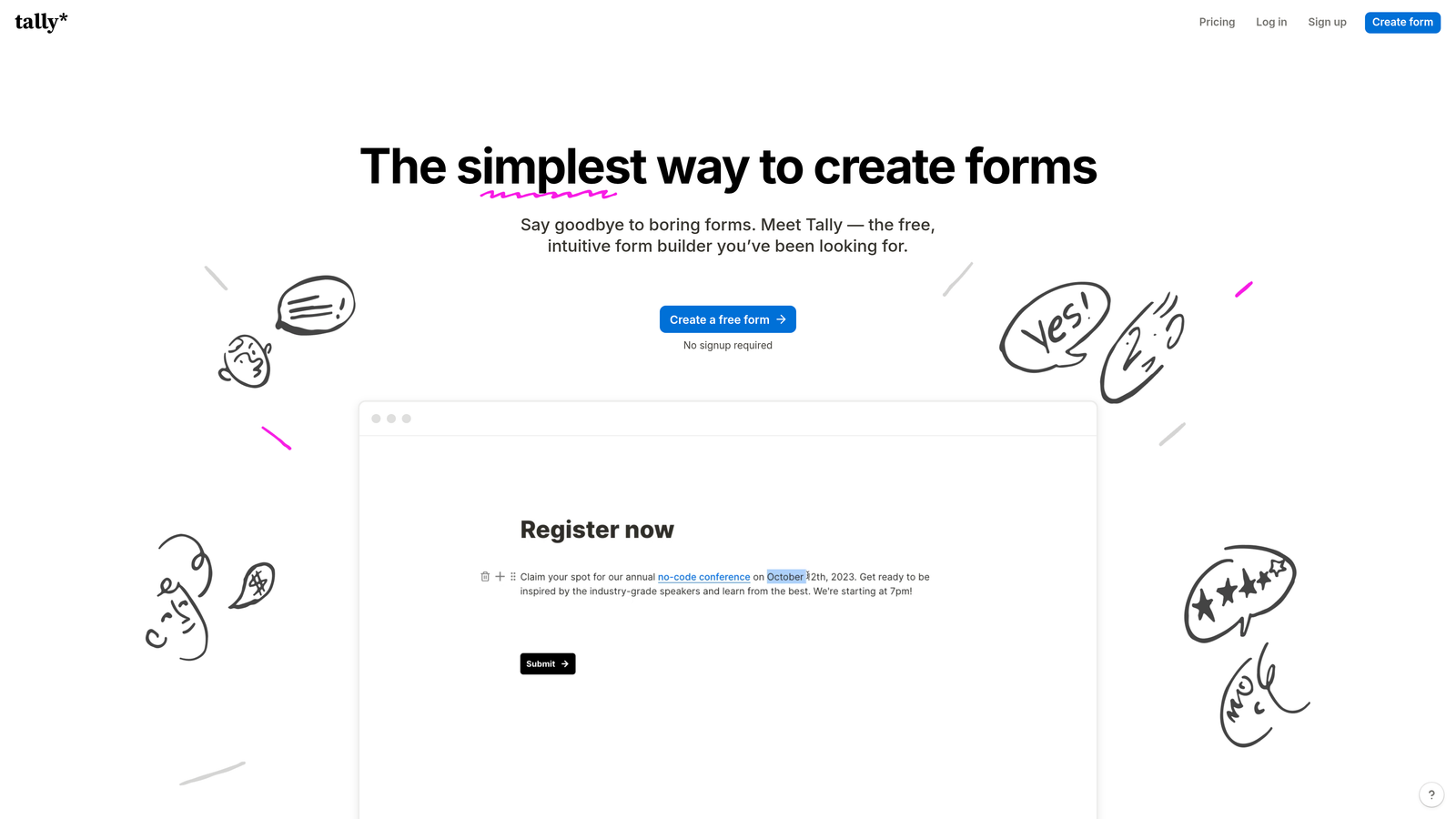
Tally is a modern form builder with a Notion-like editing experience and remarkably generous free plan.
Where This Tool Shines
Tally's free tier is genuinely unlimited—no caps on forms, submissions, or features that typically get paywalled elsewhere. This makes it exceptionally attractive for startups and bootstrapped teams testing multiple application processes without budget constraints.
The Notion-style editing interface feels familiar to teams already using modern productivity tools. Build forms using slash commands and drag-and-drop blocks rather than traditional form builders' more rigid interfaces.
Key Features
Unlimited Free Tier: Create unlimited forms with unlimited submissions at no cost, including conditional logic and integrations.
Notion-Like Editing: Intuitive block-based editor that feels natural for teams familiar with modern productivity tools.
Custom Domains: Use your own domain for professional application form URLs, even on the free plan.
Conditional Logic: Show or hide fields based on responses to create personalized application flows.
Integrations: Connect to Notion, Zapier, webhooks, and other tools to automate application processing.
Best For
Startups, small businesses, and Notion users wanting a modern form builder without usage-based pricing constraints or submission limits.
Pricing
Free tier with unlimited forms and submissions. Pro plan at $29/month adds features like file uploads, custom branding removal, and priority support.
6. Paperform
Best for: Creating document-style application forms with rich content and embedded media
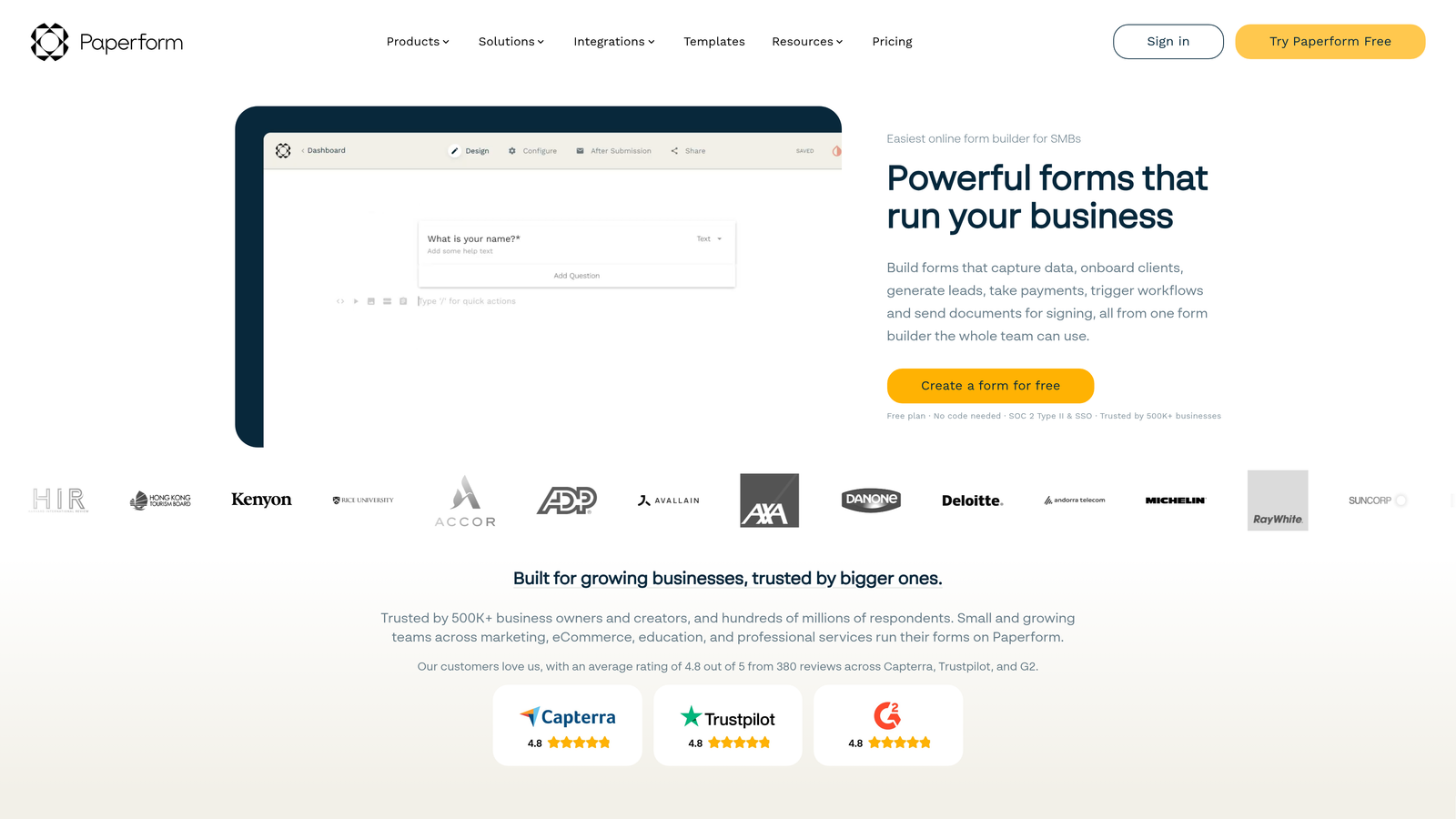
Paperform is a unique form builder that creates page-like experiences rather than traditional forms, with extensive content embedding capabilities.
Where This Tool Shines
Paperform's document-style approach allows you to create application forms that feel more like landing pages. Embed rich content, images, videos, and formatted text alongside form fields to provide context and guidance throughout the application process.
The platform excels at creating branded, professional-looking applications without design skills. Custom themes and styling options ensure your application forms match your brand identity perfectly.
Key Features
Page-Like Design: Create forms that feel like interactive documents with rich content, images, and formatting.
Custom Branding: Extensive theme customization and CSS editing for complete visual control.
Payment and Booking: Accept payments and schedule appointments directly within application forms.
Conditional Logic: Show or hide sections based on responses, plus perform calculations for complex applications.
Analytics Dashboard: Track completion rates, conversion metrics, and applicant behavior patterns.
Best For
Teams prioritizing visual presentation and brand consistency, particularly for client-facing applications, program enrollments, or membership requests where first impressions matter.
Pricing
Plans start at $24/month for individuals. Team and agency plans available with increased submission limits and collaboration features.
7. Cognito Forms
Best for: Complex applications requiring calculations, conditional pricing, and payment workflows
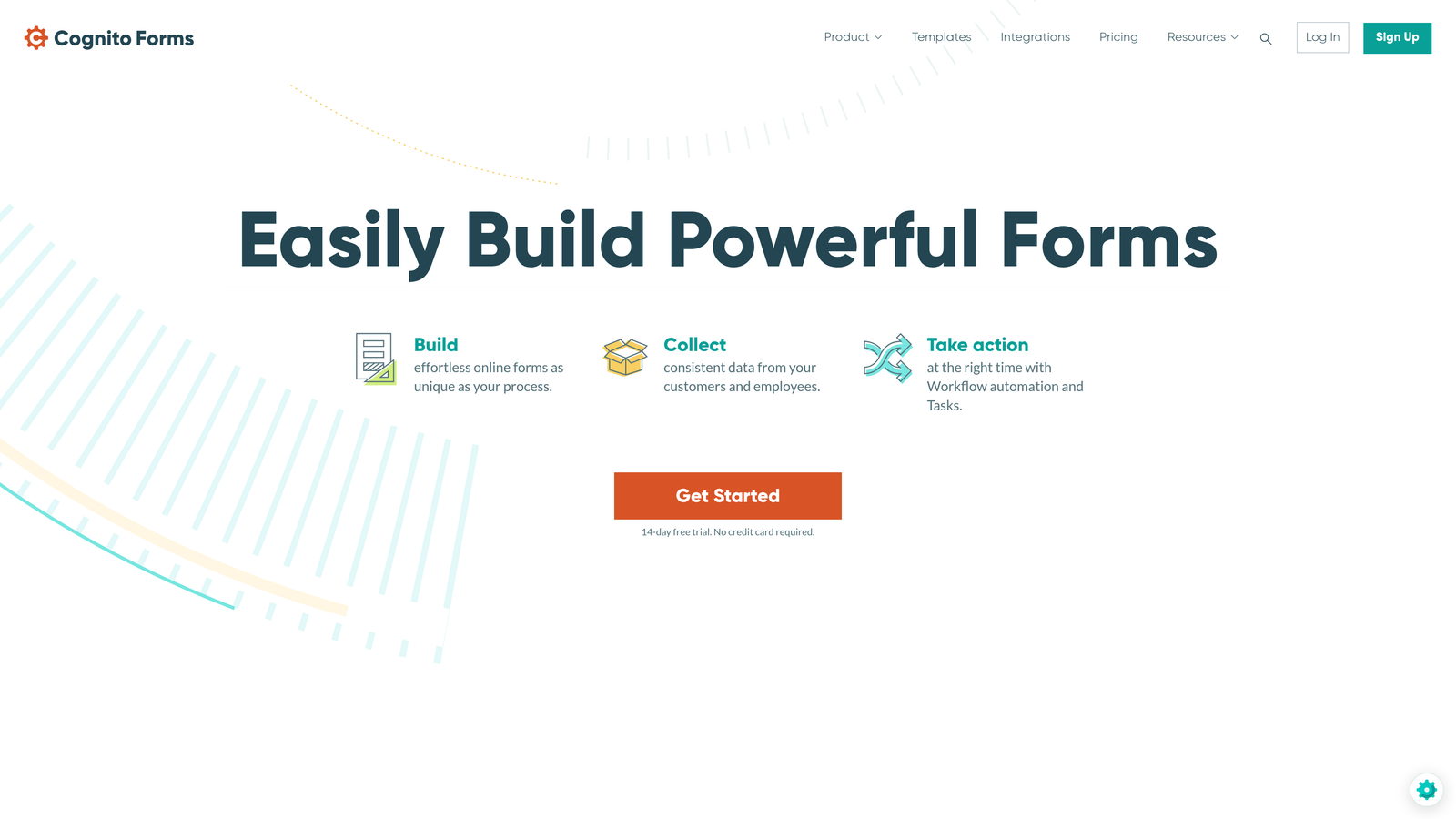
Cognito Forms is a powerful form builder specializing in advanced calculations, conditional pricing logic, and sophisticated payment handling.
Where This Tool Shines
Cognito Forms handles complexity that breaks other form builders. Need to calculate application fees based on multiple factors? Require repeating sections for family member information? Want conditional discounts based on applicant responses? Cognito Forms manages these scenarios elegantly.
The calculation engine is particularly impressive. Build complex formulas that calculate totals, apply conditional pricing, and even perform date math—all without coding.
Key Features
Advanced Calculations: Create complex formulas for pricing, scoring, or data validation using a spreadsheet-like calculation engine.
Conditional Pricing: Apply discounts, surcharges, or variable pricing based on applicant responses and selections.
Repeating Sections: Allow applicants to add multiple entries for family members, references, or other variable-length data.
Electronic Signatures: Collect legally binding signatures directly within application forms.
Quantity-Based Payments: Accept payments with quantity selectors, ideal for applications involving multiple items or people.
Best For
Organizations with complex application requirements involving calculations, variable pricing, or multi-person submissions like family registrations or group applications.
Pricing
Free tier for individual use with limited entries. Paid plans start at $15/month with increased submission limits and team features.
8. Formstack
Best for: Enterprise teams requiring HIPAA compliance, advanced workflows, and robust security features
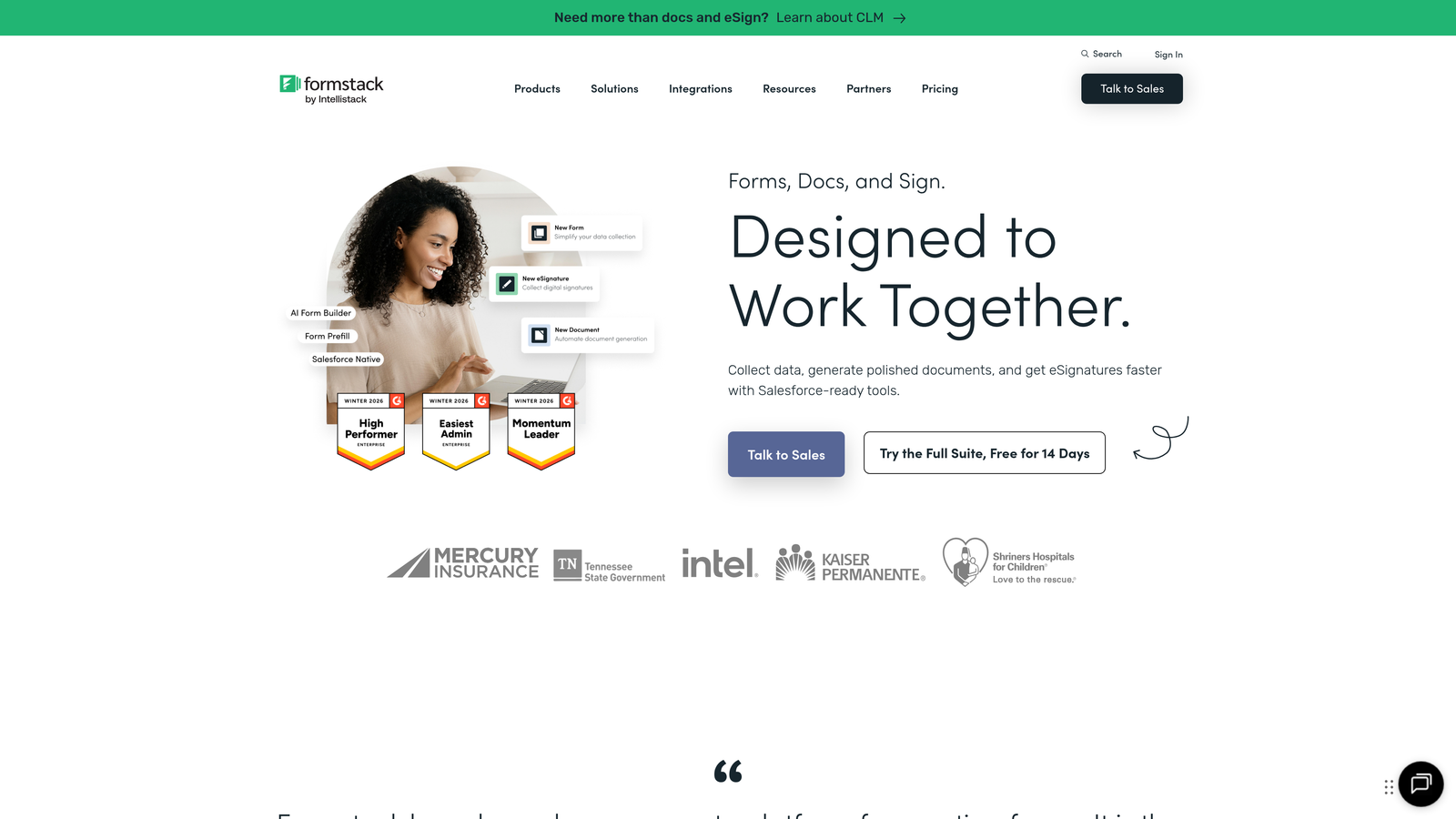
Formstack is an enterprise-grade form builder offering workflow automation, compliance features, and advanced security for regulated industries.
Where This Tool Shines
Formstack addresses enterprise requirements that most form builders ignore. HIPAA compliance, advanced user permissions, audit trails, and sophisticated approval workflows make it suitable for healthcare, finance, and other regulated industries.
The workflow routing capabilities allow complex application processing scenarios. Route submissions to different approvers based on content, create multi-stage approval processes, and automate follow-up actions based on submission data.
Key Features
HIPAA Compliance: Business Associate Agreement available with encryption and security features for protected health information.
Advanced Workflows: Multi-step approval routing, automated notifications, and conditional processing based on submission content.
Electronic Signatures: Collect compliant digital signatures with audit trails and timestamp verification.
Salesforce Integration: Native Salesforce connector for seamless CRM data flow without third-party tools.
Conditional Logic: Sophisticated branching and field visibility rules for complex application scenarios.
Best For
Enterprise organizations, healthcare providers, financial institutions, and any team requiring compliance features, advanced security, or complex approval workflows.
Pricing
Plans start at $50/month for basic features. Enterprise pricing available with HIPAA compliance, advanced security, and dedicated support.
9. 123FormBuilder
Best for: Data-focused teams needing built-in database management and visual reporting capabilities
123FormBuilder is a form builder with integrated database management and reporting features for teams that need to analyze application data extensively.
Where This Tool Shines
123FormBuilder's built-in database functionality sets it apart. Instead of exporting to external tools for analysis, you can query, filter, and report on application data directly within the platform using visual report builders.
The visual reporting creates charts, graphs, and dashboards from submission data without requiring separate analytics tools. Track application trends, identify patterns, and generate reports for stakeholders all in one place.
Key Features
Built-In Database: Store and query application data with filtering, sorting, and search capabilities without external tools.
Visual Reports: Create charts, graphs, and dashboards from submission data with drag-and-drop report builders.
Payment Integrations: Accept application fees through PayPal, Stripe, and other processors with secure payment handling.
Conditional Logic: Show or hide fields based on responses to create dynamic, personalized application experiences.
GDPR Tools: Built-in compliance features including data deletion requests, consent tracking, and privacy policy integration.
Best For
Teams processing high volumes of applications who need to analyze trends and generate reports regularly, particularly in education, events, or programs with data analysis requirements.
Pricing
Free tier available with basic features. Paid plans start at $24.99/month with increased submissions and advanced reporting capabilities.
Making the Right Choice
The right application form builder depends on your specific needs and growth trajectory. For teams prioritizing intelligent qualification and conversion optimization, Orbit AI delivers AI-powered capabilities that go beyond basic data collection. If you're creating consumer-facing applications where experience matters, Typeform's conversational interface excels at maintaining engagement.
Budget-conscious teams should start with Google Forms or Tally—both offer solid functionality without cost barriers. Google Forms integrates seamlessly with existing Workspace tools, while Tally provides unlimited submissions even on the free tier. For teams already embedded in the Notion ecosystem, Tally's familiar editing experience feels natural.
Complex requirements point toward specialized solutions. Cognito Forms handles sophisticated calculations and conditional pricing elegantly. Formstack addresses enterprise compliance needs with HIPAA support and advanced workflows. 123FormBuilder serves data-focused teams needing built-in reporting without external analytics tools.
Payment collection capabilities vary significantly. JotForm, Paperform, and Cognito Forms all handle payments well, but Cognito Forms stands out for variable pricing scenarios. If your applications require fees with conditional discounts or quantity-based pricing, it's worth the investment.
Consider your integration ecosystem carefully. Teams using Salesforce benefit from Formstack's native connector. HubSpot and Pipedrive users gain efficiency with Orbit AI's deep CRM integrations. Most tools offer Zapier connections, but native integrations typically provide better performance and reliability.
Think about your growth trajectory. Free tools work well initially, but submission limits and feature restrictions can become painful as volume increases. Platforms with generous free tiers like Tally or scalable pricing like Orbit AI accommodate growth without forcing platform migrations later.
Transform your lead generation with AI-powered forms that qualify prospects automatically while delivering the modern, conversion-optimized experience your high-growth team needs. Start your free trial today and see how intelligent form design can elevate your conversion strategy.


