

Accessibility isn't optional anymore. Whether you're capturing leads, running surveys, or qualifying prospects, your forms need to work for everyone: keyboard-only users, screen reader users, people with motor impairments, and those with cognitive differences. Beyond the ethical imperative, accessibility compliance with standards like WCAG 2.1/2.2, ADA, and Section 508 protects your business from meaningful legal risk while expanding your addressable audience.
The challenge is that most form builders treat accessibility as an afterthought, bolting on basic ARIA labels and calling it done. This guide ranks the best form builders that take accessibility seriously, covering keyboard navigation, ARIA labeling, color contrast, screen reader compatibility, and cognitive accessibility. Whether you're a high-growth SaaS team optimizing lead capture or an enterprise navigating compliance requirements, there's a right tool here for you.
1. Orbit AI
Best for: High-growth SaaS teams that need accessible, conversion-optimized forms with built-in AI lead qualification
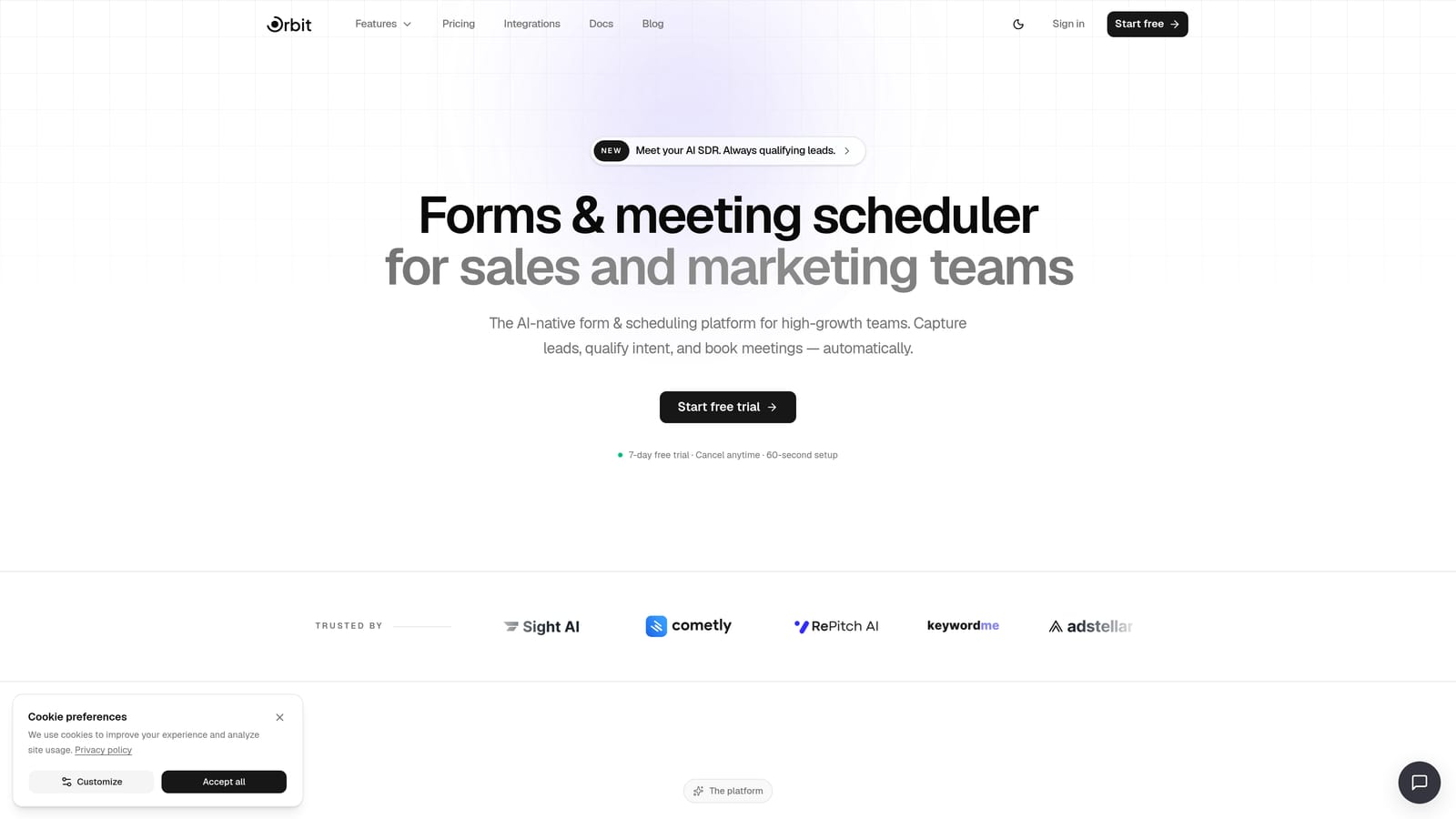
Orbit AI is an AI-powered form builder designed for teams that refuse to choose between performance and inclusivity.
Where This Tool Shines
Orbit AI approaches accessibility through clean semantic structure and thoughtful design defaults rather than retrofitted fixes. The platform's design system is built around high-contrast, visually clear layouts that maintain WCAG-compliant contrast ratios even when you customize branding. Keyboard navigation flows logically through multi-step forms, with clear focus indicators that don't disappear when you apply custom themes.
What sets Orbit AI apart from pure accessibility-focused tools is the combination of compliance-conscious design with genuine conversion intelligence. AI-powered lead qualification scores and routes submissions automatically, so your accessible forms are also working hard for your pipeline. For SaaS teams, that's a meaningful difference from tools that check the accessibility box without delivering business outcomes.
Key Features
WCAG-Conscious Form Design: Clean semantic HTML structure with proper heading hierarchy and keyboard navigation baked into the core form engine.
AI-Powered Lead Qualification: Automatically scores and routes form submissions so your team focuses on the right prospects without manual review.
Accessible Multi-Step Flows: Progress indicators are clearly communicated to assistive technologies, so screen reader users always know where they are in the process.
High-Contrast Design System: Customizable themes that maintain accessible contrast ratios, so brand customization doesn't come at the cost of legibility.
Workflow Automation and AI Agents: Post-submission actions trigger automatically, from CRM updates to personalized follow-up sequences.
Best For
High-growth SaaS teams and B2B companies that need lead capture forms to be both legally defensible and genuinely conversion-optimized. Particularly strong for teams that want AI-driven qualification without sacrificing the inclusive design standards their audience expects.
Pricing
Visit orbitforms.ai/pricing for current plans. A free starting option is available.
2. Typeform
Best for: Teams that want a conversational form experience that naturally reduces cognitive load
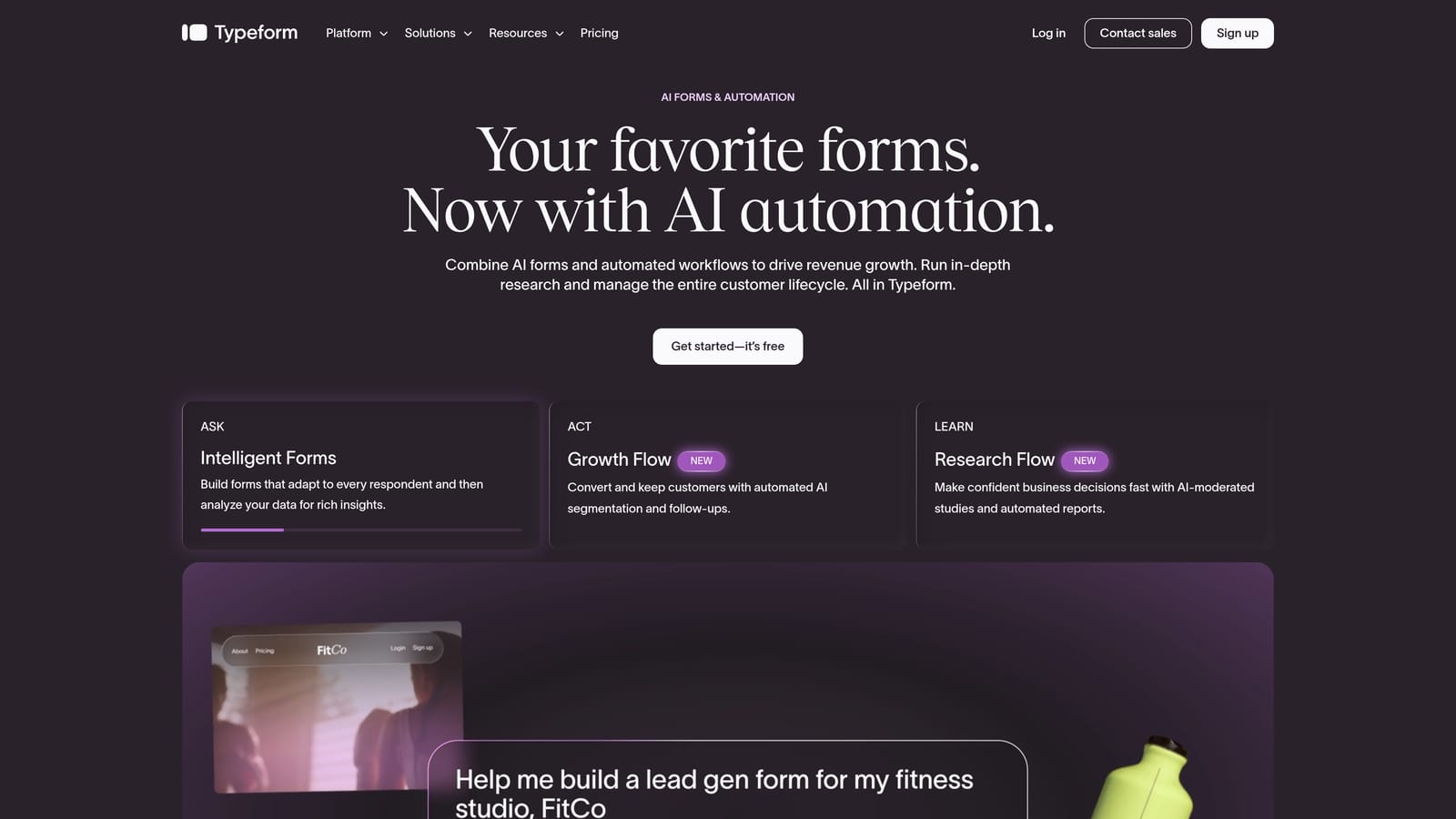
Typeform is a conversational form builder known for its one-question-at-a-time format, which creates a focused, less overwhelming experience for respondents.
Where This Tool Shines
Typeform's single-question format is genuinely beneficial for users with cognitive disabilities. By presenting one question at a time rather than a wall of fields, it reduces the mental effort required to complete a form and minimizes distraction. This design philosophy aligns well with cognitive accessibility principles even when it wasn't exclusively designed with that in mind.
Keyboard navigation works throughout the form experience, and ARIA labels are applied to interactive elements. Logic jumps keep forms shorter by skipping irrelevant questions, which further reduces cognitive load. One area to note: some complex Typeform interactions can present challenges for certain assistive technologies, so testing with your specific screen reader setup is recommended before deploying.
Key Features
Single-Question Format: Reduces cognitive overload naturally, benefiting users with attention or cognitive differences.
Keyboard Navigation: Full keyboard support throughout the form experience, including answer selection and submission.
ARIA Labels: Applied to interactive elements to improve screen reader compatibility.
Logic Jumps: Keeps forms shorter and more focused by skipping irrelevant questions based on prior answers.
Mobile-Responsive Design: Reasonable touch target sizing makes forms usable on mobile devices for users with motor impairments.
Best For
Marketing and research teams that prioritize a polished, engaging form experience and want the cognitive accessibility benefits of a conversational format. Best suited for lead generation, surveys, and onboarding flows where experience quality matters.
Pricing
Free plan available. Paid plans start at approximately $25/month. Verify current pricing at typeform.com as plans change regularly.
3. Google Forms
Best for: Teams that need free, reliable accessibility without any configuration overhead
Google Forms is a free form builder built on Google's accessibility-tested infrastructure, offering solid screen reader compatibility and keyboard navigation out of the box.
Where This Tool Shines
Google Forms benefits from the same accessibility investment that underpins Google's broader product suite. Compatibility with major screen readers including JAWS, NVDA, and VoiceOver is generally reliable, and full keyboard navigation is supported throughout the form creation and completion experience. Because design customization is limited, Google Forms sidesteps one of the most common accessibility pitfalls: poor color contrast introduced by custom themes.
For simple use cases like internal surveys, event registrations, or basic data collection, Google Forms delivers accessible output without requiring any accessibility expertise from the form creator. The automatically generated response summaries are also accessible, which is a detail many platforms overlook.
Key Features
Google Accessibility Infrastructure: Built on the same tested foundation as other Google Workspace tools.
Screen Reader Compatibility: Compatible with JAWS, NVDA, and VoiceOver across major platforms.
Full Keyboard Navigation: Complete keyboard support for both form creators and respondents.
Contrast-Safe by Default: Limited theming options mean contrast issues from custom branding are largely avoided.
Accessible Response Summaries: Auto-generated summaries of responses are structured accessibly.
Best For
Organizations that need a no-cost, low-configuration solution for simple forms. Ideal for internal use, education, nonprofits, and small teams where advanced features and branding aren't priorities.
Pricing
Free with any Google account. No paid tiers for Google Forms specifically; advanced features come through Google Workspace subscriptions.
4. Formstack
Best for: Regulated industries that need documented accessibility compliance and enterprise-grade support
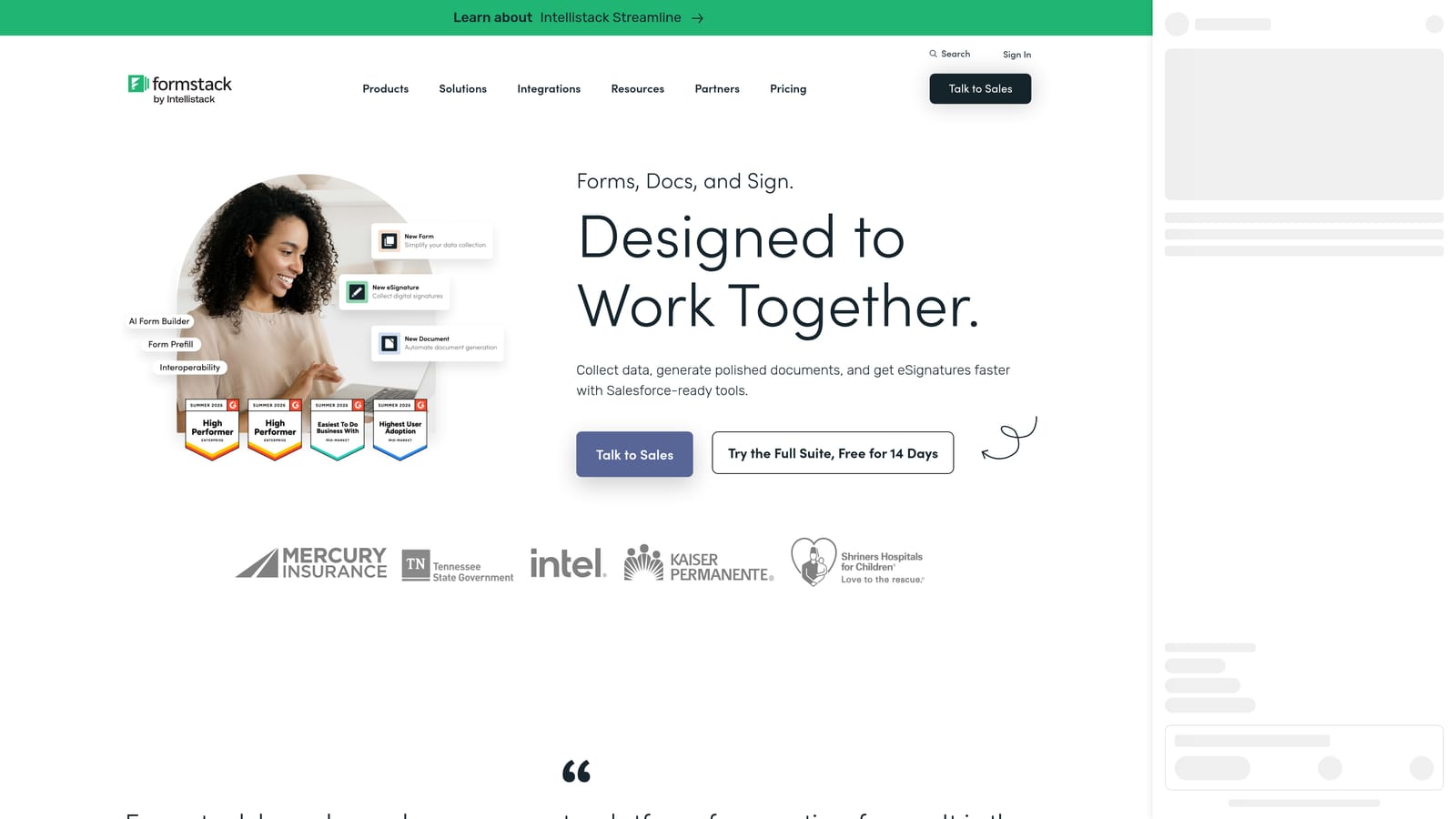
Formstack is an enterprise-grade form builder with a formal accessibility program, VPAT documentation, and a dedicated accessibility mode.
Where This Tool Shines
Formstack is one of the few form builders that treats accessibility as a formal program rather than a feature checkbox. The availability of a VPAT (Voluntary Product Accessibility Template) is a meaningful differentiator for enterprise procurement teams in healthcare, higher education, and government-adjacent organizations, where documented compliance is often a contractual requirement.
The dedicated accessibility mode enhances screen reader compatibility beyond the standard form experience, and WCAG 2.1 AA alignment is maintained across core functionality. Conditional logic, which often introduces accessibility problems on other platforms, is implemented in a way that maintains proper behavior when fields show or hide dynamically.
Key Features
Dedicated Accessibility Mode: An enhanced mode specifically designed for screen reader users and keyboard-only navigation.
VPAT Documentation: Available for enterprise procurement processes that require formal accessibility documentation.
WCAG 2.1 AA Alignment: Core form functionality aligns with the most commonly required accessibility standard.
Accessible Conditional Logic: Fields that show and hide dynamically maintain proper accessibility behavior throughout.
Regulated Industry Track Record: Deployed across healthcare, higher education, and government-adjacent organizations with compliance requirements.
Best For
Enterprise teams, compliance officers, and organizations in regulated industries where documented accessibility and formal vendor accountability are non-negotiable. Strong fit for healthcare, higher education, and public sector procurement processes.
Pricing
Starts at approximately $50/month. Enterprise pricing available. Verify current plans at formstack.com.
5. Jotform
Best for: Teams that need a large template library with solid accessibility foundations and room to scale
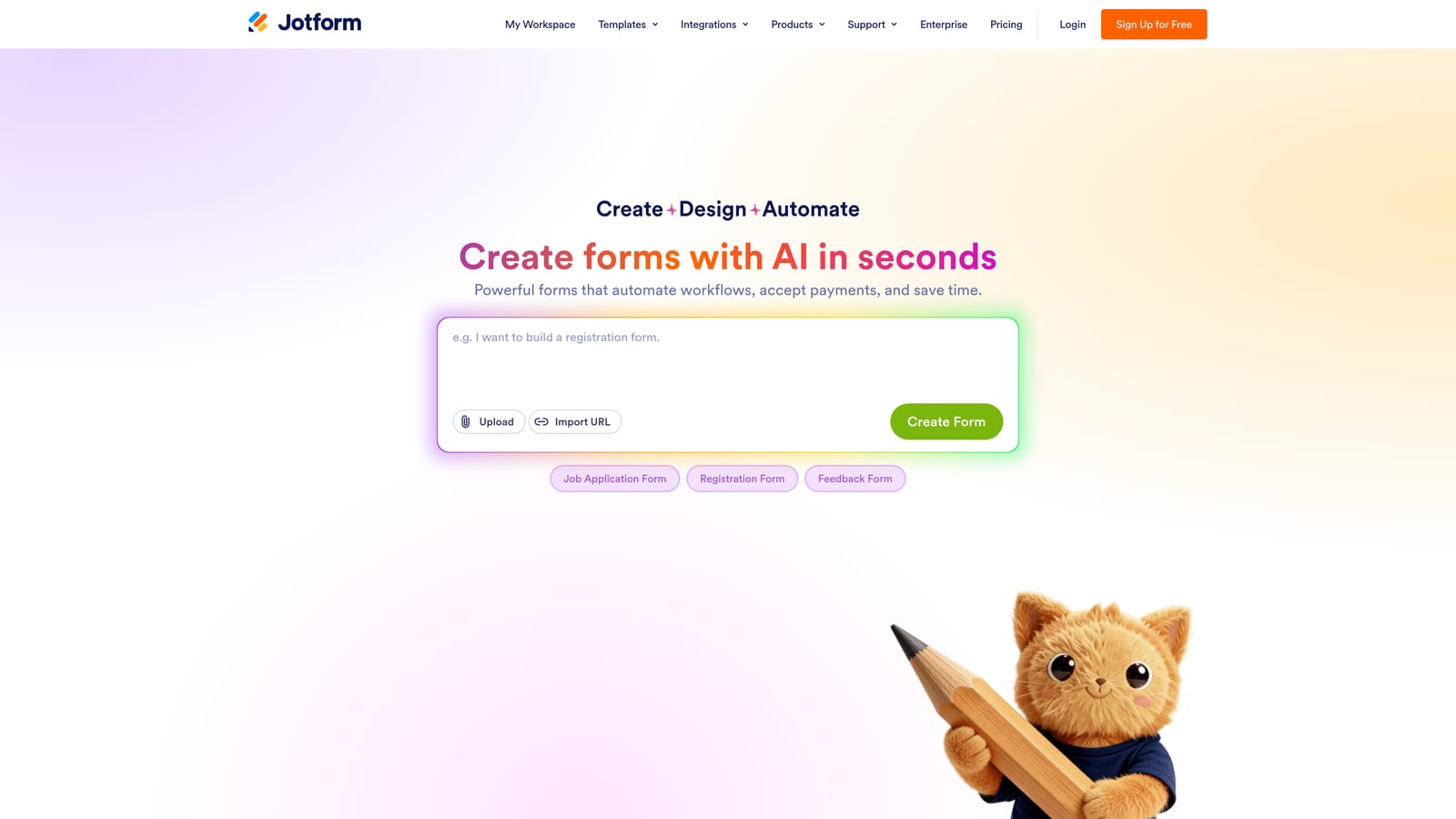
Jotform is a feature-rich form builder with thousands of templates and strong ARIA support across its core form engine.
Where This Tool Shines
Jotform has invested meaningfully in accessibility over time, with ARIA attributes applied to form fields and interactive elements, keyboard-navigable interfaces for both form builders and output forms, and error messages that are properly linked to their relevant fields for screen reader clarity. The accessible PDF form generation feature is a notable differentiator for teams that need to distribute forms in multiple formats.
The main nuance to understand with Jotform is scale: the platform offers thousands of templates, and accessibility quality varies across them. The core form engine is solid, but specific templates may not maintain the same standards. Teams with strict accessibility requirements should audit their chosen template before deploying, rather than assuming all templates are equally compliant.
Key Features
ARIA Attributes: Applied to form fields and interactive elements throughout the platform's output forms.
Keyboard Navigation: Supported across both the form builder interface and the forms respondents complete.
Linked Error Messages: Errors are associated with their relevant fields, ensuring screen readers can communicate problems clearly.
Accessible PDF Generation: Forms can be exported as accessible PDFs, useful for multi-channel distribution.
Extensive Template Library: Thousands of starting points, though accessibility quality should be audited per template.
Best For
Teams that need a scalable, feature-rich platform with solid accessibility foundations and the flexibility to build a wide variety of form types. Particularly useful for organizations managing multiple form workflows across departments.
Pricing
Free plan available. Paid plans start at approximately $34/month. Check jotform.com for current pricing tiers.
6. Cognito Forms
Best for: Developers and technical teams building complex conditional forms that must remain accessible
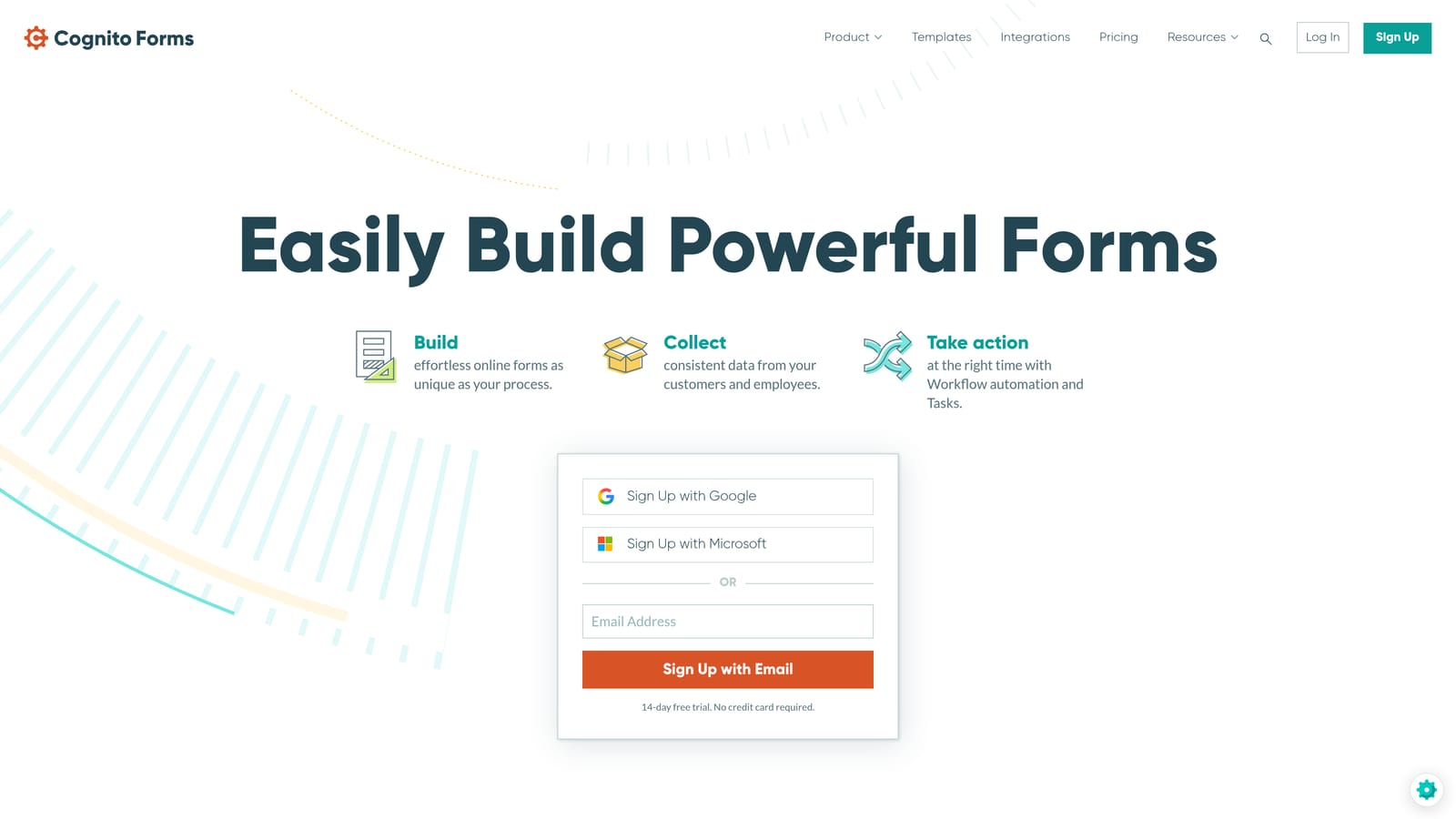
Cognito Forms is a developer-friendly form builder that outputs clean semantic HTML, making it one of the stronger choices for technically complex forms with accessibility requirements.
Where This Tool Shines
Cognito Forms earns its reputation among developers for the quality of its HTML output. Clean semantic markup means assistive technologies can parse and interact with forms reliably, without the extra remediation work that poorly structured output often requires. Keyboard navigation is robust even through complex repeating sections, which is an area where many form builders fall short.
ARIA live regions handle dynamic content updates properly, so when conditional logic triggers new fields or sections, screen readers are notified appropriately. Focus management during these transitions is handled correctly, which is a technical detail that makes a real difference for keyboard and screen reader users navigating complex forms.
Key Features
Clean Semantic HTML Output: Well-structured markup that assistive technologies parse reliably without extra remediation.
Robust Keyboard Navigation: Full keyboard support including complex repeating sections and multi-entry fields.
ARIA Live Regions: Dynamic content updates are communicated to screen readers appropriately.
Proper Focus Management: Conditional logic transitions maintain correct focus behavior for keyboard users.
Generous Free Tier: Accessible forms don't require a paid plan for most small-to-medium use cases.
Best For
Technical teams and developers building forms with complex conditional logic, repeating sections, or calculation fields that need to remain fully accessible. Also a strong value option for budget-conscious teams that need solid accessibility without premium pricing.
Pricing
Free plan available. Paid plans start at approximately $15/month, making it one of the more affordable options on this list.
7. Paperform
Best for: Brand-conscious teams that want design flexibility without sacrificing accessibility fundamentals
Paperform is a design-forward form builder that balances visual flexibility with accessibility fundamentals, including ARIA support and contrast guidance for custom themes.
Where This Tool Shines
Paperform sits at an interesting intersection: it's one of the more visually flexible form builders on this list, yet it maintains accessibility fundamentals that purely design-focused tools often ignore. ARIA labels are applied to form fields and interactive elements, keyboard navigation is supported across form types, and error states use descriptive messaging that communicates clearly to assistive technologies.
The platform provides contrast ratio guidance within its design system, which is a thoughtful addition for teams customizing themes. That said, the flexibility means the burden is partly on the form creator to make good choices. Teams with strict compliance requirements should review their custom designs against WCAG contrast standards rather than relying solely on platform defaults.
Key Features
ARIA Labels: Applied to form fields and interactive elements throughout the form experience.
Keyboard Navigation: Supported across different form types including payment forms and multi-step flows.
Contrast Ratio Guidance: Design system includes guidance to help creators maintain accessible contrast when customizing themes.
Accessible Error States: Error messages are descriptive and structured for screen reader comprehension.
Mobile-Responsive Layouts: Responsive design maintains accessibility across device types and screen sizes.
Best For
Creative teams, agencies, and brand-conscious businesses that need forms to look polished and on-brand without abandoning accessibility basics. Good fit for e-commerce, service businesses, and teams where visual presentation is a priority alongside compliance.
Pricing
Starts at approximately $24/month. No permanent free plan, though a trial is available. Verify current plans at paperform.co.
8. SurveyMonkey
Best for: Large-scale research and survey programs that require a formal accessibility program with documented screen reader testing
SurveyMonkey is an established survey and form platform with a formal accessibility program, including testing across major assistive technologies.
Where This Tool Shines
SurveyMonkey's accessibility program goes beyond claims: the platform has conducted testing with major screen readers including JAWS, NVDA, and VoiceOver, which is a meaningful distinction from tools that declare WCAG compliance without documented testing. WCAG 2.1 AA alignment covers core survey functionality, and keyboard navigation works throughout the survey and form experience.
For enterprise research teams, the accessible results and reporting dashboards are worth noting. Many platforms make forms accessible but overlook the data review experience. SurveyMonkey's enterprise plans include dedicated accessibility support and documentation, making it a credible choice for organizations running large-scale, compliance-sensitive research programs.
Key Features
Documented Screen Reader Testing: Tested with JAWS, NVDA, and VoiceOver rather than relying solely on self-reported compliance.
Keyboard Navigation: Full keyboard support throughout survey creation and completion experiences.
Accessible Reporting Dashboards: Results and analytics views are structured accessibly, not just the forms themselves.
Enterprise Accessibility Support: Dedicated support and documentation available for organizations with formal compliance requirements.
Best For
Research teams, HR departments, and enterprise organizations running large-scale surveys where accessibility compliance is a formal requirement. Particularly strong for teams that need documented testing evidence rather than vendor self-attestation.
Pricing
Free plan available with limited features. Paid plans start at approximately $25/month. Enterprise pricing available separately. Check surveymonkey.com for current tiers.
9. Microsoft Forms
Best for: Microsoft 365 organizations that want deep accessibility integration within their existing ecosystem
Microsoft Forms is part of Microsoft 365 and benefits from Microsoft's deep and longstanding commitment to accessibility, including integration with tools like Accessibility Checker and Immersive Reader.
Where This Tool Shines
Microsoft's accessibility track record is one of the strongest in the technology industry, and Microsoft Forms inherits that investment. The integration with Microsoft Accessibility Checker allows form creators to review their forms for accessibility issues before publishing, which is a proactive capability most form builders don't offer. Immersive Reader support helps respondents with reading difficulties, dyslexia, or language barriers engage with form content more effectively.
Full keyboard navigation and screen reader compatibility are well-tested, and high-contrast mode support aligns with Windows accessibility settings so users who rely on system-level contrast preferences get a consistent experience. For organizations already running Microsoft 365, the seamless integration with Teams, SharePoint, and other tools makes Forms the natural choice for internal accessibility-compliant data collection.
Key Features
Accessibility Checker Integration: Built-in tool reviews forms for accessibility issues before they're published to respondents.
Immersive Reader Support: Helps respondents with reading difficulties, dyslexia, or language differences engage with form content.
Full Keyboard and Screen Reader Compatibility: Well-tested across keyboard navigation and major screen reader technologies.
High-Contrast Mode Support: Aligns with Windows system-level accessibility settings for a consistent user experience.
Microsoft 365 Ecosystem Integration: Works seamlessly within Teams, SharePoint, and other Microsoft tools where accessibility workflows already exist.
Best For
Organizations already operating within the Microsoft 365 ecosystem, particularly enterprise teams, educational institutions, and public sector organizations where Microsoft's accessibility commitment and ecosystem integration are strategic advantages.
Pricing
Included with Microsoft 365 subscriptions. A standalone free version is available at forms.microsoft.com without a subscription.
Which Form Builder Is Right for Your Needs?
Every tool on this list takes accessibility more seriously than the average form builder, but the right choice depends on what else you need your forms to do.
Here's a quick-reference guide by use case:
Best for lead generation with AI qualification: Orbit AI combines accessible form design with AI-powered lead scoring and workflow automation, making it the strongest choice for SaaS teams that need forms to drive pipeline, not just collect data.
Best for regulated industries and formal compliance: Formstack's VPAT documentation and dedicated accessibility mode make it the go-to for healthcare, higher education, and government-adjacent organizations where documented compliance is a procurement requirement.
Best for large-scale research and surveys: SurveyMonkey's documented screen reader testing and enterprise accessibility support make it the credible choice for compliance-sensitive research programs.
Best for Microsoft 365 environments: Microsoft Forms is the natural fit for organizations already running Teams and SharePoint, with Accessibility Checker and Immersive Reader adding genuine value beyond basic compliance.
Best for free and simple use cases: Google Forms delivers reliable accessibility without cost or configuration, ideal for internal surveys, education, and nonprofits.
Best for complex conditional forms: Cognito Forms' clean semantic HTML and proper focus management make it the developer-friendly choice for technically complex accessible forms at an affordable price point.
If your team is focused on growth and you need forms that are both inclusive and high-converting, start with Orbit AI. Accessibility and performance don't have to be a trade-off. Book a demo and see how intelligent form design can elevate your conversion strategy while ensuring every prospect, regardless of ability, can engage with your brand on equal terms.


