

Most forms leak leads silently. A visitor lands on your page, starts filling out your form, then abandons — and you never know why. That invisible drop-off is one of the most common and costly problems in conversion optimization, and it's almost impossible to fix without the right data.
Form testing tools help you diagnose exactly where friction lives: which fields cause hesitation, which steps trigger abandonment, and which designs drive completions. Whether you're optimizing a lead generation form, a customer onboarding flow, or a multi-step qualification sequence, having the right testing infrastructure can meaningfully shift your conversion rates.
This guide covers the top form testing tools available in 2026, evaluated on ease of use, testing depth, analytics quality, and fit for high-growth teams. Orbit AI earns the top spot because its built-in analytics and AI-powered qualification make it uniquely suited for teams who want to build and test in one place. But every tool on this list has genuine strengths worth understanding before you decide.
1. Orbit AI
Best for: High-growth SaaS teams who want to build, test, and qualify leads in one platform.
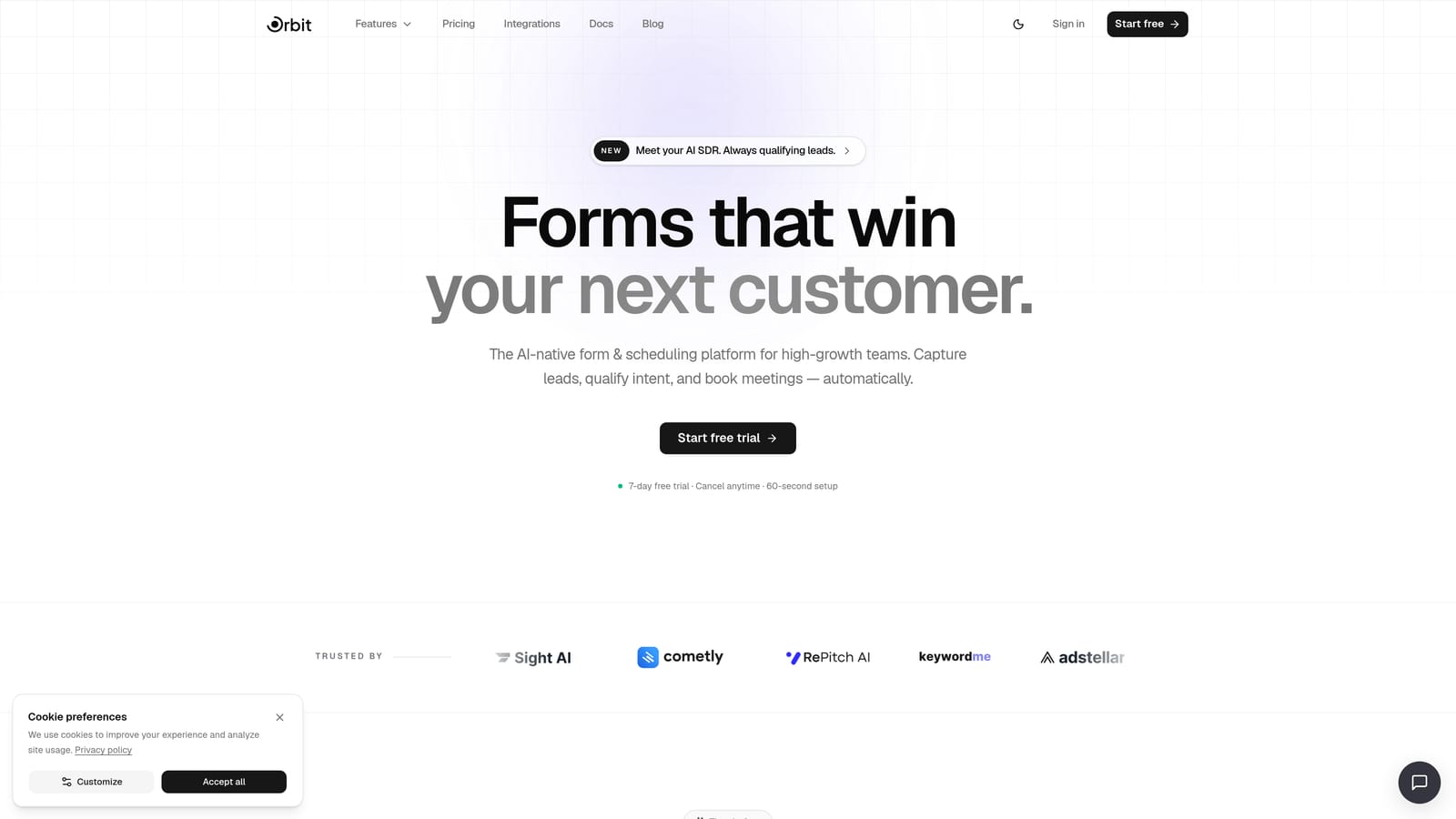
Orbit AI is an AI-powered form builder with native lead qualification, conversion analytics, and multi-step form capabilities designed for teams who want to optimize without switching tools.
Where This Tool Shines
Most form builders separate the building experience from the testing experience. You create a form in one place, pipe data into an analytics tool, and try to stitch together insights manually. Orbit AI collapses that workflow. The native analytics dashboard surfaces completion rates, drop-off points, and field-level performance right where you build — so iteration is faster and more intuitive.
The real differentiator is the AI qualification layer. As respondents complete a form, Orbit AI's AI agents score and route leads in real time, making your conversion data immediately actionable rather than just informational. For SaaS teams running lead gen or onboarding flows, that combination of testing insight and lead intelligence is genuinely hard to find elsewhere.
Key Features
AI-Powered Lead Qualification: Scores and routes leads in real time as forms are completed, reducing manual follow-up and making conversion data more useful immediately.
Native Analytics Dashboard: Surfaces drop-off points, completion rates, and field-level performance without requiring a third-party analytics integration.
Conditional Logic and Multi-Step Sequences: Lets you build and test different form flows, branching paths, and question orders to find what converts best.
Pre-Built Templates: Ready-to-use templates for lead generation, onboarding, and feedback use cases give you a tested starting point for iteration.
Workflow Automation: Triggers follow-up actions based on form responses, so your testing insights connect directly to downstream processes.
Best For
Orbit AI is the strongest fit for SaaS companies and high-growth teams running lead generation or onboarding flows who want one platform to handle form creation, testing, and lead qualification. If you're tired of stitching together a form builder, an analytics tool, and a CRM workflow, this is built for exactly that problem.
Pricing
See current plans at orbitforms.ai/pricing. Pricing is structured for teams at various growth stages.
2. Typeform
Best for: Teams prioritizing respondent experience and question-level drop-off data.
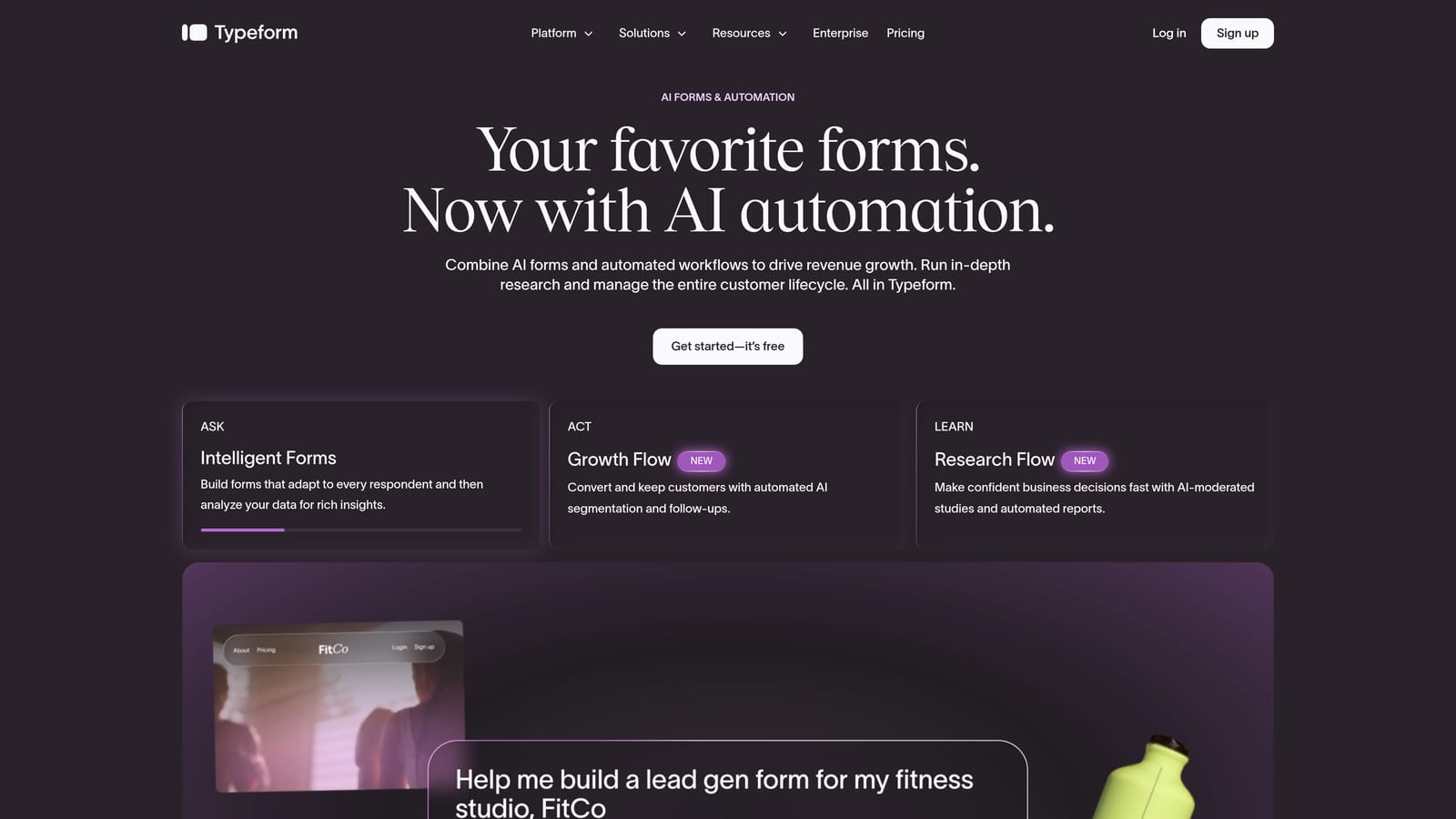
Typeform is a conversational form builder known for its one-question-at-a-time UX and per-question analytics that show exactly where respondents abandon.
Where This Tool Shines
Typeform's core insight is that forms feel less intimidating when they present one question at a time. That UX decision reduces perceived form length and cognitive load, which often translates to higher completion rates on longer forms. For testing purposes, the question-level drop-off data is genuinely useful: you can see precisely which question triggers abandonment and iterate accordingly.
The experience is also highly polished. If brand presentation matters to your audience — think high-touch B2B sales forms or premium consumer products — Typeform's visual quality is difficult to match out of the box.
Key Features
Question-Level Drop-Off Analytics: Shows exactly where respondents stop completing the form, giving you specific, actionable data for iteration.
Conversational Format: One-question-at-a-time presentation reduces cognitive load and often improves completion rates on longer forms.
Logic Jumps: Branching paths let you test different form flows and personalize the experience based on earlier answers.
CRM and Analytics Integrations: Connects with major CRMs and analytics platforms so form data flows into your existing stack.
Video and Image Embedding: Supports richer, more engaging form experiences for testing media-enhanced designs.
Best For
Typeform works well for marketing and growth teams where respondent experience is a priority and question-level drop-off data is the primary testing metric. It's particularly strong for longer forms where the conversational format provides the most lift.
Pricing
A free tier is available with limited responses. Paid plans are published at typeform.com/pricing and scale based on response volume and features.
3. Jotform
Best for: Teams managing many forms simultaneously who need detailed built-in analytics and broad integration support.
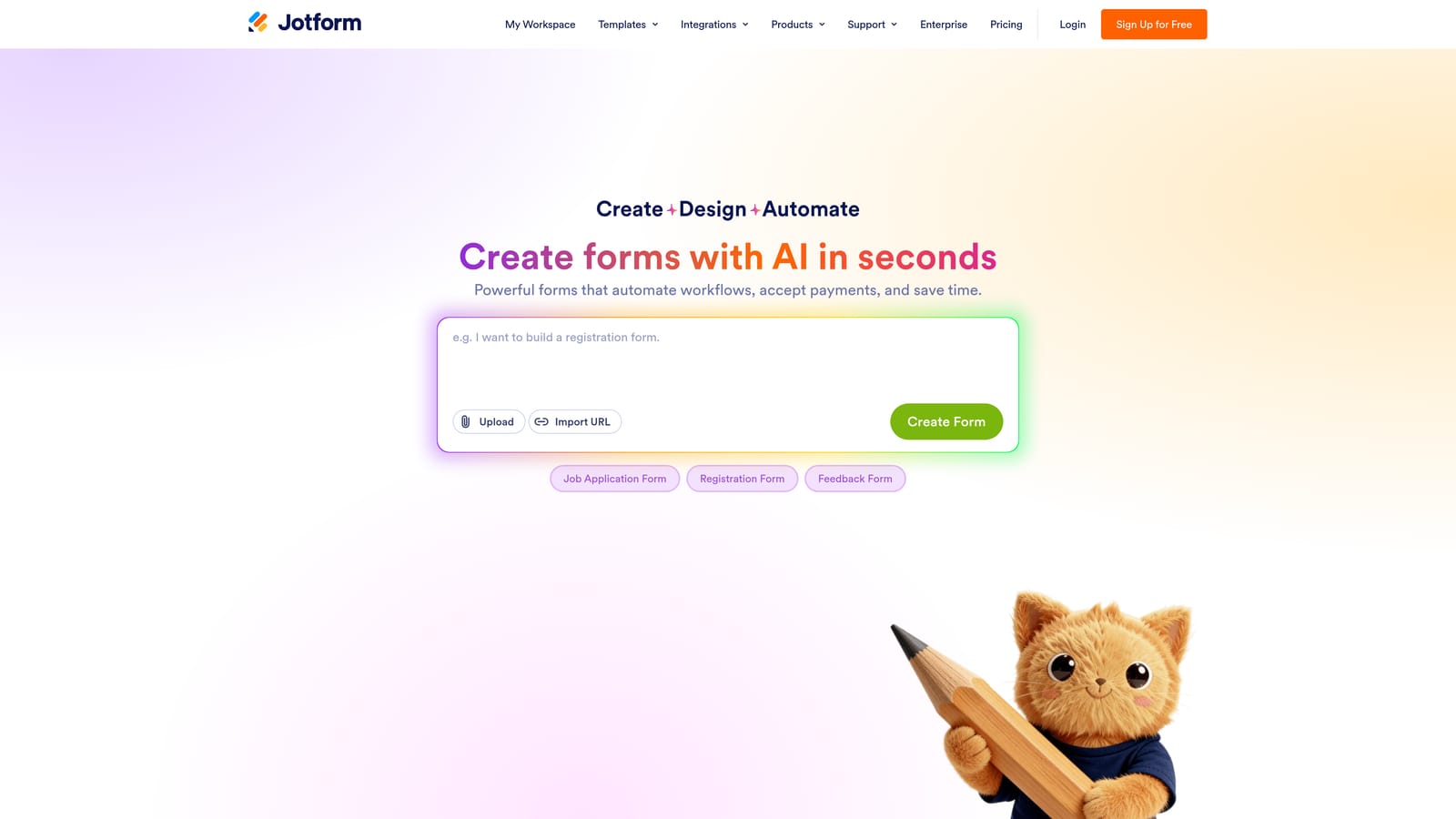
Jotform is a feature-rich form platform with dedicated analytics reporting that includes incomplete submission tracking, conversion data, and device breakdowns.
Where This Tool Shines
Jotform's analytics coverage is notably broad for a general-purpose form builder. You get views, starts, submissions, and conversion rates in one reporting view, plus incomplete submission capture — which lets you recover data from forms that were started but never submitted. That last feature is particularly valuable for testing because it tells you not just that someone abandoned, but how far they got.
The integration ecosystem is also a real asset. With over 100 native integrations covering CRMs, payment processors, and analytics tools, Jotform fits into complex tech stacks without requiring custom development. For teams running multiple forms across different use cases, the centralized management experience is efficient.
Key Features
Built-In Form Analytics: Views, starts, submissions, and conversion rate in a single dashboard for each form.
Incomplete Submission Capture: Recovers data from abandoned forms, giving you insight into how far respondents progressed before leaving.
Device and Browser Breakdown: Identifies whether form performance differs across mobile, desktop, or specific browsers — critical for cross-platform testing.
100+ Native Integrations: Connects with CRMs, payment processors, and analytics tools without requiring middleware.
Large Template Library: Hundreds of templates across use cases make rapid form iteration faster to start.
Best For
Jotform is a strong fit for teams managing multiple forms across different departments or use cases who want analytics built in rather than bolted on. It's also a good choice when incomplete submission recovery is a priority.
Pricing
A free tier is available with usage limits. Paid plans are published at jotform.com/pricing and scale based on submission volume and feature access.
4. Paperform
Best for: Teams testing complex form structures like quote calculators, product configurators, or application flows.
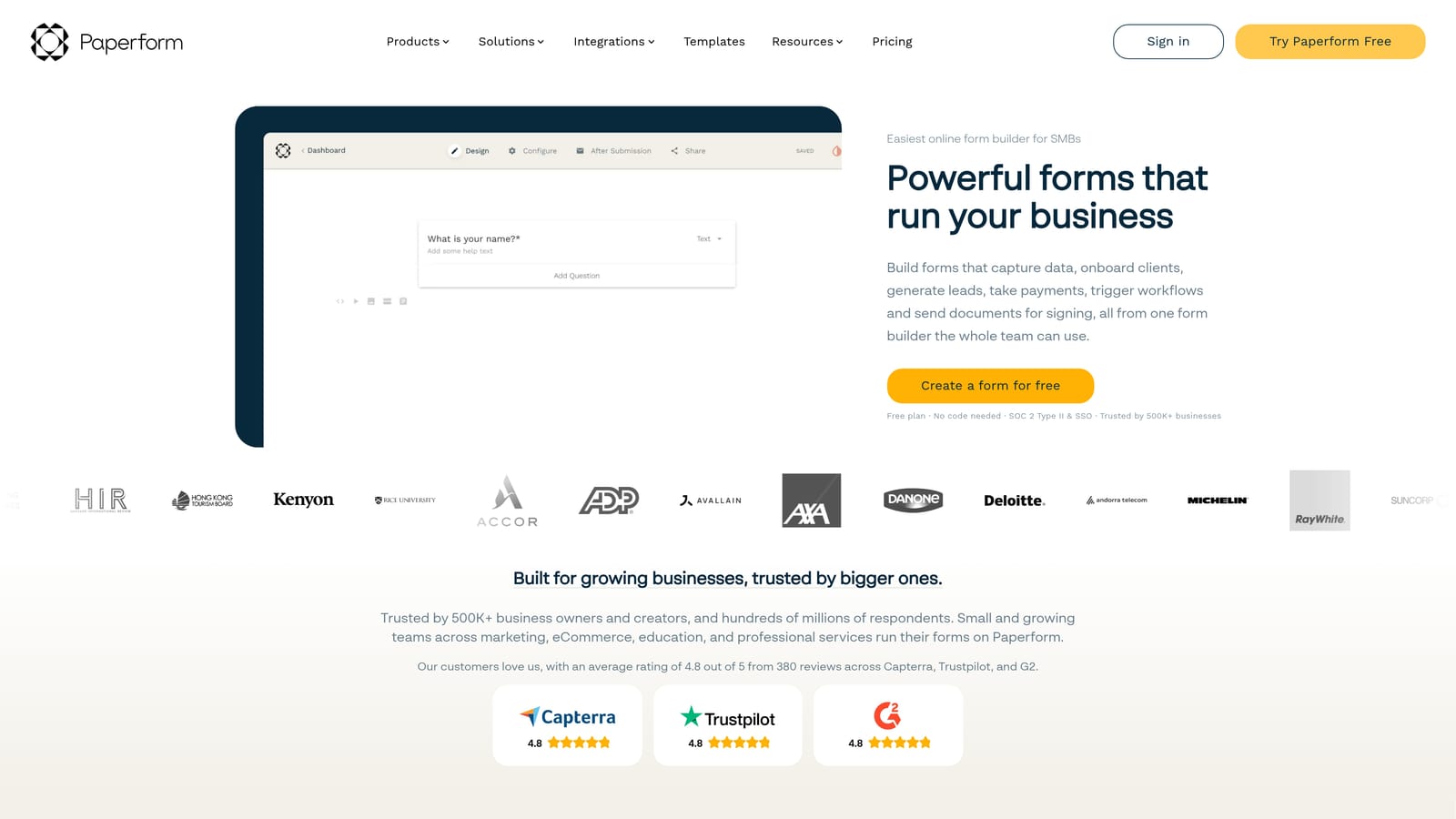
Paperform is a document-style form builder with rich media support and submission analytics, suited for testing forms that go beyond standard question-and-answer layouts.
Where This Tool Shines
Paperform's freeform document editor is its most distinctive feature. Instead of building forms field by field in a sidebar, you write and design in a document-like canvas — adding fields, images, text, and calculation logic inline. This makes it particularly well-suited for testing complex form types: pricing calculators, product finders, or multi-section application forms where layout and context matter as much as the questions themselves.
While Paperform doesn't offer native A/B testing, teams can duplicate forms and compare performance across versions manually using submission analytics. Combined with Zapier or Make integrations, you can route that data into whatever analytics pipeline you're already using.
Key Features
Freeform Document Editor: Flexible, branded form layouts that go beyond standard form builders — ideal for testing rich, content-heavy form designs.
Calculation Fields: Supports product configurators and pricing forms where calculated outputs are part of the form experience.
Submission Analytics: Response trend data shows how submissions change over time, useful for tracking the impact of form changes.
Conditional Logic: Branching paths let you test different form flows based on respondent answers.
Zapier and Make Integrations: Connects to external analytics tools and CRMs through popular automation platforms.
Best For
Paperform is best for teams building and testing complex, document-style forms where visual design and calculated fields are central to the experience. It's less suited for teams who need native A/B testing or deep field-level analytics.
Pricing
No free tier is available. Paid plans are published at paperform.co/pricing. All plans include the full feature set with limits based on submission volume.
5. Formstack
Best for: Enterprise teams in regulated industries who need advanced field analytics, compliance support, and workflow automation.
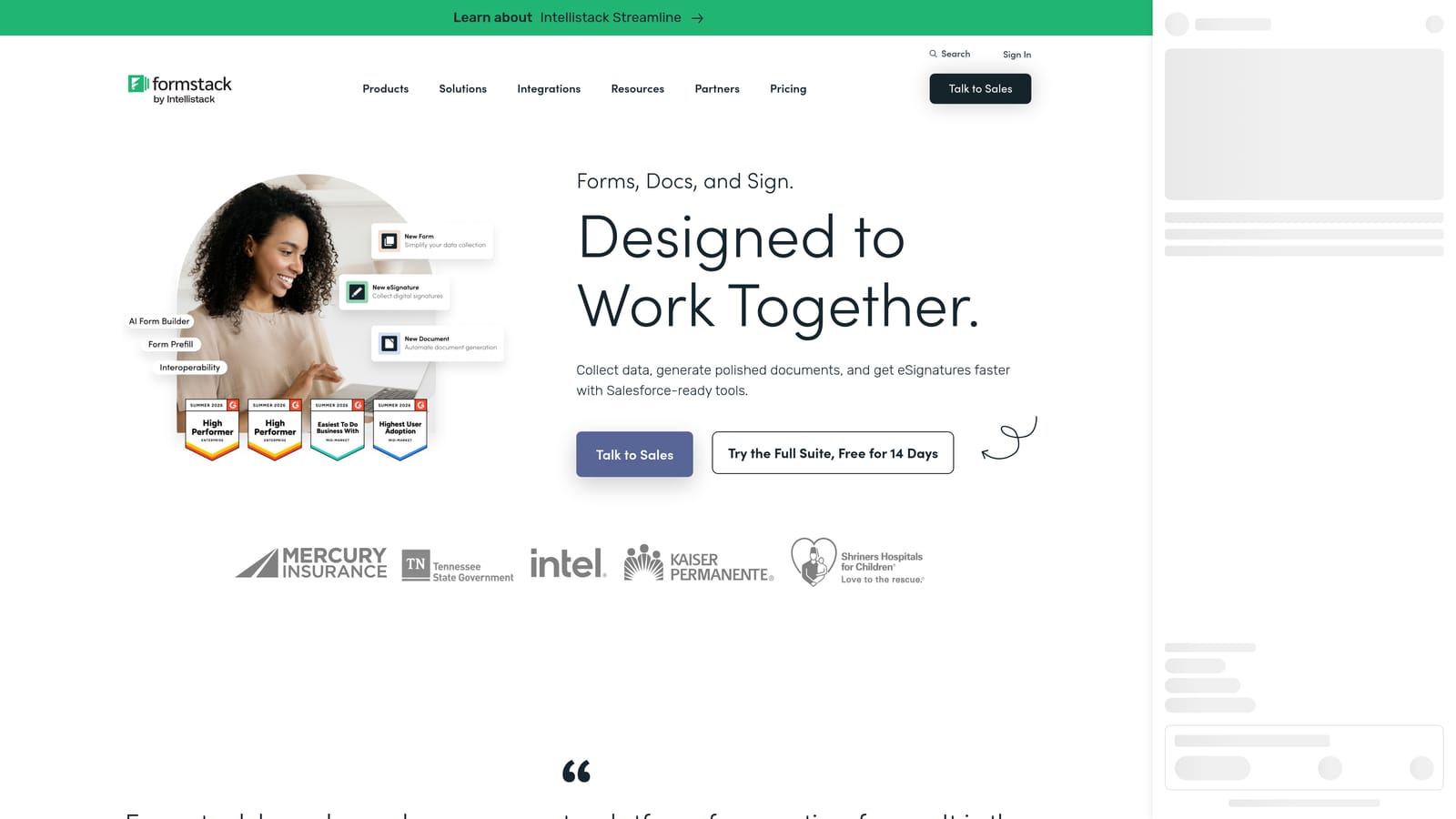
Formstack is an enterprise-grade form platform with field-level analytics, partial submission tracking, and built-in compliance features for organizations operating under HIPAA or GDPR requirements.
Where This Tool Shines
Formstack goes deeper on field analytics than most form platforms. You can see time-on-field data (how long respondents spend on each field), skip rates, and completion patterns — which gives you a granular picture of friction that goes well beyond simple drop-off rates. For large organizations running complex forms, that level of detail makes testing significantly more precise.
The compliance layer is also a genuine differentiator for regulated industries. HIPAA and GDPR support is built in rather than available as an add-on, which matters for healthcare, finance, and enterprise SaaS teams where data handling requirements shape what tools they can use at all.
Key Features
Field Analytics: Time-on-field, skip rates, and completion patterns give you granular data on where friction occurs within individual fields.
Partial Submission Capture: Recovers data from abandoned forms and identifies how far respondents progressed before leaving.
Conversion Tracking: Integrates conversion data with broader workflow and submission reporting.
HIPAA and GDPR Compliance: Built-in compliance support for regulated industries, not a paid add-on.
Workflow Automation and Approval Routing: Connects form submissions to internal approval workflows, useful for enterprise processes tied to form completion.
Best For
Formstack is the right choice for larger organizations in regulated industries where compliance is non-negotiable and field-level analytics depth is more important than speed or simplicity. It's not the right fit for early-stage teams or those primarily optimizing simple lead gen forms.
Pricing
Formstack is priced at a higher tier than most form builders, with enterprise plans available. Current pricing is published at formstack.com/pricing.
6. Tally
Best for: Early-stage teams testing simple form concepts quickly on a tight budget.
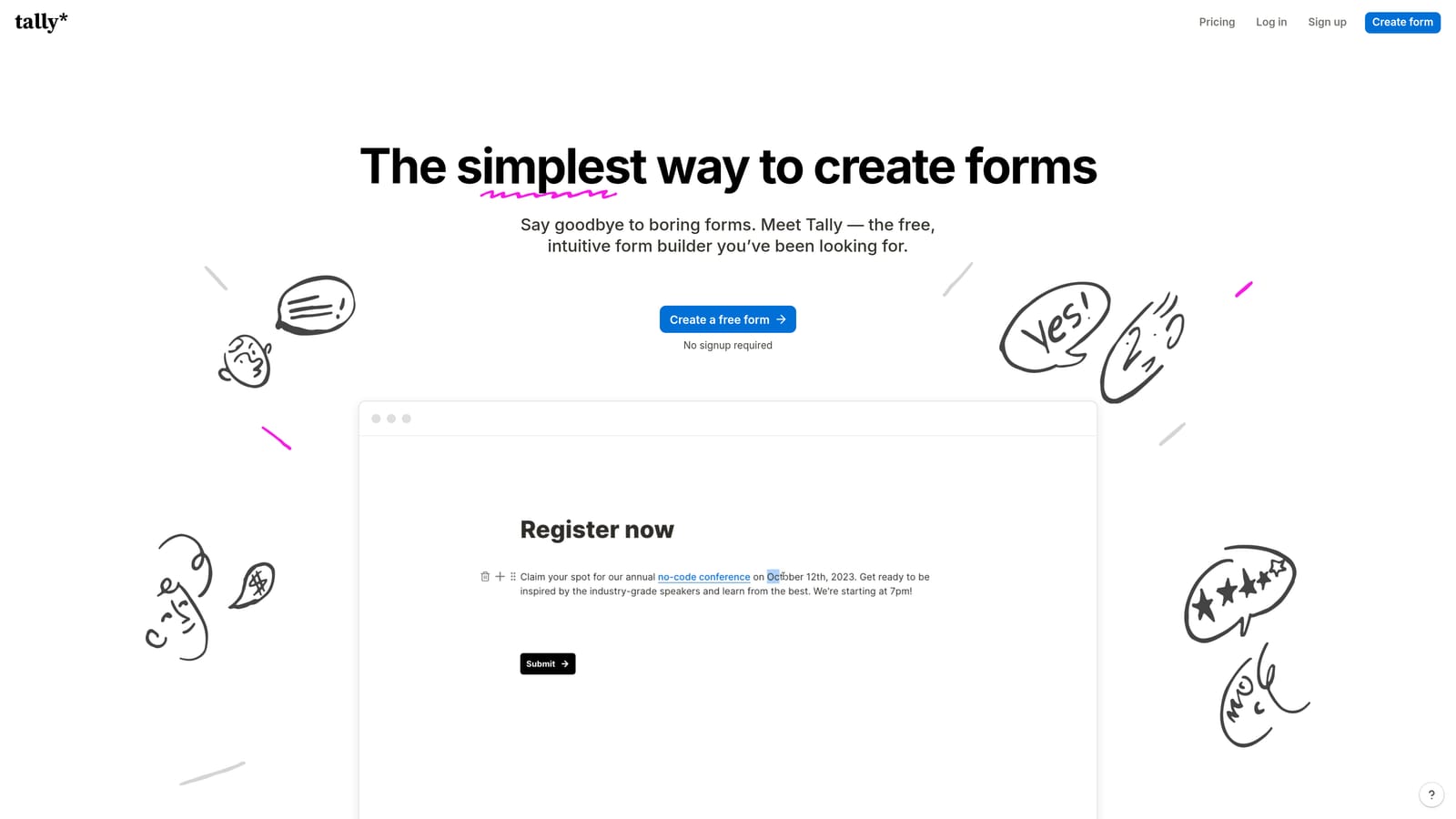
Tally is a lightweight, Notion-style form builder with a generous free tier and clean response analytics — designed for speed and simplicity over testing depth.
Where This Tool Shines
Tally's editing experience is its biggest draw. If you've used Notion, the form builder feels immediately familiar: you type to add content, use slash commands to insert fields, and publish in minutes. For teams who need to get a form live quickly to test a concept before committing to a more robust platform, that speed is genuinely valuable.
The free tier is also unusually generous. Unlimited forms and unlimited responses on the free plan means you can run meaningful volume through Tally without paying anything, which makes it a practical starting point for early-stage teams validating form concepts before investing in more sophisticated tooling.
Key Features
Notion-Like Editor: Intuitive, block-based editing experience that lets you build and publish forms in minutes without a learning curve.
Basic Response Analytics: Submission counts and response data give you a starting point for evaluating form performance.
Unlimited Free Forms and Responses: The free tier removes volume restrictions, making it practical for early testing without cost commitment.
Conditional Logic: Available on the paid plan for teams who need branching form paths.
Clean Data Export: Exports response data for analysis in external tools when you need more analytical depth than Tally provides natively.
Best For
Tally is best for early-stage teams or individual contributors who need to test form concepts quickly and cheaply. It's not a dedicated testing platform, and teams who need field-level analytics, AI qualification, or deep conversion data will quickly outgrow it.
Pricing
A free tier is available with unlimited forms and responses. The Pro plan is published at tally.so/pricing with additional features including conditional logic and custom domains.
Which Form Testing Tool Is Right for You?
Each tool on this list solves a real problem, but they solve different problems for different teams. Here's how to think about the choice.
Orbit AI is the strongest pick for high-growth SaaS teams who want to build, test, and qualify leads without switching between platforms. The combination of native analytics, AI-powered lead scoring, and multi-step form logic means your testing insights connect directly to pipeline outcomes — not just completion rates. If you're running lead generation or onboarding flows and want one platform to handle the full workflow, this is where to start.
Typeform is the right choice when respondent experience is your primary lever and question-level drop-off data is the testing metric you care most about. It's particularly strong for longer forms where the conversational format provides meaningful lift.
Jotform suits teams managing multiple forms across different use cases who need broad analytics coverage, incomplete submission recovery, and a deep integration ecosystem without custom development.
Paperform earns its place for teams testing complex, document-style form structures like pricing calculators or application flows where layout and calculated fields are central to the experience.
Formstack is built for enterprise teams in regulated industries where field-level analytics depth and compliance requirements shape what tools are even viable.
Tally is the pragmatic starting point for early-stage teams who need to validate form concepts quickly on a free or low-cost plan before investing in more sophisticated infrastructure.
If you're ready to move beyond basic form builders and start treating your forms as a conversion asset, Start your free trial today with Orbit AI and see how AI-powered qualification and native analytics can transform what your forms do for your pipeline.


