

Every form field is a decision point where visitors either convert or abandon. Without A/B testing, you're guessing which headlines, layouts, and field arrangements actually work. Form builders with built-in A/B testing eliminate the guesswork by letting you run controlled experiments directly within your forms—no third-party tools or developer help required.
We evaluated dozens of form builders based on their testing capabilities, ease of setup, statistical significance tracking, and integration options. Here are the nine best platforms for teams serious about optimizing their conversion rates through data-driven form design.
1. Orbit AI
Best for: High-growth teams needing AI-powered lead qualification with conversion optimization
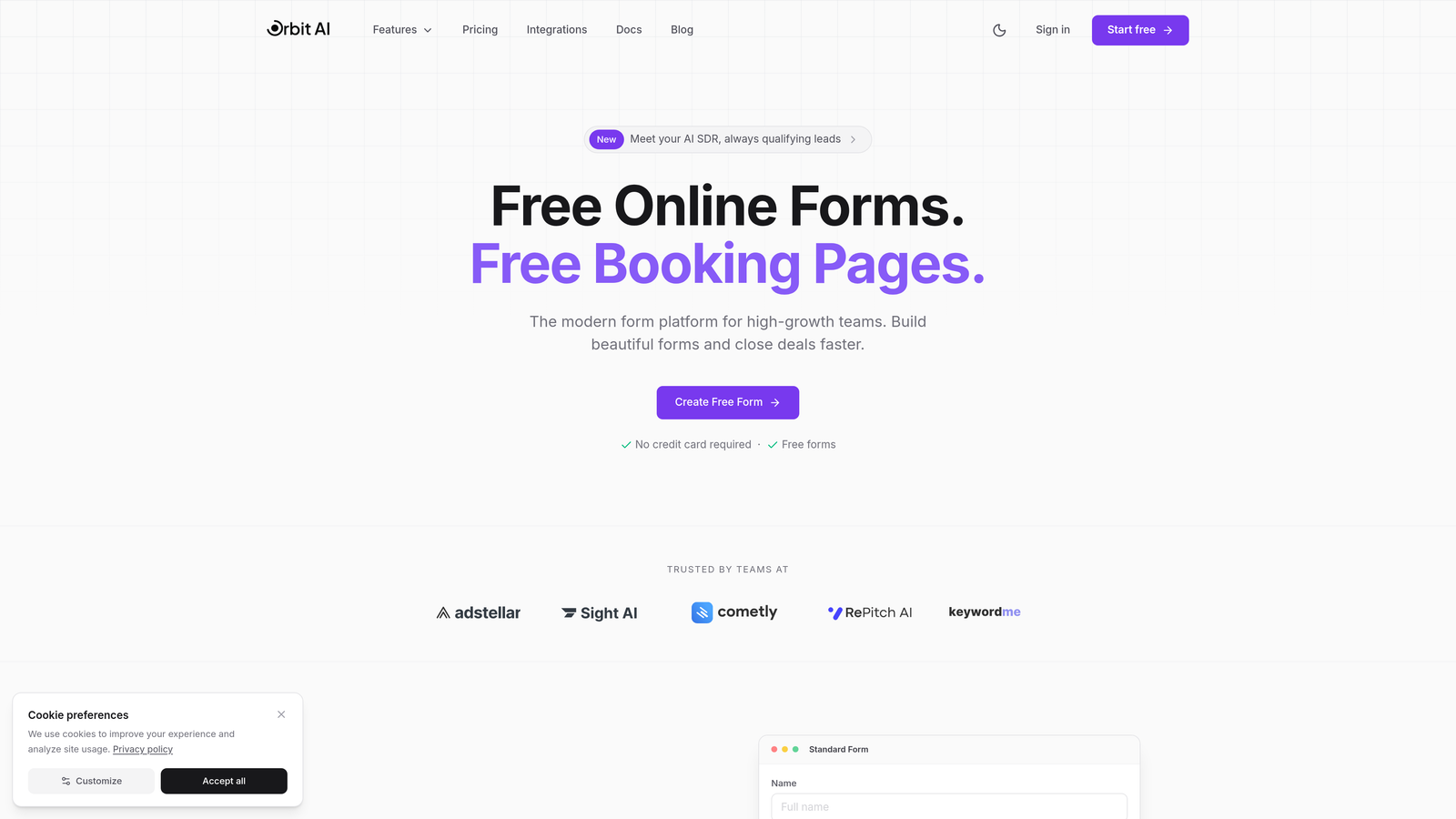
Orbit AI combines form building with intelligent lead qualification and built-in A/B testing in one platform.
Where This Tool Shines
Orbit AI stands out by integrating lead scoring directly into the testing process. While you're optimizing form conversion rates, the platform simultaneously qualifies leads using AI, so you're not just getting more submissions—you're getting better leads.
The platform delivers modern, conversion-optimized designs that feel native to high-growth SaaS environments. Teams can run experiments on form variants while the AI analyzes which combinations attract the highest-quality prospects, not just the highest volume.
Key Features
AI-Powered Lead Qualification: Automatically scores and qualifies leads based on form responses and behavior patterns.
Built-In A/B Testing with AI Insights: Run split tests while receiving AI-driven recommendations on which variants attract better-qualified leads.
Conversion-Optimized Templates: Modern form designs specifically built for high-conversion scenarios across industries.
Advanced Analytics Dashboard: Track both conversion metrics and lead quality scores in a unified view.
Seamless CRM Integrations: Connect qualified leads directly to your sales pipeline with automated enrichment.
Best For
High-growth teams and businesses focused on lead generation quality over quantity. Ideal for SaaS companies, B2B marketers, and sales teams who need to optimize both conversion rates and lead qualification simultaneously without managing multiple tools.
Pricing
Contact for pricing; free trial available to test the platform's capabilities.
2. Unbounce Smart Builder
Best for: Marketing teams running PPC campaigns needing automated variant optimization
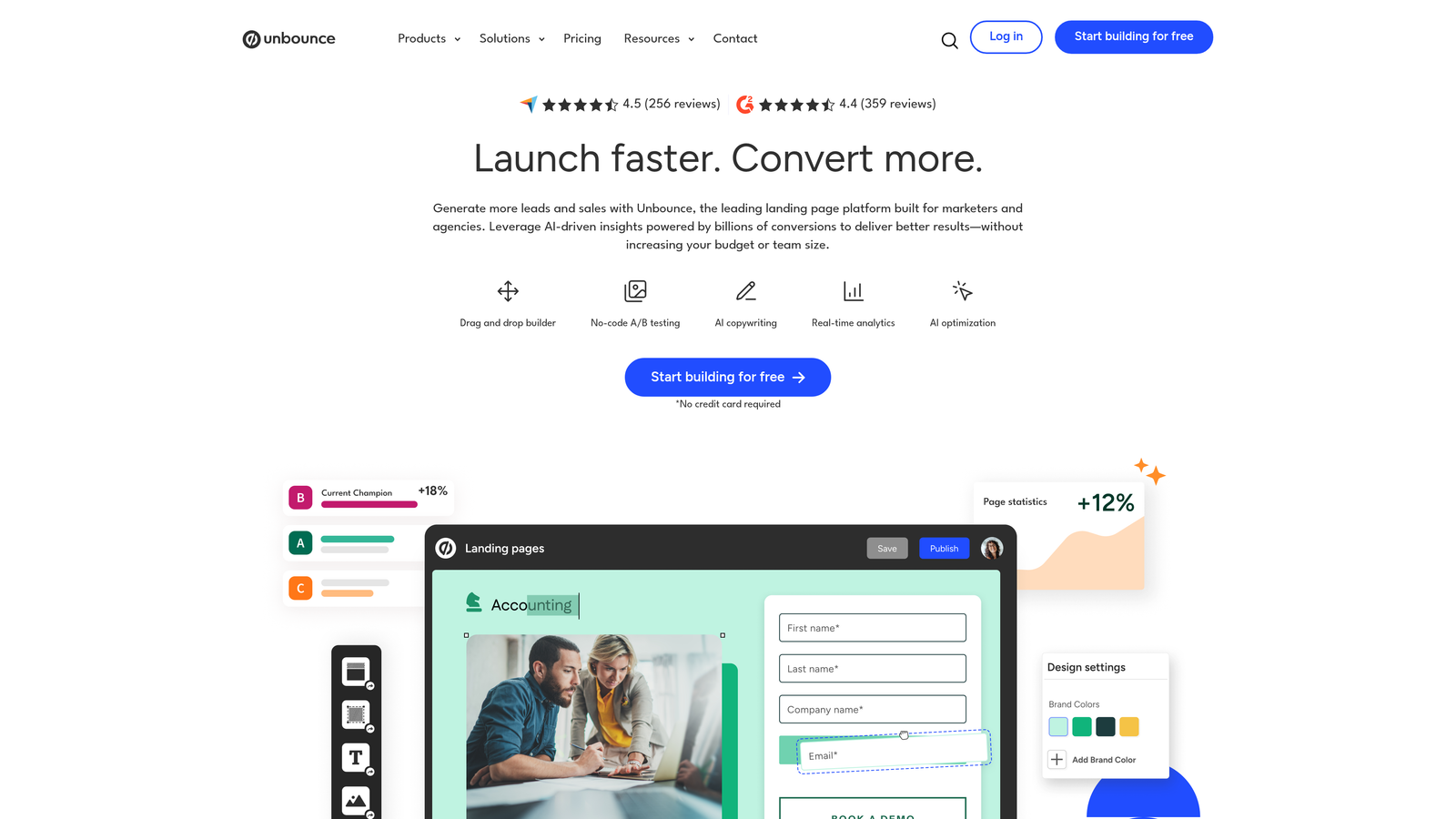
Unbounce Smart Builder is a landing page and form builder with AI-powered Smart Traffic that automatically routes visitors to the best-performing variants.
Where This Tool Shines
Unbounce's Smart Traffic feature takes A/B testing beyond manual analysis. The AI automatically directs visitors to the variant most likely to convert them based on their attributes, effectively optimizing in real-time without waiting for statistical significance.
The platform excels at combining landing page and form optimization in one workflow. You can test entire page layouts alongside form variations, making it particularly powerful for paid advertising campaigns where every click costs money.
Key Features
Smart Traffic AI Optimization: Machine learning automatically sends visitors to their highest-converting variant.
Drag-and-Drop Builder: Create landing pages and forms without coding, with real-time preview across devices.
Dynamic Text Replacement: Automatically customize form headlines and copy based on search terms or ad parameters.
Conversion Intelligence Reporting: Detailed analytics showing which variants perform best for different traffic sources.
100+ Landing Page Templates: Pre-built templates optimized for various industries and conversion goals.
Best For
Marketing teams running paid advertising campaigns who need to maximize ROI from PPC spend. Perfect for agencies managing multiple client campaigns or growth marketers who want automated optimization without constant manual monitoring.
Pricing
Starts at $99/month with Smart Traffic available on higher-tier plans.
3. Typeform
Best for: Creating engaging conversational forms with beautiful, branded experiences
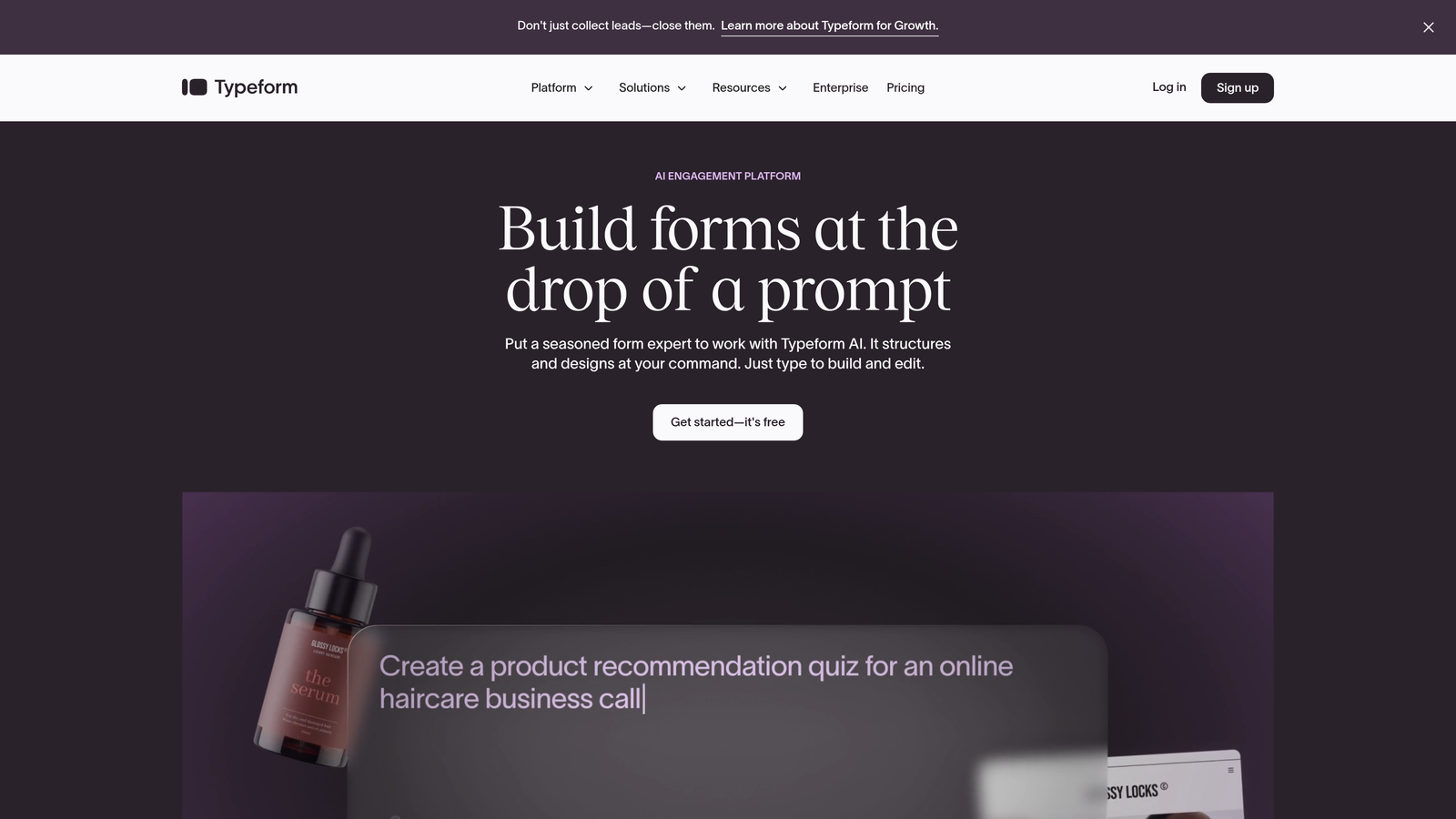
Typeform is a conversational form builder known for beautiful, engaging forms with native A/B testing for optimizing question flows.
Where This Tool Shines
Typeform's one-question-at-a-time format fundamentally changes how users experience forms. Instead of overwhelming visitors with a wall of fields, it creates a conversational flow that typically increases completion rates, especially for longer forms.
The platform makes A/B testing question sequences intuitive. You can experiment with different question orders, wording variations, and logic paths to discover which conversational flows keep users engaged through to submission.
Key Features
Conversational Format: Present one question at a time with smooth transitions that feel like a conversation.
Native A/B Testing: Split test different question flows, wording, and logic paths directly within the platform.
Logic Jumps and Branching: Create dynamic forms that adapt based on previous answers.
Rich Media Embedding: Add videos, images, and GIFs to make forms more engaging and visually appealing.
Extensive Integrations: Connect with hundreds of tools including CRMs, email platforms, and analytics services.
Best For
Brands prioritizing user experience and engagement over traditional form efficiency. Ideal for surveys, lead qualification forms, event registrations, and any scenario where you need to collect detailed information without overwhelming users.
Pricing
Starts at $25/month; A/B testing capabilities available on Business and Enterprise tiers.
4. Leadformly
Best for: Lead generation specialists focused purely on conversion rate optimization
Leadformly is a conversion-focused form builder specifically designed for lead generation with built-in optimization features.
Where This Tool Shines
Leadformly specializes exclusively in lead generation forms, which means every feature is built around maximizing conversion rates. The platform provides conversion rate benchmarking against industry standards, so you know exactly how your forms perform relative to competitors.
The multi-step form builder is particularly effective for complex lead capture scenarios. Breaking long forms into steps with progress indicators significantly improves completion rates compared to single-page alternatives.
Key Features
Multi-Step Form Builder: Create segmented forms with progress bars that reduce abandonment on longer forms.
Conversion Rate Benchmarking: Compare your form performance against industry averages to identify improvement opportunities.
Built-In A/B Testing: Run split tests on form elements with statistical significance tracking.
Lead Scoring Capabilities: Assign scores to leads based on form responses to prioritize follow-up.
GDPR Compliance Tools: Built-in consent management and data privacy features for European markets.
Best For
Lead generation agencies, B2B marketers, and sales teams who need to maximize form conversion rates. Best suited for businesses with longer sales cycles where lead quality and detailed qualification data matter more than quick submissions.
Pricing
Starts at $37/month with A/B testing included across all paid plans.
5. Formstack
Best for: Enterprise teams in regulated industries requiring compliance and security
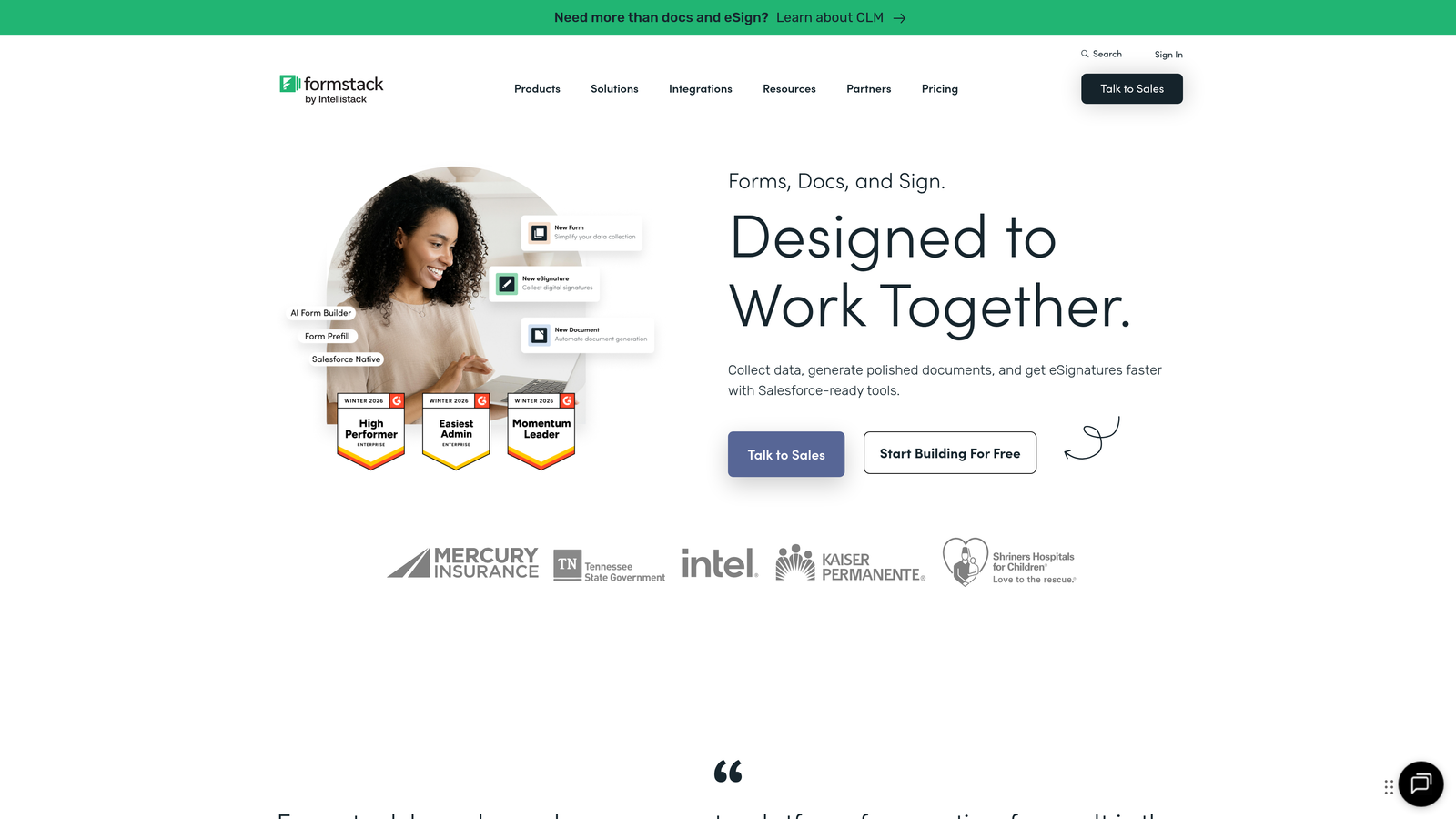
Formstack is an enterprise-grade form builder with robust A/B testing, workflow automation, and compliance features for regulated industries.
Where This Tool Shines
Formstack handles the complex compliance requirements that healthcare, finance, and government organizations face. HIPAA and SOC 2 compliance are built into the platform, not afterthoughts, making it possible to A/B test forms containing sensitive data without security concerns.
The workflow automation capabilities extend beyond basic form submission. You can create sophisticated routing rules, approval processes, and data transformation workflows that connect directly to your testing variants.
Key Features
A/B Testing with Statistical Reporting: Run experiments with detailed statistical analysis and confidence intervals.
HIPAA and SOC 2 Compliance: Enterprise-grade security and compliance certifications for regulated data.
Workflow Automation: Build complex approval chains and data routing rules triggered by form submissions.
Electronic Signatures: Collect legally binding signatures directly within forms for contracts and agreements.
Advanced Conditional Logic: Create dynamic forms that show or hide fields based on complex rule sets.
Best For
Enterprise organizations in healthcare, finance, legal, and government sectors that need to balance conversion optimization with strict compliance requirements. Ideal for teams managing complex approval workflows alongside lead capture.
Pricing
Starts at $50/month; A/B testing available on Teams plan and above.
6. WPForms
Best for: WordPress users wanting native integration with their existing site
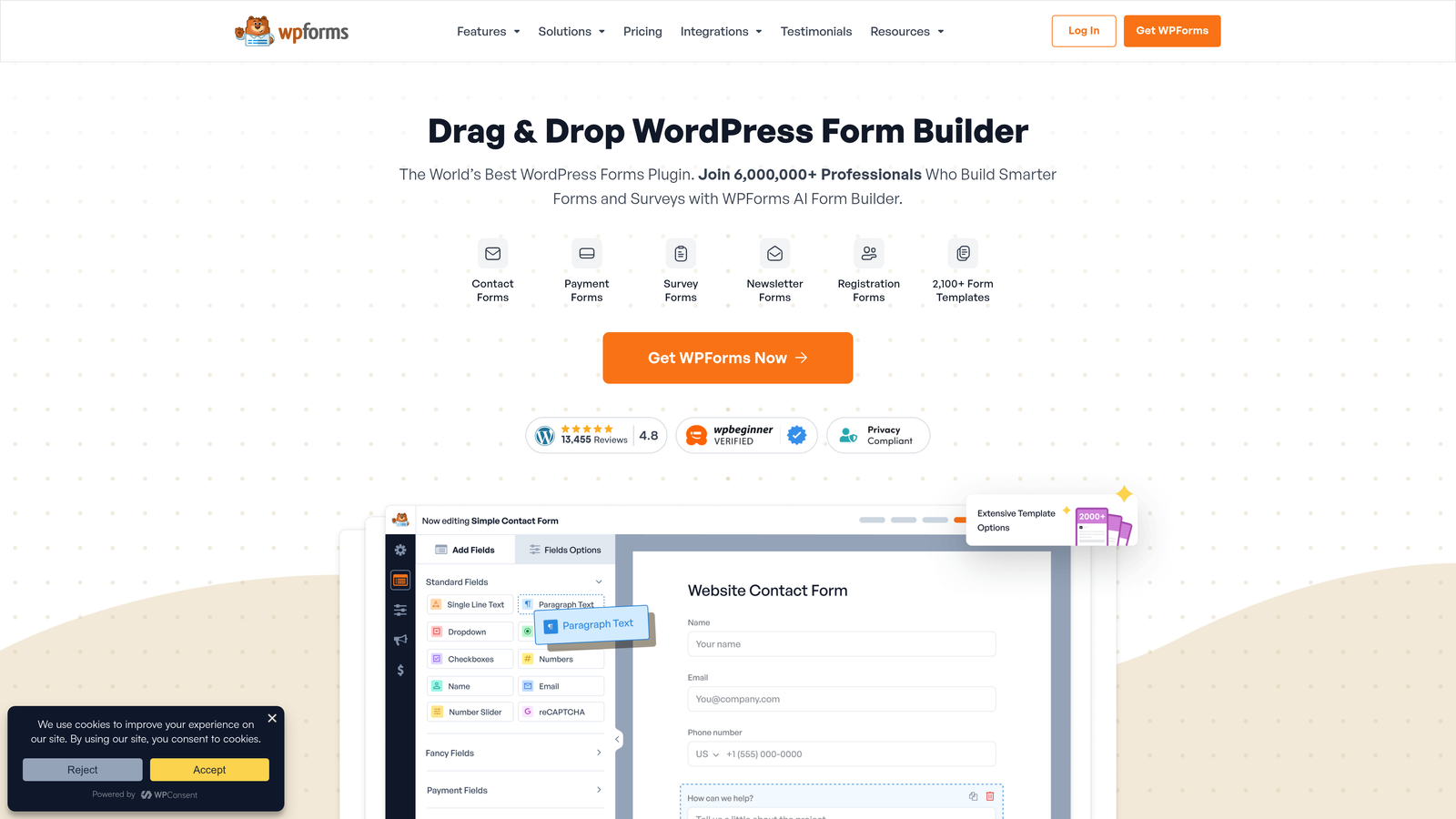
WPForms is a popular WordPress form plugin that integrates with A/B testing tools for simple split testing within the WordPress ecosystem.
Where This Tool Shines
WPForms works entirely within WordPress, which means no external platforms to manage or additional logins for your team. The drag-and-drop builder feels native to the WordPress admin interface, making it immediately familiar to anyone who manages WordPress sites.
The plugin integrates seamlessly with popular WordPress A/B testing plugins like Nelio or Google Optimize, letting you test form variants alongside page content. This unified approach makes it easier to understand how form changes interact with overall page performance.
Key Features
Native WordPress Integration: Works entirely within your WordPress dashboard with no external dependencies.
Drag-and-Drop Builder: Intuitive form creation interface matching WordPress's design patterns.
A/B Testing Plugin Compatibility: Integrates with major WordPress testing plugins for split testing capabilities.
Conversational Forms Addon: Create Typeform-style conversational experiences within WordPress.
Built-In Spam Protection: Multiple anti-spam measures including CAPTCHA and honeypot fields.
Best For
Businesses and content creators already invested in the WordPress ecosystem who want to keep all their tools in one platform. Perfect for bloggers, small businesses, and agencies managing multiple WordPress sites who need consistent form functionality across properties.
Pricing
Starts at $49.50/year with one-time payment options available for lifetime access.
7. Instapage
Best for: PPC campaign optimization with integrated heatmaps and analytics
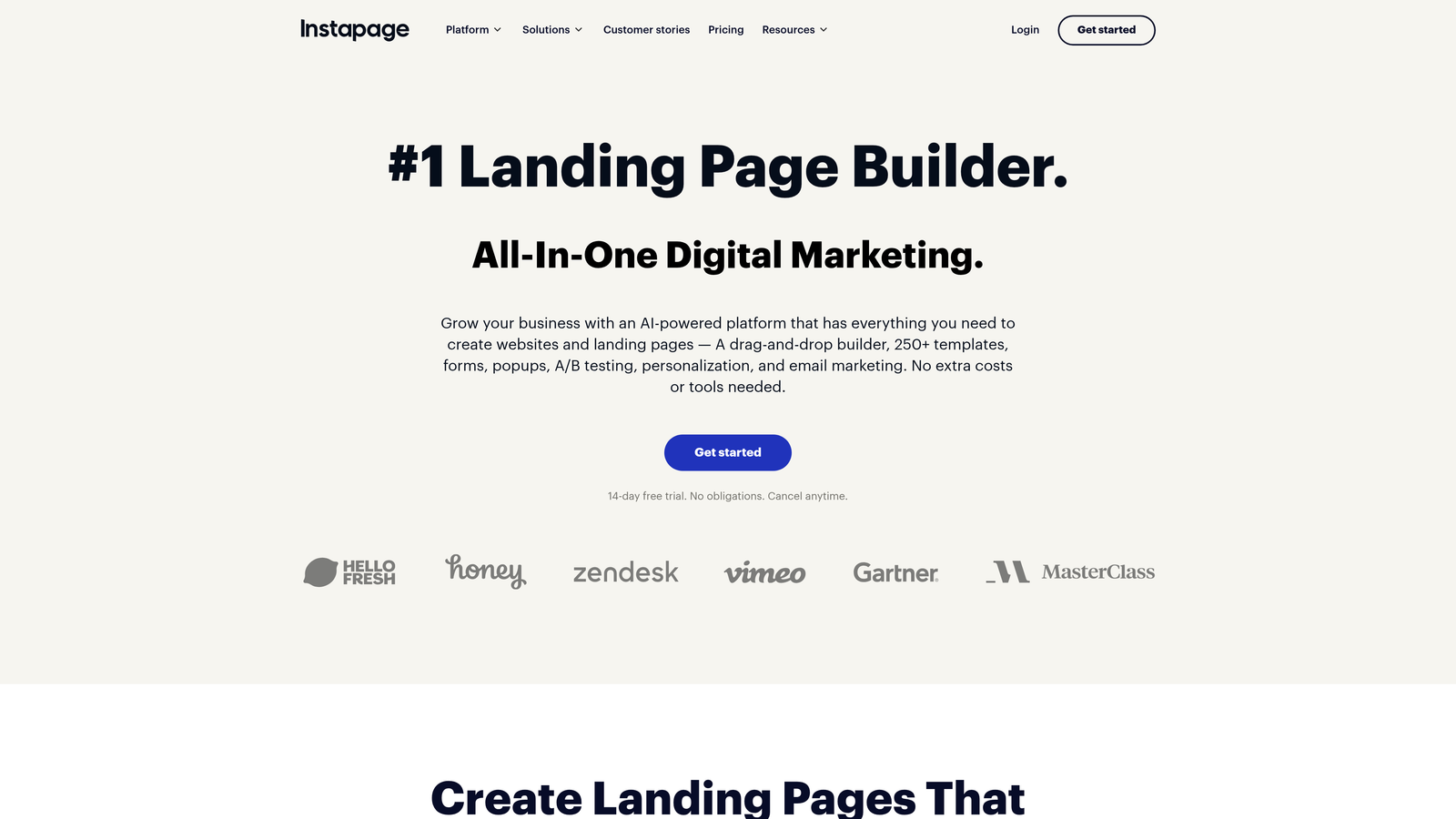
Instapage is a landing page platform with integrated form A/B testing, heatmaps, and analytics for PPC campaign optimization.
Where This Tool Shines
Instapage connects advertising spend directly to landing page and form performance through its AdMap feature. You can see exactly which ad campaigns drive the best form conversion rates, making budget allocation decisions data-driven rather than guesswork.
The unlimited A/B testing approach removes artificial limitations on experimentation. You can run multiple concurrent tests across different campaigns without worrying about hitting testing caps, which is crucial for agencies managing numerous clients.
Key Features
Unlimited A/B Testing: Run as many concurrent experiments as needed without platform restrictions.
Heatmaps and Scroll Maps: Visualize exactly where users click and how far they scroll on landing pages.
AdMap for PPC Visualization: Connect ad campaigns directly to landing page performance data.
Collaboration Tools: Real-time editing, commenting, and approval workflows for marketing teams.
AMP Page Support: Create accelerated mobile pages for faster loading on mobile devices.
Best For
Marketing teams and agencies running significant paid advertising budgets who need granular performance tracking. Best suited for organizations where every percentage point of conversion improvement directly impacts ROI on ad spend.
Pricing
Starts at $199/month with unlimited A/B testing included.
8. Jotform
Best for: Teams needing extensive templates and payment form capabilities
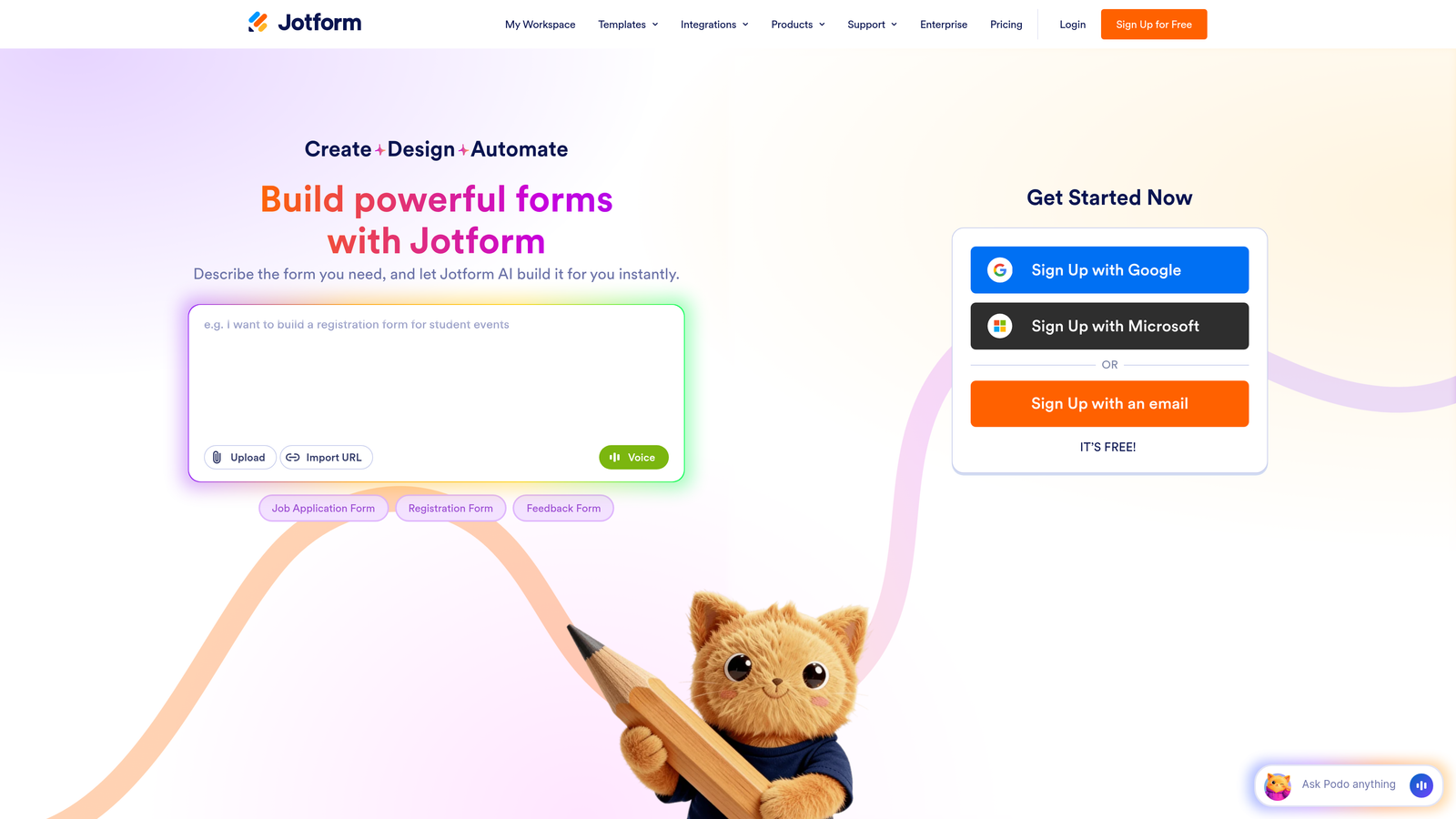
Jotform is a versatile form builder with extensive templates and A/B testing available through third-party integrations.
Where This Tool Shines
Jotform's template library is unmatched—over 10,000 pre-built forms covering virtually every use case imaginable. This massive collection means you can start with a proven form structure rather than building from scratch, significantly reducing setup time.
The payment form capabilities are particularly robust. You can accept payments directly through forms using multiple processors, making it ideal for event registrations, product orders, and donation collection where you need to optimize both conversion and payment completion.
Key Features
10,000+ Form Templates: Massive library of pre-built forms for every industry and use case.
Conditional Logic and Calculations: Create dynamic forms with complex field dependencies and automatic calculations.
Payment Form Capabilities: Accept payments through multiple processors including PayPal, Stripe, and Square.
Mobile App: Manage and respond to form submissions directly from iOS or Android devices.
API Integration for Testing: Connect with third-party A/B testing tools through Jotform's API.
Best For
Small businesses, nonprofits, and event organizers who need versatile forms with payment processing. Ideal for teams that value template variety and want to get forms live quickly without extensive customization.
Pricing
Free tier available for basic forms; paid plans start at $34/month.
9. HubSpot Forms
Best for: Teams already using HubSpot CRM wanting unified contact and conversion data
HubSpot Forms is a CRM-integrated form builder with A/B testing tied directly to contact records and deal pipeline data.
Where This Tool Shines
HubSpot Forms creates a complete loop from form submission to closed deal. Every form variant's performance is tracked not just by conversion rate, but by the actual revenue generated from leads who submitted through each variant—giving you true ROI data on your tests.
The smart fields and progressive profiling features reduce form friction for returning visitors. The platform remembers what information it already has about contacts and only asks for new data, improving completion rates while building richer contact profiles over time.
Key Features
Native CRM Integration: Form submissions automatically create or update contact records with full history.
A/B Testing with Conversion Tracking: Test form variants and track performance through the entire sales funnel.
Smart Fields and Progressive Profiling: Automatically hide fields for known contacts and request new information gradually.
Automatic Lead Enrichment: Append company and contact data automatically using HubSpot's database.
Attribution Reporting: Track which forms and variants contribute to revenue across multiple touchpoints.
Best For
Businesses already invested in the HubSpot ecosystem who want seamless integration between marketing forms and sales processes. Most valuable for teams that need to track form performance beyond initial conversion through to closed revenue.
Pricing
Free forms available with basic HubSpot CRM; A/B testing requires Marketing Hub Professional at $800/month.
Making the Right Choice
Choosing the right form builder with A/B testing depends on your specific workflow and goals. For AI-powered lead qualification with testing built in, Orbit AI stands out for high-growth teams who need to optimize both conversion rates and lead quality simultaneously.
Marketing teams running landing page campaigns should consider Unbounce or Instapage for their combined page and form optimization capabilities. The automated optimization features in Unbounce's Smart Traffic can be particularly valuable when managing multiple campaigns across different audience segments.
WordPress users will find WPForms the most seamless integration, keeping all their tools within one ecosystem. Enterprise teams in regulated industries should prioritize Formstack's compliance features, especially if you're handling sensitive data that requires HIPAA or SOC 2 certification.
Start with a clear hypothesis about what you want to test—whether it's form length, field order, headline copy, or button placement. The best platform is the one that makes running those experiments effortless while fitting naturally into your existing workflow. Consider whether you need just form optimization or a complete landing page solution, and whether statistical reporting needs to connect directly to your CRM or revenue data.
Transform your lead generation with AI-powered forms that qualify prospects automatically while delivering the modern, conversion-optimized experience your high-growth team needs. Start your free trial today and see how intelligent form design can elevate your conversion strategy.


