

Not every form builder lets you write the way developers and technical teams actually think. Markdown support changes that, letting you format descriptions, add rich question text, include code snippets, and build forms that feel polished without touching a single HTML tag.
Whether you're building lead capture forms, technical surveys, or developer onboarding flows, markdown-enabled form builders give you the flexibility to communicate clearly and professionally. This roundup covers the top form builders with markdown support in 2026, evaluated on formatting depth, ease of use, integrations, and overall value for high-growth teams. We've included tools ranging from AI-powered platforms built for conversion to open-source options for teams that want full control.
1. Orbit AI
Best for: High-growth SaaS teams that need markdown formatting and AI-powered lead qualification in one platform.
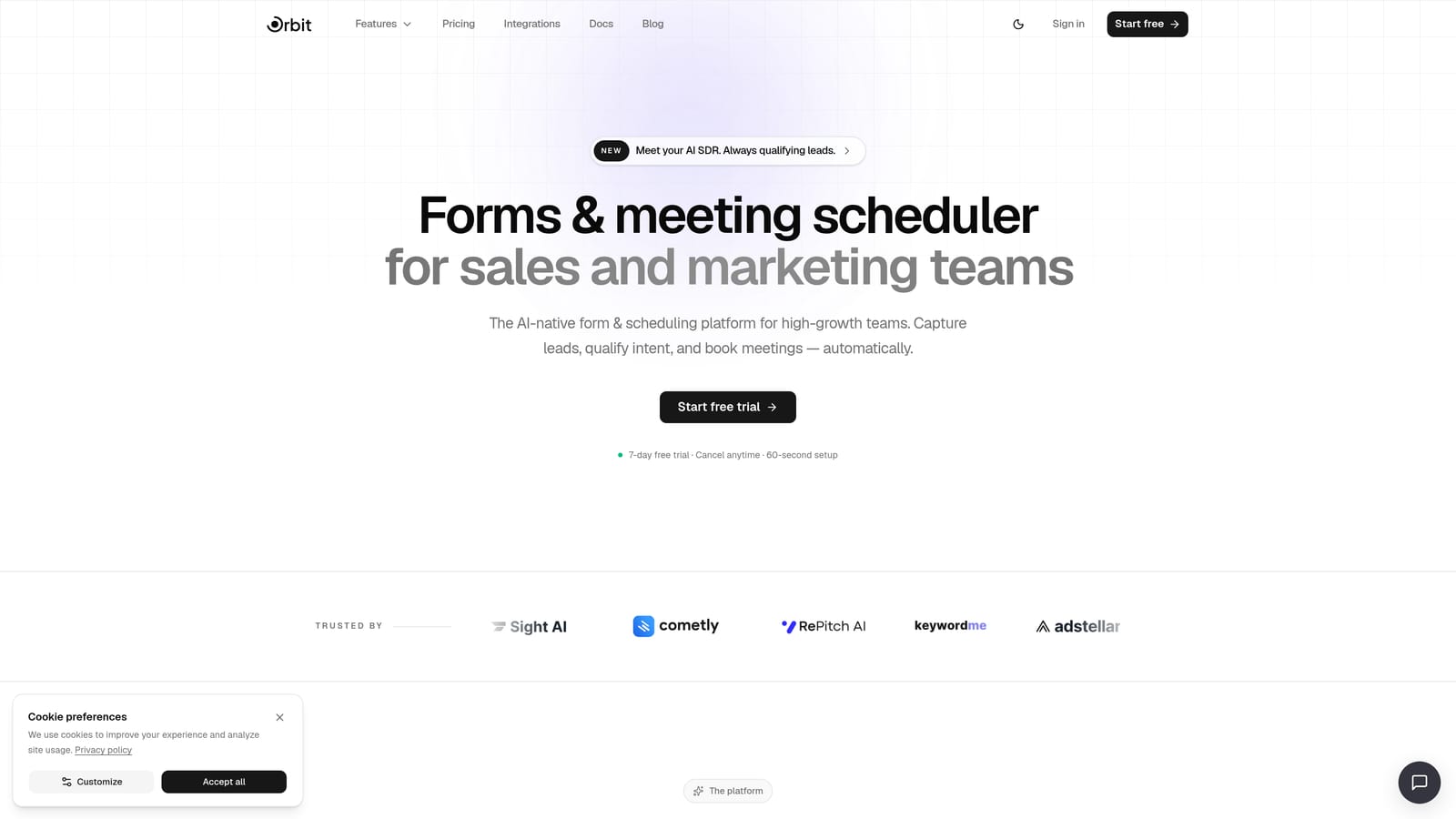
Orbit AI is an AI-powered form builder combining markdown support, lead scoring, and conversion-optimized design for modern teams.
Where This Tool Shines
Orbit AI stands out because it doesn't treat markdown as an afterthought. You can use markdown formatting across form questions, descriptions, and content blocks, which means your forms can communicate with the same clarity and structure as your internal documentation. That matters when you're building technical onboarding flows or qualification surveys where precision in language directly affects response quality.
What separates Orbit AI from the rest of this list is the AI layer built directly into the form flow. Rather than simply collecting responses, it qualifies and scores leads automatically, so your sales team spends time on the right conversations instead of sorting through noise.
Key Features
Markdown Formatting: Supports markdown in form questions, descriptions, and content blocks for polished, readable forms.
AI Lead Qualification: Built-in AI agents score and qualify leads based on form responses, reducing manual review time.
Conversion-Optimized Templates: Pre-built templates designed specifically for SaaS and marketing teams focused on lead generation.
Workflow Automation: Trigger sequences and automations based on form responses to move leads through your pipeline faster.
Analytics Dashboard: Track form performance, response quality, and lead scoring data in one unified view.
Best For
Orbit AI is ideal for growth and marketing teams at SaaS companies who want more than a data collection tool. If you need markdown formatting for technical clarity and AI-driven qualification to prioritize your best leads, this platform is built specifically for that combination.
Pricing
Visit orbitforms.ai/pricing for current plan details. Multiple tiers are available to suit teams at different growth stages.
2. Tally
Best for: Indie makers and small teams who want a free, Notion-style form builder with native markdown.
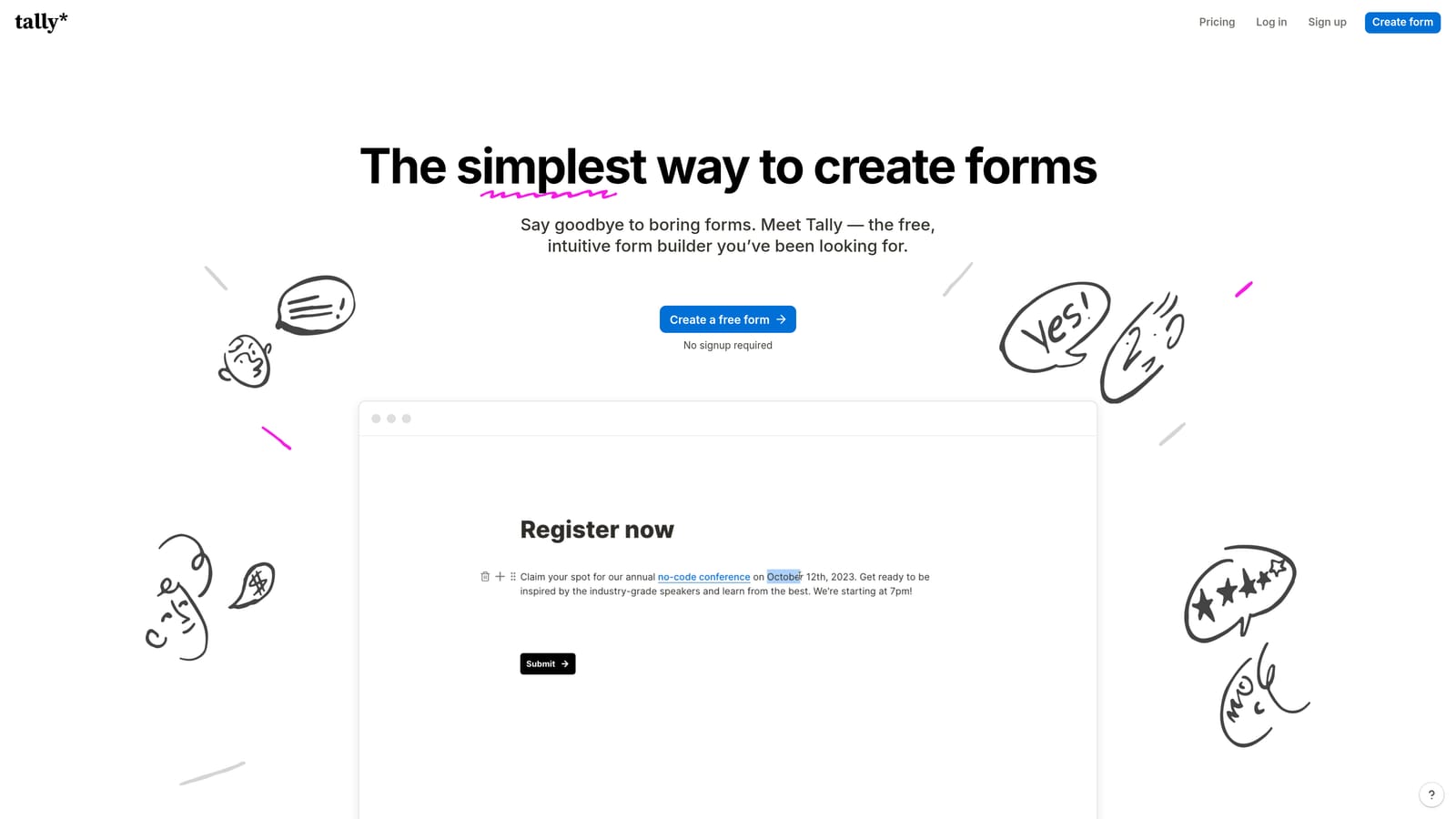
Tally is a free-to-start, block-based form builder with native markdown rendering and a clean, familiar interface.
Where This Tool Shines
Tally's block-based editor feels immediately familiar to anyone who uses Notion. You can write markdown directly in question text and descriptions, with support for bold, italic, headers, and lists rendering natively without any configuration. This makes it one of the most approachable markdown-enabled form builders available.
The generous free tier is a genuine differentiator. You can build unlimited forms with markdown formatting before ever hitting a paywall, which makes Tally a strong starting point for teams testing out markdown-enriched forms for the first time.
Key Features
Native Markdown Rendering: Markdown renders directly in the editor and in published forms without additional setup.
Block-Based Editor: Notion-like editing experience that feels intuitive for modern teams.
Unlimited Free Forms: Build and publish as many forms as you need on the free tier.
Simple Embed and Share: Embed forms on any site or share via link with minimal friction.
Rich Text Support: Bold, italic, headers, and lists all supported in question and description blocks.
Best For
Tally is a great fit for solo founders, indie makers, and small teams who want markdown formatting without a budget commitment. It's particularly well-suited to teams already working in Notion who want a form builder that matches that workflow.
Pricing
Free tier available with unlimited forms. Paid plans unlock advanced features like custom domains, integrations, and removal of Tally branding.
3. Typeform
Best for: Teams prioritizing conversational UX and brand presentation with structured rich text formatting.
Typeform is a conversational form builder with rich text formatting and a strong focus on user experience and brand polish.

Where This Tool Shines
Typeform's one-question-at-a-time format creates a distinctly engaging experience for respondents. Rich text formatting in question and description blocks lets you structure content clearly, even if Typeform's approach leans more toward visual rich text editing than pure markdown syntax.
Where Typeform really earns its place on this list is in its integration ecosystem and logic capabilities. Conditional branching lets you build sophisticated flows that feel conversational, and the analytics reporting gives you clear visibility into where respondents drop off.
Key Features
Rich Text Formatting: Format question text and descriptions with bold, italic, and structured content blocks.
Conversational Flow: One-question-at-a-time format increases completion rates for longer forms.
Logic Jumps: Conditional branching based on responses to create personalized form paths.
Extensive Integrations: Connects with hundreds of tools including HubSpot, Salesforce, Slack, and more.
Response Analytics: Detailed reporting on completion rates, drop-off points, and individual responses.
Best For
Typeform works well for marketing and brand teams that prioritize respondent experience and need strong integration support. It's a solid choice for customer research, NPS surveys, and lead capture where presentation matters as much as data collection.
Pricing
Free tier available with limited responses. Paid plans scale with response volume and unlock advanced logic and integrations.
4. Formbricks
Best for: Privacy-first and developer-led teams who want open-source markdown support with full data ownership.
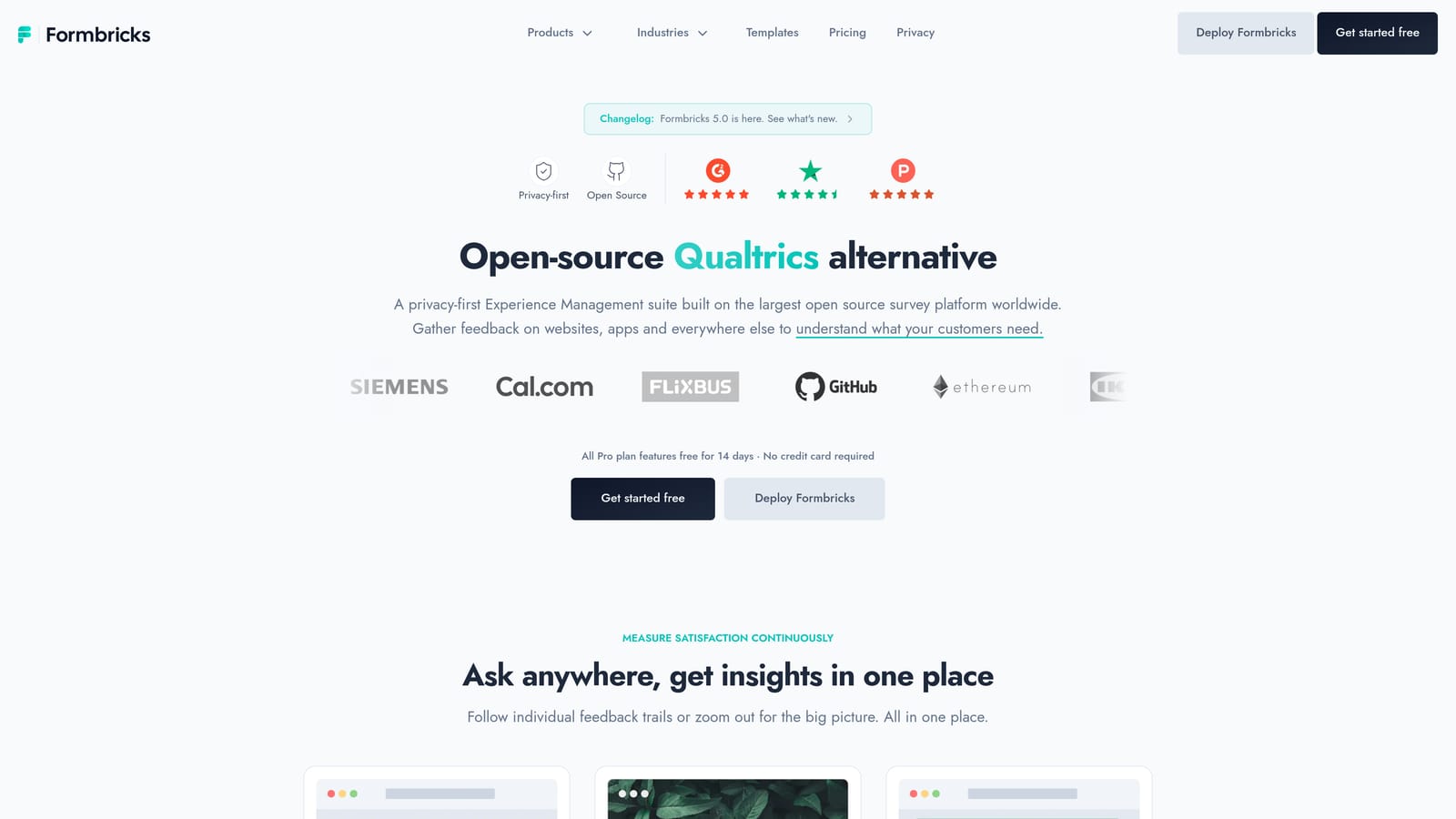
Formbricks is an open-source, self-hostable form and survey platform with markdown support and an active developer community.
Where This Tool Shines
For teams where data residency and privacy are non-negotiable, Formbricks offers something most SaaS form builders can't: the ability to self-host the entire platform. Markdown support in question descriptions and content blocks means you don't sacrifice formatting flexibility for control over your data.
Formbricks also supports in-app surveys alongside link-based forms, with targeting and segmentation capabilities that let you survey specific user segments based on behavior or attributes. This makes it particularly powerful for product teams running continuous discovery research.
Key Features
Markdown in Content Blocks: Supports markdown in question descriptions and form content for structured, readable surveys.
Open-Source Codebase: Fully open-source with an active GitHub community and regular updates.
Self-Hosting Option: Deploy on your own infrastructure for complete data ownership and compliance control.
In-App Survey Targeting: Segment and target specific user groups for in-product research.
Link and Embedded Surveys: Flexible delivery options for different research contexts.
Best For
Formbricks is the right choice for engineering-led teams, privacy-conscious organizations, and companies in regulated industries who need markdown-capable forms without handing data to a third-party SaaS platform.
Pricing
Fully free to self-host. Managed cloud plans are available for teams that want the open-source benefits without managing their own infrastructure.
5. Paperform
Best for: Service businesses and consultants who want forms that look and feel like branded landing pages.
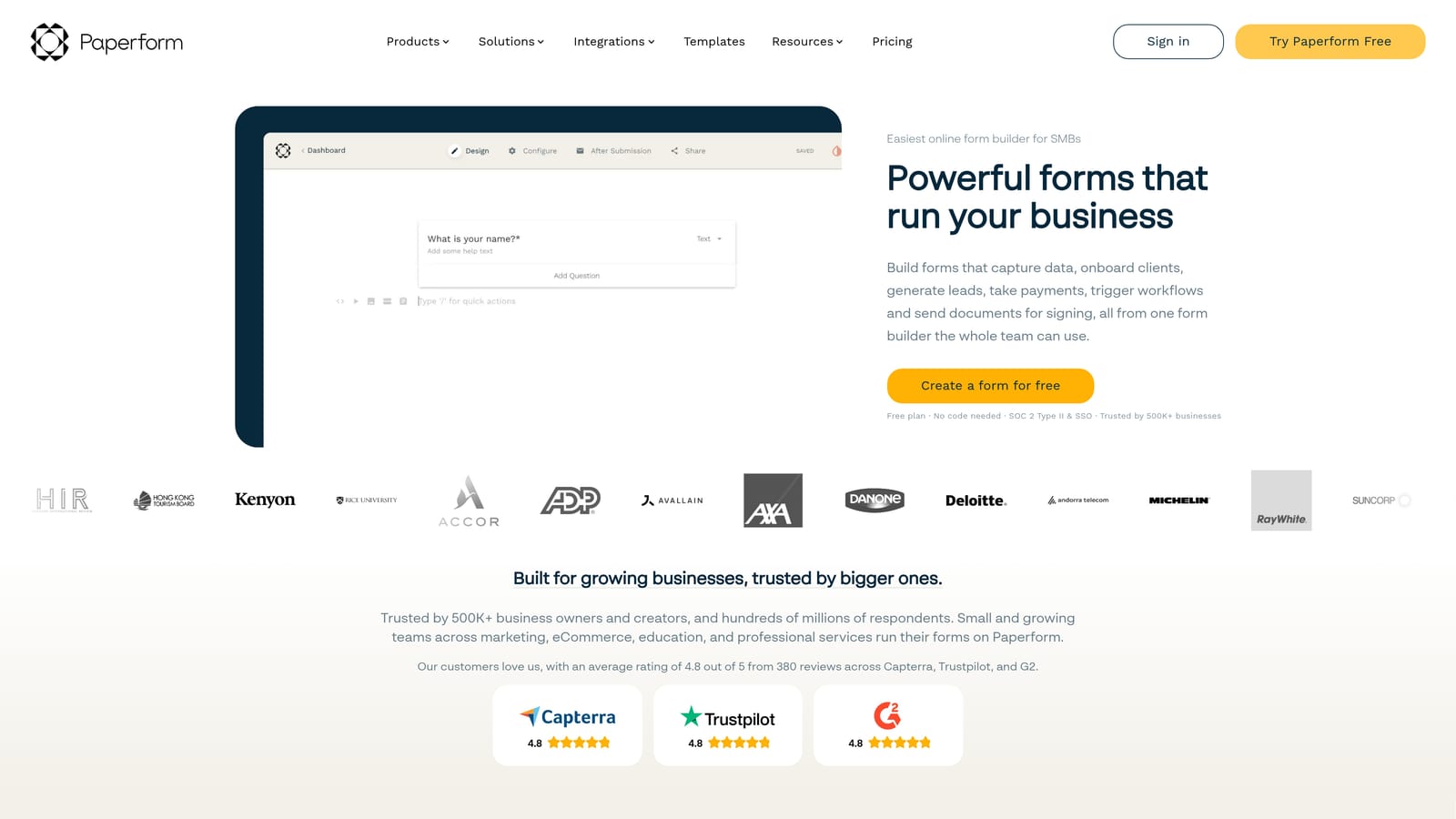
Paperform is a document-style form builder where markdown and rich media are first-class citizens, making forms feel like polished branded pages.
Where This Tool Shines
Paperform takes a fundamentally different approach to form design. Rather than a traditional field-by-field layout, it gives you a freeform document editor where markdown, images, video, and form fields all coexist on the same canvas. The result is forms that read like branded content rather than data collection tools.
This flexibility extends to functionality as well. Paperform supports payment collection, bookings, and complex conditional calculations alongside its rich content capabilities, making it one of the more versatile tools on this list for service-based businesses.
Key Features
Freeform Document Editor: Mix markdown, rich media, and form fields freely on a single canvas.
Native Markdown Support: Write formatted content directly in the editor with full markdown rendering.
Payment and Booking Support: Collect payments and manage bookings directly within forms.
Conditional Logic and Calculations: Build sophisticated logic and calculated fields for dynamic form experiences.
Custom Domain Support: Publish forms on your own domain for a fully branded experience.
Best For
Paperform suits consultants, agencies, and service businesses that want forms to feel like an extension of their brand. If your forms need to inform, educate, and convert all at once, the document-style editor gives you the canvas to do that.
Pricing
Paid plans only. No permanent free tier, though trial options are typically available. Check Paperform's site for current pricing tiers.
6. JotForm
Best for: Enterprise teams that need a proven, template-rich platform with markdown in field descriptions and compliance features.
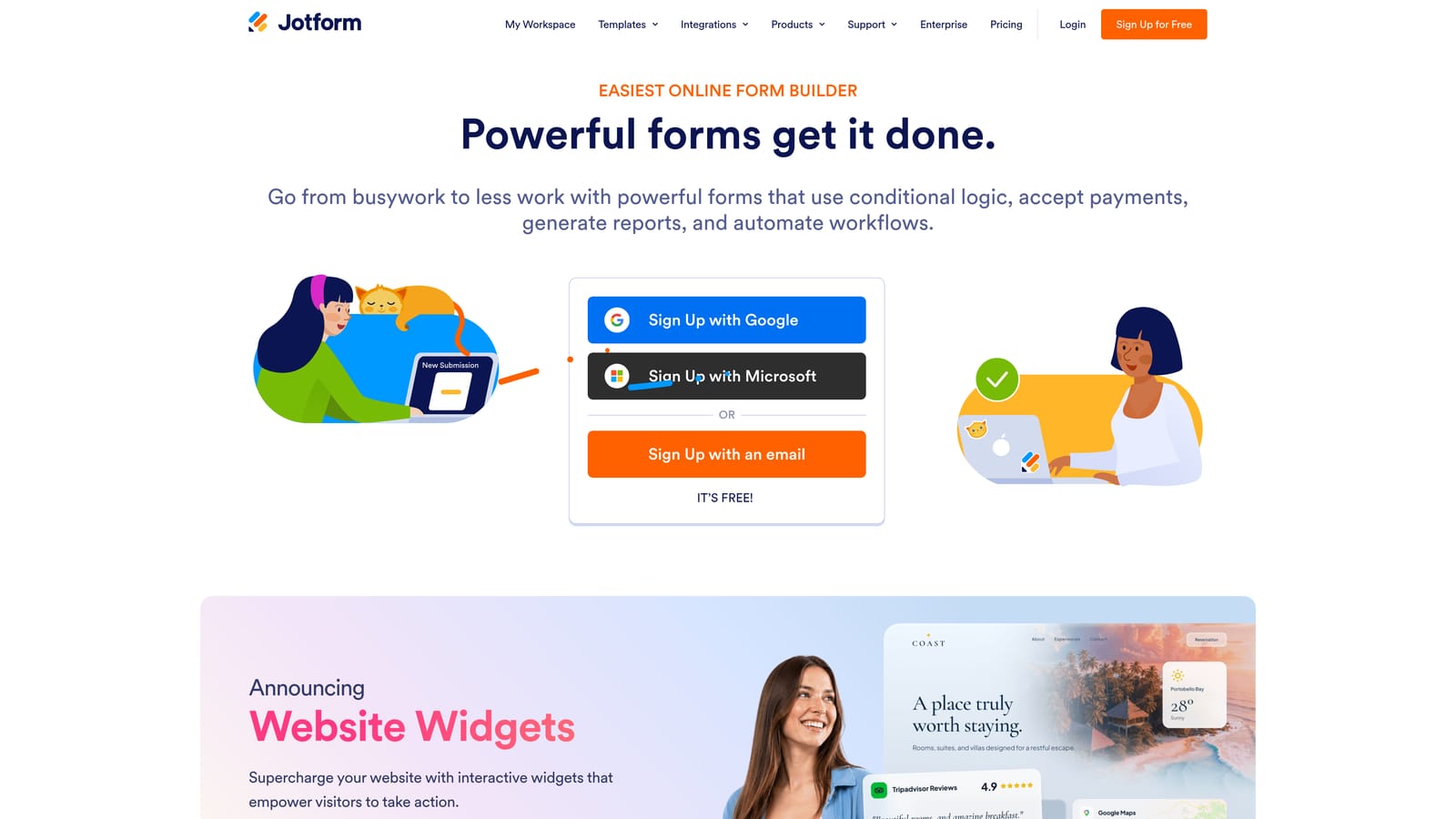
JotForm is an established enterprise form builder with markdown support in field descriptions and an extensive library of templates and integrations.
Where This Tool Shines
JotForm's depth is its defining strength. With thousands of templates covering nearly every industry and use case, it's the kind of platform where you can find a starting point for almost any form type. Markdown support in field helper text and descriptions lets you add formatted context and instructions that guide respondents through complex forms.
For teams in regulated industries, JotForm's HIPAA-compliant plans and robust approval workflow capabilities make it one of the few form builders that can handle compliance requirements alongside markdown-enriched content.
Key Features
Markdown in Descriptions: Use markdown in field helper text and description areas to add formatted guidance.
Extensive Template Library: Thousands of templates across industries to accelerate form creation.
Wide Integration Ecosystem: Connects with CRMs, payment processors, storage tools, and more.
Payment and E-Signature Workflows: Handle payments, approvals, and signatures within a single form flow.
HIPAA-Compliant Plans: Available for healthcare and regulated industries requiring data compliance.
Best For
JotForm is well-suited to enterprise teams, healthcare organizations, and operations-heavy businesses that need a reliable, feature-complete platform with markdown formatting support as part of a broader workflow toolkit.
Pricing
Free tier available with submission limits. Paid plans scale with submission volume, storage, and feature access. Enterprise plans available for larger organizations.
7. Fillout
Best for: Product and operations teams working in Notion who need markdown forms that sync directly with their databases.
Fillout is a modern form builder with deep Notion integration and markdown rendering, popular with product and operations teams.

Where This Tool Shines
Fillout's native Notion integration is genuinely deep. Form responses sync directly to Notion databases, and markdown rendering across form fields and descriptions means your forms maintain the same formatting language as your Notion workspace. For teams that live in Notion, this creates a seamless loop between data collection and documentation.
Beyond Notion, Fillout supports multi-page forms with conditional logic, scheduling integrations, and payment collection, giving it enough range to handle more than simple data entry workflows.
Key Features
Markdown Rendering: Markdown renders across form fields and descriptions for consistent formatting.
Native Notion Integration: Sync form responses directly to Notion databases without third-party connectors.
Multi-Page Forms: Build multi-step form flows with conditional logic between pages.
Scheduling and Payments: Integrations for booking and payment collection within forms.
Customizable Branding: Clean, modern UI with options to match your brand identity.
Best For
Fillout is the natural choice for teams that have built their operations around Notion and want a form builder that integrates natively rather than through workarounds. Product teams, operations managers, and project coordinators will find it particularly useful.
Pricing
Free tier available. Paid plans unlock advanced features including custom domains, increased response limits, and priority integrations.
8. SurveyJS
Best for: Developers who need complete control over markdown rendering within their own web applications.
SurveyJS is a JavaScript library giving developers full control over markdown rendering and form behavior embedded in their own applications.
Where This Tool Shines
SurveyJS is not a hosted form platform. It's a JavaScript library you embed directly into your application, which means you have complete control over how markdown renders, how data is stored, and how forms behave. By pairing SurveyJS with a library like markdown-it, you can implement full markdown rendering exactly the way your application requires.
For teams that need version-controlled form schemas, custom widgets, or deeply integrated form logic, SurveyJS offers a level of flexibility that no hosted platform can match. There's no vendor lock-in, no per-submission pricing, and no constraints on customization.
Key Features
Full Markdown Rendering: Implement markdown via libraries like markdown-it for complete formatting control.
Application-Embedded Forms: Embed forms directly into any web application without external dependencies.
JSON-Based Form Schema: Define forms in JSON for version control, portability, and programmatic generation.
No Vendor Lock-In: Runs entirely within your stack with no dependency on external services.
Custom Widgets and Themes: Build custom question types, widgets, and visual themes to match your application.
Best For
SurveyJS is the right tool for engineering teams building forms as a feature within their own product. If you need markdown support that integrates with your existing tech stack and don't want to rely on a third-party platform, this library gives you the foundation to build exactly what you need.
Pricing
Free for open-source projects. Commercial licenses are required for production use in proprietary applications. Check surveyjs.io for current licensing options.
9. Feathery
Best for: Technical teams in regulated industries who need markdown support alongside code-level customization and compliance features.
Feathery is a developer-first form platform with markdown support, powerful conditional logic, and React SDK for code-level customization.
Where This Tool Shines
Feathery sits in an interesting position: it's more accessible than a raw JavaScript library like SurveyJS, but more customizable than most hosted form builders. Markdown support in form content and descriptions gives technical teams the formatting flexibility they expect, while the React SDK lets developers extend and customize form behavior beyond what the visual editor exposes.
Built-in compliance features make Feathery particularly relevant for teams in healthcare, fintech, or other regulated sectors where form data handling needs to meet specific standards. Combined with integrations to Salesforce and HubSpot, it covers both the technical and go-to-market sides of complex form workflows.
Key Features
Markdown in Form Content: Supports markdown in form content and descriptions for structured, formatted question text.
React SDK: Code-level customization via React for developers who need to extend form behavior.
Advanced Conditional Logic: Multi-step forms with sophisticated branching and conditional display rules.
Compliance Features: Built-in support for regulated industry requirements around data handling.
CRM Integrations: Native integrations with Salesforce, HubSpot, and other go-to-market tools.
Best For
Feathery is well-matched to technical teams at companies in regulated industries who need a form platform that can be customized at the code level without the overhead of building from scratch. Engineering teams building complex onboarding or qualification flows will find it particularly capable.
Pricing
Paid plans with startup and enterprise tiers. No permanent free tier. Visit feathery.io for current pricing details.
Which Tool Is Right for Your Team?
The right markdown-enabled form builder depends on what you're optimizing for: formatting flexibility, data control, developer extensibility, or conversion performance.
If you're running a high-growth SaaS team focused on lead generation, Orbit AI is the strongest option. It combines markdown formatting with AI-powered lead qualification and conversion-optimized templates, so your forms don't just collect data — they actively work to identify your best prospects. That's a meaningful advantage when your pipeline depends on form quality.
For teams that want open-source control and privacy-first data handling, Formbricks and SurveyJS are the standouts. Formbricks gives you a complete hosted-or-self-hosted platform with markdown support, while SurveyJS gives developers full control over rendering and behavior within their own applications.
If your priority is ease of use and a generous free tier, Tally is hard to beat. Its Notion-like editor makes markdown feel natural, and the free plan covers most small team needs without compromise. Fillout is worth a look if your team already lives in Notion and wants native database sync alongside markdown forms.
For enterprise teams with compliance requirements, JotForm's depth and HIPAA-compliant plans make it a reliable choice. And for service businesses that want forms to feel like branded landing pages, Paperform's document-style editor is in a category of its own.
Transform your lead generation with AI-powered forms that qualify prospects automatically while delivering the modern, conversion-optimized experience your high-growth team needs. Book a demo and see how intelligent form design can elevate your conversion strategy.


