

Static forms are conversion killers. You've built a beautiful landing page, crafted compelling copy, and driven traffic to your site—only to watch potential leads bounce because your form asks irrelevant questions or overwhelms them with fields they don't need to fill out.
Conditional logic changes everything. It creates personalized form experiences that adapt in real-time to each respondent's answers. Show fields only when they're relevant. Skip entire sections based on previous responses. Route users down different paths depending on their needs. The result? Higher completion rates, better data quality, and a user experience that feels thoughtfully designed rather than one-size-fits-all.
We evaluated dozens of form builders to find the ones that truly excel at conditional logic. Our criteria: intuitive logic builders that don't require coding, depth of conditional capabilities beyond basic show/hide, seamless integrations that extend logic into your workflows, and pricing that delivers genuine value. Here are the top form builders with conditional logic that stand out in 2026.
1. Orbit AI
Best for: AI-powered lead qualification with intelligent conditional logic
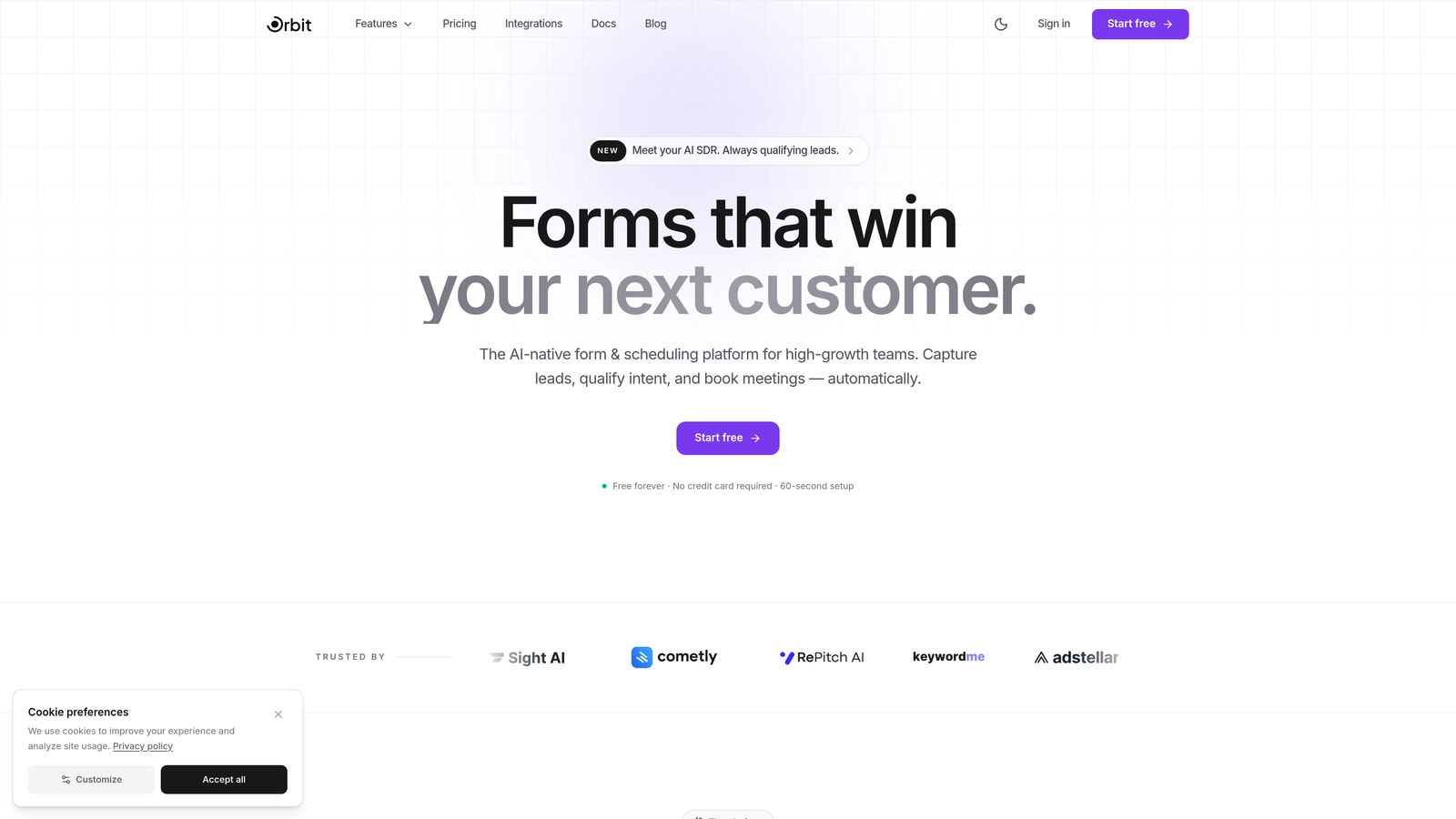
Orbit AI combines traditional conditional logic with AI agents that actively qualify leads as they complete your forms.
Where This Tool Shines
What sets Orbit AI apart is how it uses AI to enhance conditional logic rather than replace it. The platform learns from your form responses to suggest optimal branching paths, then actively qualifies leads in real-time based on how they navigate those conditional flows.
The visual logic builder provides smart suggestions as you create branches, helping you anticipate which conditions will drive the best conversions. For high-growth teams focused on lead quality over quantity, this intelligence layer transforms forms from data collection tools into active qualification systems.
Key Features
AI-Powered Lead Qualification: AI agents analyze conditional responses to score and qualify leads automatically as forms are completed.
Smart Logic Suggestions: Visual branching builder that recommends conditional paths based on your form's purpose and historical performance.
Conversion-Optimized Templates: Pre-built form templates with proven conditional logic patterns for common use cases.
Path Analytics: Real-time visibility into which conditional branches users take and where they drop off.
Native CRM Integration: Conditional data flows directly into your marketing tools with custom field mapping.
Best For
High-growth teams and businesses where lead quality matters more than volume. Particularly valuable for SaaS companies, agencies, and B2B businesses that need to route qualified leads to sales while filtering out poor fits early in the funnel.
Pricing
Free tier available with core conditional logic features. Paid plans start at $29/month and include AI qualification capabilities and advanced analytics.
2. Typeform
Best for: Conversational one-question-at-a-time forms with elegant logic jumps
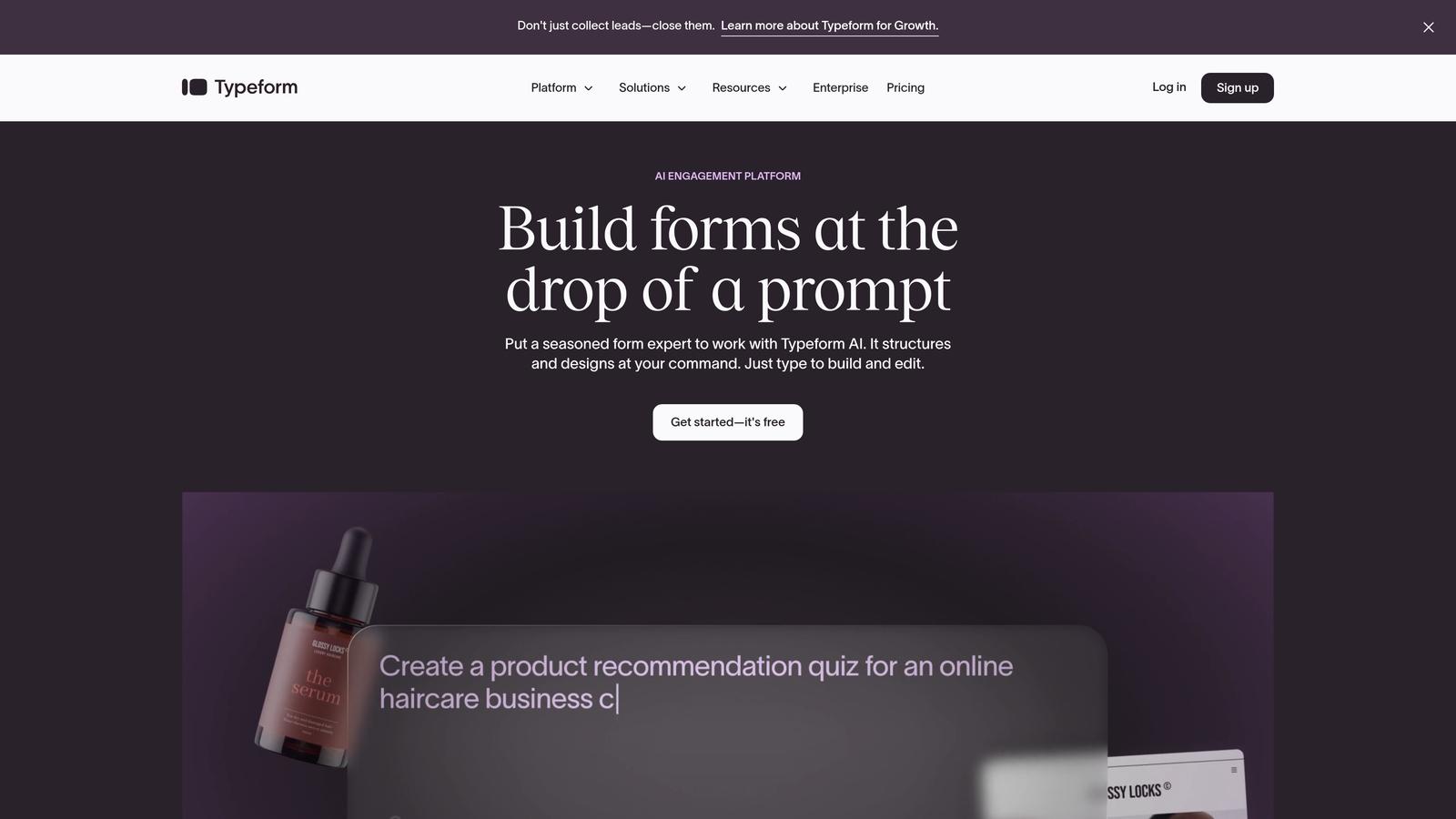
Typeform pioneered the conversational form experience where conditional logic feels like a natural dialogue.
Where This Tool Shines
Typeform's signature one-question-at-a-time interface makes conditional logic feel invisible to users. Instead of watching fields appear and disappear on a single page, respondents simply flow through a personalized question sequence that adapts based on their answers.
The logic jump feature is remarkably intuitive to set up. You can route users to different questions, skip entire sections, or send them to custom thank-you screens based on any combination of responses. This works particularly well for surveys, quizzes, and lead qualification flows where the conversational format keeps engagement high.
Key Features
Logic Jumps: Route respondents to specific questions or outcomes based on their answers with visual flow mapping.
Calculator Logic: Assign values to answers and use conditional outcomes to score quizzes or assessments.
Hidden Fields: Track UTM parameters and personalize questions based on data you already know about respondents.
Conditional Endings: Create multiple thank-you screens and route users to different endpoints based on their responses.
Integration Library: Connect conditional form data to thousands of apps through native integrations and Zapier.
Best For
Marketing teams creating lead generation forms, customer feedback surveys, or interactive quizzes where the conversational format enhances engagement. Works especially well when you want conditional logic that feels seamless rather than technical.
Pricing
Free tier available with basic features and limited responses. Basic plan starts at $25/month and includes logic jumps on all forms.
3. Jotform
Best for: Feature-rich forms with visual conditional logic and massive template library
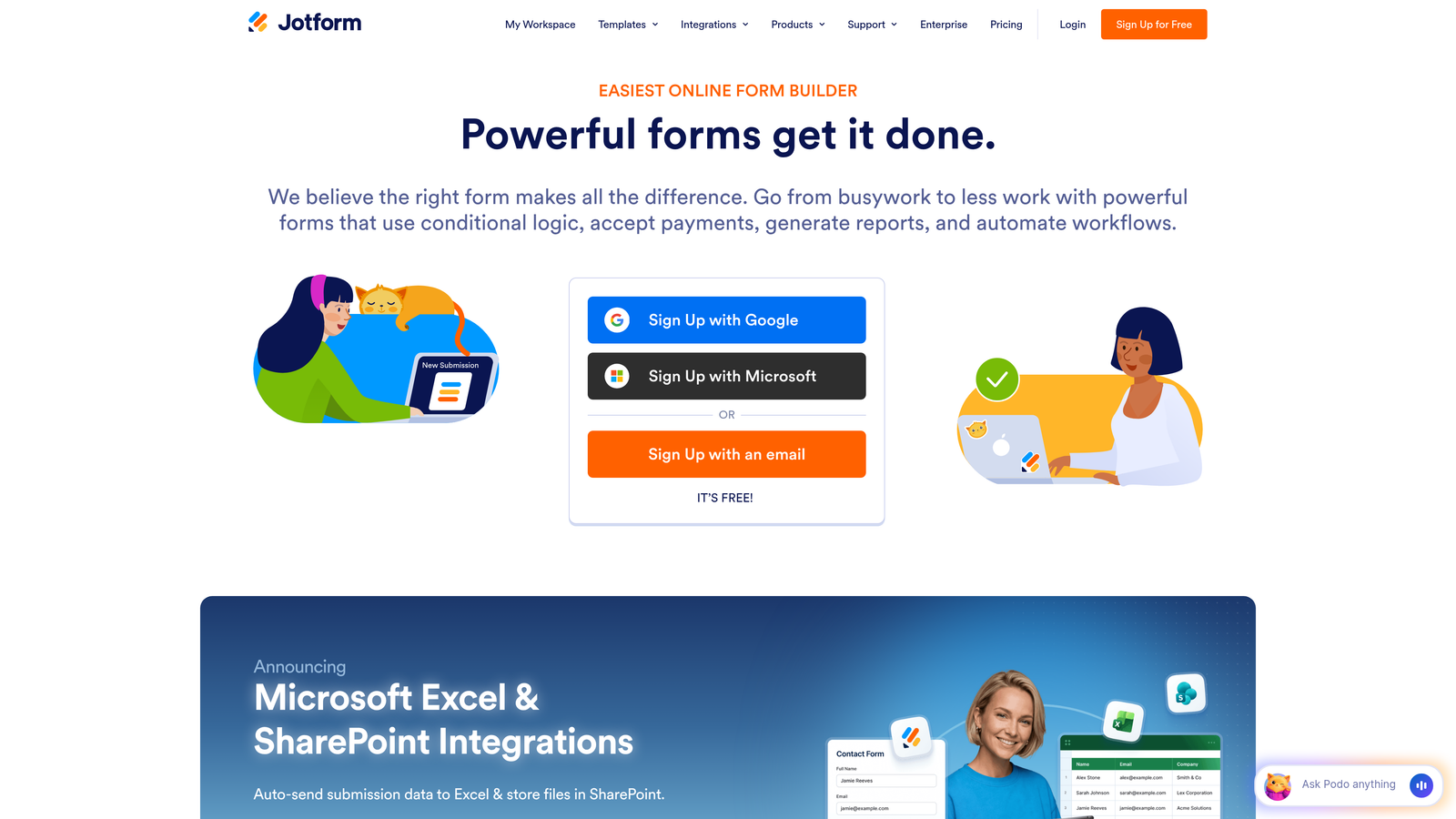
Jotform offers one of the most comprehensive conditional logic systems with a drag-and-drop builder that handles complex multi-condition rules.
Where This Tool Shines
Jotform's conditional logic builder is visual and powerful without requiring any coding. You can create sophisticated rules that show or hide individual fields, entire sections, or whole pages based on multiple conditions combined with AND/OR logic.
The platform's strength lies in its depth. You can set conditions based on field values, calculations, payment amounts, or even the day of the week. With over 10,000 templates—many with pre-built conditional logic—you can often start with a working example and customize rather than building from scratch.
Key Features
Visual Condition Builder: Drag-and-drop interface for creating show/hide rules without touching code.
Multi-Condition Logic: Combine multiple conditions with AND/OR operators for complex branching scenarios.
Section and Page Control: Hide entire form sections or pages based on conditional rules, not just individual fields.
Template Library: Access thousands of form templates with built-in conditional logic for common use cases.
Conditional Payments: Show different payment amounts or products based on user selections and calculations.
Best For
Organizations that need versatile forms across multiple departments—HR, customer service, sales, operations. The template library and robust conditional capabilities make it ideal when you need many different form types with varying complexity levels.
Pricing
Free tier supports up to 5 forms with 100 monthly submissions. Bronze plan starts at $34/month for unlimited forms with full conditional logic.
4. Tally
Best for: Unlimited forms with full conditional logic on a generous free tier
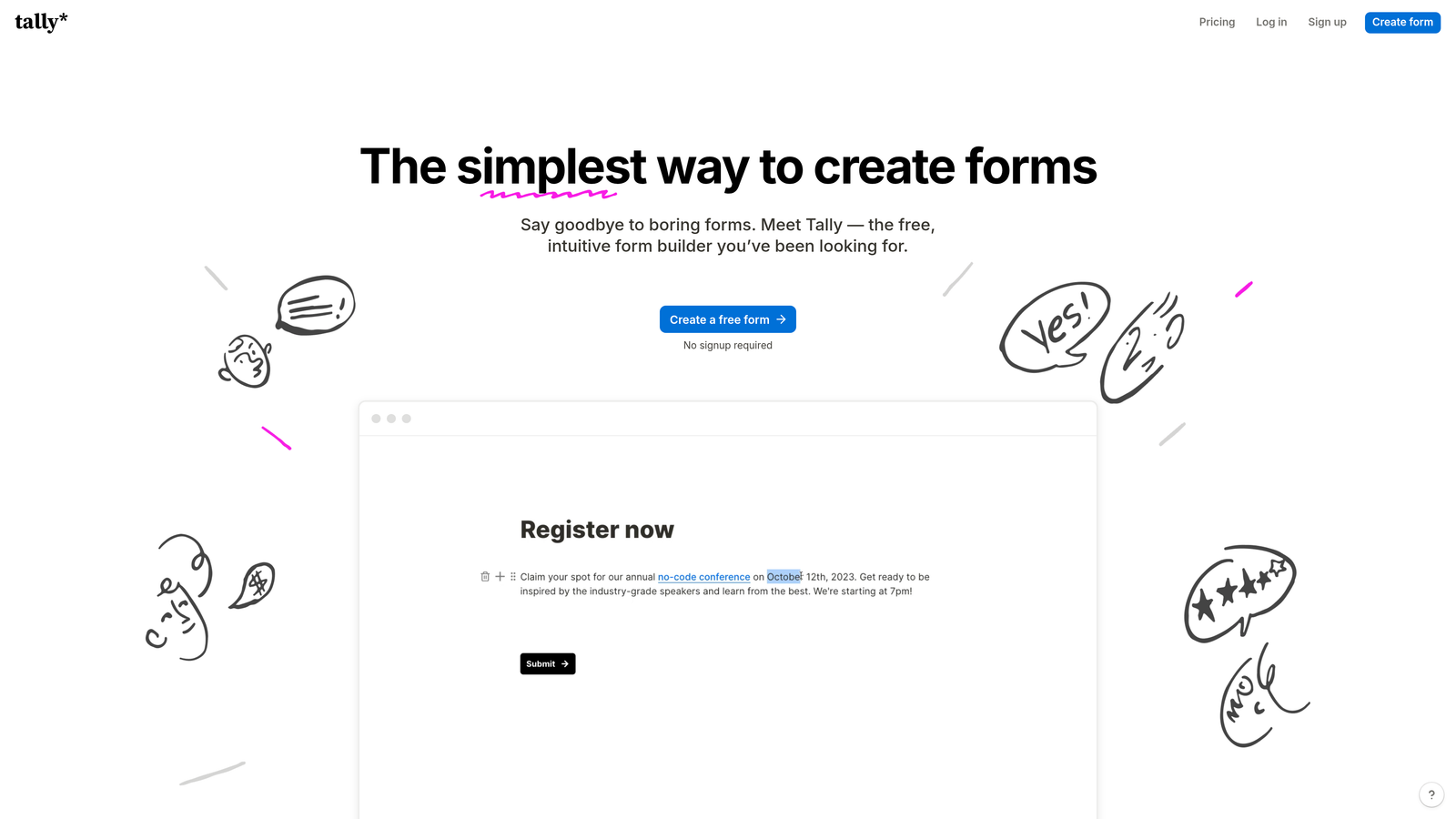
Tally brings a Notion-like simplicity to form building while offering unlimited forms and conditional logic completely free.
Where This Tool Shines
Tally's approach to conditional logic is refreshingly straightforward. The interface feels familiar if you've used Notion—clean, minimal, and focused on getting out of your way. What makes it remarkable is that conditional logic isn't locked behind a paywall.
You can create unlimited forms with unlimited conditional branches on the free plan. The logic builder uses a simple dropdown system where you select which fields to show or hide based on specific answer values. While it doesn't offer the visual flow diagrams of some competitors, the simplicity often means faster form creation without sacrificing functionality.
Key Features
Free Conditional Logic: Unlimited forms and conditional branching included at no cost with no submission limits.
Answer Piping: Reference previous answers in later questions with conditional display based on those values.
Clean Interface: Notion-style editor that makes form building feel like document creation rather than technical configuration.
Native Integrations: Connect to Notion databases, Google Sheets, and Zapier with conditional field mapping.
Section Logic: Show or hide entire form sections based on conditional rules, not just individual fields.
Best For
Startups, solopreneurs, and small teams that need professional conditional logic without budget constraints. Perfect for those who appreciate Notion's design philosophy and want that same simplicity in their forms.
Pricing
Completely free tier includes unlimited forms, submissions, and conditional logic. Pro plan at $29/month adds custom domains, file uploads, and advanced features.
5. Fillout
Best for: Database-connected forms with conditional prefilling and lookup capabilities
Fillout specializes in forms that connect directly to databases with conditional logic that can query and prefill data dynamically.

Where This Tool Shines
Fillout's unique strength is conditional logic that works with your existing data. Connect forms directly to Airtable, Notion, or Smartsheet, then use conditional rules to look up information and prefill fields based on user input.
Picture a customer support form where someone enters their email address, and the system automatically pulls their account details, subscription tier, and purchase history—then shows different conditional fields based on what it finds. This database-first approach turns forms into intelligent interfaces rather than static data collection tools.
Key Features
Database Sync: Native connections to Airtable, Notion, and Smartsheet with two-way data sync.
Conditional Lookups: Query connected databases based on form inputs and show conditional fields based on results.
Dynamic Prefilling: Automatically populate fields using URL parameters with conditional display logic.
Multi-Page Routing: Create multi-step forms where page sequence changes based on conditional rules.
Scheduling Integration: Embed calendar booking with conditional availability based on form responses.
Best For
Teams already using Airtable or Notion as their backend who want forms that feel like native database interfaces. Particularly valuable for customer portals, application processes, and any scenario where you need to reference existing data conditionally.
Pricing
Free tier available with basic features. Starter plan begins at $15/month and includes database connections with conditional logic.
6. Paperform
Best for: Landing page-style forms with conditional content blocks and payment logic
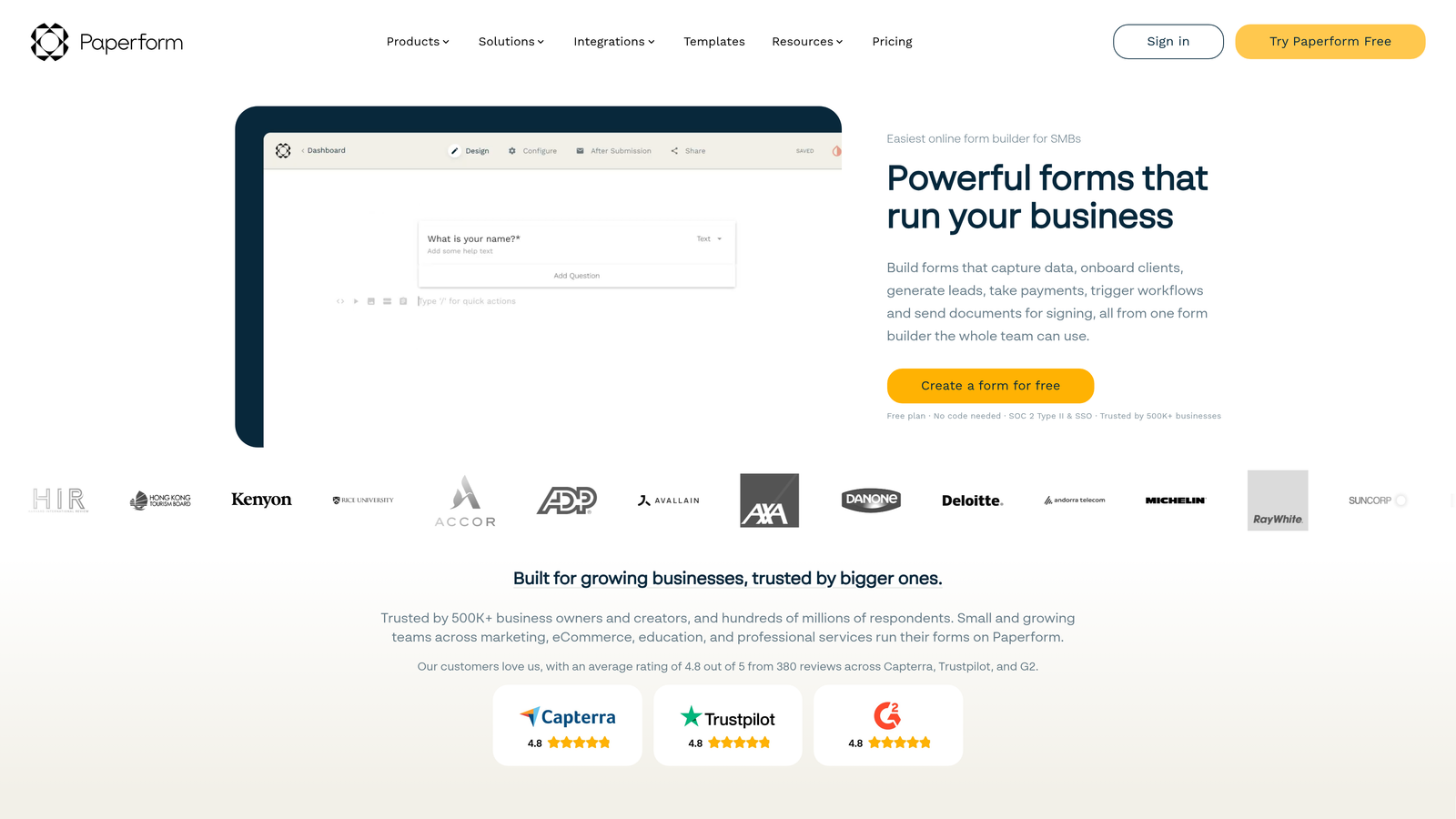
Paperform blurs the line between forms and landing pages with conditional logic that controls entire content sections.
Where This Tool Shines
Paperform lets you build full-page experiences where conditional logic controls not just form fields but images, videos, text blocks, and product displays. This makes it possible to create adaptive landing pages that transform based on user selections.
The conditional payment logic is particularly sophisticated. Show different products, adjust pricing dynamically, or reveal upsells based on previous selections—all within a beautifully designed page that doesn't feel like a traditional form. This works brilliantly for order forms, event registrations, and service bookings where presentation matters as much as functionality.
Key Features
Conditional Content Blocks: Show or hide images, videos, text sections, and entire page areas based on form responses.
Dynamic Product Display: Conditionally reveal products, services, or pricing options based on user selections.
Success Page Branching: Route users to different thank-you pages or redirect URLs based on their form data.
Payment Calculations: Adjust totals, show conditional discounts, and modify pricing based on complex conditional rules.
Appointment Scheduling: Embed booking calendars with conditional availability and service options.
Best For
E-commerce businesses, service providers, and event organizers who need forms that feel like custom-built landing pages. Ideal when visual presentation and brand experience are as important as data collection.
Pricing
Essentials plan starts at $24/month and includes unlimited forms with full conditional logic and payment features.
7. Formstack
Best for: Enterprise workflows with advanced conditional routing, approvals, and compliance
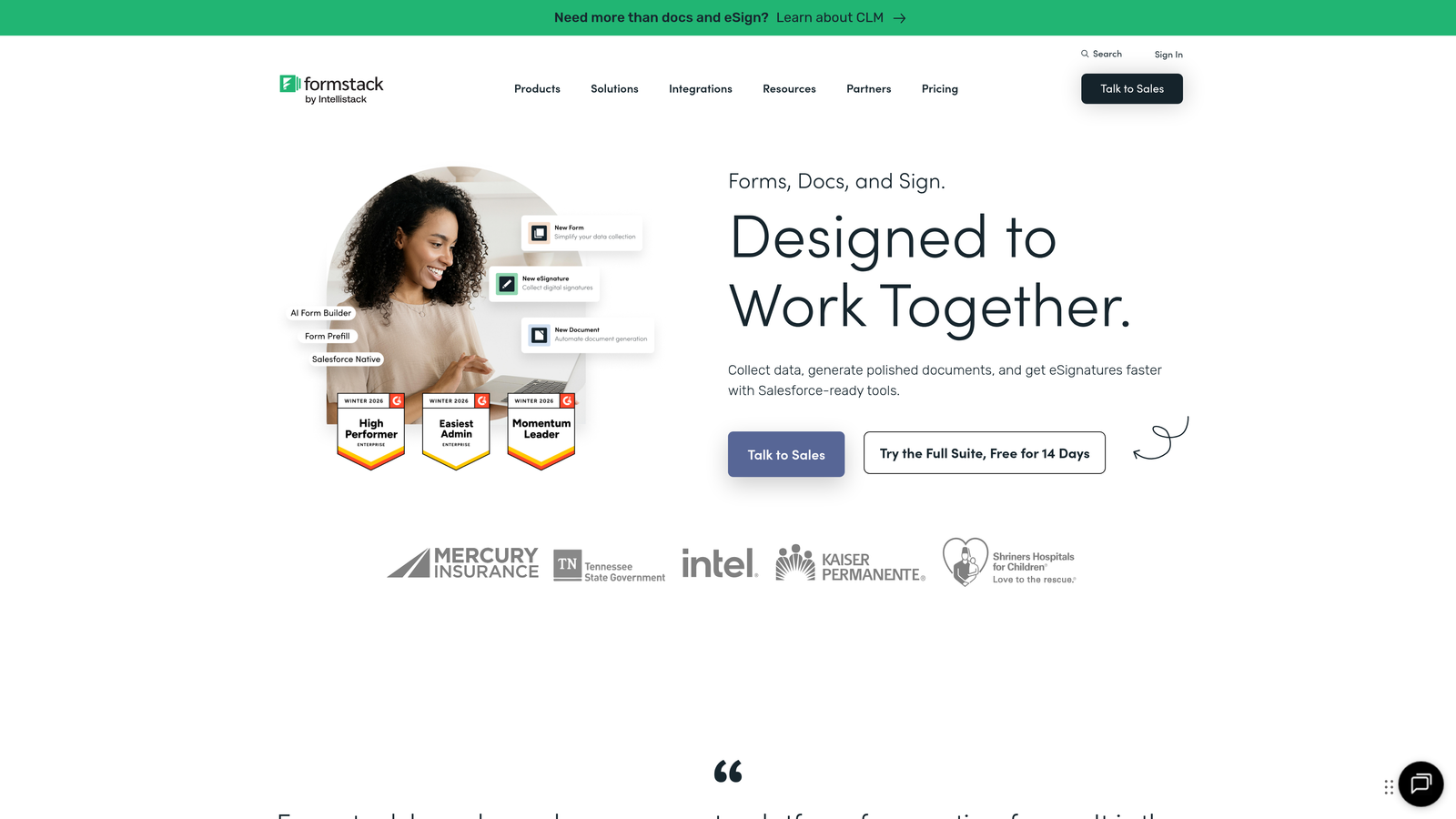
Formstack is an enterprise-grade platform where conditional logic extends beyond forms into automated workflows and document generation.
Where This Tool Shines
Formstack's conditional capabilities go far deeper than showing or hiding fields. You can trigger entire workflow automations based on form responses, route submissions through multi-level approval processes that change based on data values, and generate conditional documents that populate differently depending on answers.
For organizations with compliance requirements, Formstack offers HIPAA and SOC 2 certified hosting with conditional logic that can enforce data handling rules. This combination of sophisticated conditional workflows and enterprise security makes it the choice for healthcare, finance, and other regulated industries.
Key Features
Multi-Level Conditional Logic: Create complex field dependencies with nested conditions and multiple variable rules.
Workflow Automation: Trigger automated processes, notifications, and integrations based on conditional form data.
Conditional Documents: Generate PDFs and documents that populate differently based on form responses and logic rules.
Approval Routing: Send submissions through conditional approval chains that change based on response values.
Compliance Features: HIPAA and SOC 2 compliance with conditional data handling and encryption rules.
Best For
Large organizations and regulated industries that need enterprise-grade forms with conditional workflows, approvals, and compliance. Best suited for teams with complex processes that extend beyond simple data collection.
Pricing
Starter plan begins at $50/month. Enterprise pricing available with custom features, dedicated support, and compliance certifications.
8. Google Forms
Best for: Free section-based branching with seamless Google Workspace integration
Google Forms offers basic but functional conditional logic completely free with any Google account.
Where This Tool Shines
Google Forms takes a section-based approach to conditional logic. You can't show or hide individual fields dynamically, but you can route respondents to different sections based on their answers. This "go to section based on answer" feature creates branching paths through your form.
The real advantage is the Google ecosystem integration. Form responses automatically populate Google Sheets in real-time, making it trivial to analyze conditional paths and create dashboards. For teams already using Google Workspace, this seamless connection often outweighs the simpler conditional capabilities.
Key Features
Section Branching: Route respondents to different form sections based on their answers to multiple-choice or dropdown questions.
Google Sheets Sync: Automatic real-time data sync to spreadsheets for analysis and conditional data processing.
Collaboration: Real-time co-editing of forms with team members, just like Google Docs.
Completely Free: Unlimited forms, unlimited responses, and all conditional logic features at no cost.
Mobile Responsive: Forms automatically adapt to any device with conditional sections working seamlessly.
Best For
Schools, nonprofits, and small teams that need basic conditional branching without any budget. Perfect for internal surveys, event registrations, and simple lead collection where section-based logic is sufficient.
Pricing
Completely free with any Google account. No premium tiers or paid upgrades for form features.
9. Cognito Forms
Best for: Calculation-heavy forms with conditional pricing and complex field logic
Cognito Forms specializes in forms that perform calculations with conditional logic controlling variables, pricing, and quantities.
Where This Tool Shines
Cognito Forms excels when your conditional logic needs to do math. The platform lets you create calculated fields where values change based on conditional rules, then use those calculations to drive additional conditional behavior.
This becomes powerful for order forms, registration systems, and applications where pricing or quantities depend on multiple conditional factors. You can build repeating sections that appear conditionally, calculate totals that adjust based on selections, and create complex forms that feel like custom applications rather than simple data collection tools.
Key Features
Conditional Calculations: Create calculated fields with variables that change based on conditional rules and user selections.
Dynamic Pricing: Adjust payment amounts automatically based on conditional selections and calculated values.
Repeating Sections: Allow users to add multiple instances of field groups with conditional display rules.
Multi-Page Navigation: Control page progression with conditional logic based on calculated values or field dependencies.
Payment Integration: Accept payments with totals that calculate conditionally based on complex selection logic.
Best For
Organizations that need forms with sophisticated calculations—event registrations with variable pricing, order forms with conditional discounts, or applications that score responses mathematically based on conditional rules.
Pricing
Free tier available with basic features. Pro plan starts at $15/month and includes advanced conditional logic and payment processing.
Making the Right Choice
The right form builder depends on how you'll use conditional logic in your specific workflow. If you need AI-powered lead qualification that goes beyond basic branching, Orbit AI combines intelligent conditional logic with active lead scoring. For conversational forms where logic feels invisible, Typeform's one-question-at-a-time flow creates the most engaging experience.
Budget-conscious teams should look at Tally, which offers unlimited forms with full conditional logic completely free. If you're building database-connected forms that need to query and prefill data conditionally, Fillout's native integrations with Airtable and Notion make it the clear choice. Enterprise organizations with compliance requirements will find Formstack's workflow automation and certified security worth the investment.
The key decision factors: Does your conditional logic need to show/hide individual fields, or is section-based branching sufficient? Do you need calculations and dynamic pricing? Will your forms connect to databases or trigger complex workflows? How important is visual presentation versus pure functionality?
For most high-growth teams, the combination of intelligent conditional logic and AI-powered qualification delivers the best results. Start building free forms today and see how intelligent form design can elevate your conversion strategy. Transform your lead generation with AI-powered forms that qualify prospects automatically while delivering the modern, conversion-optimized experience your high-growth team needs.


