

Every abandoned form represents lost revenue. Whether it's a demo request that never gets submitted or a checkout that dies at the shipping details, form friction silently kills conversions across your funnel. The right optimization tools can identify exactly where users struggle and transform those drop-off points into completions.
This guide covers tools that tackle form conversion from different angles—from AI-powered form builders to heatmap analytics and A/B testing platforms. We've evaluated each based on ease of implementation, actionable insights, and real impact on conversion rates. Let's find the right fit for your optimization stack.
1. Orbit AI
Best for: Teams who want AI-powered lead qualification built directly into conversion-optimized forms
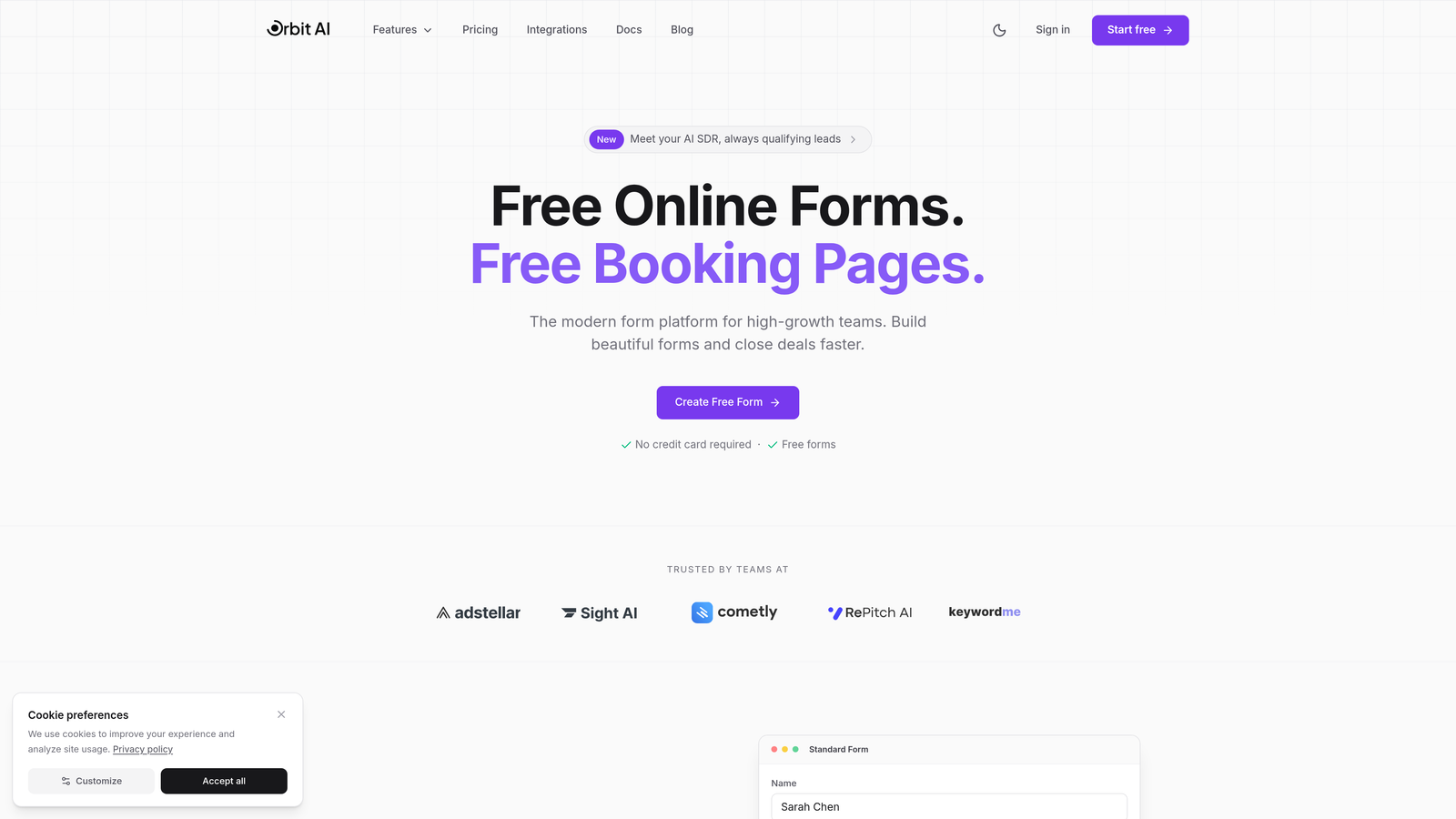
Orbit AI is an AI-powered form builder platform that combines intelligent lead qualification with conversational form design to maximize conversions while filtering for quality prospects.
Where This Tool Shines
The platform's standout feature is how it handles lead qualification automatically. Instead of collecting every form submission and sorting later, Orbit AI evaluates responses in real-time and routes qualified leads directly to your sales team while nurturing others appropriately.
The conversational multi-step format reduces form abandonment by breaking complex requests into digestible questions. Users see one question at a time, which psychologically feels less overwhelming than a wall of form fields—a proven pattern for improving completion rates.
Key Features
AI-Powered Lead Qualification: Automatically scores and routes leads based on response patterns and qualification criteria you define.
Conversational Multi-Step Forms: One-question-at-a-time interface that reduces perceived complexity and increases engagement.
Smart Response Routing: Directs qualified prospects to sales while sending others to appropriate nurture sequences or resources.
Built-In Analytics Dashboard: Track field-level performance, abandonment points, and conversion metrics without external tools.
Native CRM Integrations: Connects directly to your existing sales stack to ensure qualified leads flow seamlessly into your pipeline.
Best For
High-growth B2B teams who need both form optimization and lead qualification in one platform. Particularly valuable if you're drowning in unqualified form submissions or struggling to get sales teams to follow up on every lead. Also ideal for teams who want modern, branded form experiences without developer resources.
Pricing
Free tier available for testing and small-scale use. Paid plans start at $29/month with advanced features and higher submission limits for growing teams.
2. Hotjar
Best for: Diagnosing exactly where and why users abandon your existing forms
Hotjar is a behavior analytics platform that reveals user struggles through heatmaps, session recordings, and dedicated form analysis tools.
Where This Tool Shines
The form analysis dashboard shows you field-by-field drop-off rates, making it immediately obvious which questions kill conversions. You'll see metrics like time spent per field, refill rates, and abandonment patterns that pinpoint friction.
Session recordings let you watch real users struggle with your forms. You'll catch issues that analytics alone miss—like users clicking the wrong field, getting confused by labels, or abandoning after error messages. This qualitative insight is invaluable for understanding the "why" behind your conversion problems.
Key Features
Form Analysis Dashboard: Field-level metrics showing exactly where users drop off, hesitate, or encounter errors.
Session Recordings: Watch real user sessions to identify usability issues and confusion points in your forms.
Heatmaps and Scroll Maps: Visual representation of where users click, move, and scroll on form pages.
User Feedback Widgets: Collect direct feedback from users about form experience through on-page surveys.
Funnel Visualization: Track user journeys across multiple pages to see where form abandonment fits into broader conversion issues.
Best For
Marketing and product teams who need to diagnose form problems on existing websites. Perfect if you have forms that aren't converting well but don't know why. The visual nature makes insights accessible to non-technical stakeholders.
Pricing
Free tier supports basic heatmaps and recordings with data storage limits. Paid plans start at $32/month with extended data retention and advanced features.
3. Typeform
Best for: Creating engaging, conversational forms that feel more like conversations than interrogations
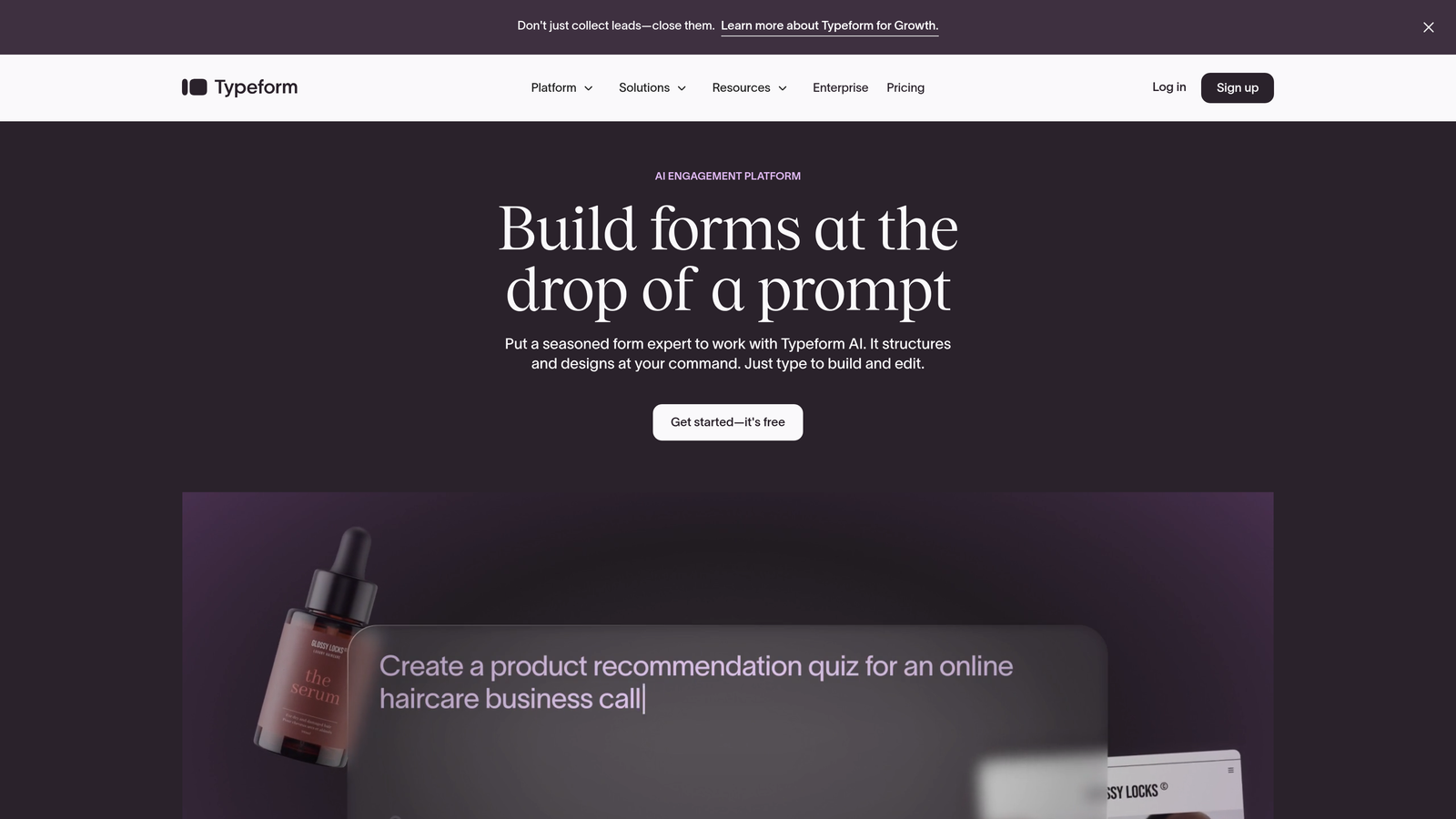
Typeform is a conversational form builder known for its one-question-at-a-time format that significantly increases engagement and completion rates.
Where This Tool Shines
The single-question interface transforms traditional forms into interactive experiences. Users focus on one question at a time, which reduces cognitive load and makes long forms feel manageable. This approach consistently delivers higher completion rates than traditional multi-field forms.
The design flexibility is exceptional. You can embed videos, images, and GIFs to create branded experiences that match your company's personality. This visual richness makes forms feel premium rather than utilitarian.
Key Features
One-Question-at-a-Time UX: Progressive disclosure pattern that reduces abandonment by showing only the current question.
Advanced Logic Branching: Create dynamic forms that adapt based on previous answers to personalize the experience.
Strong Design Customization: Extensive branding options including custom fonts, colors, backgrounds, and layouts.
Video and Image Embeds: Enrich forms with multimedia content to increase engagement and provide context.
Native Integrations: Direct connections to popular tools like Slack, Google Sheets, HubSpot, and Salesforce.
Best For
Brands that prioritize user experience and want forms that feel modern and engaging. Particularly effective for surveys, quizzes, and lead generation where you need to collect detailed information without overwhelming users.
Pricing
Free tier available with basic features and Typeform branding. Paid plans start at $25/month with custom branding, logic jumps, and priority support.
4. Unbounce Smart Builder
Best for: Running A/B tests on landing page forms with AI-powered optimization suggestions
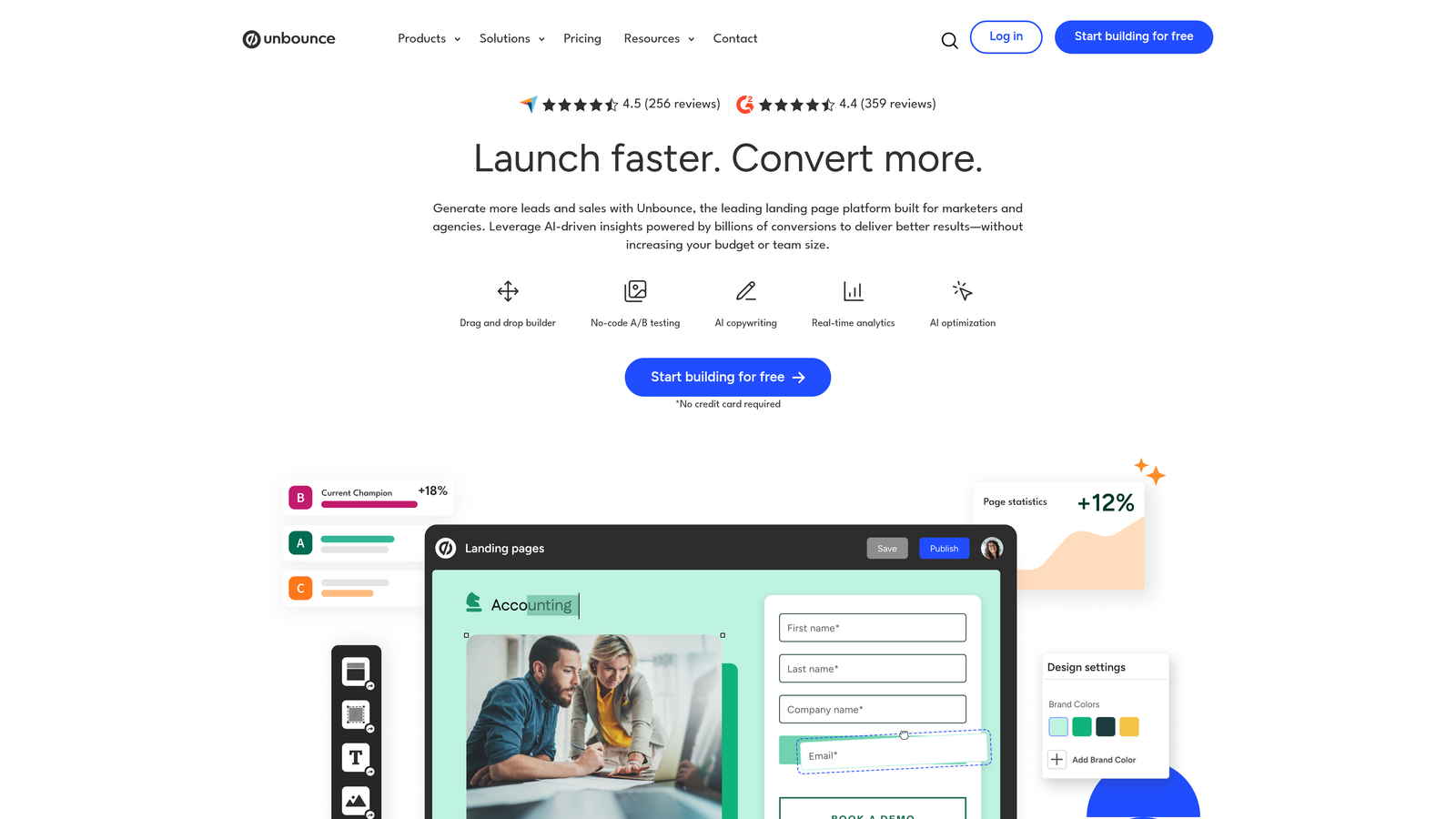
Unbounce Smart Builder is a landing page platform with AI-powered form building and built-in experimentation capabilities for conversion optimization.
Where This Tool Shines
The AI copywriting suggestions help you write better form labels, button text, and supporting copy based on conversion best practices. This is particularly useful if you're not a copywriter but need persuasive form language.
Smart Traffic automatically optimizes your A/B tests by sending visitors to the variant most likely to convert them based on their attributes. Instead of splitting traffic 50/50, it learns which variant works best for which visitor types and adjusts distribution accordingly.
Key Features
AI Copywriting Suggestions: Get optimization recommendations for form labels, buttons, and supporting text based on conversion data.
Built-In A/B Testing: Test different form variations directly within the platform without external tools.
Smart Traffic Optimization: AI-powered traffic routing that sends visitors to the variant most likely to convert them.
Drag-and-Drop Form Builder: Visual editor for creating and customizing forms without coding.
Conversion Tracking: Monitor form performance with detailed analytics and goal tracking.
Best For
Marketing teams running paid traffic campaigns who need to maximize conversion rates through continuous testing. The platform works best when you're driving significant traffic and can gather statistically meaningful test results.
Pricing
Plans start at $99/month for the Build plan with basic features. Higher tiers include Smart Traffic and advanced optimization features.
5. Formstack
Best for: Enterprise teams in regulated industries requiring HIPAA compliance and advanced security
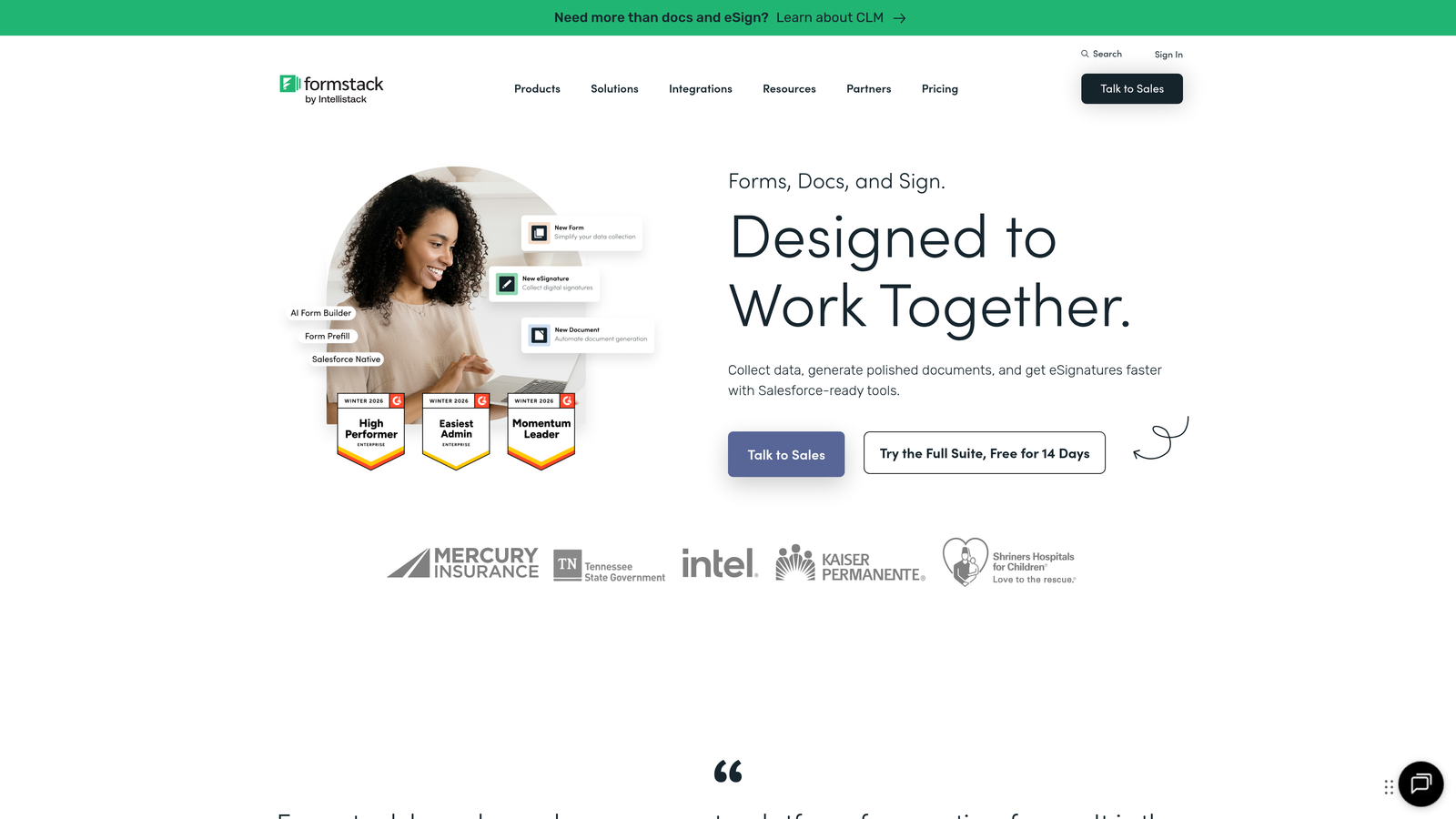
Formstack is an enterprise form builder with advanced workflows, conditional logic, and compliance features designed for regulated industries.
Where This Tool Shines
The HIPAA compliance capabilities make Formstack the go-to choice for healthcare organizations and other industries handling sensitive data. You get Business Associate Agreements, encrypted data storage, and audit trails that meet regulatory requirements.
The workflow automation goes beyond basic form submission. You can generate documents, trigger approvals, send data to multiple systems, and create complex multi-step processes—all without developer involvement.
Key Features
HIPAA Compliance Options: Encrypted forms with BAAs and audit trails for healthcare and sensitive data collection.
Advanced Conditional Logic: Create complex branching scenarios based on multiple conditions and user roles.
Document Generation: Automatically create PDFs, contracts, or reports from form submissions.
E-Signature Integration: Collect legally binding signatures directly within your forms.
Workflow Automation: Build multi-step approval processes and routing logic for form submissions.
Best For
Enterprise organizations in healthcare, finance, legal, or other regulated industries that need robust security and compliance. Also valuable for companies with complex approval workflows or document generation needs.
Pricing
Plans start at $50/month for basic features. HIPAA compliance and advanced security features require higher-tier plans with custom pricing.
6. Jotform
Best for: Quick form deployment using pre-built templates with payment processing built in
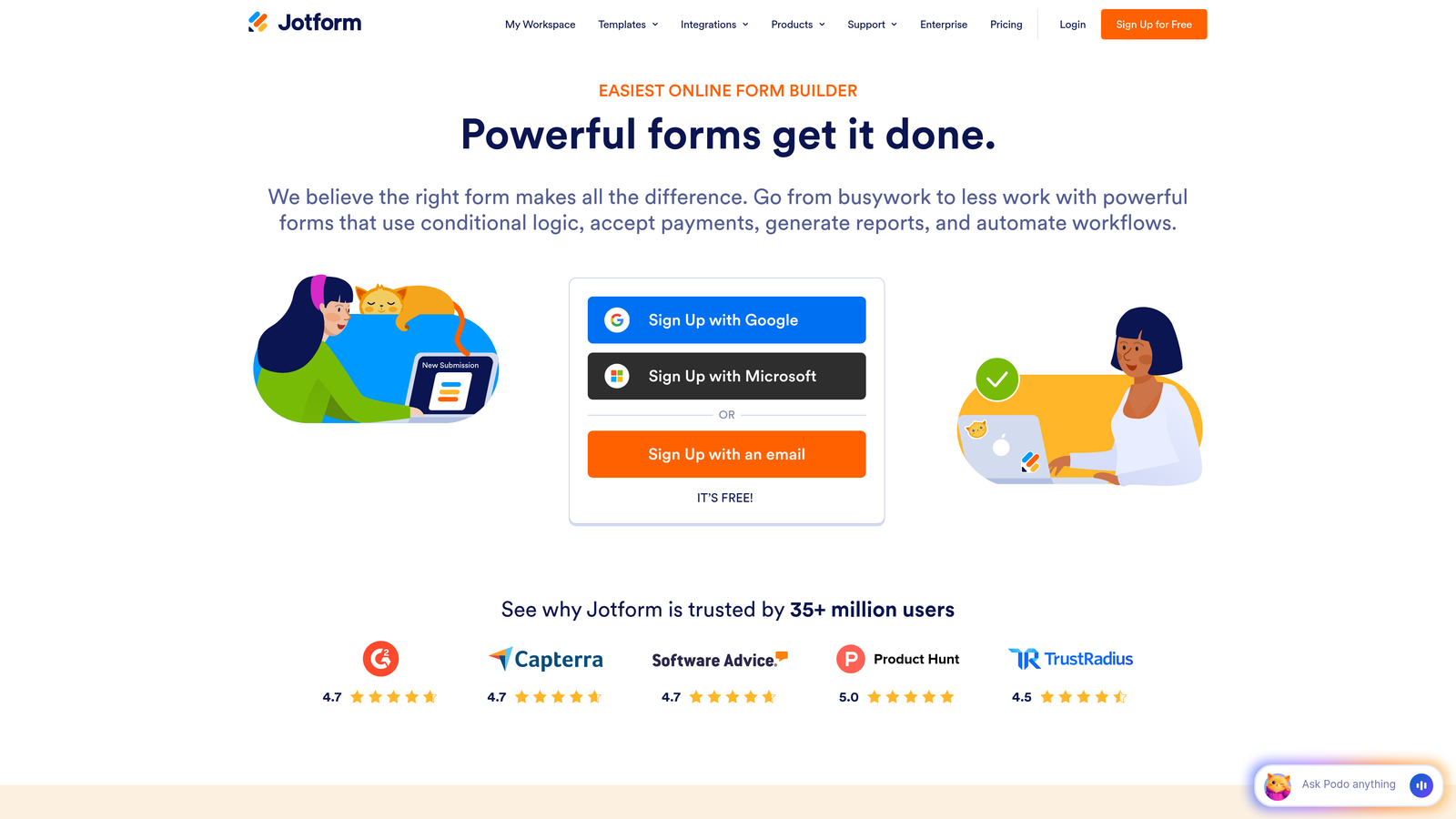
Jotform is a versatile form builder with an extensive template library and native payment integrations for fast implementation.
Where This Tool Shines
The template library is massive—over 10,000 pre-built forms covering virtually every use case. This dramatically reduces setup time. You can find a template close to your needs, customize it, and launch in minutes rather than building from scratch.
Payment processing is deeply integrated, supporting Stripe, PayPal, Square, and other processors. You can collect payments, donations, or registration fees directly through forms without third-party plugins or complex integrations.
Key Features
10,000+ Form Templates: Extensive library covering every industry and use case for rapid deployment.
Payment Processing Built-In: Native integrations with major payment processors for collecting money through forms.
PDF Form Creation: Generate fillable PDF forms from your online forms for offline use.
Mobile App Builder: Create mobile apps from your forms for iOS and Android without coding.
Conditional Logic: Show or hide fields based on user responses to create dynamic forms.
Best For
Small businesses and solopreneurs who need functional forms quickly without technical expertise. Particularly valuable if you're collecting payments or need mobile-friendly forms for field teams.
Pricing
Free tier available with Jotform branding and submission limits. Paid plans start at $34/month with custom branding and higher limits.
7. Leadformly
Best for: Lead generation teams who want forms built on conversion research principles
Leadformly is a lead generation-focused form builder designed using conversion research to maximize form completions.
Where This Tool Shines
The platform is built specifically around conversion optimization research. Form templates incorporate proven patterns like progress indicators, strategic field ordering, and micro-commitments that psychologically increase completion likelihood.
The multi-step wizard format breaks long forms into digestible sections with clear progress indicators. Users commit to completing the form step-by-step rather than facing an overwhelming single page, which measurably improves completion rates.
Key Features
Multi-Step Form Wizard: Break long forms into progressive steps with clear progress indicators.
Built on Conversion Best Practices: Templates incorporate research-backed patterns for field ordering and presentation.
Lead Scoring: Automatically score leads based on form responses to prioritize follow-up.
CRM Integrations: Direct connections to major CRMs for seamless lead flow.
A/B Testing: Test different form variations to continuously improve conversion rates.
Best For
B2B marketing teams focused on lead generation who want forms optimized specifically for conversion rather than general-purpose data collection. Works particularly well for high-value lead capture where form completion directly impacts revenue.
Pricing
Plans start at $37/month with basic features. Higher tiers include advanced testing and integration capabilities.
8. Microsoft Clarity
Best for: Teams needing free behavior analytics without traffic limits or feature restrictions
Microsoft Clarity is a completely free behavior analytics tool offering heatmaps and session recordings with no traffic limits.
Where This Tool Shines
The "completely free with unlimited traffic" model is genuinely remarkable. There's no catch, no forced upgrade path, and no feature limitations based on page views. This makes sophisticated form analysis accessible to startups and small businesses that can't justify paid analytics tools.
The rage click and dead click detection automatically identifies frustration points. If users repeatedly click a non-interactive element or hammer a button that's not responding, Clarity flags it—these patterns often indicate form errors or confusing UI elements.
Key Features
Completely Free: No pricing tiers, no traffic limits, no feature restrictions—genuinely free forever.
Unlimited Traffic: Analyze forms on high-traffic sites without worrying about overage charges.
Session Recordings: Watch real user sessions to identify form usability issues.
Heatmaps: Visual representation of clicks, scrolls, and engagement on form pages.
Google Analytics Integration: Connect with GA to correlate behavior data with conversion metrics.
Best For
Any team that needs behavior analytics but lacks budget for premium tools. Also valuable as a secondary analytics tool to validate findings from paid platforms or cover additional sites without increasing costs.
Pricing
Completely free with no limitations on traffic, features, or data retention.
9. Crazy Egg
Best for: Visual analytics teams who want easy-to-understand heatmaps with minimal setup
Crazy Egg is a visual analytics platform providing heatmaps, scroll maps, and click tracking for form optimization insights.
Where This Tool Shines
The visual presentation makes data accessible to non-analysts. Heatmaps and scroll maps show exactly where users engage, hesitate, or abandon in an intuitive format that stakeholders grasp immediately without explanation.
Setup is remarkably simple—add one tracking code and you're collecting data. No complex configuration, no goals to define upfront, no technical expertise required. This ease of implementation makes it popular with small marketing teams.
Key Features
Heatmaps and Scroll Maps: Visual representation of user engagement showing hot and cold zones on form pages.
Click Tracking: See exactly where users click, including non-interactive elements that cause confusion.
A/B Testing: Test different form variations with built-in experimentation tools.
Traffic Analysis: Understand visitor sources and behavior patterns leading to form interactions.
Easy Setup: Single tracking code implementation with no complex configuration required.
Best For
Small to mid-size marketing teams who want visual analytics without technical complexity. Particularly useful if you need to communicate form performance issues to stakeholders who respond better to visual data than spreadsheets.
Pricing
Plans start at $29/month for basic heatmaps and recordings with traffic limits. Higher tiers include A/B testing and increased capacity.
10. VWO
Best for: Enterprise experimentation teams running statistically rigorous A/B tests on forms
VWO is a comprehensive experimentation platform for A/B testing forms with statistical rigor and behavioral insights.
Where This Tool Shines
The statistical significance engine ensures you're making decisions based on real performance differences rather than random variation. VWO calculates sample sizes, confidence intervals, and statistical power automatically—critical for enterprise teams where bad optimization decisions are expensive.
The platform combines experimentation with behavior analytics in one tool. You can run A/B tests while simultaneously collecting heatmaps and session recordings, giving you both quantitative results and qualitative understanding of why certain variations win.
Key Features
A/B and Multivariate Testing: Test multiple form variations simultaneously with statistical rigor.
Form Analytics: Field-level analysis showing drop-off rates and interaction patterns.
Session Recordings: Watch user sessions to understand behavior behind test results.
Statistical Significance Engine: Automatic calculation of confidence intervals and sample size requirements.
Personalization: Serve different form variations to different audience segments based on behavior or attributes.
Best For
Enterprise marketing and product teams running sophisticated optimization programs with significant traffic. The platform's depth makes it overkill for small sites but invaluable for organizations where form conversion directly impacts substantial revenue.
Pricing
Plans start at $199/month for basic testing capabilities. Enterprise features and higher traffic limits require custom pricing.
11. Zuko Analytics
Best for: Form-specific analytics teams who need field-level abandonment data and industry benchmarks
Zuko Analytics is a dedicated form analytics platform providing field-level abandonment data and industry benchmarks for comparison.
Where This Tool Shines
The field-level granularity is exceptional. You'll see exactly which form fields cause hesitation, how long users spend on each field, and where they abandon with precision that general analytics tools can't match.
Industry benchmarks let you contextualize your performance. Instead of guessing whether a 60% form completion rate is good or terrible, you can compare against similar forms in your industry to understand where you stand and prioritize improvements accordingly.
Key Features
Field-Level Analytics: Detailed metrics for every form field including time spent, refill rates, and abandonment patterns.
Abandonment Tracking: Identify exactly where and why users leave forms with precise drop-off data.
Industry Benchmarks: Compare your form performance against industry standards to identify improvement opportunities.
Real-Time Alerts: Get notified immediately when form performance degrades or errors spike.
Detailed Reporting: Comprehensive dashboards showing trends, comparisons, and actionable insights.
Best For
E-commerce and lead generation teams with complex, high-stakes forms where field-level optimization makes a meaningful revenue difference. Particularly valuable if you have long checkout flows or multi-page registration processes.
Pricing
Plans start at $100/month with pricing scaling based on form submissions and features needed.
Making the Right Choice
The best form conversion tool depends on where your optimization gaps live. If you're building forms from scratch and want AI-powered qualification built in, Orbit AI handles both creation and conversion in one platform—you get modern form design and intelligent lead routing without juggling multiple tools.
For diagnosing existing form problems, Hotjar or Microsoft Clarity reveal exactly where users abandon. Hotjar provides more robust features and support, while Clarity delivers surprising depth for a free tool. Both give you the behavioral insights to identify friction points you'd never catch with conversion metrics alone.
When you're ready to test variations, Unbounce or VWO provide the experimentation framework. Unbounce works well for marketing teams running landing page campaigns, while VWO suits enterprise teams needing statistical rigor across complex optimization programs.
Most high-performing teams combine a smart form builder with analytics tools—build better forms, then continuously improve them with data. Start by auditing your current form completion rates, identify your biggest drop-off points, and choose the tool that addresses that specific friction first.
The conversational form trend isn't going away. Tools like Typeform and Orbit AI prove that one-question-at-a-time interfaces consistently outperform traditional multi-field layouts. If your forms still look like spreadsheets, that's your first optimization opportunity.
Transform your lead generation with AI-powered forms that qualify prospects automatically while delivering the modern, conversion-optimized experience your high-growth team needs. Start your free trial today and see how intelligent form design can elevate your conversion strategy.


