

Traditional static forms are conversion killers. They feel impersonal, overwhelming, and frankly boring—which is why completion rates often hover around 20%. Conversational form builders flip the script by transforming data collection into engaging, one-question-at-a-time dialogues that feel more like chatting with a helpful assistant than filling out paperwork.
Whether you're capturing leads, qualifying prospects, or gathering customer feedback, the right conversational form platform can dramatically boost completion rates while collecting richer data. We evaluated dozens of platforms based on ease of use, AI capabilities, integration options, customization flexibility, and pricing to bring you this curated list of the best conversational form builders for 2026.
1. Orbit AI
Best for: High-growth teams needing AI-powered lead qualification built directly into their forms
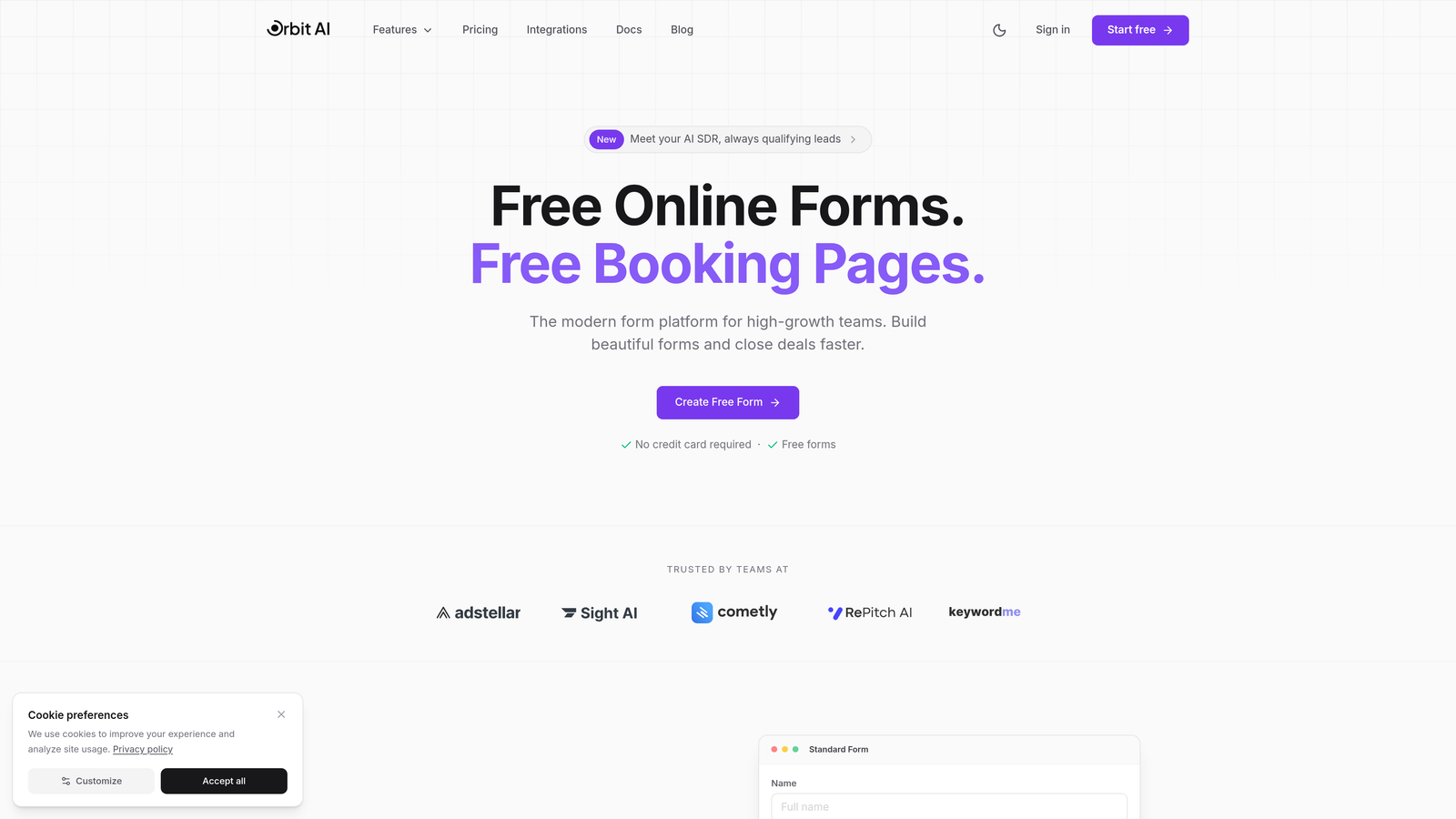
Orbit AI is an AI-powered conversational form builder that automatically qualifies and scores leads during form completion.
Where This Tool Shines
Orbit AI stands out by embedding intelligence directly into the form experience. While you're collecting information, the platform is simultaneously analyzing responses, scoring lead quality, and routing high-value prospects to the right sales team members.
This dual-purpose approach means you're not just gathering data—you're instantly understanding which leads deserve immediate attention. For high-growth teams drowning in form submissions, this automatic triage transforms how quickly you can act on hot opportunities.
Key Features
AI-Powered Lead Qualification: The platform analyzes responses in real-time to score and categorize leads based on fit and intent signals.
Smart Conditional Logic: Natural language processing enables dynamic question flows that adapt based on how prospects respond.
Real-Time Lead Scoring: Automatic scoring and intelligent routing ensure your sales team focuses on the most promising opportunities first.
Native CRM Integrations: Direct connections to HubSpot, Salesforce, and Pipedrive sync qualified leads instantly without middleware.
Conversion-Optimized Templates: Pre-built templates designed specifically for lead generation with proven completion rate optimization.
Best For
Orbit AI is ideal for B2B companies, SaaS businesses, and marketing teams that need to qualify inbound leads at scale. If you're generating hundreds of form submissions monthly and struggling to identify which prospects warrant immediate follow-up, the built-in AI qualification delivers immediate value.
Pricing
Free tier available with core features; paid plans start at $29/month for advanced AI capabilities and higher submission limits.
2. Typeform
Best for: Creating visually stunning, brand-aligned conversational forms with extensive customization options
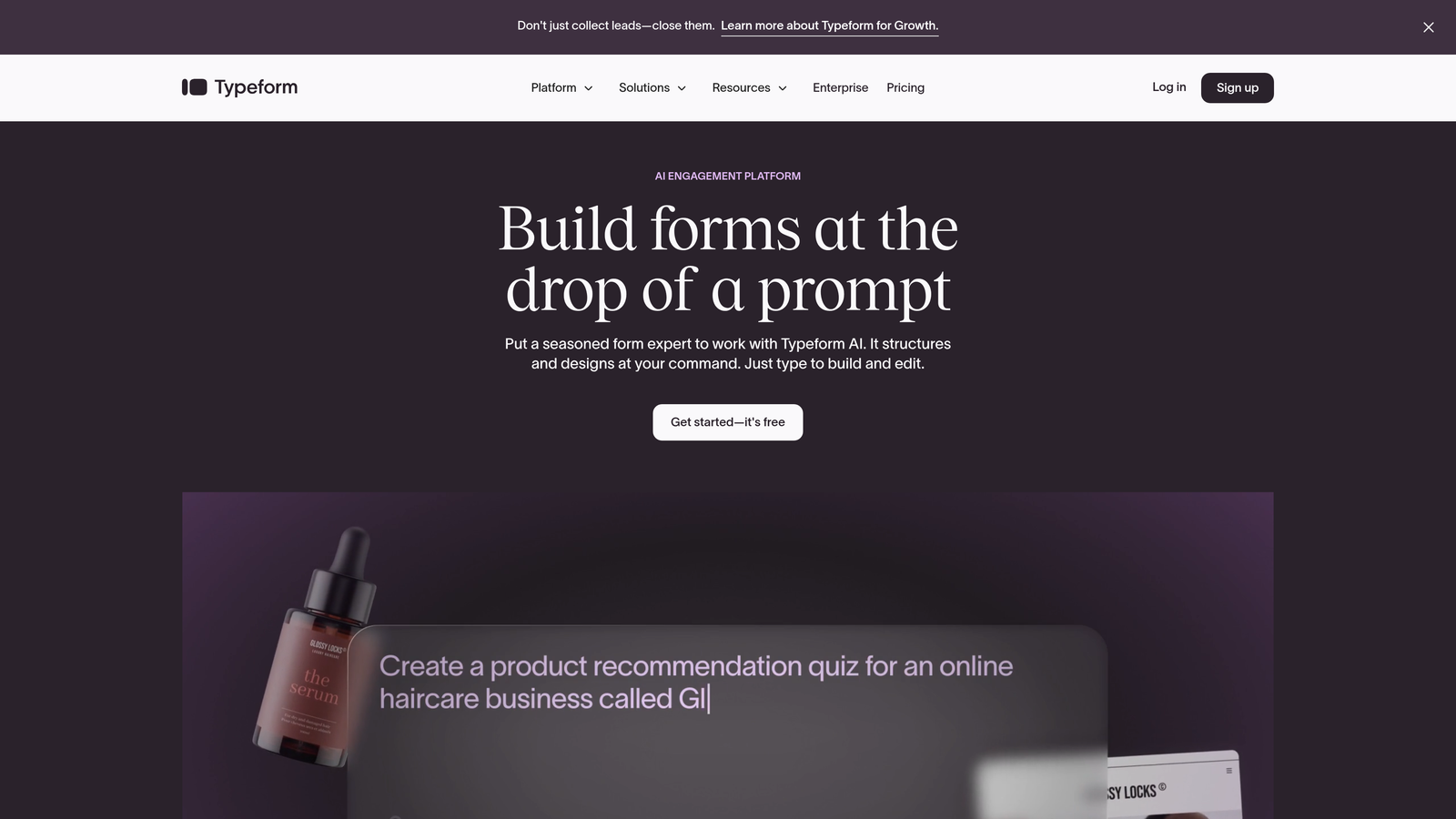
Typeform is the original conversational form builder known for beautiful design and smooth one-question-at-a-time experiences.
Where This Tool Shines
Typeform pioneered the conversational form format and remains the gold standard for visual polish. The platform's design flexibility lets you create forms that feel like natural extensions of your brand rather than generic data collection tools.
The one-question-at-a-time interface reduces cognitive load and creates a rhythm that keeps respondents engaged. If brand experience matters to your organization, Typeform's attention to visual detail sets it apart from more utilitarian alternatives.
Key Features
Industry-Leading Design: Extensive branding options including custom fonts, colors, backgrounds, and animations create truly unique form experiences.
Advanced Logic Branching: Sophisticated conditional paths let you create personalized question flows based on previous responses.
Rich Media Embedding: Seamlessly incorporate videos and images throughout your forms to increase engagement and provide context.
Payment Collection: Native Stripe integration enables you to collect payments directly within your conversational forms.
Integration Marketplace: Connect to hundreds of tools through Typeform's extensive app ecosystem and webhook capabilities.
Best For
Typeform excels for marketing teams, creative agencies, and consumer-facing brands where form aesthetics directly impact brand perception. It's particularly strong for customer feedback surveys, event registrations, and lead capture where visual experience influences completion rates.
Pricing
Free tier available with limited responses and basic features; paid plans begin at $25/month with increased response limits and advanced logic.
3. Landbot
Best for: Multi-channel conversational experiences deployed across web, WhatsApp, and Facebook Messenger
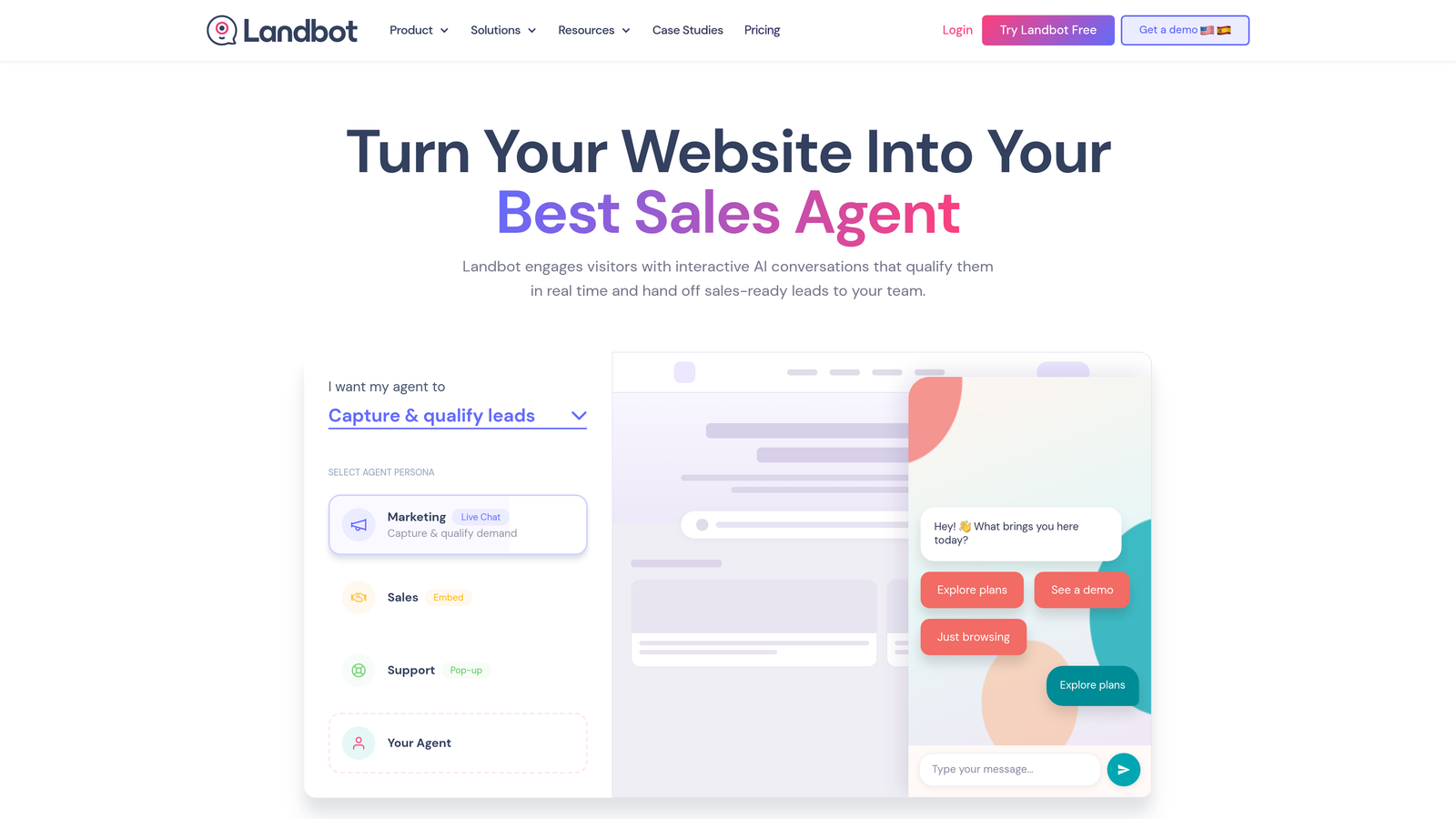
Landbot is a visual chatbot builder that creates conversational experiences deployable on web, WhatsApp, and Facebook Messenger.
Where This Tool Shines
Landbot treats conversational forms as just one component of a broader chatbot strategy. The visual flow builder makes it easy to design complex conversation paths without coding, while the multi-channel deployment means you can meet customers wherever they prefer to engage.
The human handoff capability is particularly valuable for customer service scenarios. When a bot conversation reaches its limits, seamlessly transferring to a live agent maintains conversation continuity rather than forcing users to start over.
Key Features
Visual Drag-and-Drop Builder: Design conversation flows with an intuitive interface that maps out logic visually rather than through code.
Multi-Channel Deployment: Build once and deploy across your website, WhatsApp Business, and Facebook Messenger from a single interface.
Human Handoff: Smoothly transition conversations from bot to human agent when complex questions or sensitive issues arise.
Webhook and API Integrations: Connect to external systems and trigger actions based on conversation outcomes.
Conversation Analytics: Track completion rates, drop-off points, and conversation patterns to optimize your flows over time.
Best For
Landbot works best for customer support teams, e-commerce businesses, and companies with active WhatsApp or Messenger presence. If you're already engaging customers through messaging apps, Landbot unifies those channels with your web forms.
Pricing
Free sandbox environment for testing; paid plans start at €40/month with increased conversation limits and multi-channel access.
4. Tally
Best for: Teams wanting unlimited forms and responses without monthly fees or submission limits
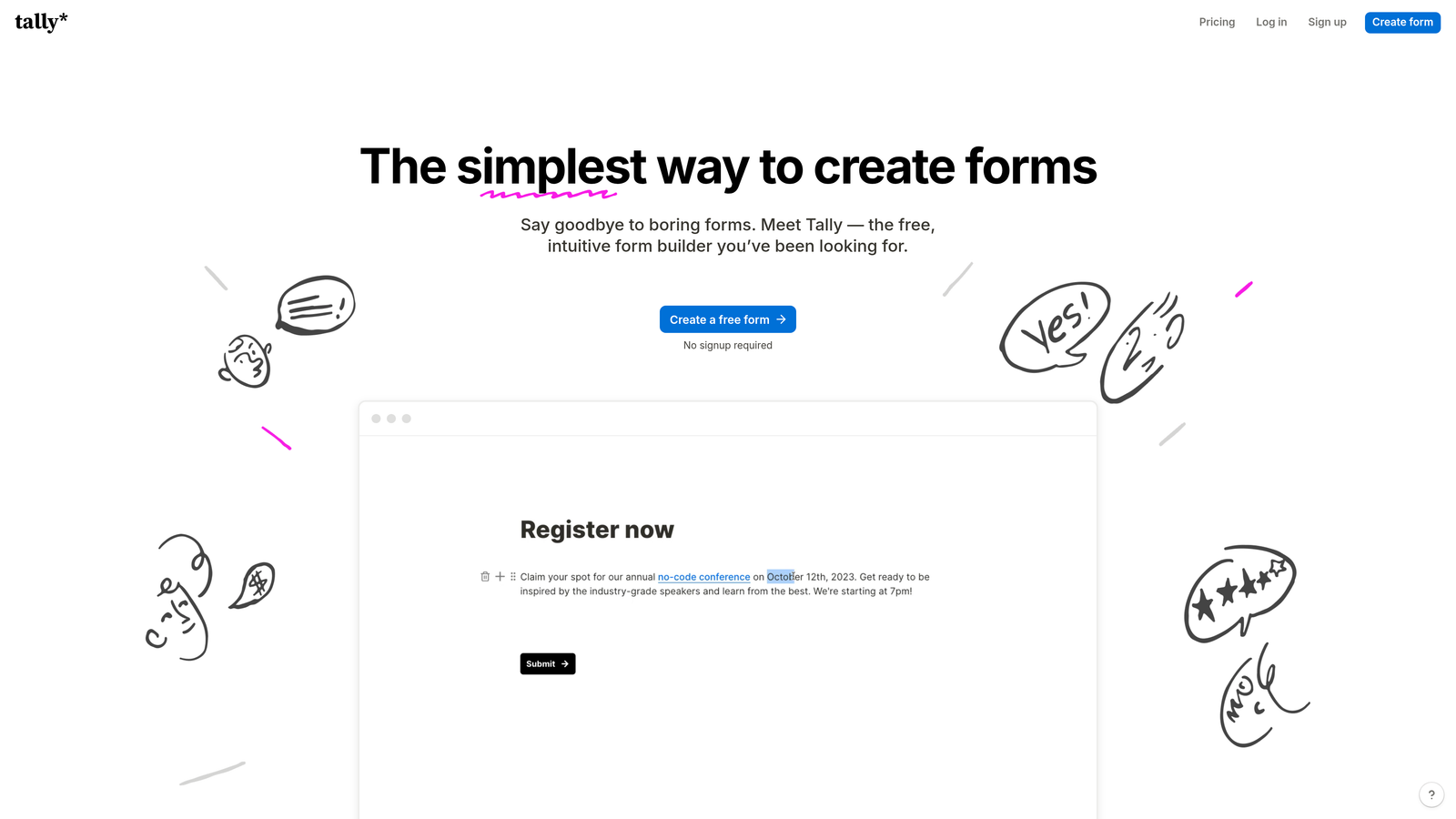
Tally is a Notion-like form builder offering unlimited forms and responses on its free tier with clean conversational layouts.
Where This Tool Shines
Tally's approach feels refreshingly straightforward in a market dominated by tiered pricing and response limits. The Notion-style block editor will feel immediately familiar if you're already using Notion for documentation or project management.
The generous free tier eliminates the anxiety of monitoring submission counts or worrying about overage charges. For bootstrapped startups or community projects, this removes a significant barrier to implementing professional-looking conversational forms.
Key Features
Unlimited Free Tier: Create unlimited forms and collect unlimited responses without hitting paywalls or forced upgrades.
Block-Based Editor: Build forms using familiar Notion-style blocks for text, questions, media, and logic elements.
File Uploads and Calculations: Accept file submissions and perform mathematical calculations directly within your forms.
Custom Domains: Use your own domain for form hosting to maintain brand consistency and trust.
Partial Submissions: Capture incomplete responses so you can follow up with users who started but didn't finish.
Best For
Tally is ideal for startups, non-profits, educators, and small businesses that need professional forms without recurring costs. It's particularly appealing for teams already invested in the Notion ecosystem who want consistent editing experiences.
Pricing
Generous free tier with unlimited forms and responses; Pro plan at $29/month adds advanced features like custom branding and integrations.
5. Jotform
Best for: Enterprise organizations needing compliance certifications and extensive template libraries
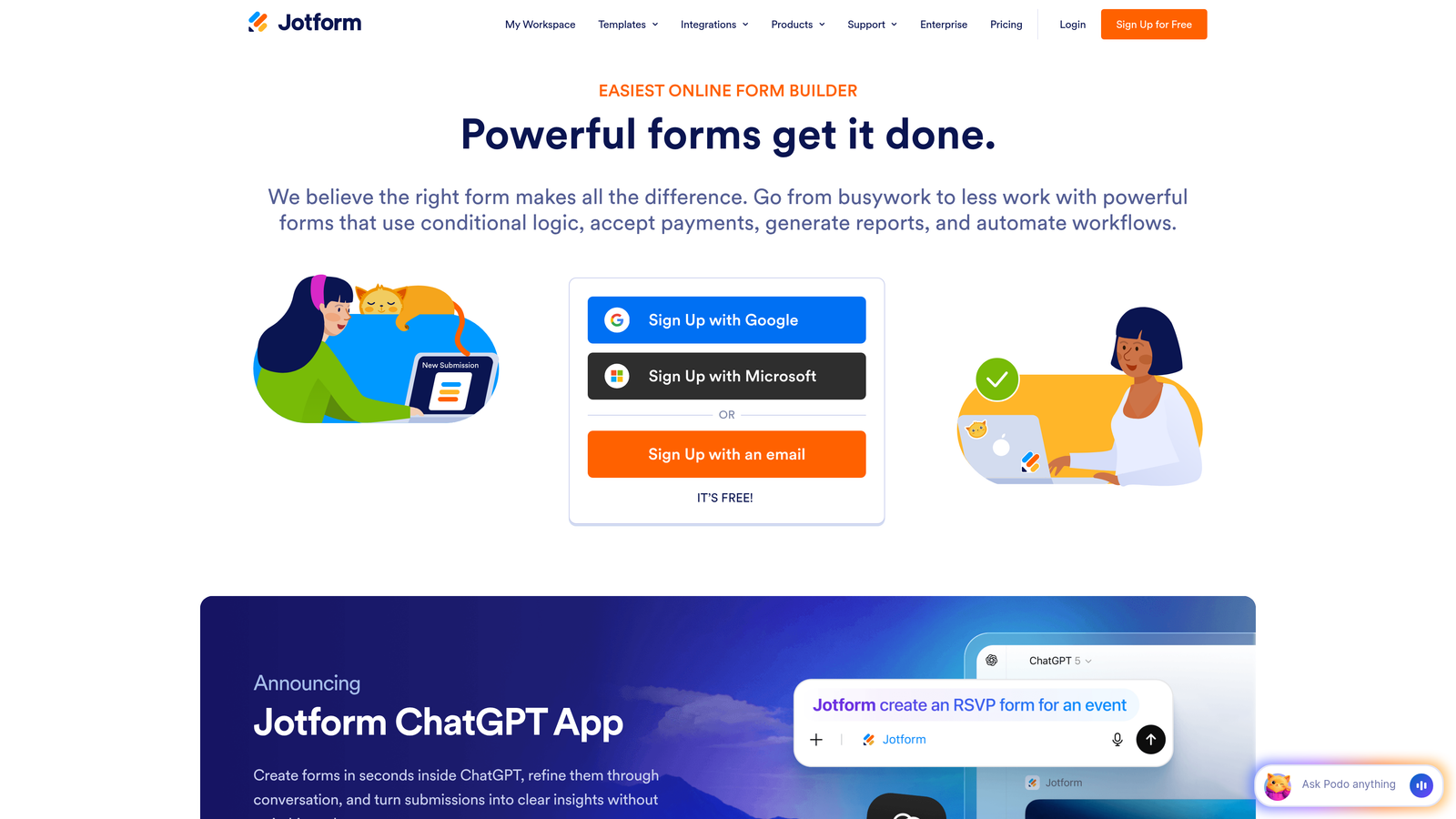
Jotform is an enterprise-ready form platform with 10,000+ templates and compliance certifications for regulated industries.
Where This Tool Shines
Jotform's depth of features and template library means you're rarely building from scratch. With over 10,000 templates covering nearly every use case imaginable, you can find a starting point that's already 80% of what you need.
For healthcare, finance, and other regulated industries, Jotform's HIPAA compliance and enterprise security features remove significant barriers. The platform handles the compliance heavy lifting so you can focus on designing effective forms rather than navigating regulatory requirements.
Key Features
Massive Template Library: Access 10,000+ pre-built templates covering everything from patient intake forms to event registrations.
HIPAA Compliance: Enterprise plans include HIPAA-compliant hosting and business associate agreements for healthcare applications.
PDF Generation: Automatically generate PDF documents from form submissions and collect e-signatures within the workflow.
Payment Processing: Accept payments through multiple gateways including PayPal, Square, Stripe, and Authorize.net.
Jotform Tables: Manage and analyze form data in a spreadsheet-like interface with collaboration features.
Best For
Jotform excels for healthcare providers, educational institutions, government agencies, and any organization with strict compliance requirements. The combination of regulatory certifications and extensive features makes it a safe choice for risk-averse enterprises.
Pricing
Free tier with basic features; paid plans start at $34/month with increased submissions and advanced capabilities.
6. Fillout
Best for: Teams using Notion or Airtable who need forms that sync directly to their databases
Fillout is a modern form builder with native Notion, Airtable, and database integrations for seamless data syncing.

Where This Tool Shines
Fillout eliminates the integration middleware that typically sits between forms and databases. If you're managing customer data in Notion or Airtable, Fillout becomes a natural extension of your existing workflow rather than a separate system requiring constant syncing.
The ability to pre-fill forms from existing database records is particularly powerful for update requests or progressive profiling. You can send customers a form that already knows their basic information, asking only for what's missing or changed.
Key Features
Native Database Integration: Direct connections to Notion and Airtable sync form submissions instantly without Zapier or middleware.
Pre-Fill Capabilities: Populate forms with existing data from your databases for update workflows and progressive profiling.
Scheduling and Booking: Built-in calendar booking functionality for appointment scheduling and meeting coordination.
Quiz and Assessment Modes: Create scored quizzes and assessments with automatic grading and feedback.
Custom Code: Add custom CSS and JavaScript for advanced styling and functionality beyond the visual editor.
Best For
Fillout is perfect for teams already managing operations in Notion or Airtable who want forms that feel like native extensions of their workspace. It's particularly valuable for customer onboarding, data updates, and progressive profiling scenarios.
Pricing
Free tier available with core features; paid plans begin at $15/month for increased submissions and advanced integrations.
7. Formsort
Best for: Growth teams running continuous A/B tests and conversion rate optimization experiments
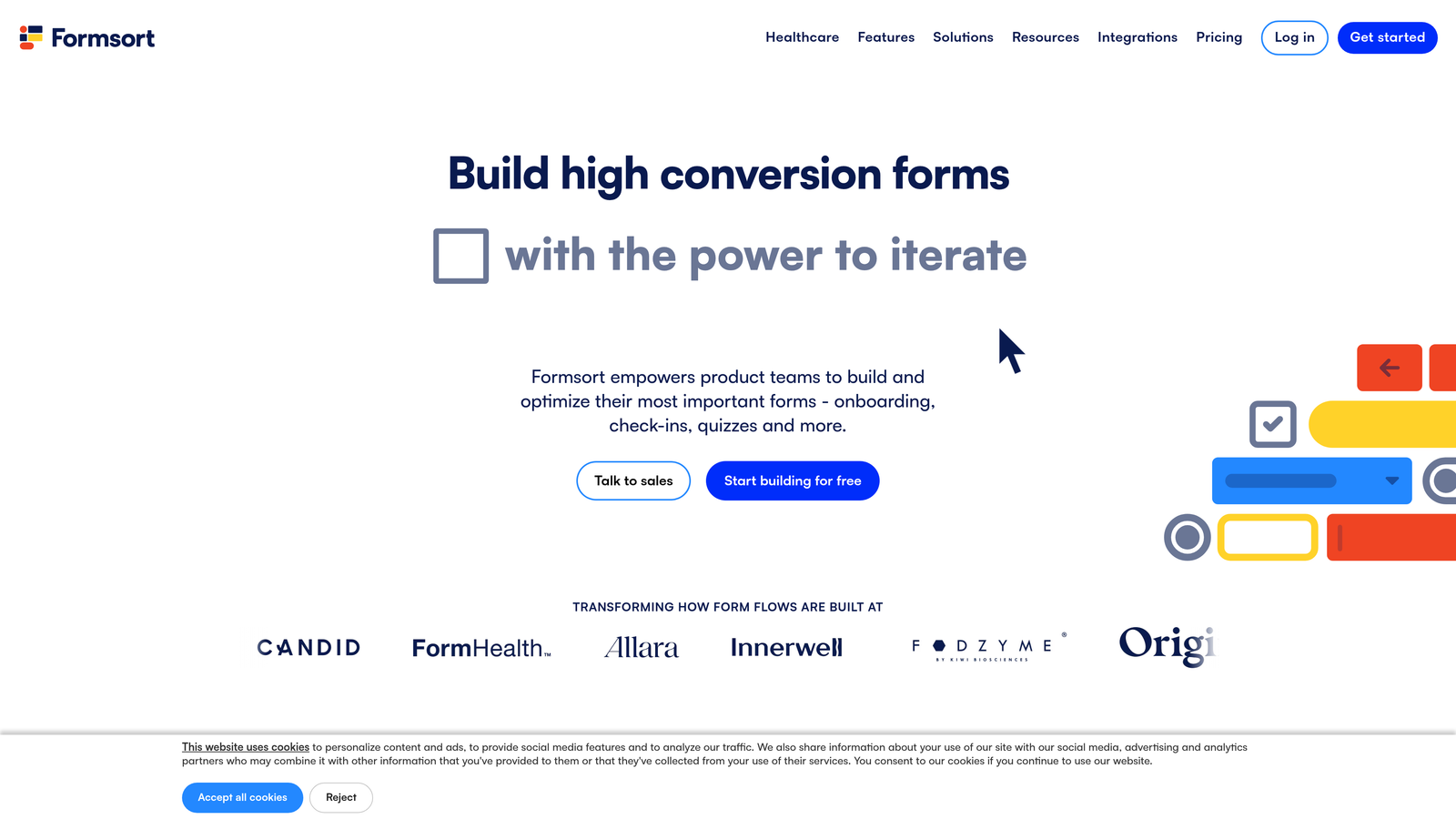
Formsort is a conversion-focused form builder with built-in A/B testing and experimentation tools for growth teams.
Where This Tool Shines
Formsort treats forms as conversion optimization opportunities rather than simple data collection tools. The native A/B testing framework means you can test different question orders, copy variations, and design approaches without external experimentation platforms.
The analytics dashboard goes deeper than basic completion rates, tracking funnel drop-off at each step and identifying exactly where users abandon. For teams obsessed with conversion metrics, this granular visibility enables continuous improvement based on real behavior patterns.
Key Features
Native A/B Testing: Run multivariate experiments on question order, copy, design, and logic without external tools.
Conversion Analytics: Track detailed funnel metrics including step-by-step completion rates and abandonment patterns.
Custom Branding: Full CSS customization ensures forms match your brand guidelines exactly.
API-First Architecture: Robust API enables deep integrations with your existing tech stack and custom workflows.
SOC 2 Compliance: Enterprise security standards make Formsort suitable for handling sensitive customer data.
Best For
Formsort is built for growth teams at B2B SaaS companies, fintech startups, and high-velocity sales organizations where form conversion rates directly impact revenue. If you're constantly testing and optimizing your lead capture process, the built-in experimentation tools justify the premium positioning.
Pricing
Custom pricing based on volume and features; contact sales for a quote tailored to your needs.
8. Feathery
Best for: Developer teams building complex onboarding flows requiring code-level customization
Feathery is a developer-friendly form builder with React components and full code customization for complex onboarding flows.
Where This Tool Shines
Feathery bridges the gap between no-code form builders and fully custom implementations. The React SDK lets developers embed forms as native components in their applications while maintaining the productivity benefits of a visual editor.
For product teams building multi-step onboarding experiences, Feathery provides the flexibility to create exactly what you envision without wrestling with a rigid template system. The code export capability means you're never locked in—you can always extract your forms and self-host if requirements change.
Key Features
React SDK: Embed forms as React components with full programmatic control over behavior and styling.
Visual Editor with Code Export: Design forms visually but export the underlying code for custom modifications and self-hosting.
User Authentication Flows: Build complete signup and onboarding experiences with built-in authentication handling.
Conditional Logic: Create complex branching paths and perform calculations based on user inputs.
Payment Integration: Native Stripe integration for collecting payments during onboarding or signup flows.
Best For
Feathery excels for product teams at SaaS companies building sophisticated user onboarding experiences. If you have developers who can leverage the React SDK and need more control than traditional no-code builders provide, Feathery hits the sweet spot.
Pricing
Free tier for development and testing; paid plans start at $49/month for production use with higher limits.
9. Heyflow
Best for: Marketing agencies managing white-label funnels for multiple clients
Heyflow is a multi-step funnel builder with white-label options designed for agencies and performance marketers.
Where This Tool Shines
Heyflow focuses specifically on multi-step funnels rather than single-page forms, making it particularly strong for lead generation campaigns with complex qualification paths. The white-label capabilities let agencies deliver branded experiences without revealing the underlying platform.
For performance marketers running paid traffic campaigns, the custom tracking pixel support ensures you can measure every step of the funnel in your analytics platform. This granular tracking enables precise campaign optimization based on actual user behavior through each step.
Key Features
Multi-Step Funnel Creation: Build complex qualification and lead generation funnels with multiple pages and decision points.
White-Label Options: Remove all Heyflow branding and use custom domains for completely branded client experiences.
Lead Routing: Automatically route qualified leads to different destinations based on responses and scoring rules.
Custom Tracking Pixels: Add Facebook Pixel, Google Analytics, and custom tracking codes to measure funnel performance precisely.
Mobile Optimization: Responsive designs ensure funnels work seamlessly across all device types and screen sizes.
Best For
Heyflow is ideal for digital marketing agencies, performance marketers, and lead generation specialists managing campaigns for multiple clients. The white-label capabilities and agency-focused features make it particularly valuable for service businesses.
Pricing
Free trial available; paid plans start at €59/month with increased funnel limits and white-label features.
Making the Right Choice
The best conversational form builder for your team depends on your specific priorities and existing tech stack. If AI-powered lead qualification is essential and you need to identify high-value prospects instantly, Orbit AI delivers intelligence that goes beyond simple data collection. For teams prioritizing visual brand experience above all else, Typeform remains the design benchmark.
Think about your integration requirements carefully. If you're already managing operations in Notion or Airtable, Fillout's native database connections eliminate integration headaches. Enterprise teams in regulated industries will appreciate Jotform's compliance certifications and security features. Growth teams obsessed with conversion optimization should look closely at Formsort's built-in experimentation capabilities.
Budget considerations matter too. Tally's generous free tier makes it accessible for startups and non-profits, while enterprise platforms like Formsort justify premium pricing through specialized features. Most platforms offer free trials—take advantage of them to test real-world performance with your actual use cases before committing.
Consider your team's technical capabilities as well. If you have developers who can leverage React components and custom code, Feathery unlocks possibilities that no-code builders can't match. For non-technical teams, platforms with extensive template libraries like Jotform reduce the learning curve significantly.
The conversational form format itself delivers measurable improvements over traditional static forms. By reducing cognitive load and creating engaging dialogue-style experiences, these platforms typically achieve completion rates 20-40% higher than standard forms. The key is choosing a platform that aligns with your specific workflow, integration needs, and growth stage.
Start your free trial today and see how intelligent form design can elevate your conversion strategy. Transform your lead generation with AI-powered forms that qualify prospects automatically while delivering the modern, conversion-optimized experience your high-growth team needs.


