

Long forms kill conversions. When visitors see 15 fields stacked on a single page, most bounce before typing a single character. Multi-step form builders solve this by breaking complex forms into digestible chunks, creating a guided experience that feels more like a conversation than an interrogation. The result? Higher completion rates, better lead quality, and more meaningful data.
But with dozens of form builders claiming multi-step capabilities, finding the right one for your team can be overwhelming. We've tested and compared the leading options based on ease of use, customization depth, integration options, and conversion-focused features. Whether you're collecting leads, qualifying prospects, or building complex intake workflows, here are the best multi-step form builders for every use case and budget.
1. Orbit AI
Best for: High-growth teams wanting AI-powered lead qualification built into their forms
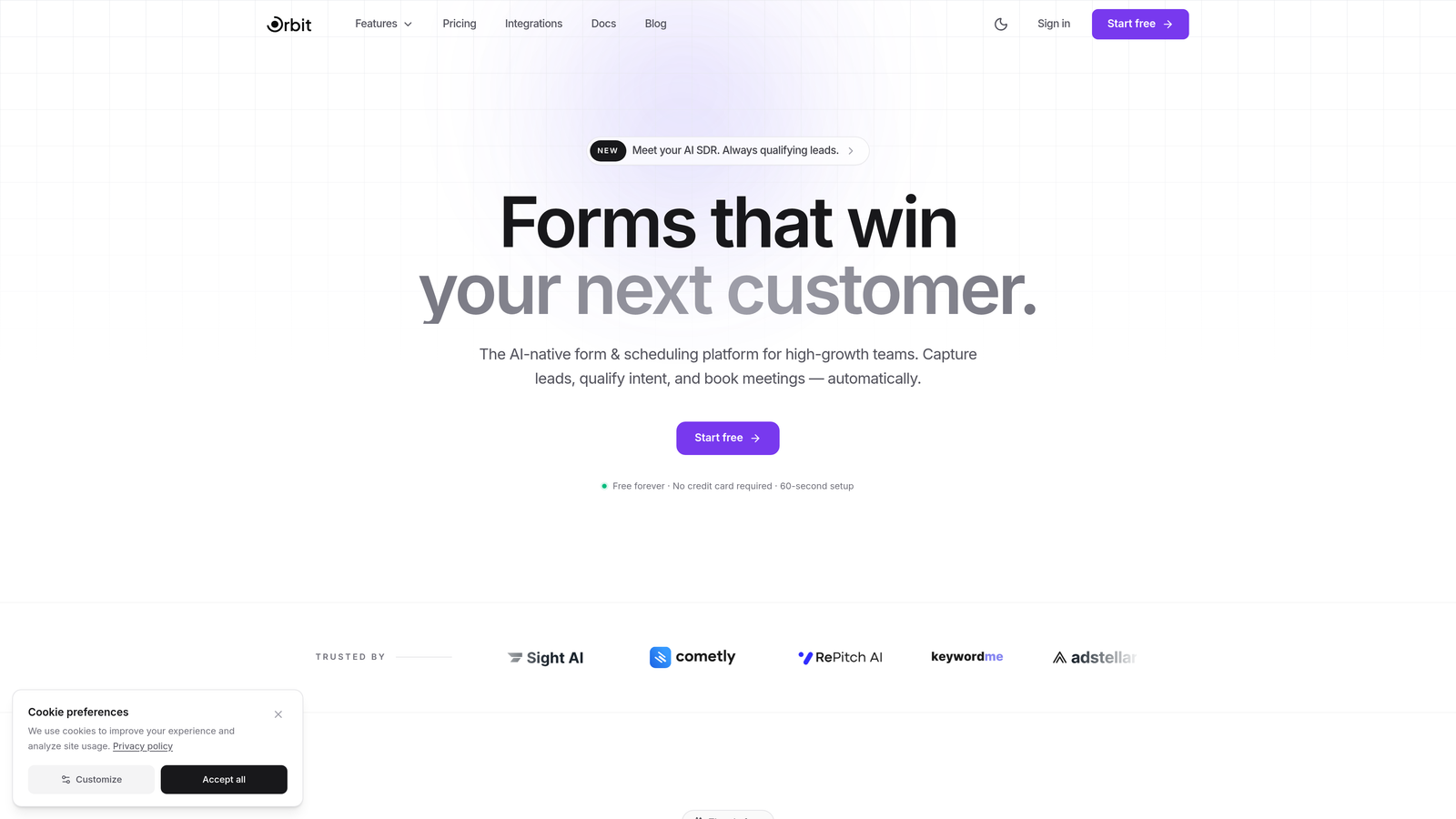
Orbit AI is an AI-powered multi-step form builder designed specifically for teams that need more than just data collection—they need intelligent lead qualification happening in real-time.
Where This Tool Shines
What sets Orbit AI apart is how it combines beautiful multi-step form design with AI that actually understands your leads. While most form builders just collect responses, Orbit AI analyzes them as they come in, scoring and qualifying prospects automatically based on your criteria.
The platform is built for modern teams who want their forms to do the heavy lifting. Instead of manually reviewing every submission to separate hot leads from tire-kickers, the AI handles qualification while your forms maintain that smooth, conversational flow that keeps completion rates high.
Key Features
AI-Powered Lead Qualification: Automatically scores and qualifies leads based on their responses, routing high-value prospects to your sales team instantly.
Conversational Multi-Step Flows: Creates guided experiences that feel natural, breaking complex forms into digestible steps that boost completion rates.
Smart Conditional Logic: AI assists in building intelligent branching paths that adapt to user responses without manual configuration complexity.
Native CRM Integrations: Connects seamlessly with HubSpot, Close, Attio, and other modern CRMs to sync qualified leads directly into your workflow.
Real-Time Analytics: Tracks conversion metrics and form performance with actionable insights on where visitors drop off and how to optimize.
Best For
Orbit AI is ideal for high-growth SaaS teams, B2B companies with complex sales processes, and marketing teams focused on lead quality over quantity. If you're tired of sifting through unqualified leads and want your forms to work smarter, this is your tool.
Pricing
Free tier available to get started; paid plans begin at $29/month with advanced AI features and integrations included.
2. Typeform
Best for: Brand-focused teams wanting beautiful, conversation-style forms that stand out
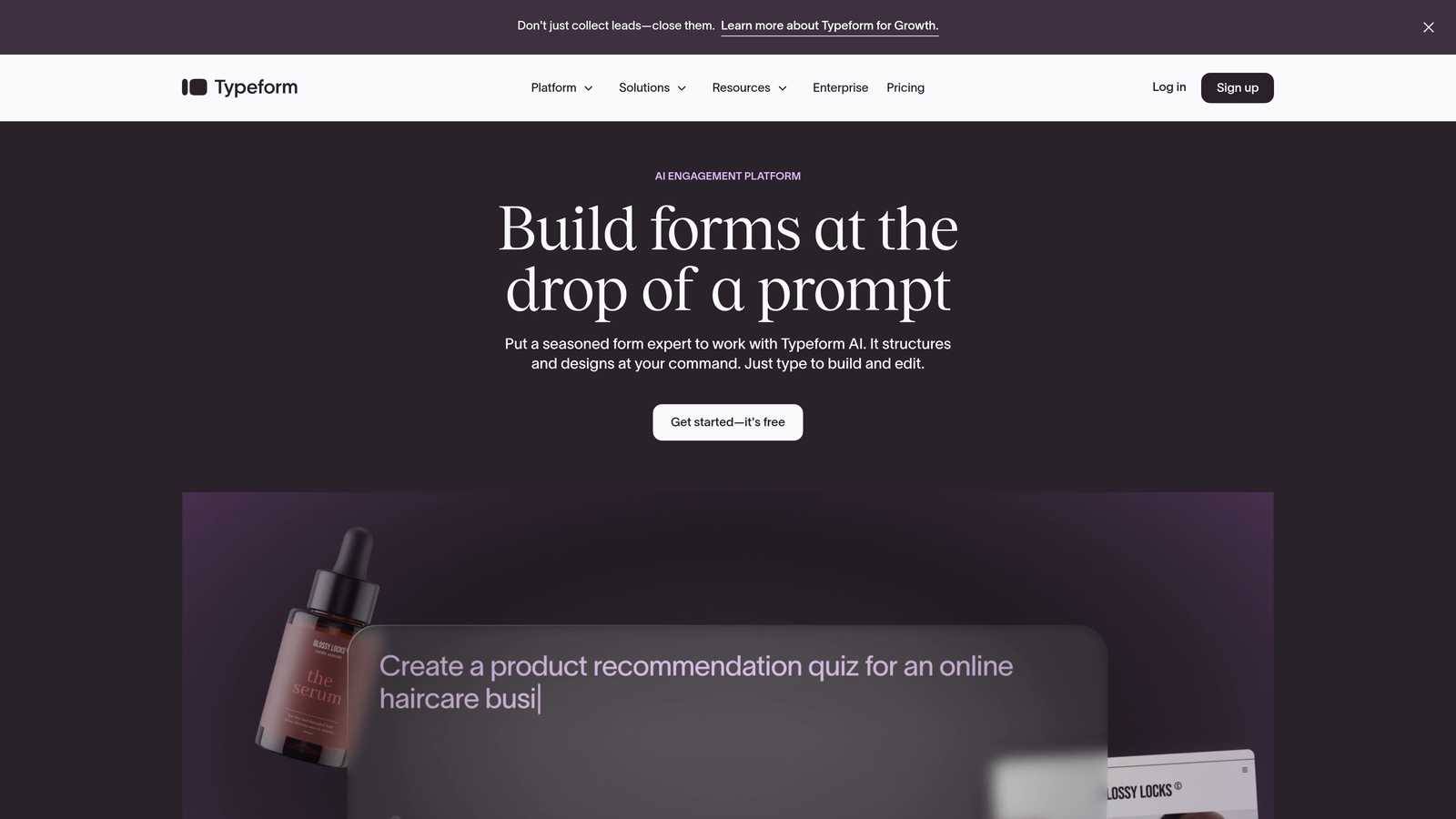
Typeform is the pioneer of conversational forms, known for creating one-question-at-a-time experiences that feel more like natural conversations than traditional forms.
Where This Tool Shines
Typeform transformed how people think about online forms by making them actually enjoyable to complete. The signature one-question-at-a-time format reduces cognitive load and creates a focused experience that keeps users engaged through completion.
The platform excels at brand expression. With extensive design customization options, you can create forms that perfectly match your visual identity, making every interaction feel like an extension of your brand rather than a generic data collection tool.
Key Features
One-Question-at-a-Time Format: Presents questions sequentially to reduce overwhelm and maintain focus throughout the form experience.
Extensive Design Customization: Offers deep control over colors, fonts, layouts, and backgrounds to create fully branded experiences.
Logic Jumps and Branching: Creates dynamic paths based on responses, showing different questions to different users based on their answers.
Rich Media Embedding: Incorporates videos, images, and GIFs directly into forms to create more engaging, multimedia experiences.
Strong Integration Ecosystem: Connects with hundreds of tools through native integrations and Zapier for seamless workflow automation.
Best For
Typeform works best for marketing teams prioritizing brand experience, agencies creating forms for clients, and companies where visual polish matters as much as functionality. It's particularly strong for surveys, lead capture, and customer feedback.
Pricing
Free tier available with limited responses; Basic plan starts at $25/month with increased response limits and additional features.
3. Jotform
Best for: Teams needing extensive templates and variety without complexity
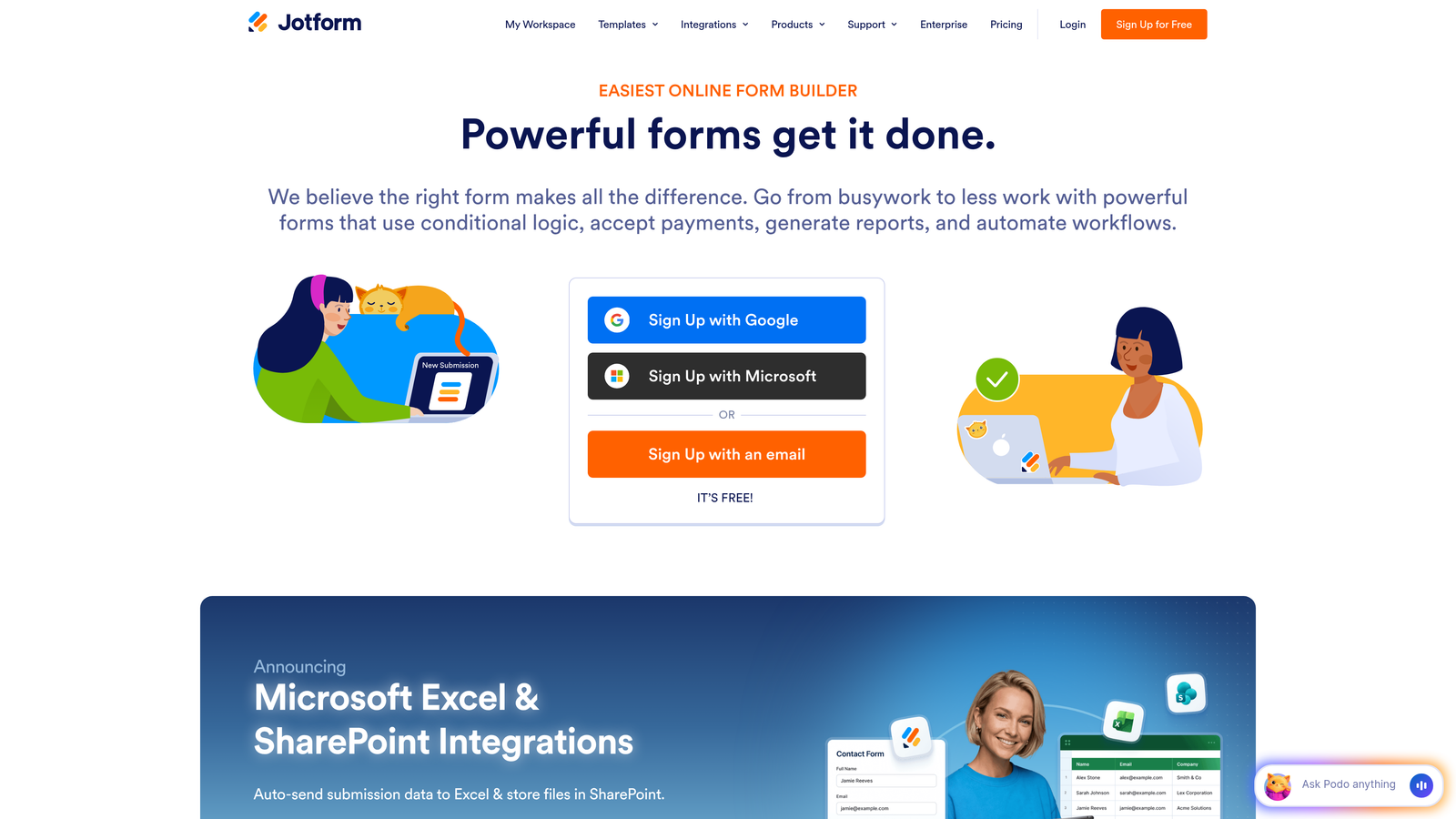
Jotform is a feature-rich form builder offering thousands of pre-built templates and a generous free tier, making it accessible for teams of any size.
Where This Tool Shines
Jotform's massive template library means you're rarely starting from scratch. With over 10,000 templates covering virtually every use case imaginable, you can find something close to your needs and customize from there, saving significant setup time.
The platform also stands out for its widget ecosystem. With 200+ integrations and widgets, you can add payment processing, appointment scheduling, e-signatures, and more without leaving the form builder. This makes Jotform particularly valuable for teams handling diverse form needs across different departments.
Key Features
10,000+ Form Templates: Massive library covering every industry and use case, from contact forms to complex applications.
Drag-and-Drop Multi-Page Builder: Intuitive interface for creating multi-step forms with progress indicators and page breaks.
200+ Widget Integrations: Extends functionality with specialized widgets for payments, scheduling, calculations, and more.
Built-In Payment Collection: Native integration with payment processors lets you collect payments directly through forms.
PDF Generation and E-Signatures: Automatically generates PDFs from submissions and collects legally binding electronic signatures.
Best For
Jotform is ideal for small businesses needing versatility, organizations with diverse form requirements across departments, and teams wanting robust features without enterprise pricing. It's particularly strong for registration forms, order forms, and applications.
Pricing
Free tier includes up to 5 forms with 100 monthly submissions; Bronze plan starts at $34/month for more forms and higher limits.
4. Tally
Best for: Teams wanting simplicity and unlimited forms on a free plan
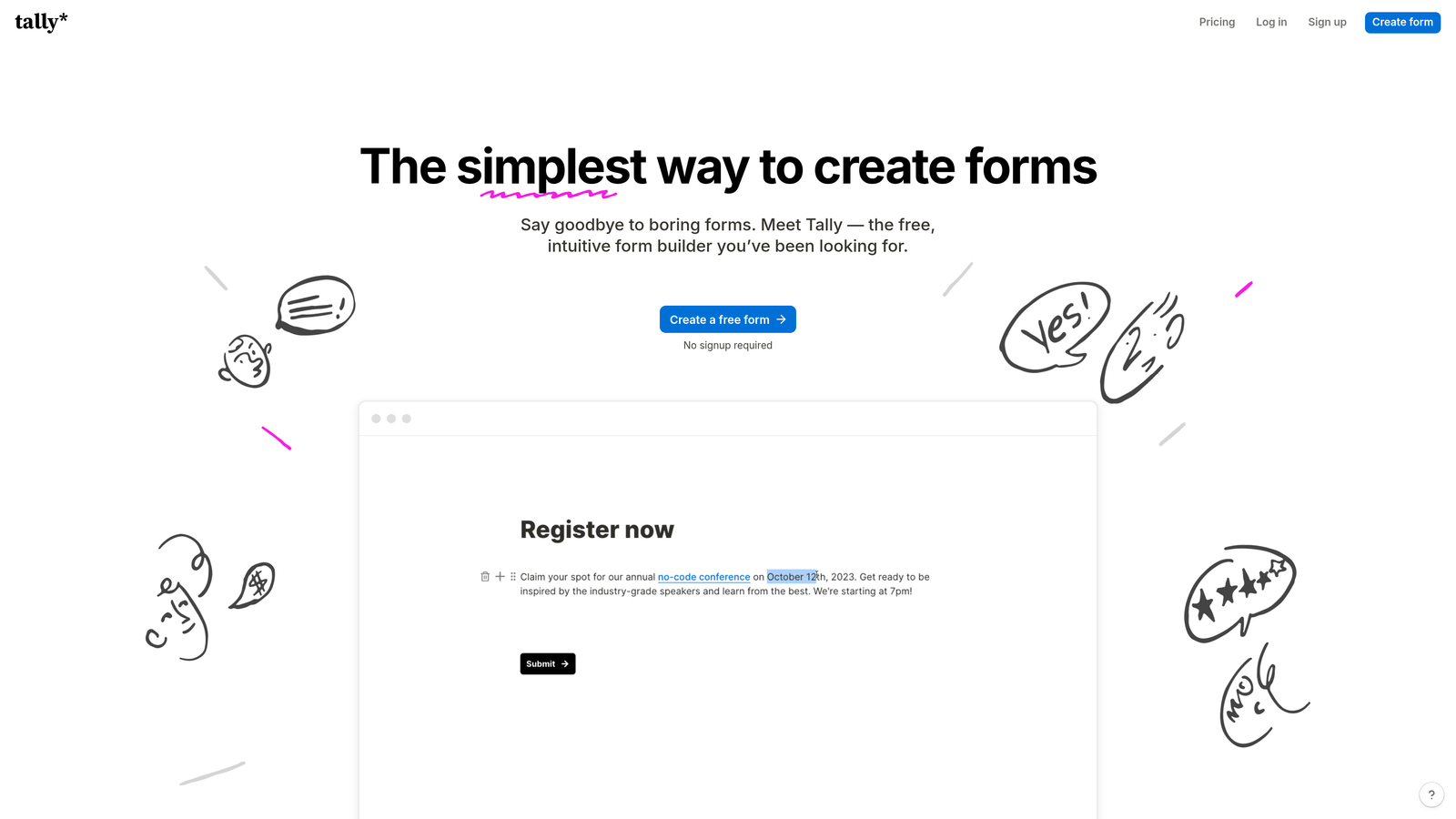
Tally is a minimalist form builder with a Notion-like interface that offers unlimited forms on its free tier with surprising depth.
Where This Tool Shines
Tally's genius is in what it removes rather than what it adds. The Notion-style block editor feels immediately familiar if you've used modern productivity tools, eliminating the learning curve that comes with traditional form builders.
The generous free tier is genuinely impressive. While most tools severely limit free users, Tally offers unlimited forms and submissions, making it viable for startups and small teams who need professional multi-step forms without budget constraints.
Key Features
Unlimited Forms on Free Tier: No artificial limits on form count or submissions, making it accessible for teams at any stage.
Notion-Style Block Editor: Familiar interface that feels natural for anyone who's used modern document editors.
Multi-Page Forms with Progress Bars: Creates clean multi-step experiences with visual progress indicators to encourage completion.
Conditional Logic: Shows or hides questions based on previous answers to create dynamic, personalized form flows.
Clean, Distraction-Free Interface: Minimalist design keeps focus on content without overwhelming users with options.
Best For
Tally works best for startups with tight budgets, solo entrepreneurs, and teams who value simplicity over extensive customization. It's perfect for straightforward lead capture, surveys, and feedback forms where clean design matters more than bells and whistles.
Pricing
Free for most features including unlimited forms; Pro plan at $29/month adds advanced customization and file uploads.
5. Paperform
Best for: Creating rich, branded experiences that blend content and form fields
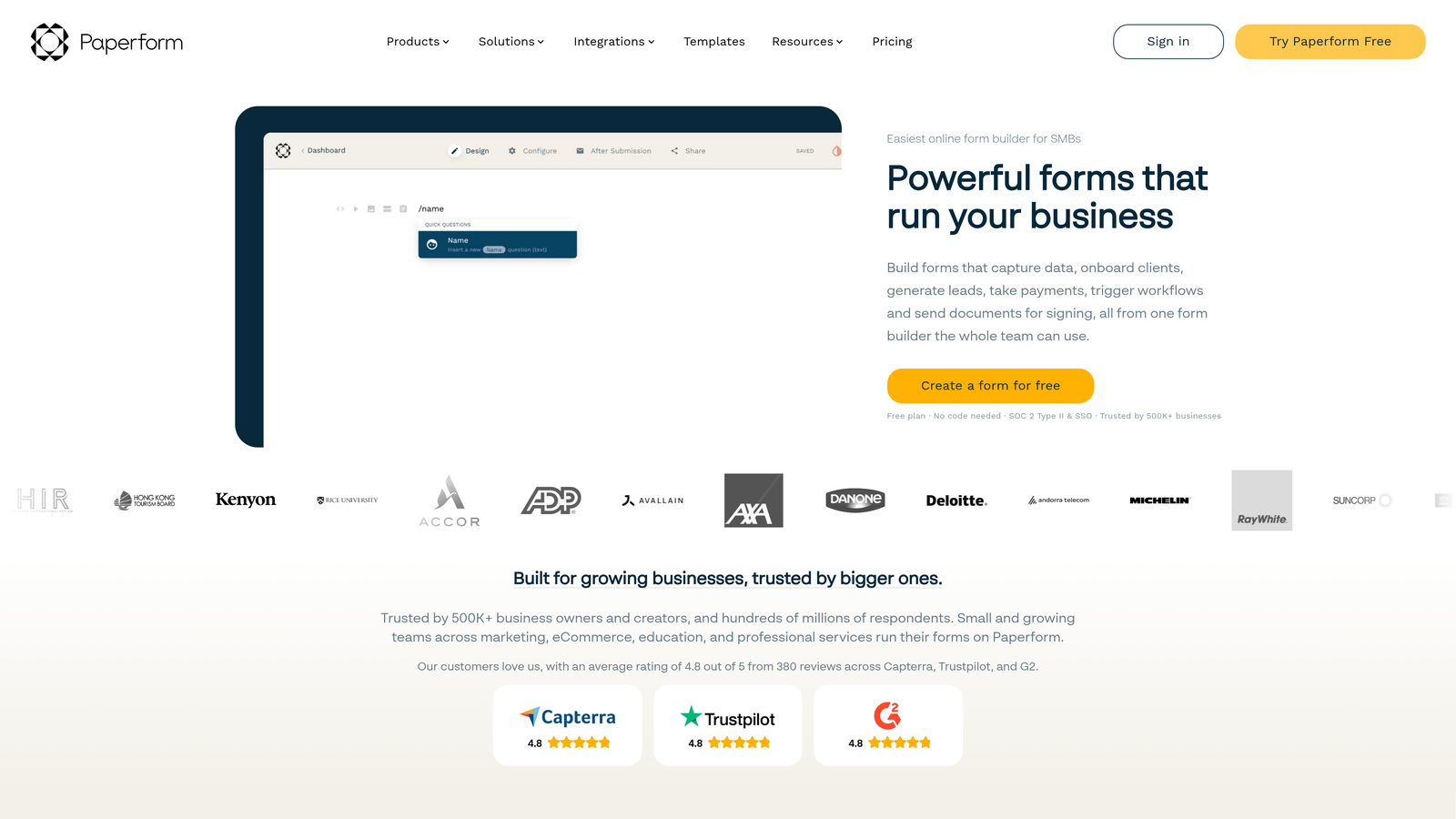
Paperform is a document-style form builder that lets you mix content and form fields inline, creating experiences that feel more like interactive pages than traditional forms.
Where This Tool Shines
Paperform's unique approach treats forms like documents. You can write paragraphs, add images, embed videos, and insert form fields wherever they make sense contextually. This creates richer, more narrative-driven experiences that work particularly well for applications, registrations, and bookings.
The platform also excels at e-commerce and payment collection. With built-in product catalogs, calculations, and payment processing, you can create complete purchase experiences without stitching together multiple tools.
Key Features
In-Line Content and Form Mixing: Seamlessly combines text, images, videos, and form fields in a flowing document format.
E-Commerce and Payment Capabilities: Handles product catalogs, pricing calculations, and payment processing for complete transaction flows.
Advanced Calculations: Performs complex calculations based on user inputs for quotes, pricing, and custom results.
Conditional Logic and Page Breaks: Creates multi-page forms with intelligent branching based on responses.
Custom Success Pages: Designs unique confirmation experiences with personalized content based on submission data.
Best For
Paperform is ideal for service businesses creating booking forms, course creators building registration experiences, and teams needing forms that double as landing pages. It shines when you need to tell a story while collecting information.
Pricing
Essentials plan starts at $24/month with unlimited forms and submissions included.
6. Fillout
Best for: Teams already using Airtable or Notion who want native integration
Fillout is a modern form builder designed specifically for teams using Airtable and Notion, offering native sync capabilities that other tools can't match.

Where This Tool Shines
If you're running your operations in Airtable or Notion, Fillout eliminates the integration headaches. Forms sync directly to your bases or databases in real-time, maintaining the structure and relationships you've already set up without middleware or complex Zapier workflows.
The modern interface feels current and clean, avoiding the dated aesthetics that plague some older form builders. This makes it particularly appealing for startups and tech-forward teams who care about how their tools look and feel.
Key Features
Native Airtable and Notion Sync: Connects directly to your Airtable bases or Notion databases without third-party integrations.
Multi-Page Form Support: Creates clean multi-step experiences with progress tracking and conditional visibility.
Conditional Logic: Shows or hides fields based on previous answers to create dynamic form paths.
Scheduling Integration: Embeds calendar booking directly into forms for appointment-based workflows.
Modern, Clean UI: Contemporary design that feels fresh and professional without unnecessary complexity.
Best For
Fillout is perfect for teams with Airtable or Notion as their system of record, startups building operations on modern no-code stacks, and anyone frustrated by traditional form builder aesthetics. It works particularly well for intake forms, applications, and lead capture.
Pricing
Free tier available with core features; Starter plan begins at $15/month for advanced capabilities.
7. Formstack
Best for: Enterprise teams needing compliance certifications and advanced workflows
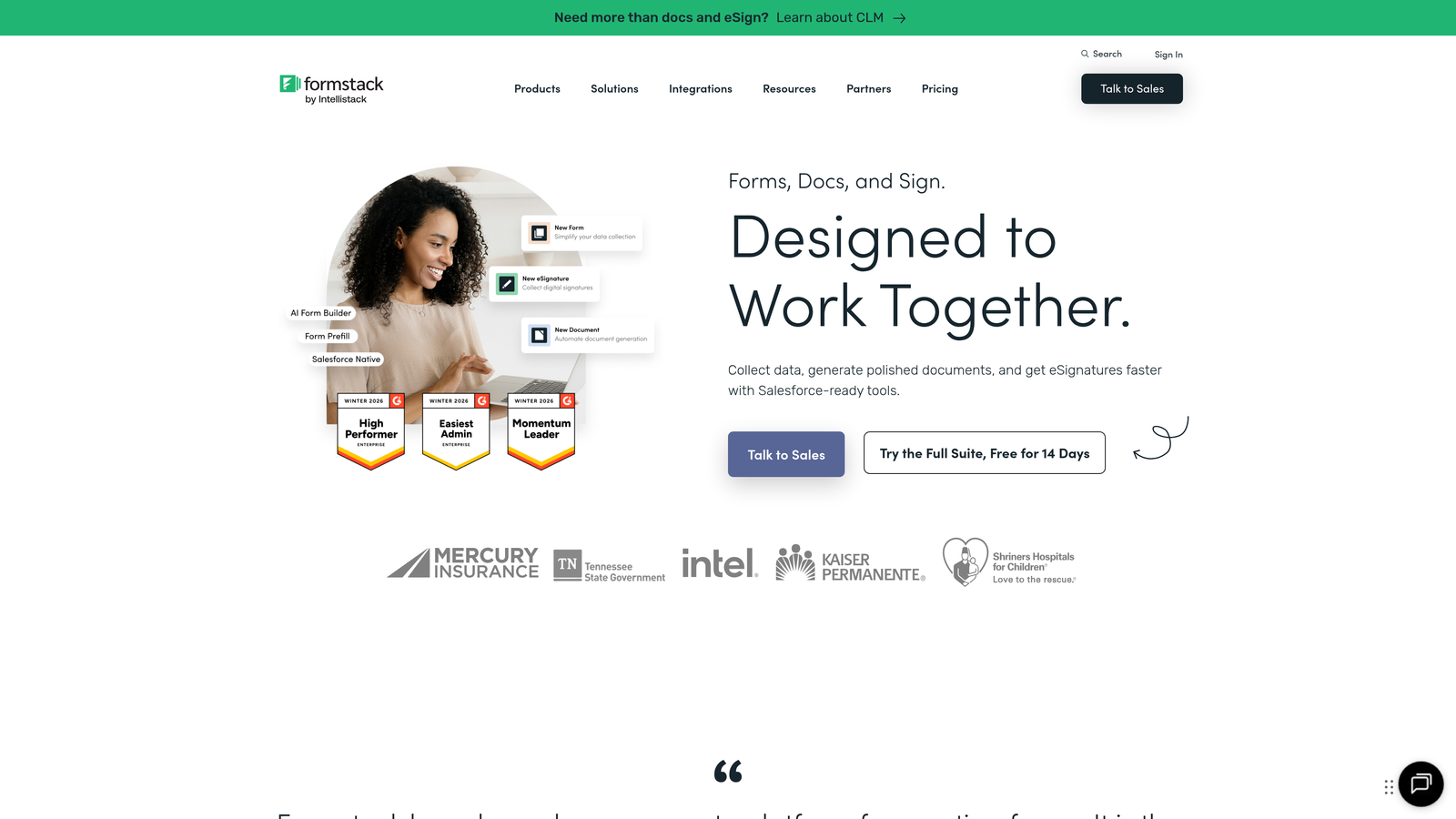
Formstack is an enterprise-grade form builder with advanced workflows, compliance certifications, and deep conditional logic for regulated industries.
Where This Tool Shines
Formstack takes compliance seriously. With HIPAA and GDPR certifications built-in, it's one of the few form builders that healthcare, finance, and legal industries can use without compliance concerns. The platform handles sensitive data with enterprise-grade security that smaller tools can't match.
The workflow automation goes beyond simple integrations. You can build complex approval processes, route submissions based on sophisticated criteria, and trigger multi-step workflows that handle everything from document generation to e-signature collection.
Key Features
HIPAA and GDPR Compliance: Certified for handling sensitive data in regulated industries with full audit trails.
Advanced Conditional Logic: Creates sophisticated branching with multiple conditions and complex rule sets.
Workflow Automation: Builds multi-step approval processes and automated routing based on submission data.
E-Signatures and Document Generation: Collects legally binding signatures and automatically generates PDFs from templates.
Enterprise Security Features: Includes SSO, advanced user permissions, and data encryption for sensitive environments.
Best For
Formstack is ideal for healthcare organizations, financial services firms, legal practices, and any enterprise with strict compliance requirements. It's particularly strong for patient intake, financial applications, and regulated data collection.
Pricing
Starter plan begins at $50/month; enterprise pricing available for organizations with advanced compliance and security needs.
8. Leadformly
Best for: Marketing teams focused on lead generation and conversion optimization
Leadformly is a conversion-focused form builder specifically designed for lead generation, with built-in A/B testing and optimization features.
Where This Tool Shines
Leadformly is laser-focused on one thing: generating more qualified leads. Every feature is built around conversion optimization, from the templates designed based on conversion research to the built-in A/B testing that lets you continuously improve performance.
The platform's real-time analytics go beyond basic form metrics. You can see exactly where prospects drop off, which questions cause friction, and how different variations perform against each other. This data-driven approach helps marketing teams make informed decisions rather than guessing at improvements.
Key Features
Built-In A/B Testing: Tests different form variations simultaneously to identify the highest-converting version.
Conversion-Optimized Templates: Pre-built templates designed using conversion rate research and best practices.
Multi-Step Lead Forms: Creates guided experiences that reduce abandonment and increase completion rates.
Real-Time Analytics: Tracks detailed metrics on form performance, drop-off points, and conversion rates.
CRM Integrations: Connects with major CRMs to route qualified leads directly into sales workflows.
Best For
Leadformly works best for B2B marketing teams, lead generation agencies, and companies where form conversion rates directly impact revenue. It's particularly valuable when you're running paid advertising and need to maximize ROI from every click.
Pricing
Essential plan starts at $37/month with A/B testing and analytics included.
9. Involve.me
Best for: Interactive content like quizzes, calculators, and outcome-based lead funnels
Involve.me is an interactive content builder that goes beyond traditional forms to create quizzes, calculators, and personalized experiences with outcome-based logic.
Where This Tool Shines
Involve.me excels when you need more than data collection—you need engagement. The platform's quiz and calculator builders let you create interactive experiences that provide value to users while capturing lead information. People are far more likely to complete a form when they're getting personalized results in return.
The outcome-based branching creates truly personalized experiences. Based on how someone answers, you can show them customized results, recommendations, or next steps that feel tailored to their specific situation rather than generic.
Key Features
Quiz and Calculator Builders: Creates interactive assessments and tools that engage users while collecting lead data.
Outcome-Based Branching: Delivers personalized results and recommendations based on user responses and calculated scores.
Payment Integration: Processes payments directly through interactive content for product recommendations and sales.
Lead Scoring: Automatically scores leads based on quiz responses and engagement levels.
Embeddable Widgets: Integrates interactive content seamlessly into existing websites and landing pages.
Best For
Involve.me is ideal for marketing teams creating lead magnets, consultants offering assessments, and businesses using interactive content for lead generation. It works particularly well for ROI calculators, product recommendation quizzes, and diagnostic tools.
Pricing
Free tier available with basic features; Starter plan begins at $29/month for advanced capabilities.
10. Growform
Best for: Quick setup of conversion-optimized landing page forms
Growform is a landing page form specialist focused on conversion optimization with rapid deployment and mobile-first design.
Where This Tool Shines
Growform is built for speed. You can launch a conversion-optimized multi-step form in minutes rather than hours, making it perfect for testing new offers or quickly spinning up landing pages for campaigns.
The mobile-first approach ensures forms look and work beautifully on smartphones, where an increasing percentage of form traffic originates. While many form builders treat mobile as an afterthought, Growform designs for mobile from the ground up.
Key Features
Conversion-First Templates: Pre-built templates designed specifically for high conversion rates rather than visual complexity.
Multi-Step Form Builder: Creates guided experiences with progress indicators and smooth transitions between steps.
Mobile-Optimized Design: Ensures forms work perfectly on mobile devices with touch-friendly interfaces and responsive layouts.
Conditional Logic: Shows or hides fields based on responses to create personalized form paths.
Google Ads and Analytics Integration: Tracks form performance directly in Google Analytics and attributes conversions to ad campaigns.
Best For
Growform is ideal for marketing teams running paid campaigns, agencies managing multiple client landing pages, and anyone who needs to launch forms quickly without sacrificing conversion performance. It's particularly strong for lead generation and demo requests.
Pricing
Starter plan begins at $35/month with unlimited forms and submissions.
11. HubSpot Forms
Best for: Teams already using HubSpot CRM who want seamless integration
HubSpot Forms is the native form builder within HubSpot's ecosystem, offering deep integration with HubSpot CRM and progressive profiling capabilities.
Where This Tool Shines
If you're already in the HubSpot ecosystem, their native form builder eliminates integration headaches entirely. Forms sync directly to your CRM with perfect data mapping, contact creation, and workflow triggers happening automatically without middleware.
Progressive profiling is HubSpot's secret weapon. Instead of asking the same questions repeatedly, the system remembers what it already knows about contacts and asks new questions each time. This creates a better user experience while building richer contact profiles over time.
Key Features
Seamless HubSpot CRM Integration: Forms connect natively to your CRM with automatic contact creation and property updates.
Progressive Profiling: Automatically shows different questions to returning visitors based on what information you already have.
Multi-Step Forms: Creates guided experiences with progress tracking and conditional field visibility.
Smart Content Personalization: Customizes form fields and messaging based on contact properties and list membership.
Built-In Analytics: Tracks form submissions, conversion rates, and performance directly in HubSpot's analytics dashboard.
Best For
HubSpot Forms is perfect for teams already using HubSpot CRM, companies invested in the HubSpot ecosystem, and organizations wanting progressive profiling without third-party tools. It's particularly valuable for inbound marketing teams and sales organizations using HubSpot workflows.
Pricing
Free with HubSpot CRM; advanced features like progressive profiling require paid Marketing Hub subscriptions.
Finding Your Perfect Multi-Step Form Builder
The right multi-step form builder depends entirely on what you're trying to accomplish and how your team works. If you're focused on lead quality and want AI doing the heavy lifting of qualification, Orbit AI delivers intelligent forms that work smarter. For teams prioritizing brand experience and visual polish, Typeform's conversational approach creates memorable interactions.
Budget-conscious teams needing variety will find Jotform's extensive template library and generous features hard to beat, while those wanting simplicity and unlimited forms should explore Tally's minimalist approach. Enterprise organizations with compliance requirements need Formstack's certifications and security features.
The common thread across all these tools? Multi-step forms consistently outperform single-page alternatives when collecting complex information. Breaking forms into digestible steps reduces cognitive load, creates momentum through progress indicators, and makes completion feel achievable rather than overwhelming.
Think about your specific needs: Are you qualifying leads or just collecting data? Do you need deep CRM integration or standalone functionality? Is mobile traffic significant? Do you have compliance requirements? Your answers will point you toward the right tool.
Transform your lead generation with AI-powered forms that qualify prospects automatically while delivering the modern, conversion-optimized experience your high-growth team needs. Start building free forms today and see how intelligent form design can elevate your conversion strategy.


