

Not all form builders are created equal, especially when lead quality matters as much as lead volume. A standard contact form collects names and emails and calls it a day. A form builder with lead qualification goes further: it scores, segments, and routes leads based on their answers, so your sales team spends time on prospects who are actually ready to buy.
This guide covers the best tools for building qualification-first forms in 2026. Whether you're running a SaaS demo request flow, a B2B pipeline, or a high-volume lead gen campaign, these platforms give you the logic, scoring, and integrations to turn form submissions into qualified pipeline, not just a spreadsheet of contacts.
We evaluated each tool on conditional logic depth, lead scoring capabilities, CRM integrations, UX quality, and pricing transparency. Here's what we found.
1. Orbit AI
Best for: High-growth SaaS and B2B teams that want AI-native lead qualification built into the form itself
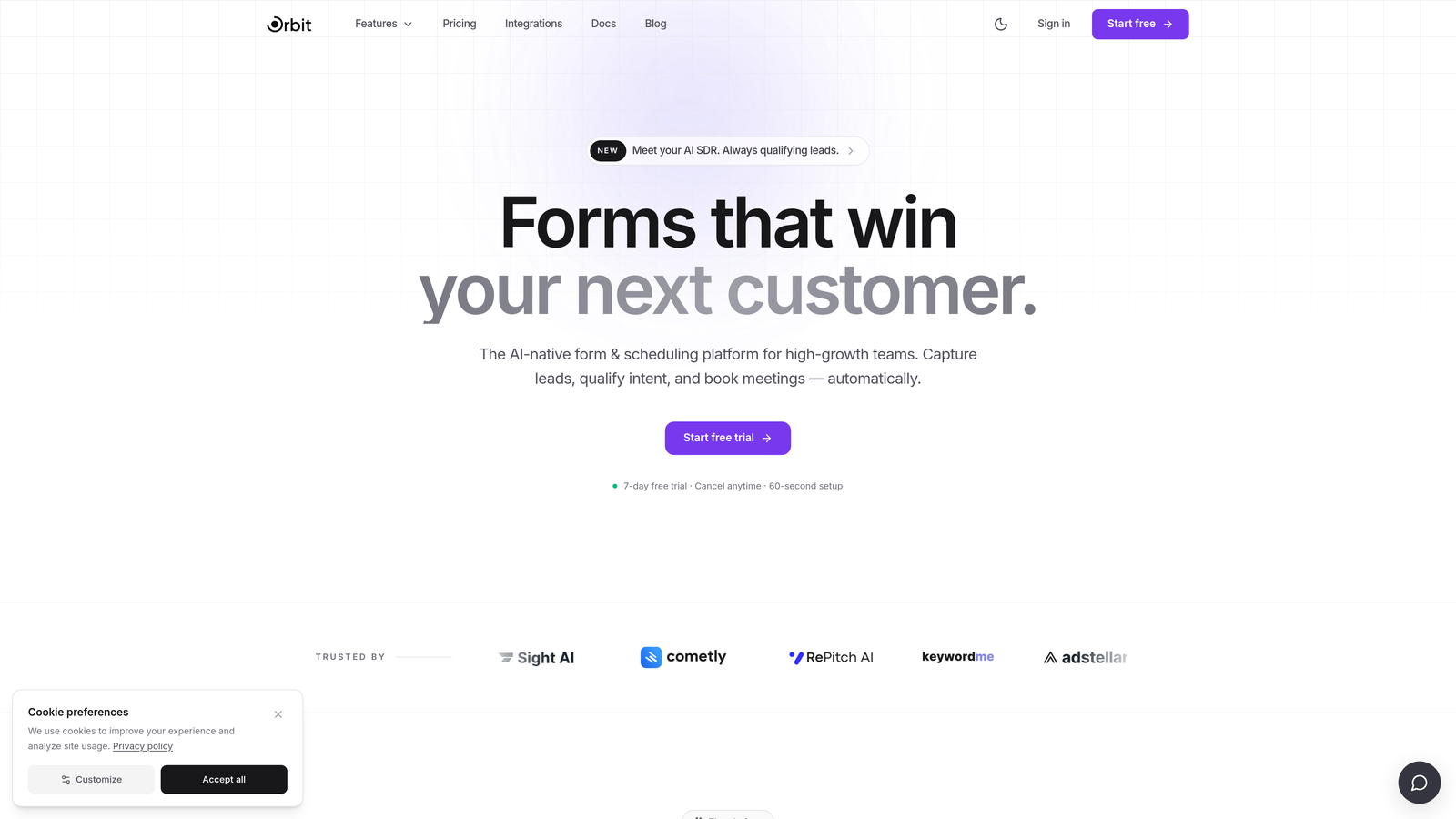
Orbit AI is an AI-powered form builder purpose-built for lead qualification, not a generic form tool with scoring bolted on afterward.
Where This Tool Shines
Most form builders treat qualification as an afterthought: collect submissions first, then score them in your CRM. Orbit AI flips that model. The AI qualification layer evaluates responses in real time as prospects move through the form, adjusting the experience and routing decisions before the submission even hits your pipeline.
The result is a cleaner handoff to sales. Instead of your team sifting through raw submissions to figure out who's worth calling, Orbit AI surfaces qualified leads automatically, with the context needed to act fast. For high-growth teams where pipeline quality is a core metric, that distinction matters.
Key Features
AI-Driven Lead Scoring: Evaluates responses in real time to score and qualify leads during the form experience, not after submission.
Adaptive Conditional Logic: Form paths adjust dynamically based on qualification signals, so prospects only see questions relevant to their situation.
Conversion-Optimized Design: Beautiful, modern form templates built with completion rates and user experience as primary design goals.
CRM and Sales Tool Integrations: Automatically routes qualified leads to the right rep, sequence, or pipeline stage based on score and segment.
Pipeline Quality Focus: Built around the idea that a smaller list of qualified leads outperforms a large list of unqualified ones every time.
Best For
Orbit AI is the right fit for SaaS companies running demo request flows, B2B teams with defined ideal customer profiles, and any growth team that needs qualification to happen at the form layer, not downstream in a CRM workflow they have to maintain separately.
Pricing
Check current pricing and plan details at orbitforms.ai. A free tier is available to get started.
2. Typeform
Best for: Teams that want high completion rates through a conversational, one-question-at-a-time form experience
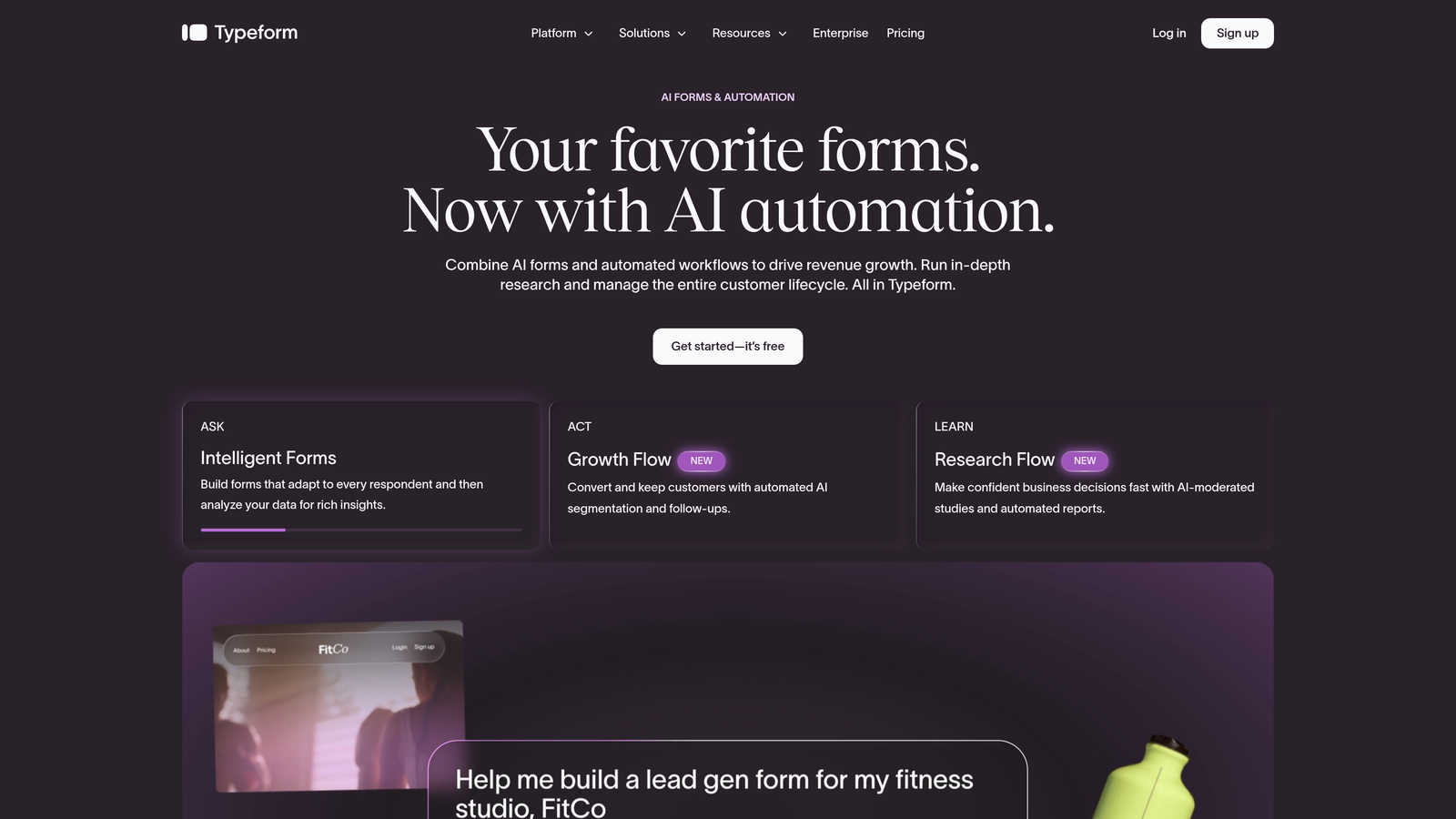
Typeform is a widely used conversational form builder known for its engaging interface that keeps respondents moving through forms with minimal drop-off.
Where This Tool Shines
Typeform's signature one-question-at-a-time format creates a more natural, dialogue-like experience that tends to outperform traditional multi-field forms in completion rates. For lead gen flows where drop-off is a real problem, that UX advantage translates directly into more submissions reaching the end of your funnel.
Conditional logic lets you build adaptive paths that route respondents based on their answers, which creates a basic qualification layer. The trade-off is that actual lead scoring happens downstream in your CRM or via integrations, not natively inside Typeform itself.
Key Features
Conversational Format: One question at a time keeps respondents engaged and reduces form abandonment.
Conditional Logic: Logic jumps adapt the form path based on previous answers for basic qualification routing.
Native CRM Integrations: Connects directly with HubSpot, Salesforce, and Zapier for downstream lead processing.
Template Library: A strong collection of lead gen and qualification templates to get started quickly.
Embedding Options: Forms can be embedded as popups, sliders, or inline widgets across web pages.
Best For
Typeform works well for marketing teams that already have CRM-based scoring in place and want a polished form experience that maximizes top-of-funnel completion. It's less ideal for teams that need native lead scoring without additional tooling.
Pricing
Free tier available. Paid plans start from approximately $25/month. Verify current pricing at typeform.com.
3. HubSpot Forms
Best for: Inbound marketing teams already operating within the HubSpot ecosystem
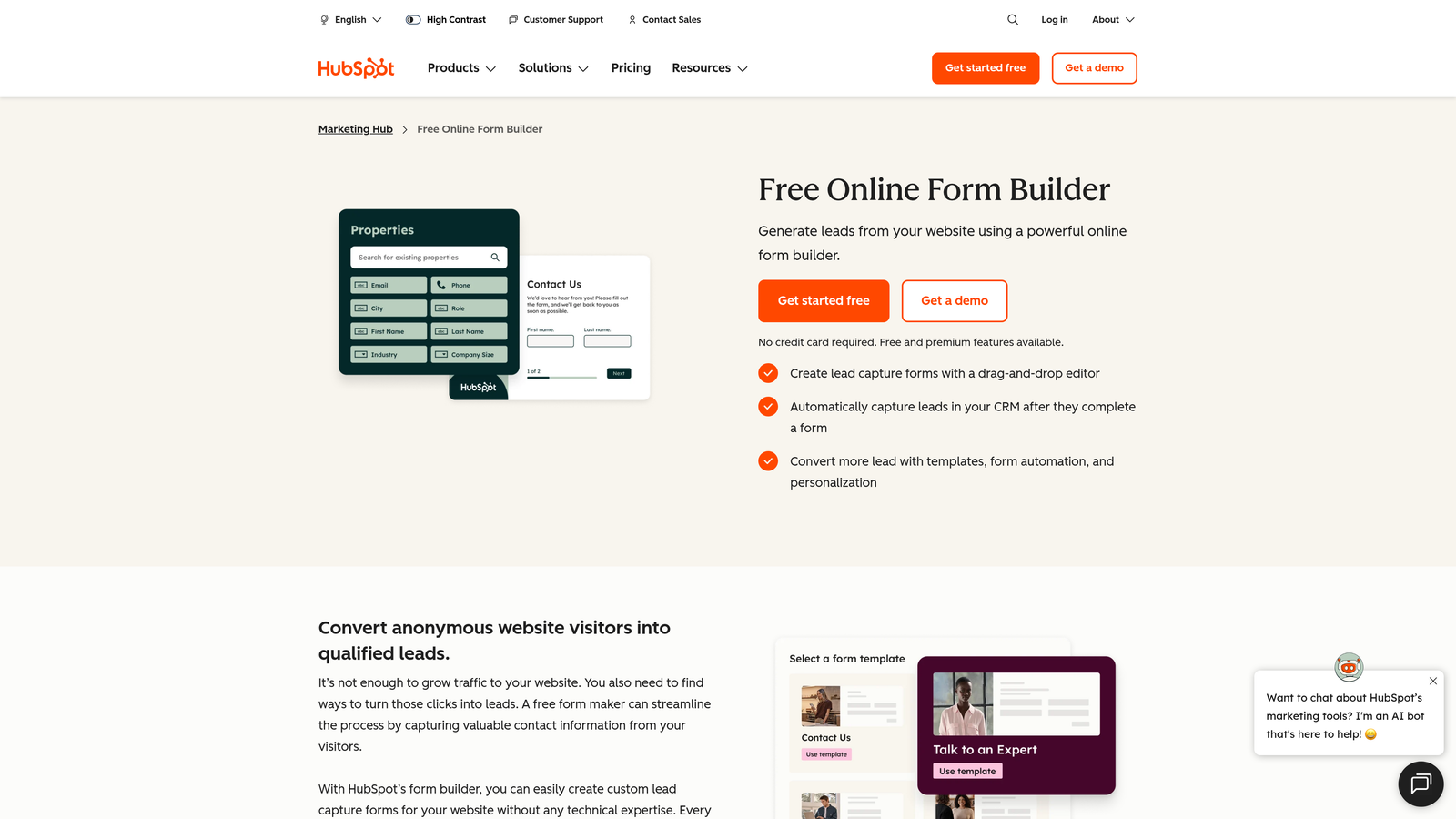
HubSpot Forms is a native form builder included with HubSpot's CRM, designed for seamless form-to-pipeline lead capture and automated workflow triggering.
Where This Tool Shines
The biggest advantage here is zero-friction CRM sync. When a prospect submits a HubSpot form, their contact record is created or updated instantly, and automated workflows can fire immediately, triggering nurture sequences, lead scoring updates, or sales notifications without any manual steps.
Progressive profiling is a standout feature: HubSpot can show different questions to returning visitors, gradually building a richer contact profile over multiple interactions rather than overwhelming new visitors with a long form on the first visit.
Key Features
Native CRM Sync: Form submissions instantly update contact records in HubSpot, no integration setup required.
Workflow Triggers: Automate lead nurturing sequences, internal notifications, and pipeline updates from any form submission.
Progressive Profiling: Show different fields to returning contacts to gather richer data over time without form fatigue.
Smart Fields: Hide questions that HubSpot already has answers to, keeping forms short for known contacts.
A/B Testing: Available on higher-tier Marketing Hub plans for optimizing form performance.
Best For
Teams already invested in HubSpot who want their forms tightly connected to their CRM workflows. Not the best choice for teams on other CRMs or those who need design flexibility beyond HubSpot's standard form styling options.
Pricing
Free with HubSpot CRM. Advanced features available on paid Marketing Hub plans from approximately $15/month. Verify at hubspot.com.
4. Jotform
Best for: Enterprise teams with complex conditional logic, approval workflows, and multi-CRM integration requirements
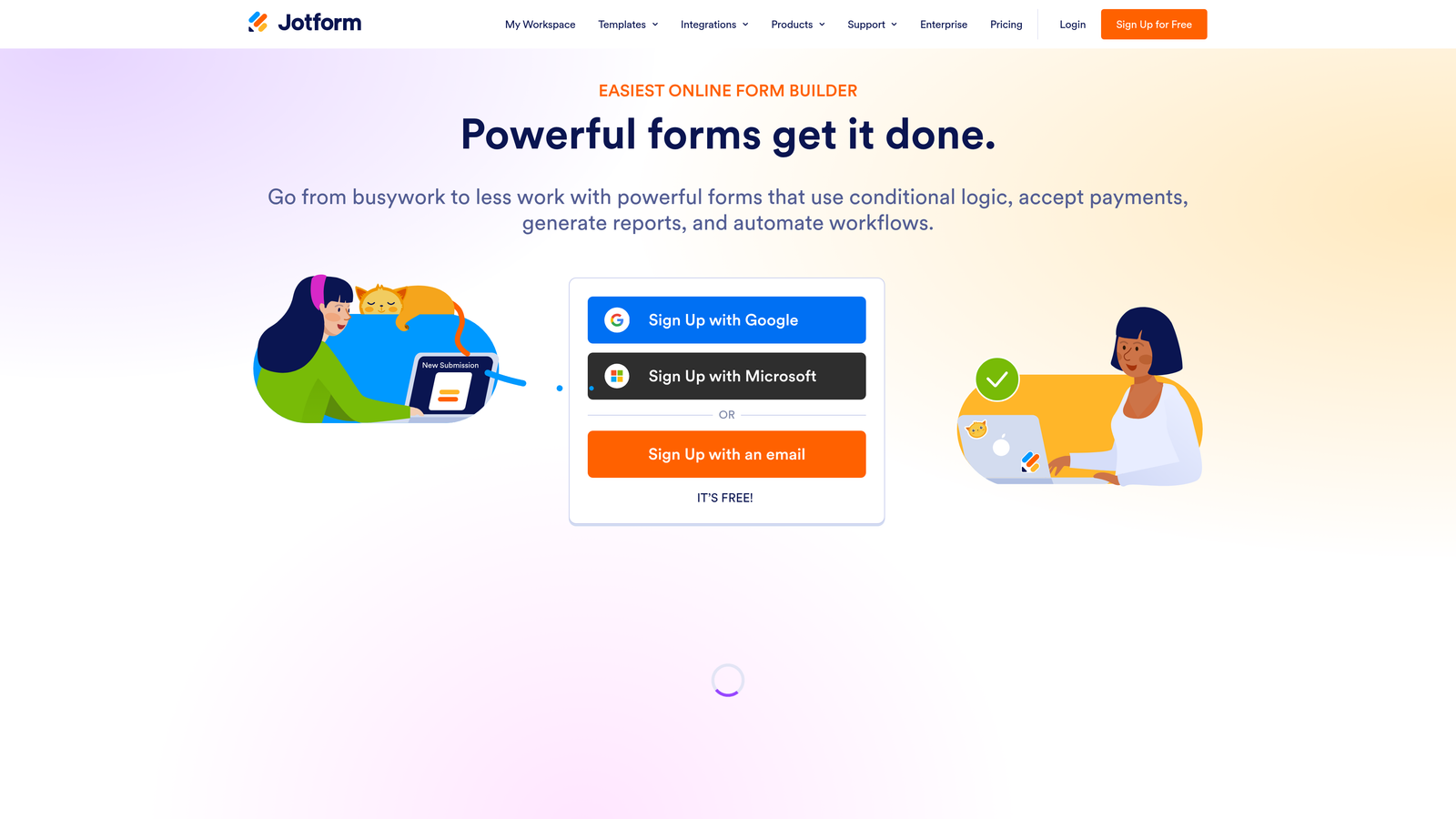
Jotform is one of the most feature-rich form builders available, with deep conditional logic, approval workflows, and a massive integration library suited for complex qualification needs.
Where This Tool Shines
Where Jotform earns its reputation is in the depth of its logic builder. Multi-branch conditional paths let you create genuinely sophisticated qualification flows that route prospects through different question sets based on their profile, industry, company size, or any other signal you define.
The approval workflow builder adds another layer: once a form is submitted, you can route it through internal review stages before a lead reaches sales. This is particularly useful for teams that need compliance checks or multi-stakeholder sign-off before a prospect enters the active pipeline.
Key Features
Advanced Conditional Logic: Multi-branch form paths that adapt based on any combination of previous answers.
Approval Workflows: Built-in internal routing for teams that need multi-step review before leads reach sales.
100+ Integrations: Connects with Salesforce, HubSpot, Zoho, and a wide range of CRM and marketing tools.
Calculation Fields: Build custom lead scoring formulas directly within the form using calculation logic.
HIPAA Compliance: Enterprise plan includes HIPAA-compliant data handling for regulated industries.
Best For
Enterprise and mid-market teams with complex routing requirements, regulated industries that need compliance-grade data handling, and operations teams managing multi-step internal approval processes alongside lead capture.
Pricing
Free tier available. Paid plans from approximately $34/month. Verify current pricing at jotform.com.
5. Tally
Best for: Startups and early-stage teams that need clean qualification logic without a budget commitment
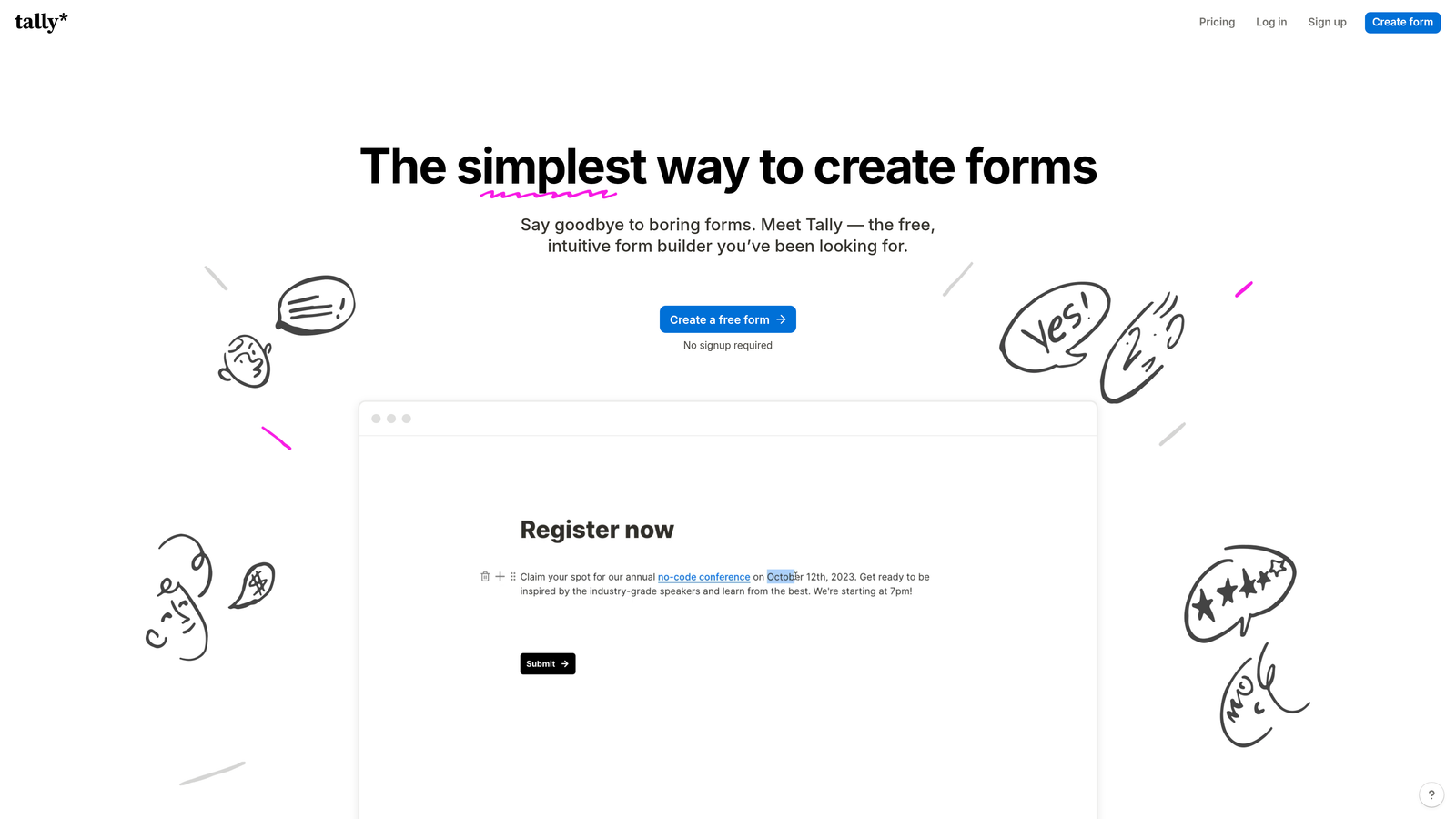
Tally is a Notion-inspired form builder with a generous free tier, making it a popular choice for lean teams that need functional qualification flows without upfront cost.
Where This Tool Shines
Tally's free plan is genuinely useful, not a stripped-down teaser. You get unlimited forms, unlimited responses, and conditional logic without paying anything. For early-stage teams validating a lead gen flow before committing to a paid tool, that's a meaningful advantage.
The block-based editor feels familiar to anyone who has used Notion, which lowers the learning curve considerably. The trade-off is that native lead scoring isn't part of the platform. Qualification logic depends on conditional branching and downstream CRM integrations rather than any built-in scoring engine.
Key Features
Notion-Like Editor: Block-based form building interface that's intuitive for teams already using Notion.
Free Conditional Logic: Adaptive form paths available on the free plan, not locked behind a paywall.
Unlimited Free Responses: No response caps on the free tier, which is uncommon in this category.
Integration Support: Connects with Zapier, Make, and major CRMs for downstream lead processing.
Pro Plan Extras: Custom domains, hidden fields, and additional customization on the paid tier.
Best For
Bootstrapped startups, indie hackers, and early-stage growth teams that want a capable free-tier form builder with basic qualification logic and the flexibility to upgrade when volume demands it.
Pricing
Free tier with no response limits. Pro plan approximately $29/month. Verify at tally.so.
6. Paperform
Best for: Teams that want immersive, media-rich lead capture pages rather than standalone forms
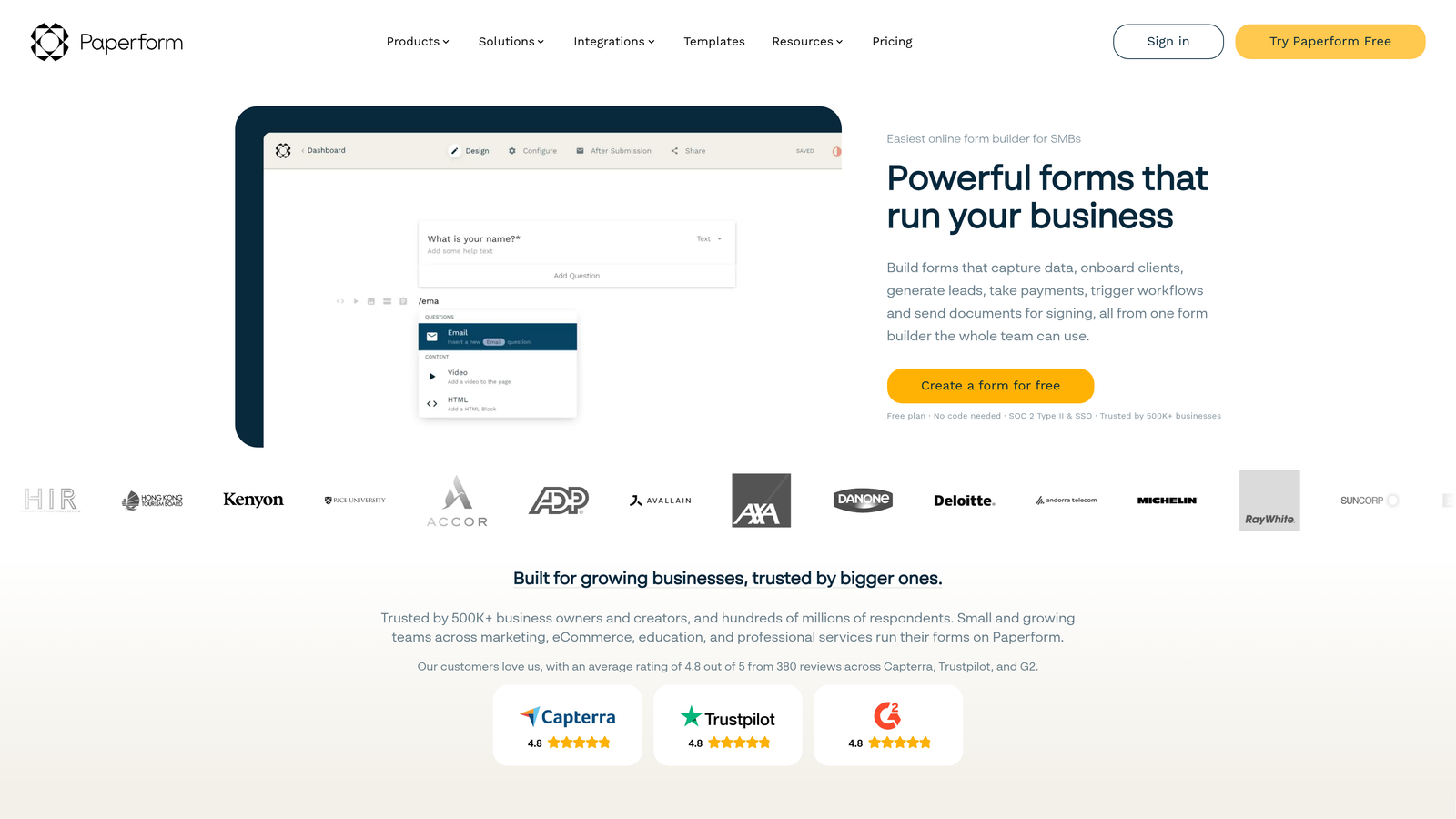
Paperform is a hybrid form builder and mini landing page tool that lets you embed video, images, and rich text directly within the form experience.
Where This Tool Shines
Paperform occupies a unique position: it's less a form builder and more a lightweight landing page that happens to collect data. You can embed explainer videos, product images, and contextual copy alongside your qualification questions, creating an experience that educates and qualifies simultaneously.
Calculation fields add a practical scoring layer. You can build custom formulas that assign point values to responses, producing a lead score that flows through to your CRM or notification system. It's not AI-driven, but it gives teams with clear qualification criteria a workable native scoring mechanism.
Key Features
Rich Media Embedding: Add video, images, and formatted text directly within form pages to create immersive experiences.
Conditional Sections: Show or hide entire form sections based on qualification signals from earlier answers.
Calculation Fields: Build custom scoring formulas for lead qualification using response-based point systems.
Branded Pages: Custom domains and full design control for a polished, on-brand lead capture experience.
CRM Integrations: Connects with HubSpot, Zapier, Slack, and other tools for lead routing and notifications.
Best For
Marketing teams running product-led or content-driven lead gen campaigns where educating the prospect during the form experience matters. Also useful for agencies building client-facing qualification pages that need to look polished.
Pricing
Essentials plan from approximately $24/month. Verify current pricing at paperform.co.
7. Formstack
Best for: Revenue operations teams that need qualification forms connected to document generation and e-signature workflows
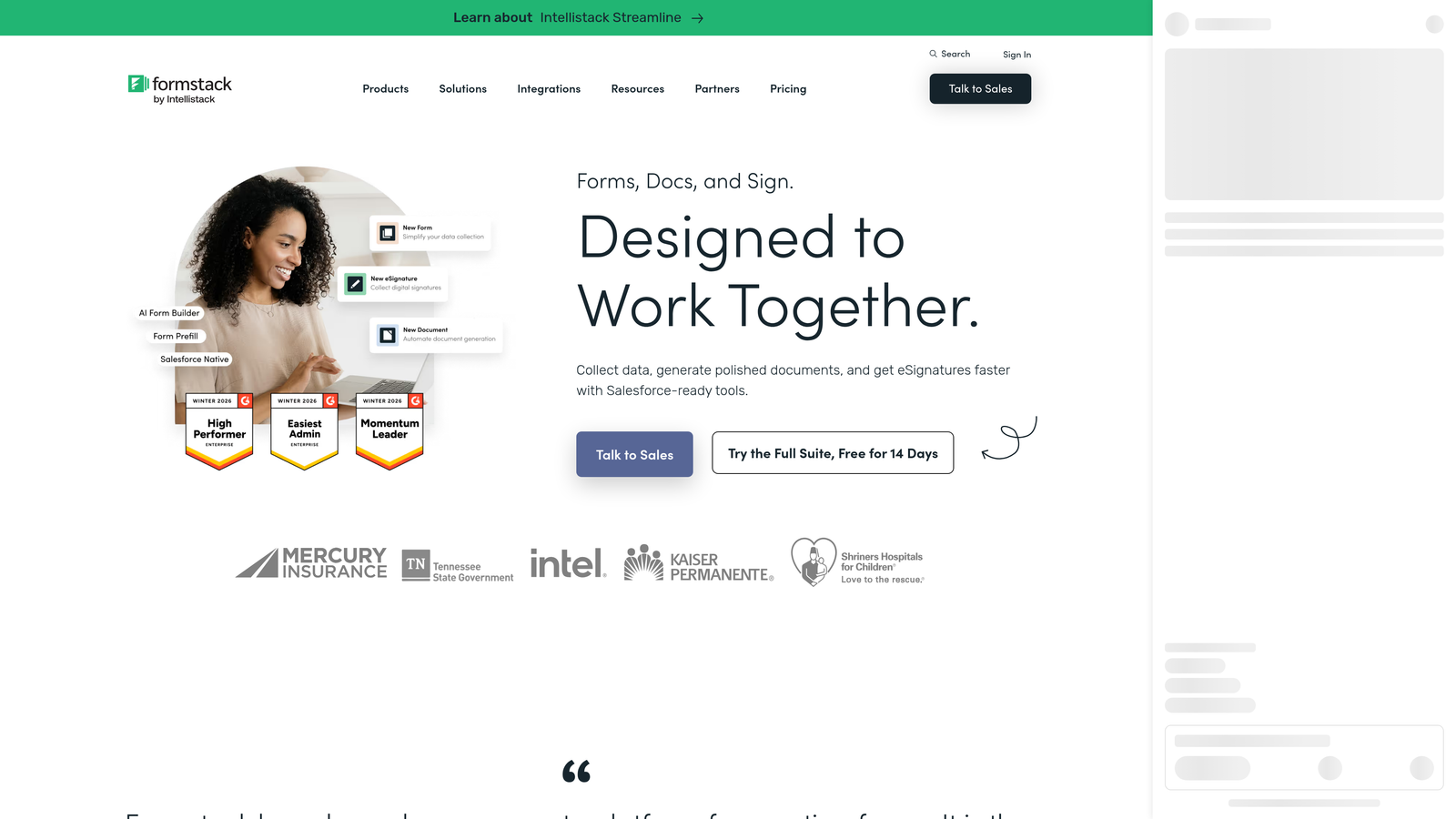
Formstack is an enterprise-focused platform combining forms, document generation, and e-signatures, making it particularly useful when qualification is just one step in a longer contract or compliance workflow.
Where This Tool Shines
Formstack's differentiator isn't just form building: it's what happens after the form. A qualified lead can trigger a document generation workflow, produce a pre-filled contract, and collect an e-signature, all within the same platform. For revenue operations teams managing complex sales cycles, that end-to-end capability reduces the number of tools in the stack.
The native Salesforce integration is particularly deep, with field mapping and workflow triggers that go beyond basic contact creation. Teams running Salesforce-centric revenue operations will find the sync more reliable and configurable than most third-party form-to-CRM connectors.
Key Features
Native Salesforce Integration: Deep field mapping and workflow triggers that go beyond basic contact sync.
Document Generation: Auto-generate pre-filled documents from form submission data within the same platform.
E-Signature Collection: Collect legally binding signatures as part of the same form and document workflow.
Conditional Logic: Branching qualification paths to route prospects based on their responses.
Compliance Options: HIPAA and GDPR compliance available for regulated industries and international teams.
Best For
Enterprise revenue operations, legal, and compliance teams that need qualification forms tightly integrated with downstream document and contract workflows, particularly those operating within Salesforce.
Pricing
Starter plans from approximately $83/month; enterprise pricing available separately. Verify current pricing at formstack.com.
8. Formisimo
Best for: CRO specialists focused on diagnosing and fixing drop-off in existing qualification forms
Formisimo takes a different approach from the other tools on this list: rather than building forms, it analyzes them, providing field-level analytics that show exactly where prospects abandon qualification flows.
Where This Tool Shines
If you already have a qualification form and want to understand why it's underperforming, Formisimo gives you the diagnostic layer that most form builders lack. Field-level drop-off data, time-on-field tracking, and funnel visualization reveal friction points that aggregate completion rate metrics completely miss.
Think of it as the analytics counterpart to a form builder. You might use Typeform or Jotform to build your qualification flow, then layer Formisimo on top to understand where qualified prospects are dropping off before they submit. It's a complementary tool rather than a replacement.
Key Features
Field-Level Analytics: See exactly which form fields cause users to abandon, not just overall completion rates.
Time-on-Field Tracking: Identify fields that cause hesitation or confusion based on how long users spend on each question.
Funnel Visualization: Map the full drop-off journey across multi-step qualification forms.
A/B Testing Support: Test form variations to optimize completion and qualification rates.
Integration Flexibility: Works alongside existing form builders and analytics stacks rather than replacing them.
Best For
Conversion rate optimization specialists and growth teams running high-volume lead gen campaigns who want to maximize completion rates on existing qualification flows. Best used alongside a primary form builder rather than as a standalone solution.
Pricing
Verify current pricing and product availability at formisimo.com. Note: confirm current product status before committing, as product names in this space can change.
9. Gravity Forms
Best for: WordPress-based teams that need advanced conditional logic and a deep add-on ecosystem for CRM integrations
Gravity Forms is a powerful WordPress plugin for building advanced forms with conditional logic, multi-page flows, and an extensive library of CRM and payment add-ons.
Where This Tool Shines
For teams running their marketing stack on WordPress, Gravity Forms is the most capable native option available. The conditional logic engine is genuinely deep, supporting complex multi-branch qualification flows that would require a premium SaaS plan elsewhere. And because it runs on your own WordPress installation, you retain full data ownership with no per-submission pricing surprises.
The add-on ecosystem extends the platform considerably. Official add-ons for HubSpot, Salesforce, Mailchimp, and Stripe mean you can build a complete lead capture and routing workflow without leaving the WordPress environment. Calculation fields let you build custom lead scoring formulas that fire based on form responses.
Key Features
Deep Conditional Logic: Multi-branch form paths and multi-page flows with sophisticated branching rules.
CRM Add-Ons: Official integrations with HubSpot, Salesforce, Mailchimp, and other major platforms via add-ons.
Calculation Fields: Build custom lead scoring formulas that calculate values from form response data.
Self-Hosted Data: All form data lives on your WordPress server, giving you full ownership and control.
User Registration: Create WordPress user accounts or custom posts directly from form submissions.
Best For
WordPress-native marketing and development teams that want maximum flexibility and data ownership without a recurring SaaS subscription. Not suitable for teams on non-WordPress platforms or those who need a hosted solution with zero server management.
Pricing
Annual license from approximately $59/year. WordPress installation required. Verify current pricing at gravityforms.com.
Which Tool Is Right for Your Team?
The best form builder with lead qualification depends heavily on where qualification needs to happen in your workflow and how much of that work you want the tool to do for you.
If you want AI-powered qualification built directly into the form experience, Orbit AI is the clear choice. It's the only tool on this list purpose-built around qualification-first form design, with real-time lead scoring that happens during the form, not after it. That distinction matters when pipeline quality is a growth metric, not just a nice-to-have.
For teams already deep in the HubSpot ecosystem, HubSpot Forms offers the tightest CRM integration with the lowest setup friction. If you need enterprise-grade complexity with document and e-signature workflows, Formstack earns its higher price point. WordPress shops will find Gravity Forms hard to beat for flexibility and data ownership at a low annual cost. And if you're early-stage and budget-conscious, Tally's free tier gives you a surprisingly capable starting point.
The pattern across all these tools is the same: the closer qualification logic sits to the form itself, the cleaner your pipeline becomes. Tools that push scoring entirely into the CRM create a gap where unqualified leads slip through and waste sales capacity.
If you're ready to close that gap, start building free forms today with Orbit AI and see how AI-native qualification changes what lands in your pipeline.


