

When your form builder and CRM live in separate worlds, leads fall through the cracks. Data gets duplicated, qualification is manual, and your sales team ends up chasing contacts that were never a good fit to begin with.
CRM-native and CRM-integrated form builders solve this by connecting data capture directly to your pipeline, so every submission becomes an actionable, qualified record without the copy-paste chaos. The tools in this list represent different points on that spectrum, from lightweight free options to enterprise-grade platforms with deep Salesforce integration.
We've evaluated each tool on CRM integration depth, lead qualification capabilities, form customization, and overall ease of use. Whether you're running a lean growth team or scaling a full sales operation, here are the best form builder tools for teams who care about CRM connectivity and conversion performance.
1. Orbit AI
Best for: B2B and SaaS teams who want AI-powered lead qualification at the form layer
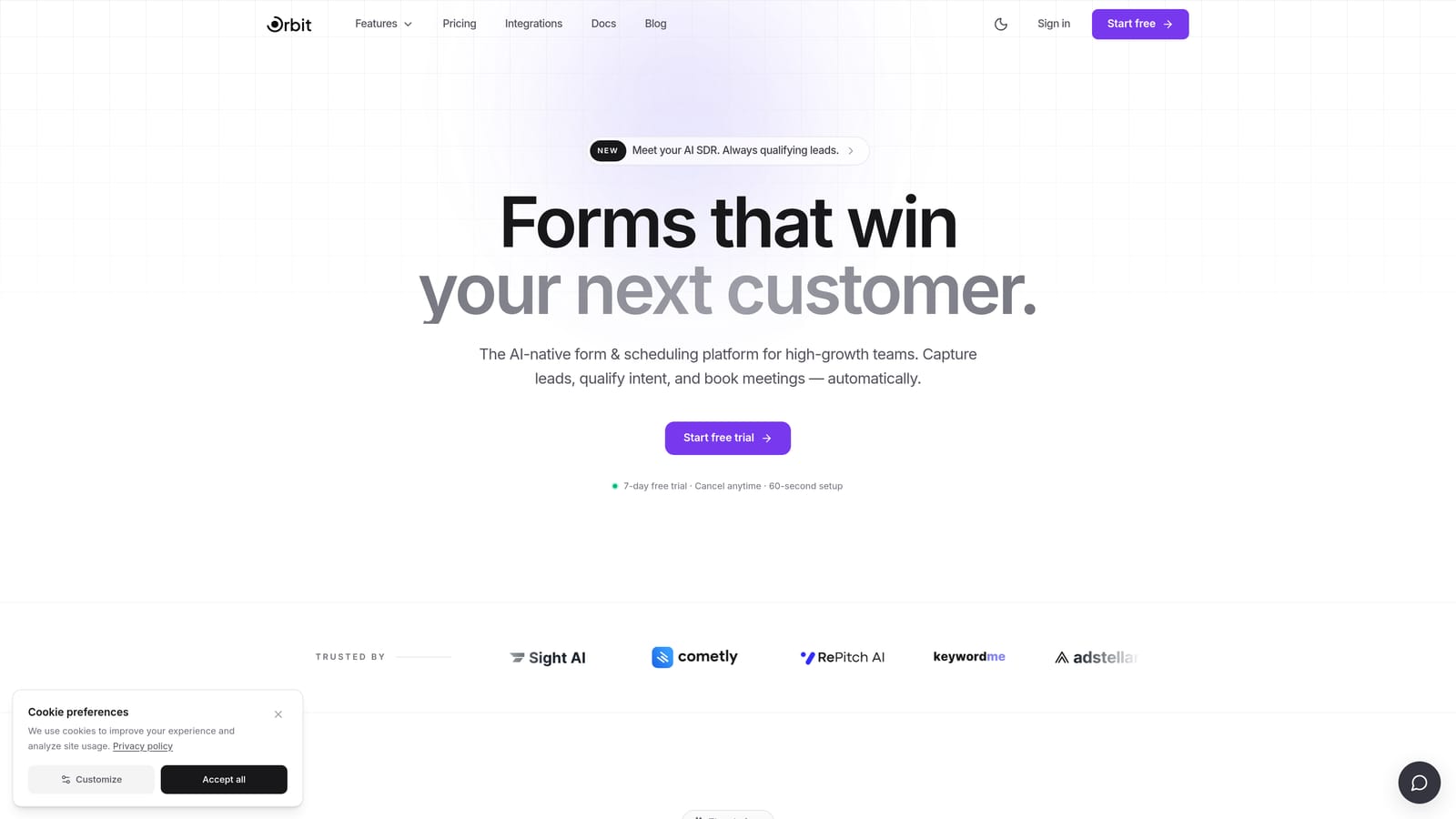
Orbit AI is an AI-powered form builder built specifically for lead qualification and conversion optimization.
Where This Tool Shines
Most form builders collect data and pass it downstream. Orbit AI does something fundamentally different: it applies AI logic at the form layer itself, scoring and qualifying leads before they ever reach your CRM. For B2B and SaaS teams dealing with high submission volumes and limited sales bandwidth, this is a meaningful shift in how pipeline quality gets managed.
Rather than flooding your CRM with every submission and leaving qualification to your sales team, Orbit AI routes and prioritizes based on lead score. Your sales reps spend time on best-fit prospects, not on manually filtering out noise after the fact.
Key Features
AI-Powered Lead Qualification: Scores and qualifies leads at the form layer before data enters your CRM, keeping your pipeline clean from the start.
Conditional Logic and Smart Routing: Routes submissions based on lead score and form responses, directing high-value prospects to the right team or follow-up sequence automatically.
CRM-Ready Data Output: Structured, clean data outputs designed to map directly into your CRM fields without manual reformatting or deduplication headaches.
Conversion-Optimized Form Design: Modern, high-converting form templates built with growth teams in mind, not generic designs that blend into the background.
Lead Prioritization: Surfaces best-fit prospects automatically so sales focuses its energy where it matters most.
Best For
Orbit AI is best suited to B2B SaaS companies, growth teams, and demand generation marketers who care deeply about pipeline quality over raw lead volume. If your current process involves manually reviewing form submissions to decide who's worth following up with, this tool is designed to automate that layer entirely.
Pricing
Visit orbitforms.ai for current pricing plans. Pricing details are updated directly on the site.
2. Typeform
Best for: Teams prioritizing top-of-funnel engagement and reducing form abandonment
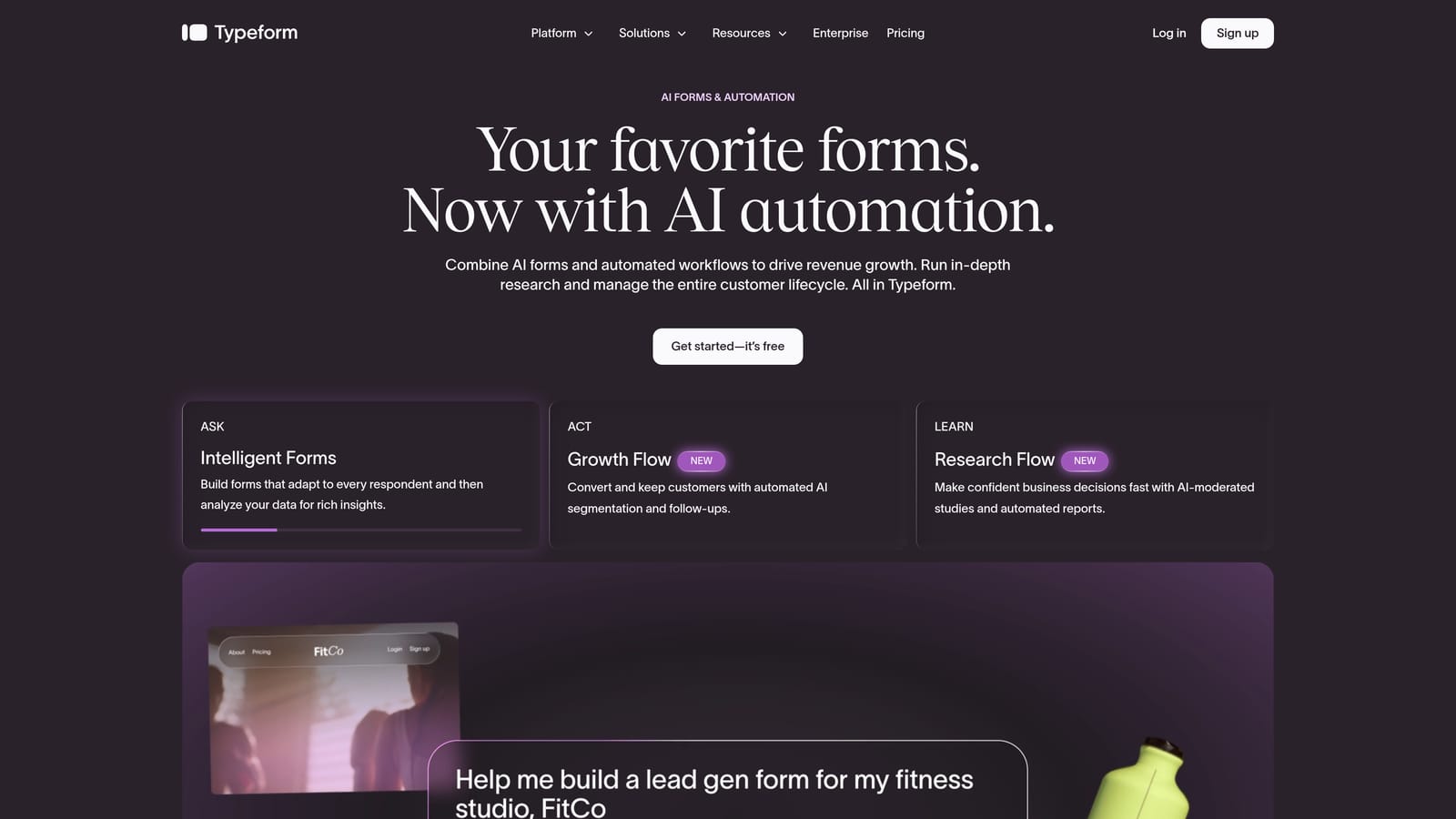
Typeform is a conversational form builder known for its one-question-at-a-time UX that drives higher completion rates.
Where This Tool Shines
Typeform's core strength is the experience it creates for respondents. By presenting one question at a time in a clean, full-screen format, it reduces the cognitive load that causes form abandonment. For top-of-funnel lead capture, this translates into more submissions from people who might have bounced from a traditional multi-field form.
On the CRM side, Typeform connects natively with HubSpot and reaches Salesforce and other CRMs through Zapier. It's a solid choice when the priority is engagement quality at the point of capture, though it offers less in terms of deep lead qualification logic.
Key Features
Conversational Form Flow: One-question-at-a-time format that feels more like a dialogue than a form, improving completion rates on longer surveys and lead gen forms.
Logic Jumps and Hidden Fields: Basic personalization through branching logic and hidden field pre-population for returning visitors or UTM tracking.
Native HubSpot Integration: Direct sync to HubSpot; Salesforce and other CRMs connect via Zapier or third-party automation tools.
Branded Form Design: Visually polished templates with strong customization for brand consistency across touchpoints.
Response Analytics: Built-in completion tracking and drop-off analysis to identify where respondents disengage.
Best For
Typeform works well for marketing teams focused on brand experience and top-of-funnel lead capture. It's a strong fit for companies using HubSpot as their primary CRM and wanting a polished form experience without heavy technical setup.
Pricing
Free plan available. Paid plans start at approximately $25/month. Verify current pricing at typeform.com as plans and tiers change frequently.
3. Jotform
Best for: Agencies and operations teams managing multiple CRM environments and complex form requirements
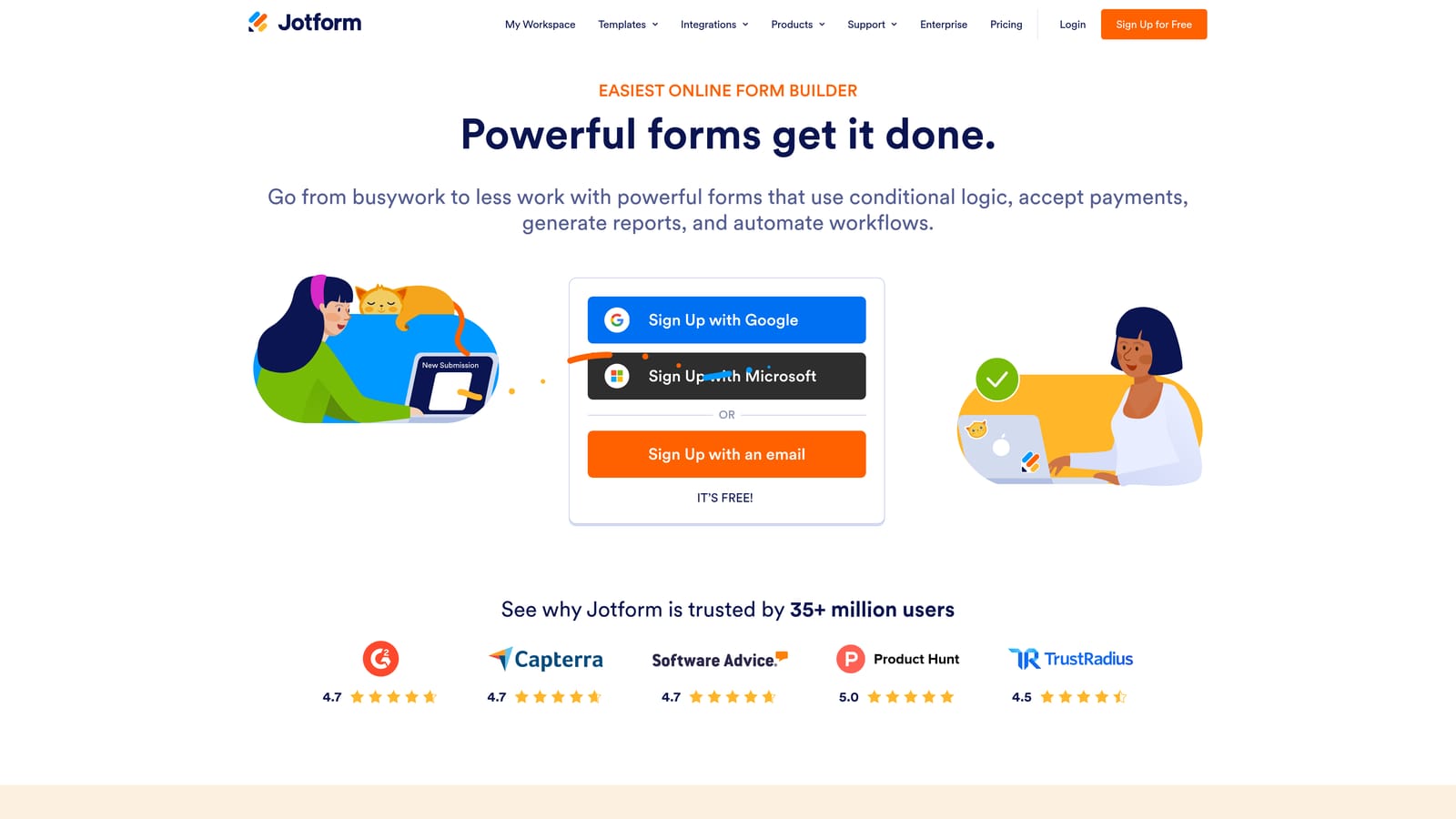
Jotform is one of the most feature-rich form builders available, with an extensive library of CRM integrations and advanced form logic.
Where This Tool Shines
Jotform's breadth is its defining characteristic. It integrates natively with Salesforce, HubSpot, Zoho, and a wide range of other CRMs, making it a practical choice for agencies or operations teams that work across multiple client environments. The template library is enormous, covering nearly every industry use case imaginable.
Beyond basic form building, Jotform supports payments, document generation, approval workflows, and team collaboration. This makes it valuable when forms are one part of a larger operational process rather than a standalone lead capture tool.
Key Features
Broad CRM Integration: Native connections to Salesforce, HubSpot, Zoho, and many other CRM platforms without relying solely on Zapier.
Extensive Template Library: Over 10,000 templates across industries, significantly reducing setup time for common use cases.
Advanced Conditional Logic: Complex branching, calculation fields, and dynamic form behavior based on user input.
Payments and Approvals: Built-in payment collection, multi-step approval routing, and document generation capabilities.
Team Collaboration: Form management features for teams, including shared workspaces and access controls.
Best For
Jotform suits agencies, operations teams, and businesses with varied or complex CRM environments. If you need a single tool that handles forms across multiple platforms and workflows, Jotform's integrations and feature depth are hard to match. Simpler use cases may find it more tool than necessary.
Pricing
Free plan available. Paid plans start at approximately $34/month. Verify current pricing at jotform.com.
4. Formstack
Best for: Enterprise teams running Salesforce-native workflows with compliance and approval requirements
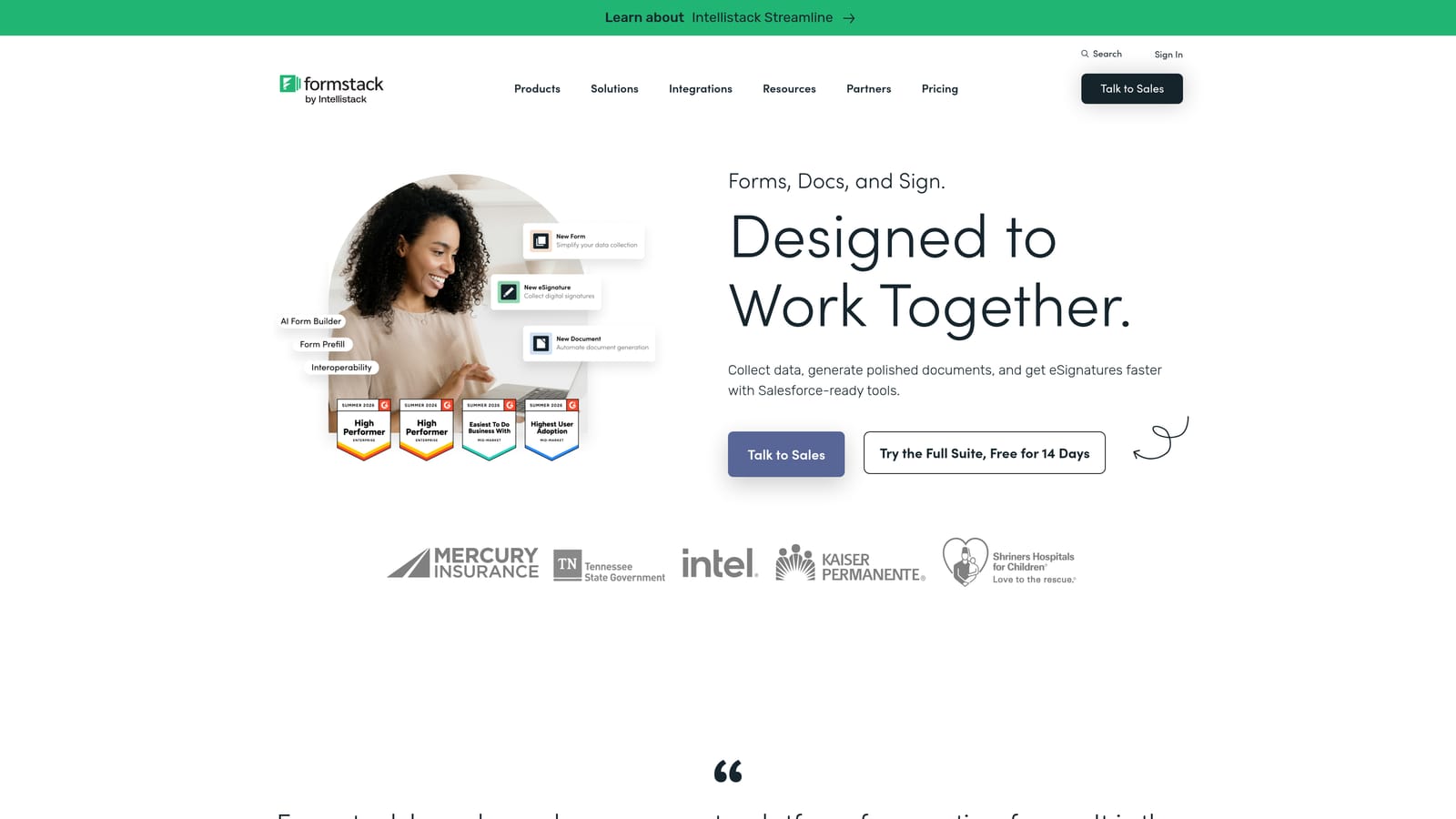
Formstack is an enterprise-grade forms and workflow platform with exceptionally deep Salesforce integration.
Where This Tool Shines
Formstack's relationship with Salesforce goes beyond a standard integration. It offers a Salesforce-native version that lives directly inside the Salesforce environment, meaning forms can read from and write to Salesforce objects with a level of field mapping and data fidelity that Zapier-based connections simply can't match. For enterprise teams where Salesforce is the system of record, this is a significant advantage.
The platform also extends into document generation, e-signatures, and multi-step approval workflows. This makes Formstack appropriate for organizations where forms are embedded in regulated or compliance-sensitive processes, not just lead capture.
Key Features
Salesforce-Native Form Building: Deep field mapping and bidirectional data sync within the Salesforce ecosystem, including a native Salesforce app version.
Workflow Automation: Multi-step approval routing and workflow logic that connects form submissions to internal processes.
Document Generation and E-Signatures: Generate documents from form data and collect legally binding signatures within the same platform.
Compliance-Ready Data Handling: HIPAA compliance and enterprise-grade security features for regulated industries.
CRM Prefill: Populate forms with existing CRM data to reduce friction for returning contacts or known accounts.
Best For
Formstack is built for enterprise environments, particularly those running Salesforce as their primary CRM. It's especially well-suited to teams in healthcare, financial services, or other regulated industries where compliance, approvals, and document workflows are part of the form process.
Pricing
Enterprise pricing model. Verify current plans and tiers at formstack.com as pricing is customized based on features and team size.
5. Paperform
Best for: Small to mid-size teams wanting design freedom and flexible CRM connectivity without complexity
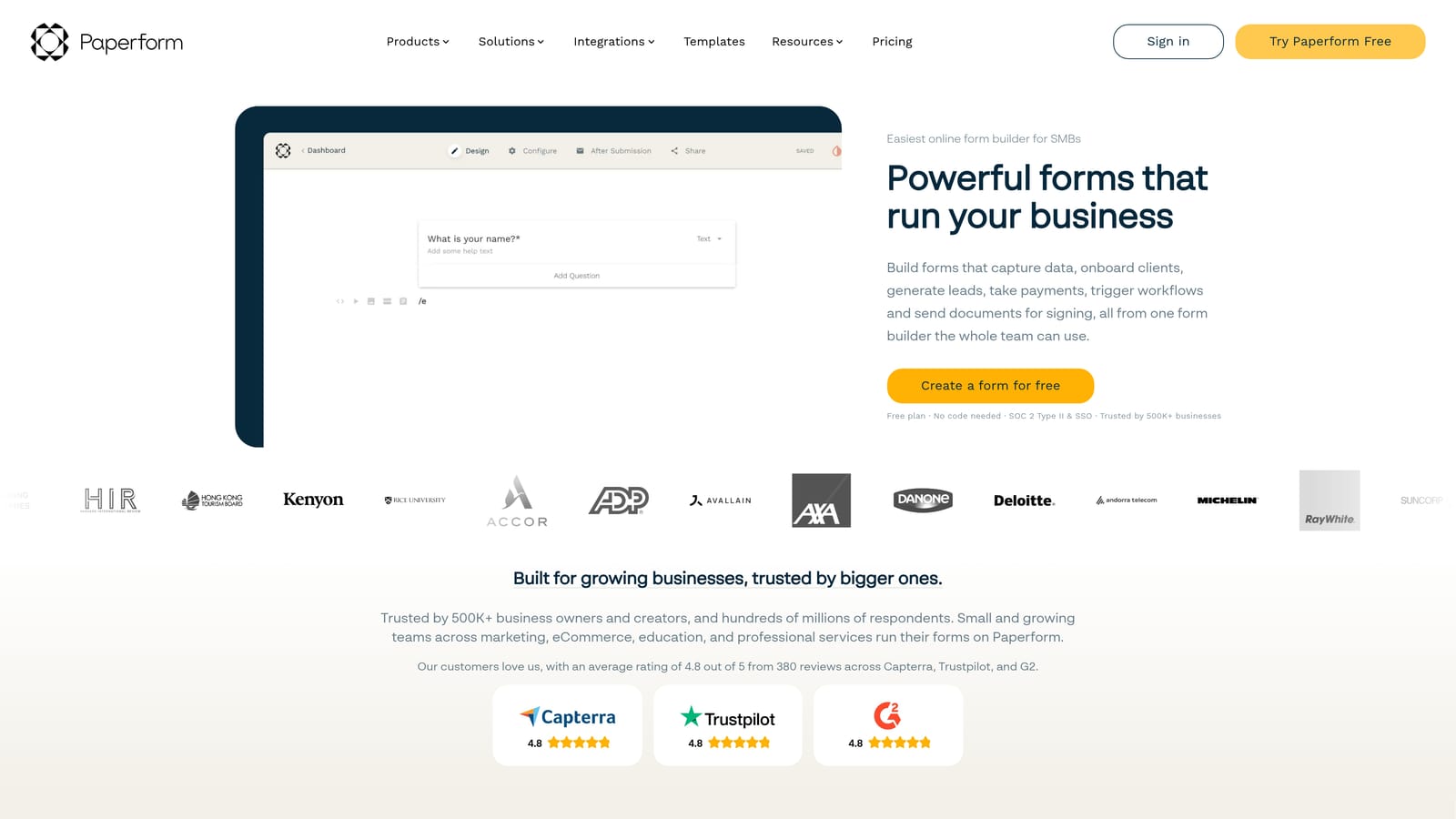
Paperform is a flexible form and landing page builder with a freeform editor and solid CRM connectivity via native integrations and Zapier.
Where This Tool Shines
Paperform blurs the line between form builder and landing page creator. Its freeform editor lets you mix text, images, video, and form fields on the same canvas, which means your lead capture form can also function as a standalone landing page. For small teams without dedicated design resources, this is a practical advantage.
CRM connectivity comes primarily through a native HubSpot integration and broad Zapier support for other platforms. It won't match the native depth of Formstack's Salesforce connection, but for teams using HubSpot or connecting to mid-tier CRMs, it covers the essentials reliably.
Key Features
Freeform Editor: Blends landing page and form creation on a single canvas, giving teams more design control than traditional form builders.
HubSpot Integration: Native HubSpot sync with broad Zapier support for connecting to other CRMs and automation tools.
Conditional Logic and Custom Scoring: Branching logic, calculation fields, and basic scoring to personalize form paths based on responses.
Payments and Scheduling: Built-in payment collection and appointment scheduling without needing additional tools.
Design Customization: Strong visual customization options without requiring any coding knowledge.
Best For
Paperform is a strong fit for small to mid-size teams, consultants, and marketers who want design flexibility and solid CRM connectivity without the complexity of enterprise platforms. It works particularly well for teams using HubSpot as their CRM.
Pricing
Paid plans start at approximately $24/month. No permanent free plan. Verify current pricing at paperform.co.
6. Tally
Best for: Early-stage teams and developers who need fast, free lead capture with basic CRM sync
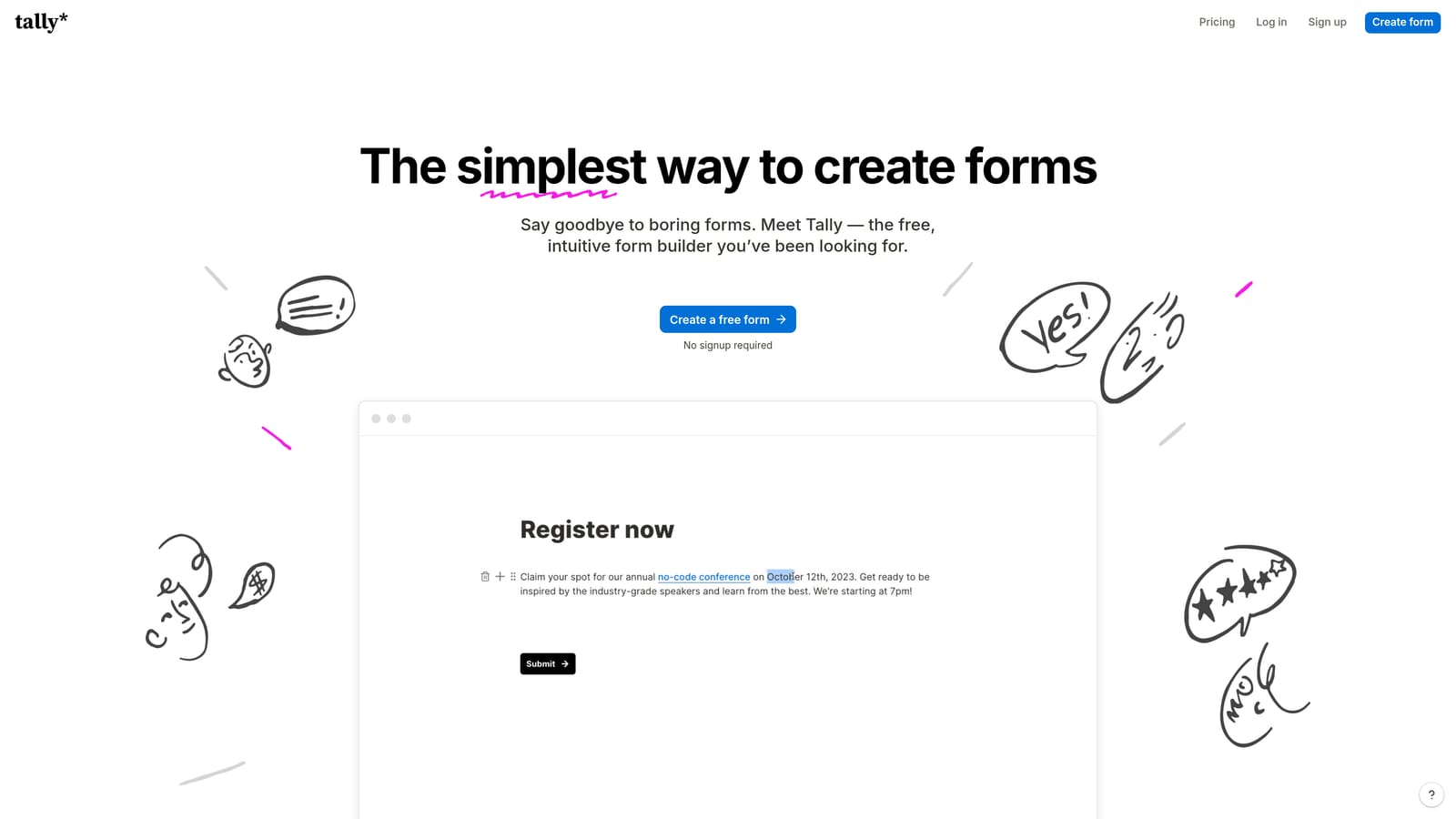
Tally is a lightweight, Notion-inspired form builder with a generous free tier and quick setup.
Where This Tool Shines
Tally's appeal is simplicity and speed. Its block-based editor feels immediately familiar to anyone who uses Notion, which means most teams can build and publish a functional form in minutes without a learning curve. The free plan is genuinely generous, offering unlimited forms and unlimited responses without the response caps that restrict most free-tier form tools.
CRM connectivity is handled through Zapier, connecting to HubSpot, Google Sheets, Notion, and other tools. It's not a native CRM integration in the traditional sense, but for early-stage teams validating a lead capture flow before investing in a more advanced tool, it's more than sufficient.
Key Features
Notion-Style Block Editor: Intuitive drag-and-drop building experience that requires no training for teams already familiar with block-based tools.
Generous Free Plan: Unlimited forms and responses on the free tier, making it accessible for teams at any stage.
Basic CRM Sync via Zapier: Connects to HubSpot, Google Sheets, Notion, and other tools through Zapier automation.
Conditional Logic on Free Tier: Basic branching and hidden fields available without upgrading, which is uncommon among free form builders.
Clean Embeds: Embeds smoothly into websites, Notion pages, and other tools without styling conflicts.
Best For
Tally is ideal for early-stage startups, indie developers, and small teams who need a fast, free way to capture leads before committing to a paid platform. It's a practical starting point, though teams focused on lead qualification and deeper CRM workflows will likely outgrow it as they scale.
Pricing
Free plan available with no response limits. Tally Pro at approximately $29/month. Verify current pricing at tally.so.
Choosing the Right Tool for Your Pipeline
The right form builder depends on where you are in your growth journey and how seriously you need to manage lead quality before data hits your CRM.
If lead qualification and pipeline quality are your primary concern, Orbit AI is built specifically for that problem. Its AI-powered scoring at the form layer is a meaningful differentiator for B2B SaaS teams managing high submission volumes with limited sales capacity.
For teams heavily invested in Salesforce at an enterprise level, Formstack's native integration depth is difficult to replicate with other tools. For HubSpot-centric teams who prioritize form experience and engagement, Typeform remains a strong choice. Jotform suits operations teams and agencies managing multiple CRM environments simultaneously.
If you're earlier in the journey, Paperform offers a good balance of design flexibility and CRM connectivity for growing teams, while Tally gives you a genuinely capable free starting point before you commit to a paid stack.
The pattern across all these tools is clear: the closer your form builder sits to your CRM and qualification logic, the less manual work your sales team carries. The gap between collecting a lead and acting on a qualified one is where pipeline efficiency is either won or lost.
For high-growth teams ready to close that gap with AI-powered qualification built directly into the form experience, start building free forms today and see how Orbit AI can bring lead quality and conversion performance together from the very first touchpoint.


