

Generic forms are conversion killers. When every lead fills out the same static fields with no intelligence behind them, you're leaving qualified prospects on the table while wasting time on poor fits. The best custom form builders in 2026 go far beyond basic data collection—they use AI to qualify leads in real-time, create conversational experiences that feel natural, and integrate seamlessly with your existing tech stack.
We evaluated dozens of solutions based on four critical factors: customization depth (branding, conditional logic, field variety), ease of use for non-technical teams, integration capabilities with CRMs and marketing tools, and pricing flexibility that scales with your business. The tools below represent the best options across different use cases, from AI-powered qualification platforms to specialized survey builders and enterprise-grade solutions.
1. Orbit AI
Best for: High-growth teams that need AI-powered lead qualification and conversion-optimized form experiences
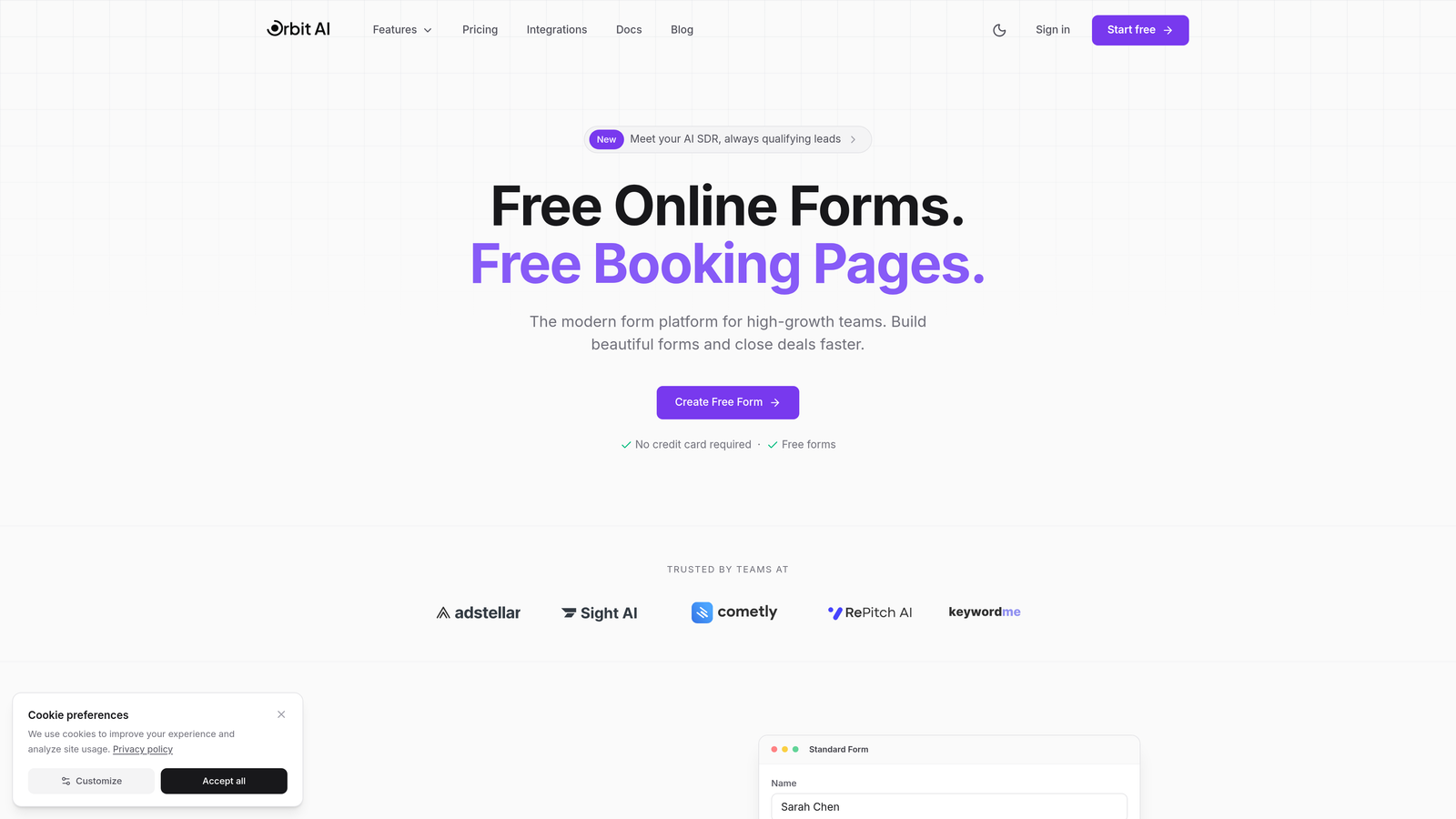
Orbit AI is an intelligent form builder that automatically qualifies leads while they fill out your forms, helping you focus on prospects most likely to convert.
Where This Tool Shines
The platform's AI engine analyzes responses in real-time to score and route leads based on qualification criteria you define. This means your sales team receives pre-qualified prospects with context about their needs and fit, eliminating the manual triage process that slows down follow-up.
What sets Orbit AI apart is how it balances sophistication with simplicity. The form builder itself is modern and intuitive, with conversion-optimized templates that look professional out of the box. You're not sacrificing design quality for intelligence—you get both.
Key Features
AI-Powered Lead Scoring: Automatically qualifies prospects based on their responses and assigns priority scores.
Conversion-Optimized Templates: Pre-built forms designed specifically for lead generation and qualification.
Advanced Conditional Logic: Show or hide fields based on previous answers to create personalized experiences.
Native CRM Integrations: Sync qualified leads directly to your CRM with enriched data and scoring.
Real-Time Analytics Dashboard: Track completion rates, drop-off points, and lead quality metrics in one view.
Best For
Orbit AI is ideal for B2B companies and high-growth teams where lead quality matters more than lead quantity. If you're tired of sorting through unqualified submissions or want to automate the qualification process without adding friction, this platform delivers both intelligence and user experience.
Pricing
Free tier available for teams getting started. Paid plans begin at competitive rates that scale with your form volume and feature needs.
2. Typeform
Best for: Creating conversational, design-forward forms that feel more like interactive experiences than data collection
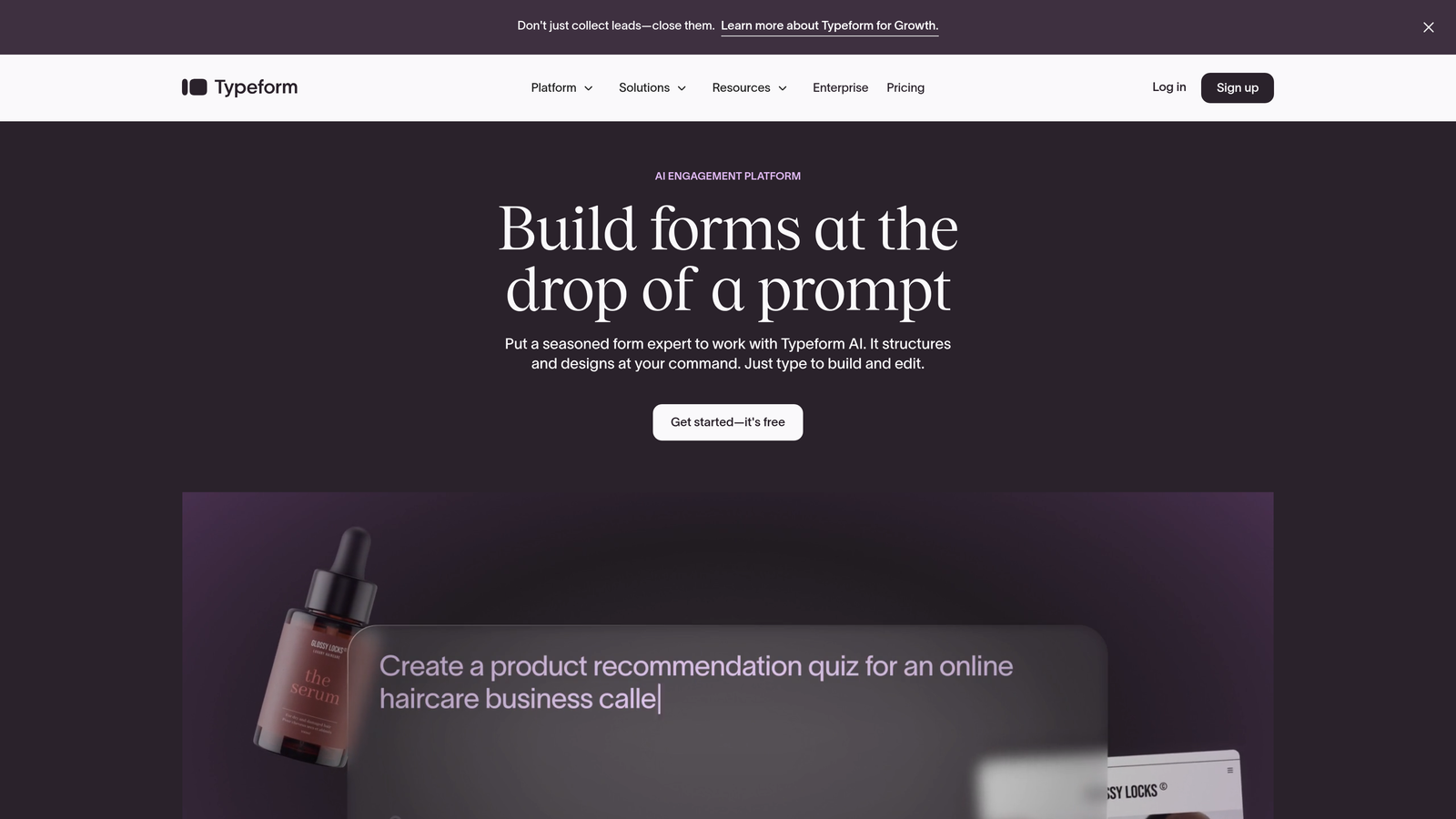
Typeform pioneered the one-question-at-a-time interface that makes forms feel like natural conversations rather than interrogations.
Where This Tool Shines
Typeform's conversational approach reduces form abandonment by making the experience feel less overwhelming. Instead of facing a wall of fields, respondents answer one thoughtfully designed question at a time, with smooth transitions and engaging visuals that maintain momentum.
The platform excels at creating forms that reflect your brand personality. From custom fonts and colors to video backgrounds and GIF integration, Typeform gives you the creative flexibility to build forms that actually feel on-brand rather than generic.
Key Features
Conversational UI Design: One-question-at-a-time interface that reduces cognitive load and improves completion rates.
Logic Jumps and Branching: Create personalized paths based on answers to show relevant questions dynamically.
Video and Image Integration: Embed rich media directly into questions for more engaging experiences.
Native Integrations with 120+ Apps: Connect to popular tools like Slack, Google Sheets, Mailchimp, and Salesforce.
Custom Thank You Screens: Design branded completion pages with next steps or personalized messages.
Best For
Typeform works best for companies that prioritize brand experience and user engagement. If you're collecting customer feedback, running surveys, or creating lead magnets where presentation matters as much as data collection, this is your tool.
Pricing
Free plan includes limited responses per month. Basic plan starts at $25/month with increased response limits and basic features.
3. Jotform
Best for: Teams that need extensive template variety and the flexibility to build virtually any type of form
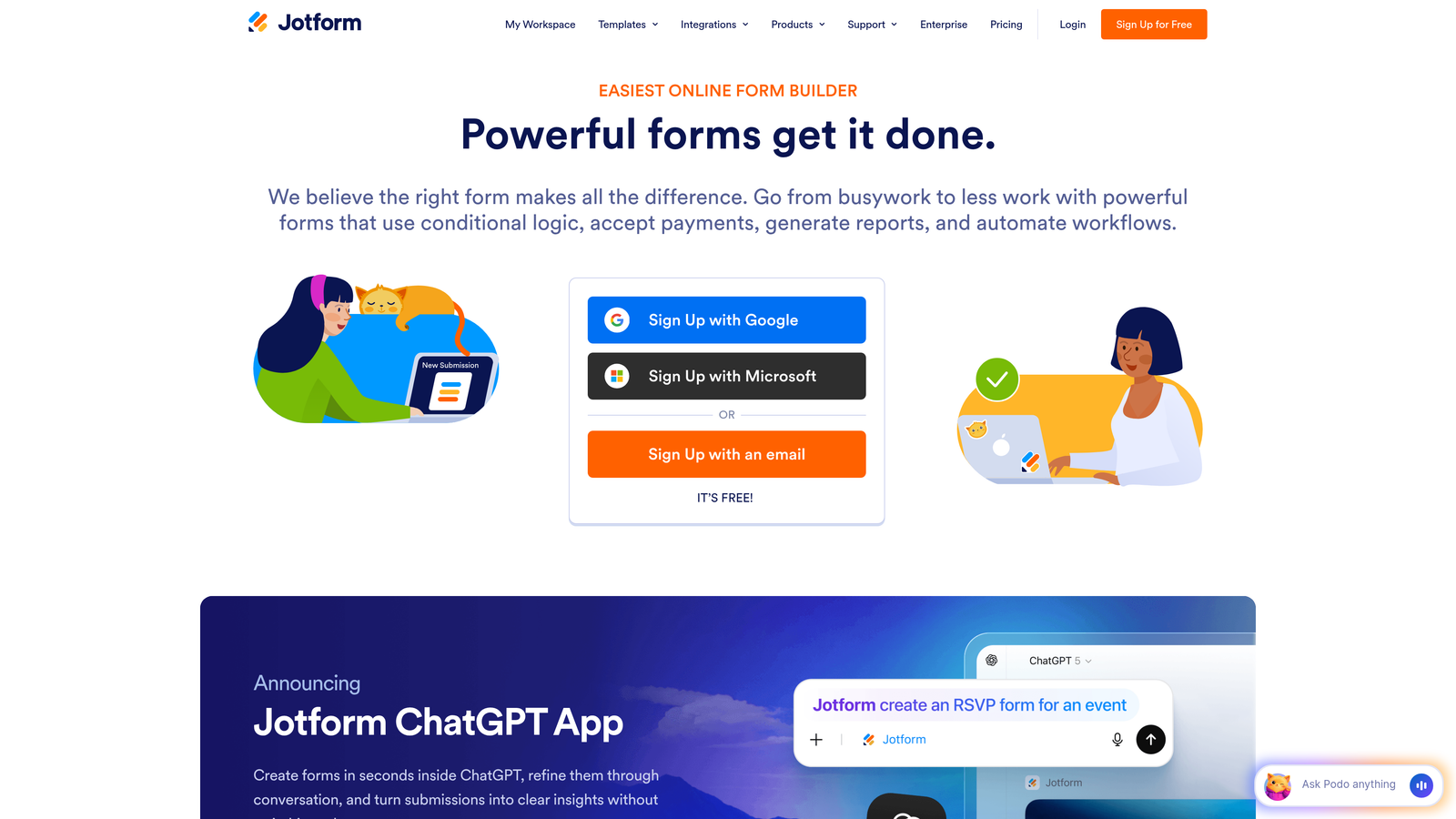
Jotform offers the most comprehensive template library in the industry with over 10,000 pre-built forms covering nearly every use case imaginable.
Where This Tool Shines
The sheer breadth of Jotform's feature set means you rarely hit a wall. Need to generate PDFs from form submissions? Built-in. Want to collect e-signatures? Native feature. Looking to accept payments? Multiple processor integrations. This depth makes Jotform particularly valuable for teams managing diverse form requirements across departments.
Jotform Tables adds a powerful database layer that transforms your form data into a spreadsheet-style interface with custom views, filters, and reporting. This bridges the gap between simple form builders and full database applications without requiring technical expertise.
Key Features
10,000+ Form Templates: Pre-built forms for every industry and use case, from event registrations to job applications.
PDF Form Generation: Automatically create formatted PDFs from submissions for contracts, invoices, or reports.
E-Signature Collection: Built-in signature fields that are legally binding and compliant.
Payment Integrations: Accept payments through Stripe, PayPal, Square, and other processors directly in forms.
Jotform Tables: Organize and manage form data in a visual database with custom views and collaboration features.
Best For
Jotform is ideal for organizations with varied form needs across multiple departments. If you're managing everything from HR onboarding to customer applications to event registrations, having one platform that handles all scenarios eliminates tool sprawl.
Pricing
Free plan supports up to 5 forms with 100 monthly submissions. Bronze plan starts at $34/month with 25 forms and increased limits.
4. Tally
Best for: Startups and small teams that want unlimited forms without paying premium prices
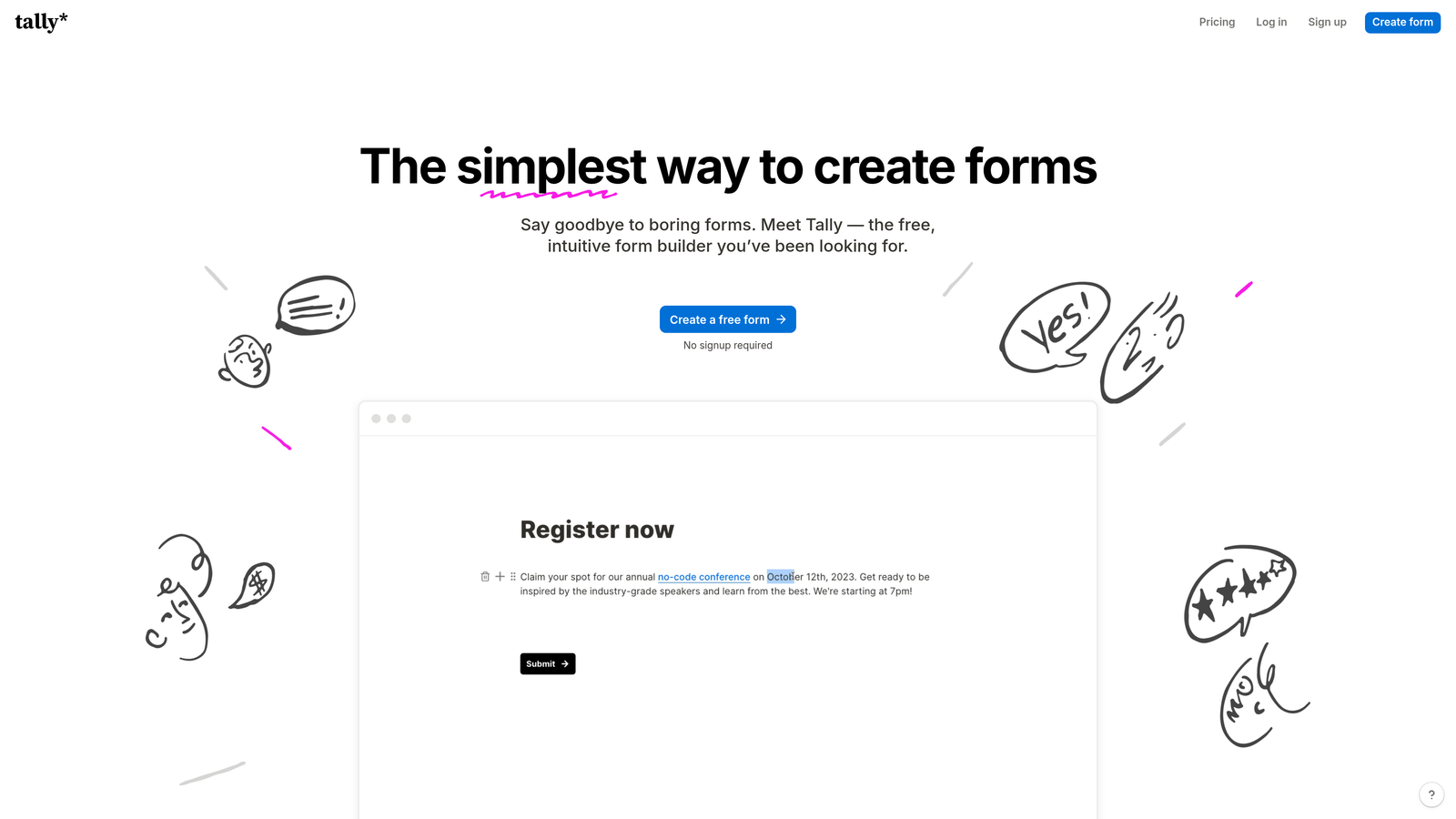
Tally brings Notion's block-based simplicity to form building while offering the most generous free tier in the market.
Where This Tool Shines
Tally's free plan includes unlimited forms, unlimited responses, and features that competitors charge for like file uploads and custom domains. This makes it exceptionally attractive for bootstrapped startups or teams testing new lead generation strategies without budget constraints.
The Notion-style interface means anyone familiar with block-based editors can build sophisticated forms in minutes. There's no learning curve—you simply add blocks, configure logic, and publish. The minimalist design philosophy keeps forms clean and fast-loading.
Key Features
Unlimited Forms on Free Plan: No artificial limits on form quantity, making it perfect for testing and iteration.
Notion-Style Block Editor: Intuitive drag-and-drop interface that feels immediately familiar to Notion users.
File Uploads Included Free: Collect documents, images, and files without upgrading to paid tiers.
Custom Domains: Use your own domain for forms even on the free plan for brand consistency.
Webhooks and Integrations: Connect to Zapier, Make, and other automation tools to trigger workflows.
Best For
Tally is perfect for early-stage companies, content creators, and teams that need professional forms without monthly fees. If you're building multiple lead magnets, testing different form variations, or operating on a tight budget, Tally removes financial barriers to experimentation.
Pricing
Generous free tier with unlimited forms and responses. Pro plan at $29/month adds advanced features like custom branding removal and priority support.
5. Paperform
Best for: Creating immersive, landing page-style forms that combine data collection with compelling storytelling
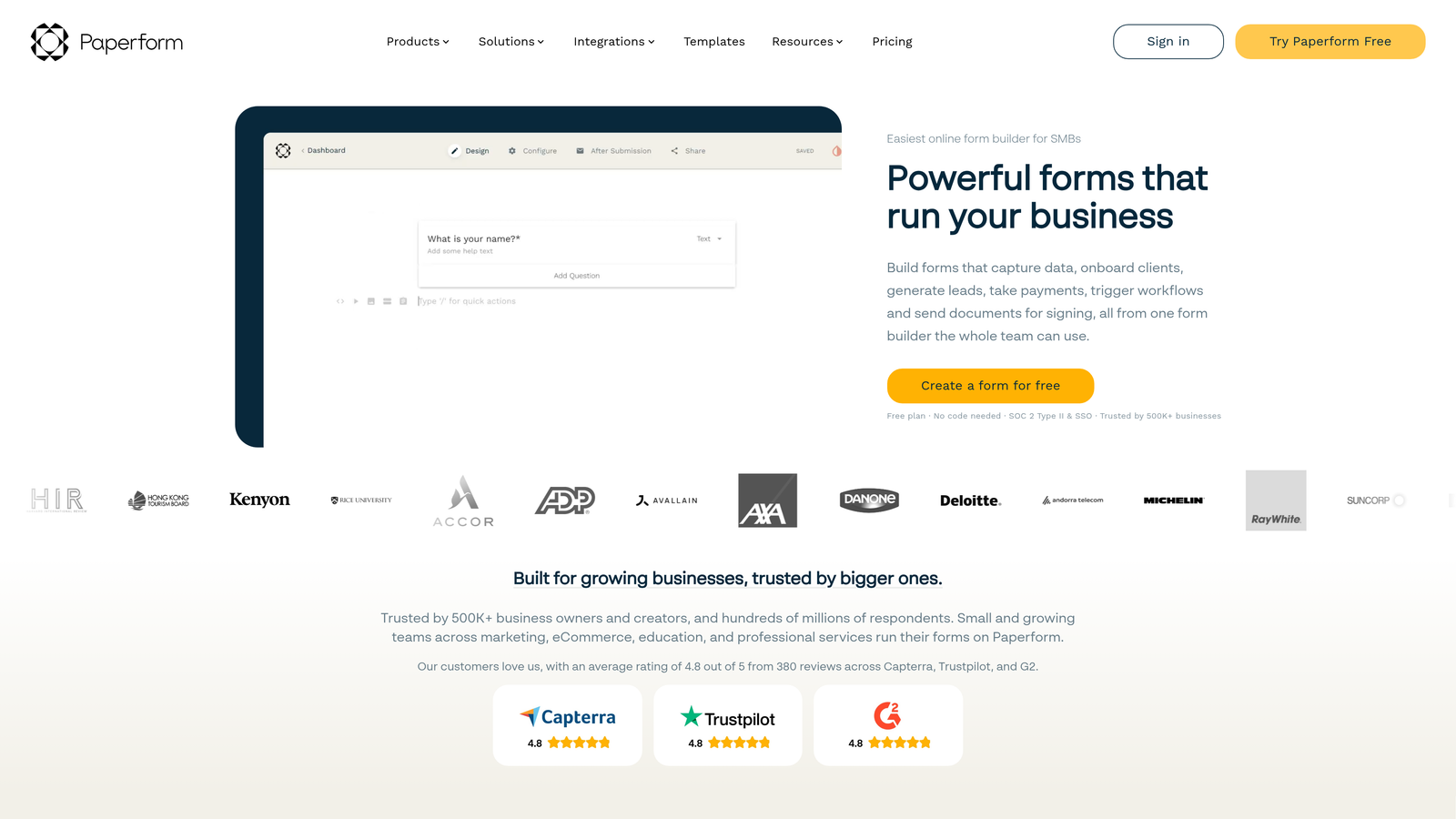
Paperform blurs the line between forms and landing pages, letting you build beautiful, branded experiences that convert.
Where This Tool Shines
Paperform treats forms as full web pages rather than embedded widgets. You can add rich text, images, videos, and custom layouts that make your forms feel like natural extensions of your website rather than tacked-on data collection tools. This approach significantly improves brand consistency and user trust.
The platform includes native booking and scheduling functionality, making it particularly powerful for service businesses. You can collect information, process payments, and book appointments all in one seamless flow without juggling multiple tools.
Key Features
Landing Page-Style Forms: Build immersive experiences with rich media, custom layouts, and storytelling elements.
Built-In Payment Processing: Accept payments through Stripe or PayPal with product catalogs and checkout flows.
Booking and Scheduling: Native calendar integration for appointments, consultations, and event registrations.
Advanced Calculations: Create dynamic pricing, quotes, and calculations based on user inputs.
Custom CSS and Branding: Full control over styling to match your exact brand guidelines.
Best For
Paperform excels for consultants, agencies, and service businesses that need to combine lead capture with booking or payment collection. If your forms need to do more than collect data—like processing deposits, scheduling calls, or generating quotes—this platform handles the entire workflow.
Pricing
Essentials plan at $24/month includes core features. Pro plan at $49/month adds advanced customization and integrations.
6. Formstack
Best for: Enterprise organizations requiring compliance certifications, advanced security, and workflow automation
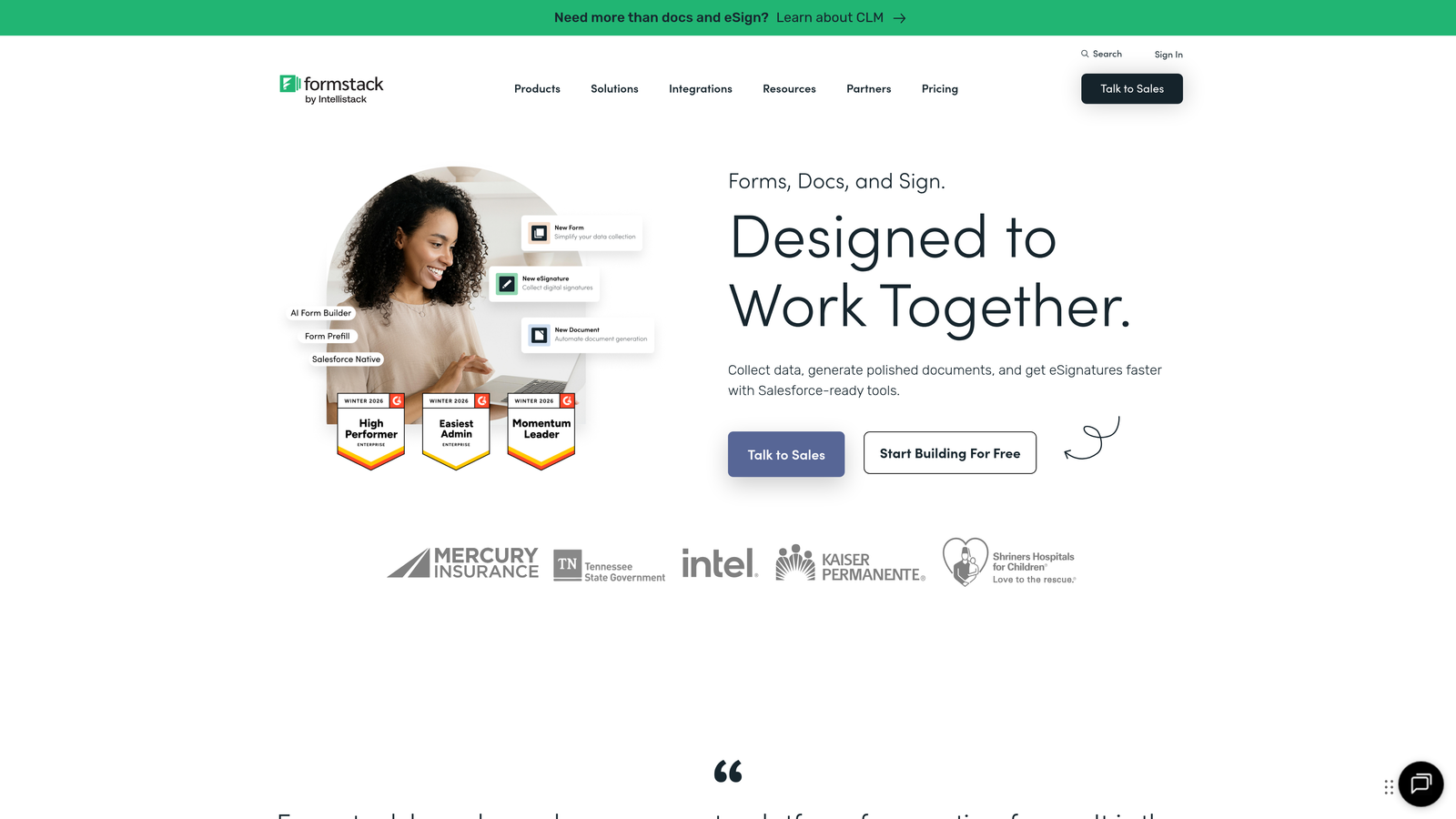
Formstack is built for regulated industries and large organizations where security, compliance, and sophisticated workflows are non-negotiable.
Where This Tool Shines
Formstack's HIPAA compliance and enterprise security features make it the go-to choice for healthcare, financial services, and other regulated industries. The platform handles sensitive data with encryption, audit trails, and compliance documentation that satisfy legal and regulatory requirements.
The workflow automation capabilities go far beyond simple form-to-email notifications. You can build complex approval processes, route submissions to different teams based on criteria, and trigger multi-step workflows that integrate with enterprise systems like Salesforce and ServiceNow.
Key Features
HIPAA Compliance: Business Associate Agreements, encryption, and audit logs for healthcare data protection.
Advanced Workflow Automation: Build sophisticated routing, approval processes, and conditional workflows.
Digital Signatures: Legally binding e-signatures with compliance and authentication features.
Offline Forms: Collect data without internet connectivity and sync when connection is restored.
Enterprise Security Features: SSO, role-based permissions, IP restrictions, and comprehensive audit trails.
Best For
Formstack is designed for enterprise teams in regulated industries or organizations with complex approval workflows. If you're managing patient intake forms, financial applications, or HR processes that require compliance documentation, Formstack provides the security and control enterprise IT departments demand.
Pricing
Starter plan at $50/month for small teams. Teams plan at $83/month adds collaboration features and increased limits.
7. Cognito Forms
Best for: Payment collection and complex calculations without transaction fees eating into your margins
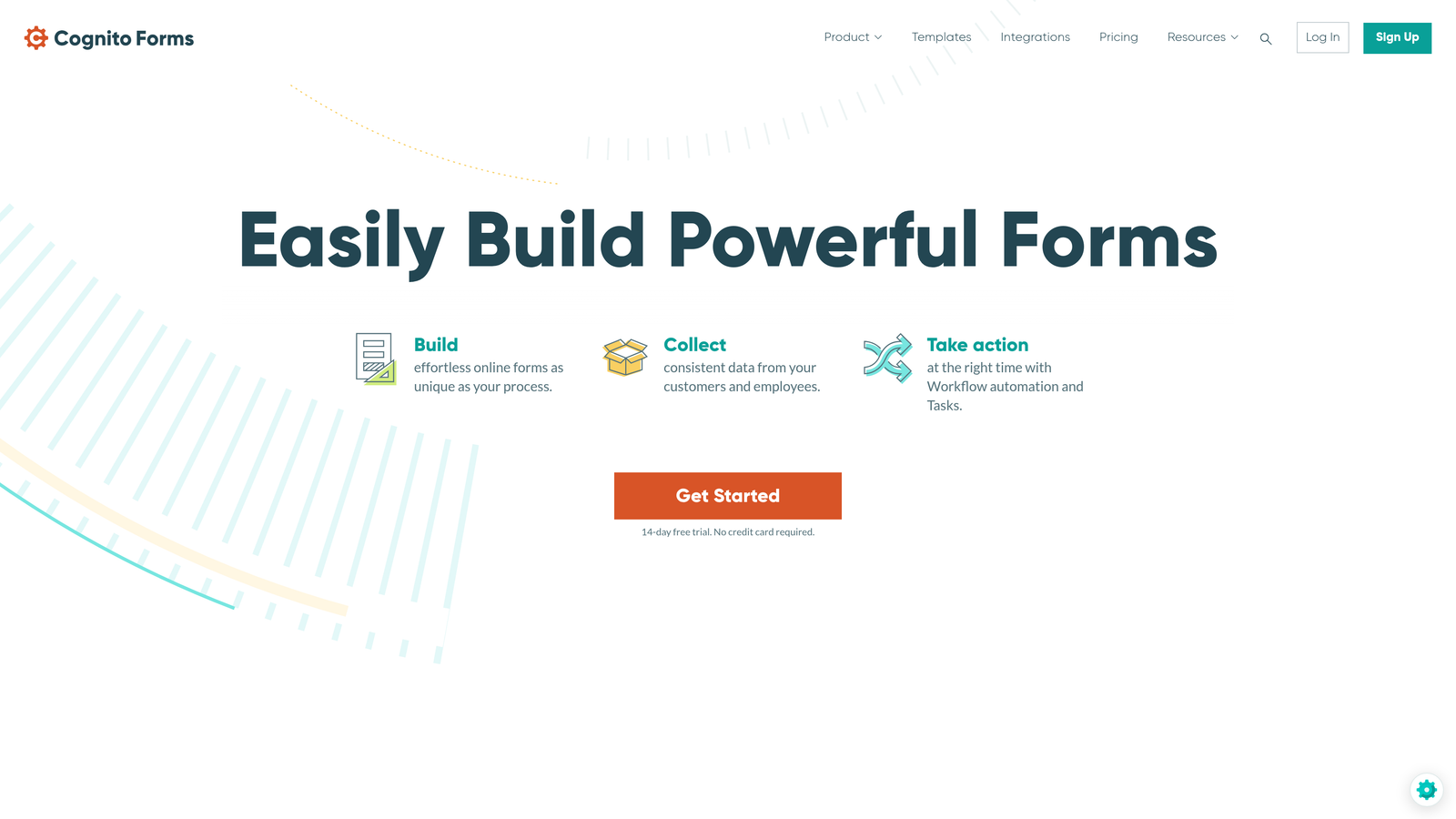
Cognito Forms specializes in payment-focused forms with powerful calculation engines and no transaction fees on higher-tier plans.
Where This Tool Shines
The calculation capabilities in Cognito Forms are exceptionally powerful. You can build dynamic pricing models, generate instant quotes, and create forms that calculate totals based on complex formulas—all without writing code. This makes it perfect for order forms, registration forms with variable pricing, or quote requests.
Unlike many competitors that take a percentage of each transaction, Cognito Forms charges flat monthly fees on higher tiers. If you're processing significant payment volume, this pricing structure can save thousands compared to platforms charging 2-3% per transaction.
Key Features
Built-In Payment Collection: Accept credit cards and ACH payments through Stripe or PayPal integrations.
Complex Calculations: Build formulas for pricing, quotes, and dynamic totals based on user selections.
Repeating Sections: Let users add multiple items, attendees, or entries within a single form submission.
Conditional Logic: Show or hide fields, sections, and pages based on previous answers or calculations.
Data Encryption: Secure sensitive information with field-level encryption and compliance features.
Best For
Cognito Forms is ideal for organizations selling products, collecting donations, or processing registrations with variable pricing. If you need sophisticated calculations or want to avoid transaction fees on high payment volumes, this platform delivers strong value.
Pricing
Free plan available with basic features. Pro plan at $15/month includes advanced features and no transaction fees.
8. 123FormBuilder
Best for: Data-centric organizations that need robust reporting and database management alongside form building
123FormBuilder combines form creation with powerful reporting tools and database capabilities for teams that treat form data as a strategic asset.
Where This Tool Shines
The reporting and analytics features in 123FormBuilder go deeper than most competitors. You can create custom reports, visualize data trends, and export filtered datasets for analysis. This makes it particularly valuable for research teams, HR departments, and organizations that need to analyze form data rather than just collect it.
The platform's prefilled form capability lets you send personalized form links with certain fields already completed. This is perfect for follow-up surveys, update requests, or any scenario where you want to reduce friction by pre-populating known information.
Key Features
Advanced Reporting: Create custom reports with filters, visualizations, and scheduled exports.
Multi-Page Forms: Break long forms into logical sections with progress indicators and save-and-resume functionality.
Prefilled Forms: Send personalized links with pre-populated data to reduce completion time.
GDPR Compliance Tools: Built-in features for data privacy, consent management, and right-to-be-forgotten requests.
API Access: Integrate form data with custom applications and internal systems programmatically.
Best For
123FormBuilder works well for organizations with significant data analysis needs or teams managing long, complex forms that benefit from multi-page layouts. If you're running research studies, employee surveys, or detailed applications where reporting matters as much as collection, this platform delivers the analytical depth you need.
Pricing
Free plan available with basic features. Gold plan at $24.99/month includes advanced reporting and increased limits.
9. HubSpot Forms
Best for: HubSpot users who want native CRM integration and automatic contact enrichment
HubSpot Forms is the native form builder for HubSpot CRM, automatically creating and enriching contact records with every submission.
Where This Tool Shines
If you're already using HubSpot CRM, the native integration is seamless and powerful. Every form submission automatically creates or updates contact records, triggers workflows, and adds to your marketing automation sequences without any configuration. The data lives in one ecosystem with complete visibility into every touchpoint.
Progressive profiling is a standout feature that prevents form fatigue. Instead of asking the same questions repeatedly, HubSpot Forms remembers what it already knows about contacts and asks new questions each time. This creates shorter forms for returning visitors while still collecting comprehensive data over time.
Key Features
Native HubSpot CRM Sync: Automatic contact creation and updates with complete activity history.
Progressive Profiling: Dynamically change form fields based on existing contact data to gather new information.
Smart Fields: Pre-fill known information for returning visitors to reduce friction.
Follow-Up Automation: Trigger email sequences, task creation, and workflow enrollment based on submissions.
Form Analytics: Track views, submissions, and conversion rates within the HubSpot analytics dashboard.
Best For
HubSpot Forms is the obvious choice if you're committed to the HubSpot ecosystem. The native integration eliminates data sync issues and creates a unified view of prospect interactions. However, if you're not using HubSpot CRM, other tools on this list offer more flexibility.
Pricing
Free with HubSpot CRM. Advanced features like progressive profiling require paid Marketing Hub plans starting at higher tiers.
Making the Right Choice
The best custom form builder depends entirely on your specific needs and constraints. For teams prioritizing lead quality and AI-powered qualification, Orbit AI delivers intelligent forms that do the heavy lifting of prospect scoring automatically. If design and brand experience matter most, Typeform's conversational interface creates engaging experiences that feel premium.
Budget-conscious teams should seriously consider Tally's unlimited free tier, which removes financial barriers to experimentation and iteration. On the enterprise end, Formstack provides the compliance certifications and security controls that regulated industries require.
Think about your primary use case. Are you collecting payments? Cognito Forms eliminates transaction fees. Need extensive templates? Jotform's library covers virtually every scenario. Already using HubSpot? The native forms integration creates seamless CRM workflows. Want landing page-style experiences? Paperform blurs the line between forms and full web pages.
The tools that win in 2026 are those that go beyond basic data collection to deliver real business value—whether that's through AI qualification, conversion optimization, payment processing, or deep CRM integration. Generic embedded forms no longer cut it when specialized tools can improve both the user experience and the quality of data you collect.
Transform your lead generation with AI-powered forms that qualify prospects automatically while delivering the modern, conversion-optimized experience your high-growth team needs. Start building free forms today and see how intelligent form design can elevate your conversion strategy.


