

Not all form submissions are created equal. If you're running a high-growth team, you already know the real bottleneck isn't getting people to fill out your form — it's figuring out which responses actually deserve your sales team's attention. Lead scoring built directly into your form builder solves this by qualifying prospects the moment they hit submit, so you can prioritize outreach and move faster on the leads that matter.
The tools below cover the full spectrum: AI-powered qualification, CRM-native scoring, native score variables, and DIY approaches for teams working with zero budget. Each has been evaluated on free tier generosity, scoring flexibility, CRM integrations, and ease of setup. Here are the top free form builders with lead scoring worth your time.
1. Orbit AI
Best for: High-growth SaaS and B2B teams that want AI-powered lead qualification without manual setup
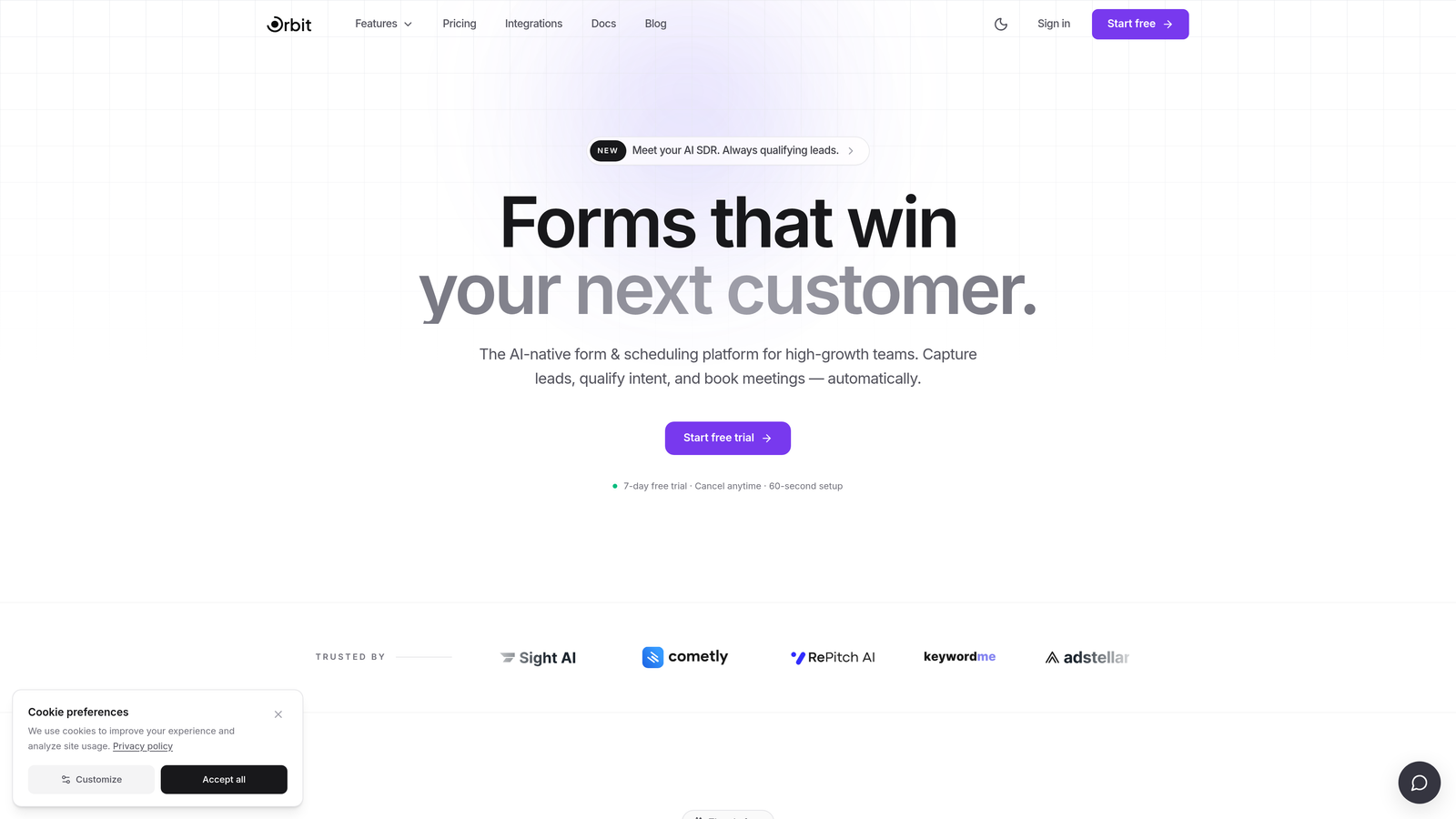
Orbit AI is an AI-powered form builder that qualifies leads automatically from form responses, built specifically for conversion-focused teams.
Where This Tool Shines
Most form builders require you to manually define scoring rules — assigning point values to each answer, setting thresholds, and maintaining those rules as your ideal customer profile evolves. Orbit AI takes a different approach: its AI interprets responses holistically and qualifies leads without requiring you to configure a single point rule.
This matters most for teams who want to move fast. Instead of spending time building and debugging a scoring matrix, you get qualification built directly into the submission flow. The forms themselves are also designed with conversion in mind, combining modern UX with the intelligence layer underneath.
Key Features
AI-Driven Lead Qualification: Automatically evaluates form responses to qualify leads without manual point-based rules.
Conversion-Optimized Design: Modern, polished form UX built to maximize completion rates from the start.
Scoring in the Submission Flow: Lead qualification happens at the moment of submission, not downstream in a separate tool.
Built for SaaS and B2B Teams: Purpose-built for high-growth teams with pipeline velocity as a core priority.
Free Tier Available: Get started without a credit card and explore the platform before committing to a paid plan.
Best For
Teams that are tired of maintaining manual scoring logic and want AI to handle qualification automatically. Particularly well-suited for SaaS companies, B2B marketing teams, and growth-focused operators who need to move fast without adding technical overhead.
Pricing
Free tier available. Paid plans unlock advanced features. Visit orbitforms.ai for current pricing details.
2. HubSpot Forms
Best for: Teams already using HubSpot CRM who want zero-friction form-to-score integration
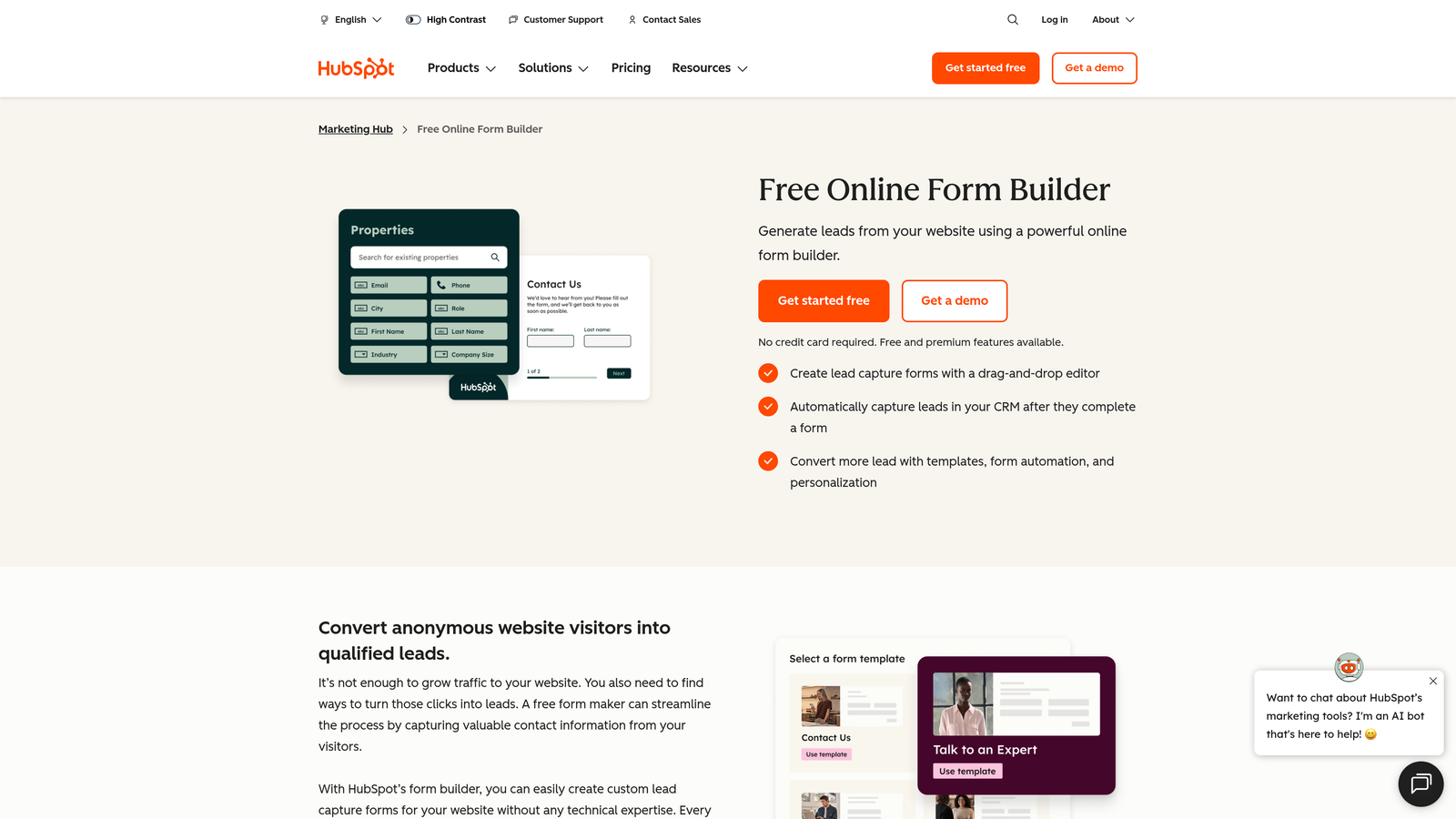
HubSpot Forms is a native form builder that feeds directly into HubSpot's free CRM, where contact-level lead scoring is configured and maintained.
Where This Tool Shines
If your team is already living inside HubSpot, this is the obvious choice. Form submissions flow directly into contact records, and any scoring model you've built in HubSpot's CRM updates automatically based on new data. There's no integration to maintain and no data mapping to configure.
Progressive profiling is a standout feature here. Instead of overwhelming new visitors with a long form, HubSpot can show different fields to returning contacts, gradually enriching their record over multiple interactions. This means your lead scores improve over time without requiring prospects to fill out lengthy forms upfront.
Key Features
CRM Contact Scoring: Form data feeds directly into HubSpot's contact scoring model with no integration overhead.
Progressive Profiling: Shows different fields to returning contacts, enriching records incrementally over time.
Smart Fields: Auto-populates known contact data so returning visitors don't have to re-enter information.
Workflow Automation: Triggers automated follow-up sequences based on form submission score thresholds.
Free with HubSpot CRM: Full form functionality included in HubSpot's free account tier.
Best For
Teams already invested in the HubSpot ecosystem. If you're using a different CRM, the value proposition weakens considerably since the scoring logic lives inside HubSpot specifically.
Pricing
Free with a HubSpot free CRM account. Advanced scoring and automation features require Marketing Hub paid plans.
3. Typeform
Best for: Teams prioritizing completion rates and conversational UX with score-based routing
Typeform is a conversational form builder known for high completion rates, with a score variable feature that accumulates points based on user answers.

Where This Tool Shines
Typeform's one-question-at-a-time interface consistently outperforms traditional multi-field forms in completion rate benchmarks. For lead generation forms where drop-off is a real concern, this matters. The score variable feature lets you assign point values to specific answers, accumulate a total, and then use that total to route leads to different outcome pages or trigger different follow-up sequences.
The post-submit experience is particularly strong. You can personalize the ending screen based on score ranges, so a high-intent lead sees a different message than a low-fit prospect. One important caveat: the free plan is limited to 10 responses per month, and scoring features are gated behind paid plans. Be realistic about this limitation before committing.
Key Features
Score Variable: Accumulates points across multiple answers to generate a total lead score per submission.
Score-Based Conditional Logic: Routes leads to different paths or outcomes based on score thresholds.
Personalized Outcome Screens: Shows different post-submit messages based on score range.
CRM Integrations: Connects with HubSpot, Salesforce, and Zapier for downstream scoring workflows.
Polished Mobile UI: Consistently high completion rates driven by conversational, distraction-free design.
Best For
Teams willing to pay for a premium form experience and who need both high completion rates and score-based routing. Not the right fit if you need a genuinely free solution — the free tier is too limited for real lead generation use.
Pricing
Free plan limited to 10 responses per month. Scoring features available on paid plans starting around $25 per month.
4. Jotform
Best for: Teams that want custom scoring formulas without writing code
Jotform is a highly flexible form builder with calculation fields that allow custom point-based scoring formulas without any coding required.
Where This Tool Shines
Jotform's calculation field is genuinely powerful for teams that want precise control over their scoring logic. You can build formulas that assign different point values to different answers, weight certain questions more heavily, and output a final score that appears on the confirmation page or gets passed to your CRM. This is the kind of flexibility that usually requires a developer.
The free plan is reasonably generous for early-stage testing: five forms and 100 monthly submissions. Calculation fields are available on the free tier, which means you can build and validate your scoring model before committing to a paid plan.
Key Features
Calculation Fields: Build custom scoring formulas using form answers without writing any code.
Score-Based Conditional Logic: Show or hide fields dynamically based on accumulated score values.
CRM and Zapier Integrations: Push score results directly to CRM fields or trigger downstream automations.
Email Notifications by Score: Trigger different notification emails based on score thresholds.
Wide Integration Library: Connects with hundreds of tools across CRM, email, and project management categories.
Best For
Marketing teams and operations professionals who want granular control over scoring logic and don't mind spending time configuring formulas. Also a solid choice for agencies managing multiple client forms on a single account.
Pricing
Free plan includes 5 forms and 100 submissions per month. Paid plans start around $34 per month for higher limits and additional features.
5. Tally
Best for: Teams that need a genuinely free form builder with no submission limits
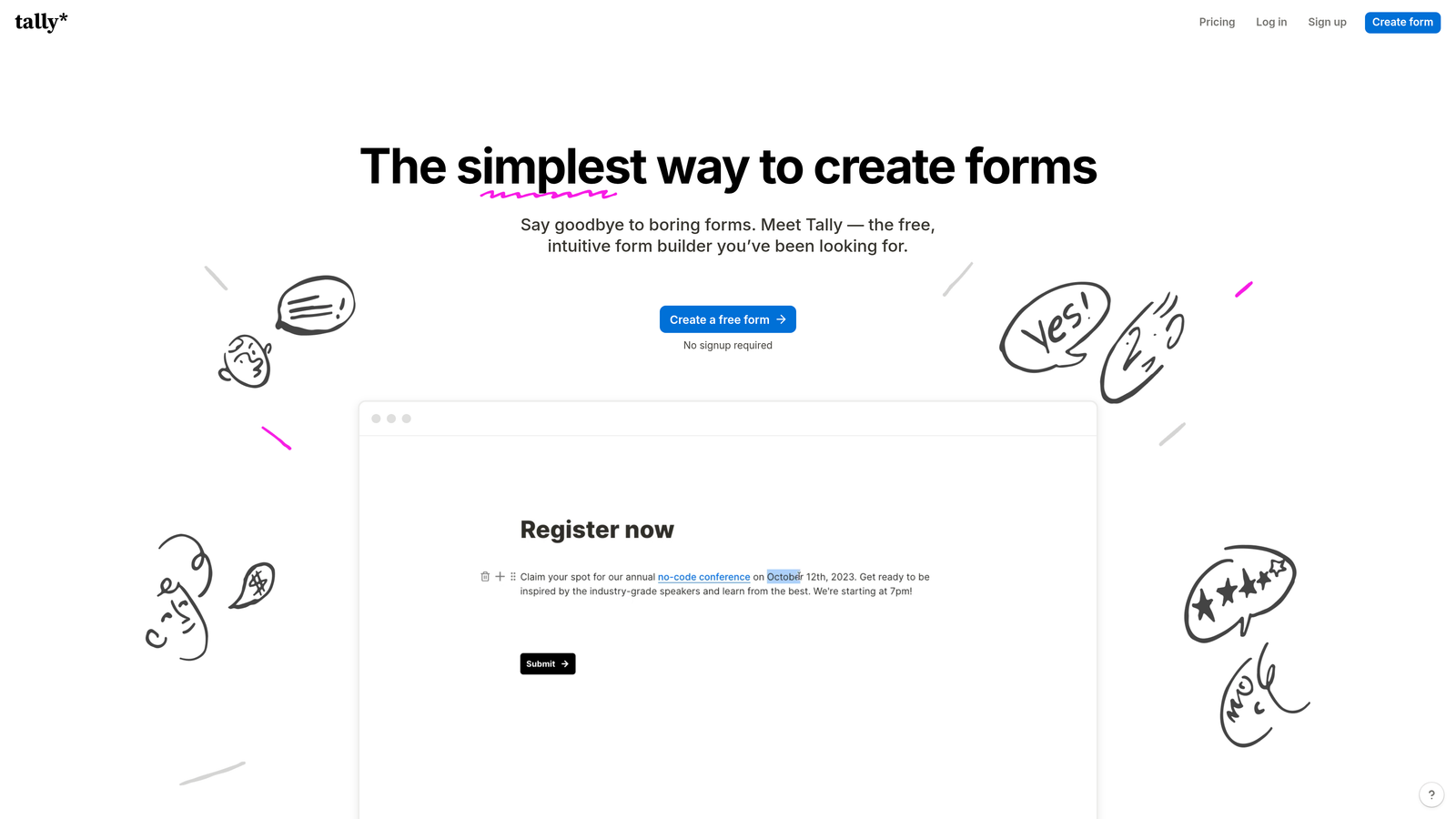
Tally is a minimalist, no-watermark form builder with one of the most generous free tiers in the category and hidden field support for passing score data downstream.
Where This Tool Shines
Tally's free plan is legitimately impressive: unlimited forms, unlimited submissions, no Tally watermark, and conditional logic all included at no cost. For teams that are budget-constrained or just starting to experiment with lead qualification, this removes every barrier to getting started.
The scoring approach is more DIY than native — Tally doesn't have a built-in score variable the way Typeform or Paperform do. Instead, you use hidden fields to capture and pass data, then build scoring logic in Zapier, Make, or a connected spreadsheet. It requires more setup, but the free tier makes the total cost of ownership very low.
Key Features
Unlimited Free Forms and Submissions: No artificial caps on the free plan — a genuine differentiator in this category.
No Watermark on Free Tier: Forms look professional without requiring a paid plan.
Hidden Fields: Pass score values, UTM parameters, and other metadata through the form submission.
Conditional Logic (Free): Branch form paths based on answers without upgrading.
Zapier and Make Integrations: Connect to downstream scoring workflows and CRM updates.
Best For
Early-stage teams, bootstrapped startups, and anyone who wants a clean, professional form without paying anything. Best suited for teams comfortable assembling scoring logic in Zapier or Google Sheets rather than expecting it natively in the form builder.
Pricing
Free plan is highly generous with no major limitations. Tally Pro starts around $29 per month for advanced features like custom domains and priority support.
6. Paperform
Best for: Teams that want the most capable native scoring implementation available
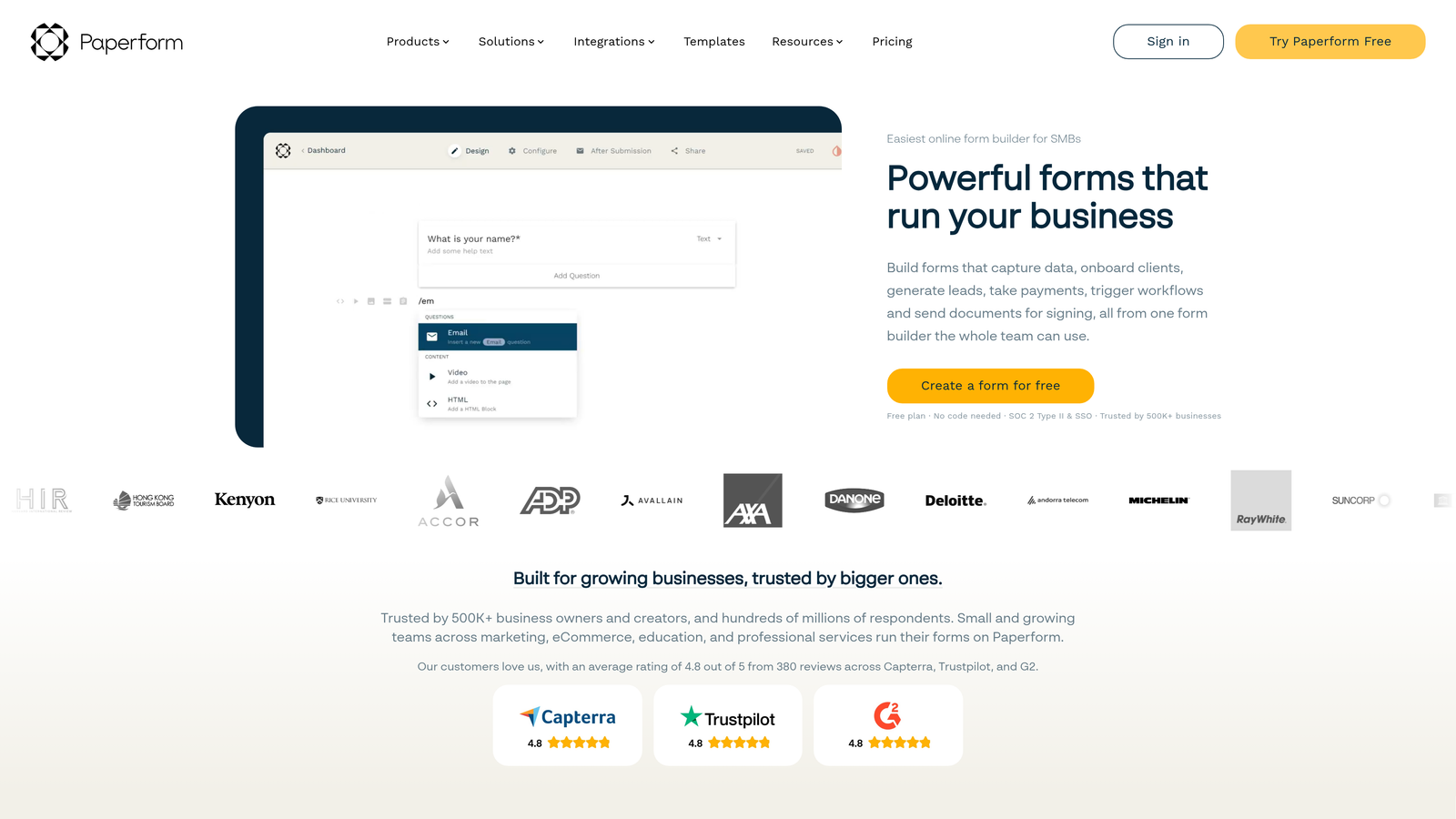
Paperform is a feature-rich form builder with native score variables that accumulate points per answer — one of the strongest scoring implementations in this entire category.
Where This Tool Shines
Paperform's score variable system is genuinely best-in-class for teams that want native scoring without stitching together third-party tools. You assign point values to individual answer options, and Paperform automatically sums them into a total score. That score then drives conditional logic, personalized outcome pages, and CRM routing — all within the same platform.
One important note: Paperform does not have a permanent free tier. There is a 14-day free trial, but after that, a paid plan is required. It's included here because the scoring capabilities are strong enough to warrant consideration even for teams with a budget, and the trial gives you enough time to evaluate it properly.
Key Features
Native Score Variables: Assign point values to answers and automatically sum them into a final lead score.
Score-Based Conditional Logic: Branch form paths and routing based on score thresholds.
Personalized Outcome Pages: Show different post-submit content based on score ranges.
CRM and Email Marketing Integrations: Push scores to HubSpot, Mailchimp, and other platforms.
Flexible Design Options: Polished, document-style layouts that stand out from standard form builders.
Best For
Teams with a form budget who want the strongest possible native scoring system without relying on external automation tools. Not the right fit if a free permanent plan is a hard requirement.
Pricing
No permanent free tier. 14-day free trial available. Paid plans start around $24 per month.
7. Google Forms + Zapier
Best for: Budget-conscious teams comfortable with a DIY technical setup
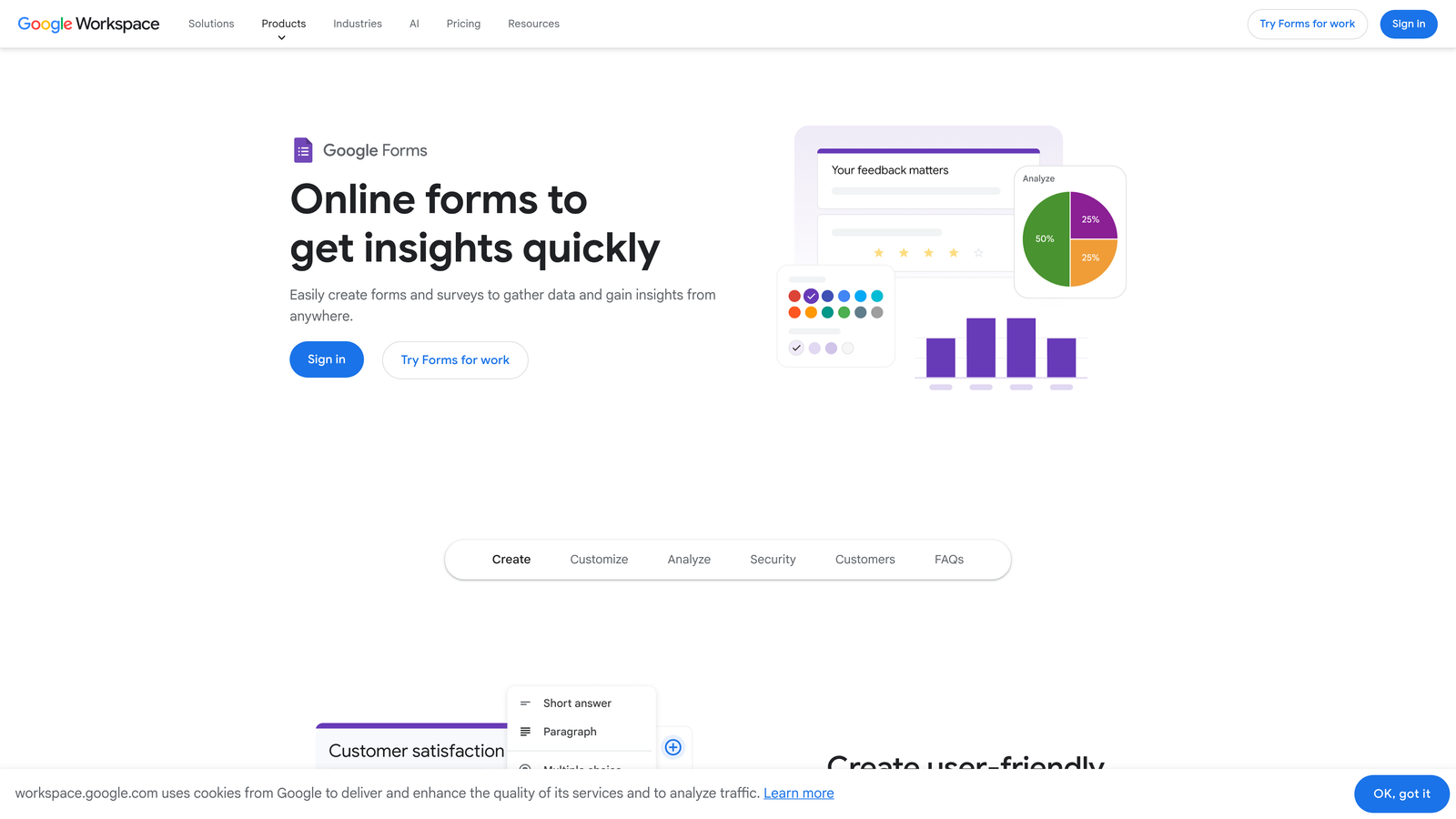
Google Forms paired with Zapier is the classic zero-cost approach: free data collection with scoring logic assembled via automations or spreadsheet formulas.
Where This Tool Shines
Google Forms is completely free with no submission limits, no branding restrictions, and no vendor lock-in. Your data lives in Google Drive and Google Sheets, which means you have full flexibility to build scoring logic using IF statements, VLOOKUP formulas, or more complex weighted calculations. For technically comfortable teams, this setup is surprisingly capable.
The trade-off is setup time and ongoing maintenance. There's no native scoring interface — you're building it yourself in Sheets or Zapier. But for early-stage teams that already live in Google Workspace, this can be the fastest path to a working qualification system without spending anything on additional tools.
Key Features
Completely Free: No submission limits, no branding, no paid tier required for Google Forms itself.
Google Sheets Scoring: Build scoring formulas using IF, VLOOKUP, or custom functions directly in Sheets.
Zapier CRM Integration: Pass scored lead data to HubSpot, Salesforce, or other CRMs automatically.
Quiz Mode: Built-in basic scoring for knowledge-based or assessment-style forms.
No Vendor Lock-In: All data stored in Google Drive — fully portable and exportable.
Best For
Early-stage startups, lean teams, and anyone who wants zero ongoing tool cost and is comfortable setting up Sheets formulas or basic Zapier workflows. Not ideal for teams that want a polished form experience or native scoring without technical configuration.
Pricing
Google Forms is free. Zapier's free plan is available with limited tasks; paid plans start around $19.99 per month for higher automation volume.
8. Fillout
Best for: Teams that want Typeform-quality UX with a more generous free tier
Fillout is a modern form builder with conditional routing and score-based logic that has emerged as a strong alternative to Typeform, particularly for teams who need more from a free plan.
Where This Tool Shines
Fillout's free plan includes conditional logic and basic scoring features without the response caps that make Typeform's free tier impractical for real lead generation. The interface is clean and modern, the form-building experience is intuitive, and the CRM routing capabilities are solid for a tool at this price point.
Score-based conditional paths let you route leads to different follow-up sequences based on their responses — a feature that typically requires a paid plan in competing tools. For teams evaluating Typeform alternatives, Fillout is worth testing before committing to a higher-cost option.
Key Features
Score-Based Conditional Paths: Route leads to different outcomes and sequences based on accumulated score values.
CRM Routing by Score: Send leads to different HubSpot or Salesforce pipelines based on qualification score.
Generous Free Plan: No response limits on the free tier, unlike several competitors in this category.
Modern UI: Clean, polished form design comparable to premium tools.
Scheduling and Payment Integrations: Extend forms beyond lead capture into booking and commerce workflows.
Best For
Teams that want a premium form experience without Typeform's pricing, particularly those using HubSpot or Salesforce for CRM routing. A strong choice for mid-size marketing teams and growth-focused operators.
Pricing
Free plan available with no response limits. Paid plans start around $15 per month for advanced features and integrations.
9. Zoho Forms
Best for: Teams already using Zoho CRM who want native form-to-score integration
Zoho Forms is a form builder tightly integrated with Zoho CRM, where form-based scores map directly to lead status and scoring fields in the CRM.
Where This Tool Shines
Like HubSpot Forms within the HubSpot ecosystem, Zoho Forms earns its place through deep native integration with Zoho CRM. Form responses flow directly into lead and contact records, and score fields push automatically to the CRM lead stage without any middleware. For teams already invested in the Zoho ecosystem, this eliminates a significant amount of integration overhead.
The free plan is limited to three forms, which makes it best suited for teams with a focused use case rather than high-volume form operations. But within those constraints, the CRM connection is tight and the conditional logic is capable.
Key Features
Native Zoho CRM Integration: Score fields map directly to lead stage and contact scoring in Zoho CRM.
Conditional Logic and Branching: Route form paths based on response values and accumulated scores.
Direct Lead Stage Updates: Push score results to CRM lead status fields without additional automation.
Free Plan Available: Three forms included at no cost for teams starting out.
Zoho Ecosystem Compatibility: Works natively with Zoho Campaigns, Zoho Desk, and other Zoho products.
Best For
Teams already using Zoho CRM as their primary system of record. If you're outside the Zoho ecosystem, the value proposition is limited compared to more flexible alternatives on this list.
Pricing
Free plan supports up to 3 forms. Paid plans start around $10 per month for higher form limits and advanced features.
Which Tool Is Right for Your Team
The best choice depends on what your team actually needs from a lead qualification workflow. Here's how to think through it quickly.
If you want AI to handle qualification automatically without building scoring rules, Orbit AI is the clear starting point. It removes the manual overhead that makes most scoring setups fragile over time, and the free tier lets you test it without commitment.
If your team is already inside HubSpot, use HubSpot Forms. The zero-integration overhead and progressive profiling capabilities make it the obvious choice when you're already in that ecosystem.
If budget is the hard constraint and you're comfortable with a DIY setup, Google Forms + Zapier or Tally give you the most functionality for zero ongoing cost. Tally is better for teams that want a polished form without technical configuration; Google Forms is better for teams already living in Google Workspace.
For conversational form UX with score-based routing, Typeform remains the benchmark — just go in knowing you'll need a paid plan for real lead generation volume. Fillout is the stronger free alternative if completion rate UX is important but budget is a constraint.
For the most powerful native scoring logic without AI, Jotform and Paperform are both excellent. Jotform has a free tier; Paperform does not, but its scoring system is the most capable of the two.
Ready to stop manually triaging form submissions? Start building free forms today with Orbit AI and let intelligent lead qualification do the heavy lifting from the moment prospects hit submit.


