

Growth teams live and die by their ability to capture, qualify, and convert leads. The form builder sitting at the top of your funnel matters more than most people realize. A clunky, generic form doesn't just look bad; it kills conversion rates and sends warm prospects straight to a competitor.
The best form builders for growth teams go beyond drag-and-drop fields. They qualify leads automatically, integrate with your stack, and give you the data you need to iterate fast. Whether you're a lean startup running outbound sequences or a scaling SaaS team optimizing every conversion touchpoint, the right tool can meaningfully change your pipeline output.
Here are the top form builders purpose-built or well-suited for high-growth teams, compared by features, pricing, and ideal use cases.
1. Orbit AI
Best for: Growth teams that need AI-powered lead qualification built directly into their forms
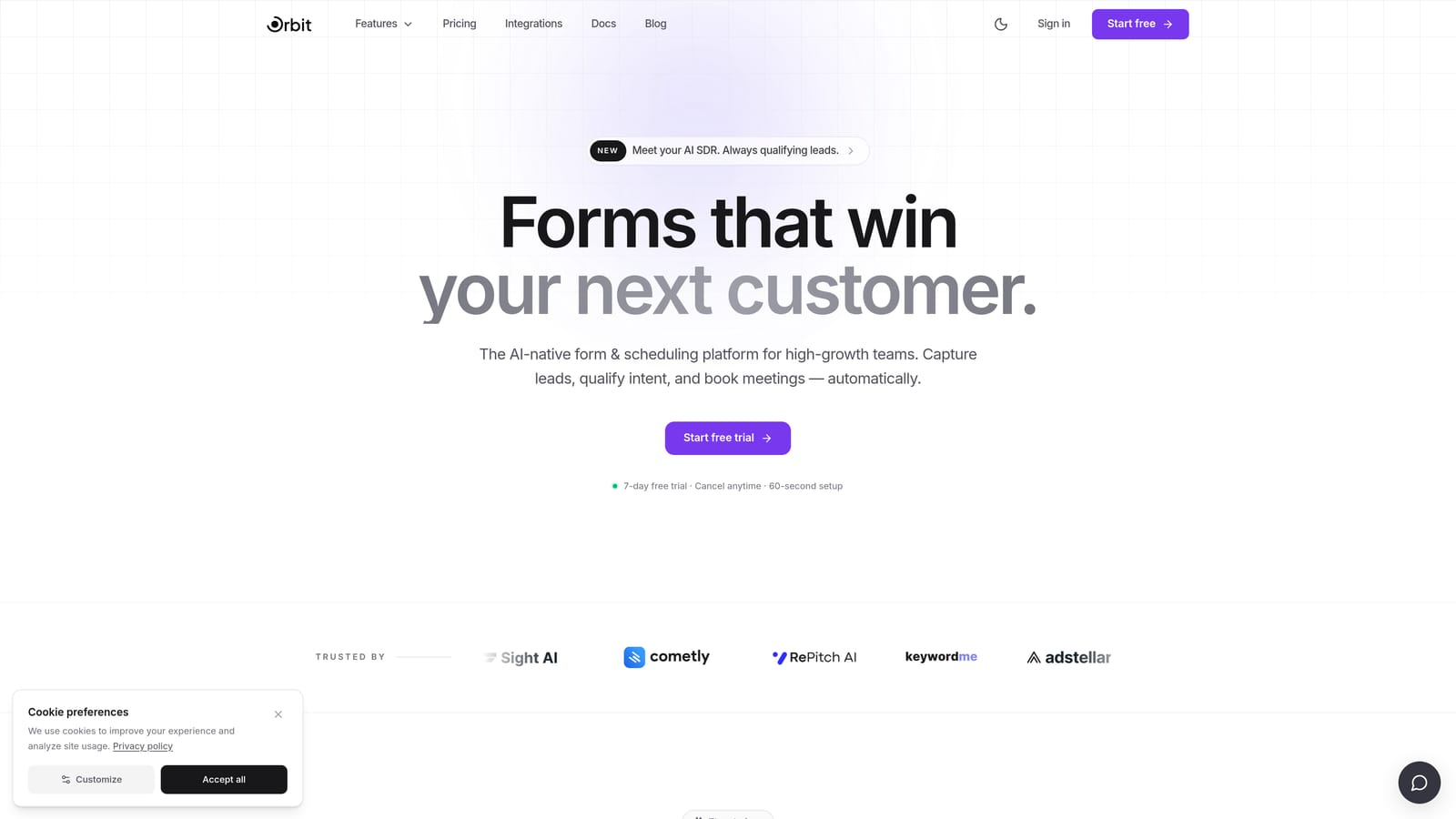
Orbit AI is an AI-native form builder designed from the ground up for sales and marketing teams who want forms that do more than collect data.
Where This Tool Shines
Most form builders stop at submission. Orbit AI starts there. When a prospect fills out a form, built-in AI agents score and qualify that lead in real time, routing high-intent contacts to the right follow-up sequence without any manual intervention. For growth teams that hate leaving pipeline velocity to chance, this is a meaningful shift in how forms function.
What separates Orbit AI from every other tool on this list is the breadth of native functionality. You're not stitching together a form tool, a CRM, a scheduler, and an automation platform. Contacts, workflows, sequences, analytics, and scheduling all live in one place, built around the form as the primary lead-capture layer.
Key Features
AI-Powered Lead Qualification: Leads are scored and qualified automatically at the point of form submission using built-in AI agents, so your team focuses on the best opportunities first.
Native Workflow Automation: Build follow-up sequences and routing rules directly inside the platform without needing a third-party automation tool.
Conversion-Optimized Form Design: Forms are designed with conversion in mind, not just data collection, with analytics built in to help you iterate quickly.
Contact Management: A built-in contact layer means every submission flows into a structured record without a separate CRM integration.
Built-In Scheduler: Let qualified leads book time directly from the form flow, removing friction between interest and a booked call.
Best For
Orbit AI is the clearest fit for SaaS and tech companies running active lead generation programs where qualification speed matters. If your team is tired of manually triaging form submissions or paying for five separate tools to do what one platform could handle, this is worth a close look.
Pricing
See current plans and tiers at orbitforms.ai/pricing. Pricing is structured for growing teams, with options that scale as your volume increases.
2. Typeform
Best for: Teams that prioritize a polished, conversational form experience to improve completion rates
Typeform is a conversational form builder known for its one-question-at-a-time format that turns data collection into something closer to a dialogue.

Where This Tool Shines
Typeform's signature strength is the respondent experience. By surfacing one question at a time, forms feel less like bureaucratic intake and more like a conversation. For brand-conscious teams running surveys, lead capture, or onboarding flows, this approach tends to feel more engaging than a wall of fields.
The design quality is genuinely strong. Typeform templates are polished out of the box, and the brand customization options give marketing teams enough control to make forms feel native to their visual identity. Integration depth with major CRMs and marketing platforms is solid, making it relatively easy to plug into an existing stack.
Key Features
Conversational One-Question Format: The core UX presents one question at a time, creating a more engaging and less overwhelming experience for respondents.
Conditional Logic and Branching: Logic jumps let you personalize the form path based on previous answers, keeping questions relevant to each respondent.
Brand-Customizable Templates: A wide library of polished templates with strong visual customization options for consistent brand presentation.
CRM and Marketing Integrations: Native and Zapier-based integrations connect Typeform to most major CRMs, email platforms, and marketing tools.
Media Embedding: Video and image support inside forms adds context and personality to questions where visuals help.
Best For
Typeform works well for growth teams focused on top-of-funnel surveys, lead capture pages where brand experience matters, and onboarding flows where completion rate is a priority. It's less suited for teams that need native lead qualification or outbound automation built into the form layer.
Pricing
A free plan is available with limitations. Paid plans start around $25/month. Verify current tiers and limits at typeform.com/pricing.
3. Tally
Best for: Budget-conscious startups that need capable forms fast without a steep learning curve
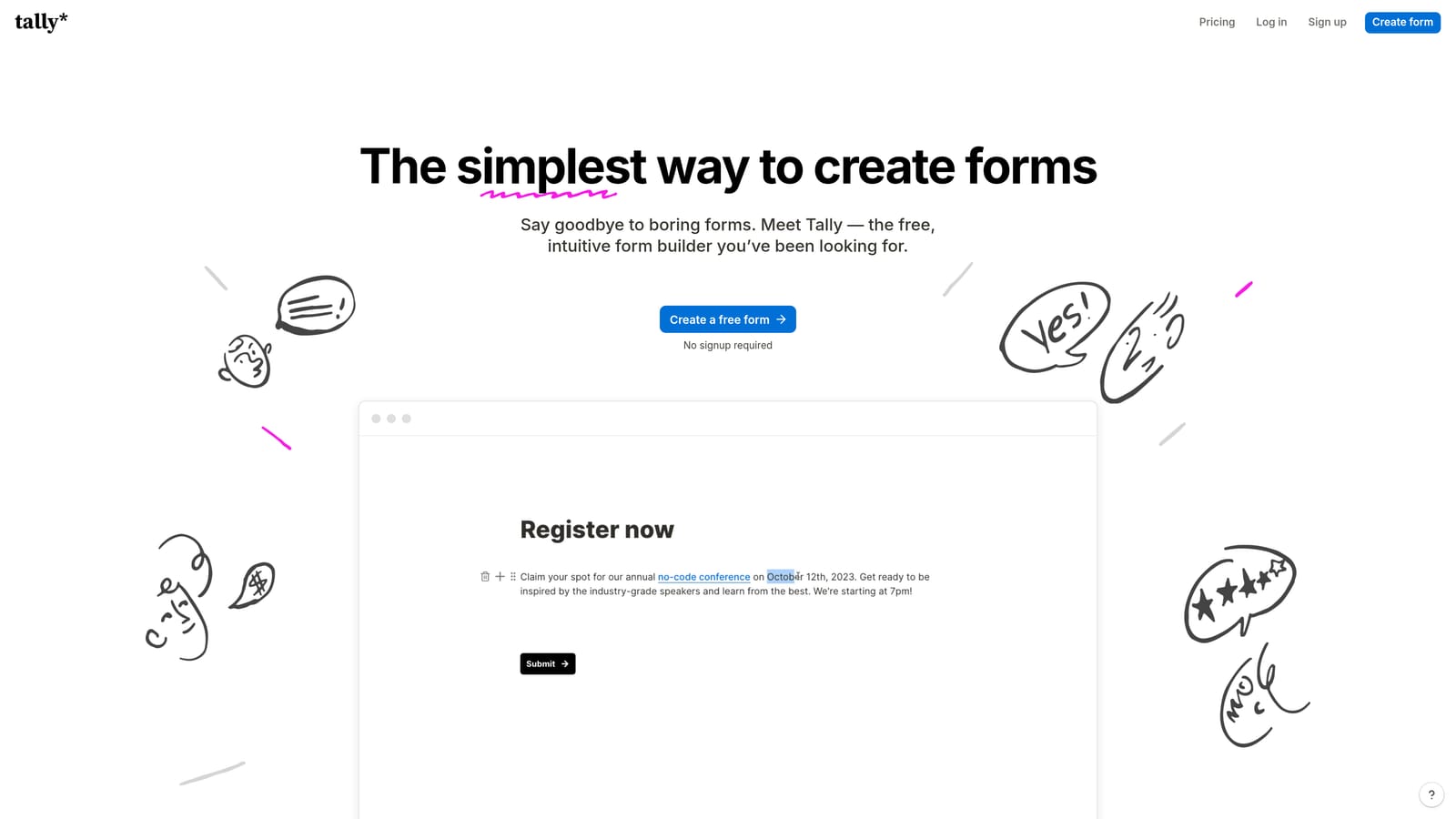
Tally is a Notion-inspired form builder with a block-based editor, a clean interface, and one of the most generous free tiers in the category.
Where This Tool Shines
Tally's appeal is immediate for early-stage teams. The block-based editor feels familiar to anyone who has used Notion, which means most team members can build a capable form in minutes without a tutorial. The free plan is unusually generous, making it a realistic option for startups watching their tool budget closely.
Beyond simplicity, Tally covers the functional bases well. Conditional logic, multi-page forms, file uploads, and Stripe payment collection are all available. For teams that primarily need clean, functional forms and don't require sophisticated lead qualification logic, Tally delivers strong value relative to cost.
Key Features
Generous Free Plan: Unlimited forms and submissions on the free tier make Tally a legitimate option for teams not ready to commit to paid form tooling.
Notion-Style Block Editor: The familiar block-based editing experience flattens the learning curve significantly for teams already using Notion or similar tools.
Conditional Logic: Multi-page forms with branching logic let you tailor the form experience based on respondent input.
Stripe Payment Collection: Accept payments directly through Tally forms without a separate payment integration.
Key Integrations: Native connections to Notion, Google Sheets, and Zapier cover most basic workflow needs for lean teams.
Best For
Tally is a strong fit for early-stage startups, solo operators, or small teams that need forms up quickly without a budget commitment. Teams that have grown past basic collection needs and require AI-driven qualification or outbound automation will likely find its ceiling relatively quickly.
Pricing
A free tier is available. Tally Pro unlocks advanced features. Verify current pricing and plan limits at tally.so/pricing.
4. Paperform
Best for: Growth teams that want forms to function as full branded landing pages with native payment support
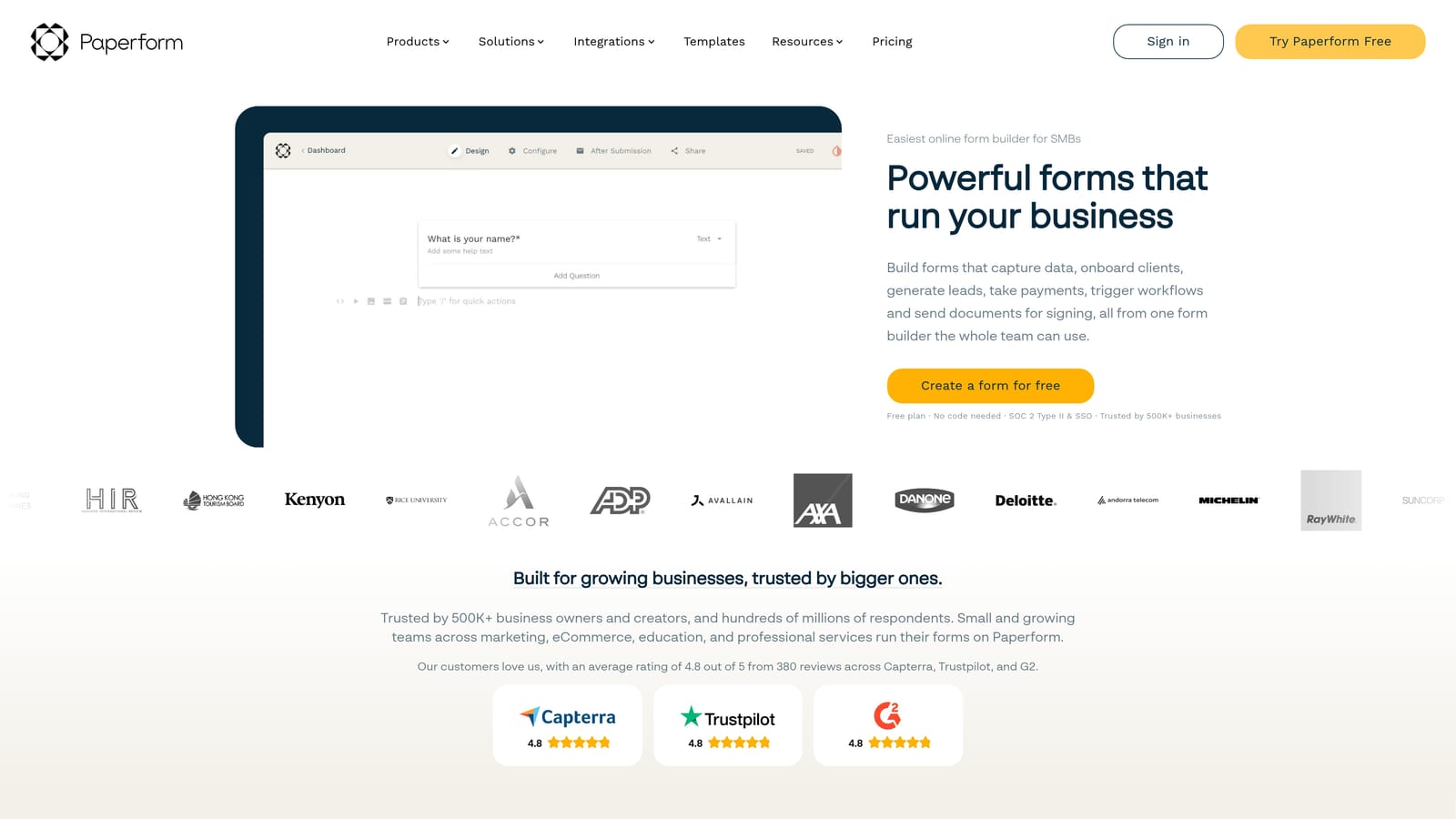
Paperform is a flexible form builder with a document-style editor that lets teams create forms that look and behave like branded landing pages.
Where This Tool Shines
Paperform occupies a distinct niche: it's part form builder, part lightweight landing page tool. The freeform document editor lets you mix text, images, and form fields in a way that most builders don't support, producing results that feel more like a branded page than a data-entry form. For teams running product launches, event registrations, or multi-step funnels, this flexibility is genuinely useful.
The native payment processing support across Stripe, PayPal, and Square is another standout. Combined with built-in appointment booking, Paperform can replace multiple point tools for teams that need forms, payments, and scheduling in a single workflow.
Key Features
Document-Style Freeform Editor: Mix rich content with form fields to create submissions pages that look like branded landing pages rather than plain forms.
Native Payment Processing: Accept payments via Stripe, PayPal, and Square directly within the form without additional integrations.
Appointment Booking: Built-in scheduling functionality reduces the need for a separate booking tool in simple use cases.
Conditional Logic and Calculations: Advanced logic and calculation fields support more complex form flows and pricing configurations.
Broad Integration Library: Connects with a wide range of third-party tools across CRM, marketing, and productivity categories.
Best For
Paperform suits growth teams that want to consolidate forms, landing pages, payments, and basic scheduling into one tool. Teams focused specifically on lead qualification intelligence or AI-driven routing will find it less equipped in those areas compared to AI-native platforms.
Pricing
Paid plans start at approximately $24/month. Verify current tiers at paperform.co/pricing.
5. Jotform
Best for: Teams with high form volume, compliance requirements, or diverse use cases across departments
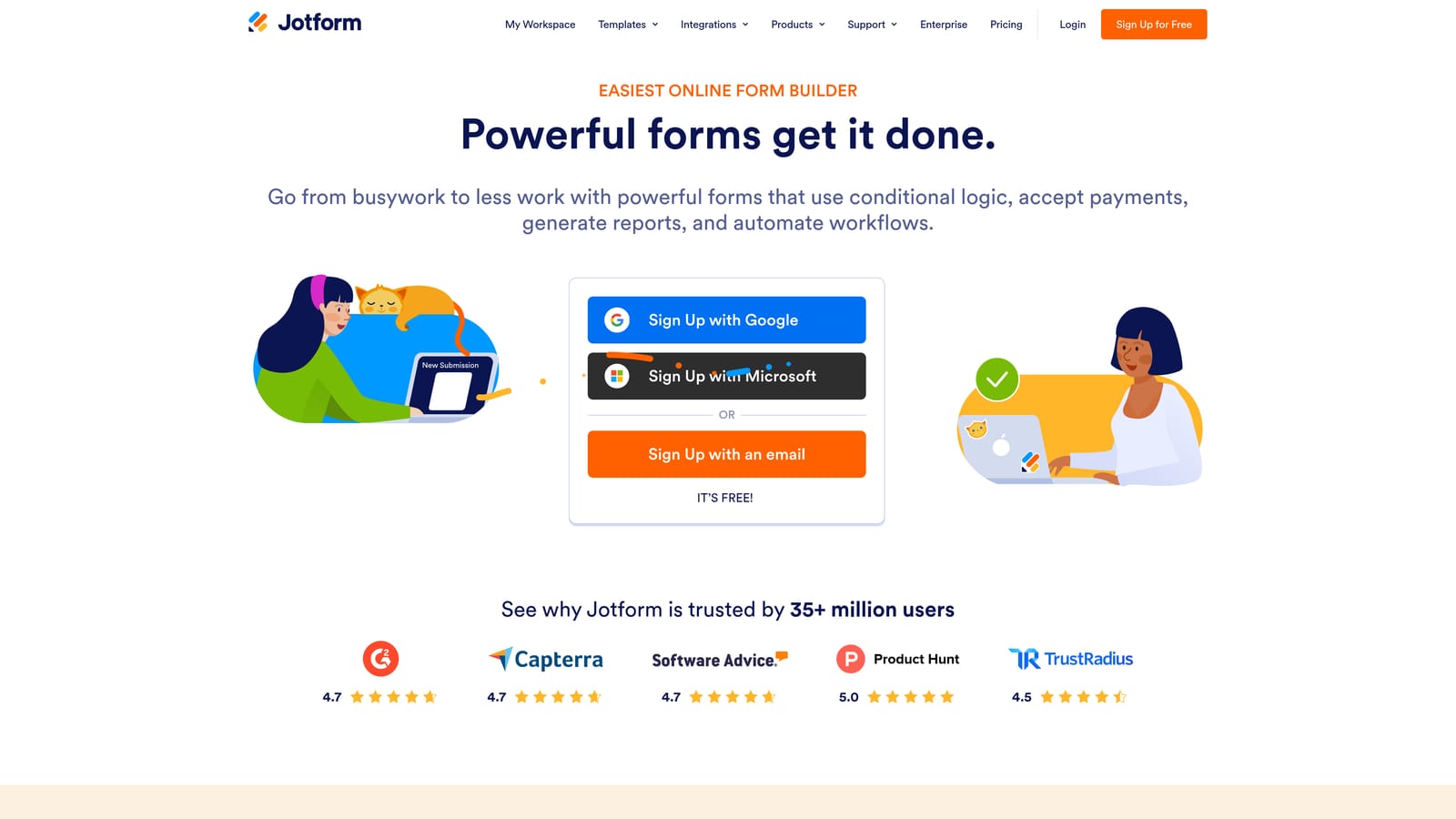
Jotform is one of the most established form builders on the market, offering a vast template library, strong compliance options, and a wide integration ecosystem.
Where This Tool Shines
Jotform's depth is hard to match. With over 10,000 templates spanning industries from healthcare to e-commerce, it's the go-to option for teams that need to spin up forms across many different use cases without building from scratch each time. The template library alone can save meaningful hours for operations and marketing teams managing high form volume.
Compliance support is another genuine strength. HIPAA and GDPR options on higher tiers make Jotform a viable choice for teams in regulated industries where most lighter-weight form tools fall short. Jotform Tables and Jotform Approvals extend the platform into lightweight workflow territory, adding value beyond pure data collection.
Key Features
10,000+ Templates: An industry-leading template library covers nearly every form use case, reducing setup time significantly for high-volume teams.
HIPAA and GDPR Compliance: Compliance-grade options on higher tiers make Jotform suitable for regulated industries and enterprise teams with strict data requirements.
Jotform Tables: A built-in database view for managing and organizing submission data without exporting to a separate tool.
Jotform Approvals: Visual approval workflows let teams build lightweight review and sign-off processes directly connected to form submissions.
Extensive Integration Ecosystem: Broad connectivity across CRMs, payment processors, and productivity platforms covers most enterprise stack configurations.
Best For
Jotform is well suited for mid-size to enterprise teams with diverse form needs across multiple departments, especially where compliance is a factor. Fast-moving growth teams optimizing specifically for conversion and lead qualification may find it feels more heavyweight than their workflow requires.
Pricing
A free plan is available. Paid plans range from Starter through Enterprise tiers. Verify current pricing at jotform.com/pricing.
6. Formstack
Best for: Operations and compliance-focused teams that need forms embedded in larger document and approval workflows
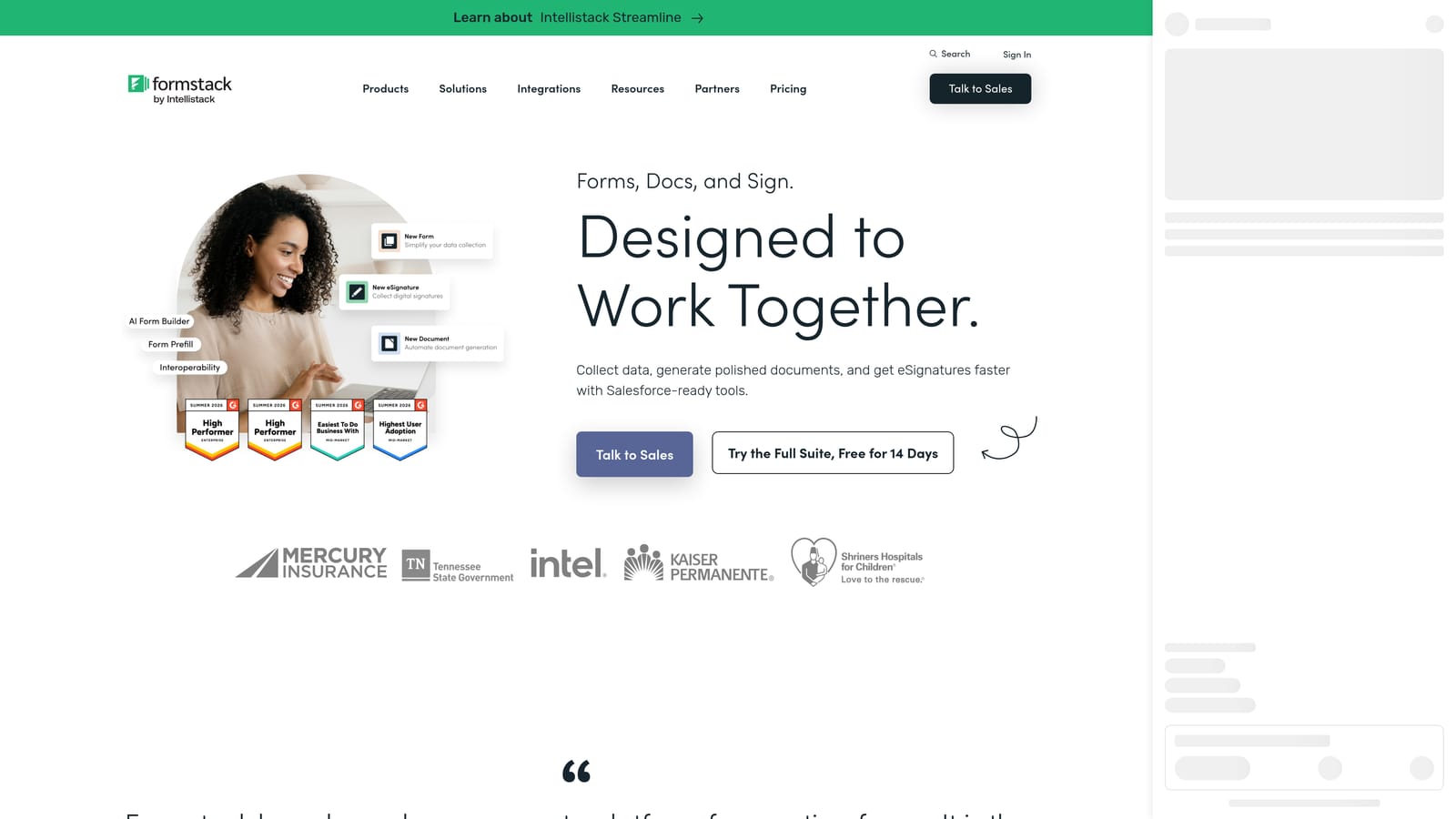
Formstack is a workplace productivity platform that combines form building with document generation and e-signature collection.
Where This Tool Shines
Formstack's positioning is deliberately broader than a pure form builder. The platform bundles three products: forms, document generation via Formstack Documents, and e-signature collection via Formstack Sign. For teams where forms are one step inside a larger operational workflow involving contracts, approvals, or compliance documentation, this integrated approach removes meaningful friction.
Salesforce integration is notably strong, making Formstack a natural fit for revenue operations teams already running their pipeline through Salesforce. HIPAA and GDPR compliance support rounds out the enterprise-readiness picture for teams in regulated sectors.
Key Features
Formstack Documents: Native document generation lets teams automatically produce populated contracts, proposals, or reports from form submission data.
Formstack Sign: Built-in e-signature collection connects directly to form and document workflows without a separate signing tool.
HIPAA and GDPR Compliance: Compliance support across the platform makes it viable for healthcare, finance, and other regulated industries.
Advanced Conditional Logic: Sophisticated branching and field logic supports complex operational forms beyond basic lead capture.
Salesforce and CRM Integrations: Deep Salesforce connectivity makes it a strong fit for teams running revenue operations in enterprise CRM environments.
Best For
Formstack is the right call for operations, legal, or compliance-heavy teams that need forms connected to document generation and e-signature workflows. For pure lead generation and conversion optimization use cases, it's more platform than most growth teams need, and the pricing reflects its enterprise positioning.
Pricing
Formstack targets mid-market and enterprise buyers. Pricing is on the higher end of the category. Verify current plans at formstack.com/pricing.
Which Tool Is Right for Your Growth Team?
Each tool on this list earns its place, but the right choice depends heavily on what your team actually needs from a form builder in 2026.
Orbit AI is the clear choice if lead qualification speed is your priority. It's the only platform here that qualifies and routes leads automatically at the point of submission, with native workflows, sequences, and contact management built in. For SaaS teams that want their form layer to do real pipeline work, not just collect data, it's the strongest option.
Typeform wins on conversational UX and brand polish. If completion rate and respondent experience are your primary metrics, it's hard to beat. Tally is the obvious pick for early-stage teams watching their budget: capable, fast to deploy, and genuinely free to start. Paperform suits teams that want forms, payments, and scheduling in one flexible tool without building a dedicated landing page.
Jotform is the right call for high-volume teams with compliance requirements or diverse form needs across departments. Formstack belongs in operations and enterprise contexts where forms feed directly into document generation and e-signature workflows.
If you're building a growth motion where every form submission should move a lead closer to a conversation, the AI-native approach makes the most sense. Transform your lead generation with AI-powered forms that qualify prospects automatically while delivering the modern, conversion-optimized experience your high-growth team needs. Start building free forms today and see how intelligent form design can elevate your conversion strategy.
You can also explore Orbit AI's pricing or see how it stacks up on the compare page before committing to anything.


