

Your contact form is often the first real interaction potential customers have with your business—and it can make or break that relationship. A clunky, generic form signals that you don't value their time. A smart, streamlined one shows you mean business.
The right contact form software does more than collect names and emails. It qualifies leads automatically, routes inquiries to the right team members, integrates with your existing tools, and helps you respond faster than your competitors.
We've tested dozens of options to bring you the top contact form solutions for businesses in 2026, evaluated on ease of use, customization options, integration capabilities, and value for money.
1. Orbit AI
Best for: High-growth teams prioritizing lead qualification and conversion optimization
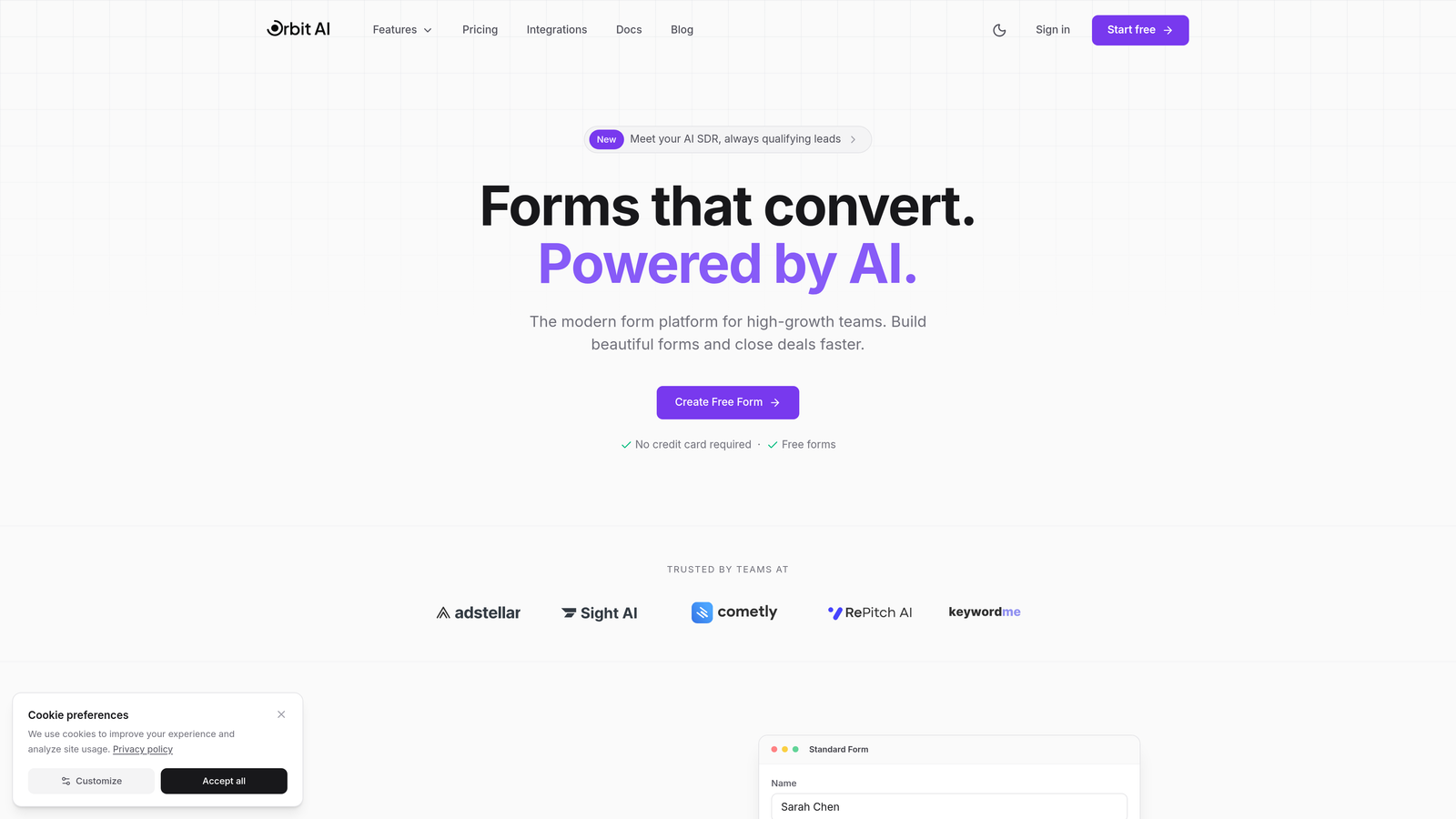
Orbit AI is an AI-powered form builder that automatically qualifies leads while optimizing for conversions.
Where This Tool Shines
Orbit AI separates itself from traditional form builders by focusing on what happens after someone fills out your form. The platform uses AI to score and qualify leads in real-time, meaning your sales team spends time on prospects who are actually ready to buy.
The conversion-optimized templates aren't just pretty—they're built on data-driven design principles that reduce form abandonment. You get the intelligence of an enterprise marketing platform without the enterprise complexity.
Key Features
AI-Powered Lead Qualification: Automatically scores and routes leads based on their responses and behavior patterns.
Conversion-Optimized Templates: Pre-built forms designed specifically to maximize completion rates and reduce friction.
Native CRM Integrations: Seamlessly connects with HubSpot, Salesforce, and Slack for instant lead routing.
Real-Time Analytics: Track submission rates, drop-off points, and conversion metrics as they happen.
Smart Conditional Logic: Show or hide fields based on previous answers to create personalized form experiences.
Best For
This platform excels for B2B companies and SaaS businesses where lead quality matters more than lead quantity. If you're tired of your sales team wasting time on unqualified inquiries, or if you're scaling rapidly and need forms that grow with you, Orbit AI delivers the intelligence layer your contact forms have been missing.
Pricing
Free plan available for getting started. Paid plans offer competitive rates with advanced AI features and scalable form limits.
2. Typeform
Best for: Creating engaging, conversational form experiences with high completion rates
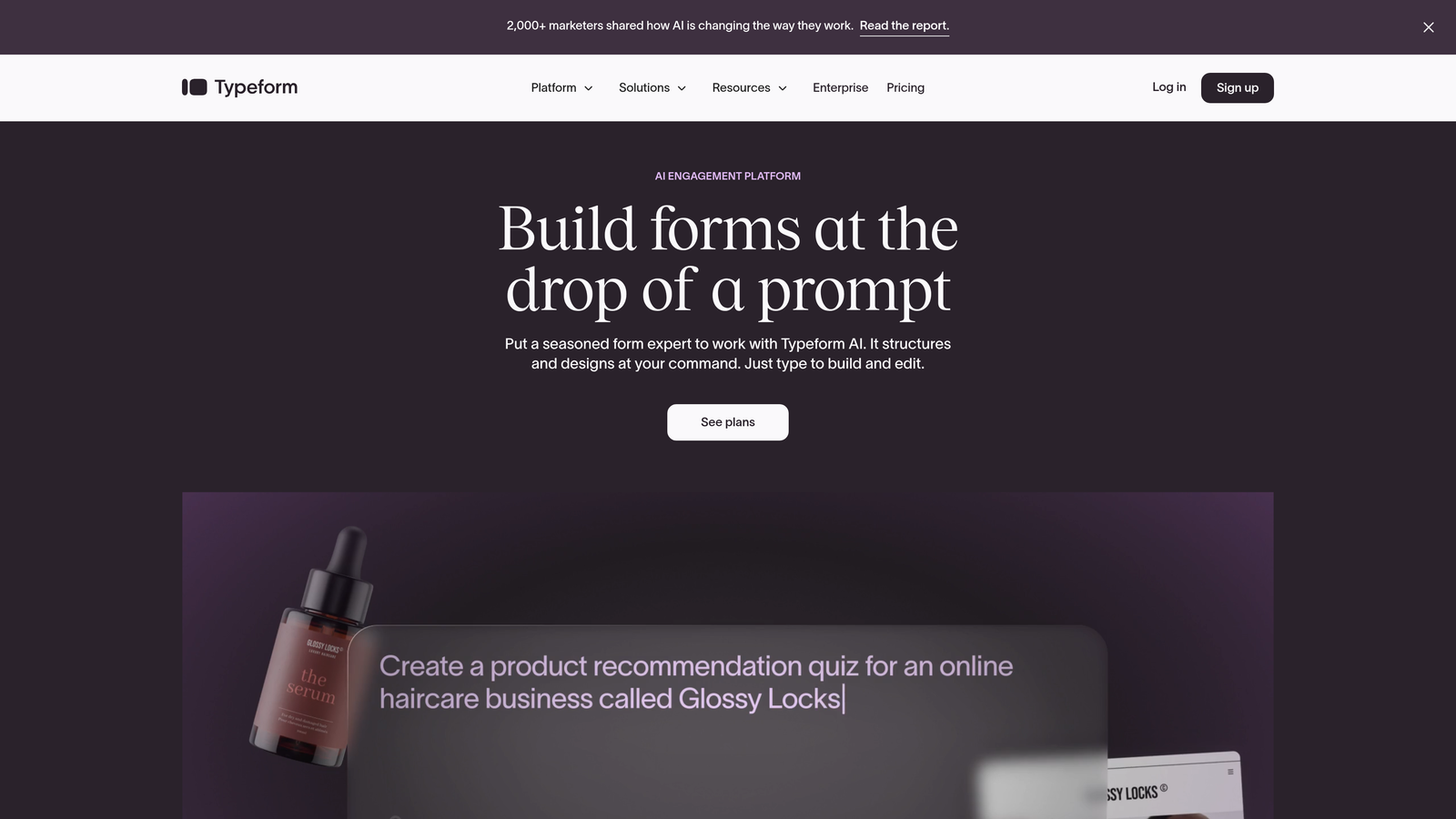
Typeform is a conversational form builder that presents one question at a time for maximum engagement.
Where This Tool Shines
Typeform revolutionized how people think about forms by making them feel less like interrogations and more like conversations. The one-question-at-a-time approach keeps users focused and significantly reduces the intimidation factor of long forms.
The platform's design-first philosophy means every form looks polished by default. If your brand prioritizes user experience and you want forms that people actually enjoy filling out, Typeform delivers on that promise consistently.
Key Features
Conversational Interface: One question appears at a time, creating a dialogue-like experience that feels natural.
Logic Jumps: Branch questions based on previous answers to create personalized pathways through your form.
Rich Media Support: Embed videos, images, and GIFs to make forms more engaging and visually appealing.
Extensive Integrations: Connect with hundreds of tools including Google Sheets, Mailchimp, and Zapier.
Completion Rate Tracking: See exactly where people drop off and optimize accordingly.
Best For
Consumer brands, creative agencies, and businesses where brand experience matters deeply will find Typeform invaluable. It's particularly effective for surveys, event registrations, and customer feedback where you want high completion rates and quality responses.
Pricing
Free basic plan with Typeform branding. Paid plans start at $25/month with white-label options and advanced features.
3. Jotform
Best for: Teams needing extensive template variety and customization flexibility
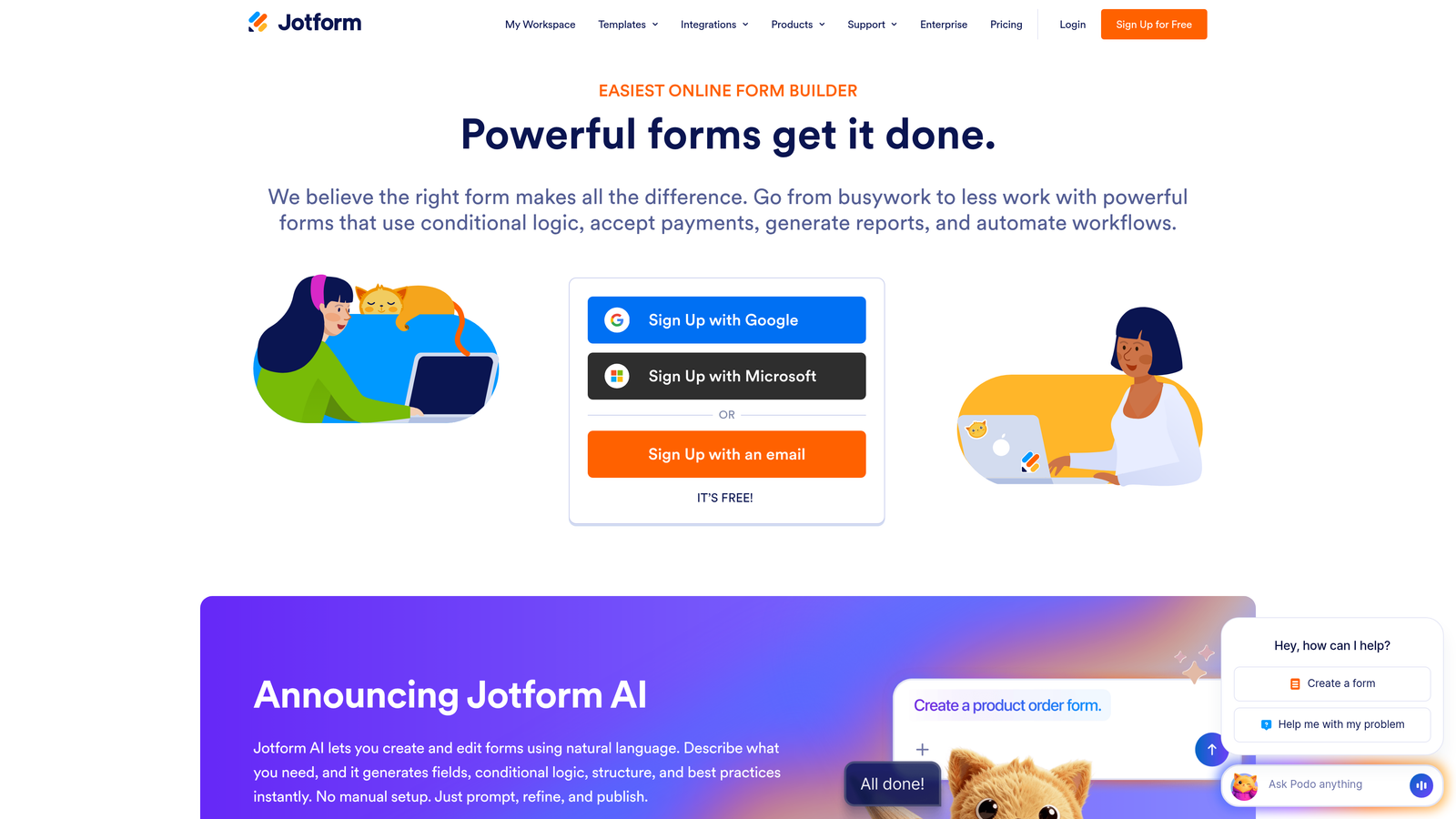
Jotform is a versatile form builder offering over 10,000 templates and deep customization options.
Where This Tool Shines
Jotform's massive template library means you'll rarely build a form from scratch. Whether you need an event registration form, customer intake questionnaire, or payment collection form, there's likely a template that gets you 80% of the way there.
The widget marketplace adds functionality that would require custom development in other platforms. Need appointment scheduling? There's a widget. Want to collect e-signatures? Another widget. This extensibility makes Jotform incredibly adaptable to unique business needs.
Key Features
10,000+ Templates: Pre-built forms for virtually every industry and use case imaginable.
Drag-and-Drop Builder: Intuitive interface with hundreds of widgets for added functionality.
Payment Processing: Native integrations with PayPal, Stripe, and Square for collecting payments directly.
PDF Generation: Automatically convert form submissions into professional PDF documents.
Mobile App: Manage forms and view submissions on iOS and Android devices.
Best For
Small to medium businesses that need versatility across multiple departments will appreciate Jotform's breadth. It's equally useful for HR collecting job applications, marketing running lead generation campaigns, and operations managing internal processes.
Pricing
Free plan allows up to 5 forms with 100 monthly submissions. Paid plans start at $34/month with unlimited forms and submissions.
4. HubSpot Forms
Best for: Companies already using HubSpot CRM or marketing automation platform
HubSpot Forms is the native form solution deeply integrated with HubSpot's ecosystem.
Where This Tool Shines
If you're in the HubSpot ecosystem, using anything else for forms creates unnecessary friction. HubSpot Forms automatically creates or updates contact records, triggers workflows, and enriches data without manual configuration.
Progressive profiling is where HubSpot truly excels. The system remembers what it already knows about returning visitors and asks new questions each time, gradually building complete profiles without overwhelming anyone with long forms.
Key Features
Seamless CRM Integration: Every submission automatically updates your HubSpot CRM with zero manual data entry.
Progressive Profiling: Show different fields to returning visitors to gradually build complete contact profiles.
Smart Content: Personalize form fields based on what you already know about the visitor.
A/B Testing: Test different form variations to optimize conversion rates systematically.
Built-In Analytics: Track form performance alongside all your other HubSpot marketing metrics.
Best For
B2B companies and marketing teams already invested in HubSpot will find this the most frictionless option. The value multiplies when you're using HubSpot's marketing automation, since forms can trigger sophisticated nurture sequences automatically.
Pricing
Free with HubSpot CRM. Advanced features like A/B testing and progressive profiling require paid Marketing Hub subscriptions starting at $45/month.
5. Gravity Forms
Best for: WordPress sites requiring powerful form functionality and developer extensibility
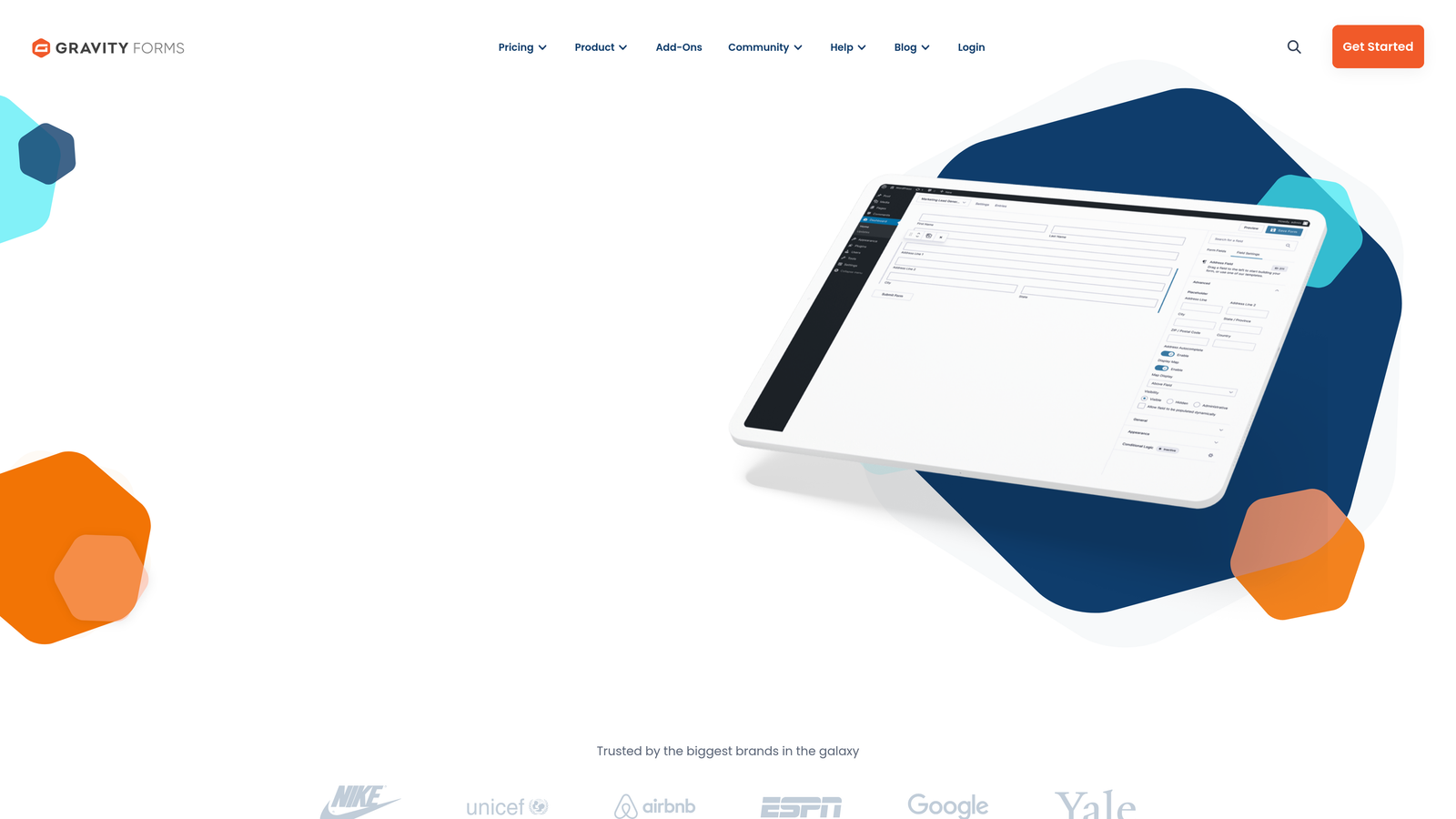
Gravity Forms is a premium WordPress plugin with extensive customization options for developers.
Where This Tool Shines
Gravity Forms treats WordPress like a first-class citizen rather than an afterthought. The deep integration means forms feel native to your site, and the plugin respects WordPress standards that developers appreciate.
The add-on ecosystem transforms basic forms into powerful business tools. Connect to payment processors, create user registration systems, or build complex approval workflows—all without leaving WordPress. For agencies managing multiple client sites, the efficiency gains are substantial.
Key Features
Native WordPress Integration: Works seamlessly with WordPress themes, plugins, and user roles.
Extensive Add-On Library: Expand functionality with official and third-party add-ons for payments, CRM, and more.
Advanced Conditional Logic: Show, hide, or require fields based on complex rules and user inputs.
Multi-Page Forms: Break long forms into steps with save-and-continue functionality for users.
Developer Hooks: Customize every aspect of form behavior with filters and actions.
Best For
WordPress agencies, developers, and businesses with complex form requirements will find Gravity Forms indispensable. If you're building membership sites, complex registration systems, or need forms that integrate tightly with custom WordPress functionality, this is your solution.
Pricing
Annual licensing starts at $59 for a single site. Elite license at $259/year includes all add-ons and unlimited sites.
6. Formstack
Best for: Enterprise organizations requiring strict compliance and workflow automation
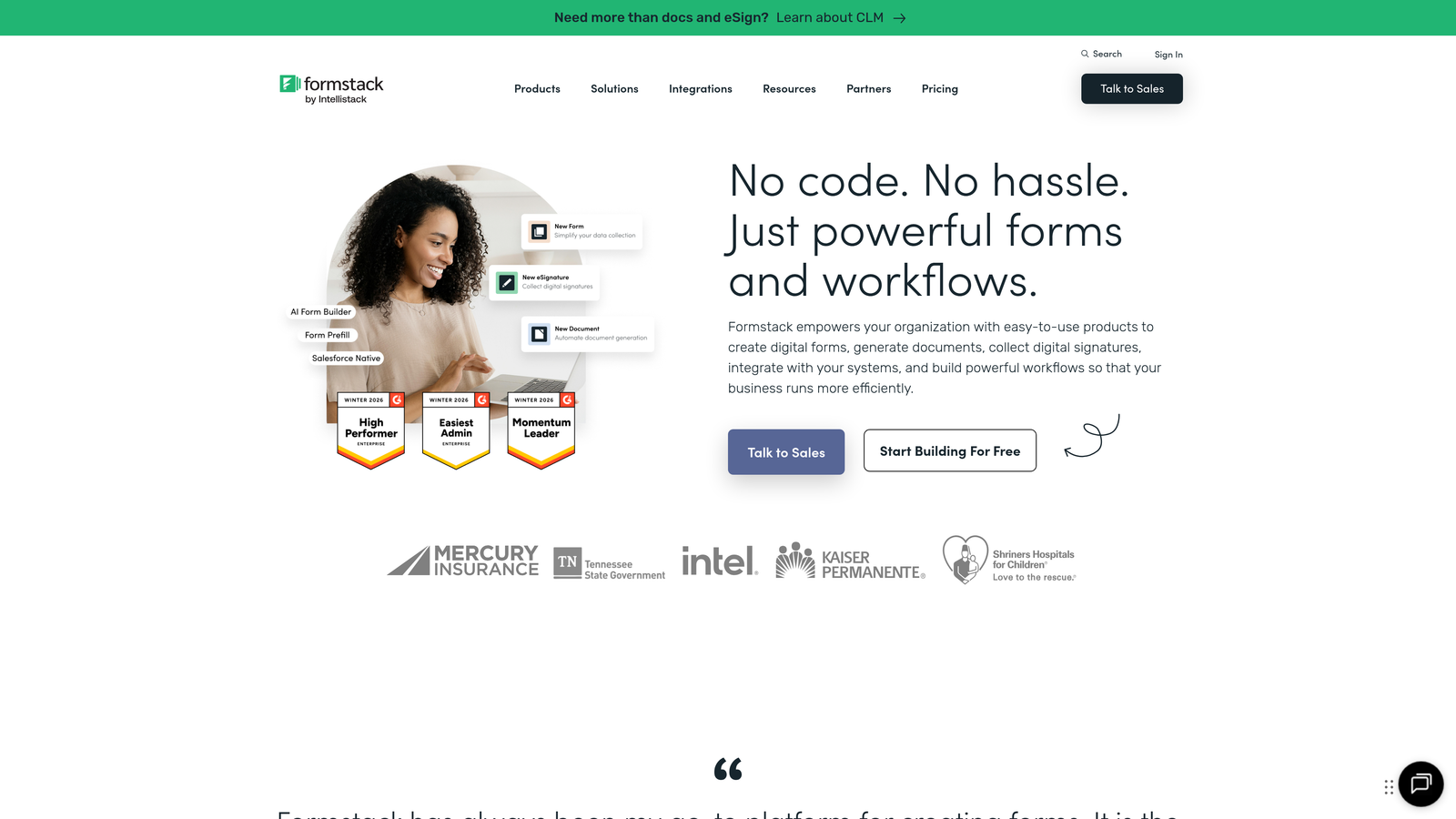
Formstack is an enterprise-grade form platform with advanced security and automation capabilities.
Where This Tool Shines
Formstack takes compliance seriously in ways that matter to regulated industries. HIPAA compliance isn't just a checkbox—it's built into the platform architecture with encrypted data storage, audit trails, and business associate agreements.
The workflow automation goes beyond simple notifications. You can build approval chains, route submissions through multiple departments, and generate documents automatically. For organizations where forms feed into complex business processes, Formstack handles the orchestration.
Key Features
Compliance Certifications: HIPAA, GDPR, and SOC 2 compliance with documentation and support for audits.
Workflow Automation: Create multi-step approval processes and route submissions based on complex rules.
Document Generation: Automatically create PDFs, contracts, and reports from form submissions.
E-Signature Integration: Collect legally binding signatures directly within forms.
Advanced Security Controls: Field-level encryption, IP restrictions, and detailed access permissions.
Best For
Healthcare providers, financial services firms, and large enterprises with strict data governance requirements need Formstack's security posture. If your forms collect sensitive information or feed into regulated processes, the compliance features justify the premium pricing.
Pricing
Plans start at $50/month for basic features. Enterprise pricing available with custom security and compliance requirements.
7. Cognito Forms
Best for: Organizations needing robust payment collection and complex calculations
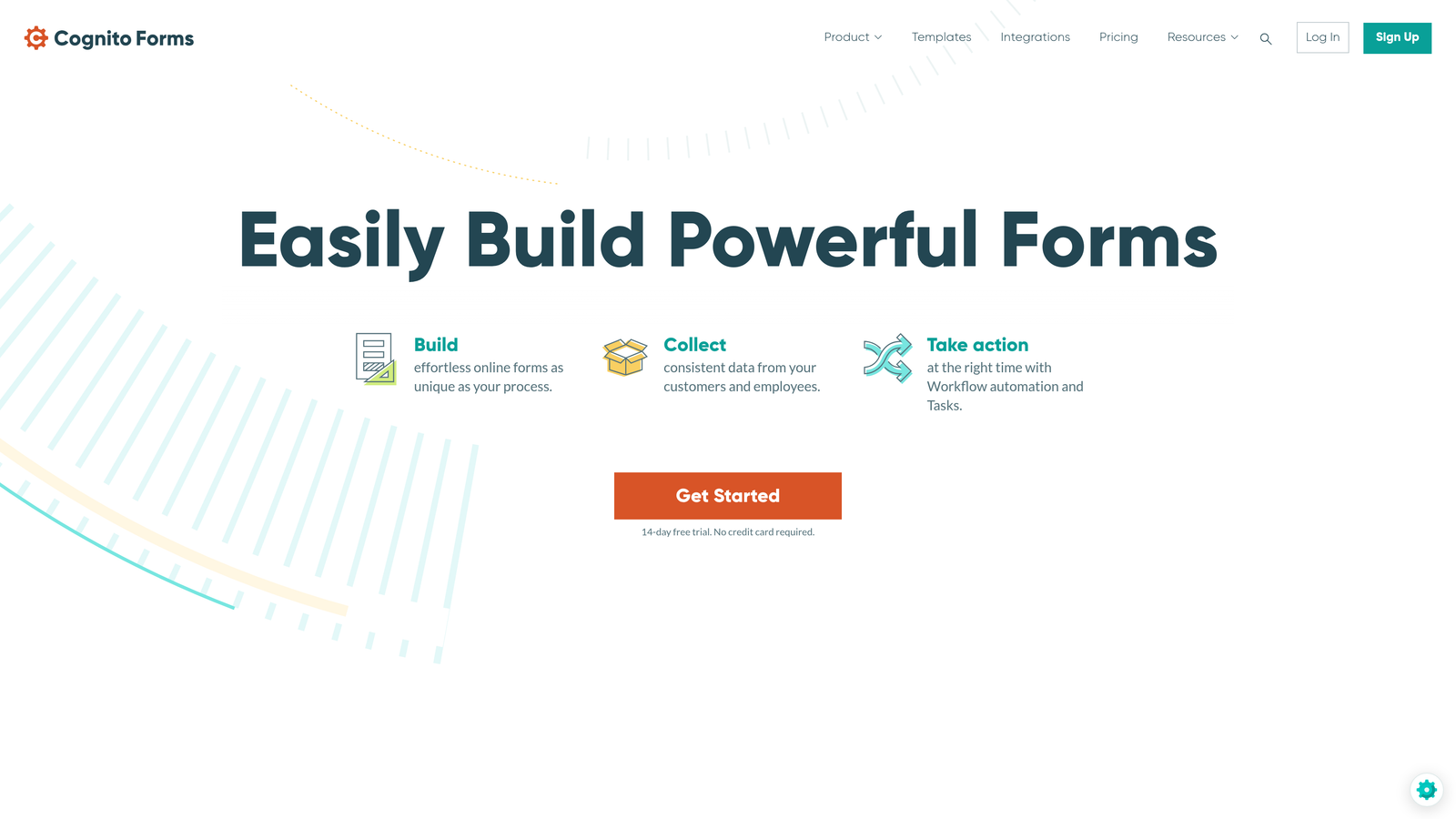
Cognito Forms is a feature-rich platform excelling at payment processing and calculation fields.
Where This Tool Shines
Cognito Forms handles payment collection with sophistication that rivals dedicated e-commerce platforms. You can calculate totals based on user selections, apply discounts, handle recurring payments, and manage inventory—all within a form.
The calculation engine is remarkably powerful. Build complex pricing models, create dynamic quotes, or calculate eligibility based on multiple factors. What would require custom development in other platforms is configuration in Cognito Forms.
Key Features
Built-In Payment Processing: Accept payments through Stripe or PayPal with no transaction fees from Cognito.
Advanced Calculations: Create complex formulas that calculate values based on user inputs and conditions.
Repeating Sections: Let users add multiple items or entries within a single form submission.
Conditional Logic: Show or hide entire sections based on sophisticated rules and calculations.
Generous Free Tier: Unlimited forms and submissions on the free plan with reasonable feature limits.
Best For
Event organizers collecting registration fees, nonprofits managing donations, and businesses selling products or services through forms will appreciate Cognito's payment capabilities. The free tier also makes it attractive for budget-conscious small businesses.
Pricing
Free plan includes unlimited forms with reasonable limits. Paid plans start at $15/month for advanced features and higher limits.
8. 123FormBuilder
Best for: Healthcare and education sectors requiring quick deployment and compliance
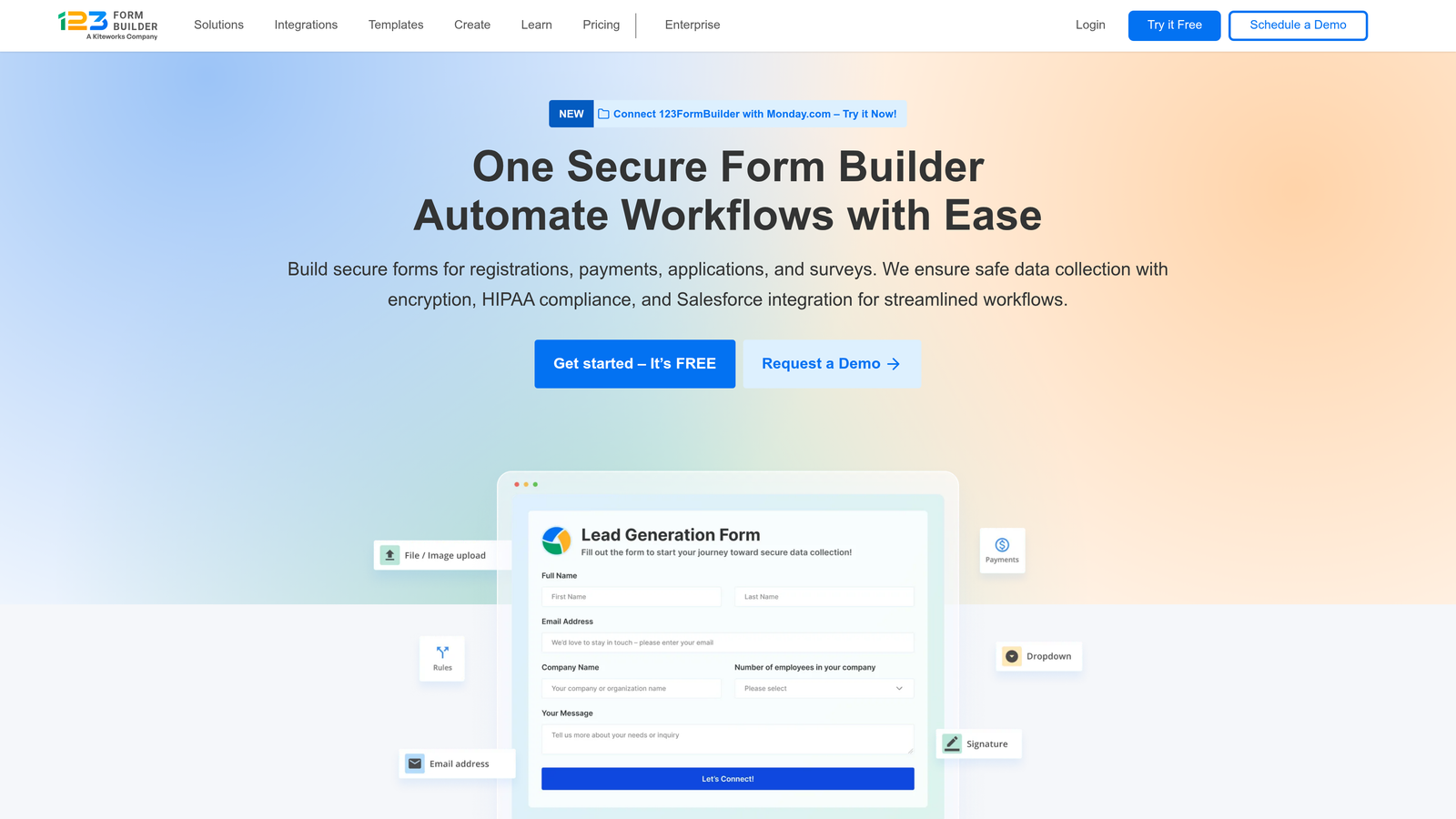
123FormBuilder is a rapid-deploy solution with strong compliance options and multi-language support.
Where This Tool Shines
123FormBuilder balances ease of use with enterprise features in a way that appeals to non-technical users in regulated industries. Healthcare administrators can create HIPAA-compliant patient intake forms without IT involvement, while maintaining the security standards their organization requires.
The multi-language support is genuinely useful for global organizations or those serving diverse communities. Forms automatically detect user language preferences and display accordingly, removing a common barrier to completion.
Key Features
HIPAA Compliance Options: Dedicated plans with encrypted storage and business associate agreements for healthcare.
200+ Integrations: Connect with popular business tools including Salesforce, Mailchimp, and Google Workspace.
Multi-Language Forms: Create forms in multiple languages with automatic detection and switching.
Electronic Signatures: Collect legally binding signatures with audit trails and verification.
Real-Time Collaboration: Multiple team members can edit forms simultaneously.
Best For
Medical practices, educational institutions, and international organizations benefit from 123FormBuilder's combination of compliance and accessibility. The platform works particularly well for teams that need to deploy forms quickly without extensive technical knowledge.
Pricing
Free basic plan available. Paid plans start at $24.99/month with HIPAA-compliant options at higher tiers.
9. Paperform
Best for: Design-conscious brands creating landing page-style form experiences
Paperform is a design-forward builder that blurs the line between forms and landing pages.
Where This Tool Shines
Paperform treats forms as content experiences rather than data collection tools. The landing page-style layout means your form can tell a story, showcase products with rich media, and guide users through a branded experience that feels cohesive with your marketing.
The platform's flexibility extends to use cases beyond traditional forms. Create product pages that accept orders, build booking systems with availability calendars, or design interactive quizzes—all with the same tool. For creative teams, this versatility eliminates the need for multiple specialized tools.
Key Features
Landing Page Design: Create full-page experiences with forms embedded in rich, branded content.
Rich Media Embedding: Add videos, images, and interactive elements throughout your forms.
Product Integration: Sell products directly through forms with inventory management and payment processing.
Custom Success Pages: Design unique thank-you pages with personalized content based on submissions.
Conditional Logic: Show different content blocks and calculate values based on user interactions.
Best For
Creative agencies, lifestyle brands, and businesses where aesthetics drive conversion will find Paperform's design flexibility invaluable. If your forms need to match a sophisticated brand identity or serve as standalone marketing assets, Paperform delivers the creative control you need.
Pricing
Plans start at $24/month with unlimited forms and submissions. Higher tiers add advanced features and remove branding.
Making the Right Choice
The best contact form software depends on where you need the most leverage. Orbit AI stands out for teams prioritizing lead qualification and conversion optimization—if turning form fills into qualified opportunities matters to your business, the AI-powered scoring and routing delivers measurable ROI.
Typeform excels when user experience drives your brand strategy. HubSpot Forms makes perfect sense if you're already in that ecosystem. WordPress power users won't find anything more capable than Gravity Forms.
For enterprise compliance needs, Formstack provides the certifications and controls regulated industries require. Jotform offers unmatched versatility across departments. Cognito Forms handles payment collection with sophistication that rivals dedicated e-commerce tools.
123FormBuilder serves healthcare and education sectors well with quick deployment and compliance options. Paperform delivers when your forms need to double as landing pages and brand experiences.
Think about your specific workflow. Do you need forms that integrate with existing tools? Are you collecting payments? Do compliance requirements dictate your choice? Is lead quality more important than lead quantity?
Most platforms offer free trials or free tiers. Test your top two or three choices with real use cases from your business. Build the same form in each platform and see which one feels most natural to your team.
Transform your lead generation with AI-powered forms that qualify prospects automatically while delivering the modern, conversion-optimized experience your high-growth team needs. Start building free forms today and see how intelligent form design can elevate your conversion strategy.


