

Service businesses live and die by their leads. Whether you're a plumber fielding emergency calls, a marketing agency qualifying prospects, or a law firm screening potential clients, the right lead form can mean the difference between a booked calendar and an empty pipeline. But not all form builders are created equal—service businesses need forms that capture the right information, qualify leads automatically, and integrate seamlessly with scheduling and CRM tools.
We evaluated dozens of options based on ease of use, service-specific features, integration capabilities, and pricing to bring you the best lead forms for service businesses in 2026.
1. Orbit AI
Best for: Service teams that want AI to handle lead qualification automatically
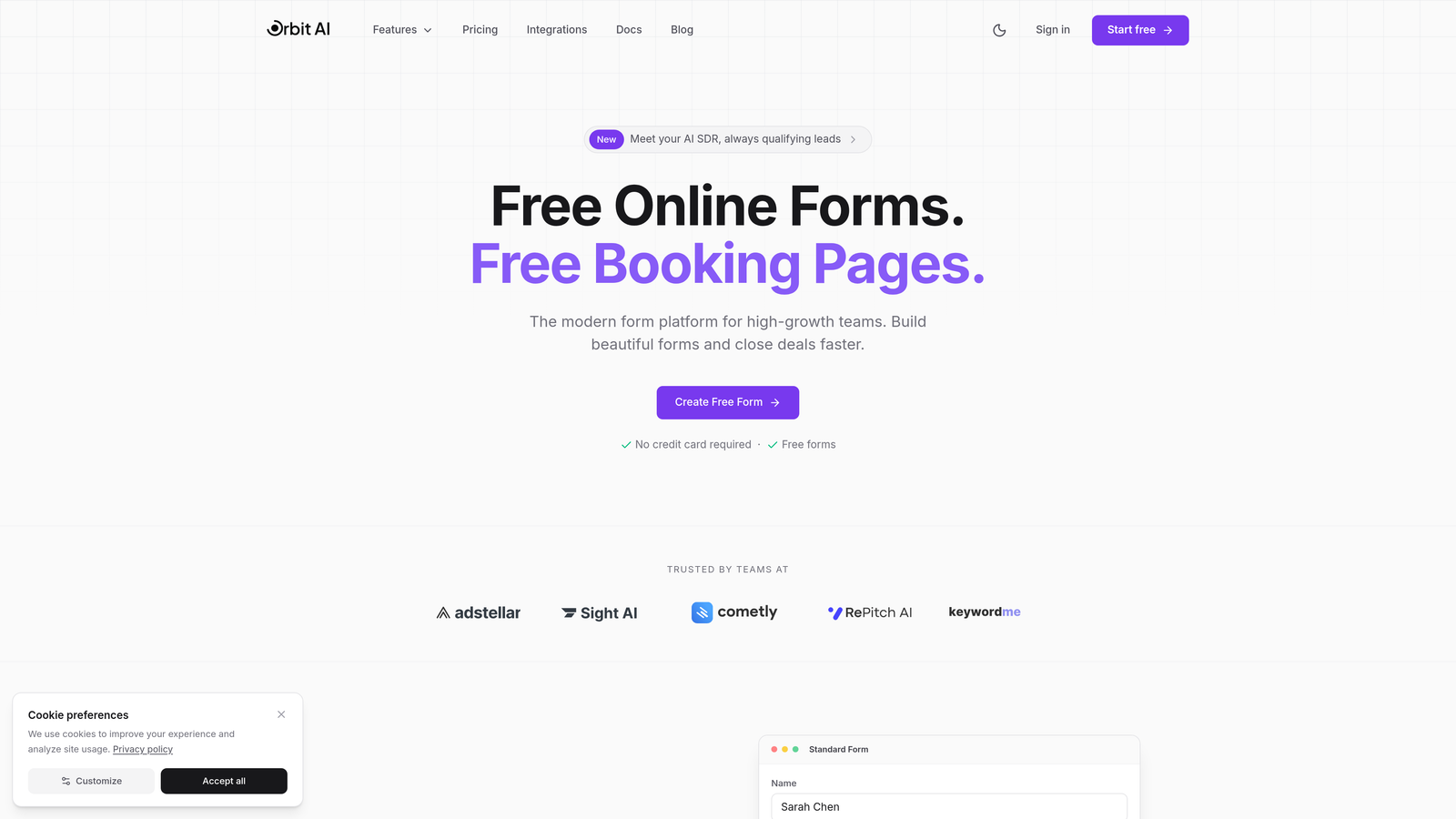
Orbit AI is an AI-powered form builder designed specifically for high-growth service teams that need intelligent lead qualification.
Where This Tool Shines
The standout feature here is automatic lead qualification. Instead of manually sorting through every form submission to figure out which prospects are worth your time, Orbit AI scores and qualifies leads as they come in. This means your sales team spends time talking to qualified prospects instead of chasing tire-kickers.
The platform focuses on conversion optimization with modern templates that actually look good and perform well. If you've ever cringed at how your current forms look on mobile, you'll appreciate the attention to design here.
Key Features
AI-Powered Lead Scoring: Automatically evaluates and prioritizes incoming leads based on qualification criteria you set.
Conversion-Optimized Templates: Modern, mobile-responsive designs built specifically for service business use cases.
Scheduling Integration: Connect directly to your calendar so qualified leads can book time immediately.
CRM Connections: Seamlessly push data to your existing CRM and workflow automation tools.
Real-Time Analytics: Dashboard showing conversion rates, lead quality metrics, and form performance.
Best For
High-growth service businesses that receive enough leads to make manual qualification a time sink. If you're spending hours each week sorting through form submissions, or if you're missing good leads because they get lost in the noise, this is worth exploring.
Pricing
Free tier available to get started. Paid plans begin at $29/month for teams that need advanced qualification features and higher submission limits.
2. Typeform
Best for: Creating engaging, conversational form experiences that feel less like forms
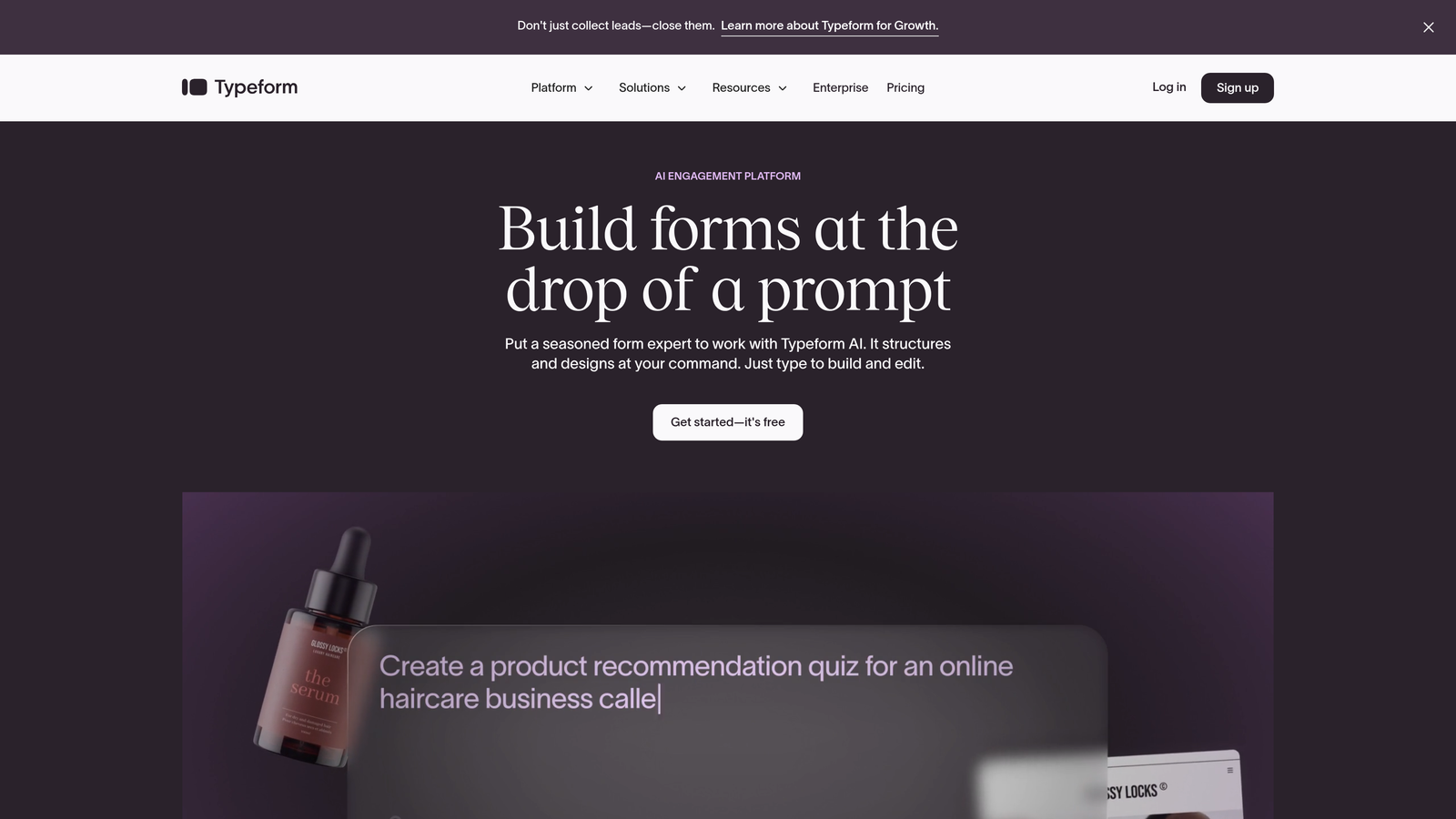
Typeform is a conversational form builder known for its one-question-at-a-time approach that keeps users engaged.
Where This Tool Shines
Typeform pioneered the conversational form format, and they're still the best at it. Instead of overwhelming prospects with a wall of fields, you show one question at a time. This approach significantly improves completion rates because it feels more like a conversation than an interrogation.
The platform excels at creating forms that people actually want to fill out. If your service requires collecting detailed information upfront, Typeform's approach makes that process feel natural rather than burdensome.
Key Features
One-Question-at-a-Time Format: Conversational interface that reduces form abandonment and improves completion rates.
Conditional Logic: Show or hide questions based on previous answers to create personalized qualification paths.
Design Templates: Beautiful, professionally designed templates that work across all devices.
Integration Library: Connects to hundreds of tools including most major CRMs, email platforms, and project management systems.
Custom Branding: Full control over colors, fonts, and design to match your brand identity.
Best For
Service businesses where user experience matters and you need to collect detailed qualification information without scaring prospects away. Particularly effective for consulting, coaching, and professional services where building rapport starts with the form.
Pricing
Free tier available with basic features. Paid plans start at $25/month for access to advanced logic, integrations, and branding options.
3. Jotform
Best for: Service businesses that need payment collection and contract generation in one platform
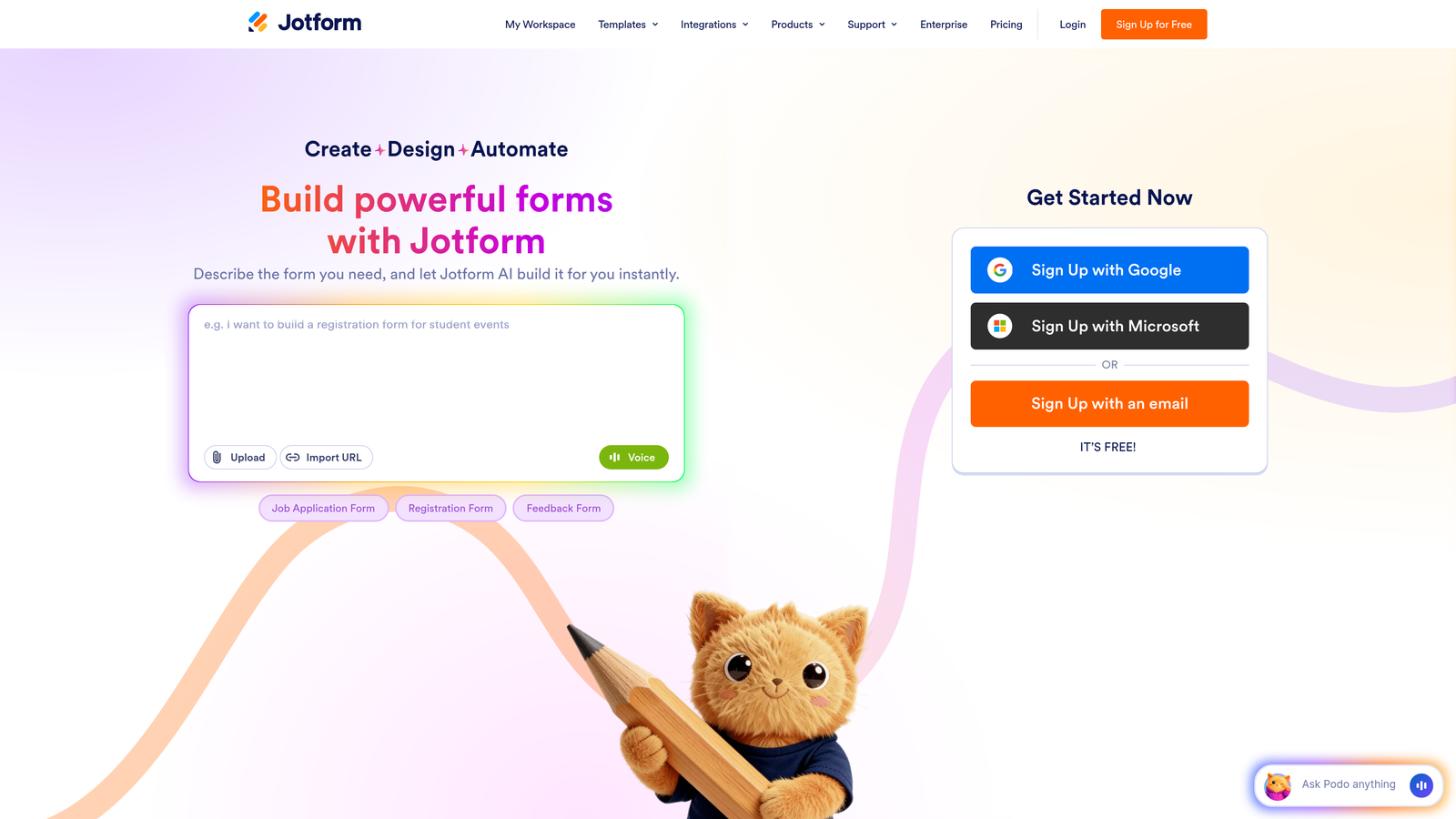
Jotform is a feature-rich form builder with thousands of templates and built-in payment processing capabilities.
Where This Tool Shines
The template library is massive. With over 10,000 pre-built forms, you can find something specifically designed for your service type rather than starting from scratch. Whether you run a cleaning service, consulting firm, or home repair business, there's likely a template built for your exact use case.
The payment integration is seamless. You can collect deposits, booking fees, or full payments right in the form. For service businesses that require payment upfront to secure bookings, this eliminates an entire step in your workflow.
Key Features
10,000+ Templates: Industry-specific form templates covering virtually every service business category.
Payment Processing: Built-in integrations with PayPal, Stripe, Square, and other payment processors.
PDF Generation: Automatically create contracts, quotes, and service agreements from form submissions.
Mobile App: Field service teams can collect information offline and sync when connected.
E-Signature Collection: Get client signatures directly in the form for contracts and agreements.
Best For
Service businesses that need an all-in-one solution for lead capture, payment collection, and contract generation. Especially valuable for field service businesses where the mobile app makes offline data collection possible.
Pricing
Free tier includes up to 5 forms with 100 monthly submissions. Paid plans start at $34/month for unlimited forms and submissions.
4. HubSpot Forms
Best for: Service businesses already using HubSpot CRM or marketing automation
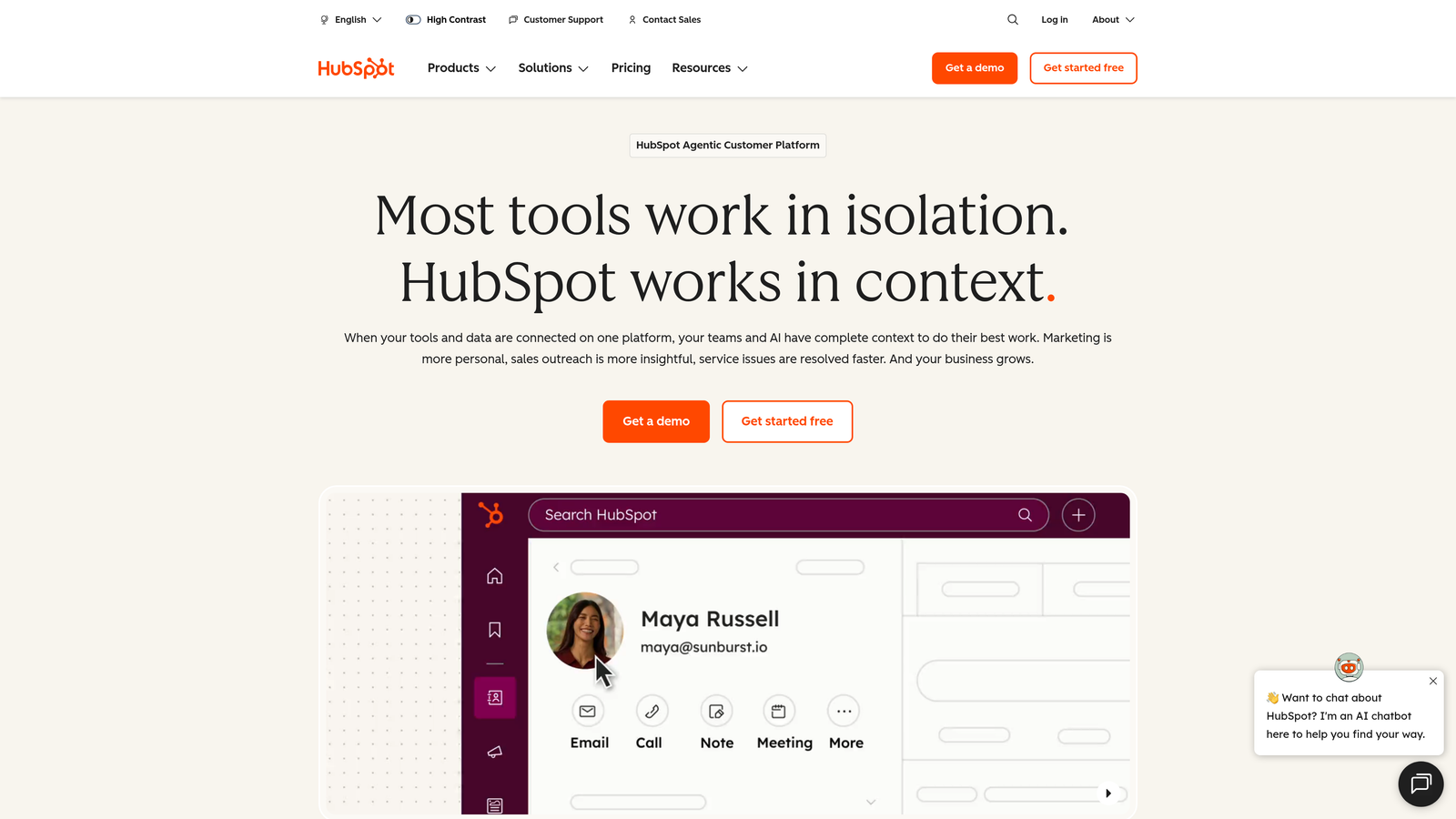
HubSpot Forms is the native form builder within HubSpot's marketing and CRM ecosystem.
Where This Tool Shines
If you're already in the HubSpot ecosystem, this is a no-brainer. The integration is native, meaning every form submission automatically creates or updates contact records, triggers workflows, and populates deal pipelines without any setup friction.
Progressive profiling is brilliant for service businesses with longer sales cycles. Instead of asking returning visitors the same questions, the form automatically adapts to request new information each time. This builds a complete profile over multiple interactions without annoying prospects.
Key Features
Native CRM Integration: Form data flows directly into HubSpot CRM with zero configuration required.
Progressive Profiling: Forms automatically show different questions to returning visitors based on what you already know.
Smart Fields: Pre-populate form fields with known contact information to reduce friction.
Built-In Analytics: Track conversion rates, submission sources, and form performance without external tools.
Workflow Triggers: Automatically route leads, send notifications, and trigger follow-up sequences based on form submissions.
Best For
Service businesses that have already invested in HubSpot for CRM or marketing automation. The value multiplies if you're using HubSpot's sales tools, email marketing, or service hub.
Pricing
Free with HubSpot CRM. Advanced features like progressive profiling and dependent fields require Marketing Hub, which starts at $45/month.
5. Calendly Routing Forms
Best for: Service businesses where booking appointments is the primary conversion goal
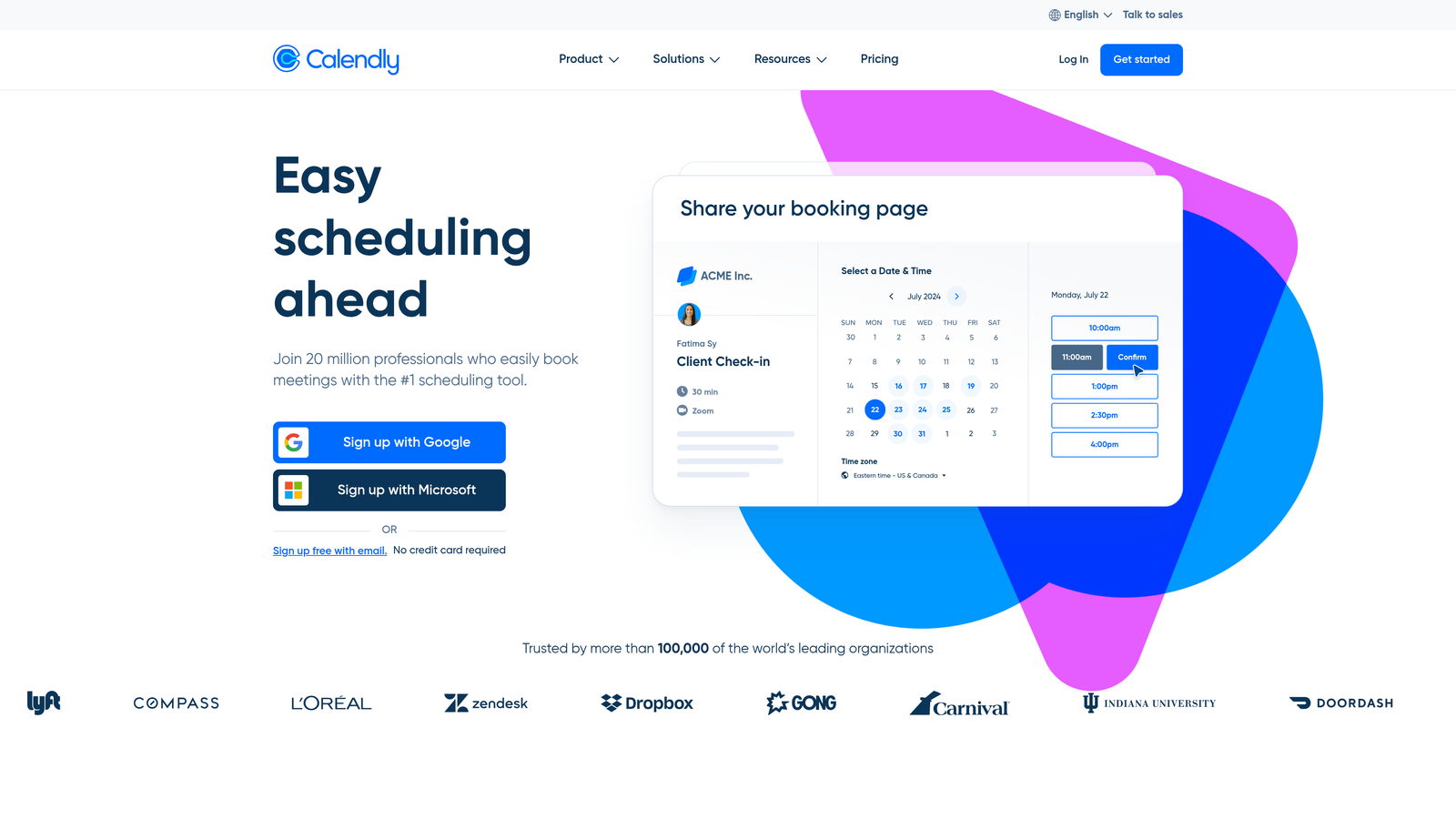
Calendly offers routing forms that qualify leads and connect them directly to scheduling without friction.
Where This Tool Shines
The magic is in the routing. Ask a few qualification questions, and Calendly automatically directs prospects to the right team member's calendar based on their answers. If someone needs a consultation, they go to sales. If they need support, they go to your service team. All automatically.
The integration between qualification and booking is seamless. There's no "submit form, wait for email, then schedule" dance. Qualified prospects book time immediately while they're still engaged.
Key Features
Lead Qualification with Instant Booking: Qualify prospects and get them scheduled in a single flow.
Smart Routing: Automatically assign prospects to the appropriate team member based on their responses.
CRM Integration: Connects with Salesforce, HubSpot, and other major CRM platforms.
Video Tool Integration: Automatically creates Zoom, Google Meet, or Microsoft Teams links for virtual appointments.
Automated Reminders: Reduces no-shows with automatic email and SMS reminders.
Best For
Service businesses where the primary goal is getting qualified prospects on your calendar. Consulting firms, agencies, professional services, and any business that sells through scheduled conversations.
Pricing
Basic scheduling is free. Teams plan with routing forms starts at $16/user/month.
6. Paperform
Best for: Service businesses that need to generate instant quotes or estimates
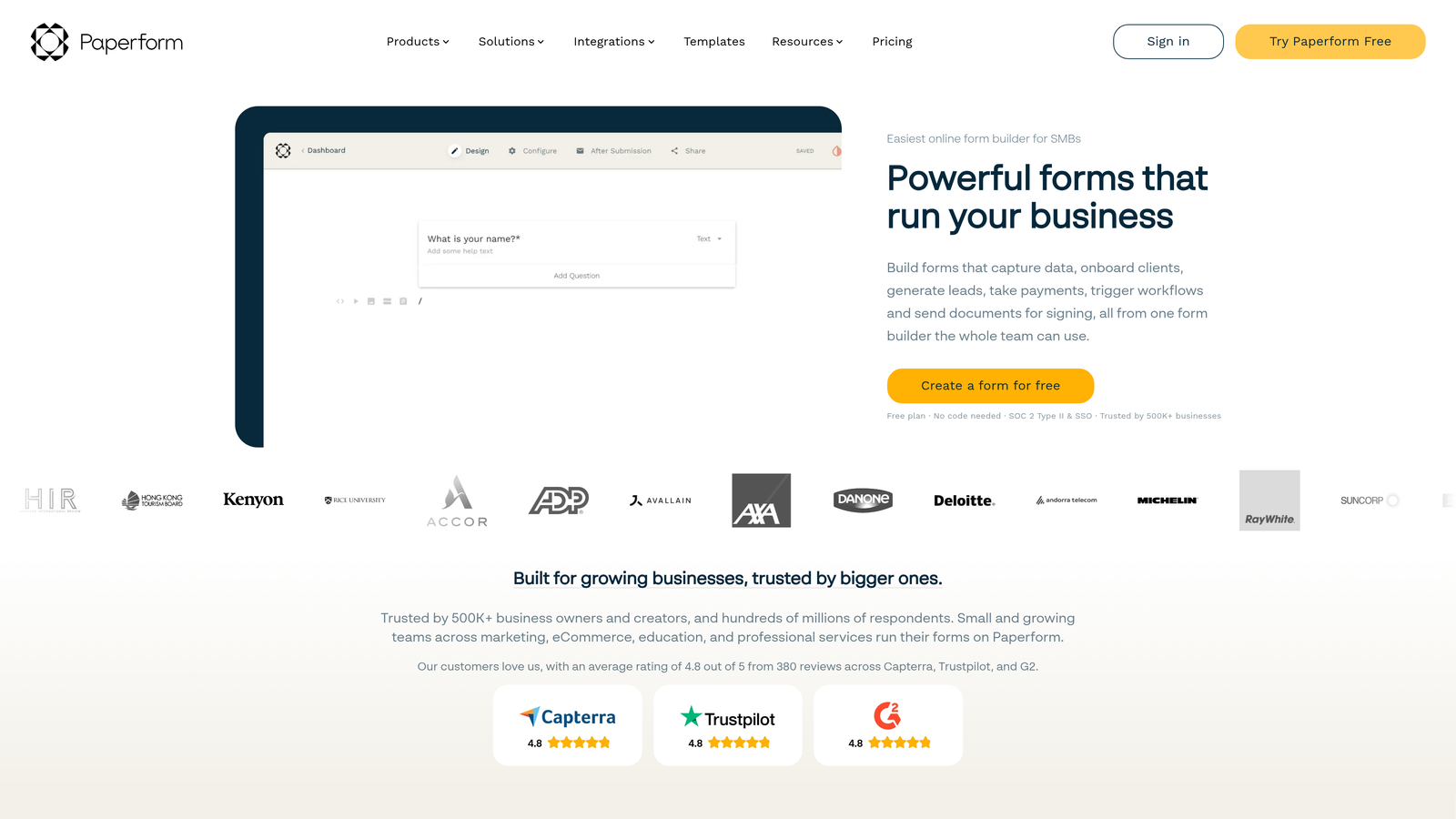
Paperform is a document-style form builder with built-in calculation fields for creating dynamic quotes.
Where This Tool Shines
The calculation engine is powerful. You can build forms that generate instant quotes based on service selections, quantities, and options. A cleaning service can calculate pricing based on square footage and frequency. A contractor can estimate costs based on project scope and materials.
The document-style layout feels more professional than traditional forms. It looks like a service agreement or quote request rather than a generic web form, which builds trust with higher-value prospects.
Key Features
Document-Style Layout: Forms look like professional documents rather than typical web forms.
Calculation Fields: Build formulas to generate instant quotes, estimates, and pricing based on user selections.
E-Signature Collection: Capture legally binding signatures directly in the form.
Scheduling Integration: Connect to calendars for appointment booking after quote acceptance.
Payment Processing: Collect deposits or full payment alongside quote requests.
Best For
Service businesses that provide custom quotes or estimates where pricing varies based on scope, options, or project details. Particularly valuable for contractors, event services, and professional services with variable pricing.
Pricing
Plans start at $24/month with unlimited forms and submissions.
7. Gravity Forms
Best for: WordPress-based service businesses that need complete customization control
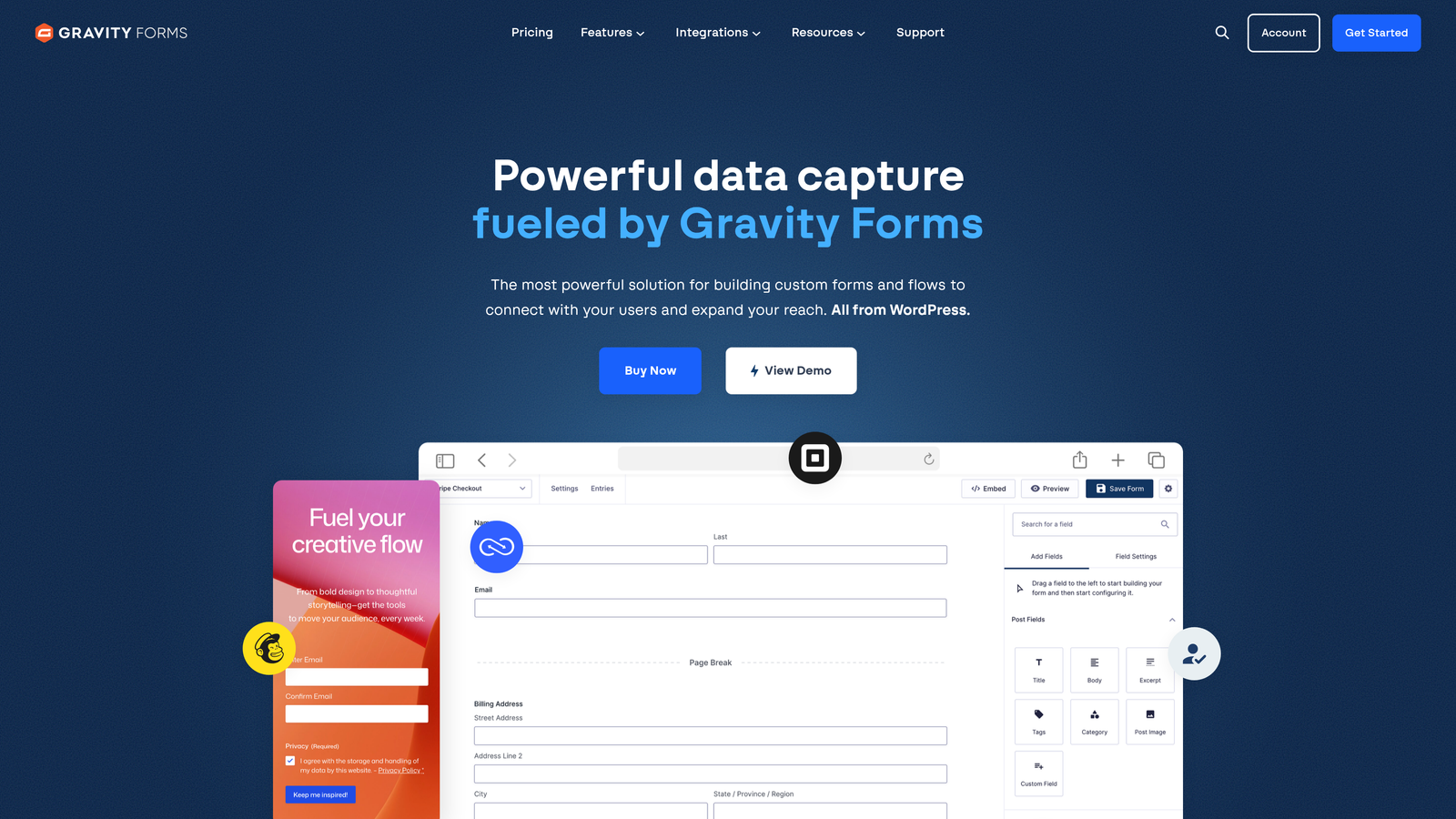
Gravity Forms is a self-hosted WordPress form plugin with extensive customization options and developer tools.
Where This Tool Shines
Complete data control. Because it's self-hosted on your WordPress site, all form submissions stay in your database. For service businesses in regulated industries or those with strict data privacy requirements, this matters.
The add-on ecosystem is extensive. Need to integrate with a niche CRM or industry-specific tool? There's probably a Gravity Forms add-on for it. The developer community has built integrations for virtually every service business need.
Key Features
Self-Hosted Solution: All data stays on your server with complete control over storage and security.
Add-On Marketplace: Hundreds of official and third-party add-ons for CRM, payment, and tool integrations.
Advanced Conditional Logic: Create complex qualification flows with multi-level branching.
Developer-Friendly: Extensive hooks, filters, and APIs for custom functionality.
Multi-Page Forms: Break long qualification processes into manageable steps with progress indicators.
Best For
WordPress-based service businesses that need complete customization control or have specific data privacy requirements. Also ideal if you have development resources and need to build custom integrations.
Pricing
License starts at $59/year for a single site. Higher tiers include additional add-ons and support for multiple sites.
8. Formstack
Best for: Enterprise service organizations with compliance and security requirements
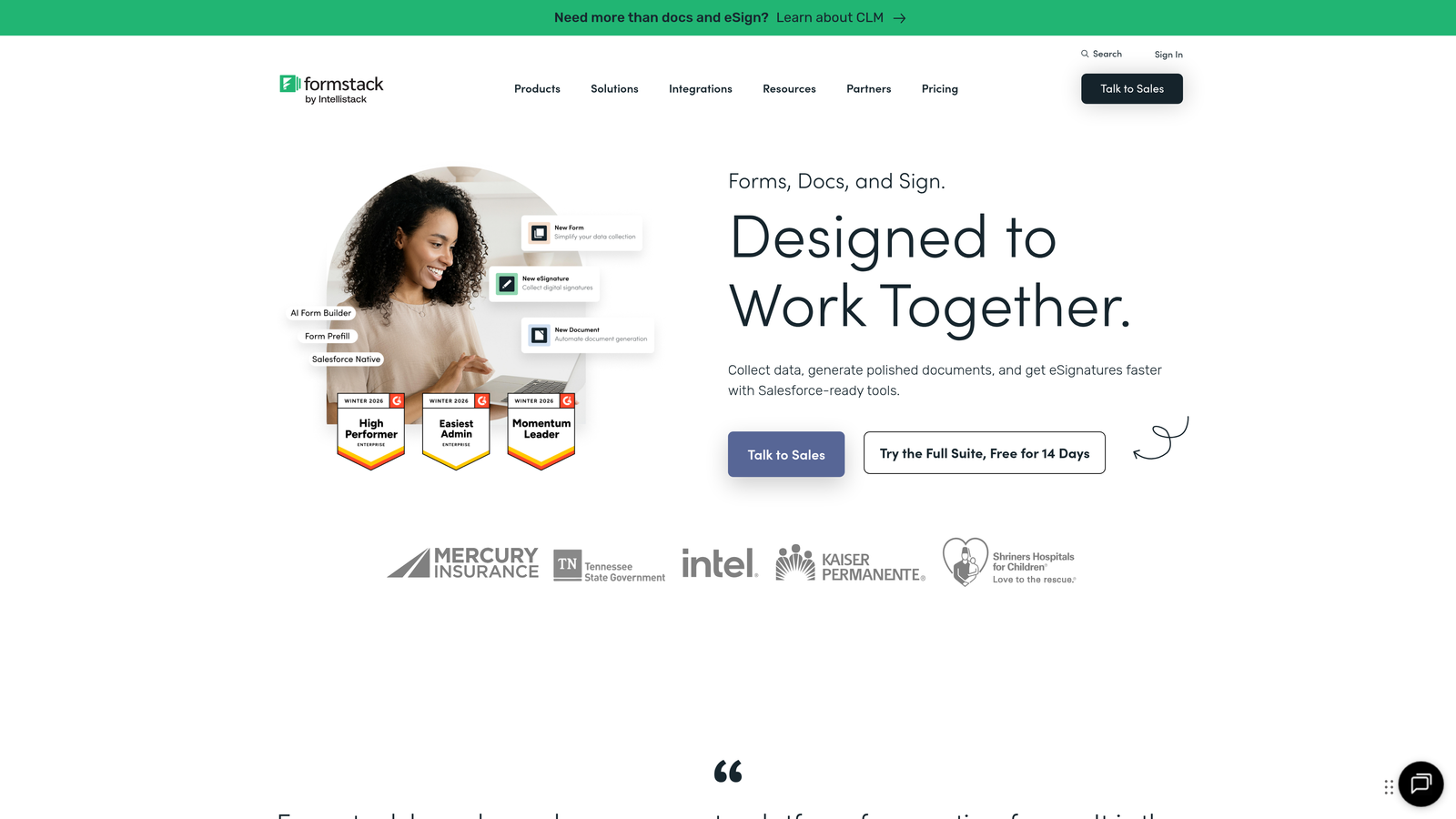
Formstack is an enterprise-grade form builder with advanced compliance features and workflow automation.
Where This Tool Shines
HIPAA compliance is built in, not bolted on. Healthcare service providers, legal firms, and other businesses handling sensitive information get the security and compliance features they need without custom development.
The workflow automation goes beyond basic form-to-CRM connections. You can build complex approval processes, generate documents automatically, route submissions through multi-step workflows, and trigger actions across your entire tech stack.
Key Features
HIPAA-Compliant Forms: Built-in compliance features for healthcare and other regulated industries.
Advanced Workflow Automation: Create multi-step approval processes and complex routing rules.
Document Generation: Automatically create contracts, quotes, and agreements from form data.
E-Signature Integration: Collect legally binding signatures with audit trails.
Enterprise Security: SSO, advanced encryption, and comprehensive audit logging.
Best For
Enterprise service organizations, healthcare providers, legal firms, and any business with strict compliance requirements or complex approval workflows.
Pricing
Plans start at $50/month. Enterprise pricing available for organizations with advanced compliance and security needs.
9. Google Forms
Best for: Small service businesses and solopreneurs just getting started with lead capture
Google Forms is a free, straightforward form builder integrated with Google Workspace.
Where This Tool Shines
It's completely free with no submission limits. For service businesses just starting out or testing a new service offering, you can't beat the price point. Create unlimited forms, collect unlimited responses, and never pay a dollar.
The Google Sheets integration is instant and automatic. Every form submission creates a new row in a spreadsheet, making it easy to sort, filter, and analyze your leads without learning a new platform.
Key Features
Completely Free: Unlimited forms and submissions at no cost.
Google Sheets Integration: Automatic export of all responses to spreadsheets for analysis.
Basic Conditional Logic: Show or hide questions based on previous answers.
Collaborative Editing: Multiple team members can edit forms simultaneously.
Mobile-Responsive: Forms automatically adapt to any device size.
Best For
Solopreneurs, small service businesses, and anyone who needs basic lead capture without advanced features. Also ideal for testing new service offerings before investing in premium tools.
Pricing
Completely free with a Google account.
Making the Right Choice
The best lead form for your service business depends on your specific workflow and goals. If you want AI-powered qualification that saves your team hours of manual lead sorting, Orbit AI delivers that out of the box. For businesses prioritizing engaging user experiences, Typeform's conversational approach keeps completion rates high. Service businesses already invested in HubSpot will find their native forms the path of least resistance.
If scheduling is your primary conversion goal, Calendly's routing forms eliminate friction between interest and booking. Need to generate instant quotes? Paperform's calculation engine handles that beautifully. And if you're just getting started or have a tight budget, Google Forms gets you capturing leads immediately at zero cost.
Think about your actual workflow. Where do leads go after they submit the form? What information do you need to qualify them? How do you currently waste time in your lead process? The right form builder solves real problems in your workflow rather than creating new ones.
Whatever you choose, the key is matching your form builder to your actual workflow, not the other way around. Start with one high-impact form, measure your results, and iterate from there. Transform your lead generation with AI-powered forms that qualify prospects automatically while delivering the modern, conversion-optimized experience your high-growth team needs. Start building free forms today and see how intelligent form design can elevate your conversion strategy.


