

Gravity Forms has long been the default WordPress form plugin for serious builders. But modern teams are increasingly asking whether a WordPress-locked, developer-dependent tool still fits how they work today. High-growth SaaS companies, marketing agencies, and B2B sales teams need forms that qualify leads intelligently, integrate with their stack without custom code, and look polished without a designer on call.
The good news: purpose-built alternatives have matured significantly. Whether your priority is AI-powered lead qualification, conversational UX, enterprise compliance, or simply breaking free from WordPress dependency, there's a tool built for your use case. Here are the top Gravity Forms alternatives worth considering in 2026, evaluated on ease of use, lead qualification capabilities, integrations, design flexibility, and pricing.
1. Orbit AI
Best for: High-growth SaaS and B2B teams that need forms to qualify leads, not just collect them.
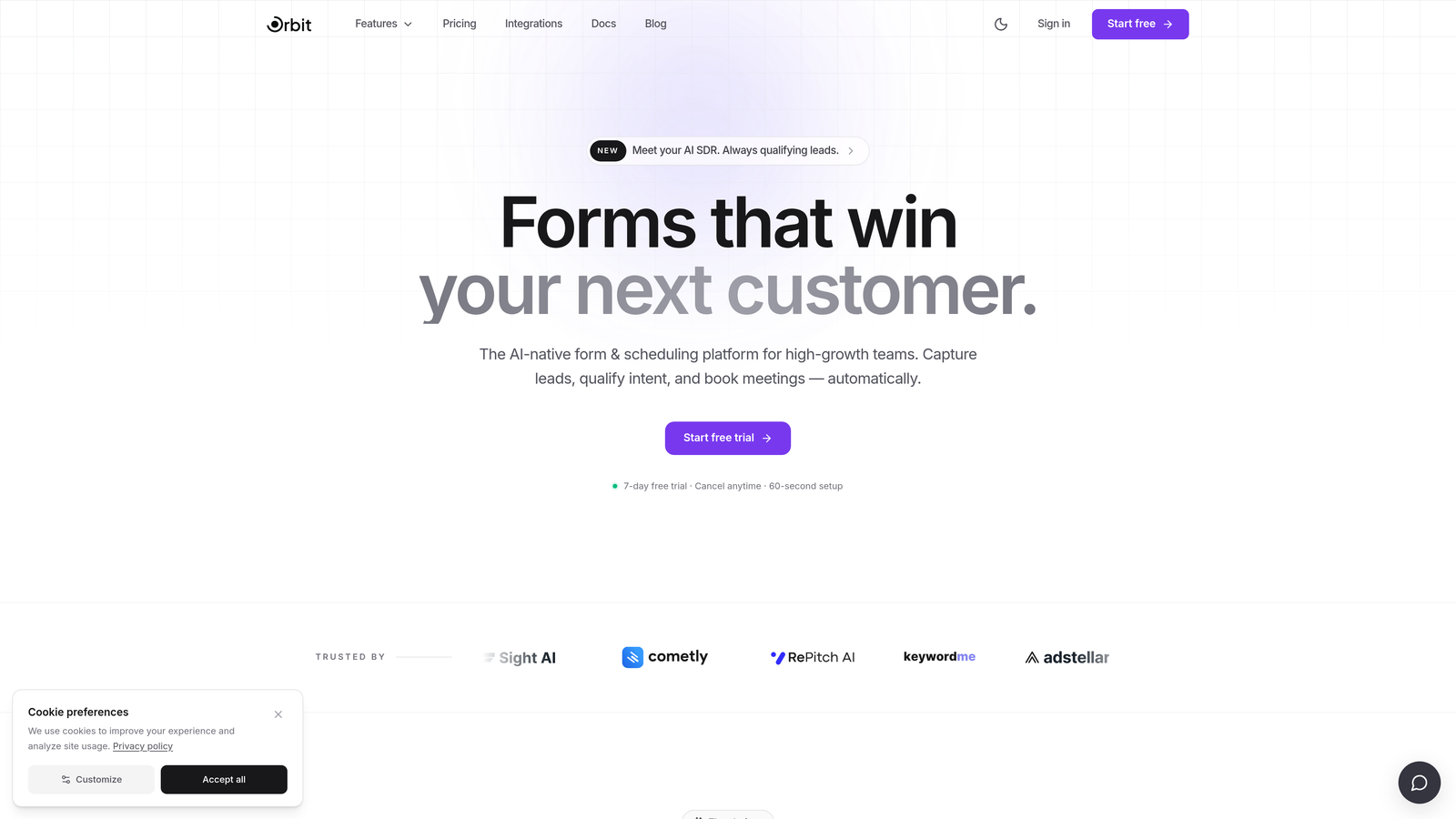
Orbit AI is an AI-powered form builder purpose-built for conversion-focused teams who want intelligent lead qualification baked in from the start.
Where This Tool Shines
Most form builders treat every submission equally. Orbit AI doesn't. Its built-in AI lead scoring evaluates each submission against your ideal customer profile, so your sales team spends time on prospects that actually matter. That's a meaningful shift for teams running high-volume lead generation campaigns.
Beyond scoring, the smart conditional logic adapts the form experience in real time based on user input. A prospect who identifies as an enterprise buyer sees a different path than someone exploring a free trial. The result is a more relevant experience for the user and richer qualification data for your team.
Key Features
AI Lead Qualification and Scoring: Automatically evaluates and scores every submission based on your criteria, surfacing your best leads without manual review.
Smart Conditional Logic: Adapts form questions dynamically based on prior answers, creating personalized paths for different buyer segments.
Conversion-Optimized Templates: Pre-built templates designed specifically for SaaS and B2B use cases, removing the guesswork from form structure.
CRM and Marketing Stack Integrations: Routes qualified leads directly into your CRM or marketing automation platform without custom code or middleware.
Mobile-First Design: Modern, responsive design defaults that look polished on any device without requiring a developer or designer.
Best For
Orbit AI is the strongest fit for SaaS companies, B2B marketing teams, and growth-focused operations that want their forms to do active work in the pipeline, not just pass raw data to a spreadsheet. If lead qualification is a priority, this is the tool built around that problem.
Pricing
Paid plans available. Visit orbitforms.ai for current pricing details and plan options.
2. Typeform
Best for: Teams prioritizing respondent engagement and completion rates through conversational form experiences.
Typeform is a conversational form builder known for its one-question-at-a-time format that transforms data collection into an interactive experience.

Where This Tool Shines
Typeform's signature format reduces the visual overwhelm of traditional forms. By presenting one question at a time, it creates a more focused experience that many teams find improves engagement and completion. This makes it particularly effective for longer surveys, onboarding questionnaires, and research forms.
Its Logic Jumps feature allows for conditional branching, so respondents only see questions relevant to their previous answers. Combined with the ability to embed video and images, Typeform lets you build form experiences that feel more like conversations than data entry.
Key Features
Conversational Interface: One-question-at-a-time format that reduces friction and creates a more engaging respondent experience.
Logic Jumps: Conditional branching that personalizes the form path based on prior answers.
Rich Media Embeds: Add video, images, and GIFs directly within form questions for brand-forward experiences.
Integrations: Native connections with HubSpot, Salesforce, Zapier, and other major platforms.
Analytics Dashboard: Track drop-off rates, completion rates, and question-level performance to optimize over time.
Best For
Typeform works well for marketing teams running surveys, customer research, or lead capture where engagement quality matters. It's less suited for teams that need native lead scoring or deep CRM qualification logic without additional tooling.
Pricing
Free plan available. Paid plans start at $25/month billed annually. Pricing scales with response volume, which is worth factoring in for high-traffic use cases.
3. Tally
Best for: Startups and indie teams that need unlimited forms and a clean interface without paying for it.
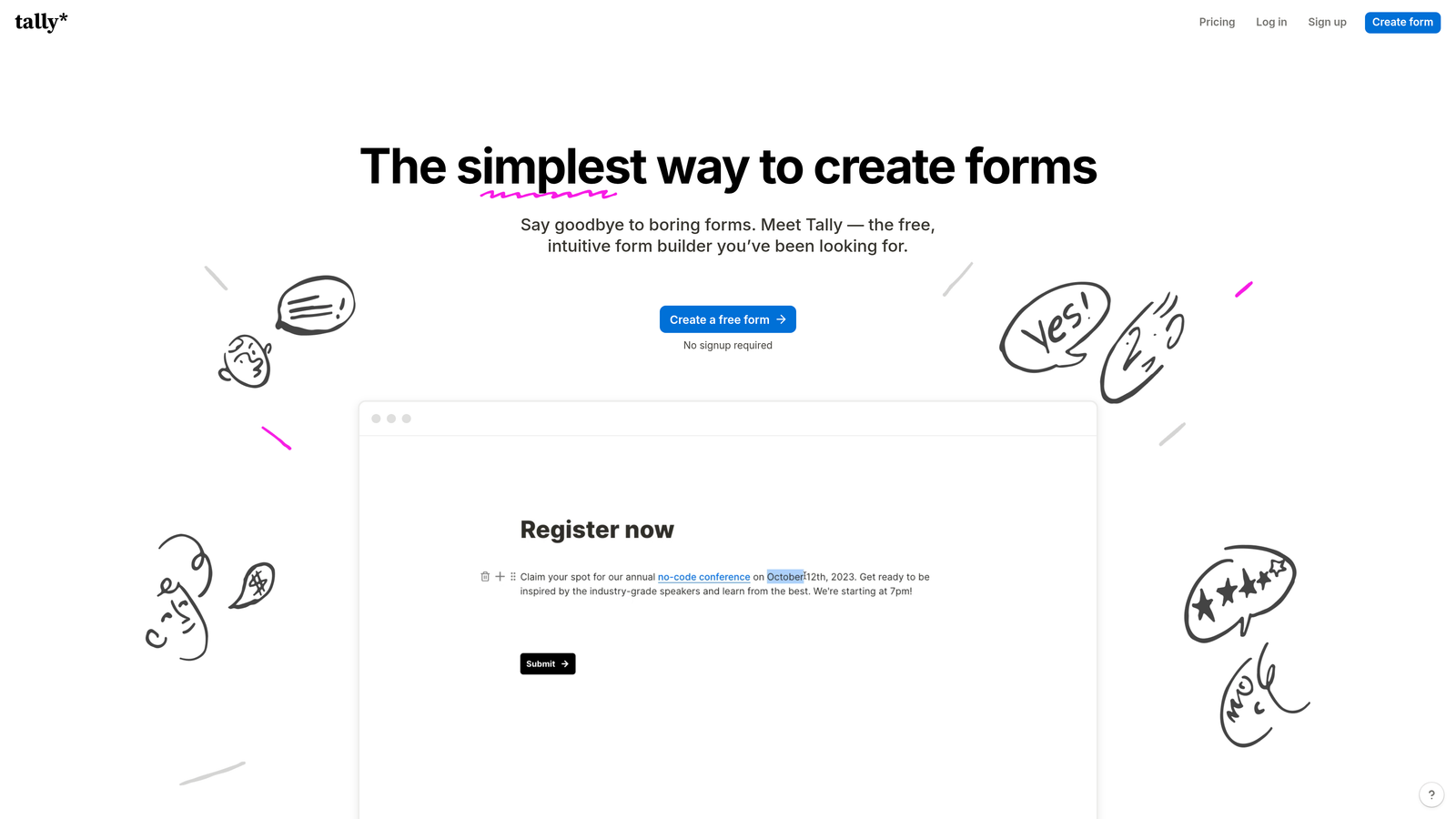
Tally is a Notion-inspired free form builder offering unlimited forms and submissions on its free tier, making it a favorite in startup and indie maker communities.
Where This Tool Shines
Tally's block-based editor feels immediately familiar to anyone who uses Notion. You build forms the same way you'd write a document, which dramatically lowers the learning curve. For teams that need to spin up forms quickly without a dedicated tool budget, it's hard to beat the free plan's generosity.
The clean, minimal aesthetic also means forms look professional by default. There's no heavy branding or visual noise to strip out, which is a common pain point with free-tier tools from larger platforms.
Key Features
Unlimited Free Forms and Submissions: No artificial caps on the free plan, which is genuinely rare among form builders.
Block-Based Editor: Notion-style interface that's intuitive for teams already working in that ecosystem.
Conditional Logic and Hidden Fields: Basic branching and data pre-population for smarter form flows.
Clean Embed Options: Embeds natively on any website without visual clutter or platform branding.
Zapier and Native Integrations: Connect to your existing workflow tools for automated data routing.
Best For
Tally is ideal for early-stage startups, solo operators, and teams with lightweight form needs who want a polished result without a monthly bill. It's not the right fit for teams that need lead scoring, advanced qualification logic, or deep CRM integration out of the box.
Pricing
Free plan available with unlimited forms and submissions. Tally Pro starts at $29/month for advanced features including custom domains and integrations.
4. HubSpot Forms
Best for: Teams already using HubSpot CRM who want zero-friction lead capture with native contact syncing.
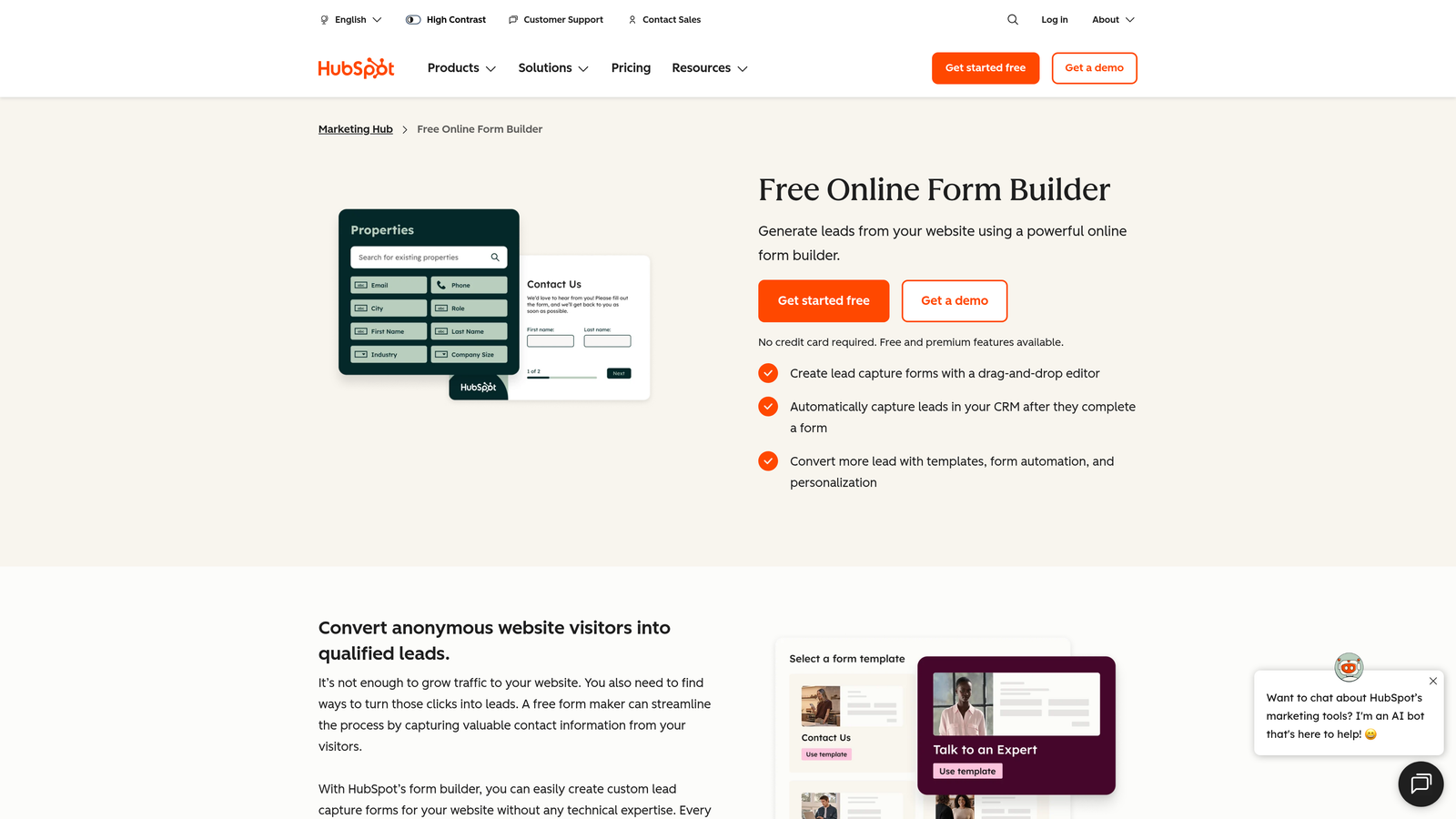
HubSpot Forms is the native form builder within the HubSpot platform, offering seamless CRM sync and marketing workflow triggers without any integration setup.
Where This Tool Shines
If your team lives in HubSpot, the forms tool is a no-brainer starting point. Every submission automatically creates or updates a contact record, triggers workflows, and feeds into your reporting. There's no Zapier zap to maintain, no API connection to break, and no data mapping to configure.
Progressive profiling is a standout capability. Rather than asking the same questions repeatedly, HubSpot Forms recognizes returning visitors and collects new data fields instead, building richer contact profiles over time without increasing form friction.
Key Features
Native CRM Sync: Every submission instantly creates or updates a HubSpot contact record with no integration required.
Smart Fields: Pre-fills known information for returning contacts, reducing friction for repeat visitors.
Workflow Triggers: Automatically enroll contacts in sequences, send notifications, or update deal stages on submission.
Progressive Profiling: Collects new data fields on each visit to build complete contact profiles over time.
Free to Start: Available at no additional cost with any HubSpot account, including the free tier.
Best For
HubSpot Forms is the obvious choice for teams already invested in the HubSpot ecosystem. For teams not using HubSpot, the design limitations and platform dependency make it a less compelling standalone option compared to purpose-built form tools.
Pricing
Free with HubSpot Free. Advanced features require Marketing Hub paid plans starting at $15/month per seat.
5. Jotform
Best for: Teams with complex, diverse form needs spanning multiple departments and use cases.
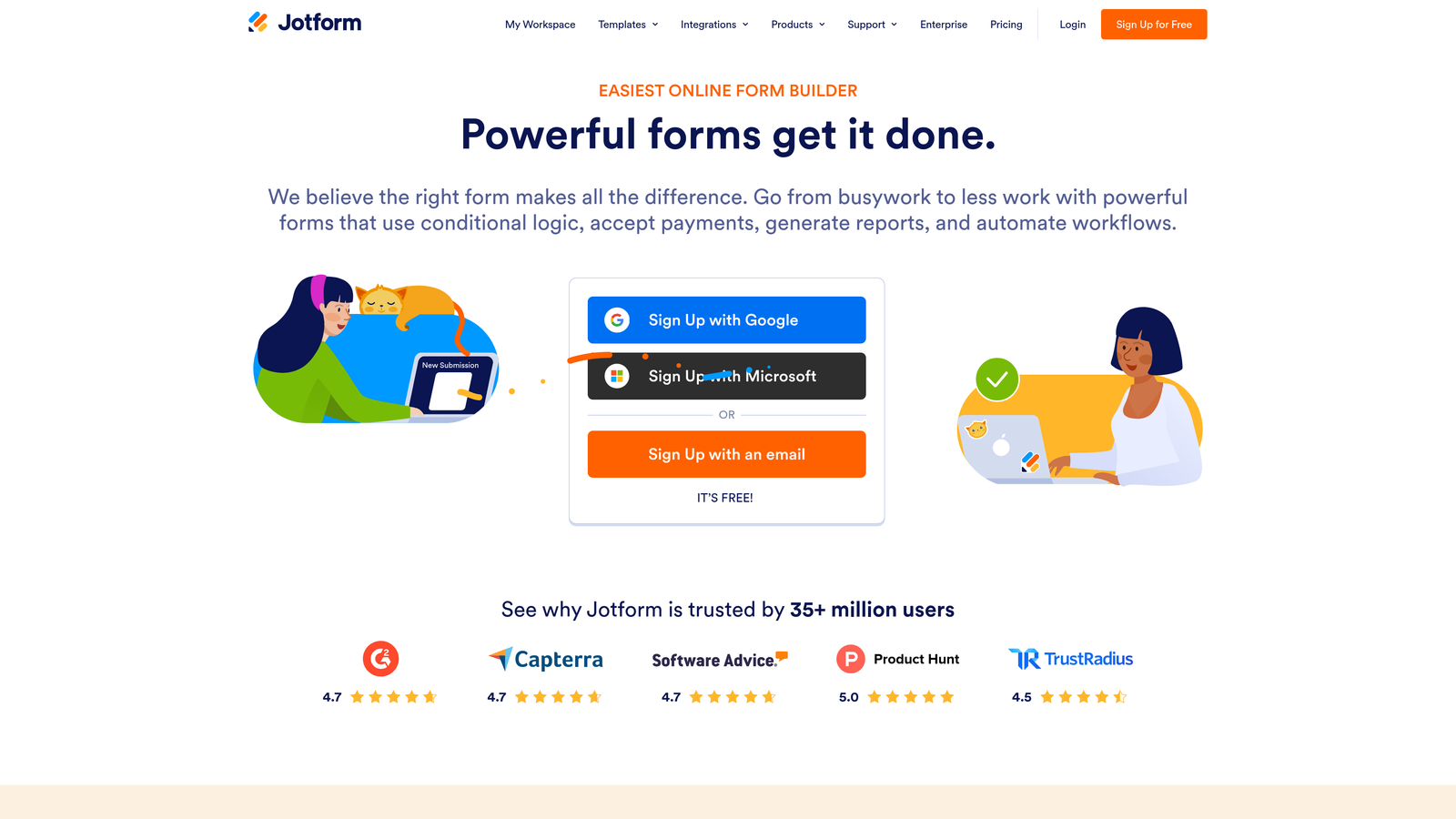
Jotform is a feature-rich form builder with an extensive template library, built-in payment processing, approval workflows, and an AI-assisted form creation tool.
Where This Tool Shines
Jotform's depth is its defining characteristic. With over 10,000 templates covering everything from event registrations to medical intake forms, it serves teams with varied and complex form requirements across multiple departments. If you need one tool to handle HR, sales, operations, and marketing forms, Jotform can do it.
The built-in payment integrations are genuinely useful for teams that sell products or collect fees through forms. Stripe, PayPal, and Square are all supported natively, removing the need for a separate e-commerce layer for simple transactions.
Key Features
10,000+ Templates: Extensive library covering virtually every industry and use case, reducing build time significantly.
Built-In Payment Processing: Native Stripe, PayPal, and Square integrations for collecting payments directly through forms.
Approval Workflows: Multi-step approval routing for forms that require internal sign-off before action.
AI Form Builder: Generate form drafts from a text prompt to accelerate initial creation.
HIPAA-Compliant Plans: Available for healthcare organizations with compliance requirements.
Best For
Jotform suits organizations that need a single form platform across multiple teams and use cases, particularly where payment collection, approval workflows, or compliance requirements are involved. For focused lead generation and qualification, lighter-weight tools may serve better.
Pricing
Free plan available. Paid plans start at $34/month, with HIPAA-compliant plans at higher tiers.
6. Paperform
Best for: Brand-conscious teams that want forms to look and feel like on-brand landing pages.
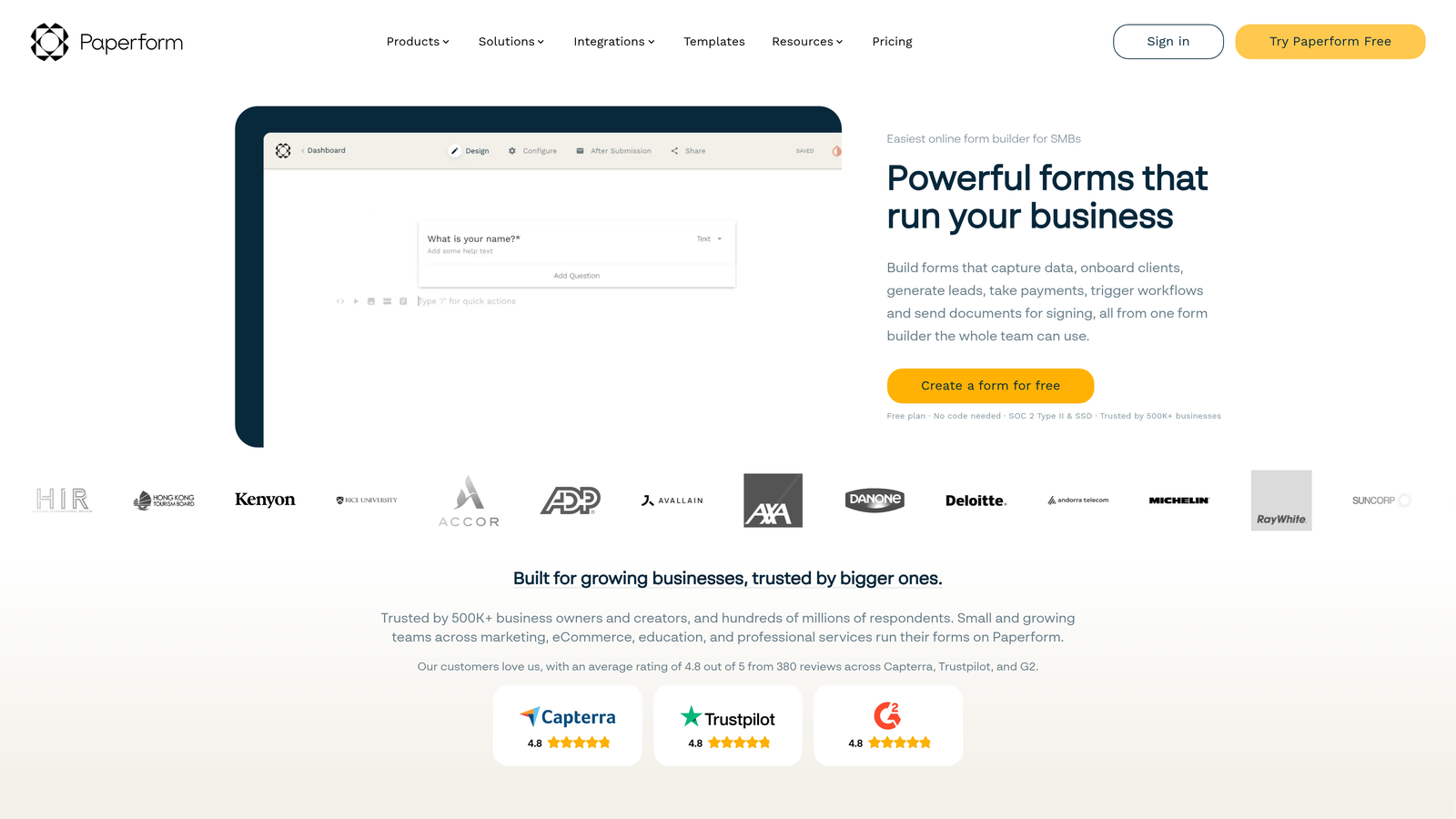
Paperform is a form builder that blends form fields with landing page-style content editing, letting teams create fully branded experiences that combine copy, media, and questions in a single flow.
Where This Tool Shines
Paperform's editor is genuinely different. Instead of building a form and then embedding it somewhere, you're building a complete page: headers, body copy, images, video, and form fields all coexist in a single document-style canvas. For teams with strong brand requirements, this removes the disconnect between form and context.
The built-in payment and product selling capabilities make it a solid option for service businesses and creators who want to sell directly through a form-based checkout without a full e-commerce setup.
Key Features
Rich Content Editor: Mix text, images, and video alongside form fields in a single seamless layout.
Built-In Payments: Sell products and collect payments directly through form-based checkouts.
Conditional Logic: Show or hide sections based on respondent answers for personalized experiences.
Custom Domains and CSS: Full visual customization for teams with specific brand standards.
200+ Integrations: Native connections and Zapier support for connecting to your existing stack.
Best For
Paperform is the strongest fit for agencies, consultants, and brand-forward teams that want forms to reflect their visual identity. It's less focused on lead qualification and scoring, making it a better fit for content-rich form experiences than high-volume lead generation pipelines.
Pricing
Essentials plan starts at $24/month billed annually. Higher tiers unlock additional submissions, team members, and advanced features.
7. WPForms
Best for: WordPress teams looking for a cleaner, more beginner-friendly upgrade from Gravity Forms without leaving the platform.
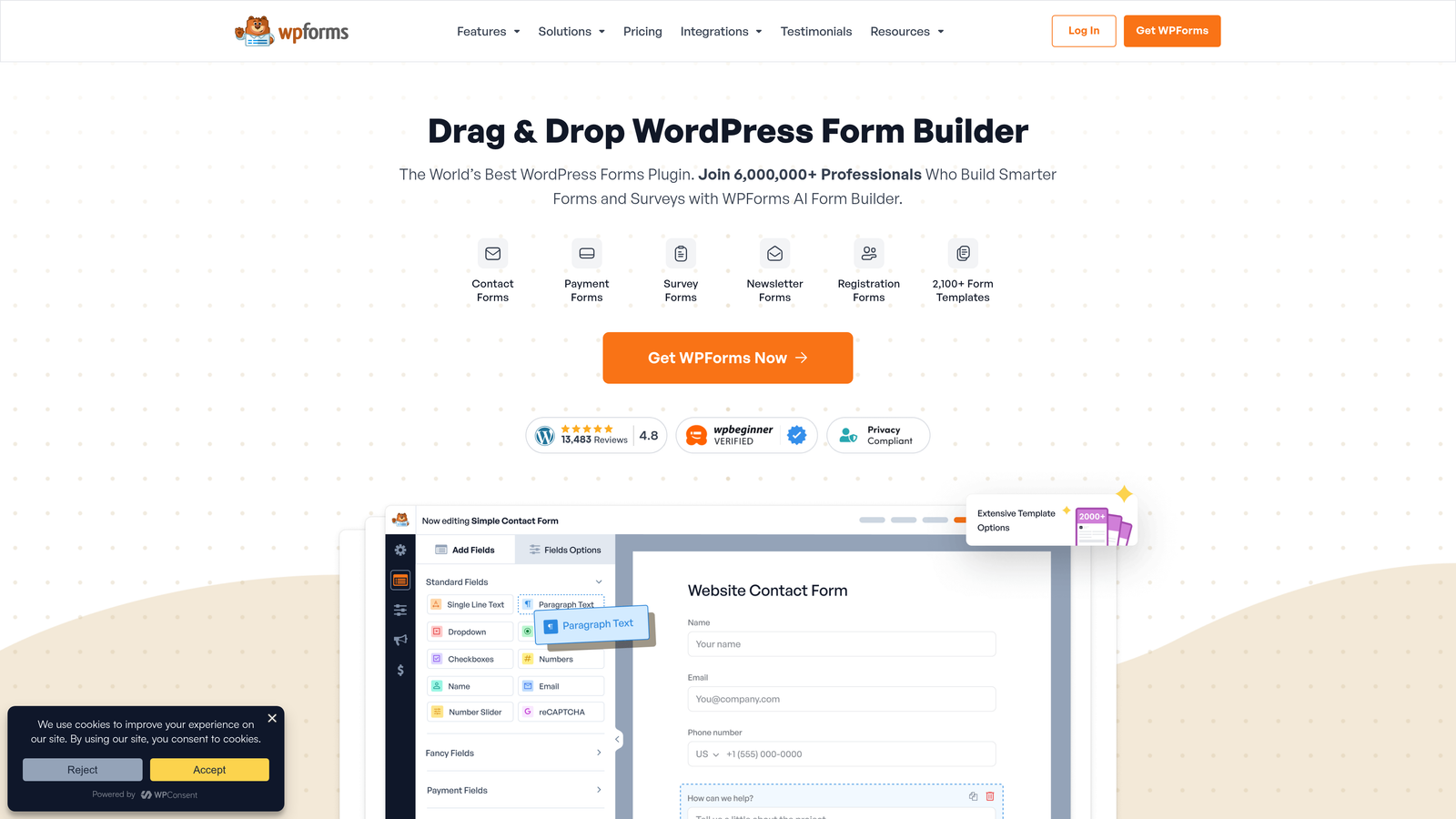
WPForms is the most popular WordPress form plugin alternative to Gravity Forms, offering a drag-and-drop builder with a large template library and a significantly lower learning curve.
Where This Tool Shines
If your team is staying in WordPress and just wants a better experience than Gravity Forms provides, WPForms delivers. The drag-and-drop builder is more intuitive, the template library is larger, and the setup process is noticeably faster. It's the upgrade path for WordPress loyalists who aren't ready to leave the platform.
The conversational forms add-on brings a step-by-step experience similar to Typeform but within WordPress, which is useful for teams that want improved engagement without switching platforms or managing external embeds.
Key Features
Drag-and-Drop Builder: Intuitive visual editor with 1,800+ templates for rapid form creation.
Conversational Forms Add-On: Step-by-step form experience for improved engagement, similar to Typeform's format.
Spam Protection: hCaptcha and smart CAPTCHA integrations to keep submissions clean.
Payment Integrations: Native Stripe and PayPal support for collecting payments through forms.
Conditional Logic and Multi-Page Forms: Progressive form flows with branching logic for complex use cases.
Best For
WPForms is the right call for WordPress-based teams that want a meaningful UX improvement over Gravity Forms without platform migration. It's still WordPress-dependent, so it won't solve the platform lock-in problem for teams looking to escape that ecosystem entirely.
Pricing
Basic plan starts at $49.50/year. Pro plan at $199.50/year, which includes payment integrations, conversational forms, and advanced add-ons.
8. Formstack
Best for: Enterprise teams and regulated industries that need compliance certifications and document workflow capabilities.
Formstack is an enterprise-grade form and document workflow platform built for organizations with serious compliance requirements and complex approval processes.
Where This Tool Shines
Formstack occupies a distinct category: it's not just a form builder but a broader data capture and document workflow platform. For teams in healthcare, finance, or legal sectors where HIPAA, SOC 2, and GDPR compliance are non-negotiable, Formstack provides the certifications and controls that most form tools simply don't offer.
The document generation and e-signature capabilities extend its value beyond form collection into full workflow automation, making it relevant for organizations that need to move from data capture to signed documents without leaving the platform.
Key Features
Compliance Certifications: HIPAA, SOC 2, and GDPR certifications for regulated industries with strict data requirements.
Document Generation and E-Signatures: Create documents from form data and collect legally binding signatures in a single workflow.
Advanced Routing and Approval Logic: Complex multi-step approval workflows for enterprise processes.
Salesforce Native App: Deep CRM integration for enterprise sales and service teams using Salesforce.
Data Encryption and Access Controls: Enterprise-grade security controls for sensitive data handling.
Best For
Formstack is built for large organizations and regulated industries where compliance, document workflows, and enterprise security are the primary requirements. The pricing reflects this positioning, making it less practical for early-stage or growth-stage teams with standard form needs.
Pricing
Forms plans start at $83/month. Enterprise pricing is available on request and scales with organizational needs.
9. Google Forms
Best for: Internal surveys, simple data collection, and teams with no form tool budget.
Google Forms is a completely free, unlimited form tool built into Google Workspace, offering straightforward data collection with native Google Sheets integration.
Where This Tool Shines
Google Forms does exactly what it promises: free, fast, and frictionless. For internal surveys, event sign-ups, employee feedback, and other low-stakes data collection tasks, it removes every barrier to getting started. There's no account to create beyond a Google login, no pricing tier to evaluate, and no integration to configure if your team already uses Google Sheets.
For teams that need a quick solution for an internal process and have no interest in design customization or lead qualification, Google Forms is the pragmatic choice. It's the baseline that makes every other tool on this list justify its price.
Key Features
Completely Free: No cost, no submission limits, no upgrade prompts for core functionality.
Unlimited Forms and Responses: No artificial caps on how many forms you create or how many responses you collect.
Native Google Sheets Integration: Responses flow automatically into a connected spreadsheet for easy analysis.
Basic Conditional Logic: Section branching based on multiple-choice answers for simple routing.
Simple Sharing: Share via link, embed on a website, or restrict to specific Google accounts.
Best For
Google Forms is ideal for internal use cases, academic research, event coordination, and any scenario where budget is zero and design requirements are minimal. It's not appropriate for lead generation, customer-facing conversion flows, or any use case requiring branded design or qualification logic.
Pricing
Free with any Google account. Included in all Google Workspace plans at no additional cost.
Which Tool Is Right for Your Team
The right choice depends heavily on what you actually need your forms to do. Here's how to think through it by use case.
For lead qualification and conversion optimization: Orbit AI is the purpose-built choice. If your forms exist to generate and qualify pipeline, not just collect names and emails, the AI lead scoring and smart conditional logic are capabilities you won't find natively in any other tool on this list.
For teams already in HubSpot: HubSpot Forms is the path of least resistance. The native CRM sync, progressive profiling, and workflow triggers make it the obvious starting point before evaluating standalone tools.
For WordPress teams upgrading from Gravity Forms: WPForms delivers a meaningfully better experience within the same WordPress ecosystem. If platform migration isn't on the table, it's the cleanest upgrade path available.
For enterprise and regulated industries: Formstack's compliance certifications and document workflow capabilities make it the only realistic option when HIPAA or SOC 2 requirements are non-negotiable.
For zero-budget internal use: Google Forms handles simple data collection at no cost. Tally is worth considering when you want a more polished result without a budget commitment.
The common thread across the best tools on this list is a shift away from static data collection toward forms that actively support your growth objectives. Gravity Forms was built for a different era of web development. Modern teams deserve tools that match how they work today.
If your goal is to build forms that qualify prospects automatically and deliver a conversion-optimized experience your sales team can actually act on, start building free forms today and see what AI-powered lead qualification looks like in practice.


