

SurveySparrow is a capable platform, but it was built for customer experience and employee feedback, not lead generation pipelines. If you're a high-growth SaaS or B2B team trying to capture, qualify, and convert leads at scale, you've probably already noticed the gaps: limited native lead scoring, a survey-centric design that doesn't translate cleanly to top-of-funnel capture, and pricing structures that can feel misaligned with conversion-focused workflows.
This list is specifically for teams who need forms to do more than collect responses. We're looking at tools built for lead gen, or at least well-suited to it, evaluated on lead qualification capability, ease of setup, integration depth, and value for growing teams.
If you're exploring the broader landscape, our guides on Typeform alternatives and the best online form builders are worth reading alongside this one.
1. Orbit AI
Best for: High-growth SaaS and B2B teams that need AI-powered lead qualification at the form layer.
Orbit AI is an AI-powered form builder designed to capture, score, and route leads automatically, without manual follow-up or middleware.
Where This Tool Shines
Most form builders stop at data collection. Orbit AI goes further by qualifying leads in real time, using AI to score responses and route high-intent prospects directly into your sales workflow. This is the core differentiator: the intelligence sits at the form layer, not downstream in a CRM or automation tool you have to configure separately.
The form design itself is built for conversion, with a modern UI that feels native to SaaS products rather than bolted on. For teams running B2B lead gen campaigns, this combination of visual polish and built-in qualification logic removes a significant amount of manual work from the pipeline.
Key Features
AI-Powered Lead Qualification: Scores and qualifies leads automatically based on form responses, reducing manual triage time for sales teams.
Real-Time Lead Routing: Routes qualified leads to the right rep or workflow instantly, without requiring additional automation setup.
Conversion-Optimized Form Design: Modern, clean UI built specifically to maximize completion rates on lead capture forms.
CRM and Sales Tool Integrations: Connects with the tools your sales team already uses, keeping your pipeline data clean and centralized.
Built for SaaS and B2B Workflows: Product decisions are oriented around the specific needs of high-growth teams, not generic survey use cases.
Best For
SaaS companies, B2B marketing teams, and growth-focused operators who want their forms to actively contribute to pipeline quality, not just volume. Particularly valuable for teams that are tired of qualifying leads manually after form submissions.
Pricing
Visit orbitforms.ai for current pricing details. Plans are designed with high-growth teams in mind.
2. Typeform
Best for: Teams that prioritize UX polish and brand-aligned conversational form experiences.
Typeform is a conversational form builder known for its one-question-at-a-time format and strong visual customization options.

Where This Tool Shines
Typeform's signature UX, presenting one question at a time in a clean, full-screen layout, consistently delivers strong completion rates for top-of-funnel lead capture. When brand experience matters and you want respondents to feel engaged rather than processed, Typeform sets a high bar.
Its Logic Jumps feature allows conditional branching based on answers, which gives you some ability to build qualification flows. It's not AI-powered qualification, but for straightforward branching logic, it works well without requiring technical configuration.
Key Features
Conversational One-Question Format: Reduces cognitive load and typically improves completion rates compared to traditional multi-field forms.
Logic Jumps: Conditional branching lets you show different questions based on previous answers, enabling basic qualification flows.
Brand Customization: Fonts, colors, background images, and custom domains make it easy to match your brand identity.
Integration Ecosystem: Native connections to HubSpot, Salesforce, Zapier, and many other tools in the modern SaaS stack.
Video and Image Support: Embed rich media directly within form questions to increase engagement.
Best For
Marketing teams that want polished, on-brand lead capture experiences. Works well for mid-funnel content offers, demo requests, and event registrations where UX quality directly reflects brand perception.
Pricing
Free plan available with limited responses. Paid plans start at $25/month, with higher tiers unlocking more responses and advanced features.
3. HubSpot Forms
Best for: Teams already using HubSpot CRM who want zero-friction native form integration.
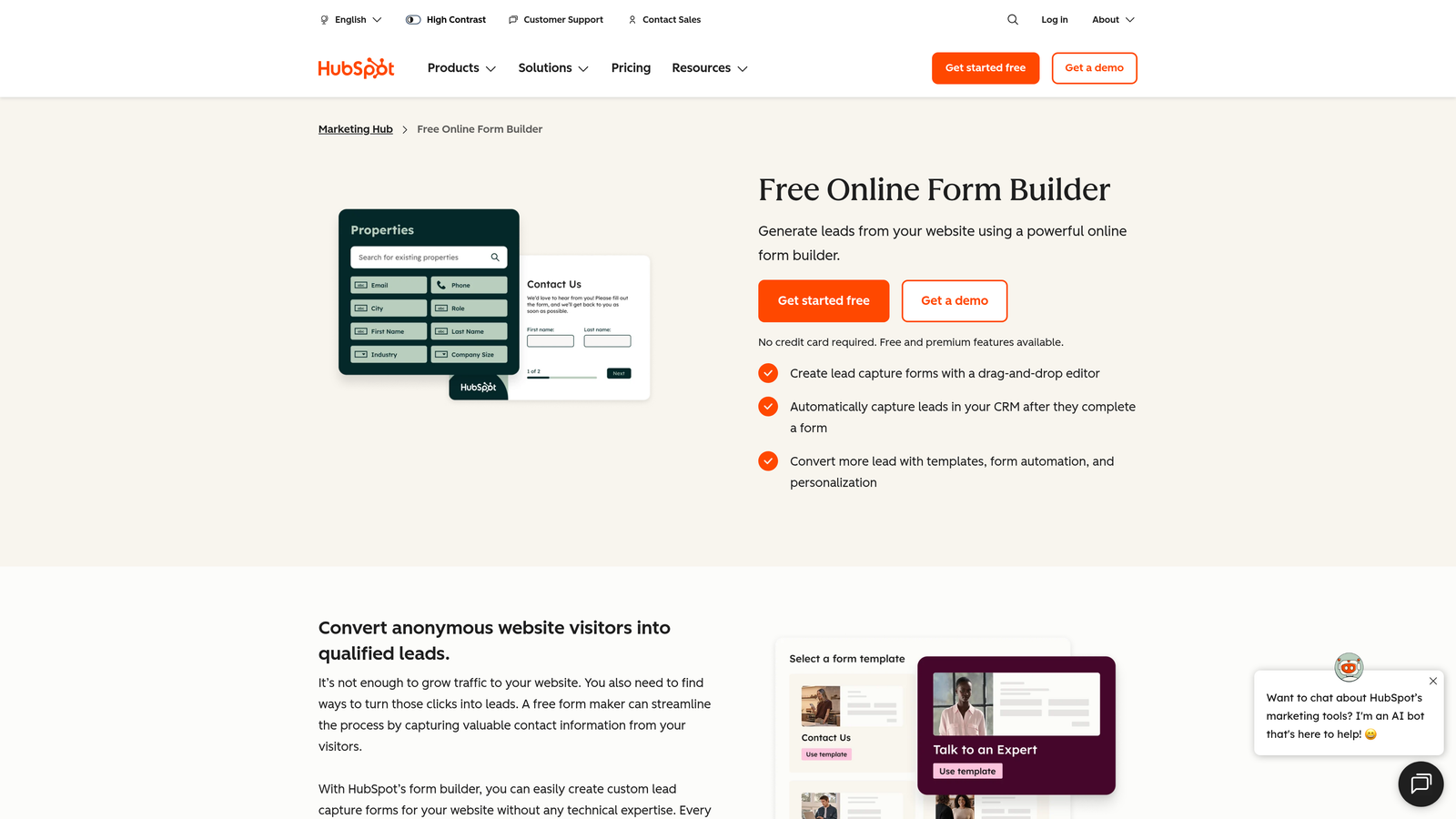
HubSpot Forms is a native form builder built directly into the HubSpot ecosystem, with smart fields, progressive profiling, and workflow automation included.
Where This Tool Shines
If your team runs on HubSpot, the case for using HubSpot Forms is straightforward: there's no integration to configure, no data mapping to maintain, and no middleware to break. Form submissions flow directly into your CRM, trigger workflows, and update contact records automatically.
The progressive profiling feature is particularly useful for lead gen. Returning visitors see new fields instead of ones already on file, which reduces friction on repeat visits while gradually enriching your contact data over time. It's a smart approach to data collection that standalone form builders often can't replicate natively.
Key Features
Native CRM Integration: Form submissions automatically create or update HubSpot contact records with zero setup overhead.
Progressive Profiling: Smart fields show new questions to returning visitors, enriching lead data without increasing form length.
Workflow Automation: Form submissions can trigger email sequences, lead assignments, deal creation, and other automation natively.
Embedded and Pop-Up Options: Deploy forms inline, as pop-ups, or as slide-ins depending on your page strategy.
Form Submission Notifications: Instant alerts to sales reps when high-priority leads submit forms.
Best For
Teams already invested in the HubSpot ecosystem. The value proposition drops significantly if you're not on HubSpot, since the design customization is more limited than dedicated form builders.
Pricing
Free with HubSpot's free CRM tier. Advanced features like smart content and A/B testing require Marketing Hub paid plans, which start at higher price points.
4. Tally
Best for: Startups and lean teams that need clean, functional forms without a monthly bill.
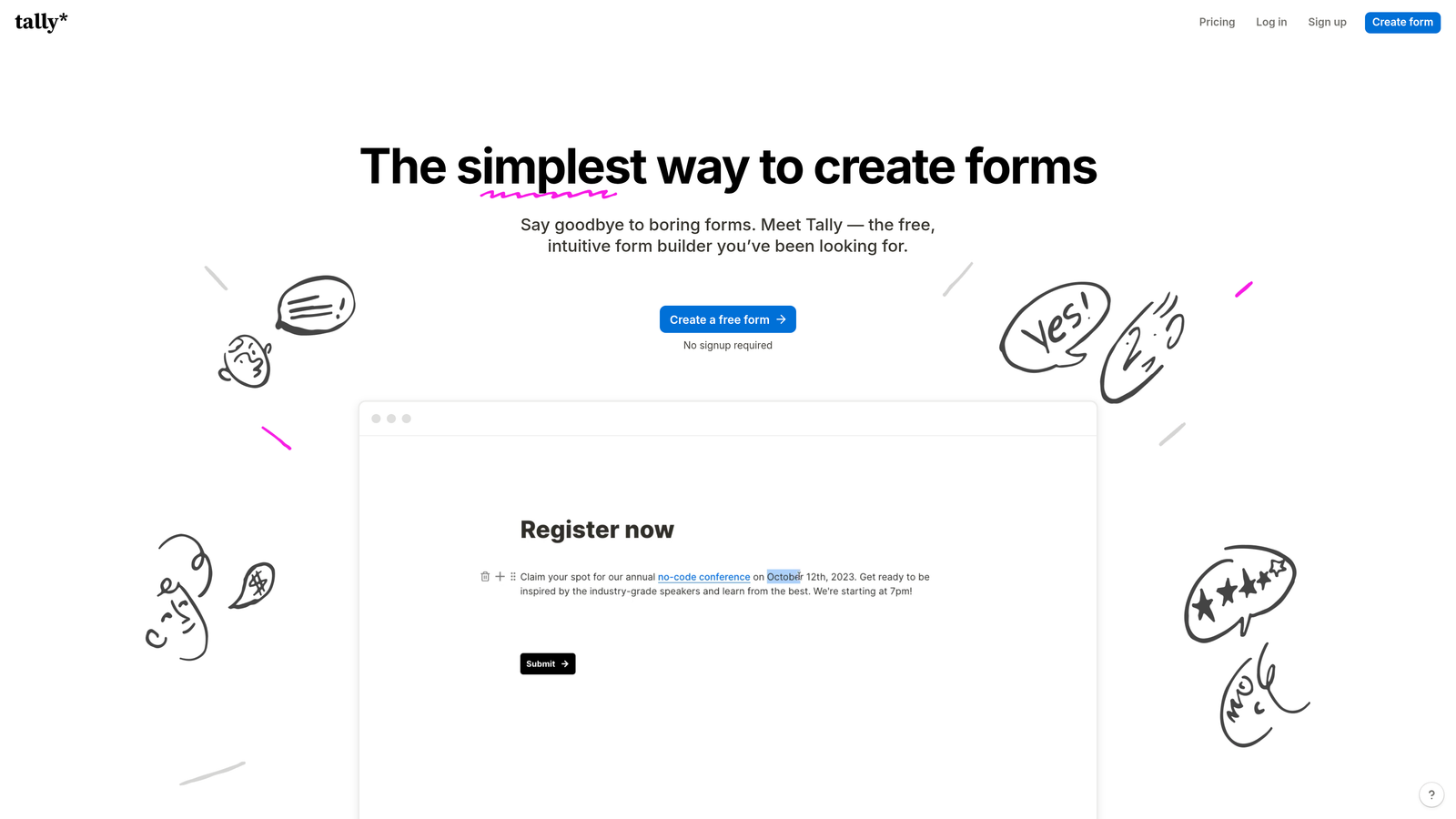
Tally is a Notion-inspired form builder offering unlimited forms and responses on its free plan, with no branding requirements on free tier.
Where This Tool Shines
Tally's free plan is genuinely generous in a market where most tools gate basic functionality behind paid tiers. Unlimited forms, unlimited responses, and no forced branding on the free tier makes it an easy choice for early-stage teams testing lead capture flows before committing to a paid tool.
The editor feels familiar to anyone who uses Notion, which makes form building intuitive without a learning curve. It's not purpose-built for lead gen, but for simple lead capture pages and intake forms, it handles the job cleanly and without friction.
Key Features
Unlimited Free Plan: No caps on forms or responses on the free tier, making it genuinely usable without upgrading.
Notion-Like Editor: Block-based editing interface that's intuitive for teams already in the Notion ecosystem.
Conditional Logic: Show or hide questions based on previous answers to create basic branching flows.
Hidden Fields: Pass UTM parameters and other tracking data through forms for attribution purposes.
Zapier and Make Integrations: Connect to your CRM or other tools through automation platforms.
Best For
Early-stage startups, solo operators, and lean teams who need functional lead capture forms without the overhead of a paid subscription. Also useful for internal intake forms and ops workflows.
Pricing
Free plan available with unlimited forms and responses. Pro plan at $29/month adds custom domains, file uploads, and priority support.
5. Jotform
Best for: Agencies and businesses that need a mature, template-rich form builder with broad integration support.
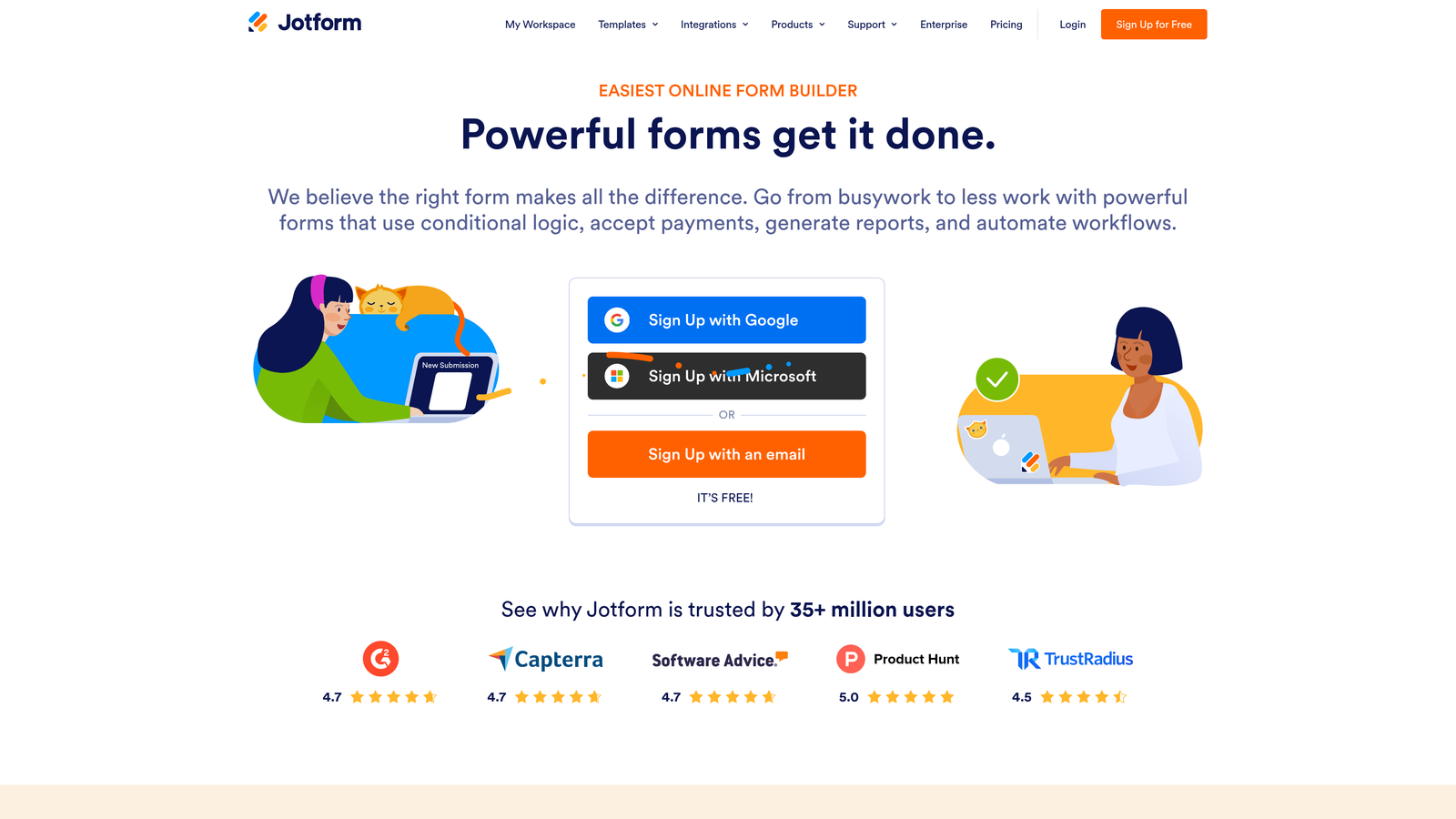
Jotform is a feature-rich form builder with thousands of templates, advanced conditional logic, and support for payments and enterprise compliance requirements.
Where This Tool Shines
Jotform has been around long enough to have solved most edge cases. Its template library covers virtually every industry and use case, which means you can often start from a relevant template rather than building from scratch. For agencies managing forms across multiple clients with varied requirements, this breadth is a genuine time-saver.
The conditional logic capabilities are among the most advanced of any no-code form builder, supporting complex multi-page flows that can handle sophisticated qualification sequences. Add in payment collection and HIPAA compliance on enterprise plans, and Jotform covers ground that many newer tools simply don't.
Key Features
10,000+ Templates: Pre-built forms across industries that dramatically reduce setup time for common use cases.
Advanced Conditional Logic: Complex branching and calculation rules for sophisticated multi-page qualification flows.
Payment Collection: Native integrations with Stripe, PayPal, and Square for forms that include a transaction step.
Wide Integration Library: Connects with Salesforce, HubSpot, Google Sheets, and hundreds of other tools.
Enterprise and HIPAA Plans: Compliance-ready options for regulated industries and larger organizations.
Best For
Agencies managing diverse form needs across clients, businesses in regulated industries, and teams that need payment collection alongside lead capture. Can feel overpowered for simple use cases.
Pricing
Free plan available with limited submissions. Paid plans start at $34/month, with enterprise pricing available for larger organizations.
6. Paperform
Best for: Teams that want lead capture forms that feel more like immersive landing pages than standard forms.
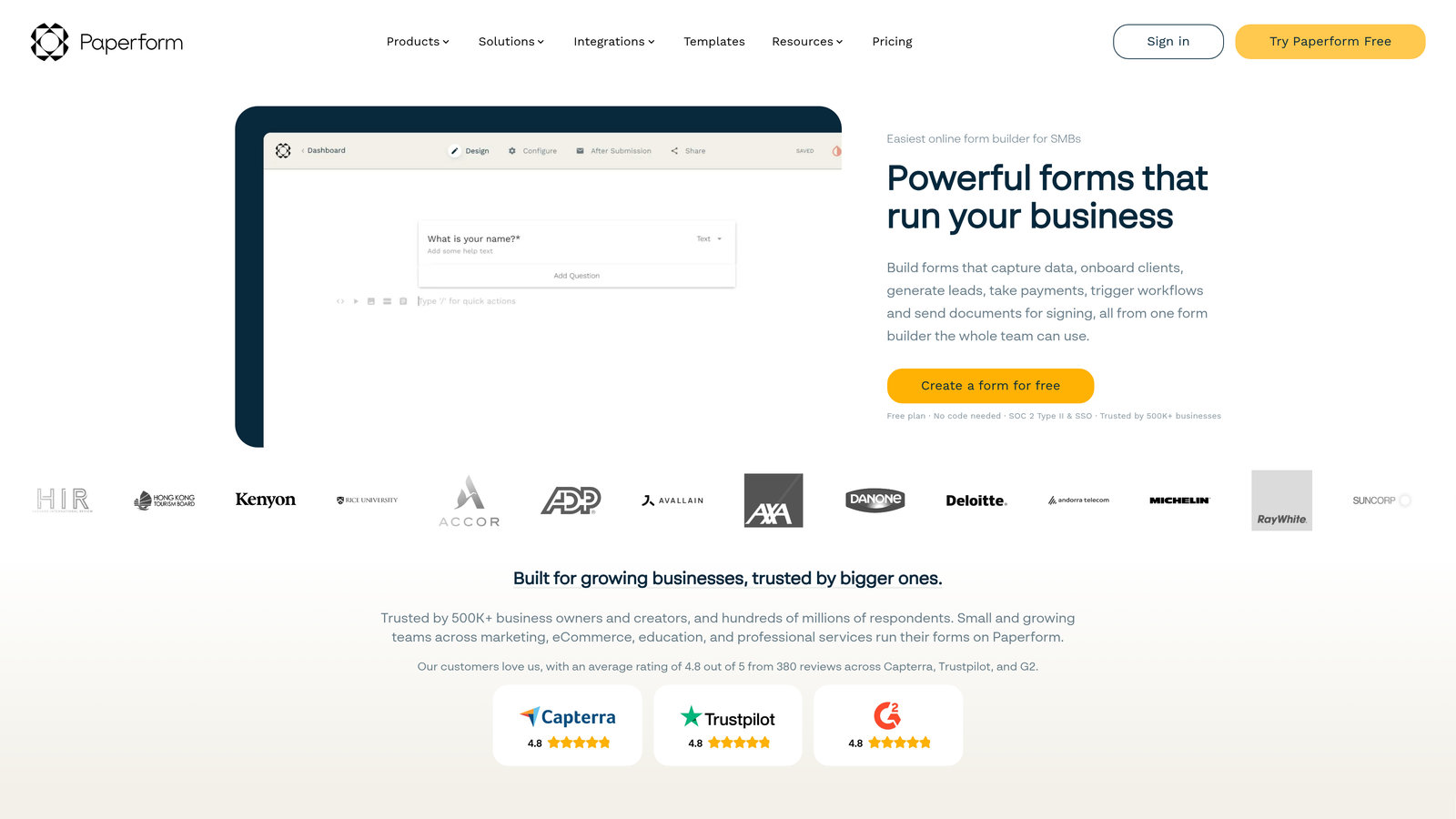
Paperform is a form builder that blends form functionality with landing page design, supporting rich media and flexible layouts throughout the form body.
Where This Tool Shines
Paperform takes a different approach to form design. Rather than a top-to-bottom field list, it lets you embed questions within rich text, images, and video, creating an experience that feels more like a guided page than a form. For longer lead capture flows where context matters, this format can significantly improve engagement.
The freeform layout is genuinely flexible. You can write descriptive copy, add visuals, and position questions in ways that tell a story as the respondent moves through the form. It's a strong choice when you need to educate or persuade alongside capturing information.
Key Features
Rich Media Support: Embed images, video, and formatted text directly within the form body, not just in headers.
Freeform Layout: Position elements freely rather than being constrained to a linear top-to-bottom structure.
Conditional Logic and Calculated Fields: Show questions conditionally and perform calculations based on responses.
Stripe Payments: Accept payments within forms, useful for lead gen flows that include a purchase or deposit step.
Zapier and Native Integrations: Connect to CRMs and other tools through Zapier or direct integrations.
Best For
Teams running longer, more consultative lead capture flows where context and education are part of the conversion process. Also useful for service businesses that want a form experience that reflects premium positioning.
Pricing
Essentials plan starts at $24/month. Higher tiers unlock more submissions, custom domains, and advanced features.
7. Fillout
Best for: Product and ops teams that need form responses to write directly to their data layer without middleware.
Fillout is a form builder with native database integrations, allowing teams to push responses directly to Notion, Airtable, Supabase, or Salesforce without Zapier in the middle.

Where This Tool Shines
Fillout's native database connectivity is what sets it apart. Most form builders require Zapier or Make to push data somewhere useful. Fillout connects directly to Notion, Airtable, Supabase, and Google Sheets, which means no middleware, no additional cost, and no broken zaps to debug at 2am before a campaign launch.
For product teams building internal tools or ops teams managing lead data in Airtable bases, this is a meaningful workflow improvement. It also supports HubSpot and Salesforce for teams that need CRM connectivity alongside database writes.
Key Features
Native Database Integrations: Write form responses directly to Notion, Airtable, Supabase, and Google Sheets without automation middleware.
CRM Connectivity: HubSpot and Salesforce integrations for teams that need data flowing into their sales pipeline.
Multi-Step Forms with Conditional Logic: Build branching, multi-page flows for more sophisticated lead capture sequences.
Scheduling and Payment Integrations: Extend form functionality to booking and transaction use cases.
Generous Free Plan: Usable response limits on the free tier make it accessible for teams testing the tool.
Best For
Product teams, ops teams, and technical founders who manage lead data in Airtable, Notion, or Supabase and want forms that write directly to those systems. Also strong for teams that want to avoid Zapier costs.
Pricing
Free plan available. Paid plans start at $15/month, making it one of the more affordable options with strong integration depth.
8. Growform
Best for: Performance marketers and PPC agencies focused on maximizing lead gen conversion rates through multi-step form design.
Growform is a multi-step form builder built specifically for lead generation, with conversion rate improvement as its primary design principle.
Where This Tool Shines
Growform is purpose-built for one thing: getting more leads from the same traffic. Its multi-step approach uses progressive disclosure, breaking what would be a long single form into a series of smaller, less intimidating steps. This format is well-established in conversion optimization practice as a way to reduce abandonment on lead gen forms.
It's particularly popular with PPC agencies and performance marketers running paid campaigns, where cost-per-lead is closely tracked and form conversion rate directly impacts campaign economics. The built-in analytics and A/B testing support make it easier to iterate on form performance over time.
Key Features
Multi-Step Progressive Disclosure: Breaks long forms into smaller steps to reduce abandonment and increase completion rates.
CRM and Ad Platform Integrations: Connects with HubSpot, Salesforce, and Facebook for seamless lead handoff from paid campaigns.
Custom Branding and White-Label: Agencies can deploy fully branded forms or white-label the tool for client work.
Built-In Analytics: Track drop-off points and completion rates to identify where forms lose respondents.
A/B Testing Support: Test different form variations to optimize conversion performance over time.
Best For
PPC agencies, performance marketing teams, and lead gen specialists who run paid traffic and need to maximize conversion rates. The pricing reflects its positioning toward professional and agency use.
Pricing
Plans start at $49/month. The higher starting price reflects its focus on professional lead gen and agency use cases.
9. involve.me
Best for: Teams that want to qualify leads through interactive content like quizzes, assessments, and outcome-based funnels.
involve.me is an interactive content platform for building quizzes, assessments, and outcome-based lead funnels with personalized result pages.
Where This Tool Shines
involve.me takes a different angle on lead qualification: instead of a form that asks direct questions, it uses quizzes and assessments that respondents actually want to complete. The outcome-based logic delivers personalized result pages based on answers, which creates a natural exchange of value. The respondent gets a useful result; you get qualified lead data.
This format works particularly well for SaaS companies running product fit assessments, consultants offering diagnostic tools, and marketers building interactive content for top-of-funnel campaigns. The lead scoring built into response logic means you're not just capturing contact details but understanding intent and fit simultaneously.
Key Features
Outcome-Based Logic: Delivers personalized result pages based on user responses, creating a value exchange that drives completion.
Multiple Content Formats: Build quizzes, assessments, calculators, and surveys within a single platform.
Lead Scoring: Score leads based on their responses to prioritize follow-up by sales teams.
Marketing Platform Integrations: Connects with HubSpot, Mailchimp, and ActiveCampaign to feed leads into nurture sequences.
Embeddable and Standalone: Deploy as embedded content on existing pages or as standalone campaign pages.
Best For
SaaS marketers, consultants, and content-driven teams who want to qualify leads through engagement rather than direct questioning. Strong fit for teams building interactive content as part of a broader inbound strategy.
Pricing
Free plan available with limited responses. Paid plans start at $29/month with expanded response limits and advanced features.
Which Tool Is Right for Your Lead Gen Stack?
Every tool on this list solves a real problem, but the right choice depends on where your biggest bottleneck actually is. Here's a quick way to think through it.
If you need AI-powered qualification: Orbit AI is the clear choice. It's the only tool here that qualifies and routes leads automatically at the form layer, which removes a significant manual step from your pipeline.
If conversational UX is your priority: Typeform delivers the most polished one-question-at-a-time experience, and its brand customization options are strong enough to make forms feel like a natural extension of your product.
If you're already on HubSpot: HubSpot Forms is the path of least resistance. Progressive profiling and native workflow triggers make it the most integrated option for teams already in that ecosystem.
If budget is the constraint: Tally's free plan is genuinely usable, not a crippled trial. For early-stage teams, it's the most accessible starting point.
If you need database connectivity without middleware: Fillout's native integrations with Airtable, Notion, and Supabase make it the right call for product and ops teams managing lead data outside a traditional CRM.
If you're running paid campaigns and tracking CPL closely: Growform's multi-step progressive disclosure format is built for exactly this scenario, with analytics and A/B testing to support ongoing optimization.
If interactive content is part of your strategy: involve.me's quiz and assessment formats create a value exchange that drives completion and qualifies leads through engagement rather than direct questioning.
For high-growth teams that want more than a form builder, the combination of AI qualification, modern design, and conversion-focused architecture is where Orbit AI stands out from this list. Transform your lead generation with AI-powered forms that qualify prospects automatically while delivering the modern, conversion-optimized experience your high-growth team needs. Start building free forms today and see how intelligent form design can elevate your conversion strategy.


