

Agencies have a unique problem with form builders: the tools that work fine for a single brand completely fall apart when you're managing forms across a dozen client accounts. You need white-labeling, clean design, multi-client workflows, and integrations that slot into your existing tech stack without friction. And increasingly, your clients expect forms that don't just collect data — they convert.
The modern form builder landscape has matured significantly. We evaluated these tools based on design quality and brand customization, multi-client management capabilities, integration depth with CRMs and marketing automation platforms, conversion optimization features like conditional logic and A/B testing, and pricing that scales reasonably across multiple client accounts. Here are the top modern form builders worth considering for your agency in 2026.
1. Orbit AI
Best for: Agencies that want AI-powered lead qualification built directly into the form experience.
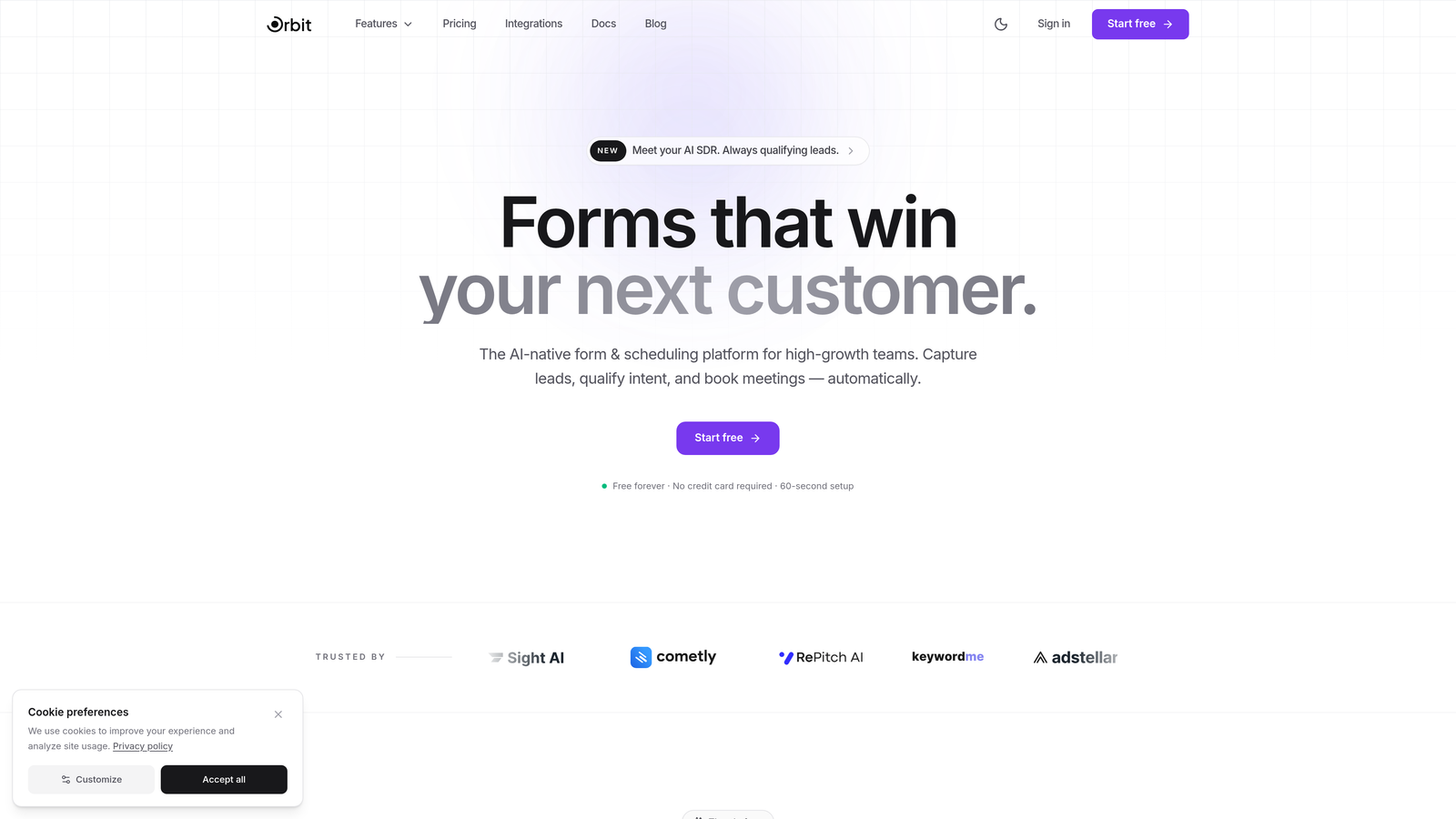
Orbit AI is an AI-powered form builder that goes beyond data collection by qualifying and scoring leads automatically as they complete your forms.
Where This Tool Shines
Most form builders stop at submission. Orbit AI takes it further by embedding lead qualification logic directly into the form flow — so by the time a prospect hits submit, your client already knows whether they're worth pursuing. For agencies running lead generation campaigns, this collapses what used to be a three-tool workflow (form builder, lead scorer, CRM) into one.
The design quality is built for modern conversion standards. Forms look polished out of the box, which matters when you're presenting client-facing work. The platform is designed with high-growth teams in mind, so multi-client agency workflows are a core consideration rather than an afterthought.
Key Features
AI-Powered Lead Qualification: Automatically scores and qualifies leads based on form responses, eliminating manual triage for your clients.
Conversion-Optimized Design: Modern, clean form aesthetics designed to maximize completion rates without requiring custom CSS work.
Conditional Logic and Dynamic Fields: Build smart, branching forms that adapt to respondent answers in real time.
CRM and Marketing Integrations: Connects with the tools your clients already use, keeping data flowing where it needs to go.
Multi-Client Agency Workflows: Built to handle the organizational complexity of managing forms across multiple client accounts.
Best For
Agencies focused on lead generation campaigns where qualification speed matters. If your clients are asking "which leads are actually worth calling?" and you're currently answering that question manually or with a separate tool, Orbit AI addresses that gap directly. Particularly well-suited for SaaS, B2B, and professional services clients.
Pricing
Visit orbitforms.ai for current plan details. A 7-day free trial gets you started.
2. Typeform
Best for: Agencies that prioritize a premium, conversational form experience with strong visual branding.
Typeform is the original conversational form builder, known for its polished one-question-at-a-time format and design-forward aesthetic.

Where This Tool Shines
Typeform set the standard for what a "beautiful form" looks like, and it still delivers on that promise. The one-question-at-a-time format reduces cognitive load for respondents, which typically improves completion rates on longer forms. For agencies working with brands where first impressions matter, Typeform's output looks expensive without requiring significant design effort.
The integration library is extensive, covering HubSpot, Salesforce, Mailchimp, Slack, and virtually everything else via Zapier. Logic jumps let you build branching paths that feel natural rather than clinical.
Key Features
Conversational Format: One question at a time creates a guided, low-friction experience for respondents.
Rich Media Embedding: Add images, videos, and GIFs directly into form questions to create engaging, on-brand experiences.
Logic Jumps and Branching: Route respondents through different paths based on their answers.
Extensive Integration Library: Native and Zapier-powered connections to virtually every major marketing and CRM platform.
Custom Branding and Themes: Match fonts, colors, and backgrounds to client brand guidelines.
Best For
Agencies building survey-style forms, lead capture pages, or customer feedback flows where the experience quality directly reflects on the client brand. Less ideal if you need deep multi-workspace management or built-in lead scoring.
Pricing
Free plan available with limited responses. Paid plans start at approximately $25/month, with higher tiers for teams and enterprise needs.
3. Jotform
Best for: Agencies managing high form volume across diverse industries who need a deep template library and enterprise admin controls.
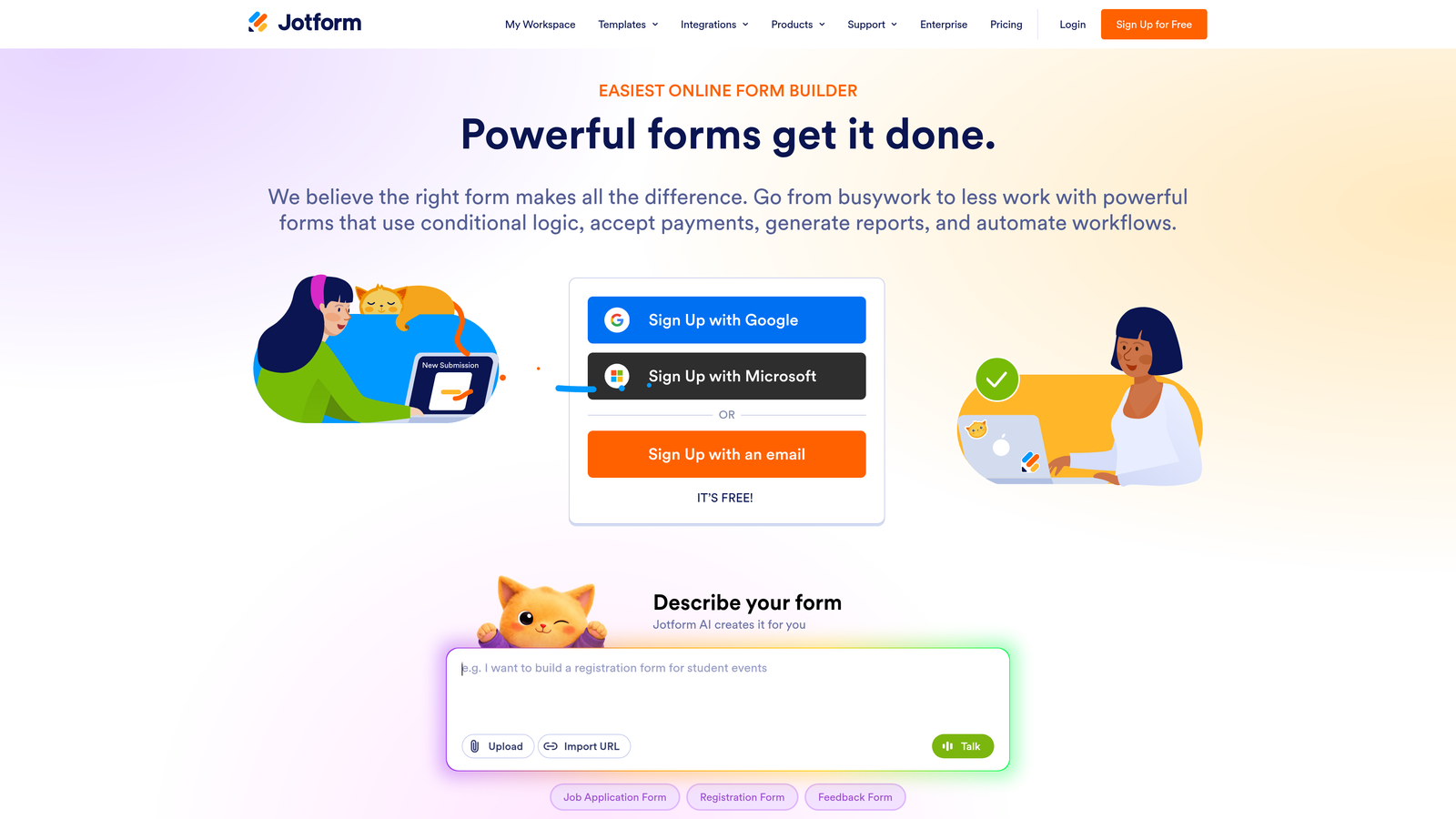
Jotform is a feature-rich form builder offering over 10,000 templates, robust multi-user management, and compliance-ready options for regulated industries.
Where This Tool Shines
Jotform's template library is genuinely impressive. With over 10,000 templates spanning healthcare, legal, real estate, e-commerce, and more, agencies can spin up client-ready forms quickly without starting from scratch. Role-based permissions make it practical for larger agency teams where different people need different levels of access across client accounts.
Jotform Tables adds a layer of submission management that most form builders don't offer natively — it turns form responses into a structured, spreadsheet-like view that clients often find intuitive to work with directly.
Key Features
10,000+ Templates: Industry-specific templates across virtually every vertical your agency might serve.
Multi-User Access with Role-Based Permissions: Control who can view, edit, or manage forms across your agency and client accounts.
Jotform Tables: Native submission management that turns form responses into a structured, sortable database view.
Payment Collection: Built-in integrations with Stripe, PayPal, Square, and other payment processors.
HIPAA Compliance: Available on higher tiers for agencies serving healthcare clients.
Best For
Agencies with diverse client portfolios that need to move quickly across industries. Also a strong choice for agencies with healthcare or legal clients who need compliance-ready form infrastructure.
Pricing
Free plan supports up to 5 forms. Paid plans start at approximately $34/month, scaling up for enterprise and compliance-heavy needs.
4. Tally
Best for: Agencies that want a fast, clean form builder with an unusually generous free tier for internal or lower-stakes client work.
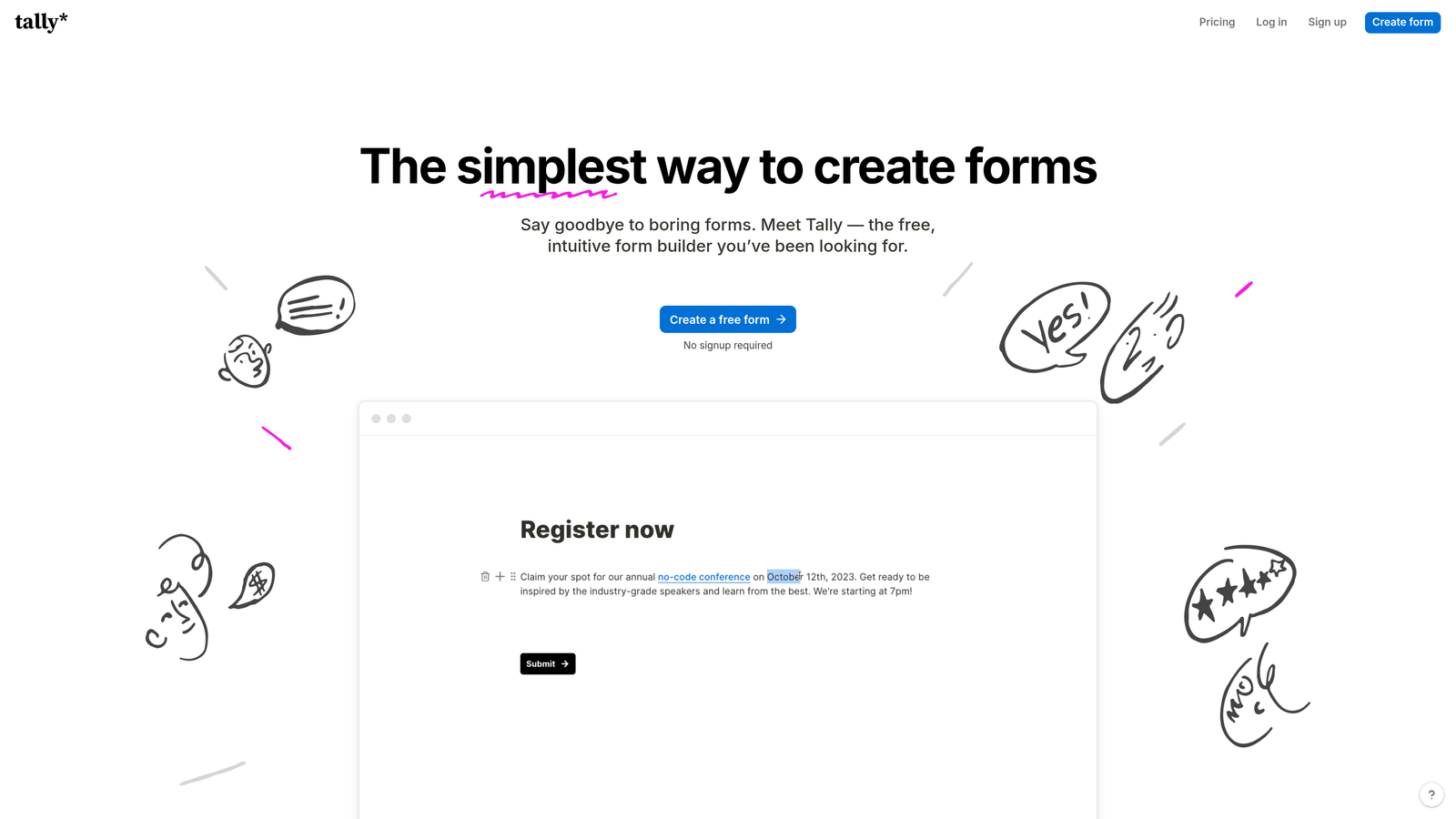
Tally is a minimalist, Notion-style form builder that prioritizes speed and simplicity without sacrificing functionality.
Where This Tool Shines
Tally's free plan is genuinely rare in this space: unlimited forms with no response caps. For agencies that need to spin up simple forms quickly — intake forms, feedback surveys, internal requests — Tally removes the overhead of worrying about plan limits. The block-based editor will feel immediately familiar to anyone who uses Notion, which shortens the learning curve considerably.
On the paid Pro plan, custom domains and branding unlock, making it viable for client-facing work where you need the Tally branding removed. It won't replace a full-featured agency platform, but it fills a useful niche for high-volume, lower-complexity form needs.
Key Features
Unlimited Forms on Free Plan: No form or response limits on the free tier, which is genuinely unusual in this category.
Notion-Style Block Editor: Familiar, fast editing experience for teams already living in Notion-adjacent workflows.
Conditional Logic and Hidden Fields: Build smart forms that adapt without needing a paid upgrade.
Webhook and Zapier Integrations: Connect to your existing stack without complex setup.
Custom Domains and Branding: Available on the Pro plan for client-facing deployments.
Best For
Agencies that need a lightweight, fast option for internal forms, quick client intake flows, or projects where budget is tight. Not the best choice for high-stakes conversion campaigns that need advanced analytics or AI features.
Pricing
Free plan is very generous with no form limits. Pro plan is approximately $29/month with custom branding and domain support.
5. Fillout
Best for: Agencies building forms that need to read from and write back to structured databases like Airtable, Notion, or Supabase.
Fillout is a database-native form builder designed for two-way data flow between forms and the tools your clients already use to manage their data.

Where This Tool Shines
Most form builders treat databases as a destination: form submits, data arrives. Fillout treats databases as a source too. You can pre-fill form fields from existing records, update records on submission, and create genuinely bidirectional data workflows. For agencies building client portals, update forms, or intake flows that connect to an existing Airtable or Notion workspace, this changes what's possible without custom development.
The integration with Airtable in particular is tight — you can map form fields directly to Airtable columns and have submissions create or update records automatically. It's the kind of functionality that used to require a developer.
Key Features
Native Database Integrations: Direct, two-way connections to Airtable, Notion, Google Sheets, and Supabase.
Pre-Fill from Existing Records: Populate form fields automatically from database records for update and edit flows.
Scheduling, Payments, and File Uploads: Handle complex form requirements beyond simple text fields.
Conditional Logic and Multi-Page Forms: Build structured, multi-step flows with branching logic.
Custom Branding and Embeddable Forms: White-label ready for client deployments.
Best For
Agencies with clients who run operations on Airtable, Notion, or similar no-code databases and need forms to serve as a clean front-end for that data. Also strong for agencies building client portals or internal operations tools.
Pricing
Free plan available. Paid plans start at approximately $19/month, making it one of the more affordable options with this level of database integration depth.
6. Paperform
Best for: Agencies creating landing-page-style forms that blend rich content with data collection for marketing campaigns.
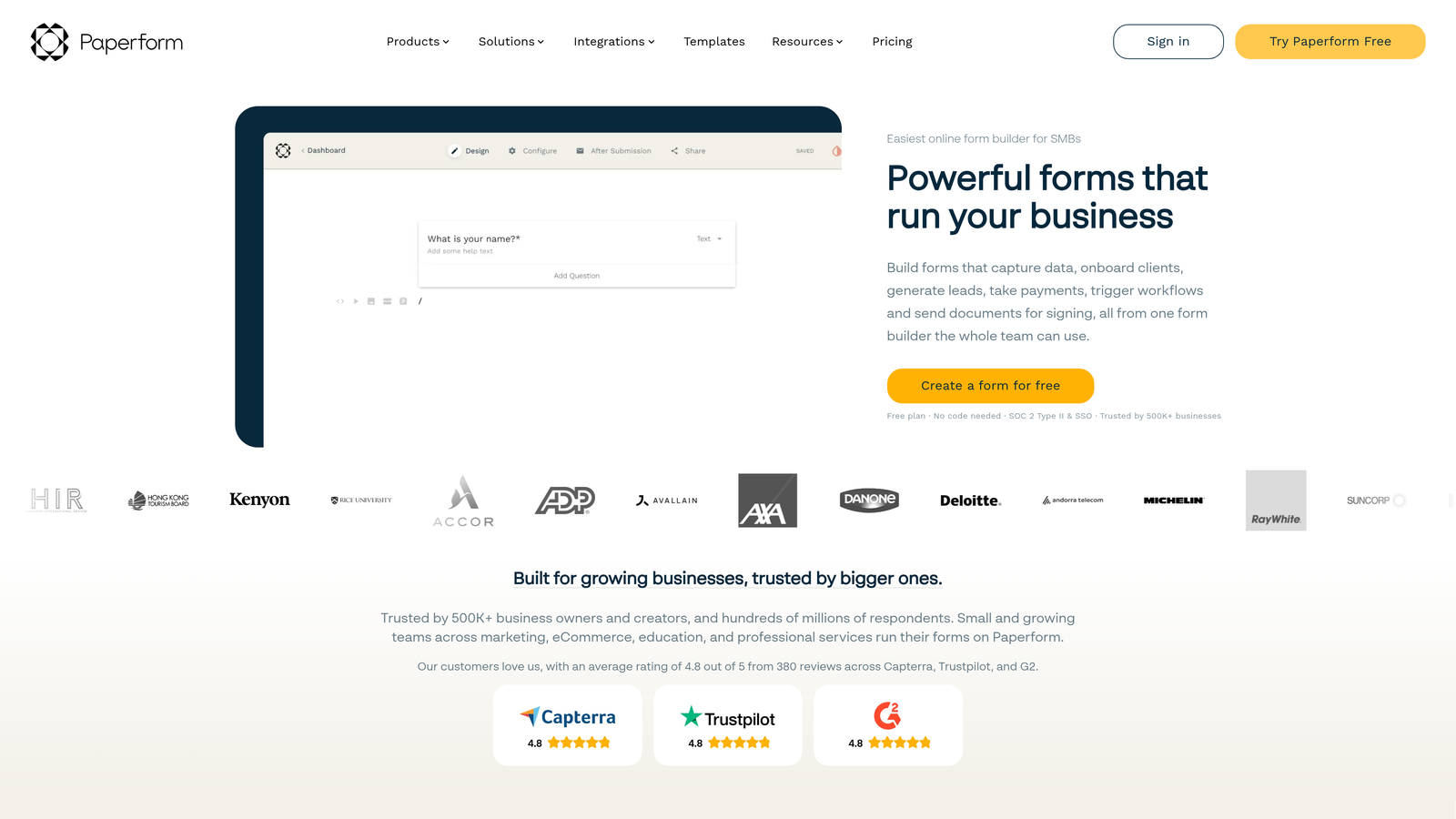
Paperform is a form builder that treats forms more like documents, mixing text, images, and video alongside form fields to create immersive, on-brand experiences.
Where This Tool Shines
Paperform sits in an interesting category: it's not quite a form builder and not quite a landing page builder, but it does both reasonably well. The ability to intersperse rich content blocks with form fields means you can build something that reads like a compelling offer page while still collecting structured data. For agencies running campaign-specific lead capture or event registration, this format can outperform a plain form.
Built-in payment processing across Stripe, Square, and Braintree removes the need for a separate checkout tool on simpler transactions. The 750+ templates are genuinely marketing-oriented, which saves time when briefing is tight.
Key Features
Rich Content Blocks: Mix text, images, and video with form fields to create document-style, engaging form experiences.
Built-In Payment Processing: Accept payments via Stripe, Square, and Braintree without third-party checkout tools.
Custom Branding with CSS Overrides: Full visual control for agencies that need pixel-level brand matching.
Conditional Logic and Calculation Fields: Build dynamic pricing calculators, quizzes, or branching intake flows.
750+ Marketing Templates: Pre-built templates designed for real marketing use cases, not just generic forms.
Best For
Agencies running campaigns where the form itself needs to do some selling — event registrations, service inquiry pages, or product configurators where context and design work together to improve conversion.
Pricing
No free tier. Plans start at approximately $24/month, with higher tiers for teams and advanced features.
7. Formspark
Best for: Development-led agencies that want complete front-end control and just need reliable backend form processing.
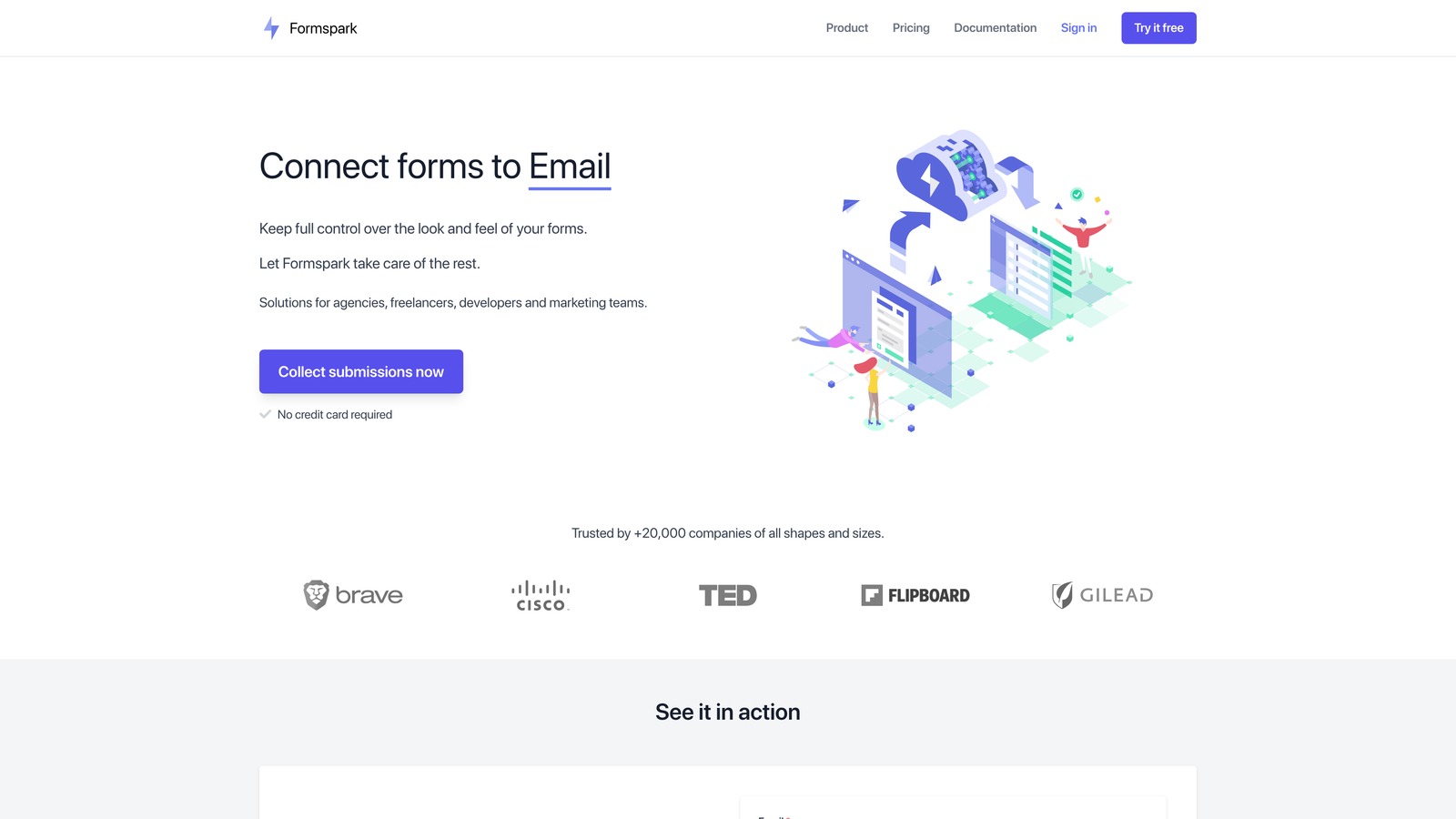
Formspark is a backend-as-a-service for forms, handling submission processing and delivery while your team writes the front-end in whatever framework you prefer.
Where This Tool Shines
Formspark flips the typical model. Instead of a drag-and-drop builder that constrains your design, you build the form exactly how you want it in HTML, React, Vue, or any other framework, then point it at Formspark for processing. Submissions are captured, spam is filtered, and data is routed to your integrations — without any front-end opinions imposed on your work.
For agencies with development resources building custom websites, this is often cleaner than embedding a third-party form widget that clashes with the site's design system. You own the entire visual experience.
Key Features
Full Front-End Freedom: Build forms in any HTML or JavaScript framework — Formspark only handles the backend processing.
Spam Protection: Botpoison and reCAPTCHA integration keeps submissions clean without extra setup.
Webhook and Zapier Integrations: Route submission data to any downstream tool in your stack.
File Upload Support: Handle file attachments without custom server infrastructure.
Submission-Based Pricing: Pay for what you use rather than a flat monthly seat fee.
Best For
Agencies with in-house developers building custom sites who want design freedom without managing their own form infrastructure. Not a fit for non-technical teams or agencies that need a visual builder for client self-service.
Pricing
Free up to 250 submissions. Paid plans start at approximately $9/month, scaling with submission volume.
8. Feathery
Best for: Agencies building complex, product-grade form flows like onboarding sequences, KYC processes, or multi-step applications.
Feathery is an advanced form builder designed for flows that go well beyond a simple contact form, with deep API integration and developer-friendly customization.
Where This Tool Shines
Feathery occupies the high end of the complexity spectrum. If you're building a 15-step onboarding flow with conditional branching, API calls at each step, and custom validation logic, most form builders will hit a wall. Feathery is designed for exactly that kind of product-grade requirement. The visual builder handles complex rule logic without requiring code, while custom CSS and JavaScript support means developers can extend it further when needed.
Built-in A/B testing for form variants is a meaningful differentiator for agencies that want to run conversion experiments directly within the form tool rather than layering a separate testing platform on top.
Key Features
Visual Builder for Complex Multi-Step Flows: Design sophisticated, branching form journeys without writing code for the core logic.
API Actions at Each Step: Trigger external API calls mid-form to validate data, fetch information, or update records in real time.
Advanced Conditional Logic: Rule builder handles complex conditions that simpler tools can't manage.
Custom CSS and JavaScript: Full code access for agencies that need to extend the platform beyond its defaults.
Built-In A/B Testing: Test form variants and measure conversion impact without a separate experimentation tool.
Best For
Agencies serving SaaS, fintech, or regulated-industry clients that need multi-step application flows, onboarding sequences, or KYC forms with real-time validation and API integration. Overkill for simple lead capture.
Pricing
Free plan available. Paid plans start at approximately $49/month, reflecting the platform's advanced capabilities.
9. HeyForm
Best for: Agencies serving regulated industries or privacy-conscious clients who need full data ownership and self-hosting flexibility.
HeyForm is an open-source conversational form builder with a self-hosting option, giving agencies complete control over data residency and white-label branding.
Where This Tool Shines
HeyForm's open-source architecture is its defining feature. Agencies working with clients in healthcare, legal, finance, or government often run into data residency requirements that cloud-only tools simply can't meet. Self-hosting via Docker puts the data entirely within your infrastructure — no third-party vendor has access to submission data. That's a meaningful selling point when your clients ask where their data actually lives.
Beyond the compliance angle, HeyForm's conversational format is solid, and the absence of vendor lock-in means you can migrate or modify the platform as your needs evolve. Cloud plans are available for agencies that don't need self-hosting but still want the cost efficiency.
Key Features
Open-Source with Self-Hosting: Deploy via Docker on your own infrastructure for complete data control and compliance flexibility.
Conversational Form Format: Guided, one-at-a-time question flow for improved respondent experience.
Custom Themes and Branding: Full white-label capability for client-facing deployments.
Webhook and Zapier Integrations: Connect to your existing tools without being locked into a proprietary ecosystem.
No Vendor Lock-In: Own your data, your code, and your deployment entirely.
Best For
Agencies with clients in regulated industries who need data sovereignty, or agencies that want to offer white-label form infrastructure without ongoing SaaS costs. Requires technical capability to deploy and maintain the self-hosted version.
Pricing
Free for self-hosted deployments. Cloud plans start at approximately $7.50/month, making it one of the most affordable options in this list.
Finding the Right Fit for Your Agency
The honest answer is that no single form builder is the best choice for every agency. The right tool depends on what your clients actually need from their forms and where your agency's technical capabilities sit.
Here's a quick way to think through the decision:
If lead qualification and conversion optimization are your core deliverable: Orbit AI's built-in lead scoring addresses the multi-tool problem directly, making it the strongest choice for agencies running lead generation campaigns.
If design quality and brand experience are the priority: Typeform and Paperform both deliver premium aesthetics, with Paperform better suited to campaign-style landing pages and Typeform better for surveys and research.
If you're managing high form volume across many clients: Jotform's template library and role-based permissions make it practical at scale, while Tally's free tier handles the lighter-weight work without budget pressure.
If your clients run on Airtable or Notion: Fillout's database-native architecture saves significant development time on data integration.
If your team builds custom sites: Formspark gives developers full front-end freedom without managing form infrastructure. Feathery handles the complex end of that spectrum when flows get sophisticated.
If data sovereignty matters: HeyForm's self-hosted option is the clearest path to meeting client compliance requirements without compromising on form quality.
For agencies focused on growth and conversion performance, the tools that consolidate form building, lead qualification, and integration into a single workflow will consistently outperform the patchwork approach. Start your free trial today with Orbit AI and see how intelligent form design can elevate your conversion strategy — without the overhead of stitching together three separate tools to get there.


