Free form builders have never been more plentiful. A quick search turns up dozens of options, each promising drag-and-drop simplicity, beautiful templates, and seamless integrations. The real challenge isn't finding a free form builder; it's finding the right one for how you actually work.
Some free plans are genuinely useful. Others are little more than a teaser to push you toward a paid subscription after your first 50 submissions. The tools on this list were evaluated specifically on their free tiers: submission limits, feature depth, customization options, integration availability, and whether the free plan holds up in a real workflow.
Whether you're capturing leads, running customer surveys, collecting job applications, or building forms into a developer project, there's a tool here that fits. Here are the top free form builders worth your time in 2026.
1. Orbit AI
Best for: High-growth teams who want forms that qualify leads automatically, not just collect them.
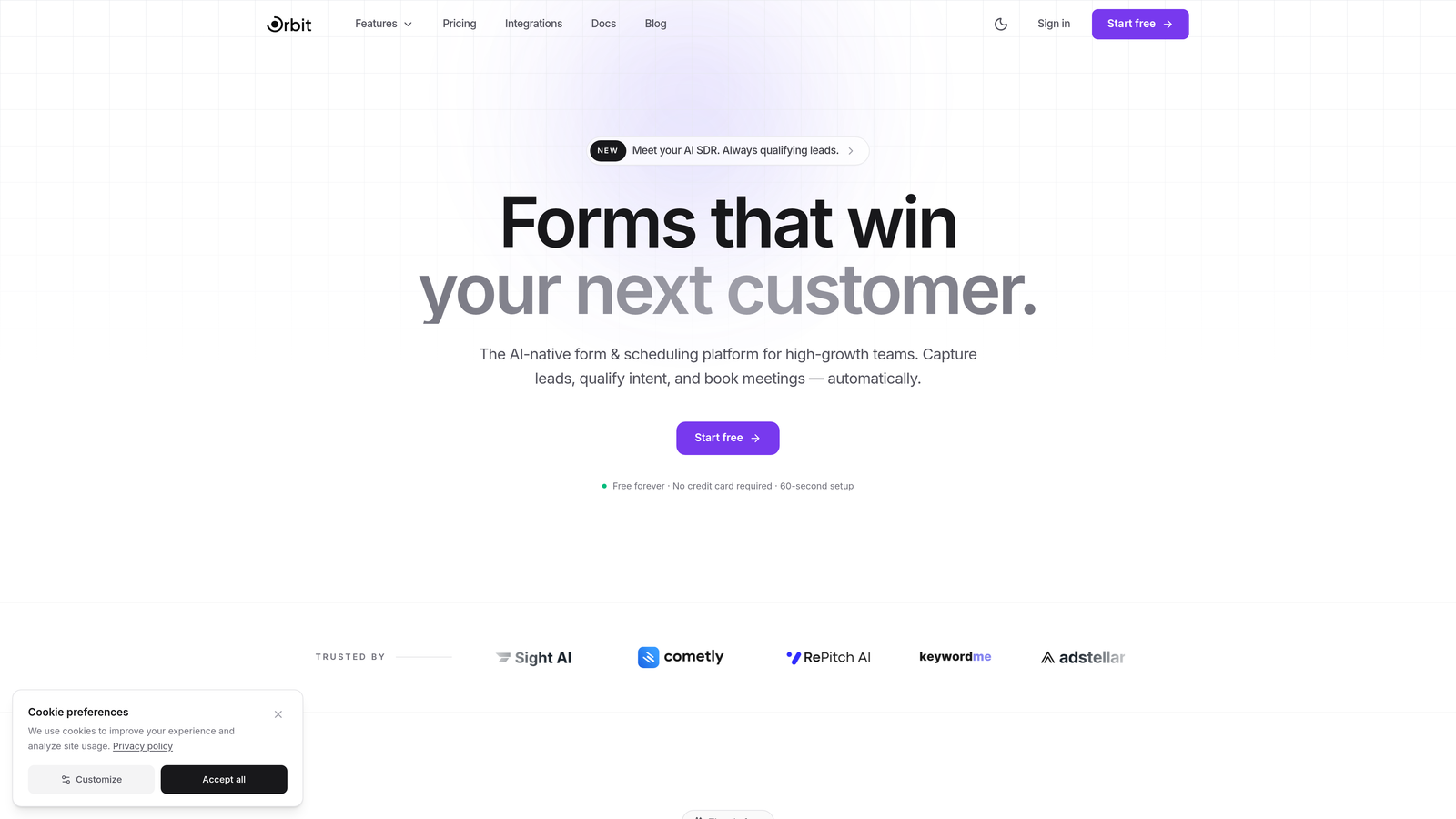
Orbit AI is an AI-powered form builder that qualifies leads in real time as users complete the form, built specifically for teams focused on conversion.
Where This Tool Shines
Most form builders treat every submission equally. Orbit AI takes a different approach: as a prospect fills out your form, the AI is already evaluating their responses, scoring them, and routing them appropriately. That means your sales team receives pre-qualified leads instead of a raw list to sort through manually.
The form design itself is modern and conversion-focused by default. You're not starting from a generic template and wrestling it into shape. The builder is built around the assumption that your form's job is to convert, not just to collect.
Key Features
AI-Powered Lead Qualification: Scores and routes leads in real time based on how they respond, so high-value prospects get immediate attention.
Conversion-Optimized Templates: Templates are designed specifically for lead generation, not generic data collection.
Conditional Logic and Dynamic Fields: Forms adapt based on user responses, creating a personalized path through the form experience.
No-Code Builder: Clean, modern interface that doesn't require technical skills to create polished, professional forms.
CRM and Marketing Integrations: Connects with popular CRMs and marketing tools so qualified leads flow directly into your existing workflow.
Best For
Orbit AI is the right choice for SaaS companies, marketing teams, and sales-led organizations where lead quality matters as much as lead volume. If you're tired of forms that dump unfiltered submissions into a spreadsheet and leave qualification to your team, this is the tool that changes that dynamic.
Pricing
Free plan available for getting started. Paid plans unlock advanced AI qualification features and higher submission volumes for scaling teams.
2. Google Forms
Best for: Teams already in Google Workspace who need simple, unlimited forms at zero cost.
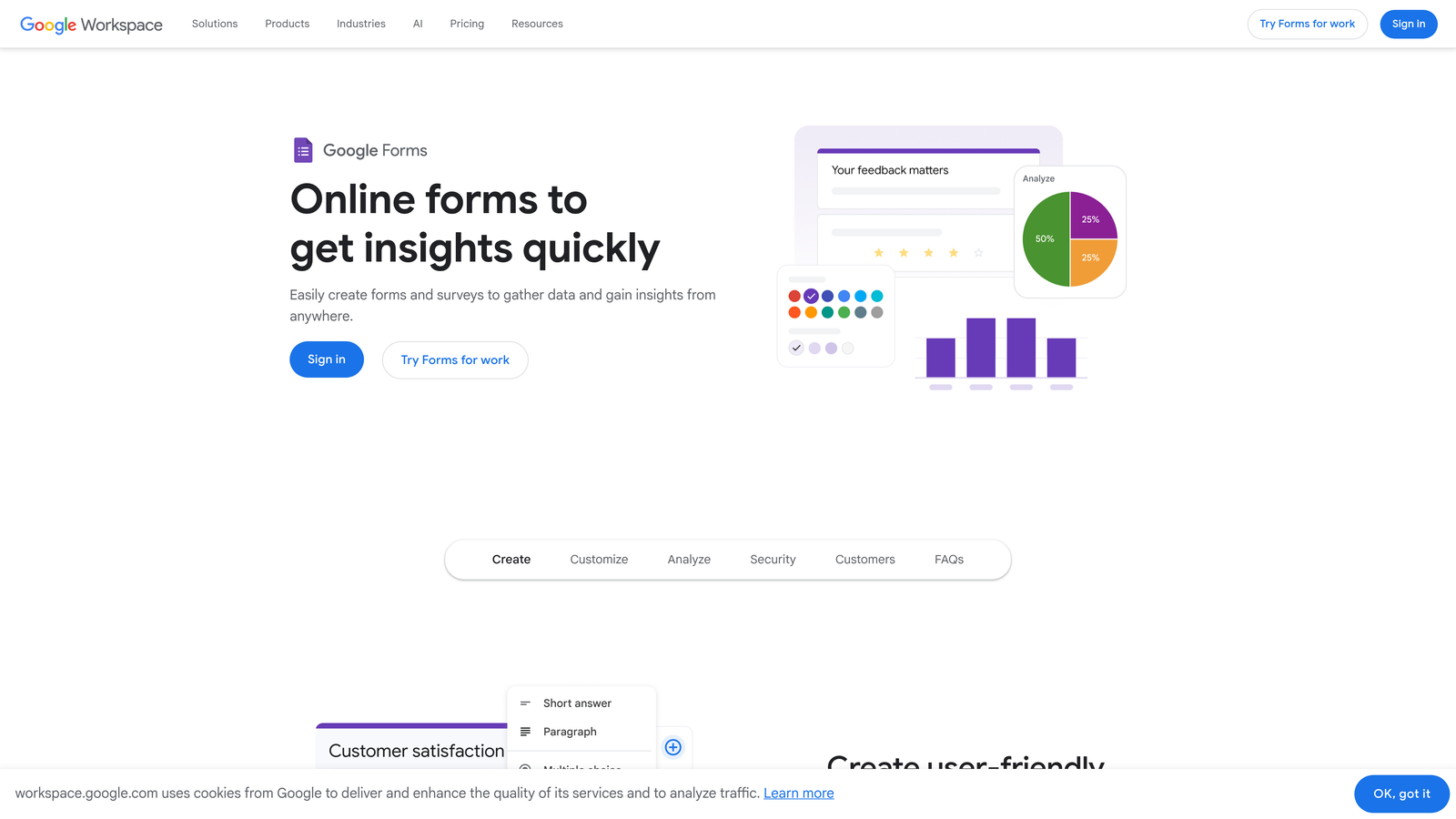
Google Forms is the completely free, no-frills form builder that comes with every Google account, with no submission limits and no hidden paywalls.
Where This Tool Shines
The biggest advantage of Google Forms is that it genuinely costs nothing and removes every artificial limit. Unlimited forms, unlimited responses, unlimited collaborators. For teams that live in Google Workspace, responses flow automatically into Google Sheets, which means you already have a functional data layer without setting anything up.
It won't win any design awards, and the customization options are minimal. But for internal surveys, event registrations, quick feedback forms, and educational use cases, it covers the basics without friction.
Key Features
Unlimited Forms and Responses: No submission caps, no form limits, no upgrade prompts — genuinely free at any scale.
Google Sheets Integration: Responses automatically populate a connected spreadsheet for easy analysis.
Real-Time Collaboration: Multiple team members can edit forms simultaneously, just like Google Docs.
Basic Conditional Logic: Route respondents to different sections based on their answers.
Quiz Mode: Auto-grading with point values, useful for educational and training contexts.
Best For
Google Forms is ideal for individuals, educators, and teams that need quick, functional forms without any budget or setup overhead. It's less suited for customer-facing lead generation where design and branding matter.
Pricing
Completely free for personal use. Included in all Google Workspace plans for business users.
3. Tally
Best for: Startups and indie builders who want a genuinely generous free tier with modern design.
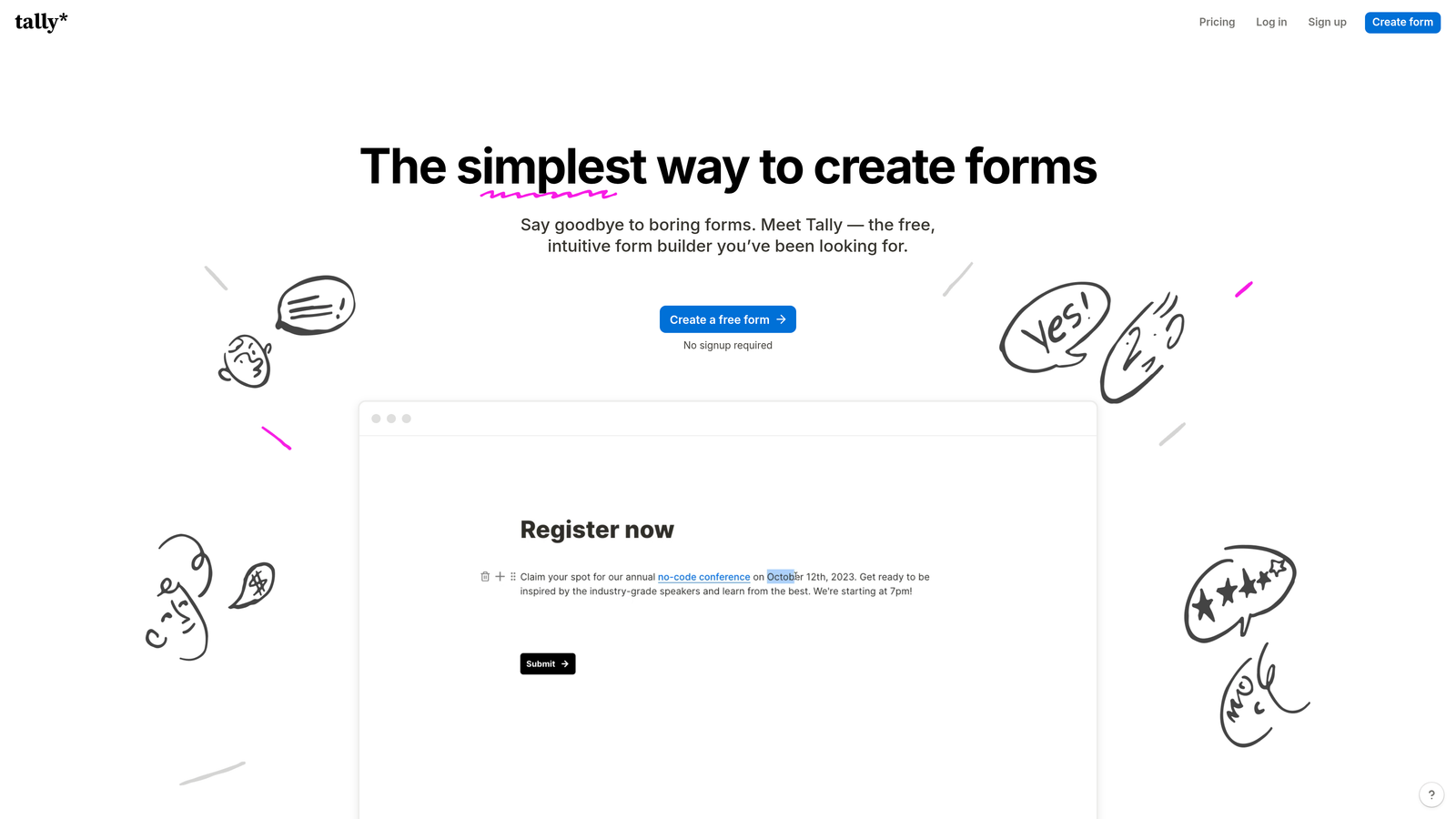
Tally is a Notion-style form builder offering unlimited forms and submissions on its free plan, making it one of the most compelling no-cost options available.
Where This Tool Shines
Tally's free plan is unusually generous. Where most competitors cap you at 100 or 200 monthly submissions, Tally removes that ceiling entirely. The block-based editor feels familiar to anyone who uses Notion, making it intuitive to build forms without a learning curve.
Conditional logic, hidden fields, and calculations are all available on the free tier, which is rare. The startup and indie maker community has embraced Tally precisely because it doesn't feel like a bait-and-switch free plan.
Key Features
Unlimited Forms and Submissions (Free): No monthly caps on the free plan, which is genuinely unusual in this market.
Block-Based Editor: Notion-style building experience that makes form creation feel natural and flexible.
Logic and Calculations (Free): Conditional logic, hidden fields, and calculated fields are available without upgrading.
File Uploads and Payments: Collect files and process payments directly through forms.
Wide Integration Support: Connects with Notion, Google Sheets, Airtable, Slack, and more.
Best For
Tally is perfect for solo founders, small teams, and startups that need a capable, modern form builder without a budget. Also strong for anyone building forms that feed into Notion-based workflows.
Pricing
Free plan includes most features. Tally Pro is $29/month and adds custom domains, team collaboration features, and removes Tally branding from forms.
4. Jotform
Best for: Teams that need a wide template library and built-in payment collection on a free plan.
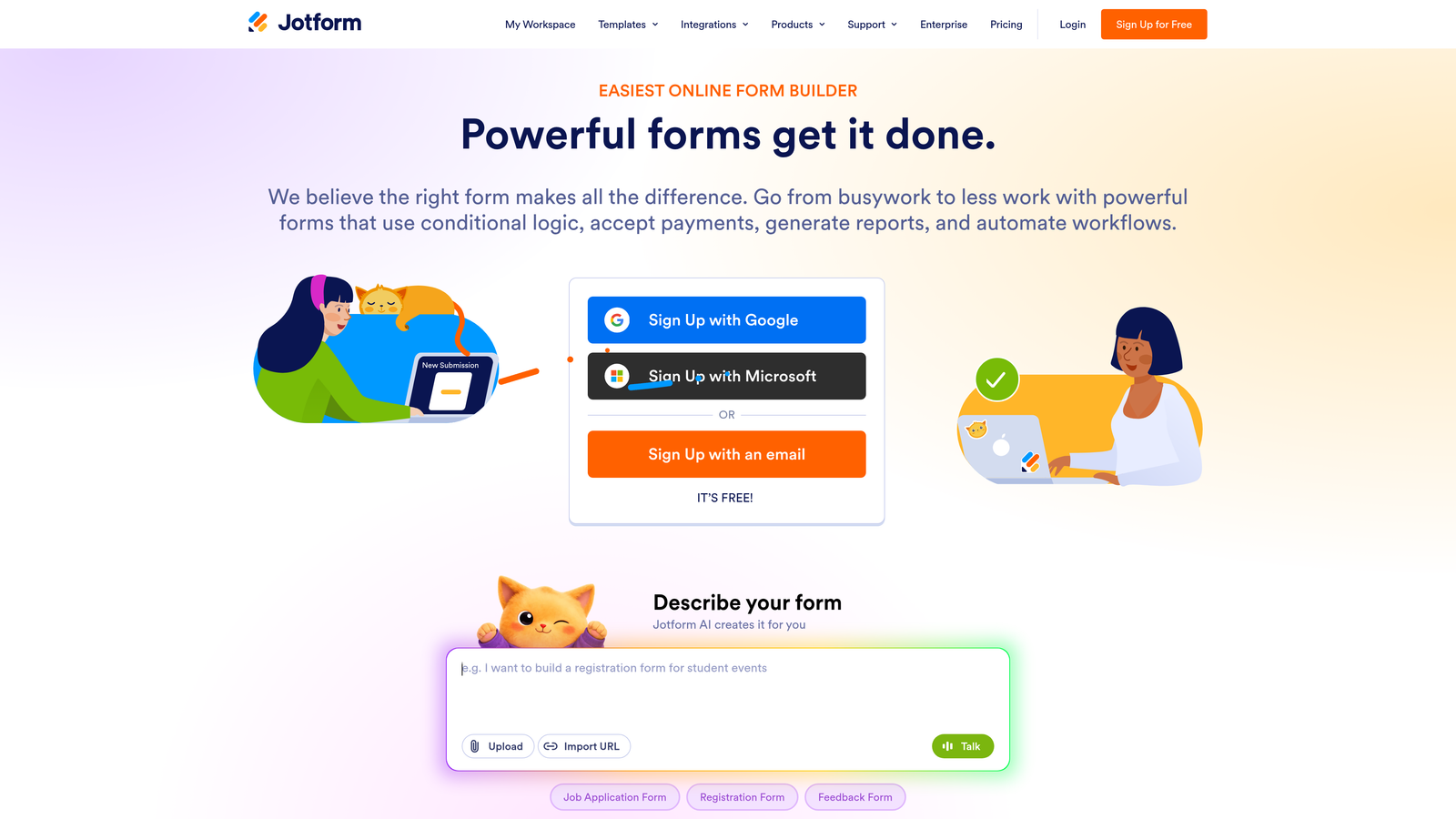
Jotform is a feature-rich form builder with over 10,000 templates and native payment processing, offering a capable free tier for low-volume use cases.
Where This Tool Shines
Jotform's template library is enormous. Whatever industry or use case you're building for, there's almost certainly a starting point already there. The drag-and-drop builder is mature and polished, and the inclusion of payment integrations on the free plan is genuinely useful for small organizations accepting occasional transactions.
The free tier's 100 monthly submission limit is a real constraint for active lead generation, but for occasional forms, event registrations, or internal workflows, it holds up well.
Key Features
10,000+ Templates: Pre-built forms covering virtually every industry and use case imaginable.
Payment Integrations on Free Plan: Accept payments via PayPal, Stripe, and Square without upgrading.
Drag-and-Drop Builder: Mature, intuitive interface with conditional logic built in.
PDF Generation: Automatically create PDF reports from form submissions.
Jotform Tables: A built-in database view for managing and organizing submission data.
Best For
Jotform is well-suited for nonprofits, small businesses, and event organizers who need professional templates and occasional payment collection without a large monthly submission volume.
Pricing
Free plan includes 5 forms and 100 monthly submissions. Paid plans start at $34/month for higher limits and additional features.
5. Typeform
Best for: Teams prioritizing respondent engagement and completion rates over submission volume.
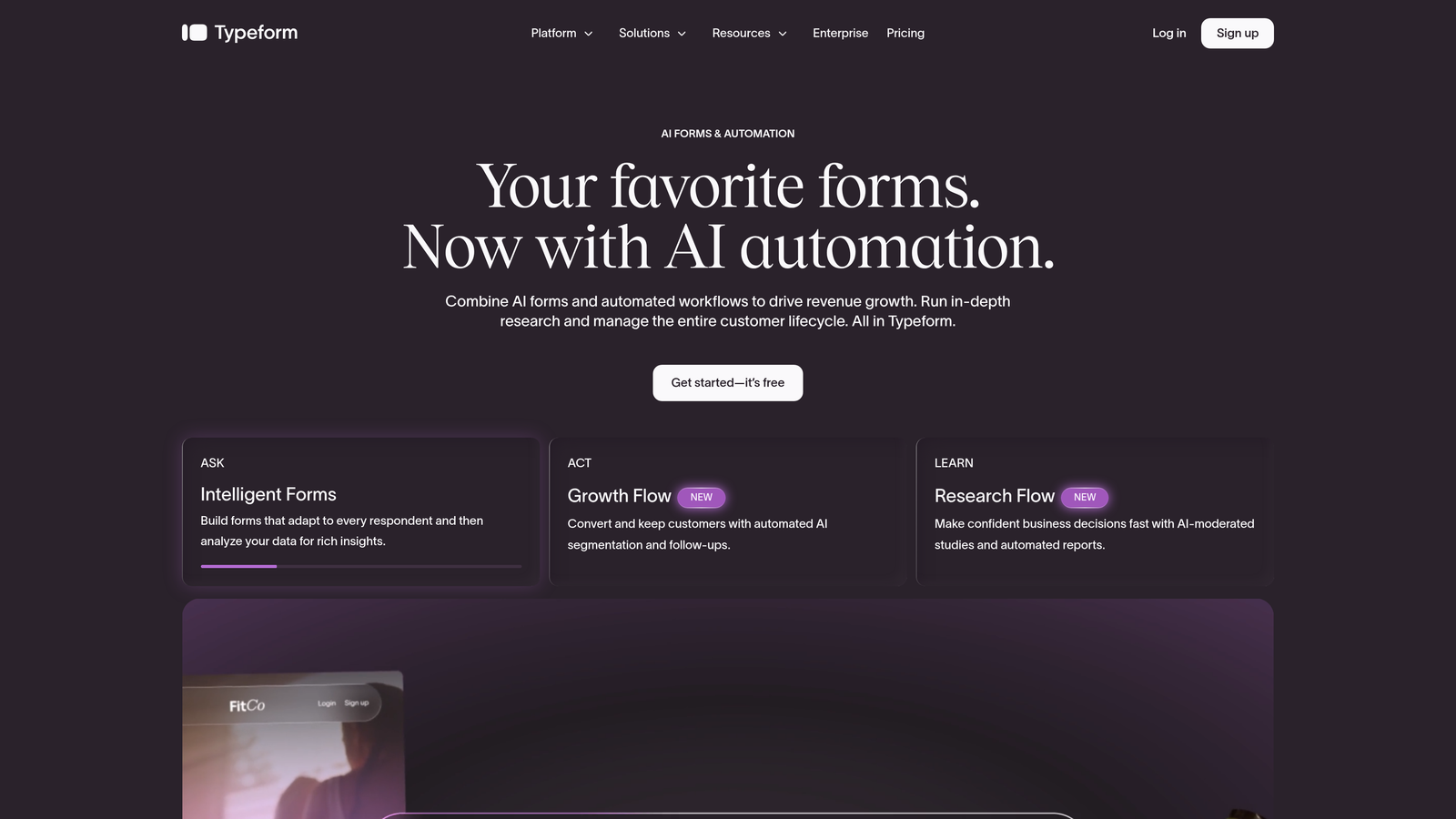
Typeform pioneered the conversational form format, presenting one question at a time to create a focused, engaging experience that tends to drive higher completion rates.
Where This Tool Shines
Typeform's one-question-at-a-time format genuinely changes how people experience forms. Instead of facing a long page of fields, respondents move through a focused conversation. This approach is particularly effective for surveys, lead qualification flows, and any form where abandonment is a problem.
The design quality is high by default, and the logic branching capabilities let you create personalized paths through the form. The significant caveat is the free plan's 10-response-per-month limit, which makes it impractical for active campaigns.
Key Features
Conversational UI: One question per screen creates a focused, distraction-free experience for respondents.
Logic Jumps and Branching: Route respondents down different paths based on their answers.
High-Quality Default Design: Forms look polished without significant customization effort.
Native Integrations: Connects with Zapier, HubSpot, Slack, and other popular tools.
Built-In Analytics: Response insights and completion rate data available in the dashboard.
Best For
Typeform is best for teams running low-volume, high-stakes forms where respondent experience is the priority. The free plan is better for prototyping and testing than active deployment.
Pricing
Free plan allows 10 responses per month per form. Paid plans start at $25/month for meaningful response volumes.
6. Microsoft Forms
Best for: Organizations running on Microsoft 365 who need forms that connect naturally to Excel and Teams.
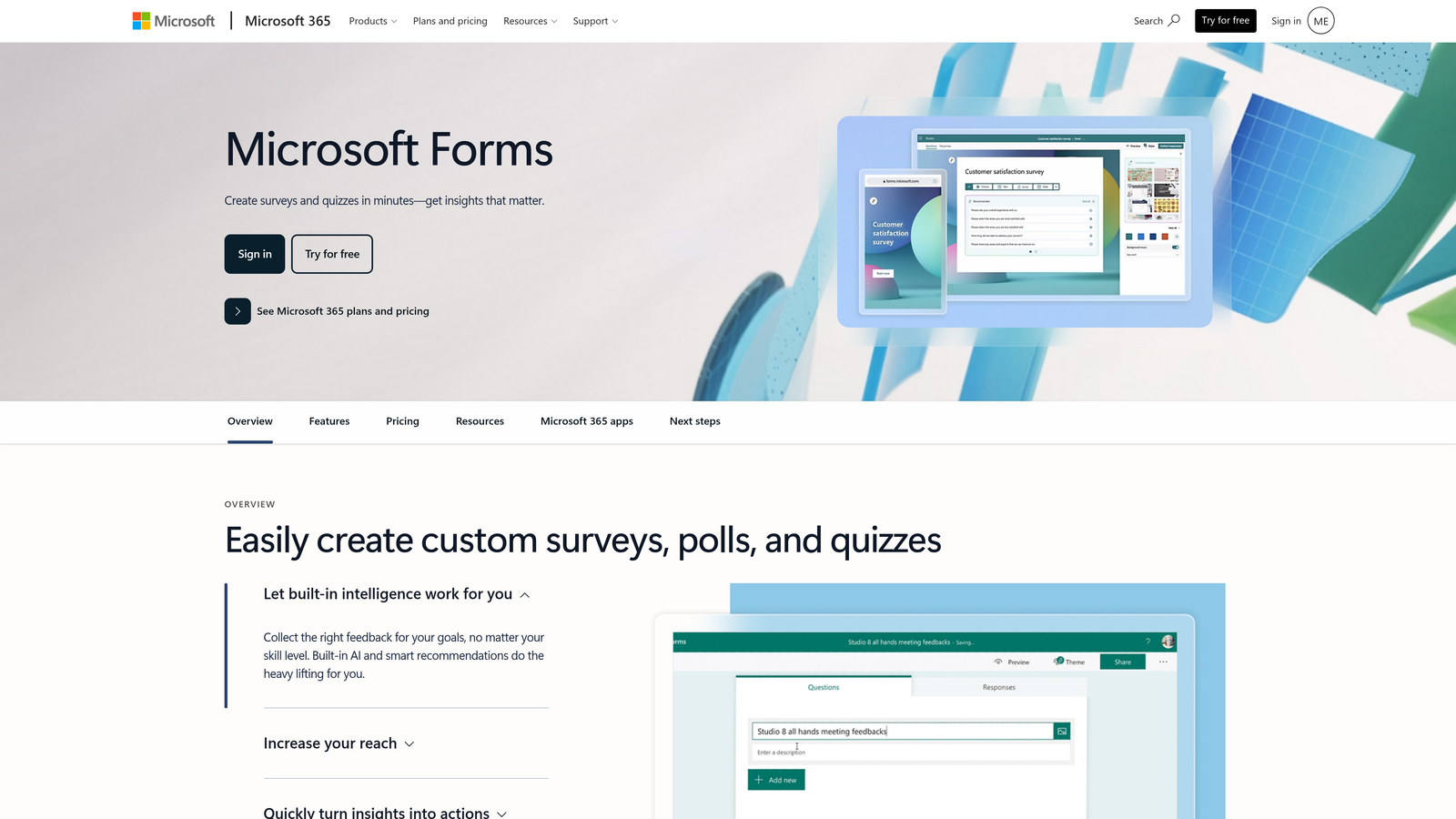
Microsoft Forms is a free form and survey tool included with every Microsoft account, deeply integrated with Excel, Teams, and the Microsoft 365 ecosystem.
Where This Tool Shines
For organizations already standardized on Microsoft 365, Forms is the path of least resistance. Responses sync automatically with Excel, forms can be shared and completed directly inside Teams, and the tool requires no additional setup or accounts. It mirrors the simplicity of Google Forms but within the Microsoft ecosystem.
The interface is clean and accessible, making it easy for non-technical users to build surveys and quizzes. Like Google Forms, it's not a design powerhouse, but it handles the fundamentals reliably.
Key Features
Free with Microsoft Account: Available to anyone with a personal or work Microsoft account at no cost.
Excel Sync: Responses automatically populate an Excel workbook for analysis.
Branching Logic: Conditional question flows based on respondent answers.
Quiz Functionality: Built-in scoring and auto-grading for assessments.
Teams Integration: Share and complete forms directly within Microsoft Teams channels.
Best For
Microsoft Forms is the natural choice for enterprise teams, educational institutions, and any organization standardized on Microsoft 365 where ecosystem consistency matters more than design flexibility.
Pricing
Free with any Microsoft account. Advanced features and higher response limits are available with Microsoft 365 subscriptions.
7. HubSpot Free Form Builder
Best for: Teams who want every form submission to automatically land in a CRM without any manual work.
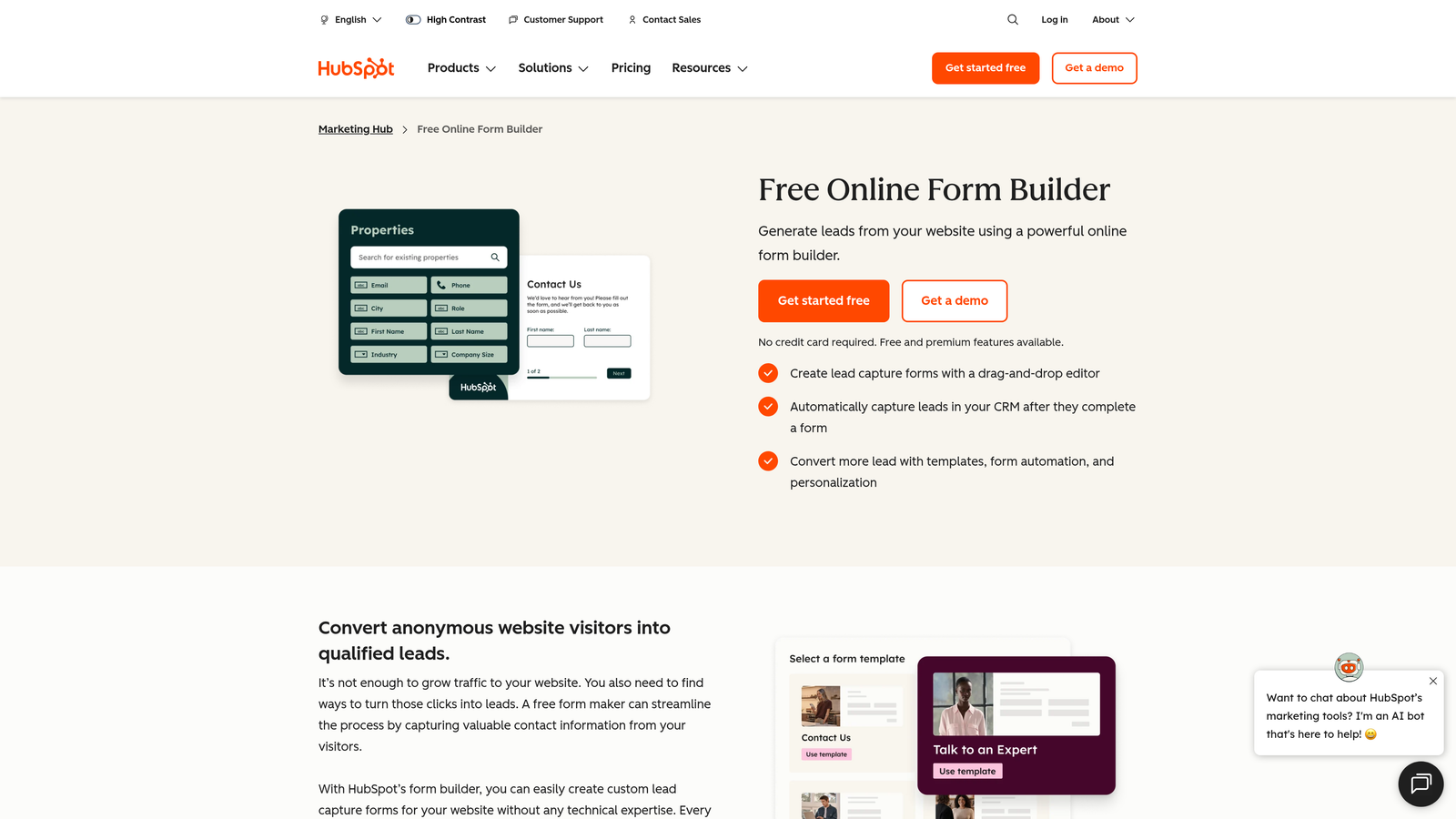
HubSpot's form builder is part of their free CRM suite, automatically creating and updating contact records from every submission for seamless lead management.
Where This Tool Shines
The core differentiator here isn't the form builder itself — it's what happens after someone submits. Every submission automatically creates or updates a contact record in HubSpot's free CRM. For sales and marketing teams, this eliminates the manual step of importing leads from a spreadsheet into their CRM, which is where many leads get lost.
Progressive profiling is a particularly useful feature: HubSpot can recognize returning visitors and ask for new information rather than repeating questions they've already answered, making each form interaction incrementally more valuable.
Key Features
Automatic CRM Contact Creation: Every submission instantly creates or updates a contact record in HubSpot CRM.
Drag-and-Drop Builder: Custom fields and form layouts without coding.
Multiple Form Formats: Pop-up, embedded, and standalone form options.
Basic Follow-Up Automation: Trigger simple email sequences from form submissions on the free plan.
Progressive Profiling: Collect new data from returning visitors without asking the same questions twice.
Best For
HubSpot Forms is ideal for sales-driven teams and small businesses that want form submissions to feed directly into a CRM workflow without paying for an integration or manual export process.
Pricing
Free forever with HubSpot CRM. Advanced automation and marketing features are available in Marketing Hub Starter at $20/month.
8. Fillout
Best for: Teams using Airtable, Notion, or Google Sheets as their data layer who need forms that read from and write to those sources.
Fillout is a form builder designed to act as a frontend for existing databases, letting you create forms that interact directly with your Airtable bases, Notion databases, and Google Sheets.
Where This Tool Shines
Fillout solves a specific but common problem: teams that already manage their data in Airtable or Notion don't want a separate form tool that creates a disconnected copy of that data. Fillout connects directly to these sources, so form submissions update the actual records rather than creating a parallel dataset to reconcile later.
The pre-fill capability is especially powerful: you can send someone a form that's already populated with their existing data, asking them to update or confirm it rather than starting from scratch.
Key Features
Native Database Integrations: Direct two-way connection with Airtable, Notion, and Google Sheets as the form backend.
Pre-Fill from Existing Records: Populate forms with existing database data before the respondent sees them.
Conditional Logic and Multi-Page Forms: Flexible form flows with file upload support.
Scheduling Integration: Calendar booking forms built directly into the form experience.
Quiz and Calculator Types: Specialized form types for assessments and calculation-based outputs.
Best For
Fillout is the right choice for operations teams, product managers, and no-code builders who use Airtable or Notion as their source of truth and want forms that stay in sync with those databases.
Pricing
Free plan includes unlimited forms and 1,000 submissions per month. Paid plans start at $19/month for higher volumes and additional features.
9. Formspree
Best for: Developers building custom frontends who need a reliable form backend without managing a server.
Formspree is a form backend service that handles submissions from any custom HTML form, making it the go-to choice for static sites, JAMstack projects, and custom-built frontends.
Where This Tool Shines
Formspree occupies a unique position in this list: it's not a form builder at all. It's a form handler. You write your own form HTML in whatever framework you're using, point the action to Formspree, and it handles everything else: spam filtering, email notifications, webhook forwarding, and data storage. No backend code required.
For developers who want full control over the form's appearance and behavior but don't want to build and maintain a form submission pipeline, Formspree removes the infrastructure problem entirely.
Key Features
Framework Agnostic: Works with plain HTML, React, Vue, Next.js, or any frontend technology.
Spam Filtering: Built-in reCAPTCHA and Akismet protection without extra configuration.
Email Notifications and Webhooks: Get notified on submission and forward data to external systems.
File Upload Support: Accept file attachments through custom forms.
Automation Integrations: Connects with Zapier and Make for workflow automation.
Best For
Formspree is built for developers and technical teams deploying static sites, JAMstack apps, or any custom frontend where using a visual form builder isn't an option or preference.
Pricing
Free plan allows 50 submissions per month per form. Paid plans start at $10/month for higher volumes and additional features.
10. Paperform
Best for: Teams who want forms that look and feel like branded landing pages rather than traditional data collection tools.
Paperform blends rich content editing with form functionality, letting you mix text, images, video, and form fields into a single cohesive experience.
Where This Tool Shines
Paperform sits at the intersection of form builder and landing page creator. Instead of dropping a form widget onto a page, you build a document-style experience where content and form fields coexist naturally. This makes it particularly effective for product order forms, event registrations, and intake forms where context and explanation matter as much as the fields themselves.
The payment collection options are broad, supporting Stripe, PayPal, Braintree, and Square, which makes it a strong choice for small businesses and creators who sell directly through forms.
Key Features
Rich Content Editor: Combine text, images, and video with form fields in a single document-style layout.
Conditional Logic and Calculations: Dynamic form behavior based on responses, including calculated outputs.
Multi-Gateway Payment Collection: Accept payments via Stripe, PayPal, Braintree, and Square.
Custom Success Pages: Redirect respondents to custom pages or show tailored confirmation messages.
Zapier Integration: Access to 3,000+ app connections through Zapier.
Best For
Paperform is ideal for small businesses, creators, and consultants who want forms that reflect their brand and include contextual content alongside the fields, particularly for sales and intake workflows.
Pricing
No permanent free plan. Paperform offers a 14-day free trial; paid plans start at $29/month.
Which Tool Is Right for Your Workflow
The right free form builder depends on what you're actually trying to accomplish. Here's a quick-reference breakdown by use case to help you cut through the noise.
Best for lead generation: Orbit AI is the standout choice for teams where lead quality matters. The AI qualification layer means your forms aren't just collecting data but actively scoring and routing prospects, which changes what's possible with form-driven growth.
Best completely free option: Tally offers the most generous free tier in the market. Unlimited forms, unlimited submissions, and most features unlocked without paying. For startups and solo builders, it's hard to beat.
Best for simplicity: Google Forms wins on zero friction. If you're already in Google Workspace and need a form that works without setup, configuration, or cost, nothing is faster to deploy.
Best for CRM integration: HubSpot's form builder is the obvious choice for sales teams. Every submission becomes a CRM contact automatically, which eliminates the manual handoff that causes leads to fall through the cracks.
Best for developers: Formspree handles the backend so developers can own the frontend entirely. If you're building on JAMstack or a custom framework, it's the cleanest solution available.
Best conversational experience: Typeform remains the benchmark for engagement-focused forms. Just be aware that the free plan's 10-response monthly limit makes it better for testing than production use.
A few tools worth calling out for specific niches: Fillout is the best choice if Airtable or Notion is your data layer. Paperform is worth the paid plan for teams who want forms that function as branded experiences. Jotform and Microsoft Forms round out the list for teams with specific ecosystem needs.
The free form builder market has matured to the point where there's a genuinely strong option for almost every use case. The key is matching the tool to your workflow rather than defaulting to whatever is most familiar.
For teams serious about turning form submissions into qualified leads, start your free trial today with Orbit AI and see how intelligent form design can elevate your conversion strategy. When your forms do the qualification work automatically, every submission becomes an opportunity your team is actually ready to act on.