

Formstack is a solid platform, but it was built for broad data collection, not lead generation. For high-growth teams running inbound campaigns, qualifying B2B pipeline, or optimizing conversion at every touchpoint, that distinction matters more than you might expect.
If you're hitting walls with Formstack's pricing structure, frustrated by limited AI capabilities, or simply looking for a tool that treats lead qualification as a first-class feature rather than an afterthought, you're in the right place.
This list focuses on alternatives that help you capture, qualify, and convert leads, not just collect form submissions. Each tool has been evaluated on form flexibility, lead qualification capabilities, CRM integrations, conversion optimization features, and pricing transparency. Whether you're a lean startup or a scaling B2B team, there's a fit here.
1. Orbit AI
Best for: High-growth SaaS and B2B teams that want AI-powered lead qualification built directly into the form flow.
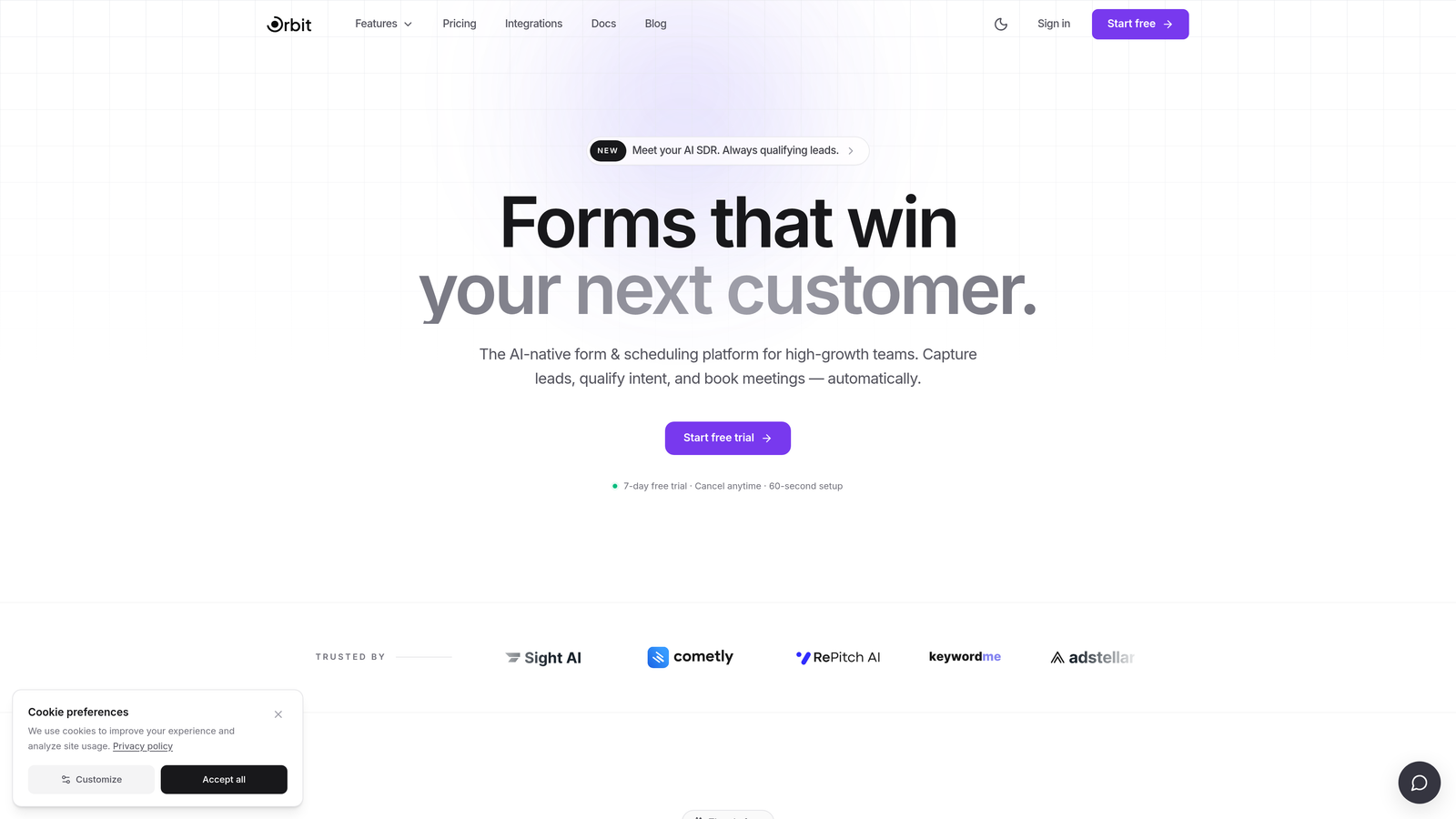
Orbit AI is an AI-powered form builder designed specifically for lead generation and conversion optimization, not general-purpose data collection.
Where This Tool Shines
Most form tools capture leads and pass them to your CRM for someone else to qualify. Orbit AI flips that model. Its AI qualification layer works within the form itself, scoring and routing leads based on their responses before they ever hit your pipeline. For sales teams drowning in unqualified submissions, that's a meaningful shift.
The form design itself is built around conversion. Clean, modern UX, thoughtful conditional logic, and personalized question paths mean respondents stay engaged longer and submit more complete information. The result is better data quality, not just higher volume.
Key Features
AI-Powered Lead Qualification: Scores and qualifies leads automatically based on form responses, so your sales team focuses on high-intent prospects.
Conversion-Optimized Design: Modern, polished form UX designed to reduce drop-off and increase completion rates on lead capture flows.
Conditional Logic: Personalized question paths that adapt based on each respondent's answers, creating a tailored experience at scale.
CRM and Sales Tool Integrations: Connects with the tools your team already uses to ensure qualified leads flow directly into your pipeline.
Lead Quality Analytics: Reporting focused on lead quality and qualification outcomes, not just raw submission counts.
Best For
SaaS companies running inbound lead generation, B2B teams that need to qualify pipeline efficiently, and any growth team that wants AI to do the heavy lifting on lead scoring before prospects reach sales.
Pricing
Visit orbitforms.ai for current pricing details and available plans.
2. Typeform
Best for: Teams that want a conversational form experience to reduce drop-off on lead capture forms.
Typeform is a conversational form builder known for its one-question-at-a-time format that keeps respondents engaged through the entire form flow.

Where This Tool Shines
Typeform's core strength is the experience it creates for the person filling out the form. Rather than presenting a wall of fields, it guides respondents through questions one at a time, which many teams find improves completion rates on longer lead capture forms.
It's also one of the most recognizable names in the form space, with a mature integration ecosystem that connects directly to HubSpot, Salesforce, and Zapier. For teams that want polished forms without heavy customization work, Typeform delivers out of the box.
Key Features
Conversational UX: One-question-at-a-time format creates an interview-like experience that keeps respondents engaged.
Logic Jumps: Conditional branching routes respondents to different questions based on their answers.
Native CRM Integrations: Direct connections to HubSpot, Salesforce, and Zapier for lead routing.
Rich Media Embedding: Add video and images within form flows to create more engaging lead capture experiences.
Completion Rate Analytics: Track where respondents drop off and optimize your form accordingly.
Best For
Marketing teams that prioritize form aesthetics and respondent experience, and companies already using HubSpot or Salesforce who want seamless lead sync without custom middleware.
Pricing
Free tier available; paid plans start from approximately $25/month. Verify current pricing at typeform.com/pricing.
3. HubSpot Forms
Best for: Teams already using HubSpot CRM who want zero-friction lead-to-pipeline capture.
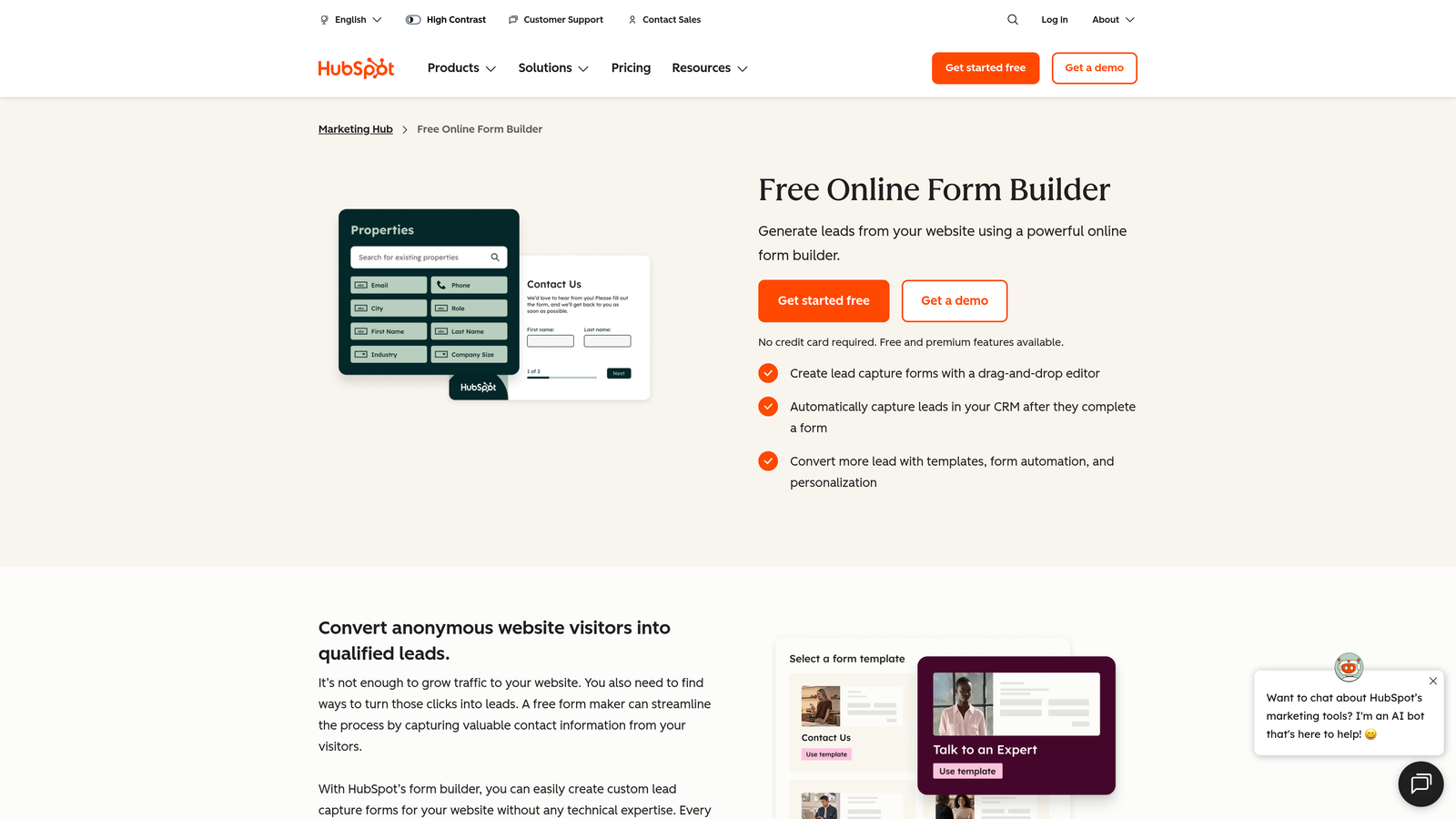
HubSpot Forms is the native form builder within the HubSpot platform, designed to feed leads directly into the HubSpot CRM with no middleware required.
Where This Tool Shines
If your team lives in HubSpot, this is the path of least resistance. Form submissions create or update contact records automatically, trigger workflows, and feed into your pipeline without a single Zapier step. That operational simplicity is genuinely valuable at scale.
The progressive profiling feature is particularly useful for B2B lead generation. Rather than asking the same questions to returning visitors, HubSpot Forms shows new fields to fill gaps in your contact data over time, enriching your lead profiles without overwhelming first-time visitors.
Key Features
Native CRM Sync: Form submissions map directly to HubSpot contact records with zero middleware or manual setup.
Progressive Profiling: Automatically shows new fields to known contacts, enriching lead data incrementally over time.
Smart Forms: Adapt displayed fields based on what HubSpot already knows about a returning visitor.
Workflow Triggers: Form submissions can instantly trigger email sequences, task assignments, and pipeline updates.
Embedded and Pop-Up Options: Deploy forms inline on pages or as pop-ups triggered by user behavior.
Best For
Marketing and sales teams already invested in the HubSpot ecosystem. Less compelling as a standalone choice if you're not using HubSpot CRM, since the form builder itself is fairly basic outside that context.
Pricing
Free with HubSpot CRM's free tier; advanced features require a paid Marketing Hub subscription. Verify at hubspot.com/pricing.
4. Jotform
Best for: Teams that need a high-volume, general-purpose form platform with an extensive template library.
Jotform is one of the largest form platforms available, with over 10,000 templates spanning lead generation, payments, surveys, registrations, and more.
Where This Tool Shines
Jotform's breadth is its defining characteristic. If you need to spin up a variety of form types quickly, the template library alone saves significant time. It's a reliable workhorse that handles everything from simple contact forms to complex multi-step lead capture flows.
The integration library is equally broad, connecting with over 100 apps. For teams managing diverse workflows across different tools, that flexibility matters. It's worth noting that Jotform is more of a general-purpose tool than a lead qualification platform, so teams with specific lead scoring needs may want to pair it with dedicated CRM automation.
Key Features
10,000+ Templates: One of the largest template libraries available, covering virtually every form use case.
Conditional Logic: Multi-page forms with branching logic to create personalized form experiences.
Built-In Payments: Collect payments directly through forms without third-party payment form builders.
100+ Integrations: Broad app connectivity including Salesforce, HubSpot, Google Sheets, and Zapier.
Team Collaboration: Shared workspaces and form management for teams working across multiple campaigns.
Best For
Agencies or teams managing high volumes of diverse form types, and businesses that need payment collection alongside lead capture in a single platform.
Pricing
Free tier available; paid plans start from approximately $34/month. Verify current pricing at jotform.com/pricing.
5. Gravity Forms
Best for: WordPress-based websites that need advanced conditional logic and a powerful form add-on ecosystem.
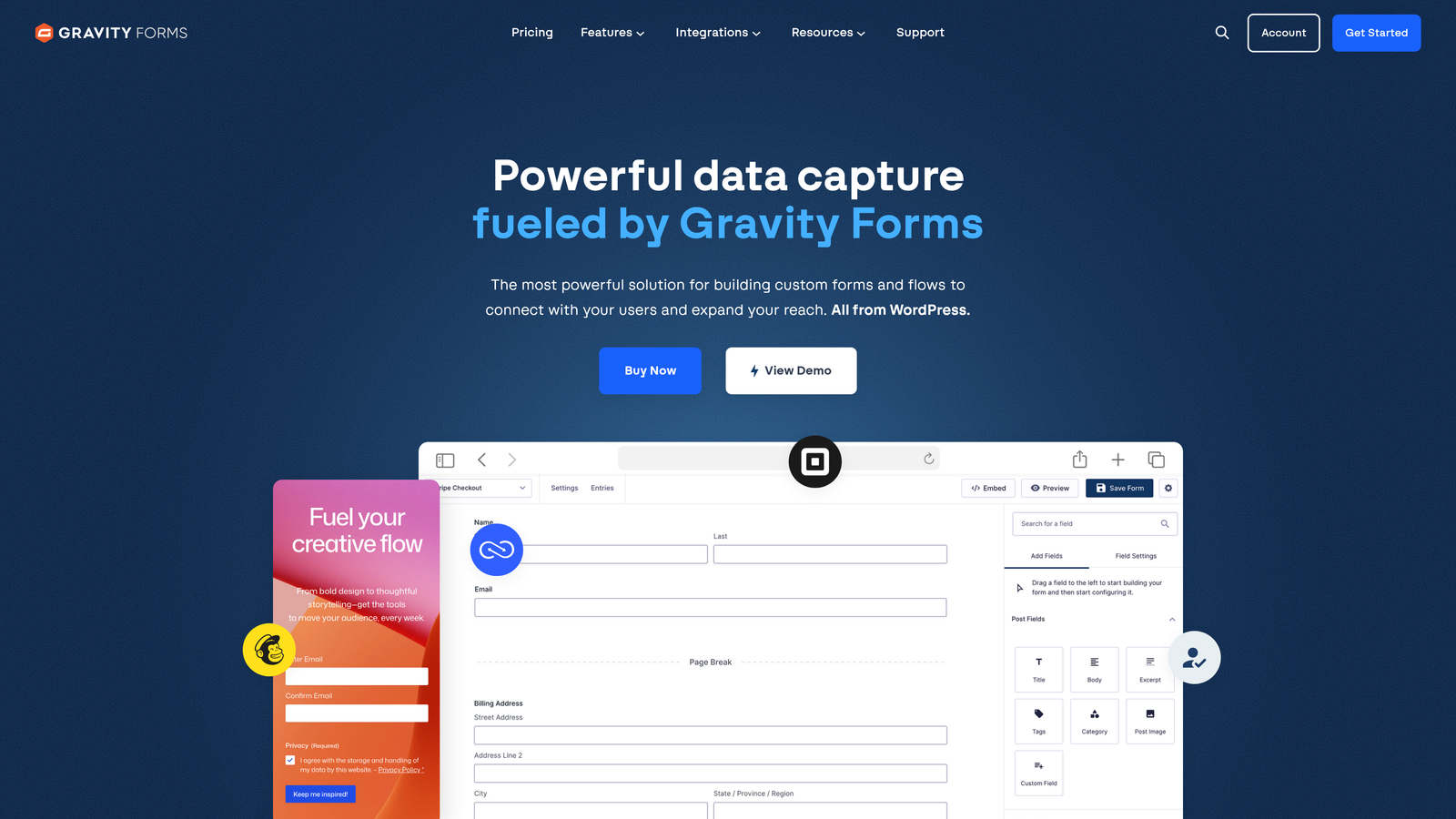
Gravity Forms is a WordPress-native form plugin with deep platform integration, developer-friendly customization, and a mature add-on marketplace.
Where This Tool Shines
For teams building on WordPress, Gravity Forms is often the gold standard. The conditional logic system is genuinely advanced, allowing complex field routing, calculation fields, and multi-step form flows that go well beyond what most SaaS form builders offer out of the box.
The add-on ecosystem extends functionality significantly. CRM connections, payment gateways, and automation tools are available as official add-ons, making it possible to build sophisticated lead capture and routing workflows entirely within WordPress. The developer-friendly architecture with hooks and filters also means custom requirements are achievable without hacking the core plugin.
Key Features
Deep WordPress Integration: Native plugin architecture that works seamlessly with any WordPress theme or page builder.
Advanced Conditional Logic: Complex field routing, show/hide rules, and calculated fields for sophisticated form flows.
Add-On Ecosystem: Official add-ons for HubSpot, Salesforce, Stripe, PayPal, Mailchimp, and many more.
Multi-Step Forms: Break long forms into paginated steps to reduce drop-off on detailed lead capture flows.
Developer-Friendly: Extensive hooks and filters for custom functionality without modifying core files.
Best For
Agencies building lead generation sites on WordPress, and WordPress-native businesses that need advanced logic and CRM routing without leaving their existing stack. Not suitable for non-WordPress teams.
Pricing
Annual license starting from approximately $59/year. Verify current pricing at gravityforms.com/pricing.
6. Paperform
Best for: Teams that want to combine rich landing page content with lead capture forms in a single, flexible builder.
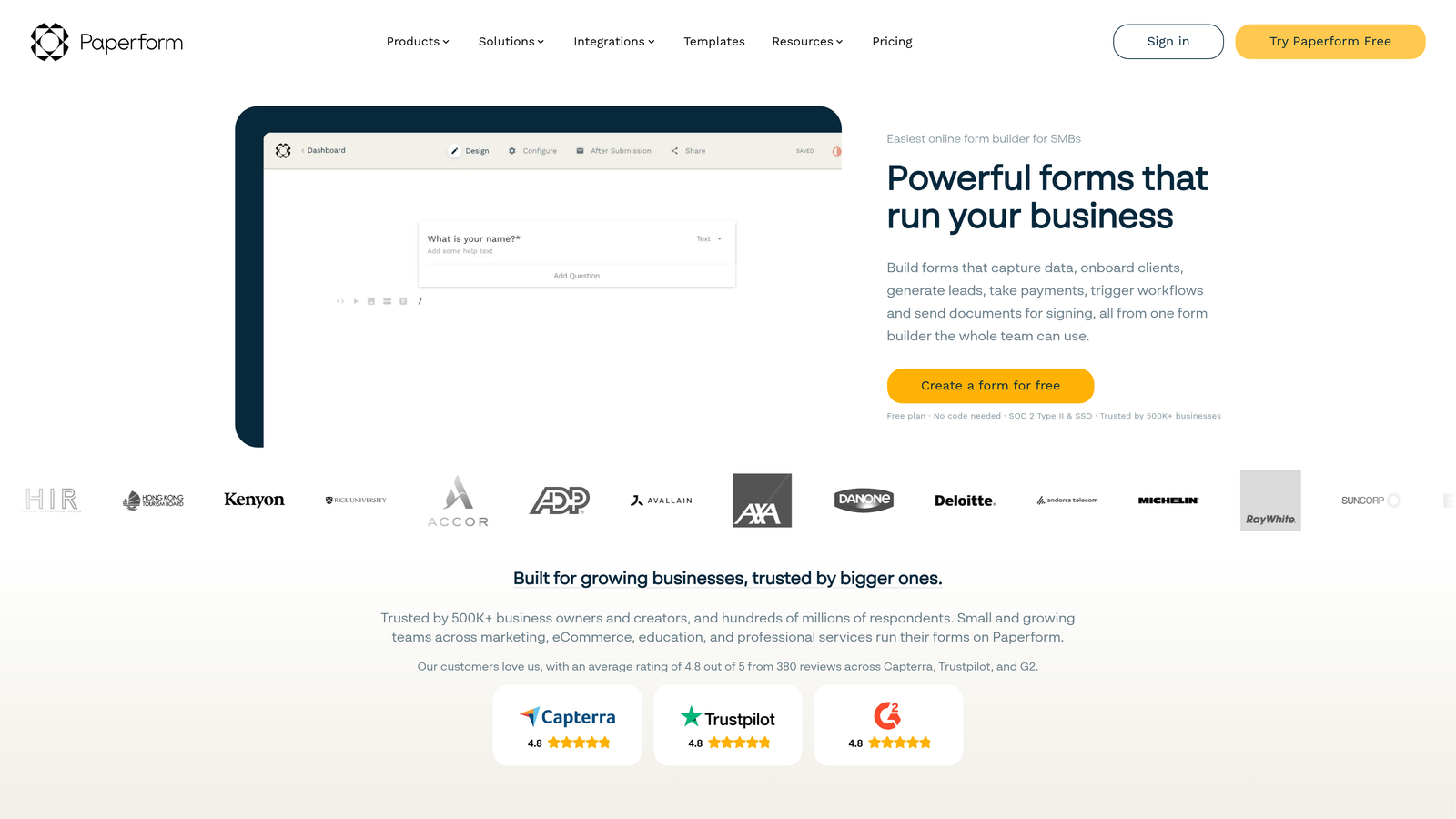
Paperform is a hybrid form and mini-landing-page builder that lets you embed text, images, and video directly alongside form fields, creating immersive lead capture experiences without a separate page builder.
Where This Tool Shines
Paperform's freeform layout is genuinely different from most form builders. Instead of a rigid field-by-field structure, you compose forms more like a document, weaving form fields into rich content. This makes it particularly effective for product launches, event registrations, and lead capture pages where context and storytelling matter.
The built-in scheduling and payment features also reduce the need for additional tools in your stack. If you're running campaigns that combine information capture with bookings or transactions, Paperform handles it in one place.
Key Features
Freeform Layout: Combine text, images, video, and form fields in a document-style layout for richer lead capture experiences.
Conditional Logic: Personalized paths based on respondent answers to guide leads through relevant questions.
Payments and Scheduling: Built-in support for collecting payments and booking appointments alongside form submissions.
Custom Domain Support: Publish forms on your own domain for a more branded experience.
Zapier and Native Integrations: Connect to CRMs, email tools, and automation platforms to route leads automatically.
Best For
Marketing teams running campaign-specific lead capture pages, event organizers, and businesses that want a single tool to handle forms, payments, and scheduling without stitching together multiple products.
Pricing
Paid plans start from approximately $24/month. Verify current pricing at paperform.co/pricing.
7. Tally
Best for: Lean teams and startups that need a generous free tier with conditional logic and integrations included.
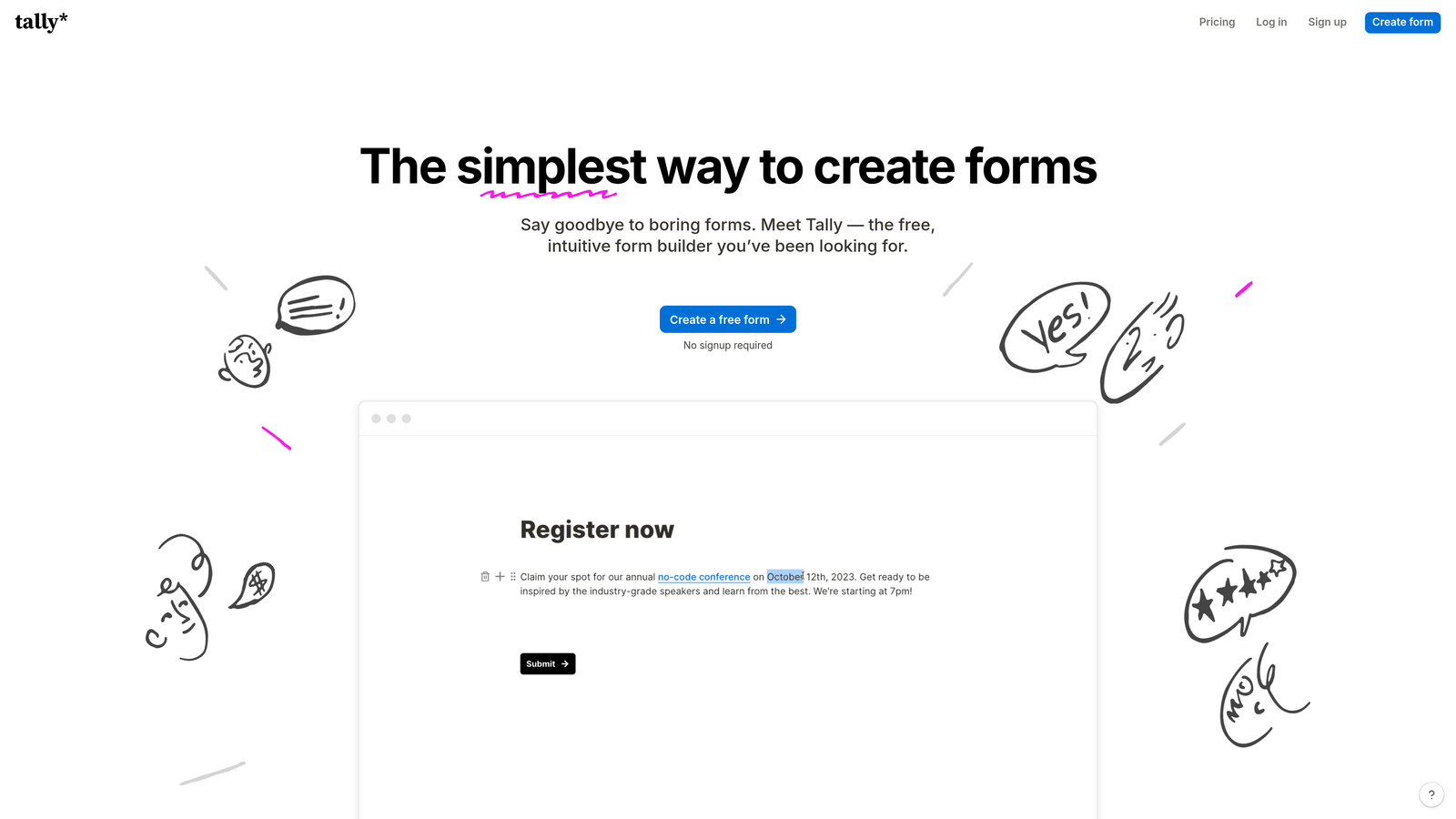
Tally is a modern, Notion-inspired form builder with a free tier that includes conditional logic, integrations, and unlimited forms, making it one of the most compelling free options in the market.
Where This Tool Shines
Most form tools gate their best features behind paid plans. Tally takes a different approach: conditional logic, Zapier integrations, and unlimited forms and submissions are all available on the free tier. For bootstrapped teams or early-stage startups, that's a significant advantage.
The interface is clean and distraction-free, taking clear inspiration from Notion's block-based editing. Forms feel modern without requiring design work, and embedding is as simple as pasting a single line of code. It's not the most feature-rich tool on this list, but for straightforward lead capture with solid integrations, it punches well above its price point.
Key Features
Unlimited Forms on Free Tier: No submission caps or form limits on the free plan, which is rare in this category.
Conditional Logic Included Free: Branching logic available without upgrading, unlike many competitors.
Native Integrations: Connects with Notion, Google Sheets, Slack, and Zapier without requiring a paid plan.
Clean Form UX: Distraction-free, modern design that works well for lead capture without additional styling.
Simple Embedding: Drop forms anywhere on the web with a single line of code.
Best For
Startups, indie makers, and lean teams that need capable lead capture forms without a monthly bill. Also a good fit for teams already using Notion who want native form-to-database integration.
Pricing
Generous free tier with most core features included; Pro plan available for advanced needs. Verify current pricing at tally.so/pricing.
8. ActiveCampaign Forms
Best for: Teams using ActiveCampaign for email marketing who want form submissions to trigger automation sequences directly.
ActiveCampaign Forms is the form builder built into the ActiveCampaign marketing automation platform, enabling direct form-to-automation-sequence triggers for email-driven lead nurture.
Where This Tool Shines
ActiveCampaign Forms isn't trying to be a standalone form builder. Its power comes from tight integration with ActiveCampaign's automation engine. When someone submits a form, they can be immediately enrolled in a nurture sequence, tagged for segmentation, scored based on their responses, and added to your CRM, all without a single Zap or manual step.
For email-driven lead nurture strategies, that level of native automation is hard to replicate with external form tools. If ActiveCampaign is already your marketing platform, the forms feature is a natural extension rather than an additional tool to manage.
Key Features
Direct Automation Triggers: Form submissions instantly enroll contacts into ActiveCampaign automation sequences.
Lead Scoring: Score leads based on form responses and behavior to prioritize follow-up.
Multiple Form Formats: Inline, floating bar, and pop-up form options for different placement contexts.
Automatic CRM Contact Creation: New submissions create or update contact records in ActiveCampaign's CRM automatically.
Segmentation Tags: Apply tags at the form level to segment leads immediately upon submission.
Best For
Teams already using ActiveCampaign for email marketing and automation who want their forms to feed directly into existing sequences. Not a strong standalone choice if you're not already on the ActiveCampaign platform.
Pricing
Included with ActiveCampaign plans starting from approximately $15/month. Verify current pricing at activecampaign.com/pricing.
9. Fillout
Best for: Product and ops teams that need modern forms with native integrations to Notion, Airtable, or Supabase.
Fillout is a modern form builder with a clean interface and strong native integrations with database and productivity tools, built for fast-moving teams that want forms to connect directly to their existing data infrastructure.
Where This Tool Shines
Fillout's native integrations with Notion, Airtable, and Supabase set it apart from most form tools, which treat those platforms as afterthoughts or rely on Zapier workarounds. For product teams using Airtable as a lightweight CRM or ops teams managing lead data in Notion, Fillout's direct connections simplify the entire data flow.
The form builder itself is well-designed, supporting multi-step formats, conversational flows, scheduling, and payments. The free tier is competitive, with no submission limits, making it accessible for teams at early stages who still want a polished product.
Key Features
Native Database Integrations: Direct connections to Notion, Airtable, and Supabase without middleware or Zapier.
Multi-Step and Conversational Formats: Build paginated or one-at-a-time form flows depending on your use case.
Scheduling and Payments: Handle bookings and transactions directly within form flows.
Conditional Logic and Calculated Fields: Advanced logic for personalized paths and dynamic field calculations.
Competitive Free Tier: No submission limits on the free plan, keeping costs low for growing teams.
Best For
Product teams, ops teams, and early-stage startups that use Notion, Airtable, or Supabase as their operational backbone and want forms that write directly to those databases without workarounds.
Pricing
Free tier available with no submission limits; paid plans available for advanced features. Verify current pricing at fillout.com/pricing.
Which Tool Is Right for Your Lead Generation Stack?
The right Formstack alternative depends entirely on what's actually slowing you down. Here's a quick breakdown to help you match tool to need.
For AI-powered lead qualification: Orbit AI is the clear choice if you want intelligence built into the form itself, scoring and routing leads before they ever reach your sales team. It's purpose-built for exactly this use case.
For HubSpot-native teams: HubSpot Forms is the obvious fit. Progressive profiling, workflow triggers, and zero-middleware CRM sync make it the lowest-friction option if you're already in the HubSpot ecosystem.
For conversational lead capture: Typeform remains a strong option for teams that prioritize respondent experience and want a polished, one-question-at-a-time flow with solid CRM integrations.
For WordPress sites: Gravity Forms is the standard for a reason. The conditional logic depth and add-on ecosystem make it the most capable option for WordPress-native lead generation.
For email-driven nurture: ActiveCampaign Forms wins if your lead strategy centers on email automation. The direct trigger into sequences is genuinely powerful for teams already on the platform.
For lean teams on a budget: Tally's free tier is hard to beat. Unlimited forms, conditional logic, and integrations at no cost make it an excellent starting point for early-stage teams.
For Notion or Airtable users: Fillout's native database integrations make it the most practical choice for product and ops teams managing lead data in those tools.
If lead generation and conversion are your primary goals and you want a platform built around qualifying prospects rather than just collecting data, start building free forms today with Orbit AI and see how AI-powered qualification changes what your forms can actually do for your pipeline.


