

Every startup lives or dies by its ability to capture and convert leads. Yet most founders waste precious hours wrestling with clunky form tools that weren't built for fast-moving teams. The right web form builder does more than collect data—it qualifies leads automatically, integrates with your existing stack, and scales without breaking the bank.
We evaluated dozens of form builders specifically through the startup lens: ease of setup, pricing flexibility, conversion optimization features, and integration capabilities. Here are the nine tools that actually deliver for high-growth teams.
1. Orbit AI
Best for: Startups prioritizing lead quality and conversion optimization with AI-powered qualification
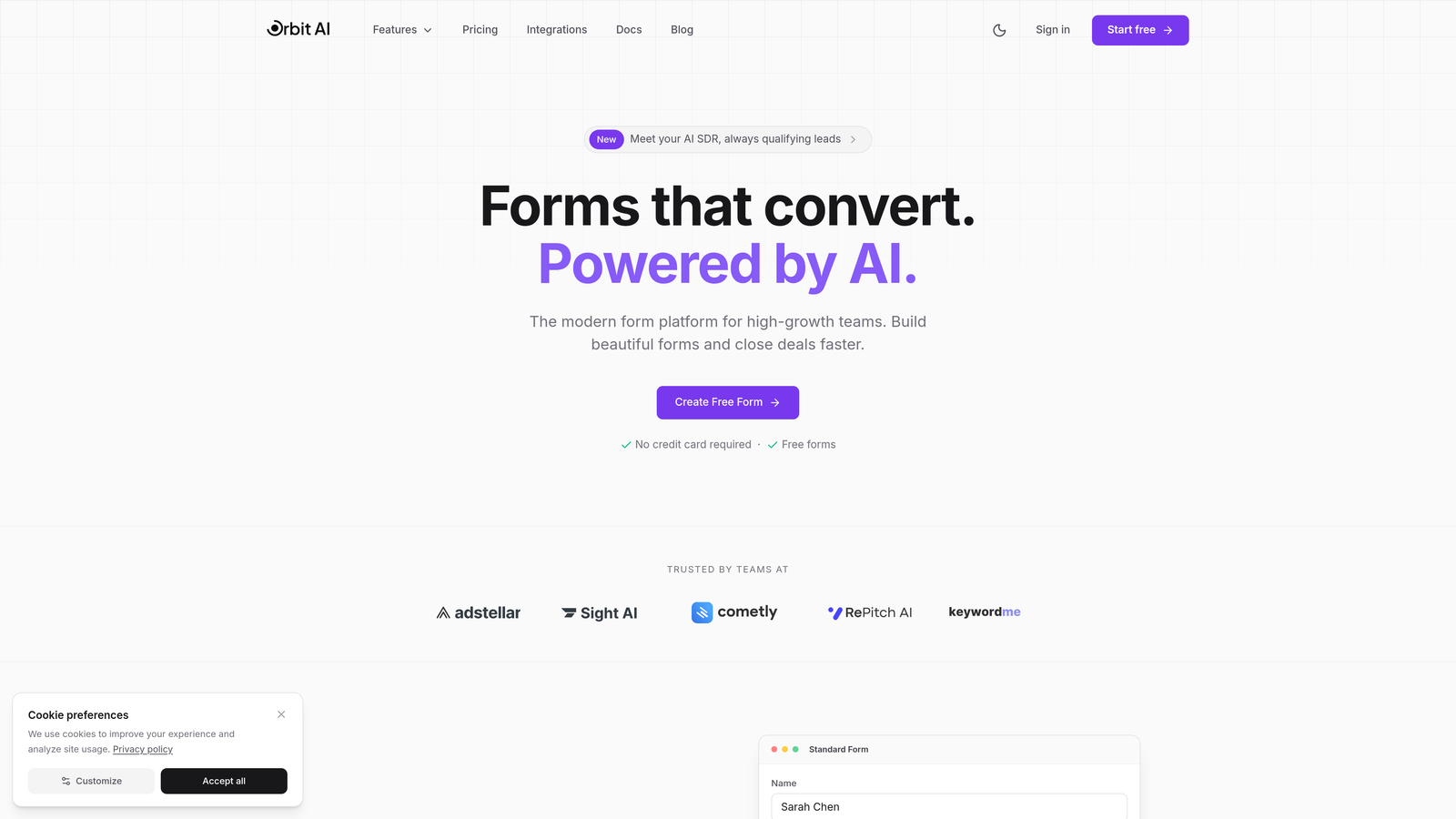
Orbit AI is an AI-powered form builder designed specifically for high-growth teams that need intelligent lead qualification built into every form.
Where This Tool Shines
What sets Orbit AI apart is its focus on lead intelligence rather than just data collection. The platform automatically scores and qualifies leads as they submit forms, routing high-value prospects to your sales team immediately while nurturing others through automated workflows.
The conversion-optimized templates are built on behavioral research, not just aesthetic preferences. Every element—from field placement to button copy—is designed to maximize completion rates while capturing the data you actually need.
Key Features
AI-Powered Lead Qualification: Automatically scores and routes leads based on responses, eliminating manual triage work.
Conversion-Optimized Templates: Pre-built forms designed for maximum completion rates across different use cases.
Native CRM Integrations: Connects directly to major CRMs and marketing tools without middleware or Zapier.
Workflow Automation Triggers: Sets up conditional actions based on form responses to automate follow-up sequences.
Real-Time Analytics Dashboard: Tracks form performance, conversion rates, and lead quality metrics in one view.
Best For
Orbit AI works best for B2B startups and SaaS companies where lead quality matters more than volume. If you're spending hours manually qualifying inbound leads or struggling with low conversion rates on existing forms, the AI qualification features deliver immediate value.
Pricing
Free tier available for getting started, with paid plans that scale based on usage and team size. The pricing structure grows with your business rather than hitting you with surprise overages.
2. Typeform
Best for: Brand-focused startups creating engaging, conversational form experiences
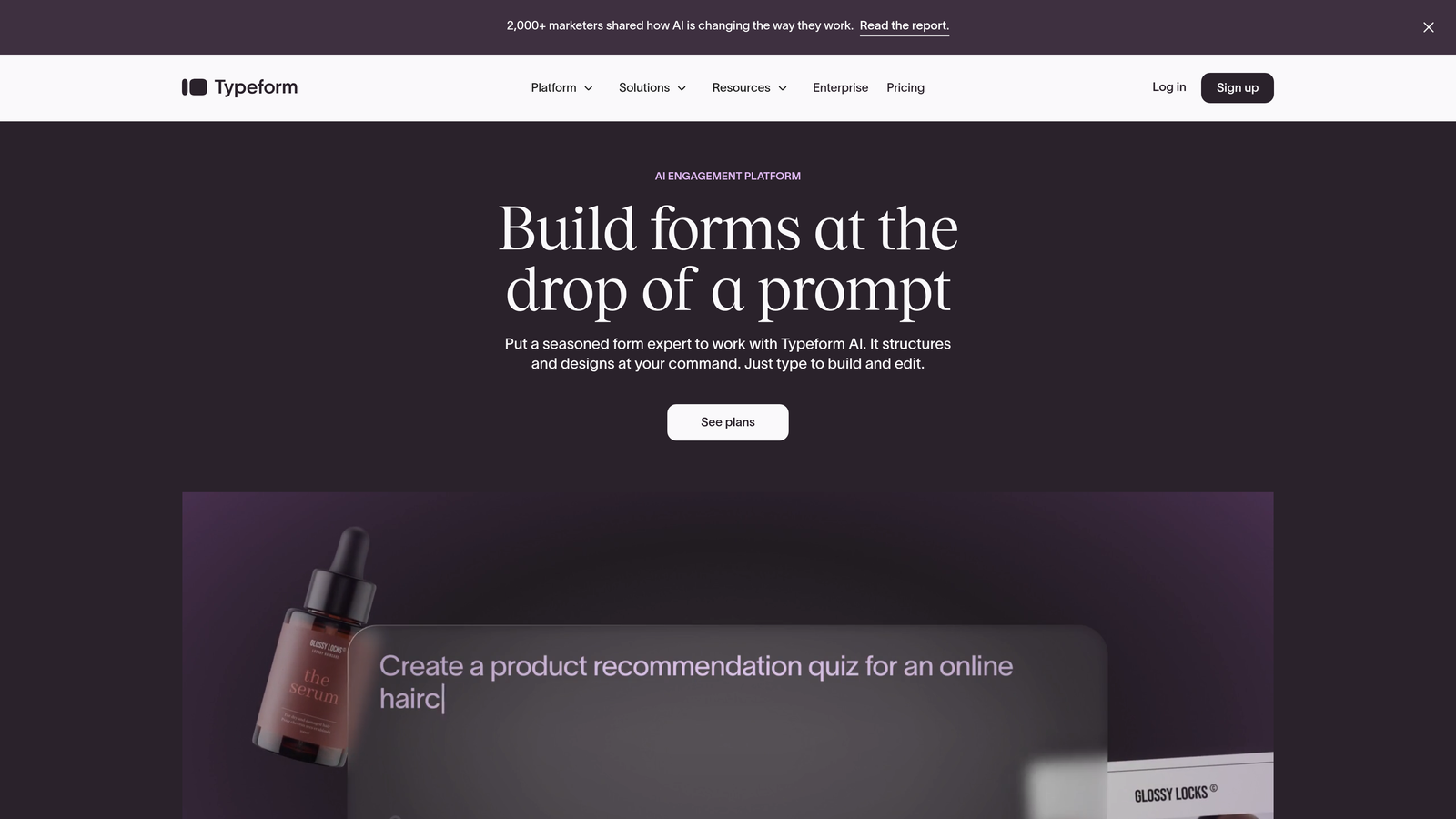
Typeform is a conversational form builder known for its one-question-at-a-time approach that transforms boring forms into interactive experiences.
Where This Tool Shines
Typeform's signature one-question-per-screen format creates a conversational flow that feels more like a dialogue than an interrogation. This approach significantly reduces form abandonment, especially for longer surveys or complex lead capture forms.
The brand customization options are extensive. You can match fonts, colors, and imagery to your brand guidelines, creating forms that feel like a natural extension of your website rather than a generic third-party tool.
Key Features
Conversational Flow Interface: One-question-at-a-time design that keeps respondents engaged and reduces abandonment.
Advanced Brand Customization: Full control over colors, fonts, backgrounds, and imagery to match your brand identity.
Logic Jumps and Branching: Creates personalized form paths based on previous answers for relevant experiences.
Rich Media Embedding: Adds videos, images, and GIFs directly into forms to enhance engagement.
Extensive Integration Library: Connects to hundreds of tools including Slack, Google Sheets, Mailchimp, and major CRMs.
Best For
Typeform excels for consumer-facing startups and brands where user experience matters as much as data collection. If you're building a brand-forward company or need to collect detailed customer feedback without boring respondents, this is your tool.
Pricing
Free tier includes basic features with limited responses. Basic plan starts at $25/month, with higher tiers unlocking advanced logic and integrations.
3. Tally
Best for: Bootstrapped startups needing unlimited forms without burning runway
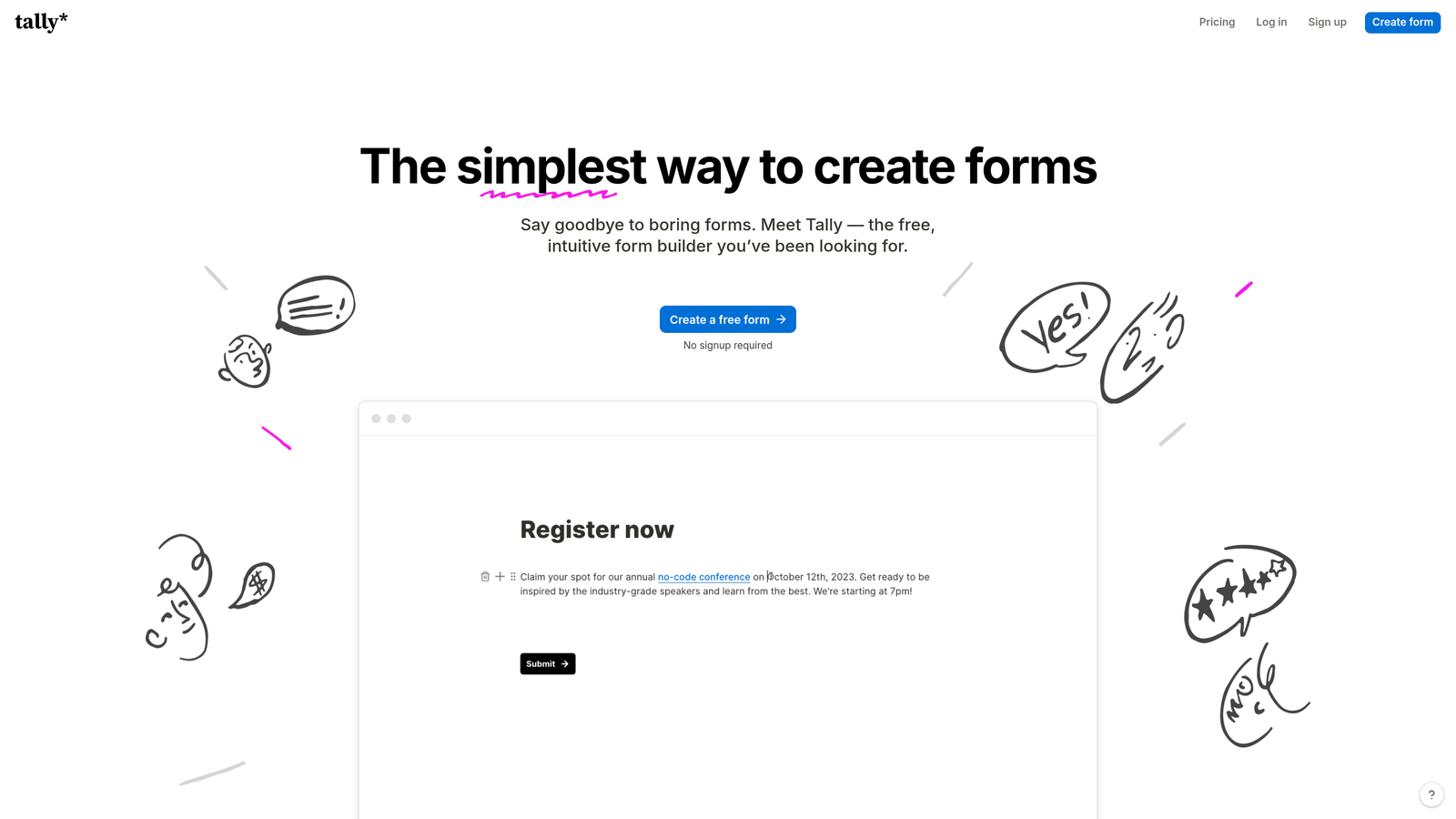
Tally is a Notion-like form builder offering a genuinely usable free tier that makes it ideal for early-stage startups watching every dollar.
Where This Tool Shines
Tally's free tier is remarkably generous—unlimited forms, unlimited submissions, and conditional logic all included. Most form builders throttle you with submission limits or feature restrictions on free plans, but Tally takes a different approach.
The block-based editor will feel instantly familiar if you've used Notion. You build forms by stacking blocks—text fields, dropdowns, file uploads—in a clean, intuitive interface that requires zero learning curve.
Key Features
Unlimited Free Tier: No submission caps or form limits on the free plan, just full functionality.
Block-Based Editor: Notion-style building interface that's immediately intuitive for modern teams.
Conditional Logic Included: Show or hide fields based on responses without upgrading to paid plans.
Custom Domains: Connect your own domain on paid plans for branded form URLs.
Team Collaboration: Multiple team members can edit and manage forms together in real time.
Best For
Tally is perfect for bootstrapped startups, side projects, and early-stage companies that need professional forms without monthly costs. The free tier handles serious volume, making it viable well into your growth phase.
Pricing
Free tier is genuinely usable for most startup needs. Pro plan at $29/month adds custom domains, file uploads, and priority support.
4. Jotform
Best for: Startups needing payment collection, e-signatures, or complex multi-page forms
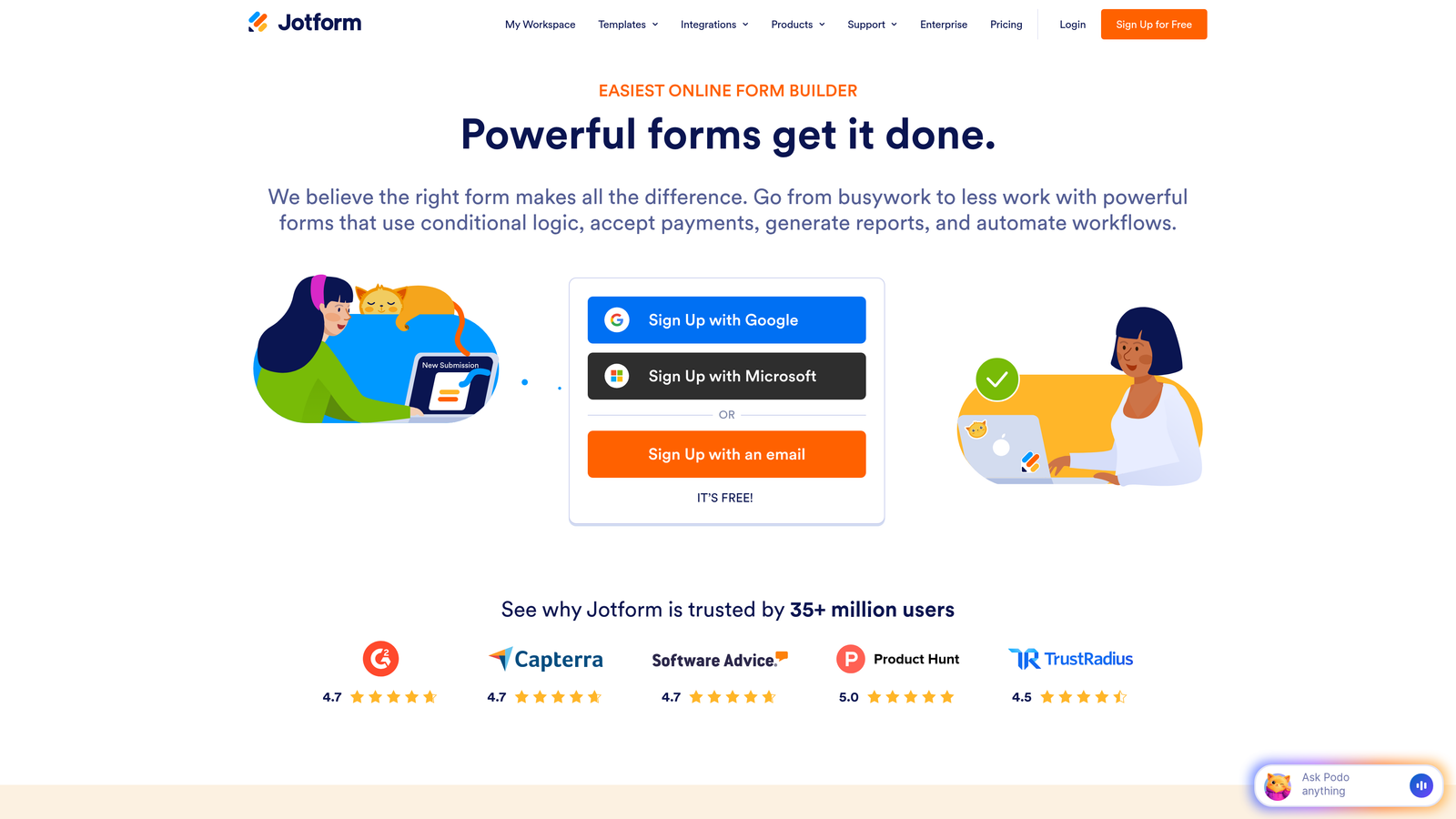
Jotform is an established form builder with thousands of templates and widgets, particularly strong for payment processing and document workflows.
Where This Tool Shines
Jotform's template library is massive—over 10,000 pre-built forms covering virtually every use case. Need an event registration form with payment? A job application with file uploads? An order form with product calculations? There's a template for that.
The payment processing integration is seamless. You can accept payments through Stripe, PayPal, Square, and other processors directly within forms, making it ideal for startups selling products, services, or collecting deposits.
Key Features
10,000+ Templates: Pre-built forms for every imaginable use case, from event registration to job applications.
Built-In Payment Processing: Accept payments through major processors without leaving the form experience.
PDF Generation and E-Signatures: Automatically generate PDFs from submissions and collect legally binding signatures.
Widget Marketplace: Hundreds of add-on widgets for specialized functionality like appointment booking or calculations.
HIPAA Compliance: Enterprise features include HIPAA-compliant forms for healthcare startups.
Best For
Jotform works well for startups with complex form requirements—multi-step applications, payment collection, document generation, or compliance needs. If your forms do more than simple lead capture, Jotform's depth becomes valuable.
Pricing
Free tier includes basic features with submission limits. Starter plan at $34/month removes limits and adds payment integrations.
5. Fillout
Best for: Startups using Notion or Airtable as their primary database
Fillout is a modern form builder that connects natively to Notion and Airtable, perfect for startups already using these databases.

Where This Tool Shines
The native Notion and Airtable integration is the killer feature. Forms feed directly into your existing databases without middleware, maintaining data structure and relationships. If you're running your startup operations in Notion or Airtable, this eliminates an entire layer of complexity.
Fillout also handles scheduling and booking forms elegantly, making it a solid choice for service-based startups that need appointment booking alongside lead capture.
Key Features
Native Database Integration: Connects directly to Notion and Airtable databases without Zapier or API configuration.
Scheduling and Booking: Built-in calendar integration for appointment scheduling and booking workflows.
Quiz and Calculator Forms: Create scored quizzes or forms with dynamic calculations based on user input.
Modern Interface: Clean, contemporary design that feels current and professional.
Conditional Logic: Show or hide fields, redirect to different pages, or trigger actions based on responses.
Best For
Fillout is ideal for startups that have already committed to Notion or Airtable as their operational backbone. The seamless integration eliminates data silos and keeps everything in one system.
Pricing
Free tier available with basic features. Starter plan at $15/month unlocks advanced integrations and removes branding.
6. Formspark
Best for: Developer-focused startups adding forms to static sites or JAMstack applications
Formspark is a backend-as-a-service for forms that lets developers add form handling to static sites without server setup.

Where This Tool Shines
Formspark solves a specific problem: you've built a fast, static website (maybe with Next.js, Gatsby, or Hugo), and you need form handling without spinning up a backend server. Formspark provides the endpoint and handles submission, spam filtering, and data storage.
The developer experience is clean. You point your form to a Formspark endpoint, and submissions flow through. No complicated setup, no server management, no database configuration.
Key Features
No Backend Required: Add form handling to any static site by pointing to a Formspark endpoint.
Static Site Compatibility: Works with any framework—React, Vue, Next.js, Gatsby, plain HTML.
Spam Protection: Built-in spam filtering and honeypot protection without additional configuration.
Webhook Integrations: Trigger webhooks on submission to connect with other services or workflows.
File Upload Support: Handle file uploads without building storage infrastructure.
Best For
Formspark is perfect for technical startups with developer resources who want to maintain fast, static sites while adding form functionality. If you're building with JAMstack architecture, this keeps your stack clean.
Pricing
Free tier includes 250 submissions per month. Paid plans start at $25/year, making it extremely affordable for startups.
7. HubSpot Forms
Best for: Startups already using HubSpot CRM or planning to scale into their ecosystem
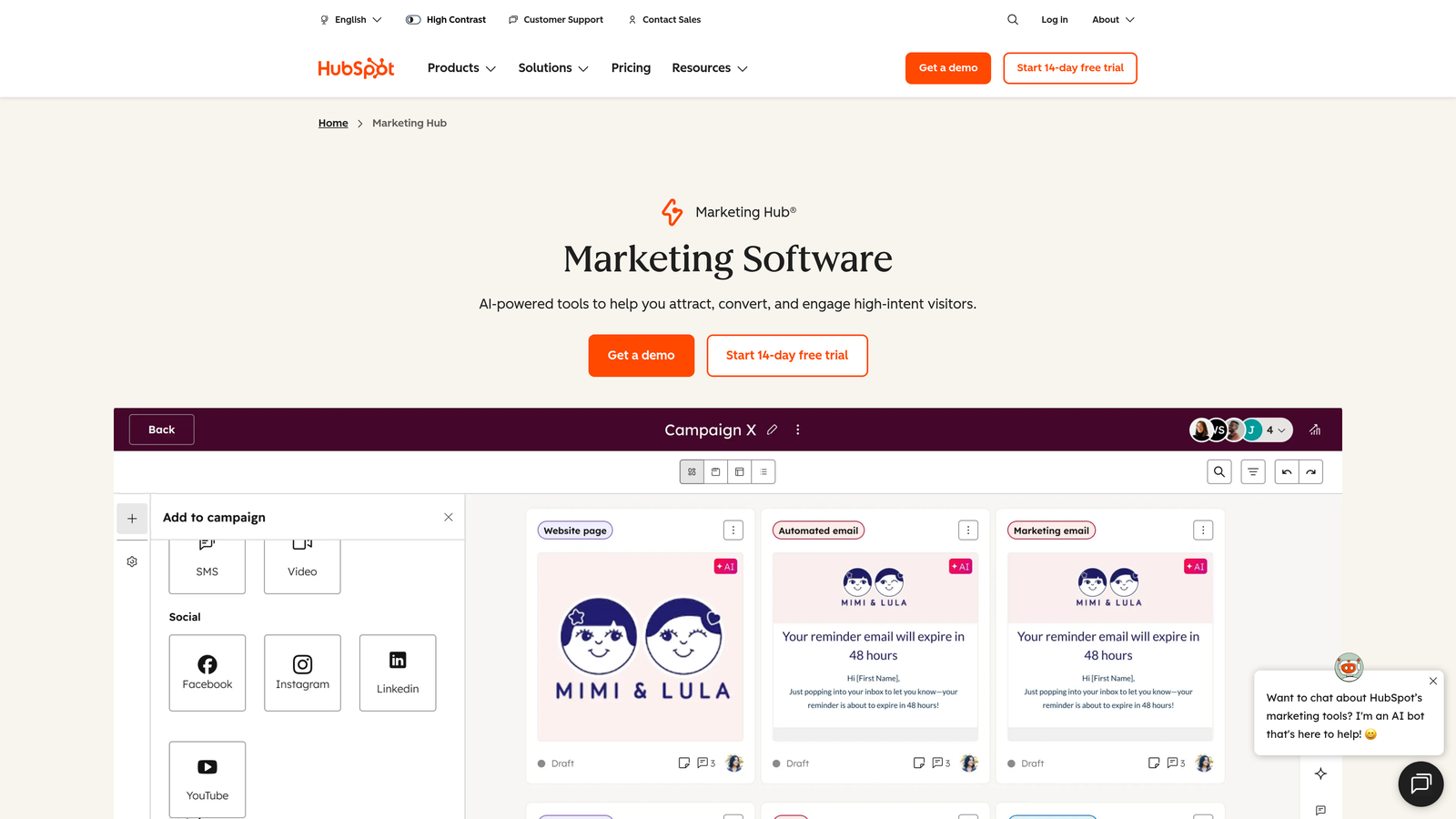
HubSpot Forms is a free form builder that feeds directly into HubSpot CRM, making it the obvious choice for startups in that ecosystem.
Where This Tool Shines
The direct CRM integration is seamless because forms and CRM are built by the same company. Submissions automatically create or update contact records, trigger workflows, and feed into your sales pipeline without any integration setup.
Progressive profiling is a standout feature. HubSpot remembers what information you've already collected from a contact and adjusts form fields accordingly, reducing friction for returning visitors while gradually building complete profiles.
Key Features
Direct CRM Integration: Forms feed instantly into HubSpot CRM with zero configuration or middleware.
Progressive Profiling: Automatically adjusts form fields based on what data you've already collected from contacts.
Smart Form Fields: Pre-fills known information for returning visitors to reduce friction.
Free with CRM: Included at no cost with HubSpot's free CRM tier.
Lead Tracking: See complete contact history including previous form submissions and page views.
Best For
HubSpot Forms makes sense if you're already using HubSpot CRM or planning to grow into their marketing and sales platform. The tight integration eliminates data silos and manual import work.
Pricing
Free with HubSpot CRM. Advanced features like A/B testing and advanced analytics require paid Marketing Hub tiers.
8. Paperform
Best for: Startups creating rich landing pages with embedded forms and payment collection
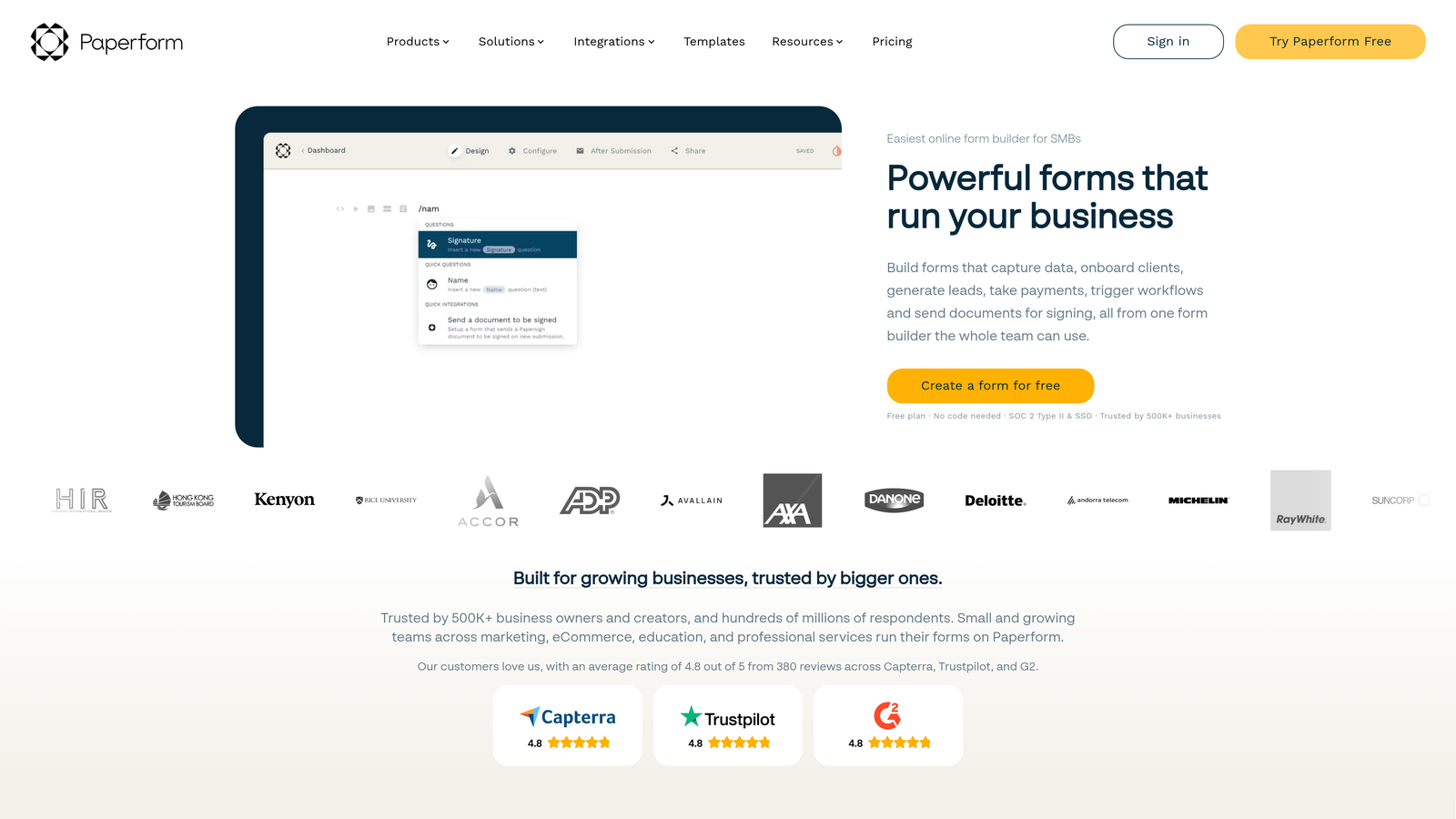
Paperform is a document-style form builder that creates content-heavy landing pages with embedded forms and payment processing.
Where This Tool Shines
Paperform blurs the line between form builder and landing page creator. You can build entire pages with rich text, images, videos, and embedded forms—all in one tool. This makes it ideal for product launches, event registrations, or sales pages where you need context alongside data collection.
The payment processing is sophisticated, supporting product catalogs, inventory management, and complex pricing calculations. You can build a complete e-commerce experience without touching Shopify or WooCommerce.
Key Features
Document-Style Builder: Create full landing pages with text, images, and embedded forms in one interface.
Built-In Payment Processing: Accept payments with product catalogs, inventory tracking, and discount codes.
Product Catalog Features: Manage products, variants, and inventory directly within forms.
Calculations and Scoring: Build dynamic forms that calculate totals, scores, or recommendations based on inputs.
Appointment Scheduling: Integrate calendar booking directly into forms for service-based businesses.
Best For
Paperform excels for startups selling products or services directly through forms, running events with complex registration needs, or creating rich landing pages that combine content and data collection.
Pricing
Essentials plan at $24/month includes core features. Pro plan at $49/month adds advanced calculations, priority support, and removes branding.
9. Google Forms
Best for: Internal surveys, quick feedback collection, and basic forms on zero budget
Google Forms is a completely free, no-frills form builder that works for internal surveys, quick feedback collection, and basic lead capture.
Where This Tool Shines
Google Forms is free with no limits—unlimited forms, unlimited responses, unlimited storage. For internal use cases like employee surveys, event RSVPs, or team feedback, it's hard to justify paying for anything else.
The Google Sheets integration is instant and automatic. Responses flow directly into a spreadsheet where you can analyze, filter, and manipulate data using familiar spreadsheet functions.
Key Features
Completely Free: No submission limits, no feature restrictions, no hidden costs or upgrade prompts.
Google Sheets Integration: Responses automatically populate a spreadsheet for easy analysis and manipulation.
Real-Time Collaboration: Multiple team members can edit forms simultaneously with automatic syncing.
Basic Conditional Logic: Show or hide sections based on previous answers for personalized paths.
Quiz Features: Create scored quizzes with automatic grading and feedback.
Best For
Google Forms works well for internal operations, employee surveys, event planning, and any situation where you need basic data collection without external-facing polish. It's also solid for early-stage startups testing ideas before investing in paid tools.
Pricing
Completely free with a Google account. No paid tiers or upgrade paths.
Making the Right Choice
Choosing the right form builder comes down to your startup's specific stage and needs. For teams prioritizing lead quality over quantity, Orbit AI's intelligent qualification stands out—the AI-powered scoring eliminates hours of manual lead triage while optimizing for conversion.
Bootstrapped founders watching every dollar should start with Tally or Google Forms. Tally's unlimited free tier handles serious volume without costs, while Google Forms covers internal operations perfectly. Both let you validate your needs before committing budget.
If you're building a brand experience, Typeform's conversational approach shines. The one-question-at-a-time flow reduces abandonment and creates memorable interactions that reflect well on your brand.
Startups already committed to HubSpot get solid value from their native forms—the deep CRM integration and progressive profiling features justify staying in-ecosystem. Similarly, if you're running operations in Notion or Airtable, Fillout's native integration eliminates data silos.
Whatever you choose, prioritize tools that grow with you. Migration costs add up fast when you're scaling—both in engineering time and in data cleanup. Look for flexible pricing that scales with usage rather than hitting you with surprise overages during growth spurts.
The best form builder is the one that removes friction from your specific workflow. Start building free forms today and see how intelligent form design can elevate your conversion strategy while your team focuses on growth instead of manual lead qualification.


