

Marketo forms have long been a staple for enterprise marketing teams, but they come with significant limitations—clunky interfaces, steep learning curves, and pricing that doesn't always match the value delivered. If you're reading this, you've likely hit a wall with Marketo's form builder and are searching for something better.
The good news? The form builder landscape has evolved dramatically, with modern alternatives offering superior user experiences, smarter lead qualification, and integrations that actually work.
This guide walks you through seven strategic approaches to evaluate and select a Marketo forms alternative that aligns with your growth goals, budget, and technical requirements. Whether you're a marketing operations manager tired of wrestling with complex configurations or a growth leader seeking better conversion rates, these strategies will help you make a confident decision.
1. Audit Your Current Form Performance Before You Switch
The Challenge It Solves
Many teams jump into evaluating alternatives without understanding exactly what's broken with their current setup. This leads to choosing new tools based on flashy features rather than solving actual problems. Without documented baseline metrics, you'll have no way to validate whether your new form builder actually improves performance.
The frustration with Marketo forms often stems from specific pain points—slow loading times, poor mobile rendering, or integration headaches—but these issues get lumped into a general sense that "something needs to change." You need concrete data to guide your decision.
The Strategy Explained
Start by creating a comprehensive audit of your current form ecosystem. Document conversion rates for each form, noting where visitors drop off in multi-step flows. Track page load times and measure how forms perform across different devices and browsers.
Identify your team's specific frustrations with Marketo's interface. Are you spending hours on simple customizations that should take minutes? Do form updates require developer involvement when they shouldn't? Is your lead data getting lost in translation between systems?
This audit becomes your requirements document. When evaluating alternatives, you'll know exactly which features matter most and which problems you're solving for. You'll also establish benchmarks to measure success after migration.
Implementation Steps
1. Pull analytics for all active forms covering the past 90 days, including view-to-submission rates, completion times, and abandonment points in multi-step forms.
2. Survey your marketing team about their biggest time-wasters and frustrations when building or editing forms in Marketo's interface.
3. Document your current tech stack integrations, noting which ones require custom development or third-party middleware to function properly.
4. Test your top-performing forms on mobile devices and record loading speeds, rendering issues, and user experience problems that might be suppressing conversions.
Pro Tips
Create a simple spreadsheet that ranks your pain points by severity and frequency. This helps you distinguish between nice-to-have improvements and deal-breakers when evaluating alternatives. Focus on the issues that directly impact revenue or consume significant team time, especially if your lead gen forms are performing poorly.
2. Prioritize Native CRM Integrations Over Workarounds
The Challenge It Solves
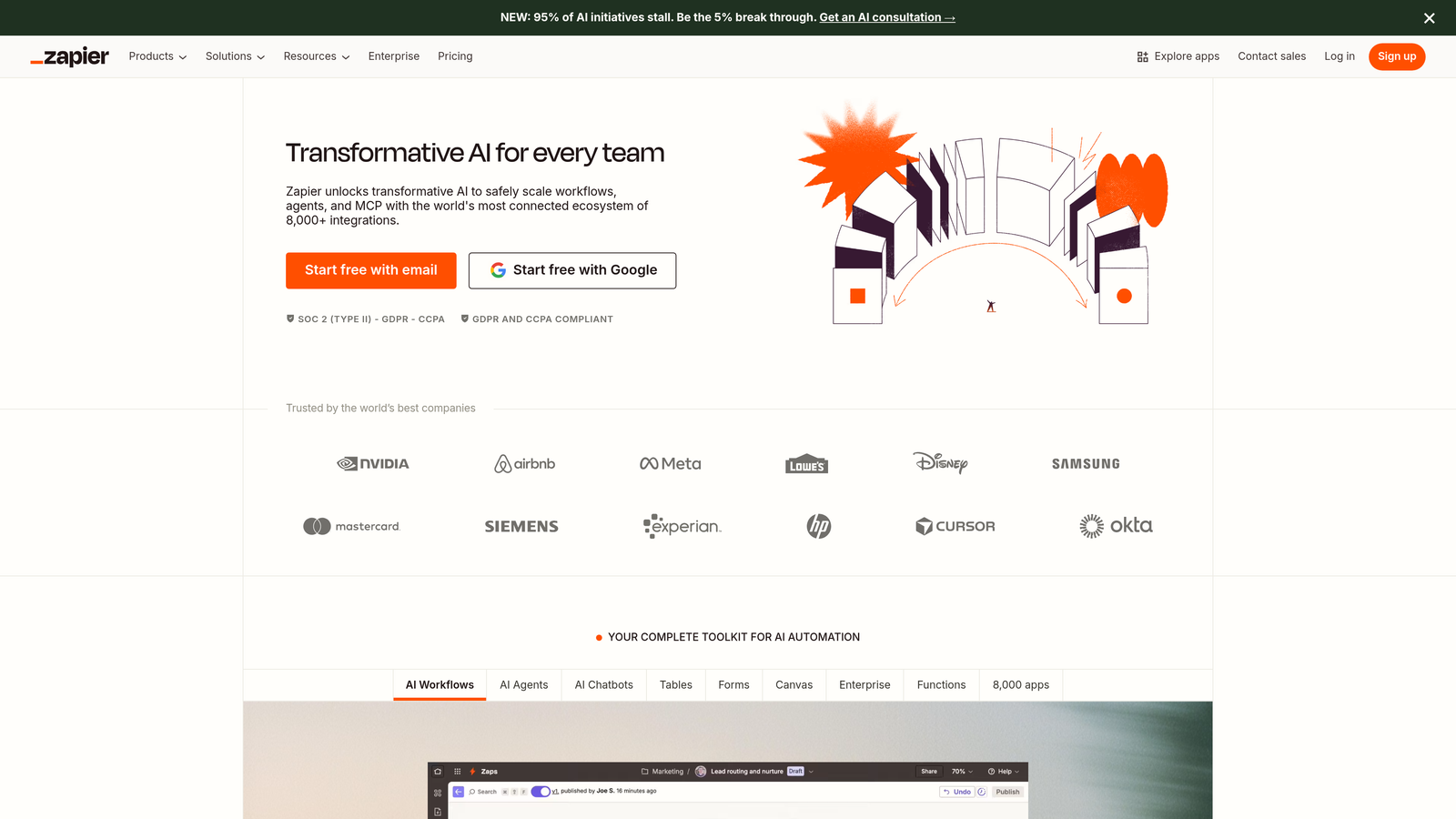
Integration failures are where promising form submissions go to die. Many teams rely on Zapier connections or custom API workflows to move data from forms into their CRM, creating fragile systems that break without warning. When integrations fail, leads slip through the cracks, follow-up gets delayed, and revenue opportunities vanish.
Marketo's enterprise positioning means it often requires technical resources to configure integrations properly. For high-growth teams moving quickly, this dependency on developers for basic data flow creates bottlenecks that slow down campaign launches.
The Strategy Explained
When evaluating Marketo alternatives, treat native CRM integrations as a non-negotiable requirement rather than a bonus feature. A native integration means data flows directly between systems without middleware, reducing points of failure and eliminating sync delays. Teams struggling with difficulty integrating forms with CRM systems will find this particularly valuable.
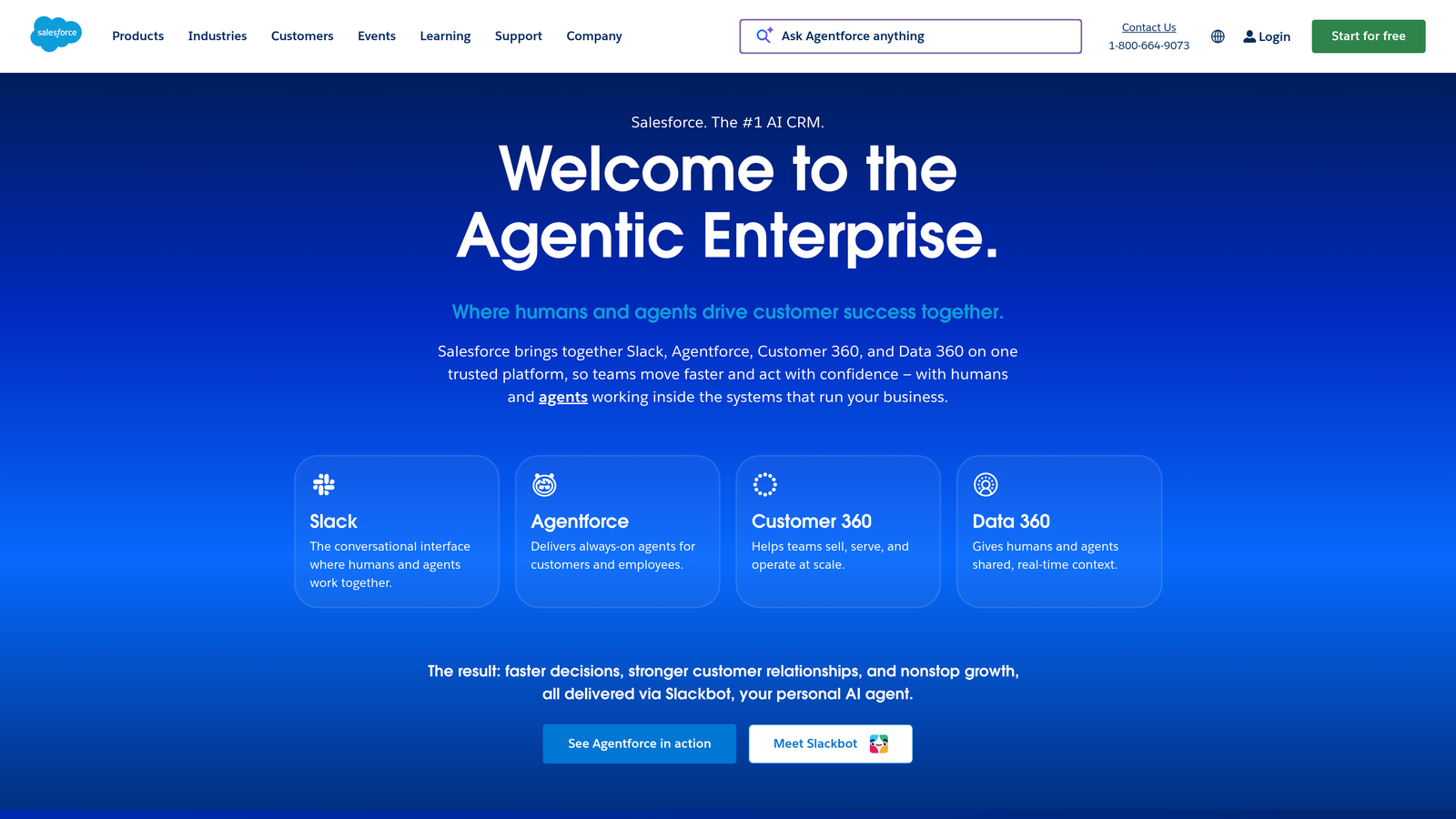
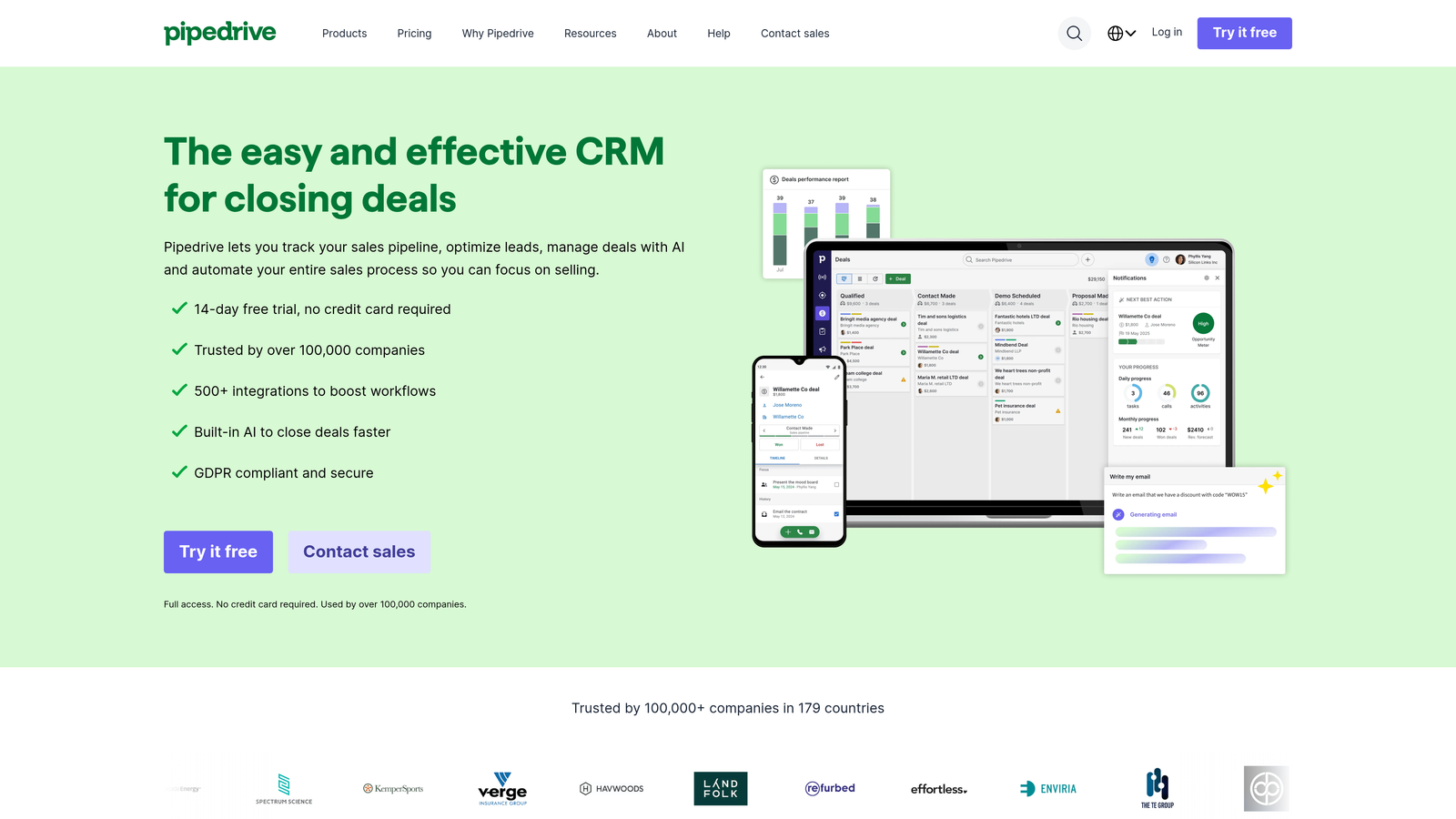
Look for platforms that offer pre-built connectors to your specific CRM—whether that's Salesforce, HubSpot, Pipedrive, or another system. These connectors should support bi-directional data flow, allowing you to pull CRM data into forms for personalization while pushing new submissions back instantly.

The quality of integration matters as much as its existence. Can you map custom fields without developer help? Does the connection maintain data integrity for complex field types? Will it handle your submission volume without throttling?
Implementation Steps
1. List every system in your tech stack that needs to receive form data, including your CRM, marketing automation platform, analytics tools, and any specialized databases.
2. For each Marketo alternative you're considering, verify they offer native integrations with your core systems and review their integration documentation for setup complexity.
3. During product demos, ask vendors to show you the actual integration setup process and demonstrate how data flows from form submission to your CRM in real-time.
4. Test integration reliability by submitting test leads and tracking how quickly they appear in your CRM with all custom fields properly mapped.
Pro Tips
Ask current customers of each platform about integration stability. A native integration that breaks frequently is worse than a well-maintained Zapier connection. Look for platforms that provide integration monitoring and alert you when data flow is interrupted.
3. Evaluate AI-Powered Lead Qualification Capabilities
The Challenge It Solves
Traditional form builders, including Marketo, rely on basic conditional logic and manual lead scoring rules that quickly become outdated. Your sales team wastes time on unqualified leads while high-intent prospects get lost in generic nurture sequences. The disconnect between form data and actual buyer readiness creates friction throughout your funnel.
Manual lead scoring requires constant maintenance as your ideal customer profile evolves. What worked six months ago may no longer identify your best-fit prospects, but updating scoring rules across multiple forms is time-consuming and error-prone.
The Strategy Explained
Modern form platforms leverage AI to qualify leads in real-time based on submission patterns, firmographic data, and behavioral signals. This goes far beyond simple if-then logic, using machine learning to identify characteristics of your best customers and score new leads accordingly. Understanding the best form platforms for lead quality can help you make an informed decision.
AI-powered qualification can route high-value prospects directly to sales while sending less-qualified leads into targeted nurture campaigns. This intelligent routing happens instantly at the point of form submission, dramatically reducing response times for your hottest opportunities.
The best AI qualification systems learn from your actual conversion data, improving accuracy over time. They can identify subtle patterns that manual scoring rules miss, such as combinations of job titles, company sizes, and specific pain points that correlate with closed-won deals.
Implementation Steps
1. Define what "qualified" means for your business by analyzing characteristics of customers who convert fastest and generate the highest lifetime value.
2. Compare how different platforms handle lead qualification, asking specifically about AI capabilities versus basic conditional logic and scoring rules.
3. Request demonstrations of how AI qualification works in practice, including how the system learns from your data and adapts scoring over time.
4. Evaluate whether the platform can automatically route qualified leads to different workflows, sales reps, or CRM pipelines based on AI-determined fit scores.
Pro Tips
Look for platforms that make AI qualification accessible without requiring data science expertise. The system should provide transparency into why leads receive certain scores, helping your team trust and refine the qualification criteria. Platforms like Orbit AI specialize in this intelligent qualification approach, transforming form submissions into actionable sales intelligence.
4. Test Mobile Experience and Page Speed Impact
The Challenge It Solves
Mobile traffic dominates most websites, yet many form builders still treat mobile as an afterthought. Marketo forms often render poorly on smaller screens, with tiny input fields, awkward scrolling, and slow loading times that frustrate visitors and tank conversion rates.
Page speed directly impacts both user experience and search rankings. Heavy form scripts can add seconds to your load time, causing impatient visitors to bounce before your form even appears. This is particularly problematic for mobile users on slower connections.
The Strategy Explained
Evaluate every Marketo alternative by actually using their forms on mobile devices under real-world conditions. Don't just resize your browser window—test on actual phones and tablets, preferably on cellular connections rather than WiFi.
Pay attention to how forms adapt to different screen sizes. Do input fields resize appropriately? Is the submit button easily tappable? Can users navigate multi-step forms without confusion? These details make the difference between a form that converts and one that frustrates.
Measure the performance impact each platform has on your page load speed. Modern form builders should load asynchronously without blocking other page content. Some platforms offer progressive enhancement, displaying a basic form immediately while loading advanced features in the background.
Implementation Steps
1. Use Google PageSpeed Insights or similar tools to benchmark your current page load times with Marketo forms embedded, noting both mobile and desktop scores.
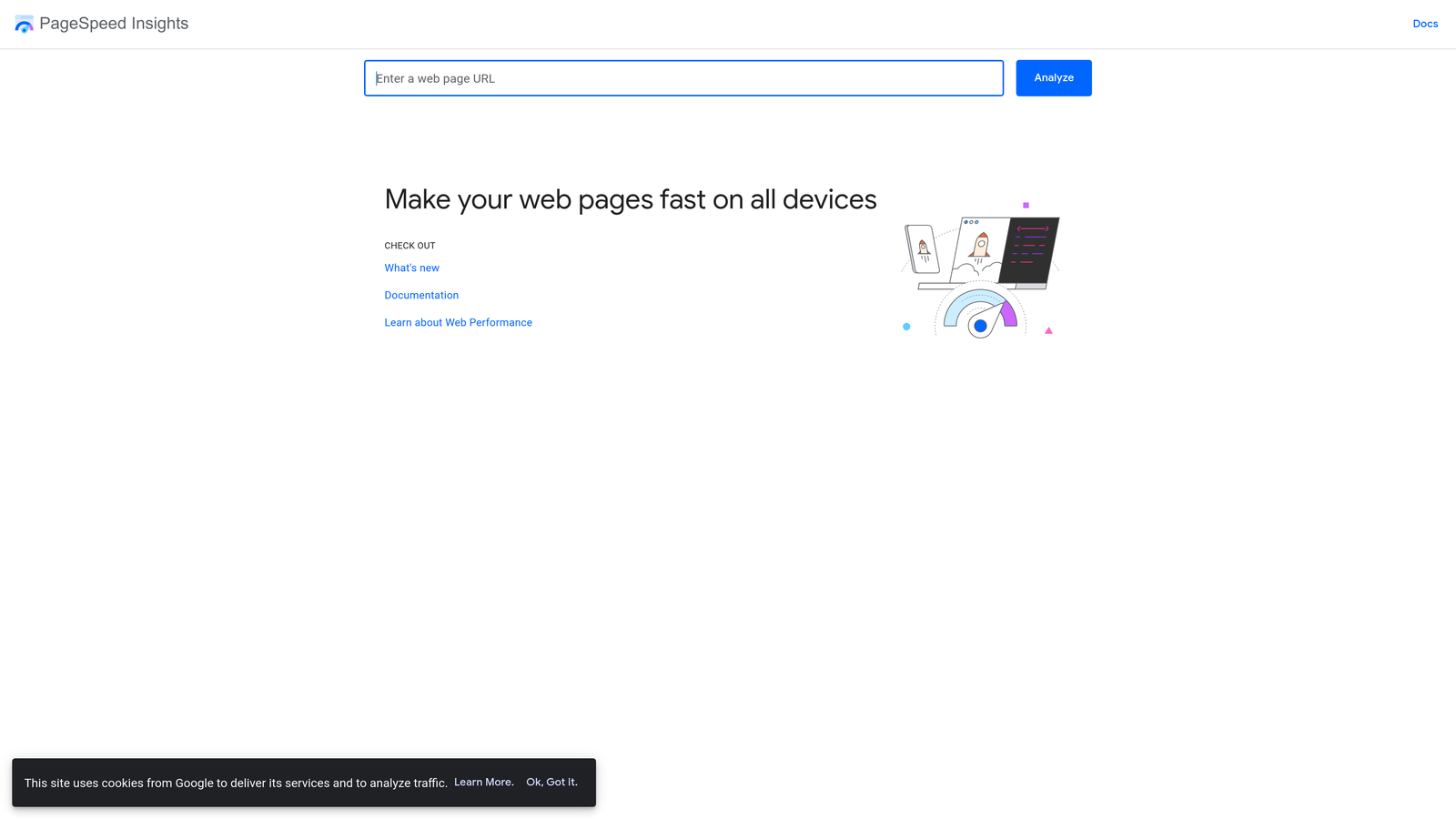
2. For each alternative platform, create test forms and embed them on staging pages, then measure the performance impact using the same tools.
3. Test form completion on various mobile devices, including both iOS and Android, paying special attention to keyboard behavior, input validation, and error messaging.
4. Have team members from different departments complete test forms on their phones and provide feedback on the user experience, noting any friction points or confusion.
Pro Tips
Don't just test the happy path. Try submitting forms with errors, using autofill, and navigating between fields with both touch and keyboard input. The best mobile experiences handle edge cases gracefully, making it easy for users to correct mistakes without losing their progress. Consider whether multi-step forms vs single page forms work better for your mobile audience.
5. Compare Total Cost of Ownership, Not Just Pricing
The Challenge It Solves
Sticker price rarely tells the full story of what a platform actually costs. Marketo's enterprise pricing includes obvious line items, but the hidden costs—developer time for customizations, training for new team members, maintaining integrations, and opportunity cost from slow implementation—often dwarf the subscription fees.
Many teams switch to seemingly cheaper alternatives only to discover they're paying more once they factor in additional seats, integration add-ons, premium support, and the time spent working around platform limitations.
The Strategy Explained
Calculate the true total cost of ownership by considering every expense associated with running your form infrastructure. Start with obvious costs like monthly or annual subscription fees, then add implementation and onboarding expenses.
Factor in ongoing costs that aren't always visible upfront. How much developer time do you currently spend customizing forms or maintaining integrations? What does it cost when campaigns launch late because form setup takes too long? How many leads do you lose to poor mobile experiences or slow loading times?
Consider the value of time savings. If a platform lets your marketing team build and deploy forms in minutes instead of hours, that efficiency compounds across every campaign. If better mobile performance increases your conversion rate even slightly, the revenue impact quickly justifies higher subscription costs. Many lead capture forms for high-growth companies prioritize this efficiency.
Implementation Steps
1. Document how much time your team currently spends on form-related tasks each month, including building, testing, troubleshooting, and maintaining forms and integrations.
2. Request detailed pricing from each vendor that includes all potential costs: base subscription, additional users, integration fees, support tiers, and implementation services.
3. Calculate the opportunity cost of your current setup by estimating revenue lost to poor conversion rates, slow campaign launches, or leads falling through integration gaps.
4. Build a comparison spreadsheet that shows total first-year costs and ongoing annual costs for each option, including both hard costs and estimated time savings.
Pro Tips
Ask vendors about pricing changes as you scale. Some platforms charge per form, per submission, or per user, which can create unexpected costs as your business grows. Look for transparent pricing that aligns with your growth trajectory without penalty.
6. Run a Parallel Testing Period Before Full Migration
The Challenge It Solves
Switching form platforms based on demos and promises is risky. What looks great in a sales presentation might not perform well with your actual traffic, content, and workflows. A full migration without validation could leave you worse off than where you started, with no easy path back to your old system.
Your team needs proof that a new platform will actually deliver better results before you commit to the disruption of migrating your entire form infrastructure. Parallel testing provides that proof with real data from real visitors.
The Strategy Explained
Set up A/B tests that pit your current Marketo forms against alternatives on high-traffic pages. This parallel testing period lets you validate performance improvements before making any irreversible decisions.
Choose forms that represent different use cases—simple contact forms, complex multi-step lead capture, gated content downloads—to test how each platform handles various scenarios. Run tests long enough to achieve statistical significance, typically at least two weeks with sufficient traffic volume. If you're in the B2B space, focus on testing your lead capture forms for B2B scenarios.
Track metrics beyond just conversion rate. Measure completion time, mobile versus desktop performance, data quality in your CRM, and qualitative feedback from sales about lead quality. A platform that generates more submissions but lower-quality leads isn't actually an improvement.
Implementation Steps
1. Select three to five high-traffic forms that represent your most important lead capture scenarios and have sufficient volume for meaningful testing.
2. Recreate these forms in your top alternative platforms, matching the fields and logic as closely as possible to ensure fair comparison.
3. Set up A/B tests using your existing testing tools, splitting traffic evenly between your current Marketo forms and the alternatives you're evaluating.
4. Run tests for at least two weeks or until you reach statistical significance, tracking conversion rate, form completion time, mobile performance, and downstream lead quality.
Pro Tips
Don't just test the form itself—track what happens to leads after submission. Do they flow into your CRM correctly? Does the data quality match or exceed what you're getting from Marketo? Are sales reps able to follow up quickly? The best form is worthless if it creates downstream problems.
7. Plan Your Data Migration and Team Onboarding Strategy
The Challenge It Solves
Even the best platform transition fails if your team can't use the new tools effectively or if historical data gets lost in migration. Many teams underestimate the complexity of moving form configurations, submission data, and established workflows to a new system.
Without proper planning, migrations create chaos—forms break, integrations fail, team members struggle with unfamiliar interfaces, and frustrated stakeholders question whether the switch was worth it. This disruption can derail campaigns and damage confidence in marketing operations.
The Strategy Explained
Successful migration requires a phased approach that minimizes risk while building team confidence. Start by mapping every existing form, noting which ones are actively used, which can be retired, and which are critical to ongoing campaigns.
Create a migration priority list based on form importance and complexity. Begin with simple, low-traffic forms to let your team learn the new platform without high stakes. As confidence builds, move to more complex forms and higher-traffic pages. Marketing teams should also explore Formstack alternatives for marketing teams as part of their evaluation process.
Invest in team onboarding before you need it. Schedule training sessions that go beyond basic platform features to cover your specific use cases and workflows. Create internal documentation that helps team members solve common problems without waiting for support.
Implementation Steps
1. Audit all active forms in Marketo and categorize them by importance, complexity, and traffic volume, identifying which ones are essential to migrate and which can be retired.
2. Create a migration timeline that phases the transition over several weeks or months, starting with low-risk forms and building toward your most critical lead capture assets.
3. Schedule comprehensive training sessions for all team members who will build or manage forms, focusing on your specific workflows rather than generic platform features.
4. Establish a transition period where both systems run in parallel for critical forms, giving you a safety net if unexpected issues arise with the new platform.
Pro Tips
Assign migration champions within your team—people who learn the new platform deeply and can help colleagues troubleshoot issues. This peer support network reduces frustration and speeds up adoption. Document your migration process as you go, creating a playbook for future platform changes.
Putting It All Together
Switching from Marketo forms isn't just about finding a cheaper or prettier alternative—it's about choosing a platform that accelerates your growth instead of slowing it down. The strategies outlined here give you a systematic framework for making that decision with confidence.
Start by auditing your current performance to understand exactly what problems you're solving for. Then systematically evaluate alternatives based on integrations, AI capabilities, mobile experience, and total cost. Don't skip the parallel testing phase—real data from real visitors is the only way to validate whether a new platform will actually improve your results.
Plan your migration carefully to ensure a smooth transition. A phased approach minimizes risk while giving your team time to build expertise with the new platform. The best Marketo forms alternative for your team is the one that removes friction from your lead capture process while giving you the flexibility to scale.
Ready to see what modern form building looks like? Transform your lead generation with AI-powered forms that qualify prospects automatically while delivering the modern, conversion-optimized experience your high-growth team needs. Start building free forms today and see how intelligent form design can elevate your conversion strategy.


