

HubSpot's form builder gets the job done, but let's be honest—it's not winning any design awards, and the pricing can spiral quickly once you need advanced features. Whether you're hitting limitations with conditional logic, frustrated by the lack of customization, or simply looking for a tool that doesn't require a full HubSpot subscription, you're not alone.
The form builder landscape has evolved dramatically. AI-powered options now qualify leads in real-time, modern designs drive higher conversions, and flexible integrations connect to virtually any tool in your stack—often at a fraction of HubSpot's cost.
We've evaluated dozens of alternatives based on ease of use, design flexibility, integration capabilities, and value for money. Here are the top tools for teams ready to level up their lead capture game.
1. Orbit AI
Best for: High-growth teams focused on intelligent lead qualification and conversion optimization
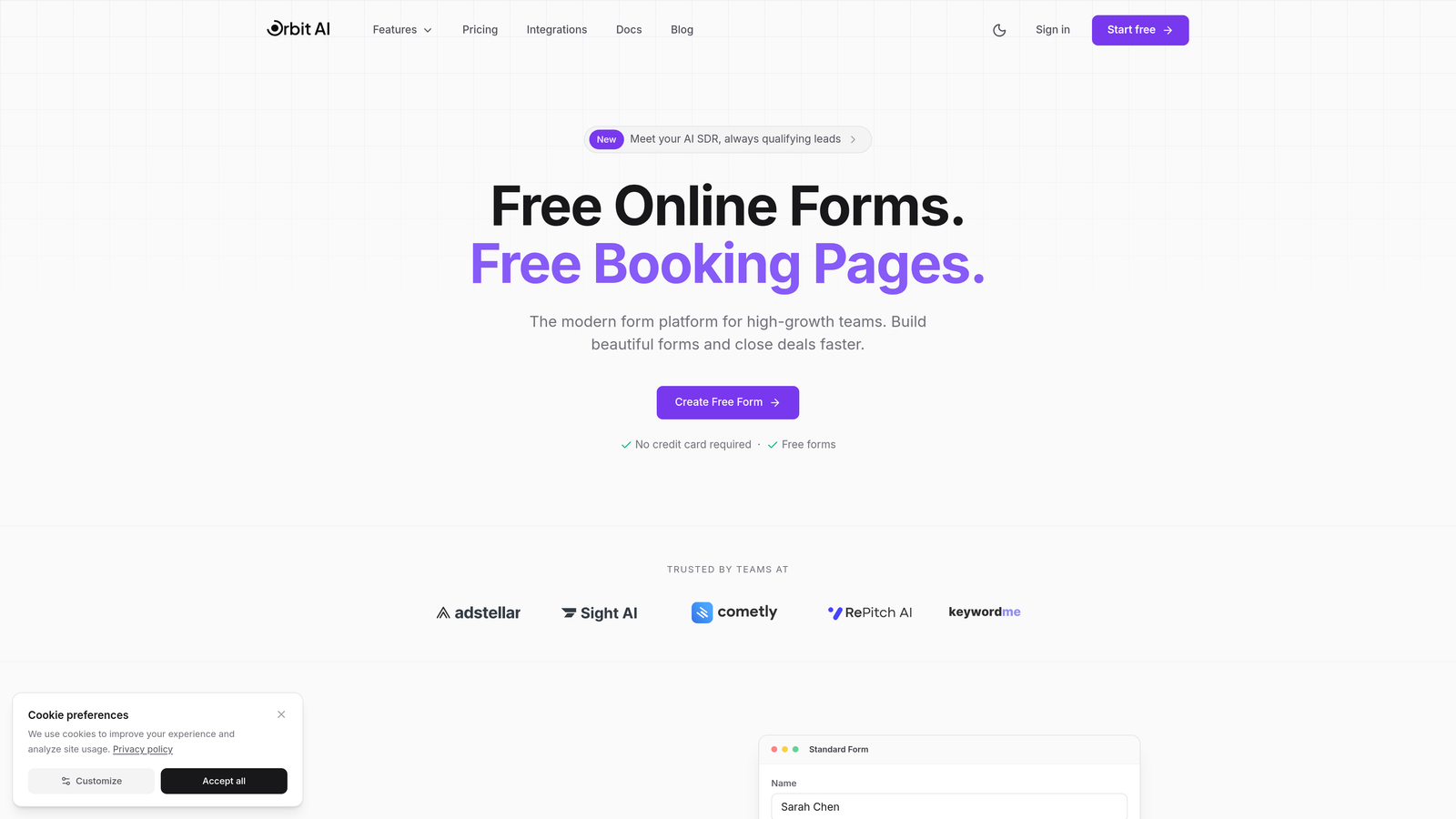
Orbit AI brings artificial intelligence directly into your form-building workflow, automatically scoring and qualifying leads as they come in.
Where This Tool Shines
The AI-powered qualification engine sets Orbit AI apart from traditional form builders. Instead of collecting responses and manually sorting through them later, the platform analyzes submissions in real-time, identifying your highest-value prospects and routing them appropriately.
The conversion-optimized designs are built specifically for high-growth teams who need forms that actually perform. Every template is crafted with conversion psychology in mind, from field placement to button copy to visual hierarchy.
Key Features
AI-Powered Lead Qualification: Automatically scores and categorizes leads based on their responses, saving hours of manual review.
Conversion-Optimized Templates: Pre-built form designs tested for maximum conversion rates across industries.
Native CRM Integrations: Connects seamlessly with HubSpot and other major CRMs, syncing qualified leads instantly.
Real-Time Analytics Dashboard: Track form performance, conversion rates, and lead quality metrics as they happen.
Automated Workflow Triggers: Route qualified leads to sales, nurture sequences, or specific team members based on AI scoring.
Best For
Orbit AI is ideal for B2B companies and high-growth teams who generate significant lead volume and need to identify the best opportunities quickly. If you're spending hours manually qualifying form submissions or struggling with low conversion rates, the AI-powered approach delivers immediate value.
Pricing
See orbitforms.ai/pricing for current plans. Free tier available to get started with AI-powered form building.
2. Typeform
Best for: Creating engaging, conversational form experiences with beautiful design
Typeform pioneered the one-question-at-a-time format that makes forms feel more like conversations than interrogations.

Where This Tool Shines
The conversational interface dramatically reduces form abandonment by breaking complex questionnaires into digestible, focused interactions. Instead of overwhelming respondents with a wall of fields, Typeform guides them through one thoughtful question at a time.
Design customization goes far beyond basic color changes. You can embed videos, add custom fonts, use full-screen images, and create truly branded experiences that feel native to your website.
Key Features
Conversational Format: One-question-at-a-time approach that increases completion rates and feels more human.
Logic Jumps: Show different questions based on previous answers, creating personalized paths through your form.
Rich Media Support: Embed videos, GIFs, and images directly into questions for more engaging experiences.
Design Flexibility: Extensive customization options including custom fonts, colors, backgrounds, and layouts.
Native HubSpot Integration: Sync responses directly to your HubSpot contacts and trigger workflows automatically.
Best For
Typeform excels for customer feedback surveys, lead qualification questionnaires, and any scenario where engagement matters more than speed. Marketing teams love it for creating memorable brand experiences.
Pricing
Free tier available with Typeform branding; paid plans start at $25/month with increased responses and advanced features.
3. Jotform
Best for: Teams needing extensive templates, widgets, and integration options
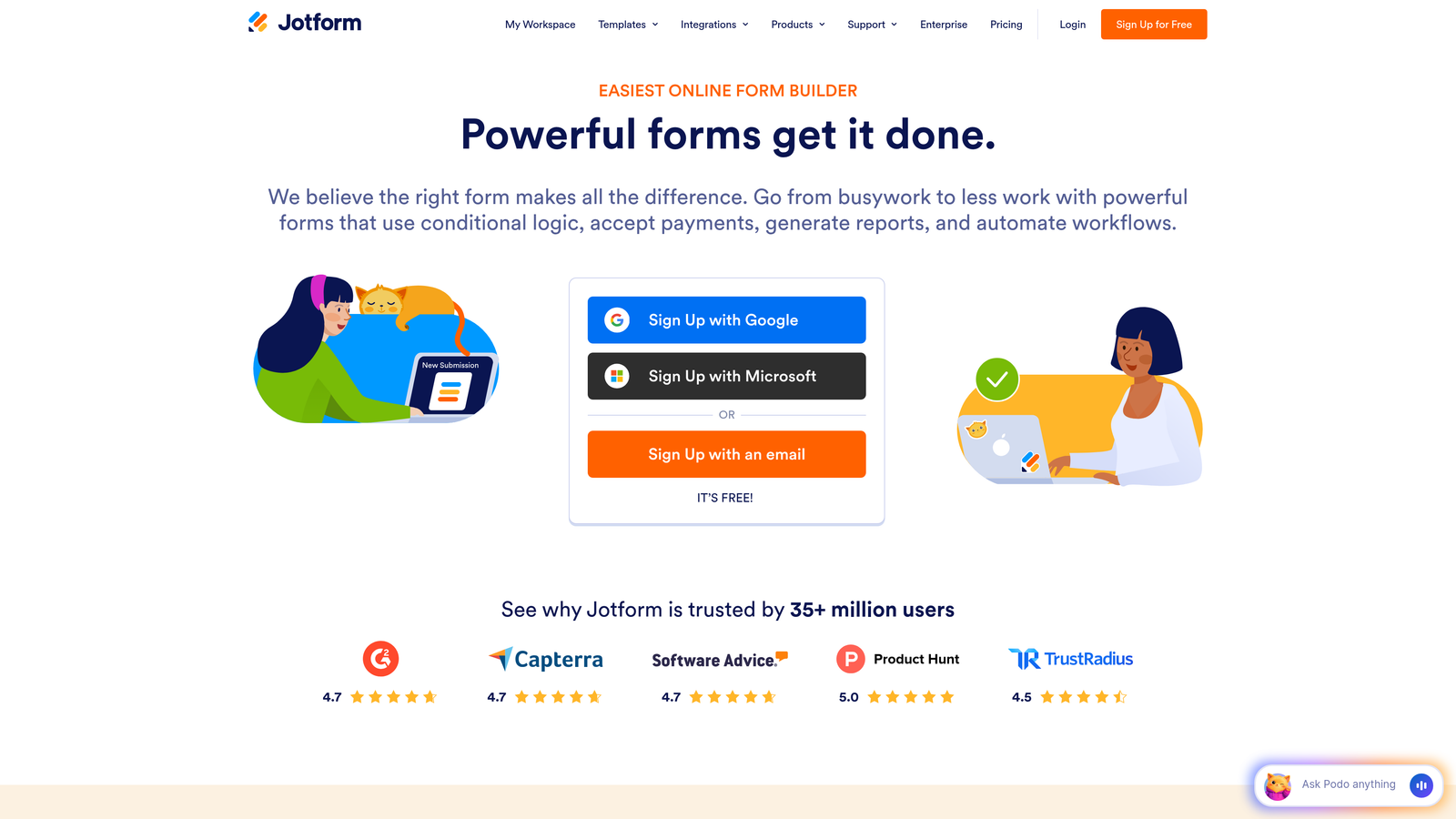
Jotform offers the most comprehensive feature set in the form builder space, with over 10,000 templates and hundreds of widgets.
Where This Tool Shines
The sheer breadth of pre-built templates means you can find a starting point for virtually any use case—from event registrations to job applications to complex order forms. Each template is fully customizable, giving you a head start without sacrificing flexibility.
The widget library extends Jotform's capabilities far beyond basic forms. Need to collect signatures? There's a widget. Want to generate PDFs automatically? Built in. Require HIPAA compliance for healthcare data? Jotform has you covered.
Key Features
10,000+ Templates: Pre-built forms for every industry and use case, all fully customizable.
Extensive Widget Library: Hundreds of add-ons for payments, signatures, file uploads, calculations, and more.
PDF Generation: Automatically create branded PDFs from form submissions for contracts, reports, or receipts.
Approval Workflows: Route submissions through multi-step approval processes with notifications and tracking.
HIPAA Compliance: Enterprise plans include HIPAA-compliant data handling for healthcare organizations.
Best For
Jotform works well for organizations with diverse form needs across multiple departments. The extensive feature set makes it particularly valuable for teams who need everything from simple contact forms to complex applications with conditional logic and integrations.
Pricing
Free tier includes up to 5 forms; paid plans start at $34/month with unlimited forms and increased submission limits.
4. Tally
Best for: Simple, unlimited forms with a clean interface and generous free tier
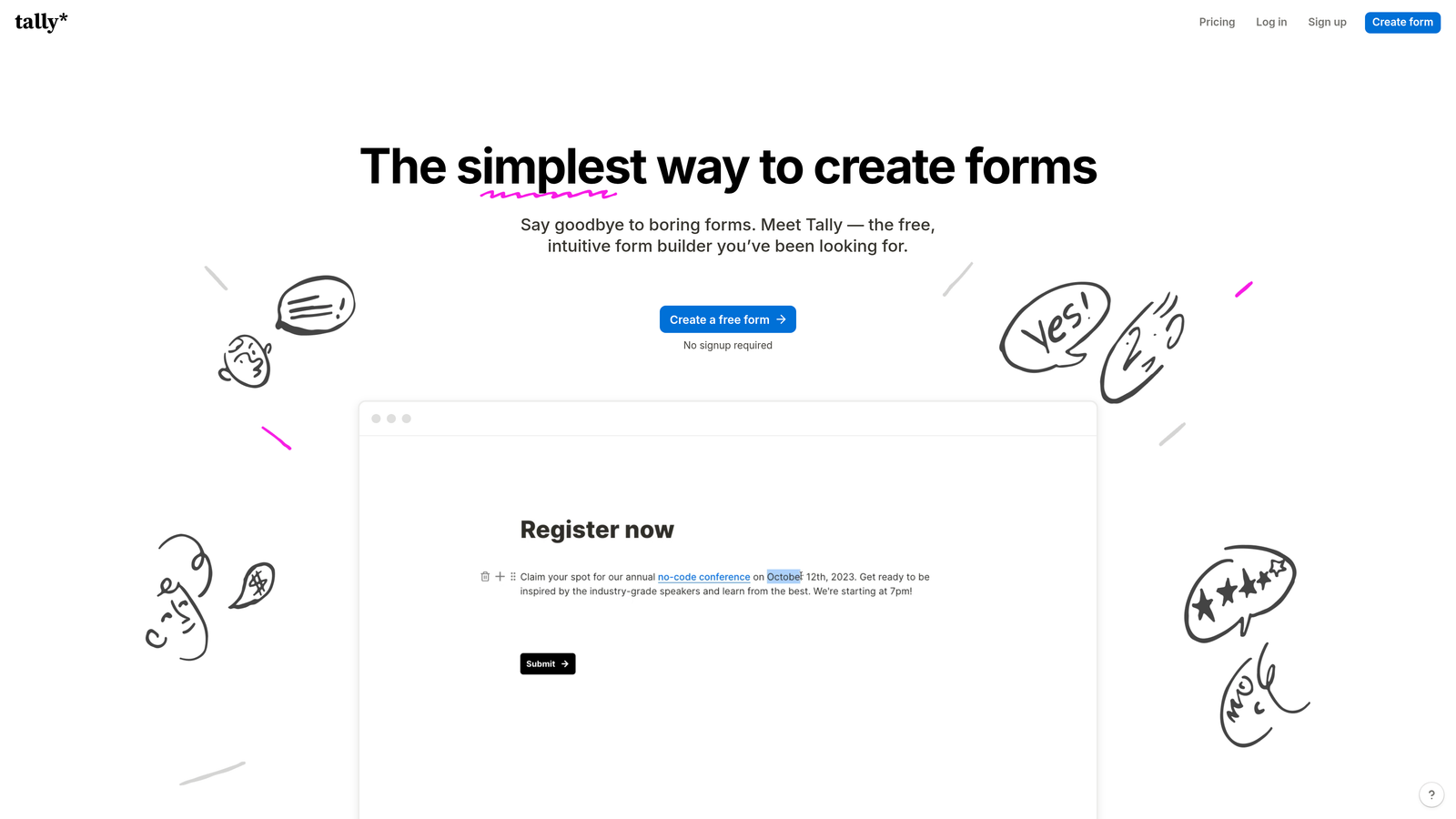
Tally takes a minimalist approach inspired by Notion, offering unlimited forms on its free plan with no branding requirements.
Where This Tool Shines
The block-based editor feels instantly familiar if you've used Notion or similar tools. You simply stack blocks—text, questions, images, dividers—to build your form visually, with no learning curve required.
The free tier is genuinely generous. Unlike competitors who limit you to 3-5 forms, Tally lets you create unlimited forms with conditional logic included. This makes it perfect for solopreneurs, startups, and teams testing form strategies without budget constraints.
Key Features
Unlimited Free Forms: Create as many forms as you need without hitting arbitrary limits or paying for a subscription.
Block-Based Editor: Intuitive Notion-style interface that makes form building feel like writing a document.
Conditional Logic Included: Show or hide questions based on responses, even on the free plan.
Native Notion Integration: Send form responses directly to your Notion databases for seamless workflow integration.
Custom Domains: Use your own domain for form hosting on paid plans for professional branding.
Best For
Tally is ideal for individuals, small teams, and Notion power users who prioritize simplicity and value. If you need clean, functional forms without complexity or cost, this is your tool.
Pricing
Free tier with core features and unlimited forms; Pro plan at $29/month adds custom domains, removal of Tally branding, and priority support.
5. Paperform
Best for: Creating form-based landing pages with rich media and e-commerce functionality
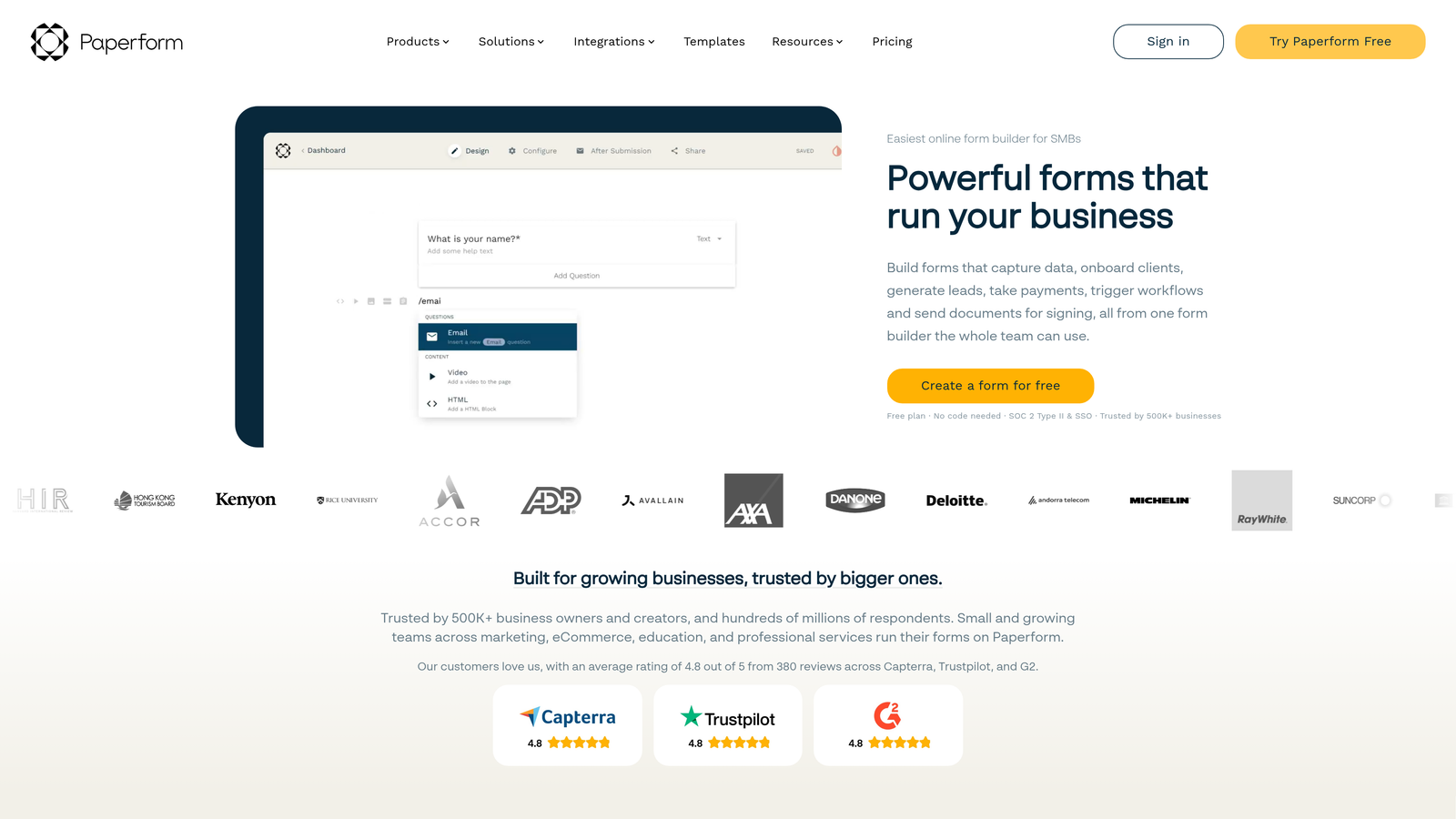
Paperform blurs the line between forms and landing pages, letting you build beautiful, conversion-focused pages that collect information and process payments.
Where This Tool Shines
The landing page-style design approach means your forms don't look like forms—they look like polished marketing pages with embedded questions. You can add hero images, rich text explanations, embedded videos, and custom branding throughout.
Built-in payment processing eliminates the need for separate tools. Whether you're selling products, collecting deposits, or charging for services, Paperform handles transactions natively with Stripe and PayPal integration.
Key Features
Landing Page Design: Create full-page experiences with images, videos, and rich formatting that convert like dedicated landing pages.
Rich Media Embedding: Add videos, audio, images, and custom HTML throughout your forms for engaging experiences.
Native Payment Processing: Accept payments directly through Stripe or PayPal without external integrations.
Advanced Calculations: Build complex pricing calculators and quote generators with custom formulas.
Custom Success Pages: Show different thank-you pages based on responses or redirect to specific URLs conditionally.
Best For
Paperform excels for coaches, consultants, and service businesses who need to collect information and payment in one seamless experience. It's also excellent for event registrations, course signups, and booking systems.
Pricing
Essentials plan starts at $24/month; Pro plan at $44/month adds team collaboration and advanced features.
6. Formstack
Best for: Enterprise organizations requiring compliance, security, and document workflow automation
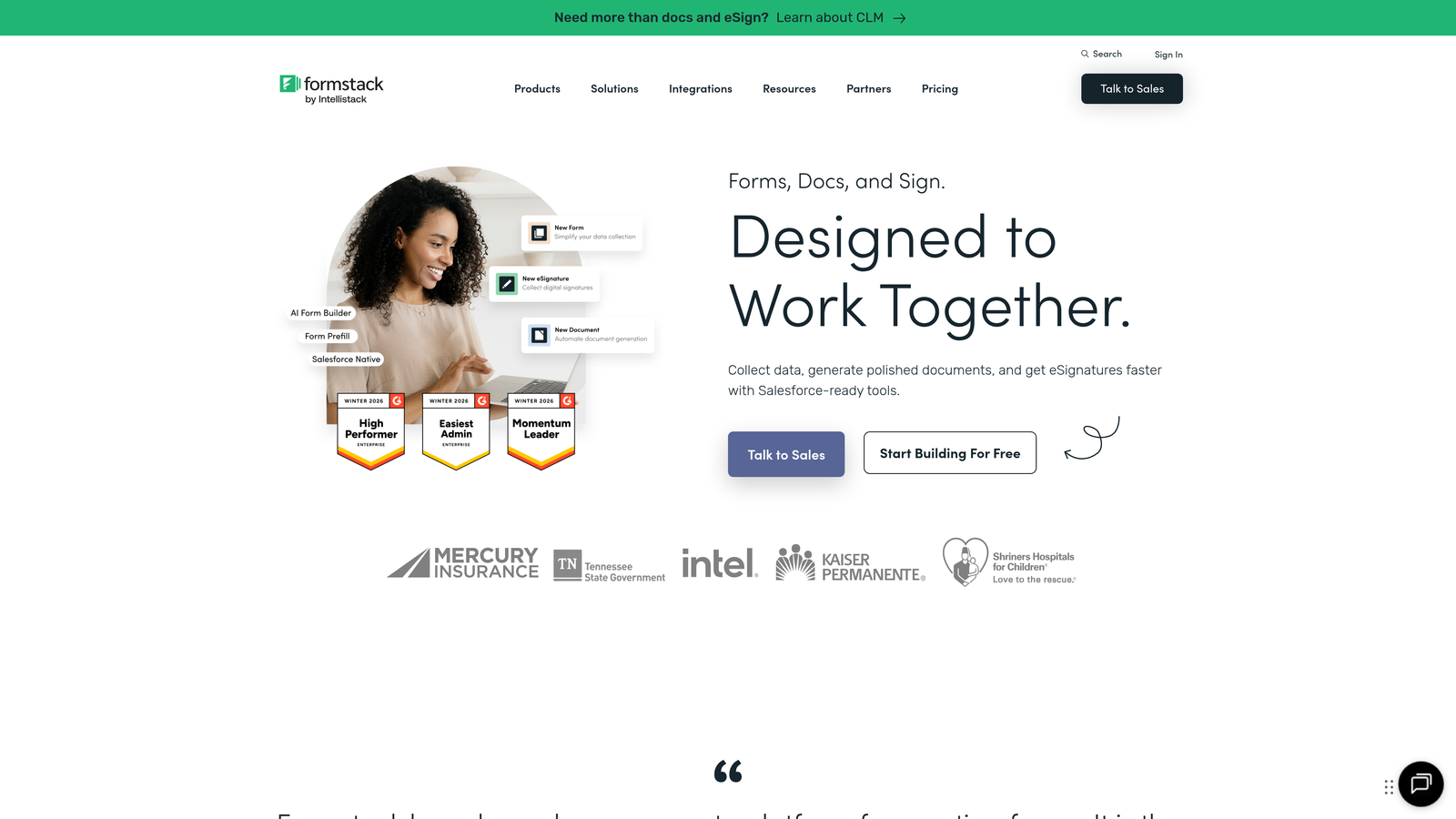
Formstack focuses on enterprise-grade security, compliance features, and document automation that larger organizations demand.
Where This Tool Shines
The compliance certifications set Formstack apart in regulated industries. HIPAA, GDPR, and PCI compliance are built into the platform, not add-ons, making it the go-to choice for healthcare, finance, and government organizations handling sensitive data.
Document generation transforms form submissions into polished PDFs, contracts, or reports automatically. Combined with approval workflows and electronic signatures, you can digitize entire business processes that traditionally required paper forms and manual routing.
Key Features
Compliance Certifications: HIPAA, GDPR, and PCI DSS compliance built-in for handling sensitive data securely.
Document Generation: Automatically create branded PDFs, contracts, or reports from form submissions using custom templates.
Approval Workflows: Route submissions through multi-level approval processes with notifications and audit trails.
Salesforce-Native Version: Dedicated Salesforce app that works entirely within your Salesforce environment.
Electronic Signatures: Collect legally binding signatures directly within forms for contracts and agreements.
Best For
Formstack is built for enterprise IT teams, healthcare organizations, financial services companies, and any business with strict compliance requirements. If you need audit trails, data encryption, and enterprise security, this is your solution.
Pricing
Forms Starter plan begins at $50/month; enterprise plans with full compliance features require custom pricing.
7. Cognito Forms
Best for: Advanced calculations and integrated payment collection at competitive prices
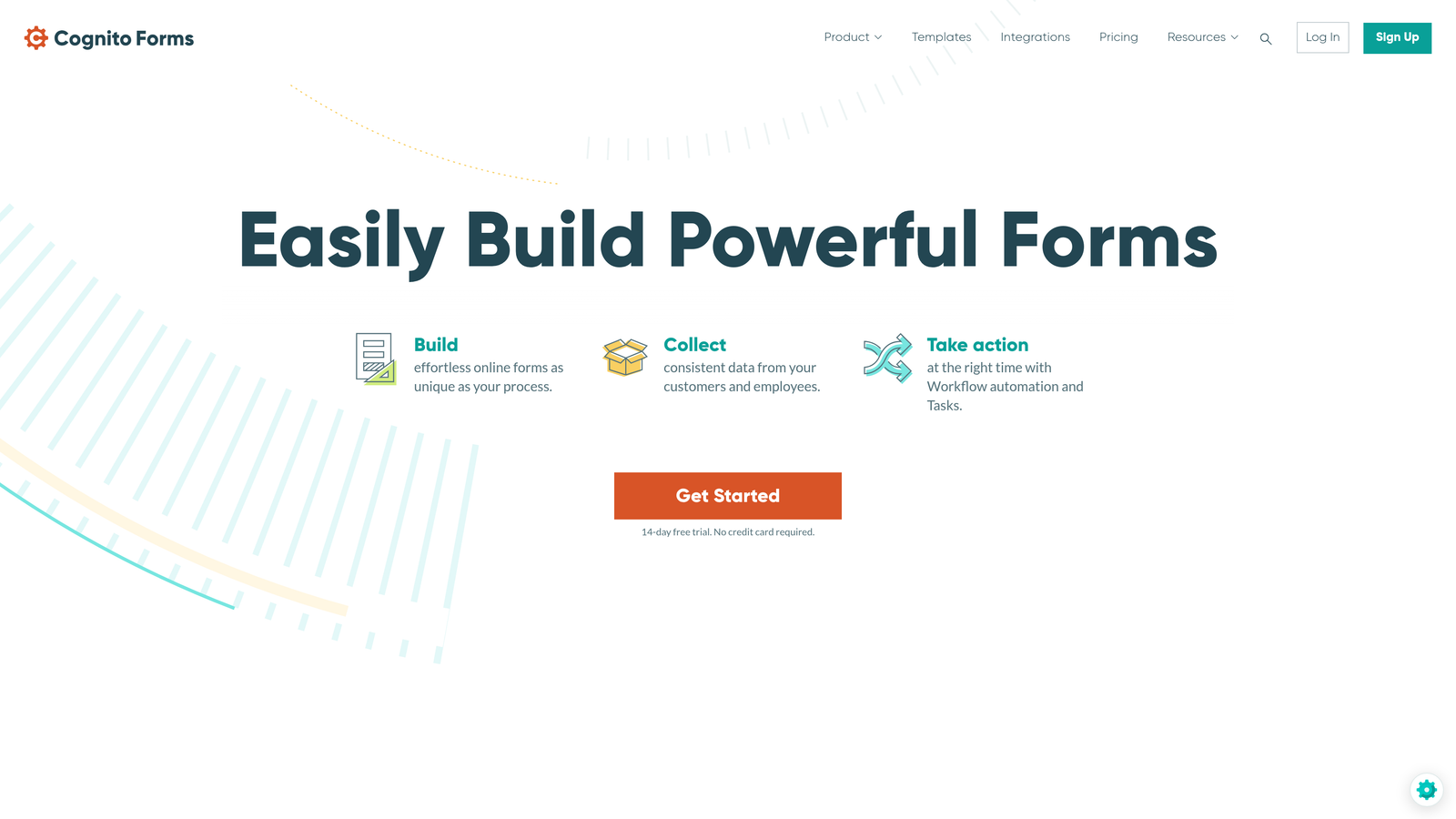
Cognito Forms delivers powerful calculation capabilities and payment processing without the premium pricing of enterprise tools.
Where This Tool Shines
The calculation engine is remarkably sophisticated for the price point. You can build complex pricing calculators, quote generators, and order forms with conditional pricing, quantity calculations, and custom formulas that would typically require custom development.
Payment integration is seamless and flexible, supporting Stripe, PayPal, and Square. Whether you're collecting fixed fees, calculating totals based on selections, or processing recurring subscriptions, Cognito Forms handles it natively.
Key Features
Advanced Calculations: Build complex formulas with conditional logic, mathematical operations, and dynamic pricing.
Multi-Gateway Payments: Accept payments through Stripe, PayPal, or Square with flexible pricing models.
Repeating Sections: Let users add multiple instances of question groups for complex data collection like itemized orders.
Conditional Logic: Show, hide, or require fields based on previous answers or calculated values.
Data Encryption: All data is encrypted at rest and in transit, with optional HIPAA compliance on higher plans.
Best For
Cognito Forms is perfect for small businesses, nonprofits, and organizations that need payment collection and complex calculations without enterprise-level budgets. It's particularly strong for order forms, registration systems, and donation pages.
Pricing
Free tier available for basic forms; paid plans start at $15/month with increased submissions and advanced features.
8. Fillout
Best for: Native integration with Notion, Airtable, and database-driven workflows
Fillout specializes in connecting forms directly to your existing databases, with exceptional Notion and Airtable support.
Where This Tool Shines
The native database sync capabilities transform how you work with forms. Instead of collecting responses in a separate system and manually moving data, Fillout writes directly to your Notion databases or Airtable bases in real-time.
The ability to pre-fill forms from existing records opens up powerful workflows. You can send customers a form that already contains their information for updates, let team members edit database records through forms, or create self-service portals where users update their own data.
Key Features
Native Notion and Airtable Sync: Connect forms directly to your databases with two-way data flow.
Record Pre-Filling: Populate form fields automatically from existing database records for updates or edits.
Update Existing Records: Use forms to modify existing database entries instead of only creating new ones.
Modern Interface: Clean, minimal design that feels native to modern productivity tools.
Scheduling and Payments: Built-in booking system and payment collection for service-based workflows.
Best For
Fillout is ideal for teams already using Notion or Airtable as their primary database. If your workflow lives in these tools, Fillout eliminates the friction of moving data between systems.
Pricing
Free tier available with core features; paid plans start at $15/month for increased submissions and advanced database features.
9. Google Forms
Best for: Simple surveys and data collection within the Google ecosystem
Google Forms offers completely free form building with automatic Google Sheets integration and real-time collaboration.
Where This Tool Shines
The price point is unbeatable—completely free with no limits on forms or responses. If you're already using Google Workspace, the integration is seamless. Responses flow directly into Google Sheets for analysis, and you can collaborate on form creation with your team in real-time.
The quiz and assessment mode transforms Google Forms into a testing platform. You can assign point values, provide automatic feedback, and grade responses automatically—features that would typically require specialized education software.
Key Features
Completely Free: Unlimited forms, unlimited responses, no hidden costs or upgrade prompts.
Automatic Google Sheets Sync: Every response flows directly into a spreadsheet for instant analysis and reporting.
Basic Conditional Logic: Show or hide sections based on answers to previous questions.
Real-Time Collaboration: Multiple team members can edit forms simultaneously with Google's collaboration tools.
Quiz Mode: Create graded assessments with automatic scoring, feedback, and answer keys.
Best For
Google Forms works well for internal surveys, simple feedback collection, event RSVPs, and educational assessments. It's perfect when you need basic functionality without any budget, or when your data analysis workflow already lives in Google Sheets.
Pricing
Free with any Google account, including personal Gmail accounts and Google Workspace subscriptions.
Making the Right Choice
Your ideal HubSpot alternative depends on what you actually need from a form builder. If you're generating significant lead volume and need intelligent qualification, Orbit AI's AI-powered approach saves hours of manual sorting while improving lead quality. For teams prioritizing engagement and brand experience, Typeform's conversational format drives higher completion rates.
Need maximum flexibility across diverse use cases? Jotform's extensive template library and widget ecosystem handle everything from simple contact forms to complex applications. Budget-conscious teams and Notion users will appreciate Tally's generous free tier and intuitive interface.
When your forms need to double as landing pages with payment processing, Paperform delivers the design flexibility and e-commerce features you need. Enterprise organizations requiring compliance and document workflows should look at Formstack's security certifications and automation capabilities.
For teams focused on payment collection with complex calculations, Cognito Forms offers sophisticated features at competitive prices. If your workflow lives in Notion or Airtable, Fillout's native database integration eliminates data transfer friction. And when you need basic surveys without any budget, Google Forms remains a solid, reliable option.
The common thread across successful alternatives? They've moved beyond HubSpot's limitations by specializing in specific use cases or leveraging new technologies like AI. The form builder you choose should match your primary goal—whether that's lead quality, conversion optimization, design flexibility, or cost efficiency.
Start building free forms today and see how intelligent form design can elevate your conversion strategy. Transform your lead generation with AI-powered forms that qualify prospects automatically while delivering the modern, conversion-optimized experience your high-growth team needs.


