Hiring at scale is hard enough without a clunky application process slowing you down. The right job application form creator doesn't just collect resumes — it screens candidates, integrates with your ATS, and gives your team a clean, branded experience that reflects the quality of your company.
Whether you're a startup scaling from 10 to 100 employees or an HR team managing hundreds of open roles, the tool you use to capture applicant data matters. A poorly designed form loses qualified candidates. A smart one filters them for you.
This guide covers the top job application form creators available in 2026, evaluated on ease of use, customization, conditional logic, integrations, and candidate experience. We've included options ranging from AI-powered platforms built for conversion to traditional HR-focused builders, so you can find the right fit for your team's workflow and growth stage.
1. Orbit AI
Best for: High-growth SaaS teams that want intelligent applicant qualification built into their forms
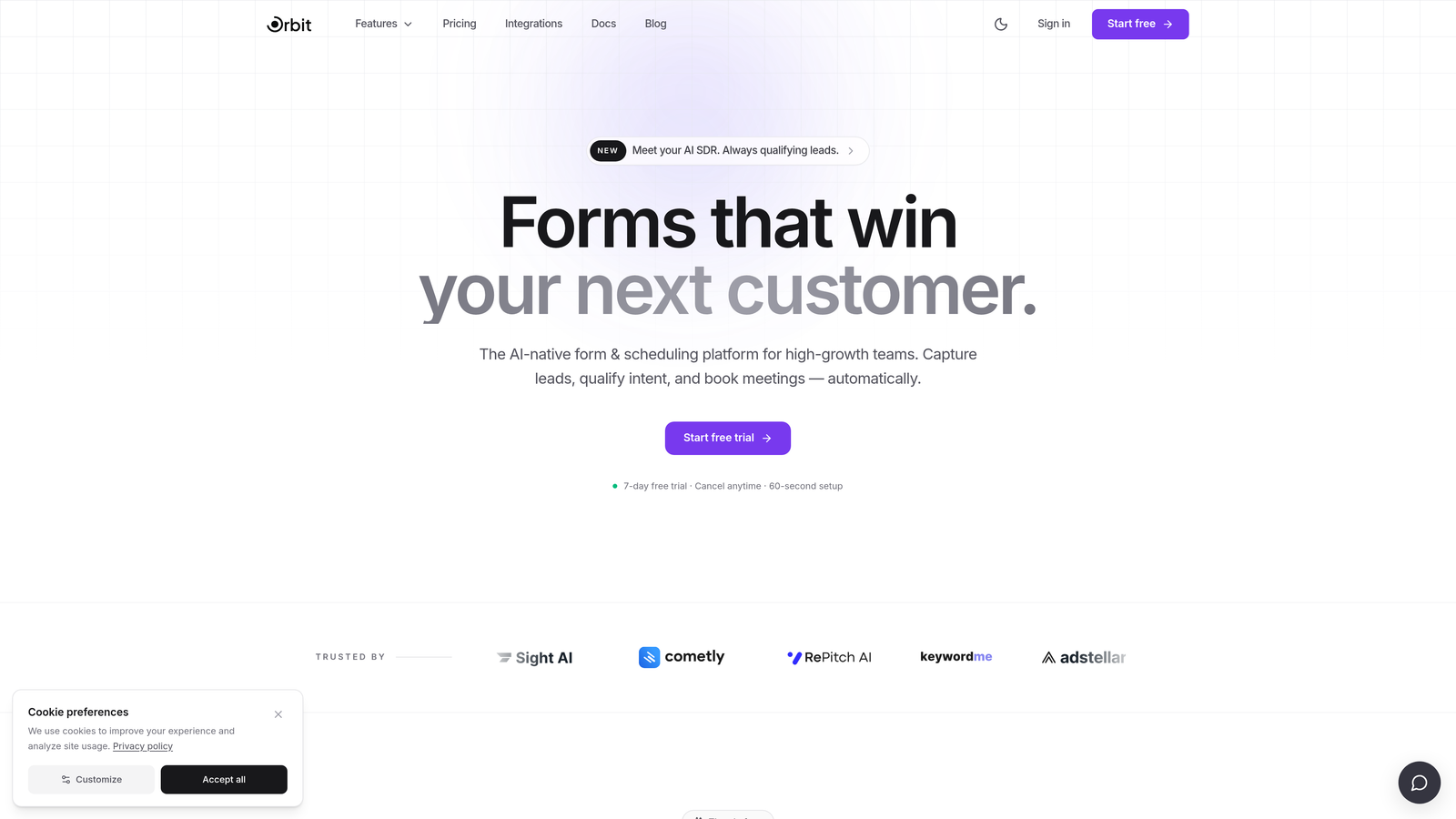
Orbit AI is an AI-powered form builder that applies conversion optimization principles to applicant capture, combining smart routing, scoring, and conditional logic in one platform.
Where This Tool Shines
What makes Orbit AI different from most form builders is its philosophy: hiring is a funnel, not just a form. The platform borrows the same qualification logic used in high-converting sales and marketing funnels and applies it to the candidate experience. Instead of dumping every applicant into a spreadsheet, the form routes and scores them based on their answers.
For teams that are scaling quickly and don't have time to manually review every submission, this kind of intelligent filtering is a genuine time-saver. The forms are also visually polished, which matters more than people admit — a well-designed application reflects the quality of your brand before a candidate ever speaks to anyone on your team.
Key Features
AI-Powered Applicant Qualification: Automatically scores and routes candidates based on their responses, helping your team focus on the most relevant applicants.
Conditional Logic: The form adapts in real time based on answers, creating a personalized experience for each candidate and reducing irrelevant questions.
Conversion-Optimized Design: Templates are built to maximize form completion rates, drawing on best practices from high-performing lead generation funnels.
Integrations: Connects with CRMs, ATS tools, and Zapier, so applicant data flows directly into your existing hiring or sales workflow.
Branded Templates: Modern, customizable templates that reflect your company's visual identity without requiring a designer.
Best For
Orbit AI is particularly well-suited for SaaS companies, growth-stage startups, and any team that treats hiring with the same rigor as demand generation. If you're already thinking about candidate conversion rates and applicant quality over volume, this platform speaks your language.
Pricing
Visit orbitforms.ai for current pricing tiers. Multiple plans are available to match different team sizes and usage needs.
2. Typeform
Best for: Teams that want a conversational, high-engagement applicant experience
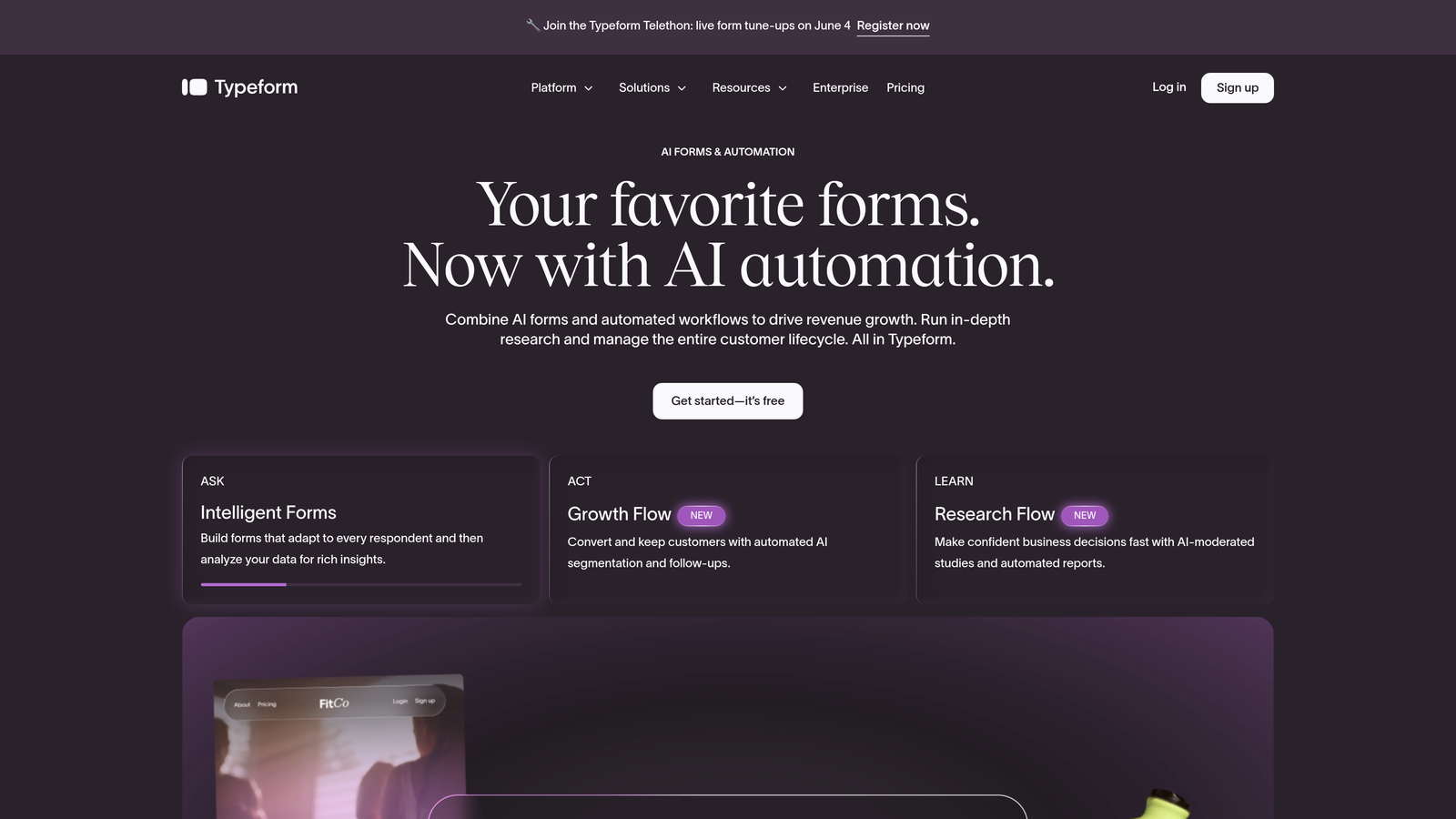
Typeform is a conversational form builder known for its one-question-at-a-time format that creates a more engaging, less overwhelming experience for applicants.
Where This Tool Shines
Typeform's signature format presents one question at a time, which can feel less intimidating than a long multi-field form. For roles where candidate experience is a priority — think creative, customer-facing, or senior positions — this approach signals that your company values thoughtful interaction from the very first touchpoint.
The logic jump functionality is solid, letting you branch the form based on answers without needing technical expertise. It's a good middle ground between a basic form builder and a full ATS.
Key Features
Conversational UX: One-question-at-a-time format that can improve completion rates compared to traditional multi-field layouts.
Logic Jumps: Conditional branching that tailors the question flow based on each applicant's previous answers.
Job Application Templates: Pre-built templates designed specifically for hiring workflows, ready to customize and deploy quickly.
Integrations: Connects with Slack, Google Sheets, Zapier, and a wide range of HR and productivity tools.
File Upload Support: Applicants can attach resumes and portfolio files directly within the form.
Best For
Typeform works well for companies that prioritize candidate experience and want their application process to feel modern and human. It's a strong fit for marketing, creative, and product teams that care about brand perception at every touchpoint.
Pricing
A free plan is available with limited features. Paid plans start at approximately $25/month, with higher tiers unlocking more responses and advanced logic.
3. Google Forms
Best for: Early-stage teams that need a free, no-setup solution for low-volume hiring
Google Forms is a free, no-frills form builder deeply integrated with Google Workspace, making it a practical starting point for structured hiring on a budget.
Where This Tool Shines
The honest appeal of Google Forms is its simplicity and zero cost. There's no setup, no subscription, and responses flow directly into Google Sheets for easy tracking. For a team hiring for one or two roles at a time, it covers the basics without any friction.
The tradeoff is clear: limited design customization, no native ATS integration, and conditional logic that doesn't go very deep. It works well until you outgrow it, which tends to happen faster than teams expect.
Key Features
Completely Free: Unlimited responses at no cost with any Google account, making it accessible for any team size.
Google Sheets Integration: All responses sync automatically to a spreadsheet for easy sorting, filtering, and sharing with your team.
Basic Conditional Logic: Show or hide sections based on answers, though the branching options are limited compared to dedicated builders.
File Upload Support: Applicants can upload resumes, though they'll need a Google account to do so — a potential friction point.
Easy Sharing: Distribute the form via link, email, or embed it directly on a webpage.
Best For
Google Forms is best for early-stage startups, small businesses, or teams making their first few hires who need something functional immediately without any budget commitment.
Pricing
Completely free with a Google account. No paid tiers or response limits.
4. JotForm
Best for: Teams that need extensive templates, strong conditional logic, and broad integrations in a standalone builder
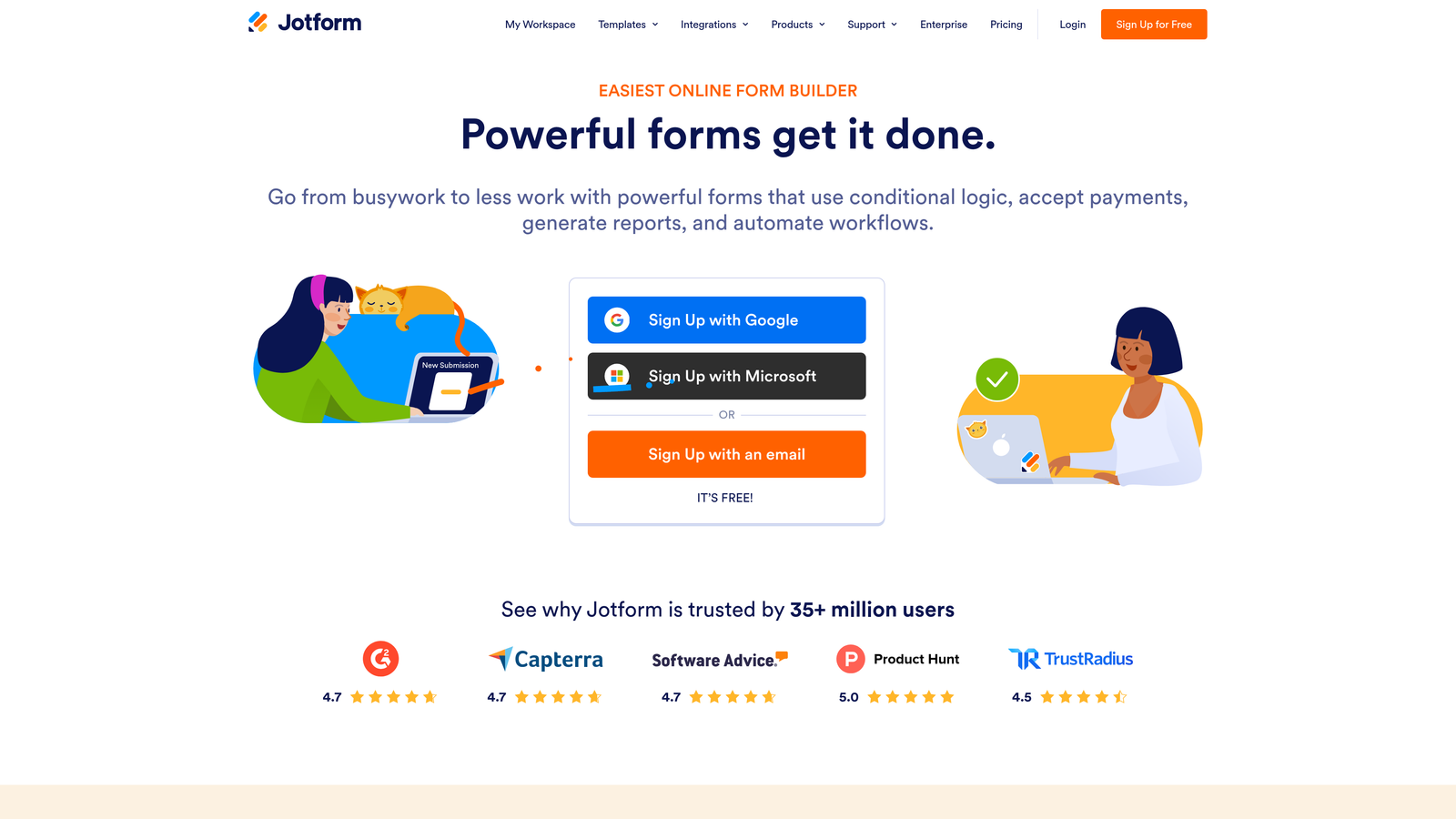
JotForm is a feature-rich standalone form builder with one of the largest libraries of HR and job application templates available, plus deep integration support across popular business tools.
Where This Tool Shines
JotForm's template library is genuinely impressive — hundreds of HR-specific forms that cover everything from general applications to role-specific questionnaires. If you want to get a professional application form live quickly without building from scratch, this is one of the fastest paths to doing it.
The conditional logic and multi-page form support are more advanced than most standalone builders, making it possible to create fairly sophisticated application flows without touching code. The HIPAA-compliant tier also makes it relevant for healthcare and regulated industries.
Key Features
Extensive Template Library: Hundreds of job application and HR-specific templates that can be customized and deployed quickly.
Advanced Conditional Logic: Multi-page forms with branching logic that adapts the application experience based on candidate answers.
File Uploads: Applicants can attach resumes, cover letters, and portfolio files without friction.
Broad Integrations: Connects with ATS tools, Google Drive, Dropbox, Slack, and many others via native integrations and Zapier.
HIPAA-Compliant Tier: For organizations in healthcare or regulated industries that need compliant data handling.
Best For
JotForm suits HR teams and operations managers who want a powerful standalone builder without committing to a full ATS. It's particularly useful for companies hiring across multiple departments with different application requirements per role.
Pricing
A free plan is available with limited monthly submissions. Paid plans start at approximately $34/month, with higher tiers for more submissions and advanced features.
5. Workable
Best for: Growing companies that want application forms as part of a complete recruiting workflow
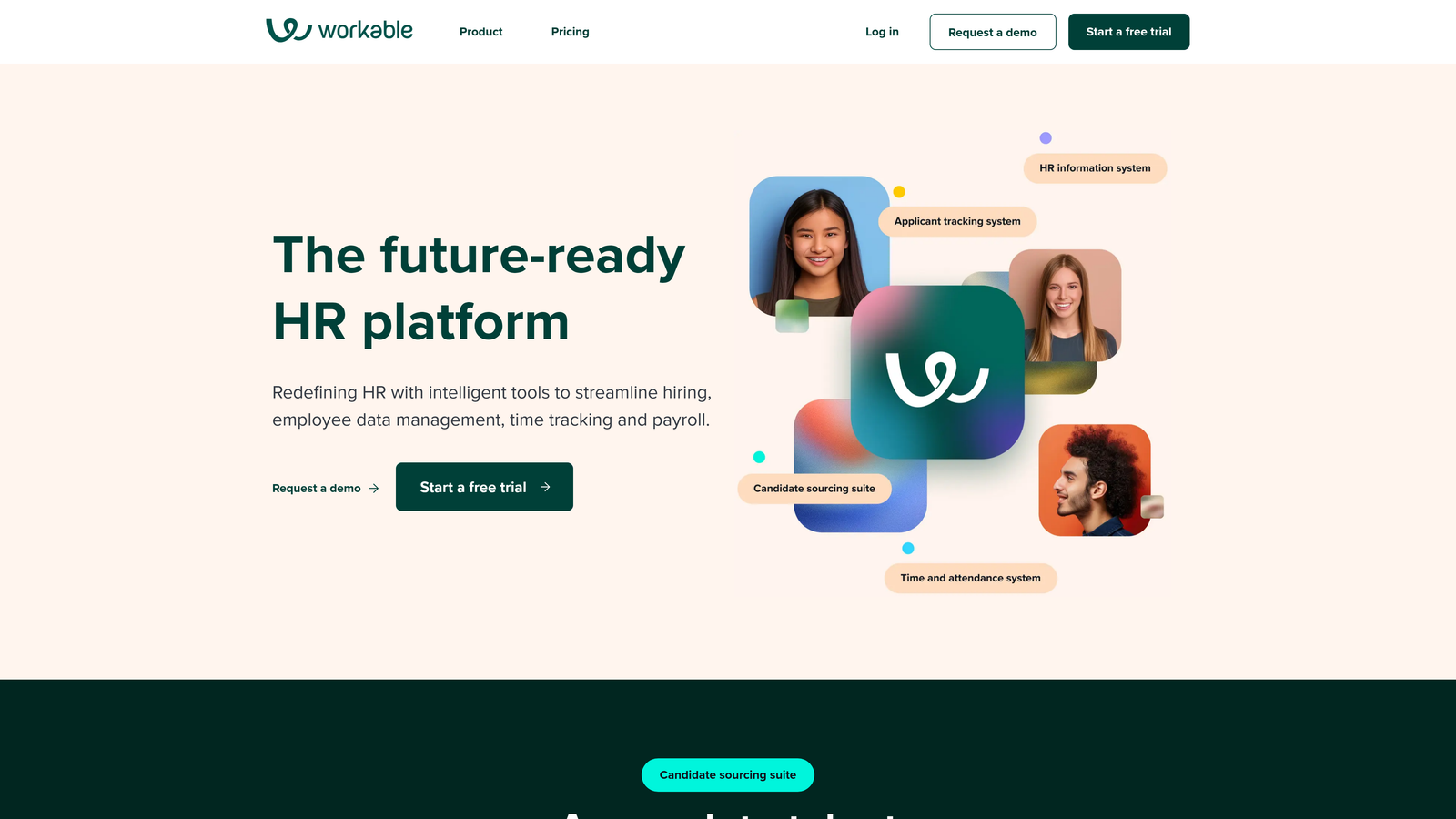
Workable is a dedicated applicant tracking system with customizable job application forms built into a full recruiting platform covering job posting, pipeline management, and interview scheduling.
Where This Tool Shines
Workable sits in a useful middle ground: more powerful than a standalone form builder, but less complex and expensive than enterprise ATS platforms. The application forms are tied directly to job postings, so everything from initial capture to candidate pipeline management lives in one place.
The one-click job board distribution is a practical feature for teams that want to reach candidates across multiple platforms without manually reposting. For companies managing several open roles simultaneously, the centralized pipeline view saves significant coordination time.
Key Features
Customizable Application Forms: Build role-specific forms that are directly connected to each job posting in your pipeline.
Built-In ATS: Full pipeline management with candidate stages, notes, and team collaboration built in.
Job Board Distribution: Post to multiple job boards with a single click, reducing manual effort across platforms.
Interview Scheduling and Scorecards: Coordinate interviews and collect structured feedback from interviewers in the same system.
Source Reporting: Analytics on where your best applicants are coming from, helping you optimize your sourcing strategy over time.
Best For
Workable is a strong fit for companies with dedicated recruiting or HR staff managing multiple open roles. It's particularly useful when you need application forms, pipeline management, and job board posting to work together seamlessly.
Pricing
Starts at approximately $189/month for up to 2 active jobs, with pricing scaling based on the number of active roles.
6. Greenhouse
Best for: Enterprise teams that need structured hiring, DEI data collection, and deep HRIS integrations
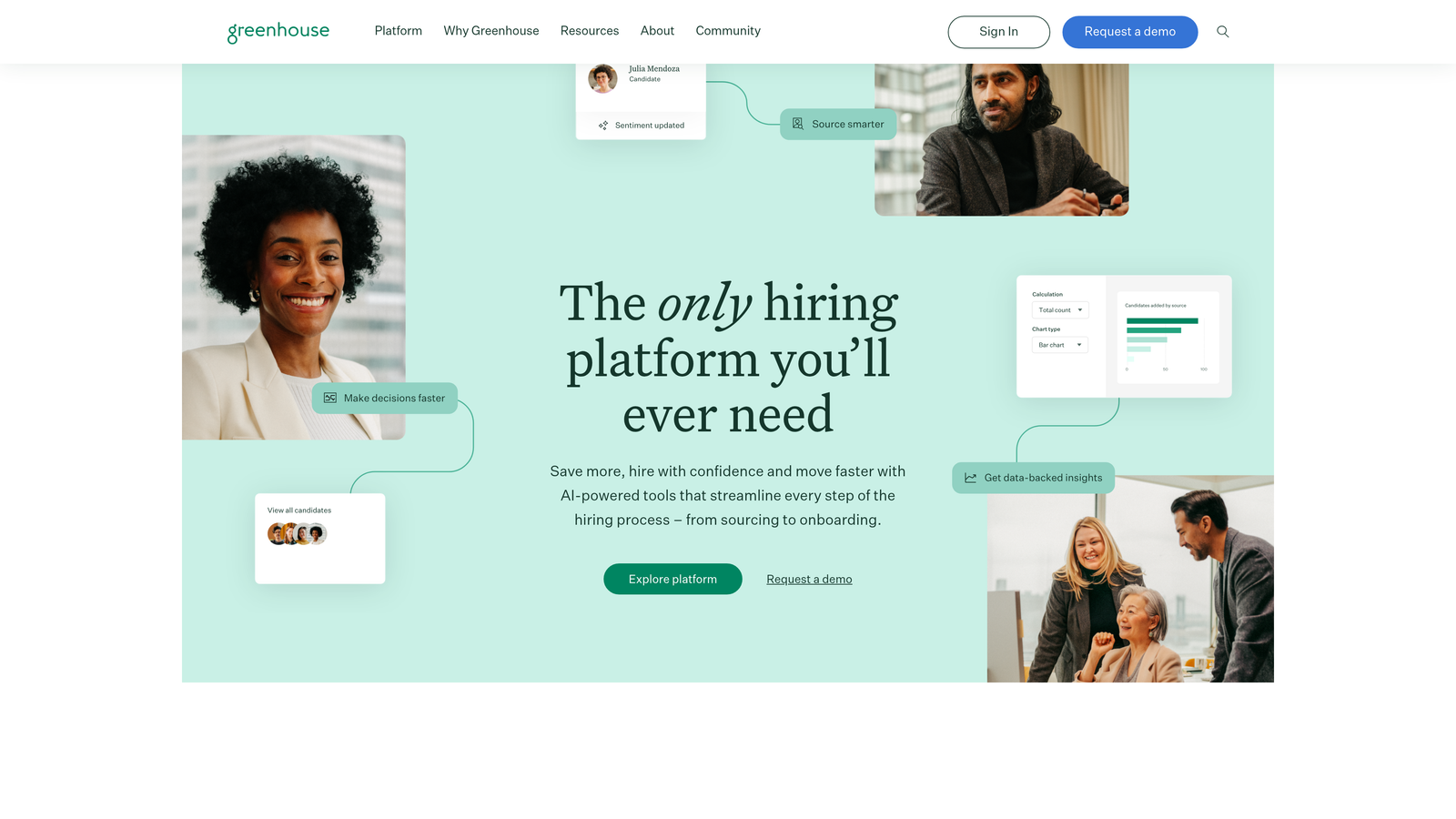
Greenhouse is an enterprise-grade ATS with highly configurable application forms, structured hiring frameworks, and compliance-ready features built for organizations with dedicated talent acquisition teams.
Where This Tool Shines
Greenhouse is built around the concept of structured hiring: standardized scorecards, defined evaluation criteria, and consistent processes across every role and interviewer. The application forms are one piece of a larger system designed to reduce bias and improve hiring quality at scale.
The DEI data collection capabilities and EEO/OFCCP compliance support make it a natural fit for organizations in regulated environments or those with formal diversity hiring commitments. The depth of HRIS integrations — including Workday and BambooHR — means applicant data flows cleanly into existing people operations infrastructure.
Key Features
Structured Hiring Framework: Standardized scorecards and evaluation criteria that bring consistency to every hiring decision.
DEI Data Collection: Built-in fields for voluntary demographic data collection within application forms, supporting diversity reporting.
Deep HRIS Integrations: Native connections with Workday, BambooHR, and other enterprise people systems.
Compliance Support: EEO and OFCCP-ready data handling for organizations with federal compliance requirements.
Custom Application Fields: Fully configurable application forms per role, allowing different questions for different departments or levels.
Best For
Greenhouse is designed for mid-size to large organizations with dedicated recruiting operations, compliance obligations, and a need for structured, data-driven hiring processes across the entire company.
Pricing
Custom pricing based on company size and needs. Contact Greenhouse directly for a quote.
7. Tally
Best for: Remote-first and bootstrapped teams that want a clean, generous free tier with no response limits
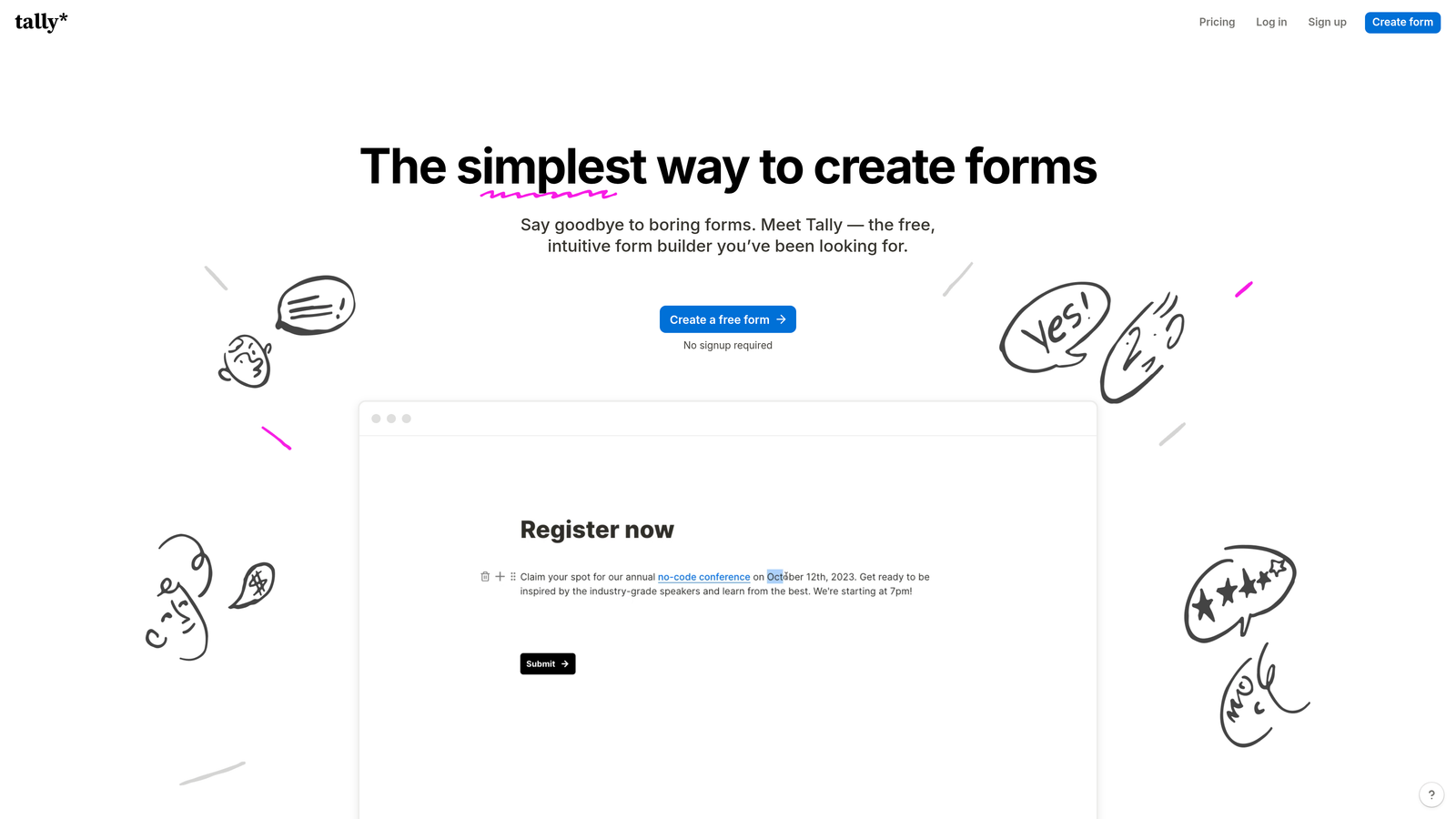
Tally is a lightweight, Notion-inspired form builder with a block-based editing experience and one of the most generous free plans available in the form builder category.
Where This Tool Shines
Tally's free plan stands out in a market where most tools gate useful features behind paid tiers. Unlimited responses with no Tally branding on the free plan makes it genuinely usable for small teams without a budget for software tools.
The Notion-like editing experience feels intuitive for teams already living in that ecosystem, and the ability to embed forms in Notion pages, websites, or Webflow sites without friction is a practical advantage. It's not the most powerful tool on this list, but it punches above its weight for what it costs.
Key Features
Unlimited Responses on Free Plan: No response caps on the free tier, which is genuinely unusual among form builders.
Block-Based Editor: A Notion-style editing experience that feels familiar and requires no learning curve for teams already using Notion.
Conditional Logic: Multi-step forms with branching logic available on both free and paid plans.
Flexible Embedding: Embed forms in websites, Notion pages, Webflow sites, and other platforms without technical complexity.
Automation Integrations: Connects with Zapier and Make for workflow automation and data routing.
Best For
Tally is ideal for bootstrapped startups, freelancers, and remote-first teams that need a clean, functional application form without a subscription. It's also a great fit for teams already using Notion as their primary workspace.
Pricing
A free plan is available with unlimited responses. The Pro plan is approximately $29/month with additional features and customization options.
8. Formstack
Best for: Regulated industries that require HIPAA-compliant data handling and e-signature support in their application process
Formstack is a compliance-focused form builder with HIPAA-compliant data handling, e-signature collection, and strong encryption built for organizations in healthcare, legal, and financial services.
Where This Tool Shines
Most form builders treat compliance as an afterthought. Formstack treats it as the core product. If you're hiring in an industry where applicant data handling is subject to regulatory requirements — healthcare, finance, legal, government — the compliance infrastructure here is difficult to replicate with a general-purpose builder.
The e-signature workflow is a particularly useful feature for application processes that require signed acknowledgments, NDAs, or consent forms as part of the initial submission. It removes a step that would otherwise require a separate tool.
Key Features
HIPAA-Compliant Data Handling: Secure data storage and transmission that meets HIPAA requirements for sensitive applicant information.
E-Signature Collection: Collect legally binding signatures within the application form itself, without routing applicants to a separate signing tool.
Advanced Encryption and Access Controls: Granular permissions and data encryption to protect sensitive applicant information at rest and in transit.
Conditional Logic and Multi-Step Workflows: Build sophisticated application flows that adapt based on role type, department, or applicant answers.
HR and Document Management Integrations: Connects with HR platforms and document management systems for streamlined data flow.
Best For
Formstack is the right choice for organizations in regulated industries where data compliance is non-negotiable. Healthcare systems, financial services firms, legal practices, and government contractors will find the compliance infrastructure here worth the premium.
Pricing
Plans start at approximately $83/month. HIPAA-compliant tiers are available at higher price points. Contact Formstack for enterprise pricing.
9. Breezy HR
Best for: SMBs that want visual pipeline management, embedded application forms, and automated candidate communication in one tool
Breezy HR is a visual kanban-style recruiting platform with integrated job application forms, candidate scorecards, and automated email workflows designed for small and mid-size businesses.
Where This Tool Shines
Breezy HR's visual pipeline is its most distinctive feature. Hiring managers can see every candidate's stage at a glance, drag cards between columns, and collaborate with team members without digging through spreadsheets or email threads. It brings the clarity of a project management tool to the recruiting process.
The automated email sequences for candidate communication are a practical time-saver for small HR teams managing multiple roles. Rather than manually sending status updates, Breezy can trigger emails based on pipeline stage changes — keeping candidates informed without adding to your team's workload.
Key Features
Visual Kanban Pipeline: Drag-and-drop hiring board that gives your team a clear, real-time view of every candidate's status across all open roles.
Customizable Embedded Application Forms: Role-specific application forms that can be embedded on your careers page or shared via direct link.
Candidate Scorecards: Structured feedback collection from interviewers to support consistent, data-informed hiring decisions.
Automated Email Sequences: Trigger candidate communications automatically based on pipeline stage, reducing manual follow-up for your team.
Job Board Distribution: Post to more than 50 job boards from a single interface to maximize applicant reach.
Best For
Breezy HR is a strong fit for SMBs and growing teams that want ATS functionality without enterprise complexity or pricing. It's particularly well-suited for companies with small HR teams that need automation to handle candidate communication at scale.
Pricing
A free plan is available for one active position. Paid plans start at approximately $157/month, with pricing scaling based on the number of active positions and team size.
Which Tool Is Right for Your Team
The best job application form creator depends entirely on where your team is today and where you're headed. Here's a quick breakdown to help you decide.
If you want AI-powered applicant qualification: Orbit AI is built specifically for this. It applies the same intelligent routing and scoring logic used in high-converting sales funnels to your hiring process, so your team spends time on the right candidates instead of sorting through every submission manually.
If you need a free starting point: Google Forms works for low-volume hiring with zero budget. Tally is the better free option if you want a cleaner experience and no response limits. Both are solid for teams making their first few hires.
If candidate experience is your priority: Typeform's conversational format creates a more engaging application experience that reflects well on your brand, particularly for creative or senior roles.
If you need a full ATS with forms included: Workable is the practical mid-market choice. Greenhouse is the right call for enterprise teams with structured hiring requirements and compliance obligations. Breezy HR is the best fit for SMBs that want visual pipeline management without enterprise pricing.
If compliance is non-negotiable: Formstack is purpose-built for regulated industries where HIPAA compliance and e-signature support are requirements, not nice-to-haves.
For high-growth teams that treat hiring the way they treat demand generation, the form itself is a strategic asset. Orbit AI is designed around that premise. Start your free trial today and see how intelligent form design and AI-powered qualification can transform the way your team captures and filters applicants from the very first touchpoint.