

Whether you're capturing leads, running surveys, or qualifying prospects, the right form software can make or break your conversion strategy. With dozens of options on the market, knowing where to start feels genuinely overwhelming.
This guide cuts through the noise. We've evaluated nine form software platforms across key criteria: ease of setup, design flexibility, lead qualification capabilities, integrations, and pricing. Whether you're a scrappy startup or a scaling SaaS team, there's a tool here that fits your workflow.
A quick note on selection: we prioritized tools with strong free tiers or trials, meaningful feature depth, and real-world usability for teams focused on lead generation and conversion. We've also included Orbit AI at the top. It's our own platform, and we think it genuinely earns that spot for high-growth teams. You can decide for yourself.
1. Orbit AI
Best for: High-growth SaaS and B2B teams who need AI-powered lead qualification baked into their forms
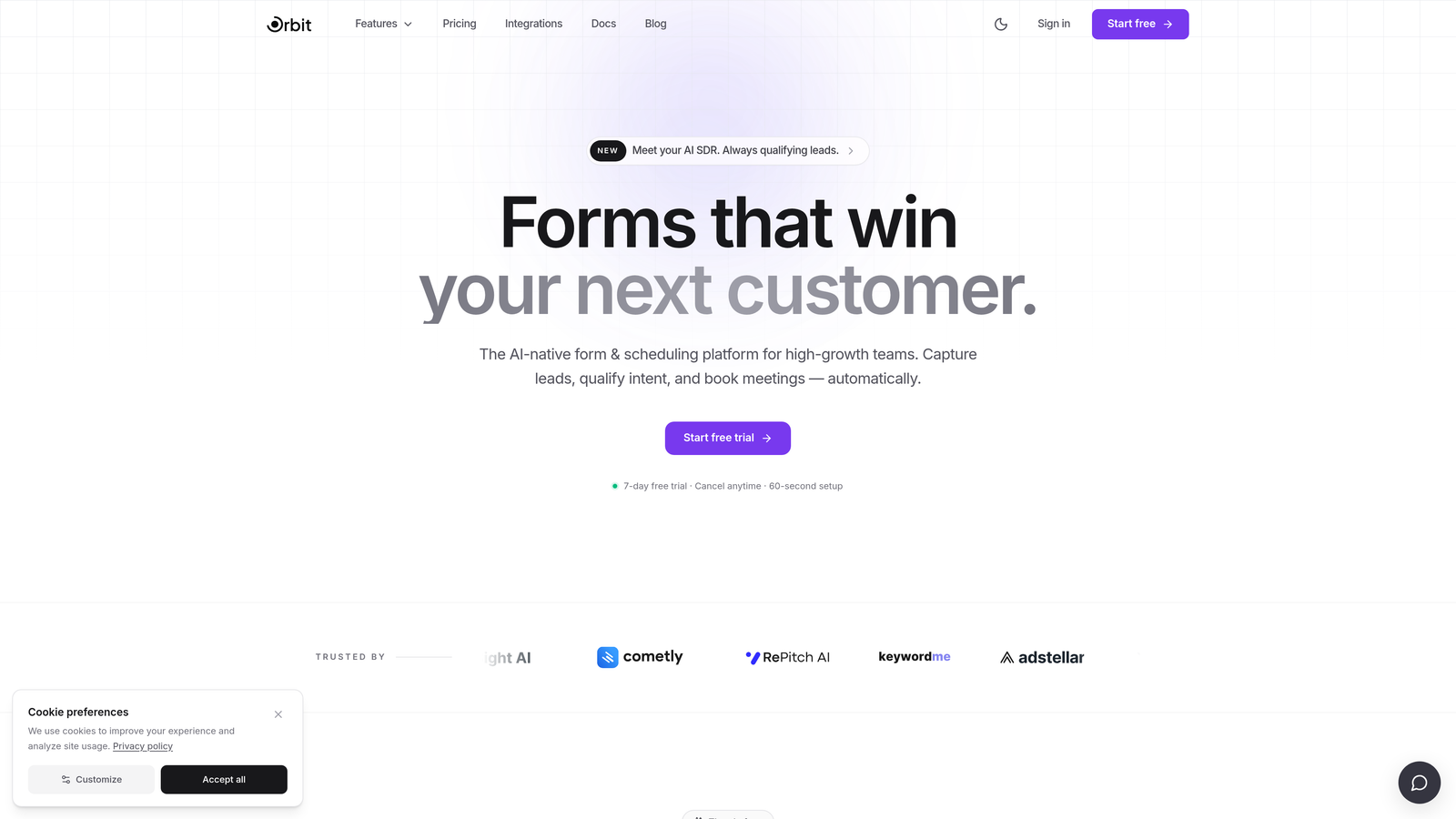
Orbit AI is an AI-first form builder that scores and routes leads automatically based on form responses, built specifically for conversion-focused teams.
Where This Tool Shines
Most form builders collect data. Orbit AI does something more useful with it. The platform's built-in lead qualification engine evaluates responses in real time, scoring leads and routing them to the right destination without requiring you to build complex Zaps or manual CRM rules downstream.
For SaaS and B2B teams running any kind of inbound motion, that distinction matters. Instead of dumping raw form submissions into a spreadsheet and sorting them later, you get a prioritized, actionable pipeline from the moment someone hits submit.
Key Features
AI-Powered Lead Qualification: Automatically scores and routes leads based on form responses, so your sales team focuses on the right prospects first.
Conversion-Optimized Design: Modern, flexible form layouts built to reduce drop-off and improve completion rates.
Conditional Logic and Dynamic Fields: Personalizes the form experience based on each respondent's answers, creating flows that feel tailored rather than generic.
CRM and Sales Tool Integrations: Connects with the tools your team already uses, so qualified leads land exactly where they need to go.
Lead Quality Analytics Dashboard: Goes beyond response volume to show you which forms are generating your best leads, not just your most leads.
Best For
Orbit AI is the strongest fit for B2B SaaS teams, growth marketers, and revenue-focused operators who want their form layer to do more than capture data. If lead quality is a KPI you care about, this is built for you. It's less suited for teams with purely internal or survey-focused use cases.
Pricing
Free tier available for getting started. Paid plans unlock advanced AI qualification features. Check the Orbit AI website for current plan details.
2. Typeform
Best for: Teams who want a polished, conversational form experience with strong brand aesthetics
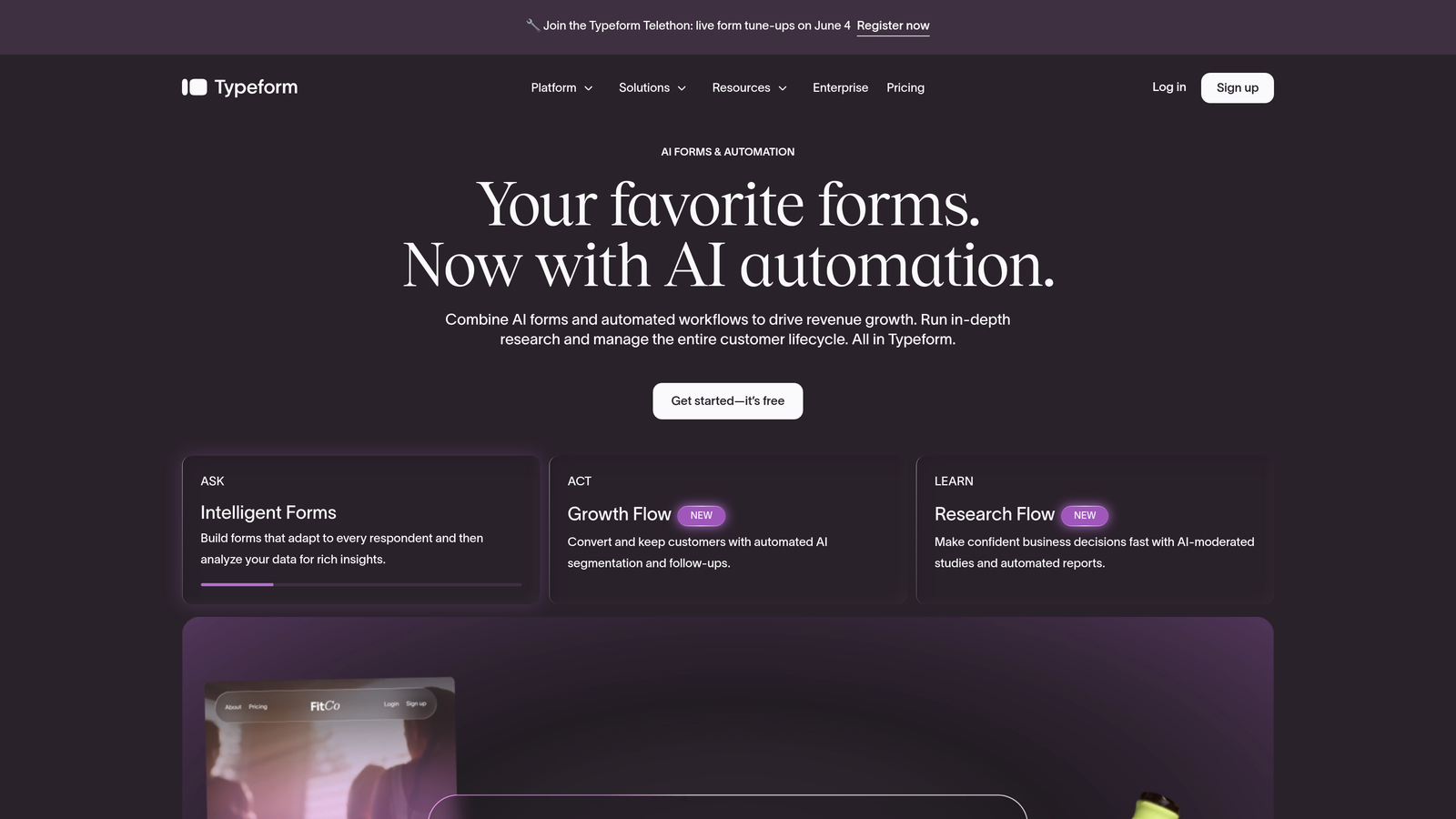
Typeform is a conversational form builder known for its one-question-at-a-time interface and premium visual design.
Where This Tool Shines
Typeform's signature UX is genuinely distinctive. By presenting one question at a time, it creates an experience that feels more like a conversation than a form, which can meaningfully improve completion rates for longer surveys and lead gen flows.
The design customization is also a real strength. Brand theming, custom fonts, background imagery, and video questions give marketing teams a level of polish that most form builders can't match out of the box.
Key Features
Conversational One-Question Interface: Reduces cognitive load and keeps respondents engaged through longer form flows.
Brand Theming and Design Customization: Full control over visual identity, fonts, colors, and imagery.
Logic Jumps and Conditional Branching: Routes respondents to different questions based on their answers.
500+ Integrations: Native connectors plus Zapier support for connecting to virtually any stack.
Video Questions and Rich Media: Embed video prompts directly into forms for richer context or research use cases.
Best For
Typeform works well for marketing teams running lead gen campaigns, NPS surveys, or brand research where presentation quality matters. Teams that specifically need built-in lead scoring or AI qualification will find those capabilities limited compared to dedicated solutions.
Pricing
Free plan available with basic features. Paid plans start at approximately $25/month. Higher tiers can get expensive, which is worth factoring in if you're scaling response volume.
3. Google Forms
Best for: Teams with basic needs, zero budget, and existing Google Workspace infrastructure
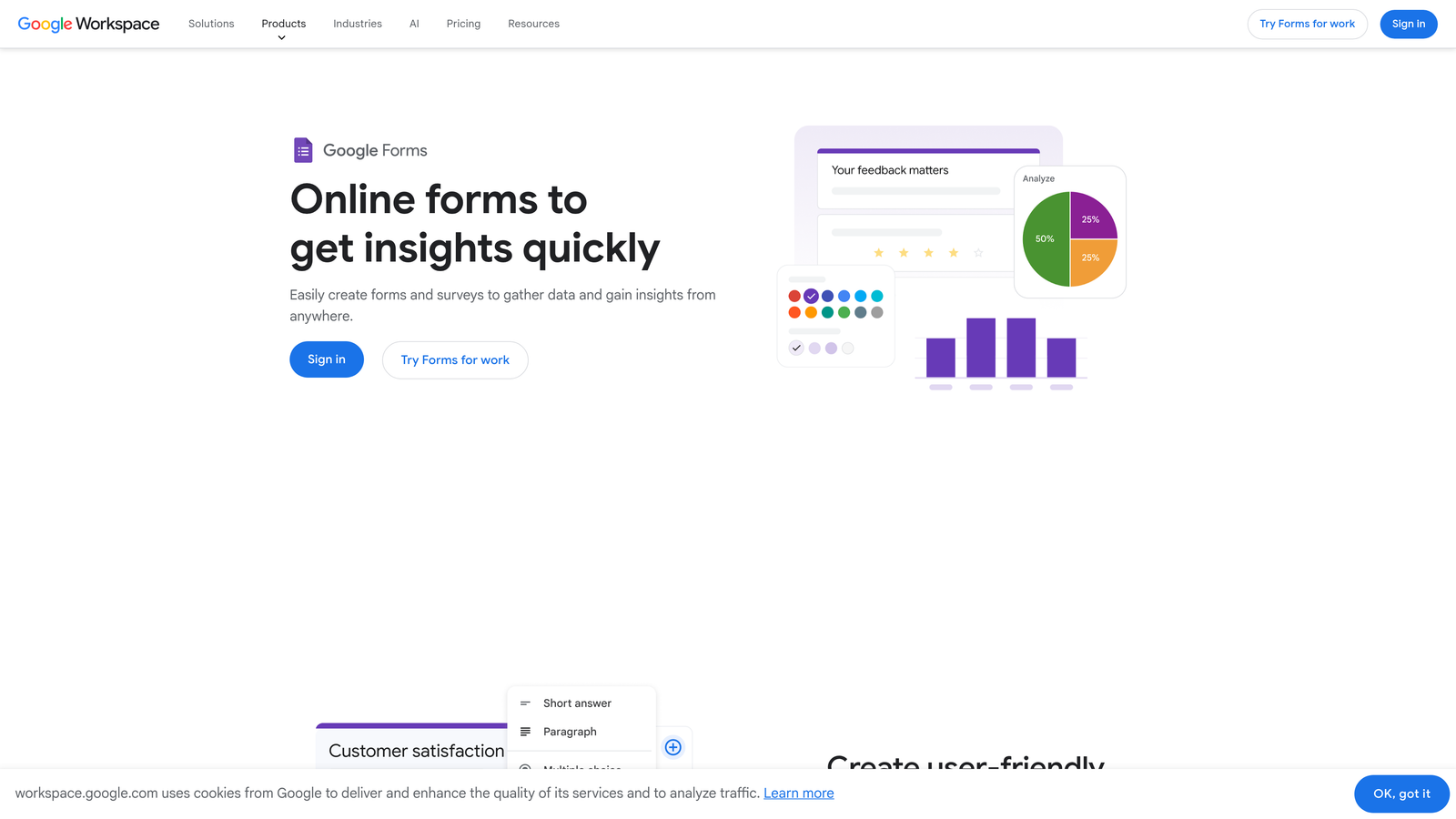
Google Forms is a completely free, no-frills form builder that integrates natively with Google Sheets and the broader Workspace ecosystem.
Where This Tool Shines
The value proposition is simple: it's free, it works, and if your team already lives in Google Workspace, there's essentially no setup friction. Responses flow directly into Google Sheets, making it easy for anyone to review and filter submissions without needing a separate tool.
For internal use cases like event registrations, quick team surveys, or basic feedback collection, Google Forms is hard to beat on pure cost-to-functionality ratio.
Key Features
Completely Free: No response limits, no paid tiers required, accessible with any Google account.
Google Sheets Integration: Responses populate a spreadsheet automatically for easy sorting and analysis.
Simple Conditional Logic: Basic branching based on multiple-choice answers.
Real-Time Collaboration: Multiple team members can edit forms simultaneously, just like a Google Doc.
Quiz and Grading Functionality: Built-in scoring for assessments, training quizzes, and knowledge checks.
Best For
Google Forms is ideal for internal teams, educators, and small organizations that need functional forms without any budget. It's not designed for external lead generation or conversion optimization, and the design flexibility is minimal.
Pricing
Completely free with any Google account. No paid tiers or response limits to worry about.
4. Jotform
Best for: Agencies and operations teams who need maximum template depth, payment collection, and workflow automation
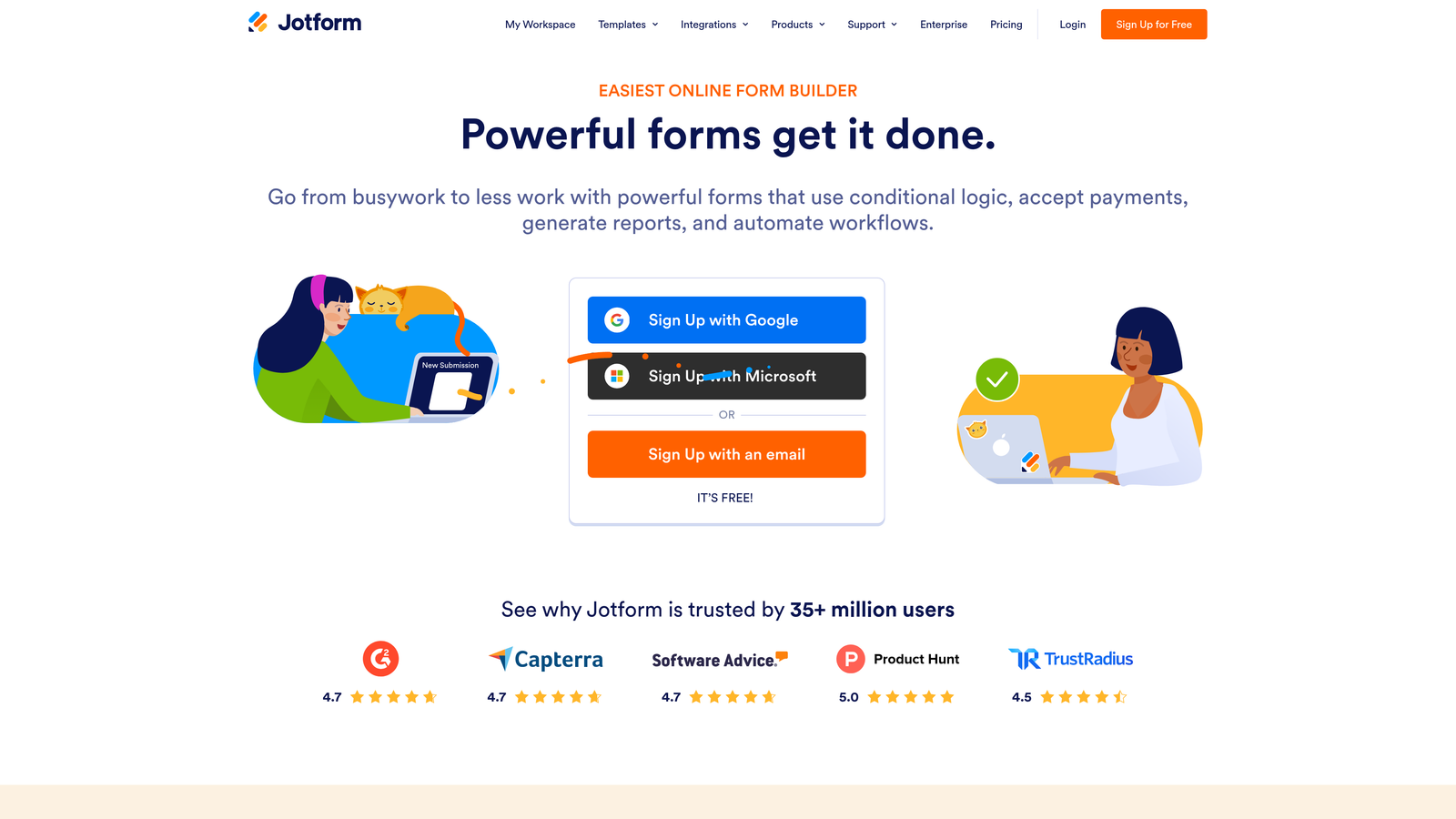
Jotform is one of the most feature-rich form builders on the market, with over 10,000 templates and support for payments, approvals, and e-signatures.
Where This Tool Shines
Jotform's template library is genuinely impressive. Whatever industry or use case you're working in, there's almost certainly a starting point already built. That depth makes it particularly valuable for agencies managing forms across multiple clients or verticals.
The platform also handles use cases that most form builders ignore entirely, including native payment collection, approval workflows, and HIPAA-compliant forms for healthcare. If your forms need to do heavy operational lifting, Jotform has the infrastructure for it.
Key Features
10,000+ Templates: Pre-built forms across virtually every industry and use case.
Native Payment Collection: Supports Stripe, PayPal, and Square without third-party workarounds.
Approval Workflows and E-Signatures: Turns form submissions into structured business processes.
HIPAA-Compliant Plans: Purpose-built for healthcare teams with data compliance requirements.
Extensive Third-Party Integrations: Connects with CRMs, project management tools, and marketing platforms.
Best For
Jotform is a strong fit for agencies, operations managers, and healthcare or regulated-industry teams. The sheer feature volume can feel overwhelming for new users who just need a simple lead capture form, so it's worth matching the tool to the complexity of your actual needs.
Pricing
Free plan available with some limitations. Paid plans start at approximately $34/month, scaling based on submission volume and features.
5. HubSpot Forms
Best for: Teams already running their CRM and marketing operations inside HubSpot
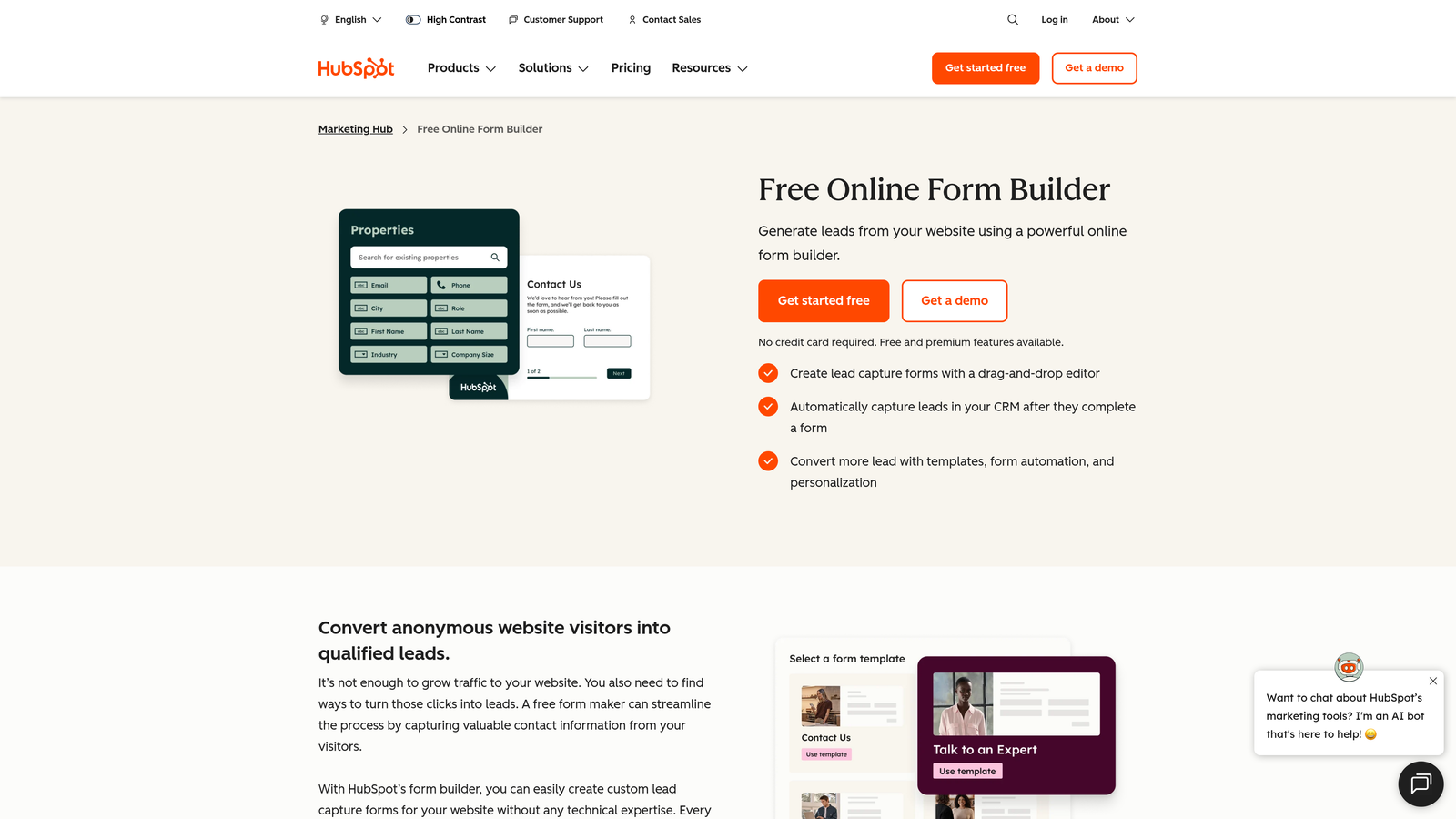
HubSpot Forms is a CRM-native form builder included in HubSpot's free marketing tools, with smart fields and progressive profiling built in.
Where This Tool Shines
If you're already in the HubSpot ecosystem, the integration story here is unmatched. Form submissions sync directly to contact records, deal pipelines, and marketing workflows without a single Zap or API call. That frictionless data flow is genuinely valuable for revenue teams trying to move fast.
Progressive profiling is the standout feature: HubSpot can recognize returning visitors and show them different questions instead of asking for information it already has. For companies running long nurture cycles, that creates a much smoother experience over time.
Key Features
Native CRM Sync: Form submissions map directly to HubSpot contact and deal records with no integration setup.
Progressive Profiling: Automatically swaps out questions for known contacts to gather new data without repetition.
Smart Fields: Adapts form fields based on existing contact data stored in HubSpot.
Embedded and Pop-Up Form Options: Flexible placement for landing pages, website pages, and exit-intent triggers.
Form Analytics Tied to Contact Records: See exactly which forms contributed to pipeline and revenue.
Best For
HubSpot Forms is the obvious choice for teams already invested in HubSpot. Outside that ecosystem, its value drops significantly, and you'd be better served by a standalone form builder with more design flexibility.
Pricing
Free with HubSpot's free CRM. Advanced features like smart content and A/B testing require a paid Marketing Hub subscription.
6. Tally
Best for: Startups and indie teams who want unlimited forms and responses without paying anything
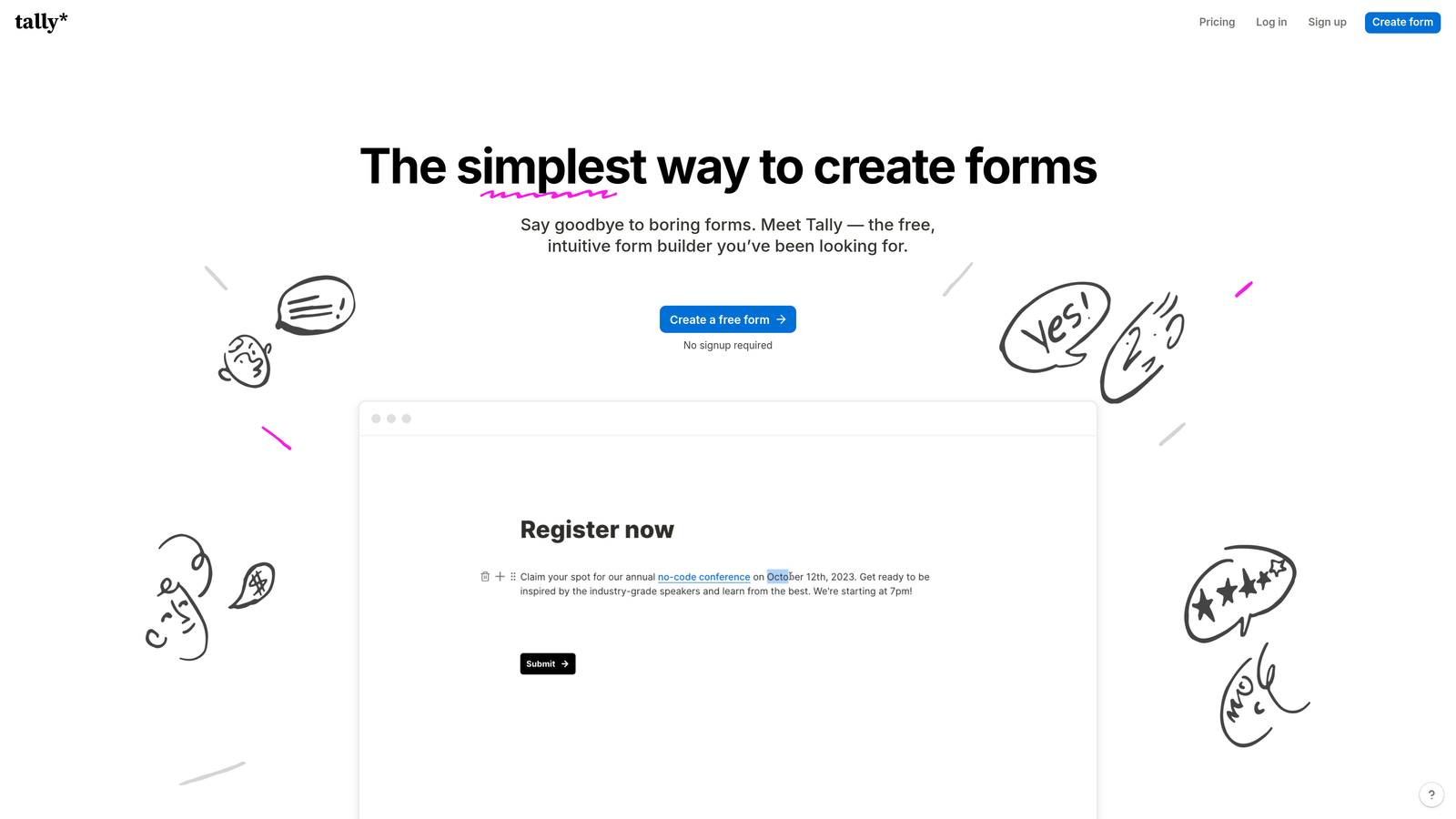
Tally is a minimalist, Notion-style form builder with one of the most generous free plans in the market.
Where This Tool Shines
Tally's free plan is remarkably open-handed: unlimited forms, unlimited responses, and no Tally branding on the free tier for most use cases. For early-stage teams or solo operators who need functional forms without a monthly bill, that's a compelling starting point.
The block-based editor feels immediately familiar if your team already uses Notion. Building a form is fast and intuitive, and the output is clean enough for external-facing use without requiring design work.
Key Features
Unlimited Forms and Responses on Free Plan: No artificial caps that force you to upgrade before you're ready.
Block-Based Notion-Style Editor: Familiar, low-friction editing experience for teams already in the Notion world.
Conditional Logic and Multi-Page Forms: Supports branching flows and multi-step experiences.
Custom Domain Support: Available on the paid plan for branded form URLs.
Lightweight Embed Options: Easy to drop forms into websites or tools without complex configuration.
Best For
Tally is ideal for startups, freelancers, and early-stage teams that need solid forms without the overhead. It's not the right tool if you need advanced lead qualification, deep CRM integration, or enterprise-level controls.
Pricing
Free plan is genuinely generous for most basic use cases. Pro plan runs approximately $29/month for custom domains and additional features.
7. Paperform
Best for: Service businesses and consultants who want forms that also handle bookings, payments, and product sales
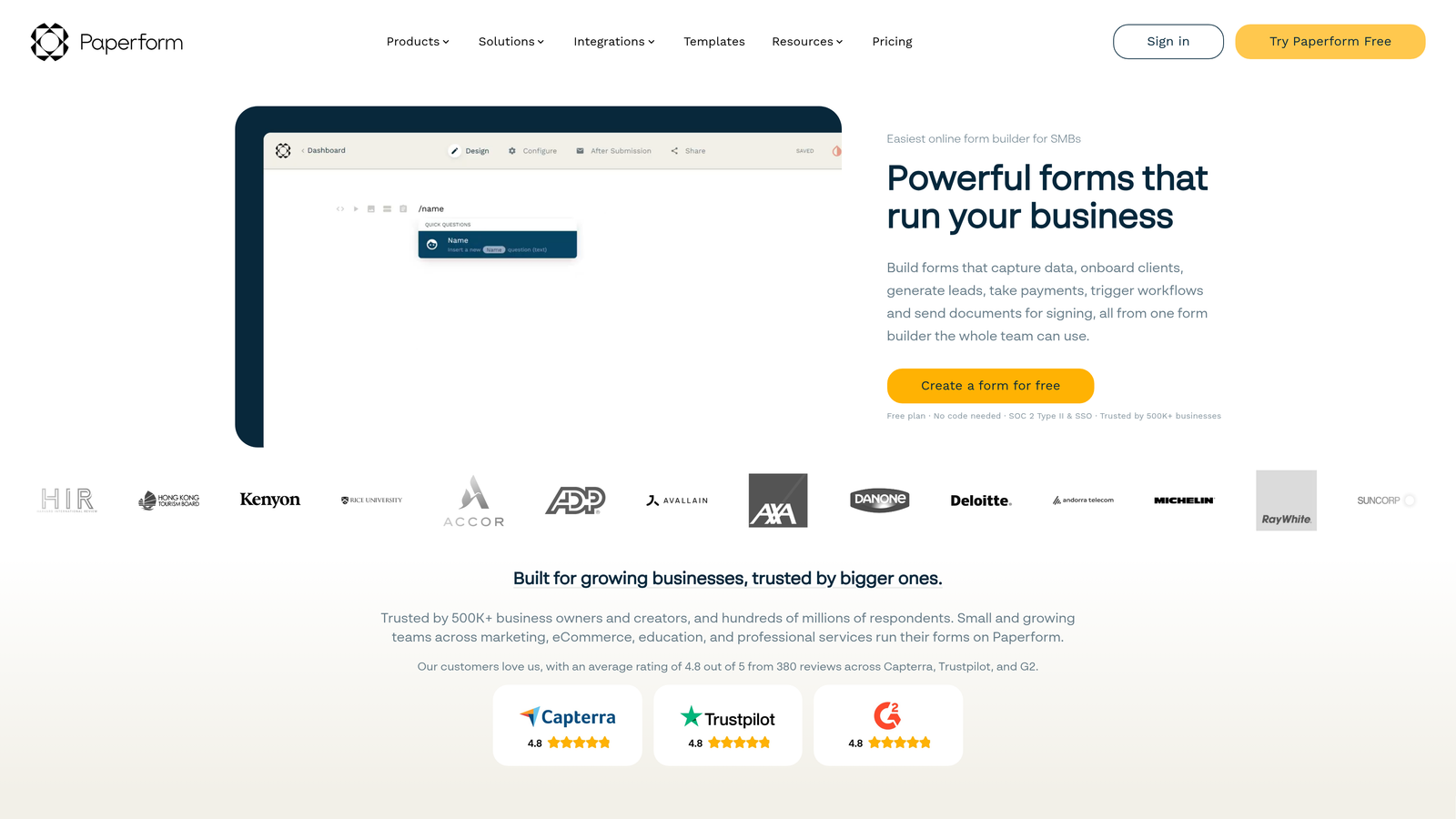
Paperform is a hybrid form and landing page builder that supports rich media, bookings, subscriptions, and payments in a single form experience.
Where This Tool Shines
Paperform occupies a unique position: it's as much a lightweight landing page tool as it is a form builder. You can embed images, video, product descriptions, and pricing tables directly into the form itself, creating an experience that functions like a mini sales page and a checkout flow in one.
That combination is particularly useful for service businesses, coaches, and consultants who want to sell, book, and collect information without stitching together multiple tools.
Key Features
Rich Text and Media Embedding: Add images, video, and formatted content directly within the form layout.
Native Booking, Payment, and Subscription Support: Handle transactions and scheduling without external tools.
Calculation Fields: Build dynamic quote forms or pricing calculators that respond to user inputs.
Custom Themes and Full Design Control: High degree of visual customization for branded client-facing forms.
Zapier and Native Integrations: Connects to the broader tool ecosystem for workflow automation.
Best For
Paperform is best suited for service providers, consultants, and small businesses that want to consolidate lead capture, booking, and payment into a single flow. It's less suited for high-volume lead generation or enterprise teams.
Pricing
Starts at approximately $29/month. No permanent free plan, but a 14-day trial is available to test before committing.
8. Microsoft Forms
Best for: Enterprise teams operating within the Microsoft 365 ecosystem for internal surveys and compliance-sensitive use cases
Microsoft Forms is a built-in form tool for Microsoft 365 users, designed primarily for internal surveys, quizzes, and organizational data collection.
Where This Tool Shines
For organizations already running on Microsoft 365, the value is straightforward: it's already there, it's already paid for, and it integrates natively with Teams, SharePoint, and Excel. Deploying an internal survey or employee feedback form takes minutes with no additional software procurement.
The compliance and data residency controls are also meaningful for regulated industries and large enterprises where data sovereignty isn't optional.
Key Features
Native Microsoft 365 Integration: Works directly within Teams, SharePoint, and Excel without any setup.
Enterprise Compliance Controls: Data residency and governance features suited to regulated environments.
Branching Logic: Basic conditional routing for surveys and quizzes.
Real-Time Response Charts: Automatic visual summaries of response data as submissions come in.
Multilingual Form Support: Useful for global organizations collecting responses across language groups.
Best For
Microsoft Forms is the right call for IT teams, HR departments, and enterprise organizations already on Microsoft 365 who need reliable internal data collection. It's not well-suited for external lead generation or conversion-focused use cases.
Pricing
Included with Microsoft 365 subscriptions. No additional cost for existing Microsoft 365 users.
9. Fillout
Best for: No-code builders and product teams who need forms that connect directly to databases like Airtable, Notion, or Supabase
Fillout is a database-connected form builder with deep native integrations and notably advanced conditional logic.
Where This Tool Shines
Fillout's key differentiator is how it connects to data sources. Rather than just sending form responses to a spreadsheet or CRM, it can read from and write to databases like Airtable, Notion, and Supabase in real time. For product teams building internal tools or no-code workflows, that bidirectional data connection opens up use cases most form builders simply can't support.
The conditional logic is also deeper than average, making it a strong choice for multi-step forms with complex routing requirements.
Key Features
Native Database Connections: Direct integrations with Airtable, Notion, Supabase, and similar platforms for real-time data sync.
Advanced Conditional Logic: Multi-condition branching that handles complex form routing without workarounds.
Scheduling and Calendar Booking Forms: Built-in appointment booking functionality within the form flow.
Customizable Themes and Branded Forms: Design flexibility for external-facing forms that need to match brand standards.
Free Plan with Generous Response Limits: Accessible entry point for teams evaluating the platform.
Best For
Fillout is an excellent fit for no-code developers, product managers, and operations teams building database-driven workflows. It's a newer entrant with a growing feature set, and teams that prioritize database connectivity will find it particularly capable.
Pricing
Free plan available with generous response limits. Paid plans start at approximately $15/month, making it one of the more accessible paid options on this list.
Which Tool Is Right for Your Team?
The honest answer is that the best form software depends entirely on what you're trying to accomplish. There's no universal winner here, but there are clear patterns worth calling out.
If lead qualification is central to your workflow, Orbit AI is built specifically for that problem. The AI scoring and routing capabilities address a genuine gap that most traditional form builders leave open. For teams where form submissions feed directly into a sales pipeline, that distinction has real operational value.
If you're deeply embedded in an existing ecosystem, lean into it. HubSpot Forms is the obvious choice for HubSpot users, and Microsoft Forms is the path of least resistance for Microsoft 365 organizations. Neither is the most powerful standalone tool, but both eliminate integration overhead that matters at scale.
For teams that want design quality and conversational UX, Typeform remains a strong option. For maximum feature depth, Jotform covers more ground than almost anything else. And if budget is the primary constraint, Tally and Google Forms offer genuinely useful free tiers without forcing early upgrades.
For product and no-code teams building database-driven workflows, Fillout is worth a close look. And for service businesses that want forms to double as lightweight sales pages, Paperform handles that hybrid use case well.
If you're running a high-growth team where lead quality is the metric that matters, the form layer deserves more than a generic builder. Start building free forms today with Orbit AI and see how intelligent qualification logic changes what your forms can actually do for your pipeline.


