

Schools, universities, and educational organizations handle an overwhelming volume of data collection—from student enrollment and course registrations to parent consent forms and faculty surveys. The right form builder can transform these administrative headaches into streamlined digital workflows.
But education comes with unique requirements: FERPA compliance, accessibility standards, budget constraints, and the need to work across diverse user groups from tech-savvy students to less digital-native parents. We evaluated dozens of form builders against these education-specific criteria to bring you the top solutions that actually understand what schools need.
1. Orbit AI
Best for: Admissions teams and enrollment departments seeking intelligent lead qualification
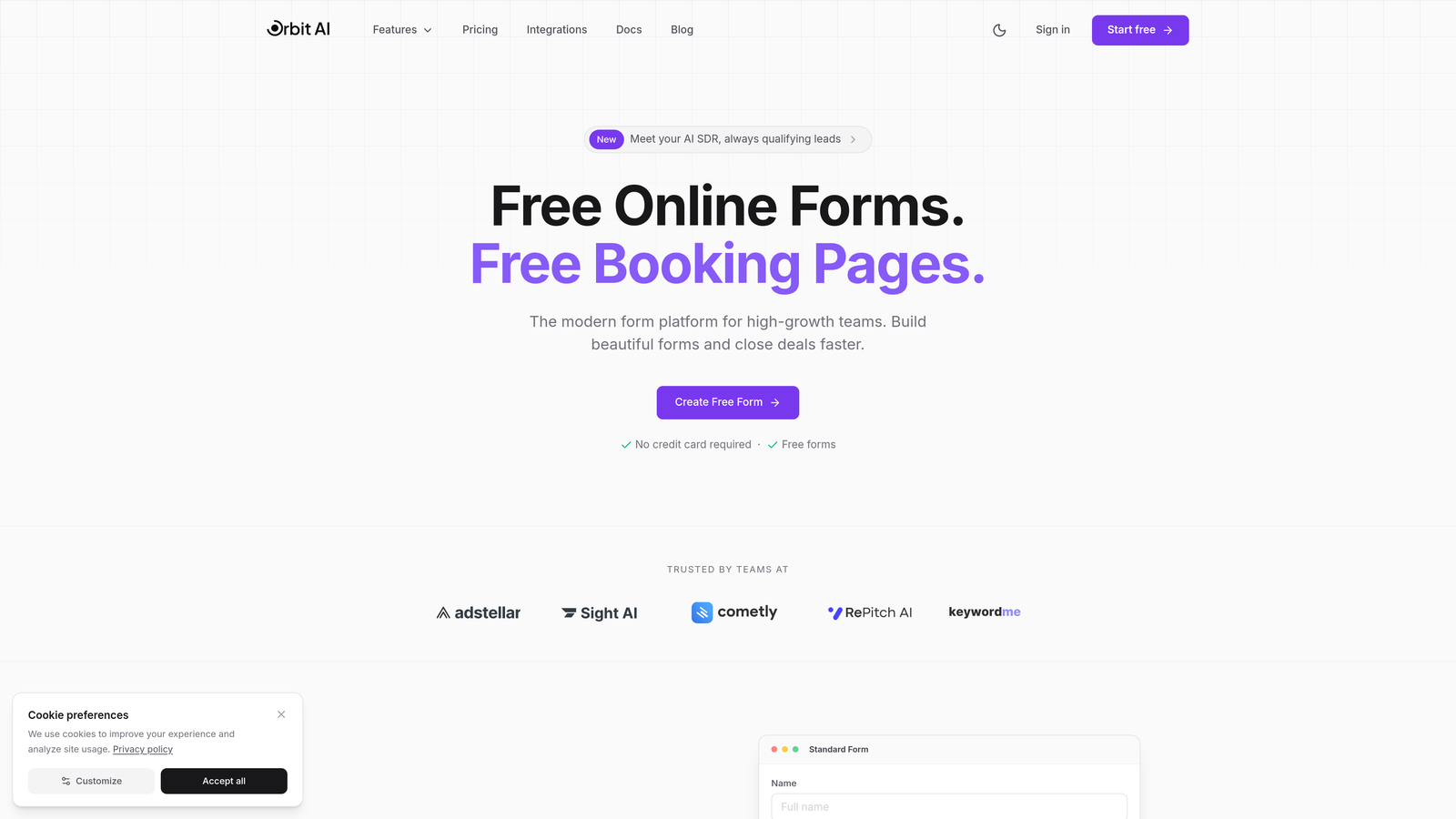
Orbit AI is an AI-powered form builder that brings intelligent lead qualification to educational institutions focused on optimizing their admissions funnel.
Where This Tool Shines
Unlike traditional form builders that simply collect data, Orbit AI actively qualifies prospects as they complete forms. For admissions offices drowning in applications, this means automatically identifying high-intent students versus casual browsers.
The platform's modern, conversion-optimized designs help education marketers achieve higher completion rates on lengthy application forms. The AI analyzes response patterns to route inquiries intelligently—sending serious applicants directly to admissions counselors while directing general inquiries to automated nurture sequences.
Key Features
AI-Powered Lead Qualification: Automatically scores and prioritizes student inquiries based on response patterns and engagement signals.
Intelligent Form Routing: Routes completed forms to the right department or counselor based on student responses and qualification score.
Conversion-Optimized Designs: Modern form templates designed specifically to maximize completion rates and reduce abandonment.
Workflow Automation: Triggers automated follow-up sequences based on how students interact with your forms.
Analytics Dashboard: Tracks form performance metrics including completion rates, qualification scores, and conversion trends.
Best For
Higher education institutions with competitive admissions processes, continuing education programs focused on lead generation, and educational organizations that need to prioritize high-intent prospects in their enrollment funnel.
Pricing
Contact Orbit AI for education-specific pricing tailored to institutional needs and enrollment volume.
2. JotForm
Best for: Schools needing extensive templates and offline data collection capabilities
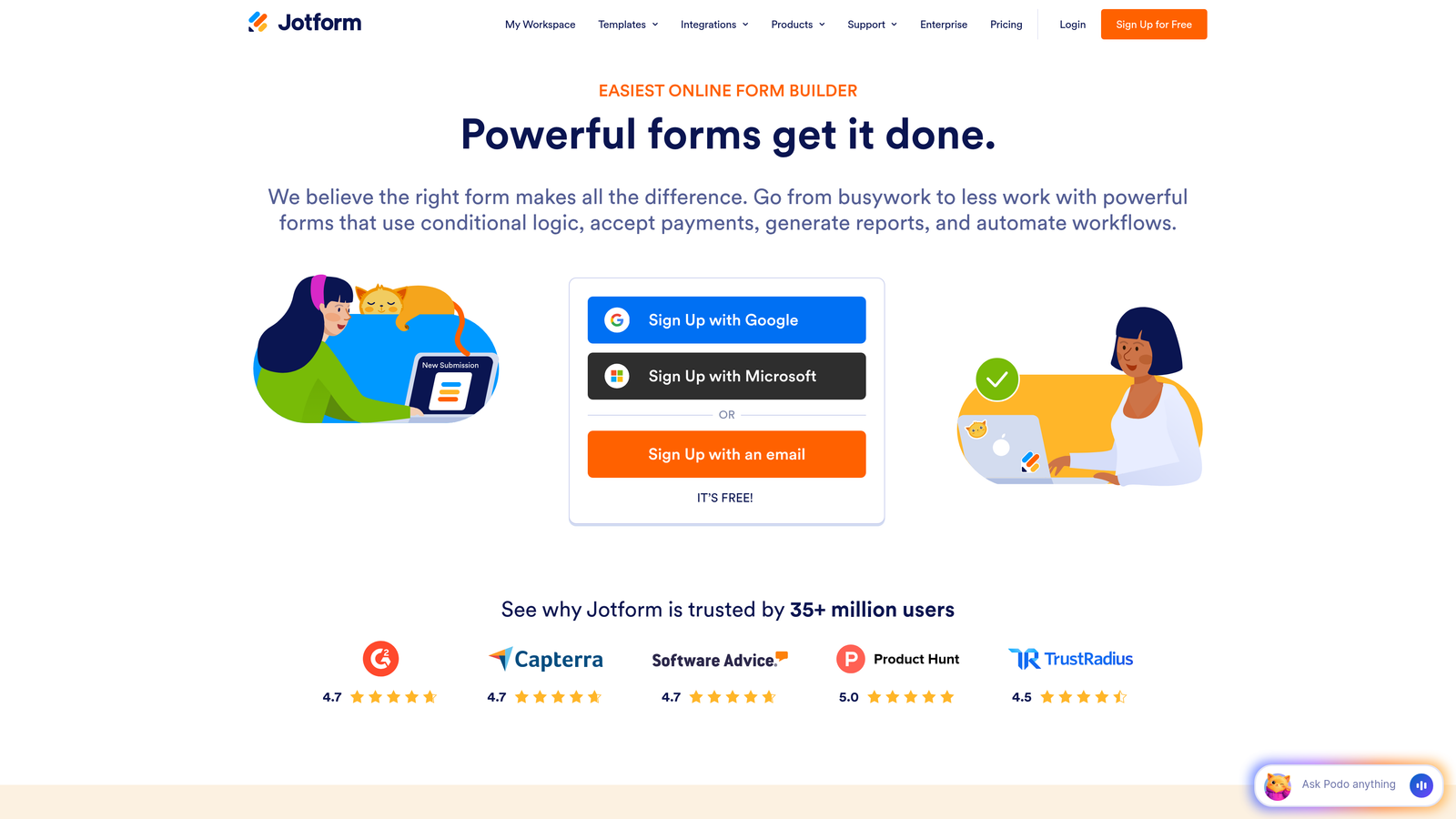
JotForm is a versatile form builder with over 10,000 templates and dedicated features built specifically for educational institutions.
Where This Tool Shines
JotForm's massive template library means you'll rarely build forms from scratch. Whether you need permission slips, event registrations, or scholarship applications, there's likely a pre-built template ready to customize.
The offline form collection via mobile app proves invaluable for field trips, outdoor education programs, or locations with spotty internet. Teachers can collect data on tablets that automatically syncs when connectivity returns.
Key Features
10,000+ Templates: Extensive library including education-specific forms for every conceivable school scenario.
Free Education Plan: Dedicated free tier for individual teachers with generous submission limits.
HIPAA Compliance: Available on higher tiers for school health offices and counseling departments.
Offline Mobile App: Collect form submissions without internet connectivity, with automatic sync when online.
LMS Integration: Connects with Canvas, Blackboard, and other popular learning management platforms.
Best For
K-12 schools needing quick deployment of standard forms, teachers wanting classroom-specific forms without IT involvement, and schools requiring offline data collection during events or field activities.
Pricing
Free for individual educators. Paid plans start at $34/month for schools needing advanced features and higher submission volumes.
3. Google Forms
Best for: Schools already using Google Workspace seeking zero-cost solutions
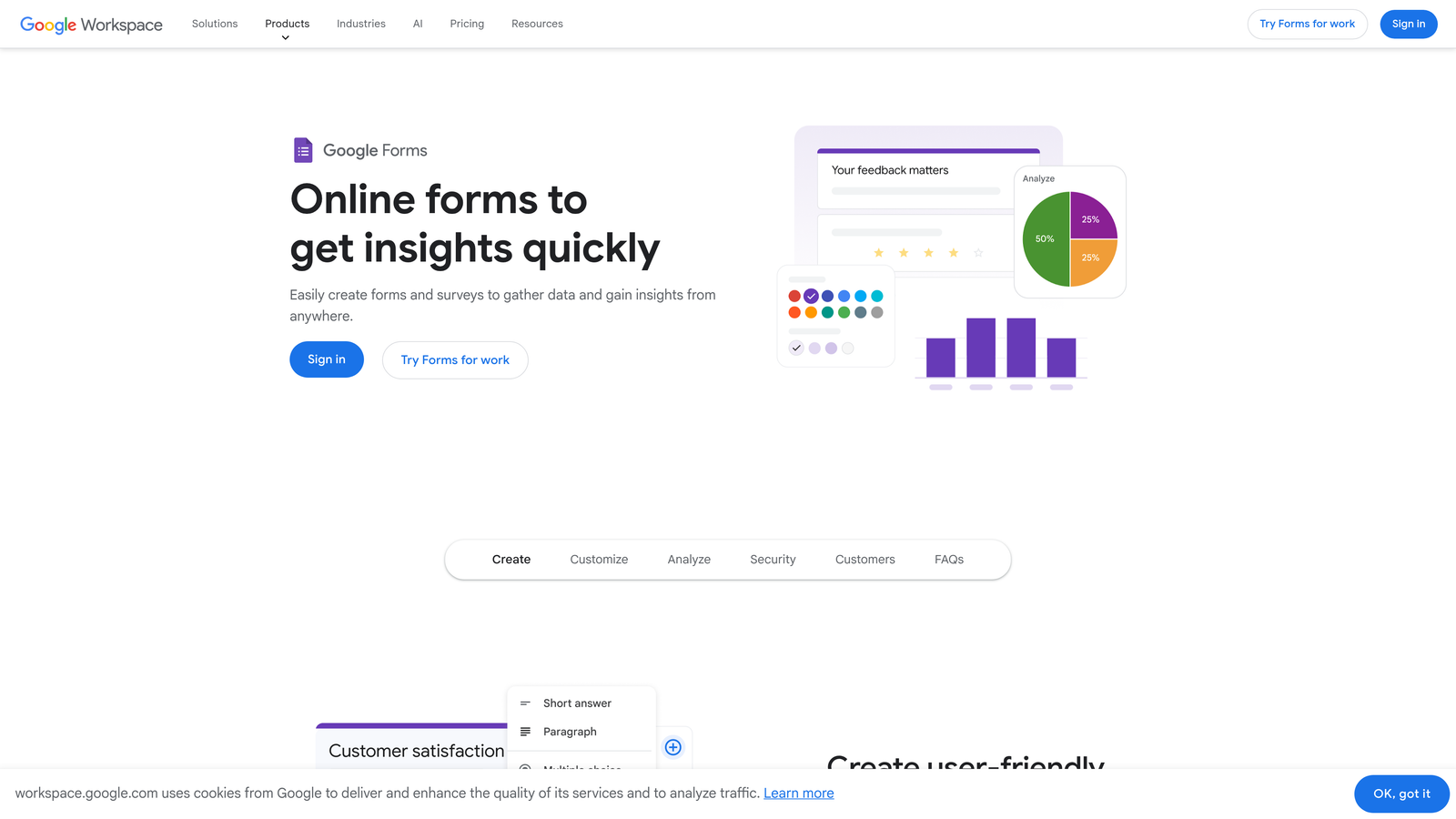
Google Forms is a completely free form builder that integrates seamlessly with Google Workspace for Education.
Where This Tool Shines
For schools already invested in the Google ecosystem, Forms feels like a natural extension. Students and staff already know how to use it, eliminating training time entirely.
The quiz mode with automatic grading transforms assessment creation. Teachers build quizzes once, and Google Forms handles the grading instantly, freeing up hours of manual scoring time.
Key Features
Completely Free: Unlimited forms and responses with no hidden costs or premium tiers.
Native Google Integration: Responses automatically populate Google Sheets, works with Classroom and Drive.
Real-Time Collaboration: Multiple teachers can build and edit forms simultaneously.
Quiz Mode: Automatic grading for multiple choice and short answer questions with instant student feedback.
Response Validation: Set rules to ensure students provide properly formatted answers.
Best For
Budget-conscious K-12 schools, districts standardized on Google Workspace, teachers creating classroom quizzes and surveys, and schools prioritizing simplicity over advanced features.
Pricing
Completely free with any Google account. Google Workspace for Education is also free for qualifying schools.
4. Formstack
Best for: Universities requiring enterprise-grade compliance and workflow automation
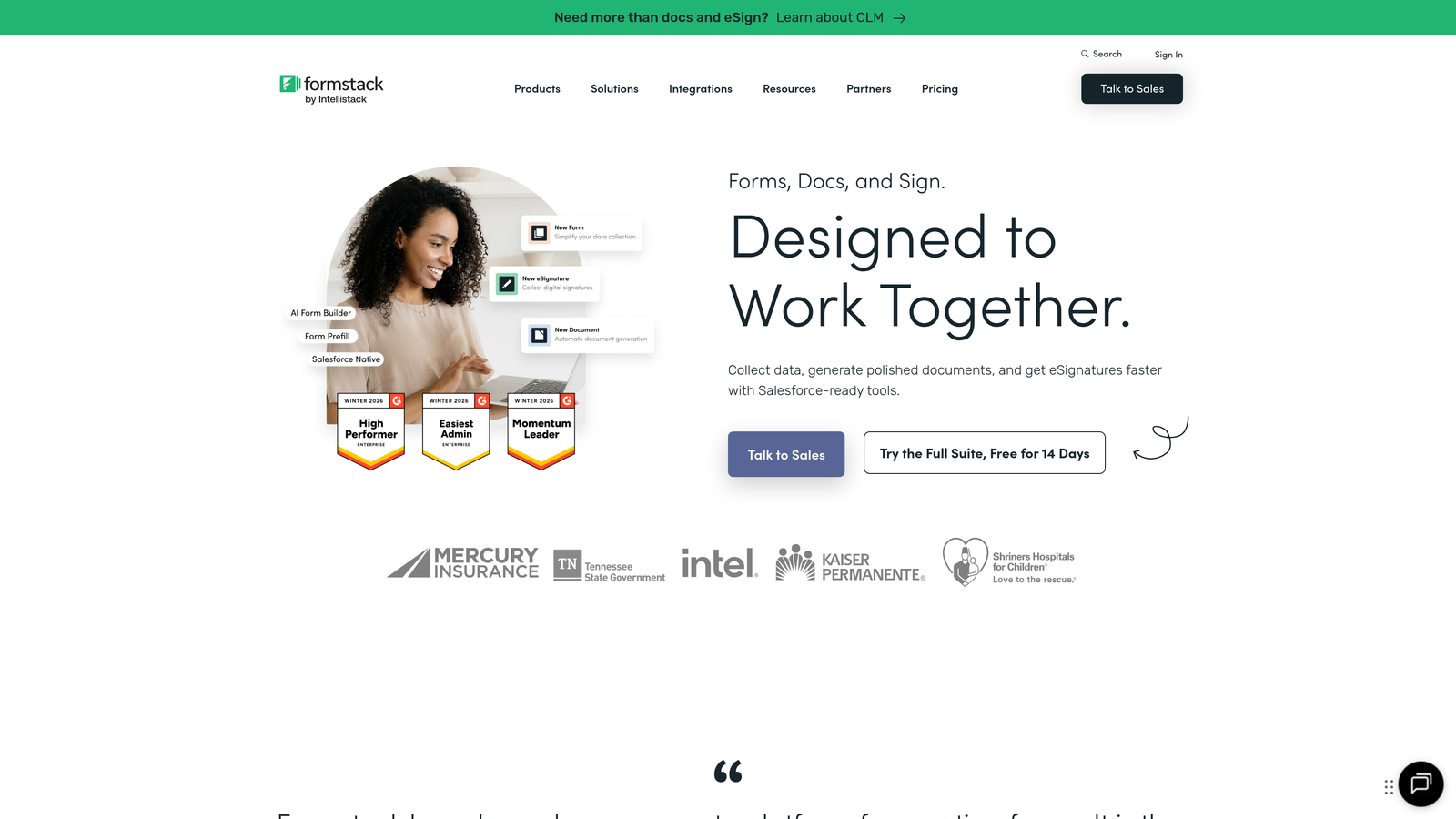
Formstack is an enterprise form solution designed for organizations with strict compliance requirements and complex approval workflows.
Where This Tool Shines
Formstack takes compliance seriously with built-in FERPA, HIPAA, and GDPR adherence. For universities handling sensitive student health records, financial aid information, or international student data, this removes significant legal risk.
The workflow automation capabilities handle multi-step approval processes common in higher education. Scholarship applications can route through department heads, financial aid officers, and final committees automatically based on your defined rules.
Key Features
Compliance Certifications: HIPAA, FERPA, and GDPR compliant with audit trails and encryption.
Advanced Workflow Automation: Multi-step approval processes with conditional routing based on form responses.
Electronic Signatures: Legally binding e-signatures for enrollment agreements and consent forms.
SIS Integration: Connects with Banner, PeopleSoft, and other major student information systems.
Conditional Logic: Complex branching and calculations for financial aid and scholarship applications.
Best For
Large universities with complex compliance requirements, institutions handling sensitive health or financial data, and schools needing sophisticated approval workflows across multiple departments.
Pricing
Starts at $50/month with education discounts available for qualifying institutions. Enterprise pricing for campus-wide deployments.
5. Typeform
Best for: Institutions prioritizing student engagement and survey completion rates
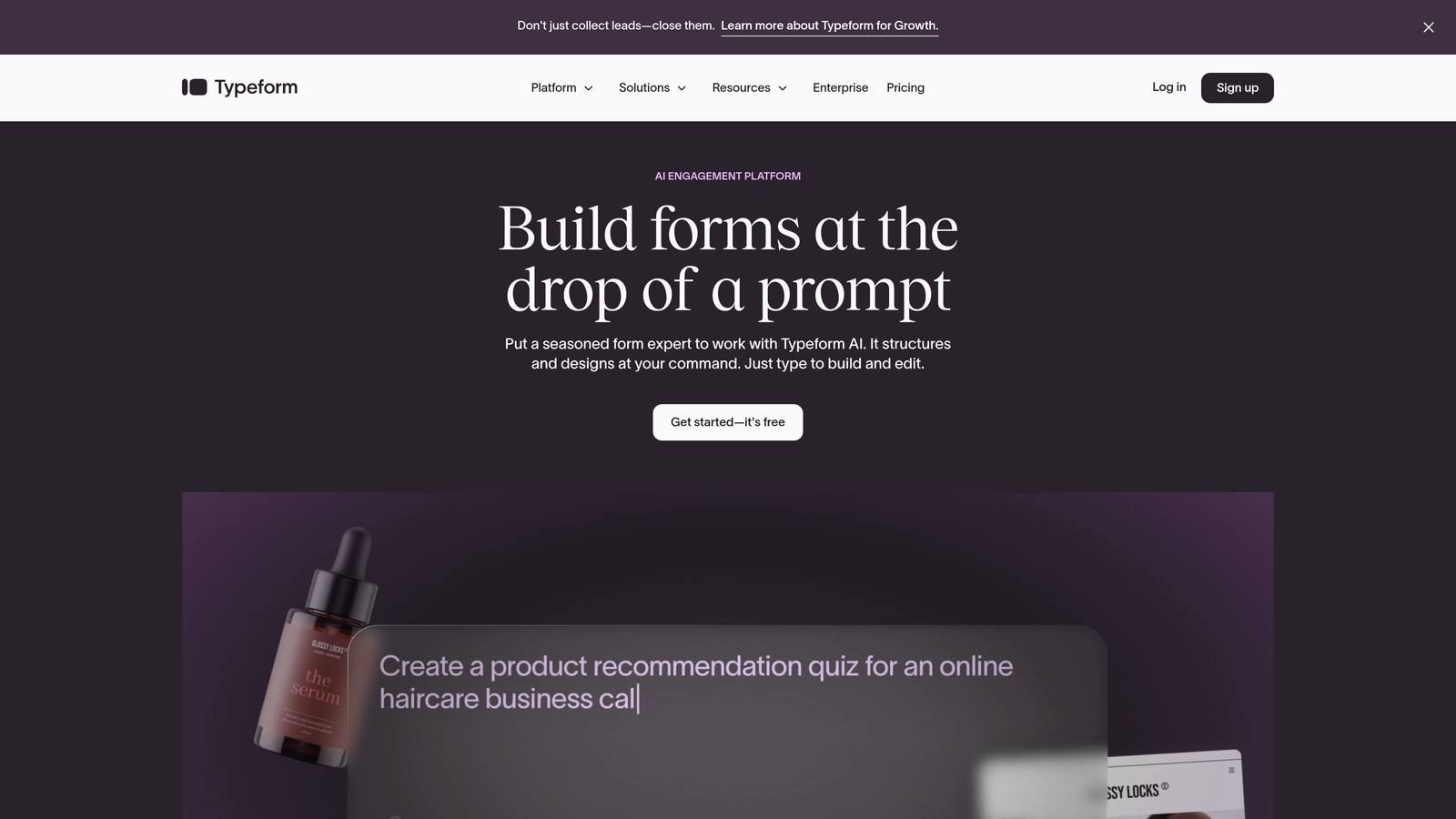
Typeform is a conversational form builder that presents one question at a time, creating an engaging experience that dramatically improves completion rates.
Where This Tool Shines
The one-question-at-a-time format feels more like a conversation than an interrogation. For student satisfaction surveys or alumni feedback, this approach consistently delivers higher completion rates than traditional multi-field forms.
Visual elements like embedded videos and images make forms feel modern and engaging. Admissions offices use this to create compelling inquiry forms that reflect their institution's innovative brand.
Key Features
Conversational Interface: One-question-at-a-time format that feels like a natural conversation.
High Completion Rates: The engaging format reduces form abandonment compared to traditional designs.
Rich Media Embedding: Add videos, images, and GIFs to create visually compelling forms.
Logic Jumps: Personalize the form experience based on previous answers.
Education Tool Integration: Connects with Slack, Google Sheets, and popular CRM platforms.
Best For
Schools conducting student experience surveys, admissions offices creating engaging inquiry forms, and institutions wanting to modernize their brand perception through form design.
Pricing
Free tier available with basic features. Paid plans start at $25/month for additional responses and advanced features.
6. Cognito Forms
Best for: Schools collecting payments without wanting to pay transaction fees
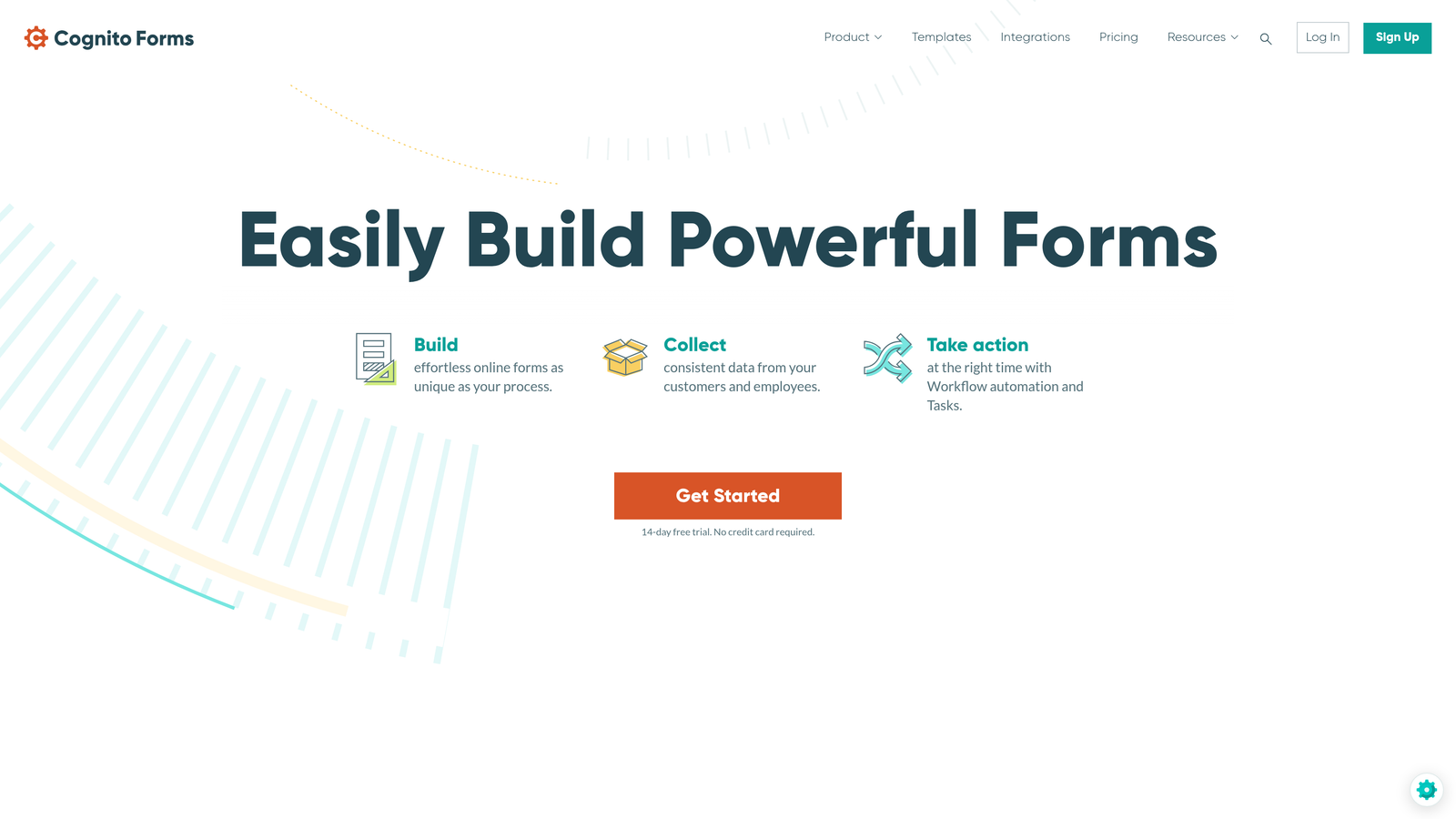
Cognito Forms is a form builder that eliminates platform transaction fees on payments, making it ideal for schools collecting fees, dues, and donations.
Where This Tool Shines
The zero platform transaction fee model means schools only pay standard payment processor rates. When collecting thousands in registration fees, field trip payments, or fundraising donations, this saves substantial money compared to competitors charging 2-3% platform fees.
Repeating sections handle complex scenarios like registering multiple children in a single form. Parents complete one form for their entire family rather than submitting separate forms per child.
Key Features
Zero Transaction Fees: No platform fees on payments—you only pay standard processor rates.
Repeating Sections: Perfect for multi-student registrations or collecting information for multiple family members.
Conditional Logic: Show or hide fields based on previous answers to create dynamic forms.
Document Generation: Automatically create PDFs from form submissions for record-keeping.
Unlimited Forms: Even the free plan allows unlimited forms, just with submission limits.
Best For
Schools collecting registration fees, athletic programs charging for participation, PTAs running fundraisers, and districts wanting to minimize payment processing costs.
Pricing
Free tier with 500 entries per month. Paid plans start at $15/month for higher submission volumes.
7. Microsoft Forms
Best for: Schools standardized on Microsoft 365 Education ecosystem
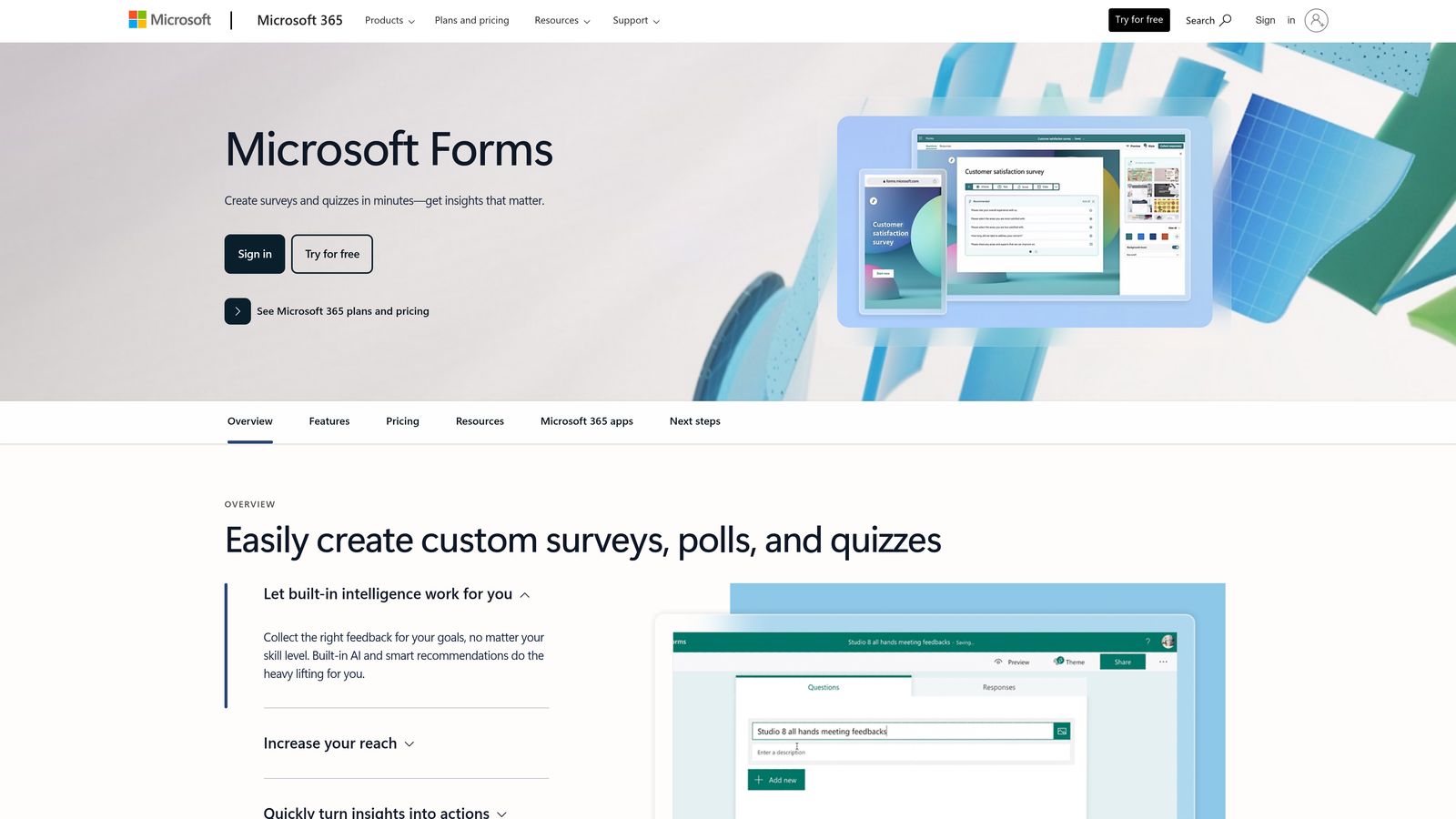
Microsoft Forms is a simple form builder included with Microsoft 365 Education, offering seamless integration with Teams and other Microsoft tools.
Where This Tool Shines
For schools already using Microsoft 365, Forms requires zero additional investment. It's already included in the suite most districts have deployed.
The Teams integration enables real-time classroom polling during virtual or hybrid lessons. Teachers launch quick polls directly within Teams meetings to check understanding without disrupting the lesson flow.
Key Features
Included with Microsoft 365: No additional cost for schools already using the Microsoft education suite.
Teams Integration: Launch polls and quizzes directly within Teams meetings and channels.
Automatic Excel Export: Response data flows directly into Excel for analysis and reporting.
Quiz Mode: Automatic grading with customizable point values and instant feedback.
Familiar Interface: Matches other Microsoft tools, reducing learning curve for staff.
Best For
Districts standardized on Microsoft 365, teachers conducting in-class polls during Teams lessons, and schools wanting simple forms without additional software purchases.
Pricing
Included free with Microsoft 365 Education, which is free for qualifying educational institutions.
8. 123FormBuilder
Best for: Public institutions requiring strict WCAG accessibility compliance
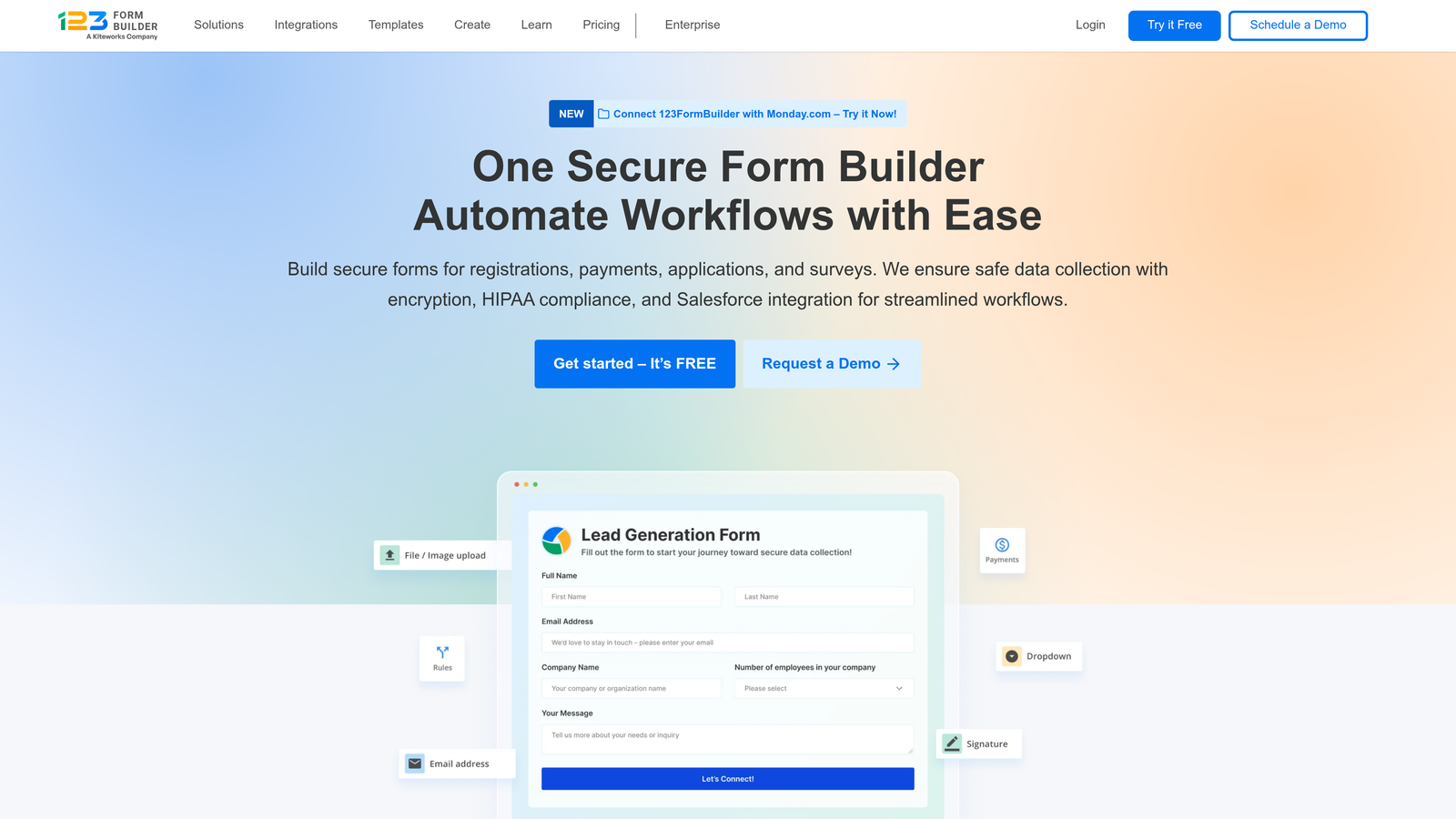
123FormBuilder is an accessibility-focused form builder that meets WCAG 2.1 AA standards, critical for public educational institutions.
Where This Tool Shines
Public universities and K-12 schools face legal requirements to make digital content accessible to students with disabilities. 123FormBuilder's WCAG 2.1 AA compliance ensures forms work with screen readers and assistive technologies out of the box.
The multi-page forms with progress indicators help reduce cognitive load for complex applications. Students see exactly how far they've progressed, reducing abandonment on lengthy enrollment or financial aid forms.
Key Features
WCAG 2.1 AA Compliance: Forms meet accessibility standards required for public institutions.
HIPAA and GDPR Options: Available on higher tiers for sensitive student data.
Multi-Page Forms: Break long forms into manageable sections with progress tracking.
Payment Integration: Accept payments through Stripe, PayPal, and other major processors.
Extensive Integrations: Connects with Salesforce, Mailchimp, Google Sheets, and hundreds of other tools.
Best For
Public universities with accessibility mandates, schools serving students with diverse learning needs, and institutions facing potential ADA compliance audits.
Pricing
Free tier available with basic features. Paid plans start at $24.99/month for accessibility features and compliance options.
9. SurveyMonkey
Best for: Institutional research offices conducting academic assessment and program evaluation
SurveyMonkey is a research-focused survey platform with advanced analytics capabilities designed for rigorous institutional assessment.
Where This Tool Shines
Universities conducting program evaluations, student satisfaction studies, or accreditation research need more than basic form builders. SurveyMonkey's advanced analytics provide statistical significance testing, cross-tabulation, and trend analysis.
The benchmarking features let institutions compare their results against industry standards. When conducting student engagement surveys, you can see how your scores compare to similar institutions nationally.
Key Features
Advanced Analytics: Statistical analysis tools including cross-tabs, filters, and significance testing.
Industry Benchmarking: Compare your survey results against aggregated data from similar institutions.
Skip Logic and Randomization: Create sophisticated survey flows and randomize question order to reduce bias.
Multi-Language Support: Deploy surveys in multiple languages for diverse student populations.
Academic Research Discount: Special pricing for qualifying academic research projects.
Best For
Institutional research offices, universities conducting accreditation studies, graduate programs requiring rigorous survey methodology, and assessment coordinators tracking program outcomes.
Pricing
Free tier with basic features. Team plans start at $25/user/month. Academic research discounts available for qualifying projects.
Finding Your Perfect Match
The right form builder depends entirely on your institution's specific context and priorities.
For admissions teams focused on optimizing their enrollment funnel, Orbit AI's intelligent qualification capabilities stand out. The platform's AI-powered lead scoring helps you identify and prioritize high-intent prospects automatically, transforming how admissions offices manage inquiry volume.
Budget-conscious K-12 schools will thrive with Google Forms or Microsoft Forms, depending on whether you're standardized on Google Workspace or Microsoft 365. Both are completely free and integrate seamlessly with tools your staff already uses daily.
Universities prioritizing compliance should seriously consider Formstack's enterprise-grade security and FERPA certifications. When handling sensitive student data, the investment in proper compliance infrastructure protects both students and institutions.
Schools focused on student engagement will appreciate Typeform's conversational approach. The one-question-at-a-time format consistently delivers higher completion rates on surveys and feedback forms, giving you better data quality.
If you're collecting registration fees, athletic participation costs, or running fundraisers, Cognito Forms' zero-transaction-fee model saves substantial money over time. Those saved percentage points add up quickly when processing thousands in payments.
Public institutions with accessibility mandates need 123FormBuilder's WCAG 2.1 AA compliance. Meeting legal requirements for accessible digital content isn't optional for public schools and universities.
The best choice ultimately depends on your existing tech stack, compliance requirements, and primary use cases. But any tool on this list will dramatically improve your paper-based processes and administrative efficiency.
Start building free forms today and see how intelligent form design can elevate your conversion strategy. Transform your lead generation with AI-powered forms that qualify prospects automatically while delivering the modern, conversion-optimized experience your high-growth team needs.


