

If you're running HubSpot as your CRM, the form builder you choose isn't just about collecting data. It's about feeding your pipeline with qualified, actionable leads. Native HubSpot forms get the job done, but they're limited in design flexibility, conditional logic depth, and AI-driven qualification.
The good news: a growing ecosystem of third-party form builders integrates seamlessly with HubSpot, syncing submissions directly to your contacts, deals, and workflows. Whether you're optimizing a high-traffic landing page, qualifying enterprise leads, or running multi-step onboarding flows, the right tool makes a measurable difference in pipeline quality.
This list covers the best HubSpot-compatible form builders available in 2026. Each tool has been evaluated on integration depth, conversion-focused features, design flexibility, and value for high-growth teams. Some offer native HubSpot App Marketplace integrations with full field mapping; others rely on Zapier-based connections that work well for simpler use cases. Here's what you need to know before choosing.
1. Orbit AI
Best for: High-growth SaaS and B2B teams that want to qualify leads at the point of capture before they enter HubSpot.
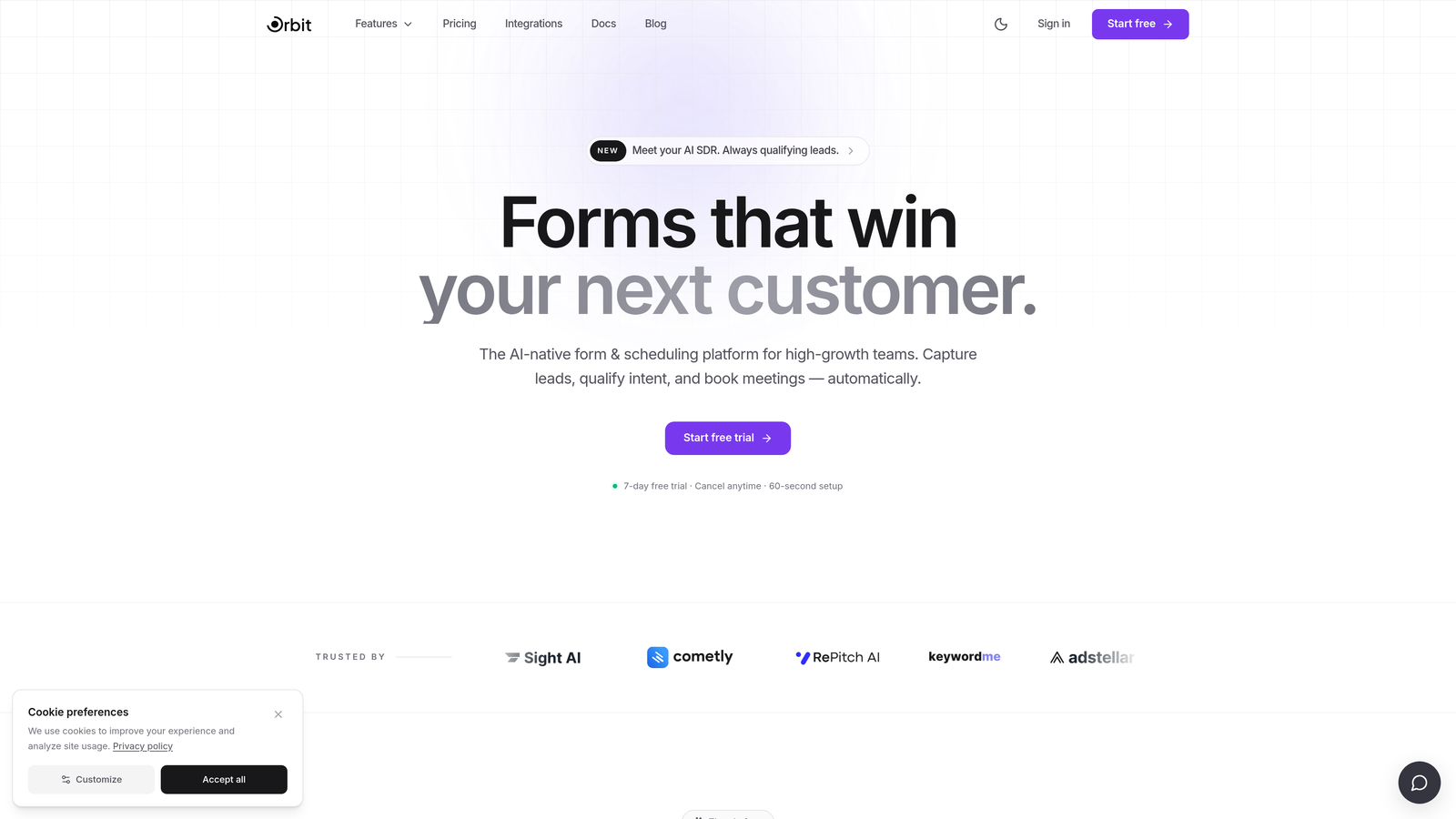
Orbit AI is an AI-powered form builder designed to score and route leads in real time, syncing enriched data directly into HubSpot.
Where This Tool Shines
Most form builders treat qualification as HubSpot's problem. You collect the submission, it lands in your CRM, and then your team (or a workflow) figures out what to do with it. Orbit AI flips that model: qualification happens at the form level, before anything touches your pipeline.
This matters most for teams dealing with high submission volumes where not every lead deserves immediate sales attention. By scoring responses in real time and routing leads based on their answers, Orbit AI keeps your HubSpot pipeline clean and prioritized from the start.
Key Features
AI Lead Qualification Engine: Scores form submissions in real time based on responses, so high-intent leads are flagged before they reach your CRM.
HubSpot Integration with Full Field Mapping: Syncs directly to HubSpot contacts, deals, and custom properties, including lead score data generated during form completion.
Multi-Step, Conversion-Optimized Templates: Pre-built form flows designed around reducing drop-off and increasing qualified completions.
Conditional Logic and Dynamic Field Routing: Show or hide fields based on previous answers, creating a personalized experience without extra complexity for the user.
Mobile-First Design: Clean, modern layouts that perform consistently across devices without additional configuration.
Best For
SaaS companies, B2B marketing teams, and growth teams running HubSpot as their CRM backbone who want more than raw data collection. Particularly valuable for teams where sales capacity is limited and lead quality matters more than lead volume.
Pricing
Visit orbitforms.ai for current pricing plans. Pricing details are updated directly on the site.
2. Typeform
Best for: Teams that want conversational form experiences with strong brand design and native HubSpot connectivity.
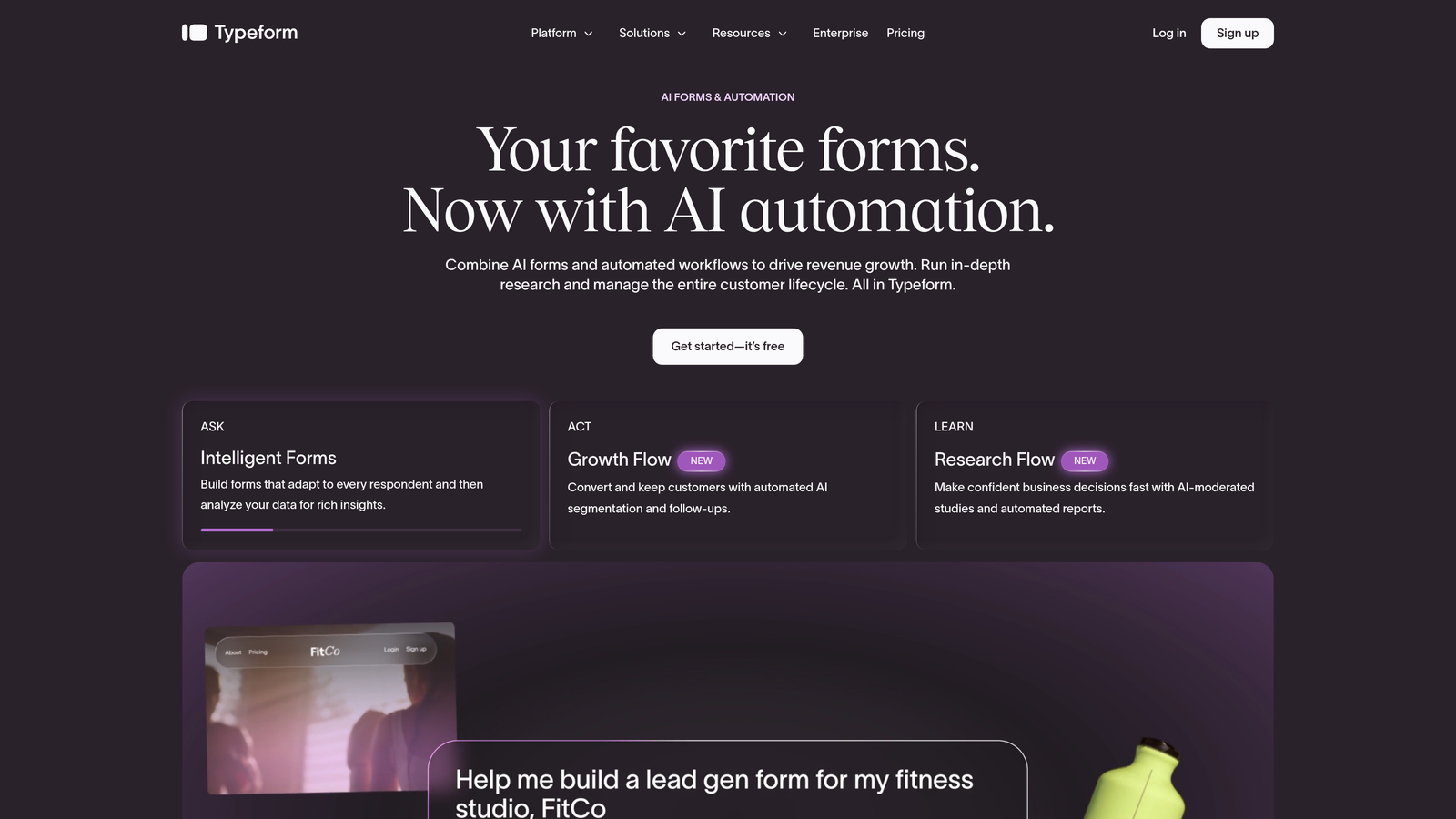
Typeform is a conversational form builder known for its one-question-at-a-time UX that reduces drop-off on longer forms.
Where This Tool Shines
Typeform's core strength is the experience it creates for respondents. Rather than presenting a wall of fields, it walks users through one question at a time, which tends to improve completion rates on longer or more complex forms. For lead capture flows that ask more than a few questions, this format can make a real difference.
Its native HubSpot integration via the HubSpot App Marketplace handles field mapping to contact properties cleanly, making it a reliable choice for marketing teams that don't want to manage Zapier workflows just to get form data into their CRM.
Key Features
Conversational One-Question Format: Presents each field individually to keep respondents engaged and reduce abandonment on multi-field forms.
Native HubSpot App Marketplace Integration: Direct field mapping to HubSpot contact properties without relying on third-party automation tools.
Logic Jumps: Conditional branching that routes respondents to different questions based on previous answers, available on paid plans.
Brand Customization: Extensive design controls including fonts, colors, background images, and button styles to match your brand identity.
Embed Support: Forms embed cleanly across landing pages, websites, and campaign pages with minimal setup.
Best For
Marketing teams running longer lead capture or qualification flows where form experience and completion rate matter. Also a strong fit for teams that prioritize design consistency across their brand touchpoints.
Pricing
A free tier is available with limited responses. Paid plans start at approximately $25/month, though pricing changes regularly. Verify current plans at typeform.com.
3. Jotform
Best for: Teams managing diverse form needs across multiple departments who need a high-volume, flexible platform.
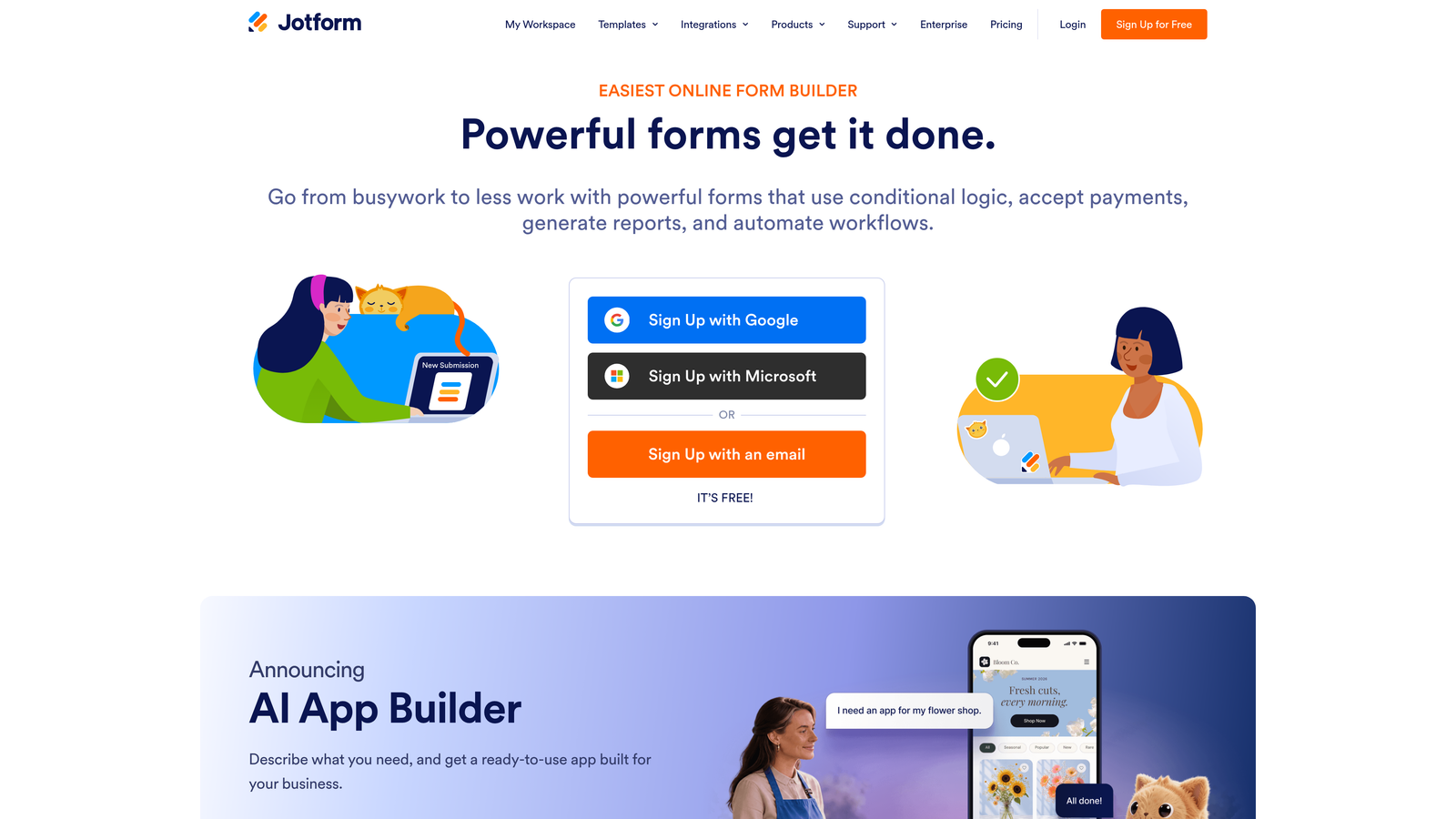
Jotform is a high-volume form platform with one of the largest template libraries available and a dedicated HubSpot integration widget.
Where This Tool Shines
Jotform's breadth is its defining advantage. With thousands of templates spanning industries from healthcare to e-commerce to HR, it's the form builder that can handle almost any use case your organization throws at it. If your marketing team needs a lead capture form, your operations team needs a file upload workflow, and your finance team needs a payment form, Jotform handles all three without switching tools.
The dedicated HubSpot integration maps form fields to contacts, companies, and deals, giving you flexibility in how submissions populate your CRM. This is particularly useful for teams that manage more than just marketing contacts in HubSpot.
Key Features
Extensive Template Library: Thousands of pre-built templates across industries and use cases, making it fast to deploy new forms without starting from scratch.
Dedicated HubSpot Integration: Maps form fields to HubSpot contacts, companies, and deals, with support for custom properties.
Payment Processing and File Uploads: Built-in support for collecting payments, documents, and e-signatures alongside standard form fields.
HIPAA-Compliant Plans: Available for healthcare organizations and other regulated industries that need compliant data collection.
Drag-and-Drop Builder: Intuitive editor with advanced field types including conditional logic, calculations, and matrix fields.
Best For
Mid-size to enterprise teams with varied form requirements across departments. Especially well-suited for organizations in regulated industries or those that need payment and document collection alongside CRM sync.
Pricing
A free tier is available. Paid plans scale with submission volume and feature requirements. Verify current pricing at jotform.com.
4. Paperform
Best for: Teams that want campaign-ready forms that function as standalone landing pages without a separate page builder.
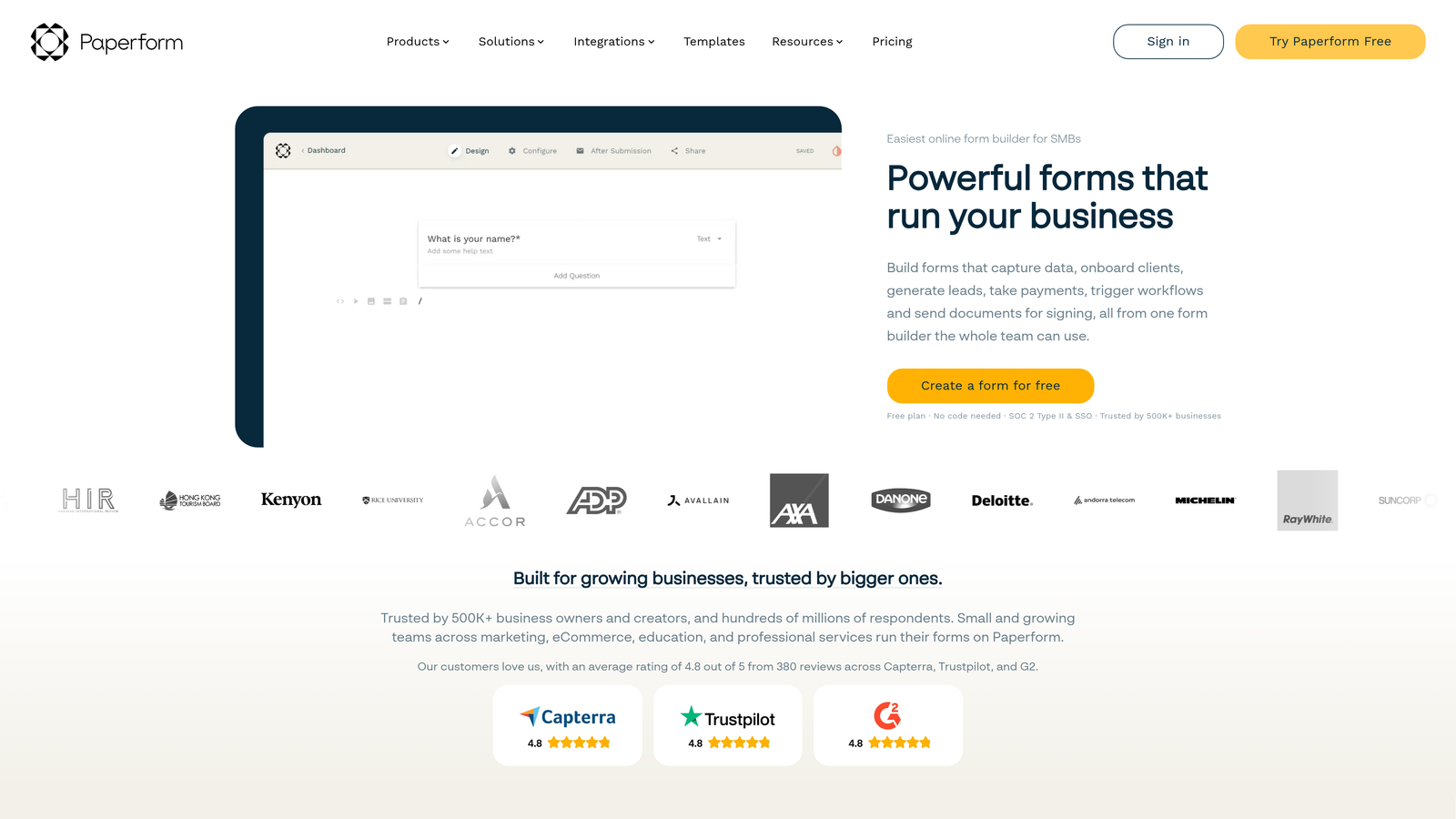
Paperform is a form builder that doubles as a standalone landing page tool, with rich media embeds, custom domains, and a native HubSpot connection.
Where This Tool Shines
Paperform occupies an interesting middle ground between form builder and landing page tool. Each form can be published to a custom domain with rich media, branding, and embedded content, making it functional as a standalone campaign page. For teams that don't have a dedicated landing page platform or want to move faster without coordinating with a web team, this is a genuine time-saver.
Its document-style editor feels more like writing a page than building a form, which lowers the barrier for non-technical users who still want polished results.
Key Features
Forms as Landing Pages: Publish forms to custom domains with full branding, making each form a self-contained campaign asset.
Native HubSpot Integration: Connects via Paperform's integration hub to sync submissions to HubSpot contact records.
Conditional Logic and Calculated Fields: Advanced logic options including field calculations, useful for quote forms or scoring-based flows.
Rich Media Support: Embed videos, images, and other content directly within the form to support conversions.
Payment Processing: Built-in payment collection through multiple processors, suitable for events, products, and services.
Best For
Small to mid-size marketing teams running campaign-specific forms who want a single tool that handles both the form and the page. Also useful for teams launching quickly without web development resources.
Pricing
No permanent free tier. Paid plans start at approximately $24/month. Verify current pricing at paperform.co.
5. Tally
Best for: Lean teams with straightforward lead capture needs who want a fast, free-to-start form builder.
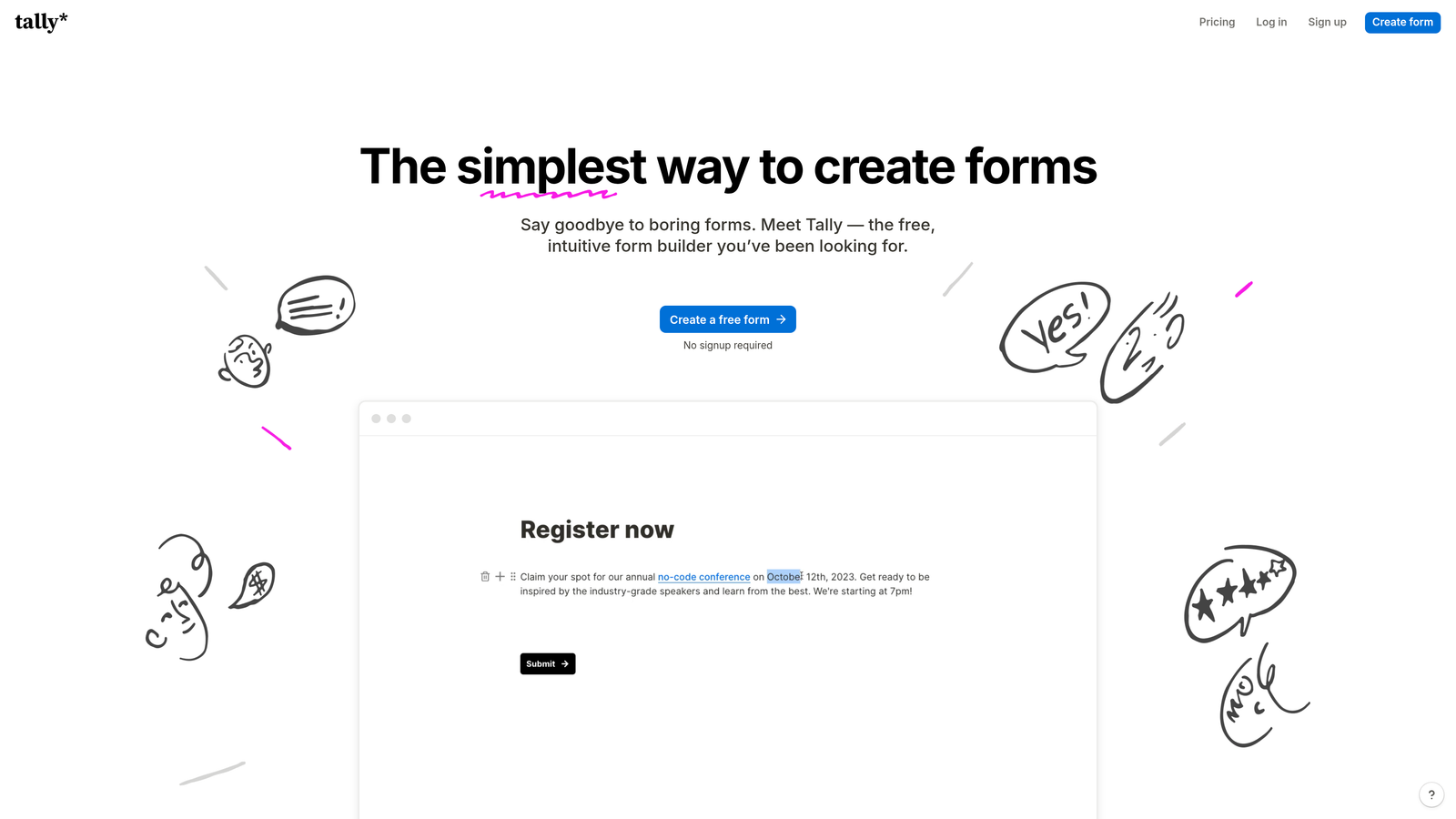
Tally is a Notion-inspired, block-based form builder with a generous free tier and a simple, distraction-free editing experience.
Where This Tool Shines
Tally's appeal is its simplicity and accessibility. The block-based editor is fast to learn, the free tier is genuinely useful (not a stripped-down trial), and the resulting forms have a clean aesthetic that works well for modern brands. If you need to spin up a lead capture form quickly without a budget conversation, Tally is hard to beat.
The trade-off is integration depth. HubSpot sync runs through Zapier rather than a native App Marketplace connector, which means an additional tool in your stack and some manual setup. For teams with simple, linear forms and modest submission volumes, this is manageable. For teams with complex HubSpot workflows, it adds friction.
Key Features
Block-Based Editor: Fast, intuitive building experience with minimal learning curve, similar to Notion's content editor.
Generous Free Tier: Unlimited forms and submissions on the free plan, making it accessible for early-stage teams or lean budgets.
HubSpot Sync via Zapier: Connect form submissions to HubSpot through Zapier automation; no native App Marketplace integration.
Clean Form Design: Minimal, distraction-free aesthetic that works across embed contexts and standalone form pages.
Notion Embed Support: Forms embed directly into Notion pages, useful for teams using Notion as an internal hub.
Best For
Early-stage startups, lean marketing teams, or internal operations teams that need simple forms quickly without a significant budget. Less suited for teams that need deep HubSpot workflow integration or advanced conditional logic.
Pricing
Free tier available with unlimited forms and submissions. A Pro plan unlocks advanced features. Verify current pricing at tally.so.
6. Formstack
Best for: Enterprise and compliance-heavy teams that need approval workflows, document generation, and HIPAA-compliant forms alongside HubSpot integration.
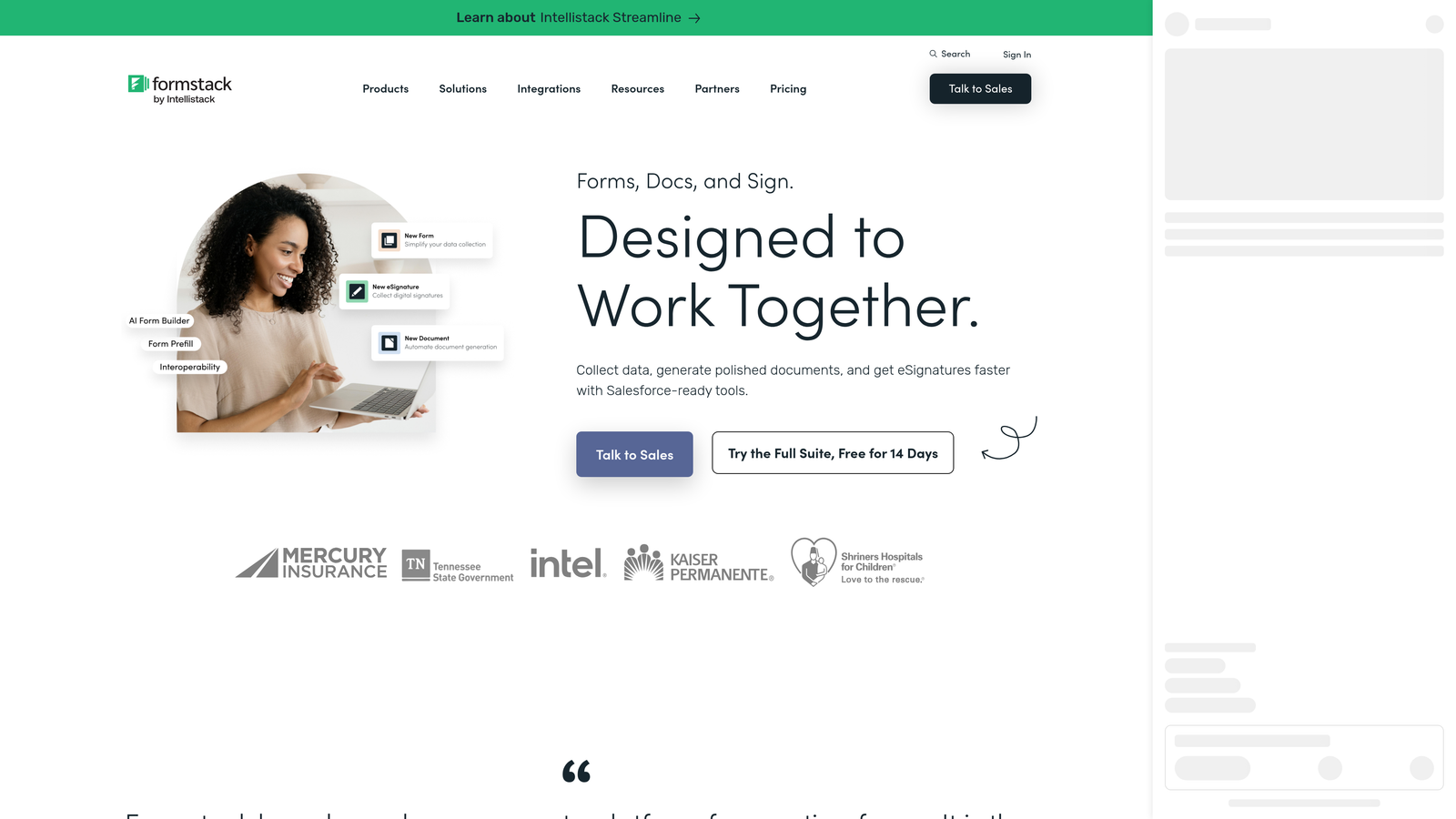
Formstack is an enterprise-grade form and workflow automation platform with a native HubSpot integration and deep compliance capabilities.
Where This Tool Shines
Formstack is built for organizations where forms are part of a larger operational workflow, not just a marketing touchpoint. Its approval routing, document generation, and enterprise access controls go well beyond what most form builders offer, making it a serious option for regulated industries or operations teams that need structured processes layered on top of data collection.
The native HubSpot integration supports field mapping and workflow triggers, so submissions can move through both Formstack's approval process and HubSpot's automation simultaneously. This level of coordination is difficult to replicate with lighter-weight tools.
Key Features
Native HubSpot Integration: Field mapping with workflow trigger support, allowing form submissions to activate HubSpot automations directly.
HIPAA-Compliant Forms: Purpose-built compliance features for healthcare, legal, and other regulated industries.
Advanced Approval Workflows: Route submissions through multi-step approval chains before data reaches your CRM or other systems.
Document Generation: Automatically generate documents from form submissions, useful for contracts, agreements, and onboarding packets.
Enterprise SSO and Access Controls: Centralized user management and single sign-on for large teams with security requirements.
Best For
Enterprise teams, healthcare organizations, and operations or IT-led teams that need compliance, approval workflows, and document generation alongside CRM connectivity. The setup complexity and price point make it less suited for self-serve marketing teams.
Pricing
Higher price point with team and enterprise plan tiers. Verify current pricing at formstack.com.
Which HubSpot Form Builder Is Right for Your Team?
The best choice depends on where you are in your growth journey and how deeply you rely on HubSpot to manage your pipeline.
If you're a SaaS or B2B team running HubSpot as your CRM backbone and lead quality is your primary concern, Orbit AI is the standout option. It's the only tool on this list that qualifies leads at the form level, so your pipeline receives scored, enriched data rather than raw submissions. For high-growth teams where sales time is limited, that distinction matters.
If form experience and completion rate are your top priorities, Typeform delivers a polished conversational flow with a reliable native HubSpot integration. For teams with diverse, cross-departmental form needs, Jotform offers unmatched breadth. If you want campaign-ready forms that double as landing pages, Paperform removes the need for a separate page builder.
For lean teams or early-stage startups with simple needs and tight budgets, Tally is a genuinely useful free starting point, with the understanding that HubSpot sync requires Zapier. And for enterprise or compliance-heavy organizations that need approval workflows and document generation baked in, Formstack is the purpose-built solution.
If you're ready to move beyond basic form collection and start qualifying leads before they hit your pipeline, start building free forms today with Orbit AI and see how intelligent form design can change the quality of what lands in your HubSpot CRM.


