

Most free form builders feel free for a reason. Clunky templates, submission caps that kick in after 100 responses, integrations that require a paid plan, and designs that haven't evolved in years. If you've hit those walls, you already know the frustration.
But the landscape has genuinely shifted. A growing number of form platforms now offer free tiers with features that used to cost real money: conditional logic, CRM integrations, multi-step conversational flows, analytics, and increasingly, AI-powered capabilities. Whether you're a startup watching every dollar or a scaling team that needs professional-grade forms without an enterprise contract, the options have never been better.
We evaluated dozens of form builders and narrowed the list to the tools that offer the most impressive free plans with premium-level functionality. Here's what made the cut, and which one fits your specific situation.
1. Orbit AI
Best for: High-growth teams that want AI-powered lead qualification built directly into their forms
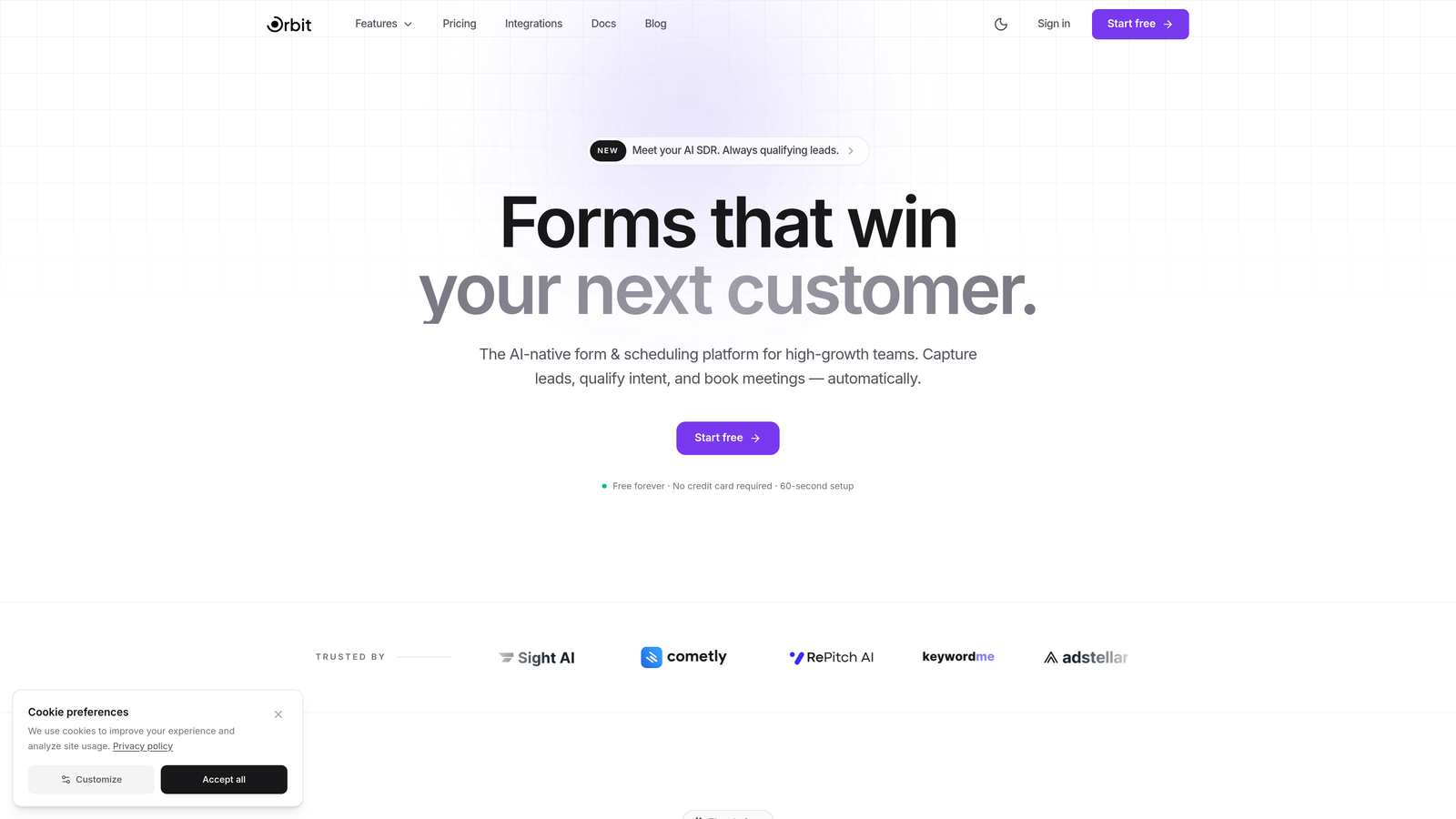
Orbit AI is an AI-native form builder designed for teams that care about lead quality, not just lead volume.
Where This Tool Shines
Most form builders are passive data collectors. You build the form, submissions come in, and then it's up to you to figure out which leads are worth pursuing. Orbit AI takes a different approach by embedding lead qualification intelligence directly into the form experience itself.
The result is forms that don't just capture information but actively score and qualify prospects as they fill out each field. For B2B teams running lead generation campaigns, this means your sales team spends time on prospects that actually match your ideal customer profile, not sifting through noise.
Key Features
AI-Powered Lead Qualification: Automatically scores and qualifies form submissions based on responses, routing high-intent leads to the right follow-up workflow.
Conversational Multi-Step Forms: Build modern, multi-step form flows that feel more like a conversation than a data entry screen, improving completion rates.
Conditional Logic and Smart Field Suggestions: Dynamic form paths that adapt based on user input, with AI-assisted suggestions for field optimization.
CRM and Workflow Integrations: Connect form submissions directly to your CRM and automation stack without manual data wrangling.
Conversion-Optimized B2B Templates: Pre-built templates designed specifically for lead capture, demo requests, and qualification flows common in B2B SaaS.
Best For
Orbit AI is the right fit for growth-focused teams, B2B SaaS companies, and marketing teams running lead generation campaigns who want more than raw data collection. If lead quality matters as much as lead volume, this is the tool built around that priority.
Pricing
Free tier available with core form building features. Paid plans unlock advanced AI capabilities, higher submission volumes, and expanded integration options.
2. Tally
Best for: Teams that need unlimited forms and submissions without paying anything
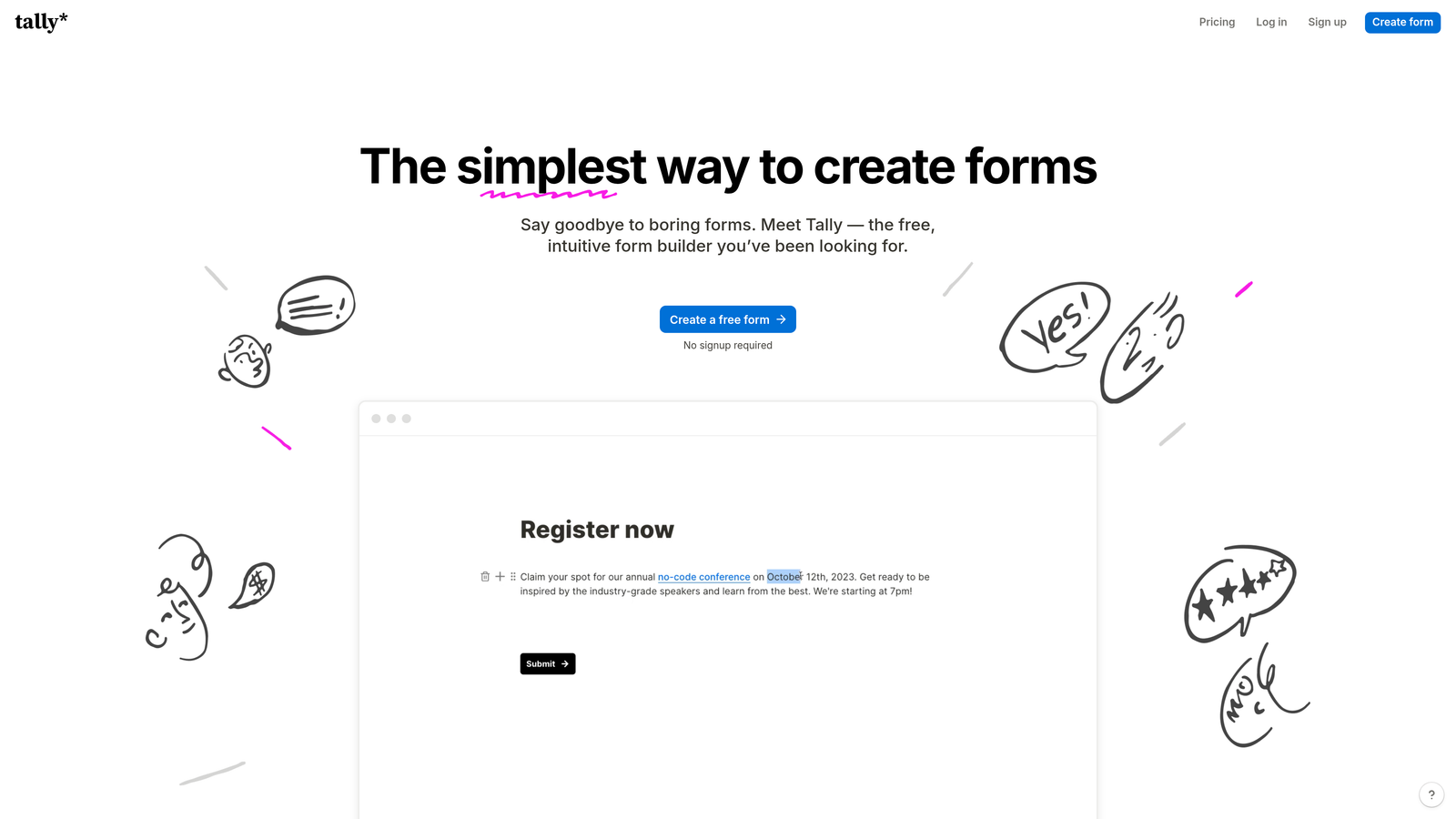
Tally is a Notion-inspired form builder with one of the most genuinely unlimited free plans in the market.
Where This Tool Shines
The word "unlimited" gets thrown around loosely in SaaS, but Tally actually means it. No cap on forms, no cap on submissions, no cap on file uploads, and no forced Tally branding on your forms. That combination is rare at the free tier.
The editor feels immediately familiar to anyone who uses Notion. You build forms by typing, just like a document, which dramatically reduces the learning curve. It's not the flashiest builder on this list, but the simplicity is the point.
Key Features
Truly Unlimited Free Plan: No restrictions on number of forms, submissions, or file uploads on the free tier.
No Forced Branding: Your forms don't carry Tally's logo, which is unusual at zero cost.
Notion-Like Editor: Type-to-build interface that makes form creation feel intuitive and fast.
Conditional Logic and Hidden Fields: Both included free, allowing for dynamic forms without upgrading.
Zapier, Webhooks, and Google Sheets Integrations: Connect your form data to the tools you already use without a paid plan.
Best For
Tally is ideal for individuals, small teams, and startups that need a reliable, no-nonsense form builder with no submission anxiety. If you're building internal forms, feedback surveys, or simple lead capture pages and want zero limitations without paying, Tally is hard to beat.
Pricing
Free plan is genuinely unlimited. Tally Pro runs $29/month and adds custom domains, team collaboration features, and expanded file upload options.
3. Typeform
Best for: Design-conscious teams that prioritize user experience and form completion rates
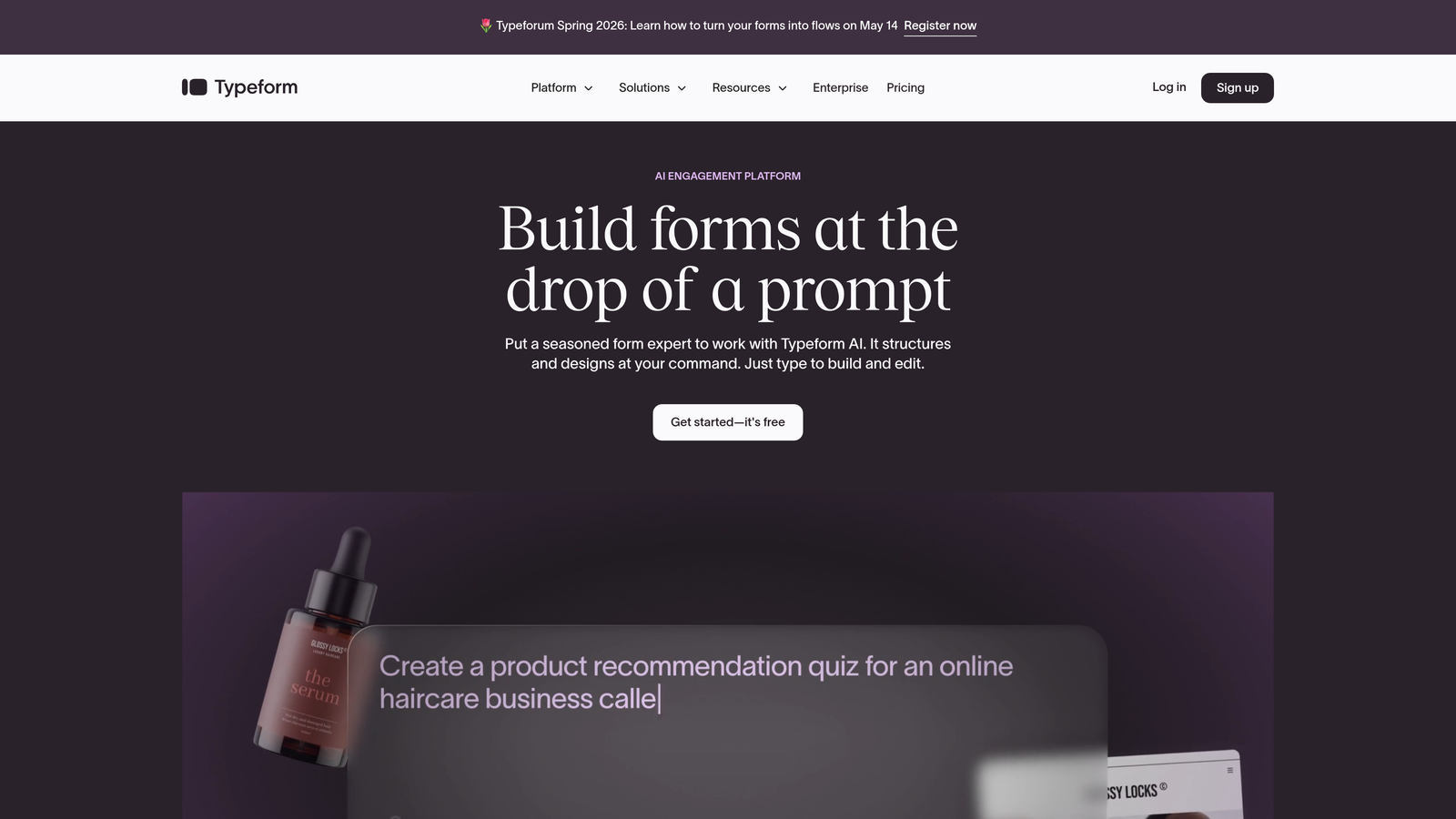
Typeform is the original conversational form builder, built around the one-question-at-a-time format that consistently outperforms traditional form layouts for engagement.
Where This Tool Shines
Typeform's core insight was that forms feel less intimidating when they present one question at a time. That format has become widely copied, but Typeform's execution remains among the most polished. The design quality out of the box is genuinely impressive, making forms feel like branded experiences rather than data collection utilities.
The free plan does include logic jumps and conditional branching, which is meaningful. The trade-off is the restrictive caps: 10 questions per form and 10 responses per month. This makes the free tier more of an extended trial than a long-term solution for most teams.
Key Features
Conversational One-Question Format: The signature format that reduces form abandonment by presenting questions progressively.
Premium Design Out of the Box: Brand-friendly themes, custom fonts, and visual polish that most builders can't match without customization.
Logic Jumps on Free Plan: Conditional branching included at no cost, so forms adapt based on user answers.
Photo and Video Question Types: Embed visual media directly into questions for richer, more engaging form experiences.
Basic Integrations and Embed Options: Connect to common tools and embed forms anywhere with clean iFrame or SDK options.
Best For
Typeform works best for teams where design and brand perception matter, such as agencies, consumer-facing startups, and marketers running research or feedback campaigns. The free plan suits low-volume use cases; higher-volume teams will need a paid plan quickly.
Pricing
Free plan allows 10 questions per form and 10 responses per month. Paid plans start at $25/month with significantly expanded response limits and features.
4. Jotform
Best for: Teams that need advanced form capabilities like payments, e-signatures, and PDF generation without a paid plan
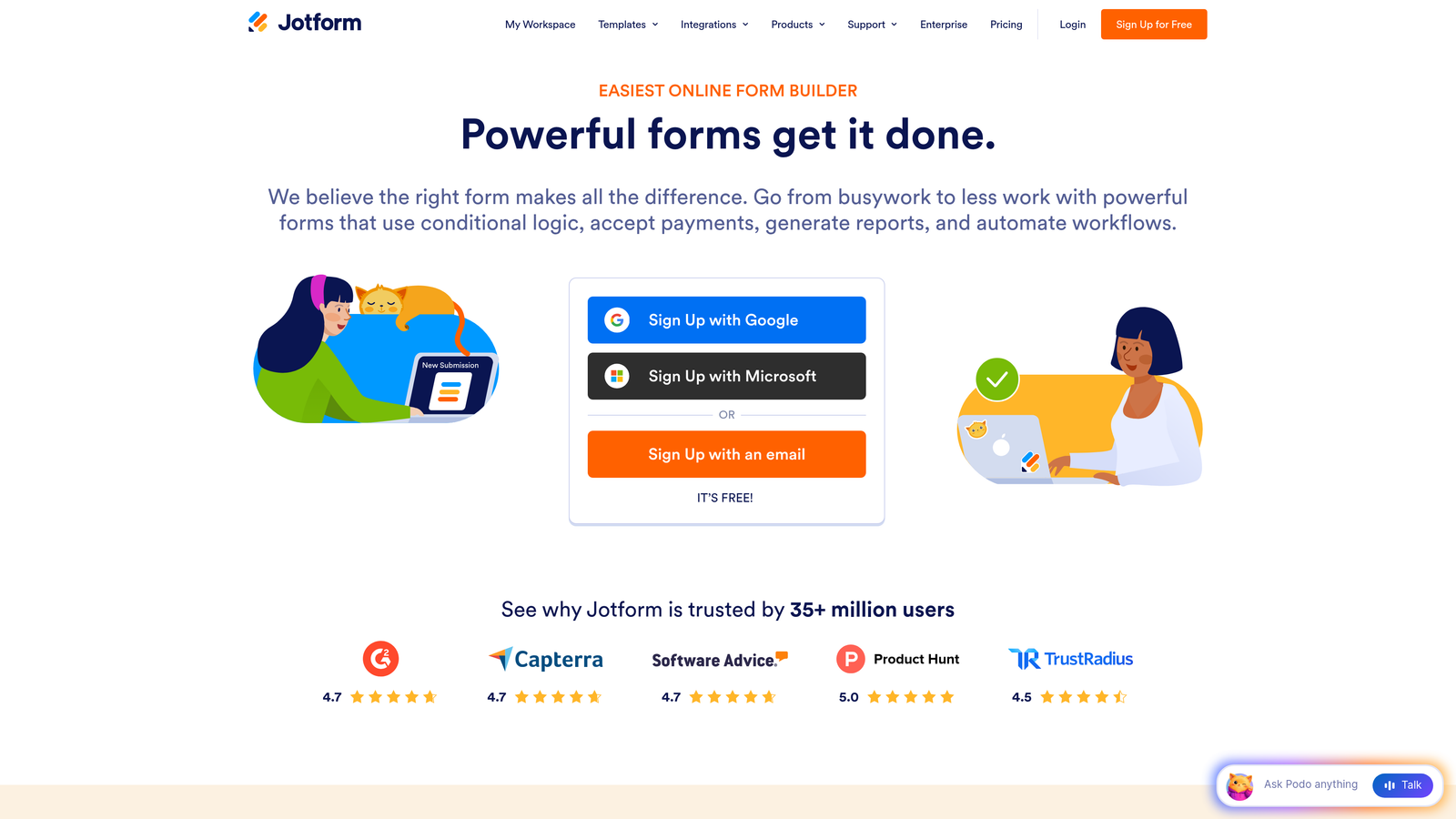
Jotform is one of the most feature-dense form builders available, with over 10,000 templates and capabilities that most platforms reserve for premium tiers.
Where This Tool Shines
Jotform's free tier is genuinely impressive in terms of what it includes. Payment integrations with PayPal, Stripe, and Square, e-signature collection, PDF report generation, calculations, and conditional logic are all available without spending a dollar. For teams with complex form requirements, this depth is hard to find elsewhere at zero cost.
The trade-off is the submission cap: 100 monthly submissions across 5 forms. For high-volume use cases, you'll hit that ceiling quickly. But for low-frequency use cases like contract forms, event registrations, or internal workflows, the free tier delivers significant value.
Key Features
10,000+ Pre-Built Templates: One of the largest template libraries in the industry, spanning industries from healthcare to e-commerce.
Payment Collection on Free Plan: Accept payments via PayPal, Stripe, and Square without upgrading.
E-Signatures and PDF Generation: Collect legally binding signatures and auto-generate PDF documents from submissions.
Conditional Logic and Calculations: Build dynamic forms with math calculations and branching logic included free.
Drag-and-Drop Builder with Advanced Fields: Intuitive builder with field types that go well beyond standard text inputs.
Best For
Jotform is the right choice for small businesses, nonprofits, and teams that need sophisticated form functionality, particularly payment collection or document generation, but have low monthly submission volumes that stay within the free tier limits.
Pricing
Free plan includes 5 forms and 100 monthly submissions. Paid plans start at $34/month with higher limits and additional features.
5. HubSpot Free Form Builder
Best for: Teams already using or considering HubSpot CRM who want native contact management built into every form submission
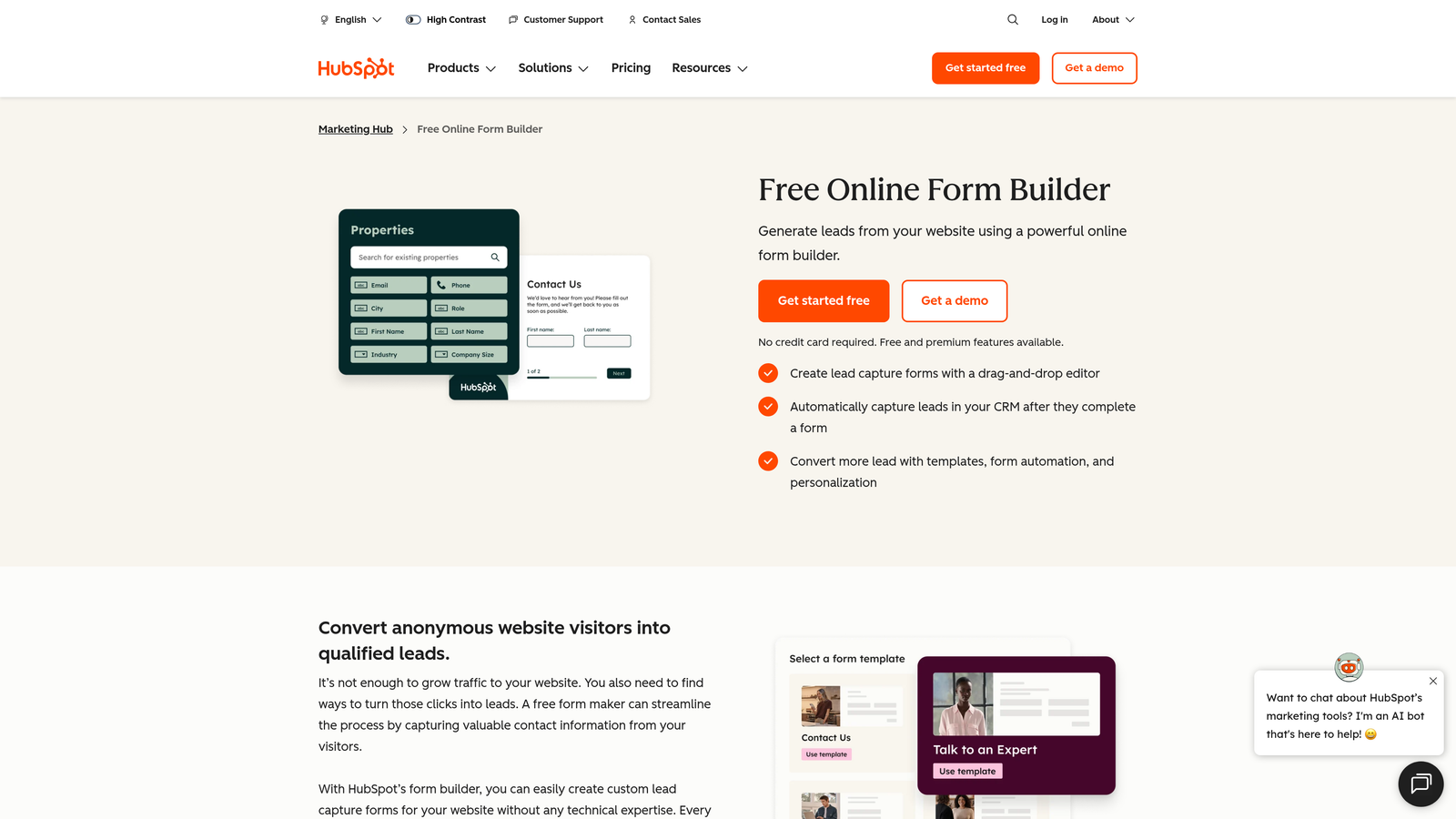
HubSpot's form builder is embedded within the HubSpot CRM ecosystem, automatically turning every submission into a tracked contact record.
Where This Tool Shines
The core value proposition here isn't the form builder itself, it's the CRM integration. Every time someone fills out a HubSpot form, a contact record is automatically created or updated in the free CRM. No Zapier zap, no manual export, no integration setup. That seamless pipeline is genuinely powerful for sales and marketing teams.
The free tier also includes follow-up email automation triggered by form submissions, which is a meaningful premium feature most builders charge for. If you're building a lead generation workflow and want submissions to automatically kick off nurture sequences, this is one of the easiest ways to do it at zero cost.
Key Features
Native CRM Integration: Every submission automatically creates or updates a contact record in HubSpot's free CRM.
Follow-Up Email Automation: Trigger automated email sequences from form submissions without a paid plan.
Multiple Form Types: Pop-up, embedded, and standalone form options for different placement contexts.
Built-In Analytics and Conversion Tracking: View submission rates and form performance directly in HubSpot's dashboard.
Progressive Profiling: Available on paid plans, this feature shows different questions to returning visitors to build richer contact profiles over time.
Best For
HubSpot Forms is the obvious choice for teams already in the HubSpot ecosystem and a strong option for teams considering adopting it. If your priority is CRM-connected lead capture with built-in automation, the free tier delivers real pipeline value.
Pricing
Free with a HubSpot CRM account. Premium form features, including progressive profiling, are part of Marketing Hub Starter starting at $20/month.
6. Google Forms
Best for: Teams that need completely free, zero-friction form creation with no submission limits and built-in Google Workspace collaboration
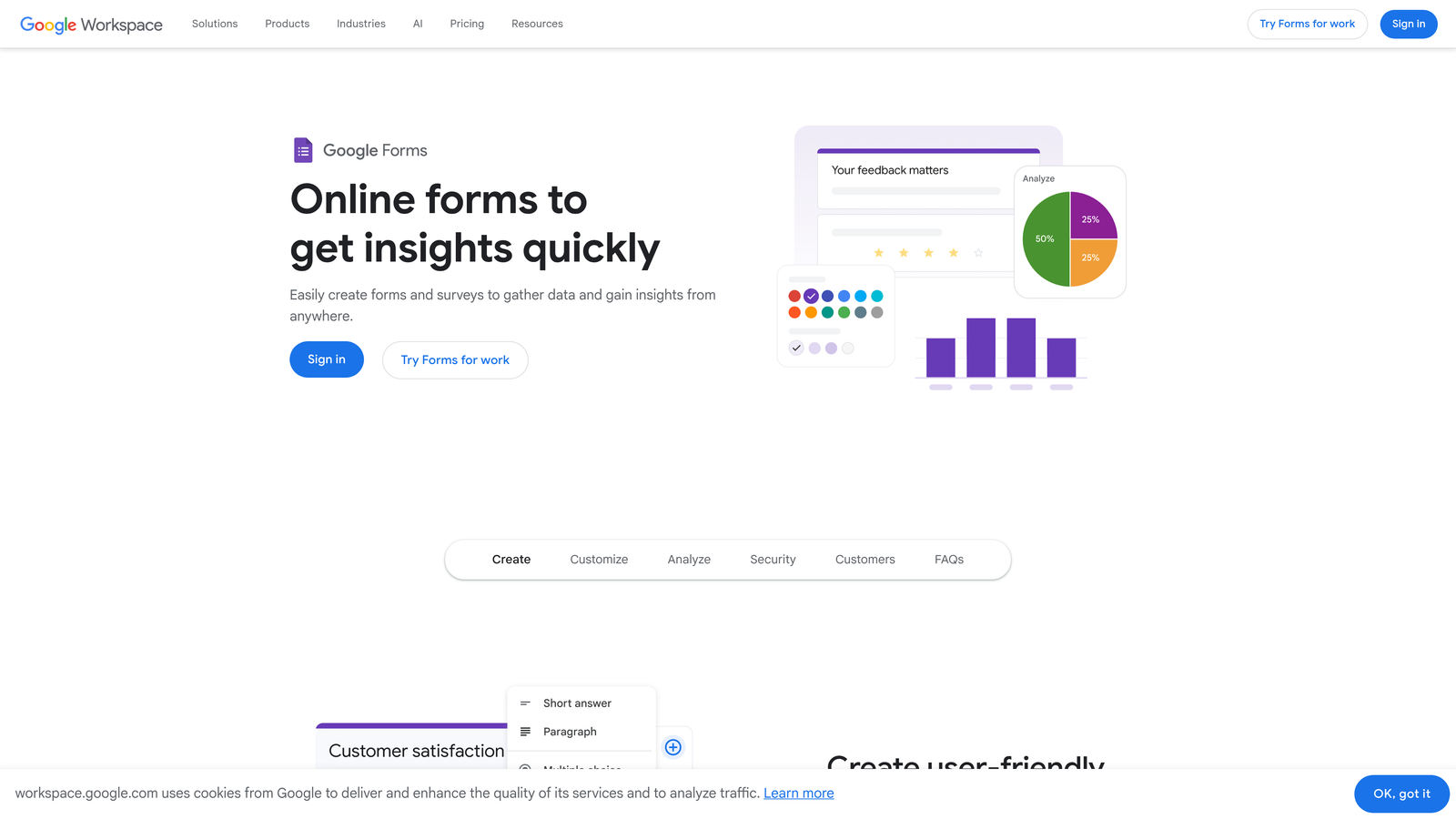
Google Forms is the most accessible form builder on this list, offering unlimited forms and responses at absolutely no cost.
Where This Tool Shines
There's no setup, no account creation beyond a Google account, and no learning curve. You open a new form, start adding questions, and share the link. For internal surveys, event registrations, quick feedback collection, or team polls, it's hard to argue against something this frictionless.
The real-time collaboration feature is underrated. Multiple team members can edit a form simultaneously, just like a Google Doc, and all responses automatically sync to Google Sheets for analysis. For teams already living in Google Workspace, this integration is seamless and genuinely useful.
Key Features
Completely Free with No Limits: No caps on forms, submissions, or storage with any Google account.
Real-Time Collaboration: Multiple editors can work on a form simultaneously, just like Google Docs.
Automatic Google Sheets Sync: All responses flow directly into a connected spreadsheet for easy analysis.
Basic Conditional Logic: Section branching based on answers, though more limited than dedicated form builders.
Quiz Mode with Auto-Grading: Built-in quiz functionality with automatic scoring, useful for education and training contexts.
Best For
Google Forms is ideal for internal use cases, educational settings, and teams that prioritize simplicity and speed over design or advanced features. It's not the right tool for customer-facing lead generation, but for everything else, it's hard to beat free with no strings attached.
Pricing
Completely free with any Google account. No paid tier exists; advanced features are tied to Google Workspace subscriptions for business users.
7. Fillout
Best for: Teams that use Notion, Airtable, or SmartSuite as their primary database and want forms that sync directly with those tools
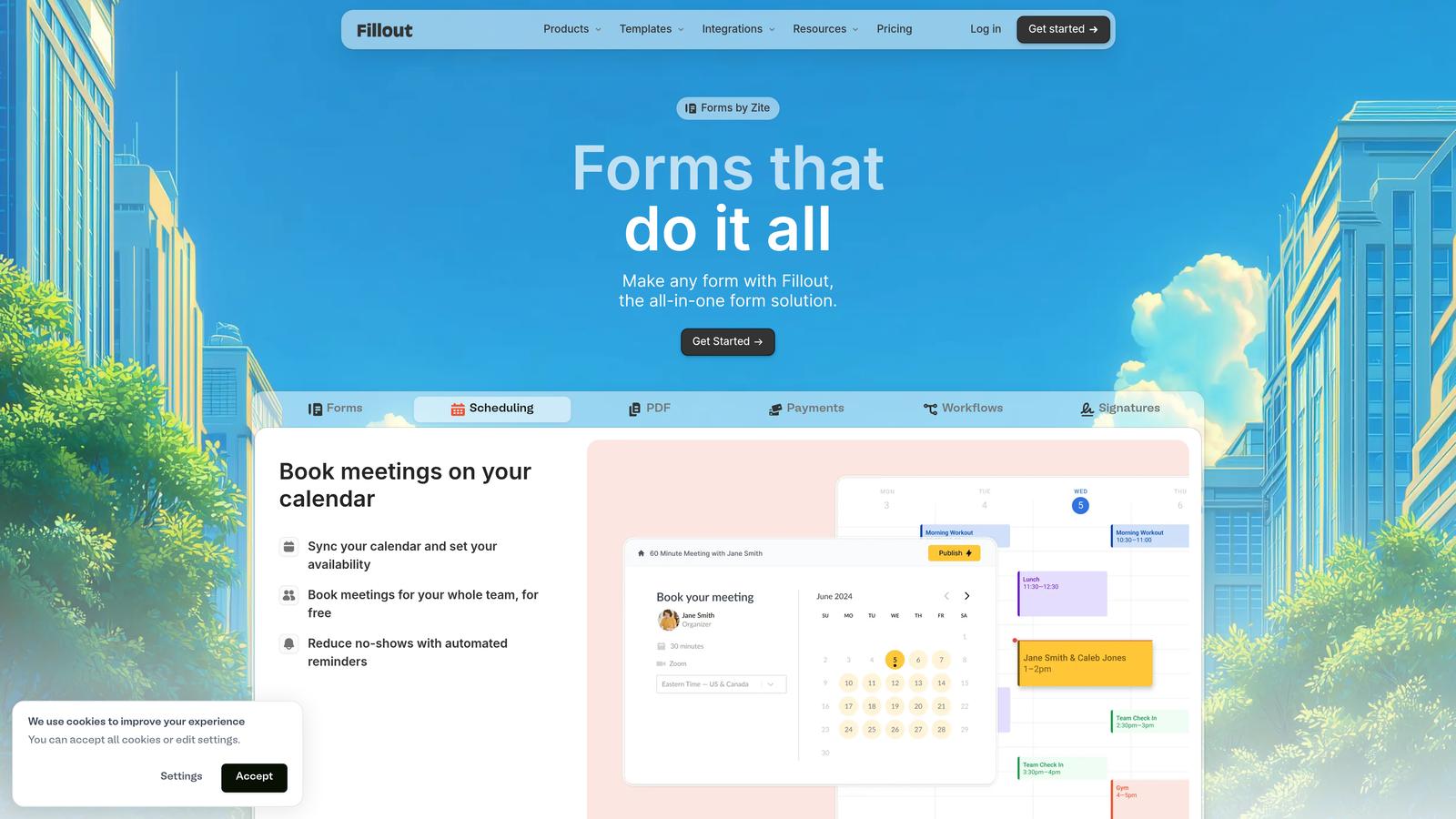
Fillout is a modern form builder built around native two-way database integrations, turning form submissions into structured database entries automatically.
Where This Tool Shines
If your team runs on Notion or Airtable, Fillout solves a real problem. Most form builders treat integrations as one-way data exports. Fillout's native connections with Notion, Airtable, and SmartSuite are genuinely bidirectional, meaning form fields can pull from and write to your existing database structure without manual mapping gymnastics.
The free tier includes 1,000 submissions per month, which is generous compared to many competitors. Combined with conditional logic, multi-page forms, and the database sync, the free plan is a legitimate long-term option for small teams.
Key Features
Native Notion and Airtable Integration: Two-way sync that connects forms directly to your existing database structure.
1,000 Free Monthly Submissions: One of the more generous free submission limits available.
Conditional Logic and Multi-Page Forms: Dynamic form flows included on the free plan.
Scheduling, Payment, and Login Form Types: Specialized form types beyond standard data collection.
SmartSuite Support: Native integration with SmartSuite for teams using that platform as their work management layer.
Best For
Fillout is the natural choice for teams whose workflows are built around Notion or Airtable and who want form submissions to feed directly into those systems without middleware. It's particularly valuable for operations teams, project managers, and product teams using database tools as their source of truth.
Pricing
Free plan includes 1,000 submissions per month. Paid plans start at $19/month with higher limits and advanced features.
8. Paperform
Best for: Teams that want forms that look and feel like branded landing pages, blending rich content with data collection
Paperform is a form and landing page hybrid that lets you embed text, images, and video alongside form fields in a single cohesive page experience.
Where This Tool Shines
Paperform occupies a unique position in this list: it's less a form builder and more a lightweight page builder with form capabilities built in. You can write paragraphs of context, embed product images, add video explanations, and place form fields throughout, all in one document-style editor. The result looks nothing like a traditional form.
This approach works particularly well for product order forms, event registration pages, and any context where you need to sell or explain before asking for information. The aesthetic quality is high, and the 650+ templates lean into the landing page aesthetic rather than the standard form grid.
Key Features
Rich Content Editor: Mix text, images, video, and form fields freely in a single page-like layout.
Built-In Payment Processing: Accept payments and build simple product catalogs directly within forms.
Conditional Logic and Calculation Fields: Dynamic forms with math capabilities for quotes, pricing, and scoring.
Custom Success Pages and Redirects: Control exactly what happens after submission with custom thank-you experiences.
650+ Landing Page-Style Templates: Templates designed to convert, not just collect.
Best For
Paperform suits small business owners, creators, and marketers who want their forms to double as lightweight landing pages. It's especially effective for order forms, event pages, and intake forms where context and presentation matter as much as the data collected.
Pricing
No permanent free tier. Paperform offers a 14-day free trial, with paid plans starting at $24/month. Worth noting for transparency: this is the only tool on this list without an ongoing free option.
9. Formbricks
Best for: Privacy-conscious teams and developers who want full data ownership through self-hosting or in-app survey capabilities
Formbricks is an open-source form and survey platform that can be self-hosted for complete data control, with strong in-app and website survey functionality.
Where This Tool Shines
Formbricks addresses a use case most form builders ignore entirely: in-app surveys with user targeting. Rather than just capturing data from external forms, Formbricks lets you trigger surveys inside your product based on user behavior, segments, or specific events. For SaaS teams running NPS surveys, feature feedback loops, or churn research, this is a significant capability.
The open-source and self-hostable nature is the other major differentiator. Teams in regulated industries or those with strict data residency requirements can run Formbricks on their own infrastructure with no submission limits and no vendor dependency. For developer-led teams, this level of control is genuinely valuable.
Key Features
Open-Source and Self-Hostable: Full source code access and self-hosting option for complete data ownership and no submission limits.
In-App Surveys with User Targeting: Trigger surveys inside your product based on user segments, behaviors, or events.
Website Pop-Up and Link Survey Options: Multiple deployment methods beyond just embedded forms.
Zapier, Webhooks, Notion, and Slack Integrations: Connect survey data to your existing workflow tools.
No Submission Limits on Self-Hosted Plan: Unlimited responses when running on your own infrastructure.
Best For
Formbricks is the right fit for SaaS product teams that want in-app feedback capabilities, engineering-led teams comfortable with self-hosting, and any organization with strict data privacy requirements that rules out third-party data storage.
Pricing
Self-hosted version is free with unlimited submissions. Cloud free tier is available with limits. Paid cloud plans start at $30/month for higher volumes and advanced features.
Which Free Form Builder Is Actually Right for You?
The right tool here depends almost entirely on what "premium features" means for your specific situation. There's no single winner because each tool solves a different problem exceptionally well.
If lead qualification and conversion intelligence matter to your team, Orbit AI is the standout choice. It's the only tool on this list that goes beyond data collection to actively help you identify and prioritize your best prospects. For high-growth B2B teams where lead quality determines pipeline health, that distinction is significant.
For sheer generosity on the free tier, Tally is hard to argue against. Unlimited everything, no forced branding, and a clean editor make it the default recommendation for teams that just need reliable forms without worrying about hitting a ceiling.
If you're embedded in a specific ecosystem, the ecosystem tools win. HubSpot Forms for CRM-first teams, Fillout for Notion and Airtable users, Google Forms for Google Workspace shops, and Formbricks for SaaS teams that want in-app survey capabilities or full data control.
Design-conscious teams will gravitate toward Typeform or Paperform. Just note that Paperform has no permanent free tier, so factor that into your evaluation if cost is a constraint.
The broader takeaway is that the "free but limited" era of form builders is genuinely over for many of these platforms. The tools above prove you can get conditional logic, integrations, multi-step flows, and in some cases AI-powered features without spending a dollar to start.
Ready to go beyond basic data collection? Start building free forms today with Orbit AI and see how intelligent form design, with built-in lead qualification and conversion-optimized templates, can transform the quality of leads your forms generate.


