

Your team has outgrown Wufoo. You know it, your sales team knows it, and your leads definitely know it when they encounter that dated interface on mobile. What started as a reliable workhorse for simple data collection has become a bottleneck in your growth strategy—clunky integrations that require workarounds, forms that feel like they're from 2012, and zero intelligence in how they handle the leads you're working so hard to capture.
The form builder landscape has transformed dramatically. Today's high-growth teams don't just need to collect information—they need tools that qualify leads in real-time, integrate seamlessly with modern tech stacks, deliver beautiful mobile experiences, and provide the analytics to optimize conversion at every step. Legacy platforms like Wufoo, which haven't seen meaningful innovation in years, simply can't keep pace with these demands.
The gap between basic form builders and intelligent lead capture systems has never been wider. Modern alternatives leverage AI to ask smarter follow-up questions, use conversational interfaces that feel natural rather than transactional, and connect natively with the tools your team already uses. They're built mobile-first because that's where your leads are, and they treat conversion optimization as a core feature rather than an afterthought.
This guide explores seven alternatives that represent the current state of form building technology. We've focused on platforms that excel in specific areas—whether that's AI-powered lead qualification, conversational engagement, enterprise compliance, or design flexibility. Each serves a different team profile and use case, because the right choice depends entirely on your priorities: Are you optimizing for conversion rates? Do you need deep CRM integration? Is compliance your top concern? Or are you simply looking for a modern interface that doesn't embarrass your brand?
Let's examine what today's form builders can actually do for teams ready to scale beyond legacy solutions.
1. Orbit AI: AI-Powered Lead Qualification for High-Growth Teams
The Challenge It Solves
Most form builders treat every submission equally, dumping raw data into your CRM without context or prioritization. Your sales team wastes hours sifting through unqualified leads, following up with prospects who aren't ready to buy, and missing the hot opportunities buried in the noise. Traditional forms collect information passively—they don't understand it, qualify it, or help you act on it intelligently.
The Strategy Explained
Orbit AI reimagines forms as intelligent lead qualification tools rather than simple data collection widgets. The platform uses AI to analyze responses in real-time, asking contextual follow-up questions based on what prospects reveal, scoring leads automatically based on qualification criteria you define, and routing high-priority opportunities to your sales team immediately. It's built specifically for teams where conversion optimization isn't just a nice-to-have—it's the metric that determines whether you hit your growth targets.
The interface reflects modern design standards your leads expect, with mobile-first layouts that adapt intelligently to any device. Unlike legacy builders where "mobile responsive" means a cramped desktop form squeezed onto a phone screen, Orbit AI forms are genuinely optimized for mobile interaction. Integration with modern CRMs and marketing automation platforms is native rather than bolted on, meaning data flows cleanly without the middleware and workarounds that plague older solutions.
Implementation Steps
1. Define your lead qualification criteria upfront—what makes a lead sales-ready versus nurture-ready in your business model, then configure AI scoring rules that automatically categorize submissions based on these criteria.
2. Build conversion-optimized forms using the modern builder interface, taking advantage of conditional logic that shows or hides questions based on previous answers, creating a personalized experience for each prospect.
3. Set up intelligent routing rules that send qualified leads directly to sales while lower-priority submissions flow into nurture campaigns, ensuring your team focuses energy where it matters most.
Pro Tips
Start with your highest-volume lead capture form and measure the difference in sales team efficiency. Many teams find that AI qualification reduces follow-up time dramatically while improving conversion rates because sales reps are engaging with genuinely interested, qualified prospects. The data you gather from AI scoring also reveals patterns about which lead characteristics actually predict closed deals, letting you refine your qualification criteria over time.
2. Typeform: Conversational Engagement That Feels Human
The Challenge It Solves
Traditional forms overwhelm prospects with a wall of fields all at once, creating cognitive overload that tanks completion rates. When someone sees fifteen questions stacked vertically, their instinct is to close the tab. The experience feels transactional and impersonal—more like filling out paperwork than having a conversation with a brand they're interested in.
The Strategy Explained
Typeform pioneered the one-question-at-a-time format that transforms form completion from a chore into a conversation. Each question appears individually with smooth transitions between screens, creating a focused experience that reduces abandonment. The interface is visually striking, with full-screen layouts, custom backgrounds, and typography that can match your brand aesthetic exactly. This conversational approach works particularly well for surveys, customer feedback, and lead capture scenarios where you're asking for significant information and need to maintain engagement throughout.
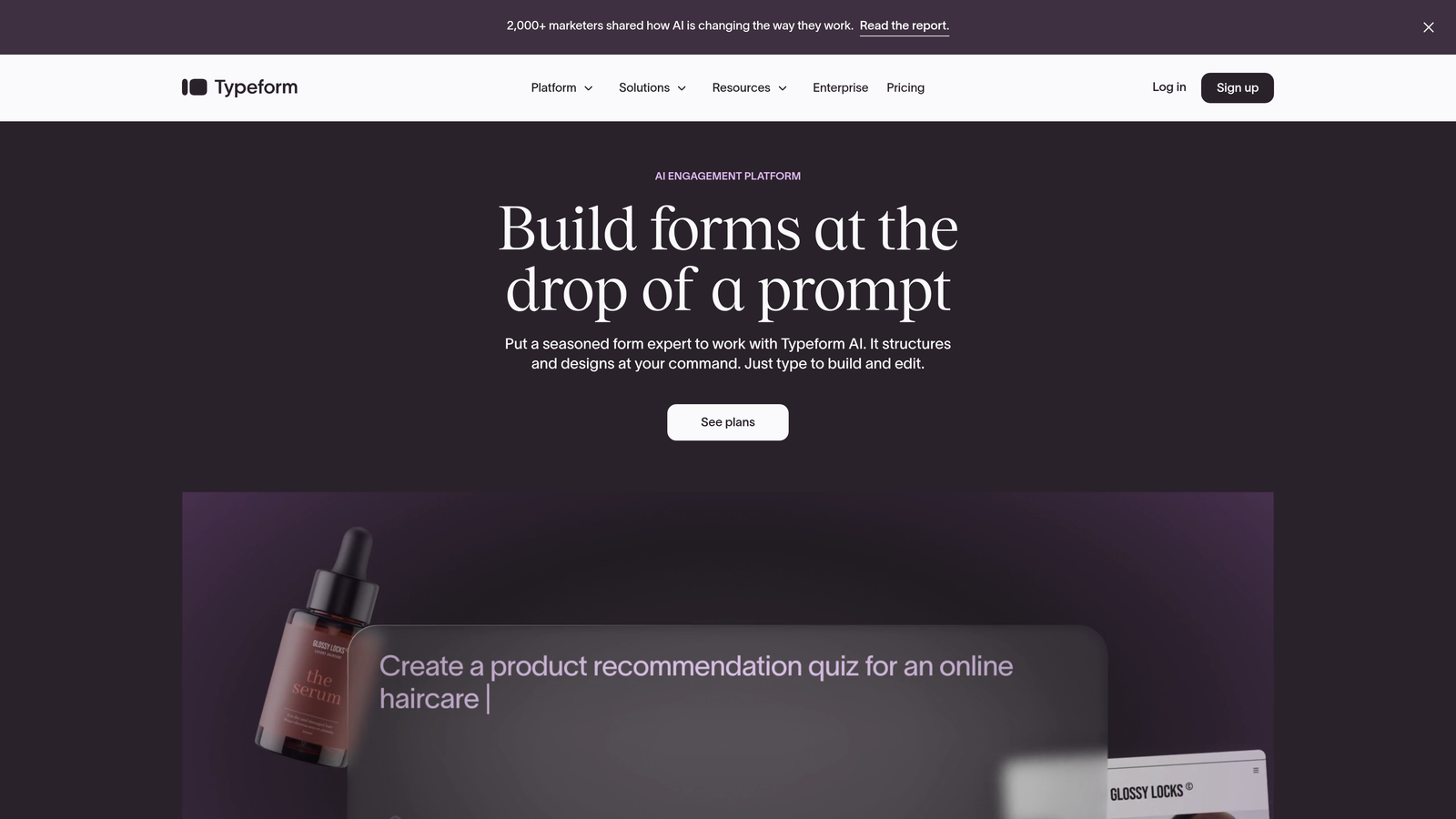
The platform excels at creating forms that feel more like interactive experiences than data collection tools. Logic jumps let you create branching paths based on answers, so different prospects see different questions depending on their responses. This personalization makes forms feel tailored rather than generic, which can significantly improve completion rates for longer forms.
Implementation Steps
1. Identify use cases where engagement matters more than speed—customer satisfaction surveys, detailed lead qualification, or any scenario where you're asking for 5+ minutes of someone's time.
2. Design your question flow to build momentum, starting with easy, engaging questions that hook attention before moving to the information you really need, using the one-at-a-time format to maintain focus.
3. Leverage visual customization to align the form experience with your brand, using custom backgrounds, colors, and fonts that make the form feel like a natural extension of your website rather than a generic widget.
Pro Tips
The conversational format shines for forms where you need substantial information and can't afford abandonment. However, it may feel slower for simple contact forms where prospects just want to quickly share their email. Match the format to the context—use Typeform's approach when engagement and completion matter more than speed, and consider simpler formats for quick captures. For a deeper dive into how Typeform stacks up, explore our Typeform alternatives for businesses comparison.
3. Jotform: Feature-Rich Flexibility for Complex Requirements
The Challenge It Solves
Some organizations need forms to do very specific things that simpler builders can't handle—generate PDFs automatically, collect payments with complex pricing tables, create multi-page registration flows with conditional sections, or handle file uploads with specific format requirements. When your use case extends beyond basic lead capture, you need a platform with depth.
The Strategy Explained
Jotform positions itself as the Swiss Army knife of form builders, offering an extensive feature set that covers nearly every conceivable form use case. The platform includes over 10,000 templates spanning industries and purposes, so you're rarely starting from scratch. PDF generation capabilities let you automatically create formatted documents from form submissions—useful for applications, contracts, or reports. Payment collection integrates with major processors, and you can build complex pricing tables with options and add-ons.
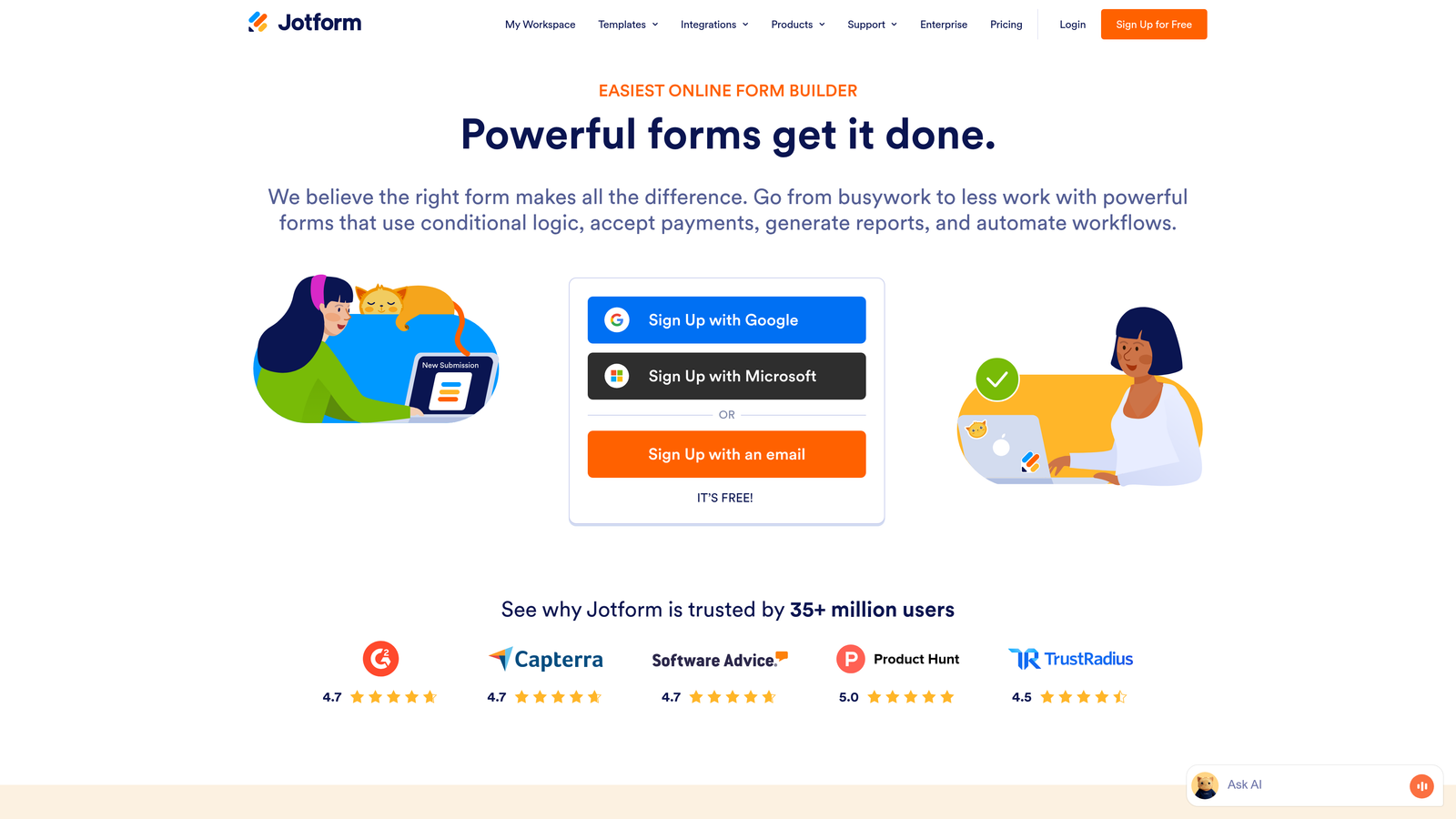
The builder interface offers granular control over every element, which means a steeper learning curve but also the ability to create exactly what you need. Conditional logic, calculation fields, and multi-page forms with progress indicators let you build sophisticated workflows. The platform also includes approval workflows, allowing you to route submissions through review processes before final submission. If you're weighing options, our guide on Jotform vs modern form builders breaks down the key differences.
Implementation Steps
1. Start with the template library to find a foundation close to your needs, then customize rather than building from scratch—this leverages Jotform's strength while avoiding the complexity of starting with a blank canvas.
2. Map out your form logic before building, especially if you're creating conditional sections or calculations, because the flexibility can become overwhelming without a clear plan.
3. Test thoroughly across devices and scenarios, particularly if you're using advanced features like PDF generation or payment collection, to ensure everything works as expected before launching.
Pro Tips
Jotform's strength is handling complex requirements that simpler builders can't touch, but this comes with complexity. It's ideal when you need specific advanced features, but may be overkill for straightforward lead capture. The extensive feature set means you'll invest more time in setup and learning, so ensure the advanced capabilities you need actually justify that investment.
4. Tally: Notion-Like Simplicity for Teams Who Value Speed
The Challenge It Solves
Many form builders overwhelm you with features you'll never use, requiring you to navigate complex interfaces just to create a simple contact form. Teams who value speed and simplicity over advanced features find themselves paying for capabilities they don't need while struggling through unnecessarily complicated builders. The friction of creating forms becomes a bottleneck rather than an enabler.
The Strategy Explained
Tally strips form building down to its essence with a Notion-inspired interface that will feel immediately familiar if your team uses block-based editors. You build forms by typing and adding blocks—no dragging, dropping, or navigating complex menus. The learning curve is minimal because the interaction model matches tools your team likely already uses daily. Despite the simplicity, Tally includes essential features like conditional logic, calculations, and file uploads.
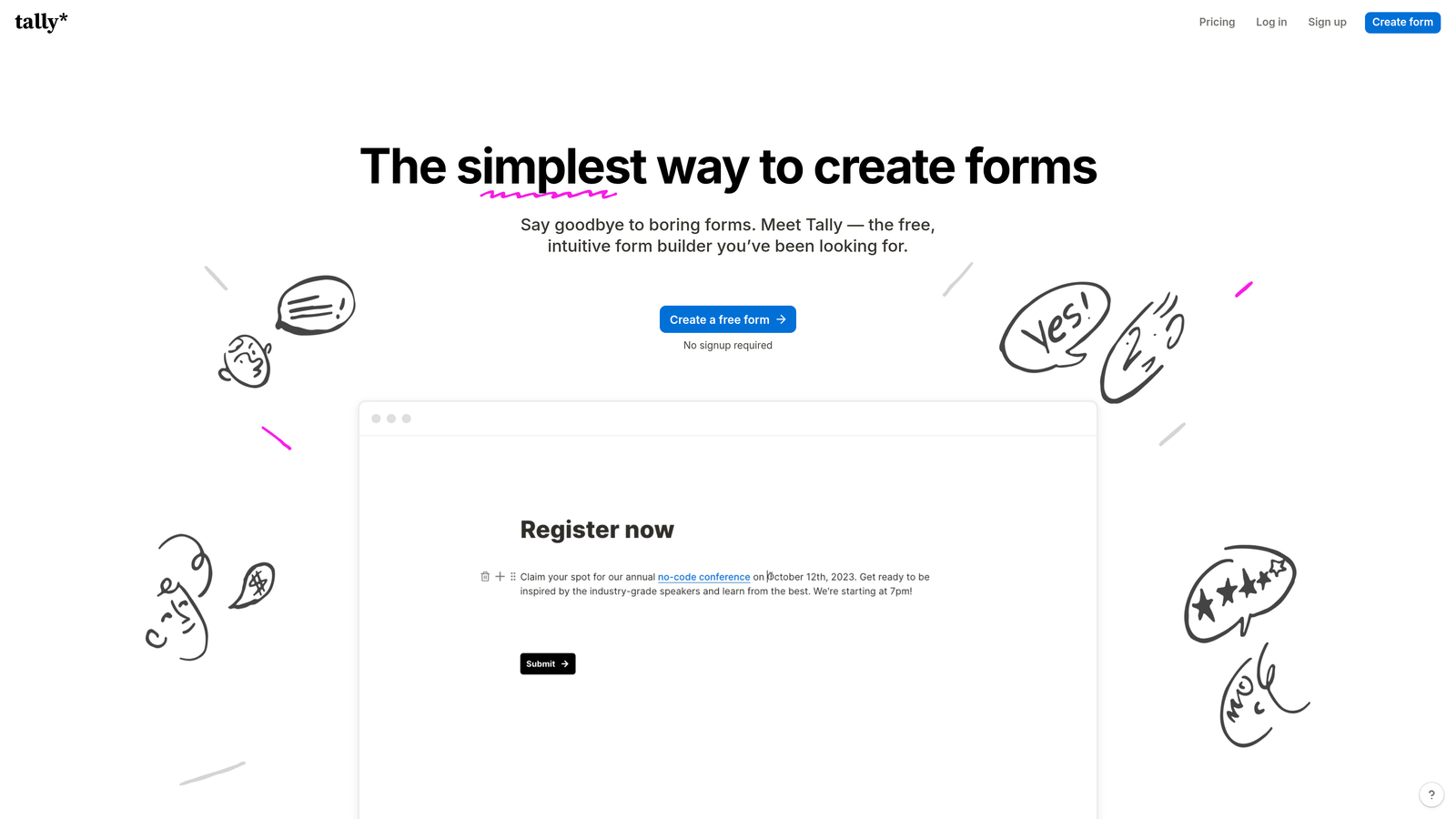
The platform's generous free tier removes the barrier to entry entirely—unlimited forms and submissions without payment. This makes it ideal for teams who need multiple forms across different projects without budget constraints. The resulting forms are clean and minimal by default, which works well for teams whose brand aesthetic leans toward simplicity rather than heavy customization.
Implementation Steps
1. Start creating immediately without extensive planning—Tally's simplicity means you can build, test, and iterate quickly rather than investing hours in upfront design and configuration.
2. Use the block-based interface to add fields by typing, just like you would in Notion or similar tools, letting you build forms at the speed of thought rather than the speed of interface navigation.
3. Embed forms directly into your existing pages or share via link, taking advantage of the clean, minimal aesthetic that works well in most contexts without heavy customization.
Pro Tips
Tally excels when simplicity and speed matter more than advanced features or heavy branding. It's perfect for internal forms, quick lead captures, or situations where you need to spin up forms frequently without friction. However, if your brand requires extensive visual customization or you need advanced features like AI qualification, you'll bump into limitations quickly. Match the tool to the use case—Tally for speed and simplicity, more robust platforms when those aren't your primary criteria. Teams looking for an affordable form builder for teams often start here before scaling up.
5. HubSpot Forms: Native Integration for HubSpot-Centric Teams
The Challenge It Solves
Teams invested in HubSpot's CRM and marketing automation often struggle with third-party form builders that don't integrate cleanly. Data sync issues create gaps, fields don't map correctly, and you lose the seamless workflow automation that makes HubSpot valuable in the first place. Using an external form builder means sacrificing the native integration benefits you're paying for with your HubSpot subscription.
The Strategy Explained
HubSpot Forms is built directly into the HubSpot platform, offering native integration that third-party tools can't match. Forms automatically sync with your CRM contacts and companies, trigger workflows without middleware, and leverage HubSpot's progressive profiling to avoid asking for information you already have. The smart fields feature recognizes returning visitors and pre-fills known information, reducing friction for prospects who've engaged with you before.

Because forms live within HubSpot, you can build sophisticated automation around submissions—assigning leads to specific reps based on criteria, triggering email sequences, creating tasks, or updating deal stages. The entire lead lifecycle from form submission to closed deal happens within one platform, eliminating the integration complexity that plagues multi-tool stacks. For sales-focused organizations, understanding the best CRM for sales teams helps contextualize where HubSpot fits.
Implementation Steps
1. Audit your existing form-to-CRM workflow to identify where third-party forms create friction or data gaps, then prioritize replacing forms where native integration would eliminate the most manual work or sync issues.
2. Build forms using HubSpot's drag-and-drop builder, taking advantage of smart fields and progressive profiling to reduce form length while still capturing needed information over time.
3. Set up workflow automation that triggers immediately on form submission, using HubSpot's native automation to route leads, send follow-ups, and update records without the delays or failures that plague external integrations.
Pro Tips
HubSpot Forms makes perfect sense if you're already paying for HubSpot and want to maximize your investment through native integration. The forms themselves are functional rather than cutting-edge, but the seamless data flow and automation capabilities often outweigh any limitations in form design or features. However, if you're not using HubSpot's CRM and marketing tools, or if you need advanced form capabilities like AI qualification, you'll want to evaluate standalone alternatives that excel in those specific areas.
6. Paperform: Design-Forward Forms for Brand-Conscious Teams
The Challenge It Solves
Most form builders force you into rigid templates that look generic regardless of how much you customize them. For teams where brand experience matters—design agencies, consultants, creative businesses—a form that looks like every other form undermines the premium positioning you've worked to establish. You need forms that feel like natural extensions of your website, not obviously third-party widgets.
The Strategy Explained
Paperform takes a design-first approach that gives you granular control over visual presentation. The builder lets you create forms that look more like landing pages than traditional forms, with the ability to add images, videos, custom HTML, and rich text formatting throughout. You can match your brand aesthetic precisely with custom CSS, creating forms that feel completely native to your site rather than embedded widgets.
Beyond aesthetics, Paperform includes practical features for businesses that need forms to do more than collect information. Payment collection is built in with support for subscriptions and complex pricing, booking functionality lets you create appointment scheduling directly in forms, and product catalogs turn forms into simple storefronts. This makes it particularly valuable for coaches, consultants, and service businesses that need to combine information collection with booking or payment. Our modern form design platform guide explores more options for design-focused teams.
Implementation Steps
1. Start with your brand guidelines and design system, planning how to translate your visual identity into form design rather than accepting default templates—Paperform's strength is customization, so leverage it.
2. Use the rich text and media capabilities to create forms that tell a story rather than just collecting data, incorporating images, videos, and formatted text that maintain engagement throughout longer forms.
3. If you're collecting payments or bookings, configure those features directly in the form rather than sending people to separate systems, creating a seamless experience from interest to transaction.
Pro Tips
Paperform shines when visual presentation directly impacts conversion or brand perception. If your business competes on design, positioning, or premium experience, the investment in creating beautifully customized forms pays dividends. However, this design flexibility comes with complexity—you'll spend more time on form creation than with simpler builders. Make sure the visual differentiation actually matters for your use case before investing the extra effort.
7. Formstack: Enterprise-Grade Compliance for Regulated Industries
The Challenge It Solves
Organizations in healthcare, finance, government, and other regulated industries can't use consumer-grade form builders that lack proper security certifications and compliance features. HIPAA compliance, SOC 2 certification, data residency requirements, and audit trails aren't optional nice-to-haves—they're mandatory for legal operation. Using non-compliant tools exposes your organization to significant regulatory and legal risk.
The Strategy Explained
Formstack positions itself as the enterprise solution for organizations with serious compliance requirements. The platform maintains HIPAA compliance with proper Business Associate Agreements, holds SOC 2 Type II certification, and offers data residency options for organizations with geographic restrictions on where data can be stored. Audit trails track every form interaction, providing the documentation required for compliance reviews and security audits.
Beyond compliance, Formstack includes enterprise features like advanced user permissions, approval workflows, and document generation. The platform integrates with enterprise systems like Salesforce, allowing regulated organizations to maintain compliant data flow throughout their tech stack. For organizations where compliance isn't negotiable, these features justify the higher price point compared to consumer-focused alternatives. If you're exploring options, our Formstack alternatives for enterprises article covers similar platforms.
Implementation Steps
1. Work with your compliance and legal teams to document exactly which certifications and features you require, then verify that Formstack meets those specific requirements before committing.
2. Configure user permissions and access controls according to your organization's security policies, ensuring that only authorized personnel can access sensitive form data.
3. Set up audit trails and documentation processes that satisfy your compliance requirements, working with Formstack's support team to ensure proper configuration for your specific regulatory environment.
Pro Tips
Formstack is the right choice when compliance is non-negotiable and the cost of getting it wrong is severe. The platform isn't the most modern or user-friendly, but it delivers the certifications and features that regulated organizations require. If you don't have specific compliance requirements, you're paying a premium for features you don't need. However, if you do operate in a regulated space, the peace of mind and risk mitigation make the investment worthwhile.
Matching Your Team to the Right Solution
The right form builder depends entirely on what matters most to your team right now. If you're optimizing for conversion and need AI-powered lead qualification, Orbit AI delivers intelligent forms that qualify prospects automatically while providing the modern experience high-growth teams require. If engagement and conversational flow matter most, Typeform's one-question-at-a-time format creates experiences that maintain attention through longer forms.
For teams with complex requirements like PDF generation or payment collection, Jotform's extensive feature set handles edge cases that simpler builders can't touch. If you value speed and simplicity above all else, Tally's Notion-like interface lets you create forms at the speed of thought. Teams already invested in HubSpot benefit from native forms that eliminate integration complexity, while brand-conscious businesses might prioritize Paperform's design flexibility. And for regulated industries, Formstack's compliance certifications aren't optional—they're mandatory. Our comprehensive modern form builder comparison can help you evaluate these options side by side.
Here's the decision framework: Start with your primary constraint or priority. Is it compliance? Go with Formstack. Is it HubSpot integration? Use HubSpot Forms. Is it conversion optimization and lead qualification? Orbit AI is built specifically for that. Is it design flexibility? Paperform gives you the control you need. Is it simplicity? Tally removes all friction. Is it engagement? Typeform's conversational format works. Is it handling complex edge cases? Jotform has the features.
The common thread across all these alternatives is that they're built for modern workflows, not legacy infrastructure. They understand that forms aren't just data collection tools—they're conversion opportunities, brand touchpoints, and qualification systems. They're designed mobile-first because that's where your leads are, and they integrate with the tools your team actually uses rather than requiring middleware and workarounds. For a broader perspective on how modern form builders vs legacy tools compare, we've broken down the key differences.
Evaluate based on actual impact, not feature lists. The form builder with the longest feature list isn't necessarily the right choice—the right choice is the one that solves your specific problem most effectively. Test with real forms and real leads, measure actual conversion rates and completion times, and gather feedback from your team about which platform fits your workflow best. The goal isn't to find the most advanced form builder—it's to find the one that helps you capture and convert more qualified leads with less friction.
Transform your lead generation with AI-powered forms that qualify prospects automatically while delivering the modern, conversion-optimized experience your high-growth team needs. Start building free forms today and see how intelligent form design can elevate your conversion strategy.


