

Your forms are often the final step between a visitor and a conversion—yet most businesses still rely on clunky, outdated builders that kill momentum. Modern form design platforms have evolved beyond simple input fields into sophisticated conversion tools with conditional logic, AI-powered features, and seamless integrations.
This guide covers the top platforms that combine beautiful design with powerful functionality, helping you capture more qualified leads without sacrificing user experience. We evaluated each tool based on design flexibility, ease of use, integration capabilities, and conversion-focused features.
1. Orbit AI
Best for: High-growth teams needing AI-powered lead qualification with modern, conversion-optimized form design
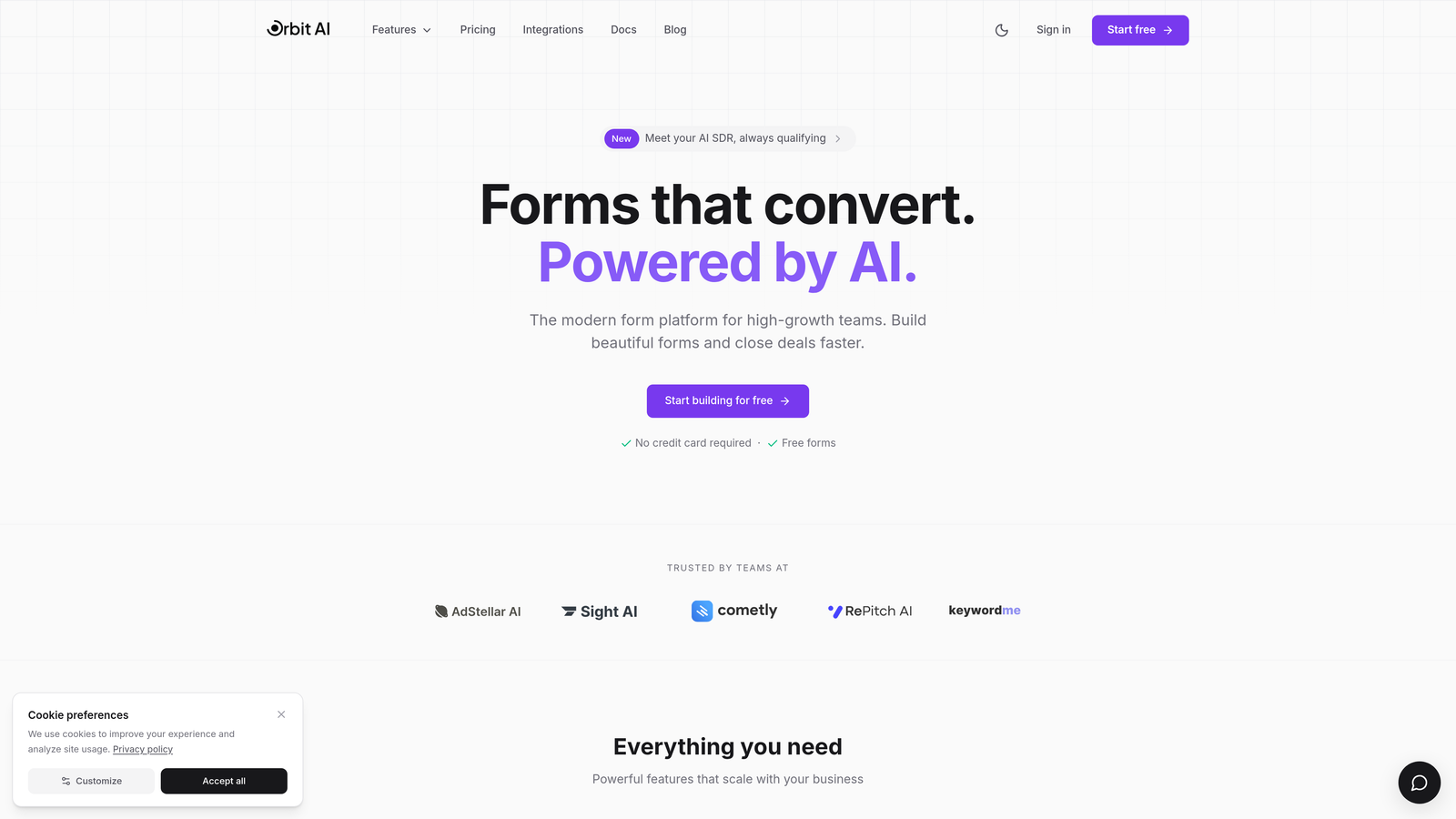
Orbit AI is an AI-powered form builder platform that combines modern design with intelligent lead qualification and conversion optimization.
Where This Tool Shines
Orbit AI stands out by automating the lead qualification process that typically happens after form submission. Instead of manually reviewing every submission, the platform's AI scores and prioritizes leads in real-time based on your ideal customer profile.
The conversion-optimized templates are built on behavioral data and best practices, giving you a head start on form design that actually converts. The platform feels modern and intuitive without sacrificing the advanced features that growth teams need.
Key Features
AI-Powered Lead Qualification: Automatically scores and prioritizes incoming leads based on custom criteria and behavioral signals.
Conversion-Optimized Templates: Pre-built form designs tested for maximum conversion rates across different industries and use cases.
Advanced Conditional Logic: Create dynamic form paths that adapt based on user responses, showing relevant questions while hiding irrelevant ones.
Native CRM Integrations: Seamlessly sync qualified leads to your existing sales and marketing tools without middleware.
Real-Time Analytics: Track conversion rates, drop-off points, and form performance with detailed analytics dashboards.
Best For
High-growth B2B teams that receive substantial form traffic and need to separate qualified leads from noise. Particularly valuable for marketing teams running multiple campaigns who need intelligent lead routing and prioritization without manual review processes.
Pricing
Free tier available for testing the platform. Paid plans start at $29/month with scaling features for teams managing higher submission volumes and advanced AI qualification needs.
2. Typeform
Best for: Creating engaging, conversational form experiences with a one-question-at-a-time format
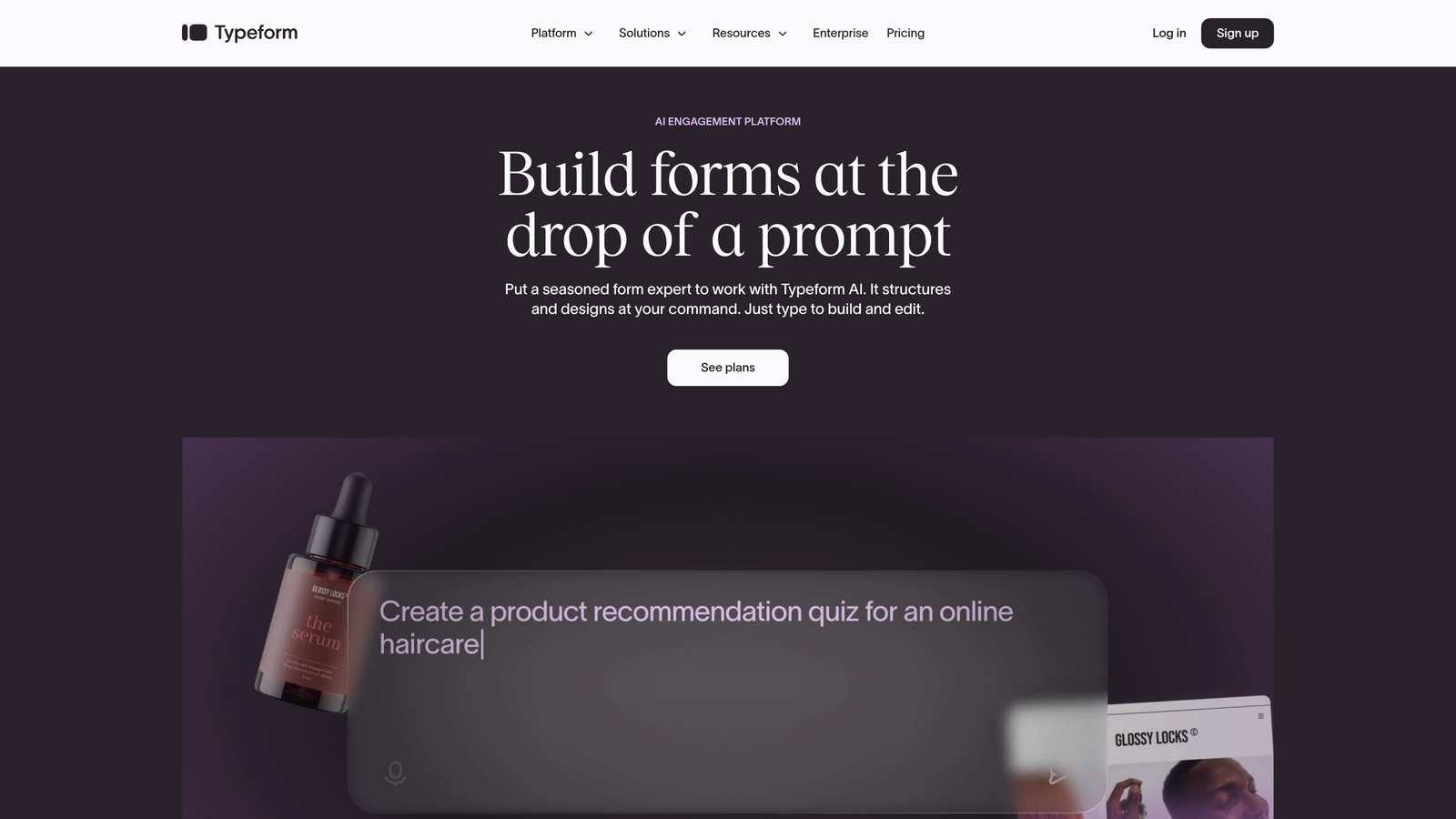
Typeform is a conversational form builder known for its distinctive one-question-at-a-time format that creates human-feeling interactions.
Where This Tool Shines
Typeform pioneered the conversational form approach, and it remains the gold standard for creating forms that feel less like data collection and more like dialogue. The one-question-at-a-time format significantly reduces form abandonment by eliminating the overwhelming wall-of-fields problem.
The default design themes are polished and professional straight out of the box. Even non-designers can create beautiful forms that match brand aesthetics without touching CSS or hiring help.
Key Features
Conversational Format: Present one question at a time to create a focused, engaging experience that feels more like a conversation than a form.
Beautiful Design Themes: Professional templates and customization options that make forms look modern with minimal effort.
Logic Jumps: Create branching paths based on responses to show relevant questions and skip irrelevant ones.
Rich Media Embedding: Add videos, images, and GIFs directly into forms to create more engaging experiences.
Integration Library: Connect to hundreds of tools including major CRMs, email platforms, and project management systems.
Best For
Marketing teams creating surveys, lead capture forms, and customer feedback tools where user experience is paramount. Works particularly well for consumer-facing brands that prioritize design aesthetics and engagement over pure functionality.
Pricing
Free tier available with Typeform branding and limited features. Basic paid plan starts at $25/month, with higher tiers unlocking advanced logic, custom branding, and increased response limits.
3. Tally
Best for: Budget-conscious teams needing unlimited forms and submissions without hitting paywalls
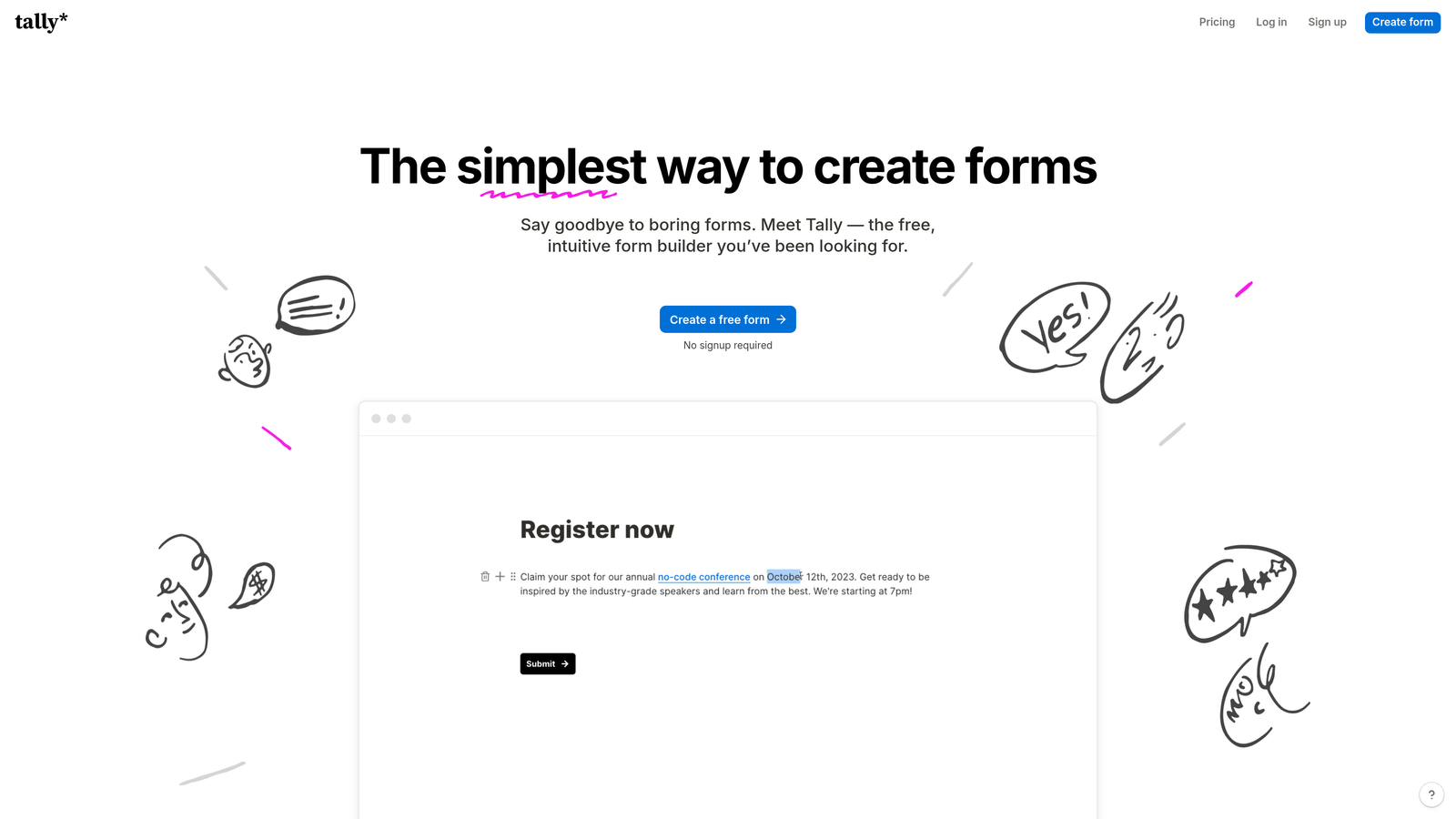
Tally is a free-first form builder with a Notion-like interface, offering unlimited forms and responses without paywalls on core features.
Where This Tool Shines
Tally's generous free tier is genuinely unlimited—no artificial caps on forms, submissions, or features that other platforms reserve for paid tiers. This makes it ideal for startups, indie makers, and small teams who need professional form functionality without budget constraints.
The Notion-style block editor feels immediately familiar if you're already using Notion for documentation or project management. Building forms becomes intuitive and fast, with a learning curve measured in minutes rather than hours.
Key Features
Unlimited Free Tier: Create unlimited forms with unlimited submissions on the free plan without feature restrictions.
Block-Based Editor: Notion-style interface that makes form building intuitive and fast for teams already familiar with block editors.
Conditional Logic Included: Add branching and conditional fields without upgrading to paid plans.
Custom Branding: Remove Tally branding and use custom domains even on free plans.
Notion Integration: Sync form submissions directly to Notion databases for seamless workflow integration.
Best For
Indie makers, early-stage startups, and small teams who need professional form capabilities without monthly costs. Particularly valuable for Notion-heavy teams who want form submissions flowing directly into their existing workspace databases.
Pricing
Free forever tier with genuinely unlimited forms and submissions. Pro plan at $29/month adds advanced features like file uploads, payment collection, and priority support.
4. Jotform
Best for: Finding ready-made templates for virtually any use case from healthcare to event registration
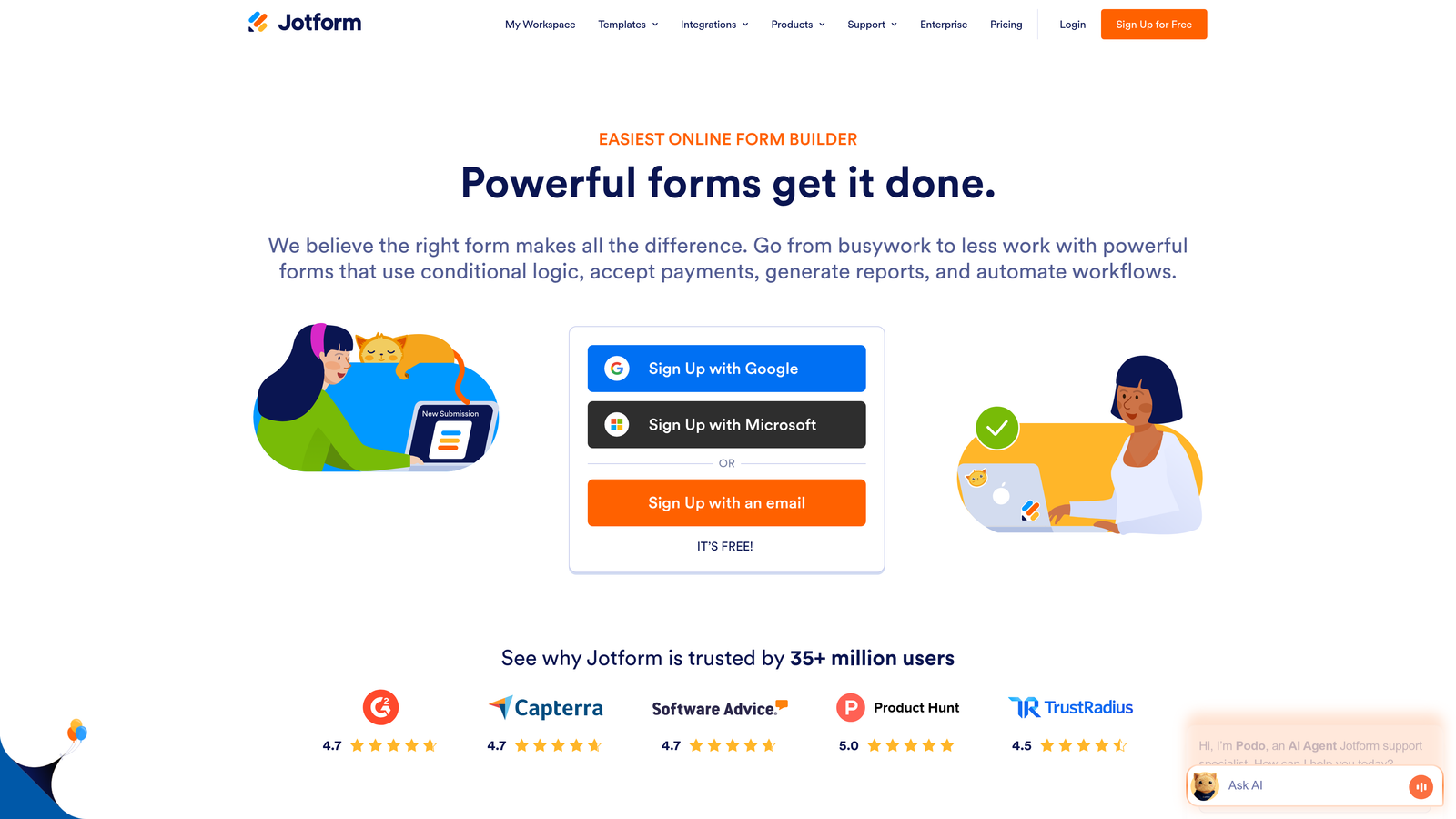
Jotform is a template-rich form builder with over 10,000 pre-built forms covering virtually every industry and use case imaginable.
Where This Tool Shines
Jotform's massive template library means you rarely start from scratch. Need a HIPAA-compliant patient intake form? There's a template. Event registration with payment processing? Already built. This saves hours of design and logic work.
The platform handles specialized requirements that general-purpose form builders skip—things like PDF generation, e-signatures, and compliance features for regulated industries. It's the Swiss Army knife of form builders.
Key Features
10,000+ Templates: Pre-built forms for virtually every industry and use case, from medical intake to job applications.
Drag-and-Drop Builder: Visual editor that makes customizing templates and building forms from scratch straightforward.
Payment Collection: Accept payments through Square, Stripe, PayPal, and other processors directly in forms.
PDF Generation: Automatically convert form submissions into formatted PDF documents with custom layouts.
Compliance Options: HIPAA-compliant forms and data handling for healthcare and other regulated industries.
Best For
Organizations in specialized industries needing compliance features, payment processing, or complex workflows. Healthcare providers, educational institutions, and businesses requiring e-signatures will find Jotform's feature depth particularly valuable.
Pricing
Free tier available with Jotform branding and submission limits. Bronze plan starts at $34/month, with higher tiers adding increased submissions, storage, and advanced features.
5. Paperform
Best for: Creating landing page-style forms with rich media that feel like standalone web pages
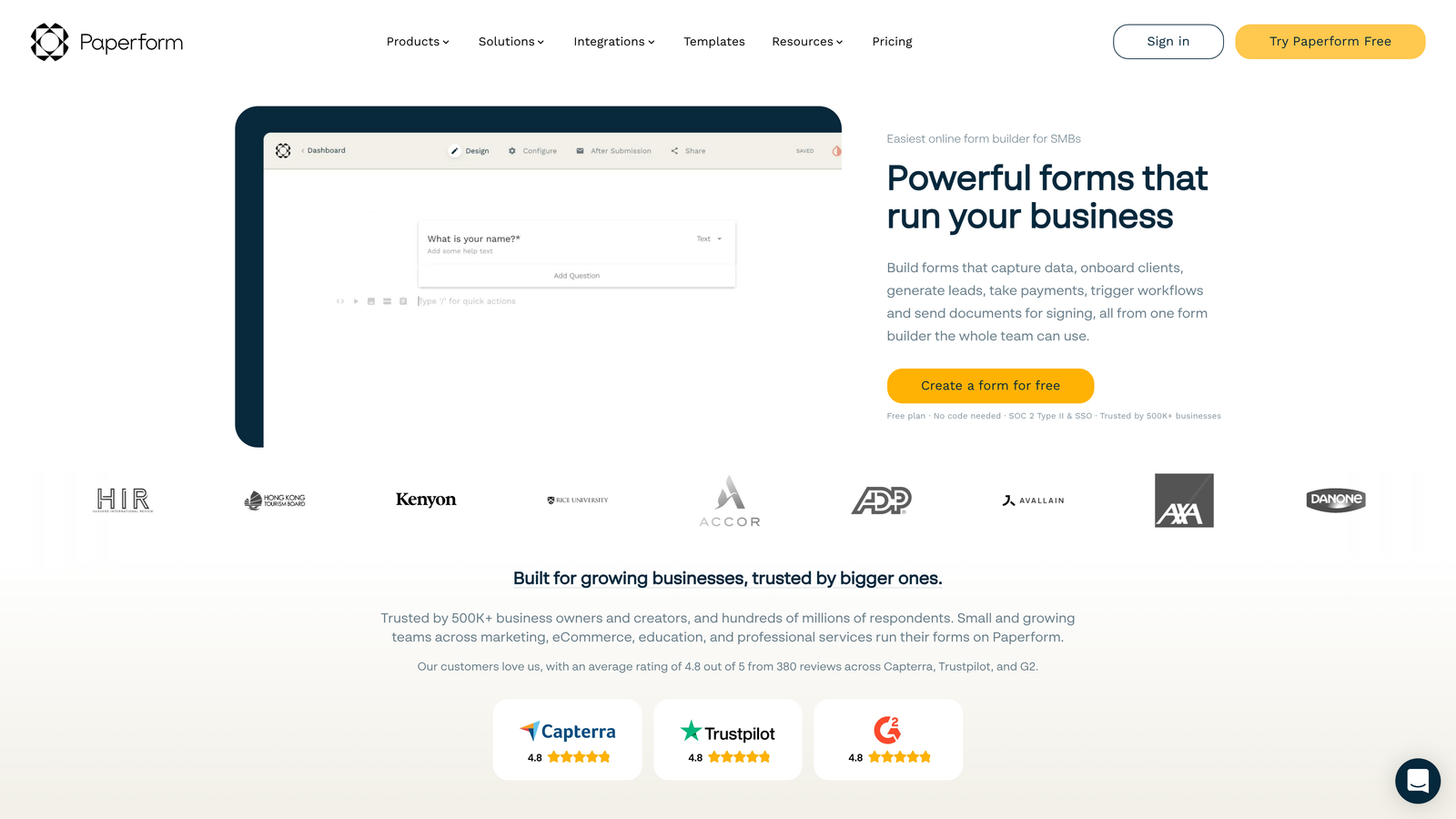
Paperform is a landing page-style form builder that lets you create rich, media-heavy forms that transcend traditional form limitations.
Where This Tool Shines
Paperform blurs the line between forms and landing pages, letting you create experiences that feel more like interactive web pages than data collection tools. You can embed videos, add rich text sections, create product showcases, and build complete booking systems within a single form.
The platform excels at use cases where forms need to do double duty—collecting information while also selling, educating, or entertaining. Think product order forms with embedded demos, or event registration pages with full schedules and speaker bios.
Key Features
Landing Page Design: Create forms that look and feel like full web pages with rich text, images, and embedded media.
Media Embedding: Add videos, image galleries, and interactive elements directly within form flows.
Product Pages: Build complete product showcases with images, descriptions, and checkout capabilities.
Calculation Fields: Create dynamic pricing calculators, quote generators, and custom formulas within forms.
Scheduling Features: Add booking calendars and appointment scheduling directly into forms without external tools.
Best For
Creative agencies, service businesses, and e-commerce brands that need forms to do more than collect data. Particularly valuable for consultants offering tiered services, event organizers selling tickets, or businesses needing quote calculators embedded in lead capture.
Pricing
Essentials plan starts at $24/month with core features. Higher tiers add increased submissions, advanced integrations, and team collaboration features.
6. Fillout
Best for: Teams using Notion or Airtable who need native database sync for form submissions
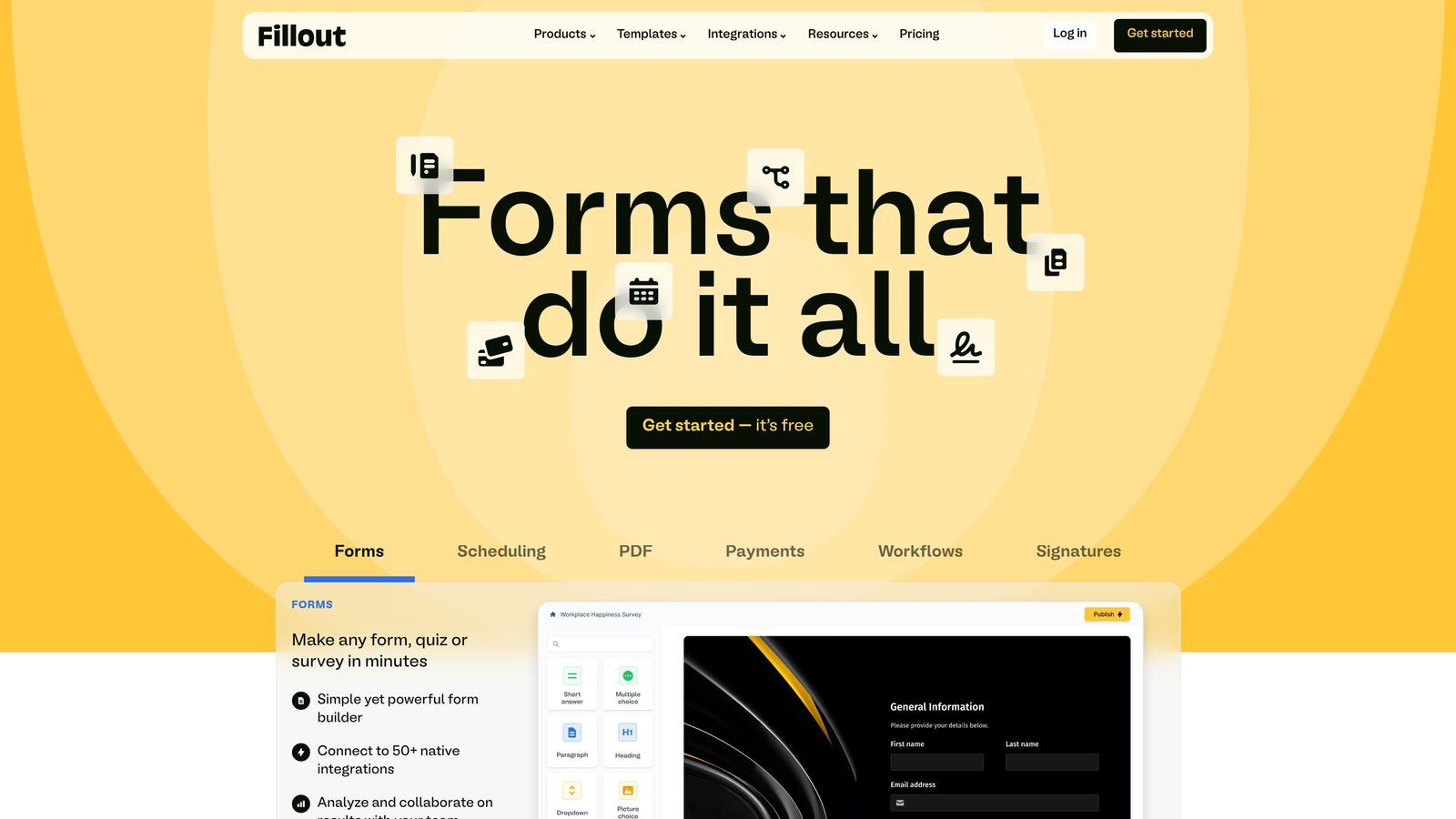
Fillout is a database-native form builder designed for teams already using Notion, Airtable, or other no-code databases.
Where This Tool Shines
Fillout's killer feature is genuine two-way sync with Notion and Airtable—not just one-way data dumps through Zapier. You can create forms that update existing database records, not just create new ones. This enables use cases like customer portals where users update their own information.
The platform understands database relationships and field types natively, so your form fields automatically map to the correct database columns with proper validation. No middleware or complex mapping required.
Key Features
Native Database Sync: Direct two-way integration with Notion and Airtable that updates existing records, not just creates new ones.
Record Updates: Let users update their existing database records through forms, enabling customer portals and self-service workflows.
Scheduling Forms: Built-in calendar booking that syncs with your database and calendar tools.
File Uploads: Handle file submissions that automatically attach to the correct database records.
Multi-Page Forms: Break long forms into multiple pages while maintaining a single database entry.
Best For
Teams already running operations in Notion or Airtable who need forms that integrate seamlessly with existing workflows. Particularly valuable for customer portals, internal request systems, and any use case requiring form updates to existing database records.
Pricing
Free tier available with basic features. Starter plan begins at $15/month, offering competitive pricing for teams already invested in the no-code database ecosystem.
7. Formspark
Best for: Developers building static sites who need a simple form backend without a full builder
Formspark is a developer-focused form backend for static sites, providing a simple API endpoint without requiring a full form builder.

Where This Tool Shines
Formspark solves a specific problem: you've built a beautiful custom form in your static site, but you need somewhere to send the data. Instead of building your own backend or using a clunky iframe embed, you get a clean API endpoint that handles submissions, spam protection, and notifications.
The platform stays out of your way, letting you maintain complete control over form design and user experience while handling the backend plumbing. Perfect for developers who want functionality without sacrificing design control.
Key Features
Simple API Endpoint: Get a form endpoint URL that accepts submissions from any frontend without additional setup.
Frontend Agnostic: Works with any framework or static site generator—React, Vue, vanilla HTML, whatever you're using.
Spam Protection: Built-in spam filtering and reCAPTCHA support without additional configuration.
Email Notifications: Automatic email alerts for new submissions with customizable templates.
Webhook Integration: Forward submissions to other services via webhooks for custom processing workflows.
Best For
Developers and technical teams building custom static sites, JAMstack applications, or any scenario where you want complete design control but need reliable form handling. Ideal for portfolio sites, documentation pages, and marketing sites built with modern frameworks.
Pricing
Free tier available for low-volume use. Paid plans start at $8/month, making it one of the most affordable options for developers needing simple form backends.
8. Reform
Best for: Performance-focused teams prioritizing fast load times and high conversion rates
Reform is a performance-focused form builder emphasizing fast load times and high conversion rates through streamlined design.
Where This Tool Shines
Reform obsesses over performance metrics that directly impact conversion rates—load speed, time to interactive, and mobile responsiveness. The platform generates lightweight forms that load in milliseconds rather than seconds, eliminating the performance penalty that heavier form builders introduce.
Built-in A/B testing lets you experiment with form variations without external tools or complex setups. Test different field orders, copy variations, or design approaches to systematically improve conversion rates based on real data.
Key Features
Lightweight Forms: Optimized code that loads quickly even on slow connections, reducing abandonment from performance issues.
Conversion Focus: Design patterns and templates specifically built to maximize completion rates based on behavioral research.
A/B Testing: Built-in experimentation tools to test form variations and identify what drives higher conversions.
Custom Styling: Full CSS control for teams who need precise brand matching and design customization.
Integration Options: Webhook support and Zapier connectivity for flexible workflow integration.
Best For
Growth teams and conversion rate optimization specialists who understand that form performance directly impacts revenue. Particularly valuable for high-traffic sites where even small conversion improvements translate to significant business impact.
Pricing
Free tier available for testing. Pro plan starts at $19/month with access to A/B testing, custom CSS, and advanced analytics features.
9. HubSpot Forms
Best for: HubSpot users needing native CRM integration and marketing automation triggers
HubSpot Forms is a CRM-integrated form builder that automatically syncs submissions with HubSpot contacts and marketing workflows.
Where This Tool Shines
HubSpot Forms excels when you're already invested in the HubSpot ecosystem. Form submissions automatically create or update contact records, trigger email sequences, assign leads to sales reps, and populate deal pipelines—all without Zapier or custom integrations.
Progressive profiling is the standout feature: returning visitors see different questions than first-time visitors, gradually building complete contact profiles without overwhelming users with long forms. This dramatically improves conversion rates for companies with multiple touchpoints.
Key Features
Native CRM Integration: Submissions automatically sync to HubSpot contacts with complete activity history and context.
Progressive Profiling: Show different questions to returning visitors to gradually collect information without form fatigue.
Smart Content: Personalize form fields and messaging based on contact properties and previous interactions.
Automation Triggers: Automatically start email sequences, assign tasks, or create deals based on form submissions.
Built-In Analytics: Track form performance, conversion rates, and field-level drop-off within the HubSpot dashboard.
Best For
Companies already using HubSpot for CRM, marketing automation, or sales enablement. The native integration eliminates data sync issues and enables sophisticated marketing workflows that would require extensive custom development with other form builders.
Pricing
Free with HubSpot's free CRM tier, though with limited features. Advanced capabilities like progressive profiling and smart content require paid Marketing Hub subscriptions starting at higher tiers.
Making the Right Choice
Choosing the right modern form design platform depends on your specific workflow and growth stage. Each platform serves distinct needs within the conversion optimization landscape.
For AI-powered lead qualification and conversion optimization, Orbit AI delivers the most sophisticated feature set for high-growth teams. The intelligent lead scoring eliminates manual review processes while maintaining the modern design experience that today's users expect. Teams prioritizing conversational experiences should explore Typeform's one-question format, while budget-conscious startups will find Tally's genuinely unlimited free tier hard to beat.
If you're already invested in HubSpot, their native forms offer seamless CRM integration that eliminates the data sync headaches plaguing multi-tool stacks. Developers building custom sites will appreciate Formspark's backend-only approach that preserves complete design control. Teams needing specialized features like HIPAA compliance or payment processing should examine Jotform's extensive template library and feature depth.
The best approach: identify your primary conversion bottleneck first. Is it lead quality? Design aesthetics? Integration complexity? Database sync? Let that bottleneck guide your platform selection rather than chasing feature checklists. Start with a free trial to test the actual design experience—how the builder feels matters more than feature lists suggest.
Start building free forms today and see how intelligent form design can elevate your conversion strategy. Transform your lead generation with AI-powered forms that qualify prospects automatically while delivering the modern, conversion-optimized experience your high-growth team needs.


