

If you've ever clicked a pricing page only to find "Contact Sales" where a number should be, you know the frustration. For high-growth teams that need to move fast, opaque pricing slows everything down — and it's a red flag for tools that should be making your life easier.
This guide cuts through the noise and compares the best form software platforms that are either fully self-serve with clear pricing, or offer transparent tiers without forcing a discovery call just to see a number. We evaluated each tool on pricing transparency, form-building capabilities, lead qualification features, conversion optimization, and overall fit for fast-moving SaaS and growth teams.
Whether you're building lead capture forms, qualification flows, or contact forms that actually convert, one of these platforms will fit your stack and your budget without the sales runaround.
1. Orbit AI
Best for: High-growth SaaS teams that need AI-powered lead qualification built directly into their form flow.
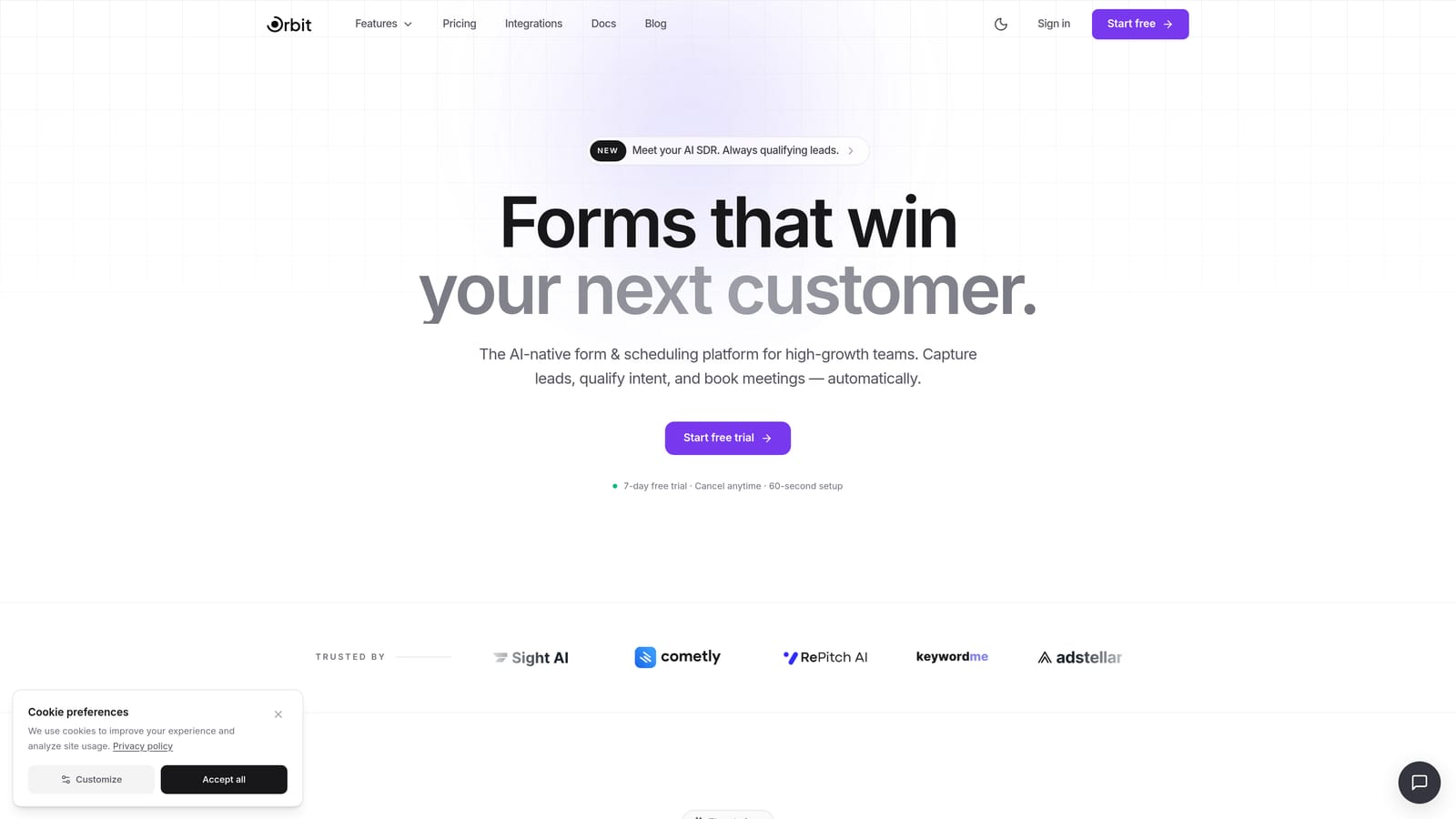
Orbit AI is an AI-powered form builder designed specifically for conversion-focused teams who need lead qualification as a native feature, not an afterthought.
Where This Tool Shines
Most form tools treat lead qualification as a bolt-on — you collect submissions, then manually route them or rely on a third-party integration to score them. Orbit AI flips that model. The AI qualification layer lives inside the form experience itself, so by the time a submission hits your CRM, it's already been scored and routed.
For teams running paid acquisition or outbound campaigns, this matters. You're not just capturing leads; you're capturing qualified leads with context attached. The form design is also genuinely modern, which matters for conversion rates on landing pages where first impressions count.
Key Features
AI-Powered Lead Qualification: Intelligent scoring built natively into the form flow, not wired in via a third-party zap.
Conversion-Optimized Templates: Pre-built form designs tailored for SaaS use cases, from demo requests to product onboarding flows.
Conditional Logic and Smart Branching: Personalize the form experience based on how respondents answer earlier questions.
Lead Scoring and Routing: Automatically prioritize high-intent submissions and route them to the right team or sequence.
No-Code Customization: Clean, modern design controls that don't require a developer to make forms look on-brand.
Best For
Growth teams, demand generation marketers, and SaaS companies that want their forms to do more than collect data. Particularly well-suited for teams running lead generation campaigns where qualification speed directly affects pipeline quality.
Pricing
Transparent, self-serve pricing tiers with no "Contact Sales" requirement for standard plans. Visit orbitforms.ai for current pricing details.
2. Typeform
Best for: Teams that want a polished, conversational form experience with a large template library and broad integrations.
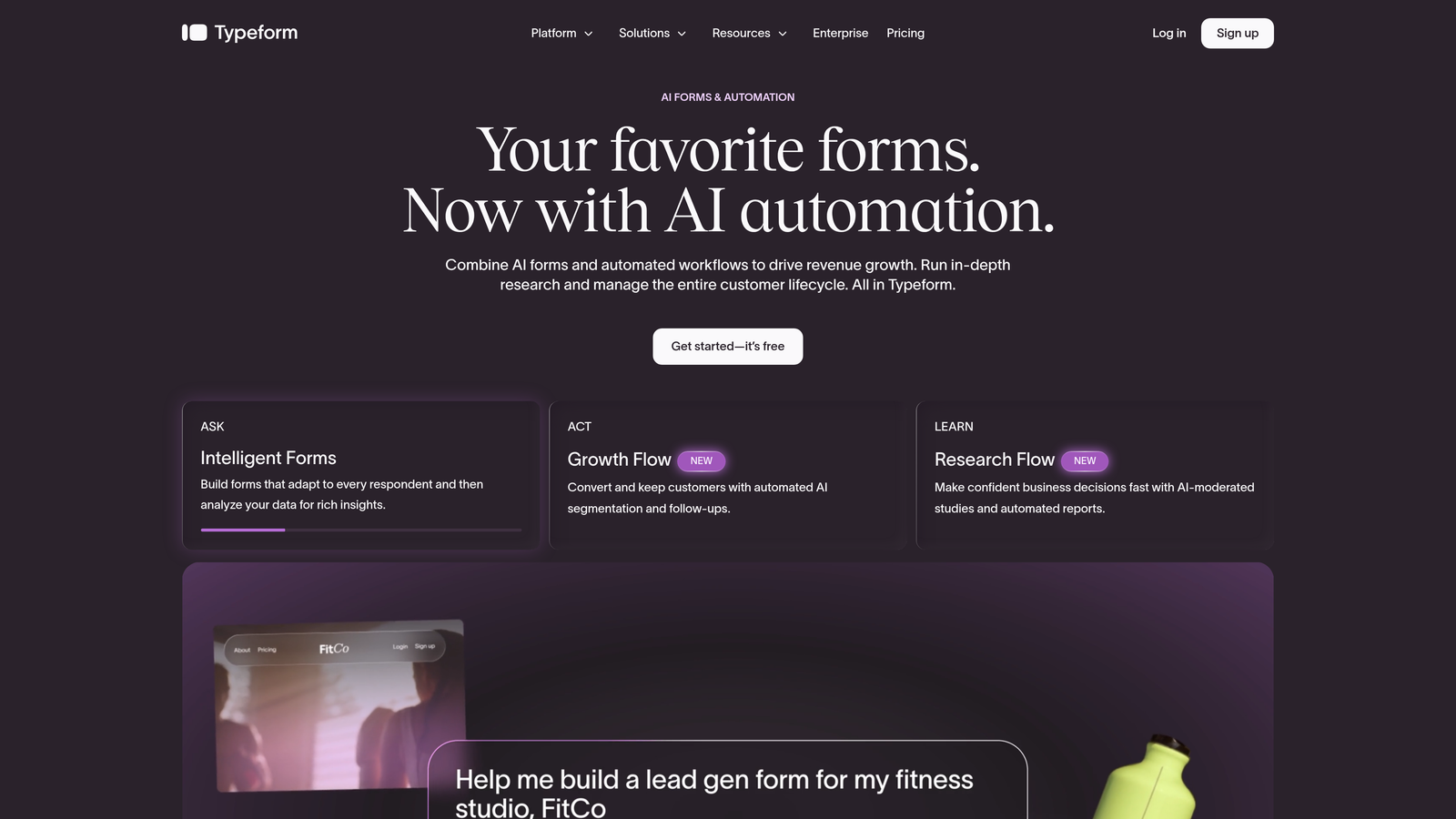
Typeform is the platform that popularized the one-question-at-a-time form format, and it remains one of the most recognizable names in the space.
Where This Tool Shines
Typeform's core strength is the experience it creates for the person filling out the form. Rather than presenting a wall of fields, it walks respondents through one question at a time, which tends to feel less intimidating and more like a conversation. For surveys, lead gen forms, and quizzes, this format consistently drives higher completion rates.
The integration ecosystem is also one of the strongest in the category. If your stack includes HubSpot, Salesforce, or a Zapier-connected tool, Typeform will almost certainly connect to it cleanly.
Key Features
Conversational Form UX: One-question-at-a-time interface that reduces form abandonment and feels approachable to respondents.
Large Template Library: Hundreds of pre-built templates spanning lead gen, surveys, quizzes, and more.
Logic Jumps and Conditional Branching: Route respondents through different paths based on their answers.
Strong Integration Ecosystem: Native connections to HubSpot, Salesforce, Zapier, and a wide range of other platforms.
Video and Image Embeds: Add visual context to questions directly within the form experience.
Best For
Marketing teams, researchers, and product teams that prioritize the respondent experience and need reliable integrations with existing CRM or marketing automation tools. Also a solid pick for teams that run regular surveys or NPS programs.
Pricing
Self-serve plans (Basic, Plus, Business) are published on the Typeform website. Enterprise pricing requires contacting sales. Check typeform.com for current rates.
3. Tally
Best for: Early-stage teams and indie builders who need capable, no-fuss forms without spending a dollar to get started.
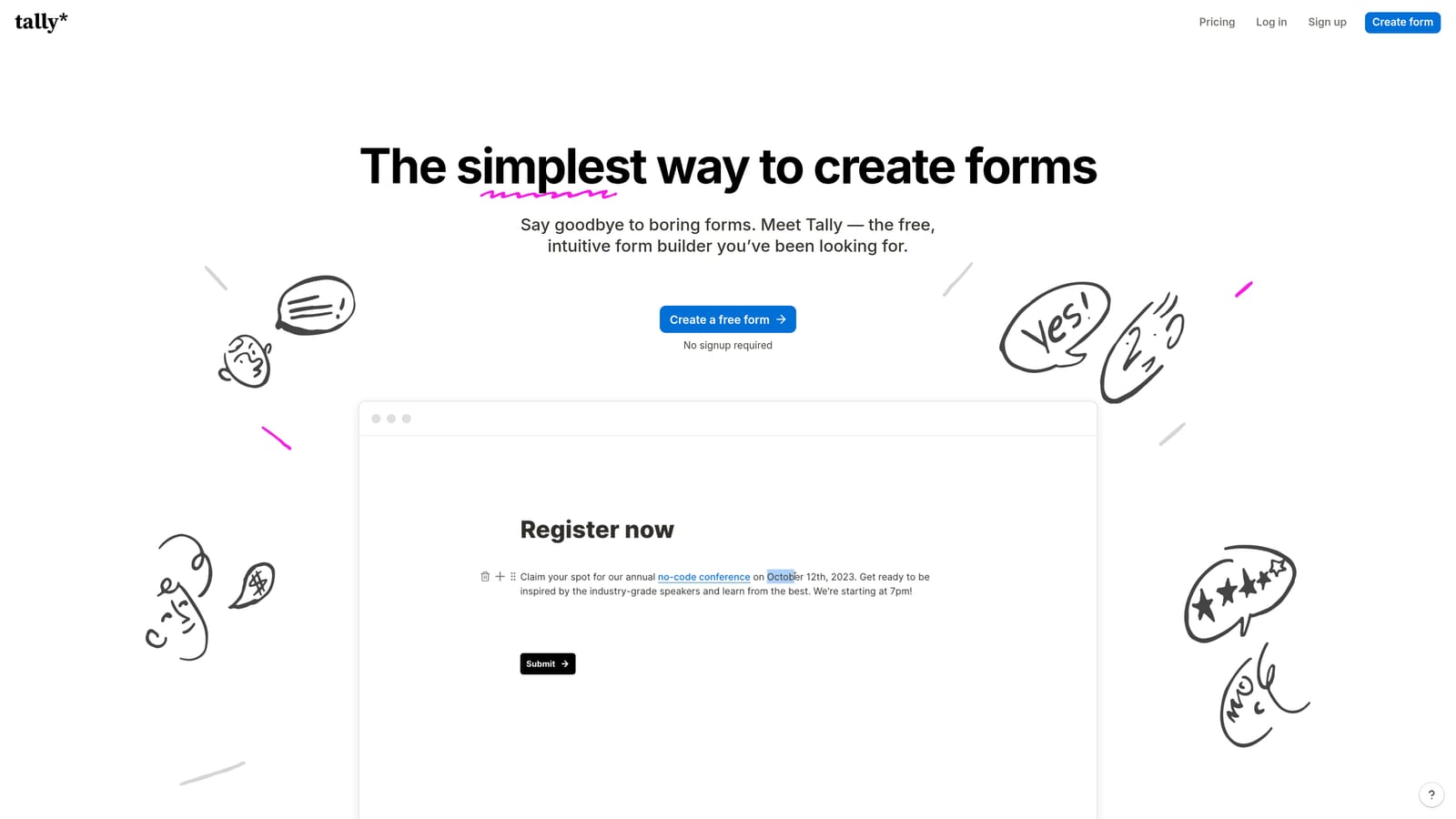
Tally is a Notion-inspired form builder with a genuinely generous free plan and fully transparent pricing across all tiers.
Where This Tool Shines
Tally's free plan is unusually capable compared to competitors. There are no submission limits, no forced Tally branding on basic embeds, and no artificial restrictions designed to push you toward a paid plan before you're ready. For teams evaluating tools during a resource-constrained sprint, that's a meaningful differentiator.
The block-based editor also clicks immediately if your team is already living in Notion. The mental model is the same, which shortens the learning curve considerably. It's not the most feature-rich platform on this list, but for straightforward forms, it gets out of your way and lets you build fast.
Key Features
Generous Free Plan: No submission limits and no Tally branding on basic embeds, making it genuinely usable without paying.
Notion-Style Block Editor: Intuitive drag-and-drop building experience for teams already familiar with block-based tools.
Conditional Logic on Free Plans: Branching logic isn't locked behind a paywall, which is rare in this category.
Unlimited Forms on All Tiers: No artificial caps on how many forms you can create.
Flat, Transparent Pro Pricing: A single Pro plan at a published monthly rate, fully self-serve.
Best For
Indie developers, early-stage startups, and lean teams that need solid forms quickly and want to avoid budget conversations. Also a great fit for teams already embedded in the Notion ecosystem who want a familiar building experience.
Pricing
Free plan available with no submission limits. Pro plan at a flat monthly rate, fully self-serve with no sales call required. Check tally.so for current pricing.
4. Paperform
Best for: Teams that want creative control over form design and need built-in payment collection or scheduling alongside their forms.
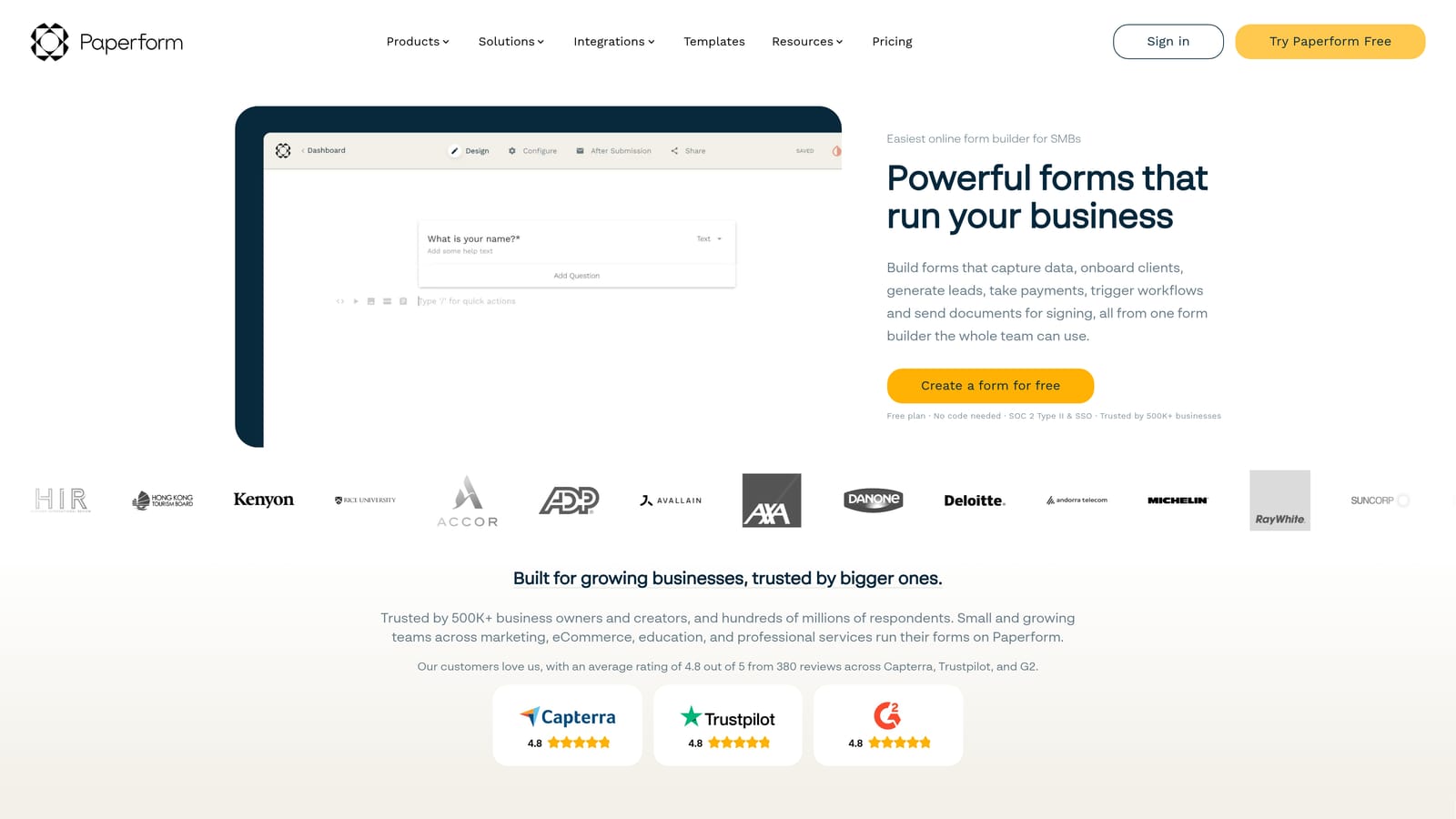
Paperform blends form building with lightweight landing page design, letting teams create rich, document-style form pages that mix text, media, and questions in a single canvas.
Where This Tool Shines
Paperform's document-style editor is genuinely different from the competition. Rather than a sterile form interface, you're building something closer to a rich page — you can weave instructional text, images, and form fields together in a way that feels more like a curated experience than a data collection exercise. This makes it particularly effective for product order forms, booking pages, and intake flows where context matters.
The built-in payment and scheduling features also reduce the need for additional tools. If you're running a small operation that needs forms, payments, and bookings in one place, Paperform can cover all three without forcing you to stitch together integrations.
Key Features
Document-Style Editor: Mix rich text, images, and form fields freely on a single canvas for a more engaging form experience.
Built-In Payment Collection: Accept payments via Stripe, PayPal, and other processors directly through your forms.
Scheduling and Booking: Native appointment booking functionality without needing a separate tool.
Conditional Logic and Calculation Fields: Build dynamic forms that respond to input and calculate values in real time.
Transparent Tiered Pricing: Three self-serve plans (Essentials, Pro, Business) with published pricing and no enterprise sales wall for standard use cases.
Best For
Small to mid-sized teams that want more creative flexibility in their form design, or those that need payment collection and scheduling baked in. Particularly useful for service businesses, coaches, and product teams running pre-sales or intake flows.
Pricing
Three self-serve tiers with published pricing and no requirement to contact sales for standard plans. Check paperform.co for current rates.
5. Jotform
Best for: Teams that need a broad feature set, an enormous template library, and compliance options like HIPAA for regulated industries.
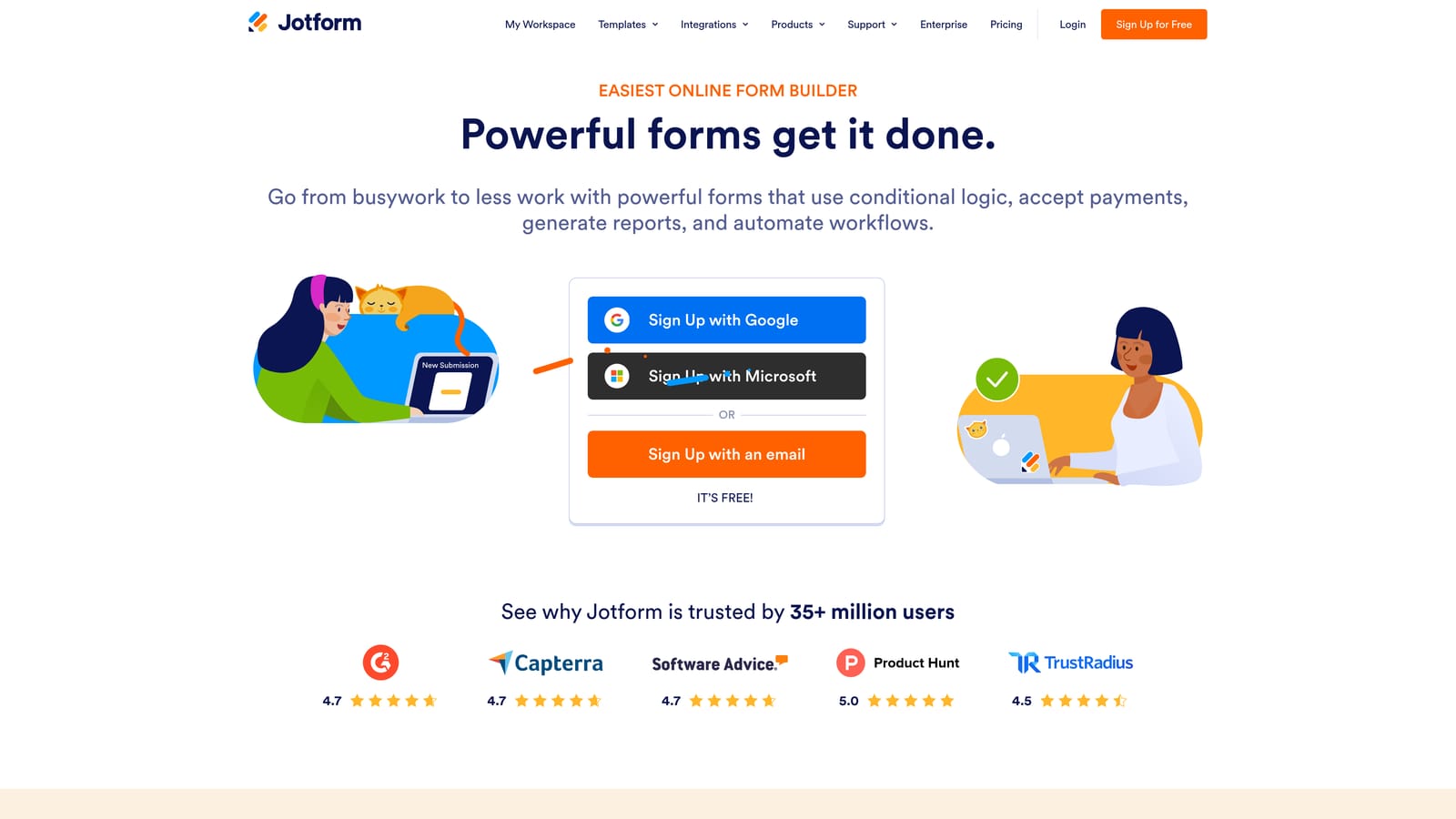
Jotform is one of the most feature-rich form platforms available, scaling from simple contact forms to complex multi-step approval workflows.
Where This Tool Shines
Jotform's depth is its defining characteristic. With over 10,000 templates, there's a starting point for virtually every use case you can imagine. The platform has been building out its feature set for years, and it shows: payment integrations, approval workflows, conditional logic, HIPAA-compliant forms, and team collaboration tools are all available within a single platform.
For teams that have outgrown simple form tools but aren't ready for a full enterprise procurement process, Jotform's self-serve paid tiers cover a lot of ground. The free plan is also genuinely functional for lighter use cases, making it easy to evaluate before committing.
Key Features
Massive Template Library: 10,000+ templates spanning lead gen, payments, registrations, surveys, and industry-specific use cases.
30+ Payment Processor Integrations: Accept payments through a wide range of processors, from Stripe to Square to PayPal.
HIPAA-Compliant Forms: Available on higher tiers, making Jotform viable for healthcare and regulated industries.
Approval Workflows: Route submissions through multi-step approval chains with team collaboration built in.
Drag-and-Drop Builder: Accessible form building with advanced field types that don't require technical knowledge.
Best For
Mid-sized teams, operations professionals, and anyone in a regulated industry who needs compliance features alongside standard form functionality. Also a strong pick for teams that want to consolidate multiple form use cases into a single platform.
Pricing
Free plan available. Multiple paid tiers with published pricing cover most use cases. Enterprise plan requires contacting sales. Check jotform.com for current rates.
6. Formstack
Best for: Mid-market and enterprise teams that need forms to trigger complex downstream workflows, document generation, or data routing in regulated environments.
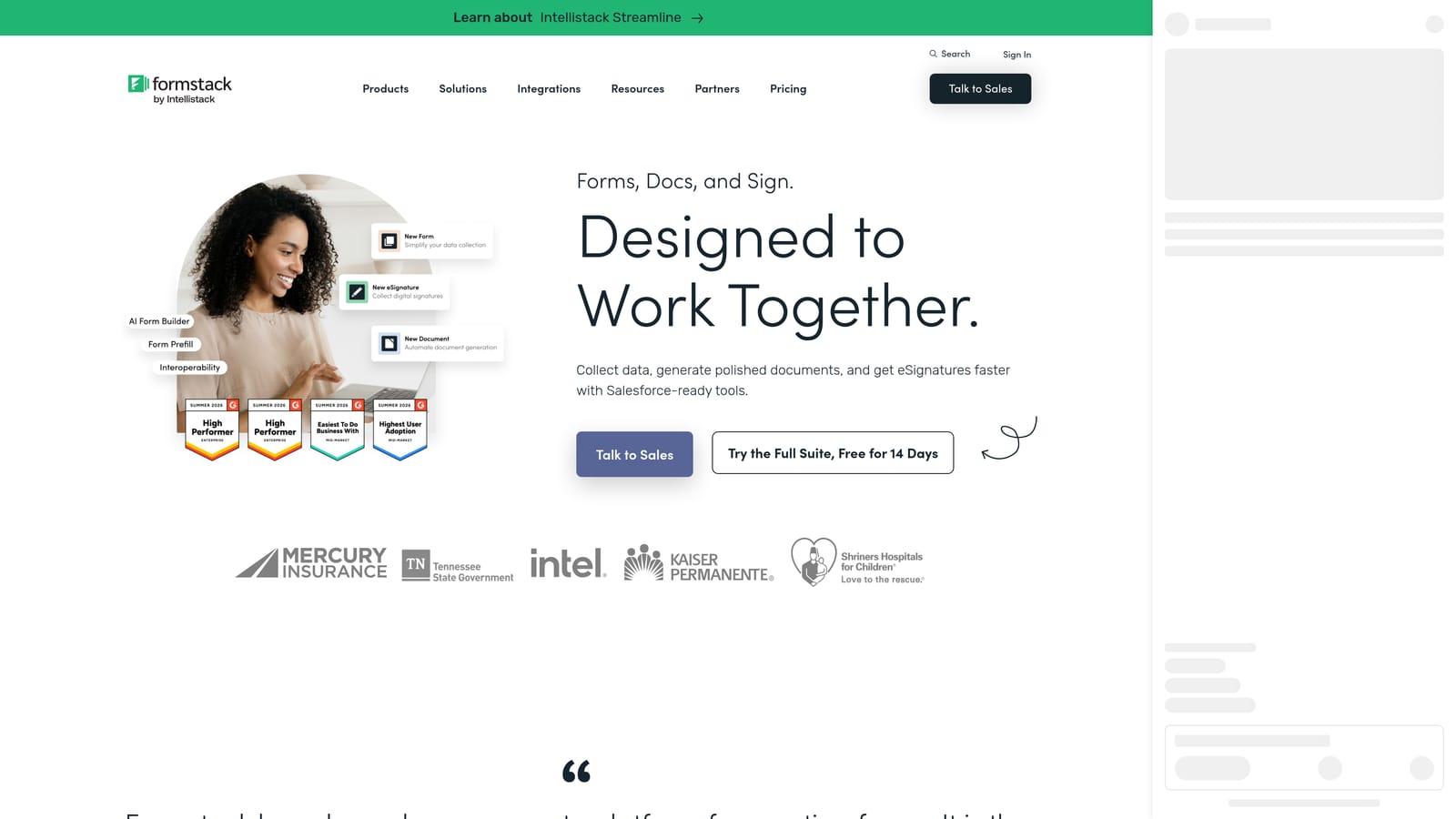
Formstack goes beyond form building into workflow automation, document generation, and data routing for teams with more complex operational needs.
Where This Tool Shines
Formstack is built for scenarios where a form submission is the beginning of a process, not the end of one. When a submission needs to trigger document generation, route data to multiple systems, kick off an approval chain, and comply with strict security requirements, Formstack has the infrastructure to handle it. It's a meaningfully different product category than a self-serve form builder.
The Salesforce-native form building option is also notable for teams deeply embedded in that ecosystem. Rather than syncing data between two tools, you're building forms that live inside Salesforce natively, which reduces integration complexity for enterprise CRM workflows.
Key Features
Workflow Automation: Trigger multi-step processes automatically based on form submission data and conditional rules.
Document Generation: Create and send documents directly from form submissions via the Formstack Documents integration.
Advanced Data Routing: Send submission data to different destinations based on conditional logic and routing rules.
Compliance and Security: Strong data security features suited for regulated industries with strict requirements.
Salesforce-Native Forms: Build forms that operate natively within Salesforce rather than syncing from an external tool.
Best For
Mid-market and enterprise teams in regulated industries, or organizations deeply embedded in Salesforce that need forms to integrate at a native level. Less suited for teams looking for a quick, self-serve setup.
Pricing
Pricing is less transparent than others on this list, with some tiers requiring sales contact. Best suited for teams with a defined budget for enterprise tooling. Check formstack.com for current pricing details.
Which Tool Is Right for Your Team?
The right form software depends on where your team is right now and what you need forms to actually do for your business.
If lead qualification is central to your growth strategy, Orbit AI is the standout choice. It's the only platform on this list where AI-powered lead scoring is a native part of the form experience rather than a workaround. For high-growth SaaS teams where pipeline quality matters as much as pipeline volume, that distinction is significant.
If conversational UX and a deep integration ecosystem are your priorities, Typeform is the proven option. For teams on tight budgets or in early stages, Tally's free plan is hard to beat. If you need creative design control or built-in payments, Paperform delivers flexibility that most form tools don't offer. For teams that need breadth of features and compliance options, Jotform covers the most ground within a self-serve model. And if your forms need to trigger complex enterprise workflows, Formstack is built for that level of operational complexity, though you should expect a less transparent pricing experience.
Most teams evaluating these tools are moving fast and don't have time for a multi-week procurement process just to find out what something costs. Every platform on this list either offers fully transparent self-serve pricing or makes it clear where the enterprise tier begins, so you can make an informed decision without a sales call.
Transform your lead generation with AI-powered forms that qualify prospects automatically while delivering the modern, conversion-optimized experience your high-growth team needs. Start building free forms today and see how intelligent form design can elevate your conversion strategy.


