

Your sign-up page form is often the first real commitment a visitor makes with your brand. And most teams are leaving serious conversion potential on the table by using the wrong tool. Whether you're capturing leads for a SaaS product, gating a webinar, or qualifying prospects before a sales call, the form builder you choose directly shapes how many people actually complete that step.
This list covers the best form builder tools for sign-up pages in 2026, evaluated on conversion-focused design, ease of setup, conditional logic, integrations, and overall value for high-growth teams. We've prioritized tools that go beyond basic field-and-submit, focusing on builders that help you qualify leads, reduce friction, and turn more clicks into conversions.
Whether you're a lean startup or a scaling SaaS team, there's a tool here that fits your workflow.
1. Orbit AI
Best for: High-growth SaaS and B2B teams that need AI-powered lead qualification built into their sign-up flow.
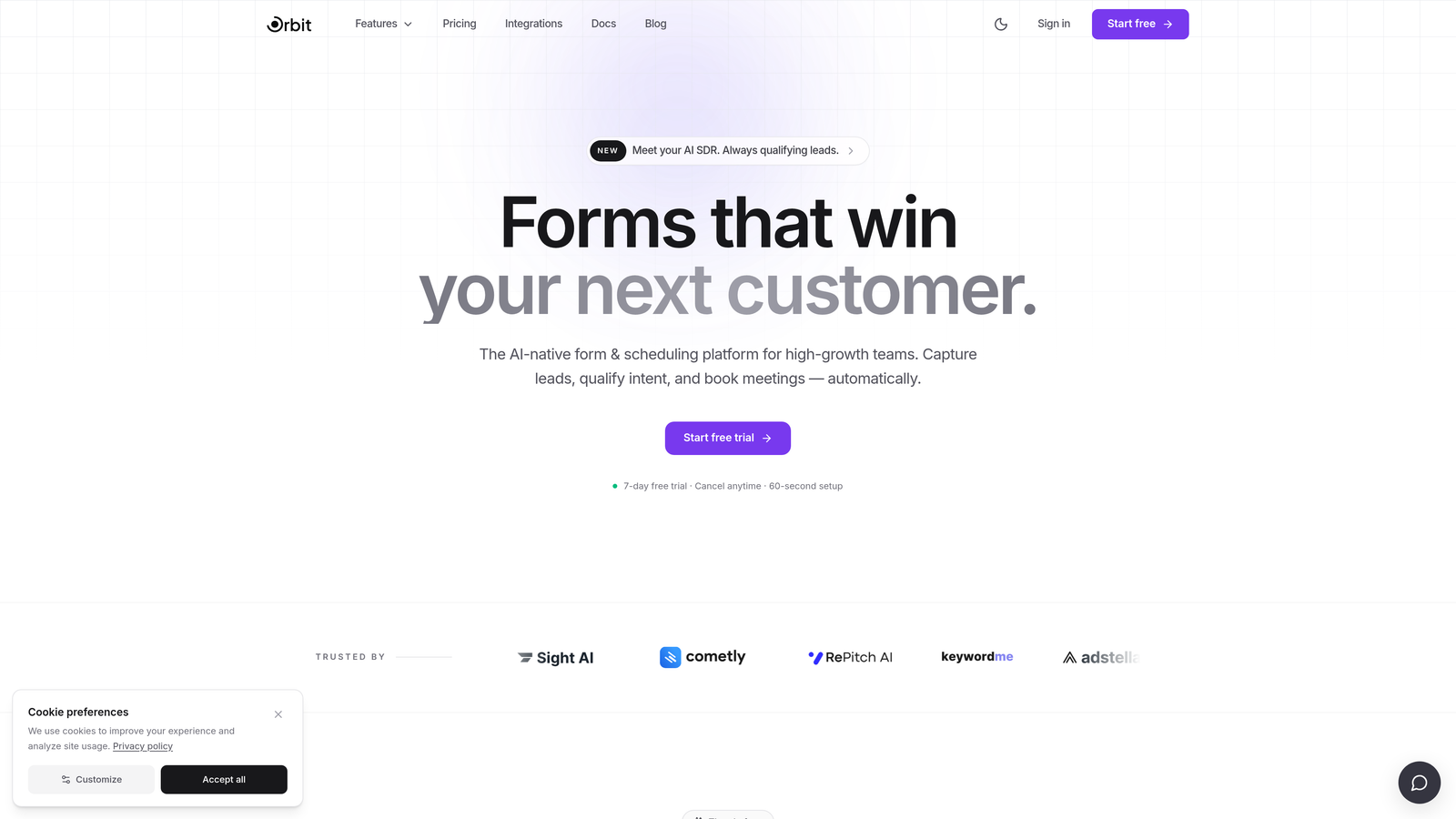
Orbit AI is an AI-powered form builder platform designed specifically for teams where lead quality matters as much as lead volume.
Where This Tool Shines
Most form builders are passive: they collect data and hand it off. Orbit AI takes a different approach by embedding lead qualification directly into the form experience itself. As prospects move through your sign-up flow, the AI scores and qualifies them in real time, giving your team a clearer picture of who's worth following up with before they ever hit your CRM.
The platform is built with conversion optimization at its core. Templates are designed around sign-up page best practices, and the conditional logic adapts dynamically based on user input, so each visitor gets a form experience that feels relevant rather than generic.
Key Features
AI-Powered Lead Qualification: Automatically scores and qualifies leads as they move through the form, prioritizing high-intent sign-ups for your team.
Conversion-Optimized Templates: Pre-built sign-up page templates designed around reducing friction and improving completion rates.
Conditional Logic and Dynamic Fields: Form fields adapt based on user responses, creating a personalized experience without extra complexity.
Lead Scoring: Built-in scoring helps sales and marketing teams focus effort on the sign-ups most likely to convert.
CRM and Marketing Tool Integrations: Connects with the tools your team already uses so qualified leads flow directly into your existing workflow.
Best For
Orbit AI is the strongest fit for SaaS teams, B2B marketers, and growth-focused organizations where sign-up quality is a key metric. If you're running high-volume lead gen campaigns and need to triage inbound interest automatically, this is built for that exact scenario.
Pricing
Visit orbitforms.ai for current pricing plans and available tiers.
2. Typeform
Best for: Teams that want a conversational, engaging sign-up experience that reduces abandonment on longer forms.
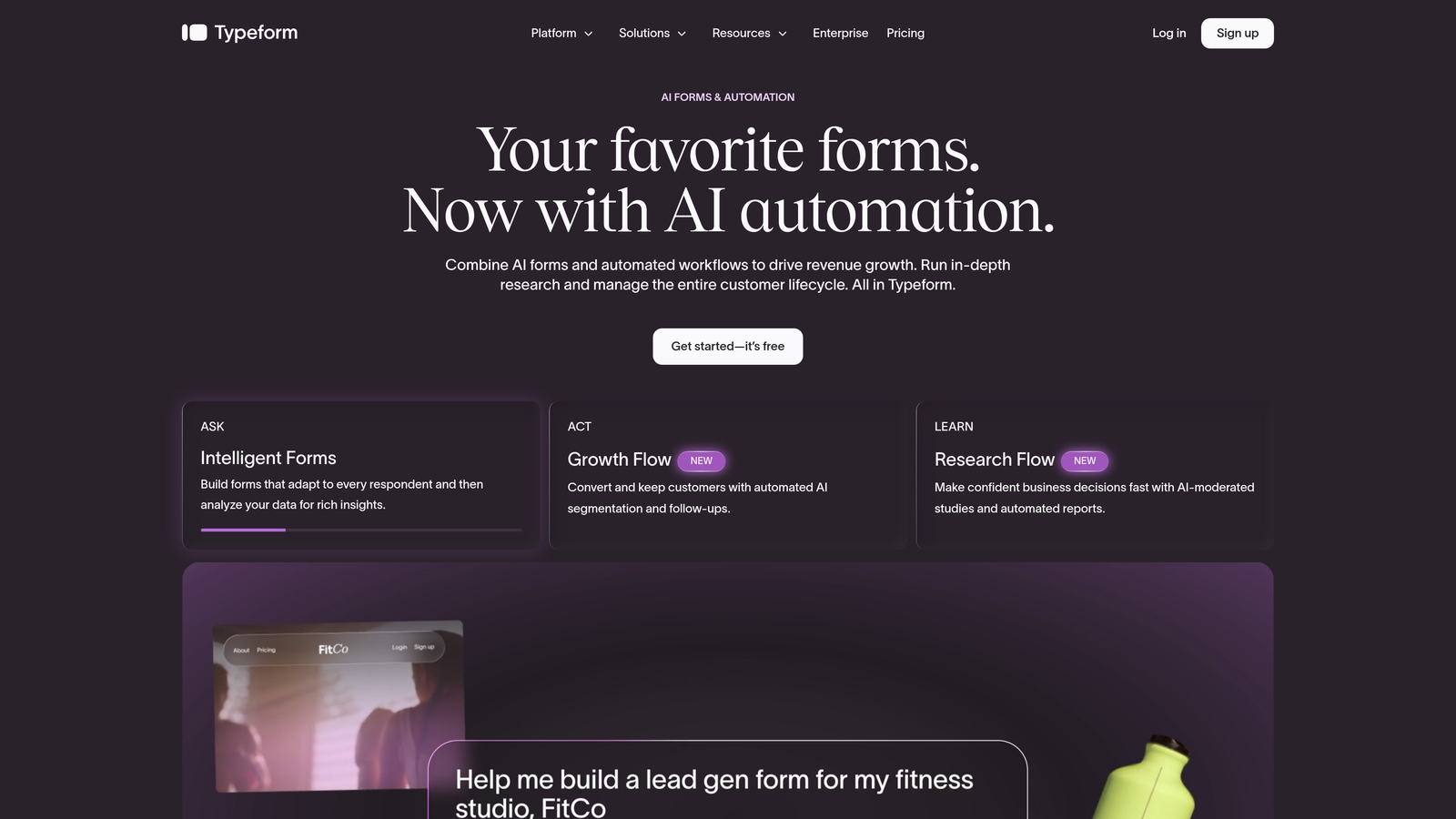
Typeform is a conversational form builder known for its one-question-at-a-time UX that turns standard sign-up flows into interactive experiences.
Where This Tool Shines
Typeform's core design philosophy is that showing one question at a time feels less overwhelming than a wall of fields. For sign-up pages where you're asking more than just a name and email, this approach can meaningfully reduce drop-off by making the process feel more like a conversation.
The brand customization options are strong, and the Logic Jumps feature allows for conditional branching that routes respondents through different question paths based on their answers. It's a polished, well-established tool with a large ecosystem of integrations.
Key Features
One-Question-at-a-Time Interface: Conversational UX that reduces cognitive load and keeps respondents engaged through the full form.
Logic Jumps: Conditional branching routes users to different questions based on previous answers, enabling personalized sign-up flows.
Branded Design Customization: Full control over colors, fonts, backgrounds, and imagery to match your brand identity.
Integrations: Native connections with HubSpot, Salesforce, Zapier, and dozens of other tools.
Video and Image Embedding: Enrich forms with visual media to add context or reinforce your value proposition mid-flow.
Best For
Typeform works well for SaaS onboarding flows, event registrations, and any sign-up scenario where engagement and completion rate are the primary goals. Teams willing to invest in a slightly higher price point for a premium UX will find it worth the cost.
Pricing
Free plan available; paid plans start at approximately $25/month. Verify current pricing at typeform.com.
3. HubSpot Forms
Best for: Teams already using HubSpot CRM who want zero-friction form-to-CRM sync on their sign-up pages.
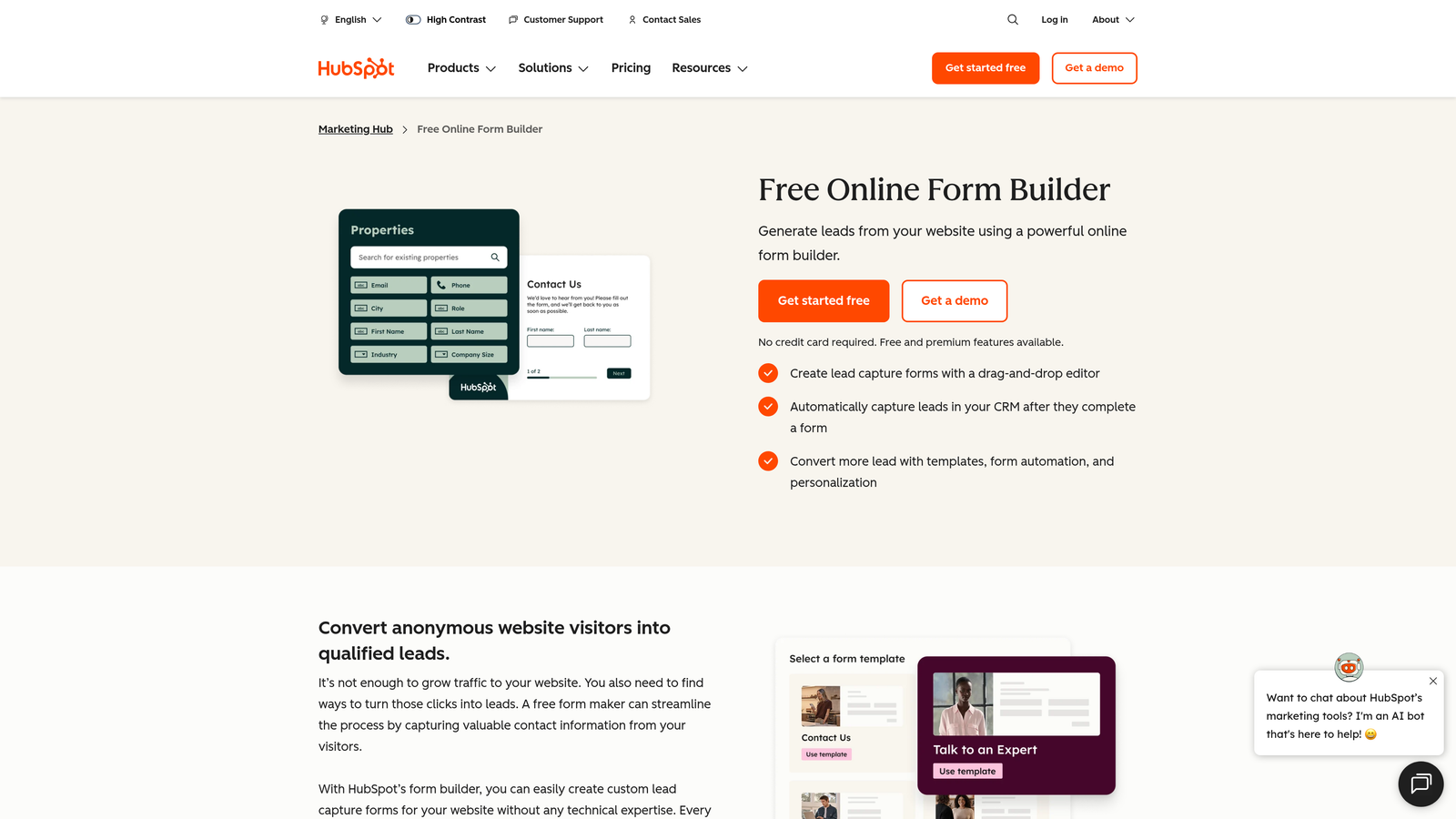
HubSpot Forms is the native form builder within HubSpot's marketing platform, offering seamless CRM sync and smart field capabilities for existing HubSpot users.
Where This Tool Shines
If your team lives in HubSpot, this is the path of least resistance. Every form submission flows directly into your CRM with zero integration setup required, and the progressive profiling feature means that returning contacts won't be asked for information HubSpot already has on file. That's a small detail that makes a real difference in the sign-up experience for known leads.
The trade-off is design flexibility. HubSpot Forms prioritizes function over form-building finesse, so if pixel-perfect design is a priority, you may find it limiting. But for teams where speed-to-CRM is the metric that matters, it's hard to beat.
Key Features
Native HubSpot CRM Integration: Form submissions sync automatically to HubSpot contacts with no setup required.
Progressive Profiling: Smart fields adapt for known contacts, only asking for information HubSpot doesn't already have.
Submission Notifications and Workflows: Trigger automated follow-up sequences directly from form completions.
Flexible Embedding: Embed on any website or deploy on a HubSpot landing page with no technical lift.
Free Tier Access: Available at no cost with HubSpot's free CRM, making it accessible for teams at any stage.
Best For
HubSpot Forms is the obvious choice for marketing teams already invested in the HubSpot ecosystem. It's also a smart starting point for early-stage SaaS companies that want CRM-connected sign-up forms without paying for a separate tool.
Pricing
Free with HubSpot CRM; advanced features are included in Marketing Hub paid plans. Check hubspot.com for current plan details.
4. Tally
Best for: Startups and indie teams that need unlimited forms and responses without paying for a premium plan.
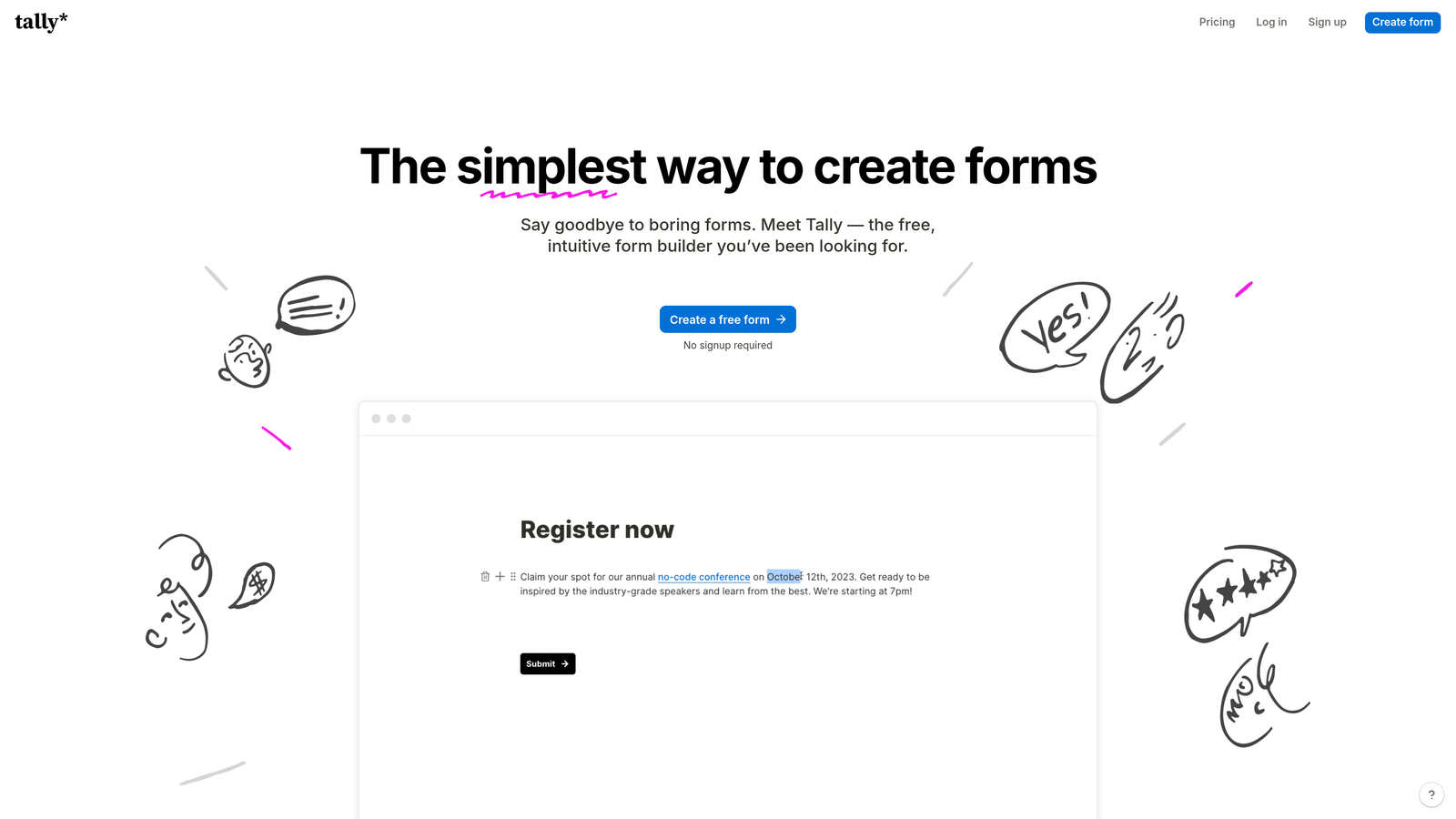
Tally is a Notion-inspired form builder offering unlimited forms and responses on a generous free plan, with a clean and minimal design interface that punches well above its price point.
Where This Tool Shines
Tally's free tier is genuinely one of the most generous in the market. Unlimited forms, unlimited responses, and no Tally branding on paid plans add up to a tool that small teams can rely on without constantly hitting paywalls. The block-based editor feels intuitive for anyone who's spent time in Notion, making form creation fast and low-friction.
Conditional logic and multi-step forms are both supported, which means Tally can handle more than just simple email captures. It's not the most feature-rich option on this list, but for the price, the gap closes quickly.
Key Features
Unlimited Forms and Responses on Free Plan: No artificial caps on the free tier, which sets Tally apart from most competitors.
Notion-Like Block Editor: Familiar drag-and-drop building experience for teams already comfortable with block-based tools.
Conditional Logic and Multi-Step Forms: Route respondents through different paths and break longer sign-ups into manageable steps.
Integrations: Connects with Notion, Google Sheets, Zapier, and other common tools for response management.
Custom Domain Support: Available on paid plans for teams that want branded sign-up page URLs.
Best For
Tally is ideal for early-stage startups, solo founders, and lean teams that need capable forms without a budget. It's also a strong choice for anyone already working heavily in Notion who wants a complementary form tool.
Pricing
Free plan available; Tally Pro at approximately $29/month. Verify current pricing at tally.so.
5. Jotform
Best for: Teams with complex sign-up requirements who need extensive templates, widgets, and deep customization options.
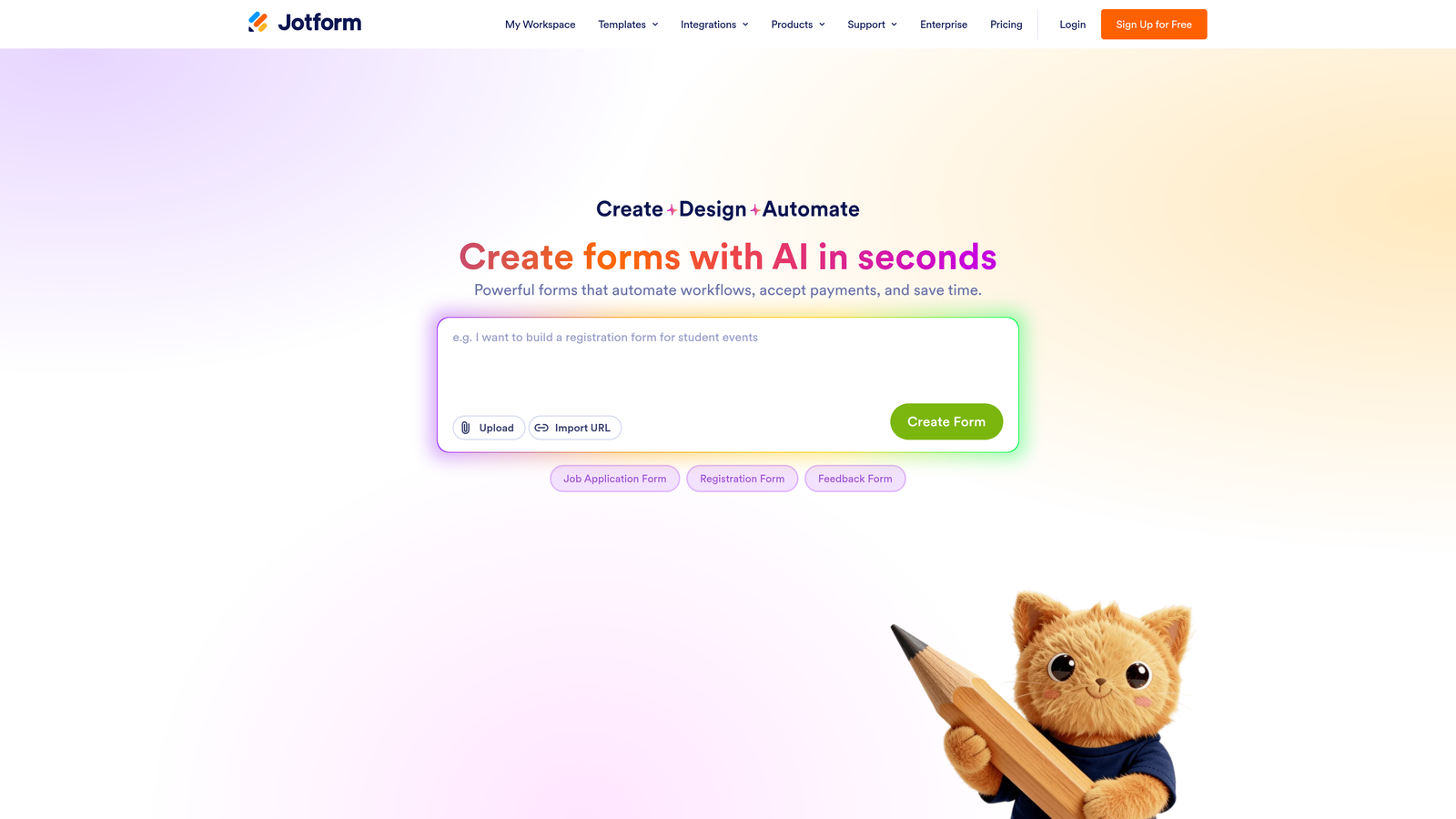
Jotform is one of the most feature-rich form builders available, with an enormous template library, extensive widget support, and deep customization for complex sign-up and registration needs.
Where This Tool Shines
Jotform's template library is one of the largest in the industry, covering sign-up forms, event registrations, membership applications, and more. If you need a starting point that's close to what you're building, there's almost certainly a template for it. The widget ecosystem adds functionality like appointment scheduling, e-signatures, and file uploads without requiring custom code.
For agencies managing multiple clients or teams with varied form needs across different departments, Jotform's breadth is a genuine advantage. It can feel like overkill for simple sign-up pages, but for complex multi-step flows with conditional logic and payment capture, it's well-suited.
Key Features
10,000+ Templates: One of the largest template libraries available, including dedicated sign-up and registration form designs.
Conditional Logic and Calculation Fields: Advanced branching and dynamic field calculations for complex form flows.
Payment Integrations: Native support for Stripe, PayPal, and Square for paid sign-ups and registrations.
HIPAA-Compliant Options: Available for regulated industries that need compliant data collection.
Jotform Tables: Built-in response management and database view for organizing sign-up submissions.
Best For
Jotform is a strong fit for agencies, larger teams, and organizations with diverse or complex form requirements. It's particularly well-suited for sign-up flows that involve payments, file uploads, or multi-department workflows.
Pricing
Free plan available; paid plans start at approximately $34/month. Verify current pricing at jotform.com.
6. Webflow Forms
Best for: Teams already building their site on Webflow who want design-consistent, native forms without third-party embeds.
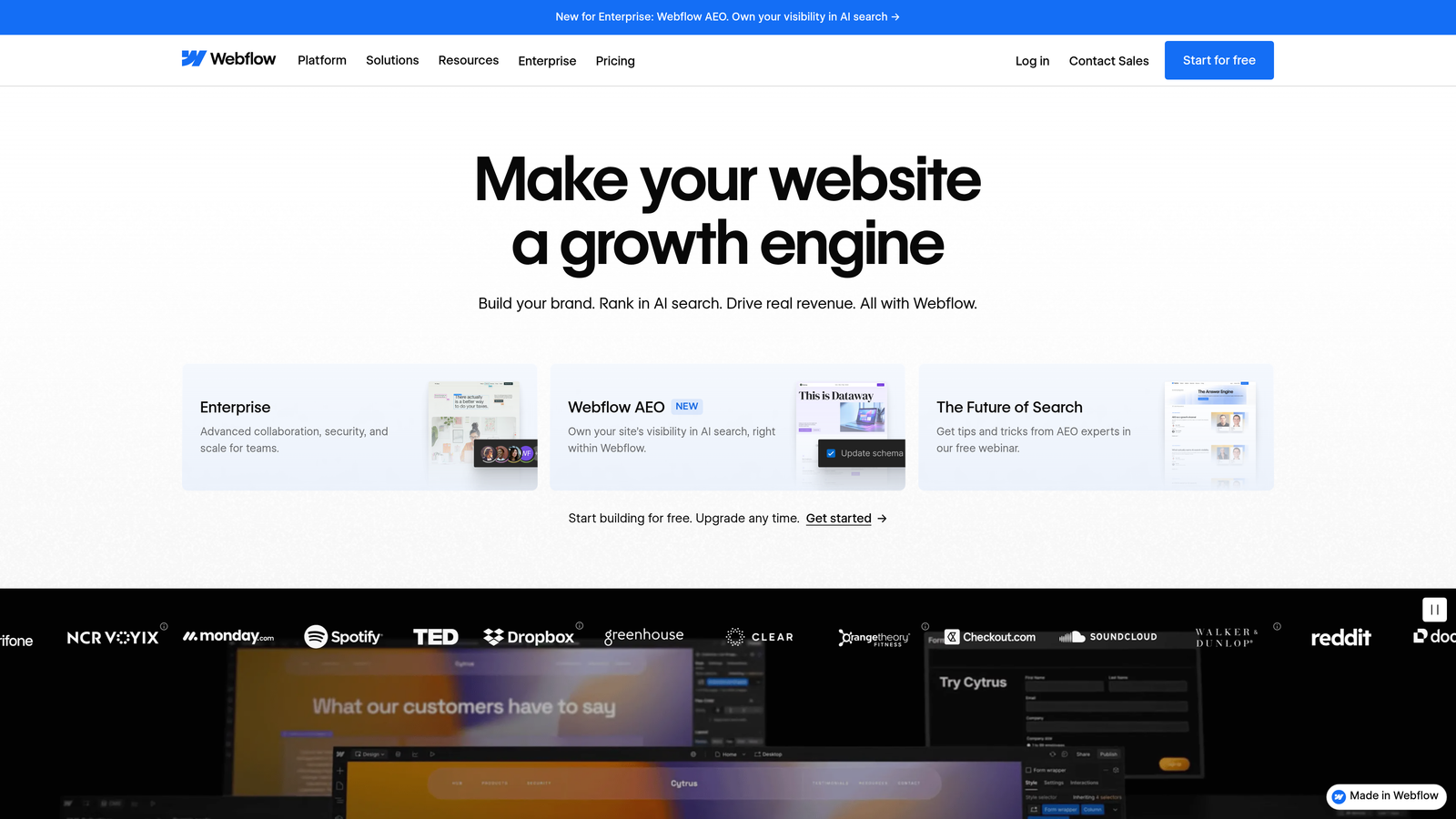
Webflow Forms is the native form functionality built directly into the Webflow no-code platform, offering pixel-perfect design control for teams already working within the Webflow ecosystem.
Where This Tool Shines
The biggest advantage of Webflow Forms is that there's nothing to embed or integrate at the design level. Your sign-up form is built in the same visual designer as the rest of your site, so it inherits your exact styles, animations, and responsive behavior without any CSS overrides or iframe workarounds. For design-conscious teams, that consistency is worth a lot.
It's worth being clear about the limitation: Webflow Forms only makes sense if you're already on Webflow. As a standalone form solution, it doesn't exist. But within a Webflow build, it's the cleanest and most design-flexible option available.
Key Features
Full Visual Design Control: Build and style forms directly within Webflow's designer, with complete control over every visual detail.
Native Integration: No third-party embeds required — forms are part of the Webflow site structure itself.
Custom Styling, Animations, and Responsive Layouts: Fully responsive forms that match your site's design language exactly.
Email Notifications and Zapier Integration: Receive submission alerts and route data to external tools via Zapier.
Webflow CMS Compatibility: Works seamlessly with Webflow CMS-driven landing pages and collection pages.
Best For
Webflow Forms is the right call for any team building their marketing site or landing pages on Webflow. It's especially valuable for design-forward SaaS companies where brand consistency across every touchpoint is a priority.
Pricing
Included with Webflow site plans, starting at approximately $14/month. Verify current pricing at webflow.com.
7. Fillout
Best for: SaaS teams building multi-step onboarding and qualification flows with advanced conditional branching.
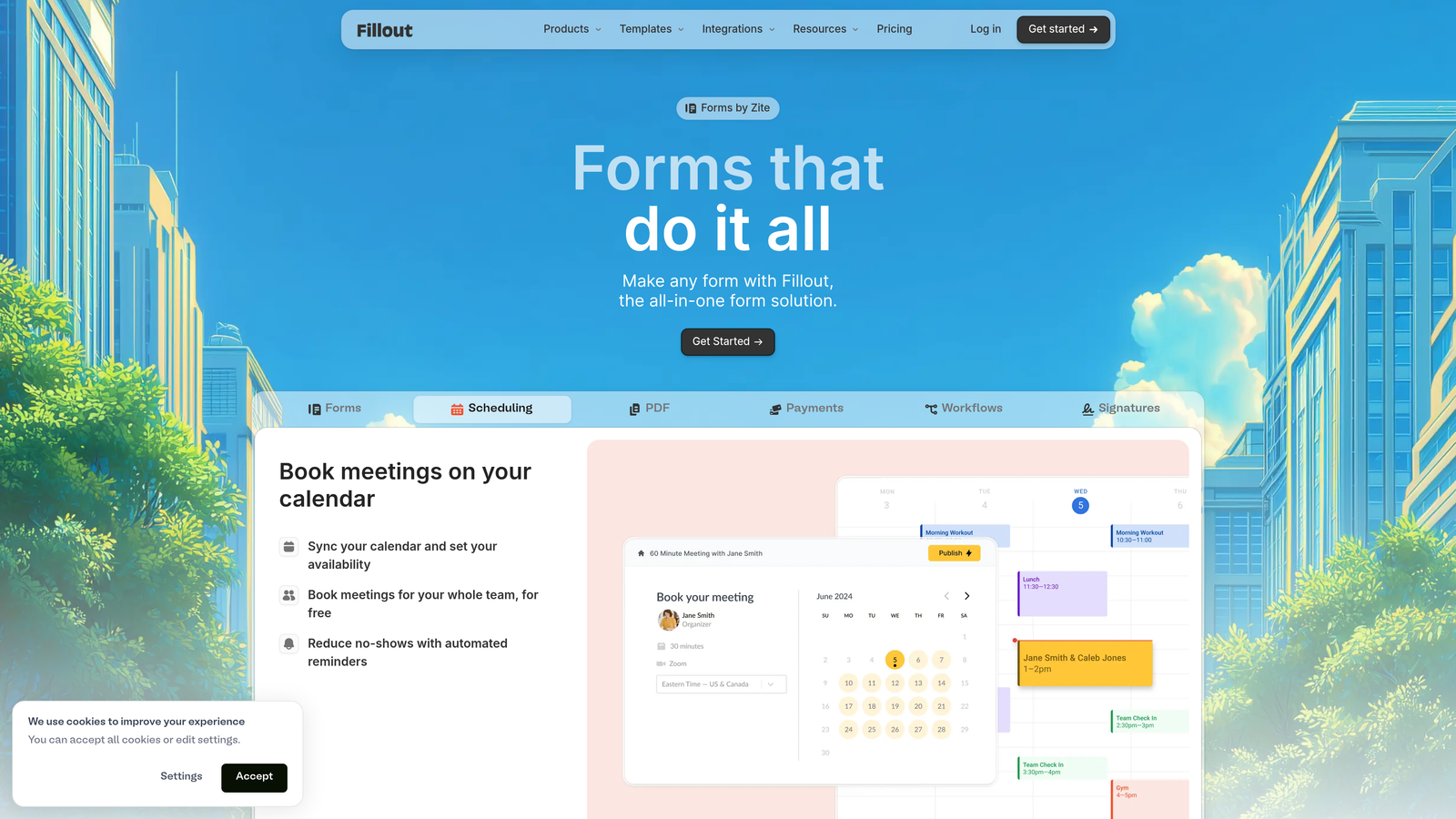
Fillout is a multi-step form builder with strong conditional logic and branching capabilities, gaining meaningful traction for SaaS onboarding and lead qualification use cases.
Where This Tool Shines
Fillout has carved out a strong position for multi-step forms where the path a user takes depends heavily on their previous answers. The conditional branching is genuinely advanced compared to most tools in this price range, making it well-suited for sign-up flows that need to route different user types through different experiences.
The native integrations with Notion, Airtable, and Google Sheets are a standout feature for teams that manage data in those tools. Combined with a competitive free tier that doesn't cap form count, Fillout offers strong value for growing teams.
Key Features
Multi-Step Forms with Advanced Conditional Branching: Route users through different paths based on their responses, enabling highly personalized sign-up flows.
Native Integrations with Notion, Airtable, and Google Sheets: Direct connections to popular productivity and data management tools without requiring Zapier.
Scheduling, Payments, and File Upload Support: Handles diverse sign-up scenarios beyond simple email capture.
Generous Free Tier: Unlimited forms on the free plan, making it accessible for teams at any stage.
Custom URL and Branding: Available on paid plans for a polished, branded sign-up experience.
Best For
Fillout is a strong fit for SaaS product teams building onboarding flows, and for growth teams that need multi-step lead qualification forms with smart branching. The Notion and Airtable integrations make it particularly appealing for teams already working in those environments.
Pricing
Free plan available; paid plans start at approximately $15/month. Verify current pricing at fillout.com.
8. Google Forms
Best for: Zero-budget sign-up scenarios where simplicity and free Google Sheets sync are the only requirements.
Google Forms is a completely free, no-frills form builder with direct Google Sheets integration, ideal for simple sign-ups where budget is the primary constraint.
Where This Tool Shines
There's no setup, no subscription, and no learning curve. If you have a Google account, you have Google Forms. For internal sign-ups, event registrations with small audiences, or any scenario where design and conversion optimization aren't priorities, it gets the job done without any overhead.
The automatic Google Sheets sync is genuinely useful for teams that already manage data in Sheets. Every submission lands in a spreadsheet instantly, which is enough for many simple use cases. Just don't expect it to compete with purpose-built conversion tools on anything beyond basic functionality.
Key Features
Completely Free: No cost, no respondent limits, no hidden tiers — included with any Google account.
Automatic Google Sheets Sync: Every submission flows directly into a connected spreadsheet for easy response management.
Basic Conditional Logic: Section branching allows for simple routing based on respondent answers.
No Respondent Account Required: Anyone with the link can submit a response without logging in.
Simple Sharing Options: Share via direct link, embed code, or email with no technical setup required.
Best For
Google Forms is the right call for internal use cases, community organizations, early-stage teams with zero budget, and any scenario where a basic sign-up is sufficient. For public-facing sign-up pages where brand impression and conversion rate matter, you'll outgrow it quickly.
Pricing
Completely free, included with Google Workspace and personal Google accounts.
9. Paperform
Best for: Teams that need a standalone sign-up page with rich media and form fields combined, without a separate website.
Paperform is a form and landing page hybrid that lets teams create standalone sign-up pages combining rich text, media, and form fields in a single document-style experience.
Where This Tool Shines
Paperform sits in an interesting category: it's more than a form but less than a full website builder. The document-style editor lets you weave images, video, body copy, and form fields together on a single page, which means you can create a complete sign-up experience without needing a separate landing page tool. For teams without a dedicated website or those who want a self-contained sign-up page they can spin up quickly, this is a meaningful advantage.
Custom domain support means your standalone sign-up page can live at your own URL, which matters for brand credibility. The integration ecosystem is broad, covering both native connections and Zapier for more complex workflows.
Key Features
Form and Landing Page Hybrid: Combine rich text, images, video, and form fields in a single, document-style sign-up page.
Custom Domain Support: Host your standalone sign-up page on your own domain for a branded experience.
Conditional Logic and Multi-Step Flows: Route respondents through personalized paths based on their input.
Payment and Booking Integrations: Supports paid sign-ups, event registrations, and appointment booking within the same page.
600+ Integrations: Broad connectivity via native integrations and Zapier for connecting to your existing stack.
Best For
Paperform is well-suited for course creators, service businesses, and any team that needs a polished standalone sign-up page without the overhead of building a full website. It's also a good fit for teams running campaigns that need a dedicated, media-rich landing page that can be launched independently.
Pricing
Starts at approximately $24/month; free trial available. Verify current pricing at paperform.co.
Which Form Builder Is Right for Your Sign-Up Page?
The best form builder for your sign-up page comes down to three things: your tech stack, your audience, and whether you're optimizing for volume or lead quality.
Here's a quick breakdown by use case to help you decide:
High-growth SaaS focused on lead quality: Orbit AI is built specifically for this scenario. The AI-powered qualification built into the form flow is a genuine differentiator for teams where every sign-up needs to count.
Conversational, engagement-first forms: Typeform remains the go-to for teams that want a polished, one-question-at-a-time experience that keeps respondents engaged through longer sign-up flows.
Already using HubSpot: HubSpot Forms is the obvious choice. Zero integration overhead and progressive profiling make it the most efficient path for teams already in that ecosystem.
Free and fast with no budget: Tally's unlimited free tier is hard to beat for startups and lean teams. Google Forms works for the simplest internal use cases where design doesn't matter.
Building on Webflow: Stay native. Webflow Forms gives you design consistency that no third-party embed can match.
Standalone sign-up page without a website: Paperform's form-plus-landing-page hybrid is the most capable option for teams that need a self-contained, media-rich sign-up experience.
Multi-step SaaS onboarding flows: Fillout's advanced conditional branching and native Notion/Airtable integrations make it a strong pick for product-led teams.
Start with the tool that fits your current workflow. Then, as your sign-up strategy matures, evaluate whether you need more sophisticated qualification capabilities. For teams where converting the right leads is just as important as capturing more of them, Start building free forms today with Orbit AI and see how AI-powered qualification can change the quality of every sign-up you receive.


