

Marketo is powerful, but let's be honest—it's built for enterprise teams with enterprise budgets. If you're a small business paying for features you'll never use while struggling with a clunky form builder, you're not alone. The good news? The form builder landscape has evolved dramatically, with tools designed specifically for lean teams that need conversion-focused forms without the complexity or cost. We evaluated dozens of alternatives based on ease of use, pricing transparency, lead qualification capabilities, and integrations that actually matter for small businesses. Here are the top options that deliver real results without the Marketo overhead.
1. Orbit AI
Best for: High-growth teams prioritizing lead qualification and conversion optimization
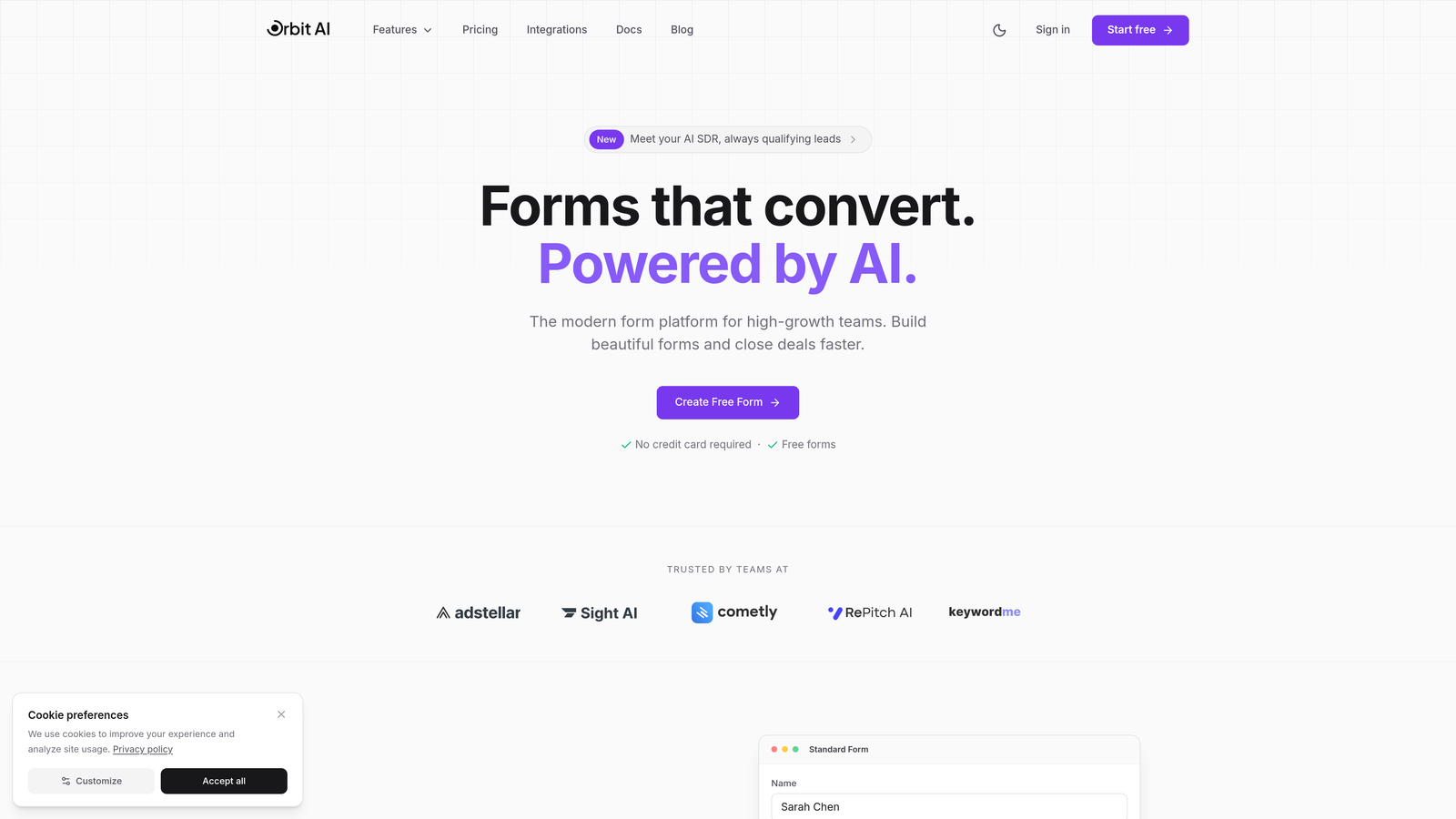
Orbit AI is an AI-powered form builder platform designed specifically for teams that need intelligent lead qualification without enterprise complexity.
Where This Tool Shines
The standout feature is the built-in AI lead qualification engine. While most form builders stop at data collection, Orbit AI automatically scores and qualifies leads based on their responses, helping your sales team focus on the prospects most likely to convert.
The platform is built with conversion optimization at its core. Every template is designed based on proven conversion principles, and the analytics dashboard shows you exactly where leads drop off so you can continuously improve performance.
Key Features
AI-Powered Lead Qualification: Automatically scores and qualifies leads based on form responses, eliminating manual triage.
Conversion-Optimized Templates: Pre-built form templates designed around conversion best practices for different use cases.
Native CRM Integrations: Seamless connections with HubSpot, Salesforce, and Pipedrive for automatic data sync.
Workflow Automation: Smart lead routing based on qualification scores, ensuring hot leads reach sales immediately.
Real-Time Analytics: Comprehensive dashboard tracking form performance, completion rates, and conversion metrics.
Best For
Growing B2B companies that need to qualify leads efficiently and teams focused on conversion rate optimization rather than just data collection. Particularly valuable if your sales team is overwhelmed with unqualified leads.
Pricing
Contact for pricing; designed for growing teams with scalable plans that match your business size.
2. Typeform
Best for: Customer-facing forms where user experience and completion rates matter most
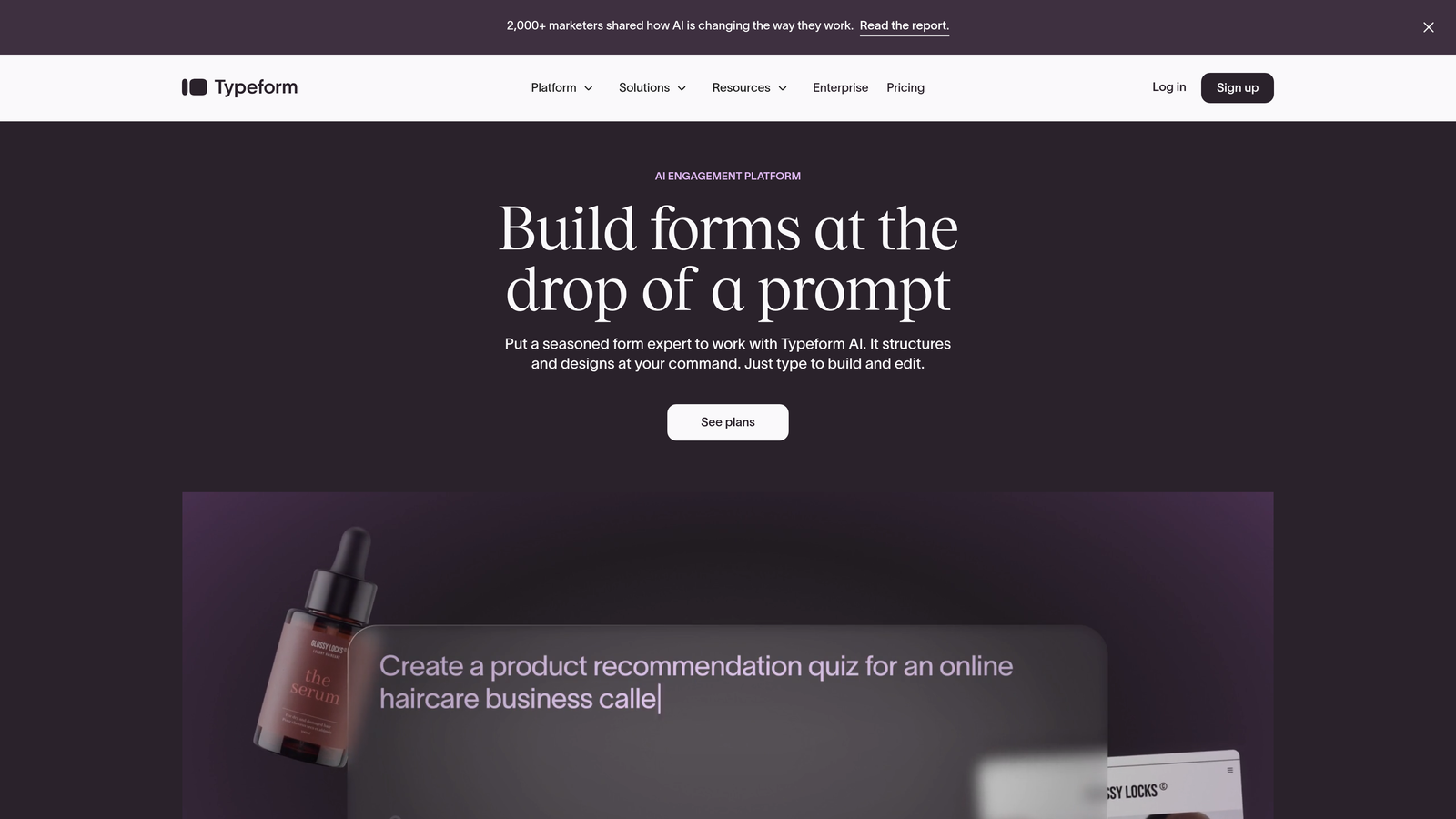
Typeform is a conversational form builder known for creating beautiful, engaging forms that feel more like conversations than interrogations.
Where This Tool Shines
The one-question-at-a-time format dramatically reduces form abandonment. Instead of overwhelming users with a wall of fields, Typeform presents questions sequentially, making even long forms feel manageable and keeping users engaged throughout.
The design capabilities are unmatched for teams that care about brand presentation. Every form can be customized with your brand colors, fonts, and images, creating a polished experience that reflects your company's identity.
Key Features
Conversational Format: One-question-at-a-time presentation that increases completion rates by reducing cognitive load.
Beautiful Templates: Professionally designed templates with extensive customization options for branding.
Logic Jumps: Conditional branching that adapts questions based on previous answers for personalized experiences.
Rich Media Support: Embed videos, images, and GIFs to make forms more engaging and interactive.
Integration Ecosystem: Native connections with popular tools plus Zapier for extended automation possibilities.
Best For
Customer surveys, lead generation forms, and any scenario where form completion rates directly impact business outcomes. Perfect for consumer-facing businesses and B2C companies.
Pricing
Free plan available with Typeform branding; Basic plan starts at $25/month with 100 responses.
3. Jotform
Best for: Small businesses needing versatile forms with extensive template options
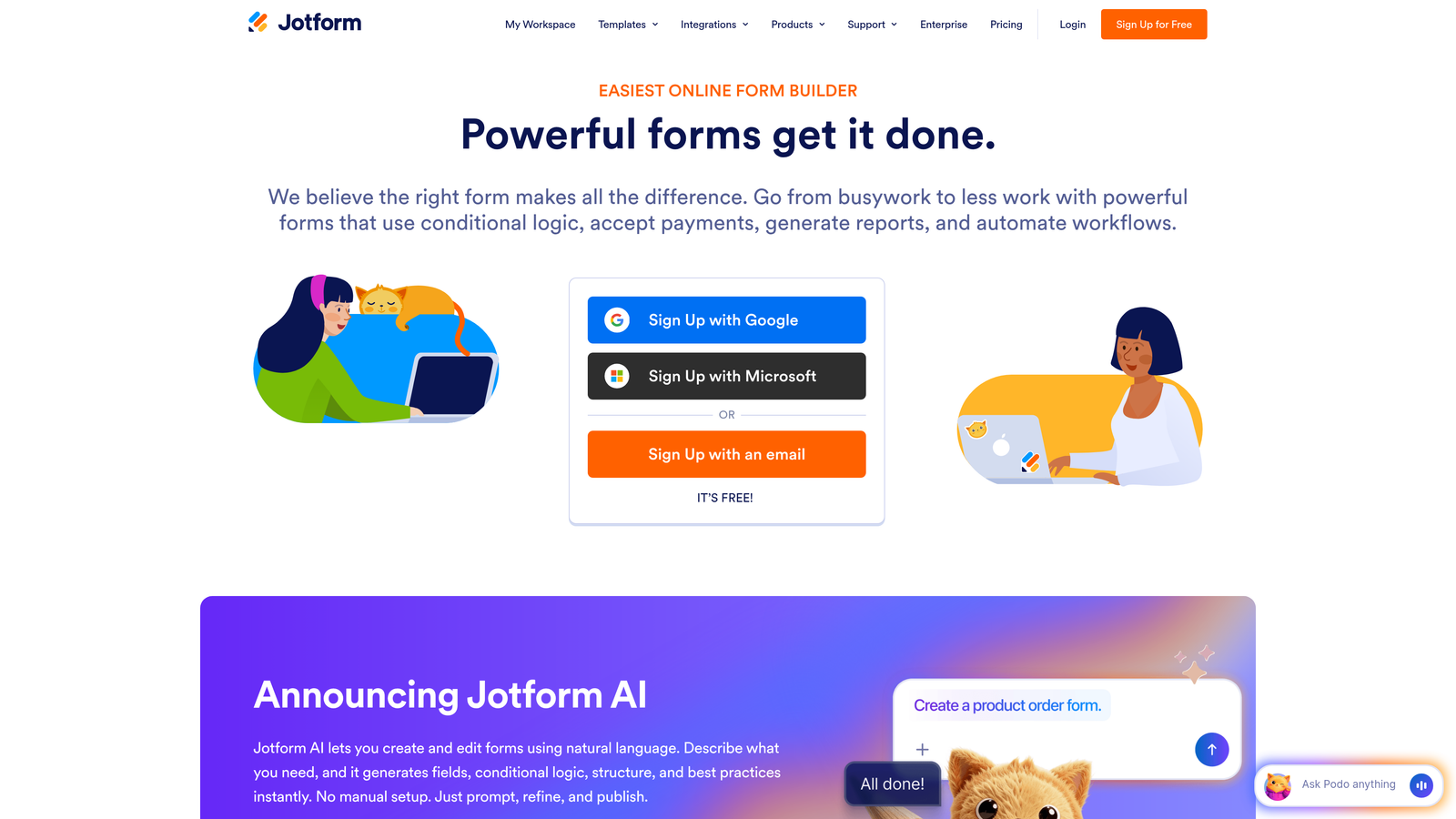
Jotform is a comprehensive form builder offering over 10,000 templates and a generous free tier that covers most small business needs.
Where This Tool Shines
The template library is genuinely useful—not just generic contact forms but industry-specific options for everything from event registration to job applications. You can launch professional forms in minutes by starting with a relevant template and customizing from there.
Payment collection is built directly into the platform with support for PayPal, Stripe, Square, and other processors. This makes Jotform particularly valuable for businesses selling products, accepting donations, or collecting registration fees.
Key Features
10,000+ Templates: Industry-specific templates covering virtually every use case, from healthcare to education to e-commerce.
Drag-and-Drop Builder: Intuitive editor that requires zero coding knowledge to create complex forms.
Payment Processing: Built-in integrations with major payment gateways for collecting payments directly through forms.
PDF Generation: Automatically convert form submissions into PDF documents for contracts, invoices, or receipts.
HIPAA Compliance: Optional compliance features for healthcare businesses handling protected health information.
Best For
Service businesses, healthcare providers, educational institutions, and any small business that needs reliable forms with payment collection capabilities. The extensive template library makes it ideal for teams without design resources.
Pricing
Free for up to 5 forms with 100 monthly submissions; Bronze plan at $34/month for 25 forms.
4. HubSpot Forms
Best for: Teams already using HubSpot CRM or planning to adopt it
HubSpot Forms is a free form builder that integrates seamlessly with HubSpot's CRM and marketing automation platform.

Where This Tool Shines
The native CRM integration is unbeatable if you're in the HubSpot ecosystem. Every form submission automatically creates or updates contact records, logs activities, and triggers workflows without any middleware or integration setup.
Progressive profiling is a game-changer for lead nurturing. The system remembers what information you've already collected from returning visitors and shows them different questions each time, gradually building complete profiles without form fatigue.
Key Features
Free Forever: Unlimited forms with unlimited submissions when using the free HubSpot CRM.
Progressive Profiling: Automatically shows different questions to returning visitors to build complete contact profiles over time.
Automatic Contact Creation: Instant CRM record creation with all form data properly mapped to contact fields.
Smart Fields: Pre-populate known information for returning visitors to reduce form friction.
Built-In Analytics: Track form views, submissions, and conversion rates directly in your HubSpot dashboard.
Best For
Small businesses committed to or considering HubSpot's CRM and marketing platform. The value is exceptional if you're already using HubSpot, but less compelling if you need standalone form functionality.
Pricing
Completely free with HubSpot CRM; advanced features available in paid Marketing Hub tiers starting at $45/month.
5. Tally
Best for: Bootstrapped teams watching every dollar while needing professional forms
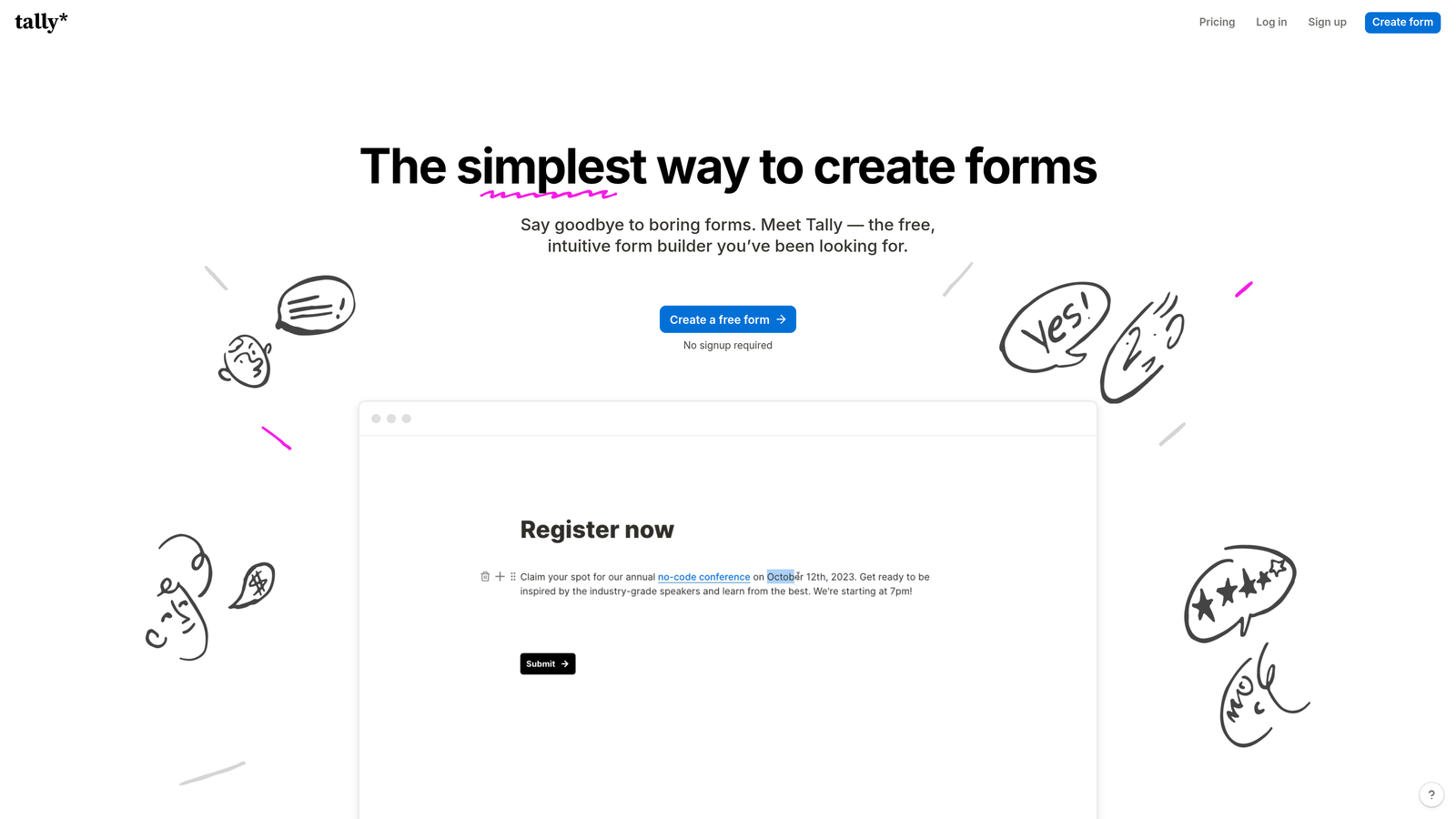
Tally is a minimalist form builder offering unlimited forms for free with a Notion-like editing experience that feels instantly familiar.
Where This Tool Shines
The free plan is genuinely generous—unlimited forms, unlimited submissions, and even conditional logic included at zero cost. This makes Tally perfect for early-stage startups and bootstrapped businesses that need professional forms without monthly fees eating into runway.
The Notion-style editor is remarkably intuitive. If you've used Notion, you'll feel at home immediately. The block-based approach makes it easy to mix form fields with explanatory text, images, and formatting for forms that actually communicate clearly.
Key Features
Unlimited Free Forms: No artificial limits on form count or submissions on the free tier.
Block-Based Editor: Notion-style interface that combines form fields with rich content formatting.
Conditional Logic: Show or hide questions based on previous answers, included free unlike most competitors.
File Uploads: Accept document uploads and electronic signatures without upgrading to paid plans.
Clean Embeds: Forms embed beautifully on websites without clunky iframes or branding.
Best For
Startups in early stages, solopreneurs, and small teams that need professional form functionality but can't justify monthly software costs yet. Also great for Notion users who want consistent experiences across tools.
Pricing
Free for most features including unlimited forms; Pro at $29/month primarily for white-labeling and branding removal.
6. Paperform
Best for: Forms that double as landing pages with strong branding requirements
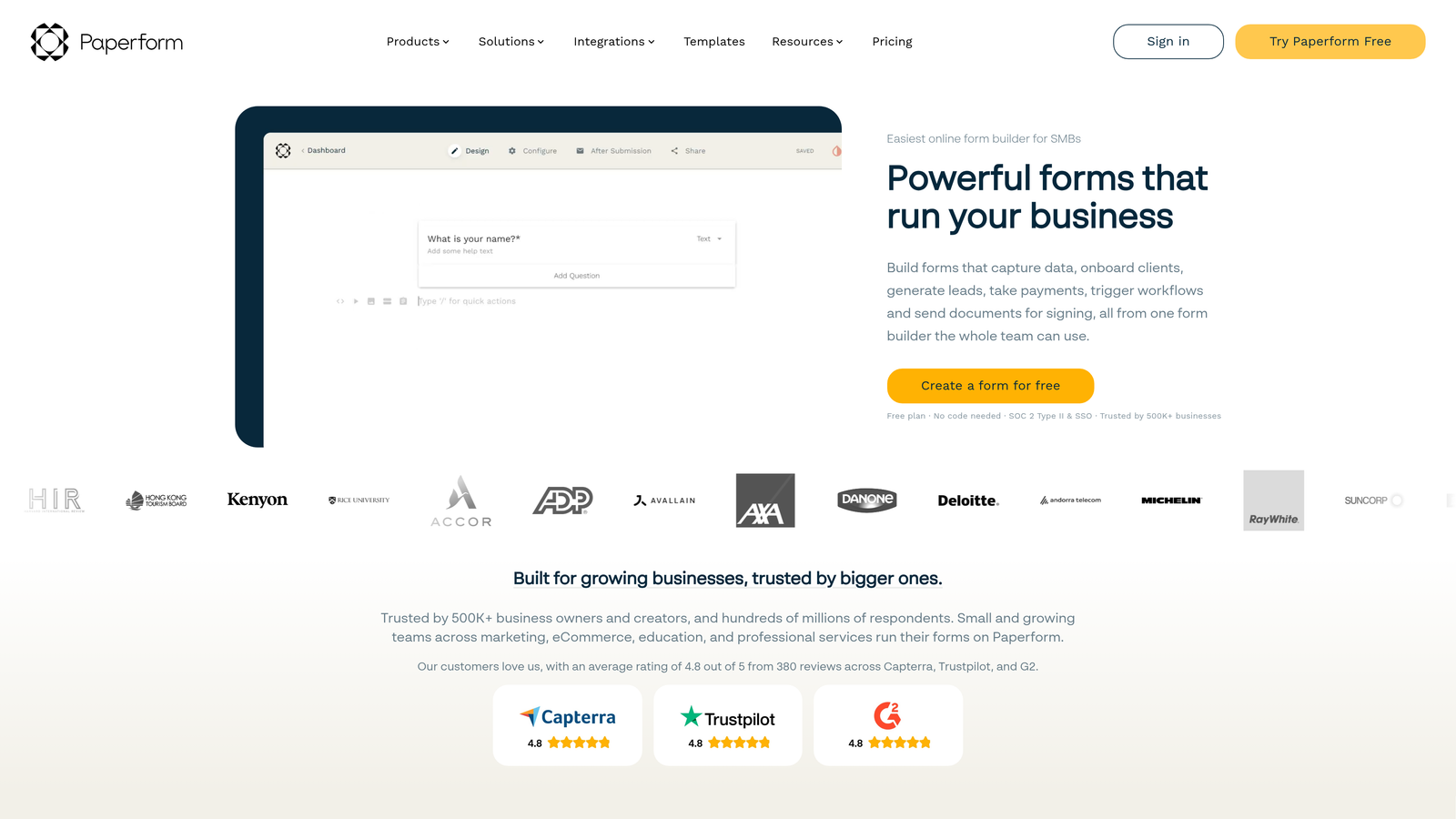
Paperform creates document-style forms that look like beautifully designed web pages rather than traditional forms, making them ideal for customer-facing applications.
Where This Tool Shines
The forms genuinely function as landing pages. You can embed rich text, images, videos, and formatted content alongside form fields, creating cohesive experiences that combine information delivery with data collection in a single page.
Payment processing is deeply integrated with support for subscriptions, product variants, and complex pricing logic. This makes Paperform particularly powerful for businesses selling services, courses, or products directly through forms.
Key Features
Landing Page Forms: Combine form fields with rich content, images, and formatting to create standalone pages.
Rich Media Embedding: Add videos, image galleries, and formatted text to create engaging form experiences.
Advanced Conditional Logic: Show, hide, or calculate fields based on complex conditions and user inputs.
Payment Processing: Accept one-time payments, subscriptions, and complex product configurations directly through forms.
Custom Success Pages: Design unique thank-you pages with personalized content based on form submissions.
Best For
Service businesses selling through forms, course creators, event organizers, and any business that needs forms to also function as persuasive landing pages. Perfect when you need more than basic data collection.
Pricing
Essentials plan at $24/month for basic features; Pro at $49/month for advanced logic and integrations.
7. Formstack
Best for: Small businesses needing enterprise-grade compliance and workflow automation
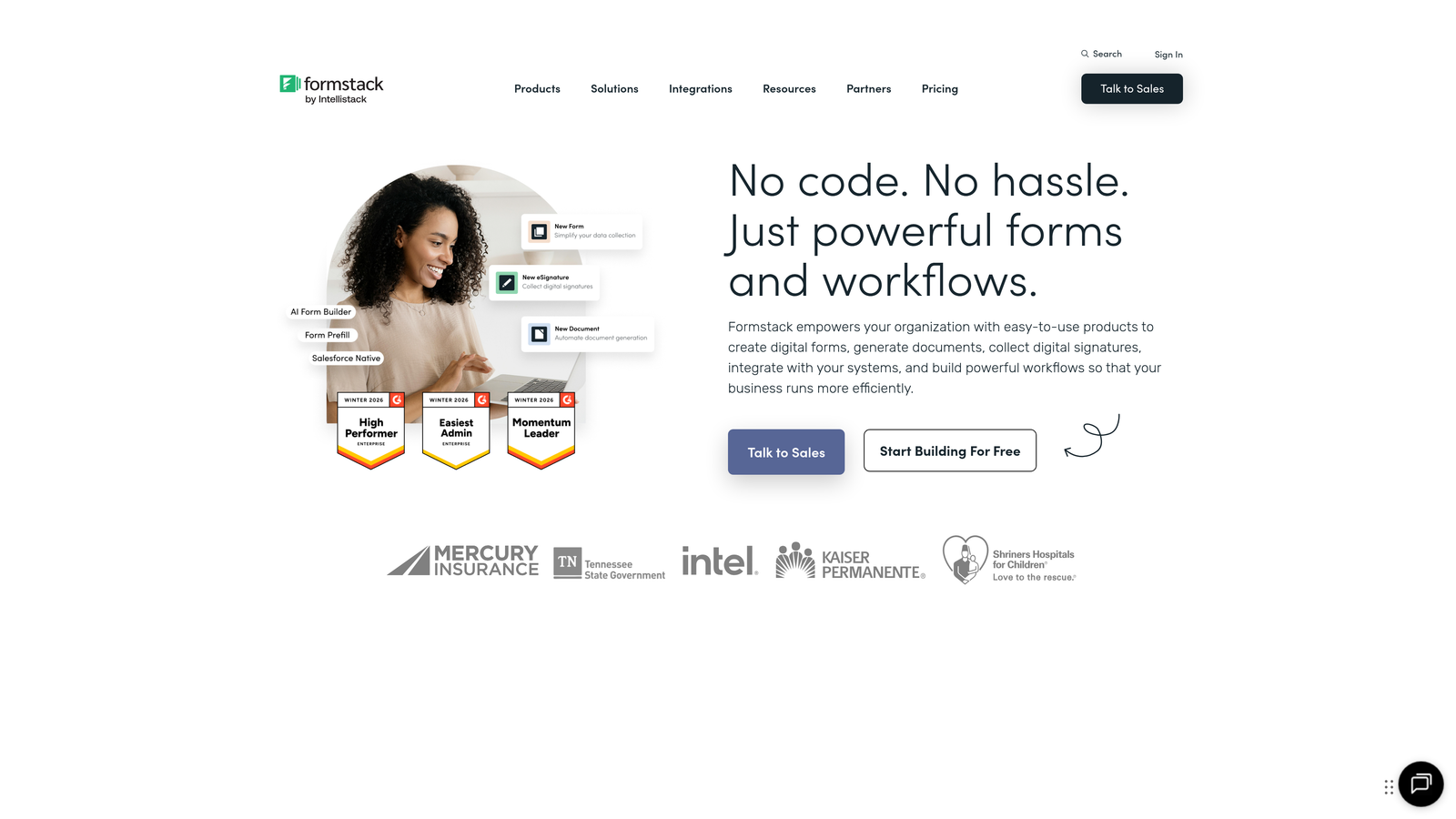
Formstack brings enterprise-level workflow automation and compliance features to small business pricing, particularly valuable for regulated industries.
Where This Tool Shines
The workflow automation goes far beyond basic email notifications. You can automatically generate documents from submissions, route approvals through multi-step processes, and trigger complex actions across multiple systems—capabilities typically reserved for enterprise platforms.
Compliance features are built-in rather than bolted on. HIPAA and GDPR compliance tools are included in standard plans, making Formstack the go-to choice for healthcare, legal, and financial services businesses that can't compromise on data security.
Key Features
Advanced Workflow Automation: Multi-step approval processes, conditional routing, and automated actions based on form data.
Document Generation: Automatically create PDFs, contracts, or reports from form submissions using custom templates.
HIPAA and GDPR Compliance: Built-in compliance tools for handling sensitive data in regulated industries.
E-Signature Integration: Native DocuSign integration for collecting legally binding signatures.
Salesforce Native App: Deep Salesforce integration that goes beyond basic API connections.
Best For
Healthcare providers, legal firms, financial services, and any small business in a regulated industry that needs enterprise-grade security without enterprise pricing. Also ideal for teams with complex approval workflows.
Pricing
Starter plan at $50/month for basic features; Teams at $83/month for advanced workflows and compliance.
8. Gravity Forms
Best for: WordPress sites needing powerful forms without recurring monthly fees
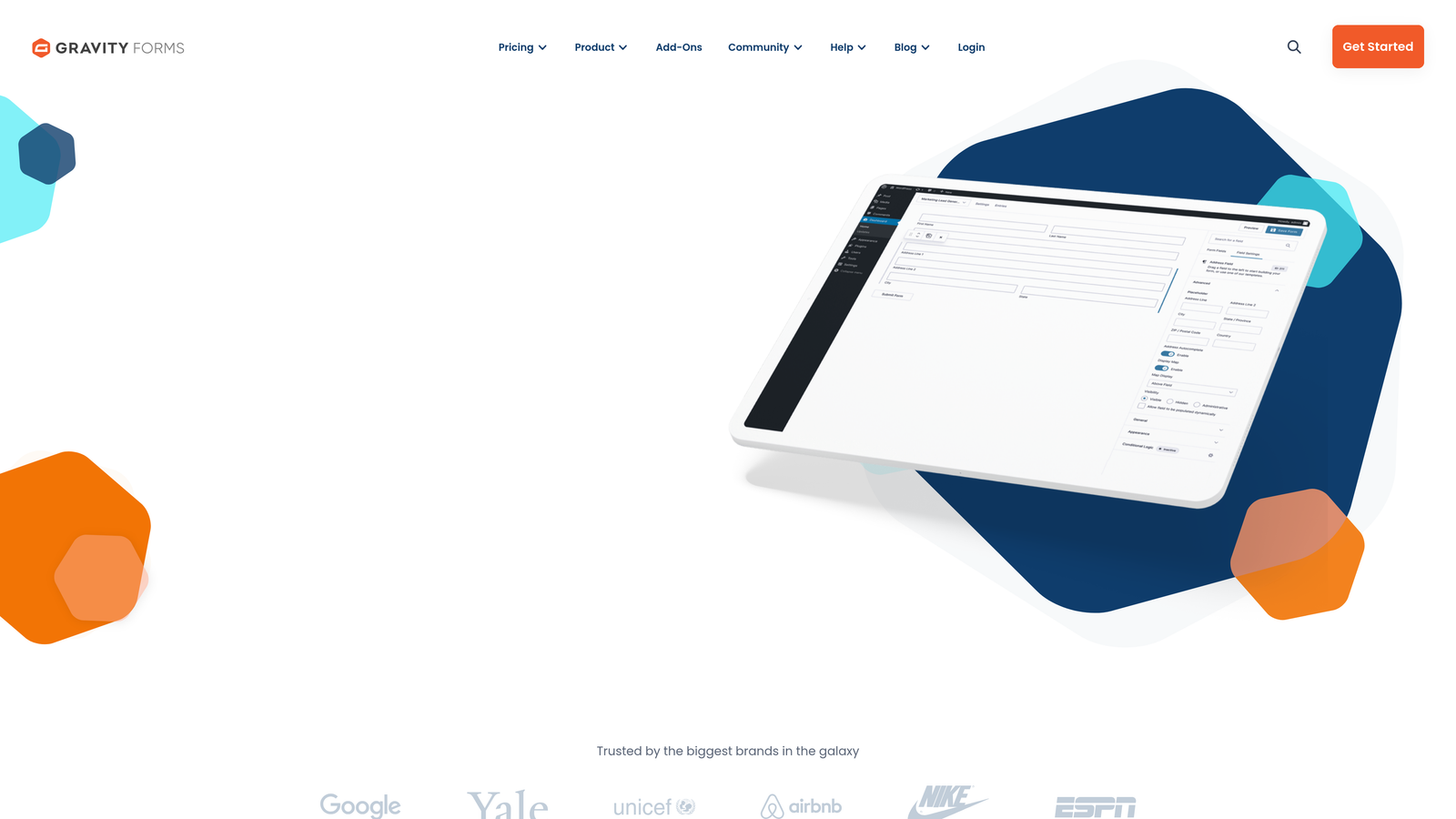
Gravity Forms is a WordPress plugin offering comprehensive form building with one-time annual licensing and an extensive add-on ecosystem.
Where This Tool Shines
The licensing model is refreshingly straightforward—pay once per year instead of monthly subscriptions. For WordPress sites with multiple forms, this often works out significantly cheaper than SaaS alternatives while providing comparable functionality.
The add-on marketplace is genuinely extensive with official and third-party extensions for virtually any integration or functionality you might need. This makes Gravity Forms incredibly flexible for specialized use cases beyond basic contact forms.
Key Features
WordPress Native: Deep integration with WordPress core, themes, and plugins for seamless site integration.
Annual Licensing: One-time yearly payment instead of monthly subscriptions, often more economical for multiple forms.
Add-On Marketplace: Extensive ecosystem of official and third-party extensions for specialized functionality.
Multi-Page Forms: Break long forms into multiple pages with progress indicators and save-and-continue functionality.
User Registration: Create WordPress user accounts directly from form submissions for membership sites.
Best For
WordPress-based businesses, membership sites, and any organization with multiple WordPress properties that want to avoid recurring monthly fees. Less suitable if you're not committed to WordPress as your platform.
Pricing
Basic License at $59/year for one site; Elite at $259/year for unlimited sites and priority support.
9. Fillout
Best for: Teams using Airtable or Notion as their primary database
Fillout is a modern form builder with native Airtable and Notion integration, enabling database-connected workflows that traditional form builders can't match.
Where This Tool Shines
The native Airtable and Notion sync is transformative if you use these platforms as your system of record. Forms can read from your databases to pre-populate fields, write directly to specific tables, and even update existing records—turning forms into powerful database interfaces.
The interface is clean and modern without unnecessary complexity. You can build sophisticated forms quickly because the builder focuses on essential features rather than overwhelming you with options you'll never use.
Key Features
Native Airtable Sync: Two-way integration that reads from and writes to Airtable bases in real-time.
Notion Integration: Direct connection to Notion databases for form-based data entry and updates.
Record Updates: Update existing database records instead of only creating new ones, enabling edit workflows.
Modern Interface: Clean, intuitive builder that prioritizes speed and simplicity over feature bloat.
Scheduling Integration: Built-in calendar scheduling for booking appointments directly through forms.
Best For
Teams that have built their operations around Airtable or Notion and need forms that integrate natively with these platforms. Particularly valuable for no-code teams managing workflows in visual databases.
Pricing
Free plan available with basic features; Starter at $15/month for advanced integrations and branding removal.
Making the Right Choice
The right Marketo alternative depends on your specific workflow and priorities. If lead qualification and conversion optimization are your focus, Orbit AI delivers AI-powered intelligence that helps sales teams prioritize effectively. For customer-facing forms where completion rates directly impact revenue, Typeform's conversational approach consistently outperforms traditional builders.
Budget-conscious teams should look at Tally for its genuinely unlimited free tier or HubSpot Forms if you're already using their CRM. WordPress sites benefit from Gravity Forms' annual licensing model, while Airtable power users will find Fillout's native integration invaluable.
Think about your actual needs rather than feature checklists. Do you need payment processing? Look at Paperform or Jotform. Working in a regulated industry? Formstack's compliance features are worth the investment. Already committed to HubSpot? Their native forms make integration seamless.
The common thread across all these alternatives is that they're designed for teams that need results without complexity. Any of these nine options will serve your small business better than paying enterprise prices for features you don't need. Start building free forms today and see how intelligent form design can elevate your conversion strategy.


