

You've narrowed it down to Jotform and Typeform. Both platforms have thousands of satisfied users. Both offer form building capabilities. Both promise to solve your data collection challenges.
But here's the thing: choosing the wrong form builder can quietly sabotage your lead generation for months before you realize what's happening.
The decision between Jotform and Typeform isn't just about picking a tool—it's about selecting a platform that will directly impact your conversion rates, lead quality, and team efficiency. These platforms approach form building from fundamentally different philosophies, and what works brilliantly for one business can create friction for another.
This isn't another feature comparison chart. Instead, we're breaking down the strategic decision-making framework that high-growth teams should follow when evaluating these platforms. You'll learn how to assess your actual business requirements, measure potential ROI, and identify which approach aligns with your growth trajectory.
By the end, you'll have a clear methodology for making this decision—or you might discover that a more modern alternative could serve your needs better.
1. Map Your Form Complexity Requirements First
The Challenge It Solves
Most businesses jump straight to comparing features without understanding their actual form complexity needs. This leads to either paying for capabilities you'll never use or choosing a platform that can't handle your data collection requirements. The result? Either wasted budget or a costly platform migration six months down the road.
Your form complexity requirements should drive your platform choice, not the other way around.
The Strategy Explained
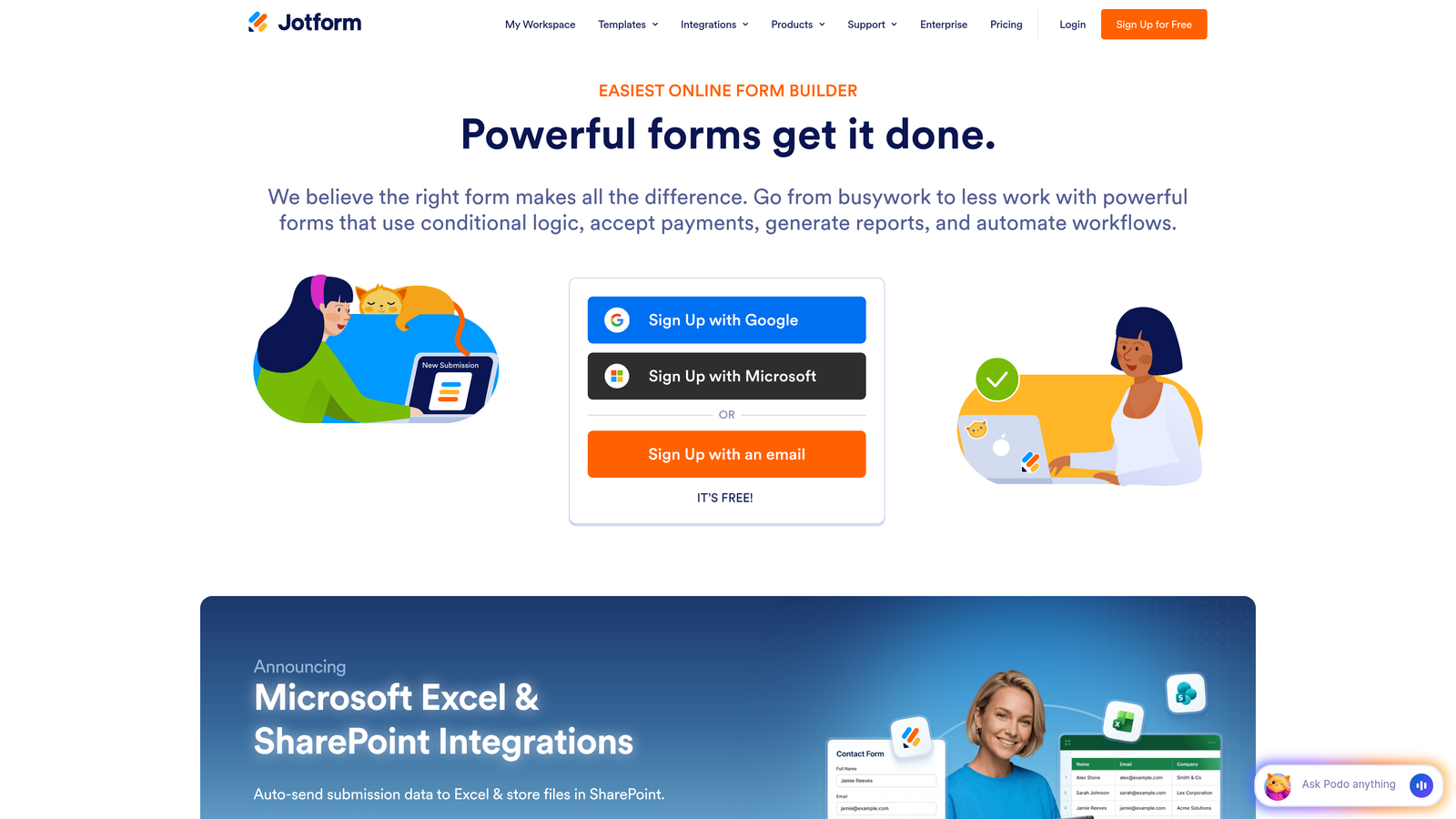
Start by auditing every form your business currently uses or plans to create. Jotform excels at complex, multi-page forms with extensive conditional logic—think detailed intake forms, comprehensive applications, or multi-step surveys with branching paths. The platform offers over 10,000 templates designed for complex data collection scenarios.
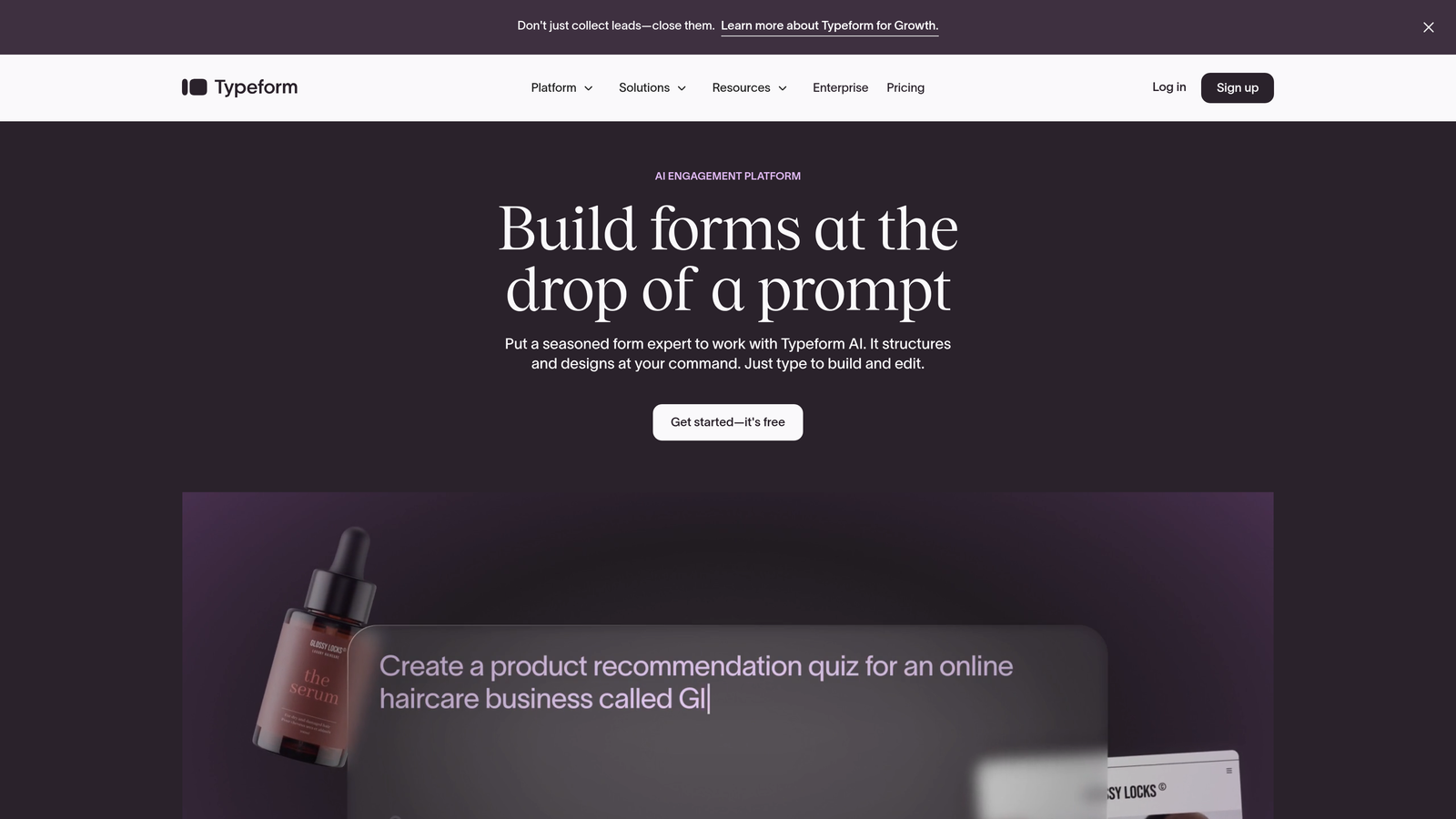
Typeform takes the opposite approach with its conversational, one-question-at-a-time format. This design philosophy works brilliantly for shorter, high-engagement forms where you're prioritizing completion rates over comprehensive data collection. The platform creates a more personal experience but can feel limiting when you need to collect extensive information. For a deeper dive into how these platforms stack up, check out our Jotform vs Typeform comparison.
The key question: Are you building forms that require users to provide detailed, multi-faceted information, or are you optimizing for quick, engaging interactions that capture essential data points?
Implementation Steps
1. Document every form type your business needs: lead capture, customer intake, surveys, applications, feedback collection, and registration forms.
2. For each form, note the number of fields required, whether conditional logic is needed, and if multi-page structure would improve user experience.
3. Identify your highest-priority forms—the ones that directly impact revenue or critical business operations—and let these requirements guide your decision.
Pro Tips
Don't let edge cases drive your decision. If 90% of your forms are simple lead capture but you have one complex application form, consider whether that single use case justifies choosing a more complex platform. Sometimes a specialized solution for that one form makes more sense than compromising your primary use case.
2. Audit Your Integration Stack Before Committing
The Challenge It Solves
A form builder that doesn't connect seamlessly with your existing tools creates manual work, data silos, and missed opportunities. Teams often discover integration limitations only after they've migrated their forms and trained their team, leading to expensive workarounds or forced platform switches.
Your form builder needs to fit into your existing workflow, not force you to rebuild around it.
The Strategy Explained
Both Jotform and Typeform offer extensive integration marketplaces, but the quality and depth of these integrations vary significantly. Native integrations provide seamless data flow and real-time syncing, while third-party connections through Zapier or Make introduce additional costs, potential points of failure, and sync delays.
Think beyond just "Does it integrate with my CRM?" Consider how data flows through your entire tech stack. When a form is submitted, does that trigger the right sequences in your email platform? Does it create tasks in your project management tool? Does it update customer records with the right field mapping? Many businesses exploring smart form builders find that integration capabilities make or break their workflow efficiency.
The integration quality matters as much as integration availability. A native HubSpot integration that maps all custom fields and triggers workflows is vastly superior to a basic Zapier connection that only passes standard fields.
Implementation Steps
1. List every tool that needs to receive or send data from your forms: CRM, email marketing platform, project management software, analytics tools, and payment processors.
2. For each platform, check whether Jotform and Typeform offer native integrations or require third-party connectors, and review integration documentation for field mapping capabilities.
3. Test critical integration workflows in trial accounts before committing—don't rely on marketing promises about integration capabilities.
Pro Tips
Pay special attention to how each platform handles conditional data routing. Can you send different form responses to different destinations based on answers? This capability becomes crucial as your lead qualification needs become more sophisticated. If you're constantly working around integration limitations, that's a signal you've chosen the wrong platform.
3. Calculate True Cost of Ownership Beyond Pricing Tiers
The Challenge It Solves
Published pricing tiers tell only part of the story. Response limits, team seat restrictions, feature gates, and integration costs can double or triple your actual spend. Many businesses discover their real costs only after they've exceeded response limits mid-month or needed to upgrade for a single critical feature.
Understanding true cost of ownership prevents budget surprises and enables accurate ROI calculations.
The Strategy Explained
Both platforms use response-based pricing models, but the economics work differently based on your use case. Calculate your cost-per-qualified-lead rather than cost-per-response. A platform that generates 1,000 responses at a lower price point but delivers only 100 qualified leads is more expensive than one that generates 500 responses with 200 qualified leads.
Factor in team collaboration costs. How many users need access? Do you pay per seat or get unlimited team members? Consider the cost of premium features you'll eventually need—advanced conditional logic, custom branding removal, payment processing, or API access. Our guide on form builder pricing for small business breaks down these hidden costs in detail.
Don't forget integration costs. If you need Zapier or Make to connect your forms to other tools, add those monthly subscriptions to your total. These middleware platforms often cost as much as the form builder itself once you need multiple workflows.
Implementation Steps
1. Estimate your monthly form response volume based on current traffic and growth projections, adding a 30% buffer for seasonal fluctuations or campaign spikes.
2. List every feature your team needs now and will likely need within 12 months, then identify which pricing tier includes all of them on each platform.
3. Calculate total monthly cost including platform subscription, integration tools, additional team seats, and any premium features not included in base tiers.
Pro Tips
Response limits can create unexpected costs during high-traffic periods. If you run seasonal campaigns or product launches, you might hit annual limits in just a few months. Look for platforms with consistent monthly limits rather than annual caps that can be exhausted unpredictably. Also consider the cost of migration—switching platforms later means rebuilding forms, updating links, and retraining teams.
4. Test Conversion Performance with Your Actual Audience
The Challenge It Solves
General benchmarks about form conversion rates are meaningless for your specific business. Your audience, industry, form length, and value proposition all influence completion rates in ways that generic statistics can't predict. Choosing a platform based on someone else's results often leads to disappointing performance.
Real-world testing with your actual audience provides the only reliable data for making this decision.
The Strategy Explained
Set up identical forms on both platforms and split traffic between them for a meaningful test period. This isn't about which platform looks better—it's about which one converts your specific audience more effectively. Typeform's conversational approach typically achieves higher engagement on shorter forms, while Jotform's traditional multi-field layouts can perform better when users expect comprehensive forms.
Track completion rates, but also measure lead quality. A form with an 80% completion rate that generates unqualified leads is less valuable than one with a 60% completion rate that delivers sales-ready prospects. Monitor how many form submissions turn into actual opportunities, meetings booked, or sales closed. Teams focused on Jotform vs Typeform for lead generation should prioritize these downstream metrics over vanity numbers.
Consider mobile performance separately. Many businesses find significant differences in mobile completion rates between platforms, and if most of your traffic comes from mobile devices, this becomes your primary decision factor.
Implementation Steps
1. Create the same lead capture form on both platforms, matching fields, copy, and design as closely as possible to isolate platform performance.
2. Split traffic evenly using your website's A/B testing tools or by rotating which form you promote in different campaigns for at least two weeks or 200 submissions per platform.
3. Track completion rates, time-to-complete, mobile vs. desktop performance, and most importantly, the quality of leads generated from each platform.
Pro Tips
Don't test during unusual periods like major sales or holidays when user behavior is atypical. Also, test your most important form type—if lead capture drives your business, test lead capture forms, not contact forms or surveys. The platform that wins for one form type might not win for another, so prioritize testing the forms that matter most to your revenue.
5. Evaluate Lead Qualification Capabilities
The Challenge It Solves
Collecting data without qualifying leads creates downstream inefficiencies in your sales process. Your team wastes time sorting through unqualified submissions, response times to hot prospects slow down, and conversion rates suffer. Traditional form builders focus on data collection, not data intelligence.
Lead qualification capabilities determine whether your forms generate work or generate opportunities.
The Strategy Explained
Both Jotform and Typeform offer conditional logic that allows you to show different questions based on previous answers. This enables basic qualification by adjusting your form flow based on user responses. However, this requires manual setup of every possible path and doesn't provide automated scoring or routing.
Consider what happens after form submission. Can the platform automatically score leads based on their answers? Does it route high-value prospects to immediate follow-up sequences while sending others to nurture campaigns? Can it identify which submissions need urgent attention versus which can wait? Service businesses especially benefit from well-designed lead intake forms that handle this qualification automatically.
The gap between data collection and lead qualification is where many businesses struggle. You might capture all the right information, but if someone still needs to manually review every submission to determine priority, you're creating bottlenecks that slow your sales velocity.
Implementation Steps
1. Define what makes a lead qualified for your business—specific budget ranges, timeline urgency, decision-maker status, or use case fit.
2. Evaluate whether each platform can capture this qualifying information through conditional logic and whether it can automate actions based on those qualifications.
3. Map out your ideal post-submission workflow and determine which platform can automate the most steps between form submission and sales follow-up.
Pro Tips
Lead qualification becomes exponentially more valuable as your form volume increases. If you're getting 50 submissions monthly, manual review is manageable. At 500 submissions monthly, automated qualification becomes essential for maintaining response speed. Think about where your volume will be in six months, not where it is today.
6. Assess Scalability for Your Growth Trajectory
The Challenge It Solves
A platform that works perfectly for your current needs can become a constraint as your business grows. Response limits, collaboration restrictions, and API access limitations often don't appear until you've scaled beyond the platform's sweet spot. Migrating form builders during rapid growth creates exactly the kind of distraction high-growth teams can't afford.
Choosing a platform that scales with your business prevents costly migrations and maintains momentum during critical growth phases.
The Strategy Explained
Examine response limits across pricing tiers and calculate when you'll hit those ceilings based on your growth rate. If you're currently collecting 1,000 responses monthly and growing 20% month-over-month, you'll hit a 5,000 response limit in less than nine months. Understand what happens when you exceed limits—do you get automatically upgraded, or do forms stop accepting submissions? Understanding the differences between enterprise vs small business form builders helps you anticipate these scaling challenges.
Team collaboration features become crucial as you scale. Can multiple team members build and edit forms simultaneously? Can you set up approval workflows for form changes? Do you have role-based permissions to prevent junior team members from accidentally breaking critical forms?
API access and developer resources matter for businesses building custom integrations or embedding forms in complex ways. Both platforms offer APIs, but the documentation quality, rate limits, and available endpoints vary significantly.
Implementation Steps
1. Project your form response volume for the next 12-24 months based on current growth rates and planned marketing initiatives.
2. Identify which pricing tier you'll need at 6 months, 12 months, and 24 months, calculating the total cost trajectory to understand long-term investment.
3. Evaluate team collaboration features you'll need as your marketing and sales teams grow, including user permissions, approval workflows, and form organization capabilities.
Pro Tips
Pay attention to how each platform handles enterprise needs. Some businesses find they outgrow the platform's capabilities before they outgrow pricing tiers. If you're on a high-growth trajectory, talk to each platform's enterprise team about custom plans and whether they can accommodate your projected scale. A platform that can't grow with you will force a migration at the worst possible time.
7. Consider Modern Alternatives Built for Today's Needs
The Challenge It Solves
Jotform and Typeform were both built for an earlier era of digital marketing—one focused primarily on data collection rather than intelligent lead qualification. High-growth teams today need more than forms that look good; they need forms that work as conversion and qualification engines. Traditional platforms require extensive workarounds to deliver modern capabilities.
Purpose-built modern alternatives can deliver better results with less complexity for teams focused on lead generation and conversion optimization.
The Strategy Explained
The form builder landscape has evolved significantly in recent years. AI-native platforms now offer capabilities that would require complex integrations and custom development on traditional platforms. These modern alternatives are designed specifically for high-growth teams that need intelligent lead qualification, conversion optimization, and seamless workflow automation. Our analysis of Typeform vs Jotform vs alternatives explores how newer platforms compare.
Consider whether you're choosing a form builder or a lead generation platform. If your primary goal is converting website visitors into qualified opportunities, evaluate platforms built specifically for that outcome rather than general-purpose form builders that happen to collect leads.
Platforms like Orbit AI represent this new generation of form technology—combining conversion-optimized design with AI-powered lead qualification that automatically scores and routes prospects based on their responses. Instead of collecting data and then figuring out what to do with it, these platforms qualify leads in real-time and trigger appropriate workflows automatically. Many teams looking for a Typeform alternative for lead generation find that AI-native solutions deliver significantly better results.
Implementation Steps
1. Define your primary use case clearly: Are you building forms for general data collection, or are you building a lead generation and qualification system?
2. List the workarounds you'd need to implement on traditional platforms to achieve intelligent lead qualification, automated routing, and conversion optimization.
3. Evaluate whether purpose-built alternatives like Orbit AI can deliver those capabilities natively, eliminating integration complexity and reducing total cost of ownership.
Pro Tips
Don't let familiarity bias your decision. Just because Jotform and Typeform are established names doesn't mean they're the best fit for your specific needs. Many high-growth teams find that modern alternatives deliver better ROI precisely because they're built for today's lead generation requirements rather than retrofitted from earlier paradigms. The best platform is the one that aligns with where your business is heading, not where the market was five years ago.
Putting It All Together
The right form builder decision starts with clarity about your actual requirements, not feature comparisons. Begin by mapping your form complexity needs and auditing your integration stack—these two factors alone will eliminate options that can't serve your business effectively.
Then move to the numbers. Calculate true cost of ownership including all the hidden expenses that don't appear in pricing charts. Test actual conversion performance with your real audience rather than relying on general benchmarks that may not apply to your specific situation.
For high-growth teams focused on lead generation, the critical question becomes whether traditional form builders can deliver the qualification and conversion optimization capabilities you need. Collecting data is table stakes—what matters is whether your forms can intelligently qualify prospects, route them appropriately, and integrate seamlessly into your growth engine.
Consider whether you're choosing between Jotform and Typeform, or whether you should be evaluating purpose-built alternatives designed for modern lead generation requirements. Platforms like Orbit AI eliminate the complexity of stitching together multiple tools by providing AI-powered qualification, conversion-focused design, and intelligent workflow automation in a single platform.
Whatever you choose, make the decision based on where your business is heading, not just where it is today. The platform that serves you well at 1,000 monthly responses should still work at 10,000. The tool that handles your current team of three should scale to a team of thirty.
Transform your lead generation with AI-powered forms that qualify prospects automatically while delivering the modern, conversion-optimized experience your high-growth team needs. Start building free forms today and see how intelligent form design can elevate your conversion strategy.


