

Choosing the right form builder isn't one-size-fits-all. Enterprise teams need bulletproof security, granular user permissions, and integrations that play nice with complex tech stacks. Small businesses want something they can set up in an afternoon without reading a manual or breaking the budget. And if you're a high-growth team caught between those two worlds? You need a platform that won't force you to migrate in 18 months when you outgrow it.
We've evaluated the top form builders across the spectrum—from enterprise-grade compliance powerhouses to scrappy startup tools—based on security features, scalability, ease of use, integration depth, and pricing transparency. Here are the platforms that actually deliver for their intended audiences.
1. Orbit AI
Best for: High-growth teams needing AI-powered lead qualification with room to scale
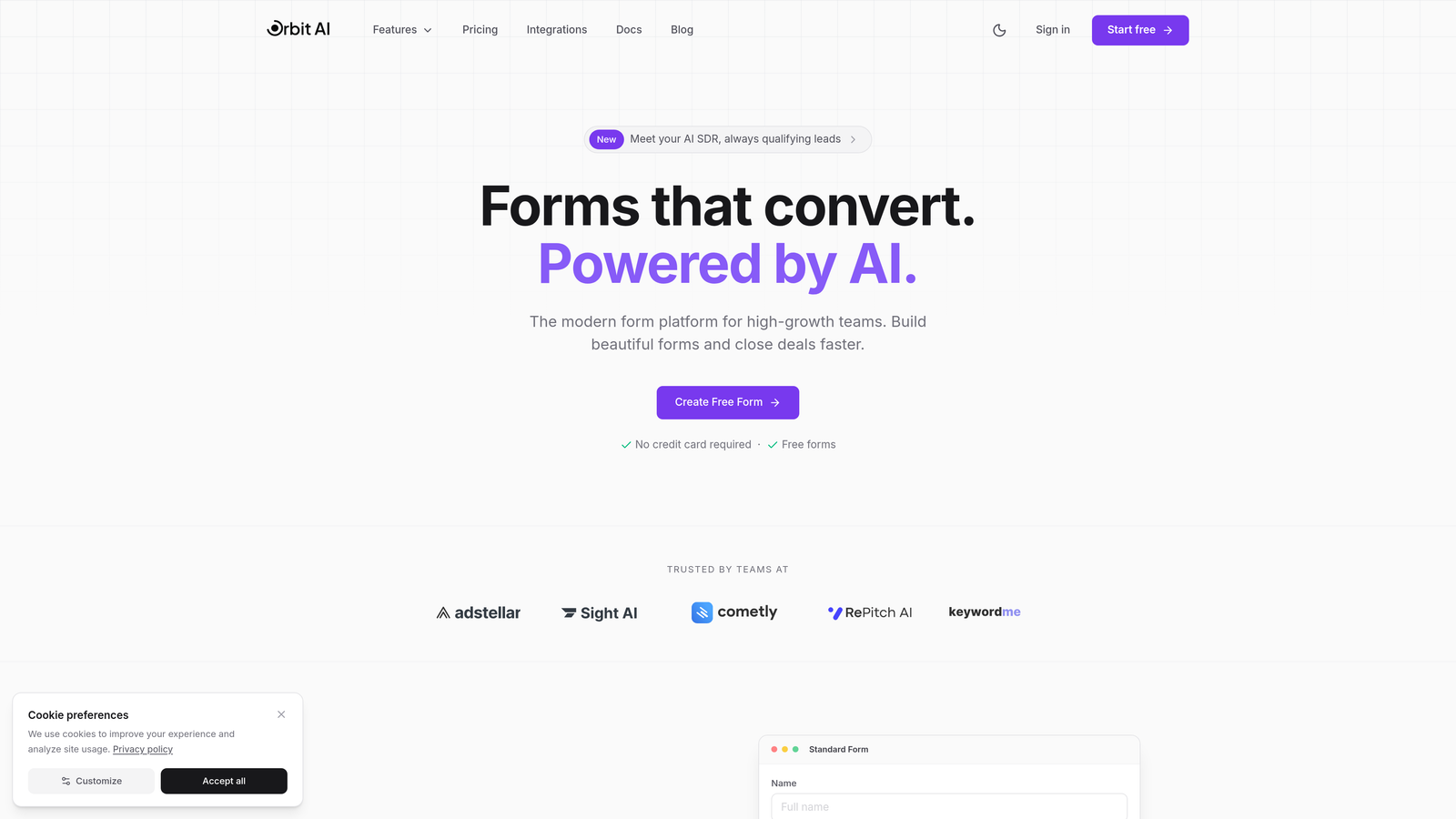
Orbit AI is an AI-powered form builder designed specifically for teams navigating the awkward middle ground between small business simplicity and enterprise complexity.
Where This Tool Shines
The standout feature is intelligent lead qualification that happens automatically as prospects fill out your forms. Instead of collecting raw submissions and sorting through them manually, Orbit AI scores and routes leads based on their responses, behavior, and fit criteria you define.
This matters most when you're scaling fast and can't afford to let marketing qualified leads sit in a queue while sales chases dead ends. The platform handles the conversion optimization piece—modern, mobile-responsive forms that actually look good—while the AI layer does the heavy lifting on lead intelligence.
Key Features
AI Lead Qualification: Automatically scores prospects and routes high-value leads to sales immediately.
Conversion-Optimized Templates: Pre-built form designs tested for maximum completion rates across industries.
Workflow Automation: Trigger sequences based on form responses without writing code or building complex Zapier chains.
CRM Integration Depth: Native connections to HubSpot, Salesforce, and Pipedrive that sync bidirectionally.
Real-Time Analytics: Dashboard showing form performance, drop-off points, and lead quality metrics in one view.
Best For
High-growth B2B teams that have outgrown basic form tools but aren't ready for enterprise-level complexity. Marketing teams that need lead intelligence without hiring a data analyst. Sales operations looking to improve lead routing efficiency without custom development work.
Pricing
Transparent tier structure available on their website, with plans designed to scale as your form volume and team size grows.
2. Typeform
Best for: Creating engaging, conversational form experiences with strong brand personality
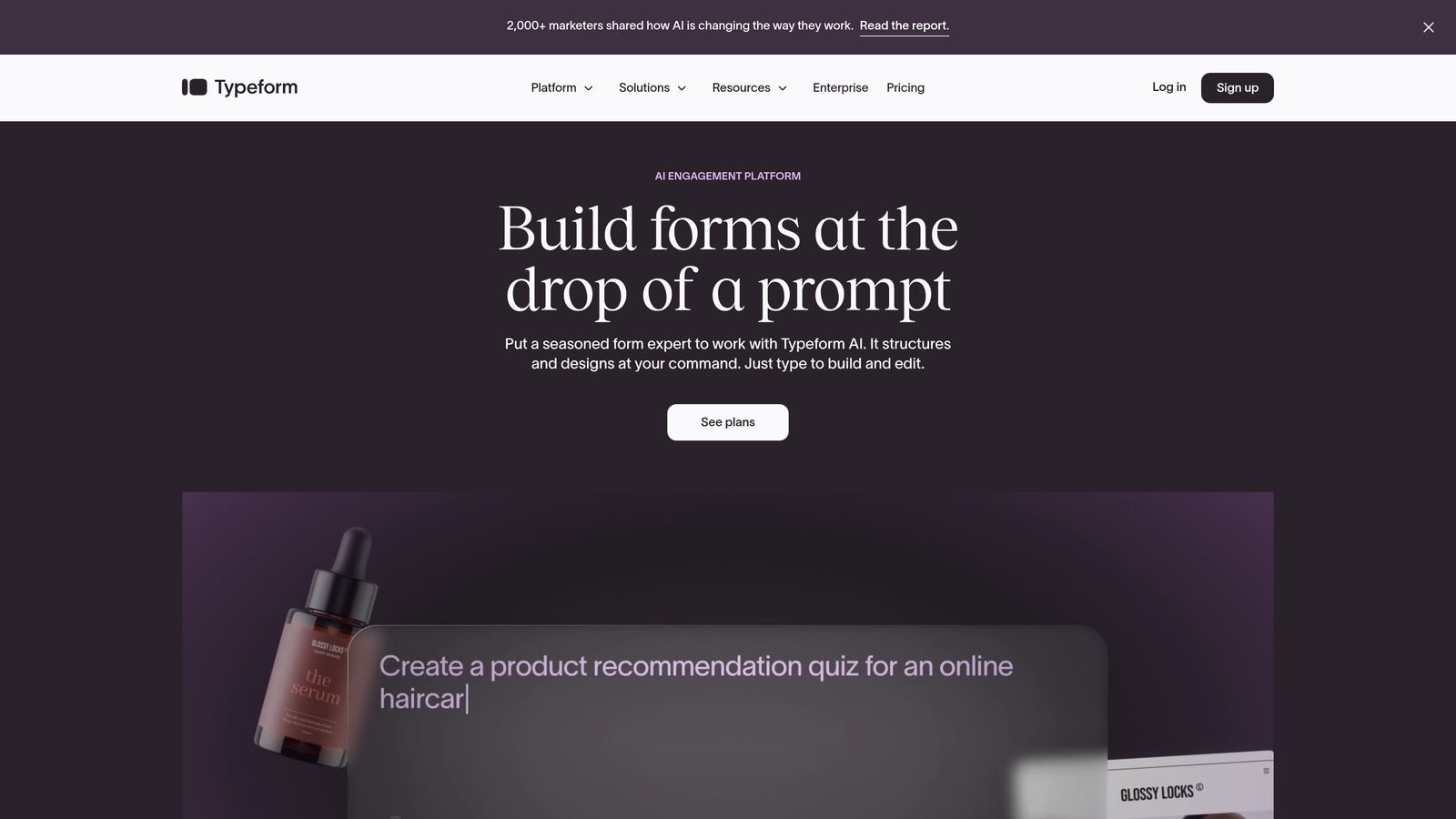
Typeform pioneered the one-question-at-a-time interface that makes filling out forms feel less like paperwork.
Where This Tool Shines
If your brand values experience design and you want forms that feel more like a conversation than an interrogation, Typeform delivers. The interface guides users through questions sequentially, reducing cognitive load and improving completion rates for longer forms.
The design customization options let you match forms to your brand identity without touching code. You can embed videos, use custom fonts, and create visually striking experiences that stand out from the generic web forms your competitors are using.
Key Features
Conversational Interface: One question at a time reduces form abandonment and creates a more engaging flow.
Design Flexibility: Extensive customization options for colors, fonts, backgrounds, and media embedding.
Logic Jumps: Show or hide questions based on previous answers to create personalized paths.
Media Support: Embed videos, images, and GIFs directly into form questions for richer context.
Integration Marketplace: Connect to hundreds of tools through native integrations and webhooks.
Best For
Marketing teams prioritizing user experience and brand consistency. Customer research teams conducting surveys where completion rates matter. Small to mid-size businesses wanting professional-looking forms without hiring a designer.
Pricing
Free tier available with Typeform branding; paid plans start at $25/month with increased response limits and feature access.
3. Jotform Enterprise
Best for: Enterprises requiring HIPAA compliance and extensive template variety
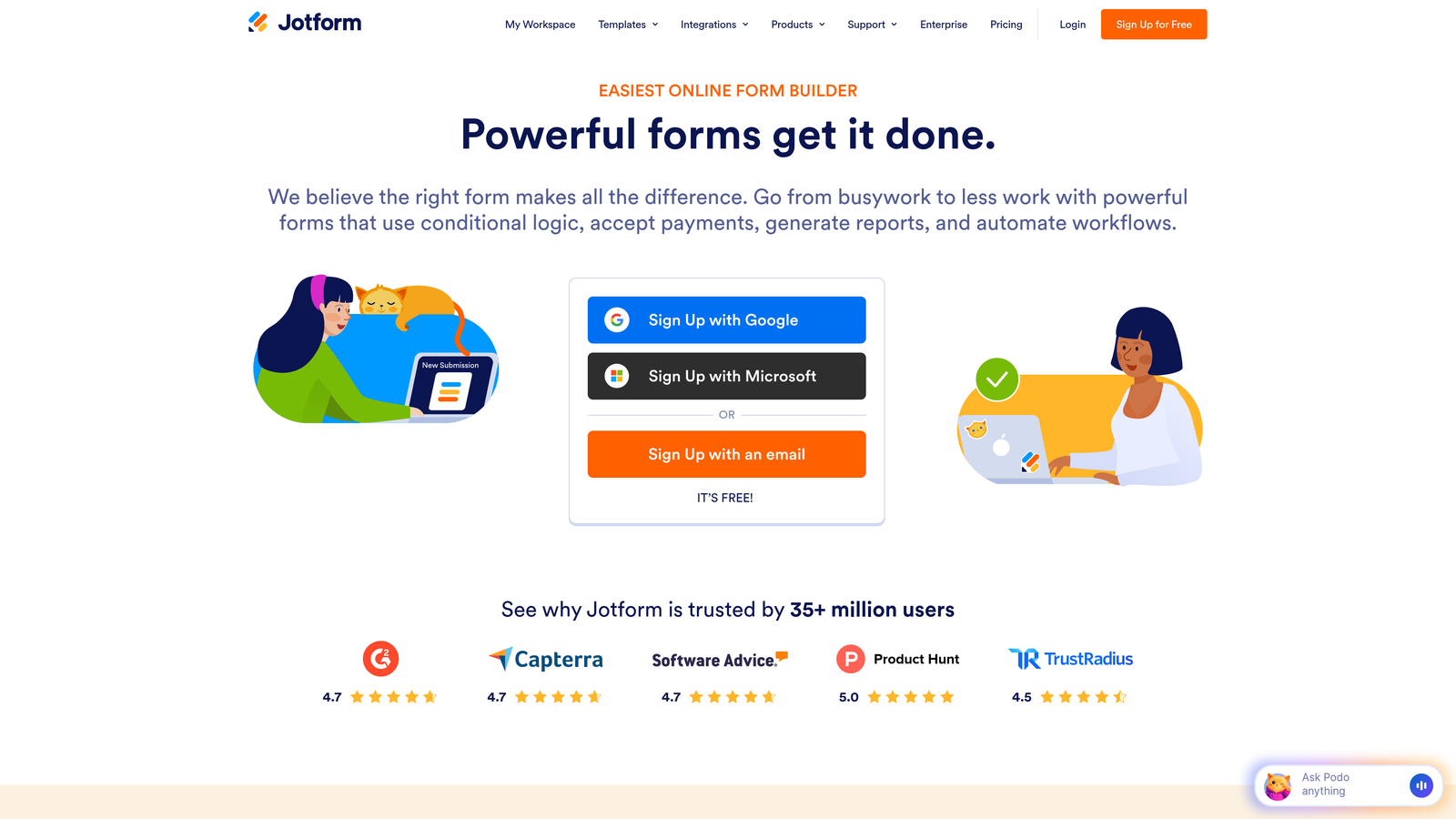
Jotform Enterprise is the enterprise-grade version of Jotform's popular form builder, adding compliance certifications and advanced security features.
Where This Tool Shines
The 10,000+ template library means you're rarely building forms from scratch. Whether you need patient intake forms, employee onboarding workflows, or event registration, there's likely a template that gets you 80% of the way there.
For healthcare, finance, and other regulated industries, HIPAA compliance isn't optional. Jotform Enterprise handles the technical requirements—encrypted data transmission, business associate agreements, audit logs—so your compliance team can sleep at night.
Key Features
HIPAA Compliance: Full HIPAA-compliant infrastructure with BAA available for healthcare organizations.
Template Library: Over 10,000 pre-built forms across industries and use cases to accelerate deployment.
White-Labeling: Remove Jotform branding and use custom domains for a fully branded experience.
User Permissions: Granular access controls for teams with multiple departments and security requirements.
Dedicated Support: Enterprise customers get priority support with dedicated account management.
Best For
Healthcare organizations collecting protected health information. Large enterprises with strict compliance requirements. Teams managing dozens of different form types across departments who need a centralized platform.
Pricing
Enterprise pricing requires consultation with sales team; standard plans start at $34/month for smaller teams.
4. Google Forms
Best for: Small businesses already using Google Workspace seeking a free solution
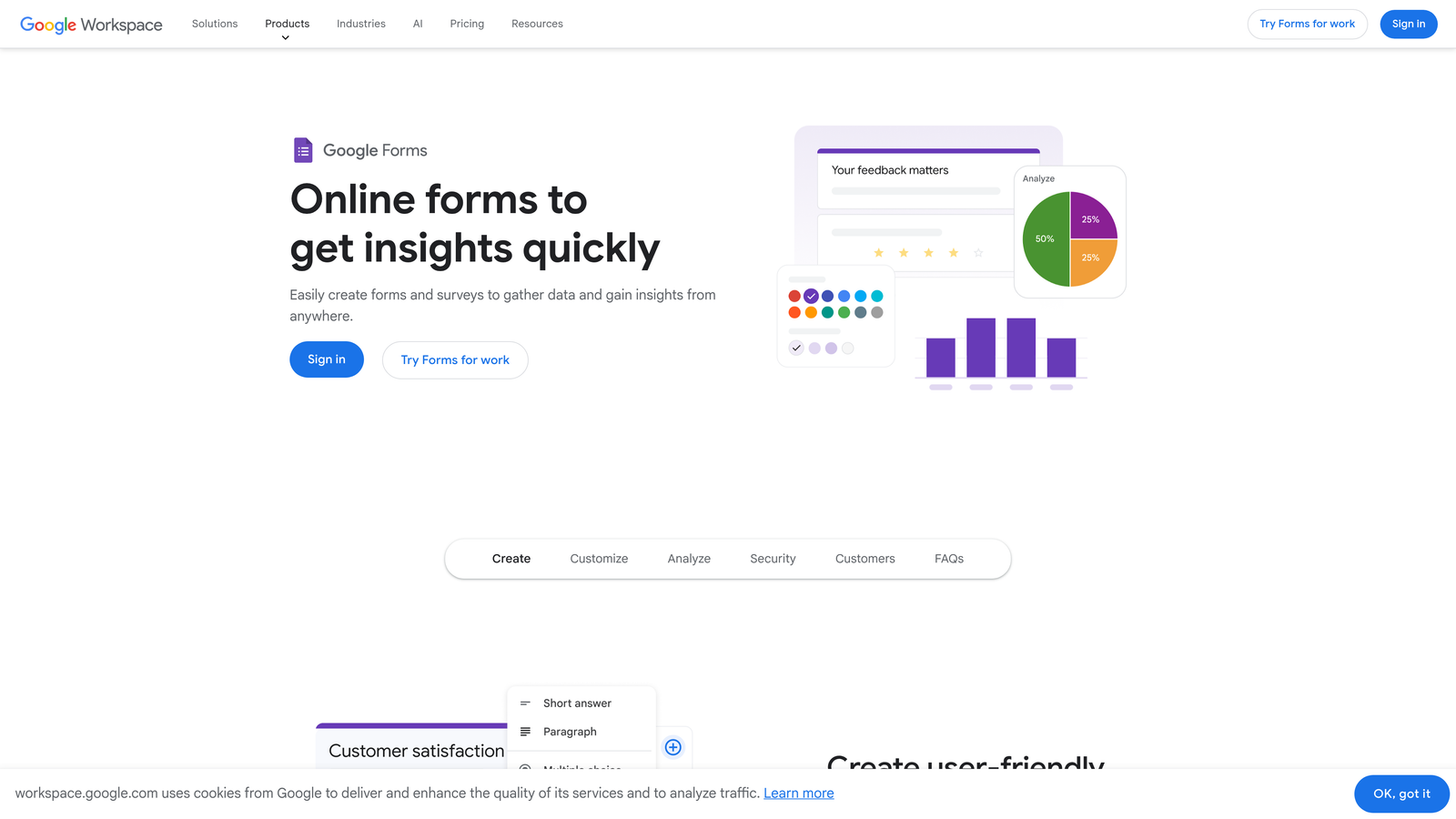
Google Forms is the no-frills form builder that comes free with every Google account.
Where This Tool Shines
The price is right—completely free with no submission limits or feature paywalls. For small businesses and nonprofits watching every dollar, that's hard to beat.
If your team already lives in Google Workspace, the integration is seamless. Responses flow directly into Google Sheets where you can analyze, share, and collaborate in real-time. Multiple team members can edit forms simultaneously, and you don't need to learn a new platform.
Key Features
Zero Cost: Completely free to use with unlimited forms and responses.
Google Sheets Integration: Automatic sync of form responses to spreadsheets for easy analysis.
Real-Time Collaboration: Multiple users can edit forms simultaneously like any Google Doc.
Basic Logic: Show or hide sections based on answers for simple conditional flows.
Mobile Responsive: Forms automatically adapt to any device without additional configuration.
Best For
Small businesses and startups with tight budgets. Teams already using Google Workspace who want minimal friction. Internal forms like employee surveys, event RSVPs, and feedback collection where design isn't critical.
Pricing
Free with any Google account.
5. Formstack
Best for: Enterprises needing workflow automation and document generation capabilities
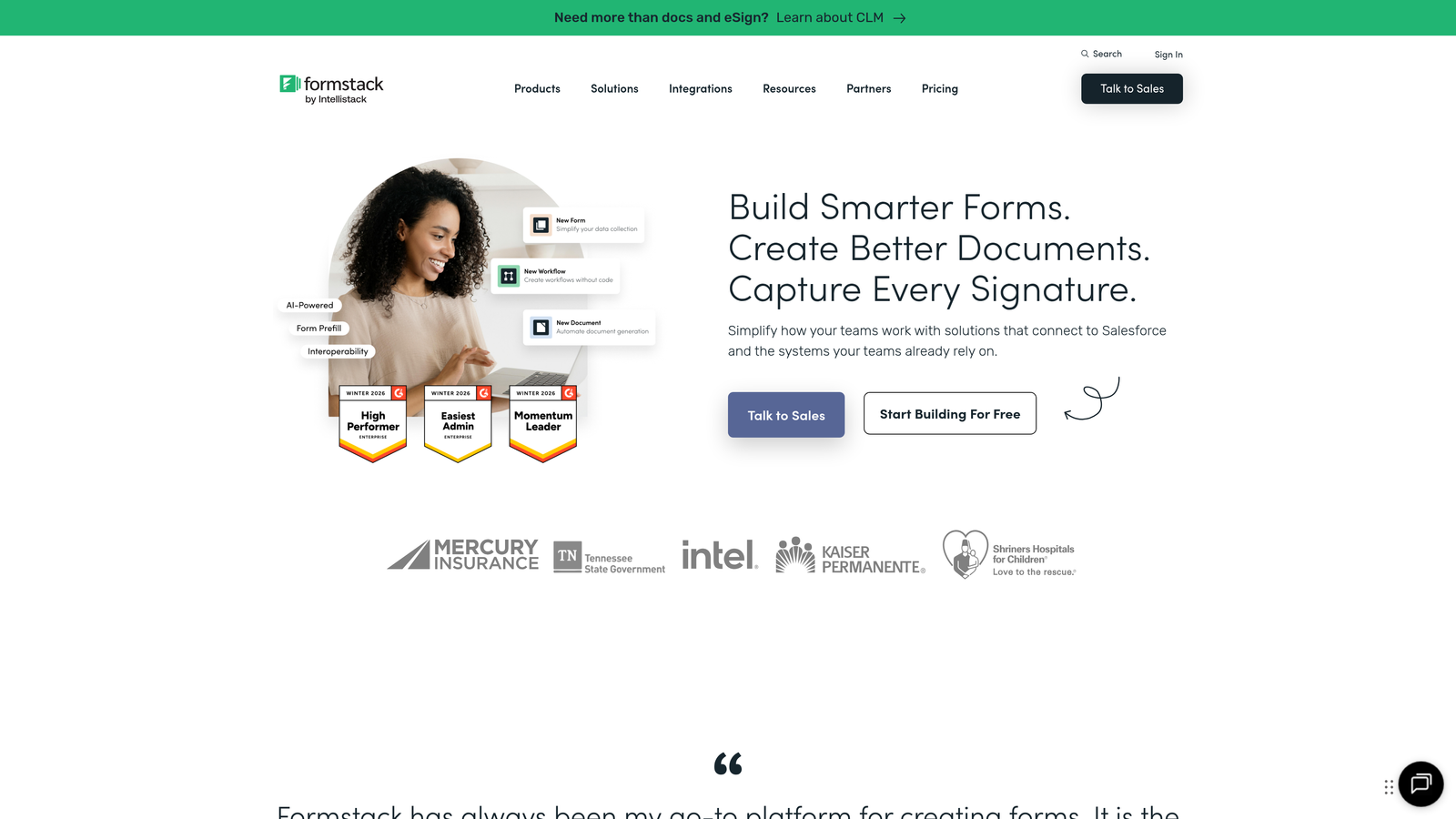
Formstack is a workflow-focused platform that treats forms as the starting point for automated business processes.
Where This Tool Shines
The document generation feature automatically creates PDFs, contracts, and reports from form submissions. Submit an application form and Formstack can generate a personalized contract, send it for e-signature, and file it in the right folder—all without human intervention.
For enterprises with complex approval workflows, the automation suite routes submissions through multi-step processes based on conditional logic. Think expense approvals, HR requests, or compliance documentation that needs to touch multiple departments before completion.
Key Features
Workflow Automation: Build multi-step processes triggered by form submissions without custom development.
Document Generation: Automatically create PDFs and documents populated with form data.
Advanced Logic: Complex conditional rules for showing fields, routing data, and triggering actions.
Compliance Certifications: HIPAA and GDPR compliant infrastructure for regulated industries.
Salesforce Native: Deep integration that syncs form data directly into Salesforce objects.
Best For
Enterprises automating complex business processes like approvals and document workflows. Organizations in regulated industries requiring compliance certifications. Salesforce-heavy companies wanting native integration without middleware.
Pricing
Plans start at $50/month; enterprise pricing varies based on features and volume requirements.
6. Tally
Best for: Startups and small teams wanting unlimited forms without paying
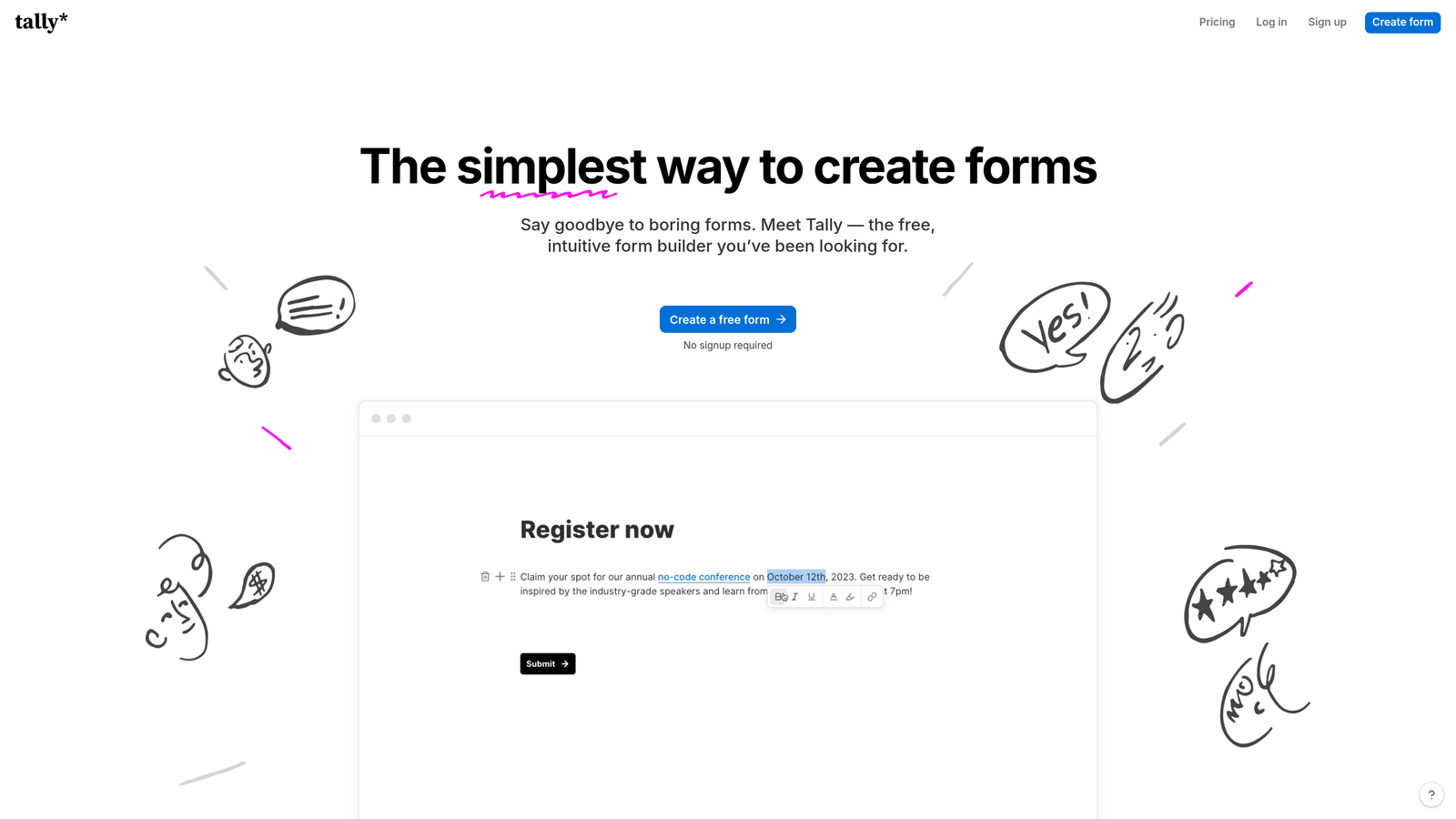
Tally is the form builder that feels like Notion—clean, minimal, and surprisingly powerful for a free tool.
Where This Tool Shines
The free tier includes unlimited forms and unlimited responses, which is almost unheard of in this market. Most competitors cap you at 100 responses or 3 forms before demanding payment. Tally lets you build as many forms as you need without hitting a paywall.
The block-based editor will feel instantly familiar if you've used Notion. Drag blocks around, nest questions, add media—it's intuitive enough that you won't need to watch tutorial videos before building your first form.
Key Features
Unlimited Free Plan: No limits on forms or responses on the free tier.
Block Editor: Notion-style interface makes form building feel natural and visual.
Conditional Logic: Show or hide questions based on answers without writing code.
File Uploads: Accept file submissions even on the free plan.
Clean Design: Minimal, modern aesthetic that looks professional without customization.
Best For
Early-stage startups operating on shoestring budgets. Small teams that need basic forms without ongoing costs. Side projects and personal use where paid tools feel like overkill.
Pricing
Free tier with unlimited forms; Pro plan at $29/month adds custom branding and advanced features.
7. Microsoft Forms
Best for: Organizations already invested in the Microsoft 365 ecosystem
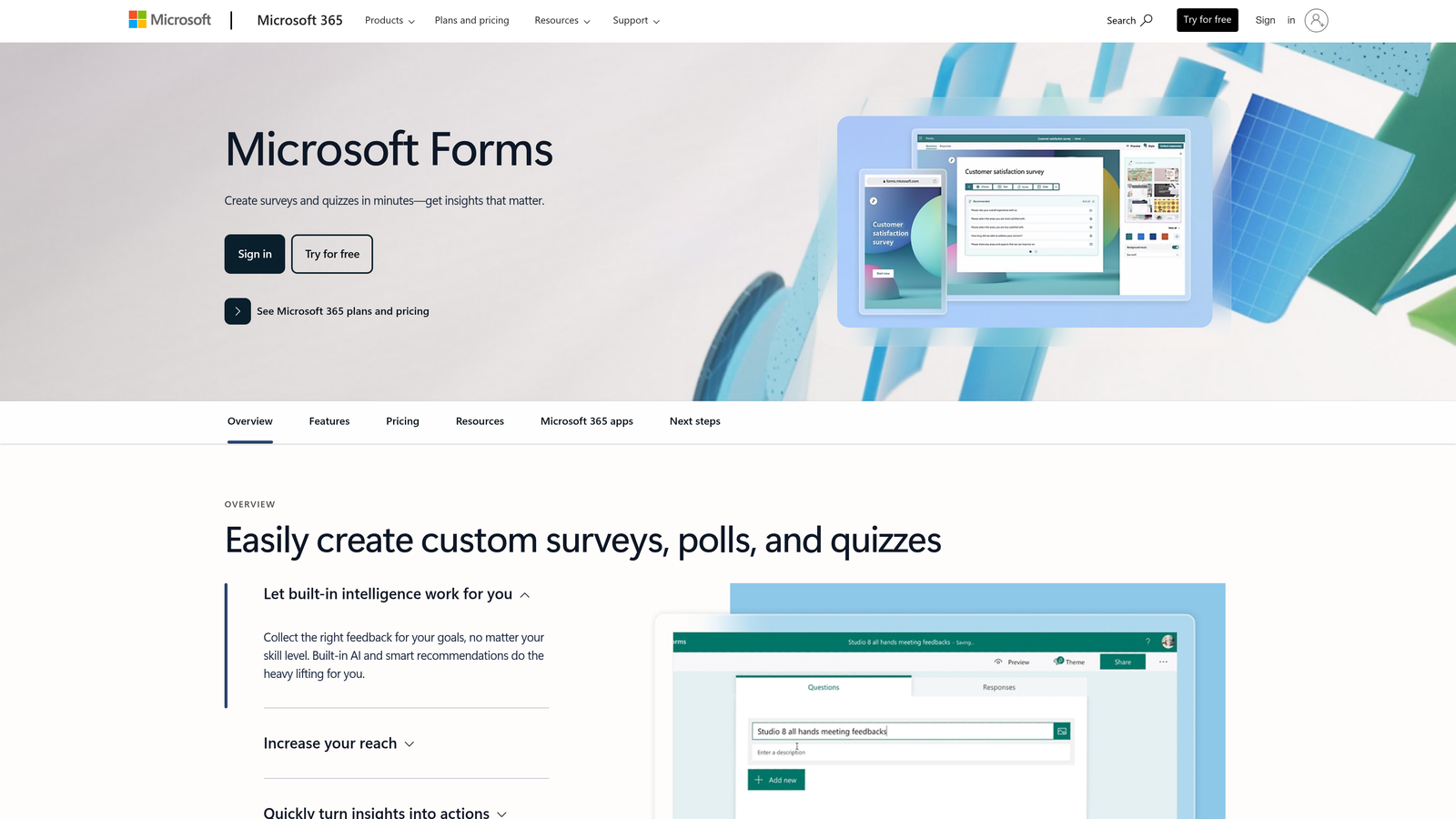
Microsoft Forms is the built-in form solution that comes with Microsoft 365 subscriptions.
Where This Tool Shines
If your organization runs on Microsoft 365, this is the path of least resistance. No new vendor contracts, no additional budget approvals, no IT security reviews—it's already approved and available.
The Teams integration means you can embed forms directly in channels, share them in chats, and collect responses without leaving the Microsoft ecosystem. For enterprises with strict data residency requirements, everything stays within your existing Microsoft tenant.
Key Features
Microsoft 365 Integration: Native connection to the entire Microsoft productivity suite.
Teams Embedding: Share and collect responses directly within Teams channels.
Built-In Analytics: Response summaries and charts generated automatically without exporting data.
Branching Logic: Create conditional paths based on user responses.
Enterprise Security: Inherits your organization's security policies and compliance certifications.
Best For
Enterprises standardized on Microsoft 365 who want to minimize vendor sprawl. IT departments preferring to keep data within existing security perimeters. Teams conducting internal surveys, polls, and feedback collection.
Pricing
Included with Microsoft 365 Business and Enterprise subscriptions at no additional cost.
8. Cognito Forms
Best for: Small businesses needing payment processing and calculation capabilities
Cognito Forms is an affordable form builder with surprisingly robust features for handling payments and complex calculations.
Where This Tool Shines
The payment processing integration makes it easy to collect payments through Stripe or Square directly in your forms. Registration forms, order forms, donation pages—add payment fields without custom development or third-party plugins.
The calculation engine handles complex math based on user inputs. Build quote calculators, pricing estimators, or order forms where totals update in real-time as users make selections. This level of functionality usually requires custom coding in other platforms.
Key Features
Payment Integration: Accept payments through Stripe and Square with built-in processing.
Advanced Calculations: Perform complex math operations based on form field values.
Repeating Sections: Let users add multiple entries of the same field set within one form.
Conditional Logic: Show, hide, or require fields based on previous answers.
HIPAA Compliance: Available on higher-tier plans for healthcare organizations.
Best For
Small businesses selling products or services through forms. Event organizers collecting registration fees. Organizations needing calculation logic without hiring developers.
Pricing
Free tier available for basic forms; paid plans start at $15/month with increased features and volume.
9. FormAssembly
Best for: Salesforce-centric enterprises requiring deep CRM integration and strict compliance
FormAssembly is the enterprise form platform built specifically for organizations that live in Salesforce.
Where This Tool Shines
The native Salesforce connector doesn't just sync data—it maps form fields to any Salesforce object, prefills forms with CRM data, and handles complex relationship mapping between objects. If your sales process depends on accurate data flowing into Salesforce, this level of integration matters.
SOC 2 Type II compliance and enterprise SSO support make this a natural fit for large organizations with strict security requirements. The platform handles complex data routing scenarios where different form submissions need to flow to different systems based on conditional logic.
Key Features
Salesforce Native: Deep integration mapping to any Salesforce object with bidirectional sync.
SOC 2 Compliance: Type II certification for enterprises with strict security audit requirements.
Data Routing: Send form data to multiple systems based on conditional logic and business rules.
Prefill Capability: Populate forms with existing CRM data for faster completion.
Enterprise SSO: Support for SAML and other single sign-on protocols.
Best For
Large enterprises where Salesforce is the system of record. Organizations requiring SOC 2 compliance for vendor security reviews. Companies with complex data routing needs across multiple systems.
Pricing
Plans start at $99/month; enterprise tiers available with custom pricing based on volume and features.
Making the Right Choice
The form builder you choose depends less on features and more on where you are—and where you're headed. Small businesses just getting started should lean toward Google Forms or Tally to avoid monthly costs while you validate your processes. You can always migrate later when budget allows.
If you're a high-growth team that's outgrown basic tools but isn't ready for enterprise complexity, Orbit AI delivers the intelligence layer you need without the overhead. The AI-powered lead qualification means you're not just collecting submissions—you're building a smarter pipeline from day one.
For Microsoft or Salesforce-centric organizations, the answer is obvious: use the tool that integrates natively with your existing stack. Microsoft Forms and FormAssembly respectively will save you more in integration headaches than you'd gain from feature shopping elsewhere.
Enterprises in regulated industries—healthcare, finance, legal—need to start with compliance as a non-negotiable filter. Jotform Enterprise and FormAssembly both handle HIPAA requirements, but verify the specific certifications match your industry's standards before committing.
Here's what most teams get wrong: they choose based on current needs without considering 18-month growth. The cost of migrating form infrastructure—rebuilding forms, reconnecting integrations, retraining teams—almost always exceeds the savings from starting with a cheaper tool. Build in headroom for where you're going, not just where you are today.
Transform your lead generation with AI-powered forms that qualify prospects automatically while delivering the modern, conversion-optimized experience your high-growth team needs. Start building free forms today and see how intelligent form design can elevate your conversion strategy.


