Every service business knows the frustration: leads slip through the cracks, intake processes eat up hours of admin time, and potential clients abandon forms before finishing. The right lead intake form does more than collect contact details—it qualifies prospects, routes them to the right team member, and kicks off your workflow automatically.
Whether you're running a law firm, marketing agency, home services company, or consulting practice, the tools below are purpose-built to capture and convert service leads. Here's what we looked for: ease of customization, integration capabilities, conditional logic, mobile responsiveness, and features specifically designed for service-based workflows.
1. Orbit AI
Best for: High-growth service teams needing AI-powered lead qualification and intelligent routing
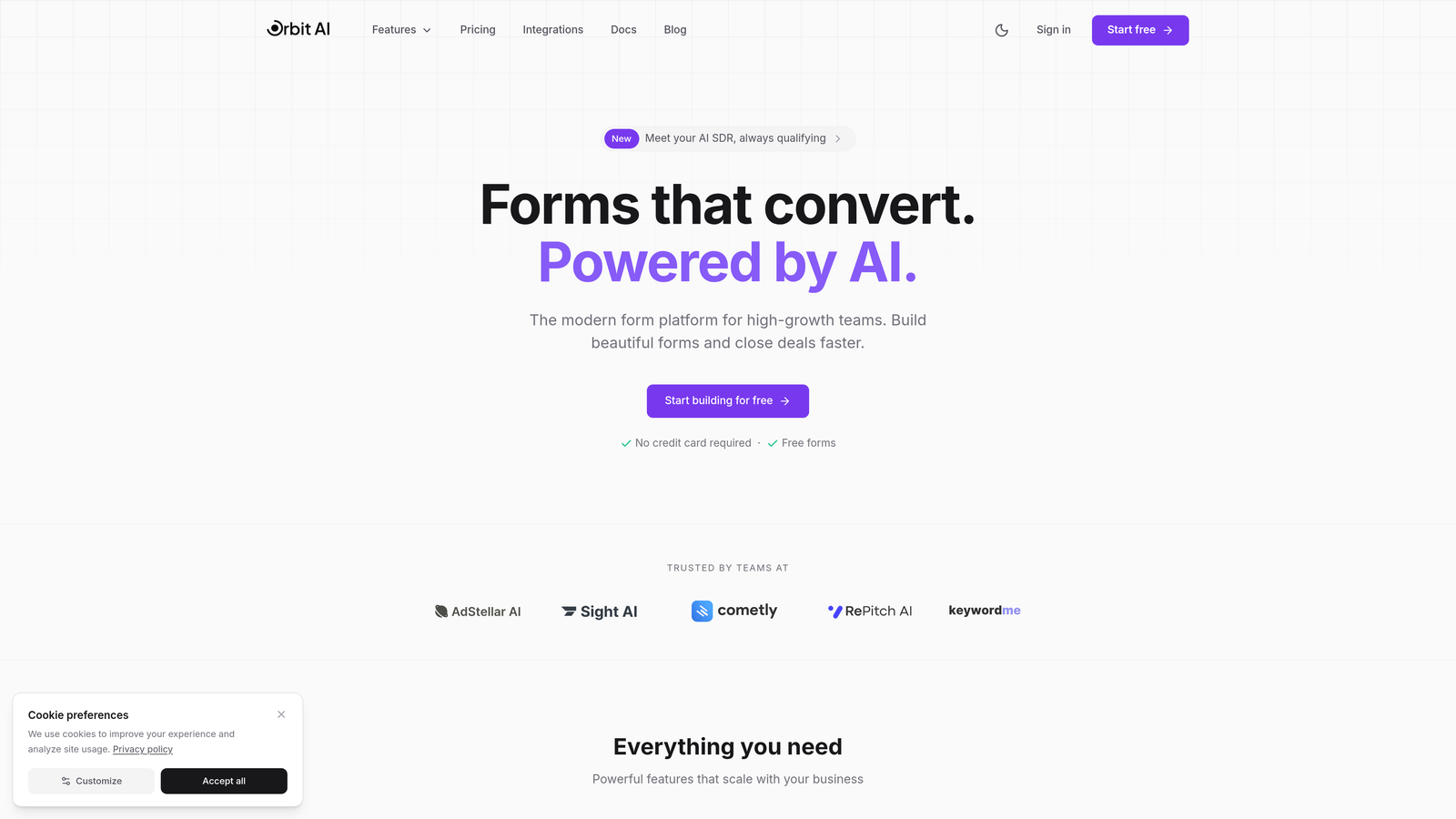
Orbit AI is an AI-powered form builder designed specifically for service businesses that want to qualify and route leads automatically.
Where This Tool Shines
Orbit AI takes the guesswork out of lead qualification by using artificial intelligence to score prospects based on their responses. Instead of manually reviewing every submission to determine which leads deserve immediate attention, the platform analyzes answers in real-time and assigns priority scores.
The automatic routing system ensures high-value leads land with the right team member immediately. If someone fills out your intake form requesting enterprise-level services with a substantial budget, they're routed to your senior team. Budget-conscious prospects get directed to self-service resources or junior staff. This intelligent triage happens instantly, without any manual intervention.
Key Features
AI-Powered Lead Scoring: Automatically evaluates prospect quality based on budget, timeline, service needs, and custom criteria you define.
Smart Routing Rules: Sends leads to specific team members based on service type, location, deal size, or any combination of factors.
Conversion-Optimized Templates: Pre-built form designs specifically tested for service business lead generation with proven completion rates.
Native CRM Integrations: Connects directly with major CRM platforms to create records and trigger follow-up sequences automatically.
Real-Time Analytics Dashboard: Track form performance, conversion rates, lead quality metrics, and team response times in one view.
Best For
Service businesses with multiple team members handling different service tiers or specialties. Perfect for agencies, consulting firms, professional services, and B2B service providers who need to qualify leads quickly and route them intelligently without adding administrative overhead.
Pricing
Free tier available for getting started. Paid plans begin at competitive rates with advanced AI features and higher submission limits on premium tiers.
2. Typeform
Best for: Creating engaging, conversational intake experiences with high completion rates
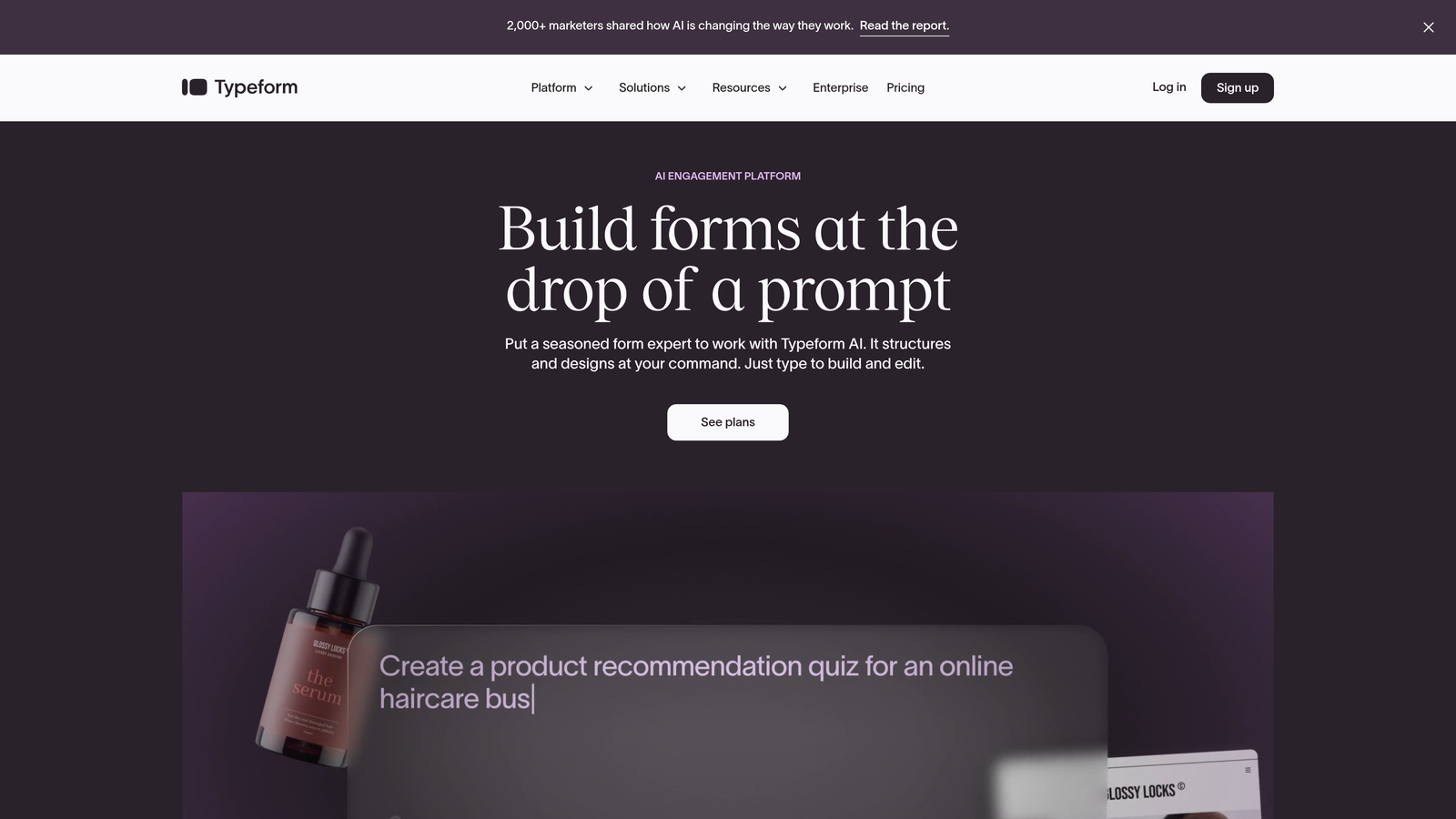
Typeform pioneered the one-question-at-a-time format that feels more like a conversation than a traditional form.
Where This Tool Shines
The conversational approach reduces form abandonment significantly. Instead of overwhelming prospects with a wall of fields, Typeform presents questions sequentially. This creates psychological momentum—once someone answers the first question, they're more likely to continue through the entire form.
The interface feels modern and friendly, which matters when you're asking potential clients to share budget information or detailed project requirements. The visual design options let you match your brand perfectly, and the logic jumps ensure people only see questions relevant to their specific situation.
Key Features
One-Question Format: Displays questions individually to maintain focus and reduce cognitive load for better completion rates.
Logic Jumps: Creates branching paths based on answers, so prospects only see relevant follow-up questions.
Rich Media Support: Embed videos, images, and GIFs to make forms more engaging and explain services visually.
Popular Integrations: Connects with tools like Google Sheets, Slack, HubSpot, and Salesforce for immediate data flow.
Mobile-Optimized Design: Forms automatically adapt to any screen size with swipe-friendly navigation.
Best For
Service businesses where the intake experience itself is part of your brand impression. Ideal for creative agencies, consultants, and professional services where you want to differentiate through a modern, client-friendly intake process.
Pricing
Free tier available with Typeform branding. Basic plan starts at $25/month for removing branding and accessing logic jumps.
3. Jotform
Best for: Quick deployment with ready-made templates for virtually any service business
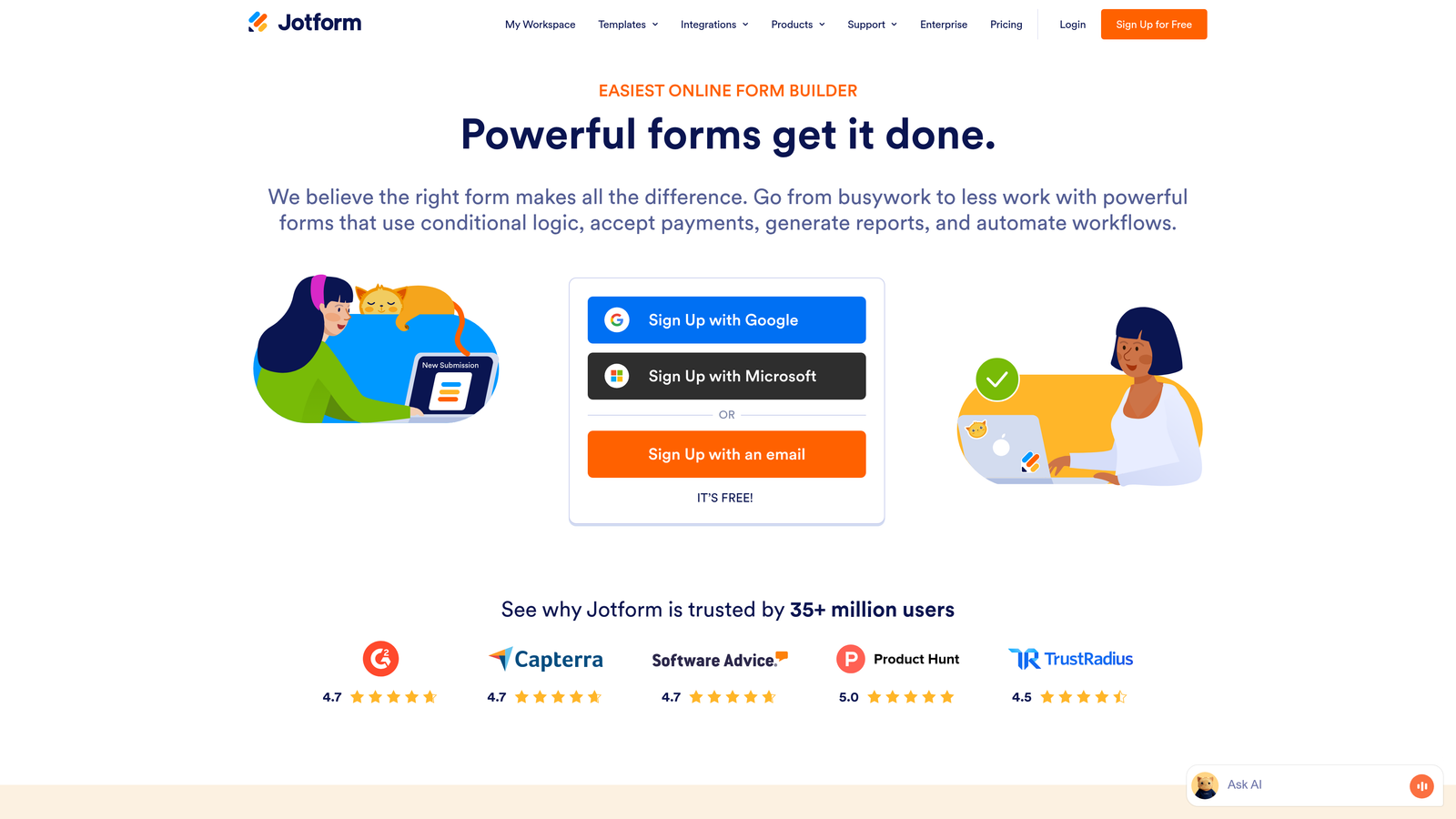
Jotform offers over 10,000 pre-built templates covering everything from legal intake to home services estimates.
Where This Tool Shines
The template library is genuinely comprehensive. Need a personal injury intake form? There's a template. HVAC service request? Covered. Wedding photography inquiry? Already built. This saves hours of form design work—you can launch a professional intake form in minutes by customizing an existing template rather than starting from scratch.
The widget ecosystem adds functionality without coding. Payment collection, appointment scheduling, e-signatures, and file uploads all work through drag-and-drop widgets. For service businesses that need to collect deposits or signed agreements during intake, this streamlines the entire client onboarding process.
Key Features
Massive Template Library: Over 10,000 templates including industry-specific intake forms for legal, medical, home services, and professional services.
Widget Marketplace: Add payment processing, appointment booking, e-signatures, and 100+ other functions through simple drag-and-drop.
Conditional Logic: Show or hide fields based on previous answers to create dynamic, personalized intake experiences.
HIPAA Compliance: Available on enterprise plans for healthcare providers and other regulated industries.
Offline Form Collection: Mobile app allows collecting submissions even without internet connection.
Best For
Service businesses that want to launch quickly without extensive customization. Perfect for solo practitioners, small teams, and businesses in regulated industries needing HIPAA-compliant solutions.
Pricing
Free tier with Jotform branding and basic features. Bronze plan starts at $34/month for more submissions and advanced features.
4. HubSpot Forms
Best for: Teams already using HubSpot CRM who want seamless data flow and workflow automation
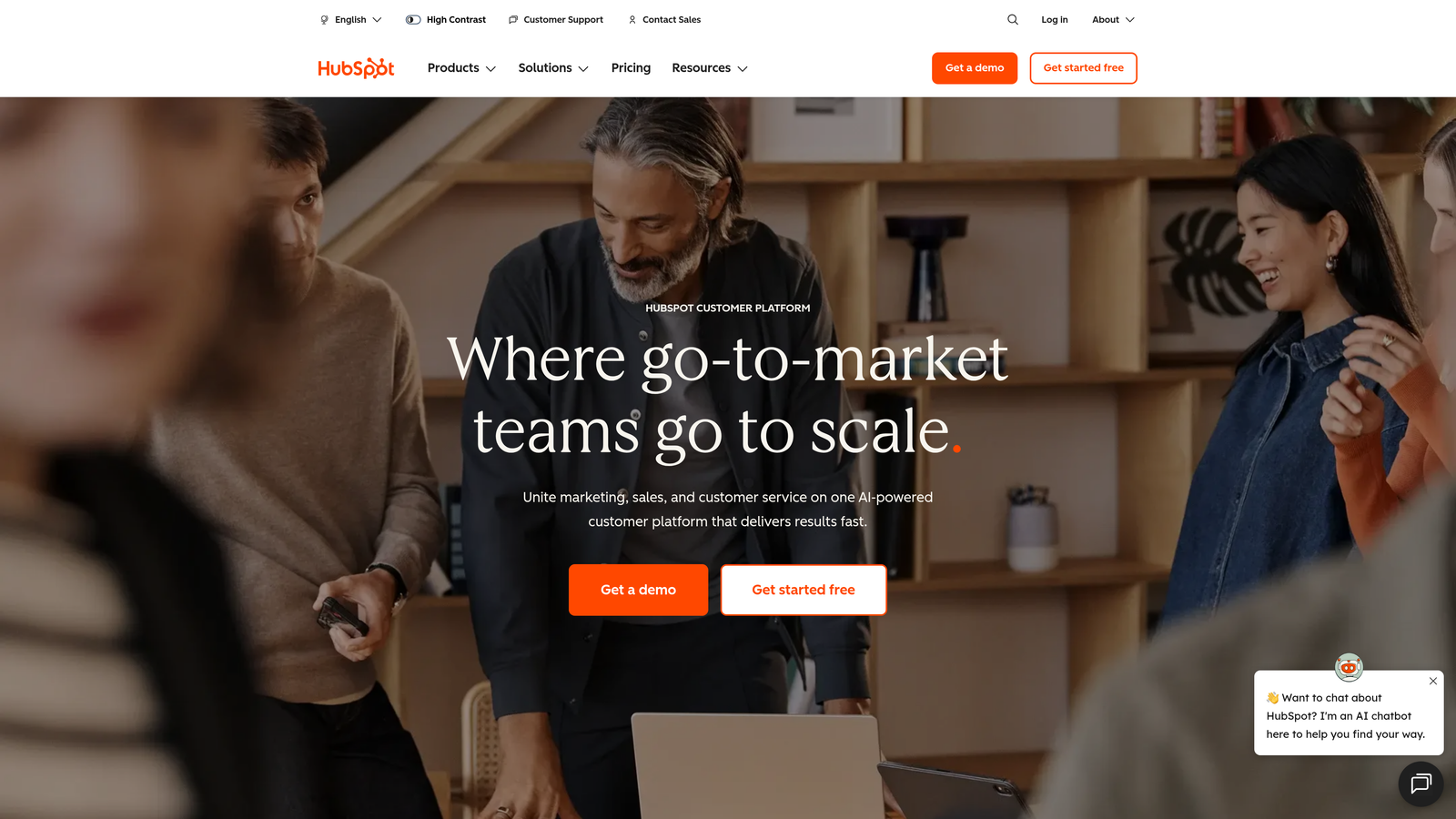
HubSpot Forms creates intake forms that automatically populate your CRM and trigger follow-up sequences.
Where This Tool Shines
The CRM integration is native and instant. When someone submits your intake form, HubSpot automatically creates or updates their contact record, assigns them to the appropriate pipeline, and can trigger email sequences, task creation, or internal notifications. There's no middleware, no zapier connections, no data sync delays.
Progressive profiling is particularly valuable for service businesses with longer sales cycles. If someone fills out a basic contact form first, then returns later for a detailed service inquiry, HubSpot remembers their previous answers and only asks new questions. This creates a smoother experience for prospects who interact with your business multiple times.
Key Features
Automatic CRM Population: Form submissions instantly create or update contact records with zero manual data entry.
Progressive Profiling: Shows different questions to returning visitors based on what information you already have about them.
Workflow Triggers: Automatically start email sequences, create tasks, or notify team members based on form submissions.
Built-In Analytics: Track form performance, conversion rates, and submission sources directly in your HubSpot dashboard.
A/B Testing: Test different form versions to optimize completion rates and lead quality.
Best For
Service businesses already invested in the HubSpot ecosystem. Ideal for teams that want their intake forms to be part of a larger marketing automation and CRM strategy rather than a standalone tool.
Pricing
Free with HubSpot's free CRM. Advanced features like A/B testing and additional customization require paid Marketing Hub plans starting at $45/month.
5. Gravity Forms
Best for: WordPress-based service businesses needing deep site integration and developer flexibility
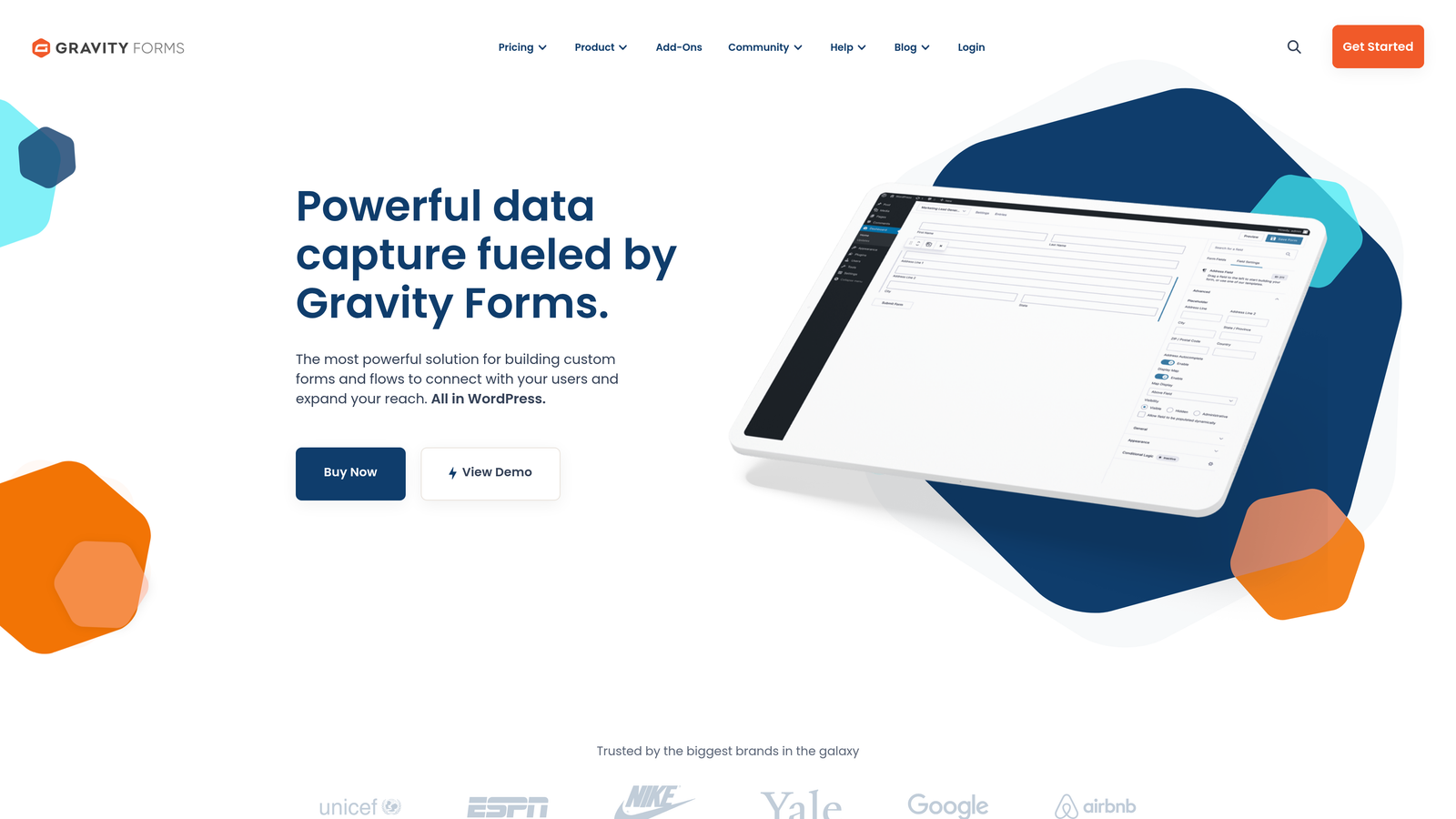
Gravity Forms is a WordPress plugin that's become the standard for professional form building on the platform.
Where This Tool Shines
The WordPress integration runs deeper than just embedding forms. Gravity Forms can create WordPress user accounts from submissions, generate posts from form data, and interact with custom post types. For service businesses running membership sites, client portals, or content-heavy WordPress installations, this level of integration is invaluable.
The add-on ecosystem extends functionality in service-specific ways. Connect to Stripe or PayPal for deposits, integrate with Zapier for CRM connections, add e-signature capabilities, or connect to scheduling tools. The developer community has built solutions for virtually every service business workflow you can imagine.
Key Features
Native WordPress Integration: Works seamlessly with WordPress themes, plugins, and user management systems.
Extensive Add-On Library: Official and third-party add-ons for payments, signatures, CRM integration, and specialized workflows.
Advanced Conditional Logic: Create complex branching forms that adapt based on multiple conditions and previous answers.
Multi-Page Forms: Break long intake processes into manageable steps with progress indicators.
Developer Hooks: Custom PHP hooks and filters for unlimited customization possibilities.
Best For
Service businesses with WordPress websites who need forms that integrate deeply with their site functionality. Perfect for agencies, consultants, and professional services with technical resources to leverage advanced features.
Pricing
Basic license starts at $59/year for a single site. Pro and Elite licenses add more add-ons and support for multiple sites.
6. Formstack
Best for: Enterprise service teams needing advanced workflow automation and document generation
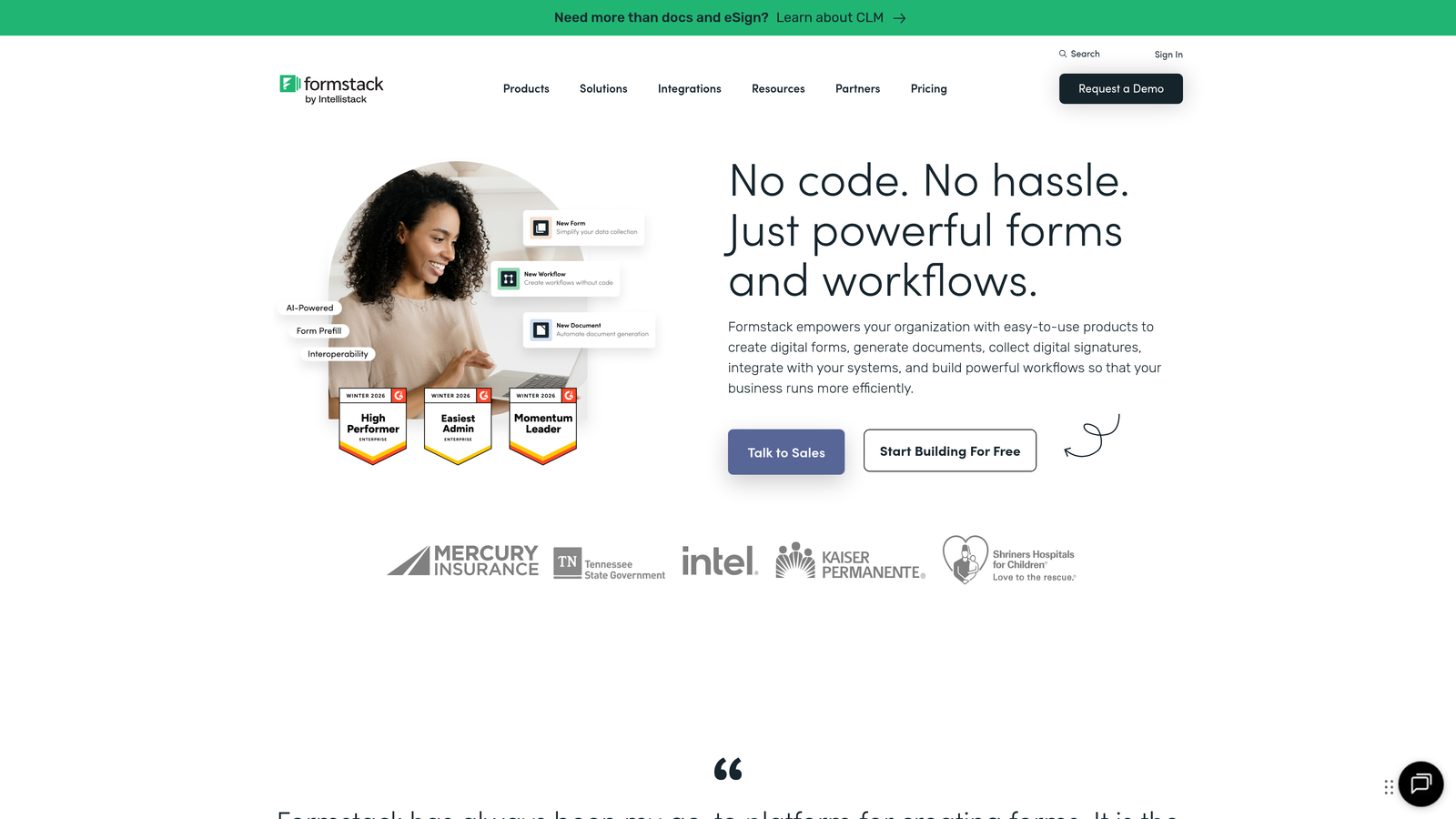
Formstack focuses on complex workflows and enterprise-grade data management for larger service organizations.
Where This Tool Shines
Document generation from form submissions is a standout feature. When a prospect completes your intake form, Formstack can automatically generate a proposal, service agreement, or project brief using their submitted information. This eliminates hours of copy-paste work and gets proposals in front of prospects while they're still engaged.
The workflow automation goes beyond simple email notifications. You can create multi-step approval processes, route submissions through different departments, and trigger actions across multiple connected systems. For service businesses with complex intake-to-delivery processes, this orchestration capability is powerful.
Key Features
Document Generation: Automatically create PDFs, contracts, or proposals populated with form submission data.
Advanced Workflows: Build multi-step approval processes and complex routing rules without coding.
E-Signature Integration: Collect legally binding signatures as part of the intake process.
Enterprise Security: HIPAA compliance, data encryption, and SOC 2 certification for regulated industries.
Team Collaboration: Role-based permissions, submission assignment, and internal commenting on form responses.
Best For
Mid-sized to enterprise service businesses with complex intake workflows, multiple approval steps, or compliance requirements. Ideal for legal firms, healthcare providers, financial services, and consulting firms with formal client onboarding processes.
Pricing
Starter plan at $50/month. Enterprise pricing available for larger teams with advanced security and compliance needs.
7. Paperform
Best for: Brand-focused service businesses wanting landing page-style intake experiences
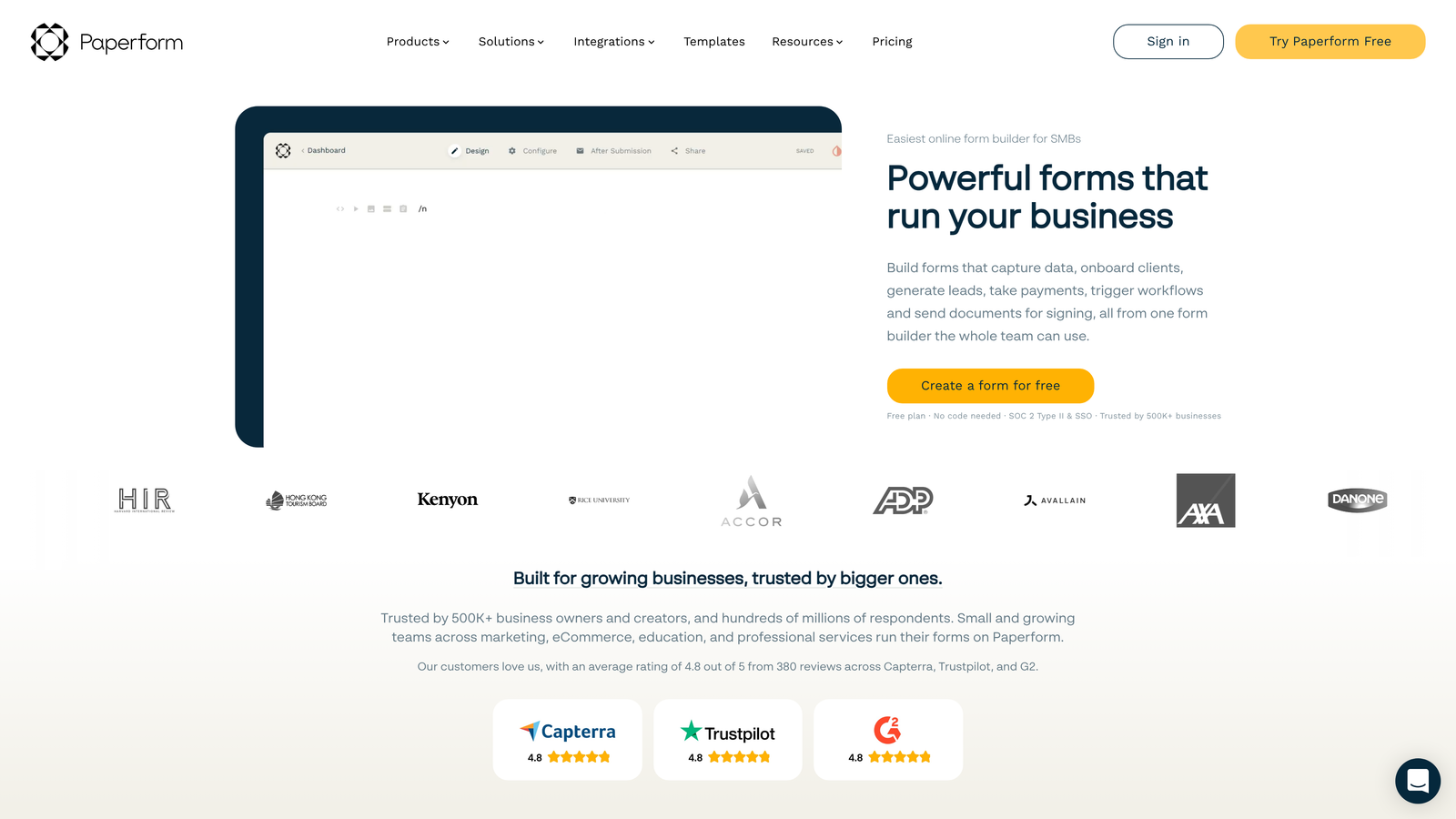
Paperform creates forms that look more like beautifully designed landing pages than traditional intake forms.
Where This Tool Shines
The design flexibility is exceptional. You can add full-width images, embed videos, include rich text sections, and create custom layouts that match your brand guidelines perfectly. For service businesses where the intake form is often a prospect's first real interaction with your brand, this visual polish makes a strong impression.
The all-in-one approach means you can collect payments, book appointments, and gather detailed intake information in a single form experience. Instead of sending prospects to separate scheduling and payment tools, everything happens in one branded environment. This reduces friction and improves conversion rates.
Key Features
Landing Page Design: Create visually rich forms with images, videos, and custom layouts that feel like dedicated landing pages.
Brand Customization: Full control over fonts, colors, spacing, and visual elements to match your brand identity.
Payment Integration: Accept deposits or full payment through Stripe or PayPal directly in your intake form.
Booking Integration: Connect with Calendly or other scheduling tools to combine intake and appointment booking.
Calculations: Build dynamic pricing calculators or quote generators based on form responses.
Best For
Service businesses where brand presentation matters significantly. Perfect for creative agencies, high-end consultants, wedding services, and premium professional services where the intake experience reinforces your positioning.
Pricing
Essentials plan at $24/month. Pro plan adds advanced features and removes Paperform branding.
8. 123FormBuilder
Best for: Regulated industries requiring HIPAA, GDPR, or PCI compliance for client data
123FormBuilder specializes in compliant form solutions for healthcare, legal, and financial service providers.
Where This Tool Shines
HIPAA compliance is built into specific plans rather than being an expensive add-on. For healthcare providers, therapists, medical billing services, and other covered entities, this makes 123FormBuilder one of the most cost-effective ways to collect protected health information legally. The platform handles Business Associate Agreements and provides the necessary technical safeguards.
The compliance features extend beyond healthcare. GDPR tools help service businesses operating in Europe manage consent and data subject requests. PCI compliance supports secure payment collection for service deposits or fees. These regulatory requirements are handled at the platform level, reducing your compliance burden.
Key Features
HIPAA-Compliant Hosting: Dedicated HIPAA plans with encrypted data storage and Business Associate Agreements.
E-Signature Collection: Legally binding electronic signatures for service agreements and consent forms.
Payment Processing: PCI-compliant payment collection through major processors.
Workflow Automation: Route submissions based on rules, send notifications, and trigger follow-up actions.
Team Collaboration: Multiple users can manage forms with role-based access controls.
Best For
Service businesses in regulated industries—healthcare providers, legal firms, financial advisors, and insurance agencies. Essential for any service business handling sensitive client information that requires compliance certifications.
Pricing
Free tier available for basic forms. Gold plan at $24.99/month. HIPAA-compliant plans start at higher price points with additional security features.
9. Cognito Forms
Best for: Budget-conscious service businesses needing robust features without premium pricing
Cognito Forms offers surprisingly powerful functionality at price points well below competitors.
Where This Tool Shines
The free tier is genuinely usable for small service businesses. Unlike competitors that severely limit free plans, Cognito Forms allows unlimited forms and reasonable submission limits without forcing you to upgrade immediately. This makes it perfect for solo practitioners or new service businesses testing different intake approaches.
Payment collection without platform fees is a significant advantage. While other form builders charge transaction fees on top of payment processor rates, Cognito Forms only passes through the standard Stripe or PayPal fees. For service businesses collecting deposits or consultation fees through intake forms, this saves money at scale.
Key Features
Generous Free Tier: Unlimited forms with reasonable submission limits and core features available without payment.
Payment Collection: Accept payments through Stripe or PayPal with no additional platform fees beyond processor rates.
Advanced Calculations: Build quote calculators, pricing estimators, and dynamic forms based on mathematical logic.
Conditional Logic: Show or hide fields, sections, and pages based on user responses.
Data Security: Encryption at rest and in transit with optional HIPAA compliance on higher plans.
Best For
Solo practitioners, startups, and small service businesses with limited budgets but professional feature requirements. Ideal for consultants, coaches, freelancers, and small agencies getting started with structured intake processes.
Pricing
Free tier available. Pro plan at $15/month adds advanced features, more submissions, and removes Cognito Forms branding.
Finding Your Perfect Match
The right lead intake form depends on where you are and where you're headed. If you're looking for AI-driven qualification that automatically scores and routes leads to the right team members, Orbit AI delivers that intelligence without adding complexity. Teams focused on completion rates and user experience lean toward Typeform's conversational approach. Need to launch quickly? Jotform's template library gets you operational in minutes.
Already living in HubSpot? Their native forms eliminate integration headaches and keep everything in one ecosystem. WordPress sites benefit from Gravity Forms' deep platform integration and developer flexibility. Complex workflows with document generation point toward Formstack, while brand-conscious businesses appreciate Paperform's design capabilities.
Compliance requirements narrow the field quickly—123FormBuilder handles HIPAA, GDPR, and PCI needs that many competitors can't match. And if budget is tight but you still need professional features, Cognito Forms delivers surprising value at lower price points.
The best approach is testing your top two choices with real leads. Most platforms offer free trials or free tiers. Build your intake form in both, send some traffic, and measure what matters: completion rates, lead quality, and how smoothly submissions flow into your existing workflow. The form that converts prospects while saving your team time is the one worth paying for.
Transform your lead generation with AI-powered forms that qualify prospects automatically while delivering the modern, conversion-optimized experience your high-growth team needs. Start your free trial today and see how intelligent form design can elevate your conversion strategy.