

Choosing B2B form software often comes down to one critical question: what will this actually cost my business? Unlike consumer-focused tools, B2B form builders need to handle lead qualification, CRM integrations, team collaboration, and compliance requirements—all of which affect pricing dramatically.
The challenge? Pricing models vary wildly. Some platforms charge per response, others per user. Some offer unlimited everything at flat rates, while others hide their best features behind enterprise paywalls. And those advertised prices rarely tell the full story—integration costs, compliance features, and submission limits can double or triple your actual spend.
This guide breaks down the leading B2B form software options, comparing their pricing structures, what you actually get at each tier, and which scenarios justify the investment. Whether you're a startup watching every dollar or an enterprise team needing advanced features, you'll find a clear picture of what to expect.
1. Orbit AI
Best for: High-growth B2B teams prioritizing AI-powered lead qualification and conversion optimization
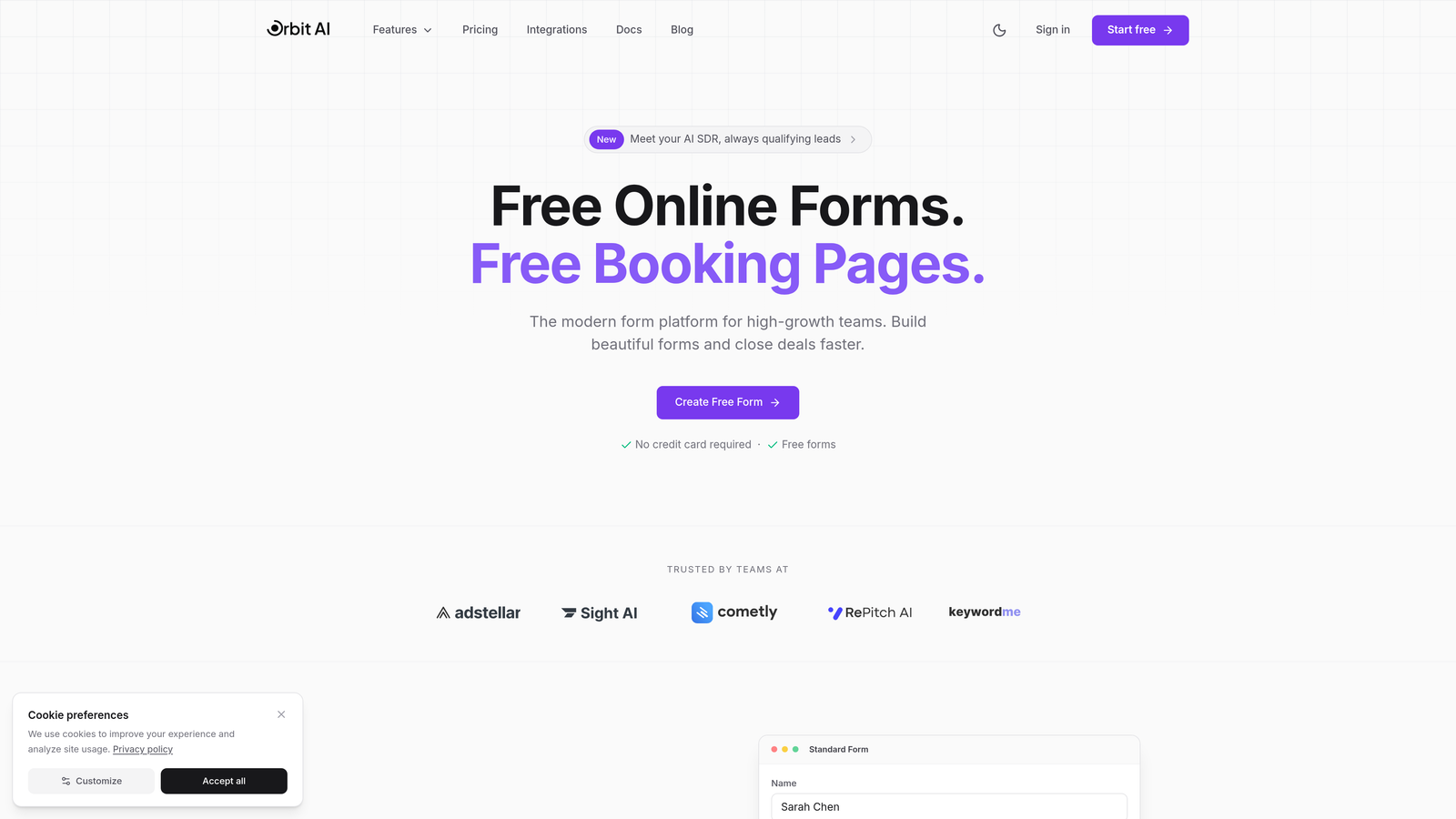
Orbit AI is an AI-powered form builder platform designed specifically for B2B teams that need to qualify leads automatically while maintaining a modern, conversion-focused experience.
Where This Tool Shines
Orbit AI differentiates itself by embedding intelligence directly into the form experience. Instead of collecting data and qualifying later, the platform uses AI to score and route leads in real-time, reducing manual work for sales teams.
The focus on conversion optimization means every template is built around reducing friction and improving completion rates—critical for B2B teams where each lead represents significant potential revenue. The platform handles the technical complexity of lead qualification while keeping the user experience clean and modern.
Key Features
AI-Powered Lead Qualification: Automatically scores and routes leads based on responses, saving sales teams hours of manual qualification work.
Conversion-Optimized Templates: Pre-built form designs tested for maximum completion rates in B2B scenarios.
Native CRM Integrations: Direct connections to HubSpot, Salesforce, and Pipedrive eliminate data transfer delays and errors.
Built-In Analytics: Track form performance, conversion metrics, and lead quality without connecting external tools.
Workflow Automation: Trigger actions based on form responses, from email sequences to team notifications.
Best For
Orbit AI works best for scaling B2B companies where lead quality matters more than lead volume. If your sales team spends significant time qualifying inbound leads, or if you're struggling with low form completion rates, the AI-powered approach delivers measurable ROI. Marketing teams that want modern, branded forms without sacrificing functionality will appreciate the balance of design and intelligence.
Pricing
Transparent pricing tiers are available on the website, designed to scale with growing B2B teams. The structure focuses on delivering AI-powered features without forcing teams into enterprise contracts for basic automation capabilities.
2. Typeform
Best for: Teams prioritizing engagement through conversational, one-question-at-a-time form experiences
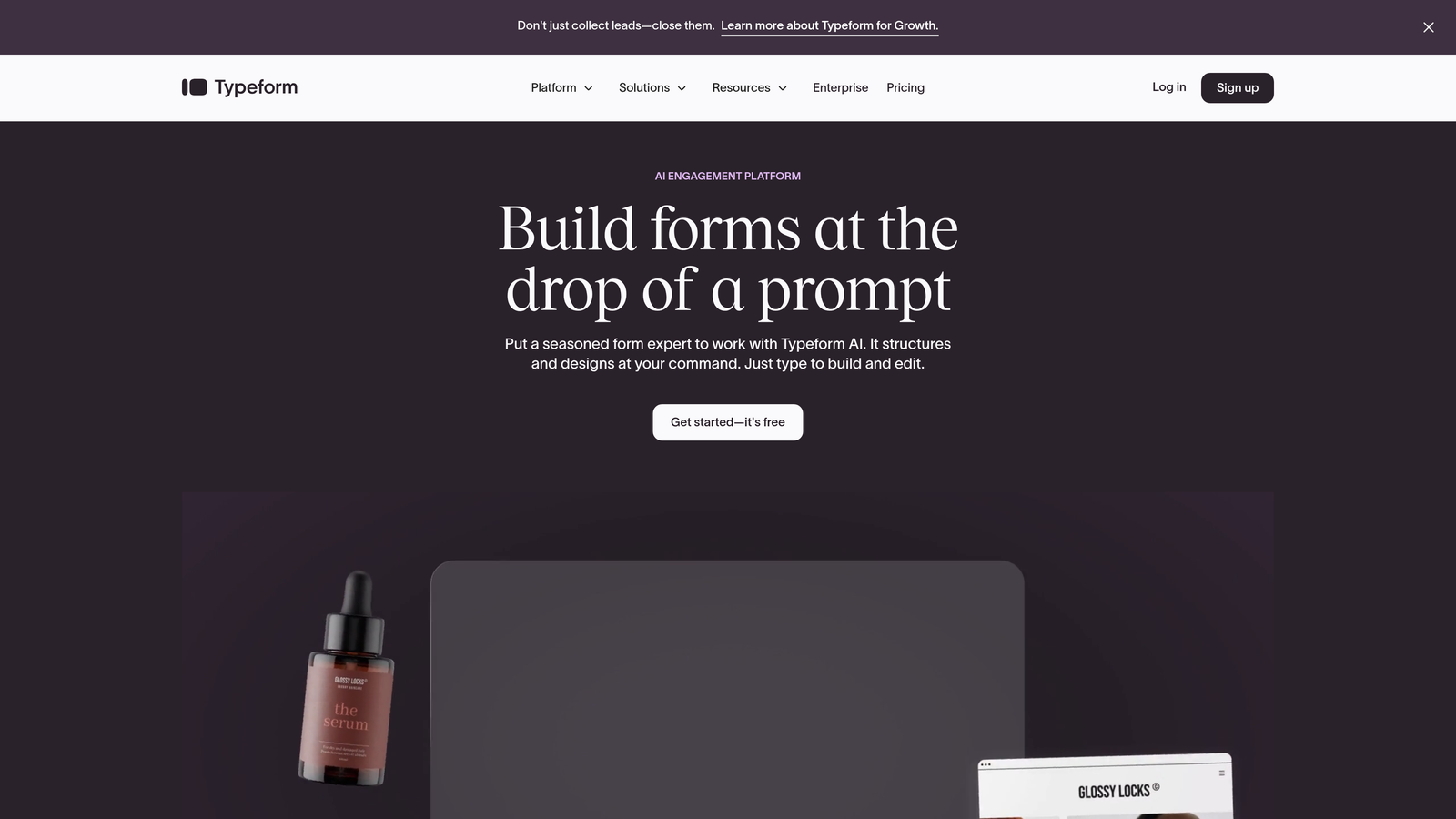
Typeform is a conversational form builder known for its distinctive one-question-at-a-time format that significantly improves completion rates compared to traditional forms.
Where This Tool Shines
Typeform revolutionized form design by making the experience feel more like a conversation than an interrogation. The single-question approach reduces cognitive load, making longer forms feel manageable. This translates to higher completion rates, particularly for surveys and qualification forms where you need detailed information.
The platform excels at creating engaging experiences that reflect well on your brand. If your B2B buyers expect modern, thoughtful interactions, Typeform delivers that polish consistently.
Key Features
Conversational Interface: One-question-at-a-time format that feels more human and less overwhelming than traditional forms.
Logic Jumps and Branching: Create dynamic form paths that adapt based on previous answers, personalizing the experience.
Native Integrations: Connect directly to popular tools like HubSpot, Salesforce, Google Sheets, and Slack without middleware.
Custom Branding: Full control over colors, fonts, and design to match your brand identity precisely.
Rich Media Support: Embed videos, images, and GIFs to create more engaging, context-rich forms.
Best For
Typeform works particularly well for B2B companies with complex qualification needs or lengthy surveys where engagement matters. Marketing teams conducting customer research, sales teams running detailed discovery processes, or product teams gathering feedback will find the conversational approach reduces drop-off significantly. The platform justifies its cost when completion rates directly impact revenue or decision-making quality.
Pricing
Basic starts around $25/month for 100 responses, Plus at approximately $50/month for 1,000 responses, and Business around $83/month for 10,000 responses. The per-response model means costs scale with usage—budget accordingly if you expect high submission volumes. Hidden costs emerge when you exceed tier limits or need advanced features like payment collection.
3. HubSpot Forms
Best for: Existing HubSpot users needing seamless CRM integration and progressive profiling capabilities
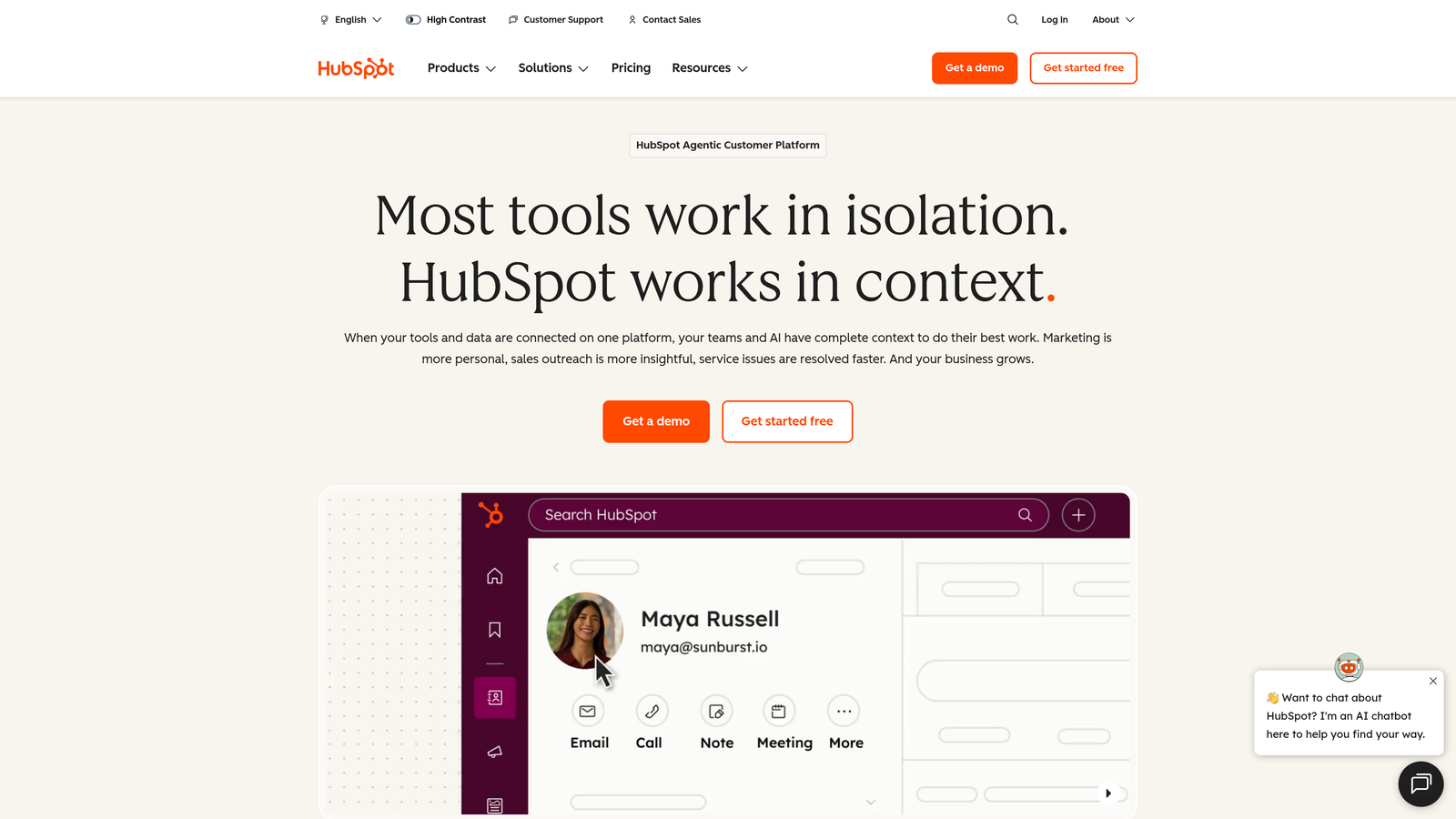
HubSpot Forms is the native form builder integrated directly into HubSpot's CRM and marketing platform, eliminating data sync issues for teams already in the ecosystem.
Where This Tool Shines
If you're already using HubSpot CRM, the forms tool becomes almost a no-brainer. Data flows instantly into contact records without integration middleware, webhooks, or sync delays. Progressive profiling—asking different questions to known contacts—prevents form fatigue while building richer profiles over time.
The platform's real power emerges when combined with HubSpot's marketing automation. Form submissions trigger workflows, update lead scores, and enable sophisticated nurture campaigns without leaving the platform. For teams committed to the HubSpot ecosystem, this integration depth justifies the investment.
Key Features
Native CRM Integration: Instant data sync to contact records without third-party connectors or API complexity.
Progressive Profiling: Automatically show different questions to returning visitors, reducing friction while gathering comprehensive data.
Smart Fields: Pre-populate known information and use conditional logic to personalize the form experience.
A/B Testing: Test different form variations directly in the platform to optimize conversion rates systematically.
Lead Scoring Integration: Form responses automatically update lead scores, enabling better prioritization for sales teams.
Best For
HubSpot Forms makes sense primarily for companies already invested in HubSpot's ecosystem. If you're running Marketing Hub or Sales Hub, the marginal cost of forms is minimal compared to the integration value. Teams that rely heavily on lead scoring, automated workflows, and progressive profiling will extract maximum value. However, if you're not using HubSpot CRM, the pricing becomes less competitive compared to standalone tools.
Pricing
Basic forms are free with HubSpot CRM, but advanced features require Marketing Hub Starter at $45/month or Professional at $800/month. The jump to Professional pricing is steep but includes sophisticated automation, A/B testing, and reporting capabilities. Calculate whether you need Marketing Hub features beyond forms—paying $800/month solely for form functionality rarely makes financial sense.
4. Jotform
Best for: Teams needing extensive templates, payment collection, and predictable pricing for high submission volumes
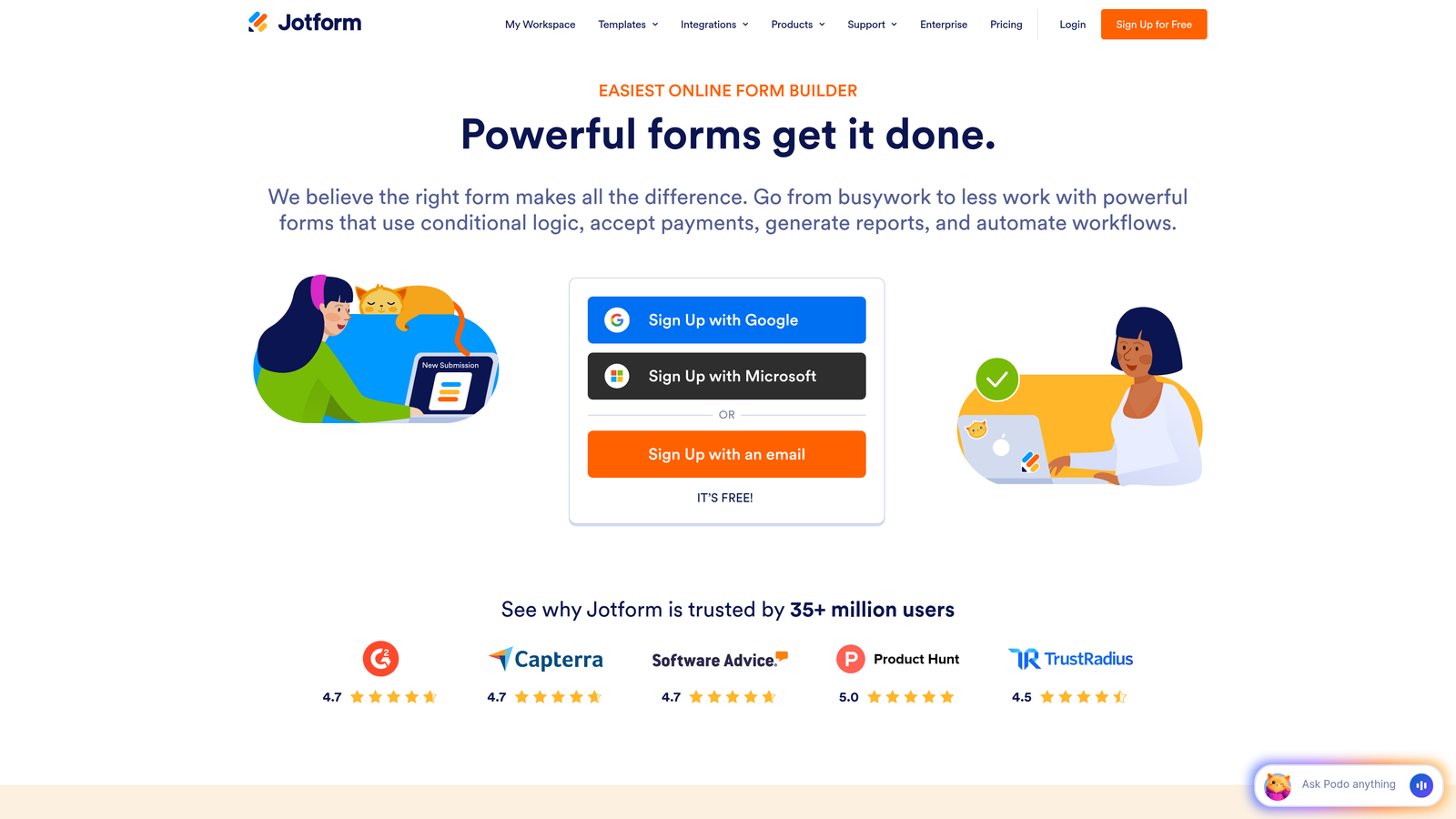
Jotform is a versatile form builder offering over 10,000 templates and extensive integrations, with pricing that remains predictable even at high submission volumes.
Where This Tool Shines
Jotform's template library is genuinely comprehensive—chances are someone has already built a form similar to what you need. This accelerates deployment significantly, particularly for teams without dedicated design resources. The platform handles diverse use cases from simple contact forms to complex multi-page applications with conditional logic.
Payment collection capabilities are robust, supporting multiple processors without requiring separate merchant accounts. For B2B teams collecting deposits, processing event registrations, or handling subscription payments, this integration depth eliminates tool sprawl.
Key Features
10,000+ Templates: Pre-built forms for virtually every use case, dramatically reducing build time for common scenarios.
Payment Integrations: Native connections to PayPal, Stripe, Square, and other processors for seamless transaction handling.
HIPAA Compliance Option: Enterprise tier includes HIPAA-compliant forms for healthcare and regulated industries.
PDF Generation: Automatically convert form submissions into formatted PDF documents for contracts or applications.
Approval Workflows: Route submissions through multi-step approval processes with notifications and status tracking.
Best For
Jotform works well for B2B teams with diverse form needs—registration forms, applications, surveys, and payment collection all handled in one platform. Companies expecting high submission volumes appreciate the predictable pricing that doesn't scale per response. Teams in regulated industries requiring HIPAA compliance find the enterprise tier more accessible than competitors. The platform suits organizations prioritizing breadth of features over specialized depth.
Pricing
Free tier includes 5 forms and 100 monthly submissions. Bronze at $34/month supports 25 forms and 1,000 submissions. Silver at $39/month increases to 100 forms and 10,000 submissions. Gold at $99/month offers unlimited forms and 100,000 submissions. Enterprise pricing is custom but includes HIPAA compliance and dedicated support. The submission limits are generous compared to competitors, making cost forecasting straightforward.
5. Formstack
Best for: Enterprise teams needing forms, document generation, and e-signatures in unified workflows
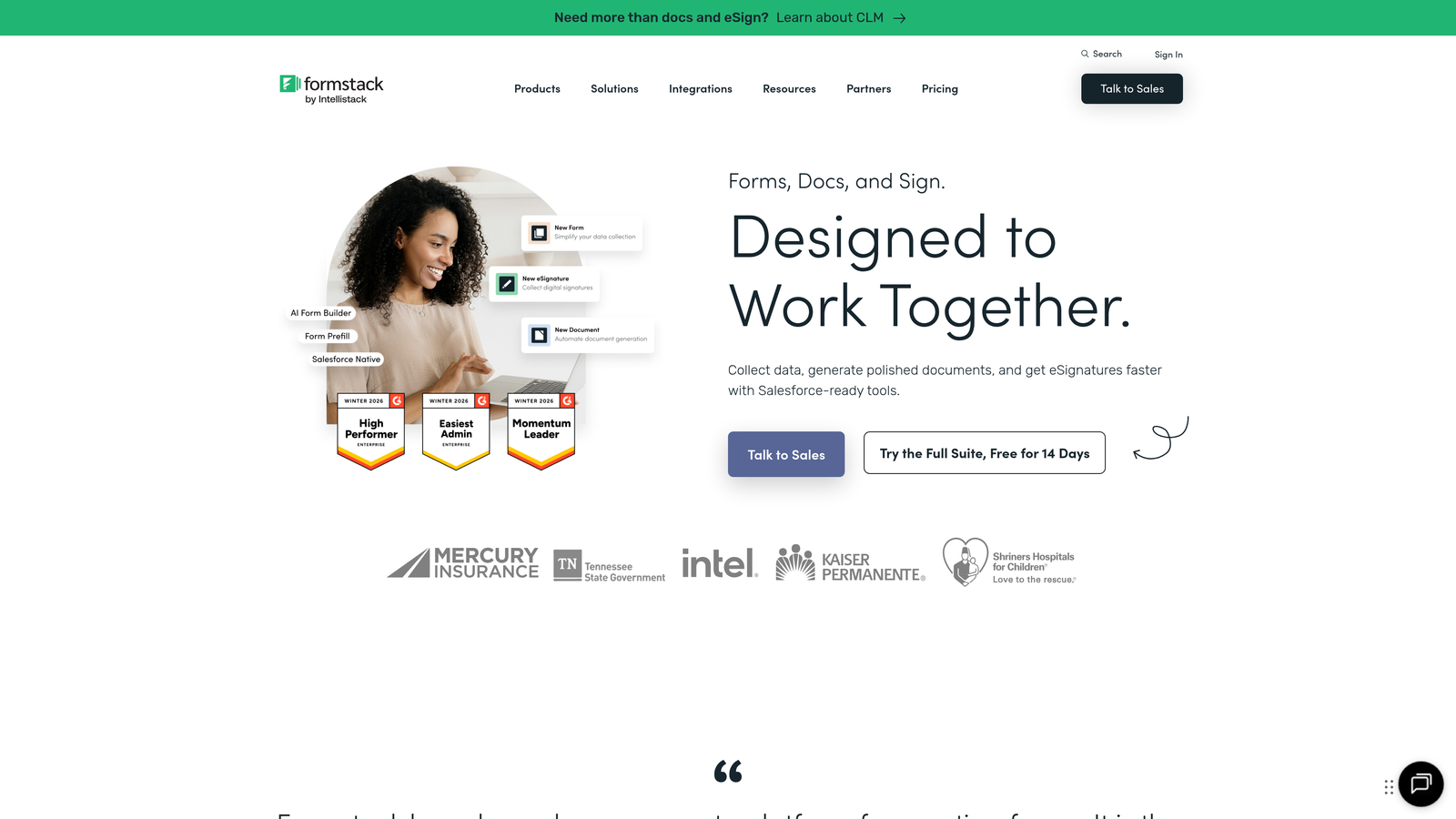
Formstack is an enterprise-focused platform that combines forms, automated document generation, and electronic signatures for complex B2B workflows requiring multiple steps.
Where This Tool Shines
Formstack addresses a common enterprise pain point: collecting information via forms, then manually creating contracts or documents from that data. The platform automates this entire workflow—form submission triggers document generation using submitted data, then routes to appropriate parties for electronic signature.
For organizations with compliance requirements, Formstack delivers enterprise-grade security certifications including HIPAA and SOC 2. The Salesforce-native option embeds directly into Salesforce, eliminating integration complexity for teams heavily invested in that ecosystem.
Key Features
Document Generation: Automatically populate templates with form data, creating contracts, proposals, or reports without manual data entry.
Electronic Signatures: Integrated e-signature functionality completes the workflow from data collection to signed agreement.
Advanced Workflow Automation: Complex multi-step processes with conditional routing, approvals, and notifications.
Compliance Certifications: HIPAA, SOC 2, and GDPR compliance built into enterprise tiers for regulated industries.
Salesforce-Native Option: Deploy forms directly within Salesforce without external integration points or data sync delays.
Best For
Formstack justifies its premium pricing for enterprises with complex document workflows—think contract generation, application processing, or multi-step approval processes. Organizations in healthcare, finance, or other regulated industries requiring compliance certifications find the enterprise features necessary rather than optional. Sales teams that need to move quickly from lead capture to signed agreements benefit from the unified workflow. Smaller teams with simple form needs will find the pricing difficult to justify.
Pricing
Forms-only starts around $50/month for basic functionality. Platform bundles combining forms, documents, and signatures begin at approximately $360/month. Enterprise pricing requires custom quotes but includes compliance features, advanced security, and dedicated support. The pricing reflects enterprise positioning—expect to justify ROI through time savings on document workflows rather than form collection alone.
6. Cognito Forms
Best for: Budget-conscious teams needing generous free tier limits and built-in payment processing
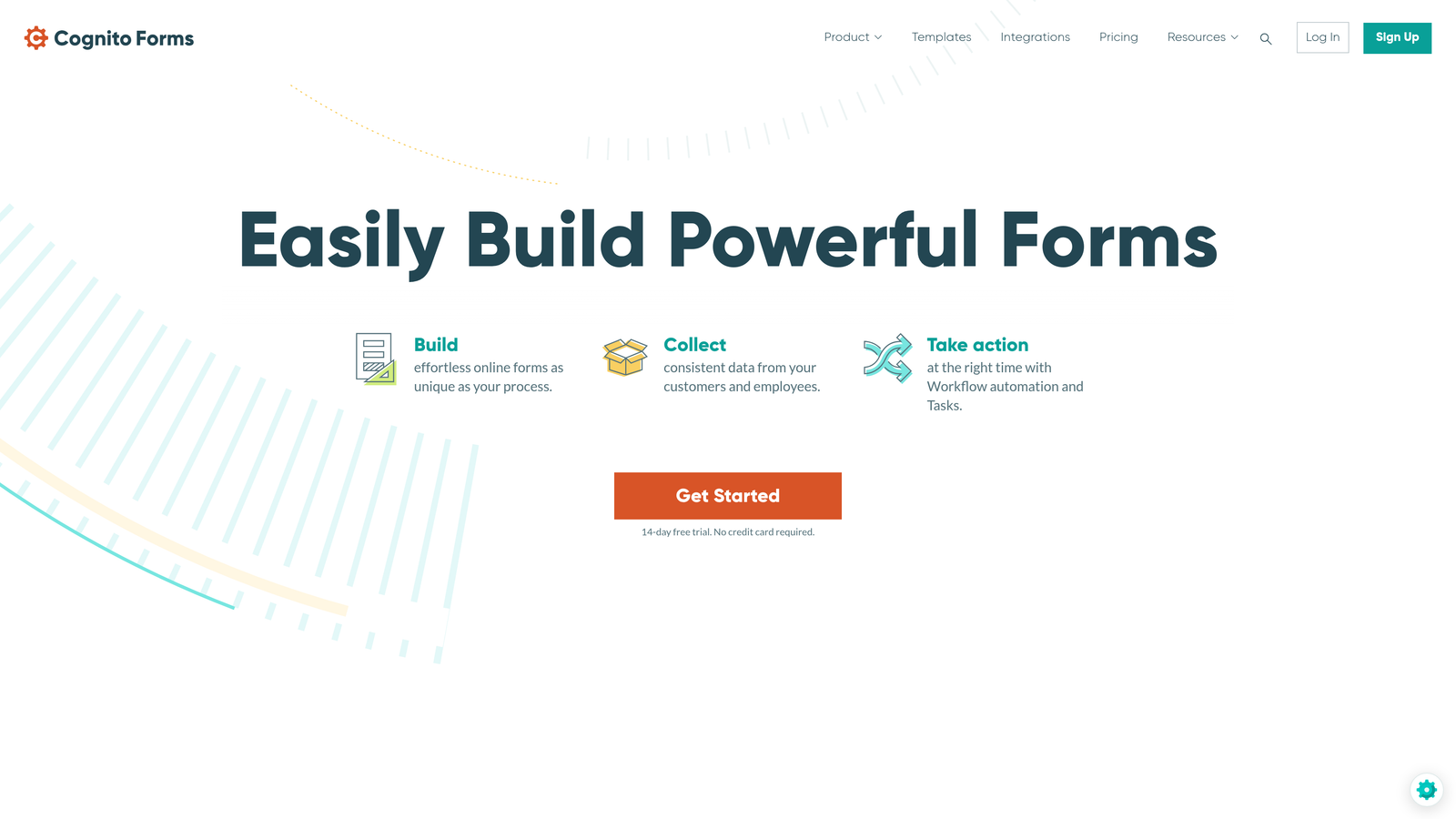
Cognito Forms is a budget-friendly form builder offering unlimited forms on its free tier, with built-in payment processing and solid feature depth at accessible price points.
Where This Tool Shines
Cognito Forms delivers remarkable value at the free tier—unlimited forms with 500 monthly entries covers many small B2B teams entirely. Even as you scale, the pricing remains competitive without sacrificing essential features like conditional logic or payment processing.
The platform handles calculations and complex logic surprisingly well for its price point. Teams building quote calculators, application forms with dynamic pricing, or multi-step workflows get enterprise-level functionality without enterprise costs. Data encryption is standard across all tiers, addressing basic security concerns without premium pricing.
Key Features
Unlimited Forms on Free Tier: Build as many forms as needed without hitting artificial limits, ideal for testing and diverse use cases.
Built-In Payment Processing: Accept payments through Stripe or PayPal without additional integration costs or complexity.
Conditional Logic and Calculations: Create dynamic forms that calculate totals, show/hide fields, and adapt based on user input.
Entry Management System: Track, edit, and manage submissions with status updates and internal notes.
Data Encryption: All data encrypted at rest and in transit, meeting basic security requirements across all pricing tiers.
Best For
Cognito Forms works exceptionally well for startups, small B2B teams, or departments within larger organizations operating on limited budgets. Teams that need payment collection without investing in separate payment platforms find the built-in processing valuable. The platform suits scenarios where form volume is moderate but form variety is high—the unlimited forms model supports experimentation without cost anxiety. However, teams needing extensive integrations or advanced automation may outgrow the platform's capabilities.
Pricing
Free tier includes unlimited forms and 500 entries per month. Pro at $15/month increases to 2,000 entries and adds custom branding. Team at $35/month supports 10,000 entries and enables collaboration features. Enterprise at $99/month offers 100,000 entries plus priority support. The entry-based model makes cost forecasting straightforward—calculate your expected monthly submissions and select accordingly.
7. Paperform
Best for: Design-focused teams wanting unlimited forms with flat-rate pricing and extensive customization
Paperform is a design-forward form builder offering unlimited forms at flat monthly rates, with rich content embedding and strong visual customization capabilities.
Where This Tool Shines
Paperform treats forms as content experiences rather than data collection tools. You can embed videos, images, rich text, and custom HTML to create forms that feel more like landing pages. This approach works particularly well for B2B teams where brand perception matters and forms serve as primary customer touchpoints.
The unlimited forms model at flat pricing eliminates the anxiety of form proliferation. Marketing teams running multiple campaigns, product teams testing different qualification approaches, or sales teams customizing forms per prospect can build freely without watching submission counters or form limits.
Key Features
Rich Content Embedding: Add videos, images, custom text blocks, and media to create engaging, content-rich form experiences.
E-Commerce and Booking: Built-in product catalogs, appointment scheduling, and payment processing for transactional use cases.
Custom CSS and Branding: Full design control including custom CSS for teams with specific brand requirements.
Conditional Logic: Show/hide sections, calculate totals, and create dynamic form paths based on user responses.
Analytics Dashboard: Track completion rates, drop-off points, and conversion metrics without external analytics tools.
Best For
Paperform suits B2B companies where forms represent the brand and need to feel premium. Marketing agencies, consultancies, or high-end service providers benefit from the design flexibility. Teams that need booking or e-commerce functionality alongside traditional forms consolidate tools rather than managing separate platforms. The flat-rate unlimited model works best for organizations with unpredictable form needs—seasonal campaigns, multiple product launches, or diverse team requirements.
Pricing
Essentials at $24/month includes unlimited forms and 1,000 monthly submissions. Pro at $49/month increases to 10,000 submissions and adds advanced features like custom CSS. Business at $99/month offers 100,000 submissions plus priority support and enhanced security. All tiers include unlimited forms, making the pricing model straightforward—select based on expected submission volume rather than feature needs.
8. Zoho Forms
Best for: Zoho ecosystem users or budget-conscious teams needing solid features at competitive pricing
Zoho Forms is the form builder within Zoho's extensive business software ecosystem, offering competitive standalone pricing or inclusion in the comprehensive Zoho One bundle.
Where This Tool Shines
For organizations already using Zoho CRM, Zoho Forms provides seamless integration that rivals HubSpot's native connection. Data flows instantly into CRM records, triggers workflows, and updates deal stages without middleware complexity. The integration depth extends across Zoho's entire suite—connect forms to Zoho Analytics for reporting, Zoho Campaigns for email automation, or Zoho Books for invoicing.
The offline form capability addresses a genuine B2B pain point—field sales teams or event staff can collect data without internet connectivity, with automatic sync when connection resumes. This reliability matters for teams operating in varied environments.
Key Features
Native Zoho CRM Integration: Instant data sync to Zoho CRM with automatic workflow triggers and deal updates.
Offline Form Capability: Collect submissions without internet connection, with automatic sync when connectivity returns.
Payment Collection: Accept payments through PayPal, Stripe, and other processors directly in forms.
Approval Workflows: Route submissions through multi-step approval processes with notifications and status tracking.
Custom Reports: Build detailed analytics and reports on form performance and submission data.
Best For
Zoho Forms delivers maximum value for teams already invested in the Zoho ecosystem—the integration depth justifies choosing it over competitors. Organizations considering Zoho One (the all-in-one business suite) get forms included, making standalone pricing irrelevant. Budget-conscious teams not locked into other ecosystems find the entry pricing competitive for basic needs. However, teams requiring extensive third-party integrations outside Zoho may find limitations compared to platforms like Jotform or Typeform.
Pricing
Free tier includes 3 forms and 500 submissions per month. Basic at $10/month increases to 25 forms and 10,000 submissions. Standard at $25/month offers 100 forms and 25,000 submissions. Professional at $50/month provides unlimited forms and 100,000 submissions. Zoho One bundle at approximately $45/user/month includes Forms plus 40+ other Zoho applications, potentially offering better value for teams needing multiple business tools.
9. 123FormBuilder
Best for: Teams prioritizing extensive third-party integrations and enterprise security options
123FormBuilder is an integration-focused form platform offering connections to over 200 third-party services, with enterprise security features including HIPAA compliance.
Where This Tool Shines
123FormBuilder's integration catalog is genuinely extensive—200+ native connections mean most B2B tools connect without custom development or middleware services. This breadth matters for organizations with complex tech stacks where forms need to trigger actions across multiple systems simultaneously.
The platform handles multi-page forms elegantly, which becomes important for complex B2B applications or detailed qualification processes. Breaking lengthy forms across pages with progress indicators improves completion rates while maintaining data integrity. Team collaboration features enable multiple stakeholders to build, review, and manage forms without version control chaos.
Key Features
200+ Integrations: Native connections to major CRMs, marketing platforms, payment processors, and business tools without custom development.
HIPAA Compliance: Enterprise tier includes HIPAA-compliant forms for healthcare and regulated industry requirements.
Multi-Page Forms: Split complex forms across multiple pages with progress tracking and save-and-resume functionality.
Payment Processing: Accept payments through multiple processors with support for subscriptions and one-time charges.
Team Collaboration: Multiple users can build, edit, and manage forms with role-based permissions and access controls.
Best For
123FormBuilder works well for B2B teams with diverse integration requirements—particularly organizations using less common platforms that other form builders don't support natively. Companies in regulated industries needing HIPAA compliance find the enterprise tier more accessible than building custom solutions. Teams managing complex, multi-page applications or qualification processes benefit from the robust multi-page form handling. The platform suits organizations prioritizing integration breadth over specialized features like AI or advanced analytics.
Pricing
Free tier includes 5 forms and 100 monthly submissions. Gold at $24.99/month supports 10 forms and 1,000 submissions with basic integrations. Platinum at $44.99/month offers 100 forms and 10,000 submissions plus advanced features. Enterprise pricing is custom but includes HIPAA compliance, dedicated support, and enhanced security. The pricing structure is competitive for teams with moderate submission volumes, though per-form limits may require tier upgrades faster than submission-based models.
Finding the Right Pricing Model for Your Team
The right B2B form software depends less on advertised pricing and more on your specific volume, integration requirements, and growth trajectory. Calculate your expected monthly submissions first—this single number often determines whether you're looking at $25/month or $250/month tools.
Integration needs matter more than most teams initially realize. If you're deeply invested in HubSpot or Salesforce, paying premium pricing for native integration often costs less than dealing with sync delays, data errors, or middleware services. Budget-conscious teams with simpler requirements might start with Cognito Forms or Zoho Forms and scale up only when limitations become painful.
For teams prioritizing AI-powered lead qualification and modern design, Orbit AI offers compelling value—the intelligence layer reduces manual sales work while maintaining the conversion-focused experience that high-growth teams need. Start building free forms today and see how intelligent form design can elevate your conversion strategy while automating the qualification work that traditionally consumed sales resources.
Enterprise organizations with complex workflows involving document generation and e-signatures often justify Formstack's higher pricing through time savings alone. Before committing to any platform, map your actual workflow—if you're manually creating contracts from form data, the automation ROI becomes obvious.
The hidden costs deserve attention too. HIPAA compliance, SOC 2 certification, and GDPR features typically appear only in premium tiers, adding substantial expense for regulated industries. Calculate whether you need these certifications now or can start with basic security and upgrade later. Similarly, consider whether you need features like offline forms, multi-page applications, or approval workflows—these specialized capabilities often determine which tier you actually need versus which tier seems affordable.
Most platforms offer free trials—use them to test your specific use cases rather than evaluating features in isolation. Build your most complex form, connect your actual integrations, and process real submissions. The platform that handles your edge cases smoothly at acceptable pricing wins, regardless of feature comparison charts.


