

If you're hunting for a form builder with a free plan, you're not short on options. The real challenge is figuring out which free tiers are genuinely useful and which ones hit a wall the moment you try to do anything meaningful. Response caps that kick in after 100 submissions. Branding you can't remove without upgrading. CRM integrations locked behind a paywall. Sound familiar?
This guide cuts through that noise. We've evaluated nine form builders that let you get started free, comparing what each free plan actually includes, where each tool excels, and who it's built for. Whether you're a high-growth SaaS team that needs to qualify leads automatically, a marketer running campaigns, or a solo founder collecting early signups, there's a right tool for your workflow here.
We'll cover AI-powered builders, conversational form tools, survey-first platforms, and developer-friendly options. Let's get into it.
1. Orbit AI
Best for: High-growth SaaS and B2B teams that need forms to qualify and route leads automatically.
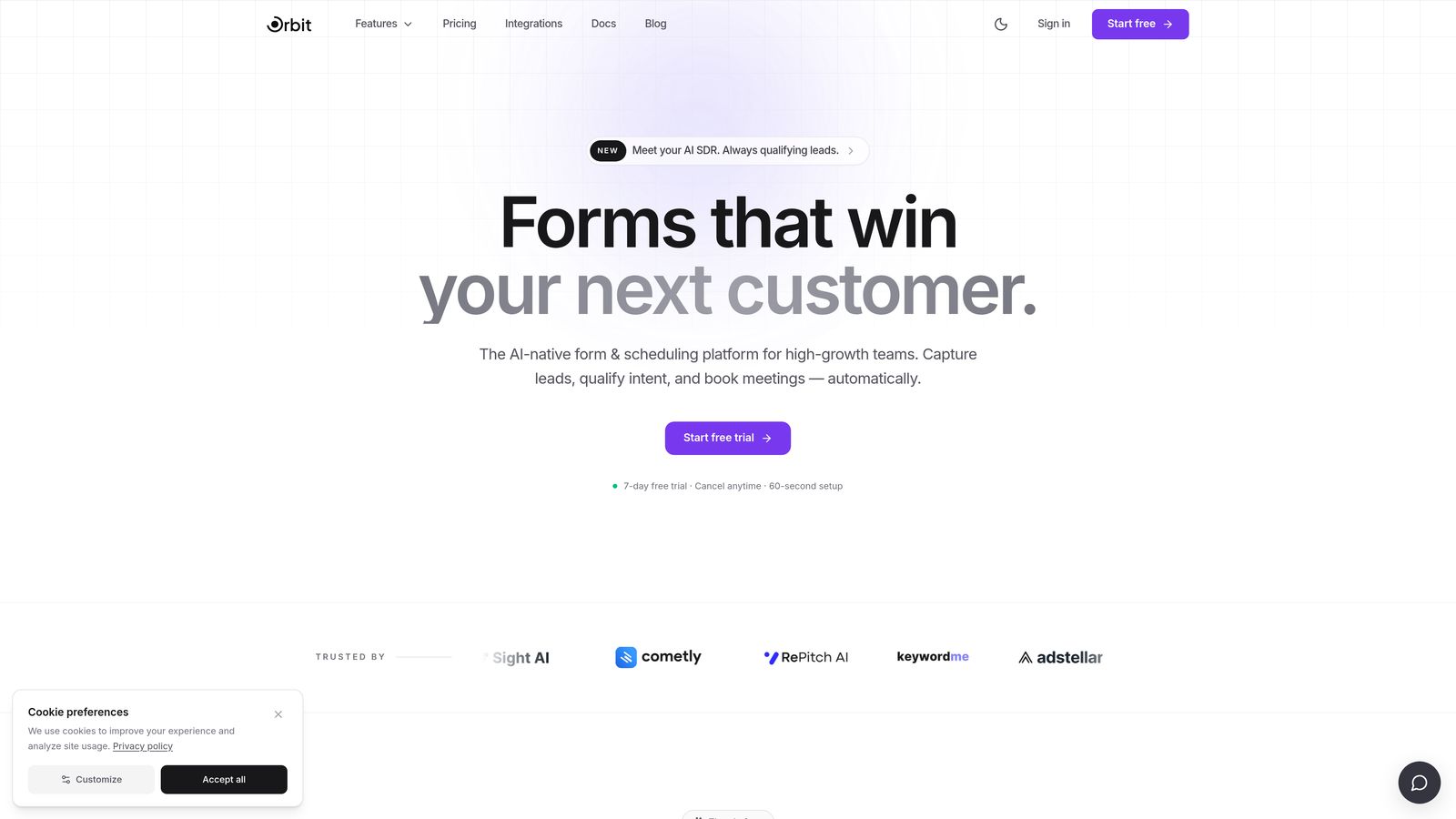
Orbit AI is an AI-powered form builder with built-in lead qualification and scoring designed for conversion-focused teams.
Where This Tool Shines
Most form builders stop at data collection. Orbit AI goes further by scoring leads in real time as they fill out your form, then routing them based on their qualification tier. For SaaS and B2B teams where not every lead deserves the same follow-up, this changes the workflow entirely.
The form design itself is modern and clean, built with conversion optimization in mind rather than just functionality. You're not just getting a smarter backend; you're getting a front-end experience that reflects the quality of your product.
Key Features
AI Lead Qualification: Scores responses in real time so your team knows which leads to prioritize the moment a form is submitted.
Smart Routing: Conditional logic routes leads to different follow-up flows based on their qualification score, not just their answers.
Conversion-Optimized Design: Clean, modern UI built to reduce friction and improve completion rates across devices.
CRM and Marketing Integrations: Connects with the tools your team already uses to keep lead data flowing without manual exports.
Free Plan with No Credit Card Required: Get started immediately without a billing commitment.
Best For
Orbit AI is the right choice for SaaS companies, B2B marketing teams, and growth-focused operators who need their forms to do more than collect data. If lead quality matters as much as lead volume, the built-in qualification layer is a genuine differentiator you won't find on most free-tier tools.
Pricing
Free plan available with no credit card required. Paid plans unlock advanced AI features, deeper integrations, and higher volume capacity.
2. Typeform
Best for: Marketers and researchers who want a polished, conversational form experience.
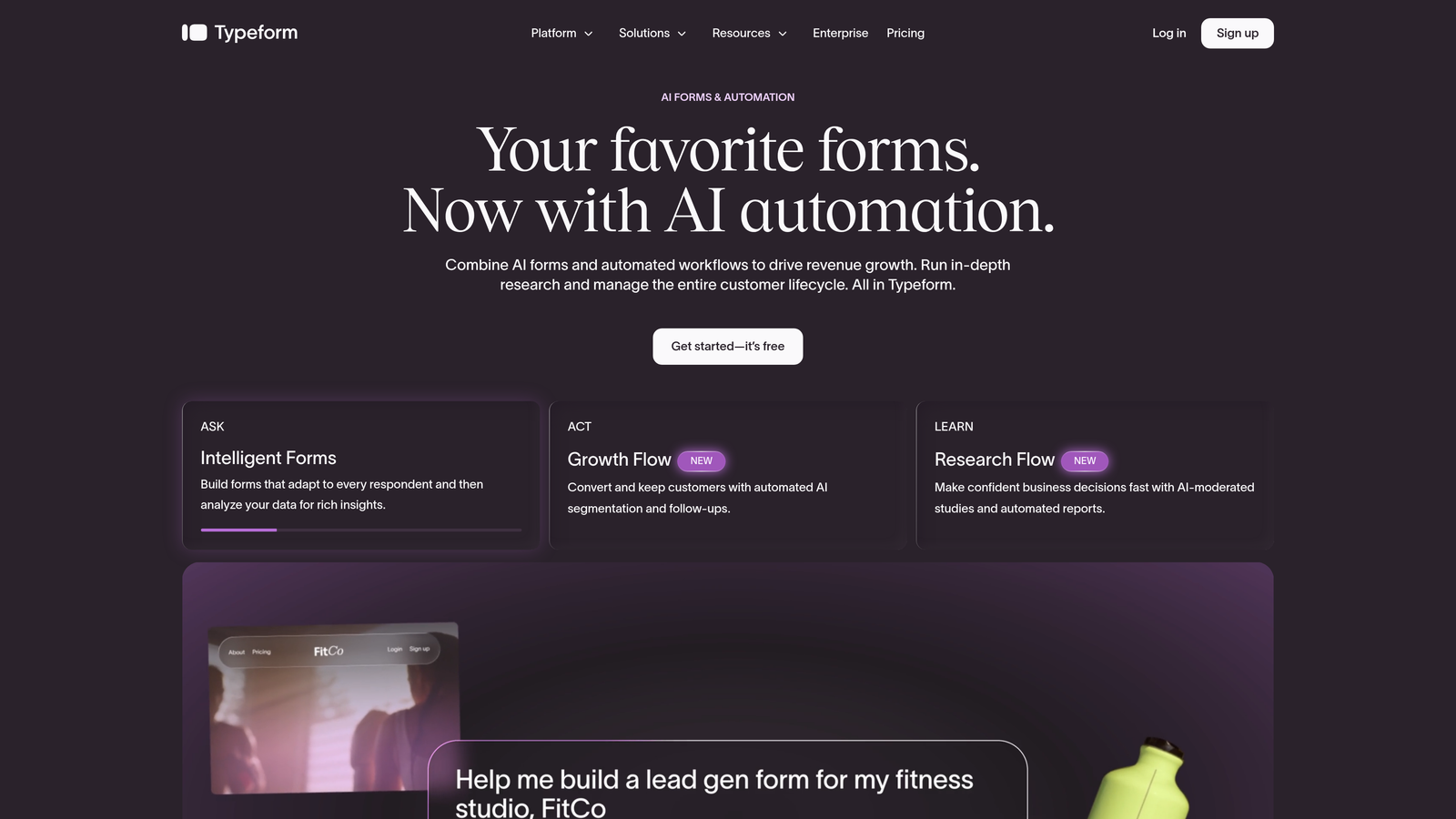
Typeform is a conversational form builder known for its one-question-at-a-time interface that creates an engaging, chat-like experience for respondents.
Where This Tool Shines
Typeform's core strength is the respondent experience. By presenting one question at a time, it reduces the visual overwhelm of traditional multi-field forms and tends to improve completion rates for surveys and longer intake forms. It's a strong choice when the quality of the response matters as much as getting the submission.
The logic jump system is intuitive, and the visual editor makes building branching flows accessible without any technical knowledge. Where it falls short is the free tier: just 10 responses per month, which limits real-world utility until you upgrade.
Key Features
Conversational UX: One-question-at-a-time interface that keeps respondents engaged through longer forms.
Logic Jumps: Branching paths based on answers to personalize the form experience dynamically.
Video and Image Support: Embed rich media directly inside questions for more engaging surveys.
CRM Integrations: Native connections to HubSpot, Salesforce, and Zapier for data routing.
Drop-off Analytics: See exactly where respondents abandon your form to optimize completion rates.
Best For
Typeform works well for marketing campaigns, customer research, event registration, and brand-forward lead capture. It's less suited for teams that need high response volume on a free plan or require built-in lead scoring.
Pricing
Free plan includes 10 responses per month with Typeform branding. Paid plans start at approximately $25 per month with higher response limits and branding removal.
3. Google Forms
Best for: Teams that need unlimited, no-cost data collection with zero setup friction.
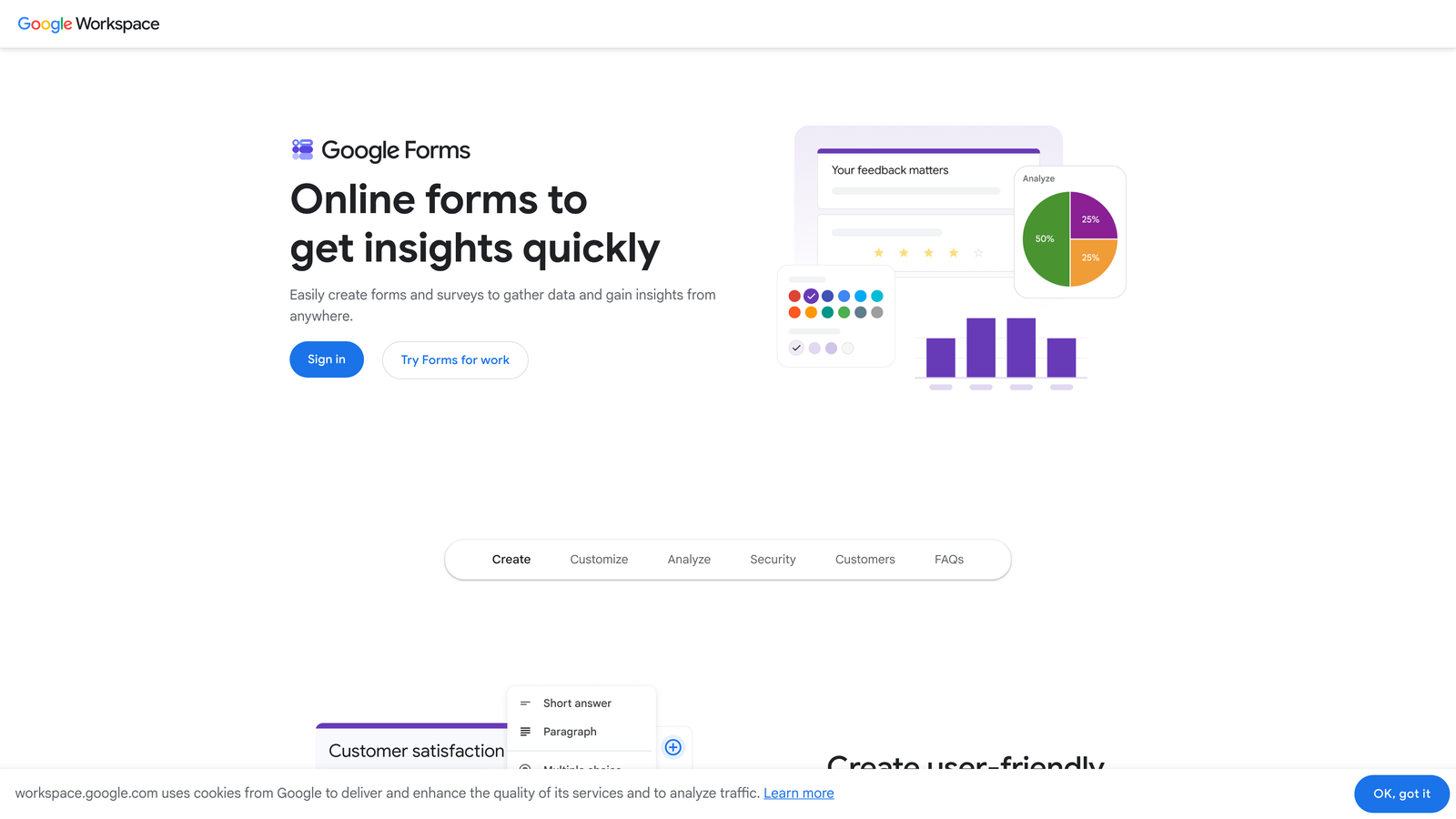
Google Forms is Google's free, no-frills form tool built into Google Workspace with genuinely unlimited responses at no cost.
Where This Tool Shines
The free tier here is the real story. No response caps, no branding fees, no submission limits. For internal surveys, event signups, or simple data collection, Google Forms delivers everything you need without spending a dollar or jumping through upgrade hoops.
The automatic sync to Google Sheets is a practical advantage for teams already living in the Google ecosystem. Real-time collaboration also makes it easy for multiple team members to build and manage forms together. The trade-off is design flexibility and advanced functionality: Google Forms is functional but not polished, and there's no native lead scoring, CRM sync, or conditional routing beyond basic branching.
Key Features
Unlimited Responses: No caps on forms or submissions on the free plan, ever.
Google Sheets Sync: All responses automatically populate a connected spreadsheet in real time.
Diverse Question Types: Includes grids, file uploads, linear scales, and multiple choice.
Real-Time Collaboration: Multiple users can build and edit forms simultaneously.
Quiz Mode: Built-in scoring and answer feedback for educational use cases.
Best For
Google Forms is the right pick for internal teams, educators, nonprofits, and anyone who needs simple, unlimited data collection without customization requirements. It's not built for lead generation or conversion optimization.
Pricing
Completely free with any Google account. No paid tiers within Google Forms itself.
4. Tally
Best for: Indie hackers, early-stage startups, and Notion users who want unlimited forms without paying.
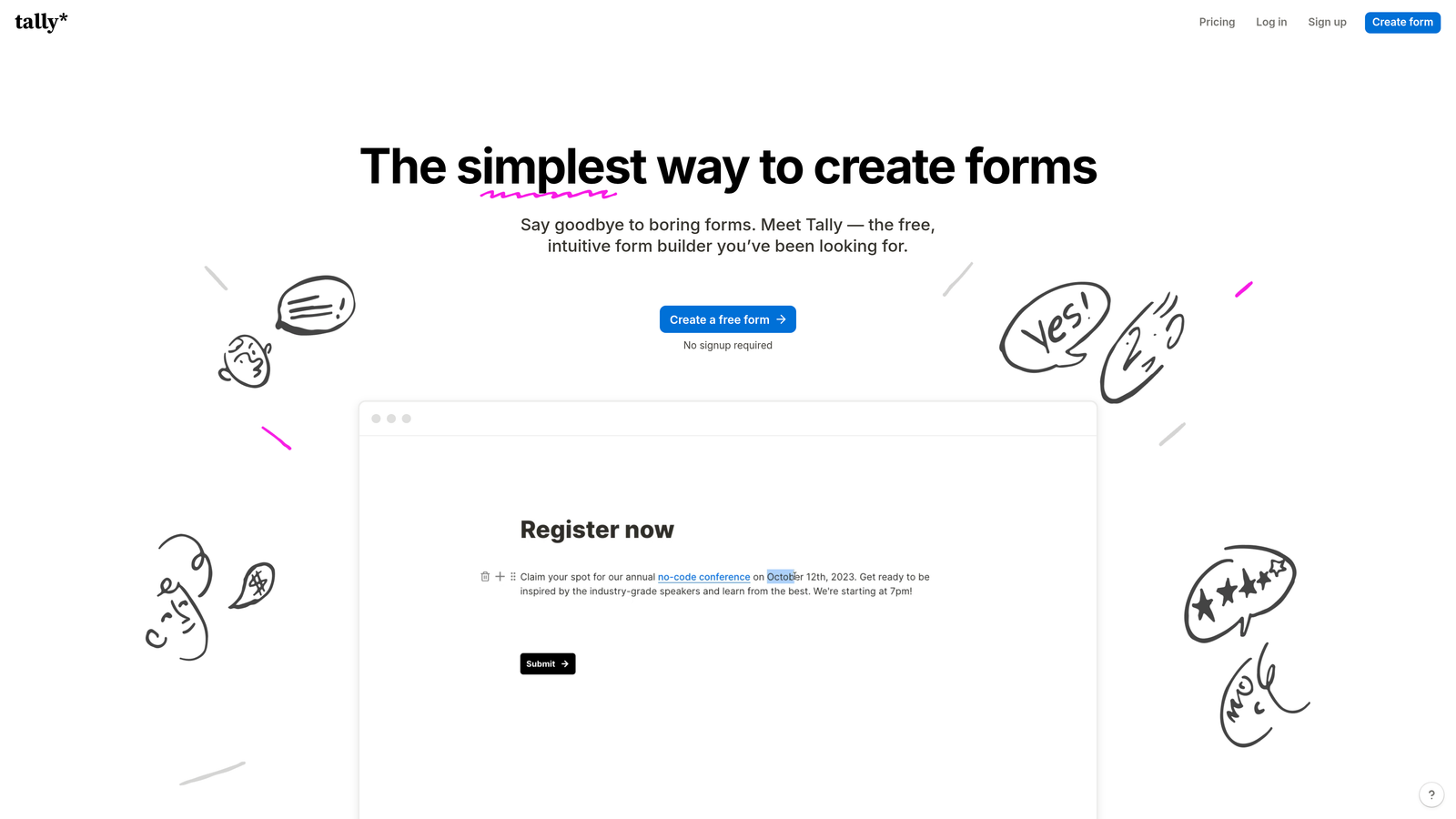
Tally is a Notion-inspired block-based form builder with one of the most generous free plans in the category.
Where This Tool Shines
Tally's free plan is genuinely impressive: unlimited forms, unlimited responses, and conditional logic all included at no cost. For early-stage teams and solo founders, this removes the usual free-tier anxiety about hitting a cap at the worst possible moment.
The building experience feels familiar if you use Notion, with a block-based editor that's clean and fast to work with. Tally also embeds neatly into websites and Notion pages, which makes it a natural fit for teams that run their operations inside Notion. The paid plan adds more advanced logic, custom branding removal, and deeper integrations, but most lightweight use cases are well-served by the free tier.
Key Features
Unlimited Free Responses: No submission caps on the free plan, which is rare in this category.
Block-Based Builder: Notion-style editor that's intuitive for teams already familiar with that workflow.
Conditional Logic on Free Tier: Basic branching logic available without upgrading.
Notion and Website Embeds: Clean embedding into external pages with minimal setup.
Webhook Support: Connect to external tools and automation workflows even on the free plan.
Best For
Tally is ideal for indie hackers, early-stage founders, content creators, and small teams who want maximum functionality at zero cost. It's a strong Typeform alternative when response volume is a concern.
Pricing
Free plan includes unlimited responses. Tally Pro starts at approximately $29 per month for custom branding, advanced logic, and priority integrations.
5. HubSpot Forms
Best for: Teams already using HubSpot CRM who want forms that sync contacts automatically.
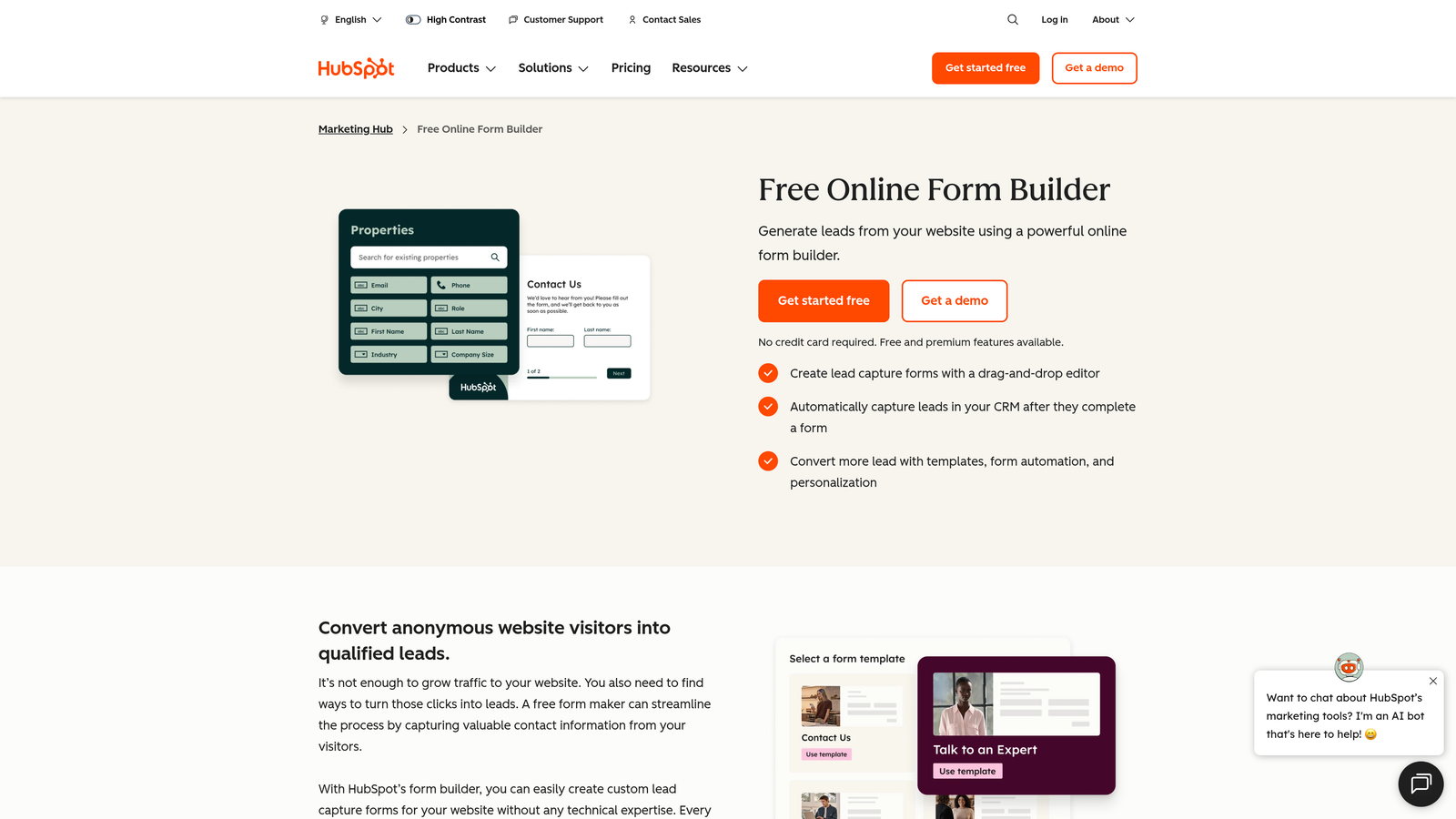
HubSpot Forms is the native form tool included in HubSpot's free CRM, with direct contact sync and basic automation built in.
Where This Tool Shines
If your team is already in HubSpot, this is the easiest possible path to capturing leads directly into your CRM. There's no integration to configure, no Zapier zap to maintain. A form submission creates or updates a HubSpot contact record automatically, with all field data mapped correctly from the start.
The smart fields feature is a nice touch: if HubSpot already knows a piece of information about a contact, the form won't ask for it again. This reduces friction for returning visitors and makes forms feel more personalized. The limitation is that HubSpot Forms isn't a standalone product; its value is tightly coupled to the HubSpot ecosystem.
Key Features
Direct CRM Sync: Every submission automatically creates or updates a HubSpot contact with no manual mapping.
Smart Fields: Automatically skips fields where HubSpot already has data for a known contact.
Follow-Up Automation: Trigger email sequences and internal notifications immediately after submission.
Flexible Embedding: Embed on any external website or HubSpot landing page with a simple code snippet.
Submission Analytics: Basic views and submission tracking within HubSpot's reporting dashboard.
Best For
HubSpot Forms is the right choice for marketing and sales teams already operating inside HubSpot. It's less compelling as a standalone form tool if you're not invested in the HubSpot platform.
Pricing
Free with a HubSpot free CRM account. Advanced form features and automation capabilities are included in paid Marketing Hub tiers.
6. Jotform
Best for: Operations and admin teams that need templates, payment collection, and approval workflows.
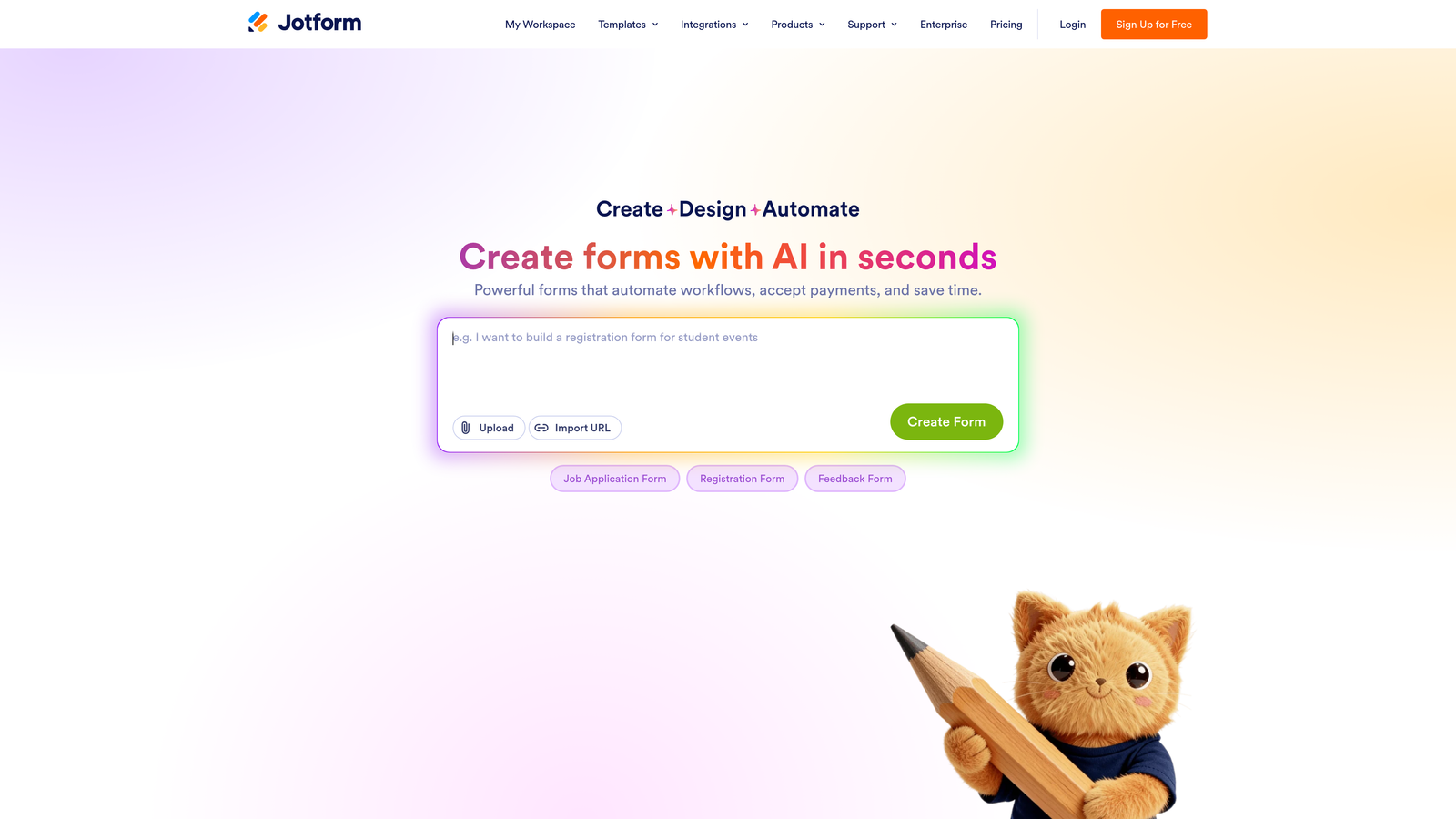
Jotform is a feature-rich form builder with thousands of templates, payment processing, and workflow automation built in.
Where This Tool Shines
Jotform's depth is its defining quality. The template library covers virtually every industry use case imaginable, from HR onboarding forms to event registrations to medical intake paperwork. For teams that need to spin up a functional, professional-looking form quickly, the template selection dramatically reduces build time.
The payment collection capabilities are also a standout feature, with native support for Stripe, PayPal, and Square. Combined with the PDF generation and approval workflow tools, Jotform handles operational complexity that lighter form builders simply can't match. The free plan's limits (5 forms, 100 submissions per month) are relatively tight, but the breadth of features available within those limits is strong.
Key Features
Extensive Template Library: Thousands of pre-built templates spanning dozens of industries and use cases.
Payment Collection: Native integrations with Stripe, PayPal, and Square for order and payment forms.
PDF Generation: Automatically generate formatted PDFs from form submissions.
Approval Workflows: Route submissions through multi-step approval processes with notifications.
HIPAA Compliance: Available on higher-tier plans for healthcare and sensitive data use cases.
Best For
Jotform is the right fit for operations managers, HR teams, small business owners, and anyone who needs payment forms or multi-step approval workflows. The free plan works well for low-volume use cases.
Pricing
Free plan includes 5 forms and 100 submissions per month. Paid plans start at approximately $34 per month with higher limits and advanced features.
7. Gravity Forms
Best for: WordPress site owners who need deep CMS integration and developer-level customization.
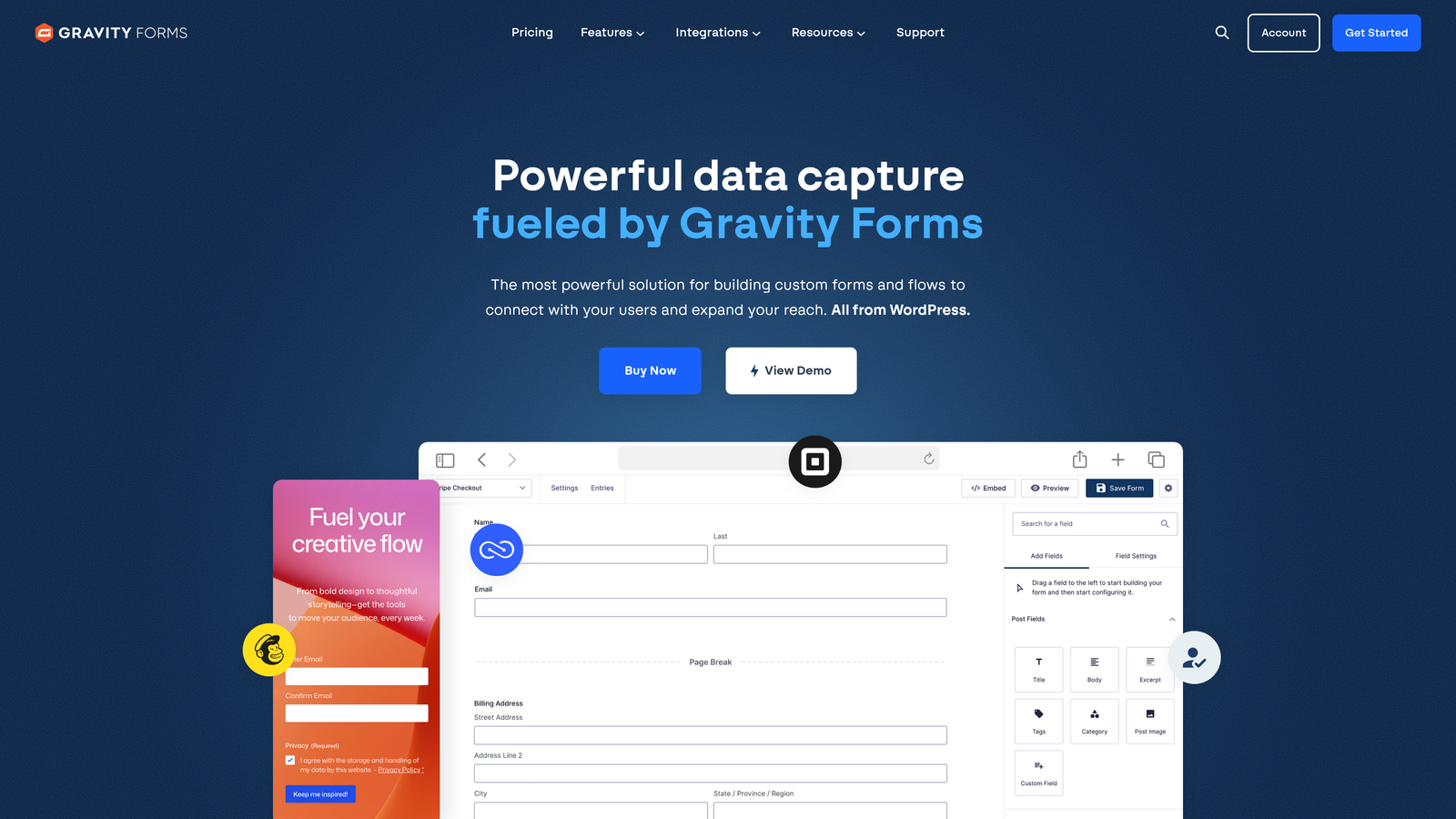
Gravity Forms is the leading form plugin for WordPress, with an extensive add-on ecosystem and developer-friendly architecture.
Where This Tool Shines
For WordPress-based teams, Gravity Forms is the standard. It integrates directly into the WordPress admin, supports multi-page forms with conditional logic, and has a mature ecosystem of add-ons covering payments, CRM connections, and custom workflows. The developer hooks and filters make it highly extensible for teams with technical resources.
It's worth noting that Gravity Forms doesn't offer a permanent free plan. It starts at a paid annual license. However, a trial is available, and given its dominance in the WordPress space, it earns its place on this list as a "free to try" option. Teams already on WordPress who need serious form functionality will find the investment justified.
Key Features
Deep WordPress Integration: Built natively for WordPress with seamless admin panel access and theme compatibility.
Conditional Logic: Show or hide fields, pages, and sections based on user responses.
Add-On Ecosystem: Official add-ons for Stripe, HubSpot, Mailchimp, Zapier, and more.
Developer Hooks and Filters: Extensive PHP hooks for custom functionality and third-party integrations.
Calculations and Dynamic Fields: Perform math calculations and populate fields dynamically based on prior answers.
Best For
Gravity Forms is the right choice for WordPress developers, agencies, and businesses running content-heavy or e-commerce sites on WordPress who need reliable, customizable form infrastructure.
Pricing
No permanent free plan. Paid plans start at approximately $59 per year. A trial is available to evaluate before purchasing.
8. Paperform
Best for: Solopreneurs and small businesses who want forms that look and feel like branded landing pages.
Paperform is a hybrid form builder and landing page tool that lets you embed rich text, images, and product listings directly inside your forms.
Where This Tool Shines
Paperform sits in a unique position between a traditional form builder and a lightweight landing page creator. You can write prose, add images, embed product listings, and collect payment all within a single form document. The result is a more polished, branded experience than what most form builders produce, without needing a separate landing page tool.
For solopreneurs selling digital products, running workshops, or collecting applications with a strong brand presence, Paperform delivers a level of design control that's genuinely useful. The trade-off is that there's no permanent free plan; you get a 14-day trial before committing to a paid tier.
Key Features
Rich Media Inside Forms: Embed text blocks, images, and videos directly within the form layout.
Product Listings and Payments: Sell products or services directly through your form with payment collection built in.
Custom Domain Support: Host your form on a custom domain for a fully branded experience.
Conditional Sections: Show or hide entire content sections based on respondent answers.
2,000+ App Integrations: Connect to external tools via Zapier for automation and data routing.
Best For
Paperform works well for coaches, consultants, course creators, and small business owners who want a polished, branded form experience with payment functionality built in.
Pricing
14-day free trial with no credit card required. Paid plans start at approximately $24 per month.
9. Microsoft Forms
Best for: Enterprise and education teams already using Microsoft 365 who need forms that connect to Teams and Excel.
Microsoft Forms is Microsoft's built-in form tool included free with Microsoft 365, with native integration across the Microsoft ecosystem.
Where This Tool Shines
For organizations already invested in Microsoft 365, this is the path of least resistance. Microsoft Forms is accessible directly from Teams, SharePoint, and the Microsoft 365 portal, with responses syncing automatically to Excel. There's no additional software to install, no new accounts to create, and no integration to configure.
The tool handles branching logic for surveys and quizzes, provides real-time response charts, and supports accessibility standards that matter in enterprise and education environments. It's not going to win on design flexibility or advanced features, but for internal surveys, event registration, and quick data collection within a Microsoft-first organization, it covers the essentials cleanly.
Key Features
Native Microsoft 365 Integration: Accessible directly from Teams, SharePoint, and the Microsoft 365 dashboard.
Automatic Excel Sync: Responses populate an Excel spreadsheet automatically with no export needed.
Branching Logic: Basic conditional branching for surveys and quizzes.
Real-Time Response Charts: Visual summaries of response data update as submissions come in.
Enterprise Accessibility: Built to meet accessibility standards relevant to education and large organizations.
Best For
Microsoft Forms is the natural choice for enterprise teams, government organizations, and educational institutions running on Microsoft 365 infrastructure. It's not designed for lead generation or marketing use cases.
Pricing
Free with any Microsoft 365 subscription. No standalone free plan outside of Microsoft 365.
Which Tool Is Right for Your Team
The right form builder depends less on which tool has the most features and more on what you actually need to happen after someone hits submit.
If you're a SaaS or B2B team that needs to qualify leads, not just collect them, Orbit AI is the clear starting point. The built-in lead scoring and smart routing mean your team spends time on the right leads instead of manually triaging a spreadsheet. The free plan lets you experience this without a credit card.
For marketers who want a beautiful, conversational experience, Typeform delivers on engagement, though the 10-response free tier limits real testing. Tally is the better free-tier pick if response volume matters and you don't need AI qualification. Google Forms remains the unbeatable choice for unlimited, zero-cost internal data collection.
If your team lives in HubSpot, skip the integration headaches and use HubSpot Forms directly. For WordPress sites, Gravity Forms is the standard. For operations teams with complex workflows and payment needs, Jotform covers the most ground. Paperform is the pick for polished, branded experiences with payment collection. And for Microsoft 365 organizations, Microsoft Forms is already waiting in your dashboard.
Here's the thing: as your team grows, basic form collection stops being the bottleneck. Lead qualification does. That's where AI-powered forms shift from a nice-to-have to a genuine competitive advantage. When your form can score a lead, route them to the right workflow, and surface your best opportunities automatically, you're not just collecting data. You're building a smarter top of funnel.
Transform your lead generation with AI-powered forms that qualify prospects automatically while delivering the modern, conversion-optimized experience your high-growth team needs. Start building free forms today and see how intelligent form design can elevate your conversion strategy.


