

Enterprise teams outgrow Typeform faster than expected. The per-response pricing stings at scale, admin controls feel limited when you're managing large teams, and the AI capabilities most high-growth organizations need simply aren't there yet. Whether you're running complex lead qualification workflows, need SSO and audit logs, or want forms that actually move the needle on pipeline conversion, there are stronger options built for the enterprise context.
This list covers the top Typeform alternatives for enterprise teams in 2026, evaluated on scalability and response limits, admin and security controls, AI and automation capabilities, integration depth, and overall value at volume. We've included tools across different use cases, from pure form builders to full survey platforms to AI-native lead capture tools, so you can find the right fit for your team's actual workflow.
1. Orbit AI
Best for: High-growth B2B teams that need AI-driven lead qualification built directly into the form experience.
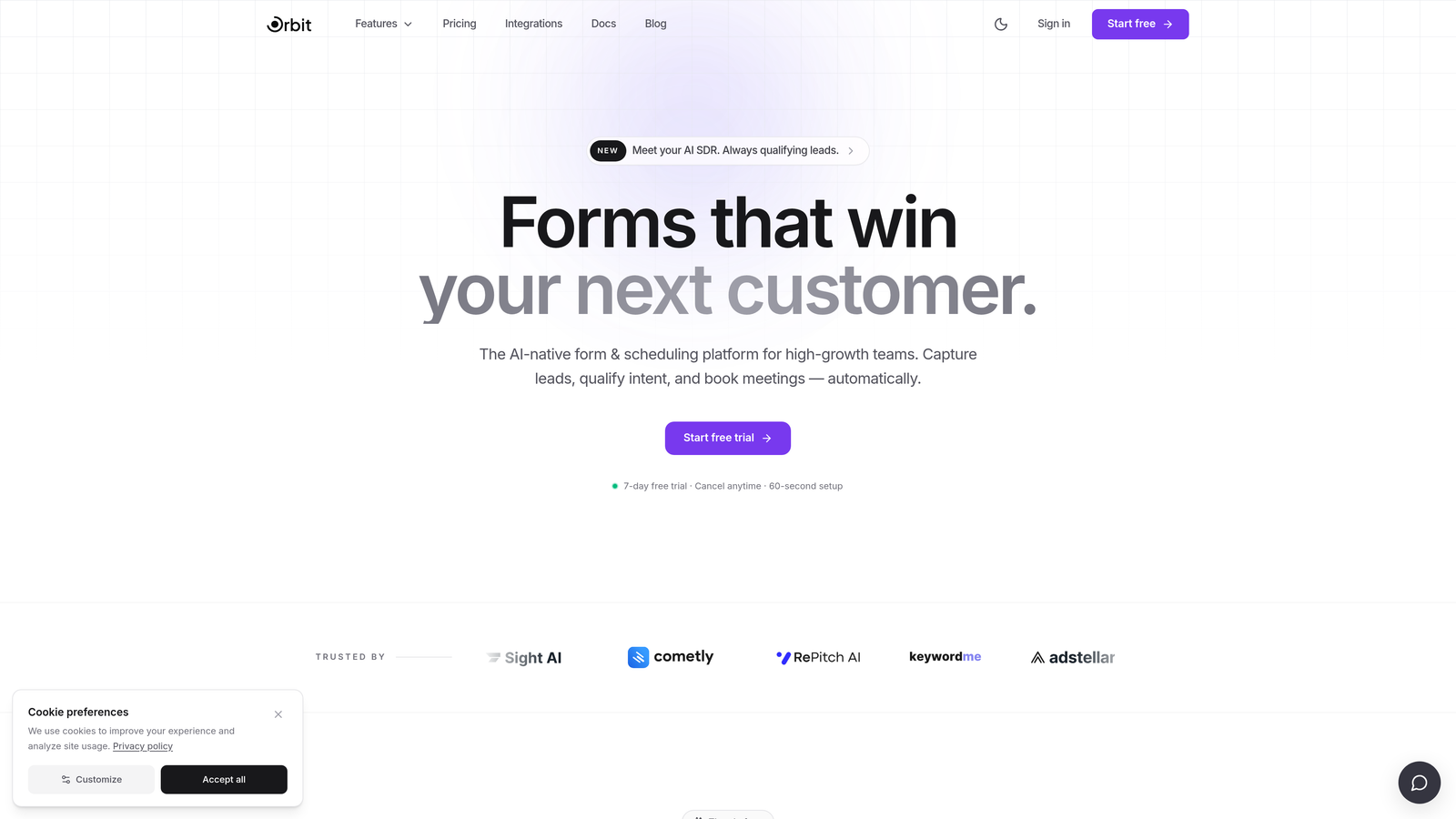
Orbit AI is an AI-powered form builder designed specifically for conversion optimization and intelligent lead qualification at scale.
Where This Tool Shines
Most form tools collect responses and hand them off to your CRM for qualification later. Orbit AI flips that model: the qualification logic lives inside the form itself. Smart conditional routing scores and segments leads in real time, so your sales team receives pre-qualified prospects rather than a raw list of form submissions.
For high-growth B2B teams where pipeline quality matters as much as pipeline volume, that distinction is significant. The form experience is also genuinely modern, with branded, conversion-optimized design that doesn't feel like a generic data collection tool dropped onto your website.
Key Features
AI-Driven Lead Qualification: Qualification logic runs inside the form experience, routing and scoring leads in real time before they reach your CRM.
Conversion-Optimized Design: Modern, branded form UI built to reduce drop-off and improve completion rates on high-intent pages.
Smart Conditional Logic: Dynamic branching that adapts the form path based on each respondent's answers, keeping the experience relevant and concise.
CRM and Marketing Automation Integrations: Connects with the platforms your revenue team already uses, so qualified leads flow directly into your existing workflows.
Conversion-Focused Analytics: Reporting built around lead quality and conversion performance, not just raw response volume.
Best For
B2B SaaS and high-growth teams where lead quality is the primary bottleneck. Particularly strong for marketing and demand generation teams running gated content, demo request flows, or any form where the goal is pipeline, not just data collection.
Pricing
Visit orbitforms.ai for current plan details. Pricing is designed to scale with high-growth teams rather than penalize response volume.
2. SurveyMonkey Enterprise
Best for: Large organizations running NPS, employee engagement, and market research programs at scale.
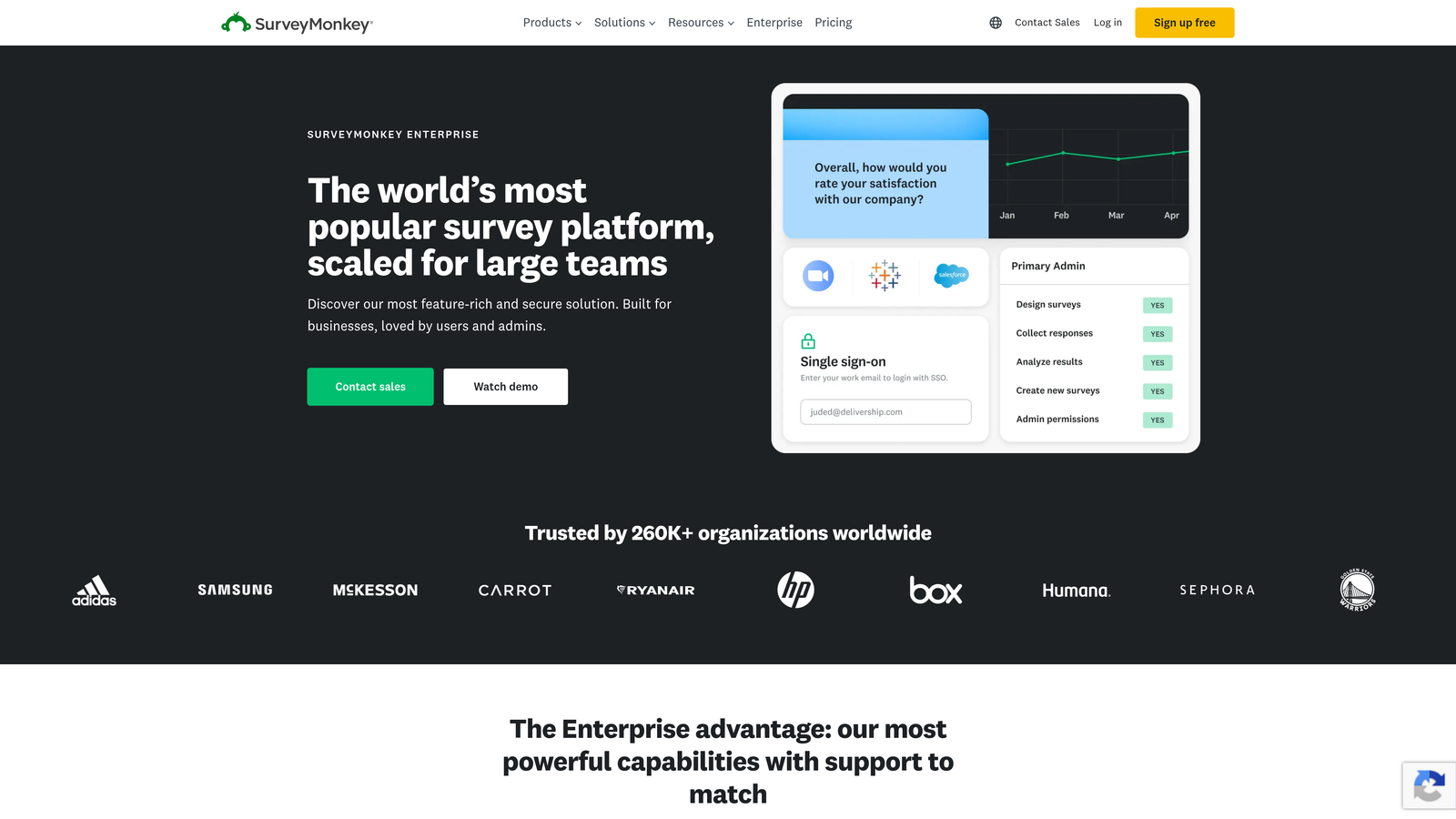
SurveyMonkey Enterprise is a well-established survey platform with robust admin controls, compliance certifications, and centralized team management built for large-scale research programs.
Where This Tool Shines
SurveyMonkey's enterprise tier has been refined over years of serving large organizations. The centralized admin dashboard gives IT and operations teams real visibility into how the platform is being used across departments, and the SSO and SAML authentication options satisfy most enterprise security requirements without heavy customization.
Where it stands out from Typeform is the benchmarking capability. SurveyMonkey has accumulated significant industry comparison data, which is genuinely useful for teams running recurring NPS or satisfaction programs who want context beyond their own historical trends.
Key Features
SSO and SAML Authentication: Enterprise-grade identity management that integrates with your existing identity provider.
Centralized Admin Dashboard: Manage users, permissions, and survey assets across large teams from a single interface.
HIPAA Compliance Options: Available for organizations in regulated industries that need compliant data handling.
Advanced Survey Logic and Branching: Sophisticated skip logic and question routing for complex research instruments.
Benchmarking Data: Industry comparison tools that give your survey results context against broader datasets.
Best For
Enterprise research, HR, and customer experience teams running structured survey programs. Less suited to lead generation or conversion-focused use cases, but strong for organizations where research rigor and team governance are the priority.
Pricing
Custom enterprise pricing. Contact SurveyMonkey's sales team directly for a quote based on your team size and program requirements.
3. Jotform Enterprise
Best for: Regulated industries that need HIPAA compliance, white-labeling, and flexible deployment options.
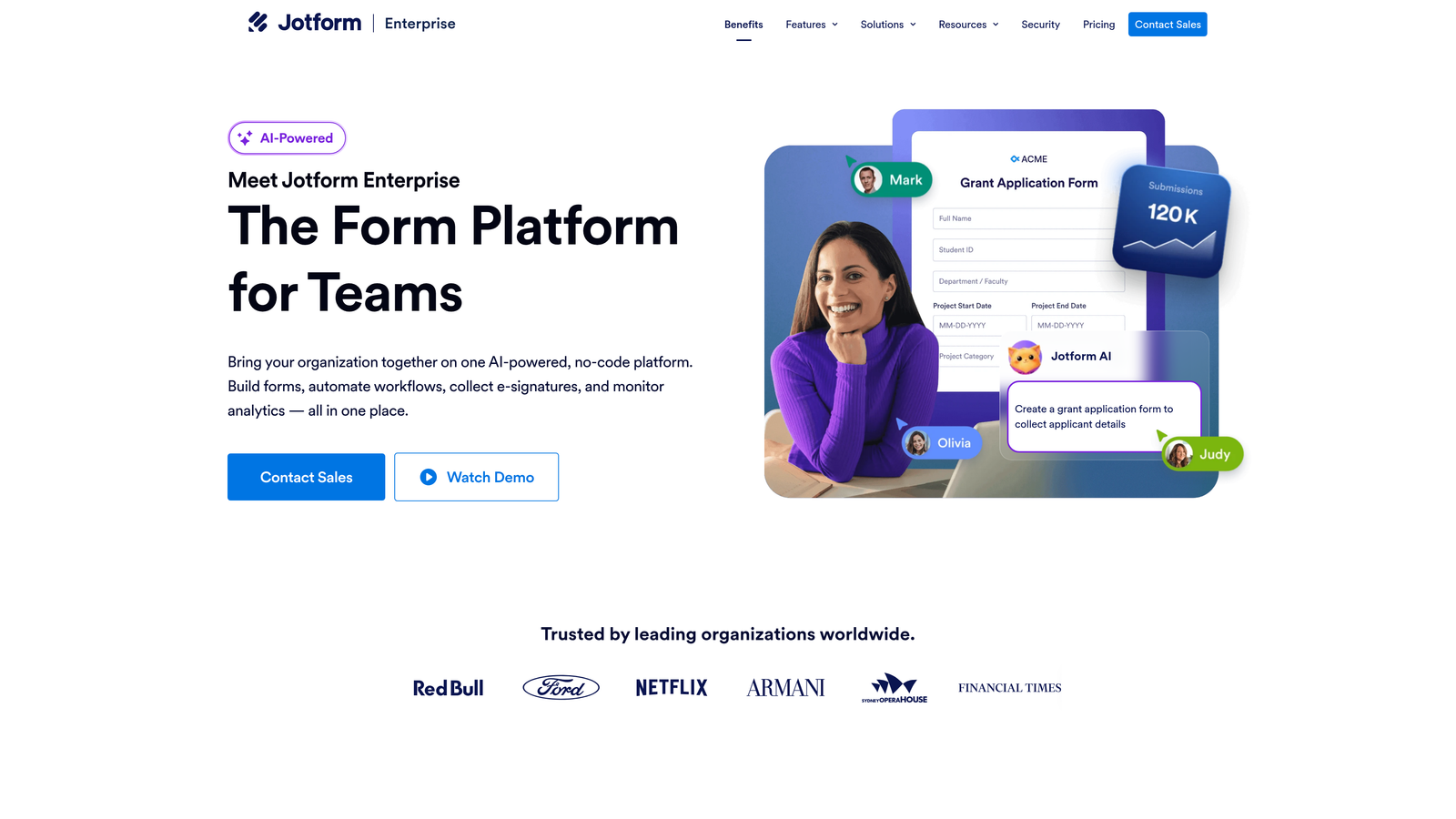
Jotform Enterprise is a compliance-first form builder with on-premise deployment, white-label capabilities, and a large template library for rapid form deployment across regulated environments.
Where This Tool Shines
If your industry has strict data handling requirements, Jotform Enterprise is one of the few form tools that takes those requirements seriously at the infrastructure level. On-premise deployment and local data residency options are genuinely rare in the form builder category, and they matter significantly for healthcare, government, and financial services teams.
The white-label and custom domain options also make it practical for organizations that need forms to appear fully branded, whether for patient intake, client onboarding, or vendor management workflows.
Key Features
HIPAA Compliance with BAA: Business Associate Agreement available for healthcare organizations handling protected health information.
White-Label and Custom Domain: Full branding control so forms appear as part of your own product or website experience.
On-Premise and Local Data Residency: Deployment options for organizations that cannot use cloud-only infrastructure.
Large Template Library: Thousands of pre-built form templates for rapid deployment across departments and use cases.
Role-Based Access and Team Management: Granular permissions for managing form creation, editing, and data access across large teams.
Best For
Healthcare, government, education, and financial services organizations where compliance is non-negotiable. Also strong for large enterprises that need white-labeled forms as part of a client-facing product experience.
Pricing
Custom enterprise pricing. Contact Jotform's sales team for a quote based on your compliance requirements and deployment preferences.
4. Qualtrics
Best for: Enterprise organizations running sophisticated research programs, CX measurement, and experience management at scale.
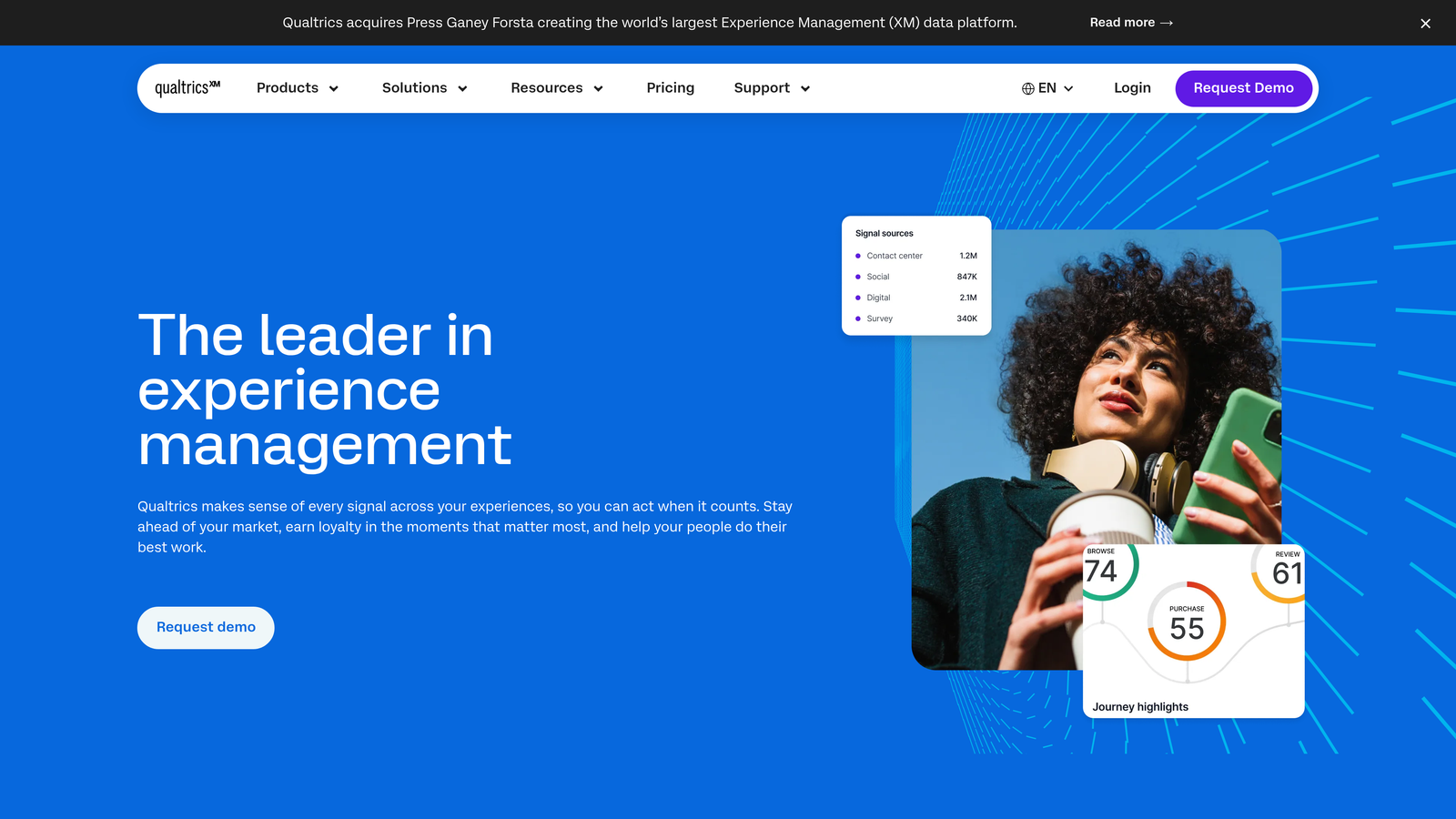
Qualtrics is an Experience Management platform with advanced survey logic, statistical analysis, and XM program management built for large research and insights functions.
Where This Tool Shines
Qualtrics is in a different category than most tools on this list. It's not trying to be a simple form builder. It's a full research and experience management platform with statistical analysis capabilities that satisfy academic and enterprise research standards. If your organization has a dedicated research or insights function, Qualtrics gives them tools that no lightweight form builder can match.
The text analytics and sentiment analysis capabilities are particularly strong for teams processing large volumes of open-ended survey responses, where manual analysis would be impractical.
Key Features
Advanced Branching and Display Logic: Highly sophisticated survey flow control for complex, multi-path research instruments.
Text Analytics and Sentiment Analysis: AI-assisted analysis of open-ended responses at scale, surfacing themes and sentiment automatically.
XM Platform Integrations: Connects CX, EX, BX, and PX programs across the organization into a unified experience management view.
Statistical Analysis and Reporting: Research-grade reporting dashboards with cross-tabulation and significance testing.
Enterprise-Grade Security and Compliance: SOC 2, ISO 27001, and industry-specific compliance options for regulated environments.
Best For
Large enterprises with dedicated research, CX, or HR analytics functions. Qualtrics is overkill for simple lead capture or internal data collection, but genuinely powerful for teams where research sophistication is the core requirement.
Pricing
Custom enterprise pricing, typically representing a significant investment. Contact Qualtrics sales for a quote. Most teams should confirm they need the full platform depth before engaging.
5. HubSpot Forms
Best for: Marketing teams already running HubSpot who want native CRM sync and progressive profiling without additional integration overhead.
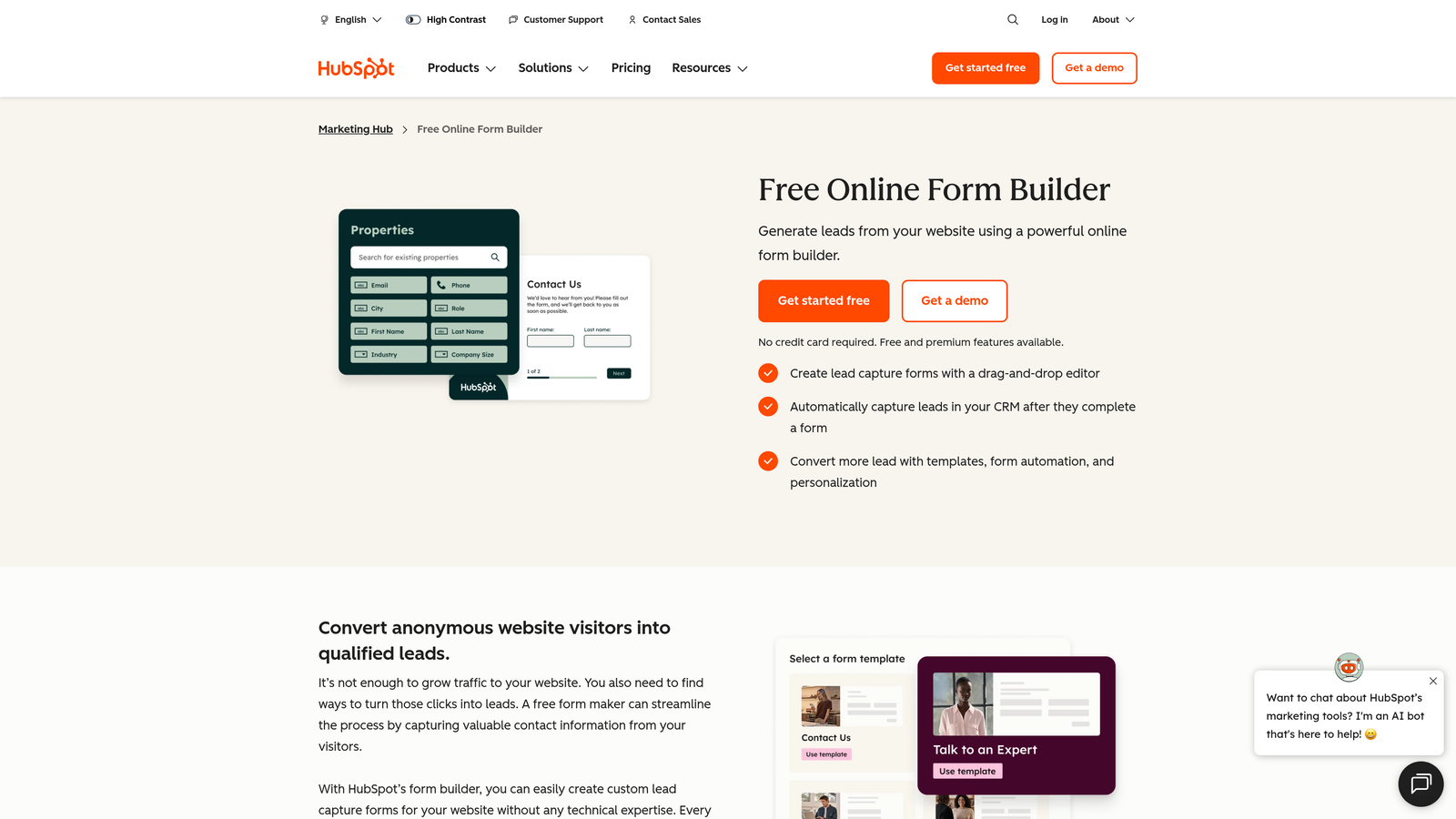
HubSpot Forms is a native form builder within HubSpot's CRM and Marketing Hub, with smart field logic and automated follow-up workflows for inbound marketing teams.
Where This Tool Shines
The core value proposition here is zero integration friction. If your team is already paying for HubSpot Marketing Hub, forms are included and every submission writes directly to your CRM contact record without Zapier, webhooks, or custom development. That alone eliminates a category of operational overhead that plagues teams using standalone form tools.
Progressive profiling is the standout feature: smart fields that recognize returning visitors and skip questions HubSpot already has answers to, keeping forms short and reducing abandonment on repeat visits.
Key Features
Progressive Profiling: Smart fields that skip data HubSpot already knows about a contact, reducing form length for returning visitors.
Native CRM Sync: Every submission maps directly to HubSpot contact, company, and deal records with no middleware required.
Embedded and Pop-Up Form Options: Flexible placement for landing pages, website embeds, and behavioral pop-up triggers.
A/B Testing: Available on Marketing Hub plans for testing form variants and optimizing conversion rates.
Automated Follow-Up Workflows: Trigger HubSpot sequences, tasks, and notifications directly from form submissions.
Best For
Teams already invested in the HubSpot ecosystem. If you're not a HubSpot customer, the value calculation changes significantly. For HubSpot shops, this is often the most practical choice for inbound lead capture.
Pricing
A free basic version is available. Full features are included in HubSpot Marketing Hub plans, making the incremental cost for existing HubSpot customers effectively zero.
6. Microsoft Forms
Best for: Microsoft 365 enterprise organizations needing internal data collection, surveys, and quizzes without additional software spend.
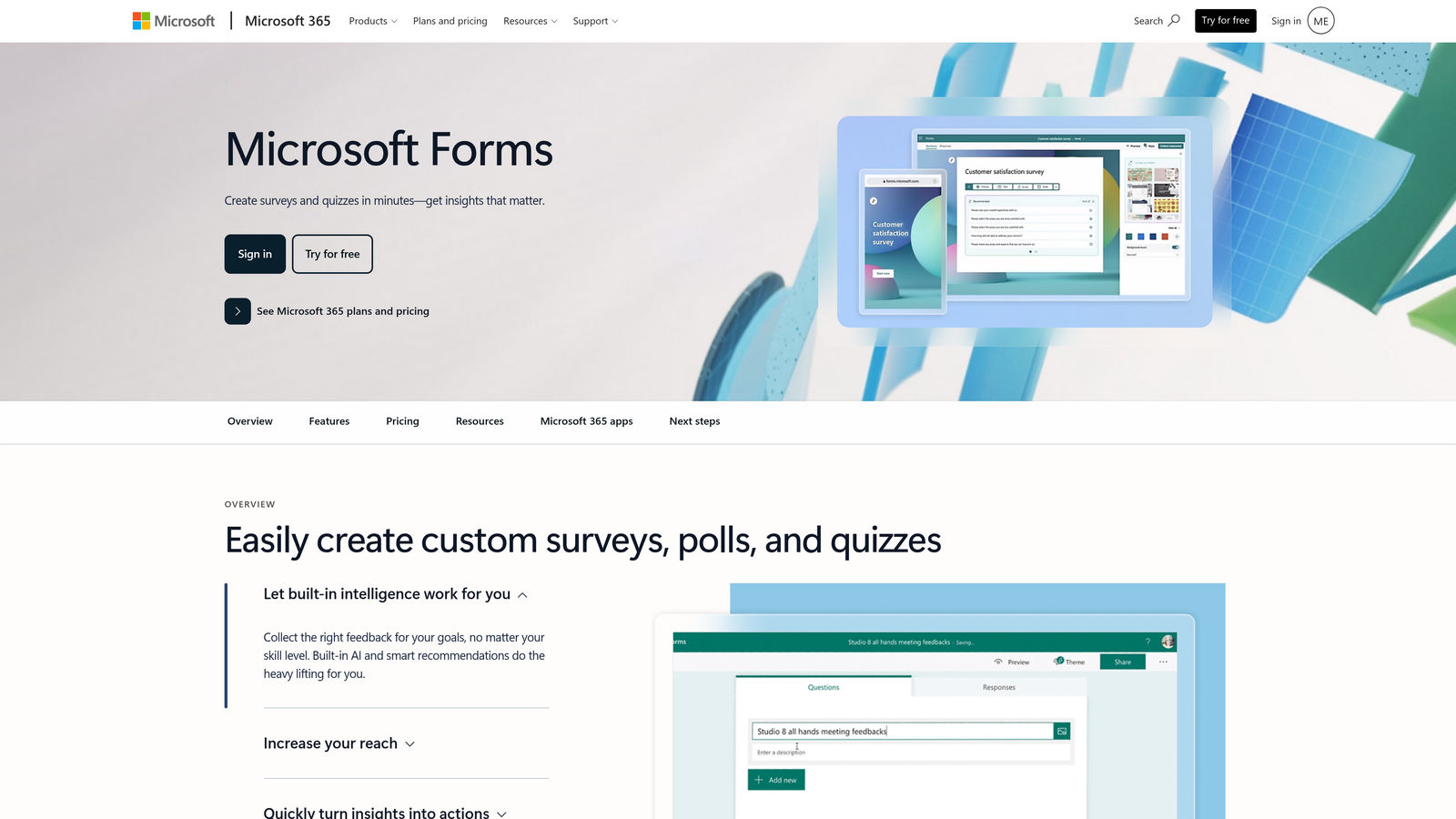
Microsoft Forms is a simple form and survey tool included in Microsoft 365 enterprise licensing, with native integration across Teams, SharePoint, and Power Automate.
Where This Tool Shines
The value proposition is straightforward: if your organization already pays for Microsoft 365, Microsoft Forms is already available to every employee at no additional cost. For internal use cases like employee surveys, event registrations, training quizzes, and department data collection, that zero-incremental-cost argument is hard to argue against.
The Power Automate integration is where Microsoft Forms punches above its weight. Teams that know Power Automate can build surprisingly sophisticated response-triggered workflows without leaving the Microsoft ecosystem.
Key Features
Included in Microsoft 365: No additional licensing cost for organizations already on Microsoft 365 Business or Enterprise plans.
Native Teams and SharePoint Integration: Embed forms directly in Teams channels or SharePoint pages for seamless internal distribution.
Power Automate Workflows: Trigger automated processes from form responses using Microsoft's workflow automation platform.
Basic Branching and Quiz Functionality: Sufficient logic for straightforward internal surveys and knowledge checks.
Excel Export and Real-Time Tracking: Responses populate directly into Excel for analysis without additional data export steps.
Best For
Internal enterprise use cases within Microsoft 365 environments. Not recommended for customer-facing lead generation or any scenario requiring significant branding, advanced logic, or conversion optimization.
Pricing
Included with Microsoft 365 Business and Enterprise subscriptions. No standalone pricing.
7. Formstack
Best for: Multi-department enterprises that need forms, document generation, and e-signatures managed in a single workflow automation platform.
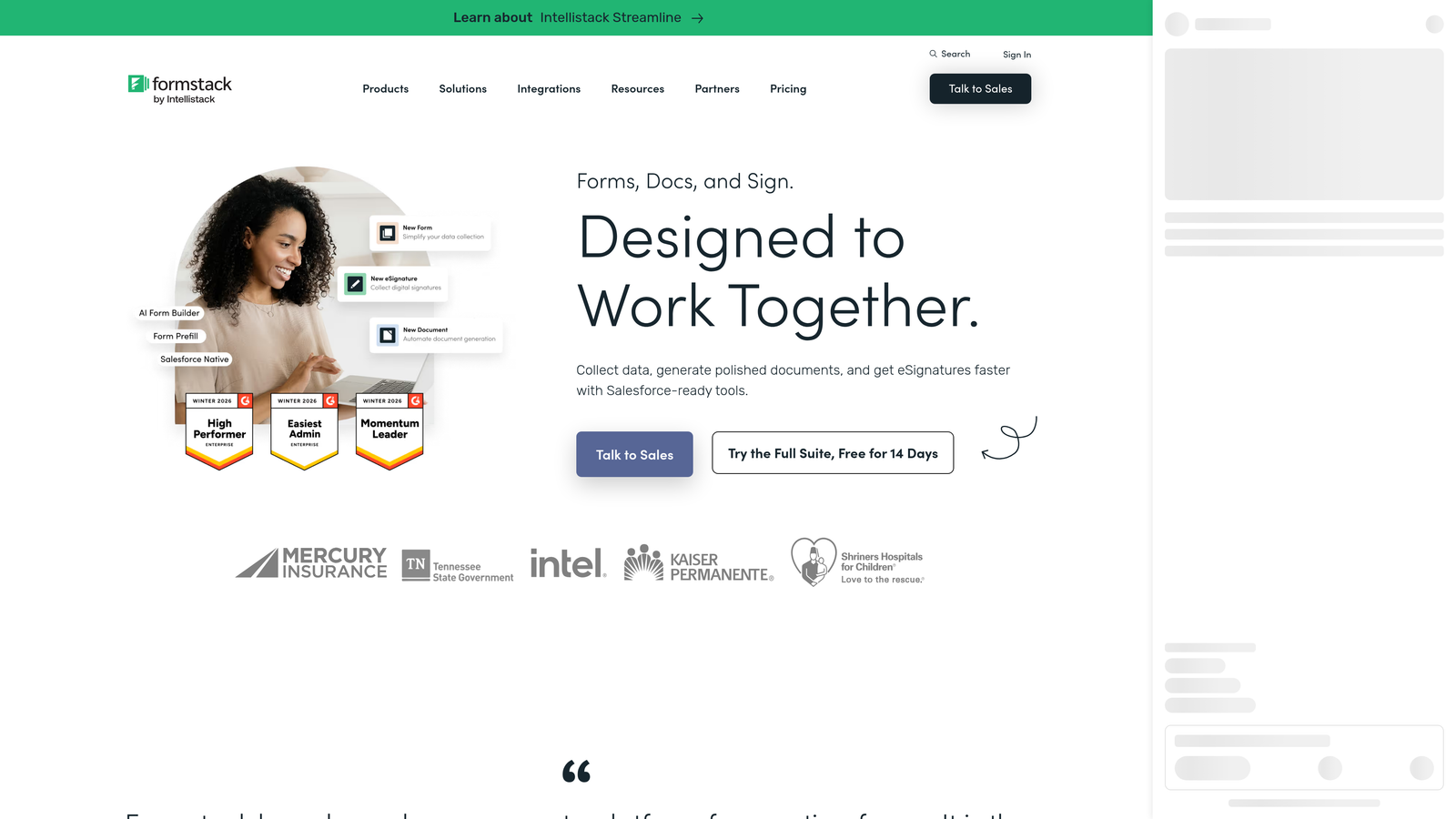
Formstack is a workflow automation platform that extends beyond forms into document generation, e-signatures, and approval routing for complex enterprise processes.
Where This Tool Shines
Formstack's differentiation is scope. Most form builders stop at data collection. Formstack connects form submissions to document generation and e-signature workflows in the same platform, which is genuinely useful for HR onboarding, legal intake, procurement approvals, and other processes where a form is just the first step in a longer workflow.
The prefill capability is also worth noting: forms can pull data from your CRM or database to pre-populate fields, reducing friction for returning users and improving data accuracy by eliminating redundant manual entry.
Key Features
Forms, Documents, and Sign in One Platform: End-to-end workflow automation from data collection through document generation and e-signature without switching tools.
Approval Routing and Conditional Workflows: Multi-step approval chains that route submissions based on form data and business rules.
HIPAA Compliance Options: Available for healthcare and regulated industry use cases requiring compliant data handling.
200+ Integrations: Connects with enterprise tools across CRM, HRIS, ERP, and marketing automation categories.
CRM and Database Prefill: Pull existing data into forms automatically to reduce manual entry and improve completion rates.
Best For
HR, legal, finance, and operations teams where form submissions trigger multi-step workflows involving documents and approvals. Less suited to marketing-focused lead capture where conversion optimization is the primary goal.
Pricing
Platform plans and custom enterprise pricing available at formstack.com. Contact their team for a quote based on your workflow complexity and user volume.
8. Salesforce Marketing Cloud Account Engagement (Pardot) Forms
Best for: Salesforce-native B2B teams that need forms and landing pages feeding directly into Salesforce CRM without middleware.
Salesforce Marketing Cloud Account Engagement provides native form and landing page capabilities within the Salesforce ecosystem, with direct object sync and lead scoring integrated at the platform level.
Where This Tool Shines
For organizations where Salesforce is the system of record, the native integration eliminates an entire layer of complexity. There's no Zapier mapping, no webhook configuration, and no field-matching exercise. Form submissions create and update Salesforce records directly, with grading and scoring logic that lives inside the same platform your sales team works in every day.
The completion actions feature is particularly useful: a single form submission can simultaneously update a prospect record, trigger a Salesforce workflow, send an alert to a rep, and add the contact to a nurture sequence, all without leaving the Salesforce ecosystem.
Key Features
Native Salesforce Object Sync: Form submissions write directly to Salesforce leads, contacts, and custom objects with no middleware required.
Progressive Profiling on Repeat Visitors: Recognizes known prospects and surfaces new questions rather than repeating known data.
Grading and Scoring Integration: Lead quality signals from form responses feed directly into Salesforce's scoring and grading models.
Completion Actions: A single form submission can trigger multiple Salesforce workflows, alerts, and automation steps simultaneously.
Dynamic Content Based on Prospect Data: Personalize form pages and follow-up content based on Salesforce prospect attributes.
Best For
B2B enterprise teams with Salesforce as their CRM and Marketing Cloud Account Engagement already in their tech stack. If you're not a Salesforce customer, this tool offers little standalone value.
Pricing
Included in Salesforce Marketing Cloud Account Engagement licensing. Not available as a standalone purchase.
9. Fillout
Best for: Teams that want Typeform's conversational UI experience with more generous response limits and faster-growing enterprise capabilities.
Fillout is a modern form builder with a conversational, one-question-at-a-time interface, deeper integrations, and pricing that scales more favorably than Typeform at equivalent response volumes.
Where This Tool Shines
Fillout is the most direct Typeform alternative on this list in terms of form experience. The conversational UI is comparable, but the pricing model and integration depth have been specifically designed to address the friction points that push enterprise teams away from Typeform. Response limits are more generous at equivalent price points, which matters significantly for teams running high-volume campaigns.
The AI form generation feature is a practical time-saver: describe the form you need in plain language and Fillout generates a working draft, which is genuinely useful for teams that need to spin up new forms quickly without starting from a blank canvas every time.
Key Features
Conversational One-at-a-Time UI: Typeform-style question presentation that keeps respondents focused and reduces cognitive overload.
Broad Integration Support: Connects with Notion, Airtable, Google Sheets, and major CRMs for flexible data routing.
AI Form Generation: Generate a working form from a plain-language prompt, reducing setup time for new use cases.
Scheduling, Payments, and File Uploads: Built-in support for use cases beyond basic data collection, including booking and payment flows.
Favorable Response Limits: More headroom than Typeform at comparable price points, reducing the per-response pricing pressure that frustrates enterprise teams.
Best For
Teams that specifically value the conversational form UX and want to stay in that format without Typeform's pricing constraints. Also a good fit for teams using Notion or Airtable as their operational database who want native form integration.
Pricing
Check fillout.com for current plans, as pricing has evolved rapidly. A free tier is available, with paid plans scaling based on features and response volume.
Which Tool Is Right for Your Enterprise?
The right choice depends on where your bottleneck actually is. Here's a quick breakdown by use case to help you cut through the options.
AI-powered lead qualification: Orbit AI is purpose-built for this. If your primary goal is converting and qualifying leads faster through the form experience itself, it's the most focused option on this list.
Large-scale NPS and research programs: SurveyMonkey Enterprise has the admin controls, benchmarking data, and compliance features that recurring research programs need.
Regulated industries with strict compliance requirements: Jotform Enterprise's HIPAA support, on-premise deployment, and white-label options make it the strongest choice for healthcare, government, and financial services.
Deep research and experience management: Qualtrics is the right investment if your organization has a dedicated research function that needs statistical rigor and XM program management.
HubSpot-native teams: HubSpot Forms is the obvious choice if you're already paying for Marketing Hub. The progressive profiling and native CRM sync eliminate integration overhead entirely.
Microsoft 365 shops: Microsoft Forms handles internal data collection at zero incremental cost. Don't buy a standalone tool for use cases it already covers.
Multi-department workflow automation: Formstack is the right fit when forms are just the first step in a longer process involving documents, approvals, and e-signatures.
Salesforce-native revenue teams: Salesforce Marketing Cloud Account Engagement forms offer native object sync and scoring integration that no third-party tool can fully replicate.
Typeform UX with more headroom: Fillout delivers a comparable conversational experience with more favorable response limits and a growing integration library.
If your primary goal is converting more leads and qualifying them faster, not just collecting responses, Start building free forms today with Orbit AI and see how AI-native form logic changes what's possible for your pipeline. The qualification intelligence built directly into the form experience is what separates it from every other tool on this list.


