

Every form submission that doesn't reach your CRM is a potential deal slipping through the cracks. Manual data entry creates delays, introduces errors, and forces your sales team to waste hours on admin work instead of closing deals. CRM integrated forms solve this by automatically syncing lead data the moment someone hits submit—no copy-pasting, no CSV imports, no lost opportunities.
But not all form builders handle CRM integration equally. Some offer native connections that sync in real-time, while others rely on clunky workarounds that break when your CRM updates its API. We evaluated dozens of form tools based on their CRM compatibility, ease of setup, data mapping flexibility, and lead qualification features. Here are the top tools for teams that want seamless data flow from form to CRM.
1. Orbit AI
Best for: Teams that want AI-powered lead qualification built into their form-to-CRM workflow
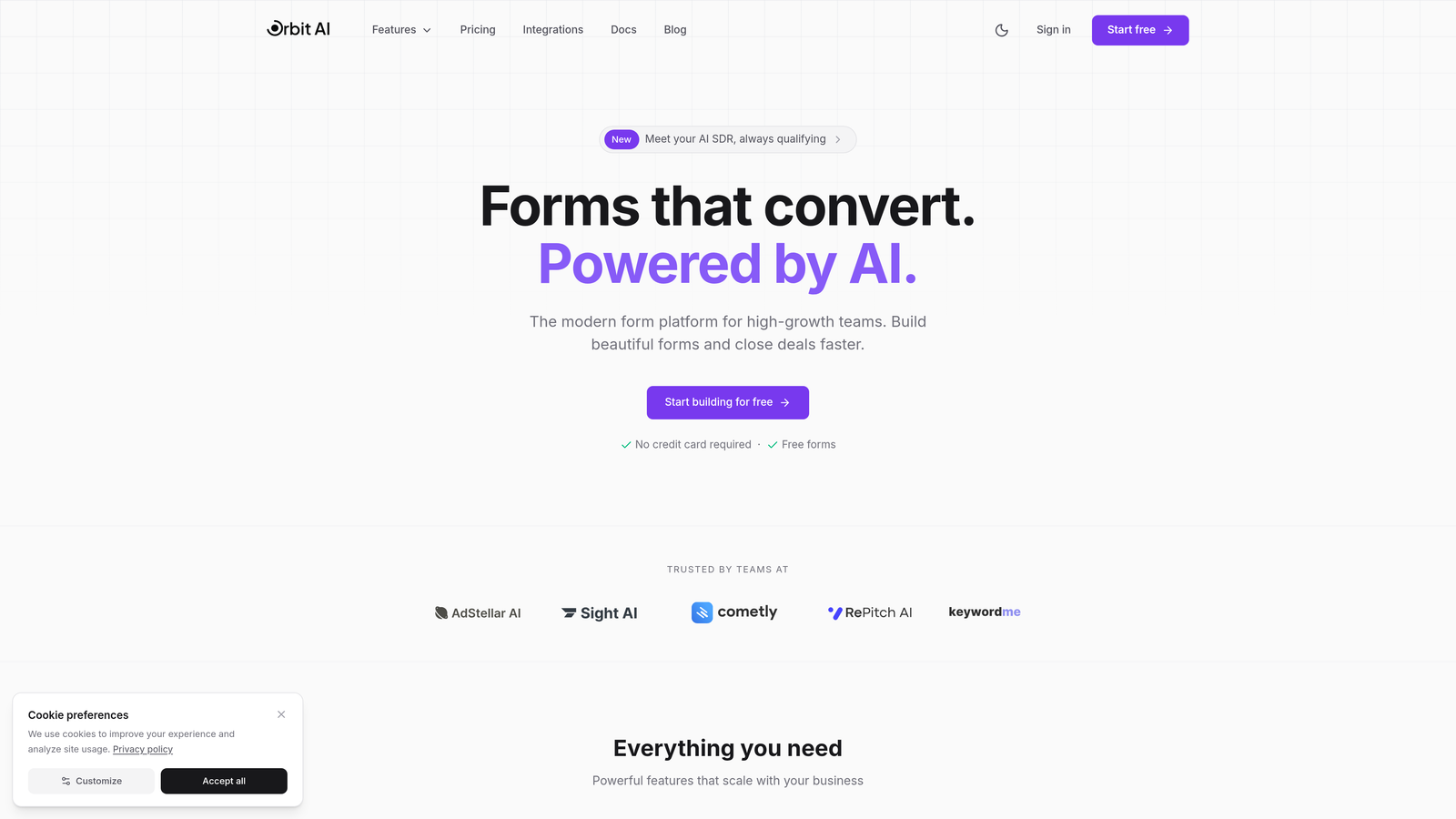
Orbit AI combines modern form building with intelligent lead scoring that happens before data reaches your CRM.
Where This Tool Shines
The AI qualification layer sets Orbit apart from traditional form builders. Instead of dumping every submission into your CRM, it analyzes responses in real-time to score lead quality and route high-value prospects to the right sales rep.
This means your sales team spends time on qualified opportunities instead of sorting through tire-kickers. The form builder itself delivers the conversion-optimized, modern experience that high-growth teams need without sacrificing the deep CRM connections that keep your pipeline accurate.
Key Features
AI-Powered Lead Scoring: Automatically evaluates submission quality based on your criteria and historical conversion data.
Native CRM Integrations: Direct connections to HubSpot, Salesforce, Pipedrive, Close, and Attio with real-time sync.
Multi-Step Forms with Logic: Create conditional workflows that adapt based on user responses.
Custom Field Mapping: Map form fields to any CRM property, including custom objects and fields.
Built-In Analytics: Track conversion rates and form performance without connecting external analytics tools.
Best For
High-growth B2B teams that need to filter lead quality before CRM entry. Particularly valuable for companies with high form submission volumes where sales teams struggle to prioritize follow-up effectively.
Pricing
Free tier available for teams getting started. Paid plans start at competitive rates designed for growing teams that need advanced qualification and predictable monthly response limits.
2. HubSpot Forms
Best for: Teams already using HubSpot CRM who want zero-configuration integration
HubSpot Forms is the native form builder within the HubSpot ecosystem with automatic CRM sync.

Where This Tool Shines
If you're already in the HubSpot universe, this is the path of least resistance. Forms sync to your CRM instantly with zero setup—no field mapping required, no API keys to configure. Just build and publish.
Progressive profiling is the standout feature here. It remembers what information you've already collected from returning visitors and asks new questions instead, reducing form friction while enriching contact records over time.
Key Features
Zero-Configuration Sync: Forms automatically create and update contacts in HubSpot CRM with no setup.
Progressive Profiling: Avoid asking repeat questions by showing different fields to known contacts.
Automatic List Segmentation: Submissions trigger list membership and workflow enrollment based on form responses.
Embedded and Pop-Up Options: Deploy forms as page embeds, pop-ups, or standalone landing pages.
Spam Protection: Built-in CAPTCHA and honeypot fields filter out bot submissions.
Best For
Companies already committed to HubSpot who want the simplest possible form-to-CRM connection. Not ideal if you use multiple CRMs or need to sync to non-HubSpot systems.
Pricing
Free with HubSpot CRM. Advanced features like progressive profiling and A/B testing require Marketing Hub subscription starting at $45/month.
3. Typeform
Best for: Maximizing form completion rates with conversational, one-question-at-a-time interfaces
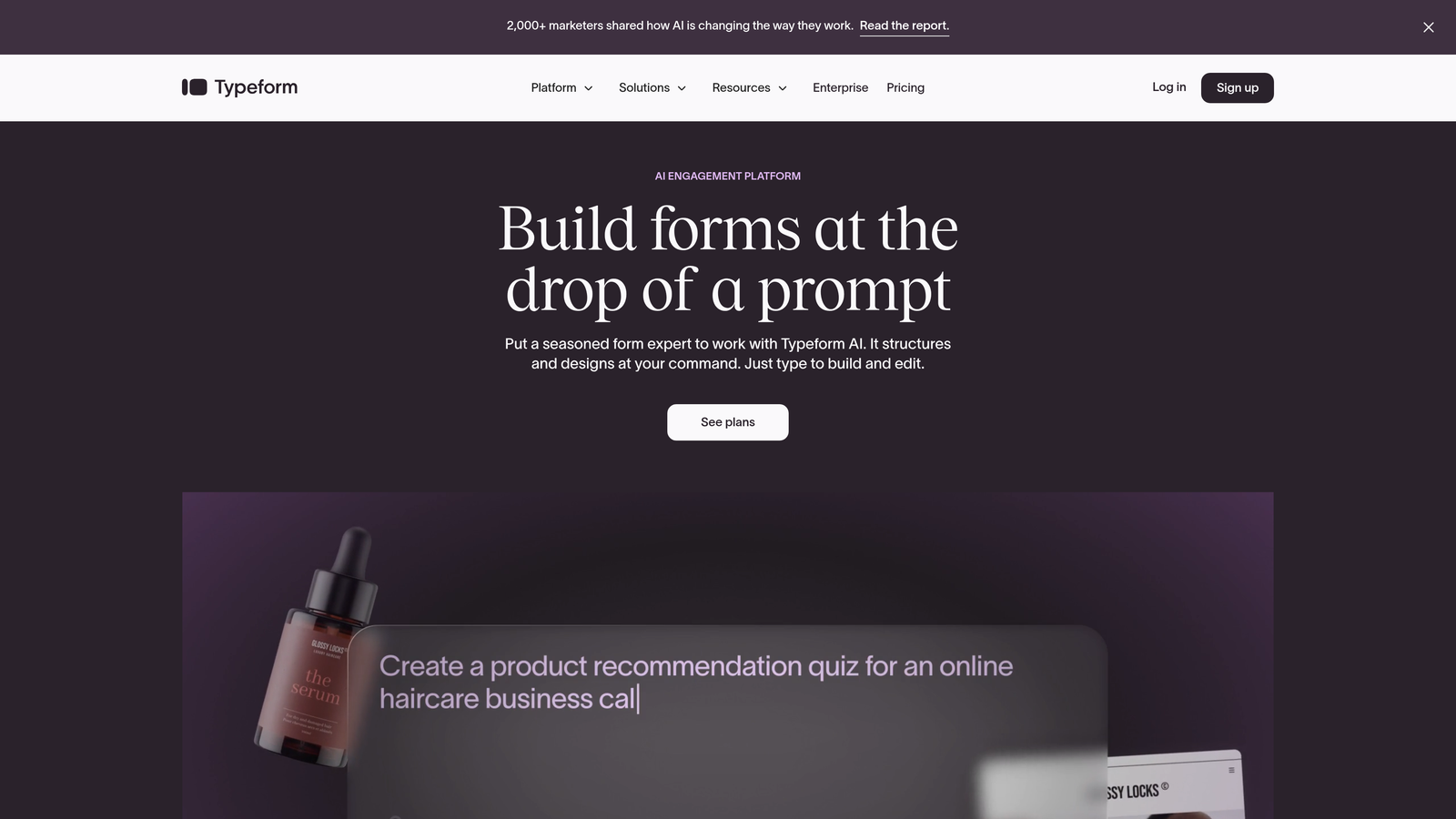
Typeform pioneered the conversational form format that feels more like a chat than a traditional web form.
Where This Tool Shines
The one-question-at-a-time approach reduces cognitive load and consistently delivers higher completion rates than traditional multi-field forms. Users focus on answering one thing at a time instead of facing an intimidating wall of input boxes.
The interface feels modern and engaging, which matters when you're asking for sensitive information or trying to qualify enterprise leads who expect a polished experience. Logic jumps let you create branching paths that adapt the conversation based on previous answers.
Key Features
Conversational Interface: One question per screen creates a dialogue-style experience that improves completion.
Native CRM Connections: Direct integrations with HubSpot, Salesforce, and Pipedrive for automatic data sync.
Logic Jumps: Branch the form flow based on responses to create personalized experiences.
Rich Media Support: Embed videos and images to provide context and improve engagement.
Hidden Fields: Pass UTM parameters and other tracking data to your CRM for attribution.
Best For
Teams prioritizing user experience and completion rates over traditional form aesthetics. Works particularly well for lead qualification surveys and customer feedback collection.
Pricing
Free tier allows 10 responses per month. Basic plan starts at $25/month for 100 responses with logic jumps and integrations.
4. Jotform
Best for: Teams that need extensive template options and support for niche CRMs
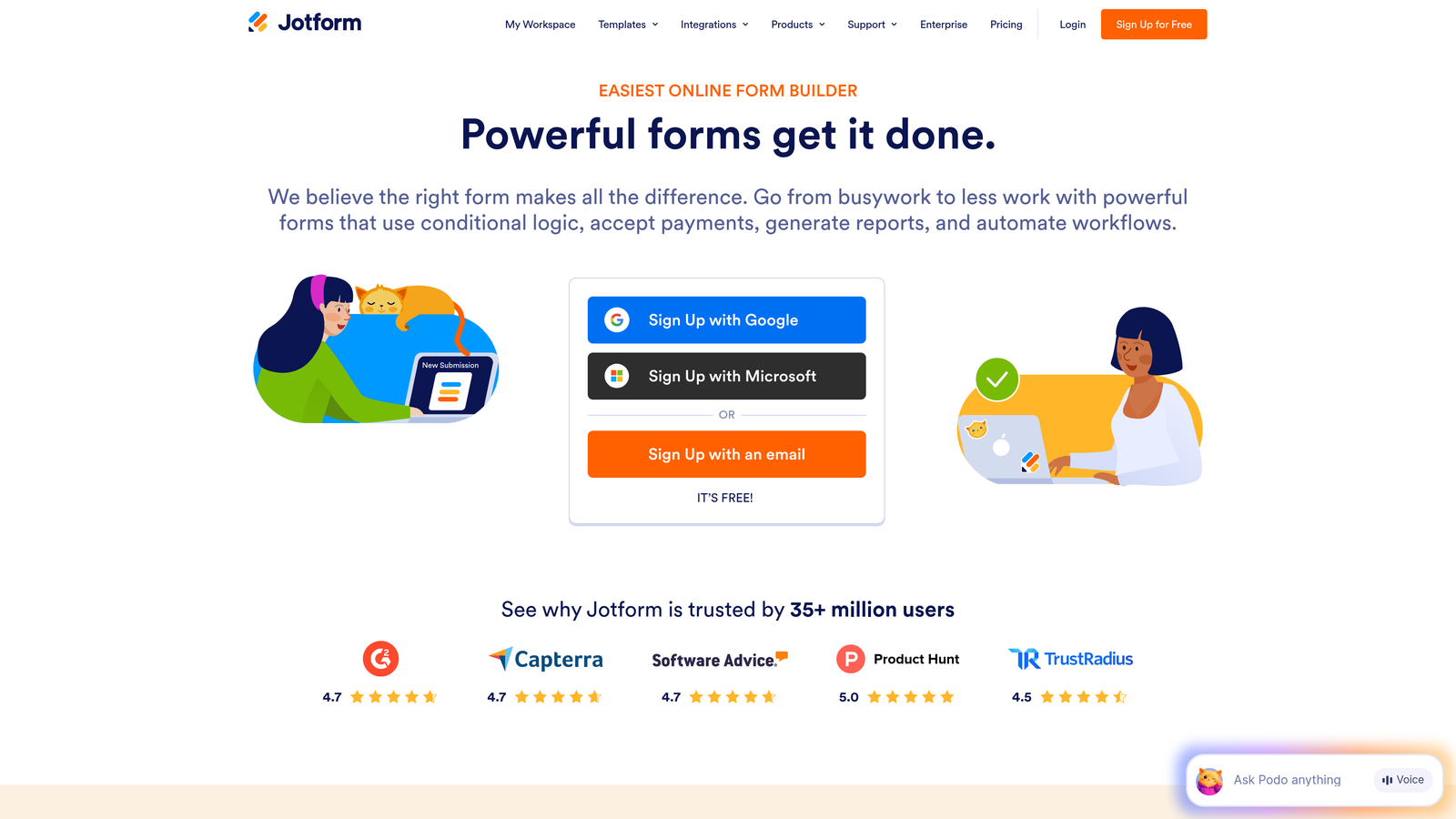
Jotform offers one of the largest template libraries in the form builder space with connections to over 100 platforms.
Where This Tool Shines
The template library is genuinely useful—over 10,000 pre-built forms covering everything from basic contact forms to complex registration workflows. You can start with a template that's 80% of what you need instead of building from scratch.
Integration breadth is another strength. Beyond the major CRMs like Salesforce and HubSpot, Jotform connects to Zoho, Insightly, Capsule, and dozens of other platforms. If you're using a less common CRM, Jotform probably supports it.
Key Features
10,000+ Templates: Pre-built forms for virtually every use case, customizable to your needs.
100+ Integrations: Native connections to major CRMs plus niche platforms and industry-specific tools.
Conditional Logic: Show or hide fields based on user responses for dynamic form experiences.
Payment Collection: Accept payments directly through forms via PayPal, Stripe, and Square.
Mobile App: Collect offline submissions via mobile app that syncs when connection is restored.
Best For
Organizations using less common CRMs or teams that want to launch quickly using proven templates. Also strong for forms that need to collect payments alongside lead data.
Pricing
Free tier includes 5 forms and 100 monthly submissions. Bronze plan starts at $34/month for unlimited forms and 1,000 submissions.
5. Formstack
Best for: Enterprise Salesforce deployments requiring certified integration and advanced automation
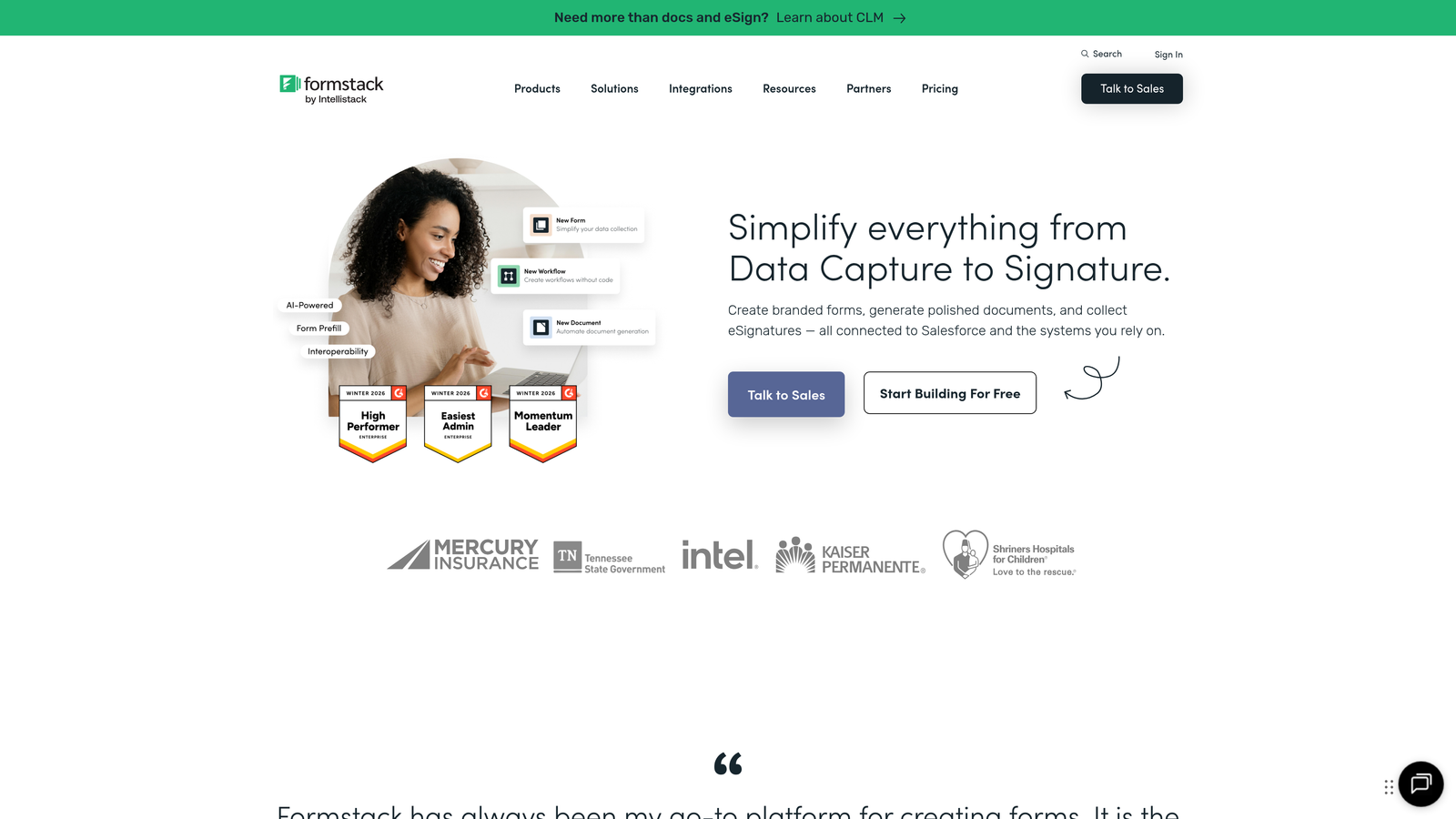
Formstack is a Salesforce-certified integration partner built for complex enterprise workflows.
Where This Tool Shines
The Salesforce certification matters for enterprise buyers who need guaranteed compatibility and support. Formstack can write to any Salesforce object—not just Leads and Contacts, but custom objects, Opportunities, Cases, and more.
Advanced field mapping lets you prefill forms with existing CRM data, reducing friction for known contacts. The document generation feature creates PDFs from form submissions and stores them directly in Salesforce, streamlining contract and proposal workflows.
Key Features
Salesforce Certification: Official AppExchange listing with guaranteed compatibility and enterprise support.
Advanced Field Mapping: Map to any Salesforce object and field, including custom configurations.
Conditional Routing: Send different submissions to different Salesforce objects based on response logic.
Document Generation: Automatically create PDFs from submissions and attach to Salesforce records.
Prefill Capabilities: Populate form fields with existing CRM data for known contacts.
Best For
Enterprise organizations with complex Salesforce implementations that need to integrate forms with custom objects and workflows. Particularly valuable for regulated industries requiring audit trails.
Pricing
Forms product starts at $50/month. Enterprise pricing available for full platform with document generation and advanced automation.
6. Gravity Forms
Best for: WordPress sites that need self-hosted forms with CRM add-ons
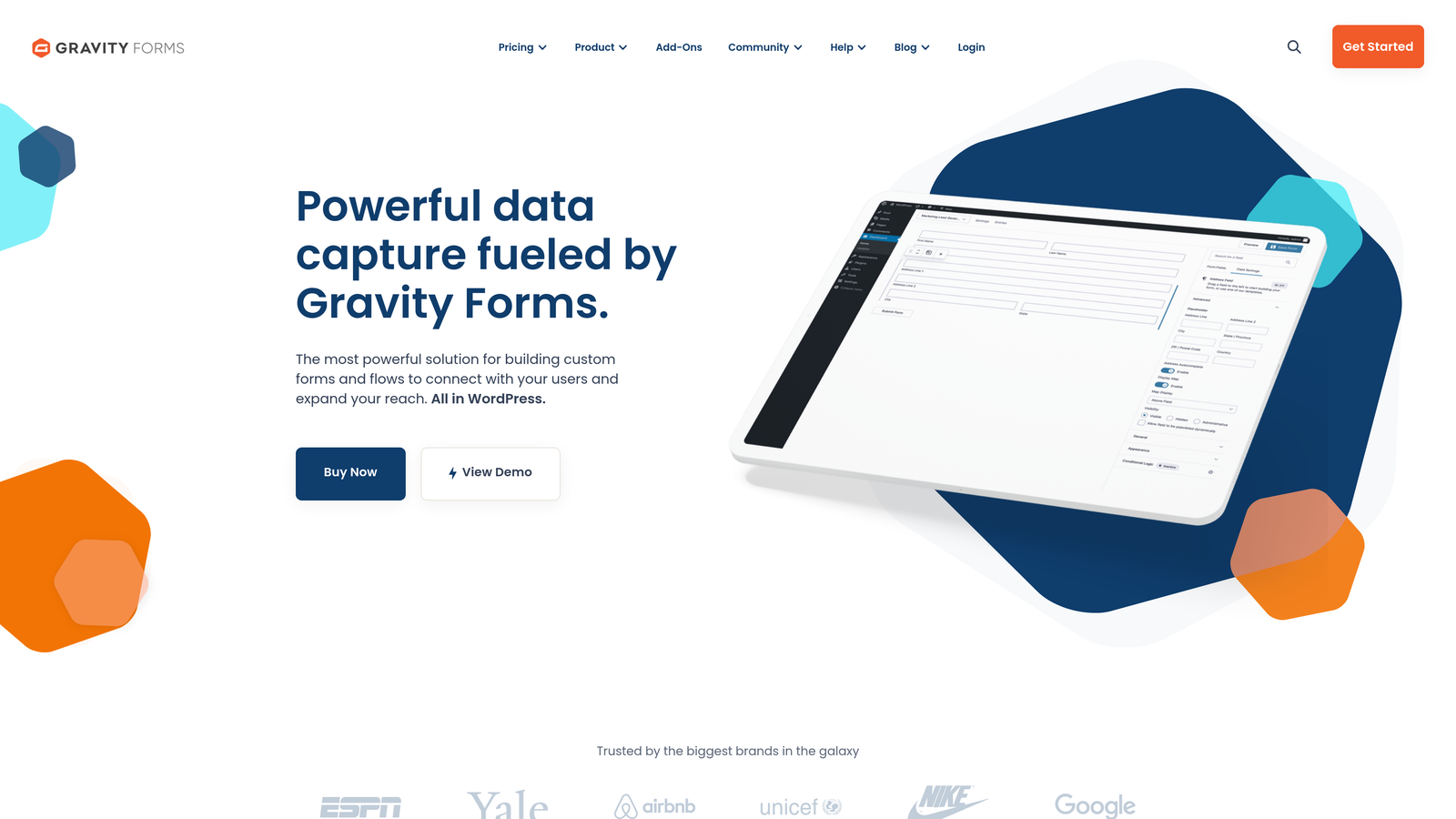
Gravity Forms is the leading WordPress form plugin with a robust add-on ecosystem for CRM connections.
Where This Tool Shines
Deep WordPress integration means forms feel native to your site's admin experience. You manage everything within WordPress instead of logging into a separate platform. Data stays on your server until it syncs to your CRM, which matters for compliance-sensitive industries.
The add-on model lets you pay only for the integrations you need. HubSpot, Salesforce, Zoho, and ActiveCampaign each have dedicated add-ons that provide native-quality connections without relying on Zapier.
Key Features
WordPress Native: Manage forms directly in WordPress admin with no external platform required.
CRM Add-Ons: Dedicated plugins for HubSpot, Salesforce, Zoho, and other major CRMs.
Conditional Logic: Show, hide, or require fields based on user selections.
Multi-Page Forms: Break long forms into steps with progress indicators.
One-Time License: Pay once per year instead of monthly subscription fees.
Best For
Organizations running WordPress sites who want to keep form data on their own servers. Particularly attractive for teams that prefer one-time licensing over recurring subscriptions.
Pricing
Basic license starts at $59/year for one site. Elite license at $259/year includes all add-ons and unlimited sites.
7. Cognito Forms
Best for: Budget-conscious teams needing payment collection alongside CRM integration
Cognito Forms delivers robust functionality at price points significantly lower than competitors.
Where This Tool Shines
The free tier is genuinely useful—unlimited forms with up to 500 entries per month. That's enough for many small businesses to run their entire lead capture operation without paying anything.
Payment processing is built in with support for Stripe, PayPal, and Square. You can collect registration fees, deposits, or product payments in the same form that captures lead data for your CRM. The calculations engine handles complex pricing logic without custom code.
Key Features
Zapier Integration: Connect to virtually any CRM through Zapier's extensive platform catalog.
Payment Processing: Accept payments via Stripe, PayPal, and Square with built-in PCI compliance.
Calculations: Perform math on form fields for pricing, scoring, or conditional logic.
Conditional Logic: Show or hide sections based on user responses.
Generous Free Tier: Unlimited forms and 500 entries per month at no cost.
Best For
Small businesses and nonprofits that need to collect payments alongside lead data. Teams with tight budgets who can work with Zapier instead of native integrations.
Pricing
Free tier includes unlimited forms and 500 entries. Pro plan starts at $15/month for 2,000 entries and removes Cognito branding.
8. Paperform
Best for: Design-focused teams that want beautiful, branded forms with strong analytics
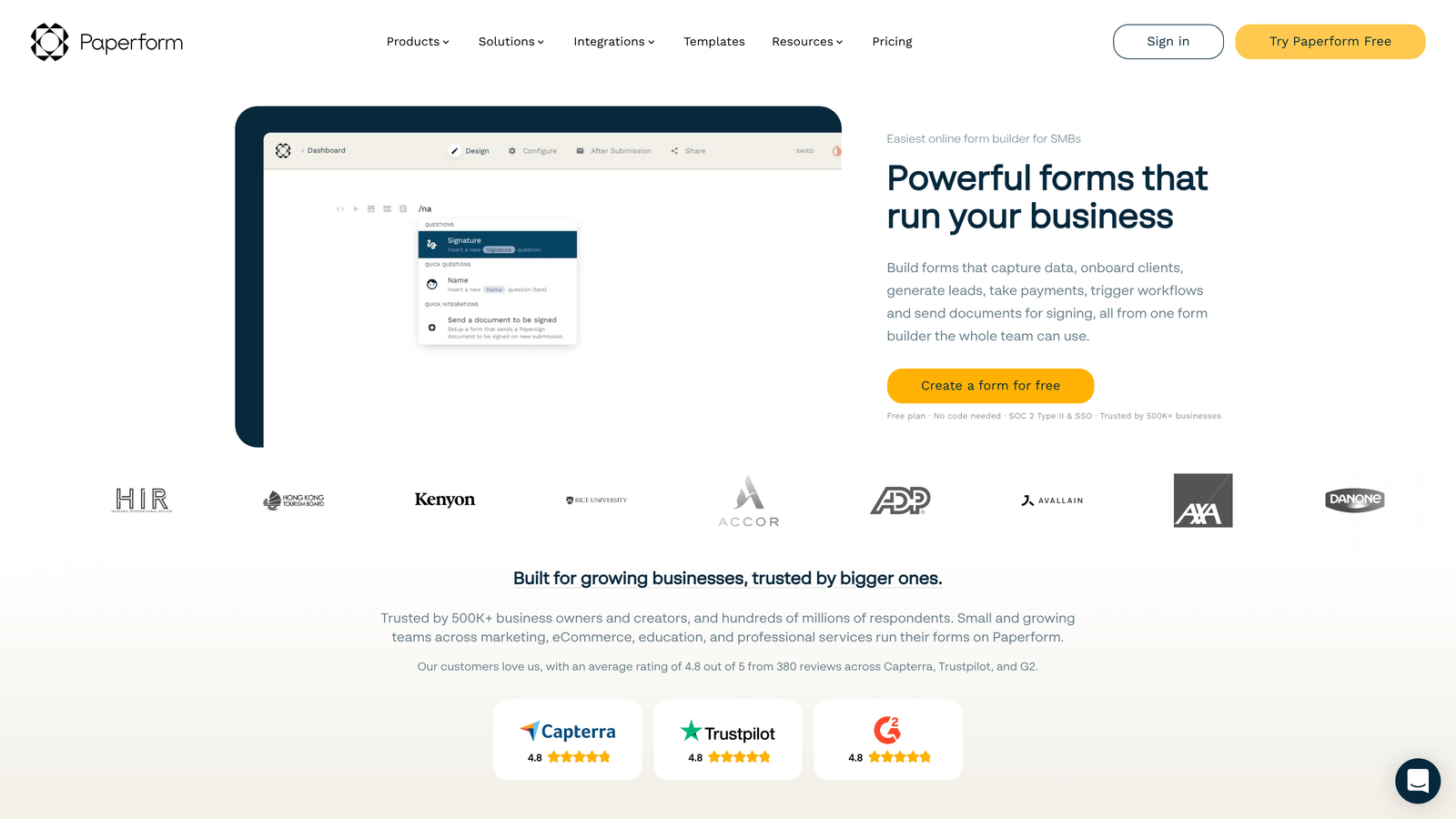
Paperform treats forms as content pages with rich text, images, and media embedded throughout.
Where This Tool Shines
The editor works more like a document builder than a traditional form tool. You can mix form fields with paragraphs of text, images, videos, and formatting to create experiences that feel like landing pages rather than data collection forms.
Built-in analytics track not just submissions but also partial completions and field-level drop-off. You can see exactly where users abandon the form and optimize those friction points. The conversion tracking helps you understand which traffic sources deliver the highest-quality leads.
Key Features
Rich Content Embedding: Mix form fields with text, images, and videos for branded experiences.
Direct CRM Integrations: Native connections to HubSpot, Salesforce, and ActiveCampaign.
Conversion Analytics: Track completion rates, drop-off points, and source attribution.
Payment and Booking: Collect payments and schedule appointments within the same form.
Custom Calculations: Build pricing calculators and quote generators with conditional math.
Best For
Marketing teams that treat forms as brand touchpoints requiring the same design attention as landing pages. Particularly strong for service businesses collecting bookings alongside lead data.
Pricing
Essentials plan starts at $24/month for unlimited forms and 1,000 submissions.
9. 123FormBuilder
Best for: Salesforce-focused teams needing deep field mapping and compliance features
123FormBuilder offers a native Salesforce AppExchange app with enterprise-grade compliance options.
Where This Tool Shines
The Salesforce integration goes beyond basic Lead creation. You can map form fields to any Salesforce object and field, including custom configurations unique to your org. Prefill capabilities pull existing data from Salesforce to populate forms for known contacts.
HIPAA compliance is available for healthcare organizations that need to collect protected health information through forms. The platform signs Business Associate Agreements and provides the technical safeguards required for regulated data collection.
Key Features
Salesforce AppExchange App: Native integration listed on AppExchange with official Salesforce compatibility.
Universal Field Mapping: Connect to any Salesforce object, standard or custom, with flexible field mapping.
HIPAA Compliance: BAA agreements and technical controls for healthcare data collection.
Prefill from CRM: Populate form fields with existing Salesforce data for known contacts.
Conditional Logic: Show or hide fields and sections based on user responses or CRM data.
Best For
Healthcare organizations and other regulated industries using Salesforce. Teams with complex Salesforce customizations that need precise control over data mapping.
Pricing
Free tier includes basic features with limited submissions. Gold plan starts at $24.99/month for advanced integrations and higher submission limits.
Making the Right Choice
Choosing the right CRM integrated form depends on your existing tech stack and workflow needs. If you're looking for AI-powered lead qualification that automatically scores and routes leads to your CRM, Orbit AI offers the most intelligent approach. Teams already invested in HubSpot will find HubSpot Forms the path of least resistance with zero-configuration sync.
For enterprise Salesforce deployments, Formstack and 123FormBuilder provide the deepest integration capabilities with certified connections and advanced field mapping. Budget-conscious teams should explore Cognito Forms or Jotform's free tiers—both offer genuine functionality without requiring a credit card.
Design and user experience matter when you're asking prospects to share their information. Typeform and Paperform deliver polished, conversion-optimized experiences that feel modern and professional. WordPress users have a clear choice in Gravity Forms, which offers self-hosted control with CRM add-ons.
The best choice connects your forms to your CRM without adding complexity to your workflow. Test a few options with your actual CRM setup before committing—what works seamlessly in a demo might reveal friction points when you try to map your specific fields and workflows.
Transform your lead generation with AI-powered forms that qualify prospects automatically while delivering the modern, conversion-optimized experience your high-growth team needs. Start building free forms today and see how intelligent form design can elevate your conversion strategy.


