

Your form builder isn't just a data collection tool—it's your first impression, your qualification filter, and often your biggest conversion bottleneck. For high-growth teams, choosing between ConvertKit's email-native forms and a dedicated form builder isn't about picking the "better" option. It's about matching your tool to your actual business requirements.
Here's what makes this decision tricky: email platforms like ConvertKit excel at what they're built for—capturing subscribers and feeding your email sequences. But as your business scales, your form needs evolve beyond basic email capture. You start needing qualification logic, multi-step flows, conditional routing, and sophisticated analytics.
The gap between "good enough" and "purpose-built" widens as your traffic grows. A form that converts at 15% instead of 25% might seem like a minor difference until you calculate the revenue impact across thousands of visitors. The wrong choice doesn't just cost you leads—it costs you qualified leads, time spent on manual processes, and opportunities for optimization.
This guide walks you through seven strategic evaluation points that help high-growth teams make this decision with confidence. We'll explore the real-world implications of each option, from lead qualification capabilities to total cost of ownership, so you can choose the solution that supports your growth trajectory rather than constraining it.
1. Map Your Form Requirements Beyond Basic Email Capture
The Challenge It Solves
Most teams start with simple newsletter signups, then gradually realize they need forms for webinar registrations, product demos, customer applications, feedback surveys, and lead qualification. By the time you've cobbled together multiple tools to handle different form types, you're managing fragmented data across platforms and creating friction in your workflows.
The disconnect between what email-native forms can handle and what your business actually needs creates operational debt. Your team builds workarounds, manually transfers data between systems, and loses leads in the gaps between tools.
The Strategy Explained
Create a comprehensive audit of every form use case your business has today and will likely need within 12 months. This isn't about theoretical possibilities—it's about documenting actual business processes that require form inputs.
For each use case, document the specific requirements: field types needed, conditional logic requirements, calculation needs, file upload capabilities, multi-step flows, and integration destinations. Email platforms typically handle basic text inputs and dropdowns well, but struggle with complex conditional logic, calculations, or advanced field types.
Map how form data flows through your business. Does it go only to your email platform, or does it need to route to your CRM, trigger Slack notifications, update spreadsheets, or feed into custom databases? The more destinations your form data needs to reach, the more you'll benefit from a dedicated form builder with robust integration capabilities.
Implementation Steps
1. List every current form on your website, landing pages, and campaigns—include newsletter signups, contact forms, demo requests, applications, surveys, and any other data collection points.
2. For each form, document required fields, conditional logic needs, integration destinations, and any special functionality like calculations, file uploads, or payment processing.
3. Interview your sales, marketing, and customer success teams about form-related pain points and wish-list features they need to improve their workflows.
4. Project forward 12 months and identify new form types you'll likely need as your business scales—consider product launches, new lead magnets, expanded qualification processes, or additional customer touchpoints.
Pro Tips
Don't just count form types—assess complexity. A business with three highly sophisticated forms requiring advanced logic and integrations has different needs than one with twenty simple email capture forms. Focus on the capabilities required, not just the quantity of forms.
2. Evaluate Lead Qualification Capabilities
The Challenge It Solves
As your traffic grows, so does the noise. Not every lead deserves the same attention from your sales team. Without intelligent qualification at the form level, your team wastes time on unqualified prospects while high-value leads wait in an undifferentiated queue.
Email-native forms typically capture data but leave qualification entirely to manual review or downstream automation. This creates lag time between form submission and appropriate follow-up, and it means your highest-intent leads don't get prioritized treatment.
The Strategy Explained
Lead qualification should happen at the moment of form submission, not hours later when someone manually reviews responses. Modern form builders can score leads based on their answers, route high-value prospects directly to sales, and trigger different follow-up sequences based on qualification criteria.
Think about the questions that separate qualified leads from tire-kickers in your business. Company size, budget, timeline, decision-making authority, specific pain points—these data points should trigger intelligent routing and prioritization immediately. Teams focused on sales qualification forms for B2B understand how critical this real-time scoring becomes at scale.
Dedicated form builders often include conditional logic that shows or hides questions based on previous answers, allowing you to dig deeper with qualified prospects while keeping forms short for others. This progressive disclosure improves completion rates while gathering qualification data efficiently.
Implementation Steps
1. Define your ideal customer profile and identify the specific data points that indicate a qualified lead—create a scoring rubric that assigns point values to different response combinations.
2. Map out your current lead routing process and identify delays or manual steps that could be automated with intelligent form logic.
3. Test whether your current form solution can implement conditional logic, lead scoring, and automated routing based on responses—many email platforms require third-party integrations or custom development for this functionality.
4. Calculate the value of faster qualification—if your sales team could contact hot leads within minutes instead of hours, what's the revenue impact across a month of leads?
Pro Tips
Start with simple qualification logic before building complex scoring systems. Even basic routing like "enterprise prospects go to sales, small business leads go to nurture sequence" creates immediate value. You can refine your qualification criteria as you gather data on what actually predicts customer success.
3. Analyze Your Conversion Optimization Needs
The Challenge It Solves
Your form conversion rate directly multiplies the ROI of every marketing dollar you spend. A landing page that drives 1,000 visitors to a form converting at 15% generates 150 leads, but the same traffic with a 25% conversion rate generates 250 leads—that's 67% more leads from the same ad spend.
Email-native forms often provide basic analytics like submission counts and conversion rates, but lack the testing infrastructure and granular analytics needed for systematic optimization. Without A/B testing capabilities, conversion funnel analysis, and detailed drop-off data, you're optimizing blind.
The Strategy Explained
Conversion optimization isn't a one-time setup—it's an ongoing process of testing, measuring, and iterating. Your form tool should provide the infrastructure for continuous improvement, including A/B testing for different form variations, analytics showing where users abandon, and design flexibility to implement optimization insights.
Dedicated form builders typically offer built-in A/B testing that lets you experiment with different form lengths, field orders, button copy, and design elements. They track metrics like time to complete, field-level abandonment, and conversion by traffic source. Understanding how to optimize signup forms for conversions becomes significantly easier with these granular analytics.
Design flexibility matters more than you might think. The ability to create multi-step forms, implement progress indicators, use conditional logic to keep forms short, and match your exact brand aesthetic all impact conversion rates. Template constraints can cost you conversions.
Implementation Steps
1. Audit your current form analytics capabilities—can you see which specific fields cause abandonment, how long users take to complete forms, or where mobile users struggle?
2. List optimization tests you'd like to run: shorter vs. longer forms, single-step vs. multi-step, different button copy, field order variations, or design changes.
3. Calculate the revenue value of conversion rate improvements—if you could increase your primary lead form conversion from 20% to 25%, what's that worth in monthly revenue?
4. Evaluate whether your current tool provides native A/B testing or requires third-party tools and complex integration to run experiments.
Pro Tips
Focus on high-traffic forms first. A 5% conversion improvement on a form receiving 10,000 monthly visitors creates far more impact than optimizing a form with 100 visitors. Prioritize optimization efforts where the volume justifies the investment in testing infrastructure.
4. Consider Your Integration Ecosystem
The Challenge It Solves
Form data rarely lives in isolation. It needs to flow into your CRM for sales follow-up, trigger automation workflows, update analytics dashboards, sync with your customer database, and often reach specialized tools for specific business processes. When your form tool doesn't integrate natively with your stack, you end up building custom integrations or manually transferring data.
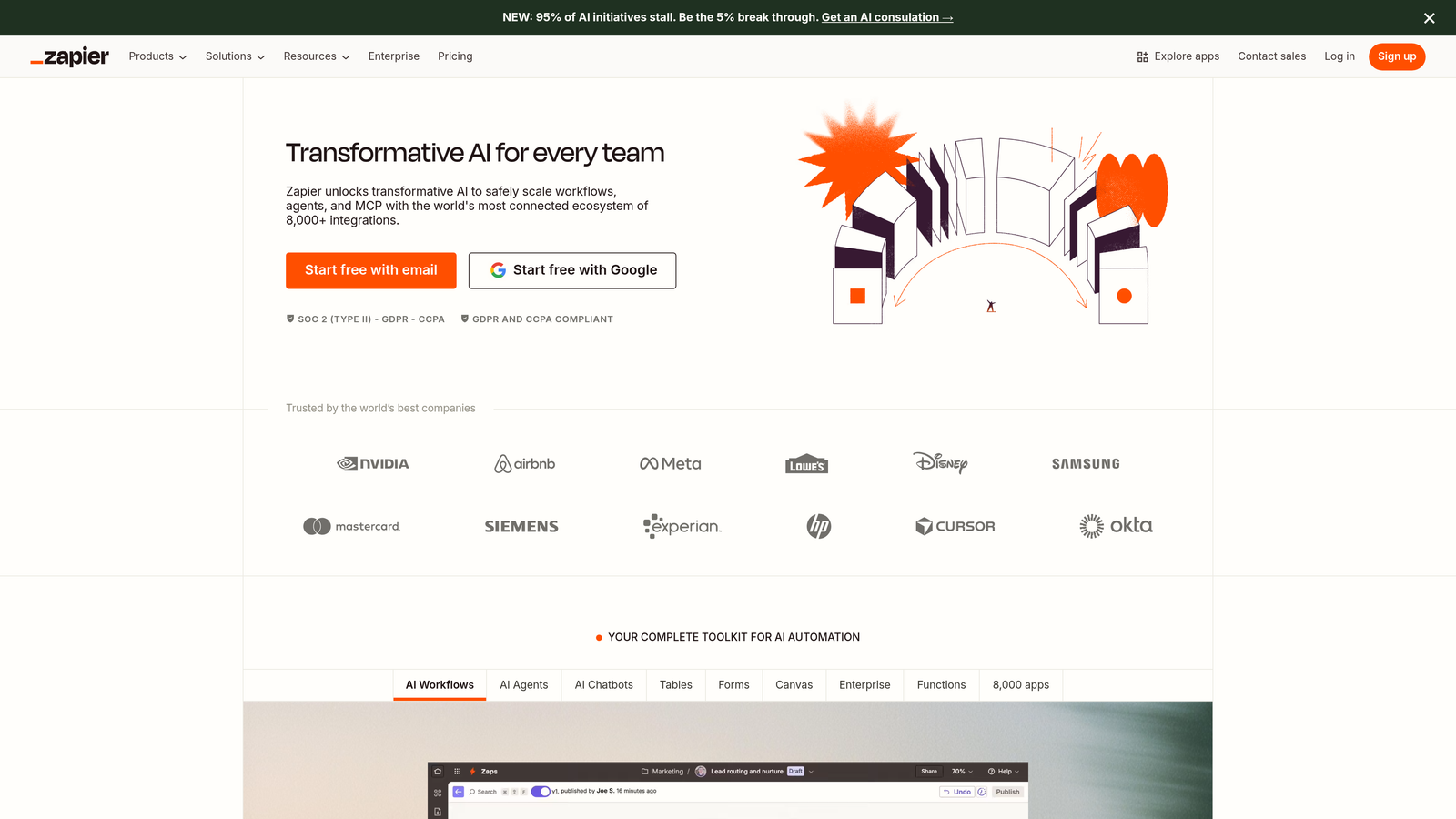
Email platforms excel at integrating with email marketing tools but often require workarounds for broader integrations. Third-party automation tools like Zapier can bridge gaps, but they add complexity, cost, and potential failure points to your data flows.
The Strategy Explained
Map every destination that needs to receive form data, then evaluate how each form solution connects to those systems. Native integrations are always preferable to third-party middleware—they're typically more reliable, faster, and easier to maintain.
Consider not just whether integration is possible, but how much technical debt you're accepting. A solution requiring five Zapier connections to accomplish what another tool handles with native integrations creates ongoing maintenance burden and potential data sync issues. Many teams struggle with difficulty integrating forms with CRM systems when using email-native form solutions.
Think about integration flexibility for future needs too. As your stack evolves, you'll add new tools. A form platform with robust API access and webhook support gives you flexibility to connect to systems that don't have pre-built integrations.
Implementation Steps
1. Document every system that currently receives or needs to receive form data—include your CRM, email platform, analytics tools, databases, Slack channels, and any specialized business applications.
2. For each destination, identify whether your current form solution offers native integration, requires third-party automation tools, or needs custom development.
3. Calculate the total cost of integration workarounds—include Zapier subscription costs, developer time for custom integrations, and ongoing maintenance burden.
4. Research the integration ecosystems of alternative solutions, focusing on native connections to your most critical business tools.
Pro Tips
Don't underestimate the hidden costs of integration complexity. A solution that seems cheaper upfront but requires extensive integration work often costs more in total when you factor in setup time, ongoing maintenance, and the opportunity cost of delayed data flows. Sometimes paying more for better native integrations reduces your total cost of ownership.
5. Calculate Total Cost of Ownership
The Challenge It Solves
Sticker price rarely tells the complete cost story. A form solution that appears budget-friendly often requires additional tools to fill functionality gaps, developer time for custom work, and carries opportunity costs from limitations that constrain your conversion optimization efforts.
Teams frequently underestimate the compounding costs of workarounds. You start with a basic email platform, then add a third-party form builder for complex forms, then add Zapier for integrations, then hire developers to build custom solutions for edge cases. Suddenly your "affordable" stack costs more than a comprehensive solution would have.
The Strategy Explained
Build a complete cost model that includes direct subscription costs, add-on tool expenses, integration middleware fees, developer time for setup and maintenance, and opportunity costs from functionality limitations. Compare this total against alternative solutions over a 12-month period.
Factor in team efficiency impacts too. If your marketing team spends hours each week working around form limitations or manually transferring data, that's real cost even if it doesn't show up on a software invoice. Time spent on workarounds is time not spent on growth initiatives.
Consider the revenue impact of conversion rate differences. If a dedicated form builder improves your conversion rate by even a few percentage points through better optimization tools and design flexibility, the revenue gain often dwarfs the cost difference between solutions. Exploring affordable form builder platforms can help you find the right balance between capability and cost.
Implementation Steps
1. List every tool currently in your stack that exists primarily to work around form limitations—include third-party form builders, integration platforms, analytics tools, and any custom development work.
2. Calculate monthly costs for each tool, plus estimated developer hours spent on form-related custom work at your internal or contractor rates.
3. Estimate opportunity costs by calculating the revenue value of conversion rate improvements you could achieve with better optimization tools and design flexibility.
4. Project these costs forward 12 months and compare against the total cost of alternative solutions that might consolidate functionality and reduce workarounds.
Pro Tips
Don't optimize for lowest cost—optimize for best ROI. A form solution that costs $200/month but increases your conversion rate enough to generate an extra $2,000 in monthly revenue delivers 10x ROI. Focus on the revenue impact of better forms, not just the expense side of the equation.
6. Test User Experience and Form Completion Rates
The Challenge It Solves
You can have the most sophisticated form logic and perfect integrations, but if users abandon your forms before submitting, none of it matters. User experience directly determines completion rates, and completion rates determine how many leads you actually capture from your traffic.
Mobile experience particularly impacts completion rates. Many businesses find that 50-70% of their form traffic comes from mobile devices, yet their forms create friction on small screens—tiny tap targets, difficult input fields, or layouts that require excessive scrolling.
The Strategy Explained
Evaluate form completion rates across devices and identify UX friction points causing abandonment. Look for mobile responsiveness, loading speed, field validation that provides helpful feedback, progress indicators for multi-step forms, and accessibility features that ensure all users can complete your forms.
Test the actual user experience yourself on multiple devices. Fill out your own forms on mobile, tablet, and desktop. Pay attention to frustration points—fields that are hard to tap, validation errors that aren't helpful, confusing navigation, or design elements that don't scale well across screen sizes. Understanding the differences between multi-step forms vs single page forms can help you choose the right format for your audience.
Dedicated form builders typically invest more in UX optimization features because forms are their core product. Email platforms often treat forms as a secondary feature, which can mean less attention to mobile optimization, accessibility, and completion rate optimization.
Implementation Steps
1. Analyze your form analytics to identify completion rates by device type—if mobile completion rates lag significantly behind desktop, you have a mobile UX problem.
2. Conduct user testing by having people outside your team complete your forms on their own devices while you observe friction points and confusion.
3. Audit accessibility by testing with screen readers and keyboard navigation—many businesses overlook accessibility, but it impacts both user experience and legal compliance.
4. Compare the mobile experience of your current forms against alternatives, focusing on tap target sizes, input field usability, and overall mobile optimization.
Pro Tips
Small UX improvements compound into significant conversion gains. Adding a progress indicator to multi-step forms, improving field validation messages, or optimizing for mobile might each improve conversion by a few percentage points—but combined, these improvements can increase your completion rate by 20-30%. Don't dismiss UX optimization as minor tweaks.
7. Plan for Scale and Future Requirements
The Challenge It Solves
The form solution that works perfectly for your current needs might become a constraint as your business scales. Team collaboration features, advanced automation capabilities, enterprise security requirements, and sophisticated analytics become critical as you grow—but migrating form infrastructure later creates disruption and data continuity challenges.
Switching form platforms after you've built complex workflows, established integrations, and accumulated historical data is painful. Teams often stick with suboptimal solutions far too long because migration costs feel prohibitive.
The Strategy Explained
Evaluate potential form solutions not just for today's requirements, but for where your business will be in 12-24 months. Consider team growth and collaboration needs, automation sophistication, data volume and analytics requirements, and platform innovation velocity.
Look at the solution's roadmap and track record of innovation. Email platforms typically prioritize email features over form capabilities, which means form functionality evolves slowly. Dedicated form builders invest in continuous form innovation because it's their core product. Many growing companies find that lead capture forms for high growth companies require capabilities that email-native solutions simply don't provide.
Think about team scalability too. As you grow, you'll need features like team permissions, approval workflows, form templates for consistency, and collaboration tools. Evaluate whether solutions support multi-user workflows and team management at scale.
Implementation Steps
1. Project your business growth over the next 24 months and identify how your form needs will evolve—consider traffic increases, team expansion, new products or services, and additional use cases.
2. Research the innovation velocity of different solutions by reviewing their release notes and feature updates over the past year—platforms that ship frequent improvements will likely continue innovating.
3. Evaluate enterprise features you'll eventually need: team permissions, SSO integration, advanced security and compliance features, dedicated support, and SLA guarantees.
4. Calculate the cost and disruption of migrating platforms later versus choosing a more scalable solution now—sometimes paying more upfront for a platform you can grow into costs less than switching later.
Pro Tips
Don't overbuy for capabilities you won't use for years, but do choose a solution with a clear upgrade path. The ideal platform serves your current needs affordably while offering advanced features you can grow into without migrating. Look for tiered pricing that lets you start small and scale up as your requirements expand.
Putting Your Form Strategy Into Action
The choice between ConvertKit forms and a dedicated form builder ultimately comes down to matching your tool to your actual business requirements and growth trajectory. Email-native forms work well for businesses focused primarily on newsletter growth with simple lead capture needs. Dedicated form builders make sense when you need sophisticated qualification logic, advanced optimization capabilities, or diverse form types beyond basic email capture.
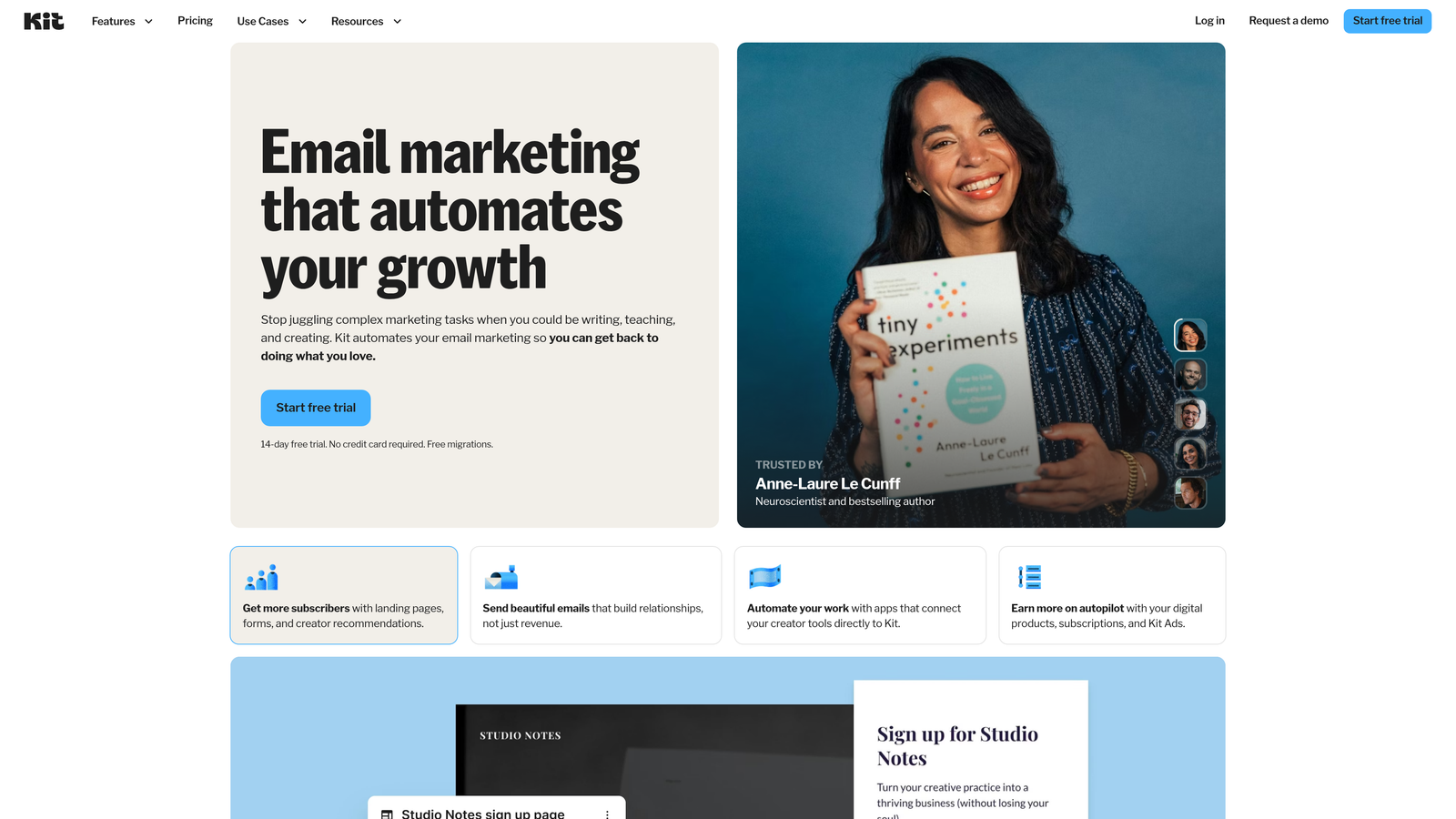
Here's a practical decision framework: If your forms are primarily newsletter signups and you're satisfied with basic analytics and limited design flexibility, email platform forms likely meet your needs. If you're running complex qualification processes, need advanced A/B testing, require sophisticated integrations beyond email, or want design flexibility to optimize conversion rates, a dedicated form builder will serve you better.
Consider your growth stage too. Early-stage businesses often benefit from the simplicity of all-in-one email platforms. High-growth teams typically need the specialized capabilities that dedicated form builders provide. The inflection point usually comes when conversion optimization ROI justifies investing in purpose-built tools.
Start your evaluation by auditing your current form performance. Look at completion rates, conversion rates by device, lead quality, and team time spent working around limitations. These metrics reveal whether your current solution supports or constrains your growth.
Transform your lead generation with AI-powered forms that qualify prospects automatically while delivering the modern, conversion-optimized experience your high-growth team needs. Start building free forms today and see how intelligent form design can elevate your conversion strategy.


