

The gap between high-converting forms and those that get abandoned is widening—and AI is the differentiator. Traditional form builders force visitors through rigid, one-size-fits-all experiences that ignore context, intent, and engagement signals. Every prospect gets the same questions in the same order, regardless of whether they're a qualified enterprise lead or a curious tire-kicker.
AI-powered form builders flip this script entirely. They adapt in real-time, qualify leads automatically, and create conversational experiences that feel less like filling out paperwork and more like having a helpful conversation. For high-growth teams focused on conversion optimization, this isn't just about collecting data—it's about actively moving prospects toward becoming customers.
The challenge? The AI form builder landscape has exploded in the past two years. Some tools focus on conversational experiences, others prioritize database integrations, and a few are built specifically for lead qualification. Choosing the right one isn't just a tech decision—it's a revenue decision that impacts everything from conversion rates to sales team efficiency.
This guide breaks down the seven best AI form builders available today, examining what makes each unique, who they're built for, and how to choose the right one for your specific lead generation goals.
1. Orbit AI
What Makes It Different
Orbit AI approaches form building from a conversion-first perspective. Rather than just collecting responses, it's designed specifically for high-growth teams that need to qualify leads automatically while maintaining a modern, engaging user experience. The platform combines AI-powered lead qualification agents with beautiful form design, creating an experience that feels premium while working intelligently behind the scenes.
The standout feature is the built-in lead qualification capability. While other form builders require you to manually set up scoring rules or connect external tools, Orbit AI's qualification agents analyze responses in real-time to determine lead quality, intent signals, and readiness to buy. This means your sales team gets pre-qualified leads with context about why they're worth prioritizing.
Best For
Teams where lead quality matters as much as lead volume. If you're tired of your sales team wasting time on unqualified prospects, or if your current forms convert visitors but don't provide actionable intelligence about those leads, Orbit AI addresses both problems simultaneously.
The platform excels in B2B SaaS environments, professional services, and any business where understanding prospect intent directly impacts conversion strategy. It's particularly valuable for companies scaling their lead generation efforts who need automation that actually improves lead quality rather than just processing volume.
Key Capabilities
AI Lead Qualification: Automatic scoring and categorization based on response patterns, intent signals, and qualification criteria you define.
Conversion Optimization: Built-in best practices for form design, progressive disclosure, and question sequencing that reduces abandonment.
Modern Form Experiences: Beautiful, responsive designs that work seamlessly across devices without requiring design expertise.
CRM Integration: Direct connections to your sales tools so qualified leads flow automatically to the right team members.
Implementation Approach
Start by identifying your highest-traffic lead capture points—typically pricing pages, demo requests, and content downloads. Replace your existing forms with Orbit AI versions that include qualification questions designed to surface intent. Define your qualification criteria based on factors like company size, use case, timeline, and budget authority. The AI agents learn from your feedback on lead quality, continuously improving their scoring accuracy over time.
2. Typeform
What Makes It Different
Typeform pioneered the conversational form experience with its signature one-question-at-a-time approach. Rather than confronting users with a wall of fields, Typeform presents questions sequentially, creating a guided conversation that feels more engaging and less overwhelming. The platform is known for exceptional design flexibility, allowing teams to create brand-aligned experiences with custom themes, images, and videos.
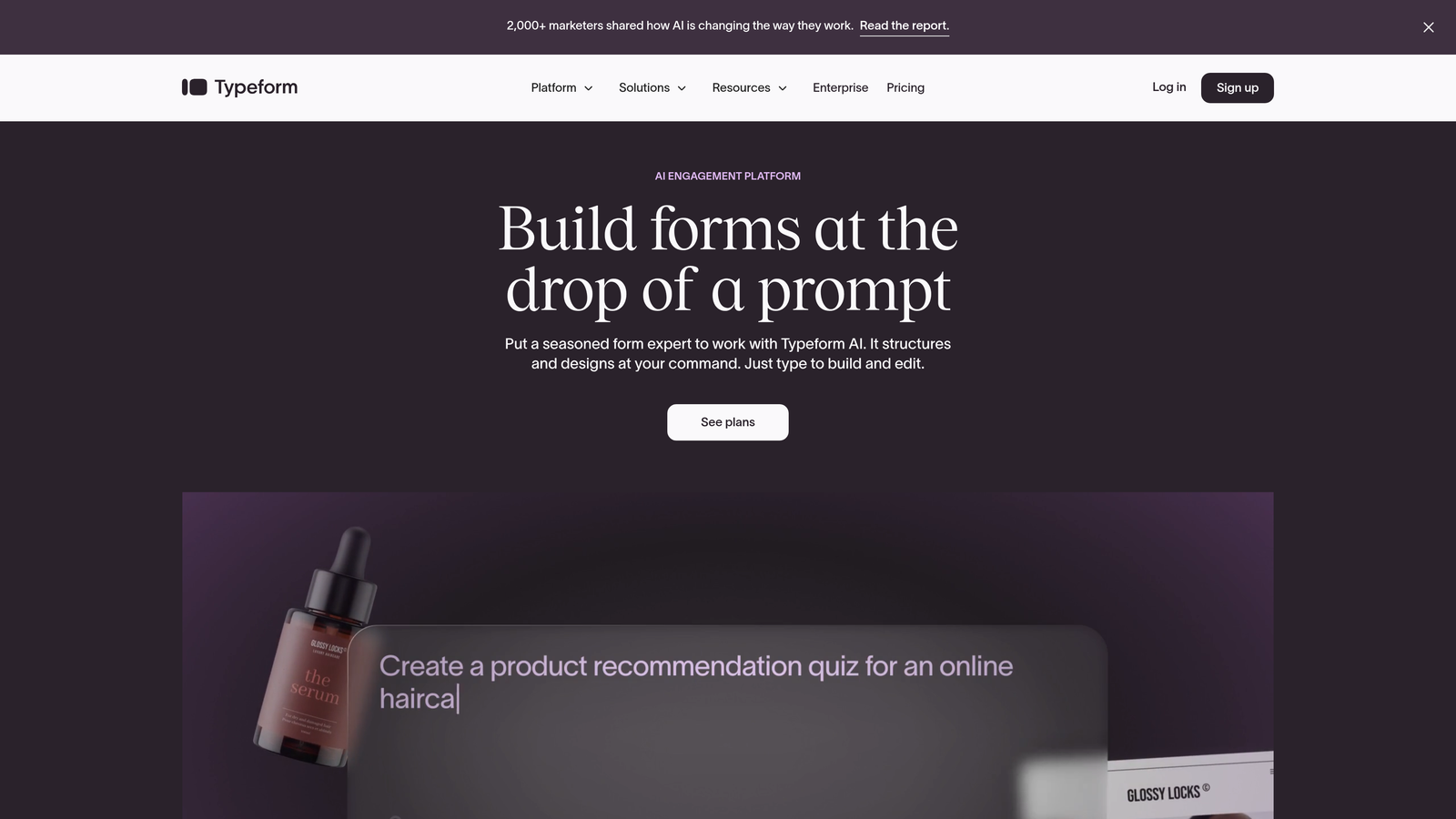
The conversational interface reduces cognitive load significantly. When users see only one question at a time, they're more likely to complete the entire form. This approach works particularly well for surveys, feedback collection, and lead capture scenarios where you need detailed information but want to minimize abandonment.
Best For
Brand-conscious teams that need forms to feel like natural extensions of their marketing experiences. If visual design and user experience are critical to your brand identity, Typeform provides the customization depth to match your aesthetic perfectly.
The platform shines in scenarios requiring detailed information collection—customer research, event registrations, application processes, and multi-step lead qualification. Companies in creative industries, consumer brands, and businesses with strong visual identities often gravitate toward Typeform for its design-forward approach.
Key Capabilities
Conversational Interface: One-question-at-a-time presentation that creates engaging, low-friction experiences.
Design Customization: Extensive theming options including custom fonts, colors, backgrounds, and embedded media.
Logic Jumps: Conditional branching that adapts question flow based on previous responses.
Integration Ecosystem: Connections to hundreds of tools including CRMs, email platforms, and analytics systems.
Implementation Approach
Map out your question flow before building. Typeform's strength is in creating logical progressions that feel conversational, so invest time in sequencing questions from easy to complex. Use logic jumps to create personalized paths—for example, asking different follow-up questions based on industry or company size. Leverage the design customization to ensure your forms feel cohesive with your broader brand experience.
3. Jotform
What Makes It Different
Jotform takes a template-first approach with one of the largest form template libraries available. The platform offers over 10,000 pre-built templates covering virtually every use case imaginable, from simple contact forms to complex application processes. Recently, Jotform introduced AI form generation capabilities that create complete forms from natural language descriptions.
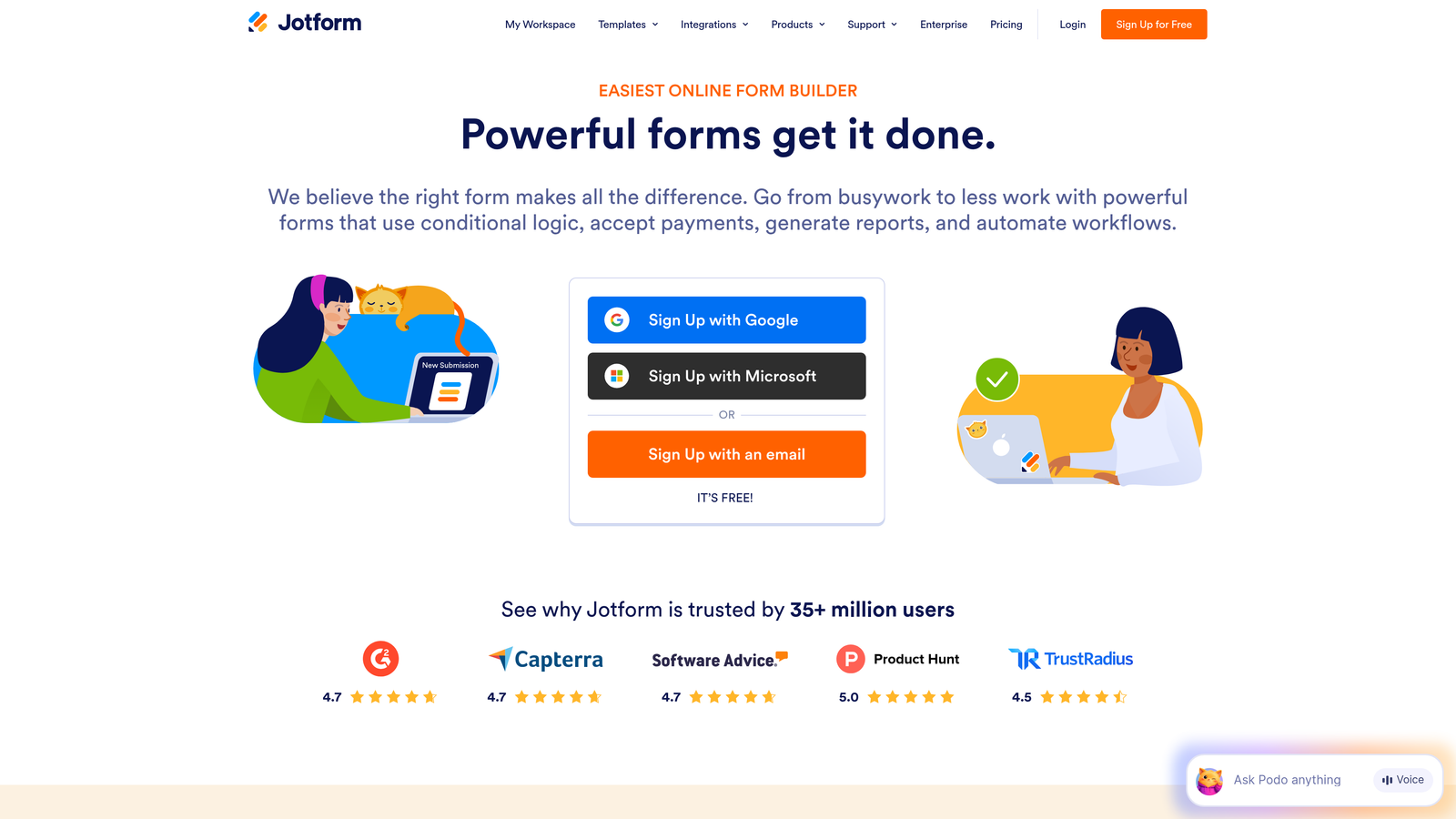
The accessibility features set Jotform apart in terms of inclusivity. The platform prioritizes WCAG compliance, ensuring forms work properly with screen readers and keyboard navigation. For organizations with accessibility requirements or diverse user bases, this attention to inclusive design is valuable.
Best For
Teams that need to deploy forms quickly across diverse use cases. If you're managing forms for multiple departments—HR, sales, customer service, events—Jotform's template library and flexibility make it easy to standardize on one platform while serving different needs.
The platform works well for organizations prioritizing accessibility compliance, educational institutions managing applications and registrations, and businesses with limited technical resources appreciate the template approach that eliminates starting from scratch.
Key Capabilities
Template Library: Thousands of pre-built forms covering common use cases that can be customized quickly.
AI Form Generation: Natural language prompts that generate complete form structures automatically.
Accessibility Features: WCAG-compliant forms with screen reader support and keyboard navigation.
Payment Integration: Built-in payment processing through multiple providers for order forms and registrations.
Implementation Approach
Start with templates closest to your needs rather than building from scratch. Use the AI generation feature to create initial form structures by describing your requirements in plain language, then refine from there. For organizations with accessibility requirements, enable the accessibility features during setup rather than retrofitting later. Create form templates for your most common use cases to standardize data collection across teams.
4. Tally
What Makes It Different
Tally embraces radical simplicity with a Notion-style interface that feels immediately familiar to anyone who's used block-based editors. The platform strips away complexity, focusing on making form creation as intuitive as writing a document. You build forms by adding blocks—text, questions, images—in a clean, distraction-free environment.
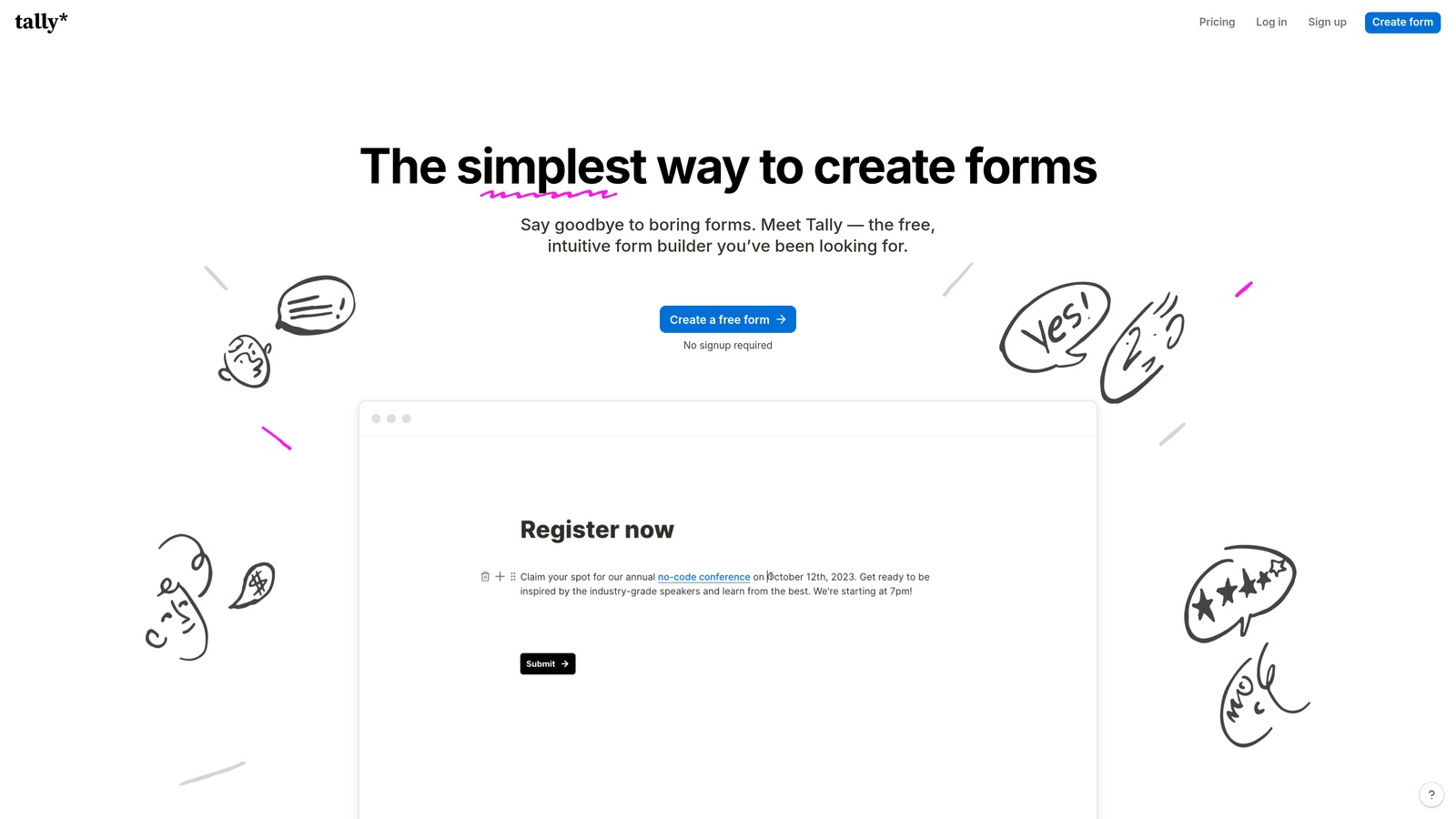
The generous free tier makes Tally particularly attractive for startups and small teams. Unlike many competitors that severely limit free plans, Tally offers unlimited forms and responses at no cost, with premium features reserved for advanced customization and integrations. This approach has made it popular among bootstrapped companies and side projects.
Best For
Teams that value simplicity over feature depth. If you're overwhelmed by complex form builders with dozens of field types and configuration options, Tally's minimalist approach feels refreshing. The platform works particularly well for straightforward data collection where you don't need elaborate branching logic or advanced features.
Startups operating on tight budgets, content creators collecting audience feedback, and teams already using Notion for project management often choose Tally for its familiar interface and zero-cost entry point. It's ideal when you need functional forms quickly without investing time in learning new software.
Key Capabilities
Block-Based Editor: Notion-style interface that makes form building feel like document creation.
Generous Free Tier: Unlimited forms and responses without cost restrictions.
Clean Design: Minimalist aesthetic that focuses on content rather than visual complexity.
Quick Deployment: Fast form creation and publishing without extensive configuration.
Implementation Approach
Think of building forms like writing an outline. Start with your core questions as text blocks, then convert them to appropriate field types. Keep designs minimal—Tally's strength is in clean, focused experiences rather than heavily branded ones. Use the free tier to validate form concepts before investing in paid plans. For teams using Notion, maintain consistency by mirroring your documentation structure in your form organization.
5. Fillout
What Makes It Different
Fillout is built around deep database integrations, particularly with Airtable and Notion. Rather than treating forms as standalone data collection tools, Fillout positions them as interfaces to your existing databases. When someone submits a form, data flows directly into your structured database, maintaining relationships and triggering automations you've already built.
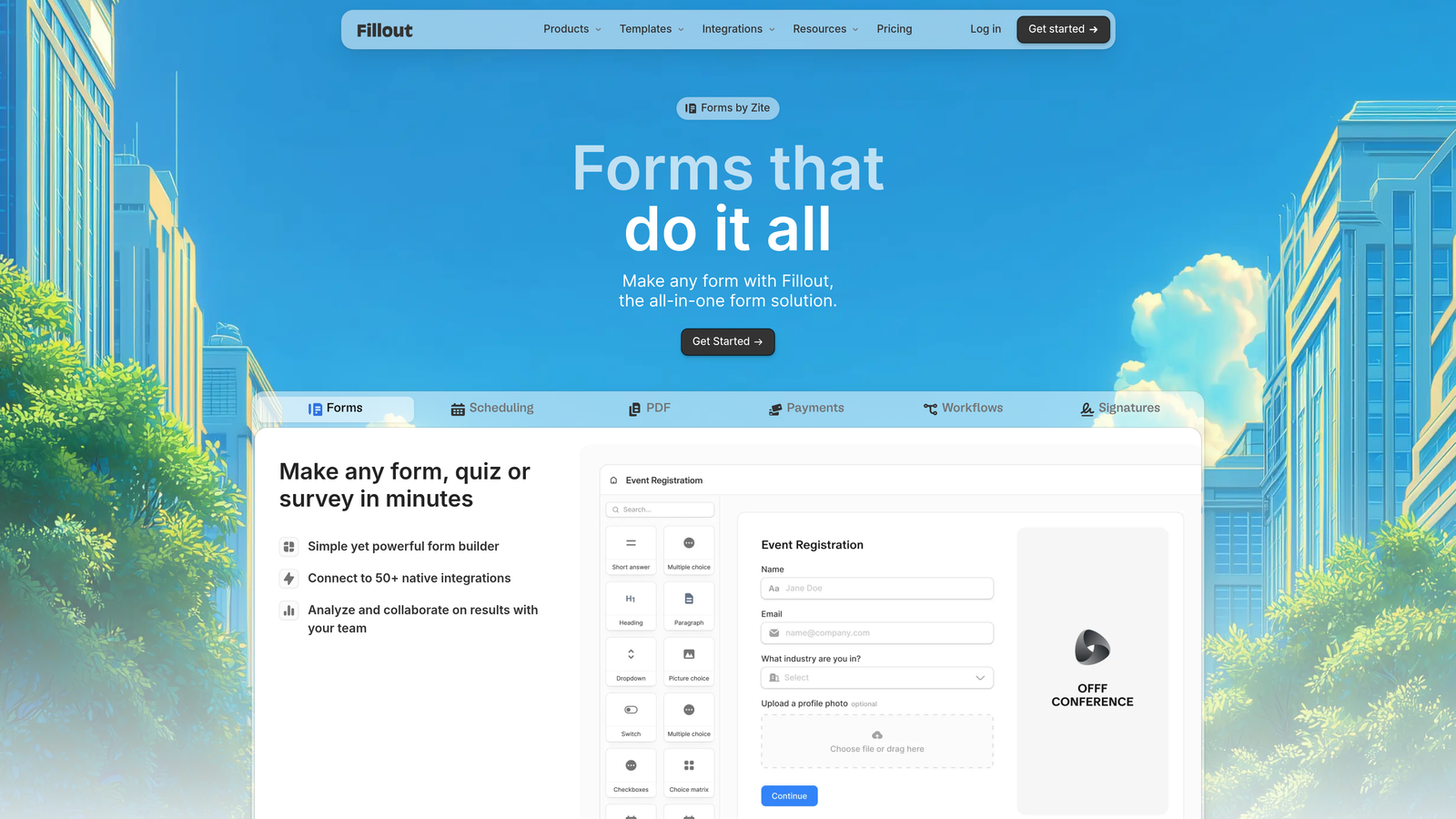
This database-first approach transforms forms from simple contact collectors into powerful workflow triggers. You can create forms that update existing records, relate submissions to other database entries, and maintain complex data structures—all without custom development. For teams already managing operations in Airtable or Notion, Fillout eliminates the integration friction that typically comes with form tools.
Best For
Teams that have built operational workflows around Airtable or Notion databases. If your CRM, project management, or customer data lives in these platforms, Fillout creates seamless form interfaces that respect your existing data architecture.
The platform excels for operations teams managing complex processes—customer onboarding, vendor applications, internal requests—where form submissions need to trigger multi-step workflows. Companies using no-code tools to run their businesses find Fillout integrates naturally into their existing tech stack.
Key Capabilities
Database Connections: Native integrations with Airtable and Notion that treat forms as database interfaces.
Record Updates: Forms that modify existing database records rather than only creating new ones.
Relationship Mapping: Ability to maintain database relationships and linked records through form submissions.
Workflow Integration: Submissions that trigger automations in your connected databases.
Implementation Approach
Map your database structure before building forms. Identify which tables need form interfaces and what relationships must be maintained. Create forms that mirror your database fields to ensure clean data flow. Use Fillout's relationship features to connect submissions to existing records—for example, linking a support request to an existing customer record. Set up automations in your database that respond to form submissions, creating complete workflows from form to action.
6. Feathery
What Makes It Different
Feathery targets developers and technical teams with React-based customization and white-label capabilities. While most form builders abstract away code, Feathery embraces it, allowing developers to customize forms programmatically while maintaining a visual editor for non-technical team members. This dual approach provides flexibility that pure no-code tools can't match.
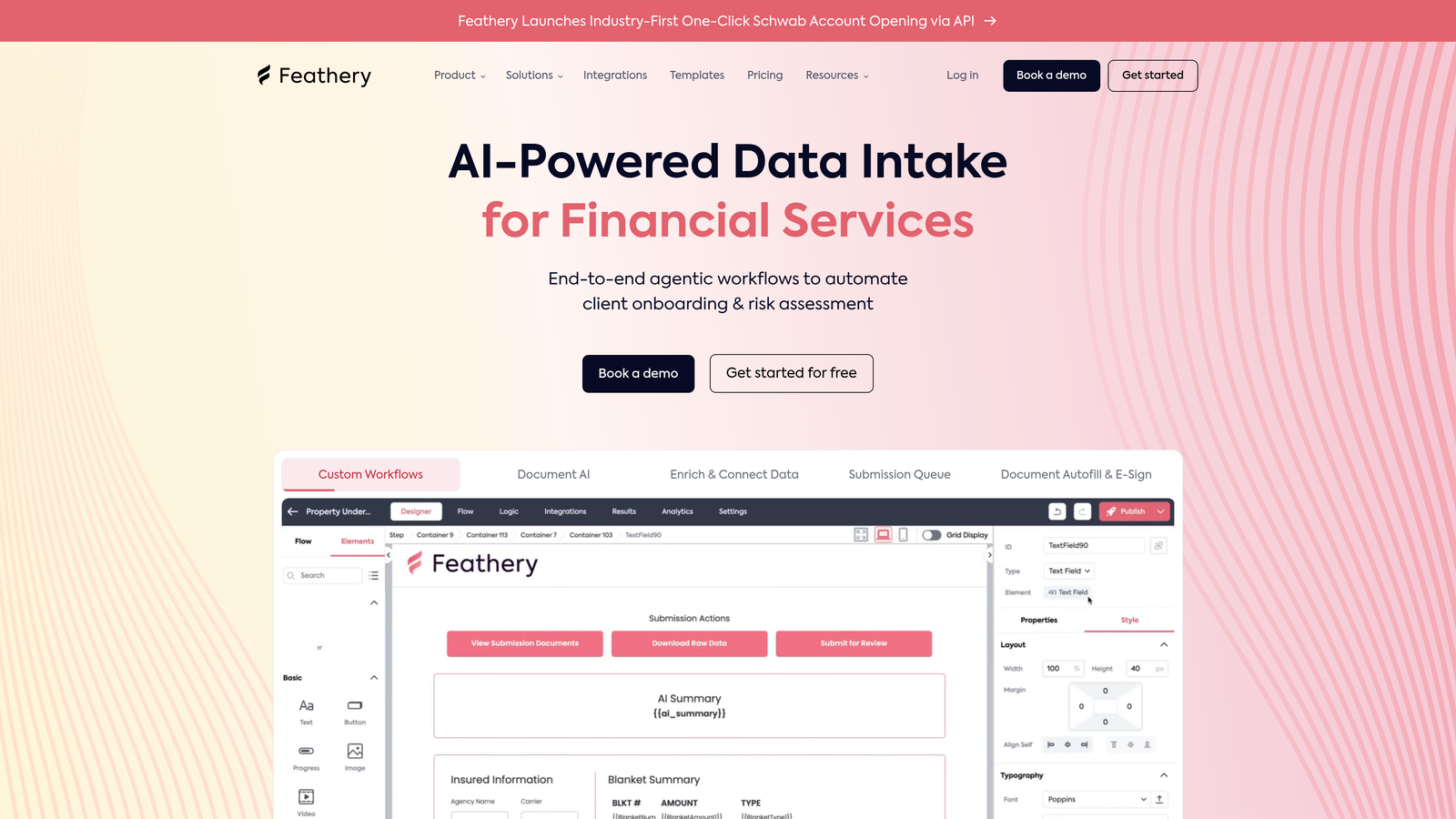
The white-label options make Feathery attractive for agencies and SaaS companies that need to embed forms within their own products. You can completely remove Feathery branding, customize every aspect of the user experience, and deploy forms that feel like native features of your application rather than third-party integrations.
Best For
Development teams that need form capabilities within their products but don't want to build form infrastructure from scratch. If you're creating a SaaS application, marketplace, or platform that requires user-facing forms, Feathery provides the building blocks while letting you maintain full control over appearance and behavior.
Agencies building client solutions appreciate the white-label capabilities that let them brand forms as their own. Companies with specific compliance requirements or complex validation logic benefit from the programmatic customization options that allow implementing business rules in code.
Key Capabilities
React Components: Programmatic customization through React for developers who need code-level control.
White-Label Options: Complete branding removal and customization for embedded use cases.
API-First Architecture: Robust APIs for integrating forms into existing applications and workflows.
Custom Validation: Complex business logic implementation through code rather than just configuration.
Implementation Approach
Start with the visual editor to create your base form structure, then enhance with custom React components where needed. Define your validation rules and business logic programmatically for complex scenarios that exceed what configuration can handle. Use the API to connect forms deeply into your application architecture. For white-label deployments, customize theming completely to match your product's design system before embedding.
7. Formless by Typeform
What Makes It Different
Formless represents Typeform's fully AI-driven approach to form experiences. Rather than pre-defining every question, you provide Formless with your goals and qualification criteria, and it generates conversational experiences dynamically. The AI asks follow-up questions based on responses, explores areas of interest more deeply, and adapts the conversation in real-time.
This dynamic question generation creates experiences that feel genuinely conversational rather than scripted. If a prospect mentions a specific pain point, Formless can probe deeper. If someone indicates budget constraints, it adjusts the conversation accordingly. The result is more natural interactions that collect richer information than static forms typically capture.
Best For
Teams conducting discovery conversations at scale. If your sales process relies on understanding nuanced prospect needs but you can't personally speak with every lead, Formless automates that discovery phase while maintaining conversational depth.
The platform works well for complex sales cycles where qualification requires understanding context beyond simple demographic data. Companies selling high-ticket products, professional services firms, and businesses with consultative sales approaches find value in the conversational intelligence Formless provides.
Key Capabilities
Dynamic Question Generation: AI-powered follow-up questions based on response analysis and conversation flow.
Conversational Intelligence: Natural language understanding that adapts dialogue based on prospect intent signals.
Context Retention: Conversations that reference earlier responses to maintain coherent dialogue.
Qualification Automation: AI analysis of conversation depth and quality to assess lead readiness.
Implementation Approach
Define your qualification framework clearly—what information determines whether a lead is worth pursuing? Provide Formless with context about your ideal customer profile, common objections, and key decision factors. Test conversations extensively to ensure the AI probes appropriately without feeling invasive. Monitor early conversations to identify areas where the AI needs guidance, then refine your parameters to improve future interactions.
Choosing Your AI Form Builder
The best AI form builder for your team depends on where forms fit in your growth engine. If lead qualification and conversion optimization are your primary goals—if you need forms that don't just collect data but actively move prospects toward becoming customers—prioritize tools with built-in AI agents and deep CRM integrations like Orbit AI.
For brand-focused experiences where visual design matters as much as functionality, Typeform's conversational approach and customization depth excel. Teams already embedded in database workflows will find Fillout's Airtable and Notion integrations eliminate friction between data collection and operational processes.
If you're operating on a tight budget or need to deploy forms quickly across diverse use cases, Jotform's template library and Tally's generous free tier provide accessible entry points. Developers building forms into products need the programmatic control that Feathery offers, while teams conducting complex discovery at scale should explore Formless's dynamic conversation capabilities.
Start by auditing your current form conversion rates and identifying where leads drop off. Are people abandoning forms because they're too long? Is your sales team wasting time on unqualified leads? Do forms feel disconnected from your brand experience? Choose the tool that directly addresses your specific friction points rather than the one with the most features.
The right AI form builder doesn't just collect data—it actively qualifies prospects, reduces abandonment through intelligent design, and integrates seamlessly into your existing workflows. Start building free forms today and see how intelligent form design can transform your lead generation from a data collection exercise into a conversion optimization engine that elevates your entire growth strategy.


