

Most form builders charge enterprise prices for features that growing teams actually need from day one. Whether you're capturing leads, qualifying prospects, or collecting customer feedback, the right form tool shouldn't drain your budget before you've converted a single visitor.
This list covers the best affordable form builder tools available in 2026, evaluated on pricing transparency, core feature depth, ease of use, and value for high-growth teams. We've included options across different price points and use cases, from AI-powered lead qualification to simple contact forms, so you can find the right fit without overpaying.
A quick note on selection criteria: "affordable" here means genuinely useful features available on free or low-cost plans, with clear pricing that scales reasonably as you grow. No bait-and-switch tiers.
1. Orbit AI
Best for: High-growth SaaS and B2B teams focused on lead qualification and conversion optimization.
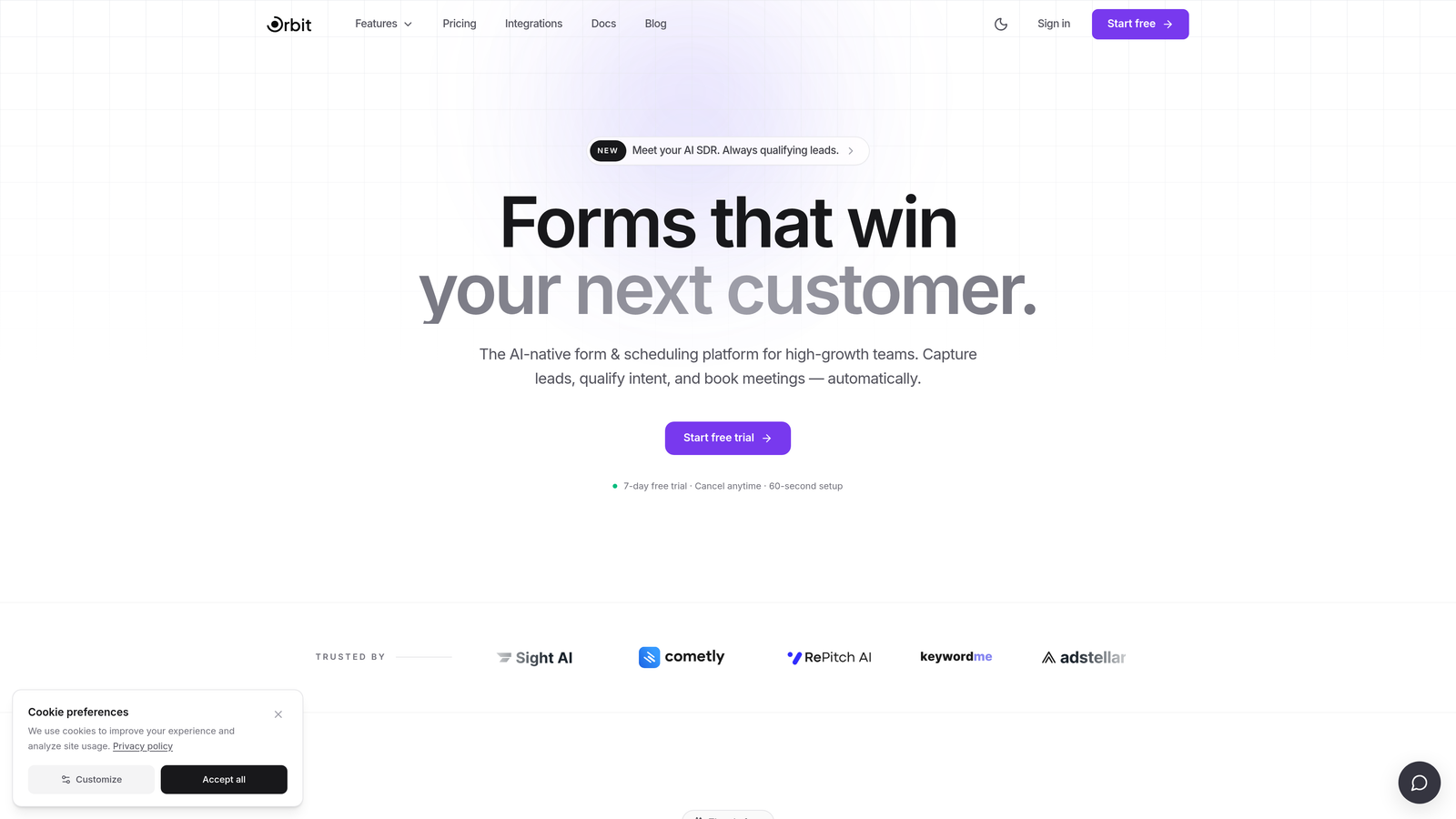
Orbit AI is an AI-powered form builder designed specifically for teams that need to do more than collect data — they need to qualify it.
Where This Tool Shines
Most form builders stop at capturing a submission. Orbit AI goes a step further by qualifying leads at the point of submission, using built-in AI to score and route prospects before they ever hit your CRM. For B2B and SaaS teams where lead quality matters as much as lead volume, that distinction is significant.
The platform is also built with design in mind. You don't need a developer to create forms that look polished and on-brand. Templates are conversion-optimized out of the box, which means you're not starting from a blank slate every time you launch a new campaign.
Key Features
AI-Powered Lead Qualification: Automatically scores and qualifies leads at the moment of form submission, so your sales team focuses on the right prospects.
Conversion-Optimized Templates: Pre-built form templates designed specifically for lead generation, not generic data collection.
Modern Form Design: Beautiful, brand-consistent forms without requiring developer resources.
Lead Scoring and Routing: Built-in logic routes qualified leads to the right team member or workflow automatically.
B2B and SaaS Focus: Feature set and defaults are tailored to the use cases high-growth teams actually run into.
Best For
Orbit AI is the right fit for SaaS companies, B2B marketing teams, and growth-focused operators who need their forms to do real qualification work, not just act as a data inbox. If your current form tool collects leads but can't tell you which ones are worth pursuing, this is built to solve that exact problem.
Pricing
A free trial is available. For current plan details and pricing tiers, check orbitforms.ai directly, as pricing may be updated.
2. Typeform
Best for: Marketing teams that want a conversational, visually engaging form experience.
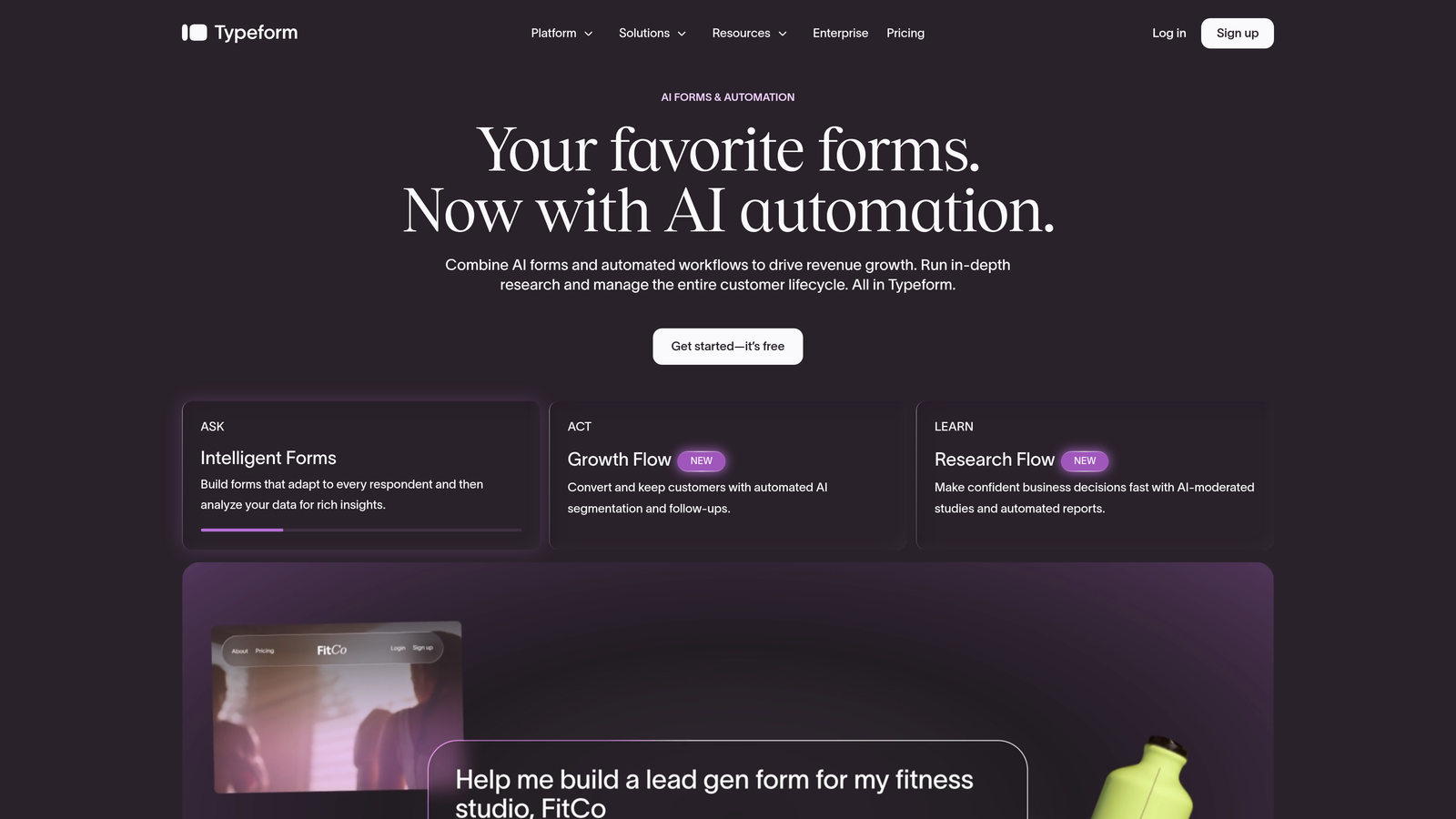
Typeform is a conversational form builder known for its one-question-at-a-time interface that keeps respondents engaged through longer forms.
Where This Tool Shines
Typeform's signature UX reduces the visual overwhelm that kills completion rates on traditional multi-field forms. By presenting one question at a time, it creates an experience that feels more like a conversation than a data entry task. For surveys, lead gen forms, and onboarding flows, that difference in feel can meaningfully affect how many people actually finish.
The integration ecosystem is broad, and the logic branching tools are solid for mid-complexity workflows. The main trade-off is the free plan's response limits, which can become a constraint quickly for growing teams.
Key Features
Conversational Interface: One-question-at-a-time format that reduces drop-off on longer forms.
Logic Jumps: Conditional branching routes respondents through different paths based on their answers.
Integration Ecosystem: Connects with CRMs, email platforms, Zapier, and hundreds of other tools.
Rich Media Embedding: Add video, images, and GIFs directly into form questions.
Analytics and Response Tracking: Built-in reporting on completion rates and drop-off points.
Best For
Marketing teams running lead gen campaigns, user research teams conducting surveys, and anyone who wants a form that feels premium and on-brand. Less ideal if you're on a tight budget and expect high response volumes, since costs can scale quickly on lower tiers.
Pricing
Free plan available with limited responses per month. Paid plans start at approximately $25/month, with higher tiers for more responses and advanced features.
3. Google Forms
Best for: Internal data collection, quick surveys, and teams that need completely free, no-frills forms.
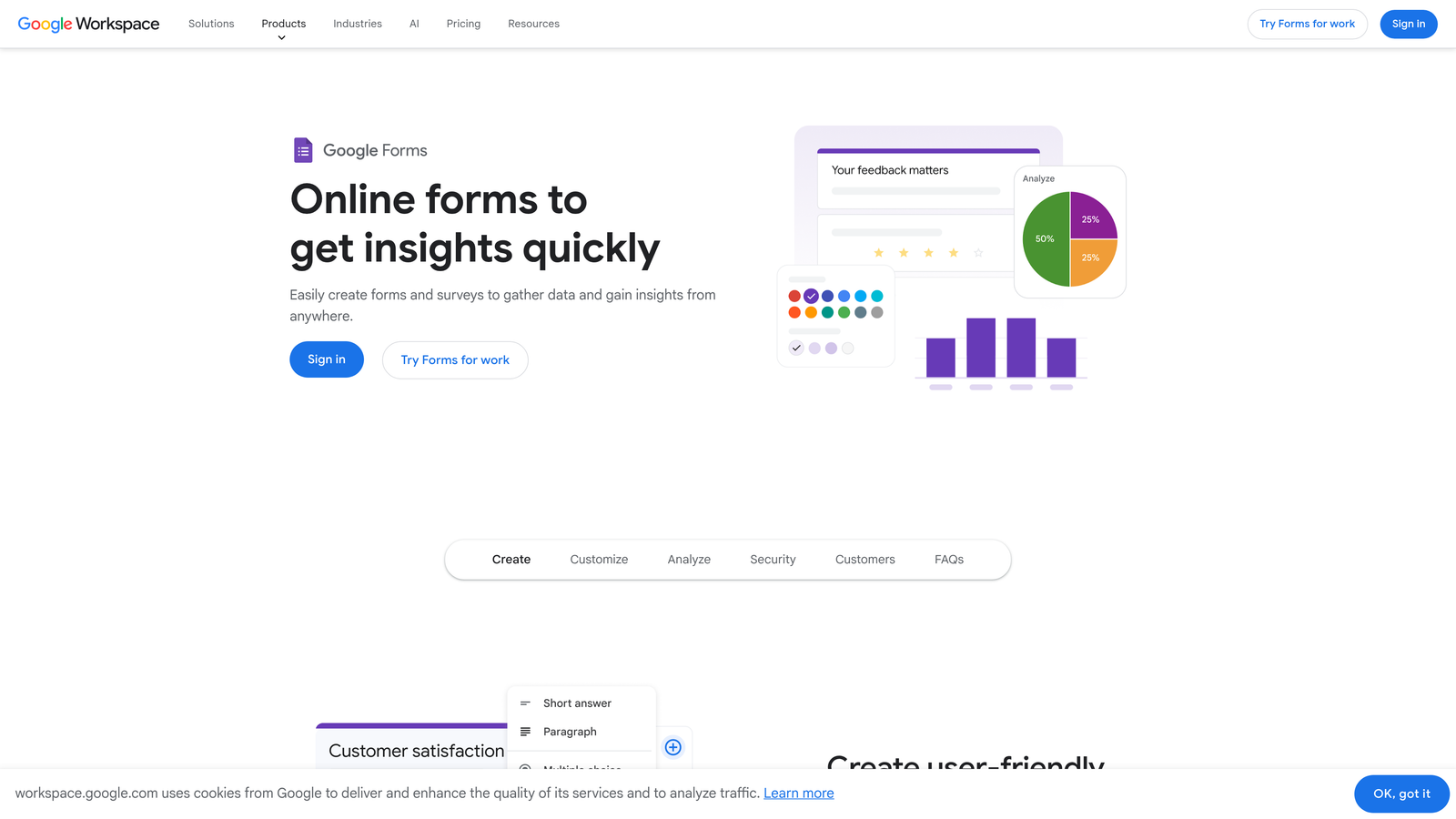
Google Forms is a completely free form builder from Google, with no response limits and no paid tiers to navigate.
Where This Tool Shines
The value proposition is simple: it's free, it works, and it integrates natively with Google Sheets. For internal use cases like employee surveys, event registrations, or quick feedback collection, Google Forms covers the basics without any setup friction. If your team already lives in Google Workspace, it's already available to you.
Where it falls short is design and brand control. Customization options are minimal, and the default look is unmistakably "Google form." For external-facing lead gen where first impressions matter, that aesthetic limitation is a real constraint.
Key Features
Completely Free: No response limits, no paid tiers, no hidden restrictions on core functionality.
Google Sheets Integration: Responses flow directly into a spreadsheet in real time.
Basic Logic Branching: Simple conditional logic to route respondents to different sections.
Collaborative Editing: Multiple team members can edit the same form simultaneously.
Google Workspace Native: Works seamlessly within the broader Google ecosystem.
Best For
Teams that need simple, functional forms at zero cost. Best for internal use, academic research, event signups, and quick surveys. Not the right choice for brand-forward external forms or lead qualification workflows.
Pricing
Completely free. There are no paid tiers for Google Forms itself, though Google Workspace business plans have their own pricing.
4. Tally
Best for: Indie makers, small teams, and startups that need a genuinely unlimited free plan.
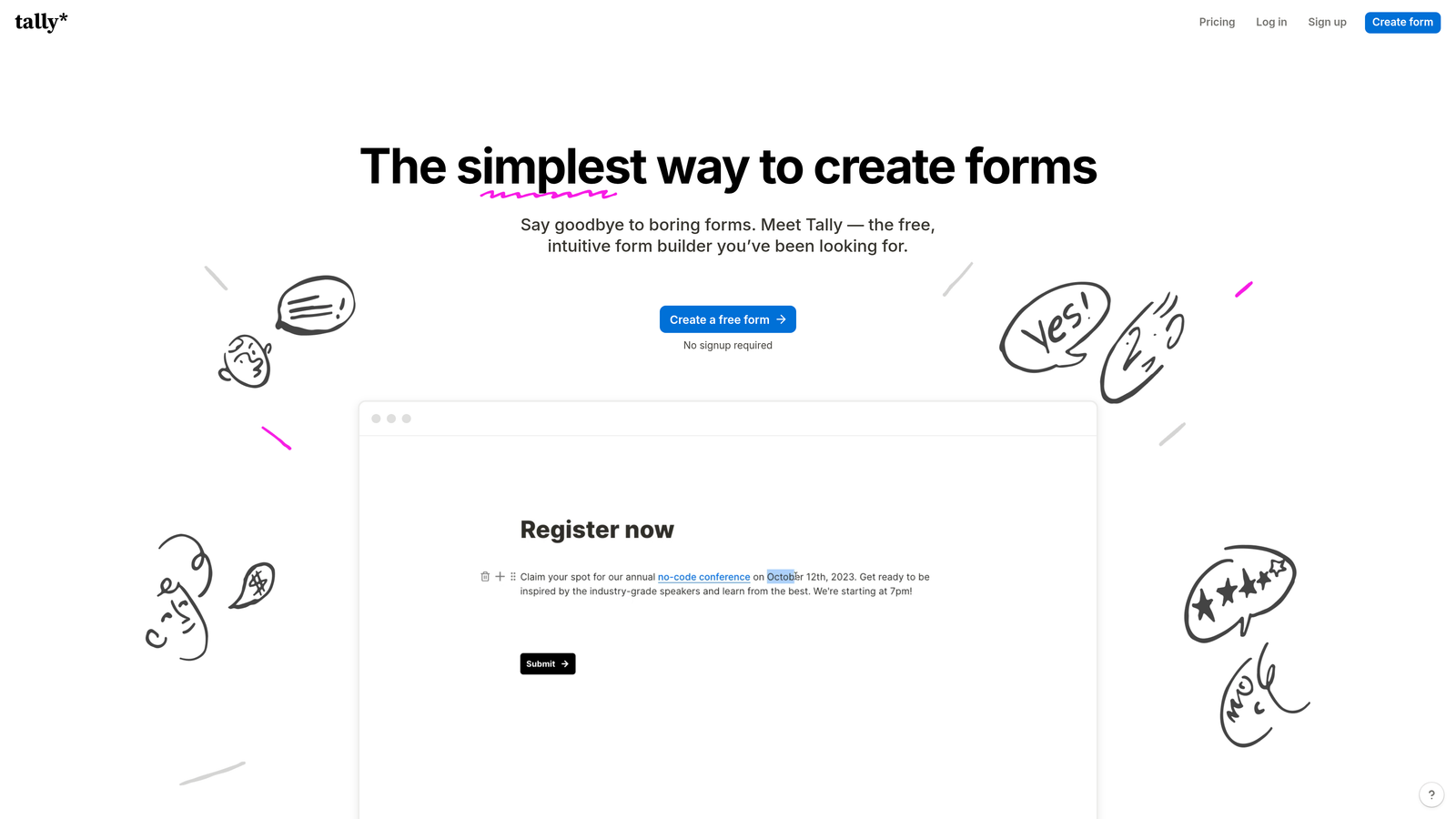
Tally is a Notion-inspired form builder with one of the most generous free plans in the market, including unlimited forms and unlimited responses.
Where This Tool Shines
Tally's free plan is legitimately unlimited on responses, which is rare in this category. Most tools use response limits as the primary lever to push users toward paid plans. Tally doesn't, which makes it an unusually honest starting point for bootstrapped teams and indie projects.
The block-based editor feels familiar if you've used Notion, and the overall experience is clean and modern. Conditional logic is available on the free tier, which is another feature most competitors reserve for paid plans.
Key Features
Unlimited Free Responses: No response caps on the free plan, a genuine differentiator in this market.
Block-Based Editor: Notion-style interface that's intuitive for teams already familiar with that format.
Conditional Logic on Free Tier: Branch logic available without needing to upgrade.
Webhooks and Integrations: Basic integration support on the free plan, with more on Pro.
Custom Domain: Available on the Pro plan for teams that want branded form URLs.
Best For
Bootstrapped startups, indie makers, and small teams that need solid form functionality without a monthly bill. Also a strong choice for anyone who's been burned by response limits on other free tiers.
Pricing
Free plan with unlimited responses. Pro plan is approximately $29/month and adds custom domains, advanced integrations, and branding removal.
5. Jotform
Best for: Agencies and SMBs that need a feature-rich platform with payment collection and complex workflows.
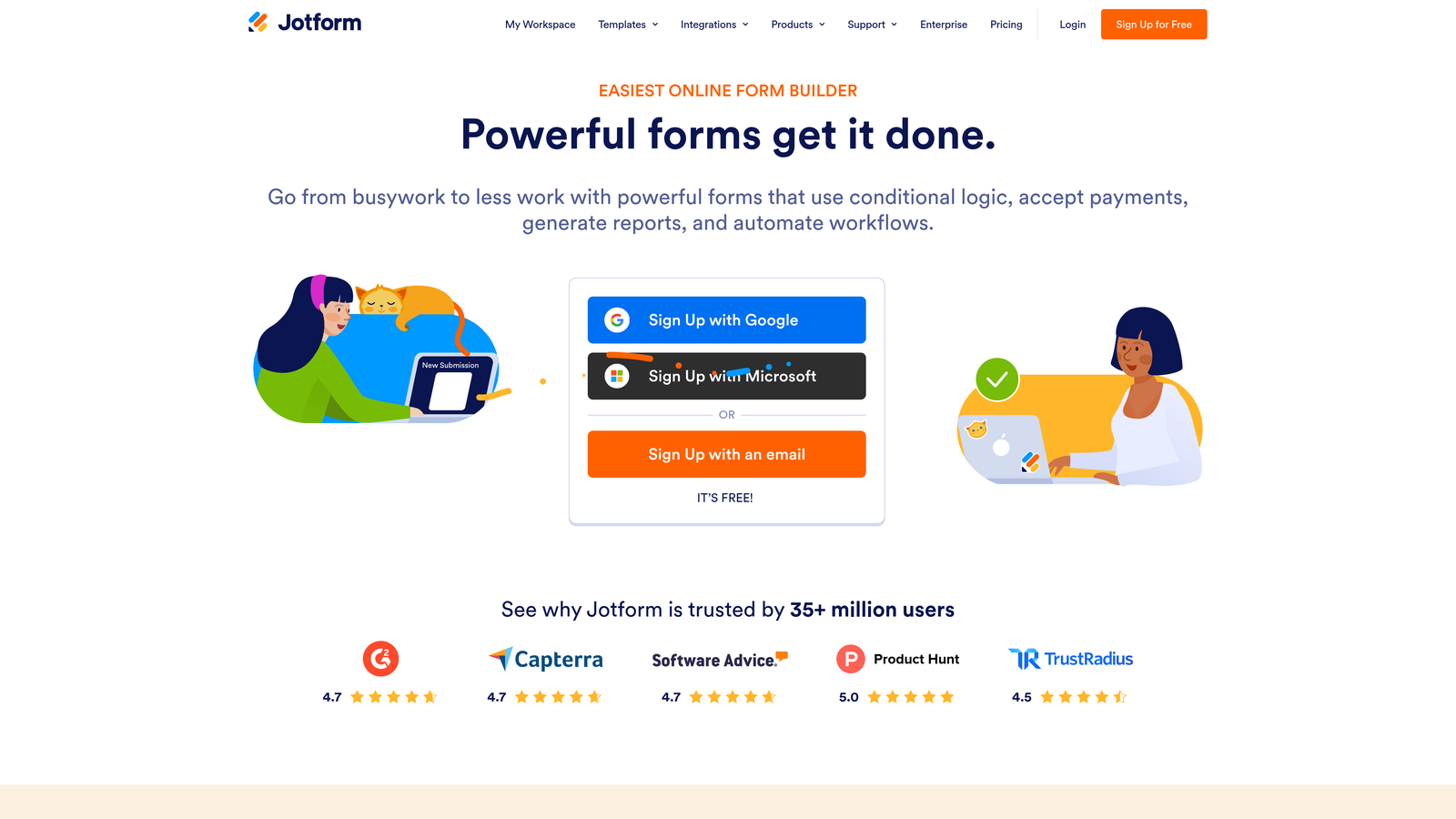
Jotform is one of the most feature-complete affordable form builders available, with thousands of templates, payment support, and e-signature capabilities.
Where This Tool Shines
Jotform's depth is its defining characteristic. If you need your form to collect a payment, gather a signature, generate a PDF, and trigger an approval workflow, Jotform handles all of it in one platform. That breadth makes it particularly valuable for agencies managing multiple clients with diverse needs.
The template library is extensive, covering use cases from medical intake forms to event registrations to product order forms. For teams that don't want to build from scratch, that head start is genuinely useful.
Key Features
Extensive Template Library: Thousands of pre-built templates covering nearly every industry and use case.
Payment Collection: Native integrations with Stripe, PayPal, and Square for collecting payments directly through forms.
E-Signature Support: Collect legally binding signatures without a separate tool.
Conditional Logic and Calculations: Advanced branching and field calculation support for complex forms.
PDF Generation and Approval Workflows: Automatically generate PDFs from submissions and route them through approval chains.
Best For
Agencies, SMBs, and operations teams that need a single platform to handle diverse form types. Also well-suited for teams that want to collect payments or signatures without adding another tool to their stack.
Pricing
Free plan available with limited monthly submissions. Paid plans start at approximately $34/month with higher submission limits and access to advanced features.
6. Paperform
Best for: Solopreneurs and small teams who want forms that double as branded landing pages.
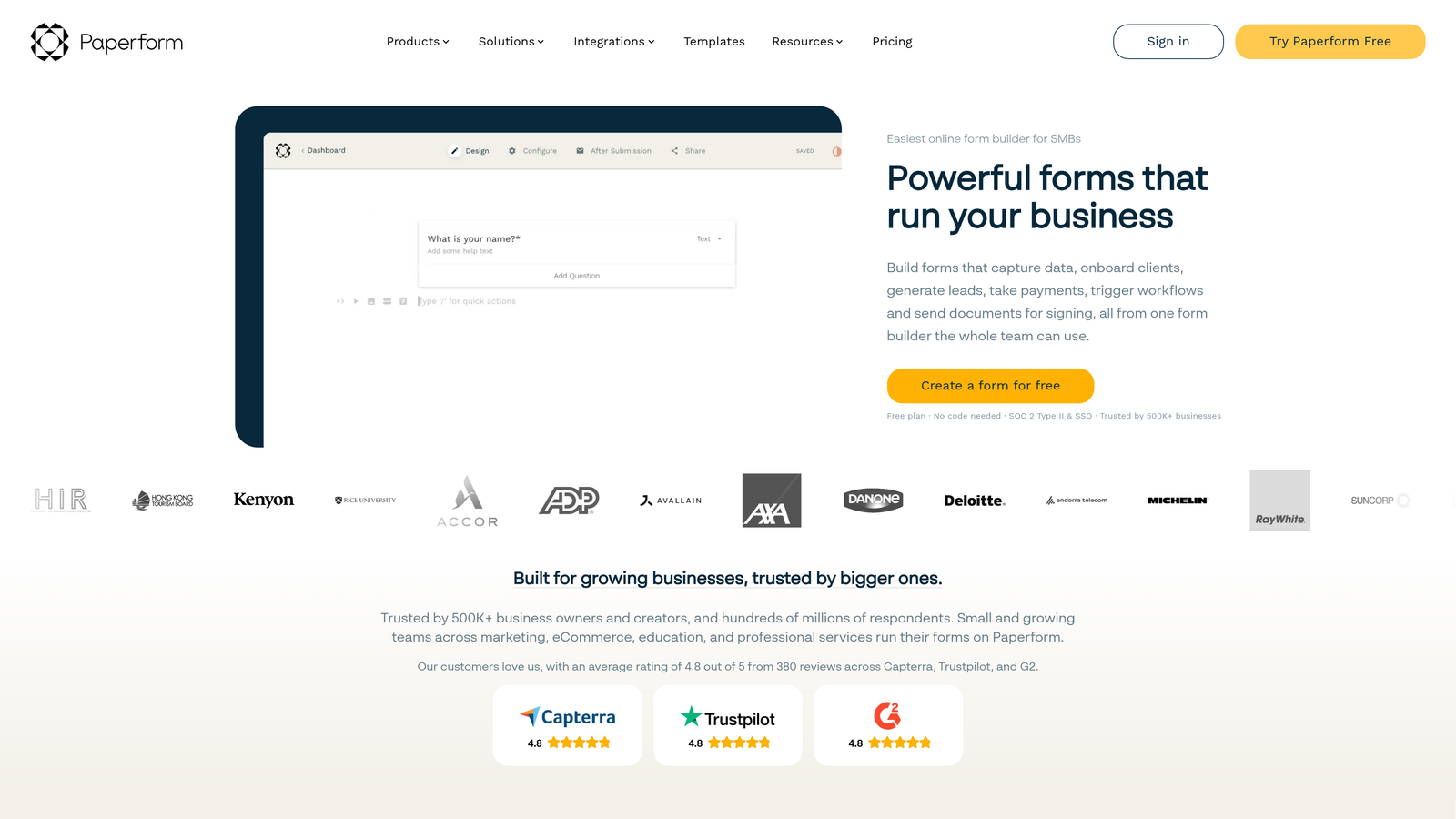
Paperform is a form builder that blurs the line between form and landing page, with strong branding capabilities and built-in payment collection.
Where This Tool Shines
Paperform treats each form as a full-page branded experience rather than a widget embedded in a page. That distinction matters when you want the form itself to carry your brand, not just match your website's colors. Rich media support, including video and GIF embedding, lets you build forms that are genuinely engaging to look at.
Payment collection is built in natively, which makes it a practical choice for service businesses and creators who sell directly through their forms. The trade-off is that there's no free plan, so it requires a financial commitment from day one.
Key Features
Form-and-Landing-Page Hybrid: Each form is a full-page experience with rich layout and branding control.
Rich Media Support: Embed video, images, and GIFs directly within the form flow.
Built-In Payments: Accept payments through forms without a separate checkout tool.
Custom Domain Support: Host forms on your own domain for a fully branded URL.
Conditional Sections and Logic: Show or hide sections based on respondent answers.
Best For
Solopreneurs, creators, and small service businesses that want polished, brand-forward form experiences. Also useful for teams that want to sell or take bookings directly through a form without a full e-commerce setup.
Pricing
No free plan. Paid plans start at approximately $24/month billed annually. A free trial is available before committing.
7. HubSpot Forms
Best for: Teams already using HubSpot who want native CRM-connected forms at no extra cost.
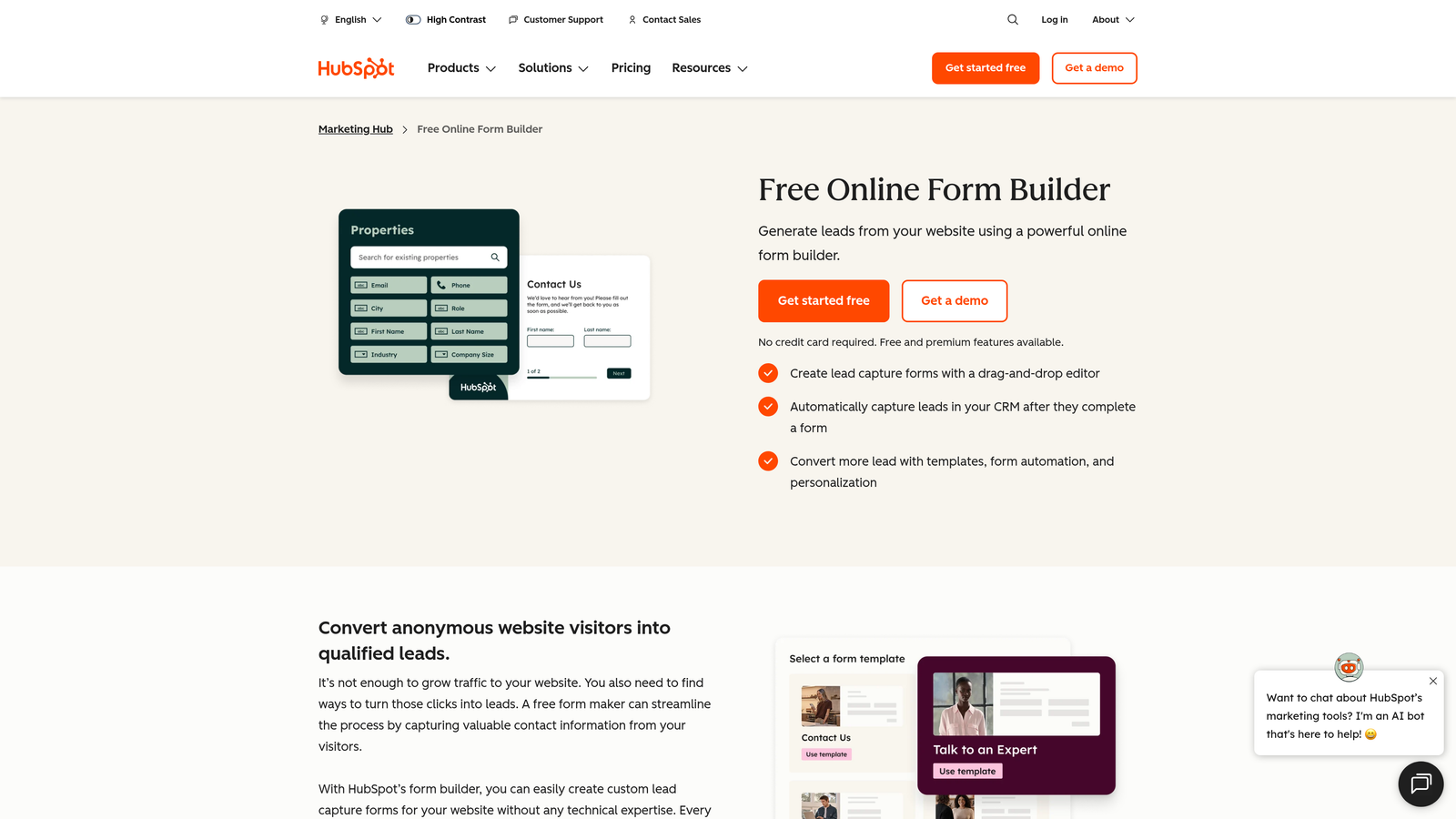
HubSpot Forms is a free form builder included with HubSpot's free CRM, designed to feed directly into the HubSpot contact database.
Where This Tool Shines
If you're already in the HubSpot ecosystem, this is the most seamless option available. Every submission automatically creates or updates a contact record in your CRM, and you can trigger follow-up email sequences without any additional configuration. The integration isn't bolted on — it's native.
Progressive profiling is a particularly useful feature: HubSpot Forms can recognize returning visitors and show them new fields instead of repeating questions they've already answered. That's a meaningful UX improvement for teams running multi-touch lead nurturing.
Key Features
Free CRM Integration: Submissions sync automatically to HubSpot contacts with no setup required.
Follow-Up Email Automation: Trigger automated email sequences directly from form submissions.
Progressive Profiling: Show returning visitors new fields instead of repeating questions they've already answered.
Embed Anywhere: Forms can be embedded on any website, not just HubSpot-hosted pages.
Free Forever: Core form functionality is included with HubSpot's free plan at no cost.
Best For
Marketing and sales teams already using HubSpot as their CRM. The value is almost entirely tied to the HubSpot ecosystem — standalone, it's a capable but basic form tool.
Pricing
Free with HubSpot's free CRM plan. Advanced features like smart forms and A/B testing require paid Marketing Hub tiers, which start significantly higher.
8. Gravity Forms
Best for: WordPress-heavy agencies and developers who want a powerful, self-hosted form plugin on an annual license.
Gravity Forms is a WordPress-exclusive form plugin with advanced conditional logic, an extensive add-on library, and annual license pricing that eliminates per-response fees entirely.
Where This Tool Shines
For WordPress sites, Gravity Forms is one of the most capable options in the market. The annual license model means you pay once per year regardless of how many submissions you receive, which makes it cost-effective for high-volume sites. Agencies managing multiple WordPress client sites often find the per-site or developer license to be strong value.
The add-on library extends functionality into payments, CRM connections, email marketing, and more. Because it's self-hosted, your data stays on your own server, which matters for teams with specific data residency requirements.
Key Features
WordPress-Native: Deeply integrated with WordPress, leveraging the platform's full capabilities.
Advanced Conditional Logic: Sophisticated branching and field calculation tools for complex form requirements.
Extensive Add-On Library: Official and community add-ons for payments, CRM integrations, email platforms, and more.
Annual License Pricing: No per-response fees — one flat annual cost regardless of submission volume.
Multi-Page Forms and File Uploads: Handles complex, multi-step forms with file attachment support.
Best For
WordPress developers, agencies managing multiple client sites, and businesses with high form submission volumes where per-response pricing would otherwise become expensive. Not suitable for non-WordPress sites.
Pricing
Annual licenses starting at approximately $59/year for the Basic plan. Higher tiers unlock more add-ons. No per-response fees at any tier.
9. Fillout
Best for: Operations and no-code teams that need forms connected directly to Airtable, Notion, or Supabase.
Fillout is a database-connected form builder with native integrations for popular no-code data tools, built specifically for ops teams that want forms and databases to stay in sync.
Where This Tool Shines
Most form builders treat database connections as an afterthought, routing data through Zapier or other middleware. Fillout builds those connections natively, which means your Airtable base or Notion database updates in real time without an extra integration layer. For ops teams and no-code builders, that direct connection removes a significant point of friction.
The free plan is generous, and the overall form UI is clean and modern without requiring any design work. Multi-step forms and conditional logic are available without jumping to a paid tier, which makes it practical from day one.
Key Features
Native Database Connections: Direct integrations with Airtable, Notion, and Supabase without needing middleware.
Generous Free Plan: Unlimited forms on the free tier with solid core functionality.
Conditional Logic and Multi-Step Forms: Available without upgrading, covering most standard workflow needs.
Scheduling and Payment Integrations: Handles booking flows and payment collection within the form.
Modern Form UI: Clean, polished design out of the box with minimal configuration needed.
Best For
Operations teams, no-code builders, and anyone who uses Airtable, Notion, or Supabase as their primary data layer. Also a strong free-tier option for teams that want a modern form UI without a design budget.
Pricing
Free plan available with unlimited forms. Paid plans start at approximately $19/month, making it one of the more affordable paid options in this list.
Which Tool Is Right for Your Use Case
The honest answer is that the best tool depends almost entirely on what you're trying to accomplish, not which one has the longest feature list.
If you need zero-cost basics, Google Forms and Tally are your strongest options. Google Forms works best for internal use within a Google Workspace environment. Tally's unlimited free plan is the better choice for external forms where response volume is unpredictable.
For WordPress sites, Gravity Forms offers the best long-term value, particularly for agencies managing multiple client projects. The annual license model becomes more cost-effective the more you use it.
HubSpot Forms is the obvious pick if your team is already running on HubSpot. The CRM sync is native, and the price is hard to beat when it's already included in your plan.
If polished, brand-forward experiences are the priority, Typeform and Paperform both deliver. Typeform's conversational UX is excellent for surveys and longer lead gen forms. Paperform is the stronger choice when the form itself needs to function as a mini landing page.
Teams managing complex workflows across multiple clients will find Jotform's depth genuinely useful, particularly if payments, e-signatures, or PDF generation are in scope. For forms that need to connect directly to a database without middleware, Fillout is purpose-built for exactly that.
And if your primary goal is converting and qualifying leads, not just capturing them, Orbit AI is built specifically for that job. The AI-powered qualification layer separates it from every other tool on this list. Transform your lead generation with AI-powered forms that qualify prospects automatically while delivering the modern, conversion-optimized experience your high-growth team needs. Start building free forms today and see how intelligent form design can elevate your conversion strategy.


